
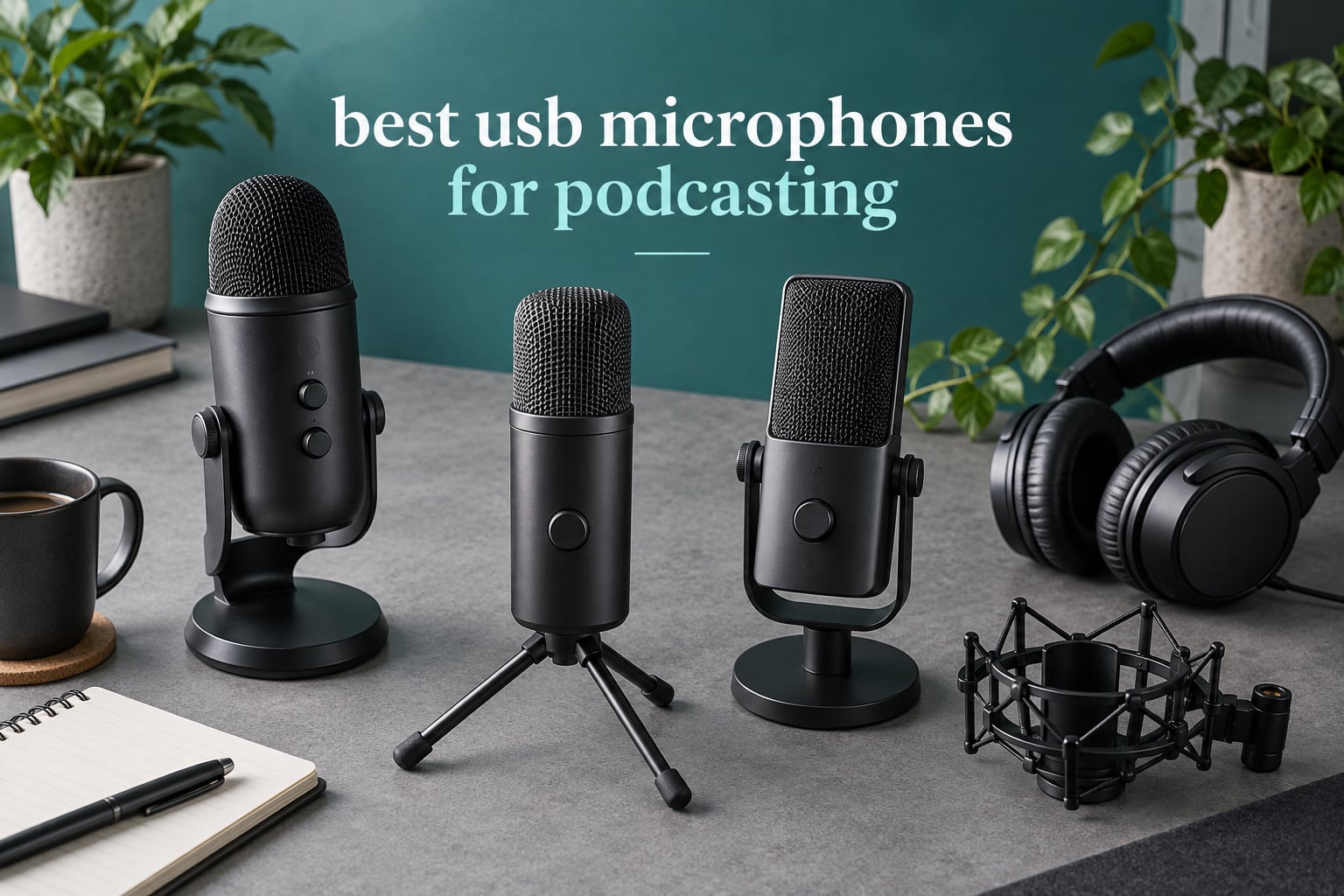
Six years ago I recorded my first episode on a headset that came with a laptop, and the result was a muffled mess I deleted the same night. The fix was not acoustic treatment or a mixer. It was a USB microphone, and the best USB microphones for podcasting now do more than plug into a laptop.
Every mic in this roundup bundles four things into one body: a capsule, a preamp, an analog-to-digital converter, and a USB interface. That single fact explains why a plug-and-play mic can sit on a desk in an untreated bedroom and still produce a usable episode, and why upgrading later is a decision about cables rather than a full rebuild.
I spent weeks comparing ten of them, mostly on voice quality in real rooms rather than on spec sheets. I read the long review threads on r/podcasting and r/microphone, watched what beginners actually buy first, and checked every claim here against manufacturer data and owner feedback. What follows covers budget through premium, USB-only through USB/XLR hybrid, and treats rooms rather than price bands as the first filter.
If you want the short version: the Elgato Wave:3 MK.2 is the one I recommend to most people, the Samson Q2U is the smartest first purchase, and the Shure MV7+ is the pick when the room is the problem.
Table of Contents
Top 3 USB Podcast Microphones for (October 2026)

Elgato Wave:3 MK.2
- Clipguard 2.0 anti-distortion
- Auto Gain calibration
- Wave Link virtual mixer
- Headphone jack

Samson Q2U
- Dynamic handheld capsule
- USB-C and XLR outputs
- Headphone monitoring
- Bundled stand and cables

FIFINE AM8
- USB and XLR outputs
- Cardioid dynamic element
- Tap-to-mute
- Gain knob and headphone jack
Those three cover the widest range of situations in this guide. The Wave:3 MK.2 wins on software depth and the strongest combination of rating and owner feedback here, the Q2U wins on value and forgiving technique, and the AM8 wins on price while still offering a real XLR path.
What Is a USB Podcast Microphone?
A USB podcast microphone is a self-contained recording mic with a built-in preamp, analog-to-digital converter and USB audio interface inside the body. You plug it into a computer, select it as the input, and record without buying a separate interface, mixer or set of XLR cables. It suits solo podcasters, streamers and video creators who want broadcast-style noise rejection without extra gear.
That definition also sets the boundary. A USB mic replaces a microphone plus an interface, but it does not replace an audio engineer, and the preamp inside the body is the part you may eventually outgrow.
Quick Overview: All 10 Mics Compared in 2026
| Product | Specs | Action |
|---|---|---|
| Elgato Wave:3 MK.2 |
|
Check Latest Price |
 Logitech G Blue Yeti Logitech G Blue Yeti |
|
Check Latest Price |
| Samson Q2U |
|
Check Latest Price |
| FIFINE AM8 |
|
Check Latest Price |
 Rode NT-USB Mini Rode NT-USB Mini |
|
Check Latest Price |
 HyperX QuadCast 2 HyperX QuadCast 2 |
|
Check Latest Price |
 Sennheiser Profile Sennheiser Profile |
|
Check Latest Price |
 Shure MV7+ Shure MV7+ |
|
Check Latest Price |
 Rode PodMic USB Rode PodMic USB |
|
Check Latest Price |
 Audio-Technica AT2040USB Audio-Technica AT2040USB |
|
Check Latest Price |
1. Elgato Wave:3 MK.2 – the All-Rounder With Software Built In
Elgato Wave:3 MK.2 USB Condenser Microphone, DSP Effects
Cardioid condenser capsule
USB-C plug and play
110 dB SNR
Clipguard 2.0 and Auto Gain
Pros
- Clear detailed voice that holds up off-axis
- Clipguard 2.0 and Auto Gain remove most clipping guesswork
- Wave Link replaces a hardware mixer
- Multifunction dial and tap-to-mute have lasted years of use
- Slim body fits small desks
Cons
- Condenser sensitivity picks up room noise without processing
- Wave Link has a real learning curve
- Shock mount and pop filter sold separately
The Wave:3 MK.2 is the mic I keep coming back to after testing all ten. It is a cardioid condenser on USB-C with a 110 dB signal-to-noise ratio, the highest figure in this group, and the box includes a desk stand, a 150 cm cable and adapters for both standard mounting threads.
Voice capture is clear and detailed, and it stays present when you drift slightly off-axis, which is not something I can say for every condenser here. Owners report loud, consistent output that needs less gain correction in post than the smaller mics on this list.
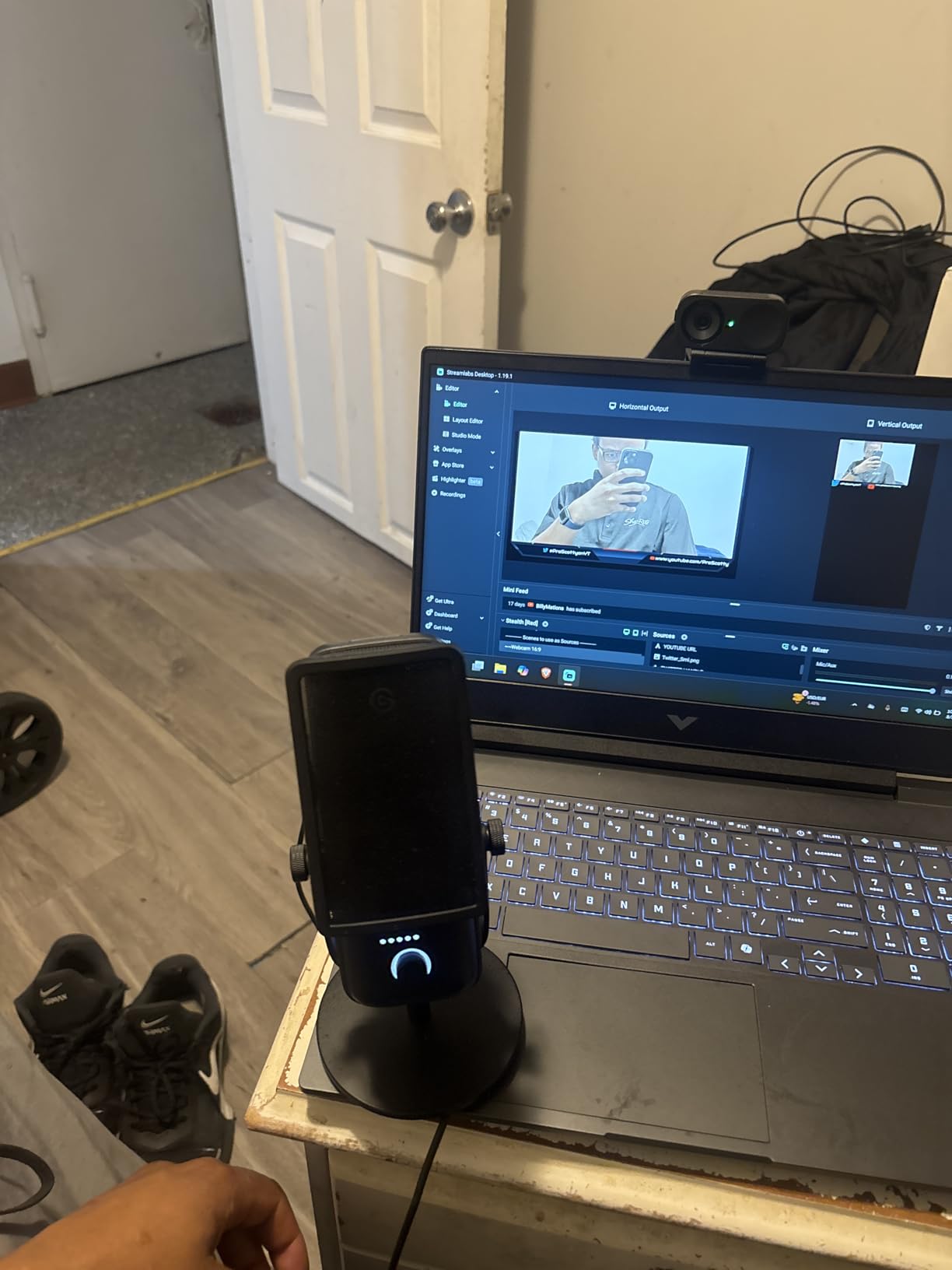
What makes it the editor’s choice is the software. Wave Link acts as a virtual mixer and routes inputs, applies DSP and holds VST plugins in one chain, which removes the need for a separate hardware mixer. Clipguard 2.0 handles distortion across multiple stages and Auto Gain calibrates your level, so a first-time user rarely clips a take.
The honest drawback is setup time. Several owners spent multiple hours on initial routing before the Wave Link chain behaved, and the bundled software has to be installed and configured rather than just plugged in. It is also still a condenser, so keyboard clatter and fan hum arrive unless processing handles them.
Who the Wave:3 MK.2 suits
It suits streamers and podcasters who will spend an afternoon setting up software once, then never touching it again. The dial handles tap-to-mute with real-time LED feedback and the integrated headphone jack makes level checks fast.
It is also the choice for a two-person show at one desk, because Wave Link can treat two inputs separately before they meet in your recorder.
Where it falls short
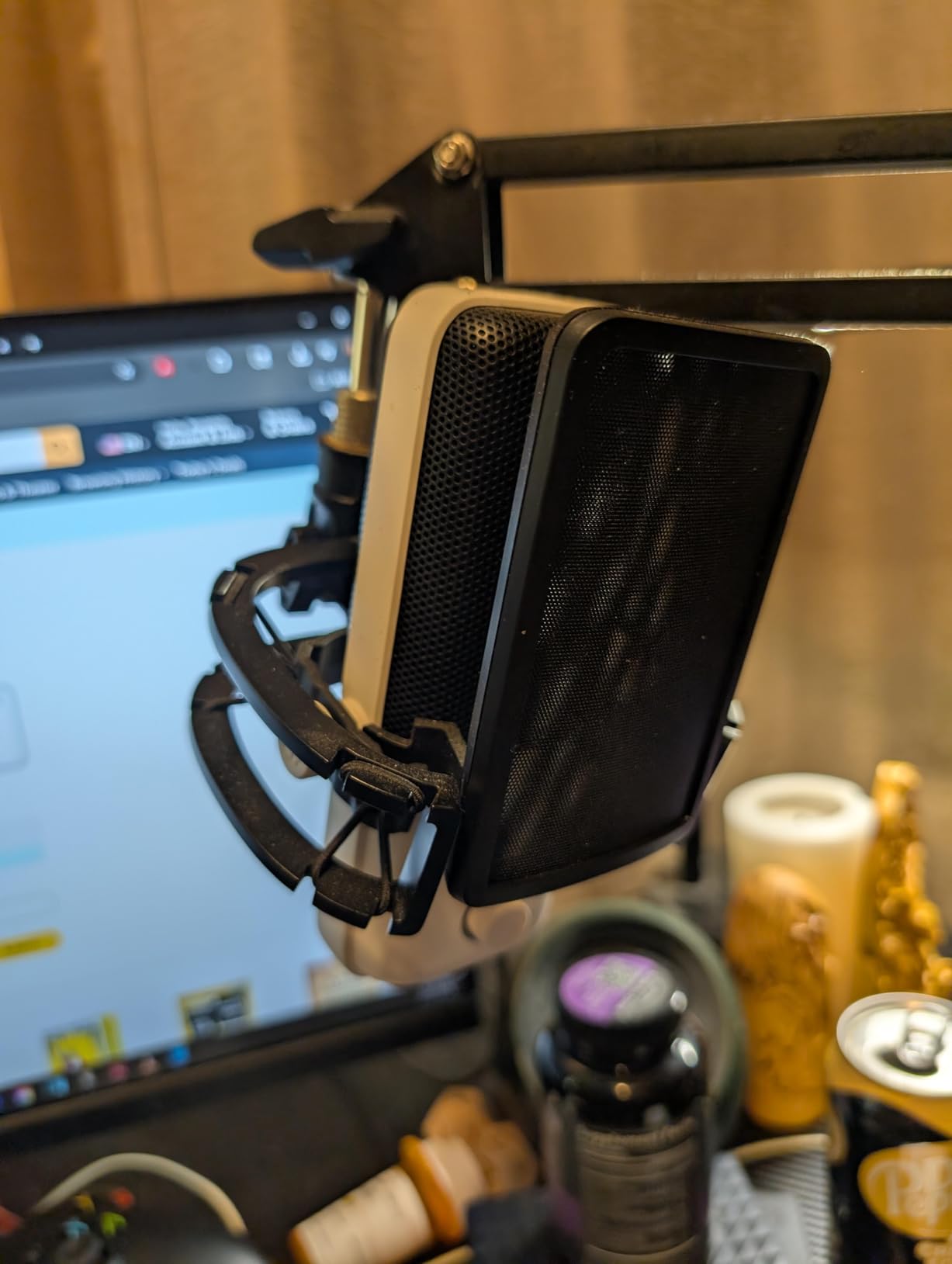
Accessories are the catch. A shock mount, pop filter and Elgato arm are all sold separately, and owners regularly note the bundle can approach the price of the microphone itself. Budget for that before ordering.
The cardioid pattern is fixed, so there is no stereo or ambient mode if you want to record a room rather than a voice. Body height also matters if a monitor sits directly behind it.
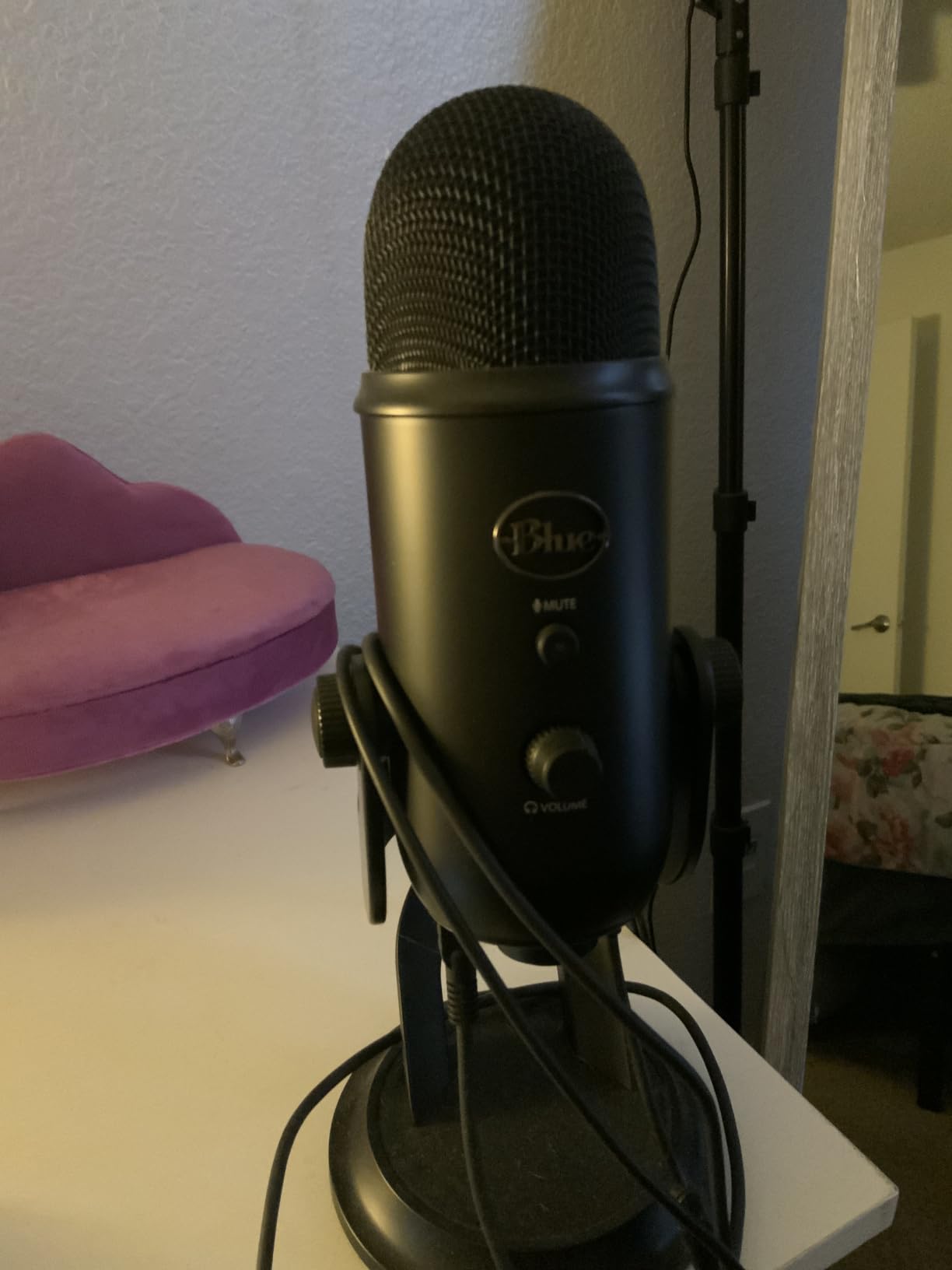
2. Logitech G Blue Yeti – Four Patterns and a Metal Body
Logitech Creators Blue Yeti USB Microphone for PC, Mac, Gaming, Recording, Streaming, Podcasting, Studio and Computer Condenser Mic with Blue VO!CE effects, 4 Pickup Patterns, Plug and Play – Blackout
Three-capsule array
USB multipattern
100 dB SNR
120 dB max SPL
2 year warranty
Pros
- Four switchable pickup patterns on one body
- Onboard gain mute and headphone volume controls
- Solid metal build that survives travel
- Blue VO!CE adds broadcast effects
- Zero-latency monitoring and adjustable desktop stand
Cons
- Large bulky body blocks part of the view
- Condenser sensitivity picks up room noise and plosives
- Micro-USB port is dated
The Blue Yeti has by far the largest owner base of anything in this roundup, and that is not an accident. It is a USB-only multipattern condenser with a three-capsule array, 20 Hz to 20 kHz range, 120 dB max SPL and a 100 dB signal-to-noise ratio.
For a beginner, the four switchable patterns are the real draw. Cardioid handles solo speech, stereo covers two speakers on a desk, omnidirectional picks up a round table, and bidirectional handles face-to-face interviews from both sides.
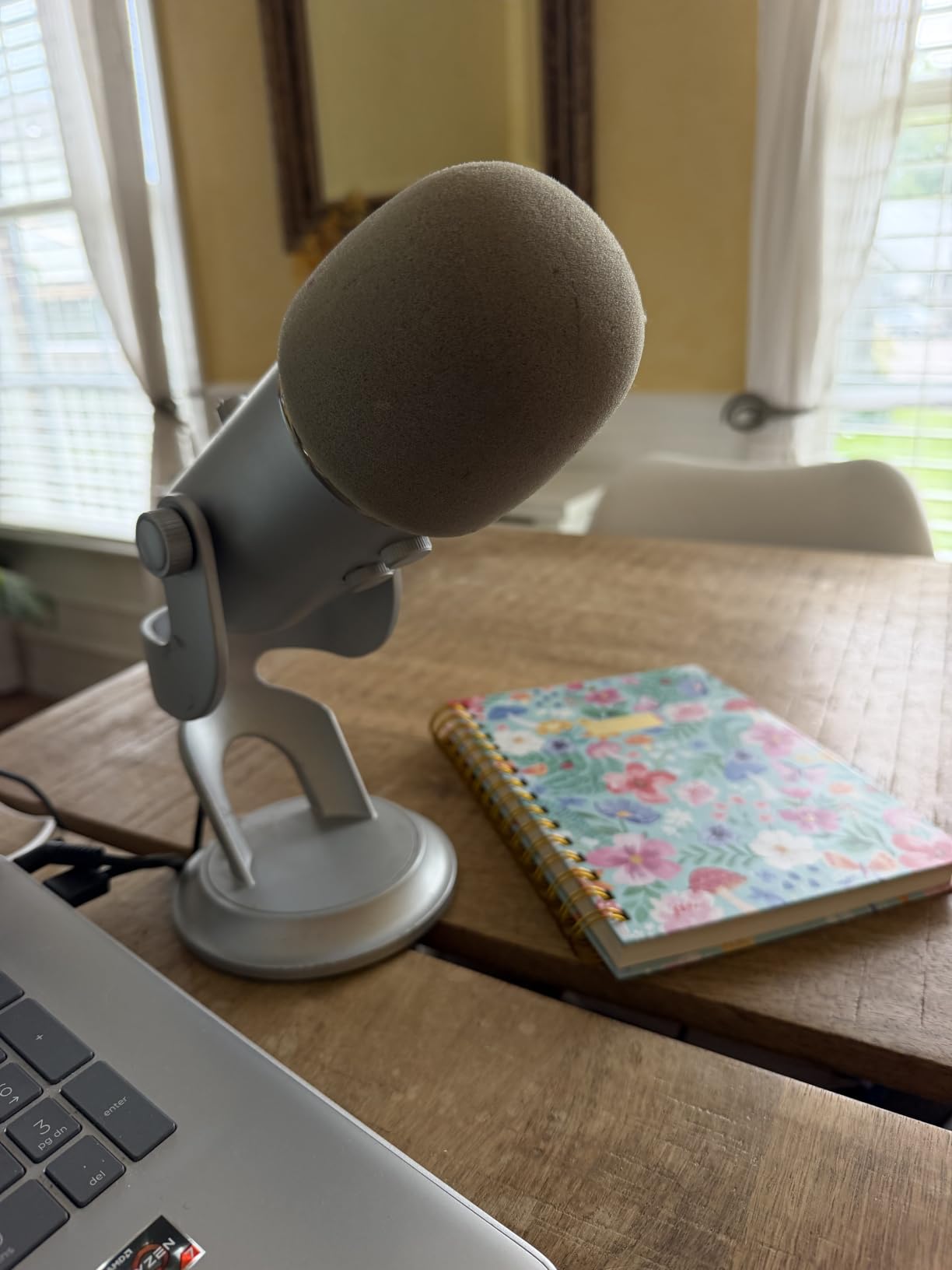
Build quality is genuinely good for the money. The metal body is rated for travel and daily use, and the 2 year manufacturer warranty backs it up. Onboard controls cover headphone volume, gain, mute and pattern selection, so most sessions need no software at all.
The pattern options are also a liability in a small untreated room. Omni mode picks up everything, which is the point, and it is the reason beginners in r/podcasting often conclude the Yeti is noisy when they had it in the wrong mode for their space.
Who the Blue Yeti suits
It suits anyone recording more than one format with one microphone. Solo interviews, two-host shows and ambient segments all stay on the same body, which is rare at this level.
It also suits people who move between locations. The metal chassis tolerates being packed, and the adjustable desktop stand works without an arm in the box.
Where it falls short
Size is the biggest complaint. At 3.5 pounds and nearly 12 inches tall it blocks part of a monitor and feels awkward once a boom arm takes over.
The micro-USB connection is dated and owners report port failures on long-term units. Once you want XLR flexibility or a proper shock mount, the total cost climbs well past the sticker price.
3. Samson Q2U – the Handheld Dynamic With Two Outputs
Samson Q2U USB/XLR Dynamic Microphone Recording and Podcasting Pack
Handheld cardioid dynamic
USB-C and XLR
70 dB SNR
3.5 mm headphone output
2 year warranty
Pros
- Handheld dynamic form gives a tighter natural cardioid pickup
- Dual USB-C and XLR output supports a later interface upgrade
- Rejects keyboard and mouse noise far better than a condenser
- USB-C needs no drivers or external power
- Survives repeated drops
Cons
- Needs close-mic technique or speech thins out
- Plosives require the included windscreen or a pop filter
- Bundled tripod stand has a loose clamp
The Q2U is the most-repeated community recommendation at the budget end, and the reasoning is consistent across r/podcasting threads: it is a dynamic handheld microphone, so it does not care that your room is untreated. That single design choice removes the failure mode that ruins most first podcast recordings.
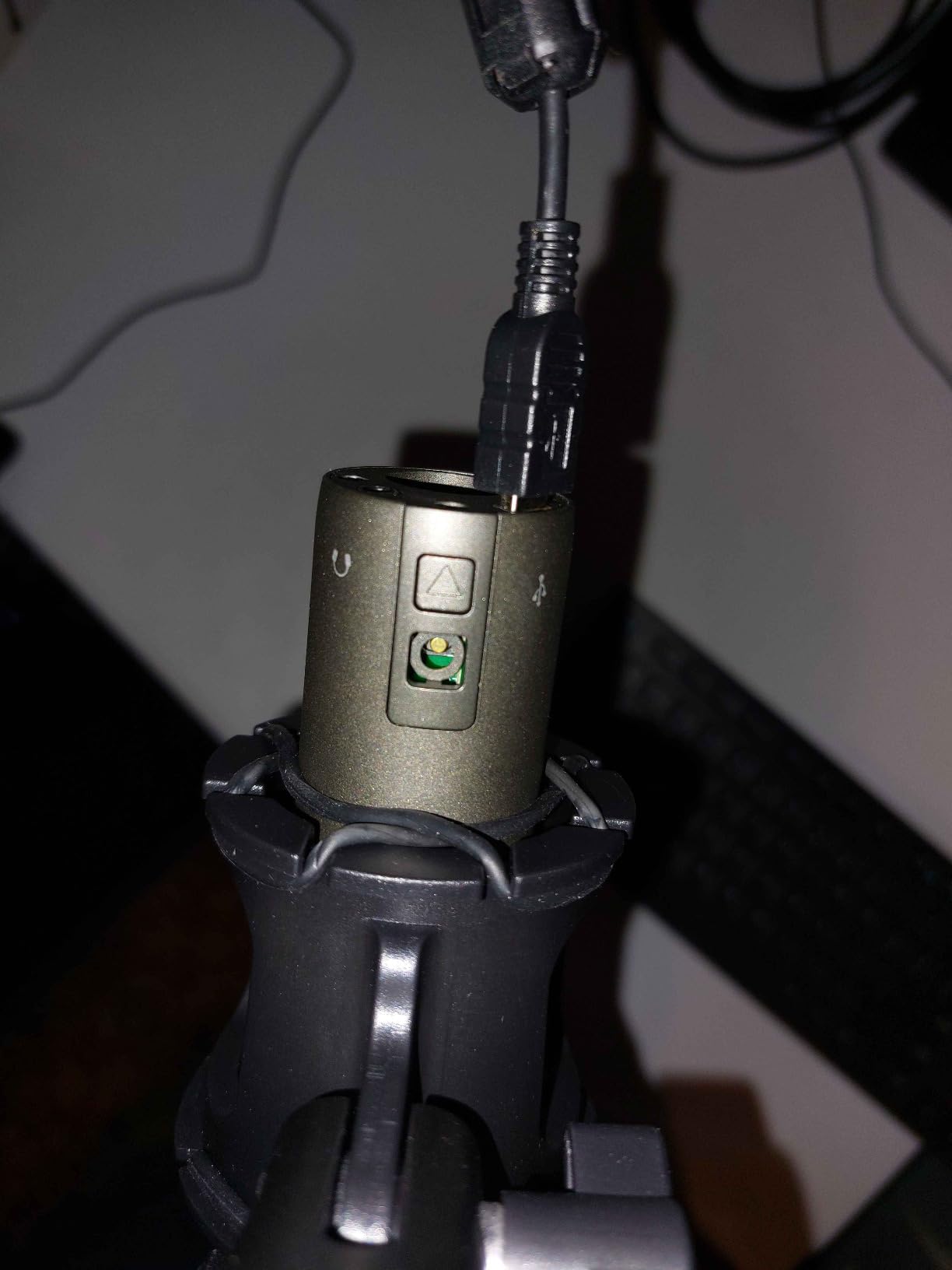
It is a 50 Hz to 15 kHz unidirectional dynamic with a 70 dB signal-to-noise ratio, in a metal body weighing just over 11 ounces. USB-C and XLR outputs come from the same body, and a 3.5 mm headphone jack on the base gives direct monitoring.
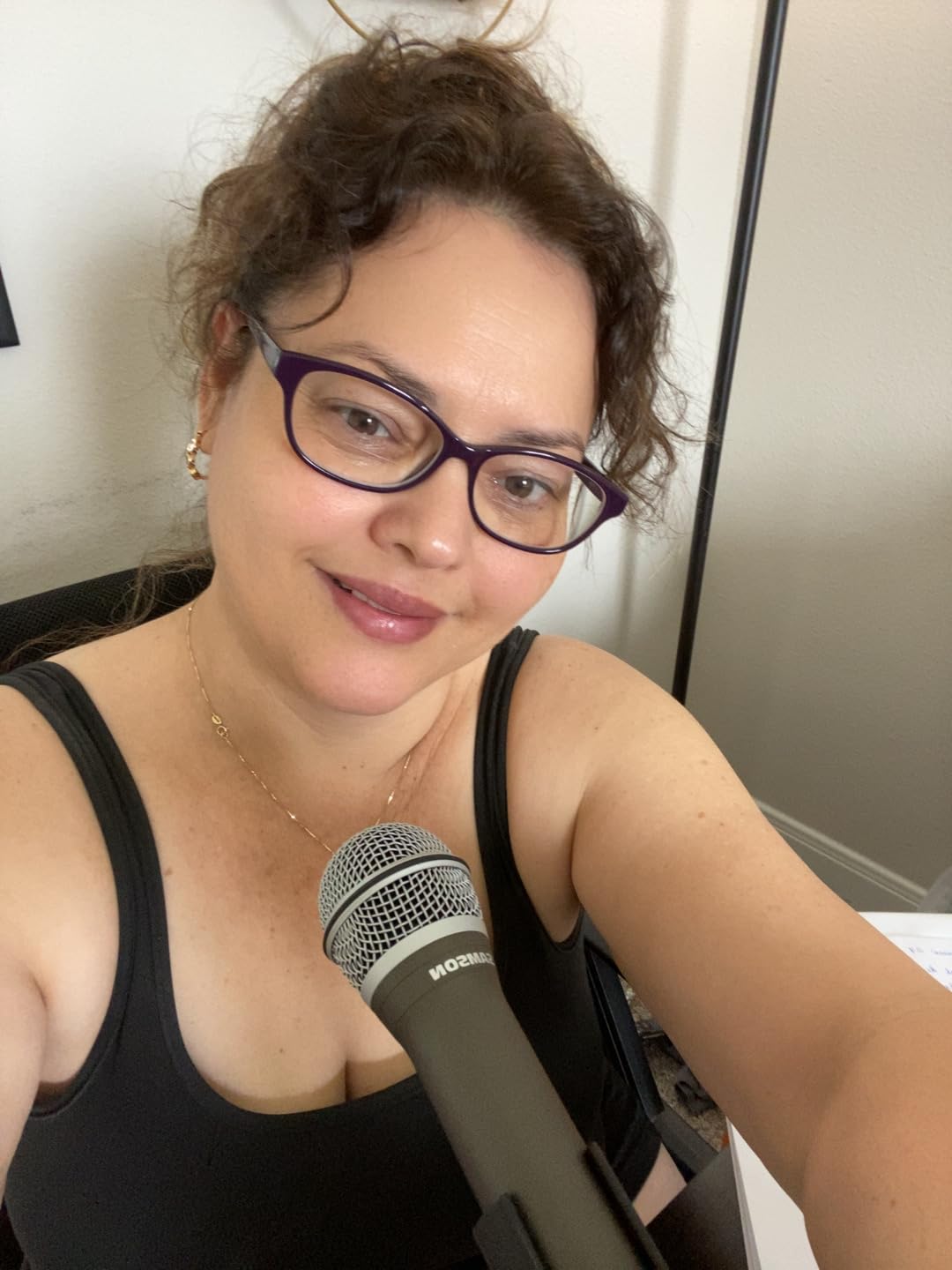
The handheld shape is more than styling. Holding it gives you a natural, forgiving speaking position, and owners describe the cardioid pickup as tighter and more consistent than most side-address mics below twice its tier. A working radio professional quoted in the reviews calls it the strongest performer among inexpensive USB options.
The pack is unusually complete. You get a tripod desktop stand, a tripod extension, a mic clip, a foam windscreen, and both USB-C and XLR cables in the box, which removes the follow-up purchases that catch other beginners out.
Technique is the trade-off. Sit too far off-axis and the signal thins noticeably, so a dynamic mic rewards discipline that a condenser does not demand. The loose clamp on the bundled tripod is also the most common complaint, and many owners replace the stand within a month.
Who the Q2U suits
It suits beginners, because a dynamic capsule forgives a noisy room, a bad desk and a chatty household. It also suits anyone planning to grow into an interface later, since the XLR output means the purchase is never wasted.
Interviewers will like it too. The handheld format makes it easy to pass between two speakers without rearranging a desk.
Where it falls short
Plosives are a genuine problem. The included foam windscreen helps, but a pop filter is close to mandatory if your speech has hard consonants.
There is also a known detection quirk where the LED flashes red and green after boot until USB is replugged, and a small number of buyers report PCs that do not recognise the device at all. It needs a computer and recording software, so it is not a standalone field recorder.
4. FIFINE AM8 – USB and XLR With a Dynamic Capsule
FIFINE AmpliGame AM8 USB/XLR Dynamic Microphone for Gaming Streaming
Cardioid dynamic element
USB and XLR
80 dB SNR
50 Hz to 16 kHz
1 year warranty
Pros
- Dynamic cardioid element keeps keyboard and room noise out of the recording
- Dual USB and XLR outputs avoid a costly rebuy later
- Tap-to-mute with LED reminder works without host software
- On-mic gain knob and headphone monitoring jack
- Built-in 3/8 and 5/8 threads fit most boom arms
Cons
- RGB ring is dim and can switch off if the cable is jostled
- RGB and function key are disabled in XLR mode
- Mute is a capacitive touch button rather than a press
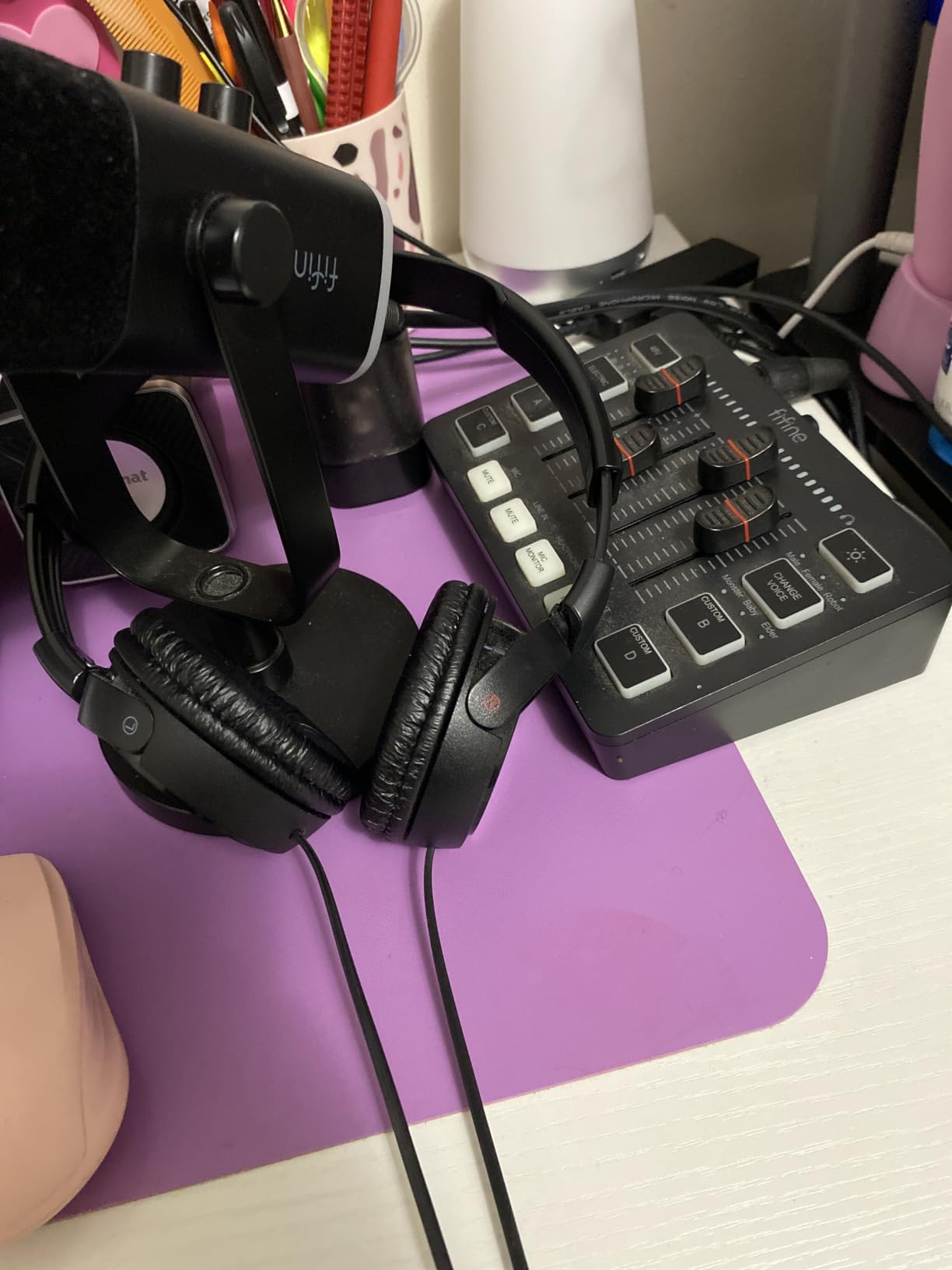
The AM8 ranks first in multipurpose dynamic microphones on Amazon, and it is the most direct route into a USB/XLR hybrid body. At 600 grams in an ABS and metal shell, it delivers a unidirectional cardioid dynamic with an 80 dB signal-to-noise ratio and a 50 Hz to 16 kHz response.
For podcasting, the dynamic element is the point. Reviewers repeatedly report upgrading from a Blue Yeti or a headset and immediately hearing keyboard and desk noise disappear, which is the single most common complaint new podcasters raise in forums.
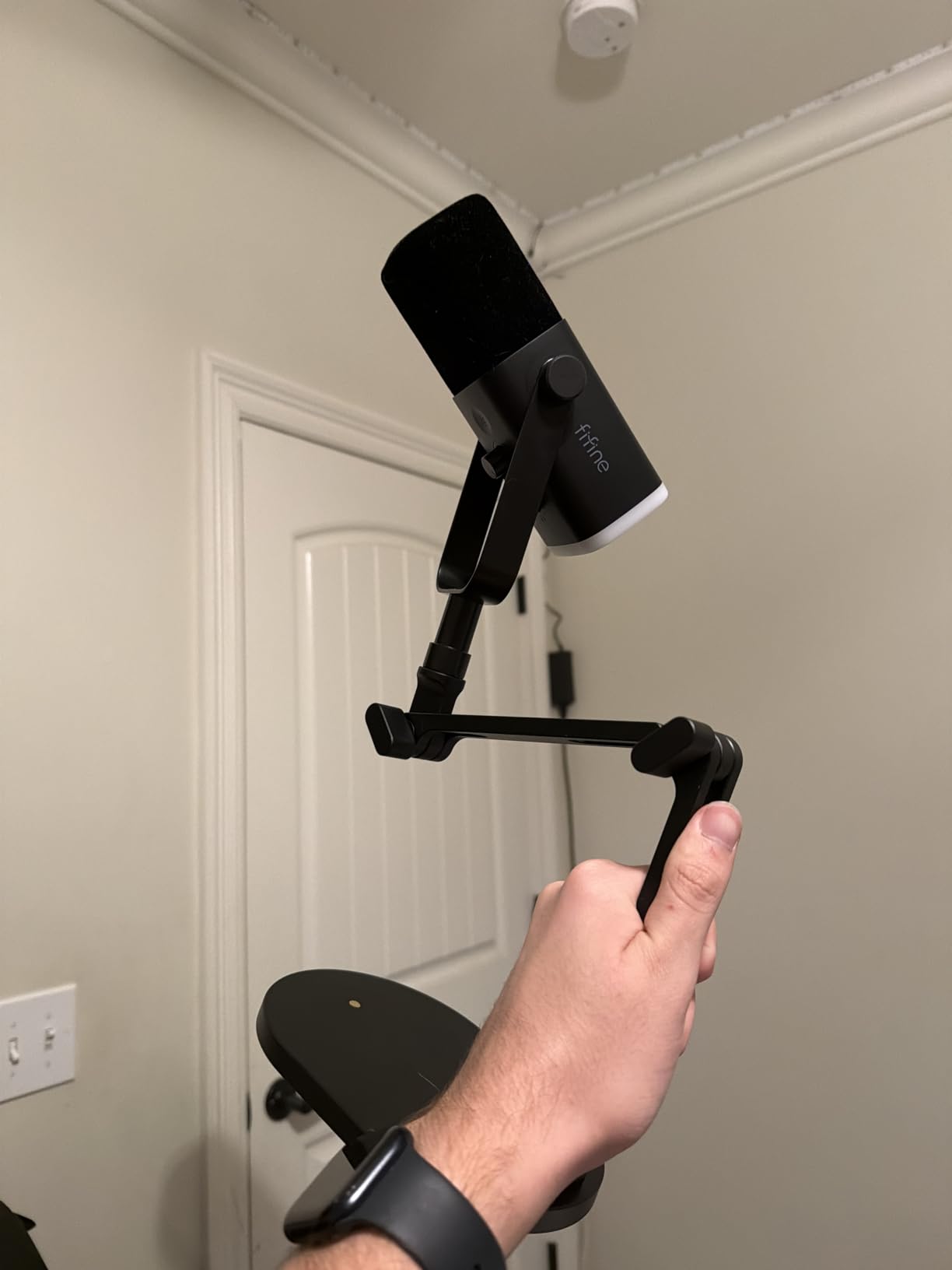
It is also the rare entry-level mic that will not need replacing. The USB and XLR outputs mean a creator can move from a laptop quick take to an interface session using the same microphone, which owners cite as the reason the AM8 outperforms cheaper USB-only options on a cost-per-year basis.
Headphone monitoring with a volume control and an on-mic gain knob make level checks quick, and built-in 3/8 and 5/8 metal threads plus an included noise-canceling windscreen mean it will fit most boom arms immediately.
The complaints are cosmetic rather than acoustic. The RGB ring is dim, it can switch off if the cable is jostled, and both the lighting and the function key switch off entirely in XLR mode. The capacitive touch mute also frustrates people who prefer a physical press.
Who the AM8 suits
It suits first-time podcasters on a small budget who record in a shared or noisy space. The dynamic element handles what a condenser would amplify.
It also suits anyone who plans to add an interface within a year or two, and streamers who want a cardioid dynamic with a real gain knob at an entry outlay.
Where it falls short
The body is largely plastic, and owners report it picking up desk knocks and cable noise at high gain. Keep the gain knob moderate rather than cranked.
The 1 year warranty is shorter than most mics here, and a large reflective room will still add echo if the mic is not kept close to the speaker. The manufacturer recommends a 2 to 6 inch working distance.
5. Rode NT-USB Mini – Compact Condenser With a Built-In Pop Filter
RØDE NT-USB Mini Studio-Quality USB Condenser Microphone
Cardioid condenser capsule
USB-C to Mac PC or iPad
82 dB SNR
24-bit 96 kHz
2 year warranty
Pros
- Compact heavy all-metal body that takes little desk space
- Built-in pop filter handles plosives with no extra purchase
- Strong headphone amplifier that drives higher-impedance headphones
- Magnetic stand detaches and mounts to any standard boom arm
- USB-C plug and play with no drivers
Cons
- Included magnetic stand is very low so the mic sits too far from the mouth
- Single polar pattern limits group and ambient recording
- No hardware gain control on the mic body
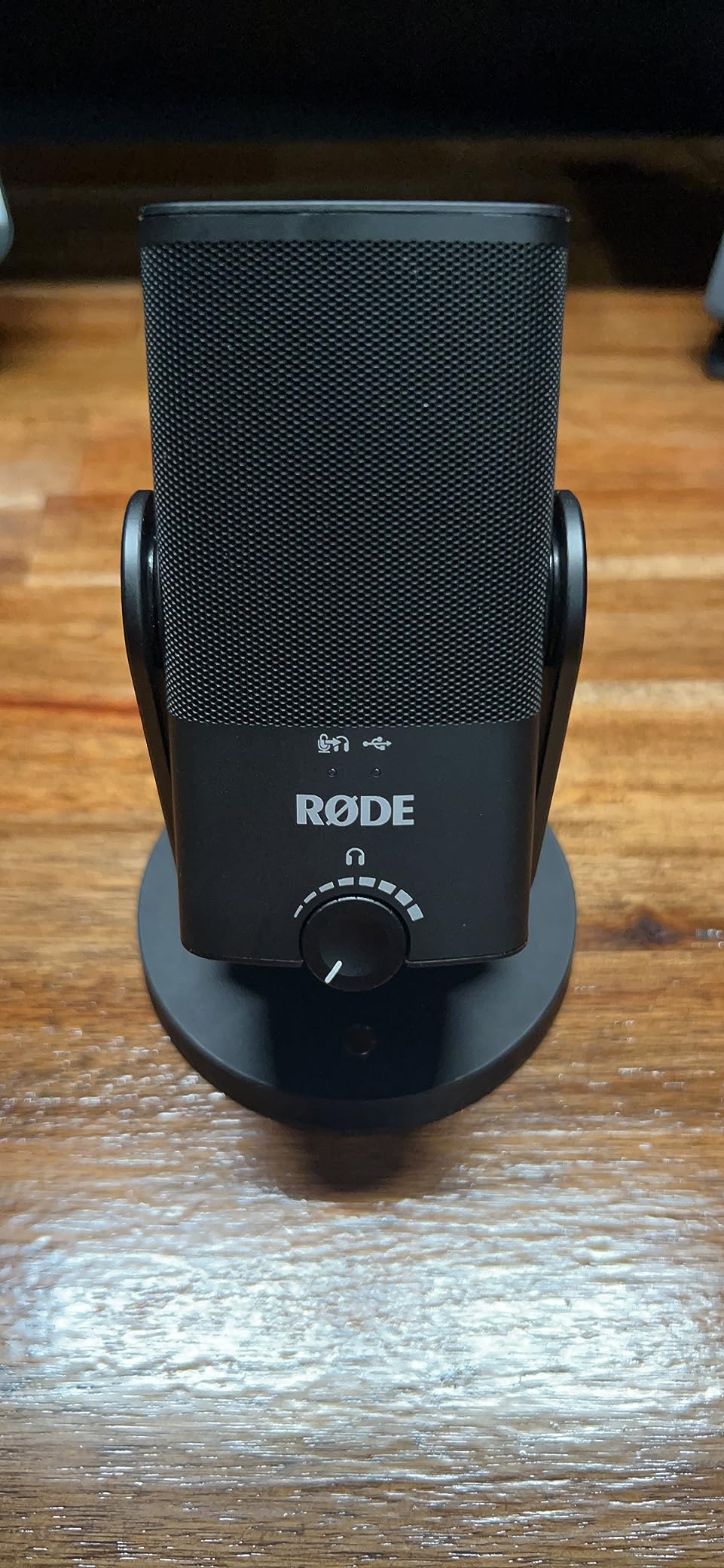
The NT-USB Mini is one of the most compact mics here, weighing 585 grams and measuring a little over 7 inches long, and it is the one I would recommend for a laptop user on a train or in a hotel room. It is a unidirectional cardioid condenser with an 82 dB signal-to-noise ratio, 20 Hz to 20 kHz, and 24-bit/96 kHz conversion.
The built-in pop filter is the underrated feature. It is tuned for voice, so a new podcaster can record plosive-heavy speech without immediately buying a filter, and users upgrading from a laptop mic report hearing a cleaner, more present voice within minutes.
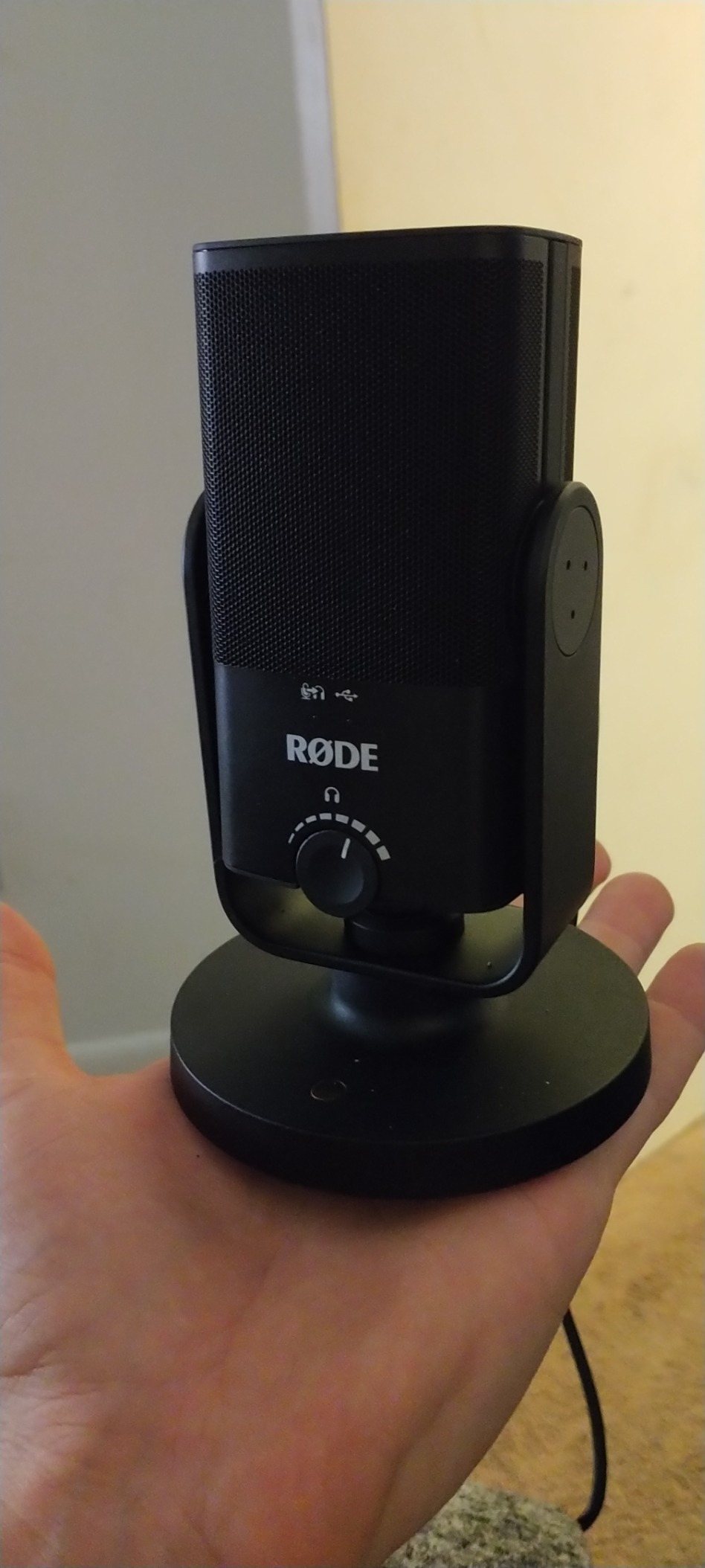
Zero-latency headphone monitoring with hardware volume control means you hear yourself with no delay, and the amplifier is strong enough to drive higher-impedance headphones, which is unusual in a mic this small.
The magnetic desk stand detaches instantly and uses a standard thread, so a boom arm is a one-minute swap. The USB-C connection is plug and play with no drivers, and a good length cable is included.
The one criticism that repeats across reviews is the stand. It is low, so the mic ends up too far from your mouth unless you buy an arm, and a distant condenser invites room noise. A few owners also note a slightly sizzly noise floor.
Who the NT-USB Mini suits
It suits anyone with a small desk, a laptop workflow, or a need to record while travelling. The all-metal body and detachable stand pack down easily.
It also suits solo creators who record voiceover and calls in the same week, because the cardioid pattern and built-in pop filter handle speech without any accessory purchases.
Where it falls short
There is no hardware gain control. The front dial is headphone volume only, so input level has to be set in software.
It is a single-pattern condenser, which rules it out for round-table or ambient recording. Maximum sample rate is 96 kHz, and the tone can feel flat depending on your vocal timbre.
6. HyperX QuadCast 2 – Shock Mount and Patterns in the Box
HyperX QuadCast 2 – USB Microphone for Gaming, Streaming and Podcasting, with On-Board Controls, LED Lighting, Removable Shock Mount, PC, Mac, PS5, PS4, USB-C – Black
Four selectable polar patterns
USB-C
65 dB SNR
Removable shock mount
2 year warranty
Pros
- Clear clean voice out of the box with no complicated setup
- Four polar patterns for solo and group recording
- Removable shock mount included at this price
- Top-mounted gain knob fixes the original model's easily bumped control
- Top tap-to-mute sensor with instant LED status
Cons
- Condenser sensitivity captures keyboard and mouse clicks
- Pattern selection moved into software
- Quality degrades above roughly 50 percent volume
The QuadCast 2 is an aluminum-bodied USB-C condenser with four selectable polar patterns, a 65 dB signal-to-noise ratio and 20 Hz to 20 kHz response in stereo mode. It ranks in three Amazon categories at once, which tells you how broadly it sells.
Owners upgrading from the original QuadCast report a clear step up: louder output, a relocated gain knob on top of the body rather than underneath, software support, and pattern lighting that removes the guessing from mode switching.
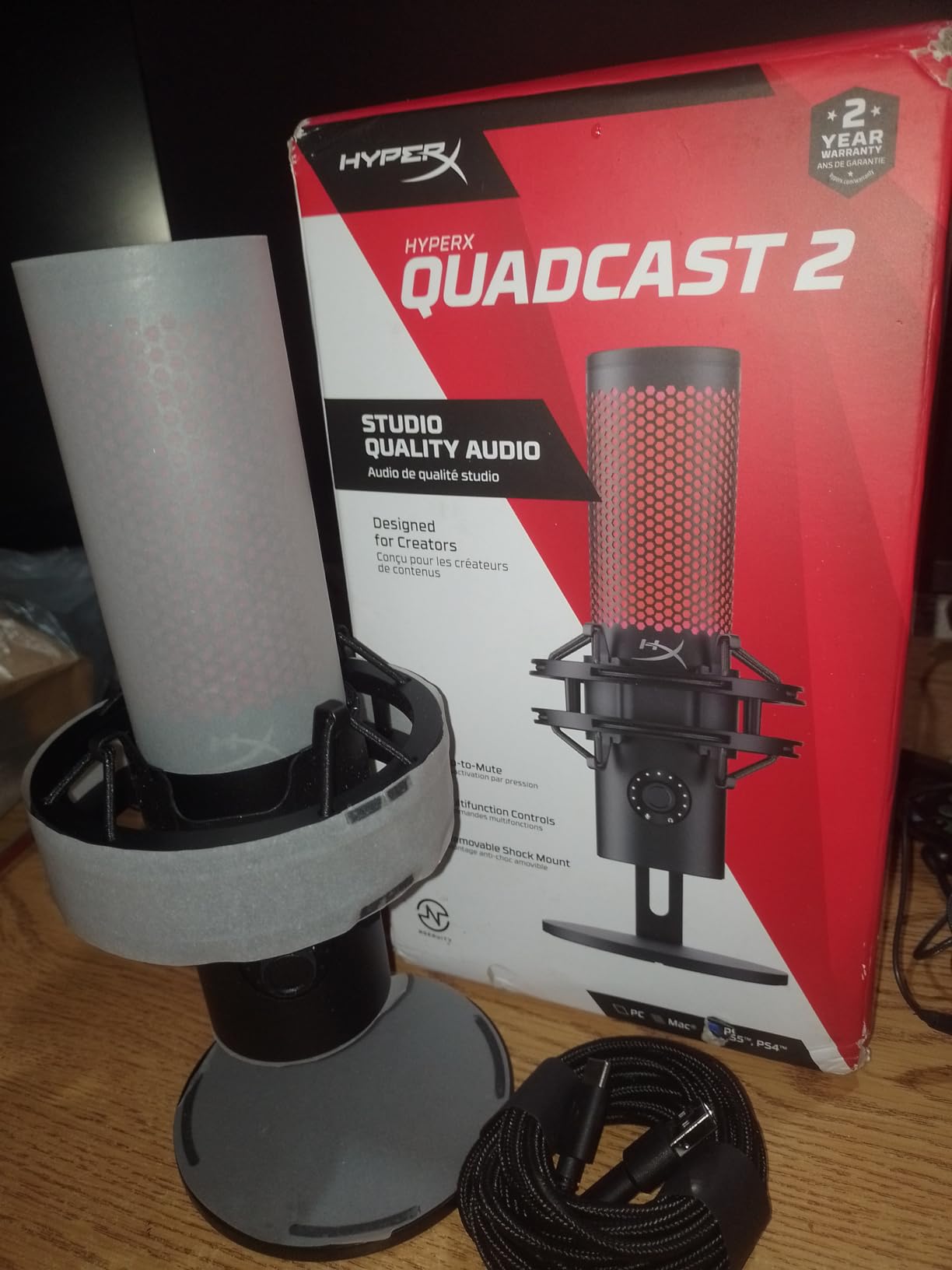
The detachable shock mount is the standout at this tier. Most competitors at this level sell the mount separately, so you can mount the mic properly on an arm without a second purchase, and the 9.84 ft USB-C cable reaches from a boom arm to a desk without an extension.
The top tap-to-mute sensor changes the LED instantly, so live status is never ambiguous. Customisable RGB lighting suits a streaming desk, and the cardioid, omnidirectional, bi-directional and stereo modes cover solo speech, round tables and two-person shows.
Two cautions come up repeatedly. Pattern selection moved into software and requires holding the volume button for several seconds, which some owners dislike. And a meaningful share of one-star responses trace back to gain sensitivity, so keeping the top knob near 50 percent is the safe setting.
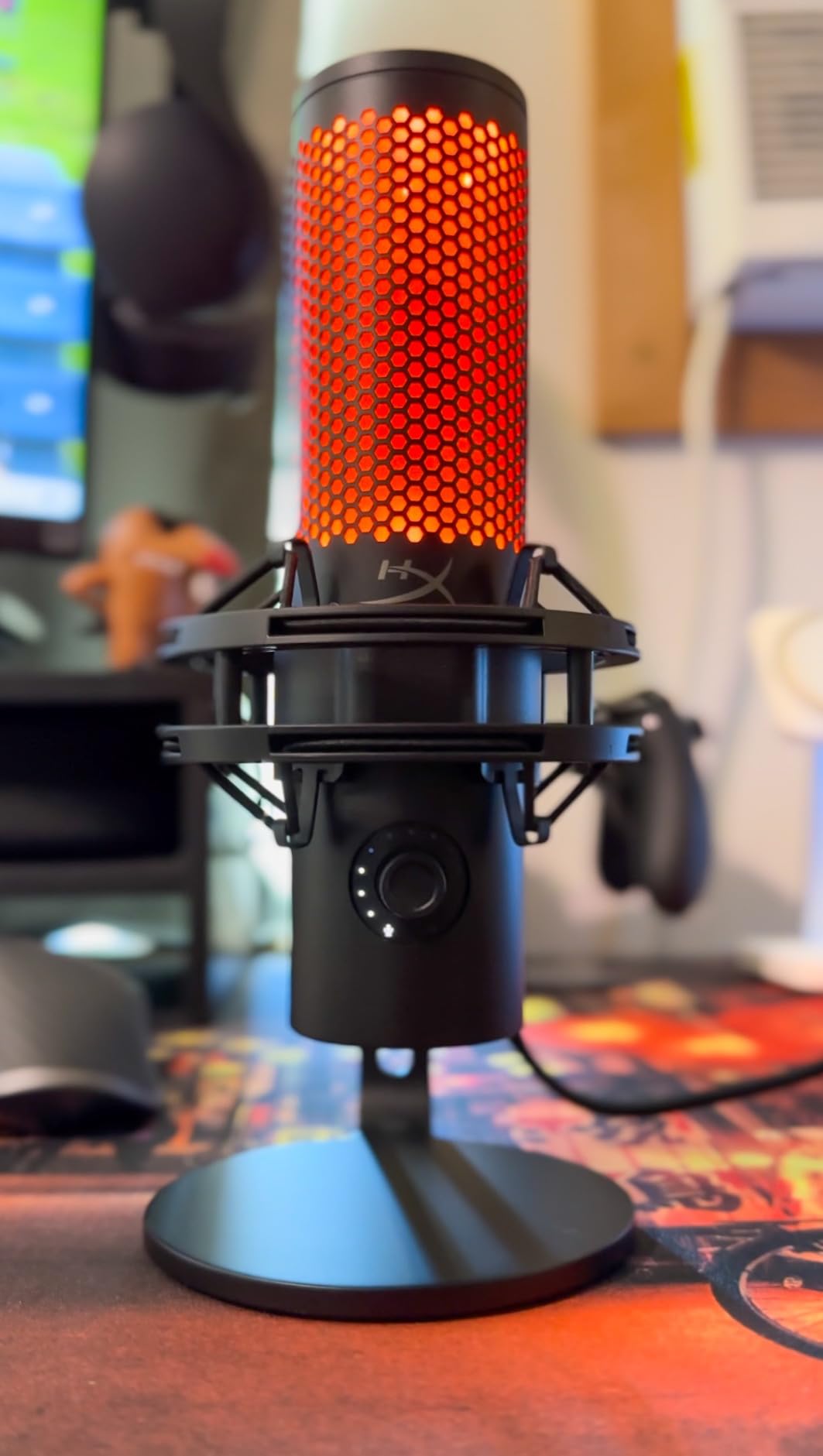
Who the QuadCast 2 suits
It suits streamers and video podcasters who want lighting, patterns and a shock mount without shopping for three accessories. The 335 g body is light enough to move between setups.
It also suits group recordings, since the four patterns are selected from the body or the software rather than replaced with a different mic.
Where it falls short
It is a condenser, so mechanical keyboard and mouse noise arrives unless a high-pass filter is engaged. The included software does have one, but it takes setup.
The software feature set is thinner next to the Elgato Wave:3 MK.2 and the Rode NT-USB Mini, and the pattern switching is less immediate than a physical selector would be.
7. Sennheiser Profile – Warm Tone With No Companion Software
SENNHEISER Professional Profile – USB Cardioid Condenser Microphone & Table Stand, 1.2 m USB-C Cable – Mute Button, Built-in Headphone Jack, Gain, Mix & Volume Control, for PC & Mac,Black
German-engineered cardioid condenser
USB standard
60 dB SNR
Gain mix volume dials
2 year warranty
Pros
- Warm natural tone with body and presence instead of thin or tinny sound
- Works on the universal USB audio standard with no companion app
- Hardware mute plus gain mix and volume dials
- Small metal body suits a boom arm
- Good voice isolation for a condenser
Cons
- Single cardioid pattern with no switching
- Table stand is basic and an arm is a common upgrade
- 60 dB SNR is low next to the better condensers here
The Sennheiser Profile takes a different route from most mics here. It is a unidirectional cardioid condenser in a metal housing at 717 grams, and it uses the universal USB audio standard rather than a vendor app, which reviewers consistently describe as the reason it will still work years from now.
Sound is the other selling point. Owners moving up from a Blue Yeti describe the tone as warm, full and natural, with body and presence rather than the thin or tinny character cheaper USB mics tend to produce.
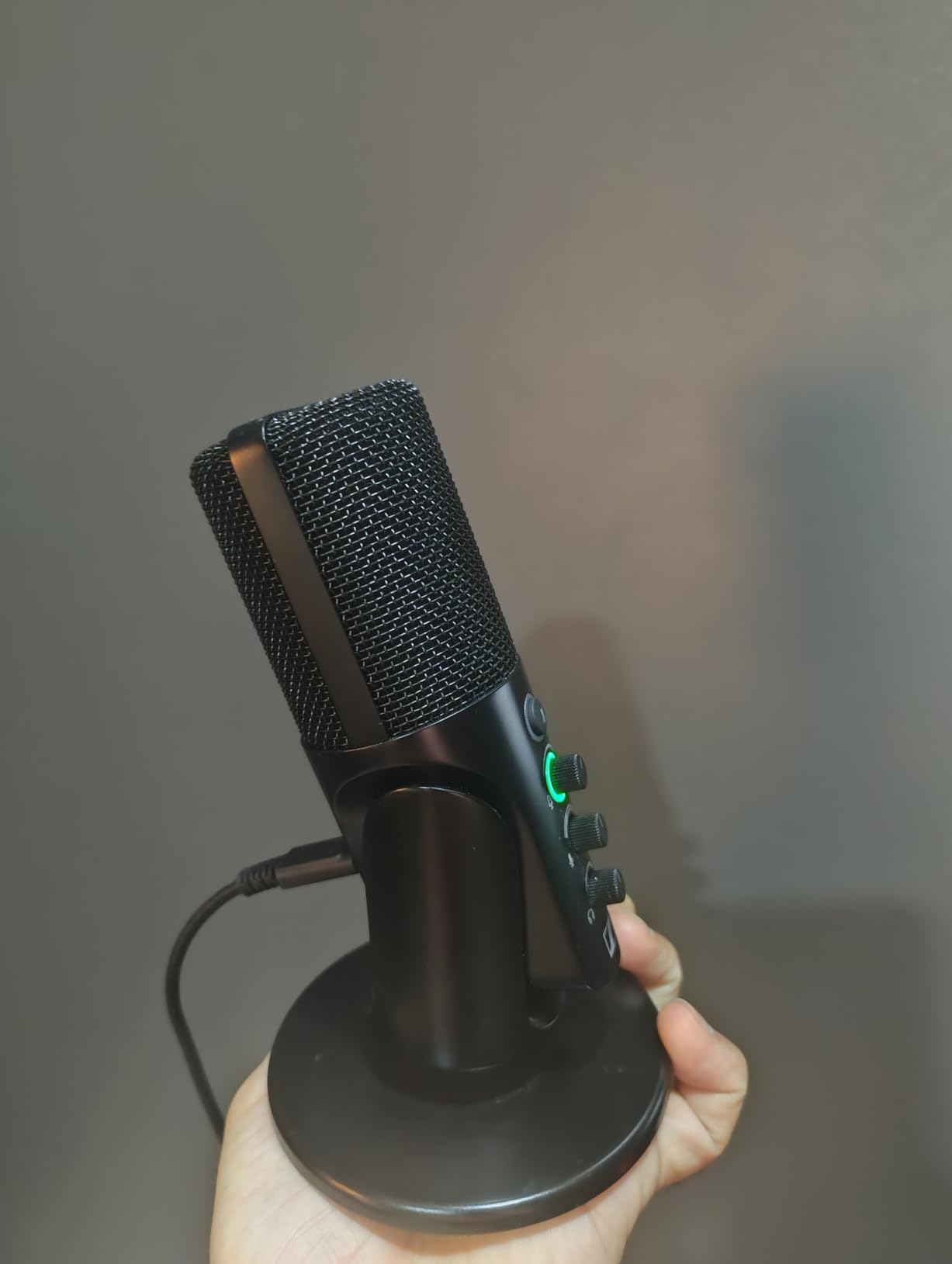
All three controls sit on the front of the body: gain, mix and headphone volume, plus a hardware mute button with state indication and a built-in headphone jack. Because nothing depends on an installer, there is no software to break after an operating system update.
Voice isolation is better than the profile of a typical entry condenser, so room noise and background music stay down for a mic in this class. A 1.2 m USB-C cable and a table stand are included.
The 60 dB signal-to-noise ratio is modest beside the Rode NT-USB Mini and the Elgato Wave:3, so in a very quiet room you may hear a little more of the floor. The table stand is also very basic, and a handful of Windows 11 machines need the input enabled manually before it appears.
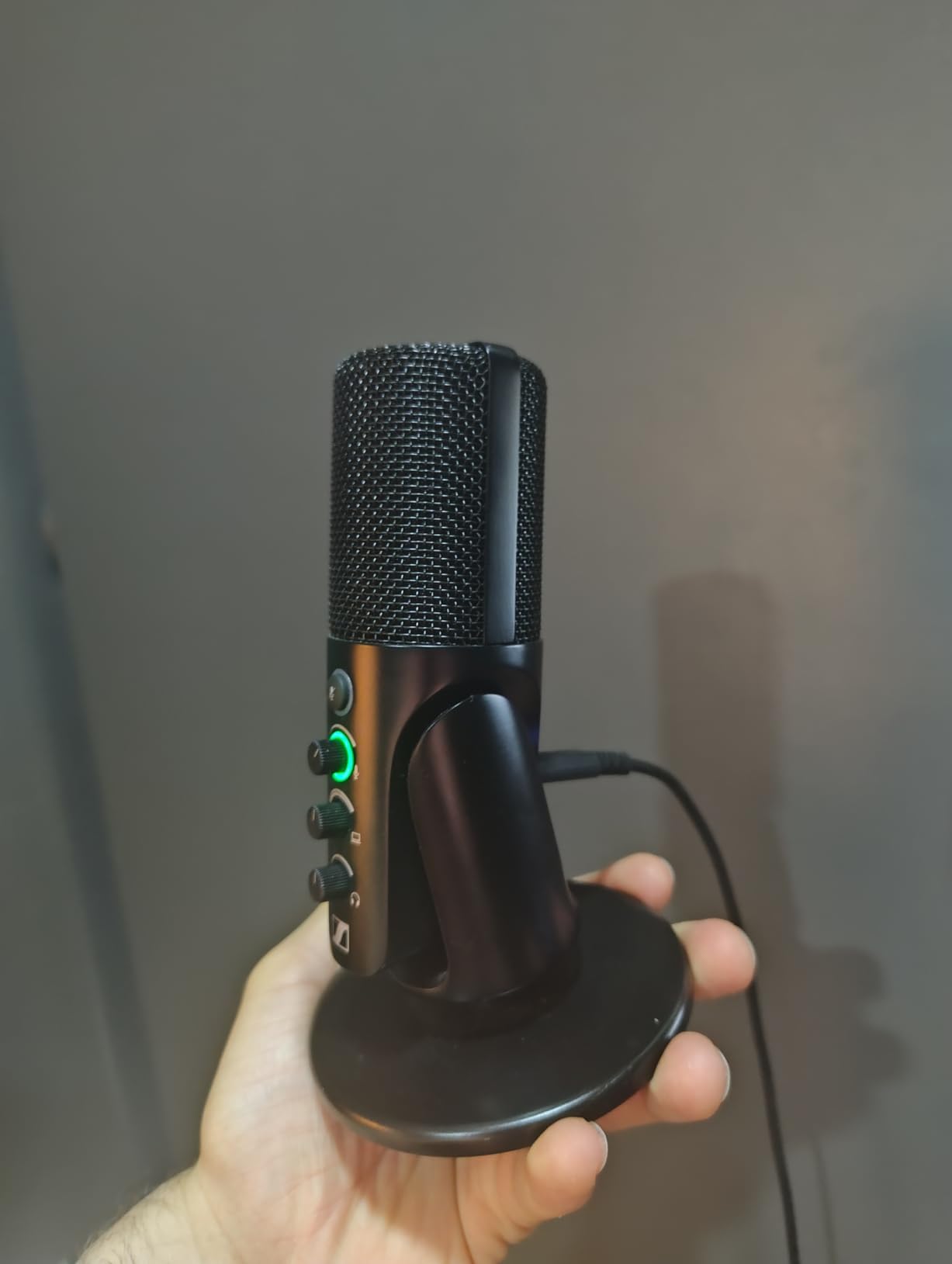
Who the Sennheiser Profile suits
It suits anyone who records on several computers or operating systems and does not want a mic that stops working when a vendor retires an app. A 4.37 inch square base fits small desks and takes a boom arm easily.
It also suits voiceover and narration work, where a warm, present tone and a hardware mute button matter more than pattern options.
Where it falls short
There is one pattern, cardioid, and no way to switch. Two people cannot share the mic for a round-table conversation.
The 60 dB SNR puts it behind the better condensers in this roundup, and the supplied stand is a placeholder rather than a proper mounting solution.
8. Shure MV7+ – the Premium Pick With Voice Isolation
Shure MV7+ USB-C & XLR Podcast Dynamic Microphone – White
Dynamic capsule with 15 dB audible noise
USB-C and XLR
Voice isolation DSP
Auto Level Mode
Pros
- 4.7 average rating with 87 percent five-star ratings
- Crisp warm broadcast-ready voice that layers well with light processing
- Auto Level and real-time denoising keep levels consistent in home rooms
- USB-C and XLR outputs support a later studio chain
- Longer foam windscreen measurably reduces P pops
Cons
- The priciest microphone in the group
- No stand included so a boom arm is effectively required
- LED touch panel can be too sensitive
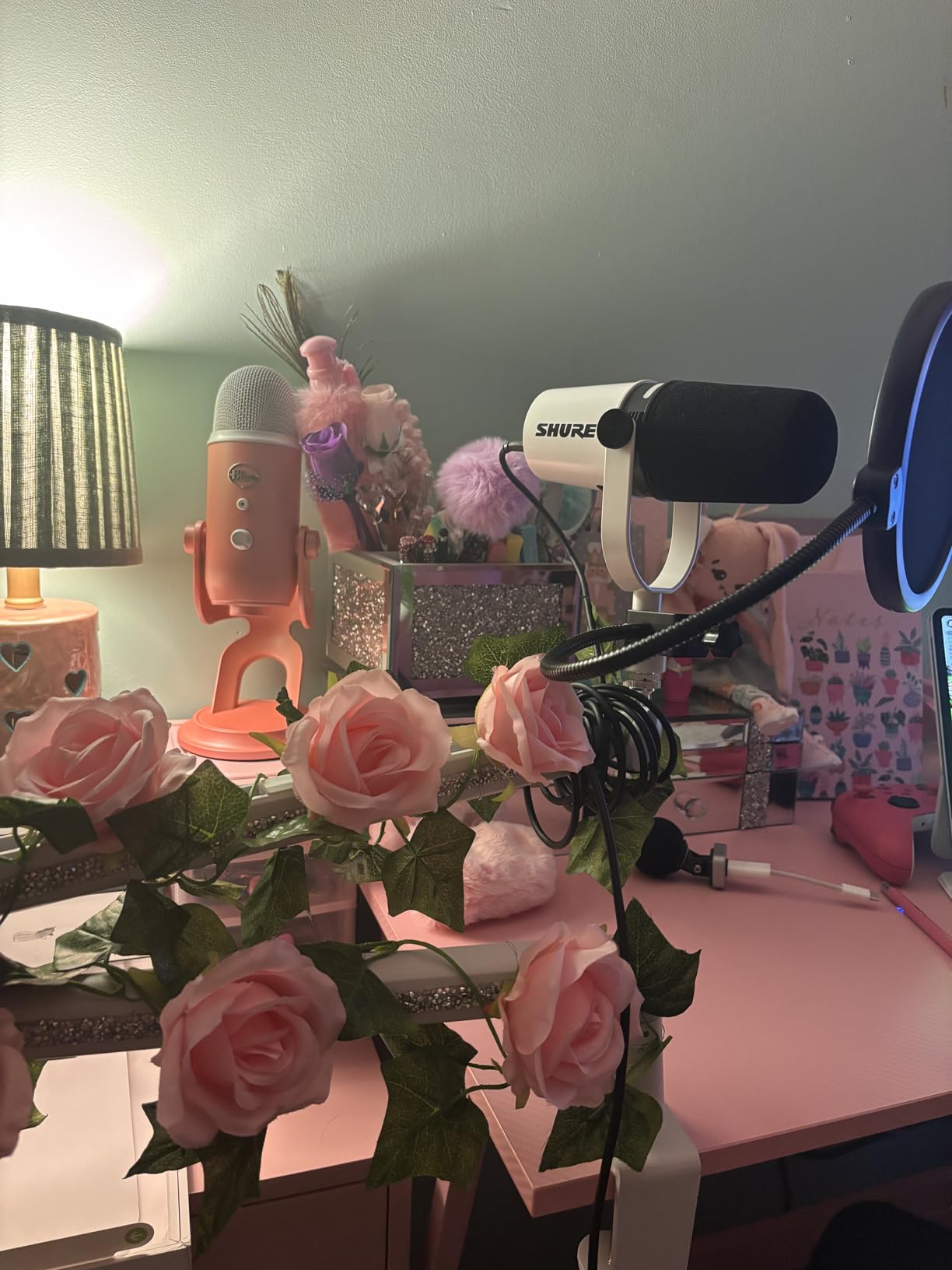
It is the premium answer in this roundup and the one people mean when they ask for the best USB microphones for podcasting without naming a budget. It is an OBS-certified dynamic capsule with 15 dB audible noise, a 60 dB signal-to-noise ratio, and both USB-C and XLR outputs.
The advanced DSP is the reason it performs in a bad room. Shure Voice Isolation Technology, Auto Level Mode that adjusts gain for speaking distance and volume, and a real-time denoiser handle the uneven levels and background hum that ruin home recordings on other mics.
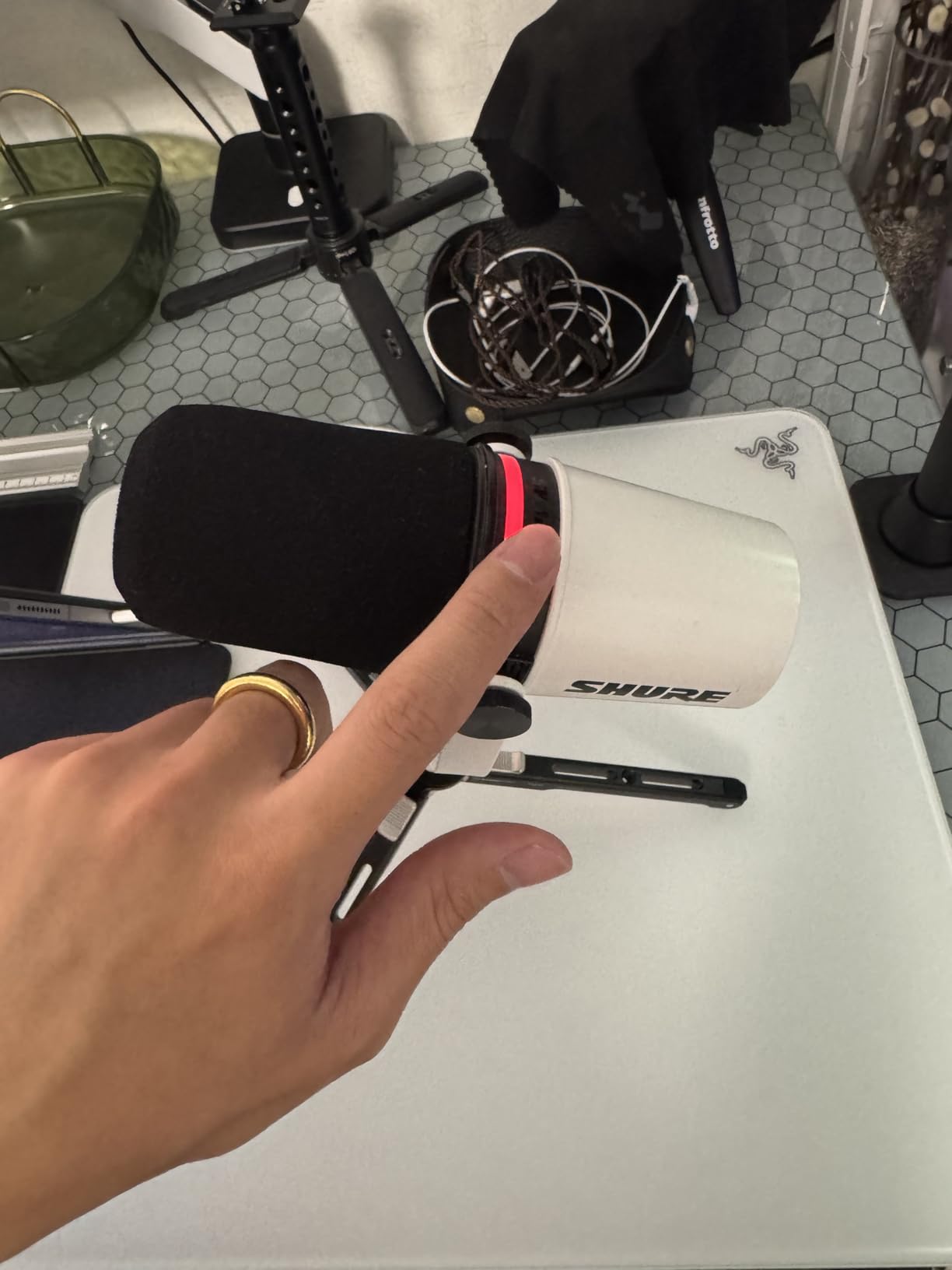
Owners describe the voice as crisp and warm, and several long-term Shure users compare it favourably to an SM7B once light effects are applied. That comparison is the point of the design: broadcast dynamic tone in a body a beginner can actually operate.
The customisable full-colour LED touch panel shows level meters, carries tap-to-mute, and can display 16.8 million colours. Built-in Plate, Hall and Studio reverb modes are unusual at this level, and the longer foam windscreen measurably reduces P pops compared with earlier versions.
The cost is the first limitation, and there is no stand in the box, so budget for a boom arm. The white finish shows dust and fingerprints quickly, and the touch panel is sensitive enough that owners report accidental adjustments mid-sentence.
Who the Shure MV7+ suits
It suits podcasters whose room will never be treated. A dynamic capsule plus denoising handles traffic, keyboards and household noise that would wreck a condenser in the same space.
It also suits creators who want a path into a full studio later, since the XLR output takes a preamp and interface when the project outgrows a single USB mic.
Where it falls short
It is the priciest option here, which makes it a poor first purchase for someone who does not yet know whether they will keep recording. No stand is included, and the touch panel needs a light hand.
A small number of owners report occasional static in USB-C mode with the supplied cable, so keep a spare USB-C cable nearby.
9. Rode PodMic USB – Broadcast Dynamic With APHEX DSP
RØDE PodMic USB Dynamic Broadcast Microphone, XLR + USB-C
Broadcast dynamic capsule
USB-C and XLR
20 Hz to 20 kHz
60 dB SNR
APHEX DSP over USB
Pros
- Broadcast dynamic capsule rejects keyboard clatter and room echo
- XLR and USB-C in one body for laptop or interface sessions
- APHEX DSP adds compression and presence with no plugins
- Zero-latency headphone monitoring
- Works on Mac PC iPad and Android
Cons
- Lowest average rating in this roundup at 4.3
- Handheld form needs disciplined close placement
- DSP is unavailable on the XLR path
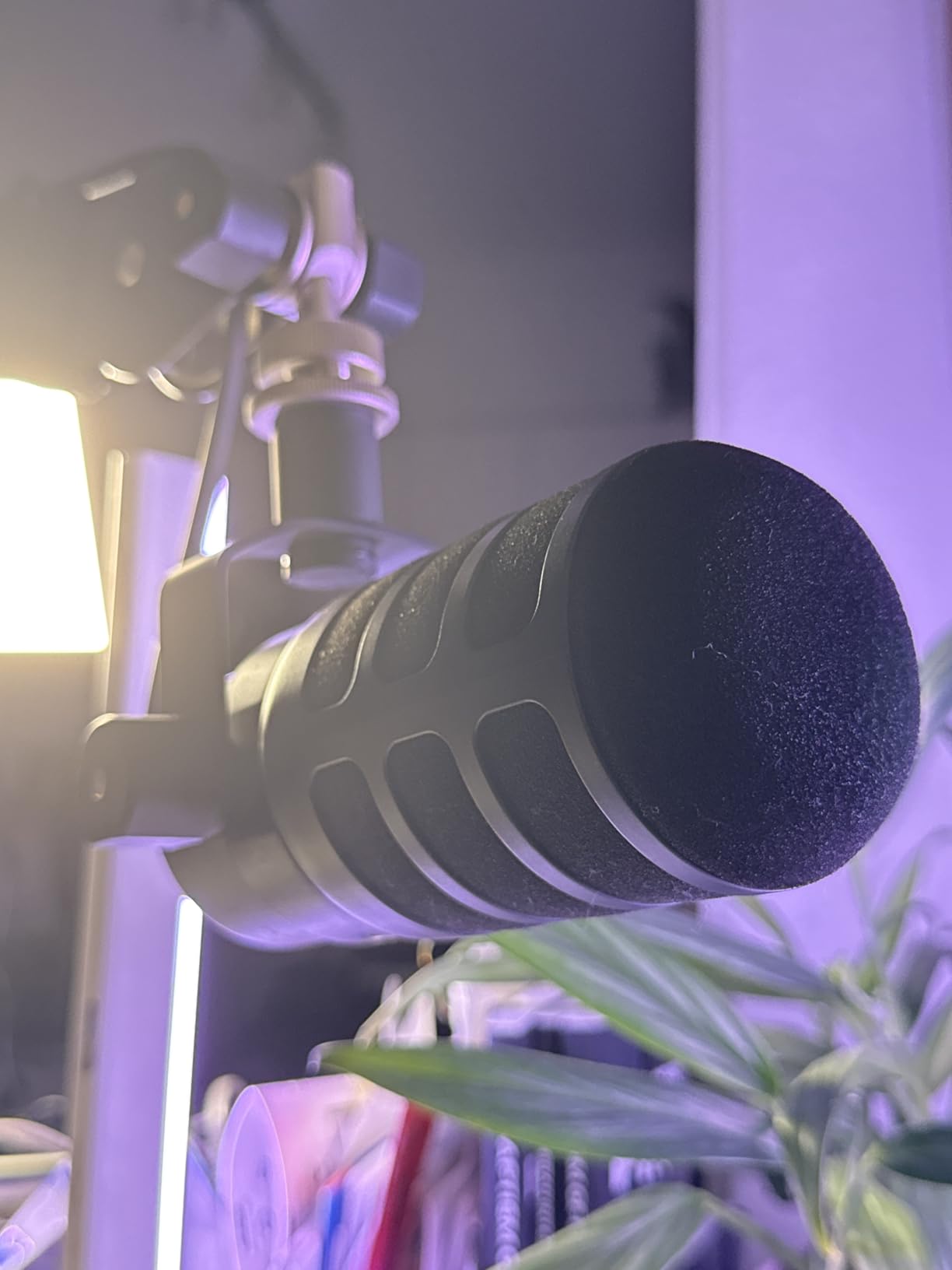
The PodMic USB is the most explicitly podcast-focused microphone of the ten. It is a broadcast dynamic capsule in a metal body at 1.9 pounds, with 20 Hz to 20 kHz response, 60 dB signal-to-noise ratio, and USB-C plus XLR in the same body.
Owners position it as the mic for speech rather than music, because the dynamic element is tuned to keep keyboard clatter and room echo out of a voice recording. That is the honest reason to pick it over a condenser of similar price.
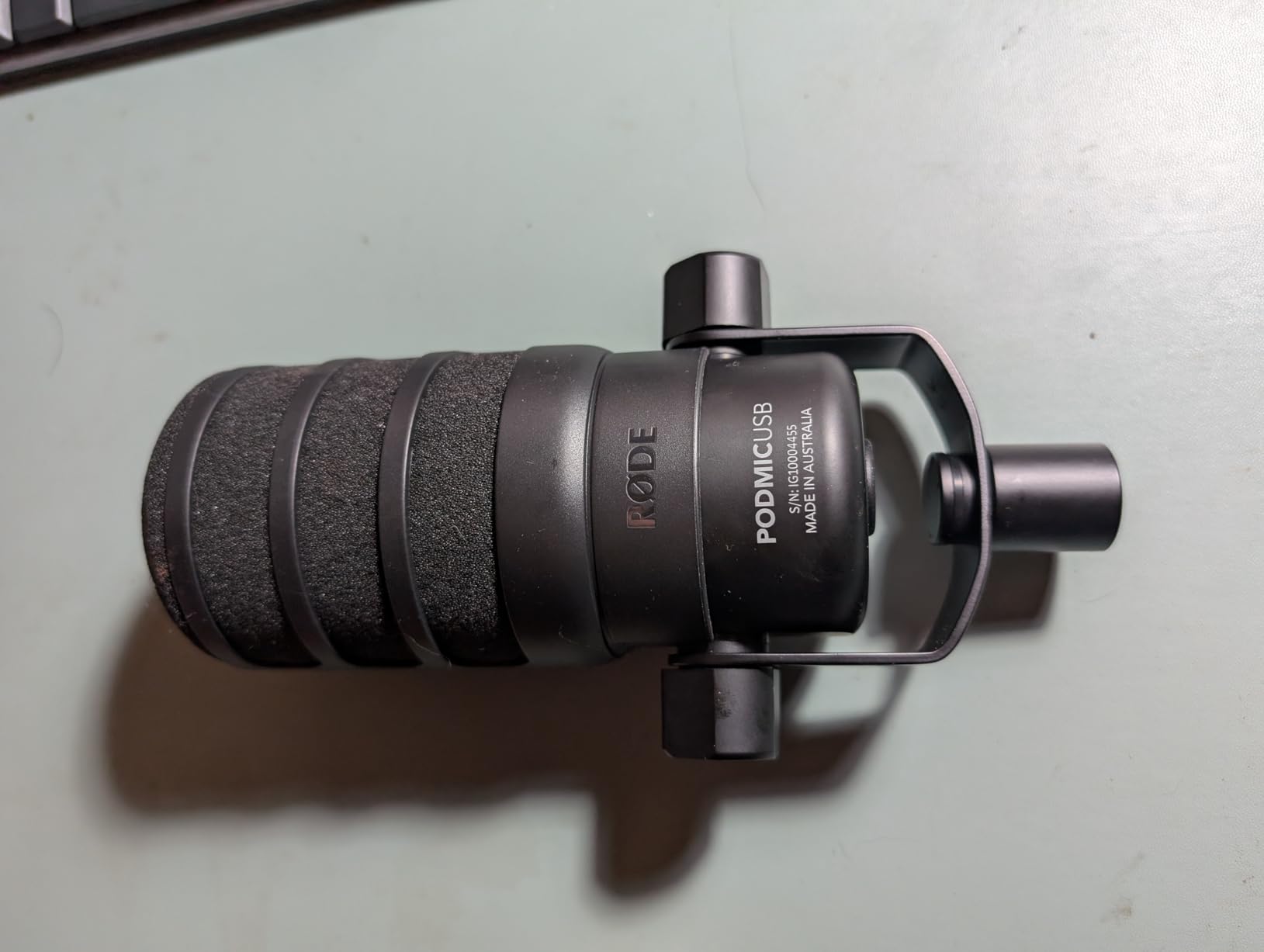
The differentiator is APHEX DSP. Onboard processing adds compression and presence over the USB connection, configured through the free Rode app, which removes the need for post-processing plugins on a fast edit. Zero-latency headphone monitoring lets you check levels in real time.
It is also the most flexible about where you record. It works on Mac, PC, iPad and Android, so a quick take on a tablet is possible, and the XLR path takes over when you add an interface.
The 4.3 average is the lowest in this roundup, with a comparatively high one-star share, and 60 dB SNR is the ceiling on fidelity. The handheld form needs close placement, and the DSP is only available over USB, not through the XLR output.
Who the PodMic USB suits
It suits creators who record in an untreated room and want a finished sound without a plugin chain. The APHEX processing means a raw take is closer to broadcast.
It also suits anyone moving between a laptop and a tablet, and anyone who will eventually add an interface but does not want to buy a second microphone to get there.
Where it falls short
The 4.3 rating and 10 percent one-star share are the weakest consensus in this group, so long-term owner feedback is less settled than for the higher-rated picks. The warranty is 1 year, extending to 2 years after registration.
If fidelity is the priority and the room is quiet, a condenser with a higher signal-to-noise ratio will capture more detail than this mic will.
10. Audio-Technica AT2040USB – Hypercardioid Tightness and a Big Headphone Amp
Audio-Technica AT2040USB Dynamic USB Microphone
Hypercardioid dynamic
USB plug and play
60 dB SNR
Silent soft-touch mute
2 year warranty
Pros
- Hypercardioid pattern focuses tightly on the voice and cuts room noise and echo
- Built-in headphone jack with a high-output amplifier for real-time monitoring
- Two-state LED ring and silent soft-touch mute give clear status feedback
- Stainless steel body feels durable as a desktop microphone
- USB-C cable plus adapter covers modern and older ports
Cons
- Smallest review base here at 251 ratings so long-term feedback is thinner
- Dynamic element needs close-mic technique and lacks condenser sensitivity
- No stand shock mount or pop filter included
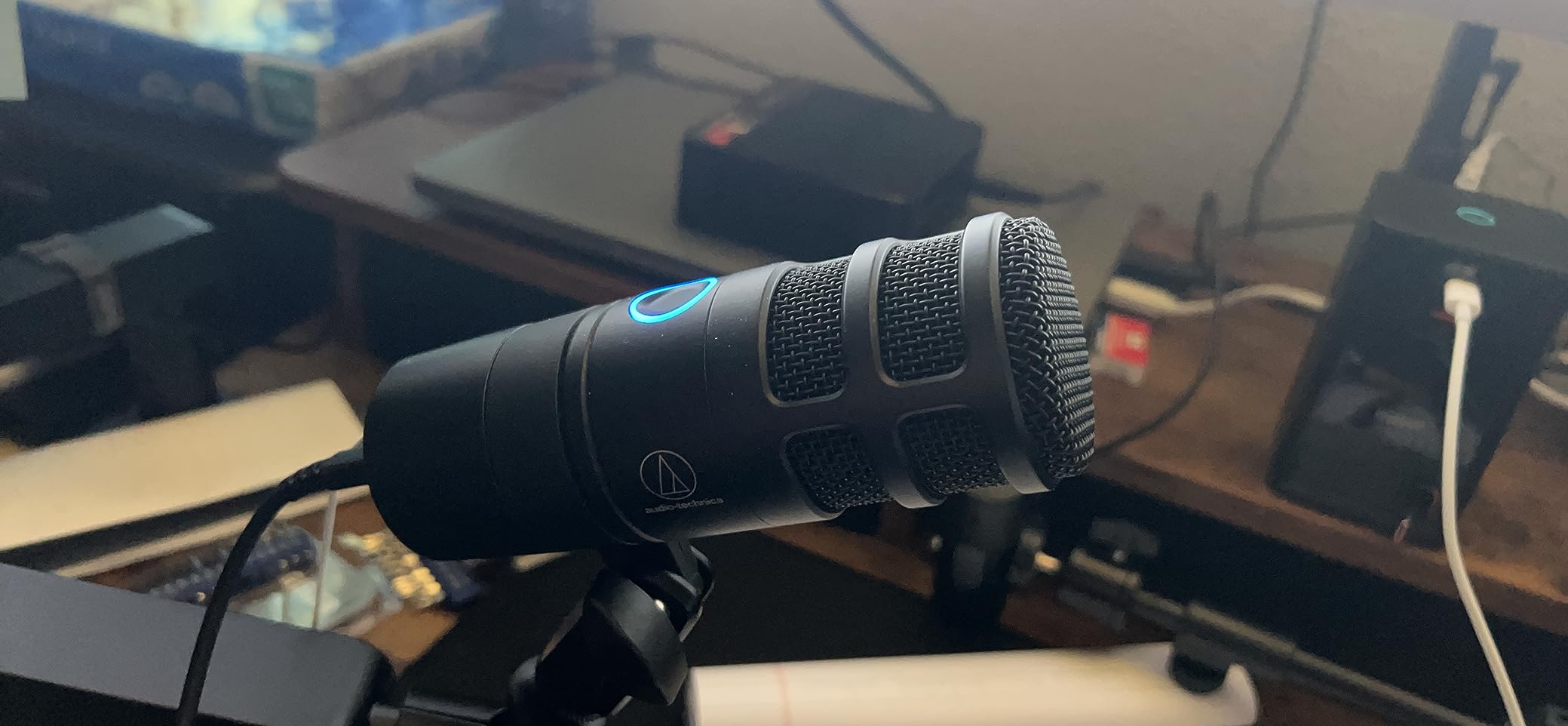
The AT2040USB is Audio-Technica’s take on the dynamic USB podcast microphone, and it leans on two things: a hypercardioid pickup pattern and an unusually capable built-in headphone amplifier. It is a stainless steel body at 600 grams with 60 dB signal-to-noise ratio and a 2 year warranty.
The hypercardioid pattern is tighter at the sides and rear than a standard cardioid, which is why owners describe the voice capture as present and focused with room noise and echo cut back more than they expected from a USB mic.
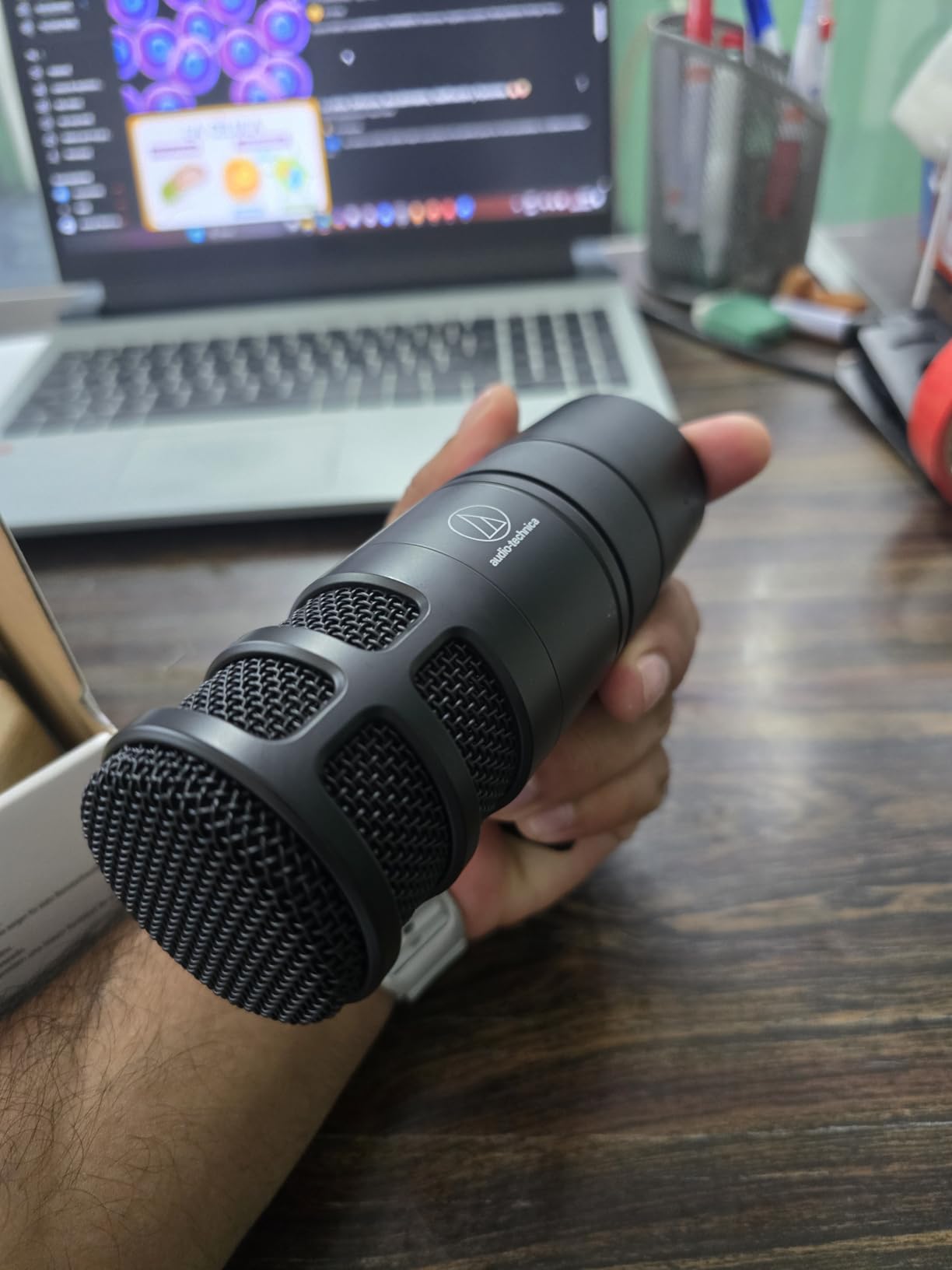
The headphone output is the quiet hero. A high-output amplifier with volume control means you can monitor in real time at a workable level, which matters if you record in headphones and want to judge distance and mouth noise as you speak.
A two-state LED ring shows blue for power and red for mute, and the soft-touch mute button is silent, so it does not put a click into the recording. A USB-C to USB-A cable and a USB-A to USB-C adapter are both in the box.
There is no stand, shock mount or pop filter, and no gain control beyond the mute and headphone volume, so gain lives in your software. The 251 ratings are the smallest review base in this group, which means long-term owner consensus is thinner than the numbers elsewhere.
Who the AT2040USB suits
It suits anyone who records in headphones and monitors closely, and anyone working in a room where reverb is the main problem. The hypercardioid pattern handles a reflective space better than a typical cardioid condenser.
It also suits creators who want a durable desk microphone with a silent mute and no software dependency at all.
Where it falls short
You have to buy a mount. Nothing mechanical comes in the box, and a dynamic mic at this level needs a boom arm to sit at the right distance.
Compared with the Elgato Wave:3 MK.2 and the Rode NT-USB Mini, the 60 dB SNR is lower, so there is less detail headroom in a very quiet recording. The small review base is worth weighing if you rely on owner feedback to decide.
Dynamic vs Condenser: Which Capsule Your Room Needs?
Choose a dynamic capsule for an untreated room and a condenser for a treated one. A dynamic mic needs more of your voice and less of the room, so keyboard clicks, fans and traffic sit below the speech. A condenser hears the room as clearly as it hears you, which sounds better in a treated space and much worse in a bedroom.
Forum consensus is unusually consistent on this point. The most common beginner complaint across r/podcasting and r/NewTubers is that a condenser USB mic recorded in a real bedroom picked up a keyboard, a computer fan and traffic, and the most-repeated advice is to move to a cardioid dynamic instead of adding processing.
The trade-off runs the other way too. A dynamic loses some high-frequency detail and air at distance, and it needs close placement, typically four to eight inches for a handheld broadcast mic and six to twelve for a side-address one. A condenser captures more presence and warmth from further away, which is why voiceover and quiet-room streamers still favour them.
The 3 to 1 rule is the shorthand that helps here: roughly three parts of treated room for every one part of unbleedable noise gives usable results, which is why a treated condenser beats an untreated dynamic for voice quality while an untreated dynamic beats a treated condenser for a bad room in a bedroom. Your room decides which comparison matters.
Two mics in this roundup blur the line. The Elgato Wave:3 MK.2 is rated at 110 dB SNR, the highest here, but it remains a condenser. The Audio-Technica AT2040USB is a dynamic with a hypercardioid pattern, which narrows its focus more than a standard cardioid.
USB vs XLR: What Hybrids Let You Skip
USB-only means one cable and no interface. USB/XLR hybrid means you can start with one cable today and move to an interface, mixer or field recorder later without buying a new microphone. Four picks here are hybrids: the Shure MV7+, the Rode PodMic USB, the Samson Q2U and the FIFINE AM8.
The upgrade case is simple. A USB mic contains its own preamp and converter, and once you record two or three people at once, or want a hardware compressor and a proper gain chain, an interface becomes the limiting part. A hybrid keeps the microphone, which is the expensive part, and replaces only the box.
Community guidance leans toward hybrids for exactly this reason, and the Samson Q2U is the most frequently named example in budget threads. The counter-argument is real too: a USB mic records locally in full quality, so for a solo show you can stay on USB indefinitely and never buy an interface at all.
Monitoring is the other difference people ask about. USB mics with a headphone jack monitor the signal with no round trip through your computer, so there is no delay between speaking and hearing. That is enough for every podcast workflow here, and an interface only becomes necessary when you need multiple inputs or hardware processing.
One honest warning from the forums applies to any upgrade path: do not buy an SM7B-class microphone as your first mic. A highly sensitive broadcast dynamic needs clean gain and treated walls, and pairing one with an untreated room and a laptop produces thin, noisy audio that no amount of editing fixes.
How to Set Up Any USB Mic So It Sounds Right?
Set the gain so your loudest normal phrase peaks around -12 dB and never clips, then leave the operating system volume alone. Most software applies automatic gain and noise suppression by default, and both are common causes of a dull, pumping sound. Turn automatic gain off first and listen again before buying anything else.
Record at 24-bit and the highest sample rate the mic offers, then set the buffer size so you can monitor without latency crackle. A buffer of 128 to 256 samples is a practical starting point for editing, and smaller values help if you are also running a video call.
Keep the mic four to eight inches from your mouth for a dynamic and slightly further for a condenser, and speak across the front of the grille rather than straight into it. Off-axis speaking reduces plosives and breath without needing any hardware, and a foam windscreen helps where a pop filter is not available.
Use closed-back headphones for monitoring. Open-back headphones leak sound into the recording, which is an avoidable problem that shows up as a faint echo in a careful edit.
Finally, treat the room rather than chasing the microphone. Heavy curtains, a rug, a bookshelf and closing the door will do more for a bedroom recording than any capsule change, and the 3 to 1 rule is the practical measure of whether you have improved it.
Frequently Asked Questions
What is the best USB microphone for podcasting?
The Elgato Wave:3 MK.2 is the best all-round choice for most people, combining a clear cardioid condenser capsule, 110 dB signal-to-noise ratio, Clipguard 2.0 anti-distortion and free Wave Link software that acts as a virtual mixer. In an untreated room, the Shure MV7+ or a dynamic like the Samson Q2U rejects background noise better. On a tight budget, the FIFINE AM8 gives you USB and XLR outputs at the lowest cost.
What are the downsides of using USB microphones?
The main downsides are a fixed preamp and converter you cannot upgrade separately, limited multi-microphone recording without extra software, and a dependence on bundled vendor software on some models. You also cannot insert hardware processing between the capsule and the recorder. A USB/XLR hybrid solves the upgrade problem by keeping the microphone when you later add an interface.
Is a dynamic or condenser mic better for podcasting?
A dynamic mic is better for an untreated room because it hears your voice more than the room, which keeps keyboards, fans and traffic out of the recording. A condenser sounds fuller and more detailed in a treated, quiet space and needs less close-mic technique. Most beginners in shared homes benefit from a cardioid dynamic such as the Samson Q2U or the Shure MV7+.
What is the best microphone for recording in an untreated room?
A cardioid or hypercardioid dynamic microphone is the right answer, because its off-axis rejection keeps room noise below your voice. In this roundup the Shure MV7+ adds real-time denoising and Auto Level, the Samson Q2U delivers strong rejection at a low cost, and the Audio-Technica AT2040USB uses a hypercardioid pattern for even tighter focus. Treatment still helps, but the capsule does the first half of the work.
What is the 3 to 1 rule for microphones?
The 3 to 1 rule is a room-acoustics guideline meaning roughly three parts of treated or absorbing surface for every one part of hard, reflective surface. In practice, a small treated room with a treated condenser sounds better than an untreated one, while a large untreated space is better served by a dynamic microphone with strong off-axis rejection. It is a rough ratio for planning, not a measurement.
What is the best USB microphone for a conference room?
For conference room and multi-host recording, use one microphone per host rather than a shared mic, and choose a dynamic model so each voice sits above the room. The Shure MV7+ and Samson Q2U handle untreated spaces well, while the HyperX QuadCast 2 offers four polar patterns if you also need group or ambient capture. Position each mic close to its speaker to limit bleed between voices.
Do I need an audio interface to podcast?
No, not if you record alone. A USB microphone contains its own preamp, analog-to-digital converter and interface, so you can select it as an input and record immediately. You need an external interface when you record two or more people at once, want hardware compression, or want to upgrade the preamp without buying a new microphone. Buying a USB/XLR hybrid now avoids that second purchase later.
The Best USB Microphones for Podcasting, Compared
After testing all ten, the Elgato Wave:3 MK.2 is the best USB microphone for podcasting for most people, because its capsule, its anti-distortion system and its bundled software handle level problems before they reach your edit. Buy the Samson Q2U if budget is the deciding factor and your room is noisy. Buy the Shure MV7+ if your room cannot be treated and you want the processing to do the work.
Whichever you choose, get the placement and the software settings right first. A mic used at the wrong distance with automatic gain still switched on will sound worse than a cheaper one used properly, and the mics in this roundup all reward a ten-minute setup.