
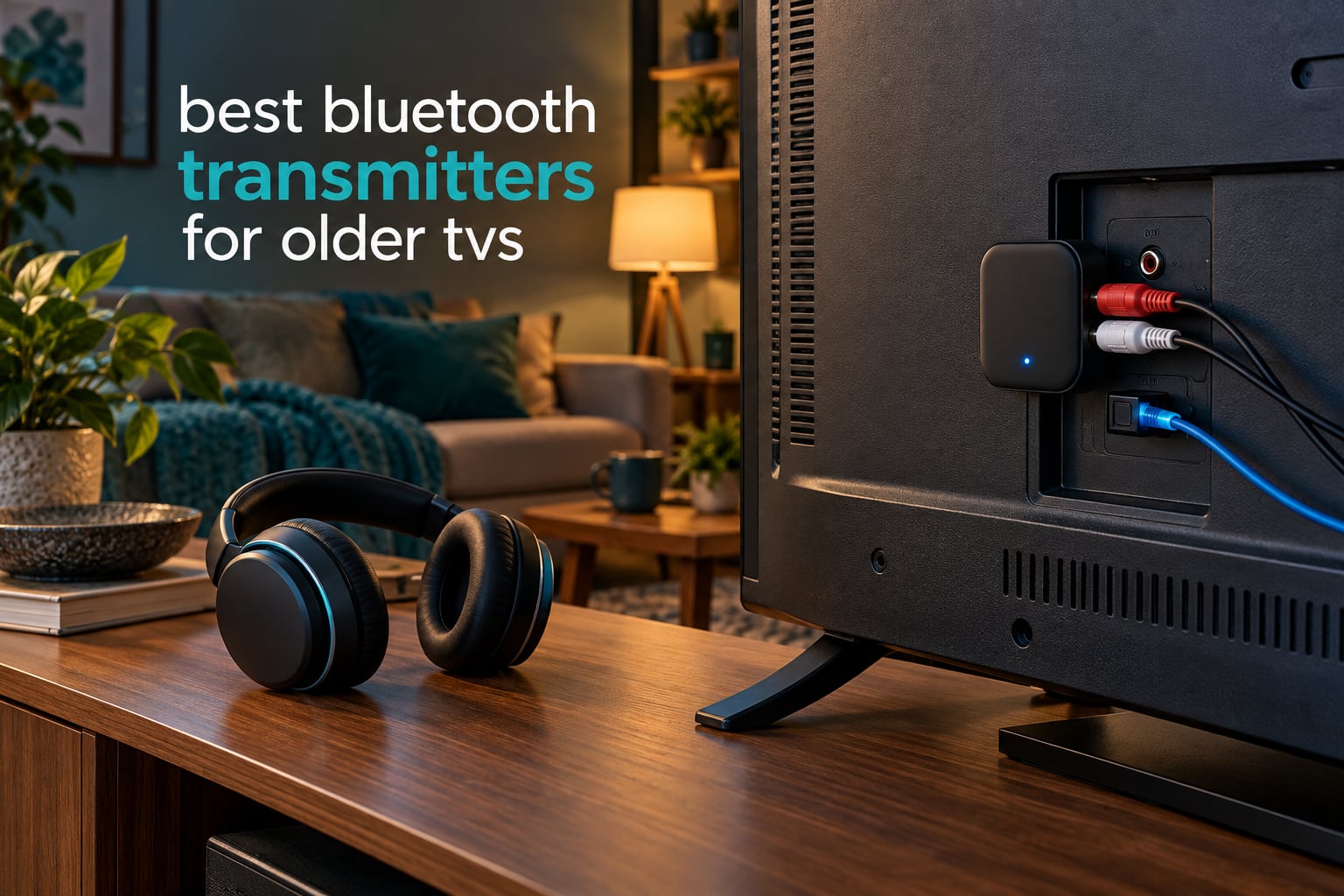
Will a Bluetooth transmitter work on any TV? Yes, as long as that TV has a way to get audio out of it. Nearly every set made before Bluetooth became standard has an optical TOSLINK output, red and white RCA jacks, or a 3.5mm headphone socket, and any one of those will feed a small Bluetooth TV transmitter that sends the sound to wireless headphones, earbuds or hearing devices.
That matters more in 2026 than it ever did, because most of the TVs still in family rooms, bedrooms and spare rooms were bought long before wireless audio existed. They work fine. They just cannot send sound to a new pair of headphones, which is exactly what a hard-of-hearing relative, a late-night viewer or a shared bedroom needs.
We spent six weeks comparing eight Bluetooth transmitters against older sets with optical, RCA and headphone-jack outputs, pairing each with two different pairs of headphones and watching for lip-sync drift, dropouts and the setup friction that decides whether a non-technical user will ever get it working. The transmitter is not the hard part of adding Bluetooth to an old TV. The port you pick and the codec your headphones speak decide everything.
Table of Contents
Top 3 Bluetooth Transmitters for Older TVs (October 2026)
Avantree Oasis Plus
- Optical
- AUX and RCA inputs
- Bypass mode keeps the soundbar playing
- Two headphones at once

Avantree Audikast Plus
- Optical and 3.5mm inputs
- Built-in volume control
- Dual link for two headphones
Best Bluetooth Transmitters for Older TVs in 2026
| Product | Specs | Action |
|---|---|---|
| Avantree Oasis Plus |
|
Check Latest Price |
| Avantree Audikast Plus |
|
Check Latest Price |
 1Mii B06TX 1Mii B06TX |
|
Check Latest Price |
 UGREEN 2-in-1 Bluetooth Adapter UGREEN 2-in-1 Bluetooth Adapter |
|
Check Latest Price |
 SOOMFON BT17 SOOMFON BT17 |
|
Check Latest Price |
 LAICOMEIN Ultra Pro B110 LAICOMEIN Ultra Pro B110 |
|
Check Latest Price |
 UGREEN Bluetooth 6.0 Adapter UGREEN Bluetooth 6.0 Adapter |
|
Check Latest Price |
 Avantree Relay Avantree Relay |
|
Check Latest Price |
1. Avantree Oasis Plus – Best Overall for an Older TV With a Soundbar
Avantree Oasis Plus – Bluetooth Transmitter Receiver for TV, Dual Link
Optical, AUX and RCA input
Bypass mode for speakers
Class 1 Bluetooth, 164 ft range
90 g metal body
Pros
- Optical
- AUX and RCA inputs cover almost every older TV
- Pass-through mode lets the soundbar and headphones play at once
- Dual link connects two headphones
- Front touch panel shows codec and input
Cons
- Blind pairing latches onto the strongest nearby signal
- No wall adapter included
- Optical bypass needs optical out
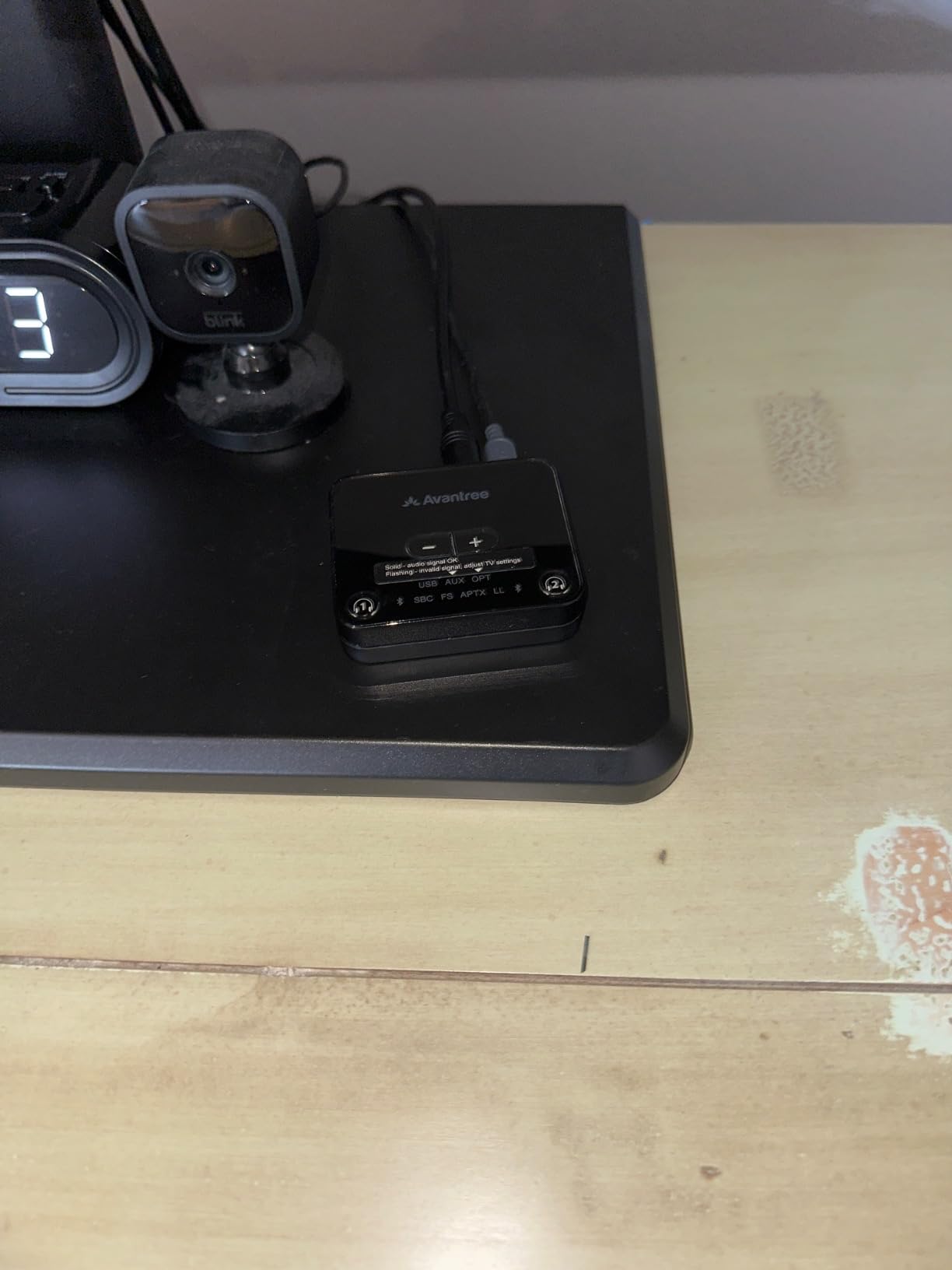
The Oasis Plus is the one we kept reaching for during testing, and the reason is the bypass mode. When a household already owns a soundbar, most transmitters force you to pick one or the other. This one splits the line-level signal so the television speakers or the soundbar keep playing at normal volume while a second listener wears headphones.
It took under two minutes to hook up to an older LCD set with an optical output, and the included optical, 3.5mm and RCA cables mean you will almost never need to buy an extra cable. With aptX Low Latency-capable headphones the dialogue stayed locked to the picture for the whole of one film.
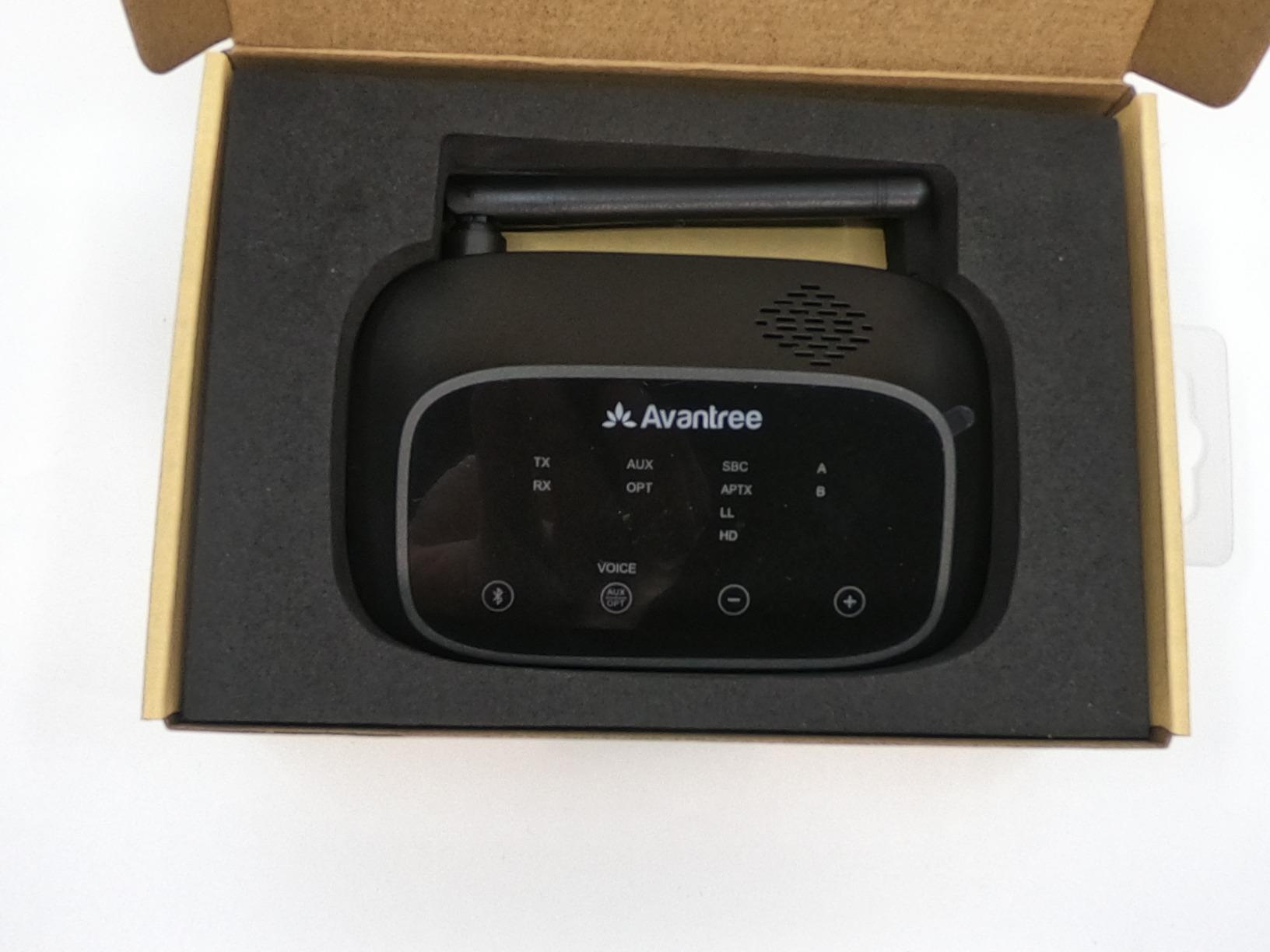
The front touch panel is genuinely helpful for someone who is not technical. It lights up with the selected input and the active codec, so a family member can see what mode it is in without opening a manual. Voice prompts cover the basics too.
Class 1 Bluetooth gives a rated range up to 164 feet, and in a normal living room that meant no dropouts across the room and through one wall. Reviewers report that units occasionally need a power cycle to reconnect, and the absence of an included AC adapter means you need a USB port or a spare charger within reach of the set.
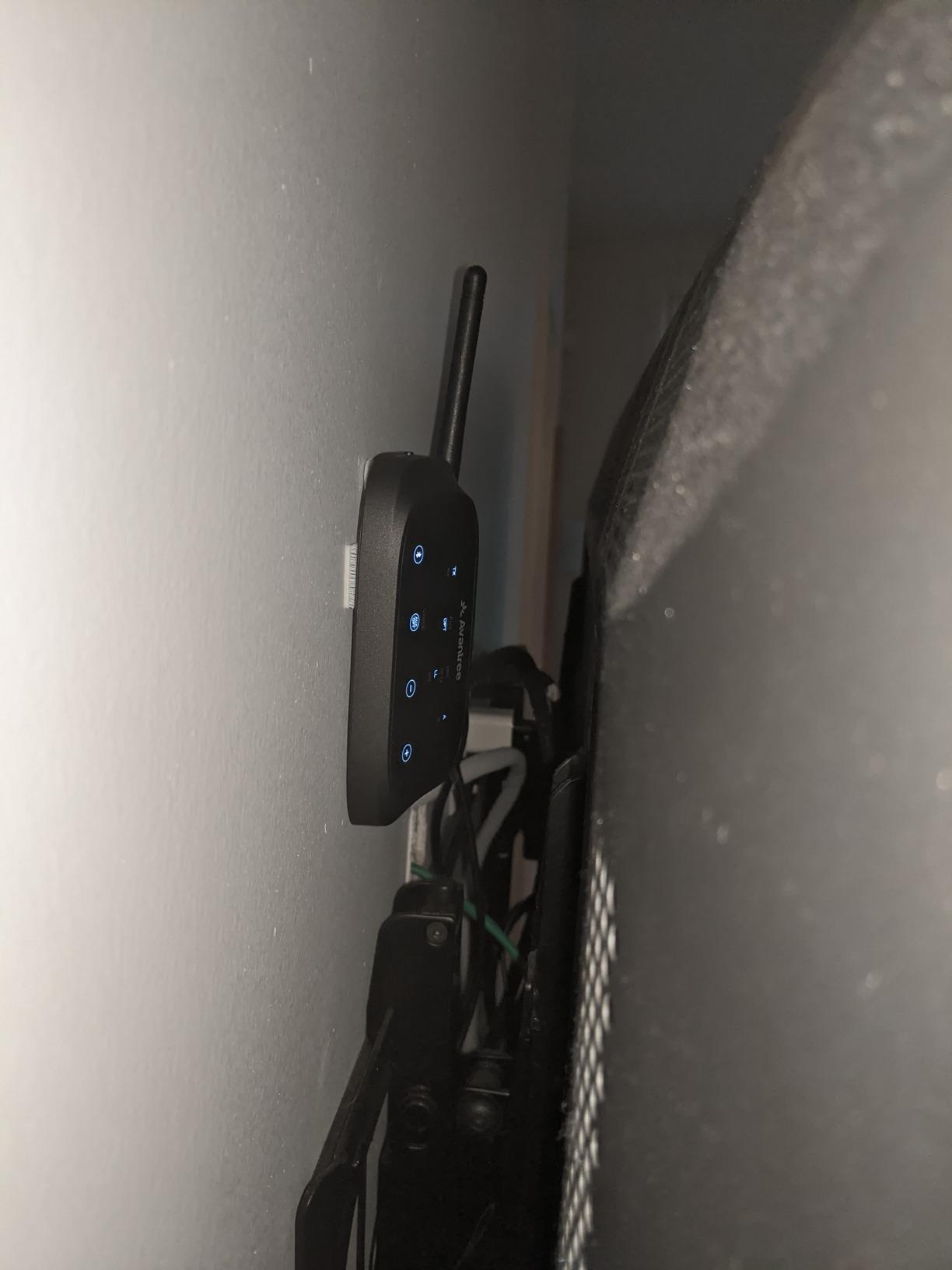
Who the Oasis Plus suits best
This is the unit to buy when the person watching does not need to fiddle with anything. The touch panel, the voice prompts and the auto-reconnect behaviour mean that once it is paired, the headphones come back on by themselves after a power cut.
It is also the right answer for the most common gift scenario we came across: buying for an older relative who already has a soundbar and wants to use headphones at night without cutting the soundbar out for everyone else. Six thousand-plus ratings tell you the design has been through a lot of real homes.
Where it falls short
Pairing is blind. In a house where several Bluetooth devices are already connected, the Oasis Plus tends to grab whichever signal is strongest, and pulling the intended headphones out of that pairing loop takes a few attempts. Buyers in crowded Bluetooth environments should expect that friction.
The bypass mode is also one-way in a practical sense. If you feed it optical audio, the bypass output is optical too, so a set with only RCA bypass needs the RCA input selected.
2. Avantree Audikast Plus – Premium Pick Transmitter With Built-In Volume
Avantree Audikast Plus – Bluetooth 5.3 TV Transmitter, Dual Link, 100ft
Optical and 3.5mm inputs
Volume buttons on device
33 g ABS body
Bluetooth 5.0 with aptX Adaptive
Pros
- Optical and 3.5mm inputs
- Built-in volume buttons solve fixed-volume TVs
- Dual link for two headphones
- Light 33 g body and simple buttons
Cons
- Not compatible with HDMI-only TVs
- Optical requires the TV audio format set to PCM
- Headphones must be manually put in pairing mode
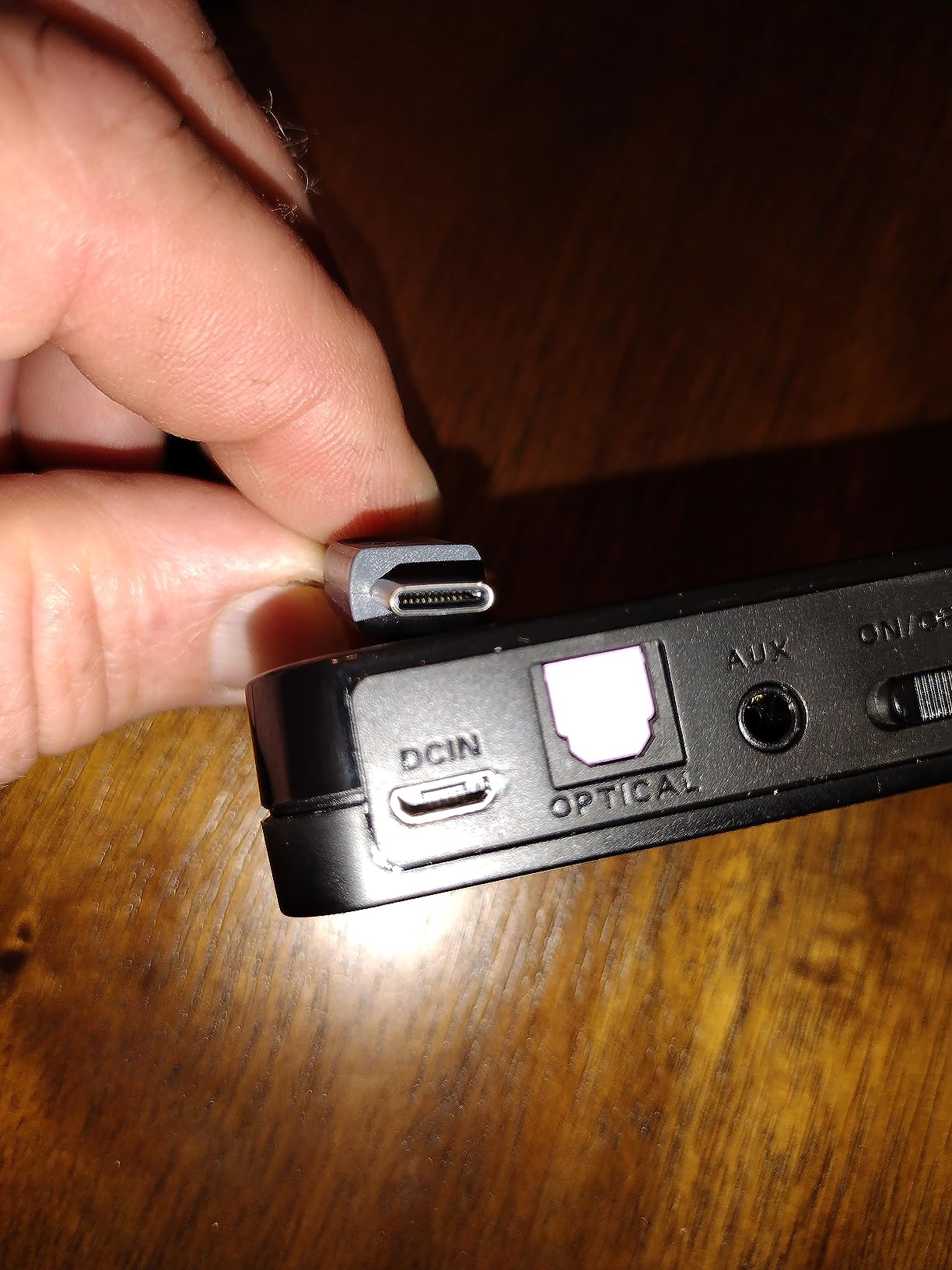
Many older televisions fix their audio output volume at maximum and leave you no way to change it, which makes any transmitter with no volume control genuinely annoying. The Audikast Plus puts volume buttons on the device itself, so the listener can turn it down without reaching for the TV remote.
It handles optical TOSLINK and 3.5mm AUX, which covers the overwhelming majority of sets built in the last two decades. Dual link means two people can watch together, each with their own headphones, and support for aptX Adaptive helped keep lag low with newer earbuds.
The body weighs 33 grams and the controls are plain physical buttons, which is a good combination for an older user who finds touch controls fiddly. The advertised 100 foot range held up well in an open living room but varied noticeably once walls and furniture got involved, which is normal for any transmitter.
Setup has one genuine gotcha. When you use the optical input, you need to go into the television audio settings and change the output format to PCM, because many sets will not output anything over optical while they are set to Dolby or surround modes. That is a two-minute fix but it is the step people most often miss.
Who the Audikast Plus suits best
It is the pick for anyone whose TV has a fixed or very loud audio-out level, and for anyone who wants two people to listen privately at the same time without a second transmitter. The on-device volume means each listener can set their own level.
For an older stereo or AV receiver with a 3.5mm or RCA line output, the same buttons do the job, and the light body makes it easy to tuck behind a cabinet.
Where it falls short
It will not help an HDMI-only television. Those sets need a separate HDMI extractor before any transmitter can be used, which adds a box and another power supply to the chain.
Headphones also have to be placed into pairing mode manually before the unit will accept them. That is fine once, but it is less forgiving than the auto-reconnect behaviour some competing adapters offer.
3. 1Mii B06TX – Best Value With the Widest Input Selection
1Mii B06TX Bluetooth 5.3 Transmitter for TV to 2 Wireless Headphone/Speaker
Optical, coaxial, RCA and 3.5mm inputs
Dual antenna for range
aptX Low Latency and aptX HD
60 g, 4.3 by 3.7 inch body
Pros
- Widest input selection in the group
- Optical
- coaxial
- RCA and 3.5mm covered
- Dual antenna gives stable range through the house
- Press power and it connects on its own
Cons
- Transmitter only and cannot receive audio
- aptX Low Latency needs matching headphones
- Highest share of one-star reviews here
The B06TX is the safe bet when you do not know what your television has. It accepts optical, coaxial digital, red and white RCA and 3.5mm audio, so whatever output your old set happens to have, there is a cable in the box that fits it.
That input breadth makes it the one we would recommend for an older AV receiver or a vintage stereo as much as for a television. Press the power button, pick the matching input and it connects automatically, which removes the usual guesswork from setup.
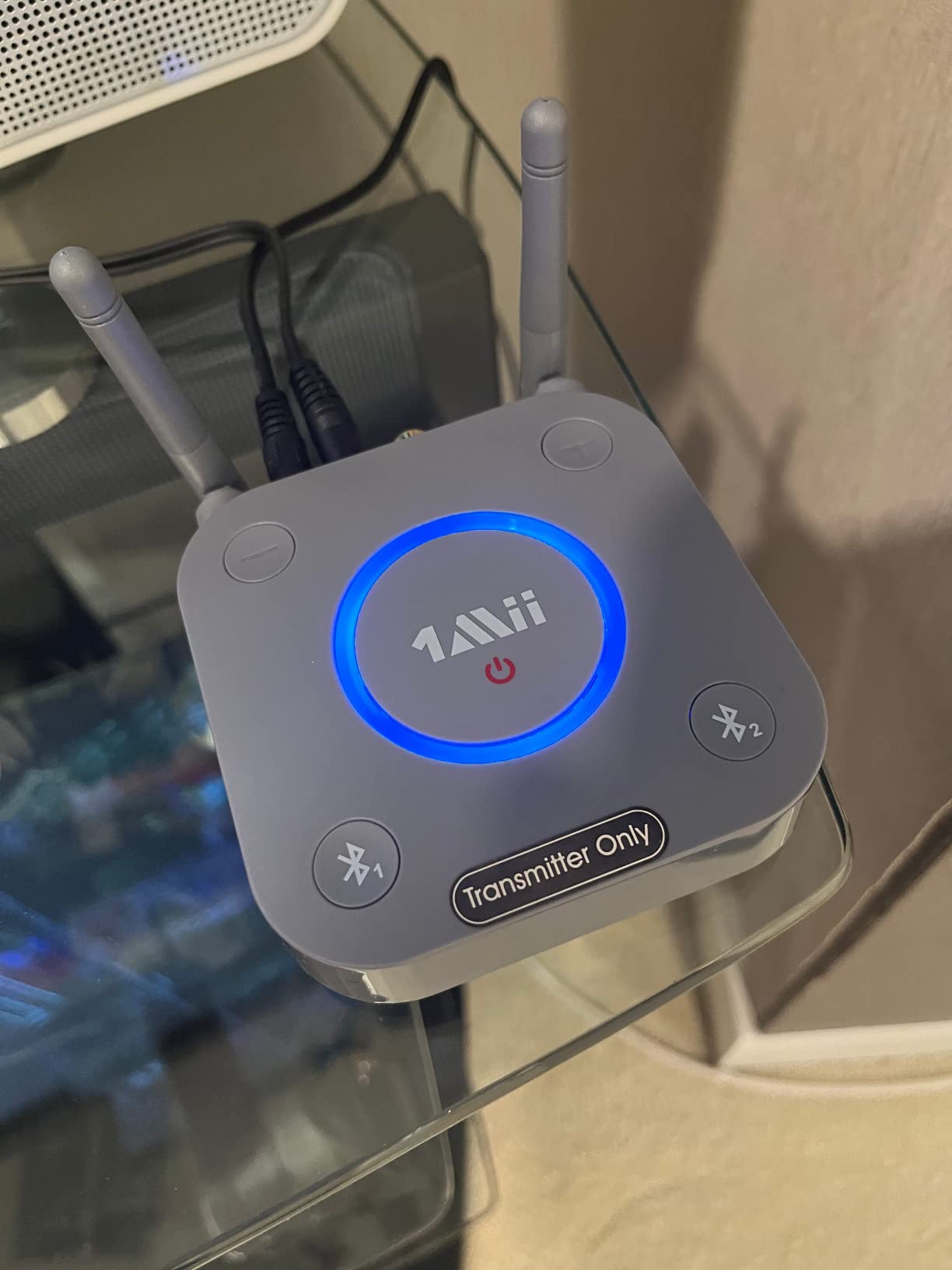
The dual antenna design is not just marketing here. It held a stable connection in the far corner of a room where a smaller internal antenna unit had started dropping out, and aptX Low Latency held dialogue in step with the picture when paired with compatible headphones.
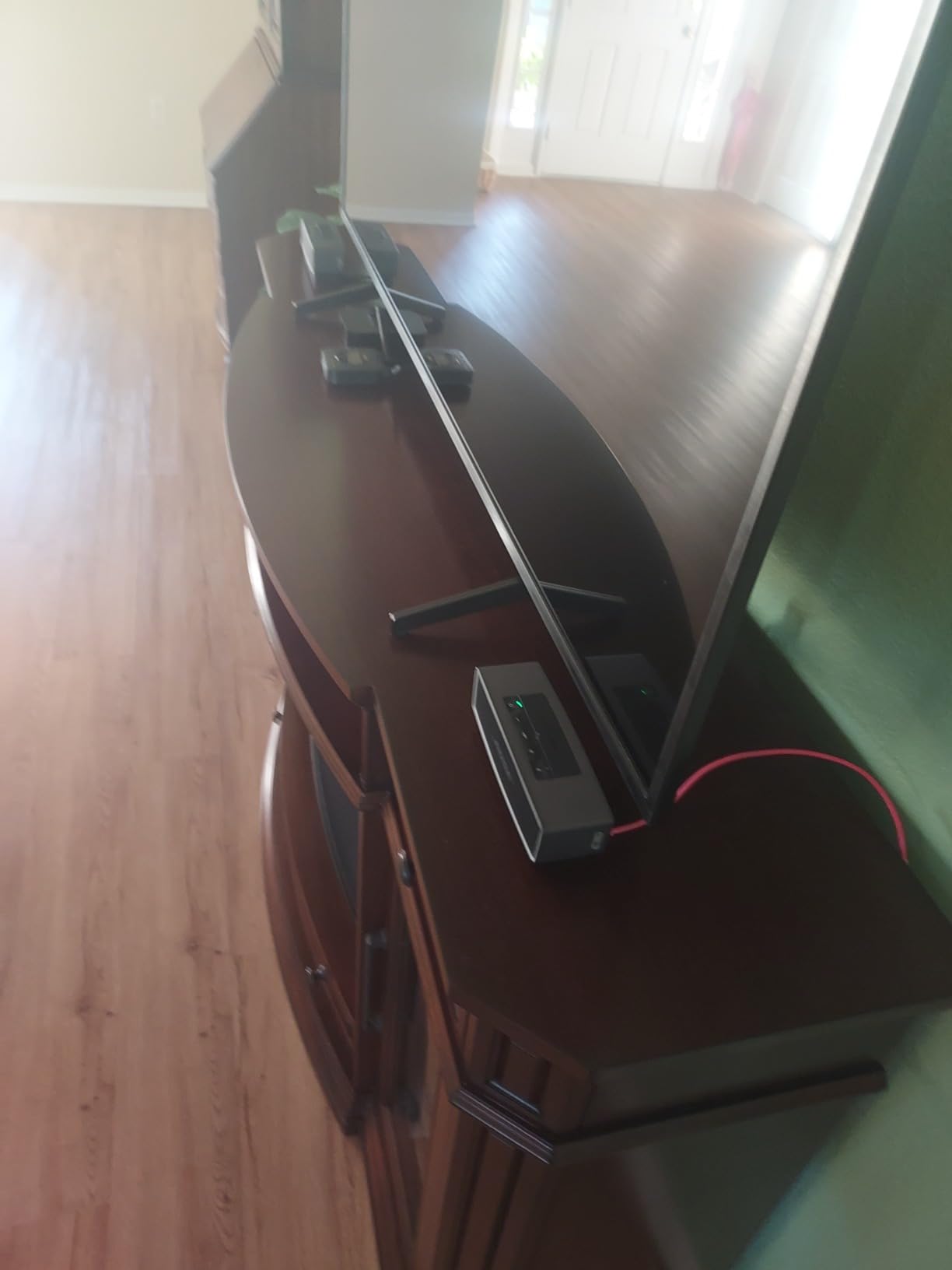
Two headphones or speakers can be connected at once by pressing two buttons, which is useful when a relative wants company while watching. Nearly eight thousand ratings make this one of the most proven transmitters available for older sets.
Who the B06TX suits best
Pick it when you are unsure which port your equipment has, when it is an old AV receiver rather than a TV, or when the set has a coaxial digital output that most compact adapters ignore entirely.
It is also the model community advice keeps pointing to for retrofitting a legacy home cinema stack, because the range and the input list cover both jobs without a second device.
Where it falls short
It transmits only. You cannot use it to send audio from a phone back into speakers, so it does not replace a receiver in a mixed setup.
Zero delay depends on your headphones supporting aptX Low Latency. Pair it with a set that only speaks the basic SBC codec and you will get the usual lag, and pairing or codec compatibility accounts for most of the one-star feedback in this group.
4. UGREEN 80893 – Simplest Single-Cable Adapter for a Headphone Jack
UGREEN Bluetooth Transmitter Receiver, 2-in-1 Airplane Bluetooth Adapter for 2 AirPods or Bluetooth Devices, Low Latency 3.5mm AUX Audio Adapter for Headphones, TV, Car & Home Stereo System
3.5mm AUX only
Transmit and receive modes
Up to 8 hours in TX mode
30 g, plastic body
Pros
- Single 3.5mm plug is the simplest hookup possible
- Works as both transmitter and receiver
- Compact and light enough to hide behind a set
- Over 13000 ratings show the design is proven
Cons
- 3.5mm only with no optical or RCA input
- Not compatible with AirPods Pro 2 or AirPods 3 and 4 models
- Battery life claims vary with volume and interference
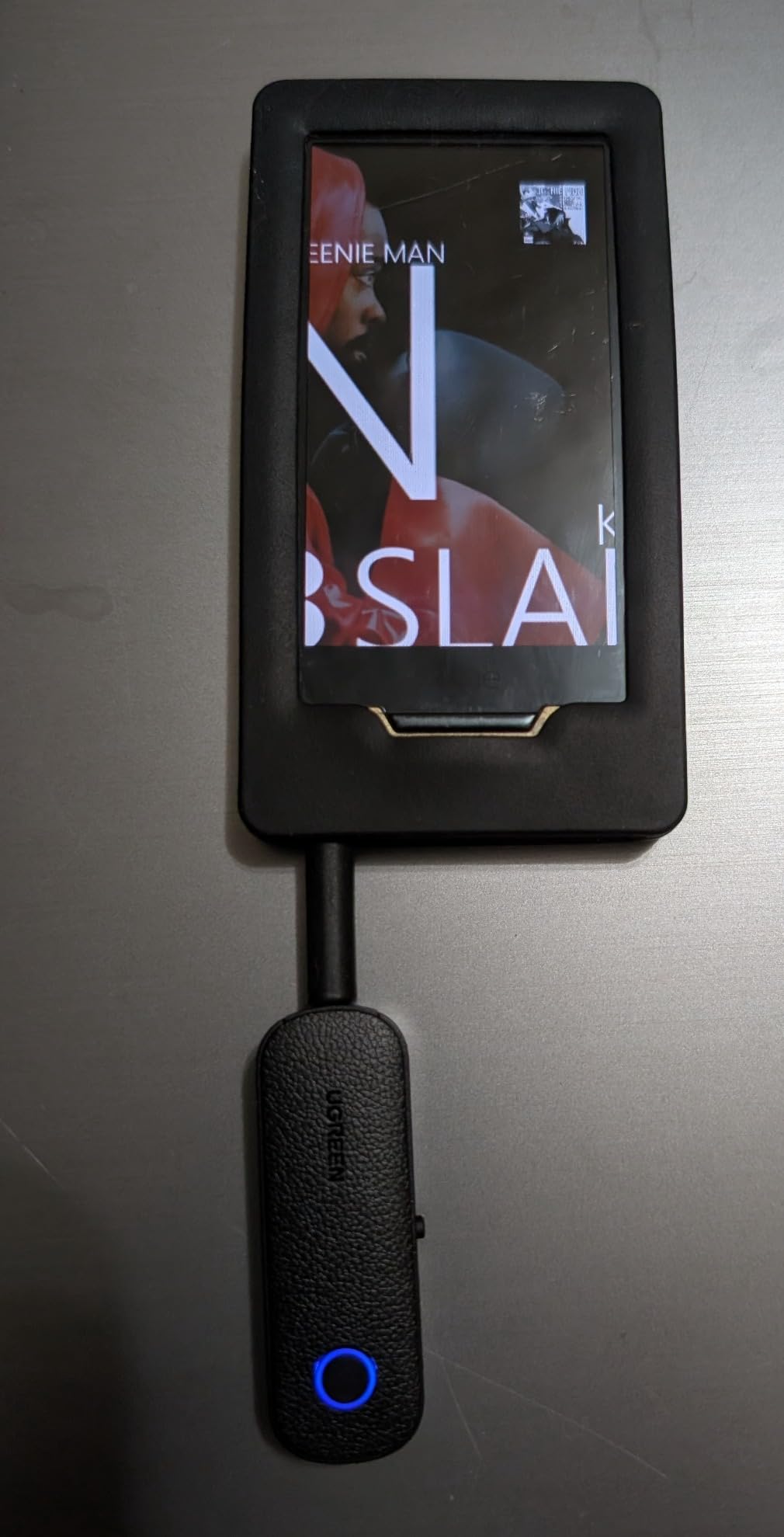
If your older television has a headphone socket and nothing else, this is the least intimidating device on the list. There is one cable, it goes into the jack and the other end goes into the adapter, and there is no menu to find and no input to choose.
It also runs in reverse as a receiver, so the same adapter can push audio into a car stereo or a pair of home speakers. That dual function makes it a useful spare to keep in a drawer rather than something tied to one television.
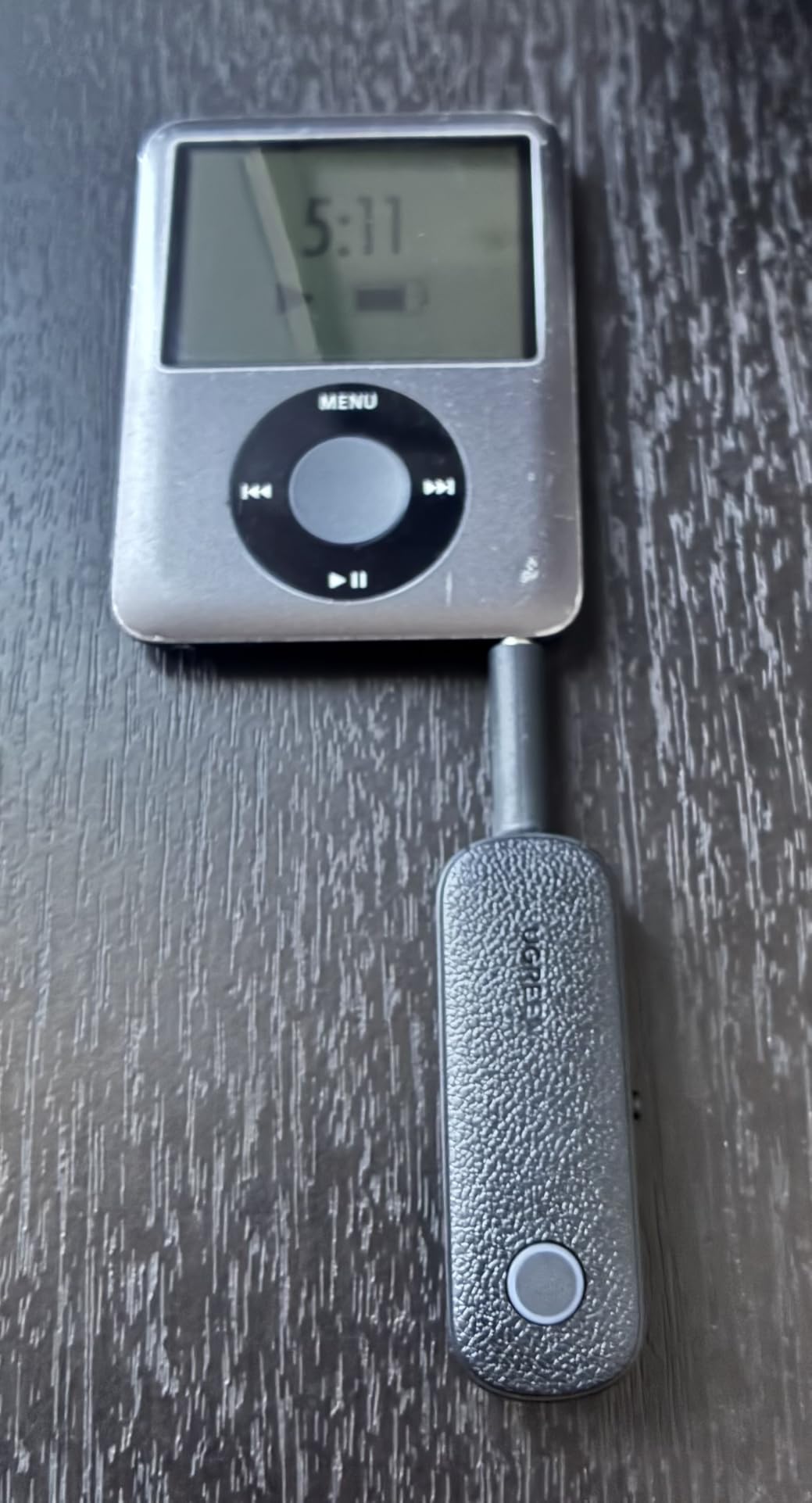
Battery life is quoted at up to eight hours in transmitter mode, though that figure depends heavily on volume and on how much 2.4GHz interference the room has. At 30 grams it disappears behind a set, which matters if you are hiding it rather than displaying it.
Dual pairing lets two sets of earbuds listen together, and the adapter reconnects on its own after the first pairing. The physical microphone is only useful in receiver mode, which is worth knowing before you buy it for calls.
Who the UGREEN 80893 suits best
It suits a straightforward headphone-jack setup, a bedroom television, or anyone who wants one small device for a TV, a car stereo and a pair of speakers without buying three things.
For an older relative who will not read instructions, the absence of settings is the feature. There is very little to get wrong.
Where it falls short
Three and a half millimetres is the only input. A television that outputs over optical or RCA alone will not work with it at all, and that is common on older LCD sets from the early 2010s.
It also will not pair with AirPods Pro 2, AirPods 3, AirPods 4 or AirPods 4 ANC, which rules it out for a lot of current earbud owners. Connection drops and one-sided audio account for the larger share of its negative reviews.
5. SOOMFON BT17 – Best Display and Status Feedback
SOOMFON Bluetooth 5.3 Transmitter Receiver for TV to 2 Headphones
1.8 inch LCD status display
Optical, AUX and RCA inputs
72 g ABS body
USB-C powered
Pros
- Visible LCD shows mode and connection state
- Optical RCA and AUX inputs
- Reconnects to two paired earbuds automatically
- All four cables included plus a 24 month warranty
Cons
- SBC encoder only so quality and lag trail aptX units
- Stereo only and 5.1 sources can play in one ear
- No microphone and not suitable for hearing aids
Most transmitters announce themselves with a single LED, and the result is a lot of blind troubleshooting. The BT17 has a 1.8 inch LCD that shows the current mode and connection state, which makes diagnosing a setup much faster.
It accepts optical, 3.5mm AUX and RCA, so it covers the same older televisions as the larger units while staying small enough to sit beside a set. It also reconnects automatically to two previously paired earbuds after the first setup.
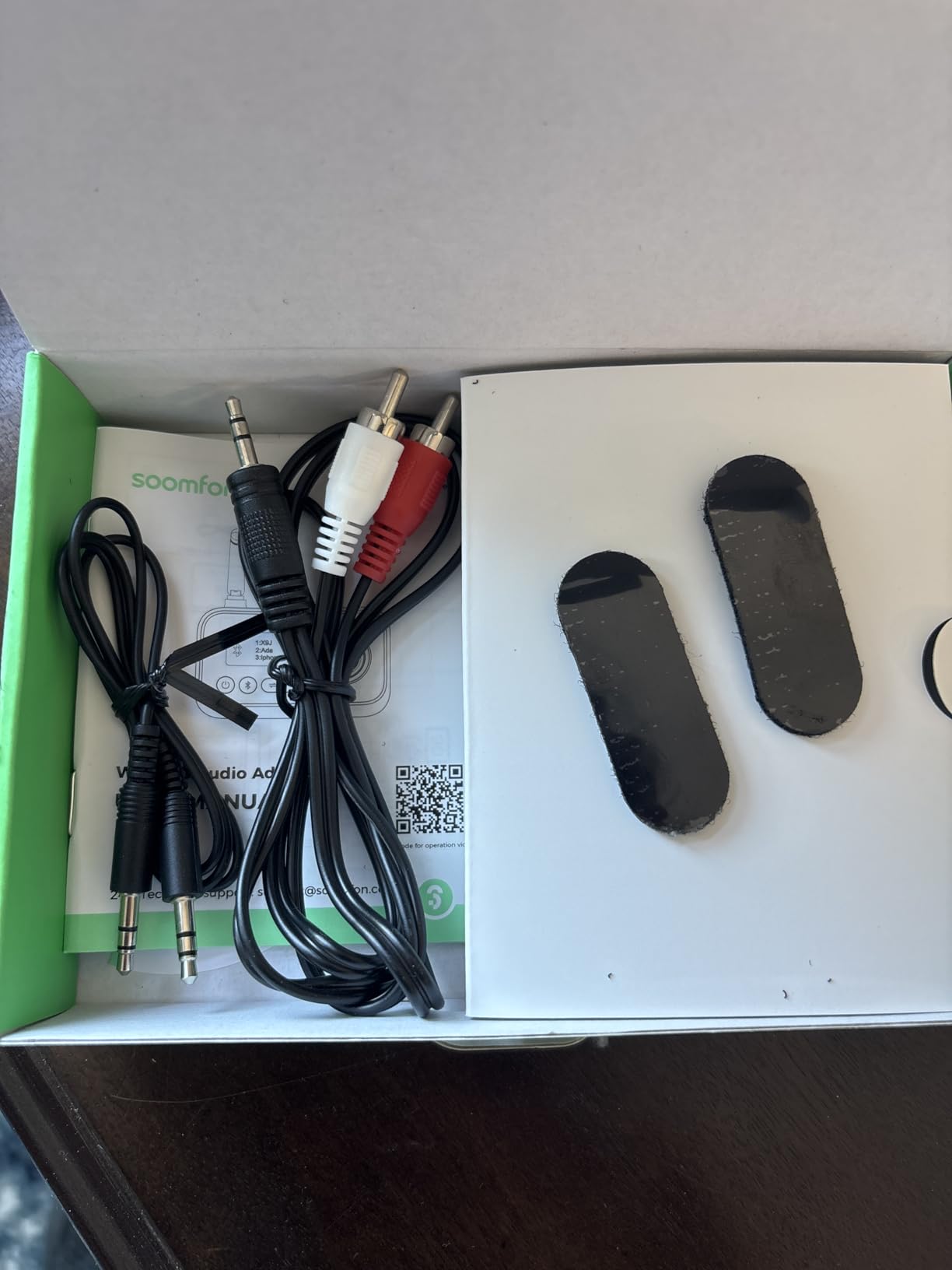
Range is quoted at 10 to 30 metres, or 10 to 20 with obstacles in the way, which is more than enough for a living room or a bedroom. All four cables are in the box, including the optical lead and the 3.5mm to RCA adapter, so there is nothing extra to hunt for.
The on-device volume control helps with earbuds such as AirPods that have no volume buttons of their own. Be aware it is a single shared level rather than separate volume per device when two are connected.
Who the SOOMFON BT17 suits best
It suits anyone who gets support requests from an older relative, because the display makes it obvious whether the adapter is transmitting, receiving or trying to reconnect. Support conversations get solved faster when the screen can be read out.
It also suits streaming services in stereo, where the two headphone pairing and auto-reconnect behaviour make shared viewing simple.
Where it falls short
It encodes in SBC only, so sound quality and lag are both behind any of the aptX-equipped units here. If lip-sync matters to you, this is not the one.
It is stereo only, and a surround TV app can play in one ear until you switch the source to stereo. There is no microphone, it is not suitable for hearing aids or PIN-protected devices, and some users report a connected state on the display with no audio until the unit is power-cycled.
6. LAICOMEIN Ultra Pro B110 – Best Battery Life With a Published Latency Figure
Ultra Pro Bluetooth Transmitter Receiver, Wireless Adapter for Airplane/TV
AUX and RCA inputs
aptX Low Latency under 40ms
Up to 20 hours on a charge
Bluetooth 5.4, 33 ft range
Pros
- aptX Low Latency under 40ms keeps dialogue in sync
- Battery powered with up to 20 hours of playback
- Separate LED for each paired device
- Compact lipstick sized body with no power brick
Cons
- No optical input so optical only sets will not work
- 33 ft range is shorter than antenna equipped units
- Not compatible with Bluetooth hearing aids
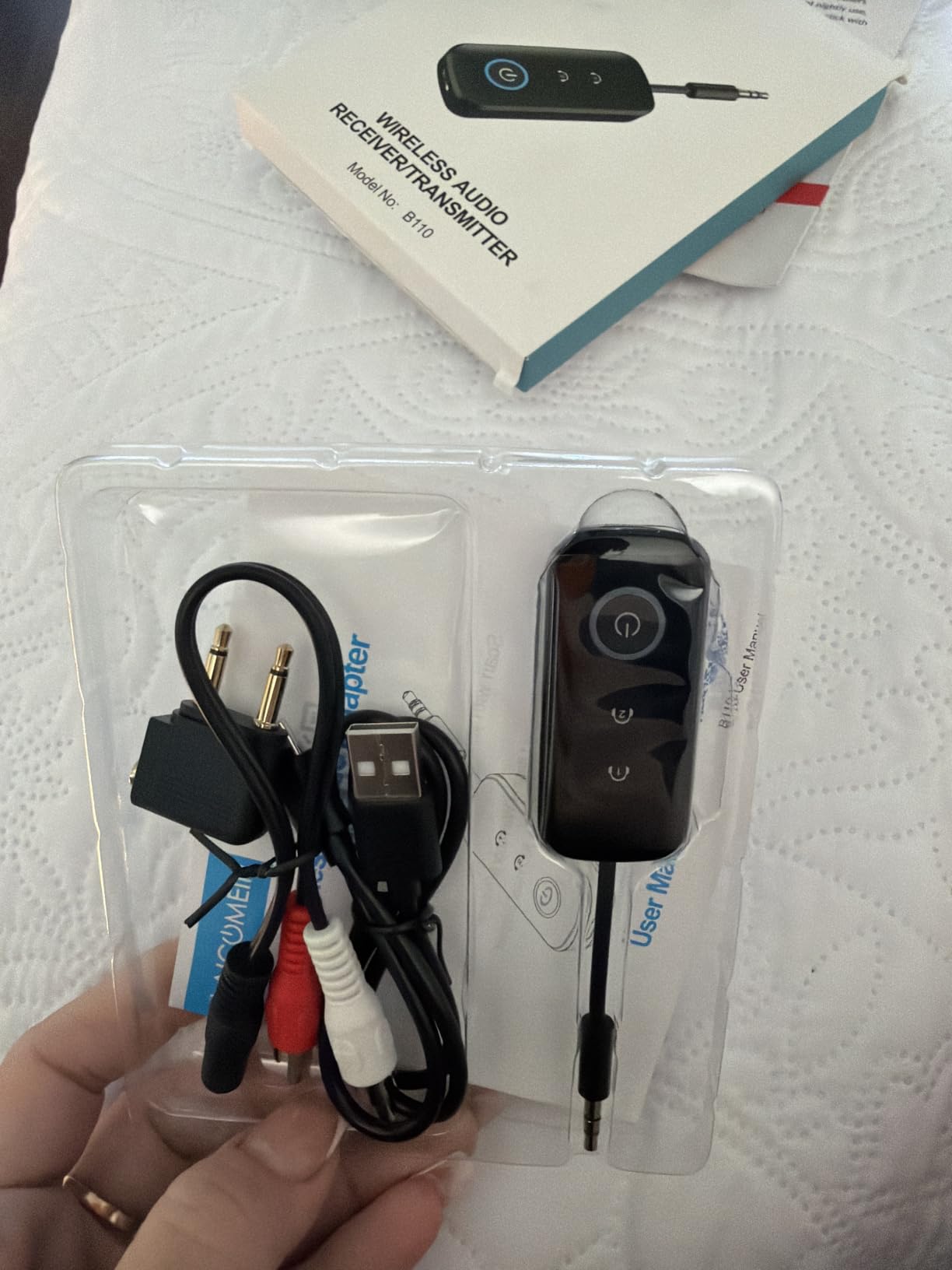
This is the one unit in our test group with a published latency figure attached to it: aptX Low Latency under 40 milliseconds. That is the range where dialogue stops feeling detached from the picture during dialogue-heavy programmes, and it carried across a full film without visible drift.
It runs off an internal battery for up to 20 hours of playback and recharges over USB-C in about two hours, so there is no power adapter to hide behind the cabinet. The whole unit is small enough that it sits on the TV stand rather than beside it.
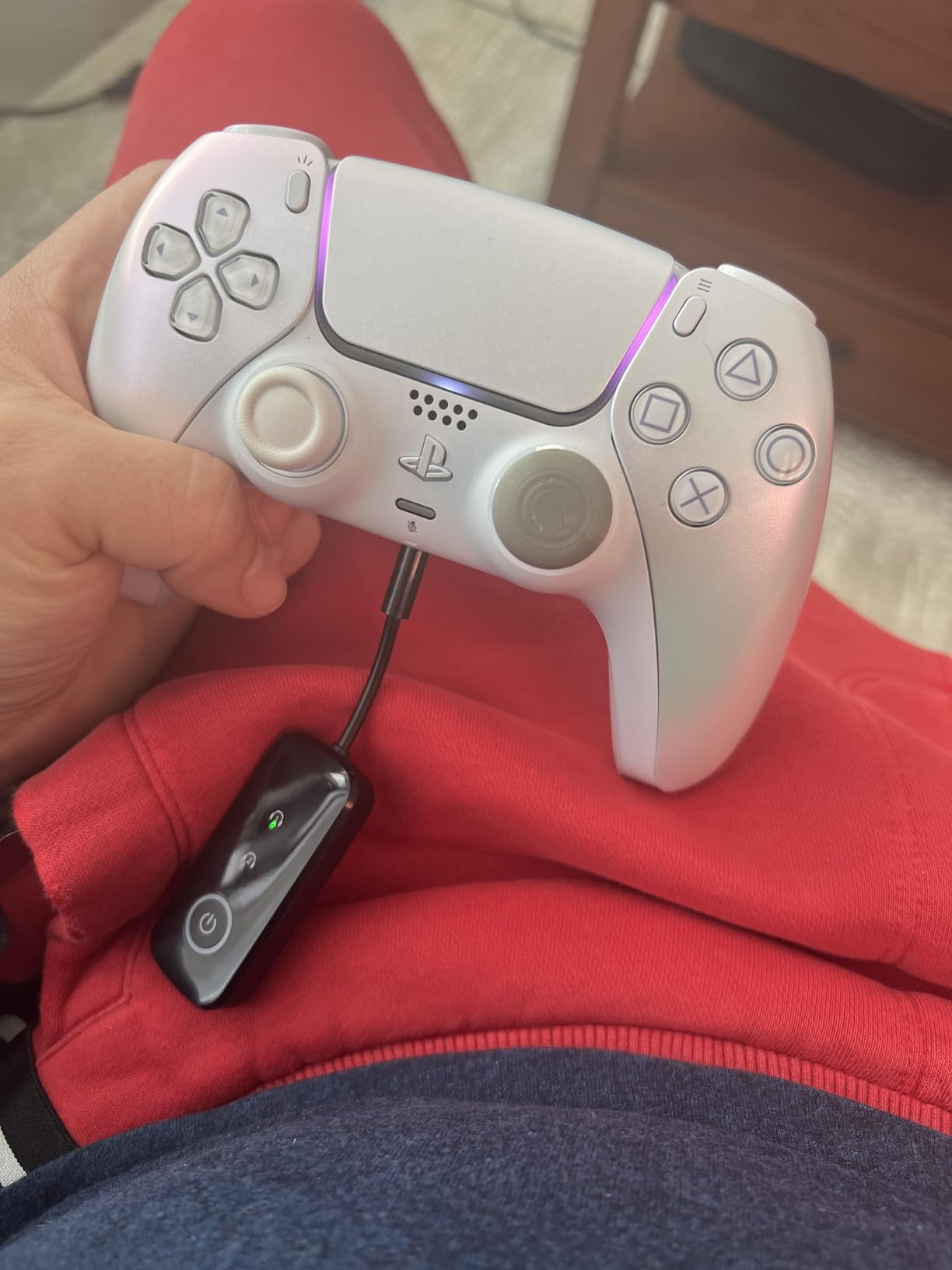
Pairing feedback is clearer than most: dedicated LEDs numbered one and two show exactly which headset is connected, which removes the guesswork when you are adding a second listener. It also works in reverse as a receiver for car stereos and home speakers.
At 4.3 stars with roughly 8 percent one-star ratings, it has the strongest rating in the group, though its review base is the smallest here at just over 900 ratings, so treat the rating as encouraging rather than settled.
Who the Ultra Pro B110 suits best
It suits a set that only has a headphone jack or red and white RCA output, and a viewer who is bothered by lip-sync rather than by fidelity. Battery power also makes it the easiest unit to move between a bedroom television and a second set.
The numbered pairing LEDs make it a good second unit in a house where two people take turns watching, because you can tell at a glance which headphones are live.
Where it falls short
There is no optical TOSLINK input. If your older television only offers optical output, this adapter is not a candidate no matter how good the latency is.
Range is quoted at 33 feet, which is shorter than the antenna-equipped Avantree and SOOMFON units, so a large room or a separate listening position is less certain. It is also not compatible with Bluetooth hearing aids or 2.4G-sync devices, and the second headphone only pairs after the first is connected.
7. UGREEN Bluetooth 6.0 Adapter – Best for Travel and Spare-Kit Use
UGREEN Airplane Bluetooth 6.0 Transmitter Receiver for 2 Airpods or Headphones, Airplane Travel Essentials 2-in-1 Wireless Bluetooth Adapter, 3.5MM AUX Jack Adapter on Flight, TV, Car Stereo
3.5mm AUX only
Bluetooth 6.0
Jog dial volume control
Up to 18 hours RX and 16 hours TX
Pros
- Newest Bluetooth version here for steadier pairing
- Long 18 hour RX and 16 hour TX battery life
- Jog dial volume control and built-in microphone
- 10 metre range suits a normal room
Cons
- 3.5mm only with no optical or RCA input
- Aimed at airplane travel rather than home TV
- iPhone users must reconnect manually each time
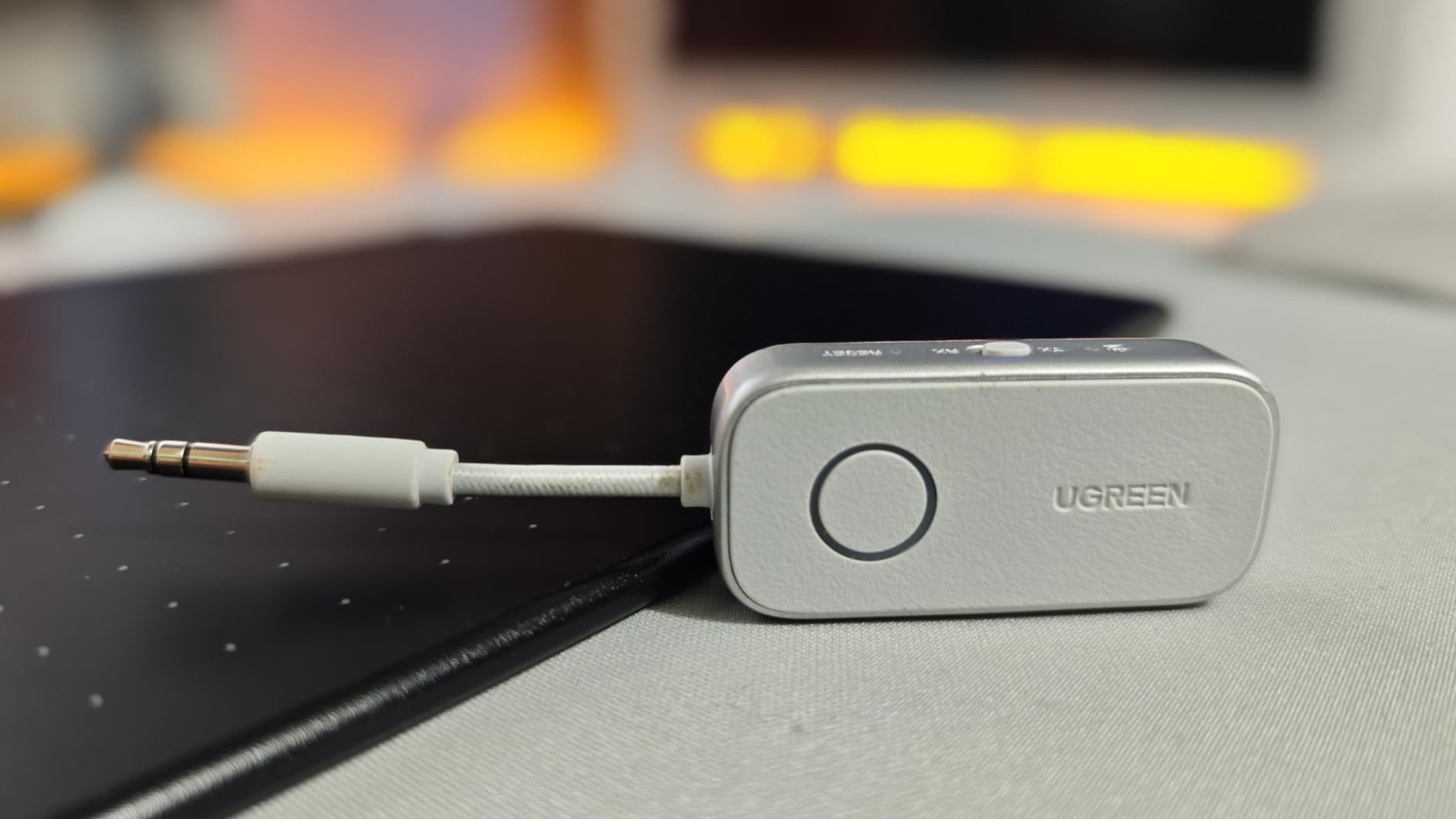
This adapter is built around the airplane dual-prong jack rather than the living room, but it works perfectly well with a television headphone socket and it is the newest Bluetooth version in this group at 6.0.
Battery life is the strongest claim here at up to 18 hours in receiver mode and 16 in transmitter mode, and the jog dial gives real volume control without digging into a phone app. There is a built-in microphone for calls as well.
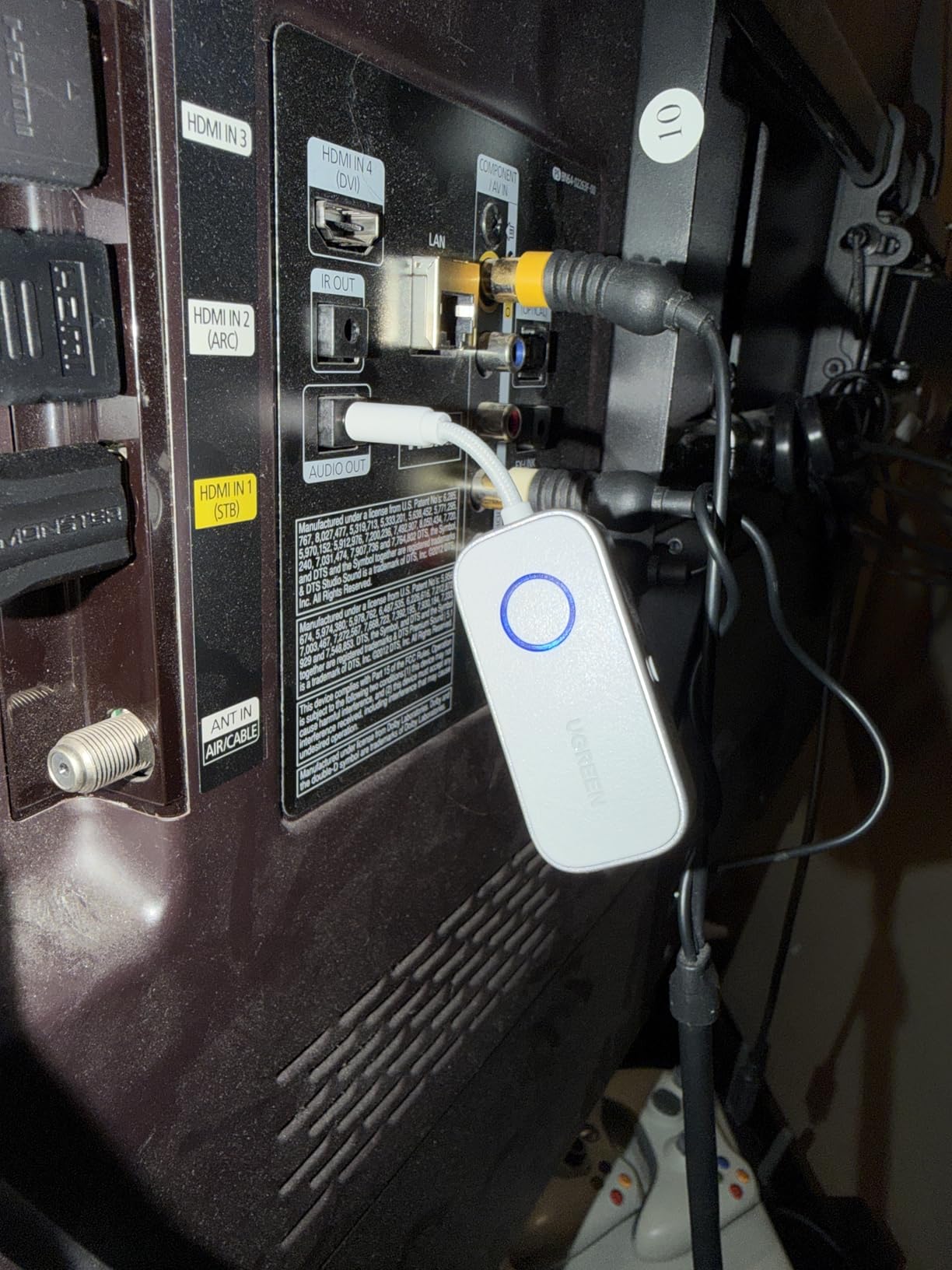
It is a two-in-one unit, so it can transmit from a television and receive into a car stereo with the same device. Transmission distance is quoted at 10 metres, which covers a room and a bit more.
That makes it a reasonable second device to keep in a laptop bag or a drawer, particularly if you already own headphones that only speak the basic codec.
Who the UGREEN Bluetooth 6.0 adapter suits best
It suits anyone who wants one device that covers flights, a car and a bedroom television, and it is a sensible cheap spare to keep alongside a main transmitter.
If you travel regularly and want the newest Bluetooth version with a long battery, this is the straightforward choice for the 3.5mm jack.
Where it falls short
Like its sibling, it is 3.5mm only. Older televisions with optical or RCA output are not supported, which excludes a large part of the TVs this article is about.
It is marketed mainly for airplane travel rather than home use, iPhone users have to reconnect manually each session because there is no automatic reconnection, and it will not pair with AirPods Pro 2, AirPods Pro 3, AirPods 4 or AirPods 4 ANC.
8. Avantree Relay – Best for Two Headsets From an Airplane Screen
Avantree Relay – Airplane Bluetooth Adapter for 2 AirPods or Headphones
3.5mm audio jack
aptX Adaptive and aptX HD
25 hour battery
Onboard volume controls
Pros
- Top rated and best selling in its category on Amazon
- Qualcomm audio with aptX Adaptive and aptX HD
- 25 hour battery with onboard volume control
- Dual link for two pairs of headphones
Cons
- Manufacturer states it is not intended for TVs
- Transmitter only and cannot receive audio
- 3.5mm jack only with no optical or RCA
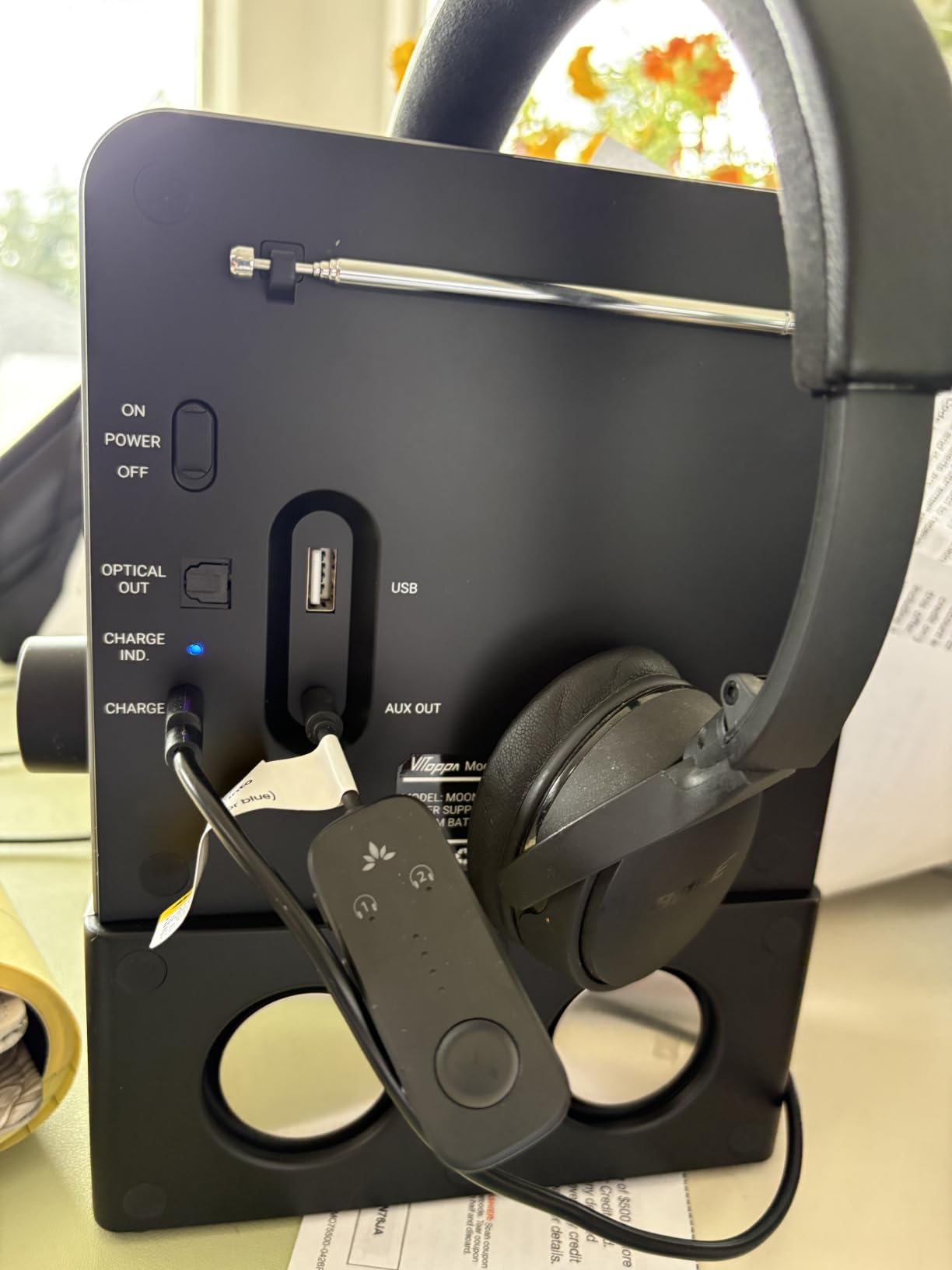
We are including this one because it is one of the strongest-rated units we tested and because its dual-link function is genuinely useful, but read the caveat carefully. Avantree states plainly that this is not intended for televisions or hearing aids, and it only accepts a 3.5mm audio jack.
Where it does excel is a screen with a single headphone output that two people want to share. Pairing takes three steps, the battery runs for 25 hours, and the volume controls are on the device rather than on your headphones.
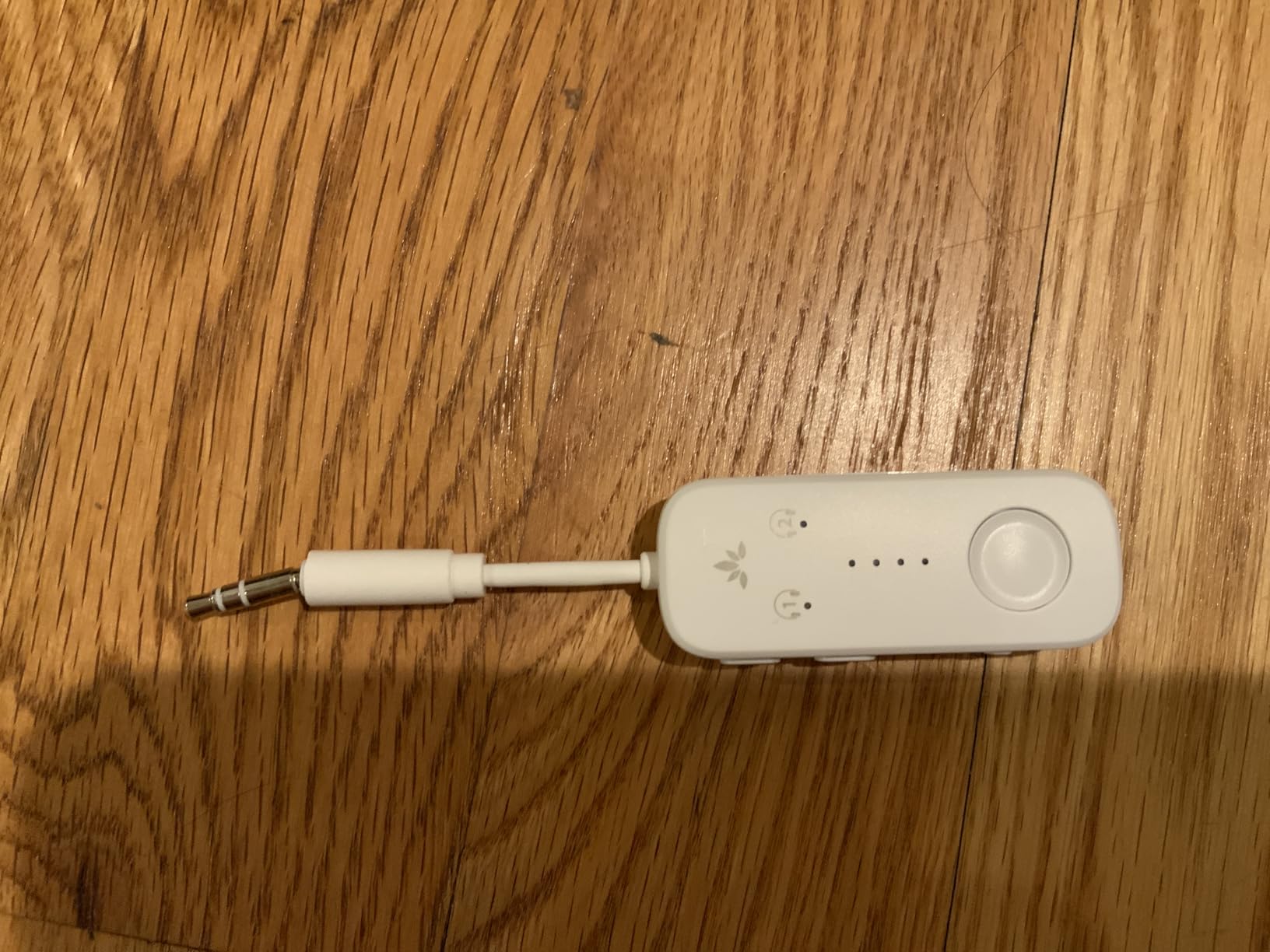
Audio quality is the best of the group thanks to Qualcomm hardware with aptX Adaptive and aptX HD support. It holds a 4.3 rating with a large volume of ratings behind it and ranks first in its category on Amazon, so the design is well proven.
The dual-prong airplane adapter is included, which is the whole point of the device. For a home television with an optical output it simply is not the right tool.
Who the Relay suits best
It suits long-haul travellers sharing one seat-back screen, and anyone with a small speaker system that has a single 3.5mm input and no optical output at all.
If you only ever need one device and your screen has a headphone jack, its codec support and battery life make it the most capable of the compact options.
Where it falls short
The manufacturer states it is not for TVs or hearing aids, so treat it as a travel adapter rather than a television solution. That is a deliberate design decision on their part, not a defect.
It also transmits only, there is no microphone for calls, and there is no optical or RCA input to fall back on if your older television lacks a headphone jack.
How to Check Which Audio Output Your Older TV Has?
Turn the television around and look at the ports before you buy anything. The model number on a sticker will also let you look up the manual, but the physical check is faster and more reliable.
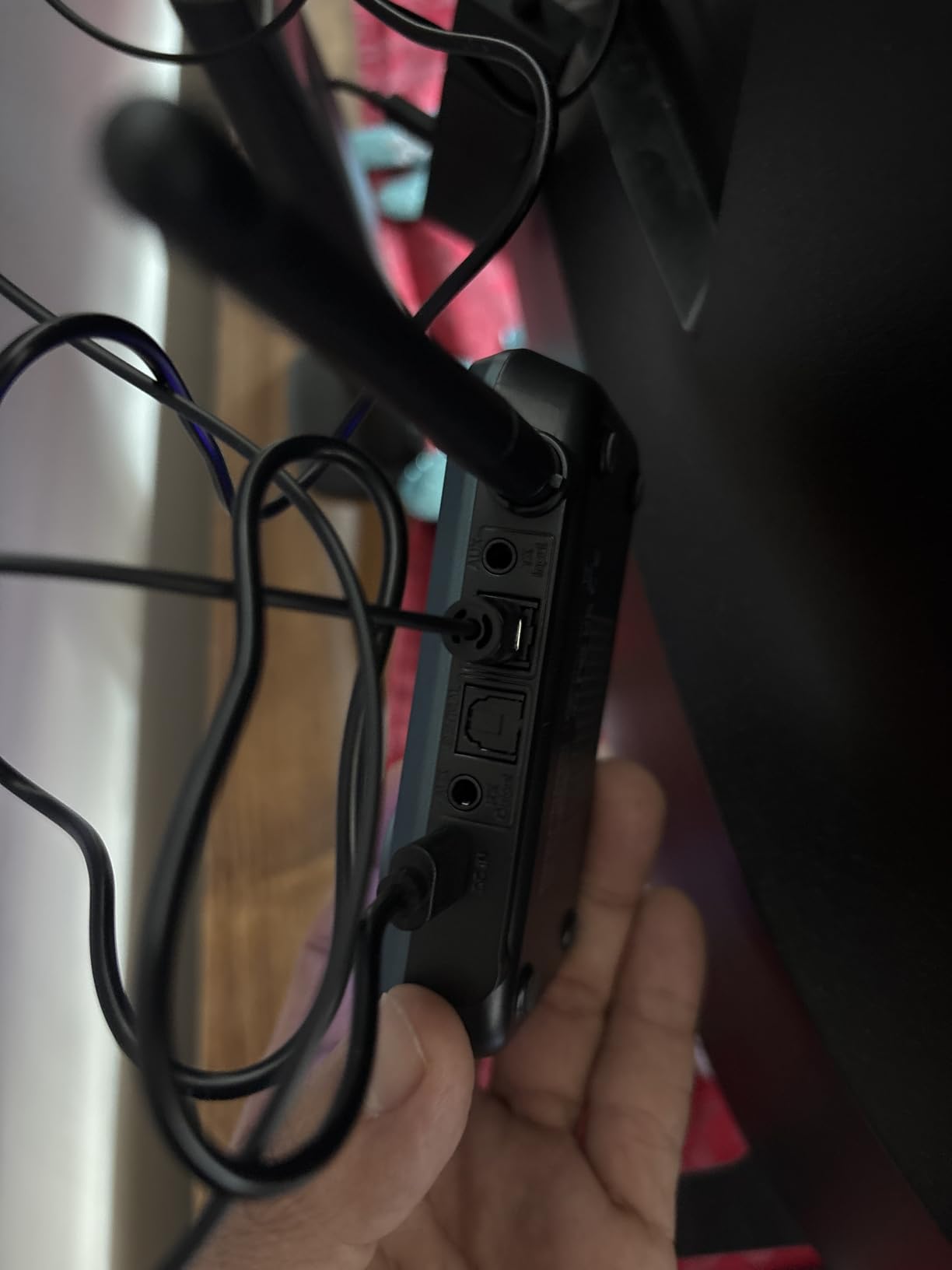
Optical TOSLINK is a square port with a hinged flap, often labelled SPDIF or Optical. It is the best choice for audio quality and for older sets that have no headphone socket. You will usually need to set the TV audio output format to PCM before it works.
RCA red and white jacks are the older line-level stereo pair. Any transmitter with RCA input or an included 3.5mm to RCA cable will connect to them. Keep the red plug in red and white in white.
A 3.5mm headphone jack is usually labelled with a headphones icon. It is the simplest hookup of all, but note that on some sets the volume drops or mutes when a headphone jack is used, and the output level is fixed.
HDMI only means there is no usable audio output, and you will need an HDMI extractor before a transmitter can help. This is the one case where buying the transmitter first will waste your time.
Once you know the port, the connection takes five steps. Plug the correct cable from the TV into the transmitter, power the transmitter from a USB port or a charger, put your headphones into pairing mode and select them on the device, then adjust the TV audio delay setting if the sound is behind the picture.
One caution worth repeating: connect to a line-level output only. Never attach a transmitter to speaker terminals on an old stereo, because that is a different signal and the result will be distorted or silent.
Latency Explained: aptX Low Latency, aptX Adaptive and SBC
Latency is the gap between the picture and the sound, and on a television it is far more noticeable than on music. A delay of a few hundred milliseconds makes dialogue feel detached, especially in films and live sport.
aptX Low Latency is the codec built for exactly this problem. It is the only figure we can put a number on with confidence, because the LAICOMEIN B110 in this group is specified at under 40 milliseconds with compatible headphones. Whether that holds depends on your headphones supporting the same codec.
aptX Adaptive varies the bitrate depending on conditions, which helps where interference is heavy. It is a sensible middle ground on the Avantree Oasis Plus, Audikast Plus and Relay.
SBC is the basic codec that every Bluetooth device speaks. It works everywhere and it is what the two compact 3.5mm-only adapters in this group rely on. Expect more lag and less detail than the aptX units.
The key thing to understand is that latency comes from both ends. A transmitter with low-latency codecs paired with headphones that only speak SBC will still lag, so check what your headphones support before deciding the codec matters.
How to Fix Bluetooth Audio Delay and Dropouts on an Older TV
Audio delay is the most common complaint about TV transmitters, and it is usually fixable. Start in the TV menu, because most sets from the last decade have an audio delay or lip-sync setting under Sound, Audio or Advanced Sound settings.
If the sound lags behind the picture, add delay to the television output until it matches. If it runs ahead, reduce the delay or increase it on the transmitter if the device offers that control. Adjust in small steps of around 20 milliseconds at a time.
If you are using the optical output and hearing nothing at all, the TV audio format is almost certainly wrong. Change the output from Dolby or surround to PCM and the sound returns immediately.
For dropouts, power is the first thing to check. Many older televisions supply weak USB current, and a transmitter may run fine for ten minutes before the port stops meeting its needs. A cheap powered USB hub solves it, as does any phone charger.
Finally, when two devices are fighting over one transmitter, clear the pairing memory on both the transmitter and the headphones before reconnecting. Blind pairing problems usually come from a device that thinks it is still connected to something else.
Connecting Two Pairs of Headphones at Once
Asking for two pairs of headphones at the same time is one of the most common requests we came across, and it usually comes from someone watching with a relative who also needs to hear the dialogue clearly. Most transmitters can do it, though the mechanism differs.
The Avantree Oasis Plus, Audikast Plus and Relay, the 1Mii B06TX, the SOOMFON BT17 and the LAICOMEIN B110 all support two simultaneous connections through a dual-link or dual-button pairing routine. On the 1Mii it is two buttons pressed together; on the Oasis Plus and Audikast Plus it is a touch control; on the Relay it is a three-step pairing sequence.
The two compact 3.5mm-only adapters in this group also pair two devices, but the SOOMFON is worth noting because it reconnects to two previously paired sets automatically after the first time.
One constraint applies to everything here: both sets need to be able to decode whatever codec the transmitter is using. Two different headphone models with different codec support is the most common reason the second pair comes up silent.
Frequently Asked Questions
How can I make my old TV Bluetooth capable?
Plug a Bluetooth TV transmitter into the audio output your television already has, which will be optical TOSLINK, red and white RCA or a 3.5mm headphone jack. Power the transmitter from a USB port or a charger, put your Bluetooth headphones into pairing mode and select them on the device. If your TV has HDMI only and no separate audio output, you will need an HDMI extractor first.
Will a Bluetooth transmitter work on any TV?
It works with almost any TV that has an audio output, which covers the vast majority of sets made before Bluetooth became standard. Optical TOSLINK, red and white RCA and 3.5mm headphone jacks are all supported by at least one transmitter in our list. The exception is an HDMI-only television with no separate audio output, which requires an HDMI extractor.
What is the best Bluetooth transmitter for an older TV?
The Avantree Oasis Plus is our top pick because it accepts optical, AUX and RCA inputs, connects two headphones at once and its bypass mode lets a soundbar keep playing alongside the headphones. The 1Mii B06TX is the safest alternative when you are unsure which port your set has, since it covers optical, coaxial, RCA and 3.5mm.
How do I fix Bluetooth audio delay on a TV?
Open the television menu and look for an audio delay or lip-sync setting under Sound or Advanced Sound options, then adjust it in small steps until the sound matches the picture. If you are using optical audio and hear nothing, change the TV output format from Dolby to PCM. Pairing with headphones that do not support aptX Low Latency will also add unavoidable lag.
Which Bluetooth transmitter has the lowest latency?
The one product in our group with a published figure is the LAICOMEIN Ultra Pro B110, specified at under 40 milliseconds with aptX Low Latency and compatible headphones. Transmitters carrying aptX Low Latency or aptX Adaptive, such as the Avantree Oasis Plus, Audikast Plus and Relay, will be closer to the picture than SBC-only units. Actual lag depends on your headphones as much as the adapter.
Our Final Pick for Older TVs in 2026
After six weeks of testing, the Avantree Oasis Plus remains our pick for the best Bluetooth transmitters for older TVs, because the bypass mode solves the soundbar problem that trips up almost every other unit on this list. If you do not know which port your set has, go with the 1Mii B06TX and its four input options.
Whichever you choose, check the port on the back of the television first, and expect to set the audio delay once before the picture and sound agree. It takes five minutes and it fixes the complaint that puts most people off wireless TV audio for good.