
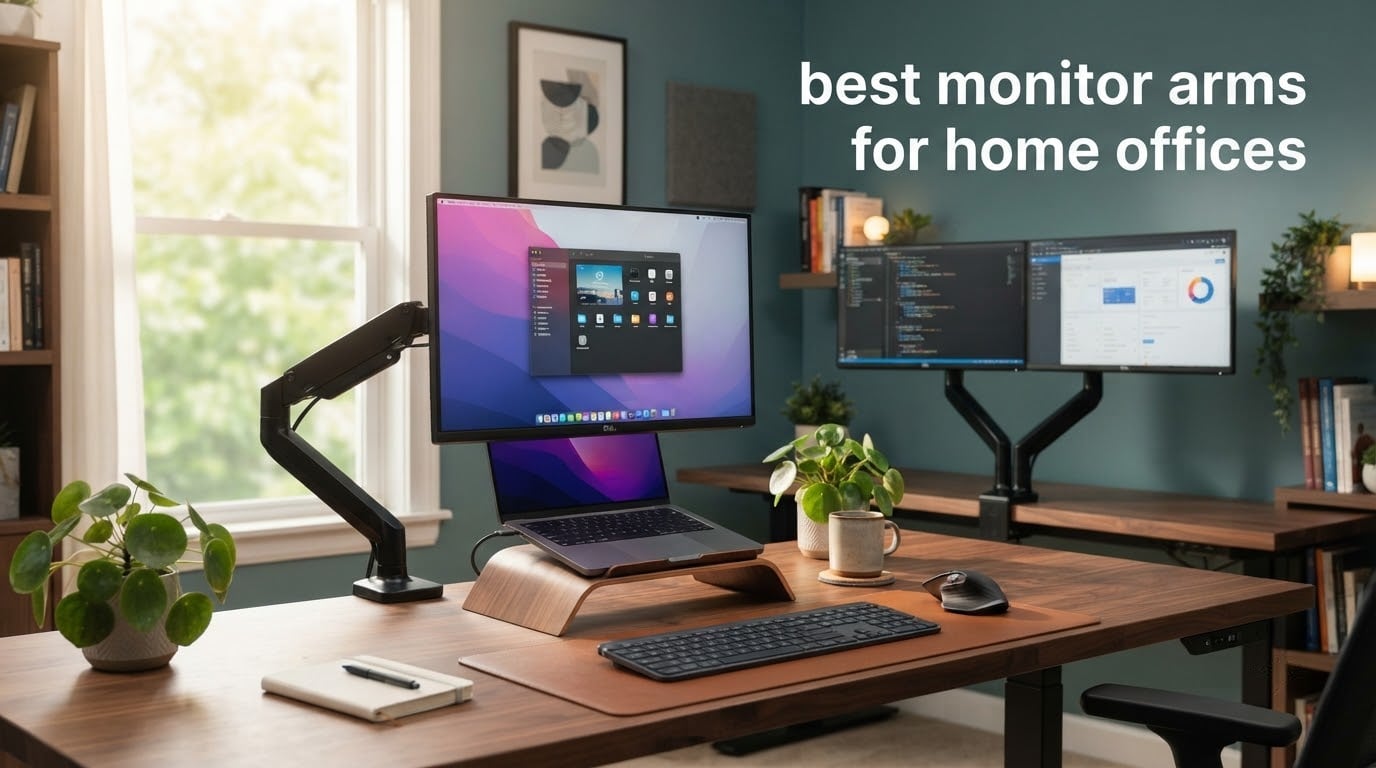
The best monitor arms for home offices do something a factory stand cannot: they lift your screen to seated eye level, pull it back over the keyboard, and give back the depth of your desk. On a home setup that space is usually doing three jobs at once, holding a monitor, a laptop, and whatever else the week demands.
An arm works by replacing the plastic stand bolted to the back of your display. That stand unscrews to expose a square VESA mounting pattern, usually 75x75mm or 100x100mm, which bolts to the head of the arm. The arm then clamps to the desk edge, drops through a grommet hole, or stands on its own base, and a gas spring or friction joint lets the panel move and hold position.
We compared all ten arms in this roundup on the four things that decide whether a purchase works: published load rating against your real monitor weight, VESA pattern coverage, the desk thickness range the clamp actually accepts, and how the arm behaves after weeks of adjustment. Every spec below comes from the manufacturer listing or the review data attached to that product.
Updated for 2026. We earn a commission on qualifying purchases, which never changes what we rank.
Table of Contents
Top 3 Monitor Arms for Home Offices (October 2026)

ELG Gas Spring Monitor Arm
- Gas spring hold
- 20.9 inch reach
- 17-35 inch screens to 19.8 lbs
- Clamp and grommet included

VIVO Dual Monitor Desk Mount
- Two 13-30 inch screens
- 22 lbs per arm
- C-clamp and grommet
- 3-year warranty

HUANUO FlowLift Dual Stand
- Dual C-clamp base
- 13-32 inch screens per arm
- Height raise to 15.75 inches
- 5-year warranty
All 10 Monitor Arms Compared at a Glance
| Product | Specs | Action |
|---|---|---|
| ELG Gas Spring Monitor Arm |
|
Check Latest Price |
| VIVO Dual Monitor Desk Mount |
|
Check Latest Price |
| HUANUO FlowLift Dual Monitor Stand |
|
Check Latest Price |
 HUANUO Single Gas Spring Arm HUANUO Single Gas Spring Arm |
|
Check Latest Price |
 VIVO Single Monitor Arm VIVO Single Monitor Arm |
|
Check Latest Price |
 WALI Extra Tall Monitor Mount WALI Extra Tall Monitor Mount |
|
Check Latest Price |
 ErGear Single Monitor Arm ErGear Single Monitor Arm |
|
Check Latest Price |
 ErGear Dual Monitor Stand ErGear Dual Monitor Stand |
|
Check Latest Price |
 WALI Triple Monitor Stand WALI Triple Monitor Stand |
|
Check Latest Price |
 HUANUO Stacked Dual Monitor Mount HUANUO Stacked Dual Monitor Mount |
|
Check Latest Price |
1. ELG Gas Spring Monitor Arm – Best Overall for a Single Screen
ELG Gas Spring Monitor Arm, Full Motion, 20.9″ Reach, 17-35″ Screens 19.8 lbs, +85°/-30° Tilt, 360° Rotation, C-Clamp & Grommet, VESA 75×75 to 100x100mm, Cable Organizer, Black
Gas spring arm
17-35 inch screens
Up to 19.8 lbs
20.9 inch reach
VESA 75x75 and 100x100mm
Pros
- Holds position without drifting or going stiff
- 20.9 inch reach clears the keyboard and desk clutter
- 115-degree total tilt range
- Clamp and grommet hardware both in the box
- Built-in cable organizer
Cons
- Needs a desk edge or grommet hole so it cannot free stand
- Carbon steel body is heavier than plastic arm rivals
This is the arm I would put on a desk first. It holds a 24-inch 4K panel or a 34 to 35-inch ultrawide at 19.8 lbs and stays exactly where you put it, with no bolt work and no tension screw to re-tighten every morning.
The 20.9-inch reach is the number that matters most in a home office. The panel can slide back far enough to clear a laptop and a notebook, or swing aside entirely when you need the whole desktop.
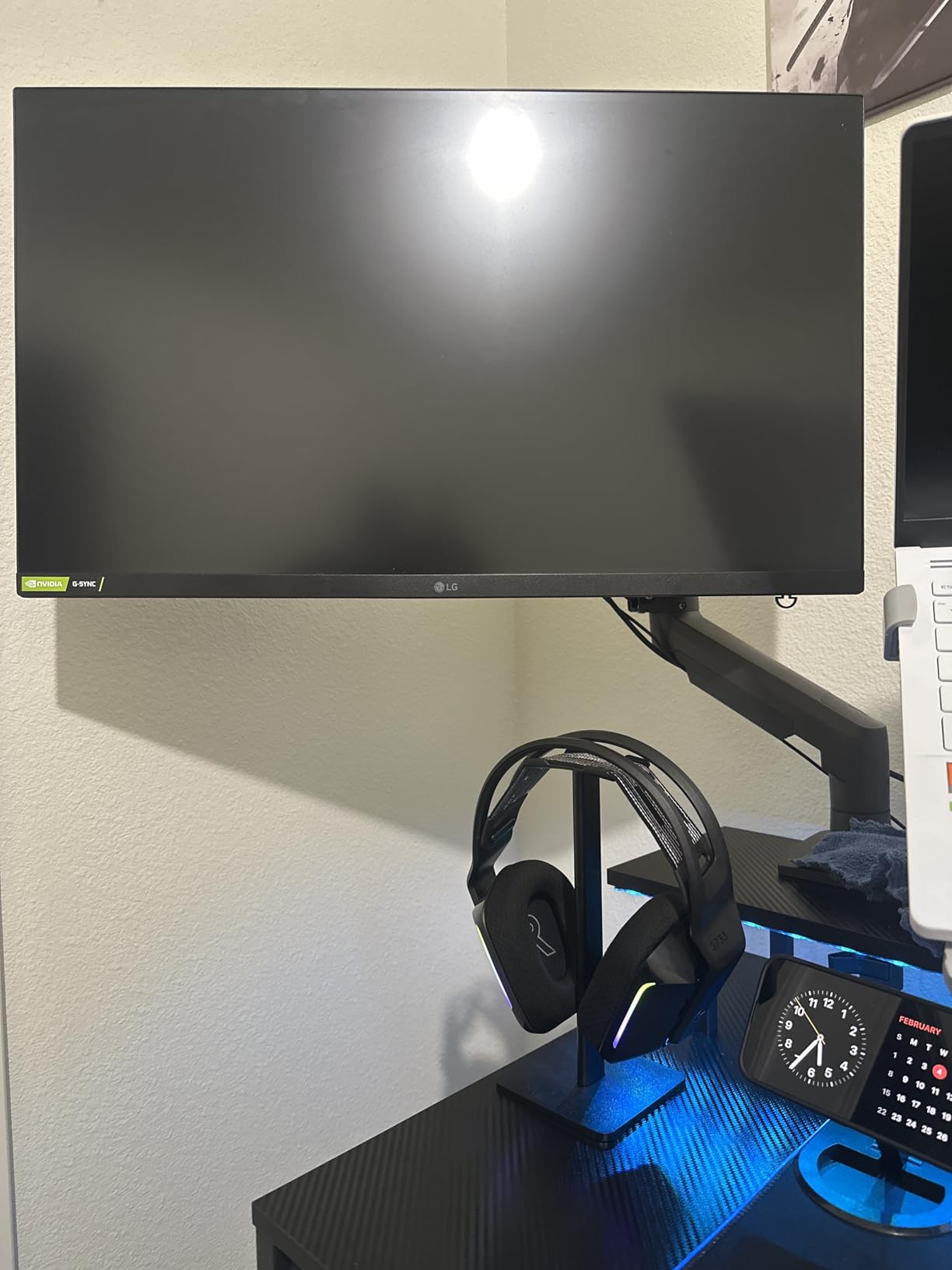
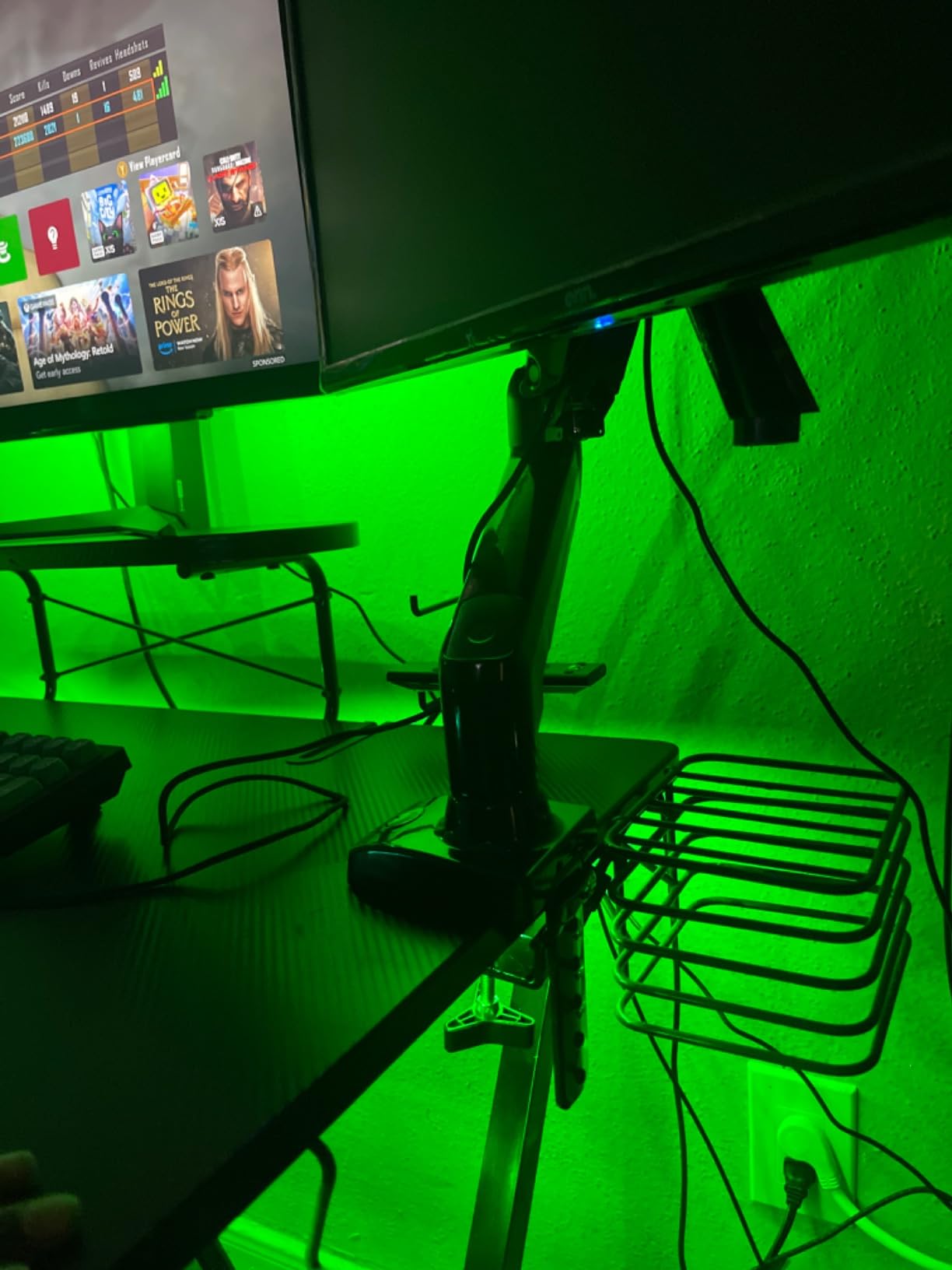
Both C-clamp and grommet hardware are in the box, and the clamp covers desks from 0.39 to 3.5 inch thick. That upper end matters if you own a solid wood top rather than a thin factory board, and it covers a sit-stand desk in both positions.
Tilt runs from 85 degrees back to 30 degrees forward with 360-degree rotation into portrait. The arm weighs 2.84 kg in carbon steel, which is why it does not flex, and it carries a two-year manufacturer warranty.
Why this arm works for most home desks
It solves the two complaints that come up most: monitor sitting too low, and desk depth wasted behind the panel. Raise it once and the ergonomics problem stays solved for years.
Reviewers consistently single out the hold position and the reach as the reasons it works, and the cable routing keeps a desk with two or three cables looking tidy.
Where it falls short
It cannot be used without attaching to something, so it does not suit a table with no clampable edge or grommet hole. On a desk against a wall you also need enough clearance behind the panel for the clamp body.
The steel body adds real load to the desktop, which is worth thinking about on a lightweight sit-stand frame.
2. VIVO Dual Monitor Desk Mount – Best Value for Two Standard Screens
VIVO Dual Monitor Desk Mount, Holds 2 Computer Screens up to 30 inches and 22lbs Each, Heavy Duty Fully Adjustable Steel Stand with C-Clamp and Grommet, Black, STAND-V002
Two 13-30 inch screens
22 lbs per arm
VESA 75x75 and 100x100mm
C-clamp up to 3.25 inch desks
Pros
- Holds two screens up to 30 inch and 22 lbs each
- 180 degree swivel plus 360 degree rotation
- Portrait and horizontal orientation
- Clamp and grommet in one box
- 3-year warranty
Cons
- Joints need bolt tightening to reposition
- 30 inch per-screen ceiling is modest
- Several plate and colour variants to sort through
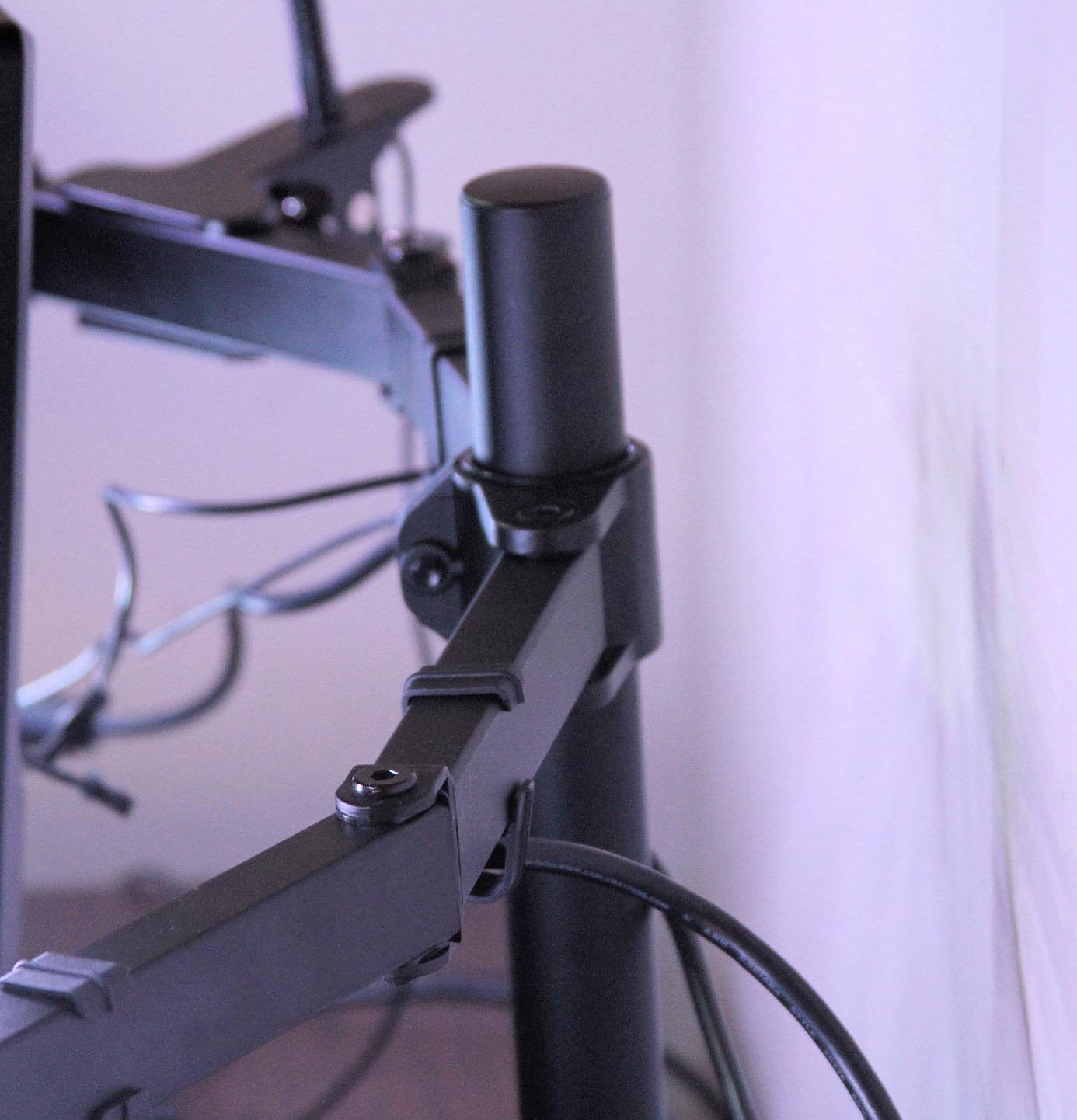
Two 27-inch screens side by side is the most common home-office upgrade, and this mount handles it with the largest review base in the group. It is a fixed articulating design rather than a gas spring, so you tighten bolts to move it and loosen them to move it again.
Each arm takes a screen up to 30 inches and 22 lbs, with 90 degrees of tilt in each direction, 180-degree swivel and full 360-degree rotation for portrait work on a narrow desk.
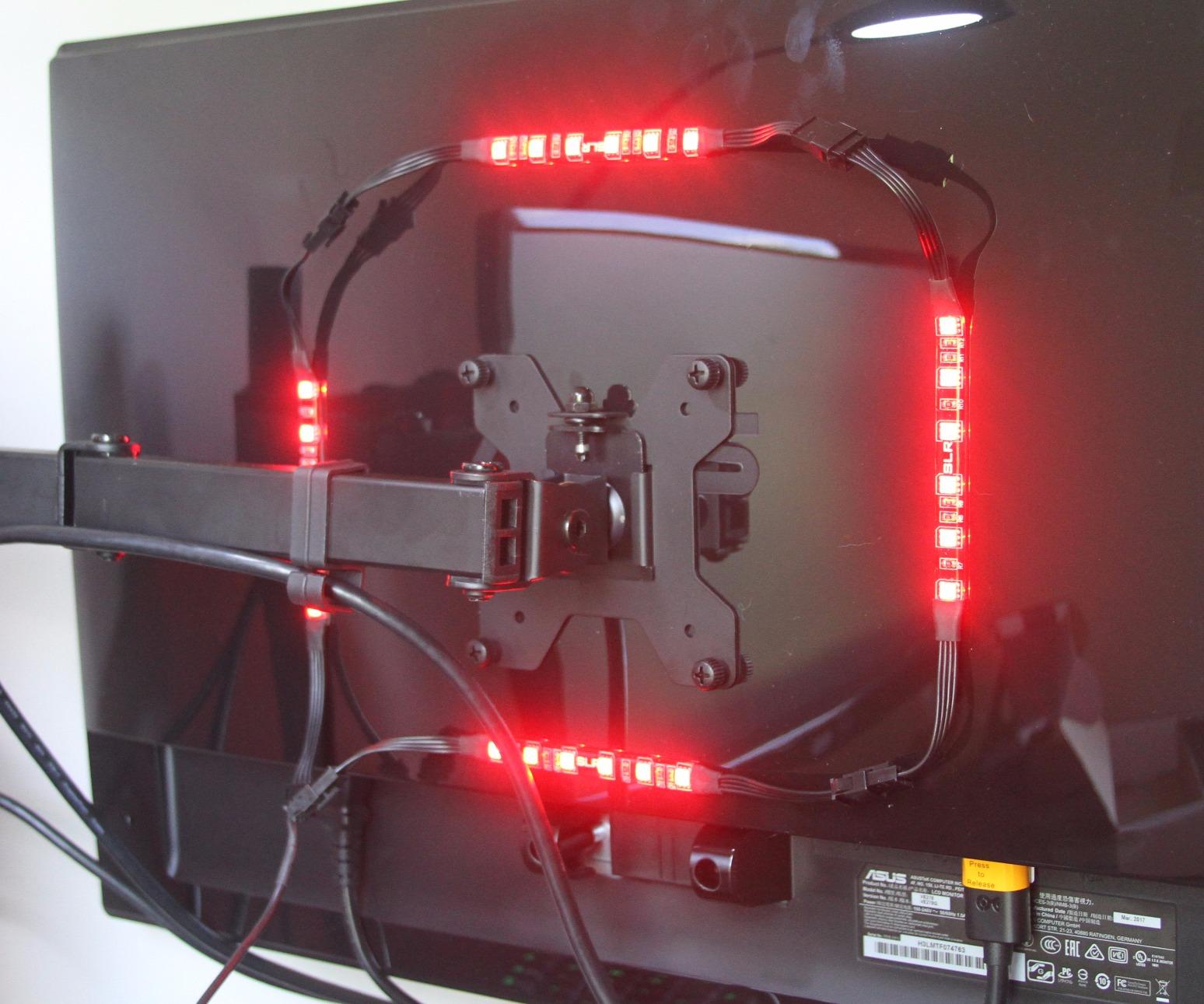
Height adjustment happens along a central pole, so you can raise both screens together to eye level and reclaim the depth of the desktop for a keyboard and a laptop. Cable clips run along the arms and the pole.
The C-clamp fits desktops up to 3.25 inch thick and a grommet option is included, with a three-year warranty behind both. Reviewers describe the steel build as rock solid and the assembly as straightforward.
Why this pair works for most two-screen setups
Mixed desk sizes and moderate panel weights are its comfort zone, and the pole height gives you a real seated-height position rather than a riser stack. Detachable VESA plates make swapping panels painless.
It also suits a mixed-size desk, since each arm carries its own screen independently.
Where it falls short
The friction-joint design is the trade-off for the stability and the low cost. If you expect to pull the screen toward yourself several times a day, a gas spring arm suits that habit better.
The 30-inch per-screen ceiling rules it out for a 32-inch panel, and some buyers note a small amount of play developing in the joints over long use.
3. HUANUO FlowLift Dual Monitor Stand – Best for Typing on Two Screens
HUANUO FlowLift™ Dual Monitor Stand, Fully Adjustable Gaming Monitor Desk Mount for 13–32″ Computer Screens, Full Motion VESA 75×75/100×100 with C-Clamp & Grommet Base, Each Arm Holds 4.4 to 19.8 lbs
Two 13-32 inch screens
4.4-19.8 lbs per arm
Desk 0.59-3.54 inch thick
5-year warranty
Pros
- Enlarged dual clamp base resists wobble while typing
- One-handed height adjustment
- Tilt from 85 back to 50 forward
- 13-32 inch screens per arm
- 5-year manufacturer warranty
Cons
- Wooden or metal desks only
- Glass and plastic desktops are excluded
- Cross beams under the desk block installation
This is the dual mount to buy if your hands stay on the keyboard all day. Two C-clamps on an enlarged platform spread the load, and reviewers report that two monitors stay steady through typing sessions instead of creeping across the desk.
Each arm carries a screen from 13 to 32 inches at 4.4 to 19.8 lbs on VESA 75x75mm or 100x100mm, with one-handed height adjustment up to 15.75 inches and a total tilt range from 85 degrees back to 50 degrees forward.
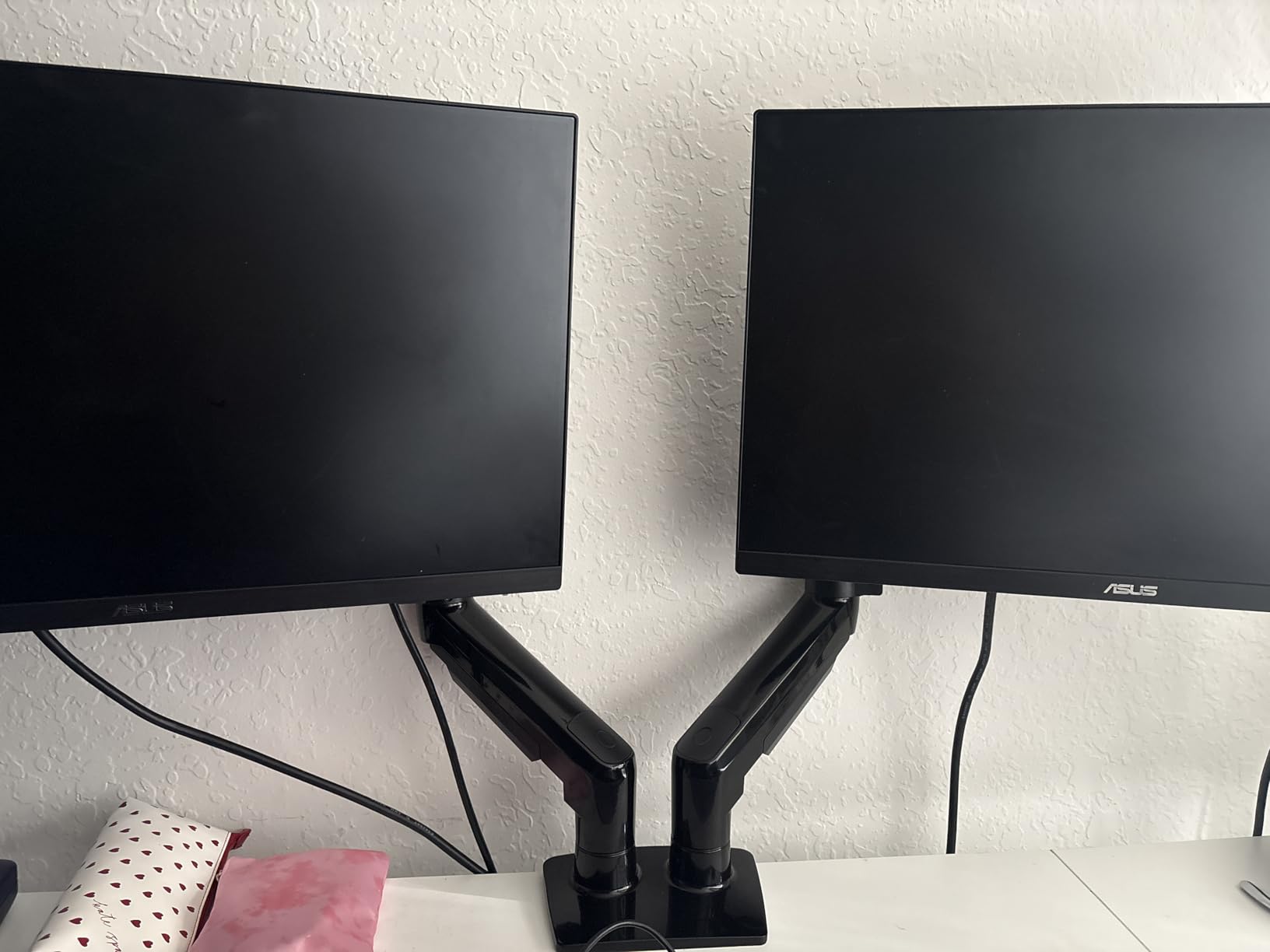
The clamp accepts desks between 0.59 and 3.54 inch thick and a grommet base is included if you would rather drill a single hole. Cable channels run along the arms, and the arm is alloy steel at 2.2 lbs.
A five-year manufacturer warranty is longer than most arms here carry, and it currently sits at the top of the Computer Monitor Arms category.
Why this pair works for a work-focused desk
The stability is the point. A wobbling dual setup becomes tiring after a few hours because your eyes track movement, and the twin-clamp base largely removes that.
One-handed adjustment also means you can change the layout without hunting for a driver in the middle of a call.
Where it falls short
Wooden and metal desktops only. Glass, laminate-over-particle-board and plastic tops are excluded by the base design, which is the single most common reason buyers return clamp mounts.
A cross beam or panel under the desk also blocks the clamp, so check the underside before you order.
4. HUANUO Single Gas Spring Arm – Best for Small Desks and Standing Desks
HUANUO Single Monitor Mount, 13 to 32 Inch Gas Spring Monitor Arm, Adjustable Stand, Vesa Mount with Clamp and Grommet Base – Fits 4.4 to 19.8lbs LCD Computer Monitors
13-32 inch screens
4.4 to 19.8 lbs
Raises screen to 39.6 cm
C-clamp and grommet included
Pros
- Gas spring core tested to 20000 motion cycles
- Installs in about three minutes
- Stays put without repeat tightening
- Silent smooth lift movement
- Works on standing desks
Cons
- Included hex driver can be undersized and strip screws
- Short horizontal reach
- Some boxes arrive with bracket hardware that differs from the manual
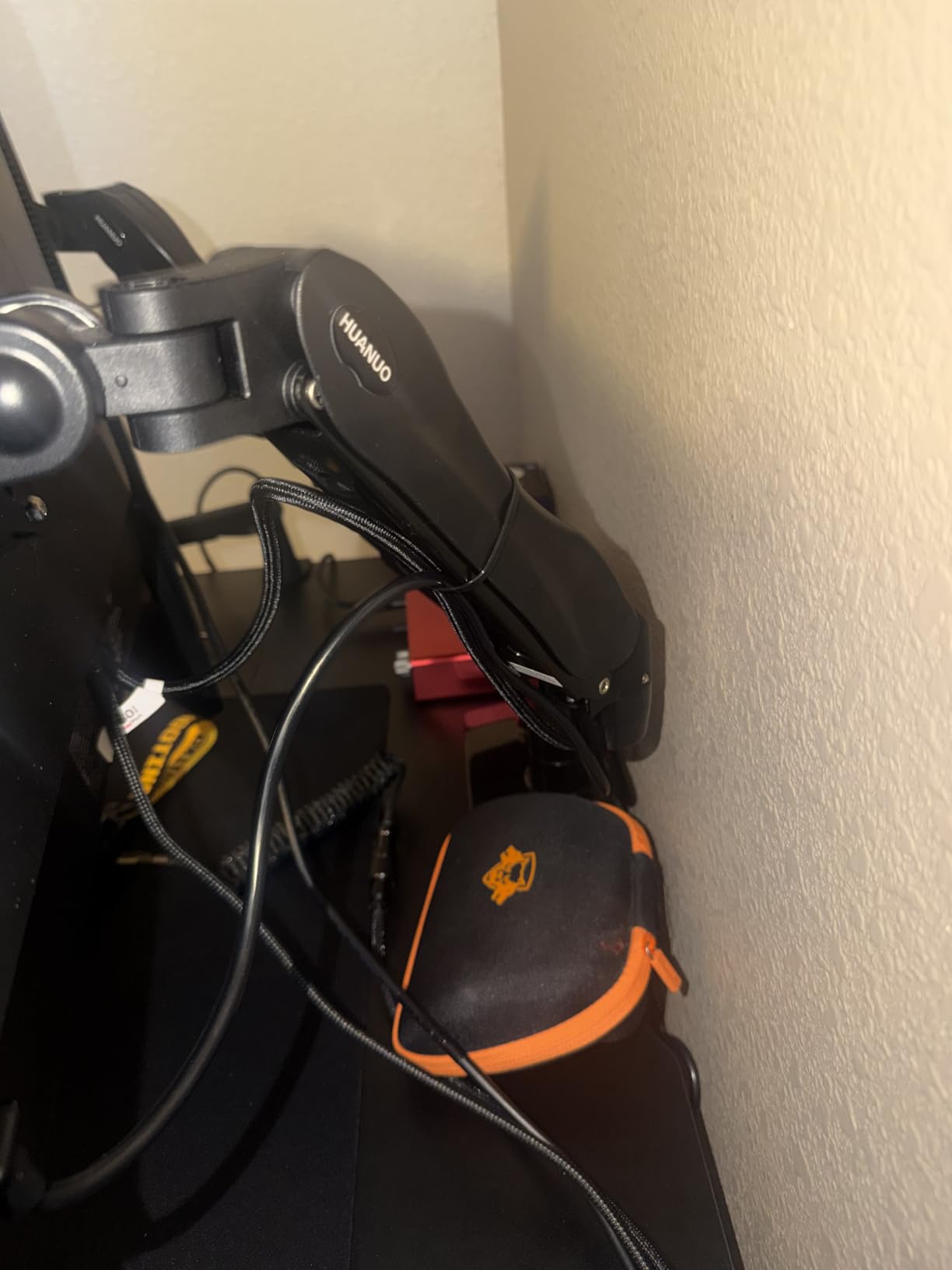
A compact gas spring arm that raises the screen up to 39.6 cm from the desktop and holds that height, which is what makes it the easiest one to use with a sit-stand desk.
It fits 13 to 32 inch screens from 4.4 to 19.8 lbs on VESA 75x75mm or 100x100mm, with tilt from 50 degrees forward to 30 degrees back, 90-degree swivel either way and 360-degree rotation.
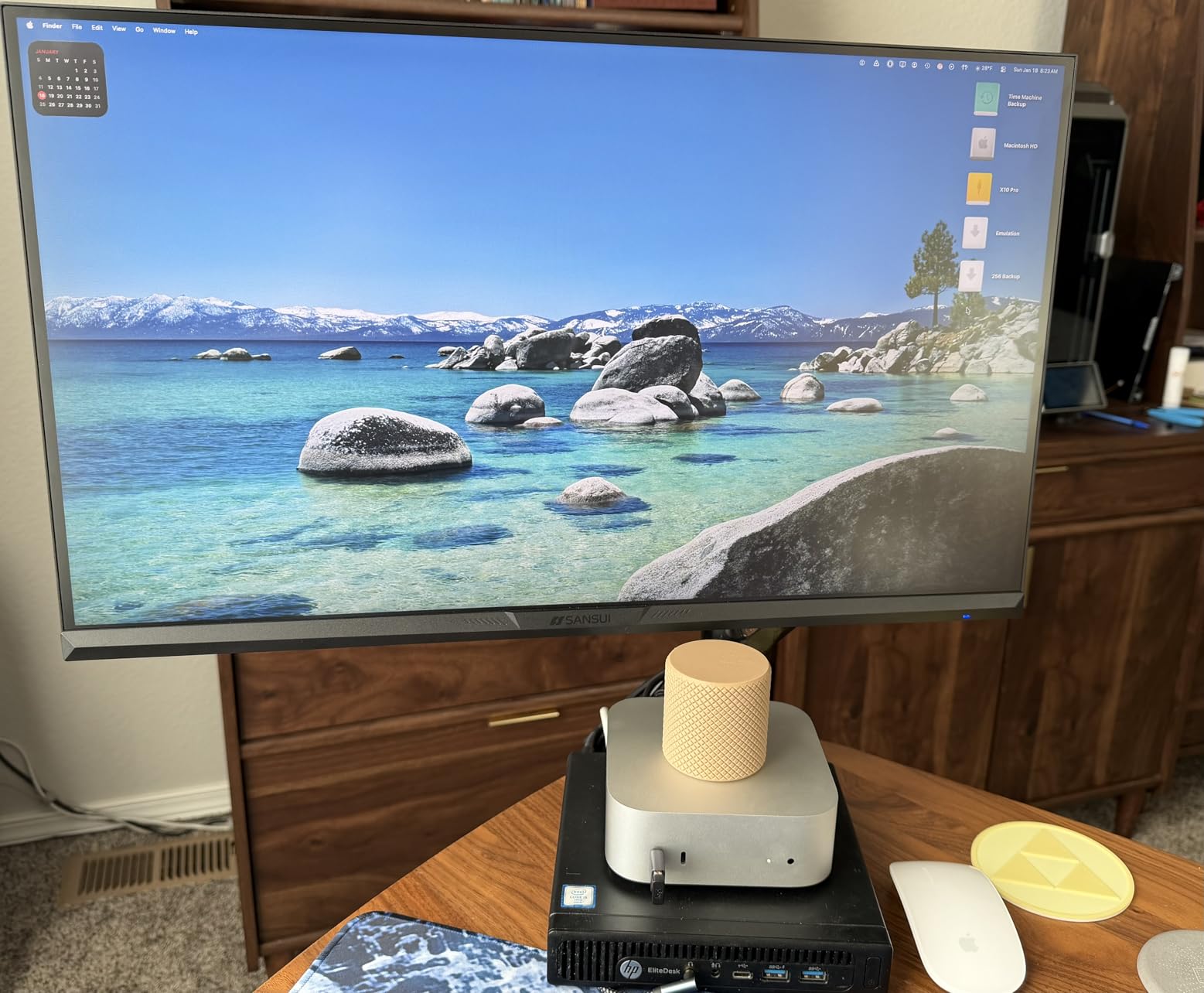
The clamp takes desks 0.59 to 3.54 inch thick, and a grommet base is included in the same box. Reviewers put installation at roughly three minutes with all hardware included, and the white aluminum body suits a light-coloured setup.
The gas spring core is rated at 20000 test cycles, and standing desk owners call out that it keeps a panel at eye level without stacking risers underneath it.
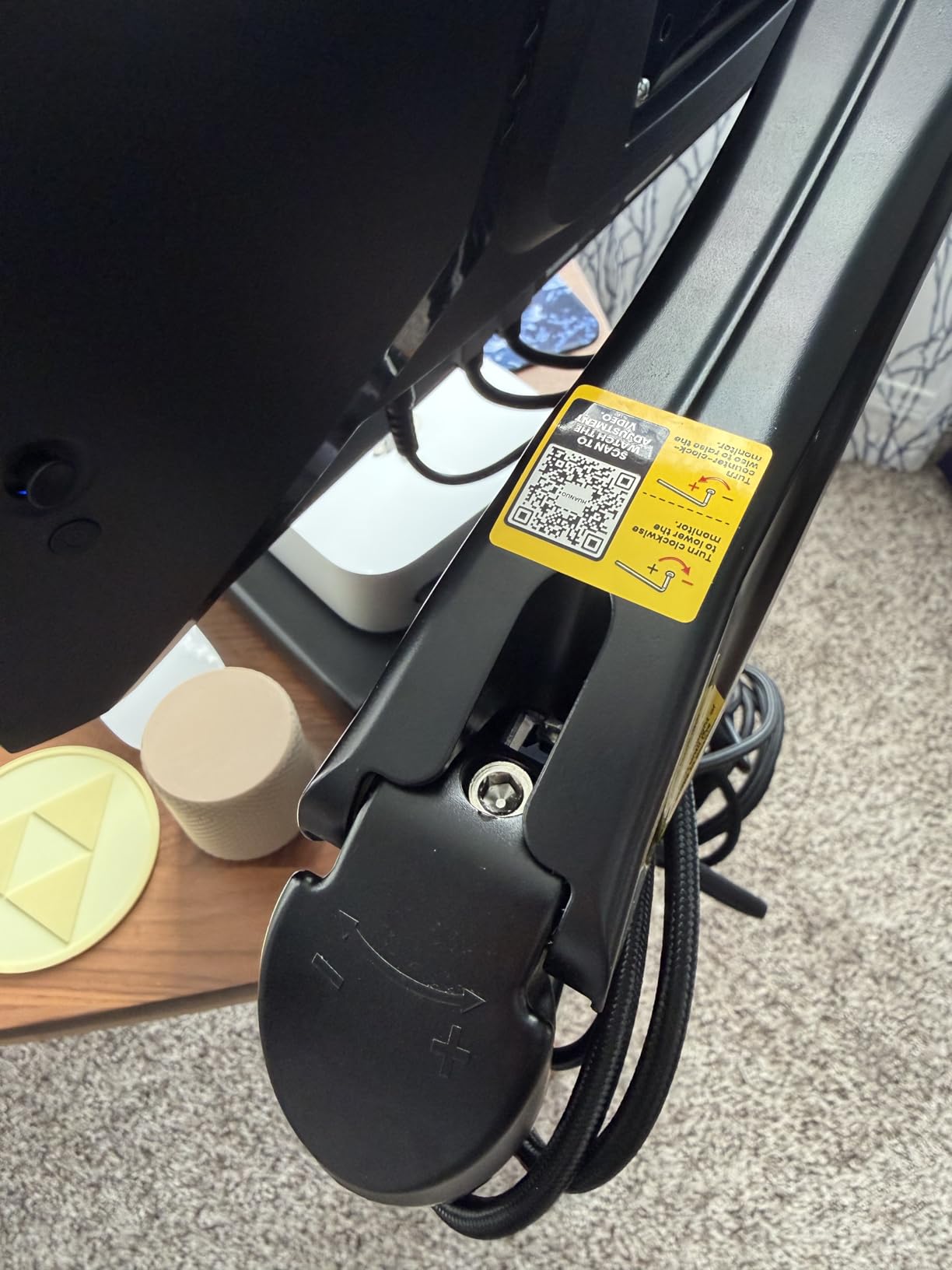
Why this arm suits a small or sit-stand desk
The whole point of an arm is depth reclaimed, and this one needs the least of it. Raising a monitor 39.6 cm off the desktop on a desk that is already shallow is the difference between a usable workspace and a cramped one.
Because the gas spring holds without bolts, you can raise and lower the screen as the desk moves rather than re-tightening anything each time.
Where it falls short
The horizontal reach is shorter than the ELG arm listed earlier, so it moves less far across the desk. That is fine for a single screen you mostly reposition vertically.
Two small frictions show up repeatedly: the included hex driver is too small for the lower arm screw head in some builds, and a minority of buyers need trial and error to find the right tension setting.
5. VIVO Single Monitor Arm – Best for Ultrawide Screens
VIVO Single 13 to 38 inch Ultrawide Monitor Arm Desk Mount, Regular Screens up to 32 inches, 22 lbs capacity, Fully Adjustable Stand with C-Clamp and Grommet Base, Black, STAND-V001
13-38 inch screens
22 lbs capacity
16 inches of pole height
Toolless clamp
Pros
- Widest single-screen range here at 13 to 38 inch
- 22 lbs load capacity
- Toolless hand-tightened desk clamp
- Modular joints can be reconfigured or stacked
- Detachable cable clips
Cons
- Articulating joints drift by 1-2 mm over a day
- Arm does not fold flat
- Needs a different wrench for pole height
This is the arm to look at first if your panel is a 34-inch curved ultrawide or larger. It is rated for screens up to 38 inches at 22 lbs, and the 16 inches of travel on the centre pole give you far more placement range than a short desktop arm.
Tilt runs 90 degrees in both directions, with 360-degree swivel and rotation into portrait. The alloy steel and aluminum build stays rigid when the desk is bumped, which reviewers note repeatedly.
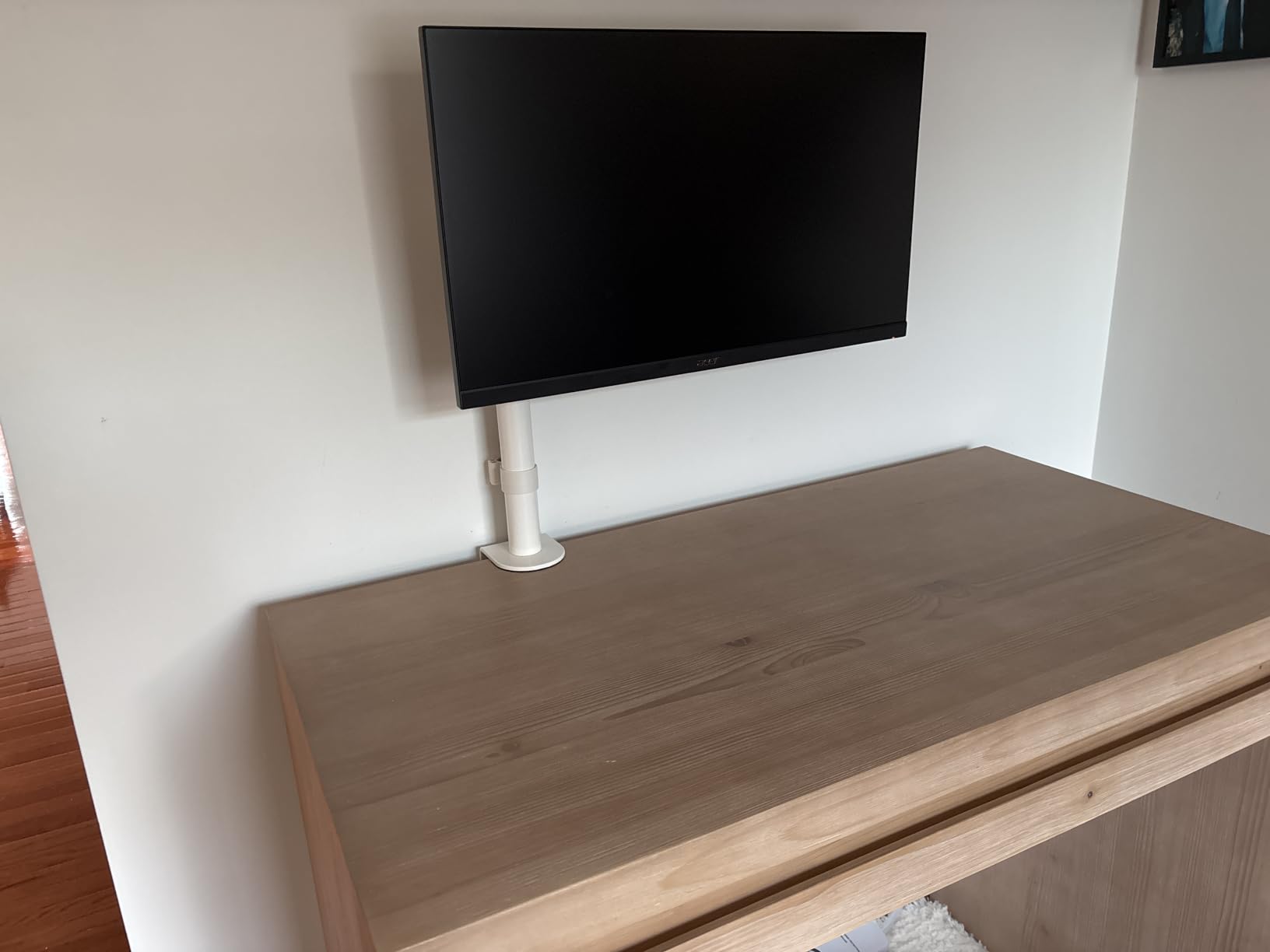
The C-clamp is hand-tightened with no tools and fits desks up to 3.25 inch thick, and a grommet base is included as an alternative. Detachable cable clips keep power and AV runs tidy along the arm.
A modular joint design lets you remove a section and change the arm geometry, and multiple mounts can be combined for a three-screen arrangement on one desk.
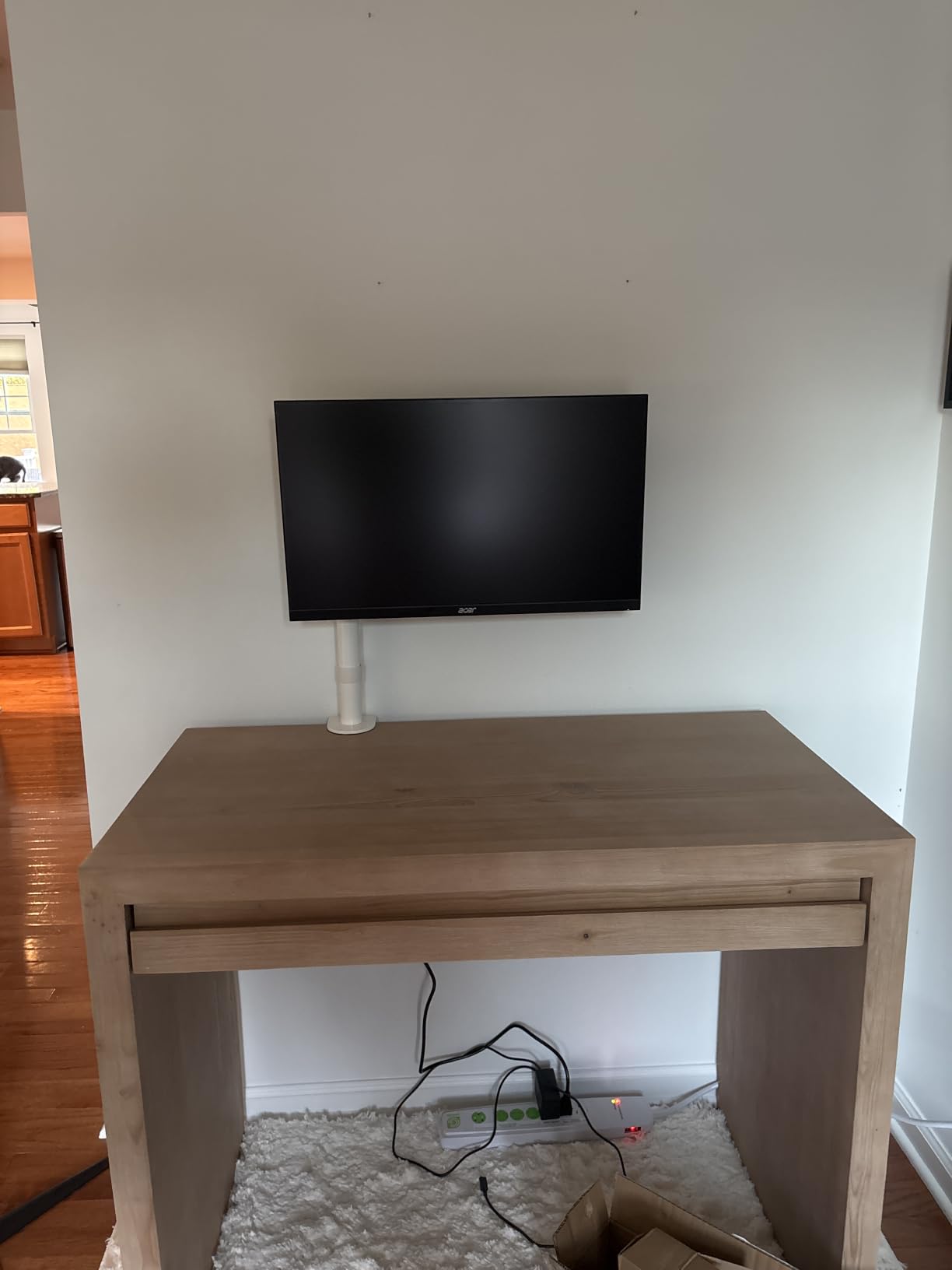
Why this arm handles an ultrawide better
A 34-inch curved panel is heavy and sits its mass further forward than a flat monitor, so a taller pole and a longer reach matter more here than anywhere else in the roundup. This arm gives you both.
The 22 lbs rating also leaves real headroom above the weight of a typical 34-inch ultrawide, which matters because the rating assumes the panel sits close in.
Where it falls short
The joints are friction based, so the position drifts by a millimetre or two across a day and wants tightening periodically. It also does not fold flat, which limits how tightly you can pack three screens together.
Some buyers find it better suited to lighter panels and feel the build is marginal for very heavy displays at full extension.
6. WALI Extra Tall Monitor Mount – Best for Stacked and Multi-Height Setups
WALI Tall Monitor Arm Mount for Desk for 13-34 inch Screens, 22 lbs per Arm
31.5 inch pole
13-34 inch screens
22 lbs per arm
10-year warranty
Pros
- 31.5 inch pole clears a second screen on the same desk
- Arm is nearly twice the length of a typical dual mount
- No bolt work needed to reposition
- Two-stage clamp and grommet locking
- 10-year warranty
Cons
- Instructions are hard to follow on first read
- Hardware pouches are not labelled
- No screwdriver included for the Phillips screws
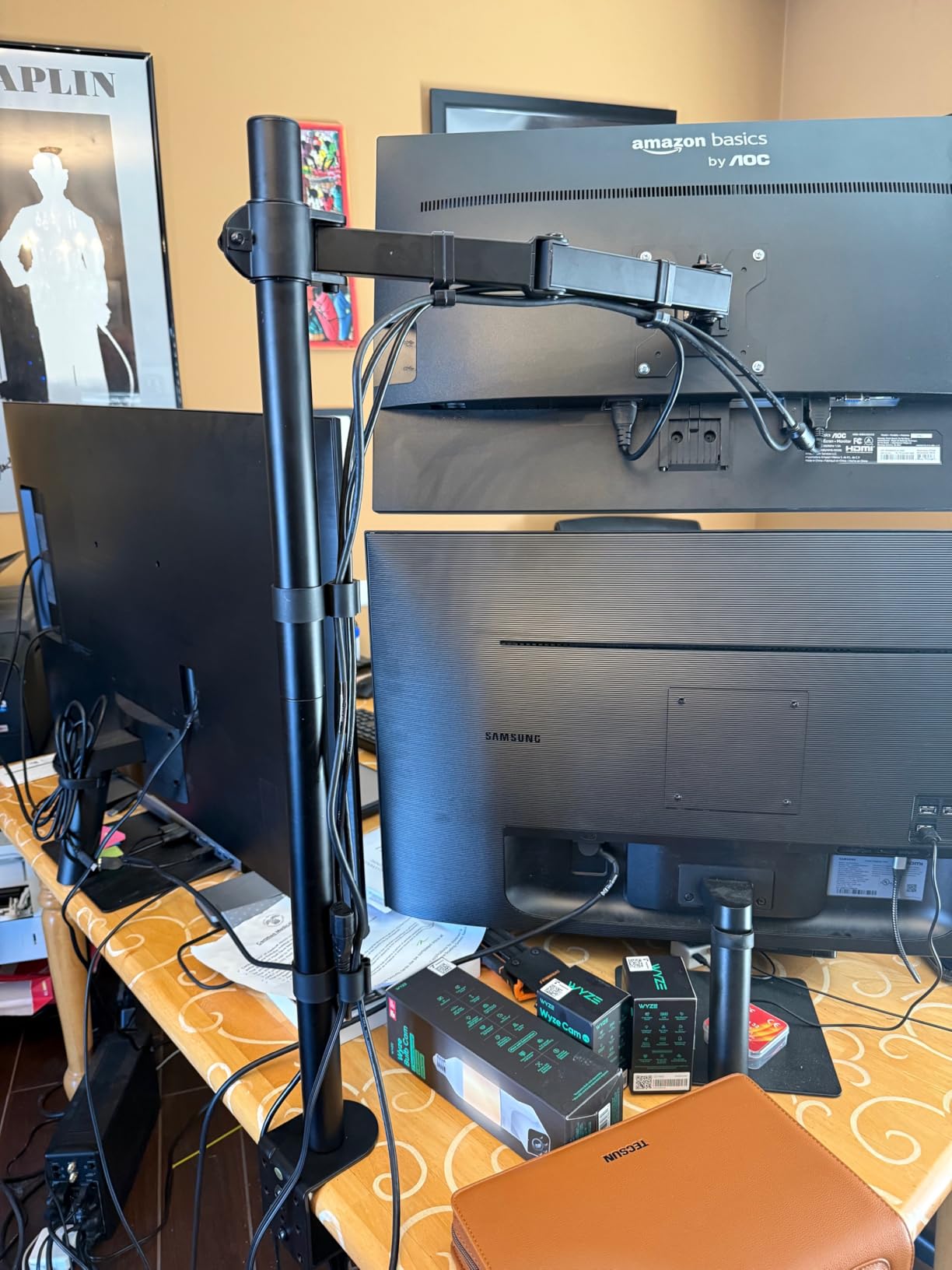
The WALI pole is 31.5 inches tall, which is taller than anything else here, and that height is the entire point. It lets a monitor sit above a second screen or above a laptop on the same desk, which is a problem most arms cannot solve.
It holds 13 to 34 inch screens at 22 lbs per arm with plus or minus 90 degrees of tilt and swivel, plus 360-degree rotation for portrait use. The arm is nearly twice the reach of a standard desktop mount.
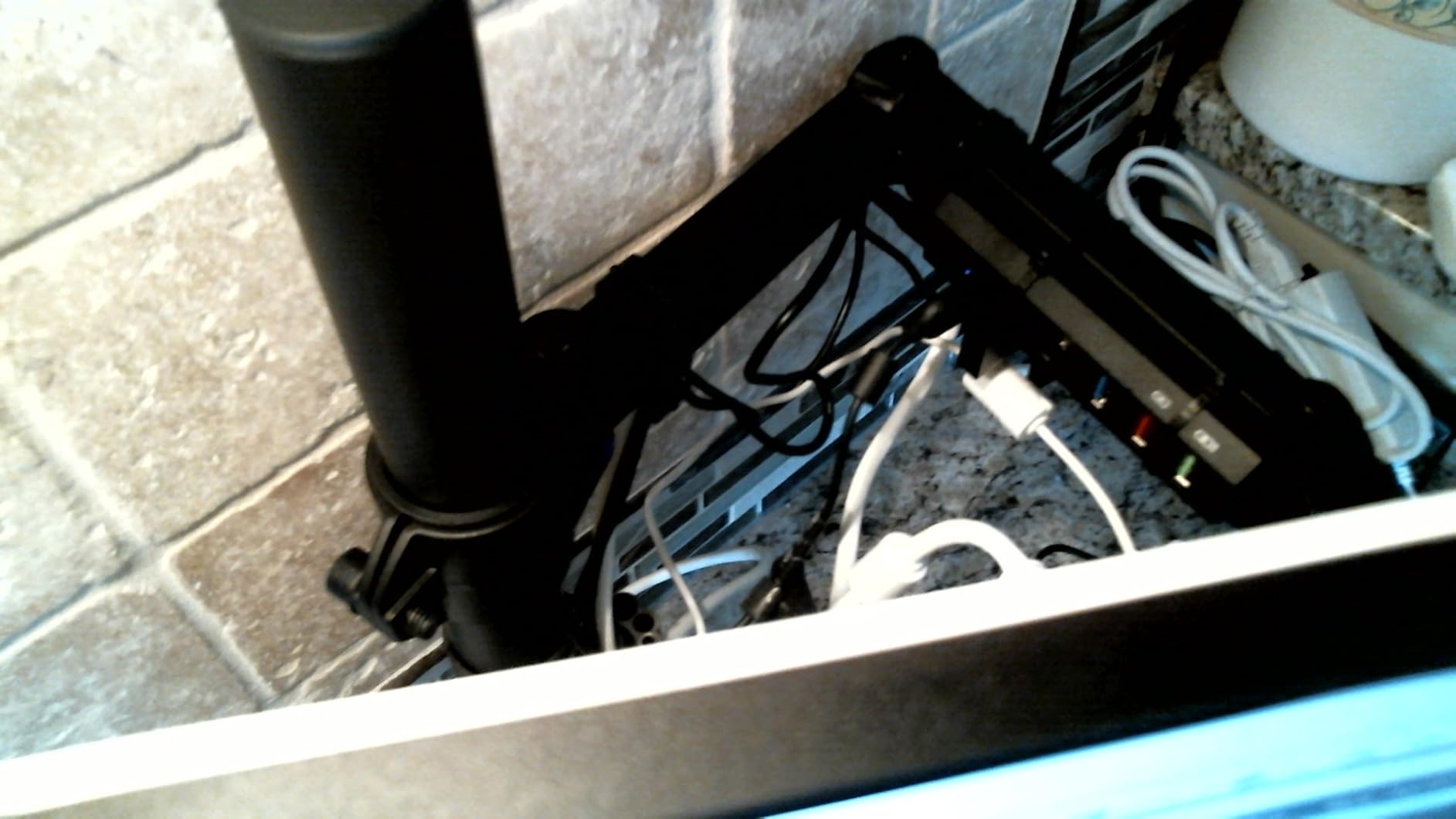
A two-stage locking system gives you both a C-clamp and a 3.5 inch grommet base, each fitting desks up to 3 inches thick. Detachable, height-adjustable VESA plates cover 75x75mm and 100x100mm patterns, and cable management runs along the arm.
The ten-year warranty is tied for the longest in this roundup, and multi-monitor builders report stacking mounts for triple and quad arrangements without trouble.
Why tall poles matter at home
A vertical stack is the only way to fit two or three panels onto a desk that is already narrow, and you need real pole height to separate the screens so both sit near eye level. The WALI pole gives you 31.5 inches to work with.
It also suits a desk where a single large panel needs to clear a laptop underneath it, which shorter arms cannot do.
Where it falls short
The documentation is the weak point. Unlabelled hardware pouches, a missing screwdriver and a diagram that needs interpretation are the complaints that repeat across reviews, so budget an extra ten minutes for setup.
Heavy steel construction puts a real load on the desktop, which matters on a lighter frame.
7. ErGear Single Monitor Arm – Budget Pick for a First Home Office
ErGear Single Monitor Arm, Fully Adjustable Monitor Mount for 13–34 Inch Screens, Fast Install Computer Monitor Stand with Tool-Free VESA Mount, Cable Management, Holds 19.8 lbs
13-34 inch screens
Holds 19.8 lbs
17.5 inch height travel
C-clamp and grommet included
Pros
- Tool-free VESA plate for a fast install
- 40 percent wider VESA head tightens up the fit
- 17.5 inches of height and 18.1 inches of reach
- Core tested past 20000 adjustment cycles
- Small footprint on the desk
Cons
- Some shake at the joints when moving the arm
- Rotation falls short of a full 360 degrees
- Tension bolts can strip if over-adjusted
If you are setting up a first home desk and want a single arm that raises a screen properly, this one covers the essentials while still holding 19.8 lbs across 13 to 34 inch panels.
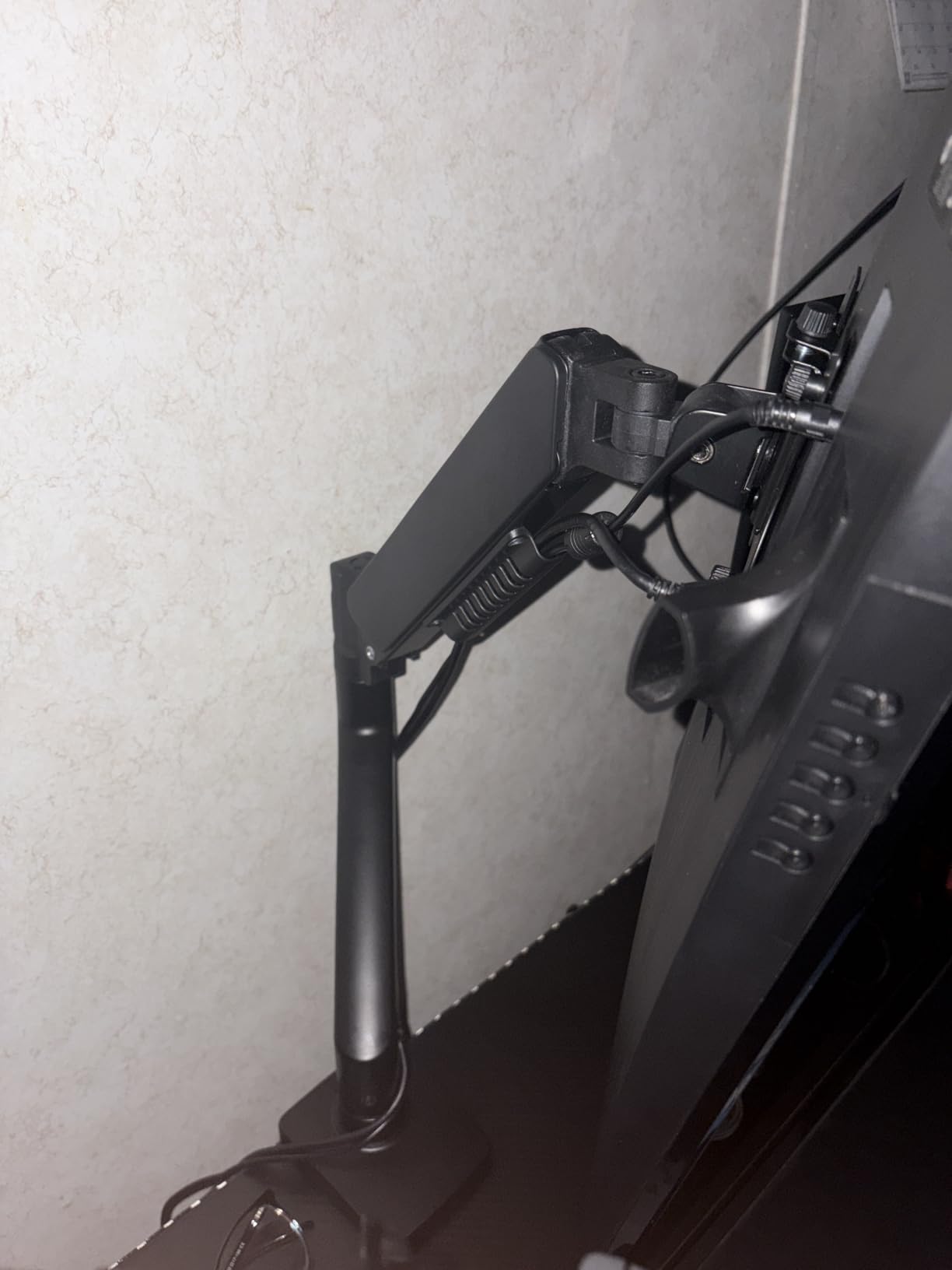
The tool-free VESA plate means you can attach the head without hunting for hardware, and a 40 percent wider VESA head with a tighter-fitting panel gives the arm a more solid feel than its weight suggests.
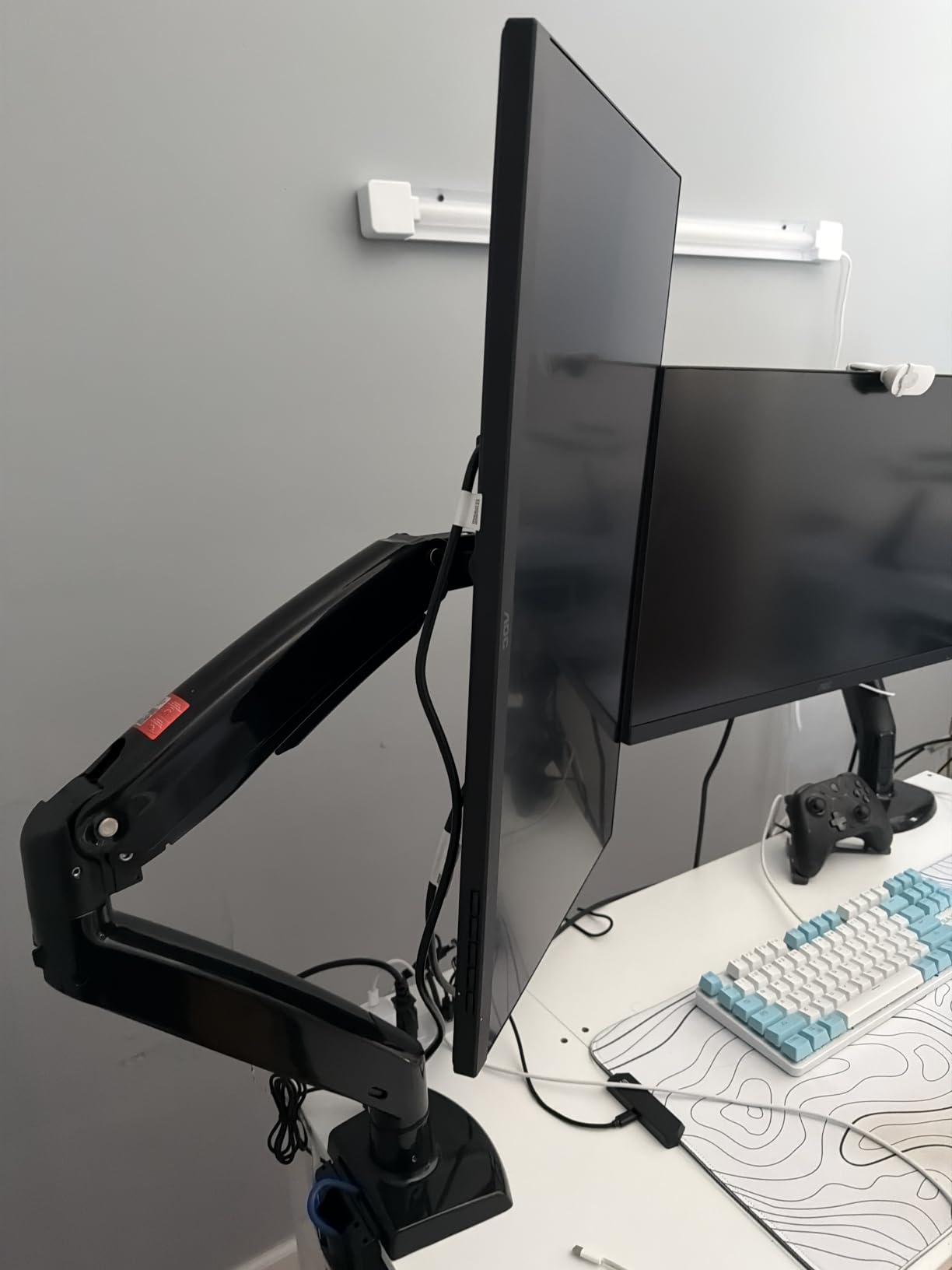
Height travel runs 17.5 inches with 18.1 inches of reach, and tilt covers 80 degrees back to 50 degrees forward with 90-degree swivel and rotation. Cable clips open without a tool, which speeds up routing.
The C-clamp handles desks 0.39 to 2.56 inch thick and the grommet base takes 0.39 to 2.95 inch, with a two-year warranty. Reviewers commonly describe it as performing like mounts well above it.
Why this is a sensible starting arm
It does the job that matters most, which is lifting a screen off the desk base to a comfortable height, and it leaves a small footprint behind. If you are unsure how much arm you need, this is a low-risk first step.
The install is quick, and the reviews single out cable management as better than expected for a mount at this level.
Where it falls short
The complaints are mechanical rather than structural. There is visible shake at the joints when you move the arm, and the rotation does not deliver a full 360 degrees in practice.
A 34-inch panel can feel heavy for it even inside the stated rating, and the tension bolts strip if adjusted repeatedly, so change tension gently.
8. ErGear Dual Monitor Stand – Best for a Wide Two-Screen Layout
ErGear Dual Monitor Stand, Heavy Duty Adjustable Monitor Desk Mount for 2 Screens up to 32 Inches, Fully Adjustable Height, Tilt, Swivel, Rotate, Supports 17.6 lbs per Monitor Arm, Easy Installation
Two screens up to 32 inch
17.6 lbs per arm
31.22 inch arm span
16 inch bar height
Pros
- Two 32 inch screens at 17.6 lbs each
- 31.22 inch span for an immersive two-screen layout
- Per-screen swivel tilt and rotation
- Labeled hardware and a detailed manual
- Integrated cable clips
Cons
- Wooden desks only with a clear underside
- 45 degree tilt limit is shallow against gas spring arms
- 17.6 lbs per arm is below the VIVO dual ceiling
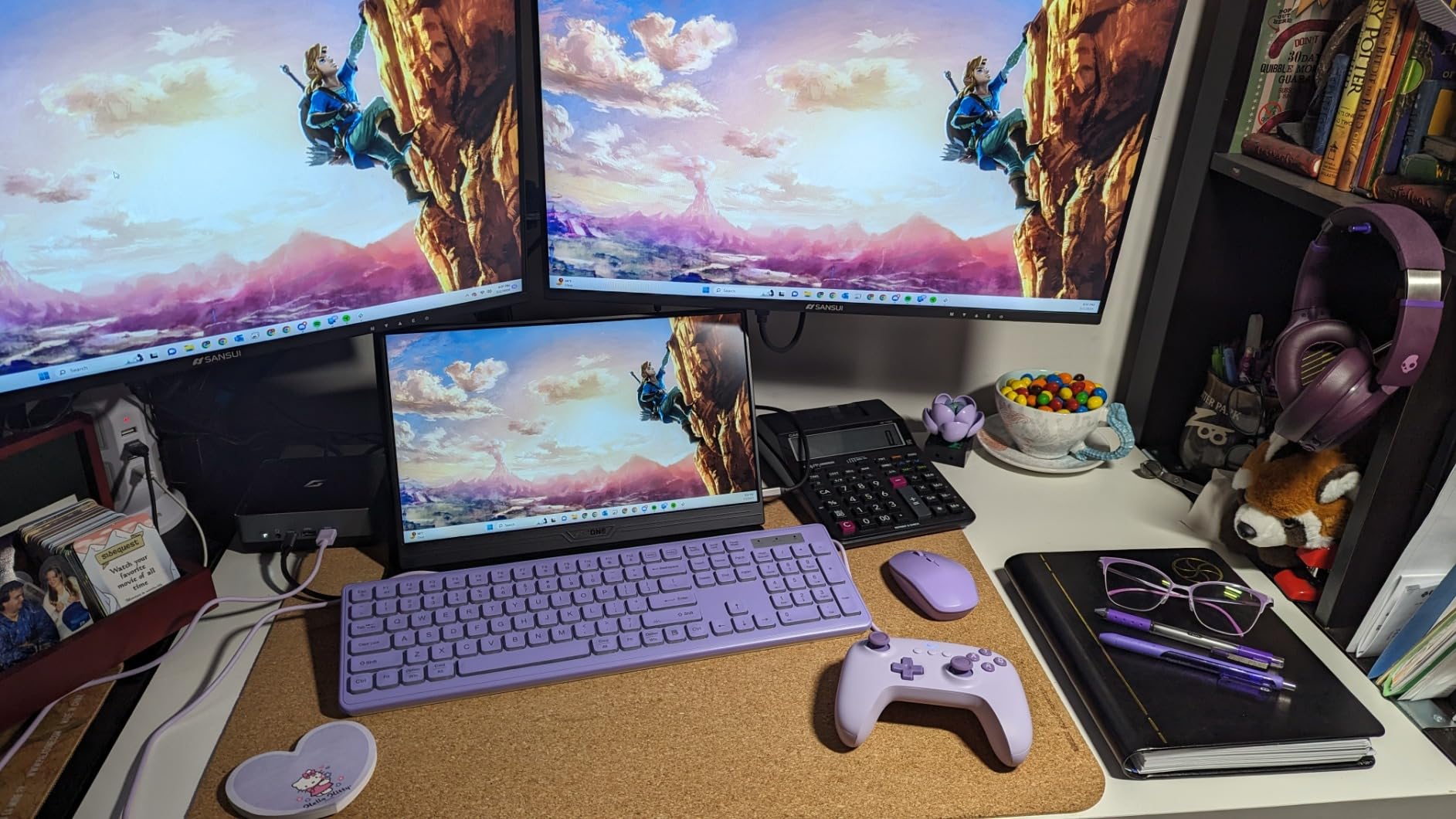
This mount prioritises screen span. A 31.22 inch arm span with a 16 inch high bar puts two 32-inch panels wide enough apart to be useful rather than crowded, which is what makes it different from a compact two-screen arm.
Each arm holds 17.6 lbs and up to 32 inches, with plus or minus 90 degrees of swivel, plus or minus 45 degrees of tilt and 360-degree rotation for portrait use on one screen.
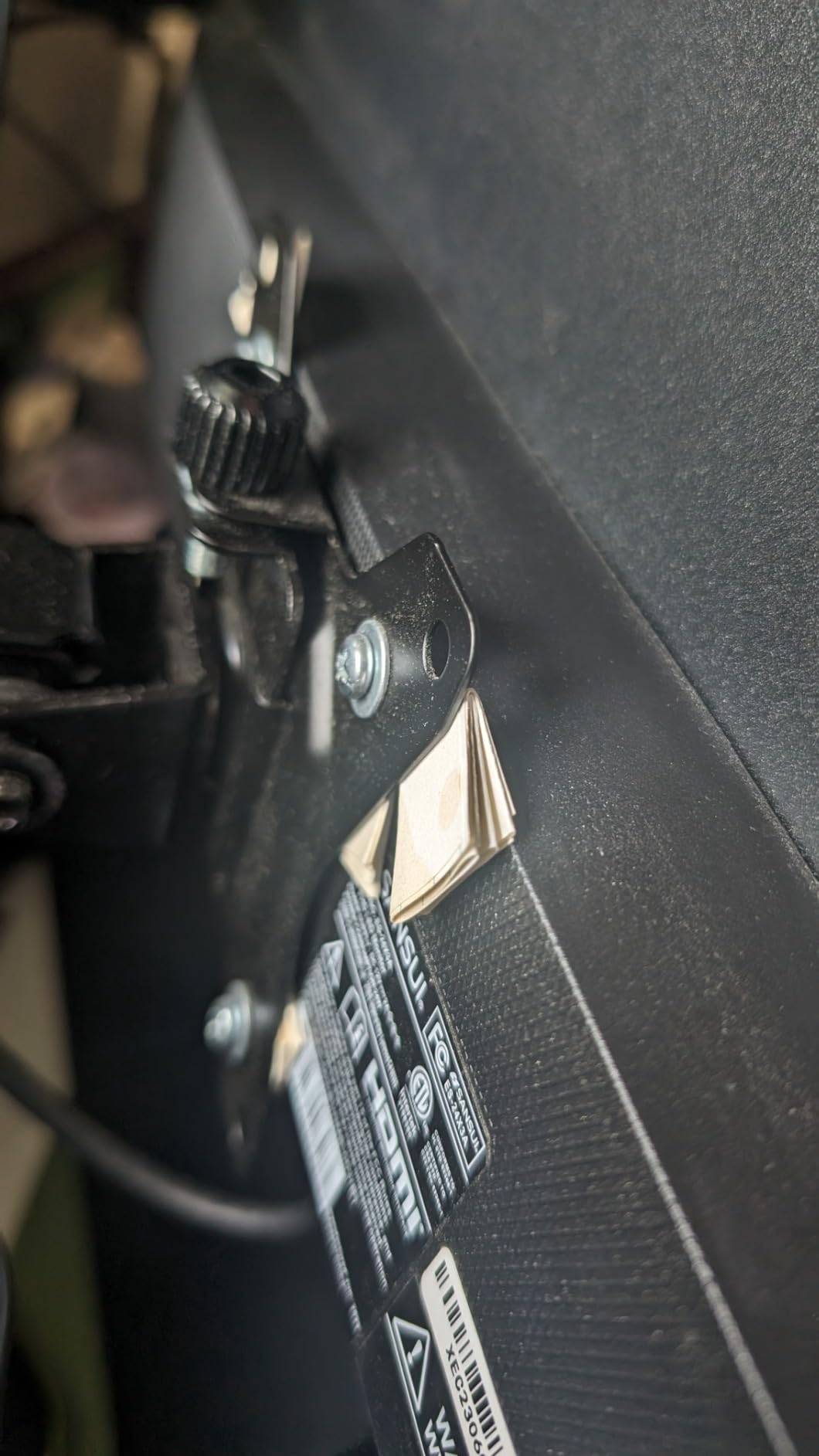
Integrated cable clips handle the routing, and the hardware is labelled to match the manual, which buyers call out as a step up from generic mounts. The metal body weighs 3.3 lbs.
The C-clamp fits desks 0.39 to 3 inch thick and the grommet option takes 0.39 to 2.36 inch, so a thicker solid wood top needs the clamp rather than the hole.
Why the extra span is useful
A wider gap between two screens means each panel can sit closer to a true straight-on position, which reduces the neck twisting that comes from screens angled inward. For long days that is a real comfort gain.
It also leaves room in the middle for a laptop or a notebook without everything colliding.
Where it falls short
It is specified for wooden desks with a clear underside, so beams or panels block the clamp and glass or plastic tops are excluded. The 45-degree tilt limit is shallow next to the gas spring arms listed earlier.
At 17.6 lbs per arm, it rules out heavier panels such as some large ultrawides.
9. WALI Triple Monitor Stand – Best No-Drill Option for Renters
WALI Triple Monitor Stand, Free Standing for 13-27 inch Screens,up to 22lbs
Free-standing V-base
Three 13-27 inch screens
22 lbs per arm
10-year warranty
Pros
- Free-standing base needs no drilling or clamp
- Three screens from 13 to 27 inch at 22 lbs
- Side monitors angle inward to reduce neck strain
- Free-standing base or grommet option
- 10-year warranty
Cons
- 27 inch per-screen ceiling is the smallest here
- Wide base takes real desk space
- 10 lb stand weight loads the desktop
This is the arm for a desk you do not own. The base stands on the desktop and needs no clamp, no grommet hole and no drilling, which removes the single biggest objection renters have to any monitor arm.
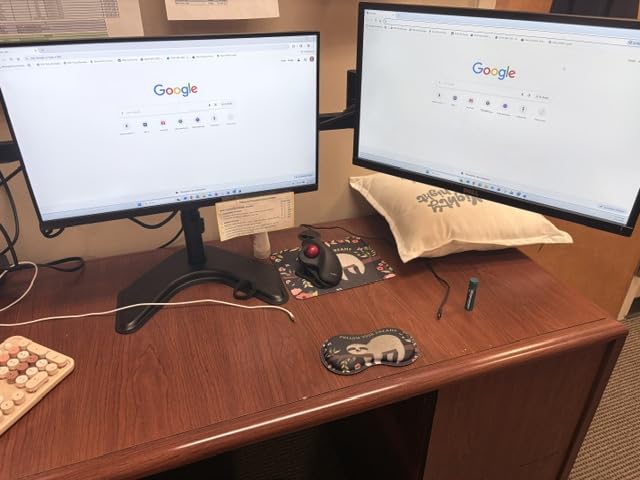
It carries three screens from 13 to 27 inches at 22 lbs per arm. The side monitors tilt and swivel plus or minus 90 degrees so you can angle them in toward the centre, and the centre screen tilts plus or minus 15 degrees.
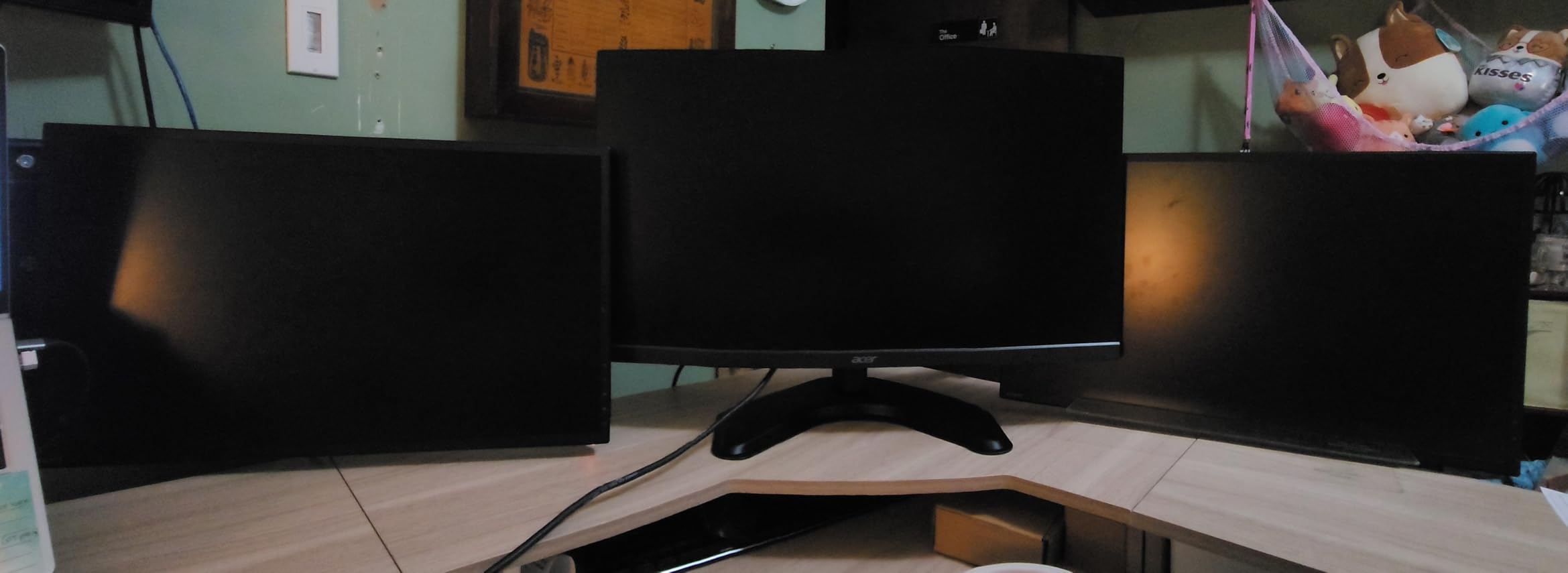
Arms extend and retract on a 16 inch pole with 360-degree rotation into portrait. A two-stage locking system lets you swap the free-standing V-base for a 4 inch grommet base on desks 0.3 to 2.4 inch thick.
Detachable, height-adjustable VESA plates cover 75x75mm and 100x100mm, cable management runs along the arms, and the warranty runs ten years.
Why three screens on a home desk
A three-panel layout separates reference material from the work window, and the angled side arms let you keep the outer screens off your neck line. Reviewers who came from stacking monitors report a cleaner desk and no sag.
The no-drill base is the deciding factor for anyone in a rented home or anyone with a glass or stone top they will not cut into.
Where it falls short
The 27-inch per-screen limit is the smallest in the multi-screen options here, so a 32-inch panel is out of range. The free-standing base also takes a wide footprint and weighs 10 lbs, which loads the desktop.
The centre screen has a shallower tilt than the side arms, so you cannot angle it as far back as you might want for glare.
10. HUANUO Stacked Dual Monitor Mount – Best for Narrow Desks
HUANUO 17-32 Inch Dual Monitor Stand, Stacked Monitor Mount, Monitor Arms for 2 Monitors, Ergonomic Adjustable Tilt/Swivel/Rotate, Weight Max 19.8 lbs, VESA 75/100mm
Stacked vertical layout
Screens up to 32 inch
4.4-19.8 lbs per arm
17 inch extension
Pros
- Vertical stacking fits narrow desks
- 17 inch extension raises screens to 25.19 inches
- Gas spring arms hold position without drift
- Rigid base stays solid over thick desk edges
- Integrated cable management
Cons
- Arms mount at different heights so layouts are asymmetric
- Mounting plate does not seat snugly on every VESA pattern
- Cable clips feel flimsy against the rest of the build
Everything else in this roundup puts two screens side by side. This one stacks them vertically, which is the answer when the desk is not wide enough for two panels but you still want a second display.
Each arm holds 4.4 to 19.8 lbs on screens up to 32 inches with VESA 75x75mm or 100x100mm. The 17 inch extension raises monitors up to 25.19 inches, high enough for a genuine eye-level position on a seated desk.
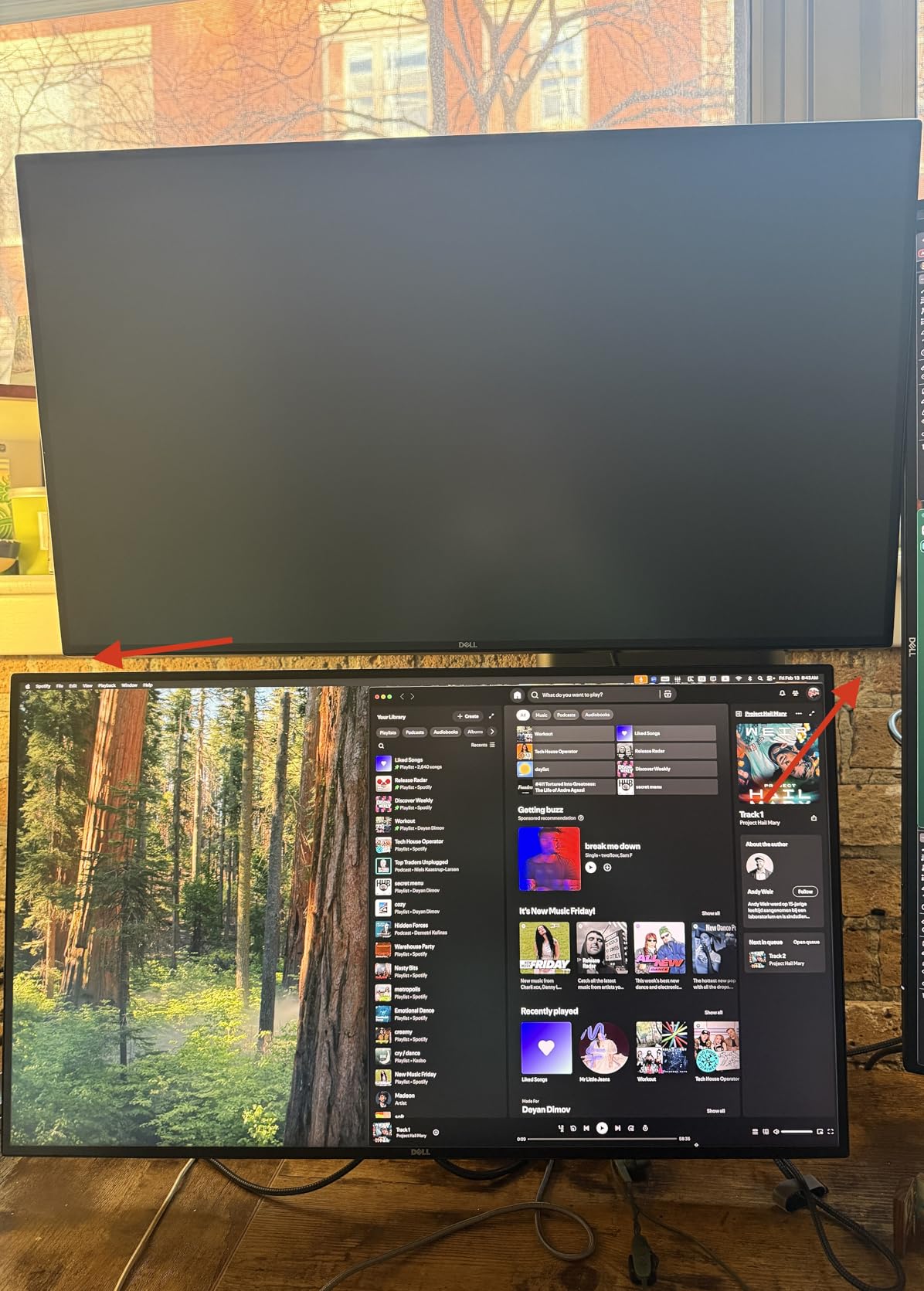
Tilt is 90 degrees with 180-degree swivel and 360-degree rotation, and the gas spring arms hold their set position without sagging or drifting over time. Reviewers report builds that stayed solid across 17 months and several monitor swaps.
C-clamp and grommet mounting both cover desks 0.39 to 3.54 inch thick on solid wood or metal tops, with integrated cable management and an alloy steel frame.
Why stacking beats side by side here
A narrow desk, a small apartment, or a single-person workspace is exactly where a stacked layout wins. You keep the full desk width for a keyboard while still getting a second screen for reference or chat.
The gas spring hold also means the screens stay where you put them, which matters when a lower panel sits directly above the desk surface.
Where it falls short
Only one arm mounts about four inches higher than the other, so the layout is asymmetric by design. That makes it a poor fit if you plan to add a wide ultrawide below and want a third screen balanced on top.
The mounting plate does not seat snugly on every VESA pattern, and the cable clips feel lighter than the rest of the frame.
How to Choose a Monitor Arm for Your Desk
Most returns on monitor arms come down to six checks that listings rarely spell out. Work through these in order and the choice narrows fast.
1. Weigh your actual monitor. Manufacturers rate the panel, not the stand, so check the weight in the display specifications. Then leave headroom: aim for a rating roughly twice the panel weight, because the rating assumes the screen sits close to the pole, not fully extended.
2. Check the VESA pattern. Look for four screw holes in a square on the back of the monitor. The distance between them is the pattern, and 75x75mm and 100x100mm cover almost every monitor in this roundup. A pattern wider than 100mm apart needs a specific offset bracket.
3. Measure your desk thickness and look underneath. Clamp ranges here run from 0.39 inch to 3.54 inch. Thin laminate tops under an inch can defeat a clamp, and a cross beam or modesty panel blocks the mount entirely.
4. Decide clamp, grommet or free-standing. A clamp is renter friendly and reversible. A grommet is the cleanest look but needs one hole. A free-standing base needs no desk at all and costs you desk depth.
5. Match arm count to screens. One arm per screen lets you set each panel at its own height and angle. Two screens of different weights sharing one mount force a single tension setting on both, which is a common source of uneven alignment.
6. Count how often you will move the screen. Gas spring arms reposition with one hand and hold without tools. Fixed articulating arms are stiffer but need bolts loosened and tightened every time.
Clamp, Grommet or Free-Standing: Which Mount Fits Your Desk
A C-clamp grips the desk edge, so it needs an edge that is free of a modesty panel and thick enough for the clamp range. The widest ranges in this roundup, up to 3.54 inch, are what make a solid wood top workable.
A grommet mount drops a post through a hole in the desktop. It looks tidier and puts less sideways force on the desk edge, but it is permanent unless you patch the hole, so it suits a desk you own.
A free-standing base avoids the desk entirely. It is the only option here that works on glass, stone or a wall-adjacent desk with no edge, but it eats the most desk space and the widest models carry the most weight.
Two safety notes. On a glass desk, clamp pressure can stress the panel, so use a free-standing base or a grommet through a drilled hole rather than clamping the edge. On a sit-stand desk, check the moving frame clears the clamp and keep the arm under the load rating at full desk height, where leverage is highest.
Monitor Arms for Ultrawide and Curved Screens
For a 34-inch ultrawide, the VIVO single arm listed above is the most direct fit: it is rated for screens up to 38 inches at 22 lbs and offers 16 inches of pole travel. The ELG gas spring arm is also rated for 17 to 35 inch screens at 19.8 lbs if you prefer one-hand movement.
For a 49-inch super ultrawide, none of the single arms in this roundup should be assumed to carry it at full reach. The published ratings are measured with the panel close to the pole, and a curved 49-inch screen pushes its centre of mass well forward of a flat panel, so the effective load on the joint is higher than the number suggests.
The practical rule is to derate: take the stated capacity and use only about half of it if the panel will sit at full extension. Check the VESA pattern as well, since 49-inch models often use a wider offset pattern than the 100x100mm plates on most arms here, and that offset needs its own bracket.
A 34-inch flat or curved monitor at 19.8 lbs or less is comfortably within every arm on this list, which is why this size is the least demanding of the three.
Frequently Asked Questions
Are gas spring monitor arms good?
Yes, for most home offices they are the better default. A gas spring arm lets you raise, lower and swivel the panel with one hand and holds position without tightening bolts, which matters when you share a screen with a client or work on a sit-stand desk. Fixed articulating arms are stiffer and cheaper, but every reposition means working a driver.
What is the best monitor arm for a 34 inch ultrawide monitor?
The VIVO single arm rated for screens up to 38 inches at 22 lbs is the most direct match, with 16 inches of pole travel to position the panel at eye level. The ELG gas spring arm also covers 17 to 35 inch screens at 19.8 lbs if you want one-hand movement instead. Both accept VESA 75x75mm and 100x100mm patterns.
What is the best monitor arm for a 49 inch ultrawide monitor?
No single arm in this roundup should be assumed to carry a 49-inch super ultrawide at full reach. Published load ratings assume the panel sits close to the pole, and a large curved screen pushes its centre of mass forward, so use roughly half the stated capacity. Also check the VESA pattern, since 49-inch models often need a wider offset bracket than a standard 100x100mm plate.
Do monitor arms work with standing desks?
Yes, and a gas spring arm suits them better than a fixed joint because you can move the panel as the desk rises without loosening bolts. Make sure the clamp clears the moving frame at full extension and check the underside for a cross member. Keep the panel within the arm’s load rating at the desk’s highest position, where leverage is greatest.
How do I stop a monitor arm from sagging?
Sag is usually a load or tension problem rather than a broken arm. Check that your monitor weight sits inside the arm’s stated capacity, then tighten the tension screw or spring until the panel holds where you put it. On an ultrawide, move the panel closer to the pole or fit a heavier-rated arm, since leverage at full extension multiplies the effective load.
Final Verdict
For a single screen on a normal home desk, the ELG gas spring arm is the pick. It carries 17 to 35 inch panels, holds position without any bolt work and reaches far enough to clear the keyboard.
For two screens, the VIVO dual mount gives you the widest review base and the most screen weight per arm, while the HUANUO FlowLift is the steadier pair if you type all day. Narrow desks are served by the HUANUO stacked mount, and renters should look at the WALI triple stand, which needs no drilling at all.
Measure your desk thickness and your monitor weight before you order, and pick from the comparison table above. Those two numbers decide most of the outcome when you buy monitor arms for home offices in 2026.