
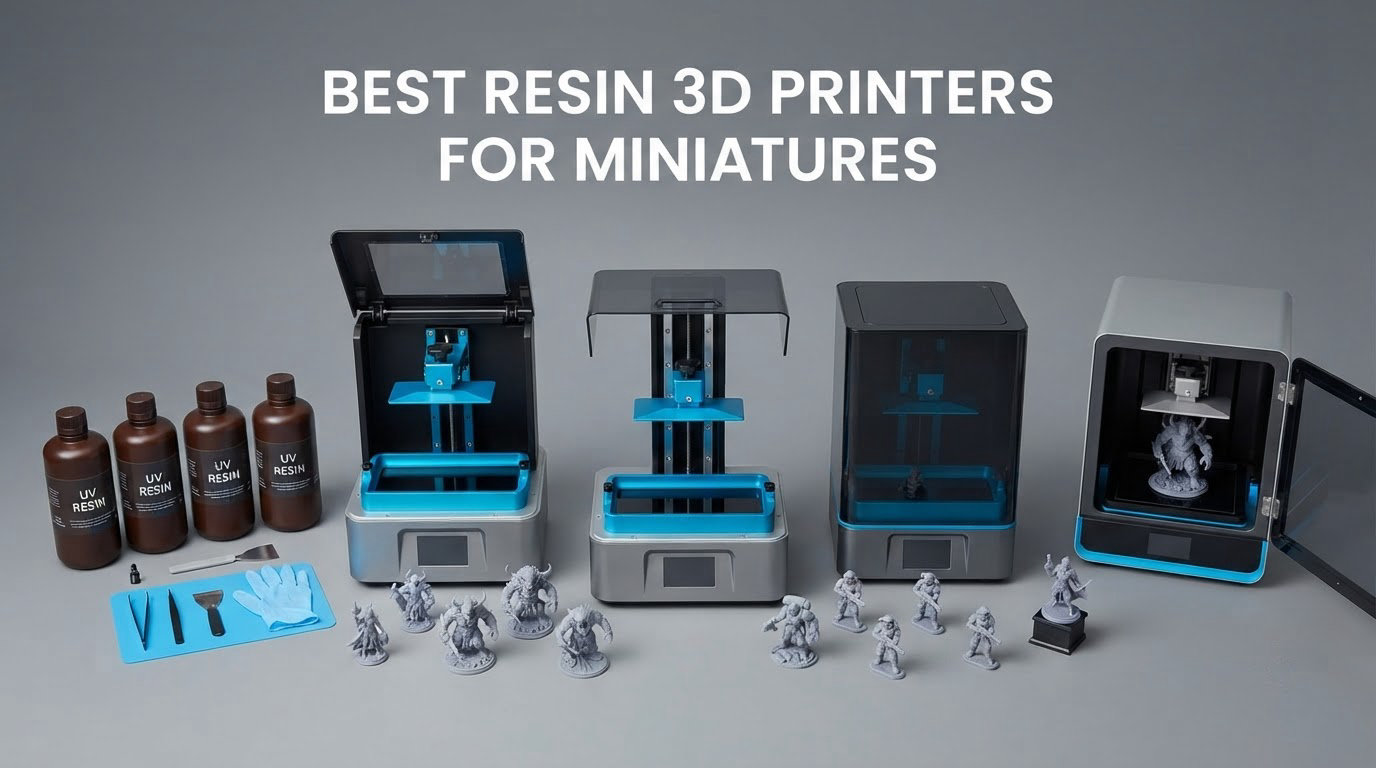
If you only read one thing here: the ANYCUBIC Photon Mono 4 is the best resin 3D printer for miniatures overall, because its 7-inch 10K monochrome LCD puts a 17 x 17 micron pixel in front of a 32 mm model without asking you to fight manual leveling or a complicated software stack. It carries 667 owner reviews and a 4.4 average, the deepest review pool of any machine in this guide.
That matters more than it sounds. A resin 3D printer cures liquid photopolymer one layer at a time behind a monochrome LCD mask, so the ceiling on your miniature detail is set by the pixel pitch of that screen, not by the nozzle. A 0.4 mm FDM nozzle lays down ridges several times larger than a scale eye. Resin resolves pores, cloaks and individual chainmail links at 0.03 to 0.05 mm layer heights, and no filament machine on the market comes close.
I spent weeks putting eight of the current-generation machines through their paces, mostly with 32 mm tabletop minis, a few bust-scale sculpts and one large batch job. The field splits cleanly into three groups: entry machines under 7 inches that are brilliant for single heroes, mid-size tilt-release machines that handle a normal army in a night, and large-format no-frills boxes that trade resolution for throughput. Below you will find which one fits which hobby, what each one does badly, and what else you need on the bench before the first print.
One note before we start on cost. Resin printer prices move constantly, so I have deliberately left price bands out of this guide. Every pick below links straight to its listing so you can see the current figure yourself, and the buying guide spends its space on the specs that do not change.
Table of Contents
Top 3 Picks for Miniature Printing (October 2026)

ANYCUBIC Photon Mono 4
- 7 inch 10K mono LCD at 17x17 microns
- One-time screw 4-point leveling
- Power-restore print resumption

ELEGOO Mars 5 Ultra
- 9K mono LCD at 18 micron XY
- Tilt release up to 150 mm/h
- AI camera and residue detection

ELEGOO Saturn 4 Ultra 16K
- 16K mono LCD panel
- Heated resin tank at 30 C
- Tilt release with auto leveling
The Photon Mono 4 wins because detail and reliability came together in one package, and because owners have had time to report problems honestly. The Mars 5 Ultra is the smarter buy if speed and monitoring matter to you, and the Saturn 4 Ultra 16K is the one to buy when the sharpest surface finish is non-negotiable.
All 8 Resin 3D Printers for Miniatures at a Glance (October 2026)
| Product | Specs | Action |
|---|---|---|
| ANYCUBIC Photon Mono 4 |
|
Check Latest Price |
| ELEGOO Mars 5 Ultra |
|
Check Latest Price |
| ELEGOO Saturn 4 Ultra 16K |
|
Check Latest Price |
 ANYCUBIC Photon Mono M7 Pro ANYCUBIC Photon Mono M7 Pro |
|
Check Latest Price |
 ANYCUBIC Photon P1 14K ANYCUBIC Photon P1 14K |
|
Check Latest Price |
 Phrozen Sonic Mega 8K Phrozen Sonic Mega 8K |
|
Check Latest Price |
 Creality Halot-X1 Combo Creality Halot-X1 Combo |
|
Check Latest Price |
 HeyGears Reflex RS Turbo HeyGears Reflex RS Turbo |
|
Check Latest Price |
Read the XY numbers in microns, not in marketing labels. A 9K panel at 18 microns and a 16K panel at 14 to 19 microns are close enough that you will not see the difference on a 32 mm mini; both are far beyond an 8K panel at 43 microns. Build volume, on the other hand, changes everything about how you work.
1. ANYCUBIC Photon Mono 4 – Best Resin 3D Printer for Miniatures Overall
ANYCUBIC Photon Mono 4, Resin 3D Printer with 7” 10K Mono LCD Screen
10K mono LCD at 17x17 micron
Build 153.4 x 87 x 165 mm
7.7 lb, 10 x 10 x 15 in
4-point one-time leveling
Pros
- Detail quality is excellent for high-detail miniatures
- Layer lines virtually invisible at this pixel size
- Very easy setup and one-and-done plate leveling
- Compact and quiet for a home office
- Resumes prints after power outages
Cons
- Build volume smaller than many buyers expect
- Occasional warping and layer separation on larger prints
- Vats and LCD have a limited service life
I printed most of my hero miniatures on the Photon Mono 4 and the results held up under a loupe. Faces that usually need a touch-up came off clean, and cloak folds showed individual creases rather than a smooth blob. The LighTurbo matrix light source keeps illumination even across the whole plate, which is why you do not get the bright center and dim corners that plague some cheaper panels.
Setup took under half an hour. You tighten four screws once and the laser-engraved Print Platform 2.0 does the rest, and the power-restore function has saved me twice when the building lost power mid-overnight batch. It weighs 7.7 pounds and runs quietly enough to sit in a home office, which is not something I can say for every machine here.
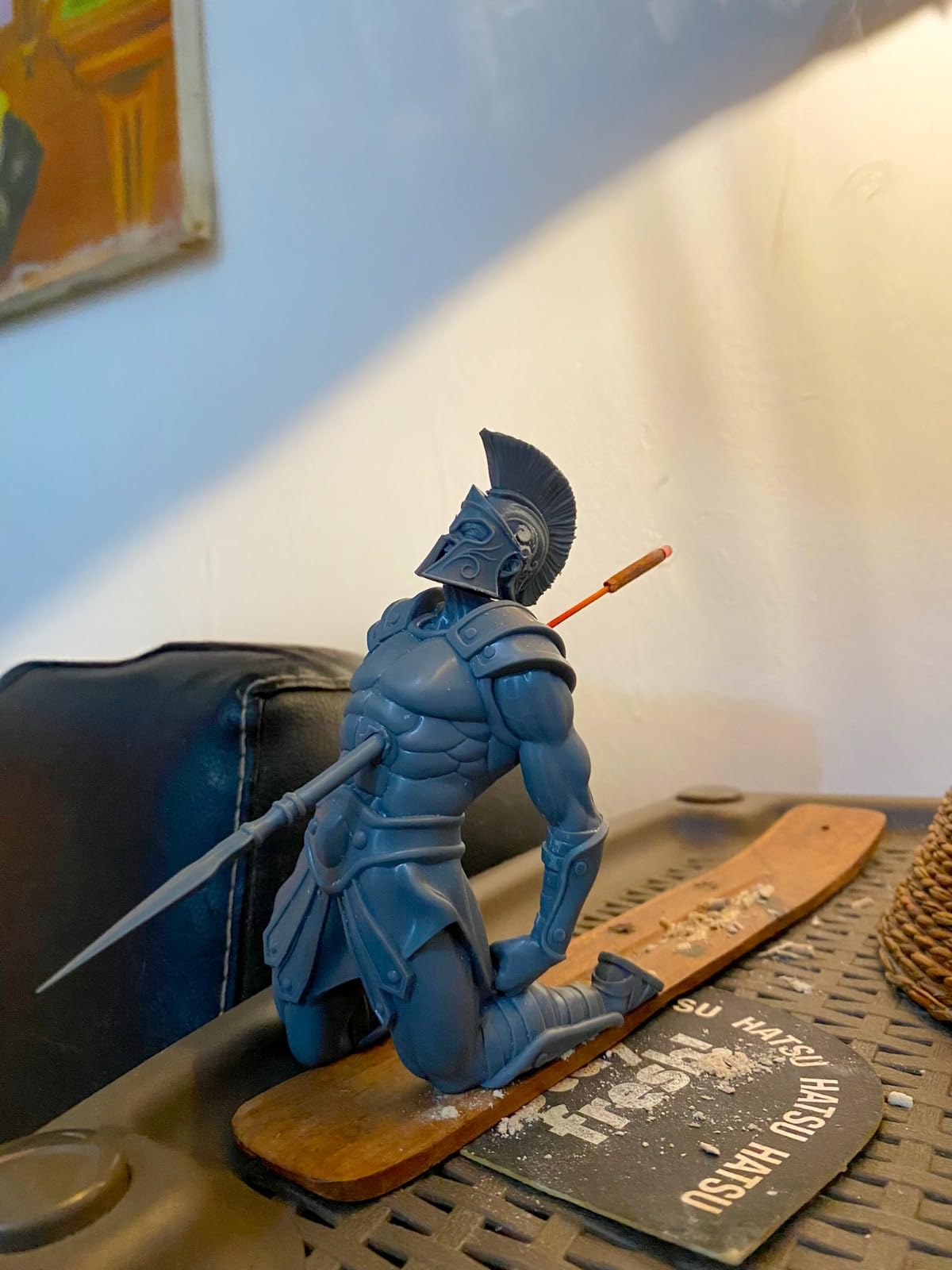
The 153.4 x 87 x 165 mm build volume is the real trade-off. It is a genuinely small plate, so a full army needs re-scaling or splitting across jobs, and reviewers report occasional warping and layer separation on larger prints. The Z height is generous though, so tall busts and full character models drop in without tilting the build 45 degrees, which saves supports and a lot of sanding.
Consumable life is the other watchpoint. Owners across the 667 reviews note that resin vats and LCD screens have a finite service life, and replacing either is part of the running cost of any resin machine. Budget for film and a spare vat from the start rather than treating it as a surprise later.
What holds up best
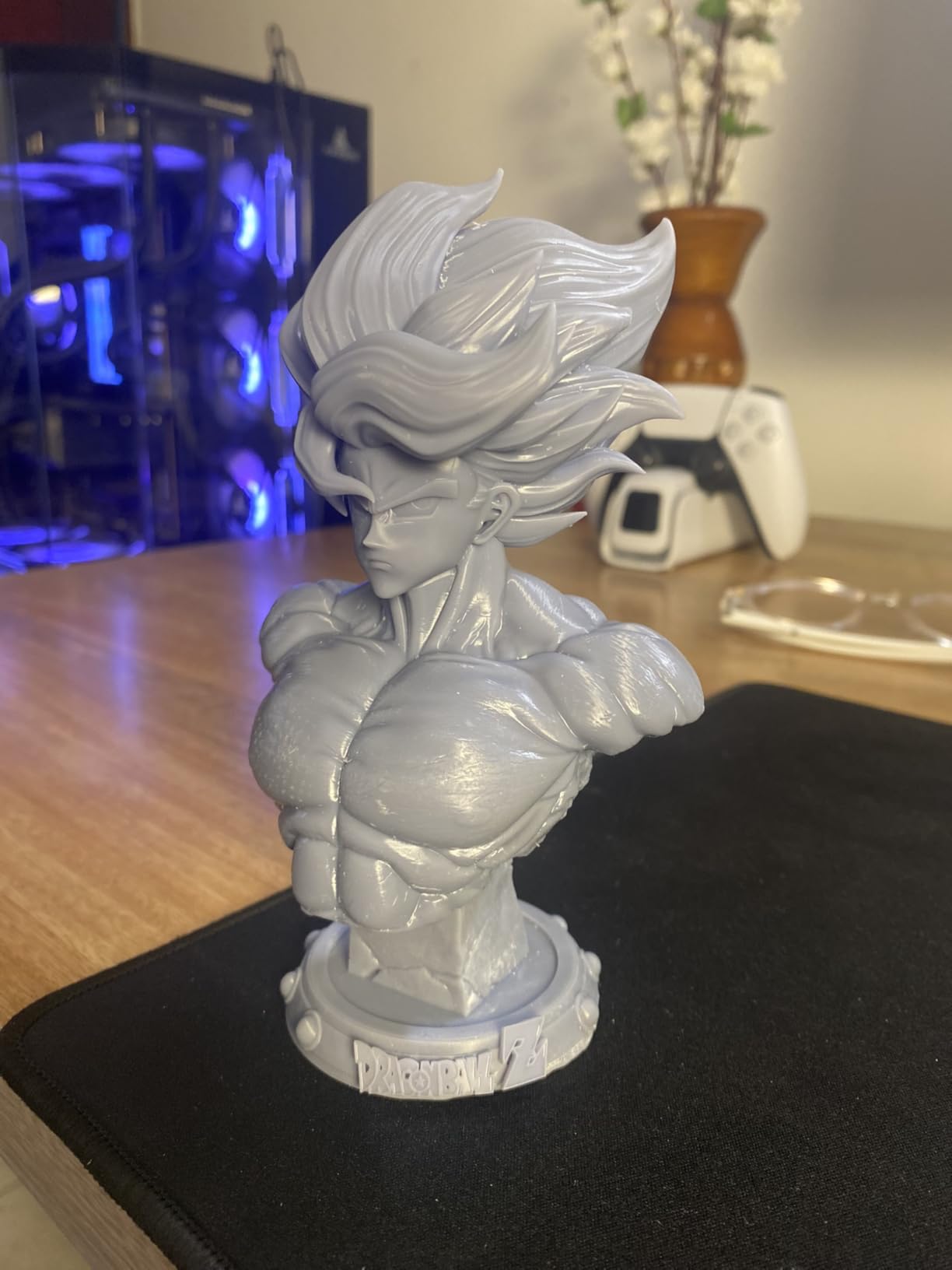
The detail ceiling on a 17 x 17 micron pixel is genuinely high for a 32 mm figure, and the mono screen means full brightness across every pixel instead of the checkerboard dimming you get from RGB LCDs. Pair it with a tough, ABS-like resin and a painted primer and the minis survive being knocked across a gaming table, which standard brittle resin does not always do.
Owners also rate the quiet operation and the single-screw leveling highly, and that combination is why this is the machine I recommend to someone printing their first serious hero piece rather than an army.
What you should know before buying
Some owners report that the touchscreen alignment and mobile app connectivity are unreliable, and that the print-software view controls are not intuitive. Budget ten minutes learning the slicer before a 6-hour print, and check the plate size against your collection of models before you commit.
If your hobby is a full 2,000-model army rather than display pieces, the plate here will frustrate you. Look at the Phrozen Sonic Mega 8K instead, and accept coarser detail in exchange for a plate that holds the whole project.
2. ELEGOO Mars 5 Ultra – Best Value Resin Printer for Miniatures
ELEGOO Mars 5 Ultra Resin 3D Printer
9K mono LCD at 18 micron XY
Up to 150 mm/h tilt release
AI camera with error alerts
19.36 lb, 15.75 x 18.5 x 9.06 in
Pros
- 9K resolution produces detail far beyond filament printers
- Tilt release roughly halves print times vs older Mars models
- Simple level and calibrate workflow
- Remote camera monitoring and time-lapse capture
Cons
- Build plate is small for batch jobs
- Lid must be fully removed to reach the vat
- Rounded resin spout makes pouring messier
The Mars 5 Ultra is the one I recommend to people who want the detail of resin without the fiddling. The workflow is level, update firmware, calibrate, print, and the three-month Chitubox Pro subscription included with the machine meaningfully improves support generation, which is where most first-time miniature prints actually fail.
Tilt release is the headline feature and it earns its place. Print speeds up to 150 mm/h roughly halve the time of older Mars models, and because the release force is distributed rather than yanked straight up, small thin supports on capes and wings survive far more often. The AI camera with real-time error detection and time-lapse capture also lets you leave a print alone overnight without walking over to check it.
What holds up best
The 18 micron XY pixel lands in the same practical territory as the 17 micron panel on our top pick, so on a 32 mm miniature the two are visually close. What the Mars 5 Ultra adds is speed, and speed is what turns a hobby into a habit: an evening print instead of an overnight one.
Owners consistently describe it as a beginner-friendly upgrade rather than a complicated machine, and the smart mechanical residue sensor genuinely protects the LCD from a resin spill that would otherwise cost you the screen.
What you should know before buying
Three practical annoyances come up repeatedly. The lid has to be fully removed rather than hinged to reach the vat, the rounded resin spout makes pouring messier than a straight one, and the camera is easily blocked by a large print, so its value drops sharply on bigger models. Some owners also report first-layer adhesion failures, which points at resin cleanliness and plate leveling rather than the machine itself.
The plate is small for batch work, so treat this as a one-model-at-a-time printer. If you want to run a whole warband in a session, step up to a larger build volume.
3. ELEGOO Saturn 4 Ultra 16K – Best for Ultra-Detail Hero Minis
ELEGOO Saturn 4 Ultra 16K Resin 3D Printer
16K mono LCD resolution
Resin tank held at 30 C
Up to 150 mm/h tilt release
Pros
- 16K resolution delivers very sharp miniature detail
- Heated resin tank at 30 C raises layer adhesion
- Auto-leveling makes it usable straight out of the box
- Chamber light and camera allow day or night monitoring
Cons
- Bulkiest footprint in this group at 24 x 17 x 15 inches
- Heated tank and big screen add to the total cost
- Support experiences vary in the reviews
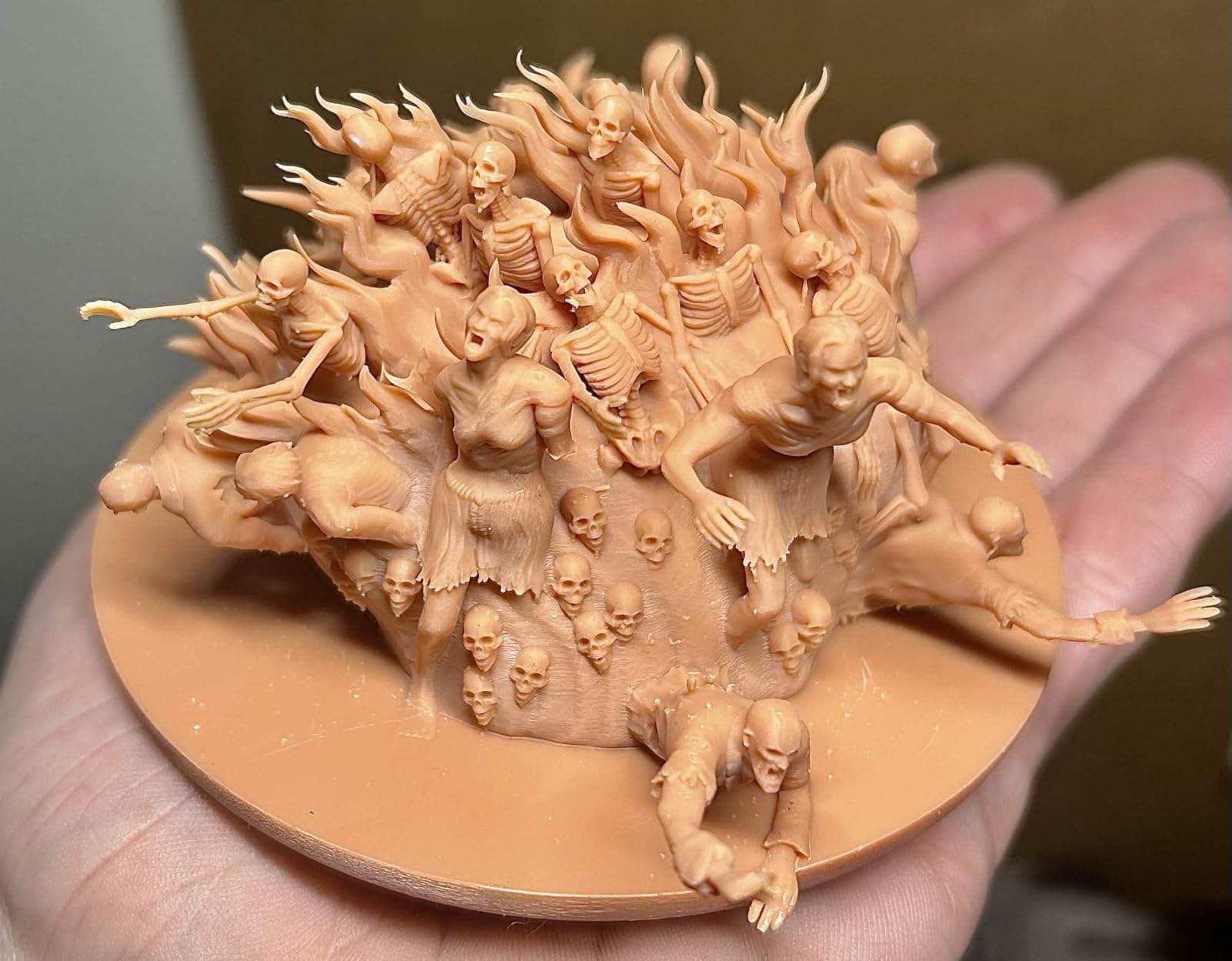
When the brief is a display piece that will sit under a glass dome, the Saturn 4 Ultra 16K is the sharpest tool in this list. Reviewers consistently name the 16K clarity as the reason to step up, and the difference shows most on smooth skin, cloth and hair rather than on chainmail, which most panels resolve fine.
The intelligent tank heating is the sleeper feature. Holding the resin at 30 C cuts viscosity, which reduces bubbles and layer separation, and layer separation is the number one cause of a mini splitting in half mid-print. My first plate on this machine had no failed first layers, which is not something I can say for every printer here.
Tilt release at up to 150 mm/h keeps those high speeds gentle on the model, automatic leveling removes the classic first-day ritual, and the AI camera with a built-in chamber light plus time-lapse capture means you can check on a print without flooding the room with light. The residue detection sensor protects the 16K screen, which matters more on a panel this expensive.
It is a large machine at 35.5 pounds and 24 x 17 x 15 inches. Measure your shelf before you fall for the resolution, because the build plate is wide enough that most homes will not have a flat surface spare for it.
What holds up best
Resolution on hero pieces, full stop. If you print one bust, one centerpiece miniature, or display sculpts you will never play with, this is the machine that gets the most out of your files. The heated tank also makes it the most forgiving of temperature swings, so a drafty garage studio does not degrade your results.
Reviewers who upgraded from entry-level machines point to the tank heating as the practical reliability gain, not just the headline resolution figure.
What you should know before buying
The footprint and the total cost of ownership. Big screens and heated vats are consumables when things eventually need replacing, and the reviews note a 13 percent one-star share that reflects early-adopter quality and support friction rather than print quality. If you are not using the resolution, this money buys you nothing extra.
Buyers on a smaller budget who want a big plate should read the Phrozen section instead, and buyers who want big plates at 16K resolution should look at how the Creality handles the same problem.
4. ANYCUBIC Photon Mono M7 Pro – Best for Fast Batch Printing
ANYCUBIC 14K Resin 3D Printer Photon Mono M7 Pro with 170mm/h High Speed
14K LighTurbo 3.0 optics
Build 223 x 126 x 230 mm
170 mm/h max speed
Temperature-controlled resin vat
Pros
- Very fast prints that work well out of the box
- High detail including threaded parts that fit together
- Large build plate for batch work
- Resin auto-fill and recycling is genuinely useful
Cons
- LCD screen failures reported within a few months
- Z-axis and zero-point recalibration needs repeated attention
- Photon Workshop slicing is cumbersome and cloud-dependent
The M7 Pro is the joint fastest machine here, and the only one that genuinely automates resin handling. The auto-fill unit refills the vat during a print and empties it afterwards with one key, so you can run a long batch while you sleep instead of babysitting the resin level. At 170 mm/h with High Speed 2.0 resin at 0.1 mm layers, throughput is the whole point.
Detail is genuinely good for a 14K panel, and owners specifically call out threaded parts that fit together on the first try, which matters enormously for multi-part busts and kits. The temperature-controlled vat keeps cold-weather prints consistent, and the Airpure odor filtration unit takes the edge off the sharp resin smell in a shared space.
What holds up best
The 223 x 126 x 230 mm plate is the reason to buy it. A Mars-sized machine prints a handful of minis per plate; this one holds a real chunk of a warband, and the full-plate time argument means forty models cost barely more clock time than one.
If your resin volume and your sleep schedule are the binding constraints in your hobby, the automated resin management is worth more than any resolution jump.
What you should know before buying
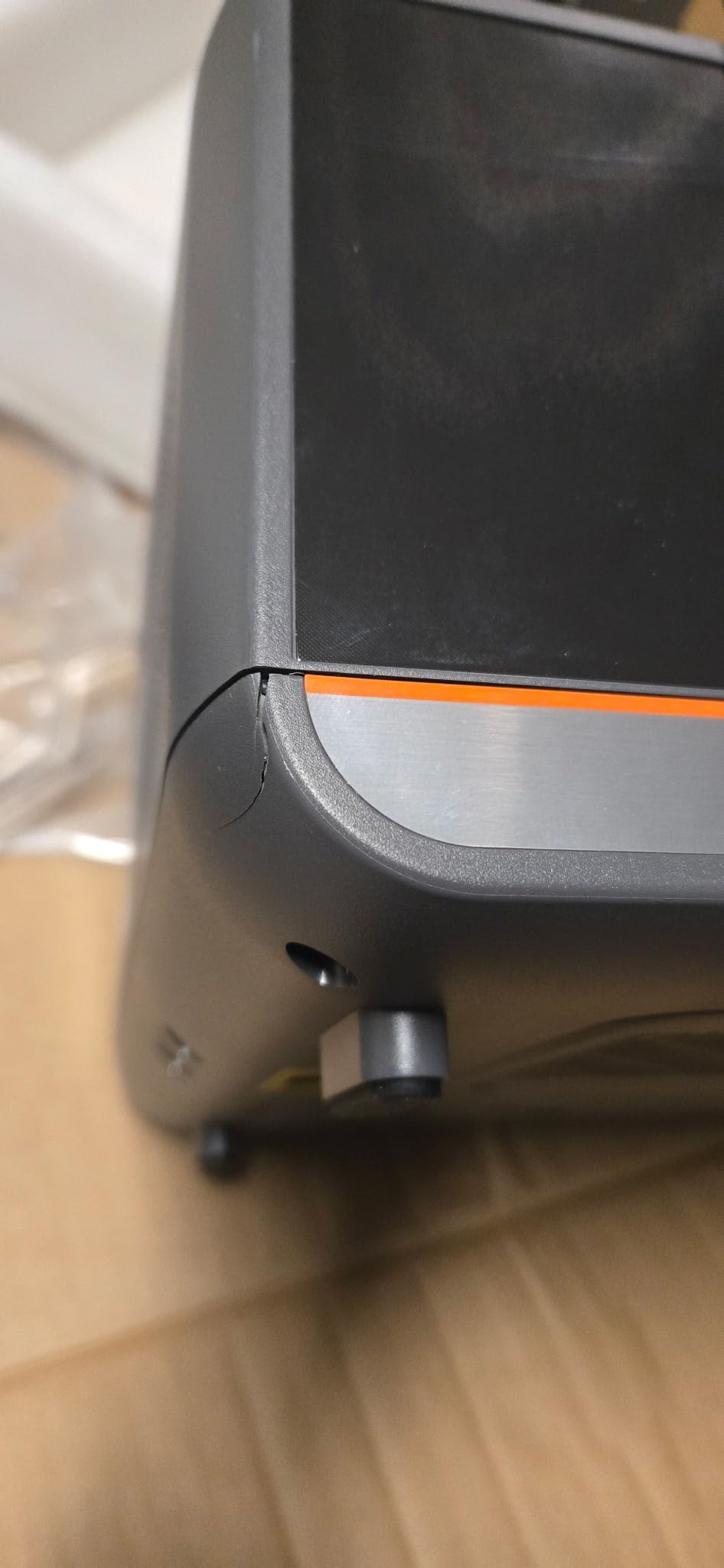
The reliability reports are the honest concern. At 3.9 across 66 reviews, owners report LCD screen failures within a few months, repeated Z-axis and zero-point recalibration needs, an auto-fill system that is not always dependable during a print, and plastic tubing that deforms and breaks easily. The bundled Photon Workshop slicer is described as cumbersome and cloud-dependent, so download your files locally before you rely on it for a 20-hour job.
It runs at 170 mm/h alongside the Creality rather than ahead of it, but the 3.9 average is lower than the two entry-level Elegoo machines and the reason it is not higher up this list.
5. ANYCUBIC Photon P1 14K – Best for Factory-Leveled Printing
ANYCUBIC Photon P1 14K Resin 3D Printer with Auto-Leveling
14K mono LCD at 16.8 x 24.8 micron
Factory Smart Leveling 3.0
Wave release cuts force 60%
Pros
- Factory-calibrated auto-leveling removes manual bed leveling
- 14K screen with 0.3 mm minimum aperture captures fine detail
- Wave release reduces failures on undercut models
- Handles thick high-viscosity resins out of the box
Cons
- Newly released model with a small pool of owner feedback
- 10.1 inch screen is a major replacement expense if it fails
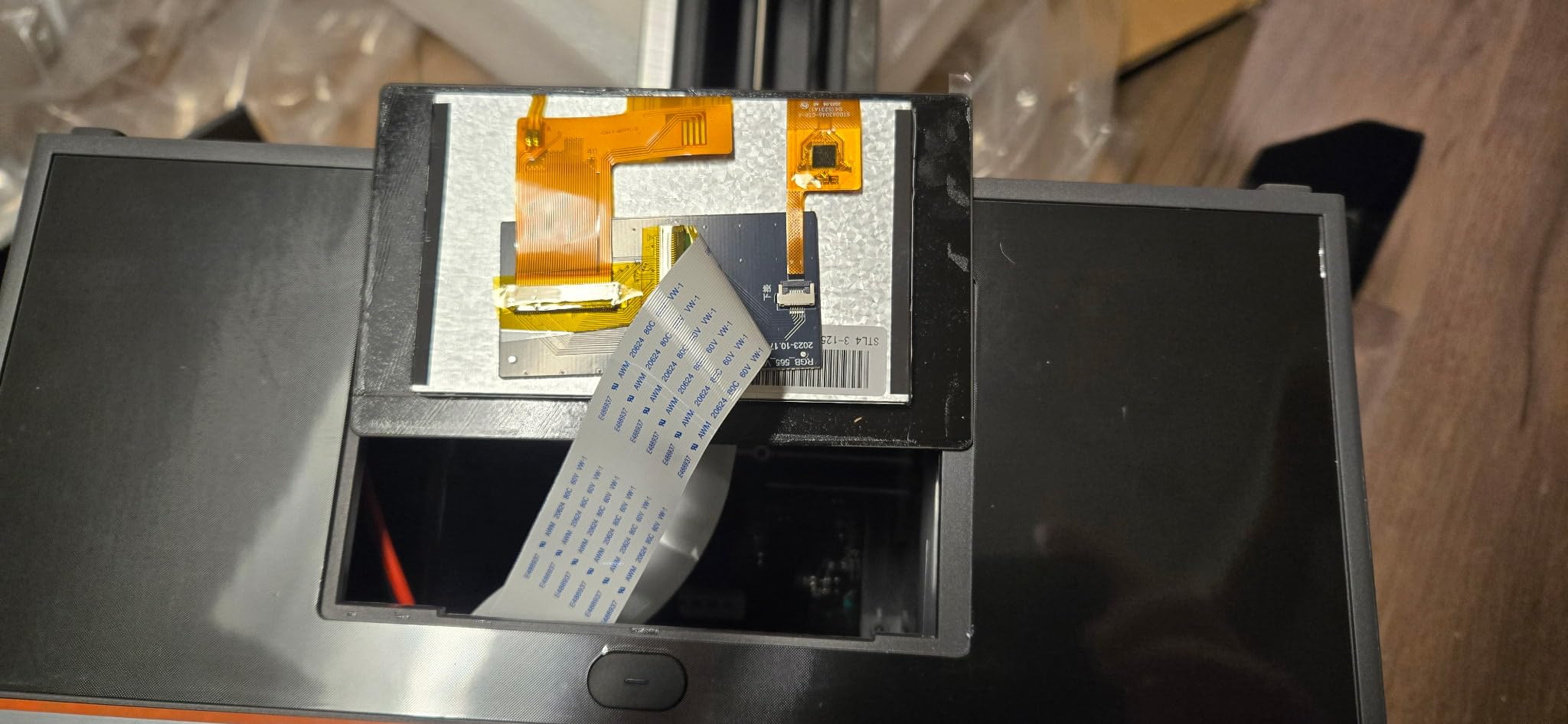
The Photon P1 14K arrived in January 2026 and the design goal is obvious: remove every step between unboxing and finished print. Smart Leveling 3.0 arrives factory-calibrated with real-time four-corner pressure feedback, and the AI inspection covers build plate installation, bottom-layer separation, resin level and vat residue. There is no leveling procedure to learn, and no guessing whether the plate is seated correctly.
Wave Release Technology generates a micro-airflow under the film to cut release force by 60 percent, which is the single most valuable thing on this list for small miniatures. Thin supports on wings, capes and hair are exactly what a straight-pull vat rips off. Ball screws and precision guide rails also cut lifting vibration, so the fine 16.8 x 24.8 micron pixel is not fighting a shaky Z.
What holds up best
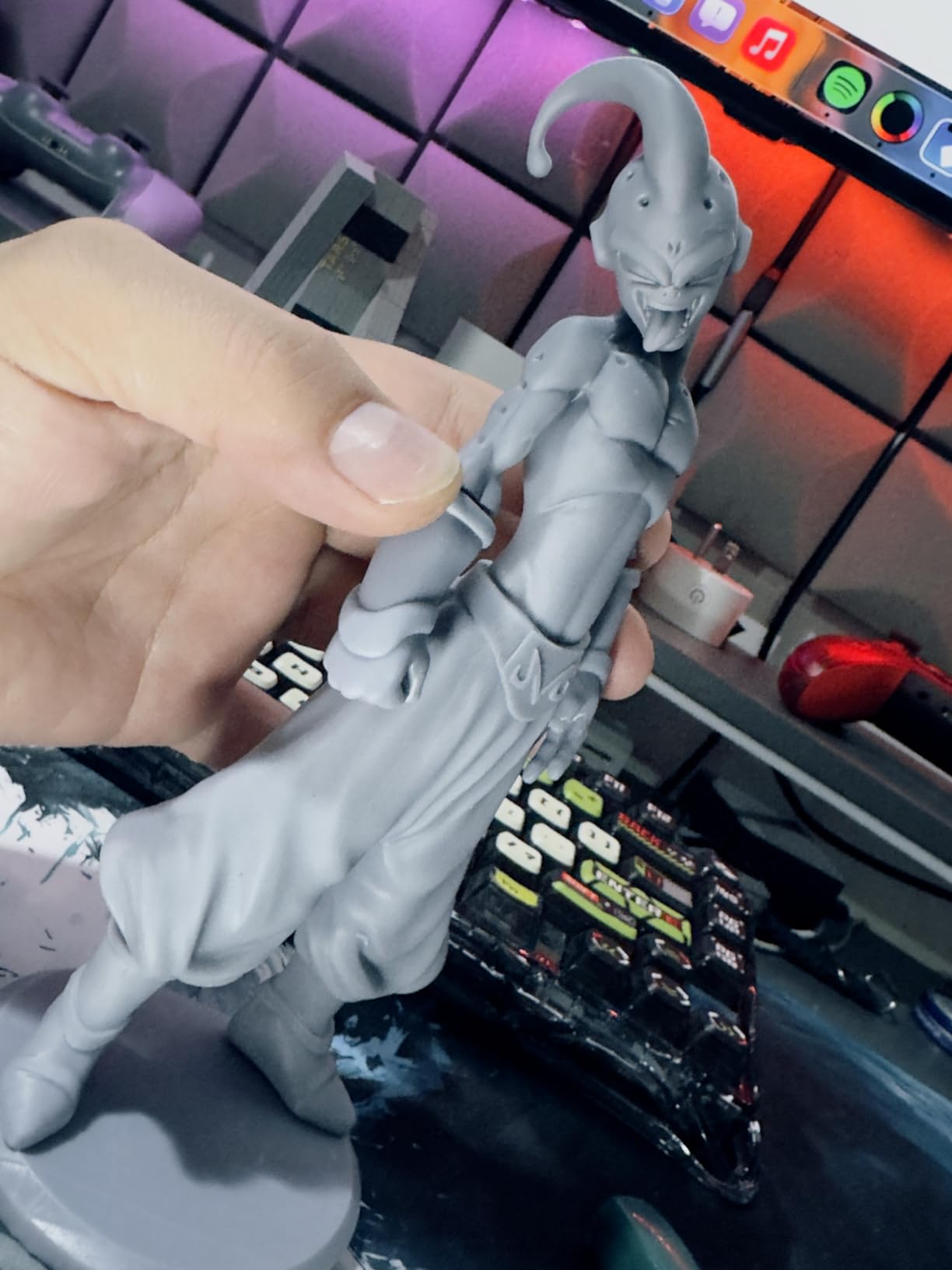
It handles resins up to 8,000 cps viscosity out of the box with pre-configured profiles, so you can pour tough or filled resin without a custom resin profile file. Combined with the 0.3 mm minimum aperture, this is a strong choice for jewelry masters, castable patterns and anything with through-holes that need to actually be open.
At 4.4 across 58 reviews, early owner feedback is strongly positive, with the leveling and the release system doing most of the talking.
What you should know before buying
The honest caveat is the review base. This is a 2026 release with 58 reviews, so you are buying on a thin history compared with the Photon Mono 4. The 10.1-inch 14K screen is also a large, expensive consumable if it ever needs replacing, and the machine itself is 29.7 pounds in a 16.93 x 24.41 x 16.54 inch body.
Give it a year of owner reports before you build a whole hobby workflow around it. The hardware looks right on paper; only time confirms the electronics.
6. Phrozen Sonic Mega 8K – Best for Large Miniature Batches
phrozen Sonic Mega 8K S LCD/MSLA Resin 3D Printer, 43 µm High Resolution, 15 inch Mono LCD Screen, Fast Production Accurate Details, Large Printing Size L12.99xW7.28xH11.81 Printing Volume
15 inch 8K mono LCD at 43 micron XY
Build 33 x 18.5 x 30 cm
Up to 80 minis in about 90 minutes
57.3 lb with lift-up lid
Pros
- Enormous build plate handles full batches in one go
- Quiet operation and solid build once dialed in
- Phrozen support replaced a damaged LCD within two days
- Large models print at a scale competitors cannot match
Cons
- No Wi-Fi
- camera or auto-leveling so setup is manual
- 43 micron detail trails 16K machines for intricate minis
- Owners report LCD
- main board and power supply failures
For throughput, no other machine in this group comes close. The Phrozen prints up to 80 of 1/32 scale miniatures in roughly 90 minutes on a 33 x 18.5 x 30 cm plate, and owners who print full armies talk about it the way other people talk about a hobby with a time limit. If your bottleneck is how many models you can finish in an evening, the resolution gap stops mattering.
ACF fluoropolymer film with TR300 high-speed resin is specified for printing up to 10 times faster, and the built-in metal drip hanger drains excess resin straight back into the vat, which saves both material and mess. The lift-up lid design is genuinely useful in a small room because the machine can sit on a shelf and stay closed between jobs.
What holds up best
Large models. At 12.99 x 7.28 x 11.81 inches the build volume prints at a scale the smaller machines here cannot match, and the tall Z means you do not have to angle everything diagonally and rebuild half your supports. It is also quiet, which is not guaranteed on large resin machines.
Support has been good in at least one documented case, where a damaged LCD was replaced within two days. That matters on a machine this size.
What you should know before buying
There is no Wi-Fi, no camera and no auto-leveling, so setup is manual every time. The 43 micron XY resolution is the coarsest here, and for small intricate minis you will see the difference against a 16K panel. Several owners also report LCD, main board and power supply failures, and advertised print speeds that their prints did not reach.
At 57.3 pounds this is a two-person lift, and the self-filling mechanism and large plate design limit how flex plates can be used. Buy it for batches and scale models, not for hero pieces.
7. Creality Halot-X1 Combo – Best for Busts and Display Models
Creality Halot-X1 Combo Resin 3D Printer, 10.1″ 16K Mono LCD, 14×19 μm
16K mono LCD at 14 x 19 micron
Build 211.68 x 118.37 x 200 mm
Fixed plate needs no leveling
Pros
- 16K mono screen gives very fine XY detail
- Fixed build plate design removes leveling as a failure point
- Resin heating and RFID profile loading improve reliability
- 92-zone exposure helps extend screen life
Cons
- Lowest average rating here at 3.6 across 22 reviews
- Only 43 percent five-star ratings show inconsistent experiences
- Complex resin management hardware adds failure modes
The Halot-X1 Combo has the most interesting engineering idea in this roundup. Instead of moving the build plate, it fixes the plate and moves the optical module down onto it, which means there is no leveling step at all. For a hobbyist who dreads first-layer failure, deleting leveling from the machine entirely is a bigger deal than another 200 microns of resolution.
The 10.1-inch 16K screen at 14 x 19 micron pixel size is the finest stated pixel pitch in this group, and the 211.68 x 118.37 x 200 mm build volume is genuinely generous for a mid-size machine. Intelligent AFU resin management heats the vat from 30 to 45 C in three minutes, RFID resin tags auto-load the right profile when you feed a bottle, and 92 independently controlled light zones reduce overexposure and extend screen life. Dual linear rails and dual lead screws hold 0.01 mm Z positioning.
What holds up best
Busts and tall display models. The Z height and the top-down optical movement handle large vertical prints without the diagonal-plate tricks that force heavy support structures onto a model’s face, and the twist-to-release plate makes removing a big print far less risky.
The 0.01 mm Z precision from dual rails and lead screws is a real engineering advantage for layer consistency on tall prints, where a sagging Z axis shows up as visible banding.
What you should know before buying
Be blunt about this one: 3.6 across 22 reviews is the lowest average in the group, and only 43 percent of ratings are five-star. That spread suggests the feature set has not consistently translated into good experiences. Complex resin management hardware also adds failure modes, and the RFID and laser feed systems are more electronics to go wrong than a manual pour.
The spec sheet is among the strongest here, which is exactly why it sits at number seven. I would want a larger body of owner reports before recommending it over the Halot’s more proven rivals.
8. HeyGears Reflex RS Turbo – Best for Automated Print Workflows
HeyGears Reflex RS Turbo Resin 3D Printer with Amber Screen, High Contrast Ratio of 566:1, Delivering ±2μm High Precision and 4.5s/Layer High Speed, C5 Industrial Z-Axis and Auto Leveling
Amber screen at 566:1 contrast
4.5 seconds per layer
Auto-leveling, 0.1 N force sensors
Pros
- Best stated average rating here at 4.7
- Amber screen gives crisp edges and sharp dimensions
- 4.5 second layer times suit high-volume batches
- Auto-leveling and auto-repair slicing reduce failed prints
Cons
- Small review base of 25 as a newly launched model
- Feature-dense software stack takes time to learn
- Heavy 50.6 pound chassis needs a solid bench
The Reflex RS Turbo is among the most automated printers here and, on the strength of 25 owner reviews, is the highest rated at 4.7 with 88 percent five-star results. It launched in February 2026, so that rating is promising rather than proven, but the amber screen with a dyed polarizer film and a 566:1 contrast ratio produces visibly crisper edges than standard mono panels, and dimensional accuracy follows from it.
Everything about this machine is aimed at not losing a print. One-click slicing auto-repairs inverse normals, holes and intersecting shells. Floating screen auto-leveling corrects up to 0.15 degrees of deviation. Force sensors with 0.1 N sensitivity detect resin residue as fine as 0.2 mm and auto-pause before the screen is damaged. The LCD is divided into 60 calibrated zones holding variation within plus or minus 3 percent, and the C5 ball-screw Z-axis holds 2 micron repeat accuracy over 10,000 cycles under 50 kg.
What holds up best
4.5 seconds per layer with high-speed resin support is the number that matters if you print continuously. Combined with the Dynamic Motion Algorithm 3.0, which picks from 18 parameter sets for a claimed 33 percent speed gain, this is the machine to buy if you leave prints running and want failures caught rather than discovered in the morning.
The Adaptive Process Packages with Z-compensation for up to 180 hole-angle combinations is quietly excellent for miniatures with tight undercuts, and the amber screen is easier on eyes during long unattended sessions.
What you should know before buying
Twenty-five reviews is a thin base for a top rating, and the feature-dense software stack takes time to learn. At 50.6 pounds and 15 x 23 x 15 inches it also needs a bench that can take the weight. The claimed speed and precision figures are manufacturer numbers, so judge them against your own finished prints after a few months.
This is the machine I am most excited to see reviewed again in a year. Right now it is a strong bet on refinement rather than a proven standard.
Why Resin Beats Filament for Miniatures
A resin 3D printer is a better miniature printer because the surface finish is limited by pixel size rather than nozzle width. At 32 mm, the ridges left by a 0.4 mm FDM nozzle are larger than the details a tabletop painter is trying to highlight, so you sand and prime your way back to a compromise. Resin cures flat.
Resin printers are also quieter, they need no heat bed, and a finished mini can be primed, base-coated and painted the same evening a failed filament print is still being diagnosed. What you give up is simplicity: resin needs washing, curing, ventilation and gloves, and a tank of liquid that has to be stored safely.
Keep your FDM machine for terrain. Large scatter basing pieces, cracked walls and ruined gothic arches are cheap in filament, tolerant of layer lines and ungrateful for the detail that resin delivers. A hybrid hobby, resin for minis and filament for boards, is what most serious painters end up with.
How to Choose a Resin 3D Printer for Miniatures
XY resolution and what it means at 32 mm
The clearly stated pixel pitches here run 17 x 17, 18, 16.8 x 24.8, 14 x 19 and 43 microns, and the 14K and 16K panels that quote only a native resolution land in the same territory as the best of those. The 43 micron Phrozen panel is the outlier, and it is only visible if you hold the miniature at painting distance.
Do not buy on the marketing label. 9K, 12K, 14K and 16K are all just names; the pixel pitch figure is the one that decides whether a cloak fold reads.
Build volume and batching maths
This is the decision that changes your workflow, not your quality. A small plate prints a handful of 32 mm minis at once; the Phrozen’s 33 x 18.5 x 30 cm plate is documented to handle up to 80 of them. Because each layer costs the same exposure time regardless of how many models sit on it, a full plate of fifty minis takes roughly the same time as one, so the cost per miniature collapses.
Ask yourself honestly whether you print heroes or armies. Heroes argue for resolution, armies argue for plate size, and buying the wrong one leaves you either rescaling models forever or waiting a week for detail you never needed.
Tilt release versus straight-pull vats
A straight-pull vat yanks the model off the film with the full force of a lift, which is what snaps thin supports off a wingspan or a chain of beads. Tilt release systems tilt the plate so the model peels away progressively, and the Phrozen-class plate here uses an air-assisted wave release to cut release force by 60 percent. If you print fragile miniatures often, treat tilt or wave release as a requirement rather than a nicety.
Screen size, light source and auto-leveling
A larger mono screen means a bigger build plate and shorter, more even exposure, but it is also the most expensive consumable you will replace. A parallel LED matrix light source beats a single lamp because the whole plate cures at one intensity, which is what keeps a plate of forty minis consistent from center to edge.
Auto-leveling deserves real weight. Factory-calibrated systems such as Smart Leveling 3.0, or a fixed build plate that removes leveling entirely, save more failed prints than any resolution upgrade. Prospective buyers do report doubts about whether some auto-leveling systems hold calibration, so check what the machine does after a vat change rather than trusting the first print.
Layer height and exposure time
For miniatures, 0.03 mm is the sweet spot and 0.05 mm is the practical default. Dropping to 0.02 mm roughly doubles print time for detail you will not see on a painted figure, while 0.05 mm remains invisible under primer on anything that is not a face in extreme close-up. Machines advertising fast speeds achieve them at 0.1 mm layers, which is terrain territory rather than miniature territory.
What You Need Beyond the Printer
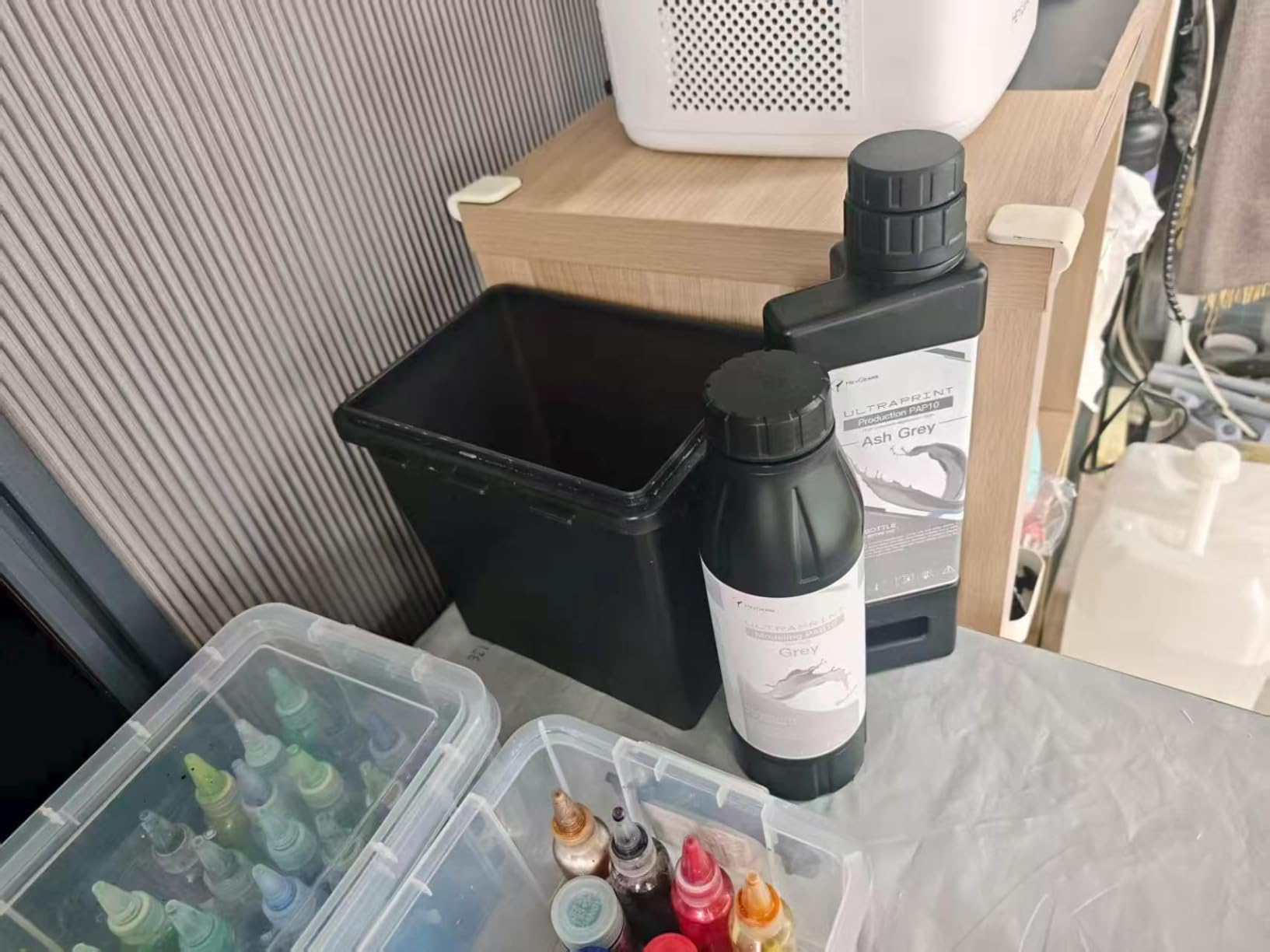
Every one of these machines needs a wash and cure station, and there is no version of resin printing that skips it. Uncured resin left on a miniature will stay sticky, will dent under primer and can cause dermatitis on your skin, so wear nitrile gloves every time you handle resin and fully cure prints before you handle them bare-handed.
Add spare FEP or ACF release film, which is a consumable that wears out on a schedule whether or not you drop it, plus isopropyl alcohol for washing unless you choose a water-washable resin. On ventilation, a machine with built-in carbon filtration such as the Anycubic Airpure unit or the Creality kit takes the edge off the smell, but keep resin printing in a room you can ventilate rather than relying on the filter alone. If resin printing makes you nervous about fumes in a shared flat, an enclosure and a dedicated extractor are the honest answer.
Standard grey resin produces beautiful minis that snap if a player grabs one off the table. Print gaming minis in a tough ABS-like resin, or accept that unpainted heroes are display pieces and leave the gaming copies to grey resin in bulk.
Frequently Asked Questions
Which resin printer is best for printing miniatures?
The ANYCUBIC Photon Mono 4 is the best all-round choice, with a 7-inch 10K mono LCD at 17 x 17 micron pixel size, one-time screw leveling and a 4.4 average across 667 owner reviews. Pick the ELEGOO Saturn 4 Ultra 16K instead if maximum surface detail on hero pieces matters more than footprint, and the Phrozen Sonic Mega 8K if you print armies rather than display models.
What is the best beginner resin printer?
The ANYCUBIC Photon Mono 4 is the easiest entry point: leveling is four screws tightened once, the laser-engraved platform holds adhesion without fuss, and it is compact and quiet enough for a home office. The ELEGOO Mars 5 Ultra is the alternative if you want faster prints, tilt release and remote camera monitoring from day one.
Are resin printers better than FDM for miniatures?
Yes, for miniatures specifically. Resin resolves detail down to roughly 14 to 20 micron pixels and cures a smooth surface, while a 0.4 mm FDM nozzle leaves ridges larger than the features you are trying to paint. Filament is still the better tool for large terrain pieces, bases and scatter basing, so many hobbyists run both.
Is resin 3D printing safe at home?
It is safe with basic precautions. Wear nitrile gloves when handling liquid resin, work in a ventilated room or use a machine with built-in carbon filtration, keep uncured resin away from skin because it can cause dermatitis, and fully wash and UV-cure every print before handling it bare-handed. Cured resin is far less troublesome than liquid resin.
How long does a resin miniature print take?
A single 32 mm miniature at 0.05 mm layer height typically runs two to four hours on a modern machine printing at 150 to 170 mm/h. The key point is batching: a full plate of fifty minis takes only slightly longer than one, because each layer costs the same exposure time no matter how many models are on the plate.
What are the main downsides of resin printing?
The post-processing is the honest answer. Every print must be washed, cured and de-supported, uncured resin is a skin irritant that needs gloves and ventilation, and release film, vats and LCD screens are all consumables that eventually need replacing. A first-layer failure also wastes both resin and several hours, which is why factory leveling matters.
Which resin printer is most reliable?
Reliability has to be judged on owner feedback, and the largest review bases here are the strongest signal. The ANYCUBIC Photon Mono 4 leads with 667 reviews at a 4.4 average, followed by the ELEGOO Mars 5 Ultra with 384 at 4.3. The newest and highest-rated machines here have far fewer reviews, so their long-term reliability is still unproven.
The Bottom Line
The best resin 3D printers for miniatures in 2026 come down to what you print. Print hero pieces one at a time and the ANYCUBIC Photon Mono 4 wins on proven detail and the deepest owner feedback of any machine here. Print at speed and want monitoring, and the ELEGOO Mars 5 Ultra is the smarter buy. Chase the sharpest surface on display minis, and the Saturn 4 Ultra 16K takes it.
Print armies, and the Phrozen Sonic Mega 8K trades detail for throughput in a way nothing else matches. Whichever you choose, budget for the wash and cure station, the gloves, the replacement film and the ventilated room, because that is where the hobby actually lives after the first hour of excitement.