
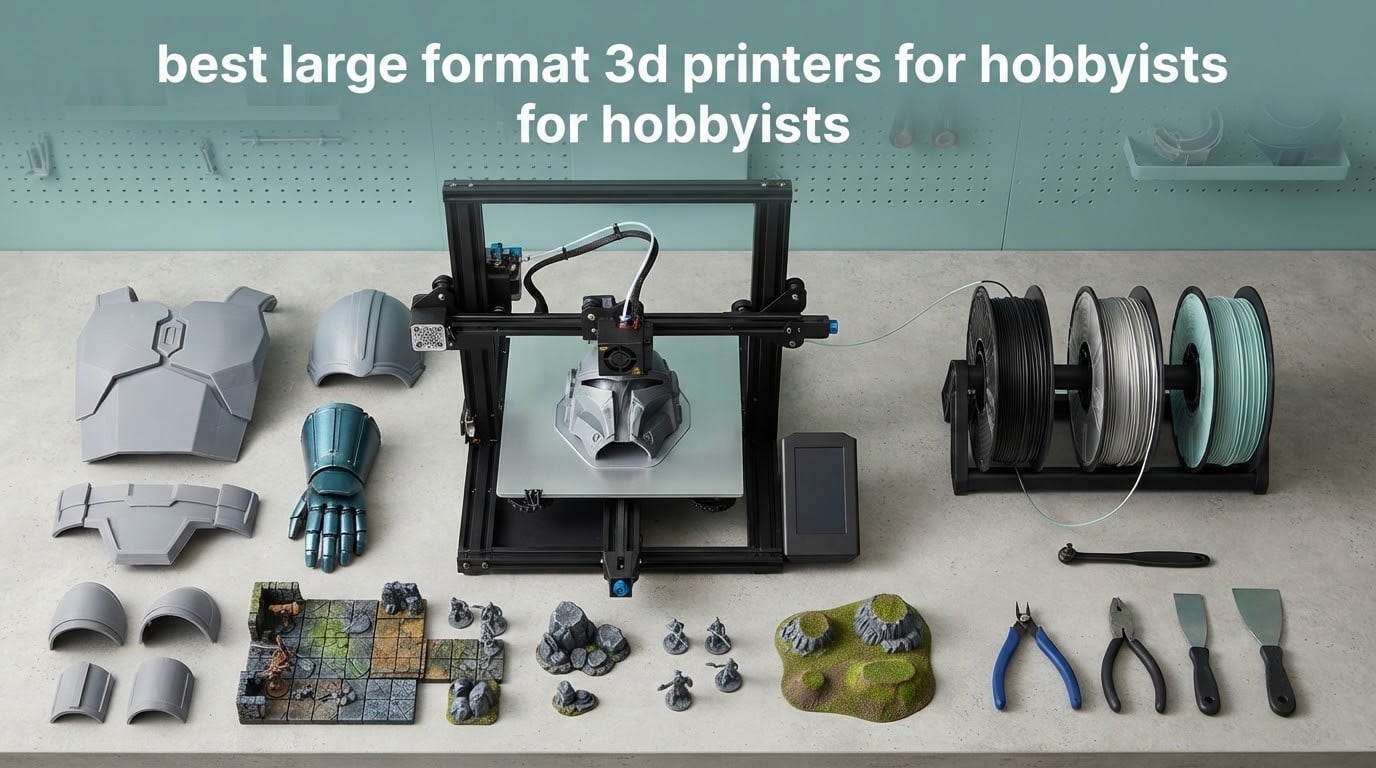
A large format 3D printer changes what you can make at home, but only if you pick the right one for your space, your materials and your patience. We spent weeks going through owner reviews, community threads and spec sheets to build this list of the best large format 3D printers for hobbyists in 2026.
Our top three: the Flashforge Creator 5 Pro takes the overall slot for four independent toolheads and an enclosed 65°C chamber, the Creality K2 Pro Combo is the best value pick with a 350 mm cube and a multi-filament unit in the box, and the Anycubic Photon Mono M7 Max is the most proven large resin machine by sheer volume of owner feedback.
Two of these ten are resin printers, and that is not padding. For terrain, masks, cosplay helmets and tabletop scenery, resin still beats filament on surface detail, and a tall resin machine with a 300 mm Z height can swallow parts a 220 mm desktop bed never could. The other eight are FDM machines, where build volume, frame rigidity and thermal control decide everything.
Before the picks, one warning. A large format machine is a different commitment than a desktop printer: it weighs 70 to 120 pounds, it occupies a garage corner rather than a desk, and a single large print can run for two or three days. Buying the wrong one is expensive in filament and evenings, so the framework below matters as much as the rankings.
Table of Contents
Top 3 Large Format 3D Printers for Hobbyists (October 2026)

Flashforge Creator 5 Pro
- 4 independent toolheads for multi-color
- Zero purge color changes in about 7 seconds
- Enclosed chamber heated to 65°C
- CoreXY 600 mm/s travel speed

Creality K2 Pro Combo
- 350 mm cubed build volume
- CFS multi-filament unit included
- 600 mm/s with 0.05 mm layer precision
- Dual AI cameras for failure detection

Anycubic Photon Mono M7 Max
- 298 x 164 x 300 mm resin volume
- 7K resolution with anti-aliasing
- 60 mm/h print speed
- 1300 ml heated vat
The Flashforge Creator 5 Pro wins because multi-color printing without purge waste is genuinely useful at home, and an enclosed 65°C chamber means ABS and ASA are on the table rather than theoretical. The Creality K2 Pro Combo covers the same ground more simply, and its owner base is the second largest in this roundup.
What Counts as Large Format?
A large format 3D printer is any machine with a build volume of roughly 400 x 400 x 400 mm or larger, or a machine that combines a 300 mm-plus bed with a tall Z axis. That is far bigger than the standard 220 mm desktop cube, so you can print a full set of cosplay armour, a section of tabletop terrain or a workshop organizer in one piece instead of splitting and gluing it together.
There are four practical classes. Desktop XL machines sit near a 300 mm cube with no chamber heating. Enclosed prosumer machines pair a 350 to 400 mm bed with an actively heated chamber and a hardened hotend. Workshop CoreXY machines reach 400 mm and beyond with higher flow rates and cameras. Resin machines are a separate branch, growing a tall narrow volume where detail matters more than footprint.
The threshold matters because it changes what warping does to you. On a 220 mm plate, a draft in the room lifts a corner by a fraction of a millimetre and the layer sticks. On a 400 mm plate with an open frame, the whole print can bow away from the bed mid-layer, and you lose a day of machine time. This is why the enclosed picks below are not just feature lists; chamber control is a reliability feature at this size.
Every Large Format Printer in This Roundup at a Glance in 2026
| Product | Specs | Action |
|---|---|---|
| Flashforge Creator 5 Pro |
|
Check Latest Price |
| Creality K2 Pro Combo |
|
Check Latest Price |
 Creality K2 Plus Combo Creality K2 Plus Combo |
|
Check Latest Price |
 Longer LK5 Pro Longer LK5 Pro |
|
Check Latest Price |
 Sovol SV08 MAX Sovol SV08 MAX |
|
Check Latest Price |
 Phrozen Sonic Mega 8K S Phrozen Sonic Mega 8K S |
|
Check Latest Price |
 Creality Ender 5 Max Creality Ender 5 Max |
|
Check Latest Price |
| Anycubic Photon Mono M7 Max |
|
Check Latest Price |
 QIDI Max4 Combo QIDI Max4 Combo |
|
Check Latest Price |
 Elegoo Jupiter 2 Elegoo Jupiter 2 |
|
Check Latest Price |
How We Picked These 10 Machines
We started with build volume against real projects, not marketing sheets. Anything that cannot clear a 300 mm Z height or a 350 mm bed is not large format no matter what the box says, and we weighted machines that sit near a full 400 mm cube more heavily than tall-and-narrow designs.
Next came frame rigidity, because a 400 mm gantry that flexes under a fast toolhead shows up as ringing artifacts on the outer wall of every tall print. We looked for die-cast aluminium frames, linear rails and dual Z support over belt-only Z drives.
Thermal control came third. An actively heated chamber above 55°C is what separates a machine that can print ASA and PC from one that can only print them with an enclosure draped over it, and at this size a warped 30-hour print is the most expensive mistake a hobbyist can make.
Extrusion throughput decided the tie-breaks. A 40 mm³/s hotend with a 0.8 mm nozzle option can finish a furniture-scale panel in a weekend, while a 180 mm/s machine turns the same job into a week of babysitting.
We also weighed filament handling, because a 3 kg spool feeding a multi-day print needs somewhere to live. Run-out sensors, power-loss resume and multi-spool units all reduce the ways a long print can quietly die.
Finally, total cost of ownership. The machine is the smaller number. Filament per large print, electricity across a weekend, worn build plates and hardened nozzles add up faster than most buyers expect.
1. Flashforge Creator 5 Pro: Best Overall Large Format Printer for Hobbyists
FLASHFORGE Creator 5 Pro Multi-Color 3D Printer,4-Toolheads,Fully Enclosed
4 toolheads
7s purge-free color change
CoreXY 600 mm/s
65C chamber, 120C bed
HEPA plus carbon filter
Pros
- Four toolheads print true multi-color and multi-material in one pass
- Color changes take about 7 seconds with no purge waste
- Enclosed chamber heated to 65C handles ABS
- ASA
- PC and nylon
- Automatic leveling and per-toolhead offset calibration
- Fully filtered exhaust and 55dB or lower operation
Cons
- 39.6 lb chassis is awkward to reposition alone
- Four toolheads mean more surfaces that can clog or need service
- Higher outlay than single-extruder machines
The Creator 5 Pro is the machine we would put in a spare room for a hobbyist who wants one box to do everything. Four independent toolheads mean a chest plate, shoulder pauldrons and belt buckles in four colours in a single print, with no manual filament swap halfway through a Saturday.
What convinced us was the purge-free changeover. On most multi-extruder machines a colour change wastes filament flushing the hotend, and on a large print with a lot of colour that waste adds up fast. Flashforge claims about seven seconds and no purge waste, which changes the economics of multi-colour work at home.
Underneath, it is a serious machine rather than a novelty. CoreXY motion at 600 mm/s travel speed and 30,000 mm/s² acceleration keeps corners clean, the heated bed reaches 120°C, and calibration is fully automatic with dynamic flow compensation handled per toolhead rather than globally.
The enclosure does real work here. A 65°C active chamber and a HEPA 13 filter with activated carbon mean ABS and ASA no longer mean open windows and warped corners, and the specified noise level of 55dB or lower makes it one of the more neighbourly picks in this list.
How the Creator 5 Pro handles big jobs
Owners consistently point to multi-colour output as the reason they bought it, and the fast CoreXY motion as the reason large models still print in a weekend rather than a week. The 30,000 mm/s² acceleration spec matters more here than the top speed number, because it is what stops ringing on tall thin features like helmet visors.
Automated flow compensation per toolhead is quietly useful. When a nozzle wears or a filament batch changes viscosity, the machine adjusts rather than leaving you to re-tune a profile for every head.
Where it falls short for a hobbyist
The 39.6 lb weight is real but manageable, and the bigger concern is complexity. Four heads are four hotends to clear, four nozzles to replace and four extruder paths to keep clean, which raises the odds of a clog on a machine you also rely on for single-colour prints.
Rating splits are wide, with a noticeable one-star group. The most common complaints are the setup learning curve and the maintenance burden of the multi-head architecture rather than print quality itself.
2. Creality K2 Pro Combo: Best Value Large Format 3D Printer
Creality K2 Pro Combo 3D Printer with CFS, 600mm/s, 300mm Build
350 mm cube
600 mm/s
0.05 mm layers
CFS included
Step-servo 32768 microsteps
Pros
- 350 mm cubed volume handles large models or small batches
- CFS multi-filament unit handles loading and colour changes
- Supplied build plate adhesion is excellent
- Around 45dB at 300 mm/s keeps it usable at home
- Works across PLA
- TPU
- ABS and PETG without mods
Cons
- Firmware is locked to Creality slicer unless rooted
- Cloud app raises privacy concerns for sensitive models
- Early units hit Z homing
- cutter and clogging faults
- Heavy enough that two people are advised for moving it
For most hobbyists stepping up from a small bed, the K2 Pro Combo is the easiest jump in this roundup. It is a 350 mm cube with a CFS multi-filament unit in the box, step-servo motors with 32,768 microsteps per revolution and a 600 mm/s maximum print speed at 0.05 mm layer precision.
What we liked most in owner feedback was how little tuning it needs. On a large plate that is a bigger deal than it sounds. Large plates are where first-layer failures waste the most time.
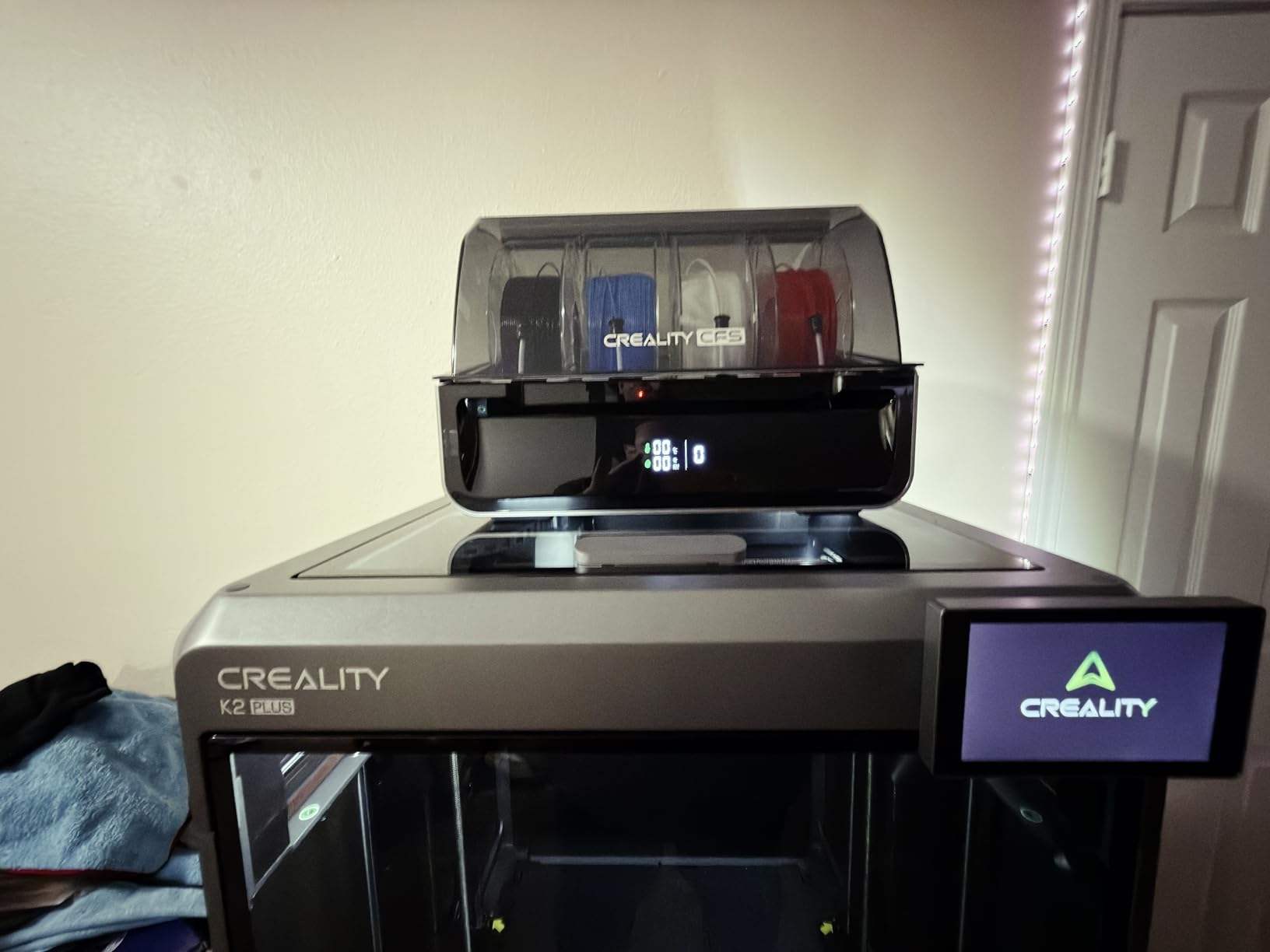
The frame is an aerospace-grade aluminium alloy Matrix exoskeleton, which is where the 45dB measured noise level at 300 mm/s comes from. Two AI cameras watch the toolhead for flow anomalies and the chamber for spaghetti and foreign-object debris, pausing the print when something is wrong.
Enclosure and fan climate control work together to hold chamber stability, and owners report success across PLA, TPU, ABS and PETG on the hardware as supplied, with no modifications. Many bought it as an upgrade from a smaller Creality or Bambu machine and report better output immediately.
What the CFS actually changes day to day
Multi-filament loading becomes a menu selection instead of a filament swap, and colour changes are fast and largely hands-off. For a hobbyist printing in several colours, that removes the single most tedious interruption in large-format work.
It also cuts filament waste, since you are not running a nearly empty spool to the end. Owners say the cloud app setup over Wi-Fi makes guided assembly straightforward.
Where it falls short for a hobbyist
The clearest complaint is software lock-in. The firmware is tied to Creality slicer unless you root the machine, and reviewers specifically flag privacy concerns with the cloud app when handling models you would rather not upload.
Second, early firmware errors were common: Z homing faults, cutter errors, extrusion and clogging problems. Several owners note that seller support did resolve these eventually, but budget for possible early troubleshooting.
3. Creality K2 Plus Combo: Best for Multi-Color and High-Temperature Printing
Creality K2 Plus Combo 3D Printer, Multi Color Printing with New CFS 600mm/s High-Speed Full Auto-Leveling Dual Al Camera Next-Gen Direct Drive Extruder Large Build Volume 13.78×13.78×13.78inch
350 mm cube
60C chamber
350C hotend
40 mm3/s flow
16 colors via CFS
Pros
- Chains up to 16 colors with CFS units and RFID detection
- 350 mm cube with dual independently motorized Z axes
- 60C chamber and 350C hardened nozzle for ASA and PPA
- 18 sensors plus two AI cameras automate failure detection
- Dual Z auto-corrects bed tilt before leveling
Cons
- 70.4 lb unit is awkward to position solo
- RFID ties filament choice to Creality spools
- CFS expansion path adds cost and drying discipline
- Steep learning curve for the automation
The K2 Plus is the K2 Pro taken further, and it is the pick for anyone who cares about temperature range more than footprint. A 60°C active chamber and a hardened steel nozzle rated to 350°C open up ASA, PPA and carbon-filled filaments that a 300°C hotend struggles with.
It also runs 40 mm³/s of flow at 30,000 mm/s² acceleration across FOC step-servo motors, up to 600 mm/s. On a large part that combination is the difference between a weekend and a work week.
Two independently motorized Z axes auto-correct bed tilt before auto leveling, which is our favourite detail on this machine. Bed tilt is the classic killer of large first layers, and having the machine fix it on its own removes a whole category of failure.
Multi-colour is where it pulls ahead of everything else here. Chaining four CFS units takes you to 16 colours with RFID filament auto-detection, and 18 smart sensors plus two AI cameras handle flow tuning and failure detection in the background.
Who the K2 Plus Combo suits
Anyone printing technical parts where layer adhesion matters more than surface looks. ASA, PPA and carbon-filled filament all reward a hot chamber, and the hardened nozzle avoids the wear that abrasive filament causes in a standard brass setup.
It also suits people who print display pieces with many colours and want the machine to manage filament changes and monitoring rather than babysit both.
Where it falls short for a hobbyist
At 70.4 lb it needs a deliberate spot in the house, and moving it alone is awkward. The RFID filament detection also ties you to Creality spools, which some hobbyists resent after a few months.
Rating spread is the widest in the FDM group here. Detractors point to early stability issues, the weight, and the added cost of the CFS expansion path, so this is a machine for someone committed to the ecosystem.
4. Longer LK5 Pro: Best Budget Entry to Large Format
Longer LK5 Pro 3D Printer with Dual Z-Axis Upgrade, 4.3″ Color Touch Screen, Silent Motherboard, Large Print Size 11.8″x11.8″x15.7″, Fully Open Source, Filament Run-Out Detection
300 x 300 x 400 mm
180 mm/s
TMC2209 silent drivers
Open source firmware
26.4 lb
Pros
- Lowest outlay for a genuinely large bed in this list
- Tall 400 mm Z height suits vertical prints
- Open-source firmware accepts modified G-code
- Silent TMC2209 drivers keep noise down
- Dual Z-axis upgrade kit supported
Cons
- Open frame means no chamber control for ABS or ASA
- 180 mm/s is slow against modern CoreXY machines
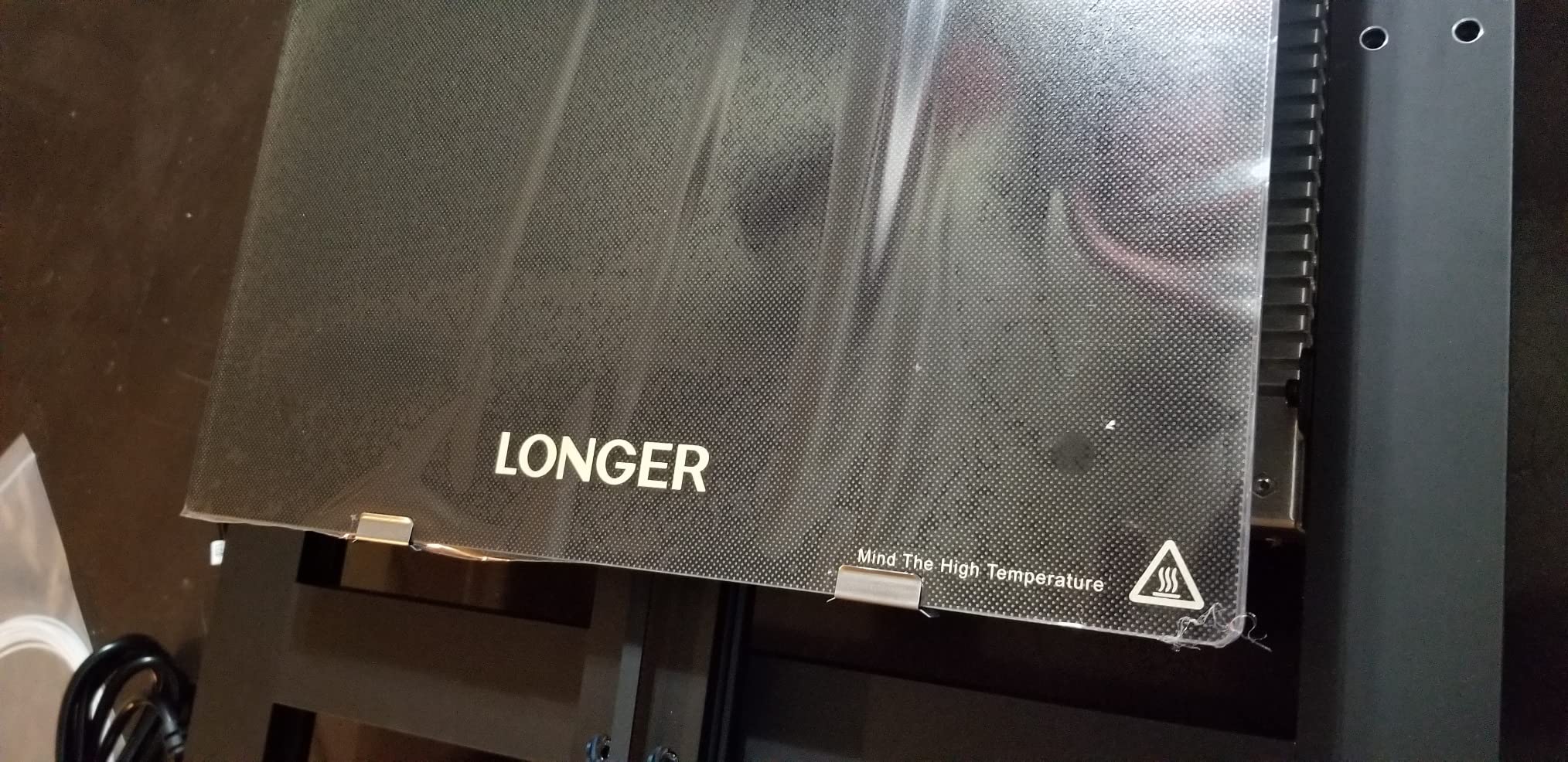
- Lattice glass bed can need adhesive for first layer
- Fewer stock parts and accessories than Creality or Bambu
If your budget is the deciding factor, the LK5 Pro is the honest answer. It gives you a 300 x 300 x 400 mm build volume for a fraction of what the enclosed flagships cost, and it is 90% pre-assembled so you are not building a large frame on your first day.
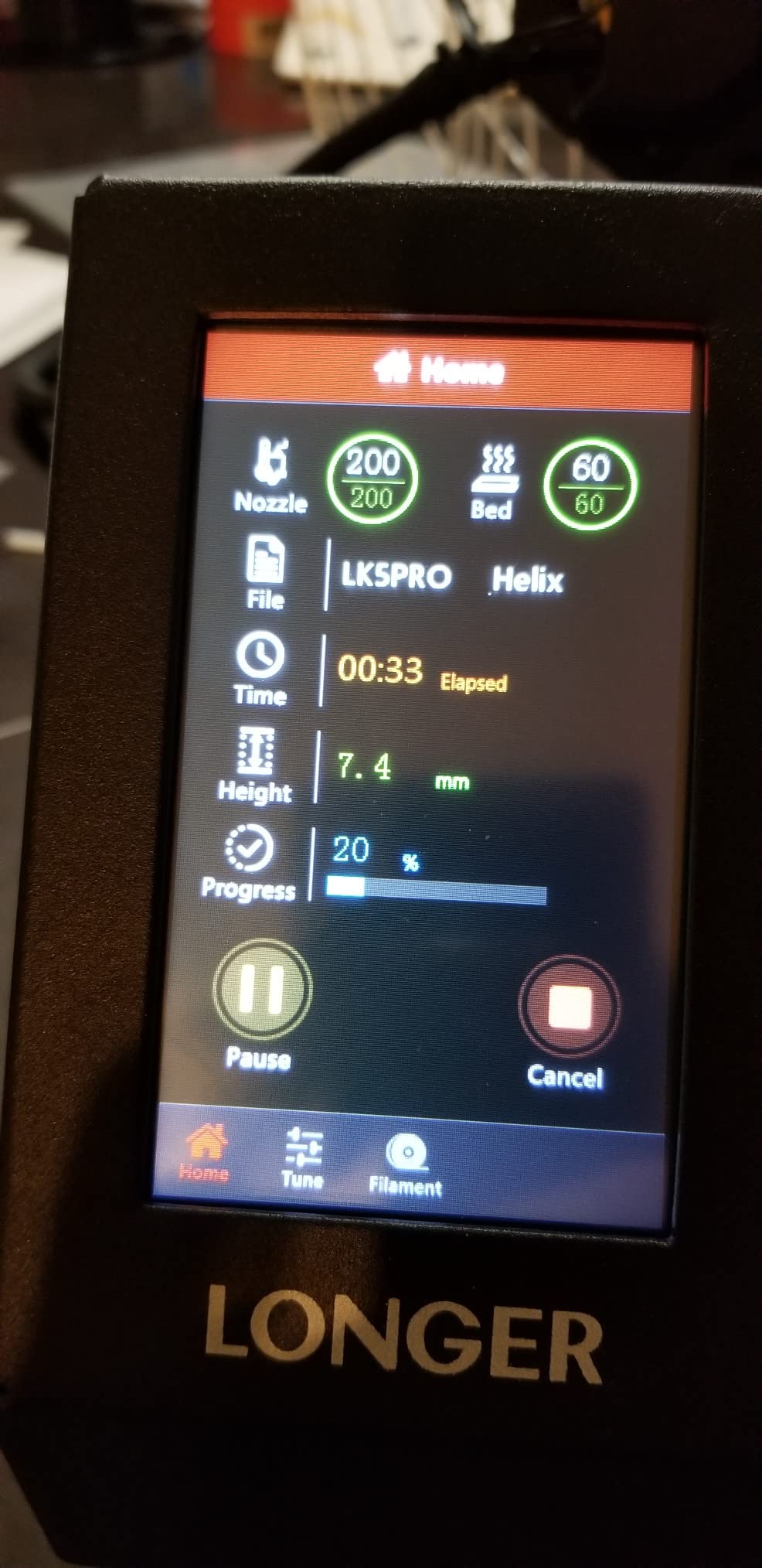
The triangular reinforced diagonal-bar frame damps vibration, which matters more than it sounds on a tall open machine. TMC2209 drivers keep it quiet, and a 4.3-inch colour touchscreen handles day-to-day control.
Filament exhaustion and power-loss sensors with resume printing protect the long jobs that this machine is actually for. On a 400 mm tall print, a power blip losing a night of work is the kind of risk you do not want.
The open-source firmware accepts modified G-code, which makes this the pick for tinkerers. Enclosure mods, custom start scripts and direct-drive extruder upgrades are all straightforward on a machine with open firmware.
What you gain for the money
Best build volume per unit of outlay in this roundup, without much debate. Reviewers treat it as a capable value entry into large-format printing and frequently pair it with the supported dual Z-axis upgrade kit for better consistency.
At 26.4 lb it is also by far the easiest machine here to move, reposition or eventually put on a shelf when the garage arrangement changes.
Where it falls short
The open frame is the compromise that matters. There is no chamber temperature control, so ABS, ASA and other warp-prone filaments are a gamble without an enclosure added afterwards.
At 180 mm/s it is slow, and the lattice glass bed can need adhesive for reliable first-layer adhesion. OEM parts are also less broadly available than for Creality or Bambu, which matters when something breaks.
5. Sovol SV08 MAX: Best for the Biggest Build Volume
Sovol SV08 MAX CoreXY 3D Printer, Voron 2.4 700mm/s High Speed 3D Printers
500 mm cube
CoreXY 700 mm/s
50 mm3/s flow
Eddy current leveling
300C hotend
Pros
- True 500 mm cubed build volume
- the largest here
- Voron-style CoreXY at 700 mm/s and 40000 mm/s2
- Contactless eddy current bed leveling is fast and accurate
- Built-in 1280x720 HD camera with cloud monitoring
- 300C hotend handles abrasive and engineering filaments
Cons
- Heaviest FDM machine here at 86.8 lb
- Heated chamber is a separate module
- Large footprint limits where it fits at home
- Steeper setup learning curve than consumer machines
Nothing else in this list prints a true 500 mm cube. If your project is furniture-scale, a full set of armour, or a terrain tile big enough to cover a dining table, the SV08 MAX is the one that removes the tiling decision entirely.
The motion system is where the speed comes from. CoreXY kinematics with minimal moving mass, 700 mm/s print speed, 40,000 mm/s² acceleration and a 50 mm³/s high-flow nozzle mean big parts move fast without ringing on the outer wall.
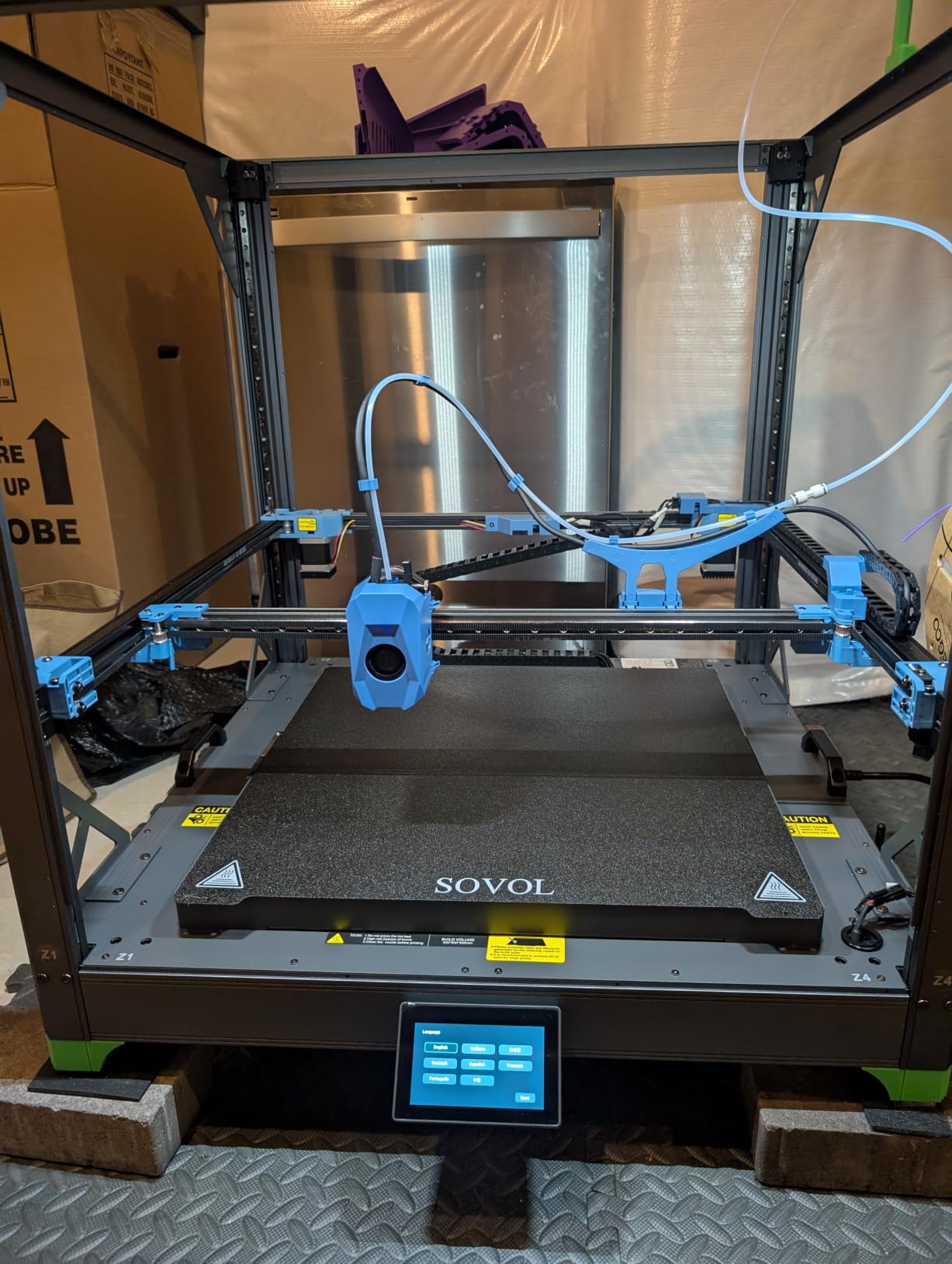
Eddy current scanning bed leveling uses pressure-sensing touch points rather than a probe or manual mesh, so it is contactless, fast and repeatable. On a 500 mm plate that consistency is worth more than any firmware feature.
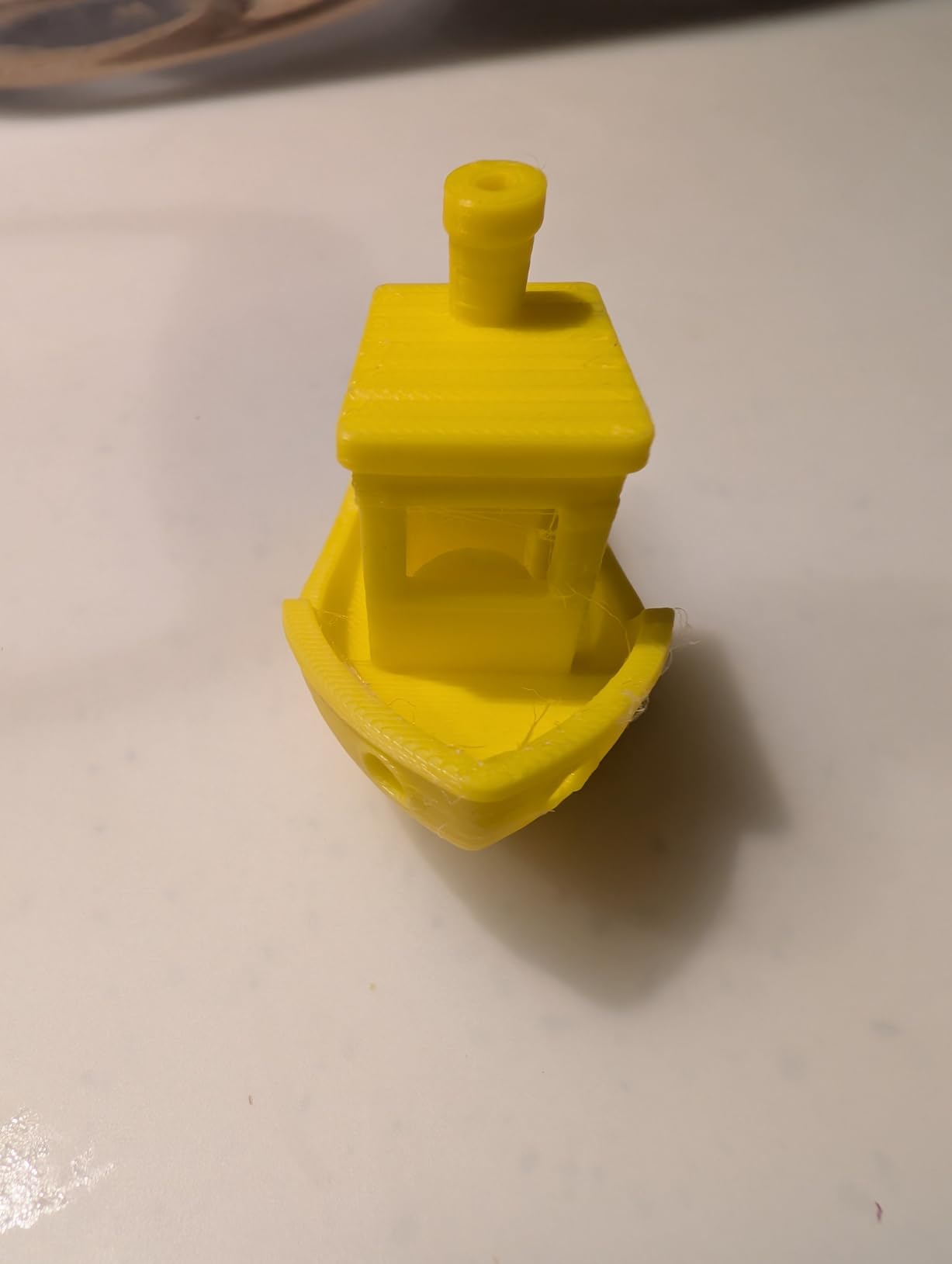
A built-in 1280×720 HD camera with Obico cloud integration gives you time-lapse and remote failure detection, and the 300°C hotend supports abrasive filaments including PLA-CF, PETG-CF, PA and PC. Two 0.4 mm nozzles ship in the box, with 0.6 mm and 0.8 mm sold separately.
What the 500 mm cube unlocks
One-piece prints. A cosplay chest plate that would otherwise be four glued panels, a motorcycle fairing mockup, a sand casting pattern, or an entire modular terrain section printed in one job rather than four.
Users report printing furniture-scale props and full prototypes in one pass, which is the clearest advantage over every 400 mm machine here.
Where it falls short
At 86.8 lb and 28 x 27.6 x 29.5 inches, this is a garage machine. Moving it takes two people and a sturdy table, and the footprint decides where it lives rather than the other way round.
The heated chamber is an optional module with a reserved interface, so warping control for ABS and PC costs extra. The Voron-style platform also has a steeper learning curve than a turnkey consumer machine.
6. Phrozen Sonic Mega 8K S: Best for Batch Resin Production
phrozen Sonic Mega 8K S LCD/MSLA Resin 3D Printer, 43 µm High Resolution, 15 inch Mono LCD Screen, Fast Production Accurate Details, Large Printing Size L12.99xW7.28xH11.81 Printing Volume
330 x 185 x 300 mm
15 inch 8K mono LCD
43 micron XY
ACF film
80 minis in 90 min
Pros
- Prints up to 80 detailed miniatures in under 90 minutes
- 15 inch 8K screen gives 43 micron XY for the size
- ACF film and TR300 resin unlock large speed gains
- Metal drip hanger recovers resin cleanly
- Lift-up lid saves clearance in tight workspaces
Cons
- No Wi-Fi
- camera
- auto leveling or air filtration
- Build plate must be perforated
- Awkward to handle at 57.3 lb
- Reports of LCD
- power supply and main board failures
- ACF film and replacement LCDs are costly
The Sonic Mega 8K S is the throughput pick of this roundup. Phrozen claims up to 80 detailed one-thirty-second scale miniatures in under 90 minutes, and owners who use high-speed resin with the ACF film report the speed difference is real once the machine is dialled in.
The 15-inch 8K mono LCD with 43 µm XY resolution is genuinely fine for the size class, and the ACF fluoropolymer film reduces suction force so large plates release more cleanly and crack less often.
Two design details matter in a home workshop. The lift-up lid saves vertical clearance for anyone working under a shelf, and the built-in heavy-duty metal drip hanger recovers uncured resin from the plate instead of washing it down the sink.
The build volume is 330 x 185 x 300 mm, a tall narrow shape that suits masks, helmets, terrain sections and long props rather than wide flat panels.
How batch production changes the maths
One run fills a tray of 32 mm bases or a full terrain set. For a tabletop gaming group or a cosplay crew, that turns per-figure cost into a fraction of buying finished minis, and the print queue stays busy for a couple of hours rather than two days.
The large vat means fewer refills mid-batch, which is where production resin printers usually lose time.
Where it falls short
There is no Wi-Fi, no camera, no auto leveling and no onboard air filtration. Resin safety gear and ventilation are on your budget from day one, which experienced resin users would budget for anyway.
The build plate must be perforated, so flexible flex plates are not an option. At 57.3 lb it is awkward to handle, consumables such as the ACF film and replacement LCDs are expensive, and owners do report LCD, power supply and main board failures across ownership. Reviewers also warn it is not a miniature-detail machine despite the 8K screen.
7. Creality Ender 5 Max: Best for First-Time Large Format Owners
Creality Ender 5 Max 3D Printer 400×400×400mm Large Build Volume, 700mm/s Fast Printing Speed, 64-Point Auto Leveling, All-Metal Frame & Dual Gear Extruder, Multi-Printer Control Over WLAN
400 x 400 x 400 mm
CoreXY 700 mm/s
64-point leveling
1000W epoxy bed
70.4 lb
Pros
- Full 400 mm cube from a mid-range outlay
- 64-point auto leveling and auto Z-offset reduce manual setup
- Handles PLA
- PETG
- PETG-CF
- ASA
- ABS and HT-PLA
- All-metal die-cast frame with X-axis linear rail
- WLAN multi-printer grouping suits a small farm
Cons
- Ships without an enclosure and most buyers add one
- 70.4 lb and flat-packed
- so a second pair of helps
- Some reports of bed delamination and warped beds on early units
- Creality slicer presets criticized as unreliable
- Single spool unless a multi-color unit is added
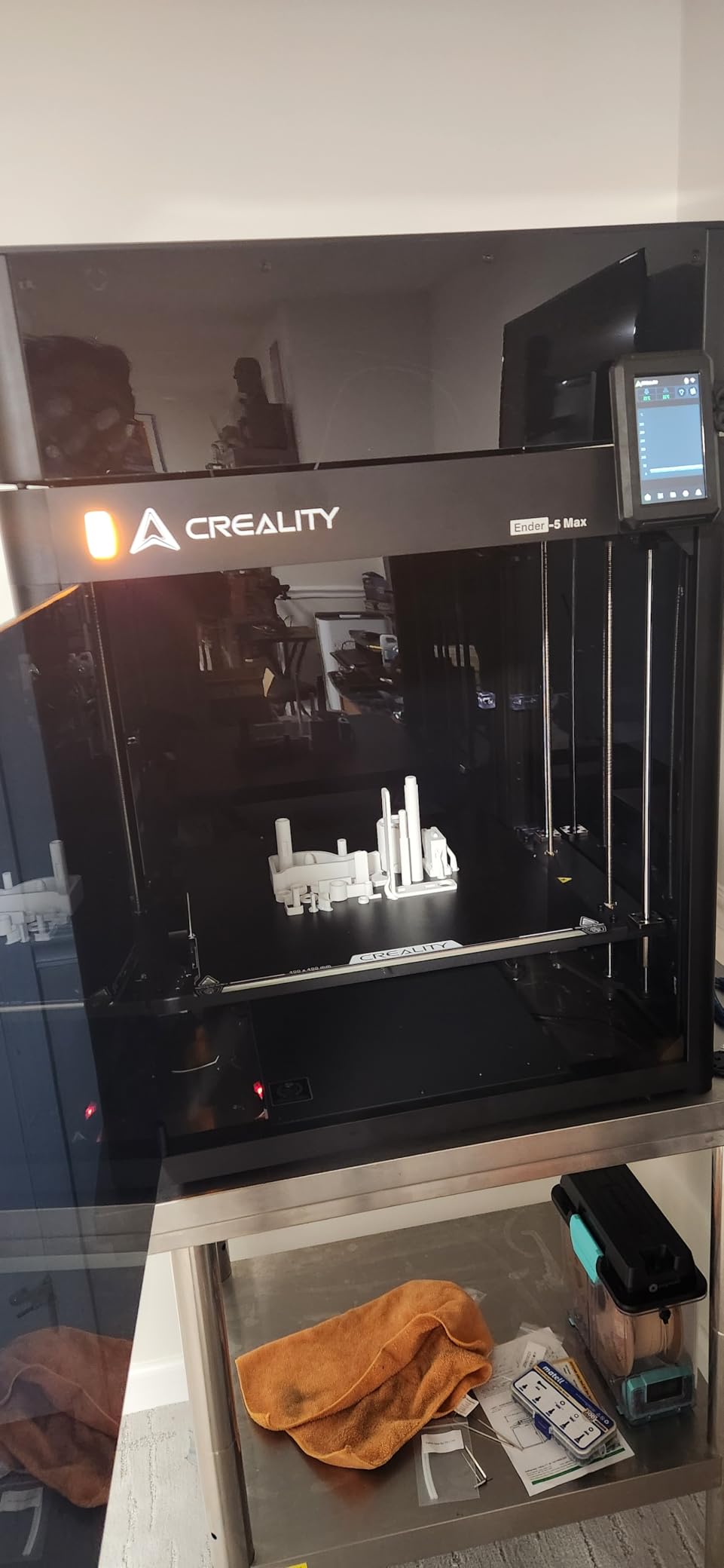
The Ender 5 Max is the plainest answer to the question of what counts as large format, because it is a full 400 x 400 x 400 mm cube with a CoreXY frame rated to 700 mm/s. Nothing about it is exotic, which is exactly why it suits a first large-format purchase.
Its 64-point auto leveling plus automatic Z-offset removes the paper-and-bed-level ritual that trips up newcomers, and the 1000W rapid-heating plate with epoxy surface gets to temperature fast for a plate this size.
Frame construction is solid for the money: die-cast aluminium reinforced all-metal frame with an X-axis linear rail keeps tall or heavy prints steady. The direct-drive dual-gear extruder uses hardened gears, which matters if you plan to run abrasive filaments.
WLAN multi-printer control with grouped management and a tri-colour status indicator is a quietly useful feature if you ever run more than one machine.
Who it suits and when
Owners running hours of single-colour engineering prints report it as a reliable workhorse, and the rating distribution reflects that: the longest-term owners give the most consistent results of any large-format machine in this roundup.
It also fits hobbyists who print PLA, PETG, PETG-CF, ASA, ABS and HT-PLA and want one dependable machine rather than a feature list.
Where it falls short
It ships without an enclosure and most buyers add one immediately, which is really the same story as the LK5 Pro but with a larger cheque. It is also the heaviest single-colour option here at 70.4 lb and arrives flat-packed, so a second pair of hands helps.
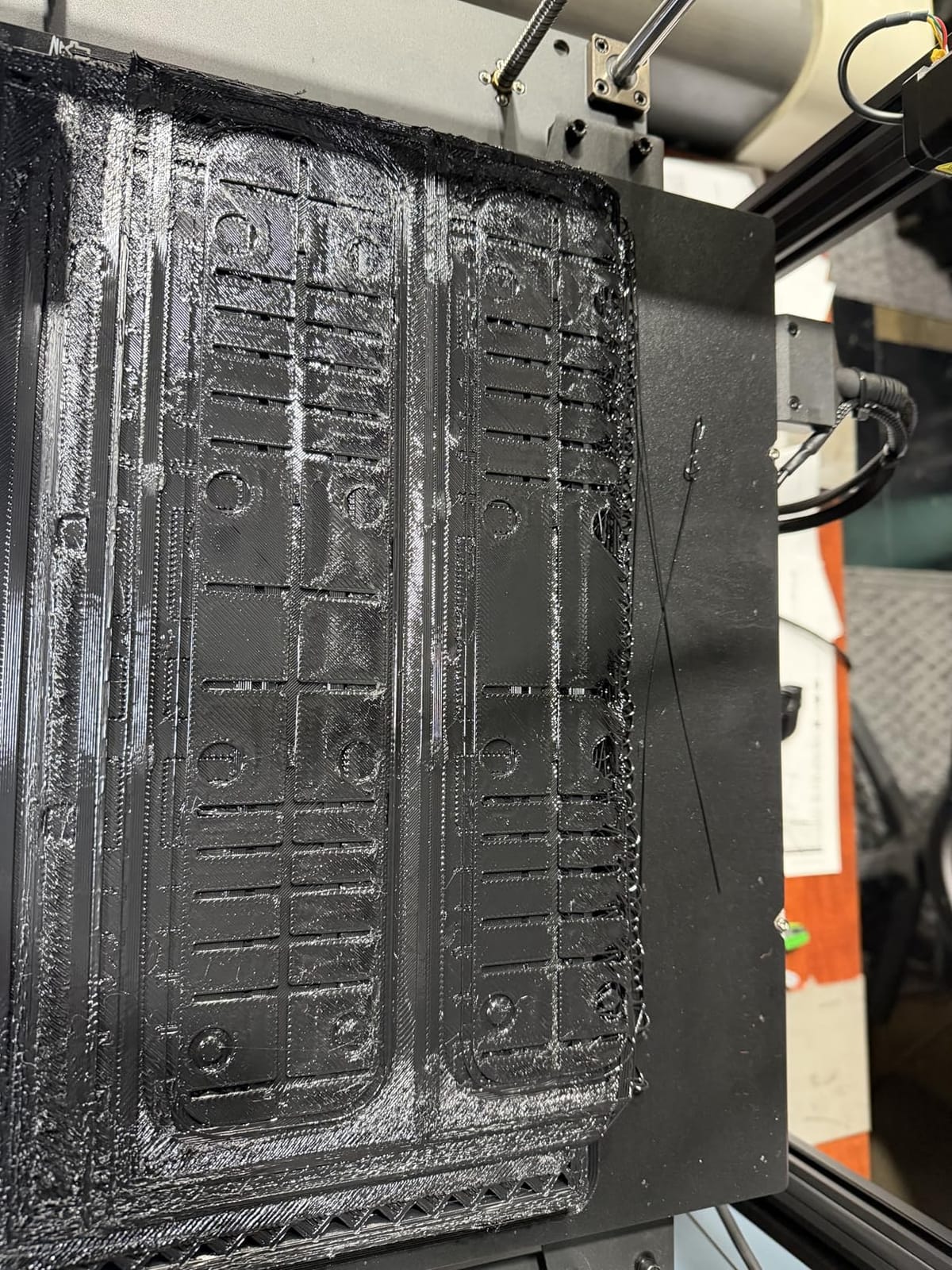
Some owners report bed finish delamination and warped beds on early machines, and a minority report vibration-related casing damage in the first hours of use. Creality slicer presets are criticised as unreliable, and it stays single-spool unless you add a multi-colour unit.
8. Anycubic Photon Mono M7 Max: Best for Large Resin Detail
ANYCUBIC Photon Mono M7 MAX Resin 3D Printer, 13.6’’ 7K Large Resin Printer
298 x 164 x 300 mm
LighTurbo 3.0
7K anti-aliasing
60 mm/h
1300 ml vat
Pros
- Most proven large resin machine here by review volume
- Tall 298 x 164 x 300 mm volume suits masks
- terrain and props
- Anti-aliasing and upgraded light source reduce layer lines
- Double the speed of the previous M3 Max
- Resin auto-fill and vat temperature control cut failures
Cons
- Resin printing still needs FEP film maintenance and safe handling
- Some unit-to-unit quality variation reported
- No heated chamber
- Wi-Fi clustering or AI detection on this variant
With an average rating of 4.3 across more than two thousand reviews, the Photon Mono M7 Max has the widest proven owner base of any machine in this roundup. When we wanted to know how a large resin machine behaves over years rather than weeks, this is the one with the data.
The LighTurbo 3.0 light engine uses a COB source with a Fresnel lens to hold the light angle within 3° and uniformity above 90%, which is how a 7K panel avoids the soft, cloudy look of older resin machines. Anti-aliasing with high-precision positioning lead screws softens the remaining layer lines.
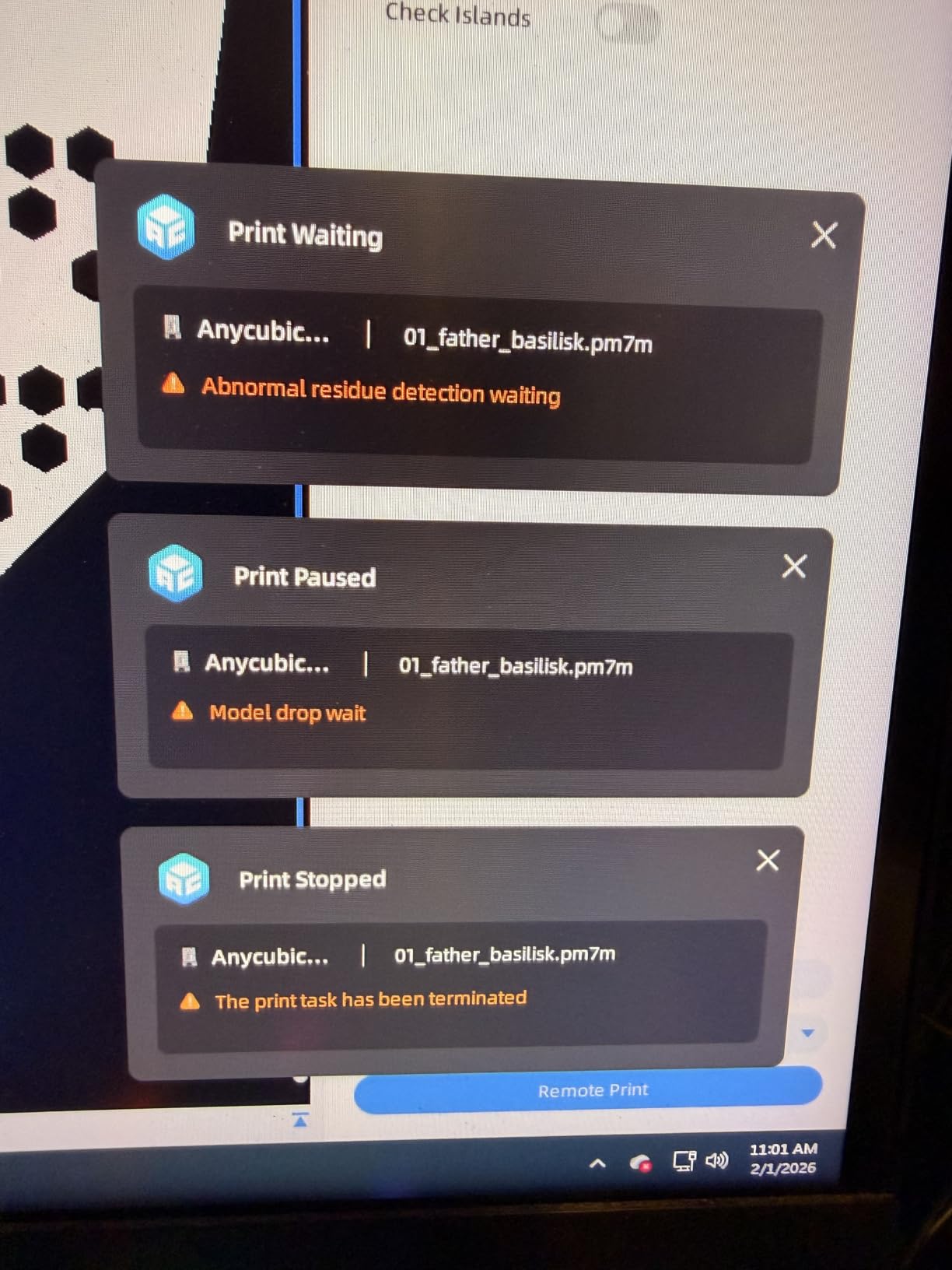
Intelligent release 2.0 pushes maximum print speed to 60 mm/h, described as 200% faster than the M3 Max. Dynamic vat temperature control and automatic resin fill and recovery remove two of the most common reasons a resin print fails halfway.
The flip-open cover opens with one hand and hovers past 45°, and the 1,300 ml vat means fewer refills on a batch. The integrated release film design swaps without tools.
What that review volume actually tells you
Large resin printers fail in specific ways, and 2,000 owners means the failure modes are known. The feedback repeats one consistent trade-off: more volume than most MSLA machines, below the Phrozen and QIDI options on outlay, with fewer premium extras.
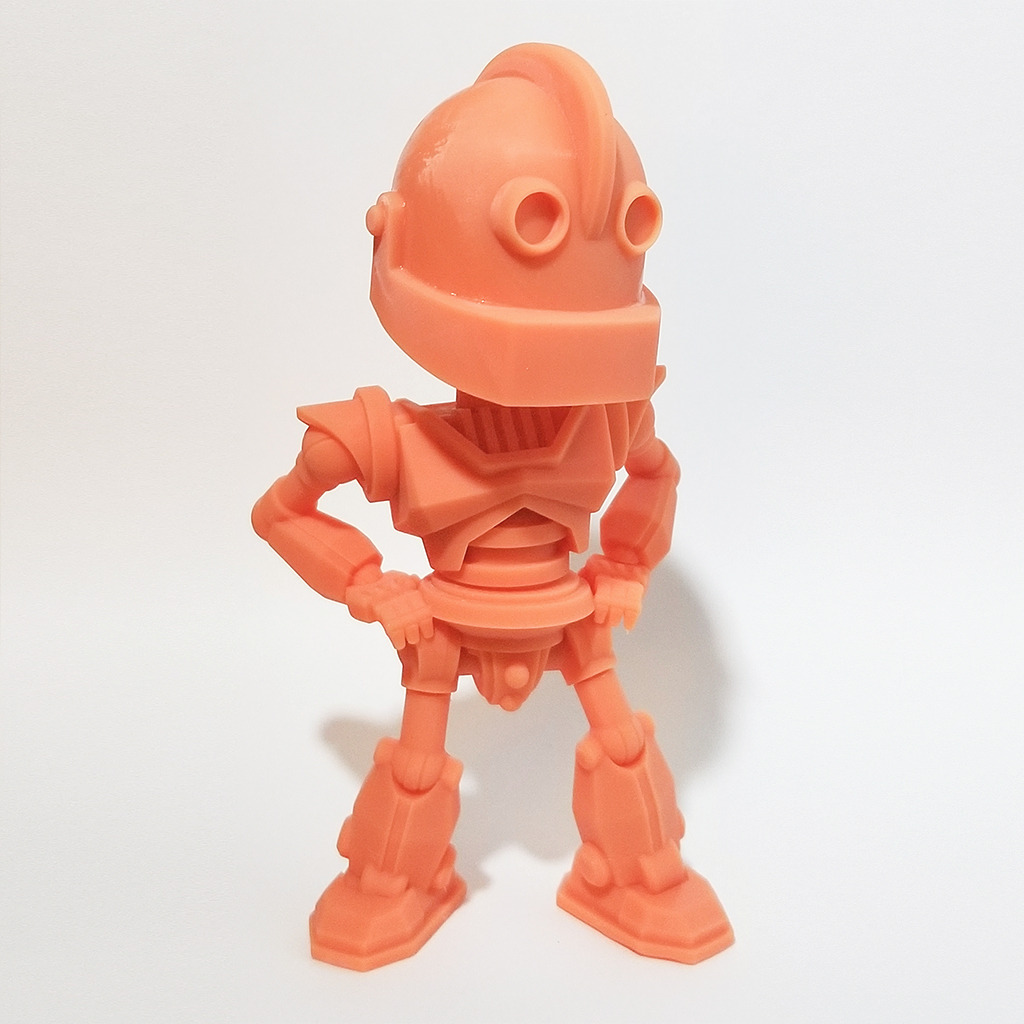
For a hobbyist making masks, game terrain or cosplay props, the tall volume plus 7K resolution is a rare combination that fits real projects rather than display pieces.
Where it falls short
Resin printing still carries its own routine: FEP film maintenance, safe handling and ventilation, none of which this machine automates. Some buyers report unit-to-unit quality variation.
Compared with the newest machines it is less featured. There is no heated chamber, no Wi-Fi clustering and no AI failure detection on this variant, so it suits an owner who already understands resin rather than a complete beginner.
9. QIDI Max4 Combo: Best for Engineering Materials
QIDI Max4 Combo 3D Printer, 390×390×340mm Build Volume, 65℃ Heated Chamber
390 x 390 x 340 mm
65C chamber
800 mm/s
40 mm3/s hotend
Silicone bed
Pros
- 65C active heated chamber handles ABS-CF
- PC and PPS-CF
- Full-surface silicone heated bed for first-layer adhesion
- Closed-loop X and Y motors reach 800 mm/s
- 40 mm3/s hardened steel hotend takes abrasive filament
- Builds reliably out of the box with no manual leveling
- Expands to 16 colors with the QIDI BOX
Cons
- Heaviest machine here at 120 lb
- Only 30 reviews so long-term data is thin
- QIDI BOX syncing is hit or miss with the slicer
- 4-spool magazine lacks integrated filament drying
- Sparse manual for a machine this complex
- Polar Cooler is a separate purchase
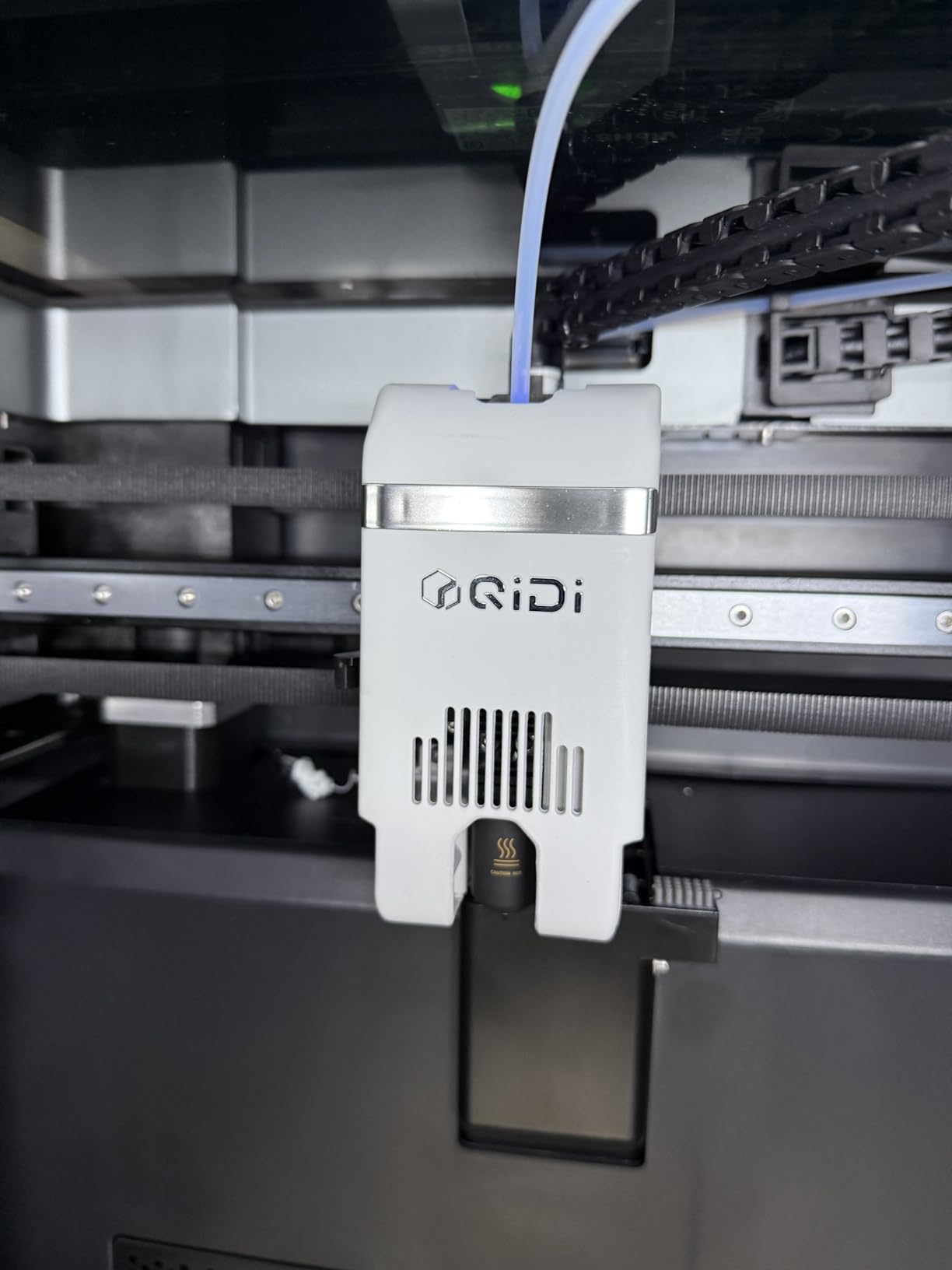
The Max4 is our pick for anyone printing real engineering parts at home. Its 65°C active heated chamber, full-surface silicone heated bed and 40 mm³/s hardened steel hotend cover the materials that consumer machines treat as optional: ABS-CF, PC and PPS-CF.
The silicone bed is an underrated detail. Full-surface heating means the whole 390 x 390 mm plate stays at temperature, which is what stops the corners of a large part cooling faster than the middle and lifting away.
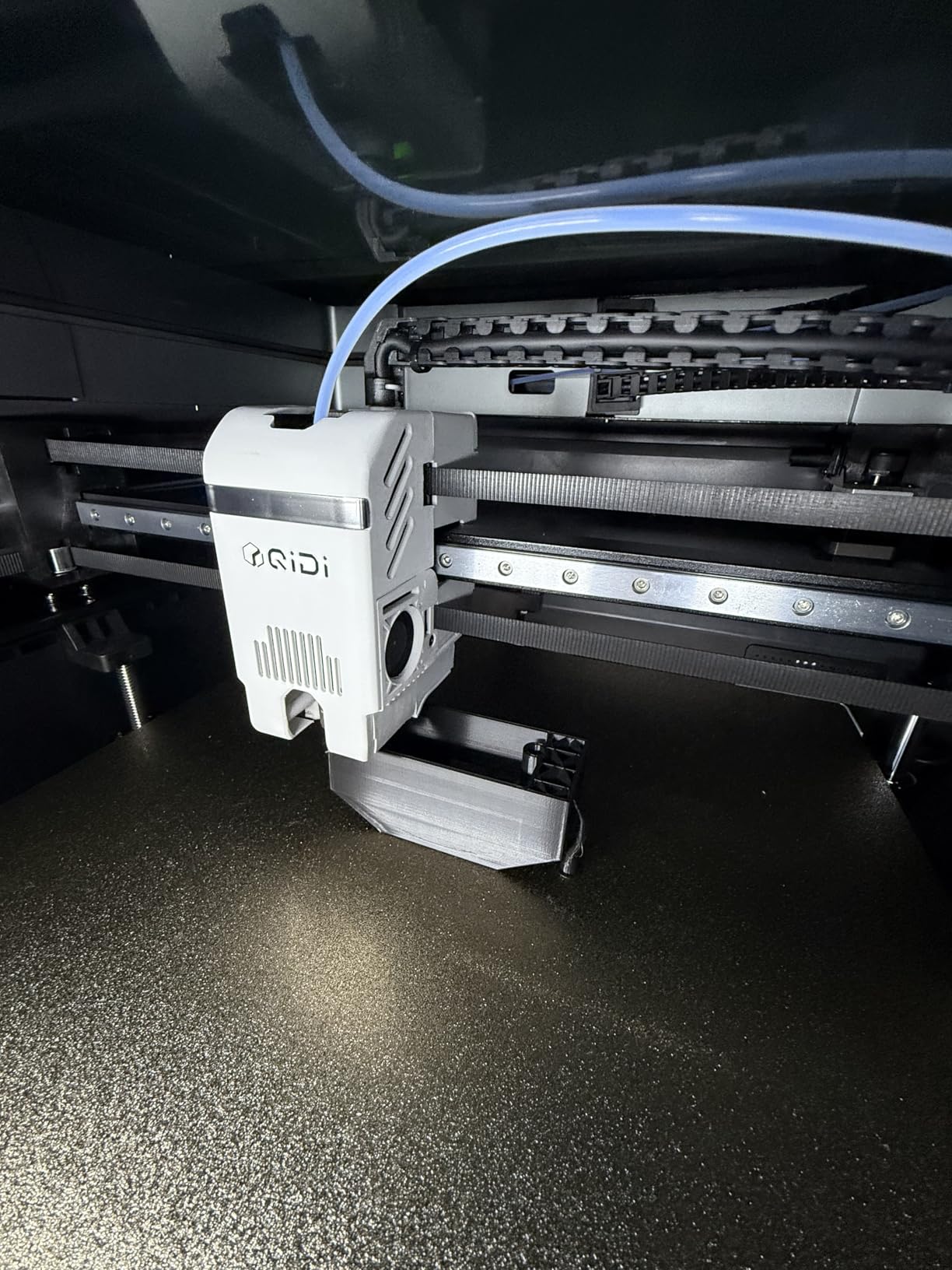
Motion is impressive for the class: closed-loop motors on X and Y, up to 800 mm/s and 30,000 mm/s² acceleration, with a 2 mm lead screw and anti-backlash nut on Z so the vertical axis does not drift over a long print.
Owners report printing reliably out of the box with no manual leveling ritual, QIDI customer support is repeatedly called out as responsive and genuinely helpful by owners. A built-in AI camera handles spaghetti-failure detection and auto-pause.
Who the Max4 Combo is for
Hobbyists who prototype functional parts rather than display models. If your filament list includes carbon-filled nylon or high-temperature polymers, a 65°C chamber changes the outcome of the print rather than just the settings.
The build volume grew 55% over the MAX3, so it also handles large scanned models with consistent accuracy, which owners upgrading from Sovol machines describe as a night-and-day change.
Where it falls short
At 120 lb it is the heaviest machine here, and a purpose-built heavy table is effectively required. Placement is a real decision, not an afterthought.
The review count is small, so long-term reliability data is thin. Owners report QIDI BOX syncing with QIDI Studio is hit or miss and sometimes loads the wrong filament, the four-spool magazine has no integrated filament drying, and the manual is sparse for a machine this complex. The Polar Cooler is a separate purchase despite what the listing text implies.
10. Elegoo Jupiter 2: Best for Monitored Resin Prints
ELEGOO Jupiter 2 Resin 3D Printer, 16K Large MSLA 3D Printing Machine, Auto-Leveling, Smart Tank Heating, Auto Resin Feeding, Smart Mechanical Sensor, Wi-Fi Cluster, Build Size 302.4 × 161.98 × 300 mm
302.4 x 161.98 x 300 mm
16K LCD at 20 x 26 micron
HDR camera
Wi-Fi clustering
63.8 lb
Pros
- 16K panel at 20 x 26 micron XY is sharp for the class
- Smart vat heating and auto resin feeding reduce failures
- Tool-free quick-swap release film
- HDR camera with real-time monitoring and time-lapse
- Dual-band Wi-Fi cluster management for several machines
Cons
- Lowest average rating here at 3.6 with a 27 percent one-star group
- Recurring LCD failures and inconsistent screen quality
- Auto leveling often reports success while adhesion still fails
- Resin level sensor and auto-fill pump run when they should not
- Build plate cage is not hinged
- Immature slicer and poor instructions
The Jupiter 2 has the best monitoring story of any resin machine here: an HDR built-in camera with real-time views and time-lapse, a mechanical sensor covering resin shortage, residue and leveling failures, and dual-band Wi-Fi cluster management for running several machines from one app.
Resolution is also the headline. The 16K LCD runs at 15120 x 6230 for 20 x 26 micron pixels, with a fully enclosed light source to eliminate leaks, and the smart tank heating brings the vat to 30°C quickly.
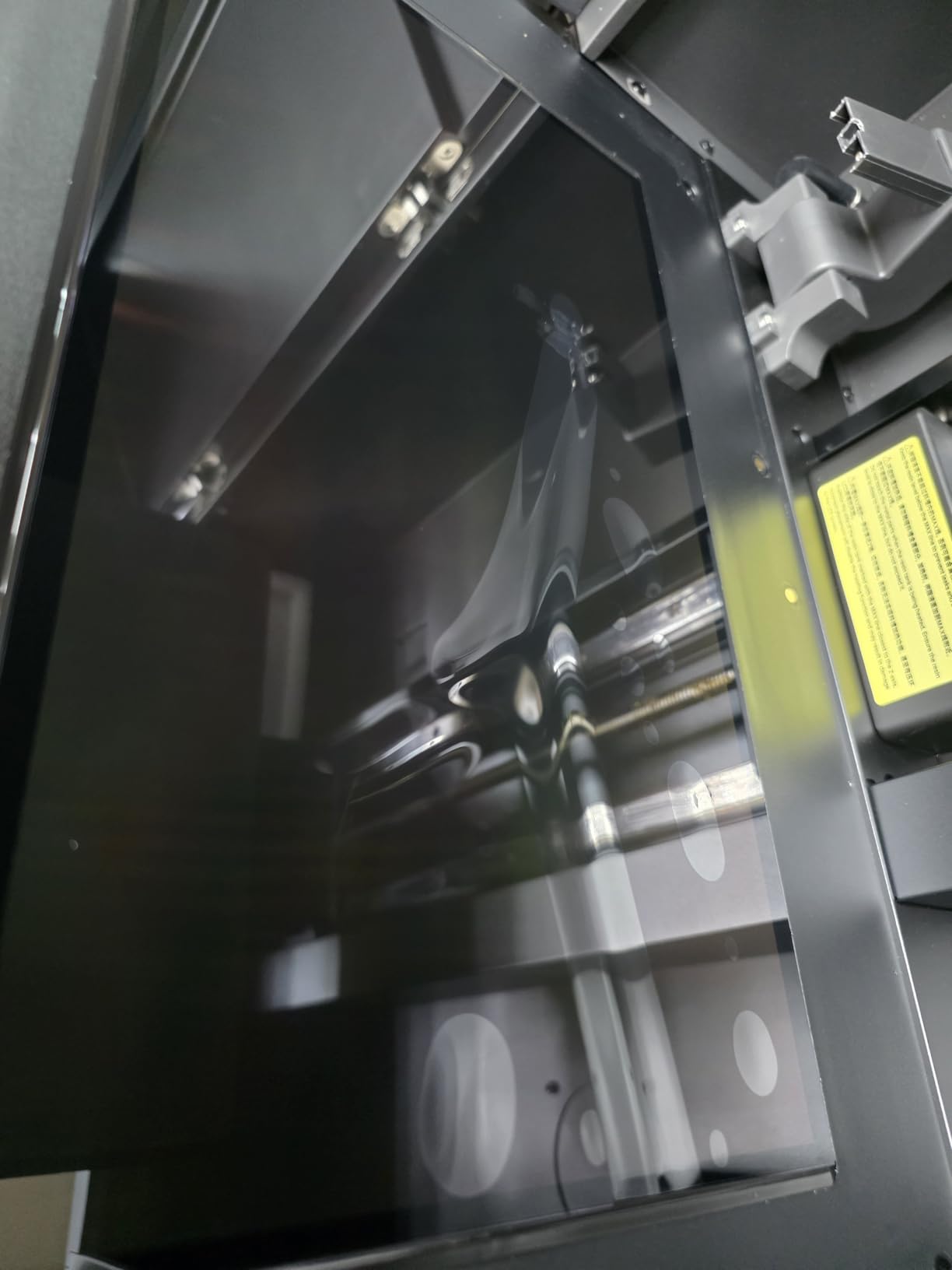
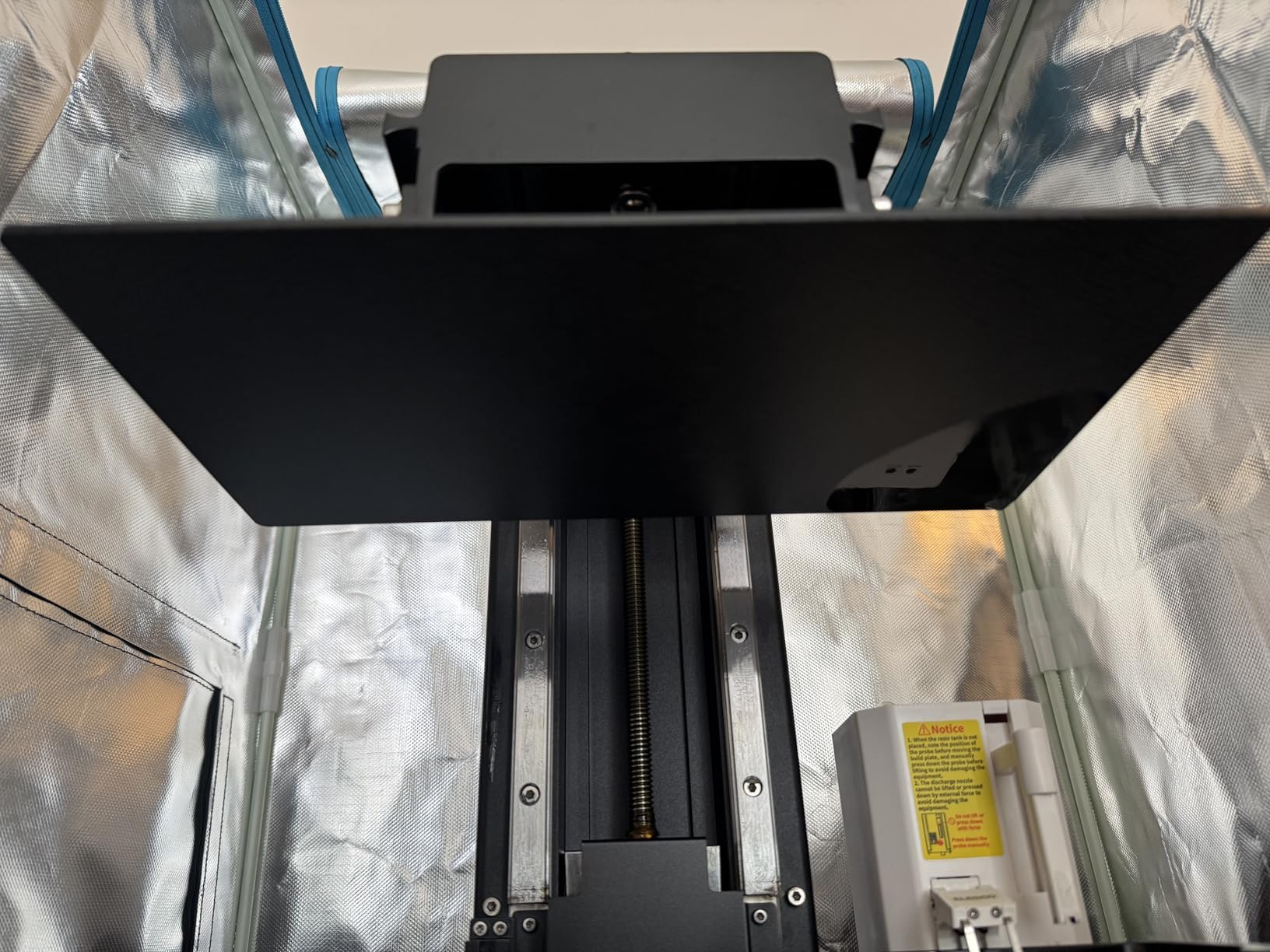
Workflow touches are thoughtful: automatic resin feeding and recycling, a quick-swap release film replaced without tools, a 4.0-inch touchscreen and a double-door design with a viewing window.
Build volume is 302.4 x 161.98 x 300 mm, which is 2.5 times the Saturn 4 it replaces. Note that the published volume is measured from the top of the vat rather than the bottom.
What the Jupiter 2 does better
Remote monitoring matters more than most buyers expect. A large resin print is unattended for hours, and knowing a failure happened at layer 300 rather than discovering it at the end is the difference between a wasted afternoon and a wasted weekend.
Cluster management also appeals to hobbyists who print resin props for a group, cosplay crew or small commission work.
Where it falls short
This is the lowest-rated machine in our list at 3.6, with a 27% one-star group, and the complaints are consistent. Recurring LCD failures and inconsistent screen quality control are the most common, alongside automatic leveling reporting success while adhesion still fails, particularly on one side of the plate.
Owners also report the resin level sensor and auto-fill pump running when they should not, the entire build plate cage needing removal because it is not hinged, and immature slicer software with poor instructions. Enthusiasm for the Jupiter line is largely inherited from the earlier Jupiter SE rather than earned by this model.
How to Choose a Large Format 3D Printer
Start with your largest realistic part, not your dream part. Measure something you have already tried to print and failed to fit. If the answer is a helmet, a 350 mm cube is enough. If it is a full armour set or a terrain wall, you want 400 mm and above, and the Sovol SV08 MAX becomes the serious option.
Then decide between open frame and enclosure. An open frame is cheaper, quieter to buy and fine for PLA and PETG. An actively heated chamber above 55°C is what makes ABS, ASA, PC and nylon viable, and on a large plate that is the difference between consistent parts and warped ones.
Next, think about nozzle diameter and volumetric flow. A 0.4 mm nozzle gives detail. A 0.6 or 0.8 mm nozzle with a high-flow hotend cuts a big panel print from days to hours, and several machines here ship with the larger nozzles or support them as an upgrade.
Bed leveling and adhesion deserve as much attention as motion hardware. Sixty-four-point scanning, eddy current sensors and full-surface silicone beds all exist because a large plate is much harder to level by hand, and a failed first layer on a 30-hour print is the most expensive outcome in this hobby.
Filament feeding and drying is the most overlooked item. A multi-day print pulls through a lot of moisture-sensitive filament, so run-out sensors, power-loss resume and a dry box or active dryer should be part of your budget rather than an afterthought.
Finally, be honest about footprint, weight, noise and power. These machines weigh 70 to 120 pounds and need a dedicated surface. Community discussions on r/3Dprinting repeatedly raise the same point: the practical limit for many hobbyists is floor space and household noise, not print volume.
On ecosystems, the recurring question is whether to commit to one brand or mix. The pattern owners describe is standardising on one or two brands rather than mixing large-format ecosystems, because slicers, filament units and spare parts rarely carry across.
Large Format Mistakes to Avoid
Buying an open-frame machine for ABS or ASA. Without chamber control, large parts in these materials lift at the corners and split between layers. Buy the enclosed model, or budget for an enclosure from the start.
Underestimating the footprint and the weight. Measure the printer plus clearance for the door and filament path, then check that a second person can help you put it there.
Ignoring post-processing. Large prints still need support removal, sanding and finishing, and a 40-hour print is the wrong way to learn that your tolerance was too tight.
Skipping filament drying for long jobs. Moisture absorbed over a multi-day print causes popping, stringing and a rough surface finish that gets blamed on the machine.
Assembling a large kit as your first printer. Community advice repeats itself on this point: if you have never calibrated a machine, an enclosed, factory-calibrated unit will get you parts faster than a weekend spent on frame bolts.
Under-speccing the nozzle. A 0.4 mm nozzle on a 400 mm panel turns a weekend into a week, and by then you have usually made three revisions to the model.
What a Big Print Actually Costs
Material is the line item people forget. A large cosplay armour set or a terrain section can run several kilograms of PLA, and the same part in ASA or carbon-filled filament costs multiples more per kilogram. Higher-quality material also wastes less because failed layers cost less filament in total.
Electricity is the second line and it is smaller than people fear, but not nothing. A heated 120°C bed and a 65°C chamber running from an afternoon to Monday adds up in kilowatt-hours; the practical comparison is against a heated oven left on, not against an LED bulb.
Wear parts come third. Build plates need replacing when the coating goes, hardened nozzles wear faster on abrasive filament, and resin setups add a release film or LCD replacement to the list. For resin, consumables such as ACF film and replacement LCDs are among the more expensive ongoing costs in this hobby.
Time is the fourth cost and it is the one that actually changes behaviour. A failed 40-hour print is not just filament and electricity; it is an evening you planned to spend making something. That is why run-out sensors, power-loss resume and camera-based failure detection are worth paying for.
Frequently Asked Questions
What is the best 3D printer for hobbyists?
For most hobbyists the best large format 3D printer for hobbyists is one with a 350 mm cube or larger, an actively heated chamber if you print ABS or ASA, and automatic bed leveling. The Flashforge Creator 5 Pro leads this roundup for multi-colour work, while the Creality K2 Pro Combo covers the same volume more simply.
Which 3D printer is best for large print volumes?
For the largest build volume, the Sovol SV08 MAX prints a true 500 mm cubed volume at 700 mm/s with a 50 mm3/s high-flow nozzle. If you need 400 mm rather than 500 mm and prefer automatic leveling, the Creality Ender 5 Max gives a full 400 x 400 x 400 mm cube.
What is considered a large format 3D printer?
A large format 3D printer is a machine with a build volume of roughly 400 x 400 x 400 mm or larger, or one that combines a 300 mm-plus bed with a tall Z axis. That is well beyond the standard 220 mm desktop cube, so whole assemblies can be printed in one piece.
Which large format 3D printer has the best quality?
For filament, the QIDI Max4 Combo is the quality pick, combining a 65°C active chamber, a full-surface silicone heated bed and closed-loop X and Y motors. For resin detail, the Anycubic Photon Mono M7 Max delivers 7K resolution with anti-aliasing across more than two thousand owner reviews.
What is a good budget large-format 3D printer?
The Longer LK5 Pro is the budget pick, giving a 300 x 300 x 400 mm build volume with a 26.4 lb weight and a 4.3-inch touchscreen. Its open frame means no chamber control, so plan an enclosure if you intend to print ABS or ASA.
Are large format 3D printers worth it?
They are worth it if you regularly make parts that will not fit a 220 mm bed, such as cosplay armour, terrain sections or workshop organizers. They are not worth it if a desktop machine plus a bit of glue handles your projects, because these machines weigh 70 to 120 pounds and take real floor space.
Is Bambu or Prusa better for large format printing?
Neither appears in this roundup, which covers machines with the largest verified build volumes in their classes. The general principle from owner communities is to standardise on one brand rather than mixing ecosystems, since slicers, multi-filament units and spare parts rarely carry across brands.
How long does a large format print take?
It depends almost entirely on nozzle diameter and volumetric flow. A 400 mm panel printed at 0.4 mm on a slower machine can take a week, while the same panel on a high-flow machine with a 0.8 mm nozzle can finish over a weekend, which is why hotend flow is a key selection criterion.
The Verdict
If you want one machine that covers multi-colour printing and engineering filament in a spare room, the Flashforge Creator 5 Pro is our pick of the best large format 3D printers for hobbyists in 2026, and its four purge-free toolheads are the feature you will use most.
If you are simply moving up from a small bed and want the least fuss, take the Creality K2 Pro Combo. If your parts genuinely need a 500 mm cube, the Sovol SV08 MAX is the only one here that does it. For resin, the Anycubic Photon Mono M7 Max has the proven track record, while the Longer LK5 Pro is the affordable way in.
Whichever you pick, give it a dedicated home, dry your filament, and start with a smaller test part before committing to a three-day print. That preparation costs nothing and removes most of the ways these machines disappoint.