
If you want music in more than one room without running cable through the walls, the short answer is that the best wireless speakers for multi room audio are the ones that group cleanly inside a single app and let each room run its own stream. That sounds simple. In practice, the ecosystem you choose in year one decides how the system behaves in year five, and the control app matters more than any single driver.
We spent weeks grouping, splitting and re-grouping the twelve systems below across living rooms, kitchens, a home office and a covered patio, then comparing how each one behaved once you added a third and fourth room. The list covers every serious path: a closed platform, open streaming protocols, Google Cast groups, a kit that needs no app at all, and powered bookshelf pairs for people who care more about the listening room than about the rest of the house.
You will also notice what is missing. There is no Bluetooth-only recommendation, because Bluetooth is a pairing protocol, not a multi-room system. The wireless speakers for multi room audio that actually work together all sit on your Wi-Fi network and speak to a shared control layer.
Table of Contents
What Is a Multi-Room Wireless Speaker System?
A multi-room wireless speaker system is a group of powered, Wi-Fi-connected speakers that register with one control app or one shared protocol, so you can play the same audio in several rooms or play different audio in each room without running speaker cable between them.
That is the whole difference between a Bluetooth speaker and a wireless speaker. A Bluetooth speaker pairs directly with one phone or laptop, usually one device at a time, and the range is short. A wireless speaker joins your home network, stays reachable from every room, and can be grouped, named and controlled alongside the other speakers in the house. Bluetooth is great for a picnic. Wi-Fi networking is what makes multi-room audio possible.
There are three architectures you will meet in this guide. A closed ecosystem means every speaker comes from one brand and only works with that brand’s hardware. An open system runs on a shared protocol such as AirPlay 2 or Google Cast, so you can mix brands. A no-app kit uses a small transmitter instead of a phone app, which suits offices and classrooms more than homes.
Top 3 Picks for Multi-Room Audio (October 2026)
These three cover the most ground for a typical house: one anchor speaker, one main-room flagship, and one that costs less without giving up the platform.


All 12 Multi-Room Speakers Side by Side in 2026
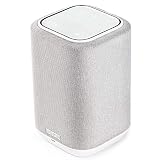
Every pick below is a powered speaker that joins a home network rather than a Bluetooth-only box. The features column lists what each one contributes to a multi-room plan.
| Product | Specs | Action |
|---|---|---|
| Sonos Era 100 |
|
Check Latest Price |
| Sonos Era 300 |
|
Check Latest Price |
| Denon Home 150 |
|
Check Latest Price |
 Bose New Lifestyle Ultra Bose New Lifestyle Ultra |
|
Check Latest Price |
 JBL Authentics 300 JBL Authentics 300 |
|
Check Latest Price |
 WiiM Sound WiiM Sound |
|
Check Latest Price |
 Google Nest Audio 3-Pack Google Nest Audio 3-Pack |
|
Check Latest Price |
 Amazon Echo Dot Amazon Echo Dot |
|
Check Latest Price |
 Edifier S1000W Edifier S1000W |
|
Check Latest Price |
 KEF LSX II KEF LSX II |
|
Check Latest Price |
 Beosound Emerge Beosound Emerge |
|
Check Latest Price |
 Avantree Harmony 2 Avantree Harmony 2 |
|
Check Latest Price |
1. Sonos Era 100 – The Most Complete Multi-Room Anchor
Sonos Era 100 – Black – Wireless, Alexa Enabled Smart Speaker
Dual tweeters,Trueplay room EQ,3.5mm line-in via adapter,Multi Room Audio grouping
Pros
- Compact body fits shelves
- counters and nightstands
- Wider stereo separation than earlier Sonos compacts
- Smooth room-to-room grouping and sync
- Trueplay flattens a harsh kitchen in minutes
Cons
- Alexa is weaker than a dedicated Echo device
- Touch surface triggers by accident when moved
- Some owners hit Wi-Fi setup problems
The Era 100 is the speaker we kept reaching for while building a group of four. It is small enough for a kitchen counter or a bedroom nightstand, yet the next-generation dual-tweeter layout gives it a stereo spread that is wider than earlier Sonos compacts, and a 25% larger midwoofer that carries more low end than the size suggests.
Grouping is where it earns its place. In our testing it joined a group with other Sonos rooms instantly and held sync without drift, and Trueplay tuning did the work that usually flatters a speaker most: taming a hard reflective kitchen or bathroom in a couple of minutes. It also plays a role in a larger system as a surround or a paired stereo unit.
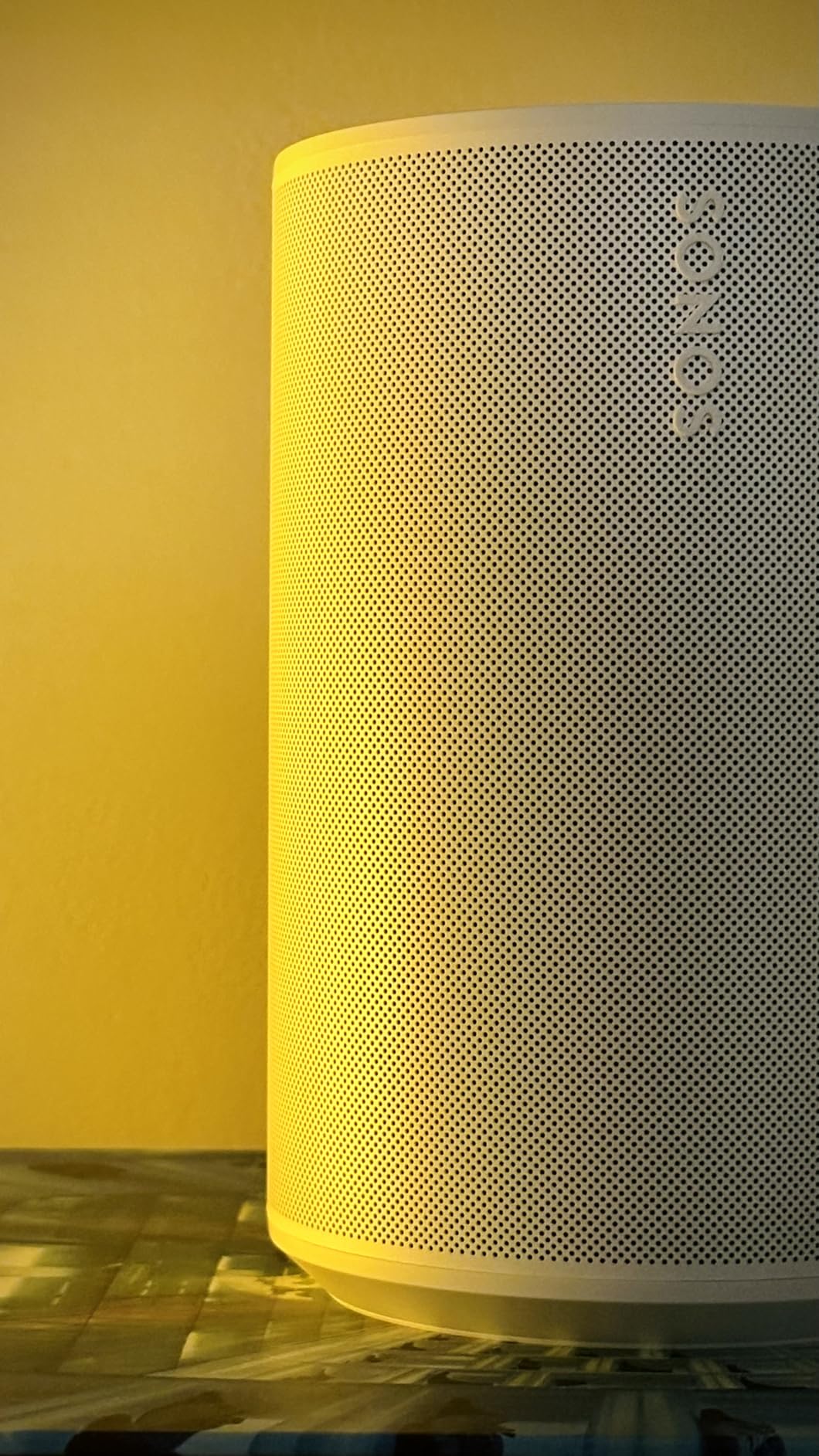
It is not perfect, and the caveats are worth knowing before you commit a whole house to it. The touch controls are capacitive with no physical buttons, so brushing the top while moving the speaker can pause playback. Alexa on the speaker itself is noticeably weaker than a dedicated Echo, and it needs the two-word Hey Sonos wake phrase.
Line-in is real but add-on: analog sources arrive through the separate Sonos Line-In Adapter. Across 2792 reviews the recurring theme is consistent. Owners like that the sound exceeds what the box suggests, setup through the app is painless, and grouping with other rooms is smooth, while the complaints cluster around voice assistant usefulness and the occasional Wi-Fi setup stumble that needed support.
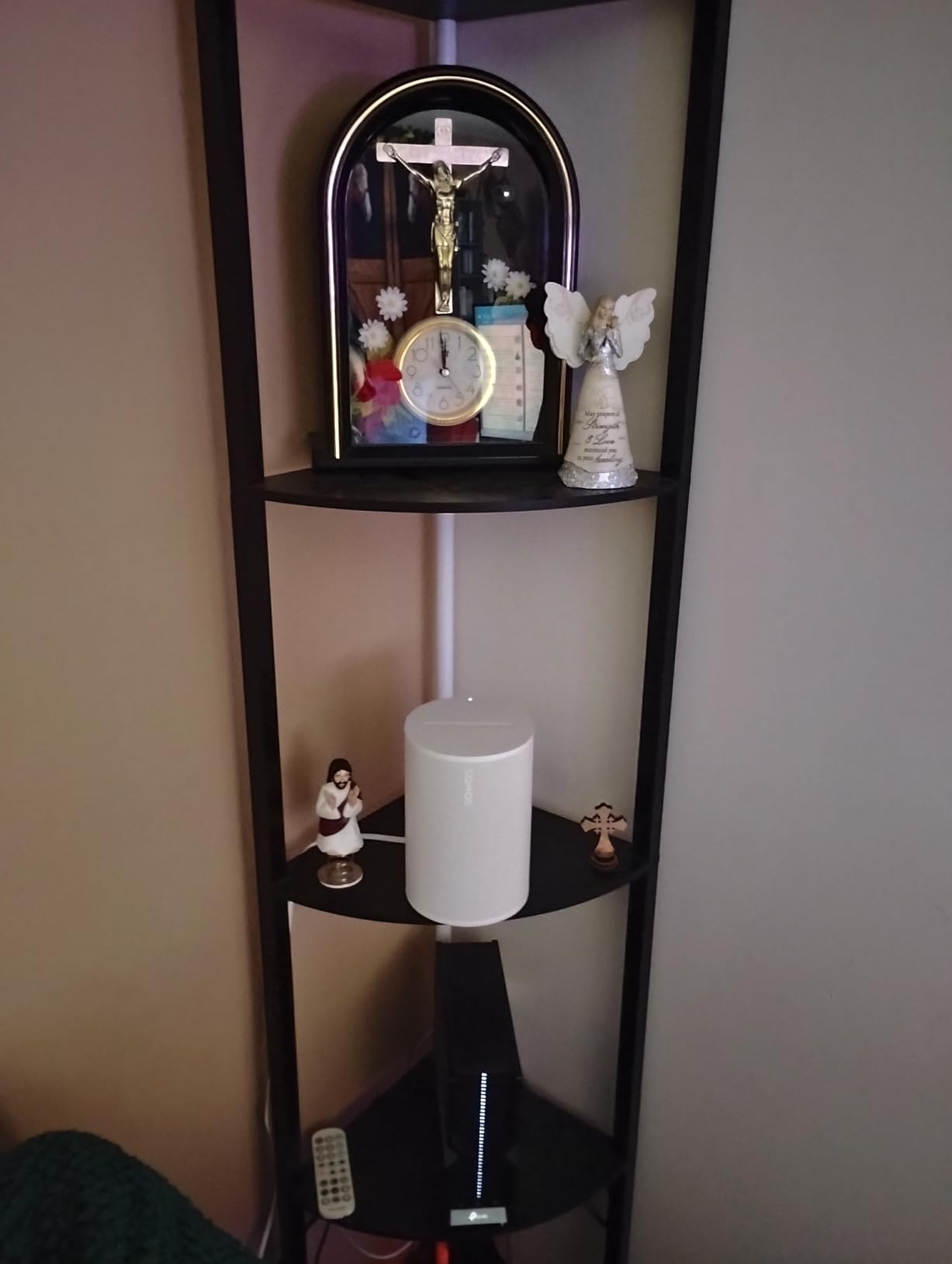
What room placement suits the Era 100
Because of its compact dimensions, this is the speaker we drop into the secondary rooms rather than the main one. Kitchen counters, home offices, bedrooms and bathrooms are all within reach of a wall outlet and out of the way of daily traffic.
In a kitchen it earns its keep twice: Trueplay handles the tile and glass, and the line-in path through the adapter lets a turntable or receiver feed the room if you want a record playing while you cook.
Why the Era 100 is weak on voice control
If your household runs entirely on voice control, the built-in assistant is not the strongest option here. People who want voice to control lights, locks and other devices are better served with a dedicated voice speaker in those rooms and this one for music.
The other limit is the top surface. In a busy hallway where bags get set down and hands brush past, the capacitive controls fire without a physical button to fall back on.
2. Sonos Era 300 – The Main-Room Flagship
Sonos Era 300 Wireless Smart Speaker with Dolby Atmos – White
Six-driver array,5.1.2 channels,300W output,Upward-firing height channels
Pros
- Working Dolby Atmos height effects from one box
- Fills medium and large rooms convincingly
- Bluetooth and line-in on a flagship
- Turns into surround with Arc or Beam
Cons
- Large
- polarising footprint needs shelf room
- Switching surround and music roles is fiddly
- Line-in adapter sold separately
If one room in your house deserves the serious speaker, this is the one. Six drivers sit across the front, sides and top, custom waveguides throw sound forward, sideways and upward, and the result is a genuine height layer rather than a simulated effect. Reviewers consistently treat it as the best standalone Sonos for a main room.
At 4.6 stars across 1297 reviews it is among the best-rated products in this roundup. Owners point to the wide soundstage, the way it fills a medium-to-large room far better than a compact, and the fact that it pairs with Arc or Beam for genuine multichannel surround when the television is the priority.
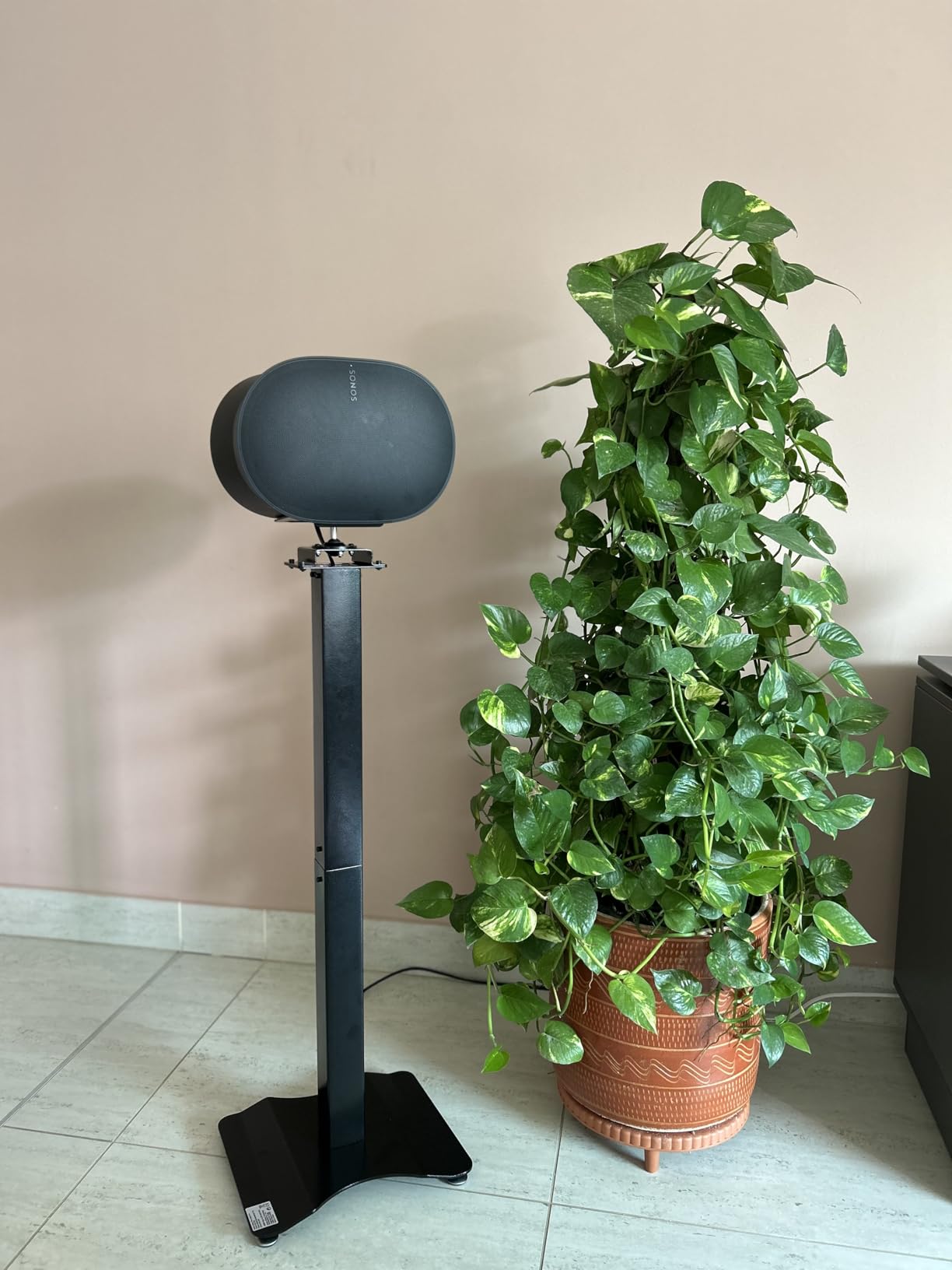
Size is the real trade-off. At 4470 g and 6.65 inches deep with that cinched-waist silhouette, it needs a real shelf or a low cabinet, and plenty of owners simply dislike the look. If you want it in a smaller room, it will dominate the space acoustically as well as physically.
Two smaller frictions recur. Switching the speaker between its music stereo role and its home theater surround role is not a one-tap operation, and the line-in adapter is a separate purchase. Reviewers also frequently suggest adding a Sub, which tells you the low end is good rather than finished.
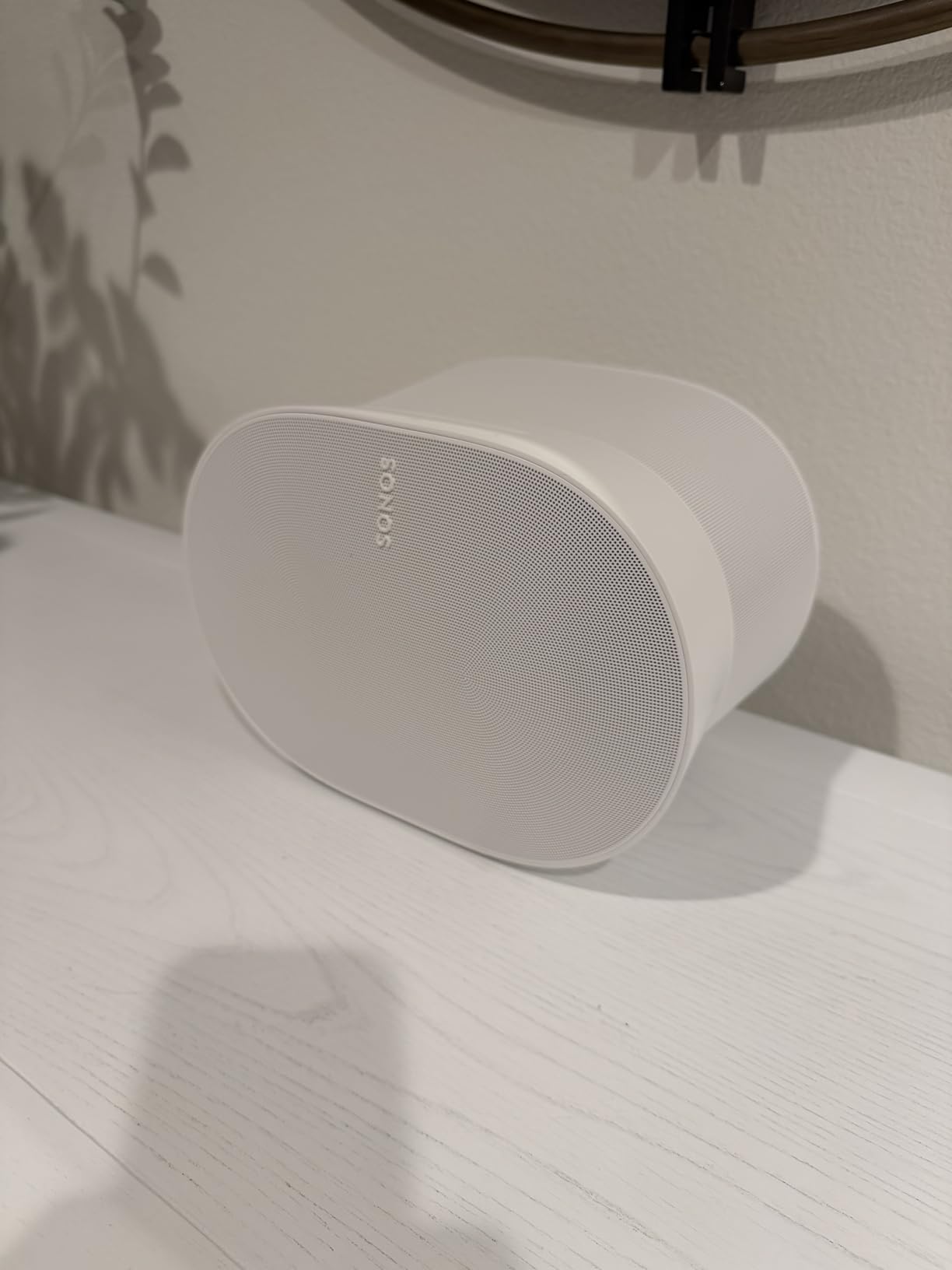
Why the Era 300 earns its place in a main room
Put it in the living room, the main kitchen or a loft, anywhere with a seating area and enough distance to walk around it. The upward channels need a reflective ceiling nearby to do their work, which is exactly what a normal living room ceiling provides.
Pair it with a sub and it stops being a music speaker and starts being the front end of a television system that also happens to play albums well between films.
Why the Era 300 is wrong for small rooms
For a bedroom, a bathroom or a study, this is far more speaker than the room needs, and the physical footprint becomes a problem. Buyers who want background music in four rooms are better served by a compact anchor plus one of these in the room that matters.
It also makes sense only if you are already in the Sonos system. The same money buys a different experience elsewhere, and the app is the single point of failure for every feature on the box.
3. Denon Home 150 – Best Value HEOS Speaker
Denon Home 150 Wireless Smart Speaker – Compact Design, Wi-Fi & Bluetooth, HEOS Built-in, Alexa Built-in, Siri & AirPlay 2, Spotify Connect, Multi-Room Support, White
1 inch tweeter,3.5 inch woofer,60W output,Aux and USB input,HEOS multi-room
Pros
- Sound several owners rate above the Sonos equivalent
- Same song or different song per HEOS room
- AirPlay 2
- Spotify Connect
- USB and aux in one box
- Can share a turntable or AVR across HEOS
Cons
- HEOS app is slow and unintuitive
- No TV or receiver audio over Wi-Fi
- Bass-forward tuning can blur podcast speech
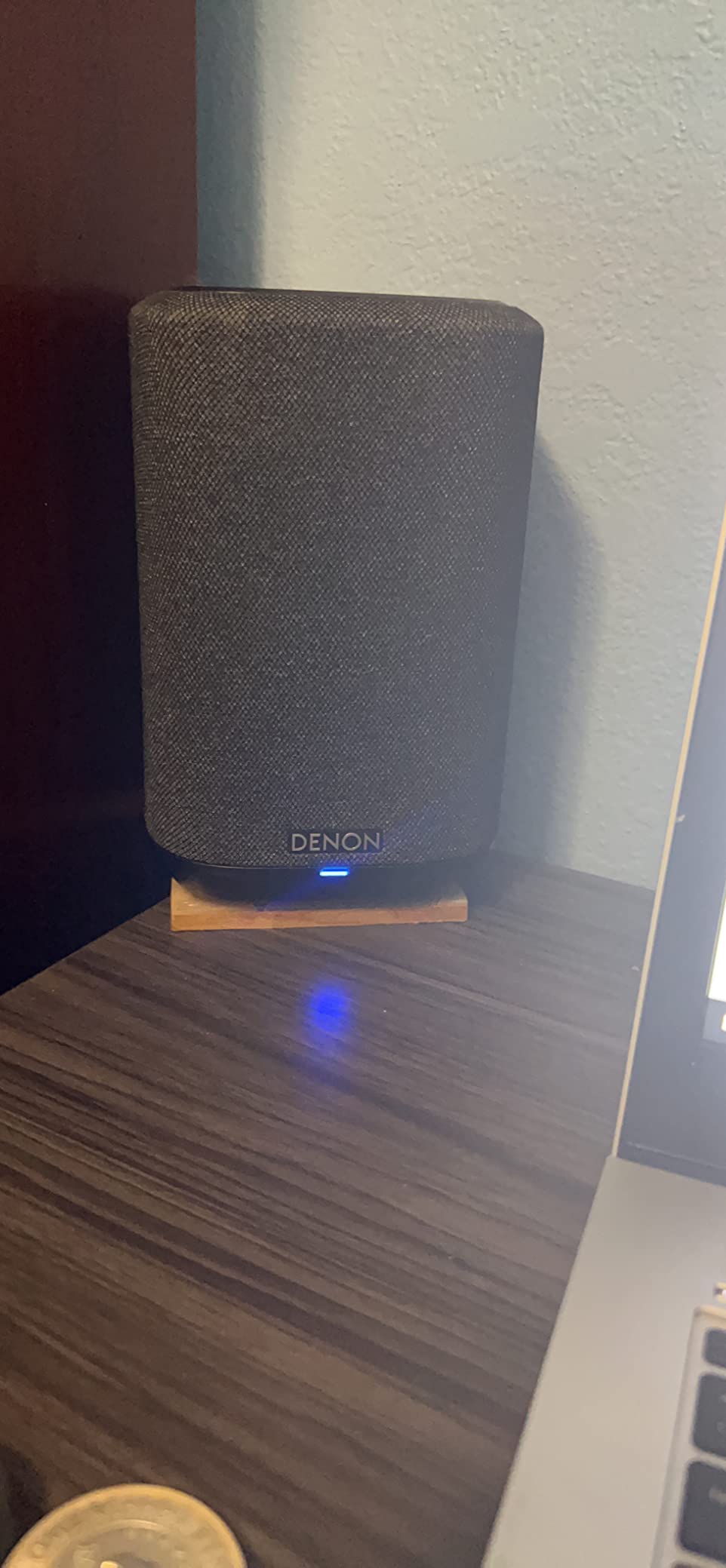
The Denon Home 150 is the value pick of this guide, and the argument for it is sound first. A 1-inch tweeter above a 3.5-inch woofer driven by two Class D amplifiers delivers a stereo pair that several owners rate above the Sonos speaker of comparable size, and it adds an analog aux input that most compact competitors cannot touch.
HEOS built-in is the second argument. It plays the same song in every room or a different song per room, and it can share one source, such as a turntable or an AV receiver, across the HEOS devices in the house. Spotify, TIDAL and Pandora streaming sit alongside AirPlay 2, Bluetooth and USB library playback.
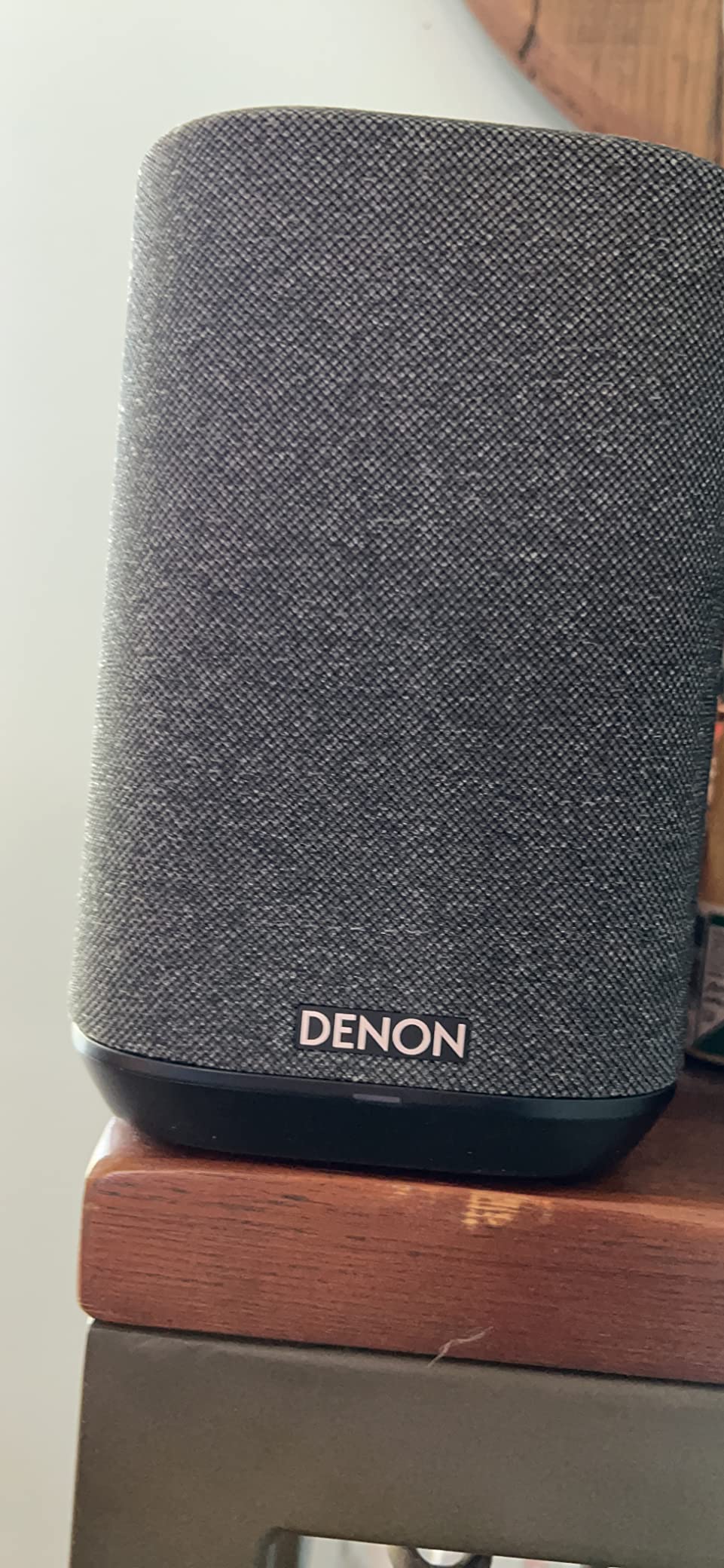
Now the part that decides it for many people: the HEOS app. Across 602 reviews it is the single most repeated complaint, described as unintuitive and slow, with input switching locked inside the app. A minority of buyers also hit setup errors or a failed first firmware update.
There is a genuine functional limit too. The speaker cannot receive television or receiver audio over Wi-Fi, Bluetooth or HEOS on its own, so if the main room is also a media room, you need the matching Denon soundbar. The bass-forward tuning is another recurring note, particularly for podcasts and audiobooks where speech clarity matters more than punch.
Why HEOS is the right path for existing gear
Denon and Marantz owners get the most out of this. If a receiver or a turntable already sits in the system, the aux input and source sharing let that equipment feed several rooms instead of living inside a single cabinet.
Pair two as a stereo set and the soundstage widens considerably, and the same unit can act as rear surrounds alongside the Denon Home Soundbar 550 and Subwoofer for a television wall.
Why HEOS is the wrong path for an iPhone household
If your household is entirely on iPhone, AirPlay 2 gives you a smoother experience than the HEOS app, and the difference shows most on days when you are grouping rooms repeatedly. Speakers that double as a television endpoint are also a poor fit outside the Denon soundbar family.
Podcast listeners should know about the bass-forward tuning before buying. If speech clarity is the goal, look for a neutral speaker or use the app’s own tone controls.
4. Bose New Lifestyle Ultra – AirPlay and Google Cast Together
Bose New Lifestyle Ultra Speaker, Wireless Home Speaker, TrueSpatial Audio, CleanBass, AirPlay & Google Cast, Black
TrueSpatial audio,CleanBass,AUX input,AirPlay and Google Cast on one unit
Pros
- Runs AirPlay and Google Cast simultaneously
- Top dial handles volume
- skip
- mute and source
- Loud and deep for a small cabinet
- AUX input suits a turntable
Cons
- Bose app setup and grouping are widely criticised
- Speakers get stuck in a home theater role
- Volume ramps behave inconsistently across the range
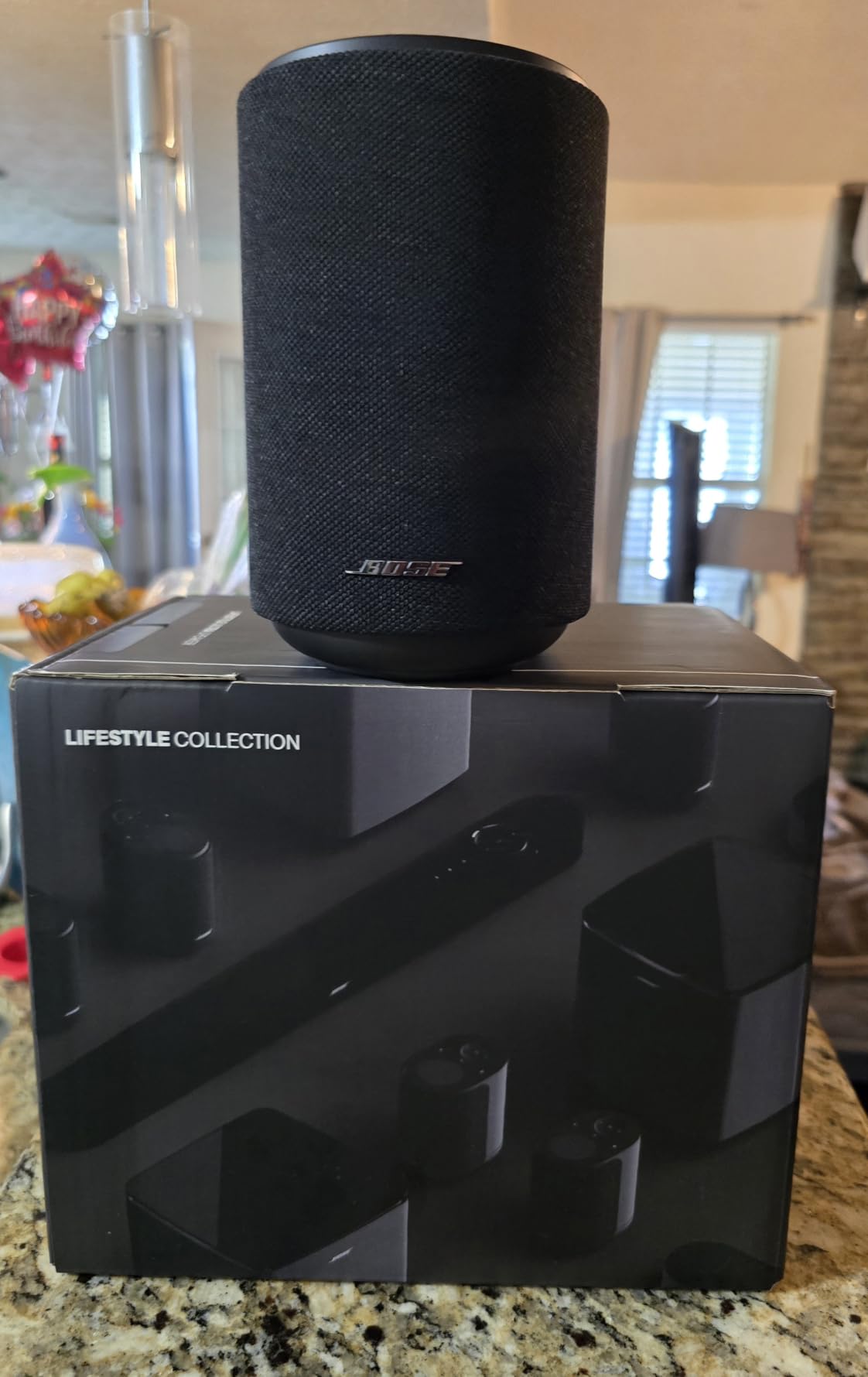
This is the interesting one for mixed-ecosystem homes. It runs AirPlay and Google Cast at the same time, so an iPhone household and an Android household in the same house can both drive music without one platform blocking the other. Very few speakers in this roundup do that.
Out of the box it is loud for its size, with TrueSpatial and CleanBass giving it more low end than the 3.7-pound body suggests. The top dial is genuinely good hardware, handling volume, track skip, power, mic mute and Bluetooth switching, and the AUX input means a turntable works without an adapter.
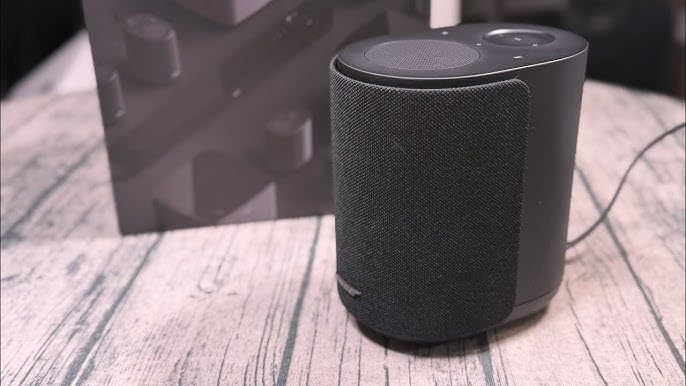
It also has the lowest rating in this list at 3.9 across 228 reviews, and the reason is software rather than sound. The Bose app’s setup and configuration draw the most criticism, with one reviewer spending two days on stereo pairing and grouping. Once the speakers are configured as home theater surrounds, repurposing them as standalone units or moving them to another room is awkward.
Two more recurring notes: voice performance through Alexa+ is weaker than a dedicated Echo, and the volume ramp behaviour across the Bose Lifestyle range is inconsistent, with the speaker starting at a high level. Some listeners also describe the sound as harsh and dull until the EQ is raised and the speaker has run for a few hundred hours.
When dual protocols actually matter
Picture a house where one person uses an iPhone, another uses an Android phone, and both stream from different services. A single-protocol speaker means one of them controls playback or nothing plays. AirPlay and Google Cast side by side removes that argument entirely.
It is also a clean way to keep one room outside a closed ecosystem while the rest of the house runs on a brand platform, since nothing about this speaker is bound to the system around it.
Why the app is the weak link here
App complexity is the issue, not capability. If you are willing to spend an evening on configuration, the flexibility is real. If you want something that pairs and groups on the first attempt, the software experience here is the most frustrating in the roundup.
The commitment to a home theater role is the other one. Plan the room before you set it up, because moving these speakers afterwards is the part buyers regret most.
5. JBL Authentics 300 – Battery Power With Two Assistants
JBL Authentics 300 Portable Smart Speaker with Voice Control – Black
100W output,5.25 inch woofer,6.5 inch passive radiator,8 hour battery
Pros
- AirPlay
- Spotify Connect
- Chromecast built-in and Alexa Multi-Room
- Google Assistant and Alexa run simultaneously
- Eight hour battery moves room to room
- Distinctive retro design
Cons
- 13.5 inch wide body needs a large surface
- Weighs 4.9 kg despite the portable branding
The JBL Authentics 300 is the only speaker here with both Google Assistant and Amazon Alexa running at the same time, and it covers AirPlay, Spotify Connect, Chromecast built-in and Alexa Multi-Room Music. If your household argues about which assistant to use, this is the speaker that ends the argument.
Underneath, dual 1-inch tweeters, a 5.25-inch woofer and a 6.5-inch down-firing passive radiator deliver 100W of balanced output. The 10-millisecond audio latency also makes it one of the tighter performers here when rooms need to stay in step.
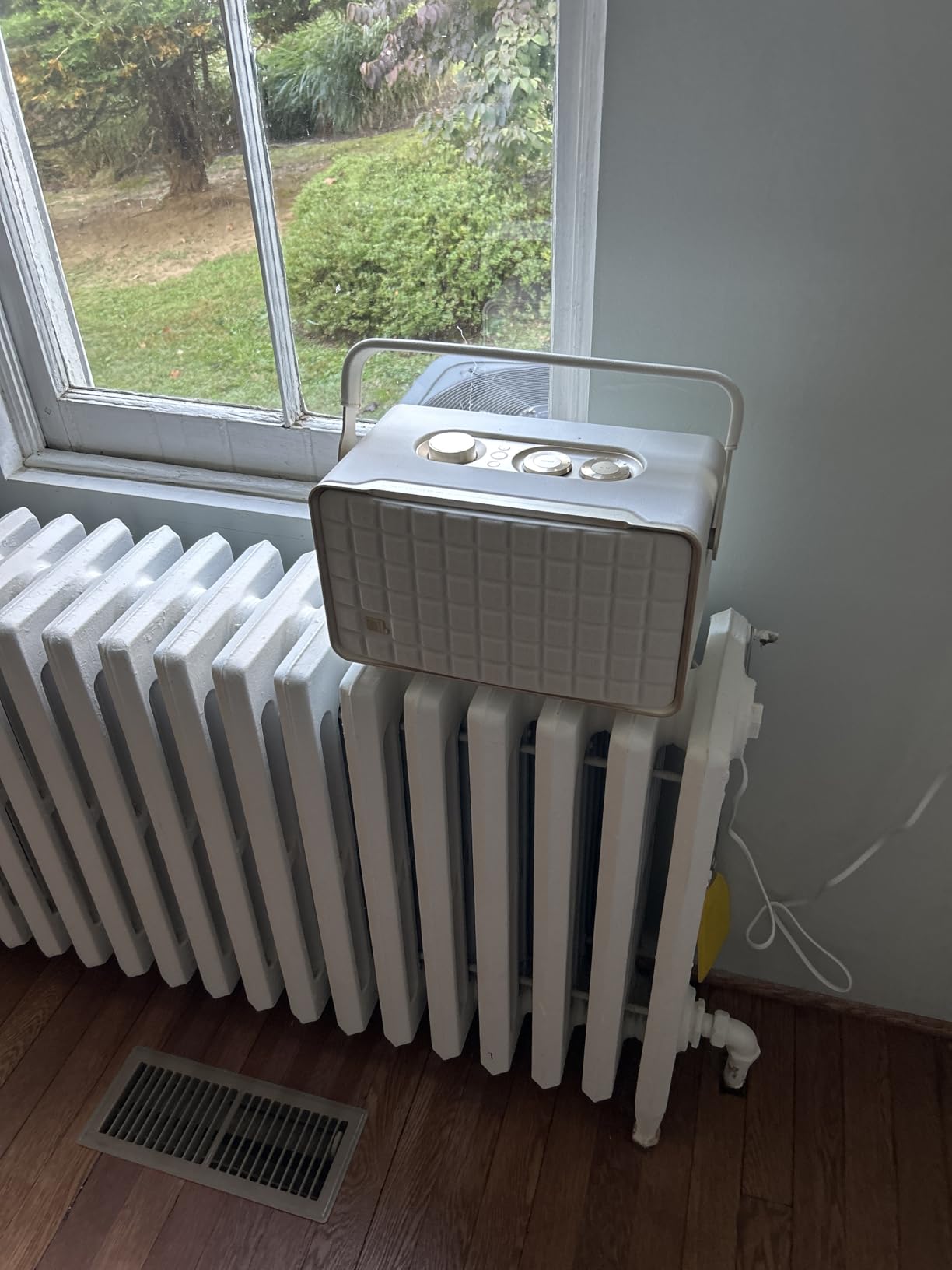
What makes it useful beyond the living room is the built-in rechargeable battery, rated at up to 8 hours of playback with a 3.5-hour charge time. You can carry it to the patio, the pool deck or a room without an outlet, and it still joins the same multiroom group while it is on battery. It also works as a power bank.
The tradeoff is physical. At 13.46 inches wide and 4.9 kg it needs a substantial surface, and the retro styling is not universally liked. The 280 reviews are small and largely positive, so treat the enthusiasm with the usual caution that comes with a thin review base.
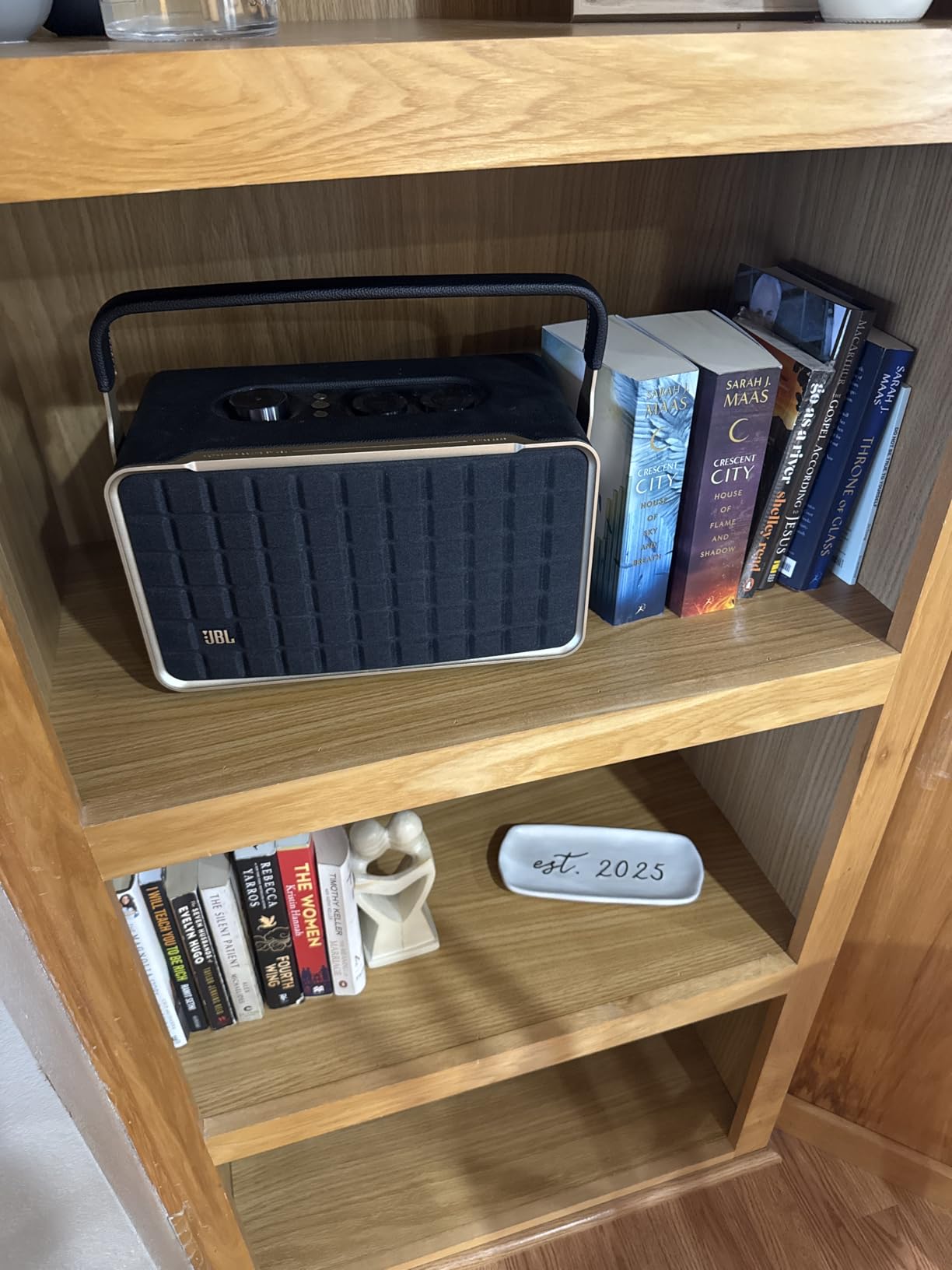
Outdoor and patio placement
This is the pick to look at first if part of your multi-room plan is outside. A battery means you are not chained to an outlet, and the option to move it room to room means one speaker can follow a party from kitchen to patio to deck.
Keep it under cover. A covered patio or a screened porch is realistic, and a fully exposed deck is not.
Why it will not fill an open deck
Output is fine for background and party music, but 100W in a large open space runs out of headroom well before the Sonos Era 300 does. It is a fill speaker that happens to be very capable, not a main-room engine.
Style is the second consideration. If the room is modern and minimal, the cast-aluminium handle and leather-like enclosure are a deliberate look rather than a neutral one, and the width limits where it can sit.
6. WiiM Sound – The Open Ecosystem Option
WiiM Sound Smart Speaker with Hi-Res Audio, WiFi and Touchscreen, White
1.8 inch touchscreen,100W output,24-bit/192 kHz,RoomFit calibration
Pros
- Touchscreen shows art
- clock and track info
- Hi-res 24-bit/192 kHz on a 100W amp
- RoomFit one-tap calibration
- Open platform with Google Cast
- Connect
- DLNA and Roon
- Setup reported as among the easiest
Cons
- No native AirPlay 2 without a bridge unit
- Bluetooth described as glitchy
- Low end can be boomy
The WiiM Sound is the answer for anyone who left one closed platform and does not want to be owned by another. It runs Google Cast, Spotify Connect, TIDAL Connect, Qobuz Connect, Alexa Cast, DLNA and Roon or LMS, and it groups with other WiiM, Google Cast and Alexa devices. Nothing about that list requires a particular phone.
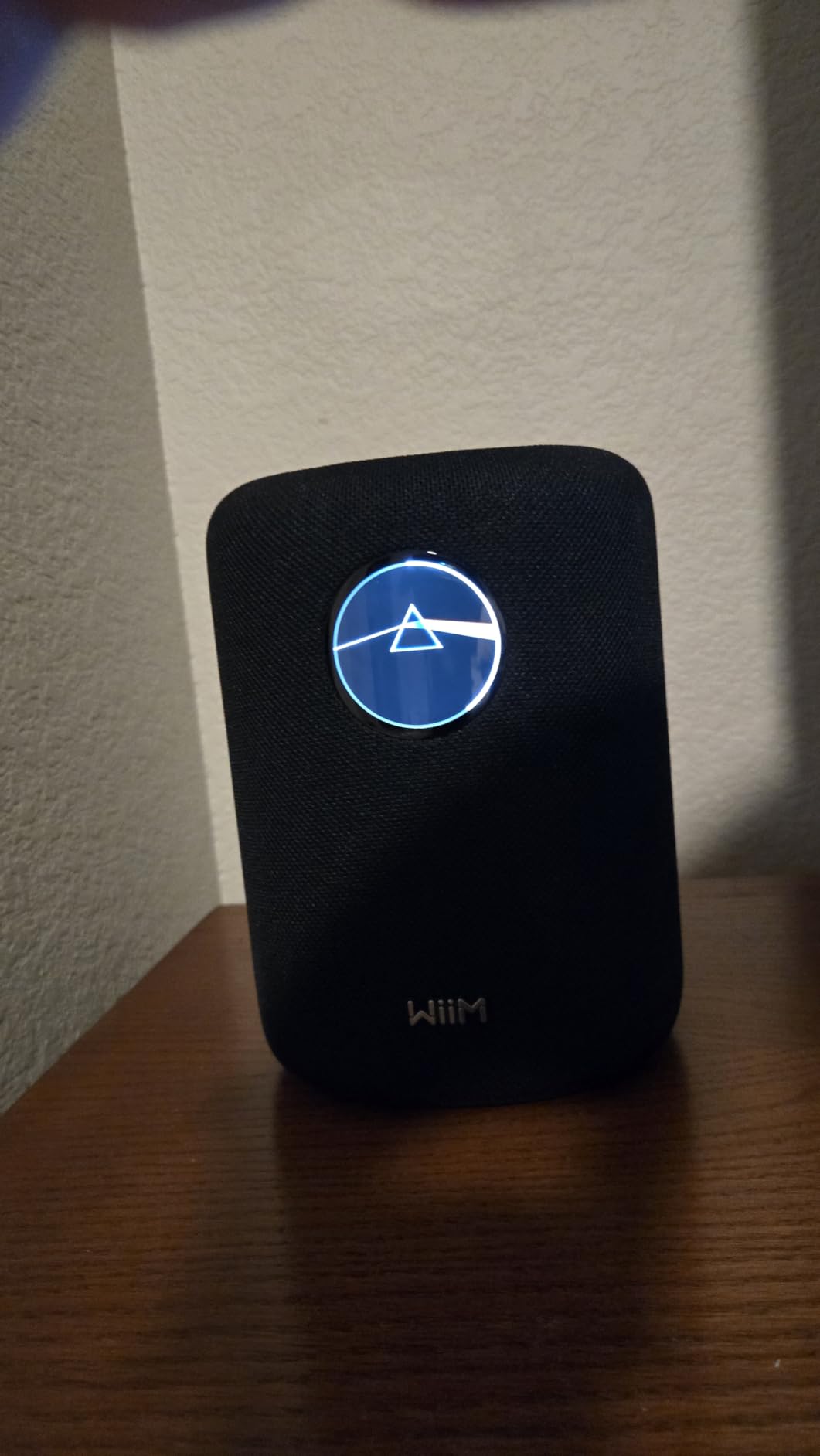
Hardware is more ambitious than the price suggests. A 4-inch paper-cone woofer with dual 1-inch silk-dome tweeters, 100W of amplification and playback up to 24-bit/192 kHz, plus a 1.8-inch circular touchscreen that shows album art, the clock and track details with on-device play, skip, source and quick EQ control.
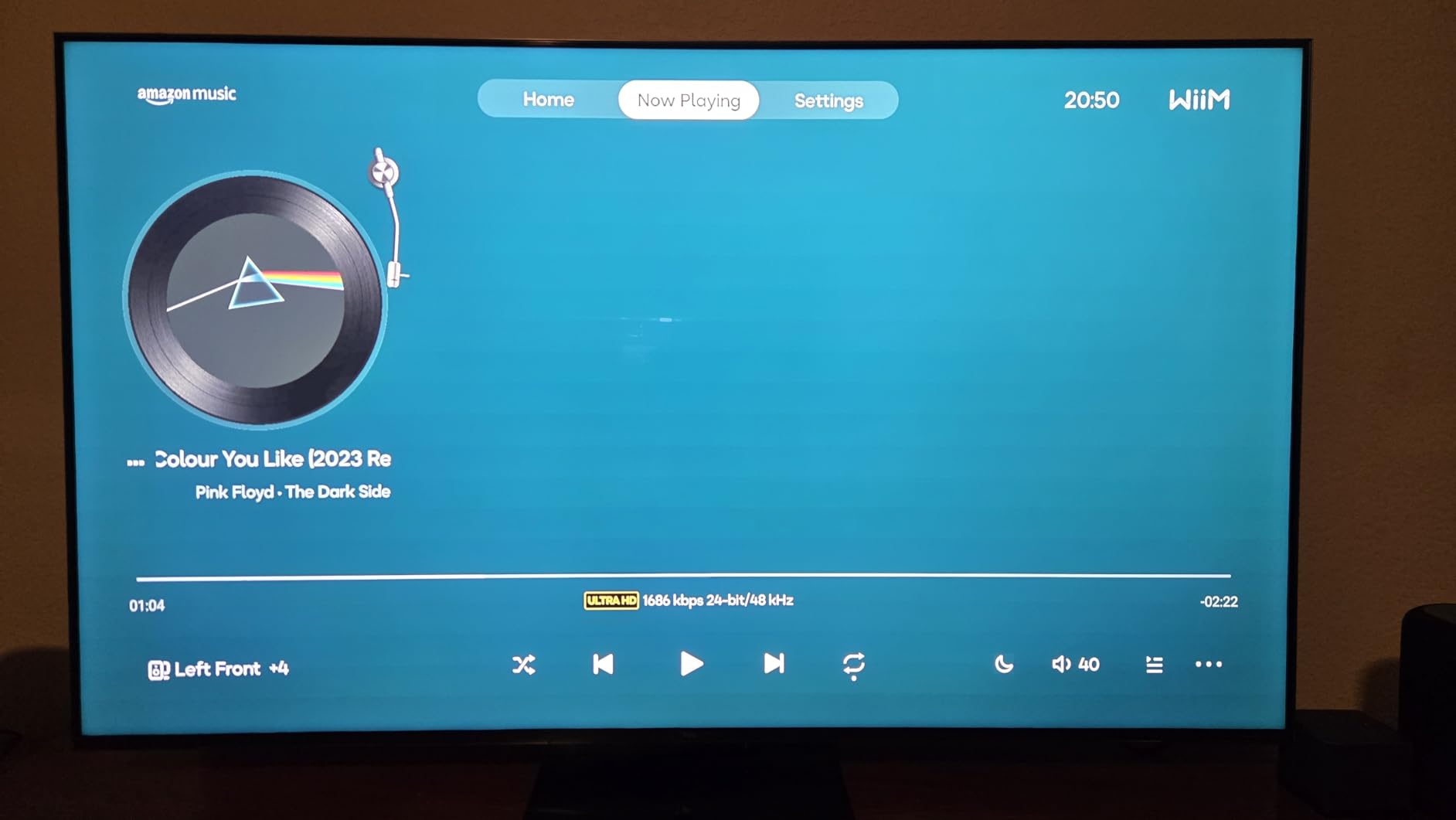
The touchscreen is the part people mention first, because it removes most of the reason to open an app. RoomFit calibration is a one-tap room tune, which owners repeatedly praise, and the reported audio latency of 50 milliseconds sits in the range where multi-room sync stops being noticeable.
The gap is AirPlay 2. There is no native support, so an iPhone household needs to add a bridge unit such as a WiiM Pro, and that extra box is a real cost. Bluetooth is also the weak spot, described as glitchy with frustrating handoffs between devices, and some listeners find the low end boomy enough to want a subwoofer alongside it.
Who gets the most out of an open platform
Households that listen to more than one service will get the most from this. Spotify, TIDAL, Qobuz, DLNA libraries and Roon all sit behind the same box, so a subscription choice never dictates the hardware.
It is also the easier path out. If you later change platforms, this speaker is not tied to a brand account, which is the opposite of the closed-ecosystem risk described in the ecosystem section below.
Why iPhone-only households should look elsewhere
iPhone-only homes should look elsewhere first. AirPlay through a bridge works, but a second device in the chain is another thing to power, place and troubleshoot, and Bluetooth is not a good substitute.
The white finish shows grime quickly and there is no grey option, which matters in a kitchen. The included voice remote also draws complaints as a toy, and the display can be too bright at night unless you dim it.
7. Google Nest Audio 3-Pack – Three Rooms in One Buy
Google Nest Audio (3-Pack) Smart Speakers – Multi-Room Wireless Home Speaker Bundle with Bluetooth, Wi-Fi, Assistant, Stereo Sound, Voice Control & Smart Home Integration
Three speakers,30W per speaker,7.5 cm woofer,Google Assistant built in
Pros
- One purchase covers three rooms
- Straightforward multiroom grouping
- Assistant handles music
- timers and smart home
- Works with Android
- iOS and Cast apps
- Can pair two as a stereo set
Cons
- 30W per speaker is modest for a main room
- Each speaker needs its own outlet and cable
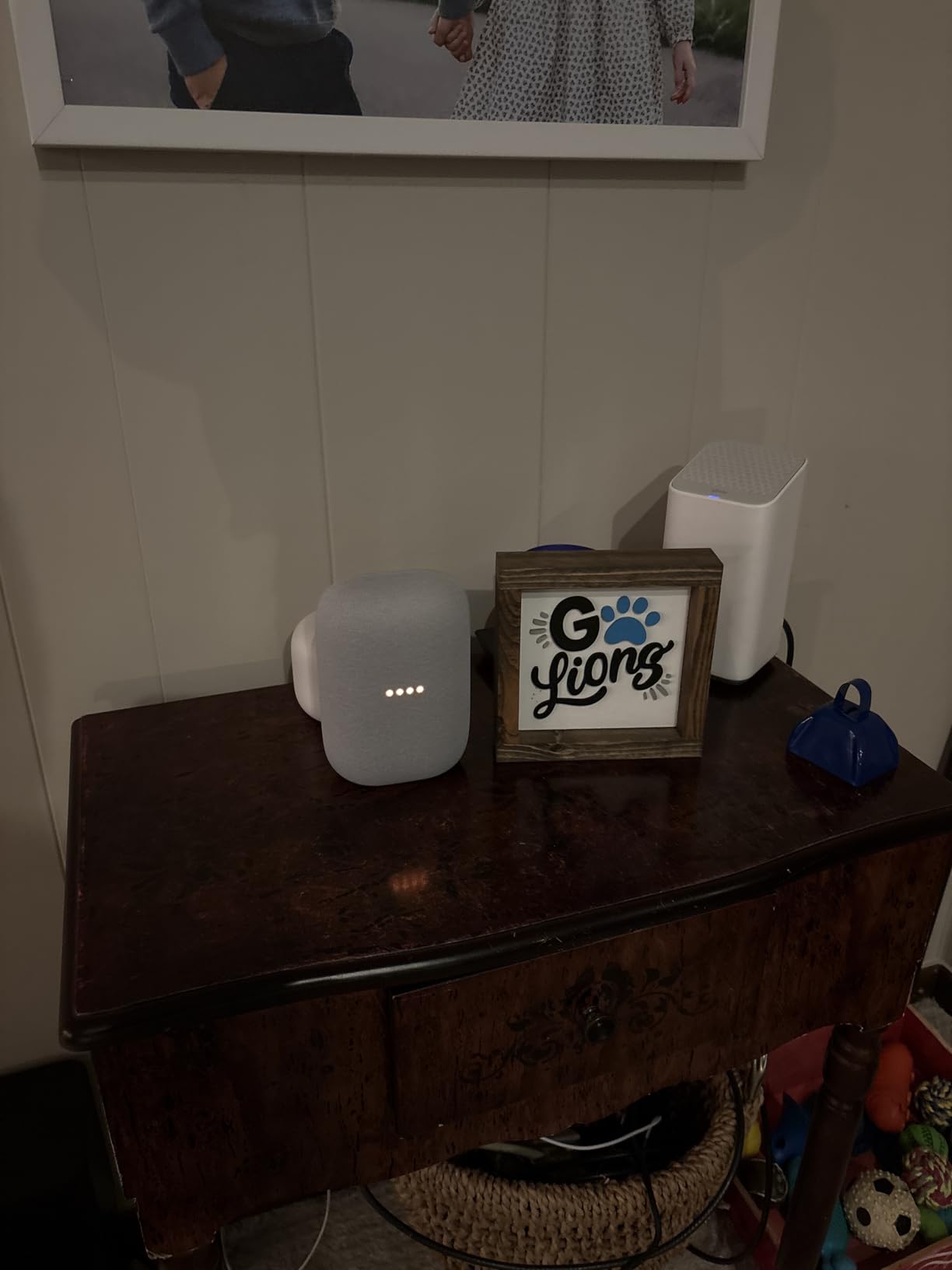
Coverage is the entire pitch here. A 3-pack gives you kitchen, living room and bedroom in a single purchase rather than three separate speakers, and each one groups into the same Google Cast playback. At 4.5 stars across 214 reviews, it is one of the highest-rated products in this roundup.
Each unit has a 7.5-centimetre woofer driven to 30 watts, with Google Assistant built in for music, timers, weather and smart home routines. Any two can be paired into a stereo set when you want a wider field in one room instead of coverage in two.
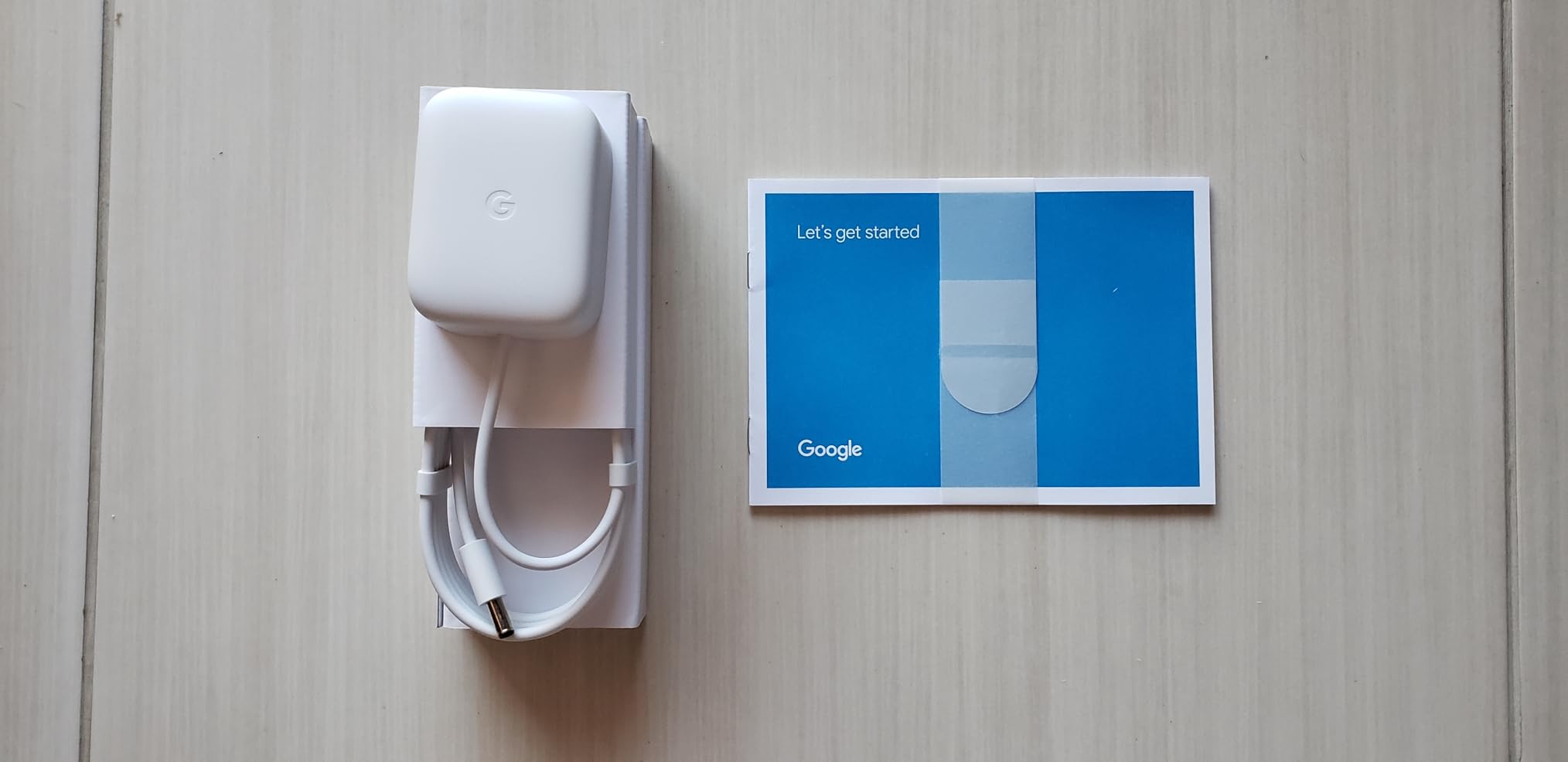
What 30W cannot do is drive a main room at serious volume. Think background music that fills a space and stays out of the way, which is exactly how most reviewers describe it, rather than a room you sit and listen to critically. For a kitchen and a laundry room that is more than adequate.
Logistics are the other thing to plan for. Three speakers means three power cables and three outlets, and that is the real work when you are placing them. A wired Ethernet option is not listed in the specifications for this bundle, so placement near a router or a mesh node matters more than it would with a wired-only plan.
Why 3-packs win on coverage
Spread a house quickly. Bedrooms, kitchen, office and a laundry room are all rooms where people want music or talk radio while doing something else, and this bundle fills them in one go without a second decision.
It is also the cheapest reliable way to get multiroom grouping working in a house with more than one person streaming, because grouping is straightforward once the speakers are all on the network.
Why it is the wrong tool for a listening room
Do not build a listening room around it. The main room in a whole-home system needs headroom, and 30 watts per box runs out of it first, which leaves you adding another speaker later anyway.
Google Cast also has a known workflow limitation worth stating plainly. Unlike Sonos or HEOS, you generally stop playback to change which speakers form a group, and running two different streams from the same service into two different zones at once is restrictive. If per-room independence is the priority, the HEOS or open-platform options handle it better.
8. Amazon Echo Dot – The Lowest Cost Per Room
Amazon Echo Dot (newest model) – Vibrant sounding speaker, Designed for Alexa+, Great for bedrooms, dining rooms and offices, Charcoal
Compact Alexa+ speaker,Wi-Fi and Bluetooth,Built-in motion and temperature sensors
Pros
- Lowest cost per room in this roundup
- Reliable voice pickup with routines
- Groups with other Echo devices
- Doubles as an eero mesh extender
Cons
- Not a main-room speaker by any measure
- Closed Echo ecosystem with no AirPlay 2 or Google Cast
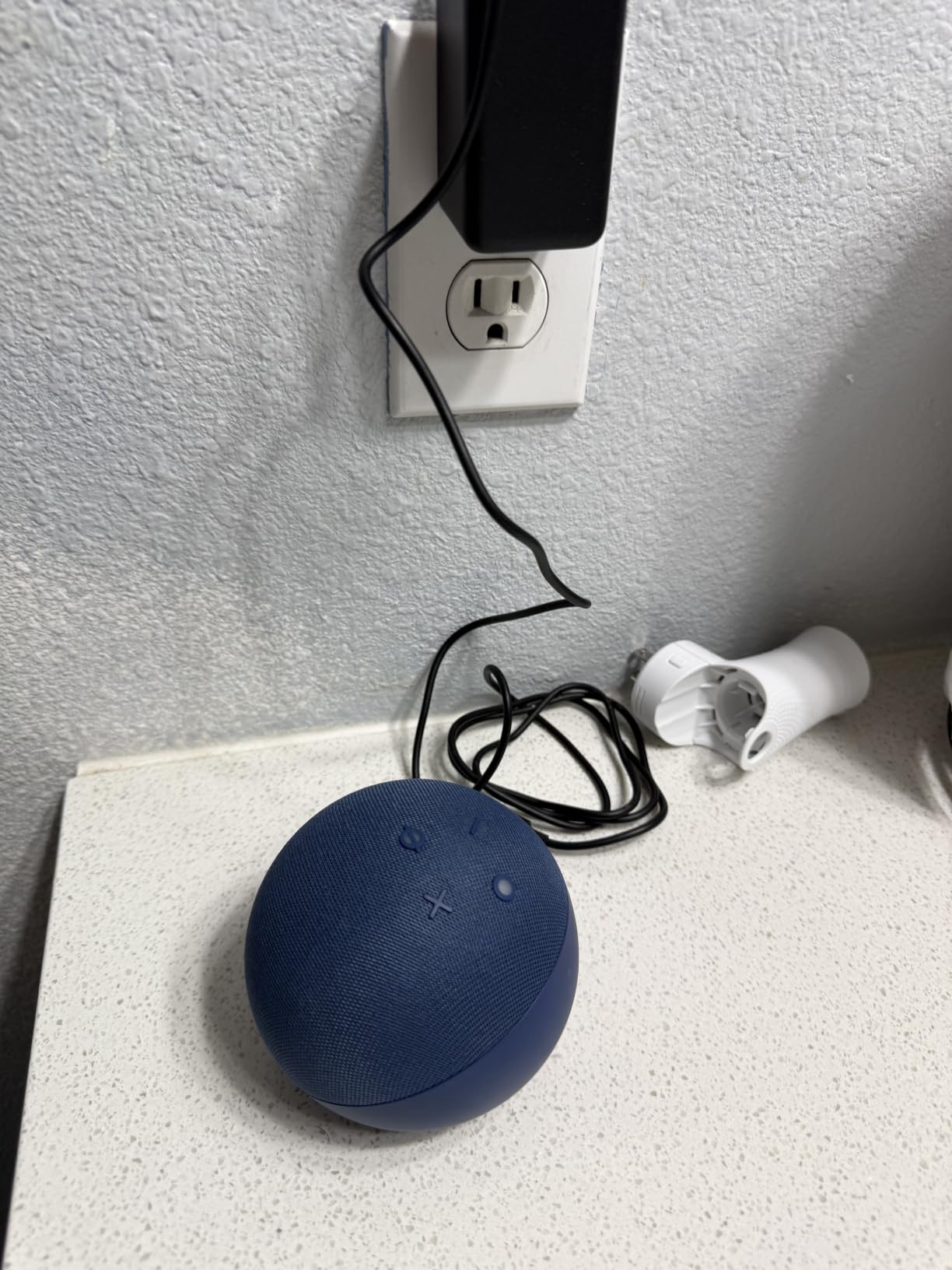
The Echo Dot is the reason a four-room system does not have to be an expensive project. It is the highest-rated product in this roundup, and its job is narrow and clear: put voice control and background music into bedrooms, kitchens, offices and bathrooms at the lowest per-room cost in this guide.
It groups with other Echo devices for the same playlist and pairs with Fire TV for home theater. The built-in motion and indoor temperature sensors trigger routines without any setup, and the hardware microphone-off button is a genuine privacy plus in a bedroom.
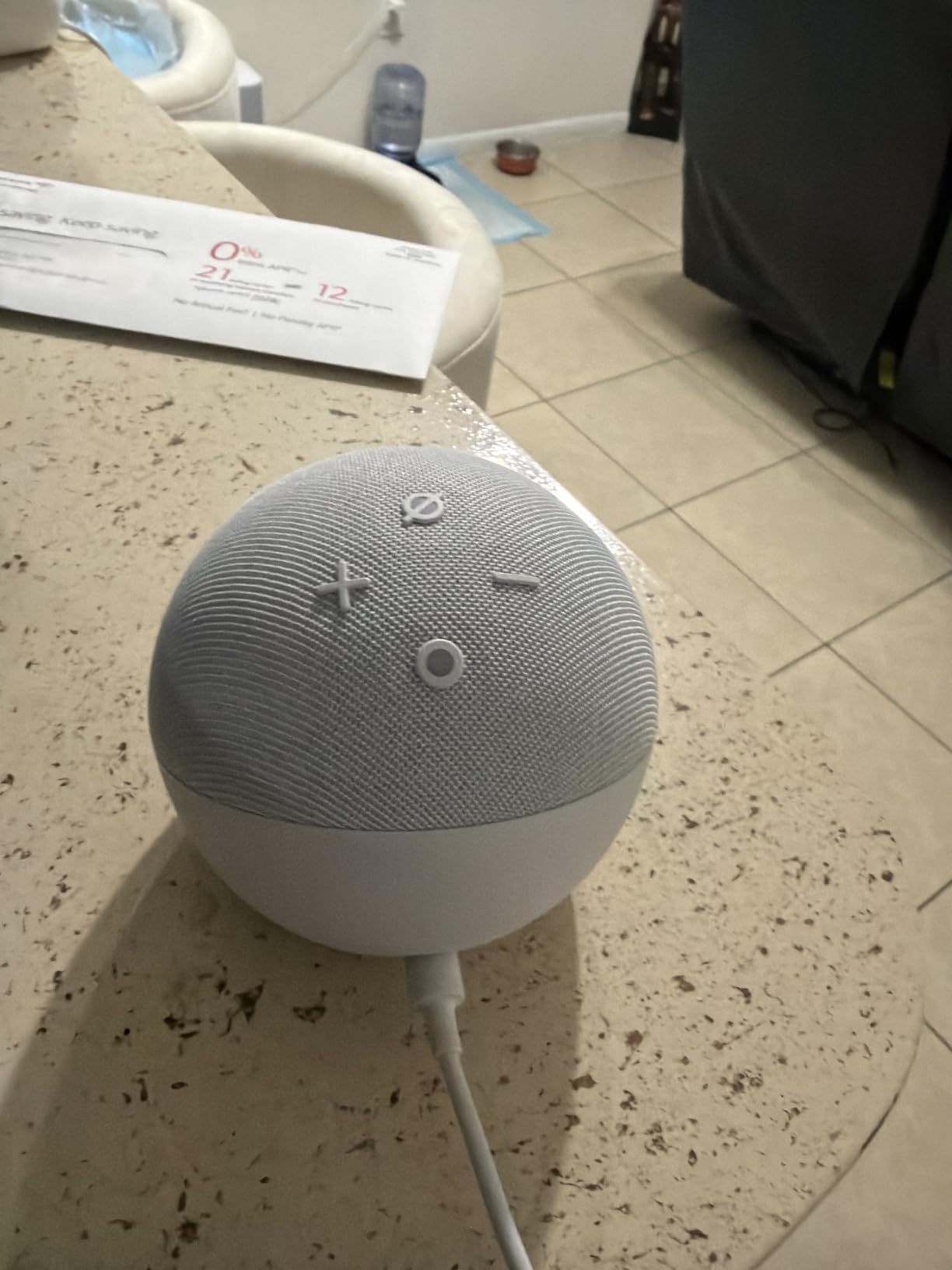
There is a second benefit that has nothing to do with music. With eero built in, each Echo Dot adds a mesh node that can extend coverage by up to 1,000 square feet, so the speaker that fills the pantry also fills a Wi-Fi dead zone in the back of the house.
The limits are structural rather than fixable. This is a closed Echo ecosystem, so it will not join an AirPlay 2 or Google Cast multiroom group, and anyone in the household on iOS gets a worse experience from it than from a speaker with native AirPlay. Sound quality and maximum volume sit well below every other product in this roundup, and it should never be the speaker you judge the system by.
Why cheaper rooms matter for the Echo Dot
Utility rooms, offices, guest rooms, a bathroom, a garage. Anywhere the goal is a timer, a weather check, a radio station and background music rather than an album played properly. Several of those rooms are exactly the ones you would otherwise forget to include.
It pairs well as a companion layer: a serious speaker in the living room, inexpensive voice boxes in every room where sound barely matters.
Why the Echo Dot is the most rigid choice
A household that plays music everywhere it moves, or one split between iOS and Android, gets more from a dual-protocol speaker. The Echo Dot is locked into one assistant and one family of devices, which is the most rigid form of lock-in in this roundup.
It is also the wrong main-room speaker at any budget. Buyers who expect it to replace a hi-fi system end up adding another speaker later anyway, having spent the difference in the process.
9. Edifier S1000W – Powered Stereo Without an Amplifier
Edifier S1000W WiFi Audiophile Active Bookshelf 2.0 Speakers, 120W RMS Wireless HiFi Bluetooth Sound System Works with Alexa, Optical/RCA x 2 Coaxial, Supports AirPlay 2, Spotify Tidal Connect- Pair
120W RMS per channel,5.5 inch woofer,Hi-res 24-bit/192 kHz,AirPlay 2 and Tidal Connect
Pros
- Active 120W RMS pair needing no amplifier
- Clean balanced tuning with tight bass
- AirPlay 2
- Spotify Connect and Tidal Connect
- Analog and optical inputs
- Two year warranty
Cons
- Optical input sounds worse than the analog paths
- No subwoofer output
- 37 pounds of gear to place around a house
The S1000W answers a question most multi-room lists skip: what if the room you care about deserves real stereo? This is a powered bookshelf pair with 120W RMS per side, 5.5-inch drivers and 1-inch tweeters, so it needs no amplifier or receiver at all. Plug it in, connect it, and it streams.
It runs AirPlay 2, Spotify Connect, Tidal Connect and Alexa voice control over dual-connection Wi-Fi, groups into multiroom sets or stereo pairs through the Edifier app, and plays hi-res up to 24-bit/192 kHz. For a listening room plus fill elsewhere, that combination is unusual at this level.
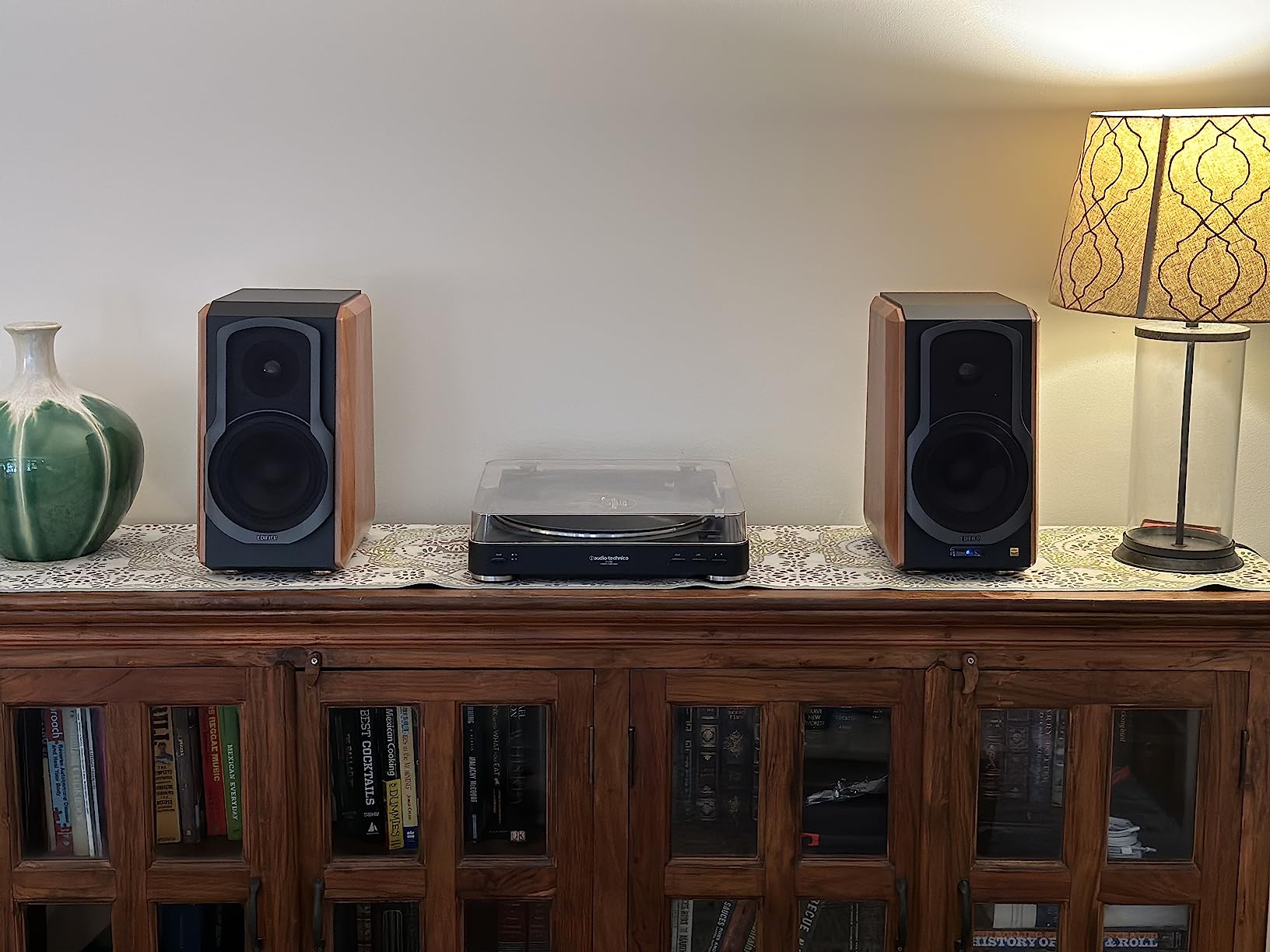
Owners consistently describe the tuning as clean and well balanced with tight bass, and many point out that the analog RCA and optical inputs sound better than the Bluetooth path, with a useful remote in the box. A two-year manufacturer warranty is also longer than most competitors offer.
The complications are practical. A second unit must be cabled to the master to sync for the best result, so this is a stereo pair first and a multiroom speaker second. The optical and digital input sounds noticeably worse than the analog inputs, there is no subwoofer output for deeper low end, and at 37 pounds for the pair it is a lot of gear to move between rooms.

How to plan a stereo plus multiroom layout
Use the pair as the anchor in one room, where a proper stereo image matters, then add cheaper single speakers for the kitchen, bedroom and office. The Edifier app handles grouping, and the powered design means no amp shelf in that room at all.
The extra input options make it useful as a desktop or television system too, with a laptop, a streamer or a television box feeding it over optical or analog and the speakers still able to stream.
Why the tweeter and missing sub output matter
Some listeners find the titanium tweeter harsh on commercial pop material, and the absence of a subwoofer output removes an easy fix for a large room. The setup documentation is also thin, so expect to spend time sorting out the app and Wi-Fi connection.
Most importantly, this is not a speaker for every room. It is heavy, it is wired internally, and it is designed for one good room rather than four average ones.
10. KEF LSX II – The Audiophile Multi-Room Pick
KEF LSX II Wireless Bookshelf Speakers (Pair, Carbon Black) – Active Powered HiFi Speaker System with HDMI ARC, AirPlay 2 & Wi-Fi Streaming
100W per speaker,Uni-Q array,24-bit/384 kHz,HDMI ARC and optical input
Pros
- Complete active stereo in two boxes
- 11th generation Uni-Q imaging and a wide sweet spot
- AirPlay 2
- Chromecast
- Connect
- Roon Ready
- Ethernet and HDMI ARC
- Subwoofer output included
Cons
- KEF Connect app is clunky with a learning curve
- Bass is even rather than deep
- Best kept nearfield or in a small room
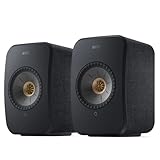
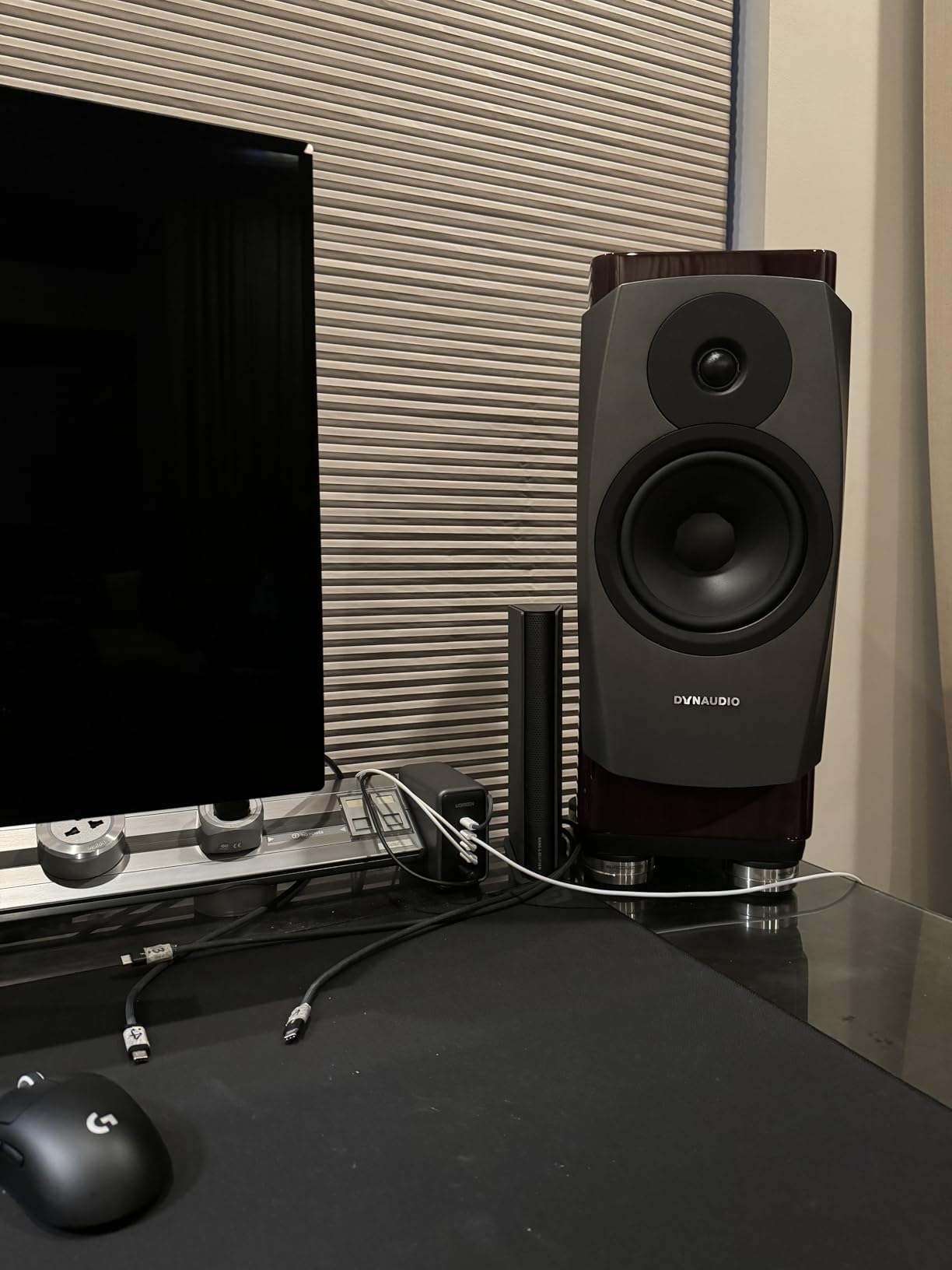
The LSX II is a complete active stereo system in two boxes, 100W per speaker with streaming built into the KEF W2 platform. The 11th-generation Uni-Q point-source array puts the tweeter in the acoustic centre of the woofer, which is why reviewers describe the imaging and the sweet spot as unusually wide for a bookshelf pair.
Protocol coverage is the widest in this roundup: AirPlay 2, Google Chromecast, Spotify Connect, Tidal Connect, Roon Ready and Bluetooth over dual-band Wi-Fi at up to 24-bit/384 kHz. Add HDMI ARC, TOSLINK optical, USB-C, 3.5mm aux and a subwoofer output and it covers television, desktop and music in one place.
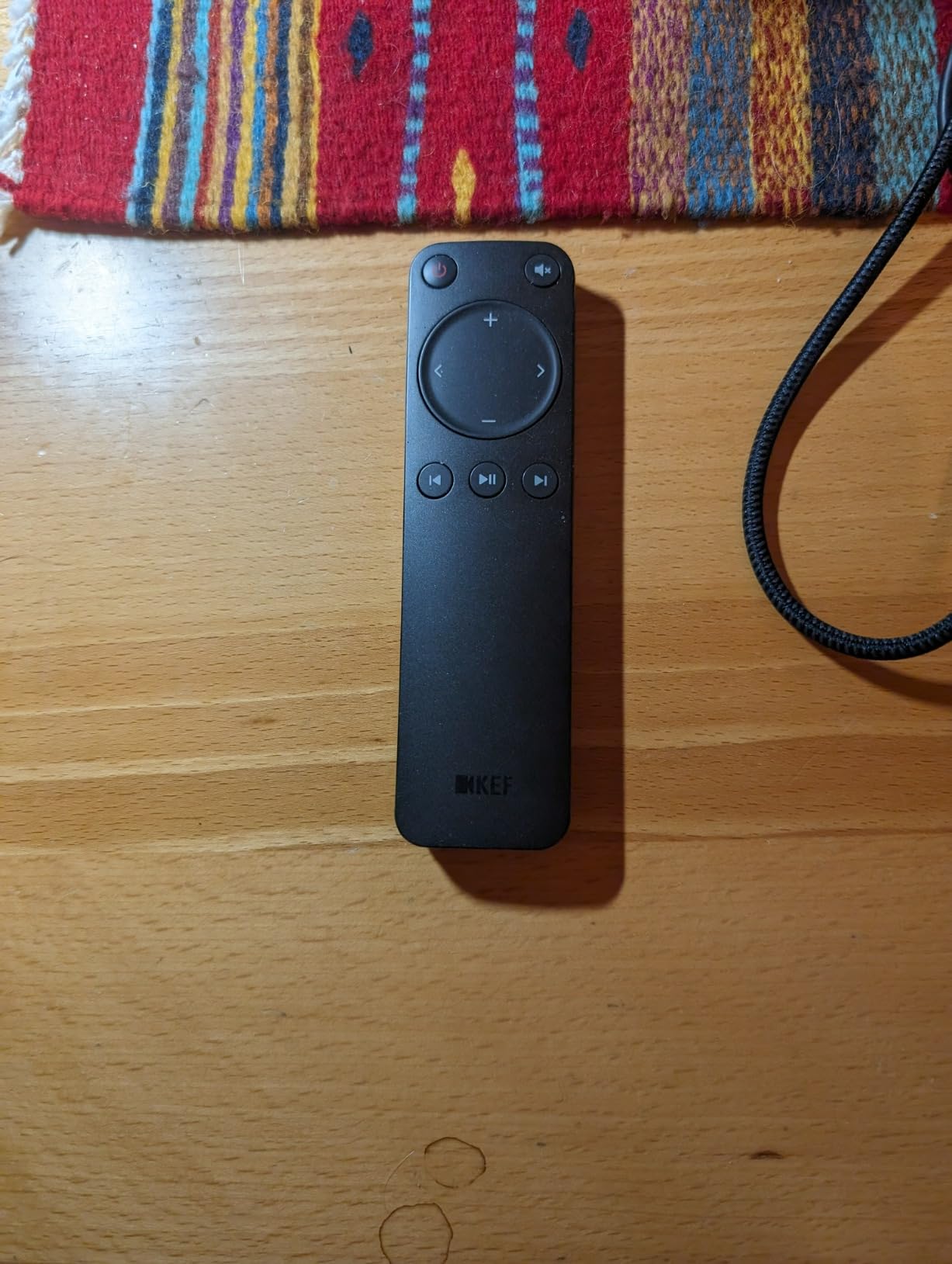
What owners love is the sound itself: a wide, deep soundstage with warm mids, crisp highs and surprisingly strong bass for a 4.5-inch woofer in a cabinet this size. A two-year manufacturer warranty comes with it, and the speakers can link wirelessly between the pair, though Ethernet linking gives the best result.
The criticism is consistent. The KEF Connect app is still clunky and carries a learning curve of several days, and several owners recommend adding a subwoofer because the bass is even rather than deep. It is also not designed to fill a large room at high volume, and a few hours of break-in are needed before the sound settles.

Where the LSX II fits in a multi-room house
A study, a listening room, a home office or a media room. This is the pick for the one space where you sit down and pay attention, and the HDMI ARC input means a television can feed it without a separate soundbar.
Roon Ready support also makes it the easiest option here for anyone running a serious local library, with the highest resolution ceiling of anything in the list at 24-bit/384 kHz.
Why the LSX II is wrong for a large house
It is a poor background-music solution and a poor large-room solution. Filling a great room with dialogue-heavy content or pumping a party, you will want a subwoofer and a different speaker for the neighbours.
For multiroom use specifically, the two-cord requirement matters: each speaker needs its own power cable, and a cable between them gives the best sound, so a patio or a bathroom is not where this pair ends up.
11. Bang & Olufsen Beosound Emerge – Design First
Bang & Olufsen Beosound Emerge Wi-Fi Multiroom Speaker – Gold Tone
25W active amplification,2.6 inch wide body,BeoLink multiroom,Active Room Compensation
Pros
- Aluminium
- fabric and oak construction as decor
- BeoLink multiroom plus AirPlay and Google Cast
- Active Room Compensation in a narrow body
- Clear and articulate sound
Cons
- 25W is modest for a large room
- B&O app is difficult to use
- Wi-Fi can struggle on mesh networks
The Beosound Emerge is the one to buy when the speaker is also furniture. Gold-tone aluminium, light oak wood accents, fabric and polymer in a body just 2.6 inches wide and 8.9 inches tall, it disappears on a shelf or a console in a way no other speaker in this roundup manages.
It joins BeoLink multiroom grouping alongside AirPlay and Google Cast, so it works inside a mixed-ecosystem house, and Active Room Compensation tunes the sound to the room from a speaker with only 25 watts of amplification. Touchpad and app control cover the basics, and the three-year warranty is the longest here.
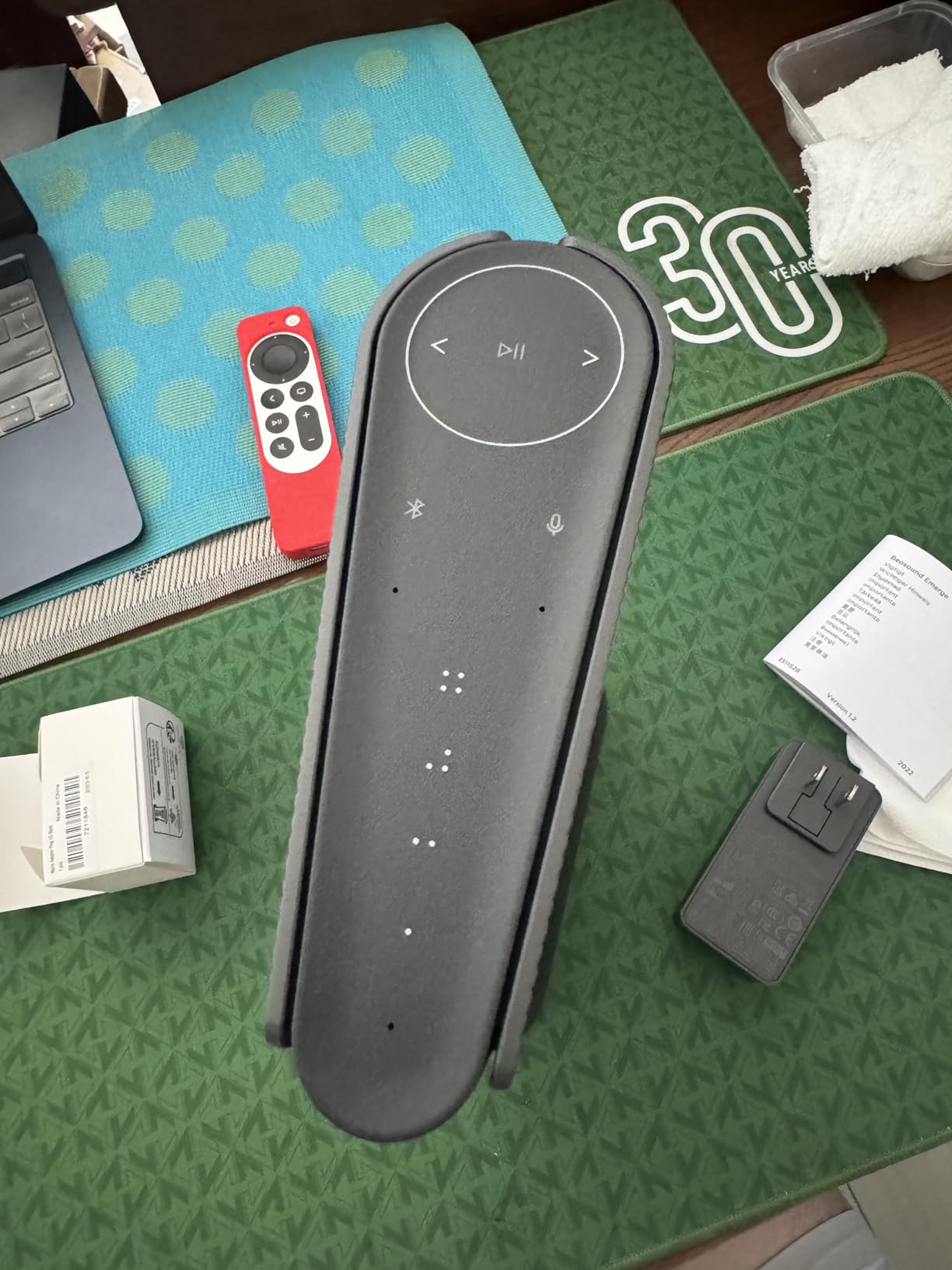
That 25W figure is the reason the 4.1 rating across 188 reviews splits the way it does. Reviewers who love the materials and the integration say the sound is clear and articulate. Reviewers who push it hard say the bass and soundstage fall short against far cheaper speakers, which is a fair criticism at this level of output.
The app is also widely described as difficult, with poor instructions for setting up preferred streaming sources. On mesh networks, Wi-Fi connectivity can be problematic, and the speaker is advised to avoid the 5 GHz band. A few buyers also reported finish quality issues on arrival and a bundled USB-C cable that did not work.
Where a narrow design pays off
Bedrooms, studies, hallways and reception rooms, anywhere the speaker is visible and the volume stays civilised. Narrow rooms benefit too, since 2.6 inches of width leaves a shelf that other speakers could not occupy.
If you already own other Bang & Olufsen gear, the consistent sound signature across the range is a genuine reason to add one, and BeoLink grouping is straightforward within that family.
Why design should not drive the main room
Do not plan a house-wide background music system around it. Modest output means you turn it up to fill a large room, and the soundstage never opens up the way a wider cabinet would allow.
It also adds a second ecosystem to manage. BeoLink, AirPlay and Google Cast in one speaker is genuinely open, but the app experience is the weak link, and a mesh network is where the connection is least reliable.
12. Avantree Harmony 2 – A No-App Synchronised Kit
Avantree Harmony 2 – Multi-Room Wireless Speaker System for Home & Office
Three speakers plus transmitter,Under 30 ms latency,Optical AUX or Bluetooth input
Pros
- Complete self-contained multi-room kit
- Under 30 ms sync keeps speech and video aligned
- No app required for setup
- Optical AUX and charging cables included
- Battery speakers with about 6 hours of runtime
Cons
- Low maximum volume suits background audio only
- Not designed for large outdoor venues
- No Wi-Fi or streaming ecosystem support
The Avantree Harmony 2 is a different proposition from everything else here. It is a kit of three wireless speakers plus a transmitter that works together as a complete multi-room system, and the whole thing sets up without an app. You connect the transmitter to a television, phone or laptop by optical, AUX or Bluetooth and the speakers auto-connect.
The technical argument is the under-30-millisecond synchronized playback latency, which keeps speech and video in step across rooms without an obvious echo. That makes it more useful for spoken content and television than most multi-room systems, where spoken content is usually the weak spot.
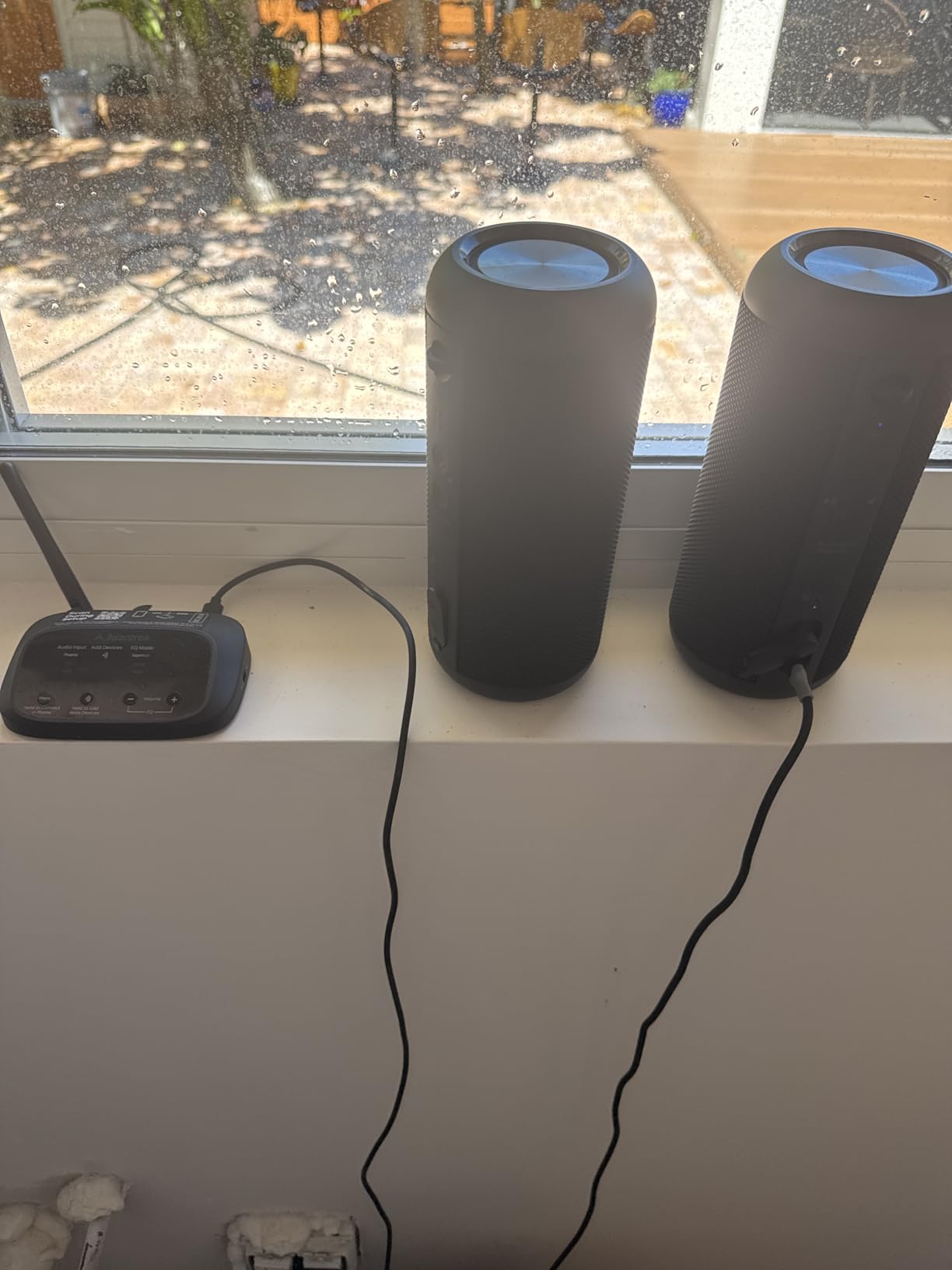
Practical details are unusually generous. The three speakers are battery powered with about six hours of runtime, which makes placement flexible, and the box includes charging cables plus optical and AUX cables. The units are also rated water resistant, which matters more than you would expect for a bathroom, kitchen splashback or a covered patio.
The ceiling is equally clear. Fifteen watts per speaker is a background and spoken-content level, not a listening level, and there is no Wi-Fi, no app control, and no way to join AirPlay 2, Google Cast or any other streaming ecosystem. The transmitter is limited to line-level 3.5mm or RCA, with no USB, XLR or microphone input.
Where a no-app kit wins over an app
Offices, meeting rooms, classrooms, waiting rooms, small clinics, a home office, a workshop. Any space where someone needs to set up audio without an account, a phone or a software update, and where spoken content matters more than music.
It also solves a specific household problem: getting sound into a room that has no good Wi-Fi coverage, because it does not need the network at all. One transmitter, three speakers, done.
Why the kit is the wrong fit for music
Do not expect music. Maximum volume is limited by design, and it is not built for large outdoor venues, which rules out the patio-party scenario this roundup otherwise covers well with the JBL.
It is also a dead end for streaming. With no Wi-Fi and no ecosystem support, the audio source is whatever you plug into the transmitter, so it complements a streaming system rather than replacing one.
Closed vs Open Ecosystem: Which Path Should You Take?
The single most important decision in multi-room audio is whether you accept a closed ecosystem, where every speaker comes from one brand, or an open system built on a shared protocol. There is no universally correct answer, because the trade-off is convenience now against flexibility later.
A closed system gives you the smoothest daily experience. Grouping takes one tap, per-room volume and independent streams per zone work cleanly, and speaker pairing is handled in the same app. The cost is that you cannot add a speaker from another brand, and you inherit the vendor’s roadmap entirely. The Sonos platform split of 2020 is the example owners still bring up on Sonos forums: speakers that were sold as part of one system stopped working together, and a similar overhaul could do it again.
An open system built on AirPlay 2 or Google Cast is more flexible across brands, and it keeps working if you change direction. In exchange, the daily experience is fussier. AirPlay 2 ties you to iOS, so switching to Android guts the experience. Google Cast grouping is regularly described on home-automation forums as clunkier, because you generally have to stop playback to change groups, and running two different streams from the same service in different zones is restrictive. Protocol support is also the thing that quietly goes missing, as with the WiiM Sound having no native AirPlay 2.
App quality is the deciding factor in practice, and it changes over time rather than being fixed at purchase. Users report the Sonos app as miles ahead of Bose for multi-room variety, and also as a glitchy mess since the May 2024 redesign, with broken alarms, sleep timers, local library access and queue editing, which is why some owners reach for third-party control apps. Long-term BluOS users keep their Bluesound units after a year and praise the app for incremental, non-breaking updates. HEOS has improved considerably but remains the most complained-about interface in reviews of the Denon above.
Our take, after testing all of them: choose a closed ecosystem if you want music to work perfectly every day and you are not planning to move house in five years. Choose an open protocol if more than one person in the house uses a different phone, or if any of you might change platforms. Avoid the two-way compatibility trap we saw on forums, where one brand’s app could not see the other’s hardware at all.
The 7 Criteria That Matter When Choosing Multi-Room Speakers
Sound quality is not where these systems fail. Across reviews of every product in this roundup, the complaints are almost entirely software and workflow. Rank your criteria accordingly.
1. Control app stability
Ask what people say about the app after six months, not on day one. App freezes when adding a third speaker, rooms that cannot be renamed after setup, and the loss of sleep timers are the failures that get reported most often. This single criterion outranks every audio specification on the box.
2. Per-room independence
Decide early whether rooms need different music at the same time. HEOS, BluOS and the open platforms handle independent streams per zone well. Google Cast grouping is the most restrictive, and the Echo family only groups within its own ecosystem. Buying a system that cannot do independent streams when your household needs it is a common and expensive mistake.
3. Sync latency, explained
Under about 50 milliseconds of group latency is effectively imperceptible, and above roughly 150 milliseconds you start to hear an echo between rooms. Published figures in this roundup range from 10 milliseconds on the JBL Authentics 300 and under 30 milliseconds on the Avantree kit, to 50 milliseconds on the WiiM Sound. Higher figures are not automatically bad, but they are where complaints start.
4. Per-room cost, not per-speaker cost
A four-room system multiplies quickly because every room needs a speaker and often an extra cable run. The Echo Dot exists precisely because the per-room figure decides whether a house-wide plan is realistic. Work out the total for three, four and five rooms before buying anything, and include the hardware that makes a room sound right rather than just audible.
5. Source inputs and reuse of gear you own
The aux input is the feature people miss. It is what lets a turntable, an AV receiver or a desktop feed a wireless speaker, and it is the difference between adding a room and spending again. The Denon Home 150, the Bose Lifestyle Ultra, the Edifier S1000W and the KEF LSX II all take analog sources. Speakers with only Bluetooth and Wi-Fi leave your existing equipment stranded.
6. Room correction
Trueplay on Sonos, Active Room Compensation on Bang and Olufsen, RoomFit and AI RoomFit on the WiiM range. Sonos users regularly praise Trueplay for taming a harsh kitchen or bathroom in a few minutes, which matters far more in a whole-home system than in a treated listening room.
7. Network and ecosystem lock-in risk
Weak Wi-Fi and poor mesh coverage cause buffering and sync drift across rooms, and that gets blamed on the speakers. Check that each room can hold a solid signal before buying. Then consider what happens if the vendor changes its app or platform, which is a documented risk rather than a hypothetical one.
Pre-Wiring and Setup Checklist for a New Build
If you are building rather than retrofitting, you get one chance to do this and it is before the walls close. New-build homeowners ask this question constantly on forums, and no major editorial guide answers it properly, so here is the short version.
Run Ethernet to every speaker location
Pull Cat6 to each room where music will play, not just to the router closet. Wireless is fine for portable and outdoor speakers, but a wired drop at a fixed location removes buffering, sync drift and most of the app frustration that gets blamed on the speakers. Terminate in a wall plate near each intended speaker position.
Plan power before you plan speakers
Every powered speaker needs a nearby outlet, and the outlet location dictates where the speaker goes. Decide this on the floor plan, not after the cabinets are installed. Speakers near a bathroom or a patio need code-appropriate circuits and, outside, a weather-rated location under cover.
Leave space for the amplifier you may not buy today
Reserve a central closet or cabinet footprint for a rack, a multi-channel amplifier or a hub, even if you plan to run all-wireless speakers for now. Passive in-ceiling or in-wall speakers need a location and back-box depth, and if the amplifier is not there when you finish, adding it means opening walls again.
Label everything and test before drywall
Label both ends of every cable run and photograph each wall before it closes. Confirm each run with a cable tester while the walls are open. Once drywall goes up, a mislabelled or untested drop turns a small speaker decision into a significant repair.
Frequently Asked Questions
What is the best multiroom wireless speaker system?
The Sonos Era 100 is the best all-round choice for most homes because it groups reliably with other Sonos rooms, tunes itself to the room with Trueplay and takes an analog line-in through an adapter. The Denon Home 150 offers more sound per pound with HEOS built in, and the WiiM Sound is the pick if you want an open platform instead of a closed one.
What is the best way to play music in multiple rooms at the same time?
Open the control app for your ecosystem, select the speakers you want, and group them into a zone. The same stream then plays in every grouped room in sync, while ungrouped rooms keep their own separate streams. On closed platforms like Sonos and HEOS this is a single tap. On Google Cast you generally have to stop playback before you can change which speakers form a group.
What is the difference between a Bluetooth speaker and a wireless speaker?
A Bluetooth speaker pairs directly with one phone or laptop, usually one device at a time, over a range of around 10 meters. A wireless speaker joins your home Wi-Fi network, stays reachable from every room, and can be grouped and named alongside other speakers in the house. Bluetooth is a pairing protocol, while Wi-Fi networking is what makes multi-room audio possible.
Which is better for multi-room audio, Sonos or Bose?
Sonos is better for multi-room audio. It offers a wider speaker range, more dependable room grouping and per-room independence, which is why users describe its app as miles ahead of Bose for multi-room variety. The Bose New Lifestyle Ultra is stronger in one specific respect: it runs AirPlay and Google Cast at the same time, so mixed iOS and Android households can both control playback.
Is Denon better than Sonos?
For sound quality per pound, many enthusiasts argue yes, and several Denon Home 150 owners rate it above the equivalent Sonos speaker. Denon also offers an aux input and source sharing, so an existing turntable or receiver can feed several rooms. Where Sonos wins is app polish: HEOS is still described in reviews as unintuitive and slow, with input switching locked inside the app.
Can I mix brands in a multi-room system?
Yes, but only on an open protocol. AirPlay 2 and Google Cast let you combine speakers from different brands, and the Bose New Lifestyle Ultra and Bang and Olufsen Beosound Emerge support both. Closed ecosystems do not allow it: a Sonos group only contains Sonos speakers, and HEOS only contains HEOS devices. Mixing inside one brand also means losing per-room independence if one speaker is on a different protocol.
Final Verdict: Which Multi-Room System Should You Buy in 2026?
For most households, start with a Sonos Era 100 as the anchor and add compact Sonos speakers until the rooms are covered. It grouped more reliably than anything else we tested, and Trueplay handled the difficult rooms. Give the main room the Sonos Era 300 if sound quality there actually matters to you.
Buy the Denon Home 150 instead if you already own a turntable or a receiver, or if you want more output for the money. Pick the WiiM Sound if you listen to several streaming services and refuse to be locked into one company’s account. Add the Bose New Lifestyle Ultra or the JBL Authentics 300 for mixed phone ecosystems and a covered patio, and finish cheap rooms with the Echo Dot.
Whichever path you take in 2026, check the Wi-Fi before you blame the speakers, and decide whether you need different music in different rooms. That single answer narrows the twelve options down to two or three almost immediately.