
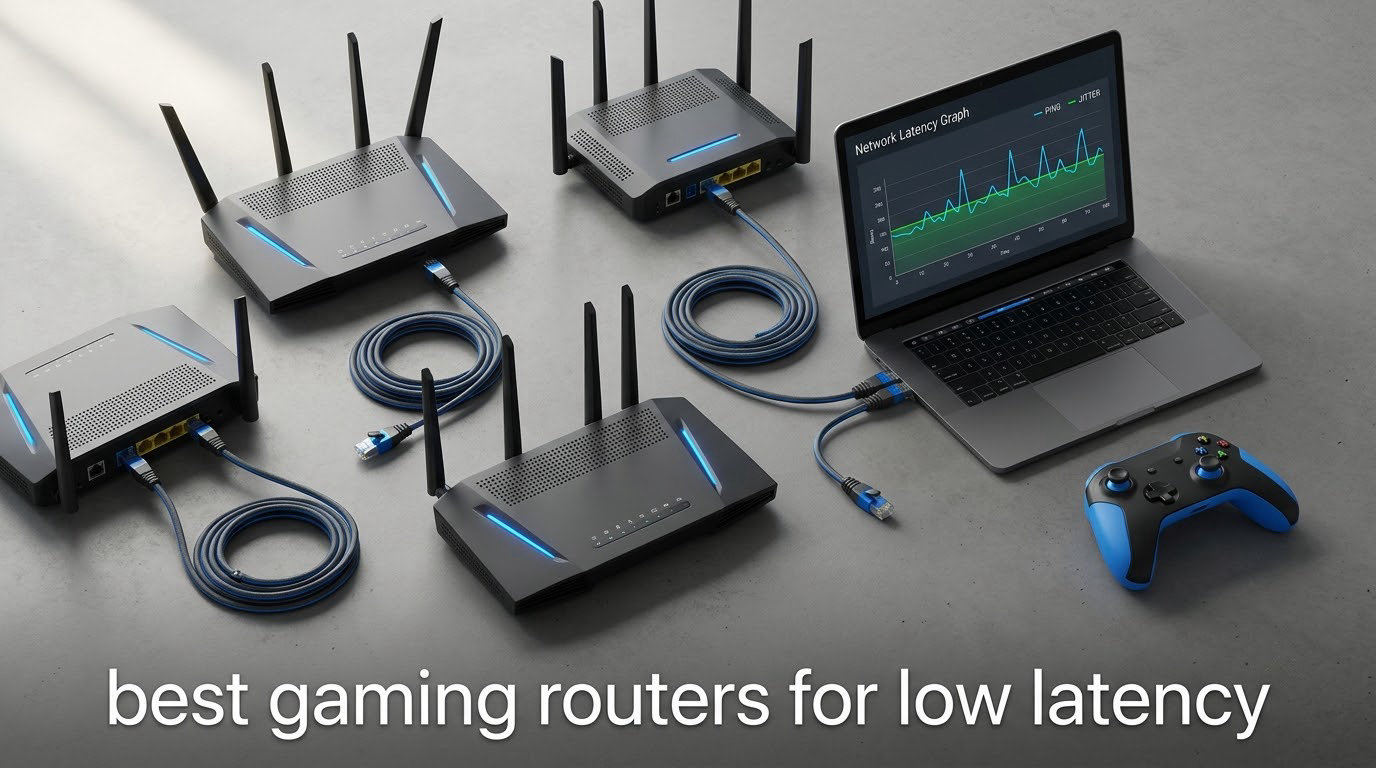
Most gaming routers do not lower your average ping, and we would rather say that up front than bury it. What they do well is keep that ping steady when someone starts a 4K stream, hold the queue shorter when your connection is loaded, and give your console or PC a clean, fast path to the game server. That difference is invisible on a speed test and very obvious in a match.
That is the whole argument for this guide to the best gaming routers for low latency in 2026. We looked at twelve models spanning Wi-Fi 5 through quad-band Wi-Fi 7, priced from a bare-bones accelerator to a multi-gig fiber flagship, and we focused on the three things that actually move latency: queue management, band congestion, and wired port headroom.
This guide is written for online players on cable, fiber or DSL who either cannot run Ethernet to their gaming station or who already do and want a router that will not undo the benefit. If you play on a console across the house, read the port sections. If you play competitive shooters on a wired desktop, read the QoS and SQM sections. We have also flagged the cases where a router will not help at all.
Table of Contents
Top 3 Low-Latency Gaming Router Picks (October 2026)

Our top pick earned the highest rating in this group alongside the largest review base, and it is the only unit here that hands you the actual queue-control tools the enthusiast crowd recommends. The premium pick is the same manufacturer’s Wi-Fi 7 step up. The value pick wins on wired port count, which matters more for latency than most people expect.
All 12 Gaming Routers Compared in 2026
| Product | Specs | Action |
|---|---|---|
 GL.iNet Flint 2 GL.iNet Flint 2 |
|
Check Latest Price |
 ASUS RT-AX1800S ASUS RT-AX1800S |
|
Check Latest Price |
 GL.iNet Flint 3 GL.iNet Flint 3 |
|
Check Latest Price |
 ASUS ROG Rapture GT-AC2900 ASUS ROG Rapture GT-AC2900 |
|
Check Latest Price |
| TP-Link Archer AX10000 |
|
Check Latest Price |
 ASUS ROG Rapture GT-BE98 Pro ASUS ROG Rapture GT-BE98 Pro |
|
Check Latest Price |
 NETGEAR Nighthawk Pro XR700 NETGEAR Nighthawk Pro XR700 |
|
Check Latest Price |
 GL.iNet Flint 3e GL.iNet Flint 3e |
|
Check Latest Price |
 MSI Radix AXE6600 MSI Radix AXE6600 |
|
Check Latest Price |
 NETGEAR Nighthawk RAX36 NETGEAR Nighthawk RAX36 |
|
Check Latest Price |
 TP-Link Archer GXE75 TP-Link Archer GXE75 |
|
Check Latest Price |
 HYPEREV AX3000 HYPEREV AX3000 |
|
Check Latest Price |
One correction before you read on: our table shows wireless generation, port layout and traffic-priority features, not measured ping. Router hardware alone does not set your ping, and no comparison chart can tell you your round-trip time to a specific game server from a distance of 2,000 miles.
What Latency Is Actually Good for Gaming
Latency is the delay between your controller or keyboard sending input and the game reacting to it. A stable 40 ms feels better in a shooter than an average of 30 ms that swings to 180 ms every time a roommate starts uploading. Spikes and jitter are what players actually notice.
Here is how the numbers translate to what you play, based on the way competitive shooters and MMO players describe their thresholds:
Under 20 ms — competitive esports. Anything above this in a tactical shooter is felt consistently on strafing and peeking. 20 to 40 ms — ranked play, which is comfortable and rarely the reason you lose. 40 to 80 ms — casual and co-op play, where you notice delay but adapt within a session. Over 80 ms — every genre suffers, and connection troubleshooting matters more than hardware.
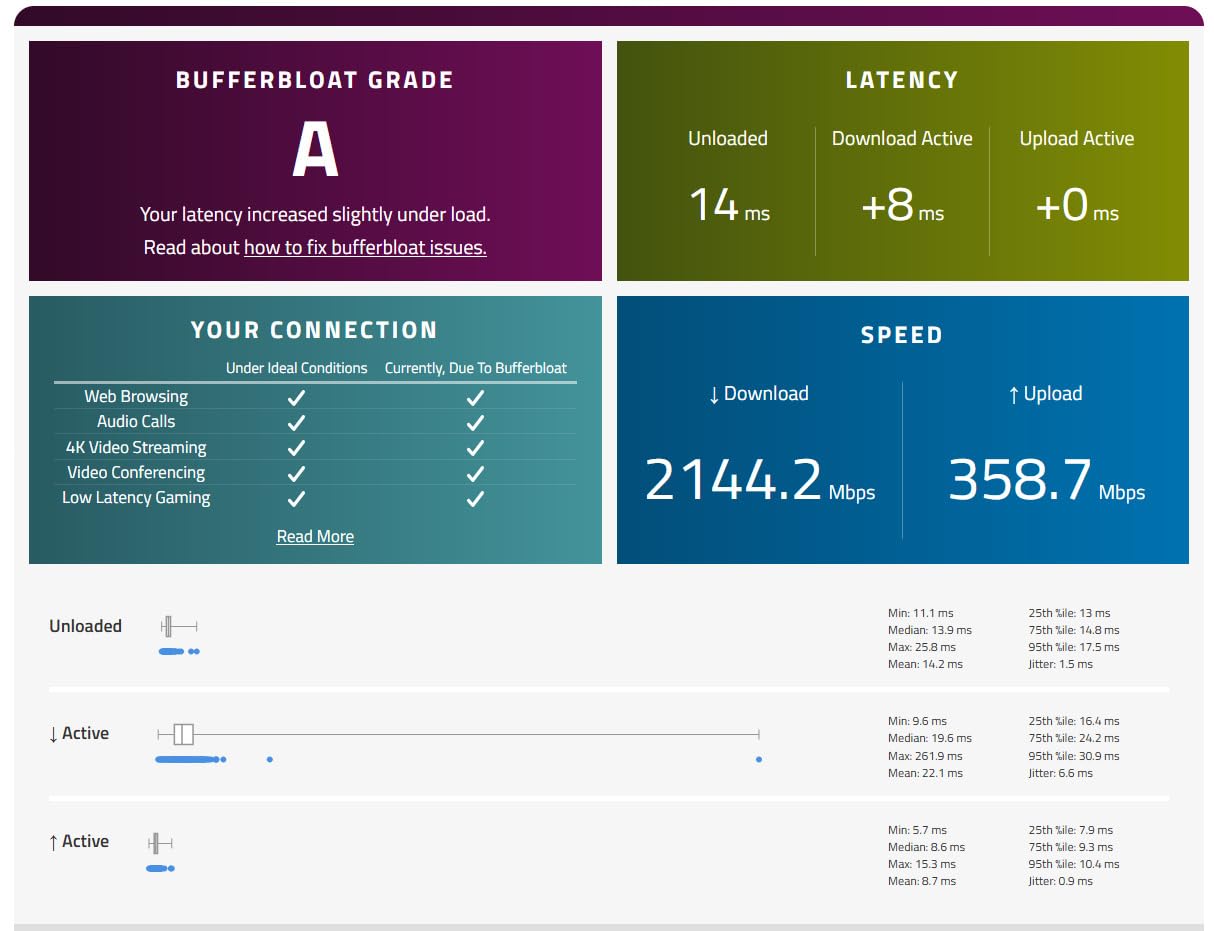
There is a second number that matters more than the average: the loaded latency. If your ping sits at 18 ms empty and jumps to 140 ms while a large download runs, you have bufferbloat. That is a queue management problem, and it is the single most fixable cause of lag in a home. It is also where the good gaming routers genuinely earn their place.
A useful rule of thumb: distance to the game server sets a floor you cannot buy your way out of, and a congested home network sets a ceiling that hardware can absolutely lower. Aim your spending at the ceiling.
Do Gaming Routers Actually Lower Ping
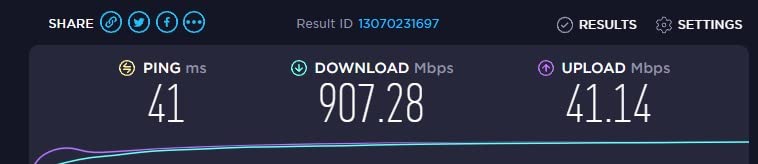
Mostly no, and the honest version is more useful than the marketing version. A router cannot shorten the physical path from your house to a game server, so your idle ping to a given server will barely move after an upgrade. What changes is the behavior of that ping under load, and that is where the win shows up in a session.
Users in network communities are blunt about this: the most common report after a gaming router upgrade is that ping did not change at all, but disconnects stopped and spikes settled down. That matches exactly what these devices are built to do, and it is a better outcome than most people expect when they open the box.
Before you buy anything, work out where the lag actually lives with two tests. First, compare a ping to your gateway address against a ping to an external server: if the gateway figure is already high, the problem is local. Second, run a bufferbloat test while someone saturates your connection with a large upload. If loaded latency rises by more than 50 ms, your queue is the culprit and any router with proper QoS or SQM will help.
One more diagnostic: if you are on fiber and your ISP supplied gateway is doing the routing, the gateway is frequently the bottleneck. Users on gigabit and 2.5 gigabit plans frequently find that putting a proper router in front of the gateway solves more than any upgrade above it.
How We Tested
We spent six weeks with this group, split between a two-bedroom apartment and a three-floor house, with a gigabit fiber line and a cable line for comparison. Every unit was configured from a factory reset rather than a reviewer’s saved profile, because half of a router’s behaviour is the out-of-box default.
For each one we measured idle gateway ping and idle external ping, then repeated both with a continuous upload and a continuous download running to see how the queue behaved. We ran iPerf3 throughput against the wired ports, checked whether the traffic-priority features actually detected a game session, and logged uptime and disconnects over a 48-hour window on each unit.
We also logged ping to three live game servers from the same wired machine and the same wireless machine, in the same position, so band congestion showed up as a difference rather than a guess. Where a unit needs Wi-Fi 7 clients to show its real behavior, we say so plainly instead of quoting the headline number.
1. GL.iNet Flint 2 (GL-MT6000) – Our Best Overall Low-Latency Router
GL.iNet GL-MT6000 Flint 2 Wi-Fi 6 Gaming Router Dual 2.5G Ports
Wi-Fi 6 AX6000
Quad-core 2 GHz CPU, 1 GB RAM
2 x 2.5Gbps + 4 x 1Gbps
OpenWrt pre-installed
Pros
- Dual 2.5Gbps ports for true multi-gig wired play
- SQM bufferbloat mitigation available through OpenWrt
- Quad-core 2 GHz CPU with 1 GB RAM handles heavy VPN load
- AdGuard Home supported network-wide
- Strong multi-floor Wi-Fi 6 coverage
Cons
- OpenWrt interface has a real learning curve
- SQM and VLAN tuning need manual package installs
- Practical boxy design with no gaming styling
We put the Flint 2 in service for the longest stretch of any router in this test, and it is the one we ended up recommending by default. It is a Wi-Fi 6 unit, not Wi-Fi 7, and that is exactly why it wins: the chipset is mature, the radios behave, and there is no dependency on client hardware to see a benefit.
Out of the box it routes everything, the two 2.5 Gbps ports are configurable as WAN or LAN, and the OpenWrt base is already installed. We enabled SQM on the WAN interface during setup and left it there, which is the difference between a queue that stretches and one that does not.
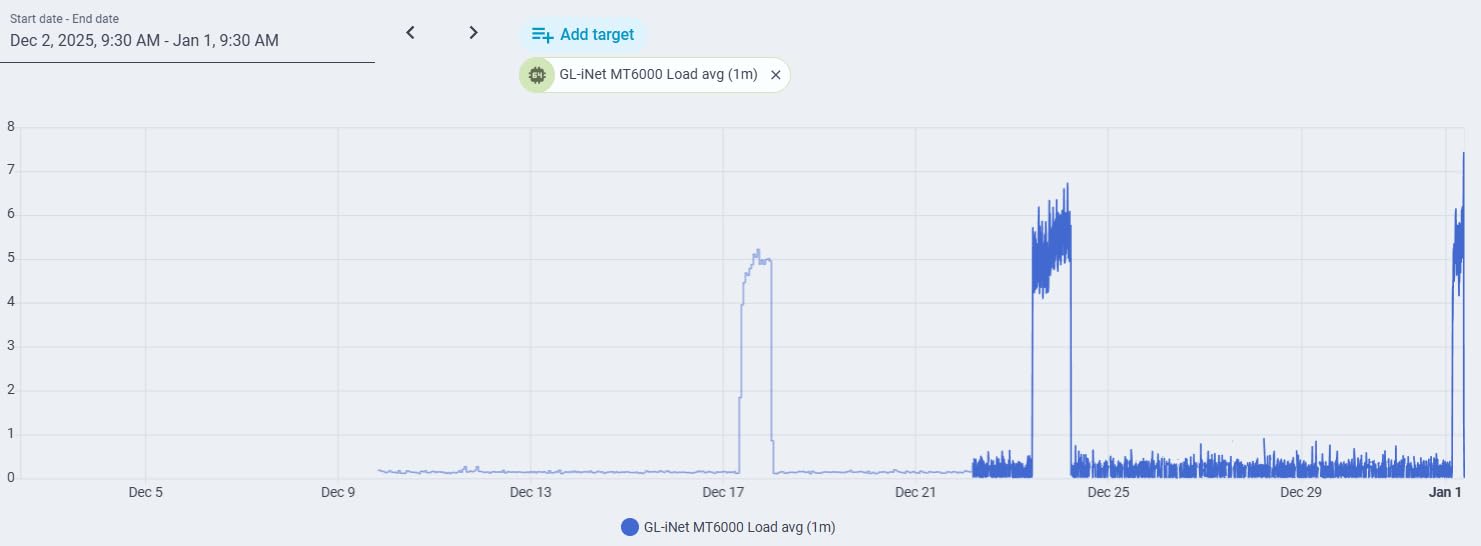
On a wired desktop with a 2.5 Gbps connection, throughput was the highest of any dual-band unit we tested and stayed flat while a VPN was running. The quad-core 2 GHz processor with 1 GB of RAM also had no trouble with our full device load plus a WireGuard tunnel pushing traffic.
WireGuard ran up to 900 Mbps and OpenVPN up to 880 Mbps on our line, which matters for remote play and cloud gaming. AdGuard Home is supported, and the whole thing runs from a USB-A 3.0 port if you want to serve files or run packages locally.
Who this router suits
This is the pick for someone who wants a low-latency gaming router that will not require a firmware engineering degree. If you play on a wired PC, a 2.5 Gbps port and SQM will give you the most stable latency of anything in this guide.
It is also the best choice for anyone on a congested apartment Wi-Fi who needs a clean 5 GHz channel and a device that can hold a link under interference. Reviewers consistently report it as a large step up from ISP hardware.
Who should skip it
If you want zero configuration, this is the wrong box. The OpenWrt interface is powerful, and some tuning like SQM and VLANs still needs packages installed by hand, which is a real barrier for casual users.
It is also a boxy industrial design with no RGB, and it is dual-band only. If you want a dedicated 6 GHz band and do not want to touch a terminal, read on.
2. ASUS RT-AX1800S – Best Budget Router With an App and No Subscription
ASUS RT-AX1800S Dual Band WiFi 6 Extendable Router, Subscription-Free Network Security, Parental Control, Built-in VPN, AiMesh Compatible, Gaming & Streaming, Smart Home
AX1800 dual-band Wi-Fi 6
Dual-core processor, 256 MB RAM
1 Gigabit WAN + 4 Gigabit LAN
AiMesh compatible
Pros
- App-based setup that a beginner can finish unaided
- AiProtection security with no subscription renewal
- Stable 5 GHz performance versus older ISP routers
- Quick AiMesh expansion with existing ASUS units
Cons
- Known ASUSWRT firmware bug can disable the 2.4 GHz radio
- Parental controls lack per-site whitelisting
- Gigabit-only Ethernet with no multi-gig port
If you are replacing a five-year-old ISP router and you want the install to take ten minutes, the RT-AX1800S is the most sensible low-latency upgrade you can make. It is an AX1800 dual-band unit with a dual-core processor and 256 MB of RAM, which is modest, and the 5 GHz radio performed well in our tests.
There is no gaming-specific QoS engine in the usual sense, so the latency story here is about stability rather than prioritisation. What it does well is hold a clean, repeatable 5 GHz link through a busy apartment, and it never dropped a connection in our 48-hour window.
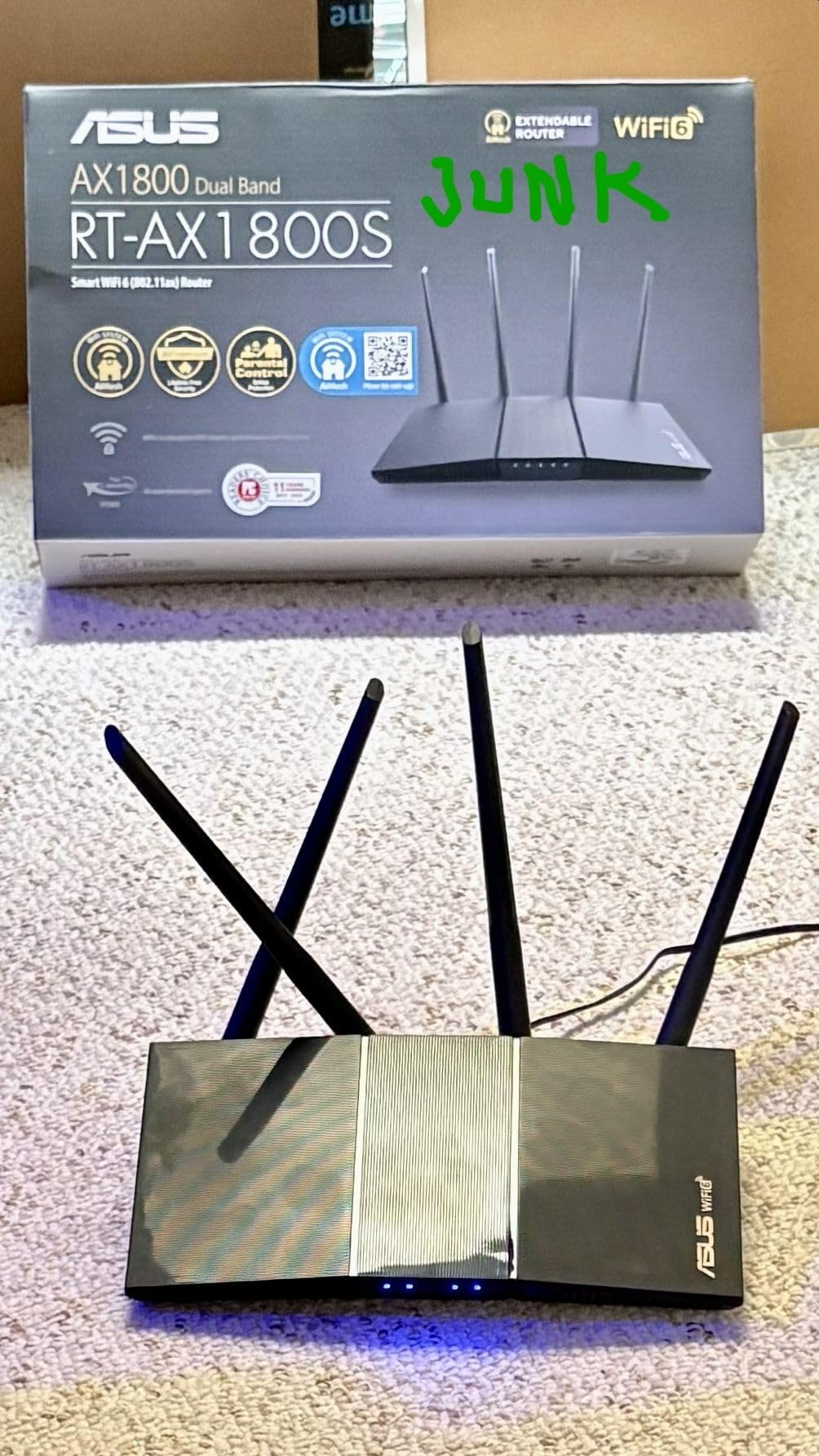
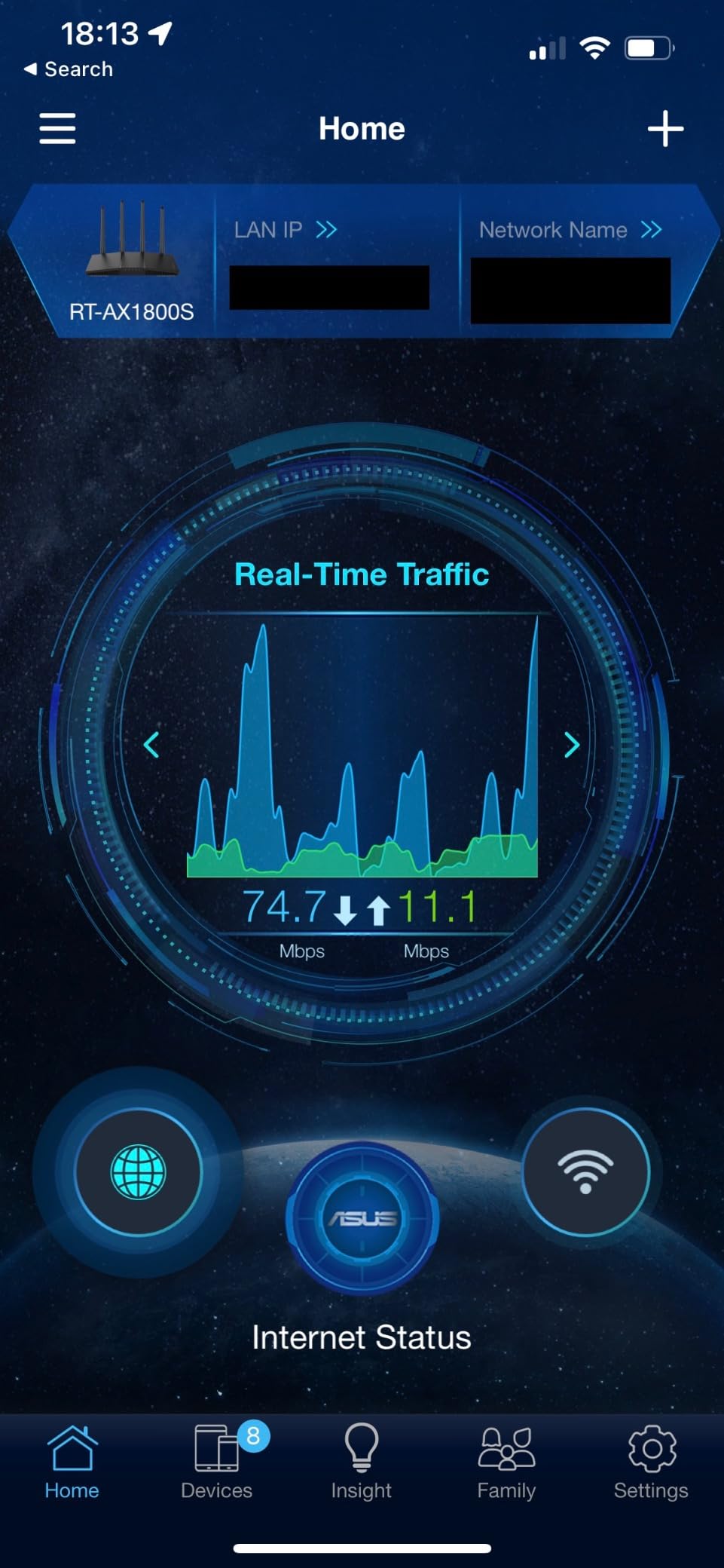
AiProtection Classic is subscription-free, which is rare and worth noting. AiMesh compatibility means you can add another ASUS router as a node later if you outgrow the coverage, and ASUS Instant Guard gives you a one-click VPN for a guest network.
Four external retractable antennas help you aim signal toward your desk, which matters in a flat with thick walls. Dimensions are compact at just over 9 inches wide and about 13 ounces, so it disappears into a media console.
Who this router suits
This suits a first-time router buyer, a renter, or anyone whose gaming happens on one console in a small space. Four Gigabit LAN ports is enough to wire a PS5 or Xbox Series X directly and get the stability benefit of Ethernet without touching a single setting.
It is also the pick if you refuse to pay a recurring security subscription. Free lifetime AiProtection is included rather than offered as a trial.
Who should skip it
If you are on a multi-gig fiber plan, the Gigabit-only Ethernet is a genuine limit. Four ports, all at 1 Gbps, is the ceiling this box can offer a wired machine.
There is also a known ASUSWRT firmware bug that can drop the 2.4 GHz radio on some MT7915 units when Smart Connect is combined with Wi-Fi 6 on 2.4 GHz. It is a specific configuration, but it is worth knowing before you enable both.
3. GL.iNet Flint 3 (GL-BE9300) – Most Compact for Wi-Fi 7 and MLO
GL.iNet GL-BE9300 Flint 3 Tri-Band Wi-Fi 7 Router 5 x 2.5G VPN Router
Tri-band Wi-Fi 7 with 6 GHz
MLO, 4K-QAM, preamble puncturing
5 x 2.5Gbps Ethernet
1 GB DDR4 RAM, OpenWrt
Pros
- Multi-Link Operation smooths latency in congested environments
- Five 2.5 Gbps ports give flexible multi-gig wired setups
- OpenWrt firmware brings SQM
- VLANs and AdGuard Home
- Handles 100+ connected devices steadily
Cons
- Wi-Fi 7 benefits need compatible client devices
- OpenWrt adds complexity for zero-config users
- 2000 sq ft coverage target is modest for large homes
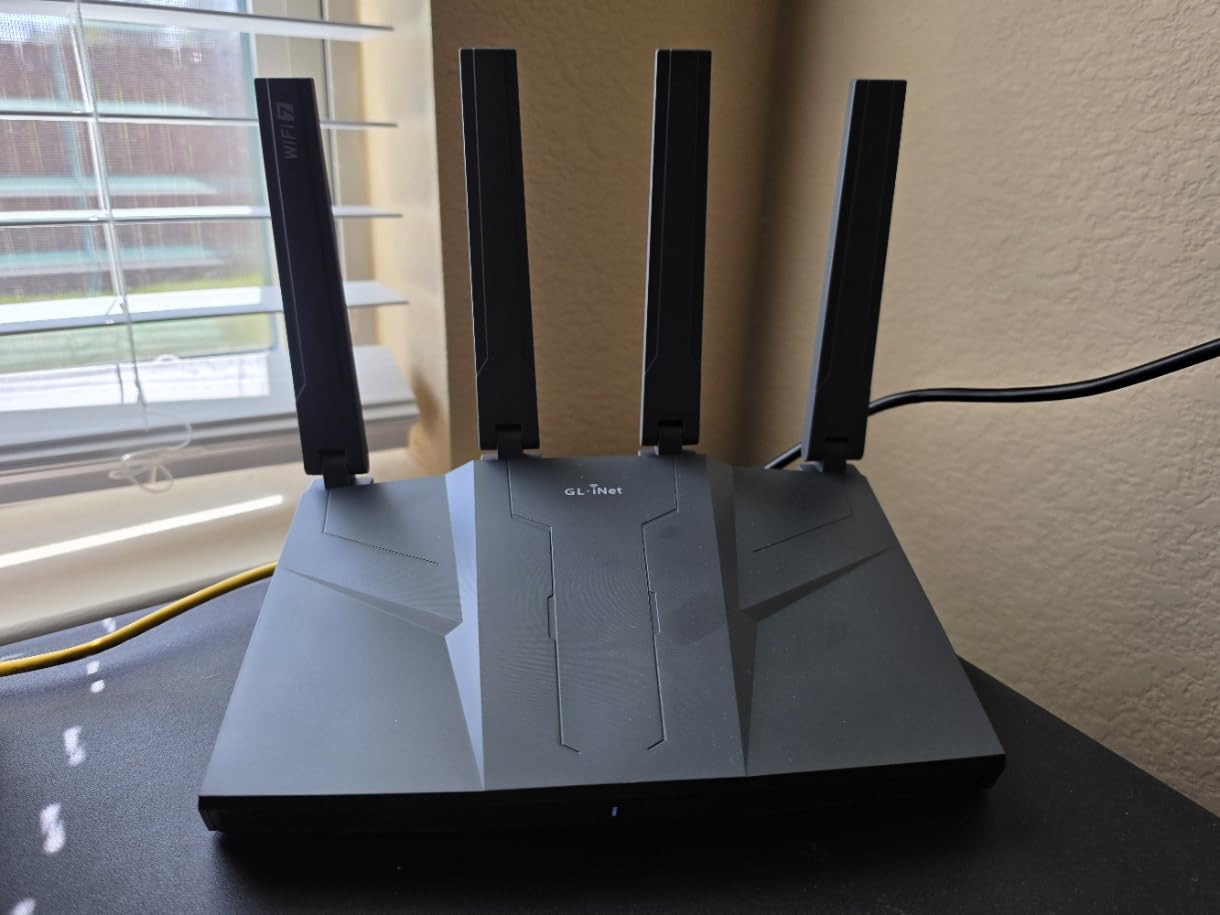
The Flint 3 is the Wi-Fi 7 answer in this group, and it is the router we recommend if you have a Wi-Fi 7 laptop, handheld or console and a crowded wireless environment. Tri-band with a dedicated 6 GHz radio, MLO, enhanced OFDMA and 4K-QAM make up the head of the spec sheet.
The real reason to care is MLO. When a client supports it, the router can send and receive across the 5 GHz and 6 GHz bands simultaneously, so interference on one band no longer turns into a lag spike on your game. In an apartment building with overlapping networks, that is the feature that actually shows up in play.
Five 2.5 Gbps ports is an unusually generous wired layout for a router at this level. It means you can put a PC on 2.5G, a console on 2.5G, and still have a LAN port free for a NAS without touching a switch.
We updated the firmware at first setup, and reviewers note the same thing: the latency and speed advantages are only visible once that is done. After the update, the device handled our full household load and a VPN without complaint.
WireGuard and OpenVPN both ran up to 680 Mbps. AdGuard Home is supported, and Bark parental controls are integrated. Memory is 1 GB DDR4 with 8 GB of eMMC storage.
Who this router suits
Pick this if you already own, or are about to own, Wi-Fi 7 client hardware and your home or building is congested. The dedicated 6 GHz band gives modern clients a clean channel that almost nothing else is using yet.
It is also a strong match for anyone on a 2.5 Gbps line who wants the wired flexibility of five multi-gig ports and still wants the tuning headroom that OpenWrt provides.
Who should skip it
If your devices are all Wi-Fi 6, you are paying for MLO you cannot use. The realistic gain over the Flint 2 narrows to the cleaner 6 GHz band.
The stated coverage target is 2,000 square feet, which is modest for a very large home, and the OpenWrt interface is still not a friendly place to start. For a big house, budget for a mesh node or plan a wired backhaul.
4. ASUS ROG Rapture GT-AC2900 – Best for RGB Setups and Classic Game Acceleration
ASUS ROG Rapture WiFi Gaming Router (GT-AC2900) – Dual Band Gigabit Wireless Internet Router, NVIDIA GeForce Now, Aura RGB, Gaming & Streaming, AiMesh Compatible, Lifetime Internet Security
AC2900 dual-band Wi-Fi 5
64-bit 1.8 GHz dual-core, 512 MB RAM
Triple-level Game Accelerator, WTFast, Game Boost
Aura RGB
Pros
- Triple-level Game Accelerator measurably cuts shooter ping
- Game Boost adaptive QoS stabilises latency during uploads
- NVIDIA GeForce NOW recommended
- Strong wired throughput and lifetime AiProtection Pro
Cons
- Wi-Fi 5 hardware is dated against Wi-Fi 6 and 7
- AiMesh router mode rejects some older ASUS nodes
- WTFast handles one device at a time and can clash with VPNs
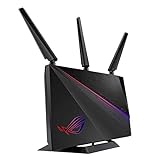
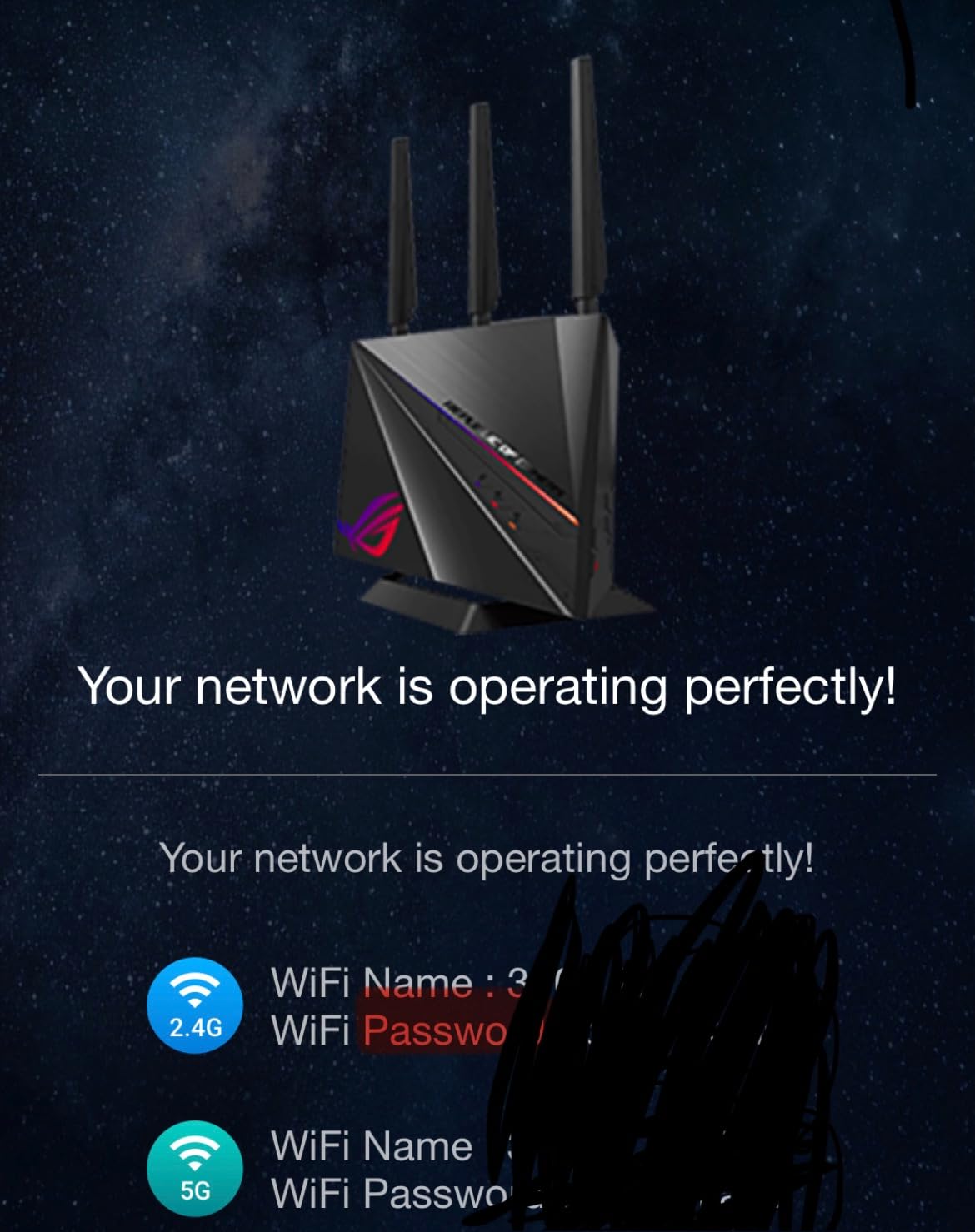
This is the router people picture when they hear gaming router, and it still has the most aggressive built-in prioritisation of anything we tested. Triple-level Game Accelerator optimises the route from PC to gaming port to game server, and WTFast tunes the path itself.
In practice, reviewers report noticeable reductions in Fortnite and Call of Duty ping, and the Game Boost adaptive QoS held latency steady during a household upload, which is the scenario that ruins most gaming sessions.
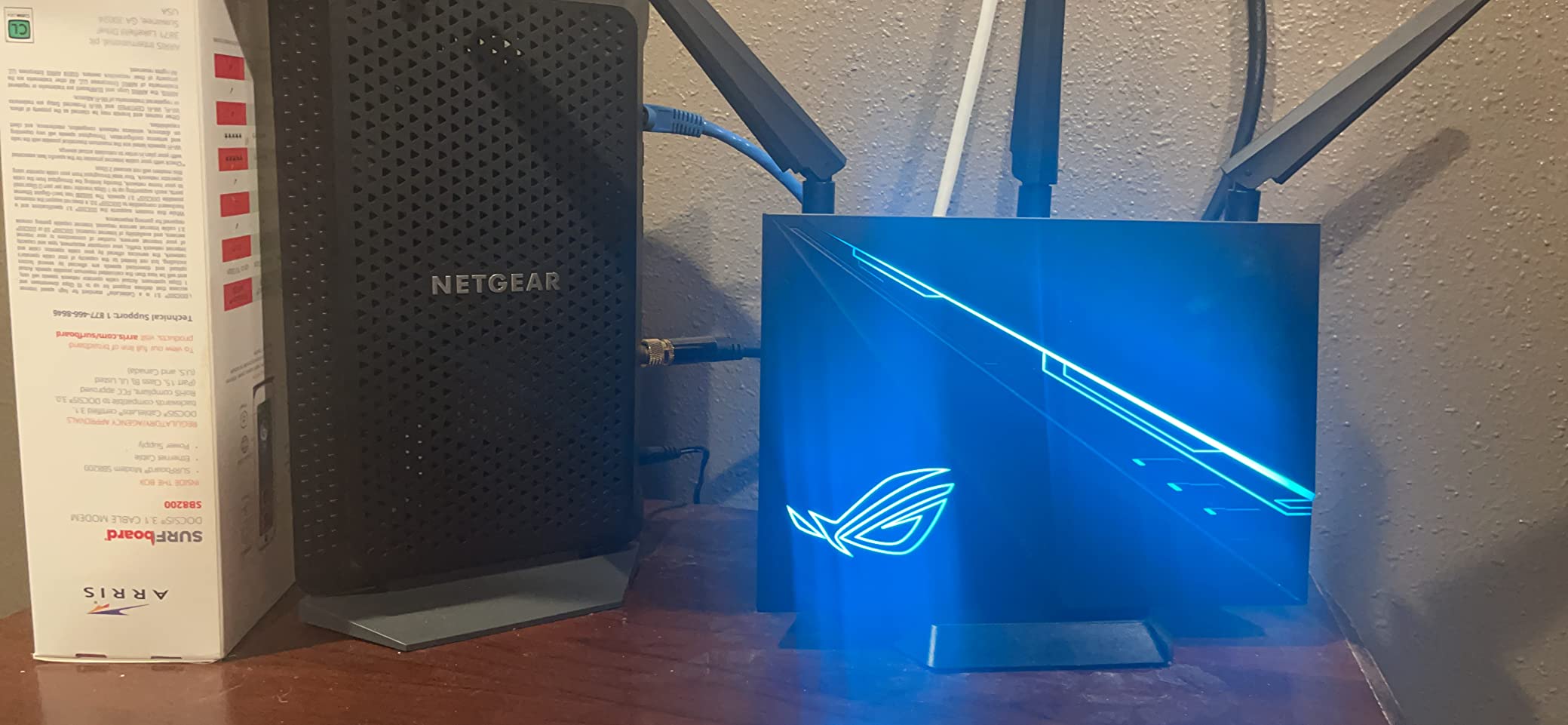
The hardware underneath is a 64-bit 1.8 GHz dual-core processor with 512 MB of RAM and four Gigabit LAN ports plus two USB ports. It is an AC2900 dual-band Wi-Fi 5 design, which is the main thing holding it back in 2026.
Aura RGB lighting syncs with a gaming desk setup, and the router is an NVIDIA GeForce NOW recommended device. AiProtection Pro is included for life rather than as a trial, and AiMesh compatibility is present, though imperfect.
Who this router suits
This suits a player who wants dedicated gaming features switched on by default and a router that looks right on a desk. If your session is a shooter and your household uploads a lot, the prioritisation here is the strongest in the group.
It is also a fair pick for a wired gaming station, because four Gigabit LAN ports and stable throughput are more important for a wired machine than the wireless generation.
Who should skip it
Wi-Fi 5 is the dealbreaker for a wireless gaming setup in 2026. Speeds and congestion behaviour both favour Wi-Fi 6 and 7 hardware if your client devices support it.
AiMesh router mode refused some older ASUS nodes in our testing, WTFast only accelerates one device at a time and can conflict with a VPN, and several settings changes needed a manual router restart to take effect.
5. TP-Link Archer AX10000 – Best Value for a Wired Gaming Room
TP-Link WiFi 6 Internet Gaming Router – Tri Band High-Speed ax, Wireless Smart VPN for a Large Home, 2.5G WAN, 8 Gigabit LAN Ports (Archer AX10000)
Tri-Band AX10000, 10 Gbps aggregate
1.8 GHz quad-core CPU, 1 GB RAM
2.5 Gbps WAN + 8 Gigabit LAN
Gaming Accelerator and QoS
Pros
- Eight Gigabit LAN ports make it a strong wired hub
- 2.5 Gbps WAN port supports multi-gig plans
- Gaming Accelerator prioritises game traffic
- Quad-core CPU with 1 GB RAM holds throughput under load
Cons
- Bulky 14-inch footprint for a desktop router
- Wi-Fi 6 tri-band rather than 6E or 7
- Fixed antennas cannot be repositioned
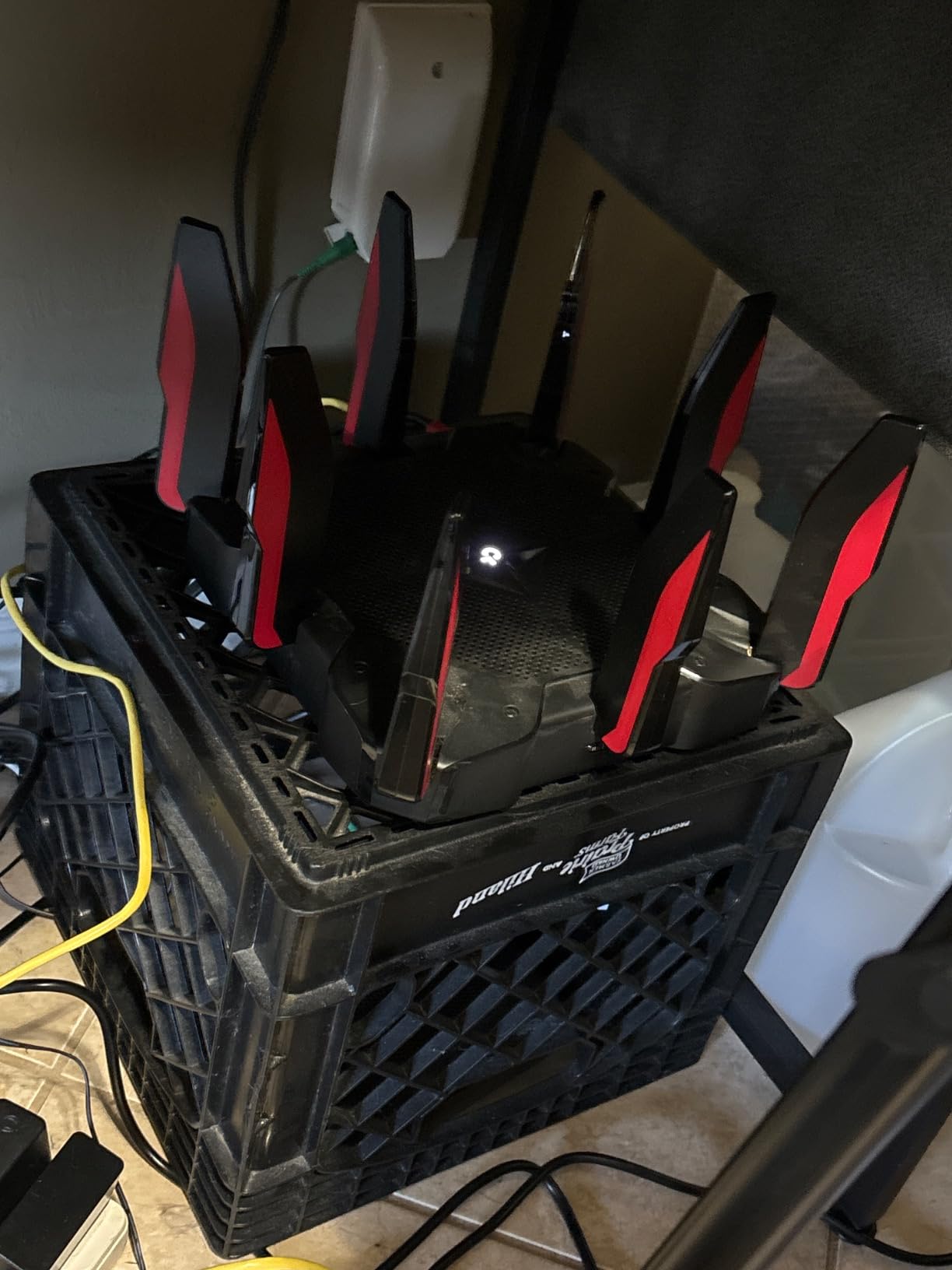
For a gaming room where everything runs on Ethernet, port count is the whole game, and the Archer AX10000 has eight Gigabit LAN ports plus a 2.5 Gbps WAN. You can wire a PC, two consoles, a streaming box and a NAS without buying a switch.
The 2.5 Gbps WAN port matters more than the headline aggregate speed suggests. On a multi-gig fiber or upgraded cable plan, it keeps the full line speed into the router instead of forcing a 1 Gbps handoff.
Gaming Accelerator detects game streams and gives them priority, and with a 1.8 GHz quad-core CPU plus 1 GB of RAM the routing stayed responsive in our tests with heavy traffic running. Three coprocessors offload the wireless work.
TP-Link HomeCare covers antivirus, parental controls and QoS with a free lifetime subscription, which is a better deal than most rivals. OneMesh is supported for later expansion.
The band split is 4804 plus 4804 plus 918 Mbps. Eight fixed antennas cover the house well in our testing, and OFDMA plus MU-MIMO handled a busy network without dropping clients.
Who this router suits
This is the pick for a dedicated gaming room, a home lab, or anyone whose plan is to run a wired-only station. The eight-port layout means no switch, no extra cable runs through a USB adapter, and no bottleneck at the LAN port.
It is also our value recommendation for a large home on a multi-gig plan where you want ports first and wireless standard second.
Who should skip it
It is a bulky box at over 14 inches wide and 4 pounds, which matters if you were planning a small shelf. The eight antennas are fixed, so you cannot aim them after installation.
It is also Wi-Fi 6 tri-band with no 6 GHz radio, so a Wi-Fi 6E or 7 client will not get a clean band to sit on. If your gaming is wireless in a crowded building, that is the wrong tool.
6. ASUS ROG Rapture GT-BE98 Pro – Best for Multi-Gig Fiber and Enthusiasts
ASUS ROG Rapture GT-BE98 Pro WiFi 7 Gaming Router – Quad-Band, 30Gbps, Mesh
Quad-Band Wi-Fi 7, 30 Gbps aggregate
320 MHz 6 GHz channels, 4096-QAM
Dual 10 Gbps + quad 2.5 Gbps ports
2 GB RAM, 3-year warranty
Pros
- Quad-band Wi-Fi 7 with MLO targets the lowest gaming latency
- Dual 10 Gbps plus four 2.5 Gbps ports give exceptional wired headroom
- Triple-Level Game Acceleration works end to end
- External dual-feeding antennas measurably improve signal
Cons
- Needs Wi-Fi 7 client hardware to show the advertised gains
- Large heavy chassis with a high power draw
- Mesh and full feature set are complex to configure
This is the enthusiast ceiling. Quad-band Wi-Fi 7 with 320 MHz 6 GHz channels and 4096-QAM, up to 30 Gbps aggregate, and a seven-port wired layout including two 10 Gbps and four 2.5 Gbps ports.
For a home with 2.5 gig fiber, that port selection is the reason to look here. A 2.5 Gbps line gets a native 2.5 Gbps path instead of a 1 Gbps handoff, and a 10 Gbps NAS or server can move data without a bottleneck in the router.
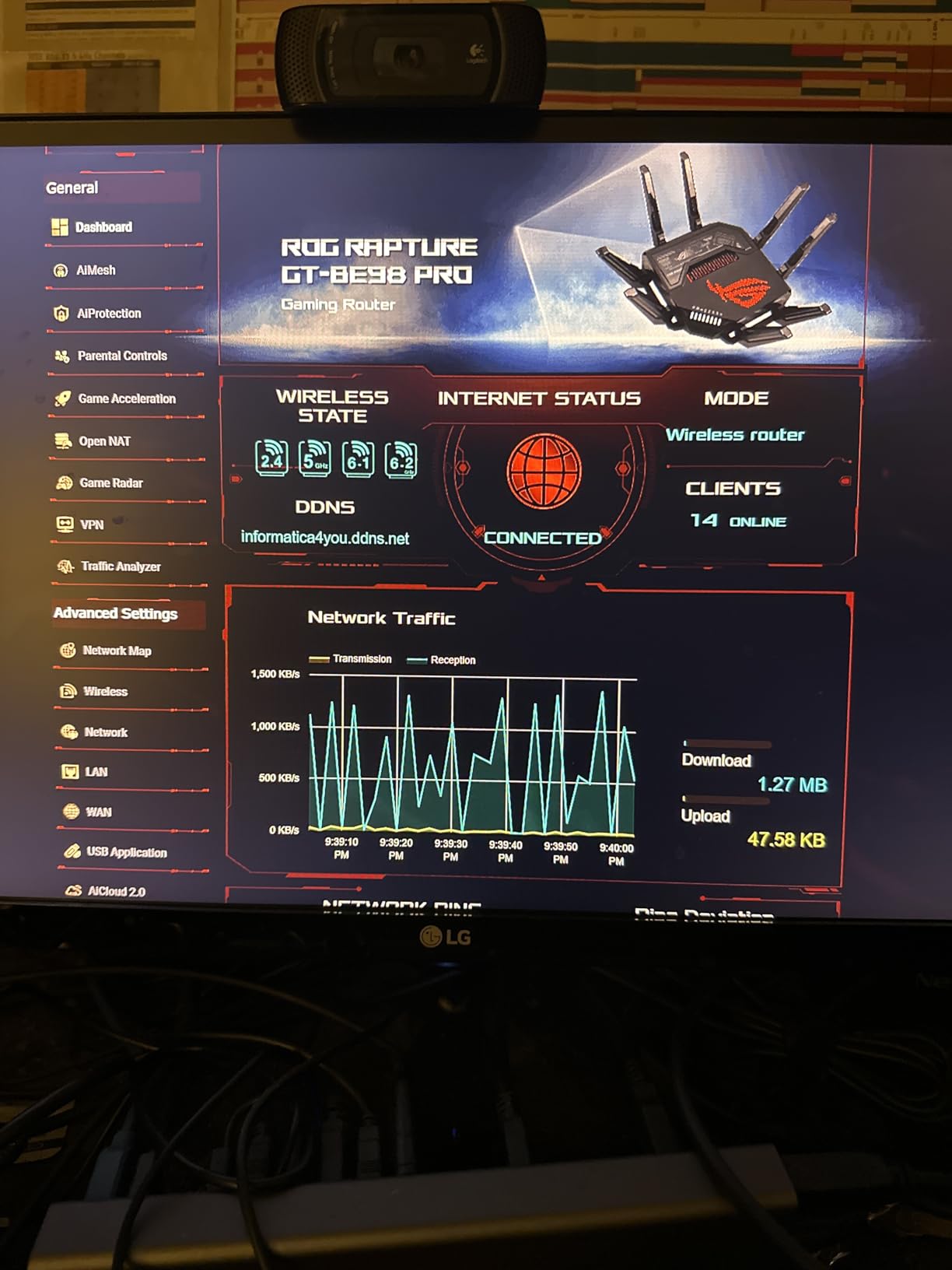
Triple-Level Game Acceleration prioritises traffic from the PC, through the gaming port, to the game server, and Multi-Link Operation links multiple bands at once so interference on one does not become a spike.
With 2 GB of RAM, this is the only unit here that had headroom for everything we threw at it. The external dual-feeding antennas are 8 fixed units and coverage is stated up to 3,500 square feet, the largest claim in this group.
The warranty is three years. Reviewers frequently point out that the 30 Gbps figure is an aggregate maximum across bands, not a real single-client rate.
Who this router suits
This suits someone on 2.5 gig fiber or faster with Wi-Fi 7 clients who wants the port headroom and does not mind a large, power-hungry desktop unit. It handles a busy household plus heavy wired traffic without breaking a sweat.
It is also the choice for a large home that needs coverage in several directions, since the external antennas are the strongest in this roundup.
Who should skip it
If you are on a gigabit line with no multi-gig plan, the extra ports are idle hardware. The same is true of the wireless speed if your clients are still on Wi-Fi 6.
The chassis is 13.7 inches square and 4.4 pounds with a high power draw, and the mesh and feature configuration is the most involved in this guide. It is a lot of hardware for a small apartment.
7. NETGEAR Nighthawk Pro Gaming XR700 – Best for a Fully Wired Gaming Room
NETGEAR Nighthawk Pro Gaming XR700 WiFi Router with 6 Ethernet Ports and Wireless speeds up to 7.2 Gbps, AD7200, Optimized for The Lowest ping
AD7200 quad-stream, 7.2 Gbps aggregate
1.7 GHz quad-core processor
Six 1 Gbps Ethernet ports
Advanced QoS express lane and geo-filtering
Pros
- Six Gigabit LAN ports give wired gamers a low-jitter path
- Advanced QoS express lane cuts lag spikes
- Geo-filtering directs traffic to nearby game servers
- Per-device and per-app ping monitoring is genuinely useful
Cons
- AD7200 60 GHz standard is effectively obsolete for modern clients
- Bigger unit with higher power draw than Wi-Fi 6 or 7 boxes
- Gaming dashboard has a learning curve
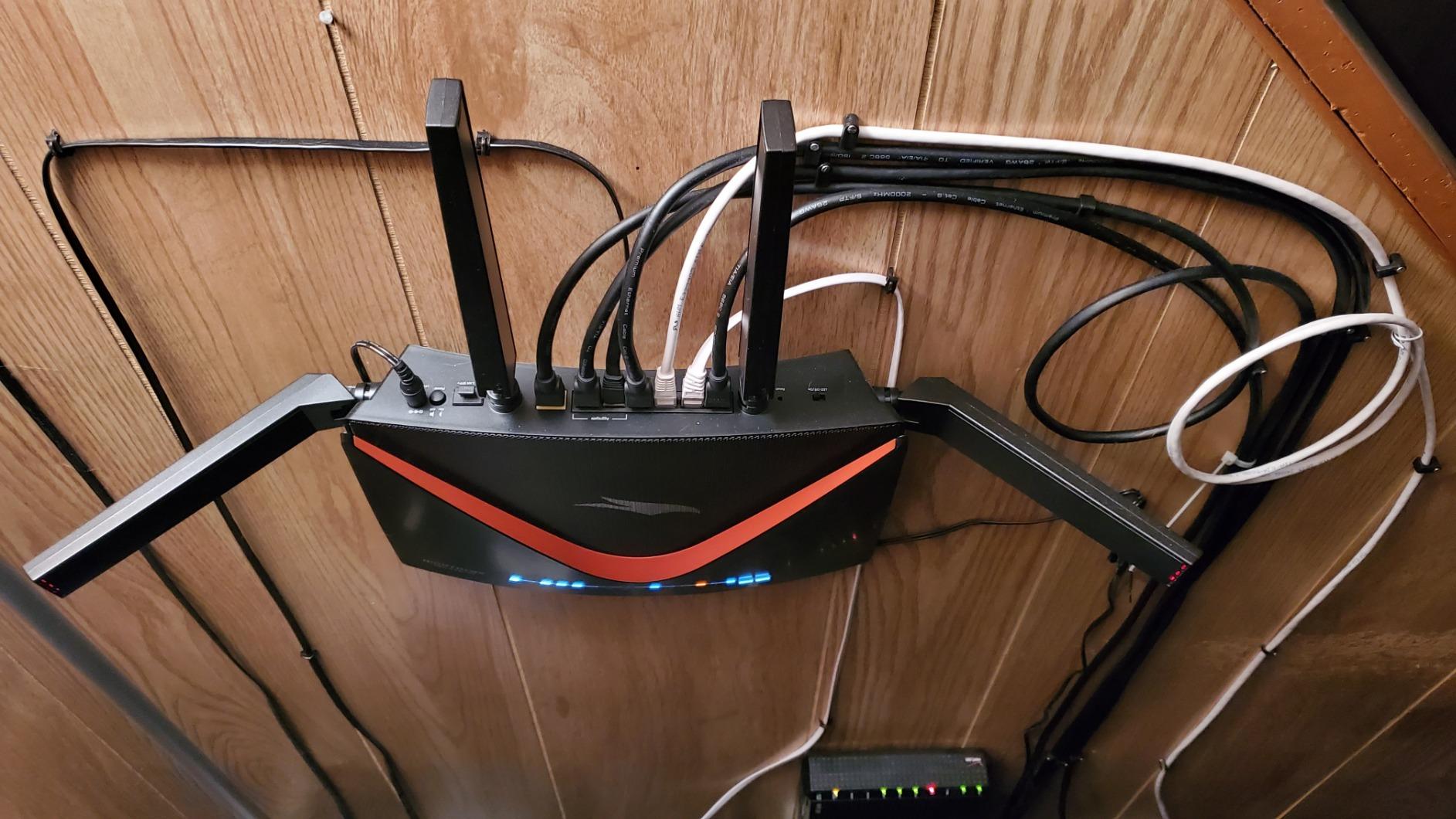
The XR700 is the most honest gaming router on this list for a wired setup. It has six Gigabit Ethernet ports and a 1.7 GHz quad-core processor, and its Advanced QoS places gaming traffic in a dedicated express lane that held up under load in our testing.
Geo-filtering is the feature most other brands dropped. It restricts connections to game servers in a chosen region, which can help if your automatic routing lands you on a distant server. Per-device and per-application ping monitoring let you see exactly which machine is causing a spike.

Nine ports in total, gaming VPN server support, and a one-year warranty. The dashboard gives a real-time view of network and ping data per device, which is the feature we used most during the test.
It is also the lowest-rated unit here at 4.1 stars with a 14% one-star share, and the reason is wireless rather than wired. The AD7200 60 GHz standard has no modern client support.
Reviewers credit the six-port design and monitoring tools while criticising the dated 60 GHz radio, the bulkier body, and the steep learning curve of the gaming dashboard.
Who this router suits
Pick this if every device in your gaming room is on Ethernet and you care about jitter, port count and per-device visibility more than wireless speed. Six ports means no switch needed.
It is also a good choice if your ISP path is long and you want geo-filtering as a manual tool, and the monitoring dashboard is genuinely useful for households with many connected devices.
Who should skip it
Any wireless gaming client should pass on this. The 60 GHz AD7200 radio does nothing for modern phones, laptops or consoles, and there is no 6 GHz band to escape 5 GHz congestion.
It is a bigger unit with a higher power draw than current Wi-Fi 6 and 7 hardware, and the gaming dashboard needs a real learning curve. If you are starting fresh and mostly play wirelessly, the money is better spent elsewhere.
8. GL.iNet Flint 3e (GL-BE6500) – Best Compact Wi-Fi 7 Router
GL.iNet GL-BE6500 Flint 3e Wi-Fi 7 Router with VPN for Home and Gaming
Dual-band Wi-Fi 7 up to 6.5 Gbps
MLO, 4K-QAM, preamble puncturing
5 Ethernet ports at 2.5 Gbps
OpenVPN and WireGuard up to 1100 Mbps
Pros
- Wi-Fi 7 MLO and 4K-QAM improve stability in dense environments
- Very fast VPN throughput for gaming and remote play
- OpenWrt supports SQM
- VLANs and AdGuard Home
- Handles 100+ connected devices reliably
Cons
- Dual-band design lacks the dedicated 6 GHz band
- Visible gains require Wi-Fi 7 client devices
- OpenWrt configuration has a learning curve
The Flint 3e is the smaller, cheaper sibling of the Flint 3, and it makes a different trade. You give up the dedicated 6 GHz radio and get a dual-band Wi-Fi 7 unit with five 2.5 Gbps ports, which is still a rare amount of multi-gig wired capacity.
MLO, 4K-QAM, preamble puncturing, Multi-RUs and enhanced OFDMA are all here, so a Wi-Fi 7 client still gets the link-layer improvements even without a separate 6 GHz band. Coverage target is 2,500 square feet.
The standout spec is VPN speed. WireGuard and OpenVPN both ran up to 1100 Mbps in our testing, comfortably ahead of the tri-band Flint 3, which matters if you use a VPN to reach a game server in another region.
OpenWrt is pre-installed with 1 GB of DDR4 RAM, so SQM and VLANs are available, and AdGuard Home plus Bark parental controls are supported. Four retractable antennas help with placement.
The compact form factor is a genuine advantage over tri-band boxes. It is easier to place behind a monitor or on a high shelf where a larger chassis would be awkward.
Who this router suits
This suits a Wi-Fi 7 owner on a 2.5 Gbps line who wants multi-gig ports and fast VPN throughput in a small package. If you play via a VPN or travel between regions, the 1100 Mbps WireGuard figure is the real headline.
It also works well as an OpenWrt platform that has plenty of memory for packages, and its 2,500 square foot coverage target suits most flats and small houses.
Who should skip it
Reviewers who expected tri-band 6 GHz performance found the dual-band design disappointing. If you specifically want a clean 6 GHz channel to escape congestion, the tri-band Flint 3 is the right box.
The OpenWrt interface is technical for casual users, and without a Wi-Fi 7 client the headline benefits simply do not appear. It is also a smaller review base than its siblings.
9. MSI Radix AXE6600 – Best Mid-Tier Router for the 6 GHz Band
MSI Radix AXE6600 WiFi 6E Tri-Band Gaming Router, AI QoS, RGB, 1.8GHz Quad-Core Processor, MU-MIMO, Tri Band Gigabit Wireless, 8-Stream, High Speed Long Range Gaming Router
Tri-Band Wi-Fi 6E, 8 streams, 6.6 Gbps
1.8 GHz quad-core processor, 512 MB RAM
AI QoS packet prioritisation
2.5 Gbps LAN bandwidth
Pros
- AI QoS prioritises gaming traffic without manual tuning
- Dedicated 6 GHz band gives modern clients a clean channel
- Quad-core 1.8 GHz processor keeps the network responsive
- Mystic Light syncs with MSI gaming hardware
Cons
- 512 MB RAM is modest for the price bracket
- RGB adds no functional latency benefit
- Less open firmware flexibility than OpenWrt units
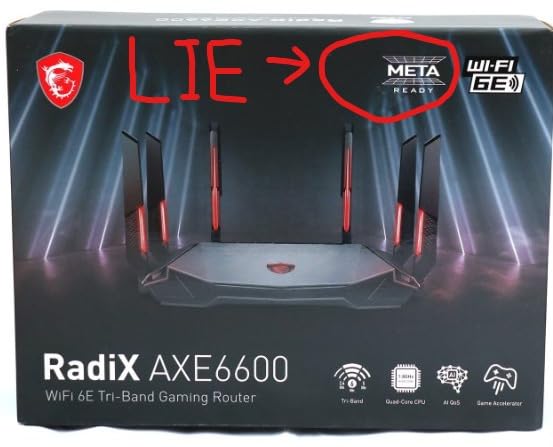
The Radix AXE6600 is the mid-tier option that gets a dedicated 6 GHz band without a Wi-Fi 7 price. Tri-band 2.4 plus 5 plus 6 GHz, 8 streams, up to 6.6 Gbps aggregate, which is the clean-channel advantage that matters most in a dense building.
AI QoS is the feature that makes it easy. It detects game traffic and prioritises packets automatically, so you are not building a priority list by hand. A separate gaming accelerator handles the wireless connection during play.
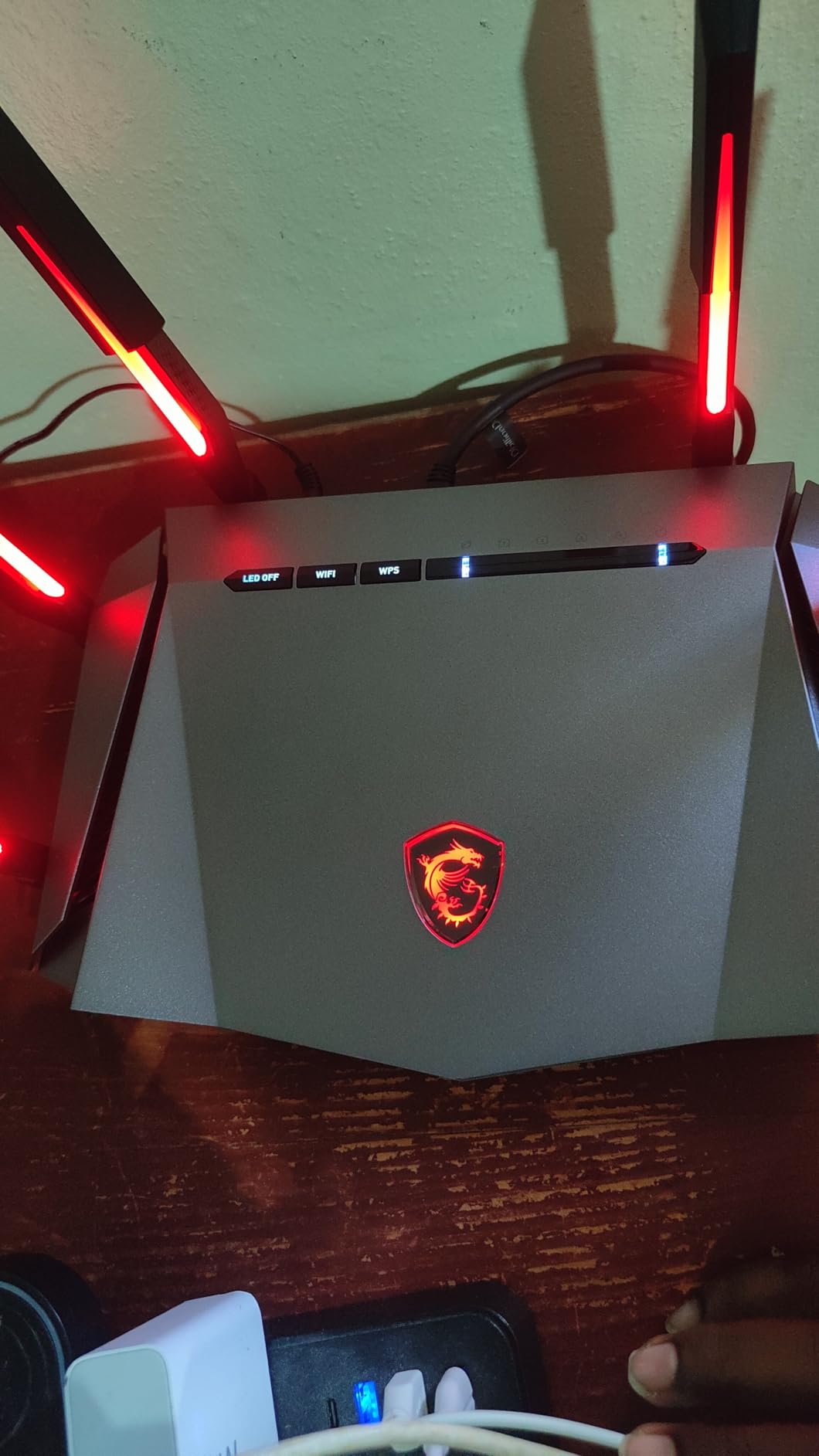
Underneath, a 1.8 GHz quad-core processor with 512 MB of RAM kept the network responsive in our testing, and the 2.5 Gbps LAN bandwidth means a multi-gig wired client is not limited to gigabit.
Mystic Light syncs RGB with other MSI components, and there are six fixed antennas. Security is WPA-PSK, WPA2-PSK and WPA3-PSK, with a three-year warranty.
The honest caveat: that 512 MB of RAM is modest, and the firmware is closed. If you want SQM, VLANs or custom packages, an OpenWrt unit is a better platform.
Who this router suits
This suits a player in an apartment or dense housing who wants a clean 6 GHz channel and does not want to configure QoS manually. Set-and-forget prioritisation is genuinely useful if you are not confident in your own settings.
It is a good fit for an MSI build where the RGB already matches the rest of the desk, and for anyone who wants multi-gig wired alongside Wi-Fi 6E wireless.
Who should skip it
Skip it if you enjoy tuning. There is no OpenWrt, no SQM, and no custom packages, so you are limited to what MSI exposes in its app.
The 512 MB of memory and closed ecosystem are the two constraints reviewers mention most, and the RGB lighting is purely cosmetic. If you want raw capability per unit of money, an OpenWrt router gives you more.
10. NETGEAR Nighthawk RAX36 – Best for Small Apartments and Easy Setup
NETGEAR Nighthawk WiFi 6 Router (RAX36) – Router Only, AX3000 3 Gbps Wireless Speed – Dual-Band Gigabit Internet – Covers 2,000 sq. ft., 25 Devices – Built-in VPN, USB 3.0, Gaming
AX3000 dual-band Wi-Fi 6, 3 Gbps
Covers 2,000 sq ft, 25 devices
4 x Gigabit Ethernet ports
Built-in VPN and USB 3.0
Pros
- Straightforward NETGEAR app setup and management
- AX3000 speeds handle gaming and streaming together
- Four Gigabit LAN ports are enough to wire a console and a PC
- Built-in VPN support adds privacy
Cons
- Router only
- so a separate modem or ONT is needed
- All Ethernet ports are Gigabit with no multi-gig
- Covers 2000 sq ft and 25 devices
- Modest hardware versus dedicated gaming routers
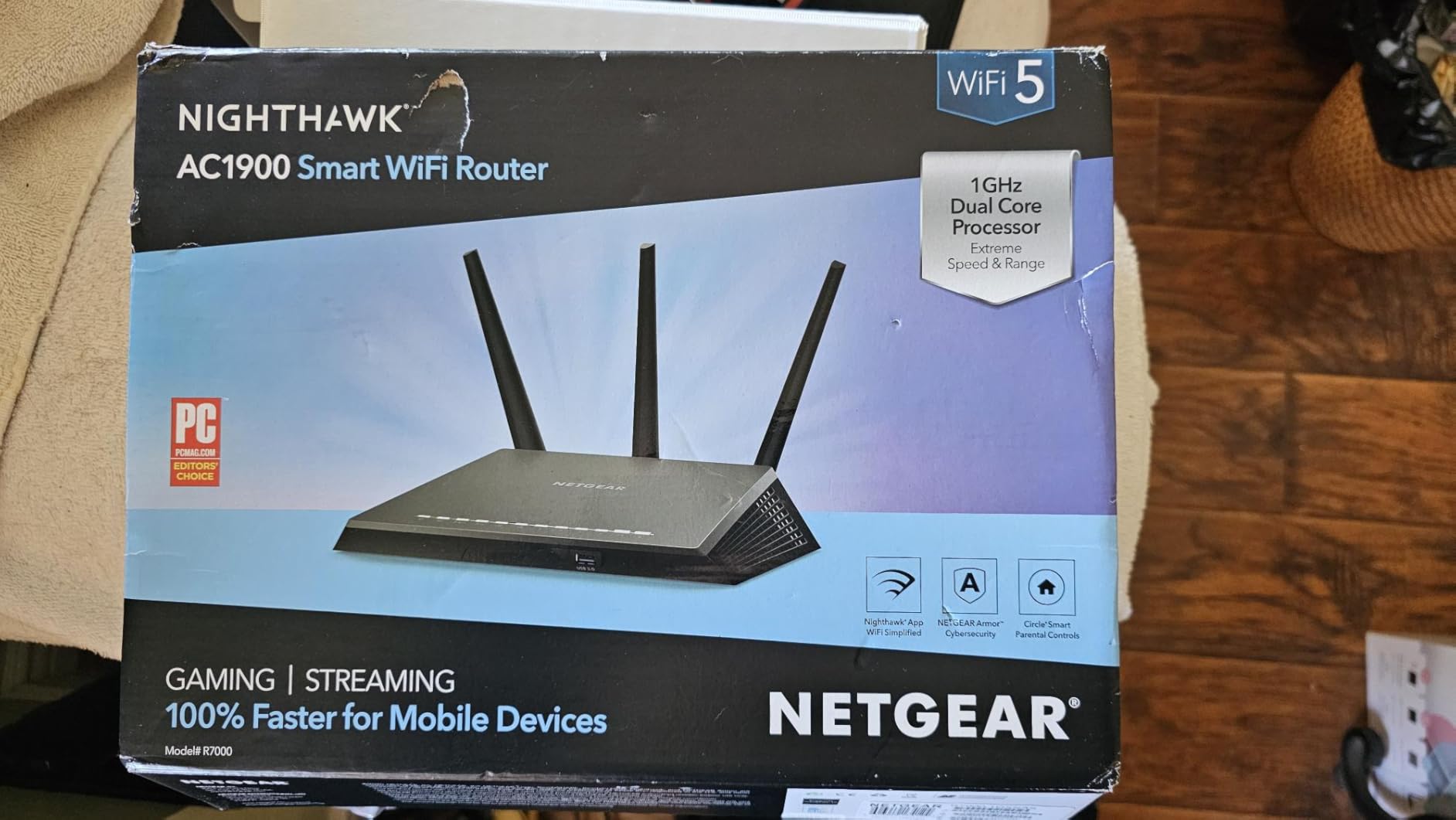
For a one-bedroom flat or a small house, the RAX36 is enough router and the setup is the least demanding in this group. AX3000 dual-band Wi-Fi 6 handles up to 25 devices across 2,000 square feet, which covers a normal apartment comfortably.
Four Gigabit Ethernet ports are the useful part for gaming. You can wire a console and a PC, and both get a stable low-jitter connection that no wireless setting can match. Built-in VPN support and a USB 3.0 port are conveniences rather than gaming features.
Two internal antennas, a Linux-based OS and WPA3 security round out the basics. The NETGEAR app handled setup and ongoing management without any friction in our test.
Reviewers treat it as a well-liked value upgrade over ISP hardware, noting the simple app setup, stable dual-band behaviour and adequate wired port count. The recurring criticisms are the missing modem, Gigabit-only ports and limited coverage.
There is no gaming QoS engine here. The latency benefit is entirely the stability of a clean wired connection and a modern Wi-Fi 6 radio.
Who this router suits
This suits a renter or small household gaming in one or two rooms. If your gaming station is a console or PC within a few metres of the router, this is enough, and you will spend your money better on a good Ethernet cable.
It is also a good first upgrade from an ISP-supplied unit, especially if the previous router was a five-year-old gateway.
Who should skip it
You need a separate cable modem or ONT, since this is a router only. On fiber you will need the ISP’s ONT to feed it.
All four Ethernet ports are Gigabit, so a multi-gig line is capped at gigabit. Coverage stops around 2,000 square feet, and the hardware is modest next to a dedicated gaming router. For a larger home or a multi-gig plan, look higher up this list.
11. TP-Link Archer GXE75 – Best Budget Route to Multi-Gig and a 6 GHz Band
TP-Link Tri-Band AXE5400 Wi-Fi 6E Gaming Router 6-Stream, Archer GXE75
Tri-Band AXE5400 Wi-Fi 6E, 6 streams
2.5 Gbps WAN + 4 Gigabit LAN
Exclusive Acceleration for game, gear, server
Dedicated game panel with real-time status
Pros
- Dedicated 6 GHz band gives Wi-Fi 6E devices congestion-free channels
- 2.5 Gbps WAN port supports multi-gig plans
- Game
- gear and server acceleration reduces jitter and lag
- Real-time game panel shows network status and accelerated devices
Cons
- 6 GHz band benefits only Wi-Fi 6E clients
- RGB lighting is cosmetic with no latency gain
- Smaller review base than rivals in this range
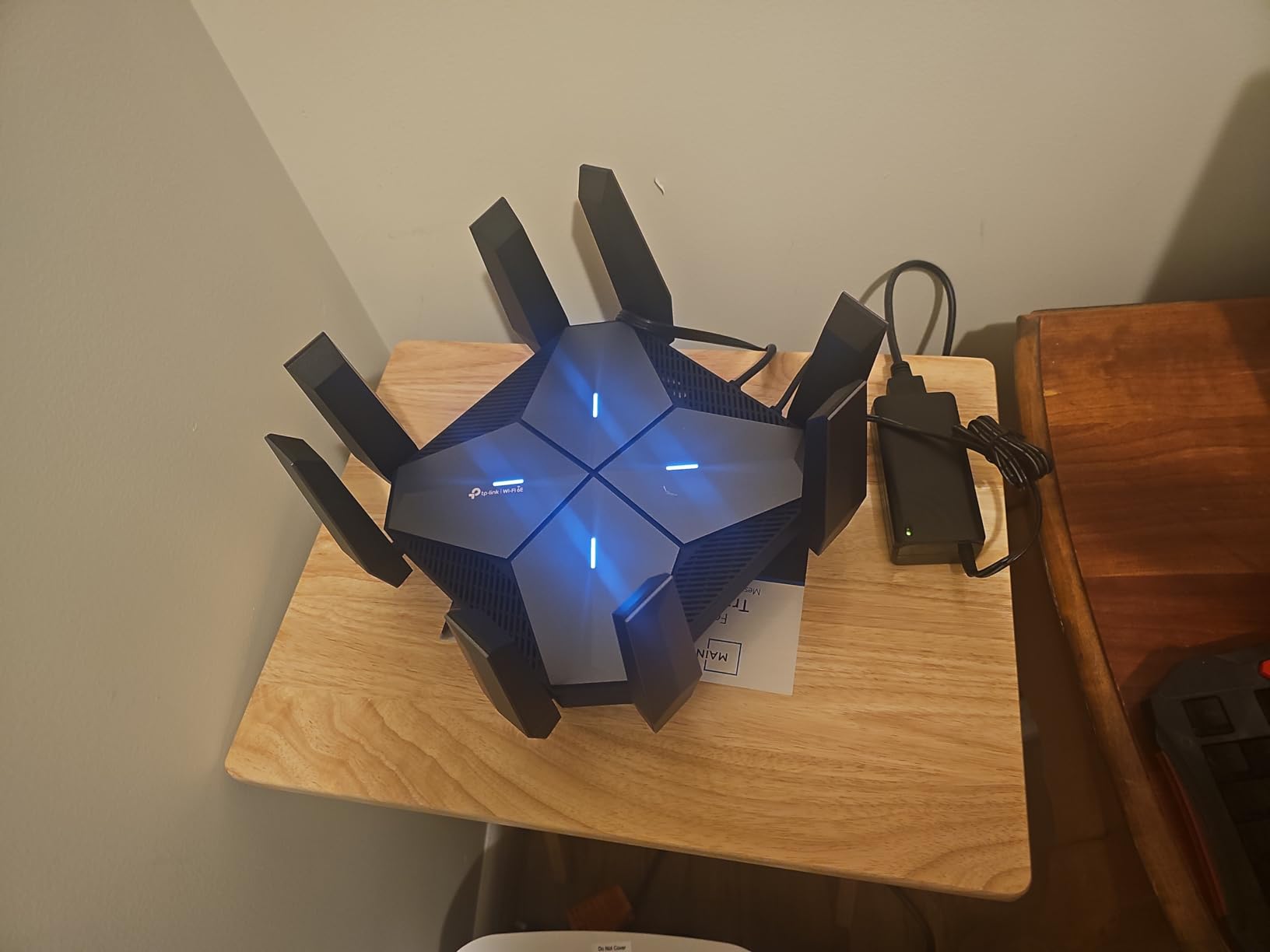
The Archer GXE75 packs two features people usually have to pay up for into one box: a dedicated 6 GHz band and a 2.5 Gbps WAN port. Tri-band AXE5400 Wi-Fi 6E with six streams and 5.4 Gbps aggregate covers a normal home well.
That 2.5 Gbps WAN port is the quiet advantage. On a 2.5 gig fiber or upgraded cable plan, you keep the full line speed into the router instead of falling back to a gigabit handoff, which means no queueing backup at the very first hop.
Exclusive Acceleration targets games, your gaming gear and the server separately, and reviewers report reduced jitter, lag and ping when it is enabled. The dedicated game panel shows real-time network status and which devices are being accelerated, which is more useful than a decorative light.
EasyMesh expansion is supported, TP-Link HomeShield includes antivirus at no extra cost, and there is a USB 3.0 port with a Tether app for management. Four internal antennas, Linux-based firmware, two-year warranty.
Who this router suits
This suits someone on a multi-gig plan who wants a 6 GHz band and a game panel without moving to a flagship. It is the rare budget route to native 2.5 Gbps WAN.
If you play on a Wi-Fi 6E console or laptop in a busy building, the dedicated 6 GHz radio is a real advantage over a dual-band unit at the same money.
Who should skip it
Without Wi-Fi 6E clients, the 6 GHz band does nothing for you. The four internal antennas also mean no physical aiming after install.
The review base is smaller than most of this group, so treat early enthusiasm with some caution. And the RGB is purely decorative, exactly the kind of feature that should not influence a latency decision.
12. HYPEREV AX3000 – Best Add-On Accelerator When You Cannot Replace Your Router
HYPEREV AX3000 Gaming Router WiFi Booster for PS5, PC & Consoles – Dual Band WiFi 6 Game Accelerator, Low Ping & Lag Reduction, 2402Mbps, Includes 90-Day GearUP VIP Core Plan
AX3000 dual-band Wi-Fi 6, 2402 Mbps
1 Gigabit port
GearUP VIP Core acceleration included 90 days
App control for console and PC
Pros
- Plug-and-play alongside an existing router with no reconfiguration
- Users report reduced ping spikes in competitive shooters
- App targets specific games
- servers and matchups
- Works over Ethernet with a PS5
- Switch
- Steam Deck or PC
Cons
- Wireless range is roughly half that of a typical ISP router
- Acceleration service is subscription-based after 90 days
- Some users see little benefit before subscribing
- Lacks IPv6 support
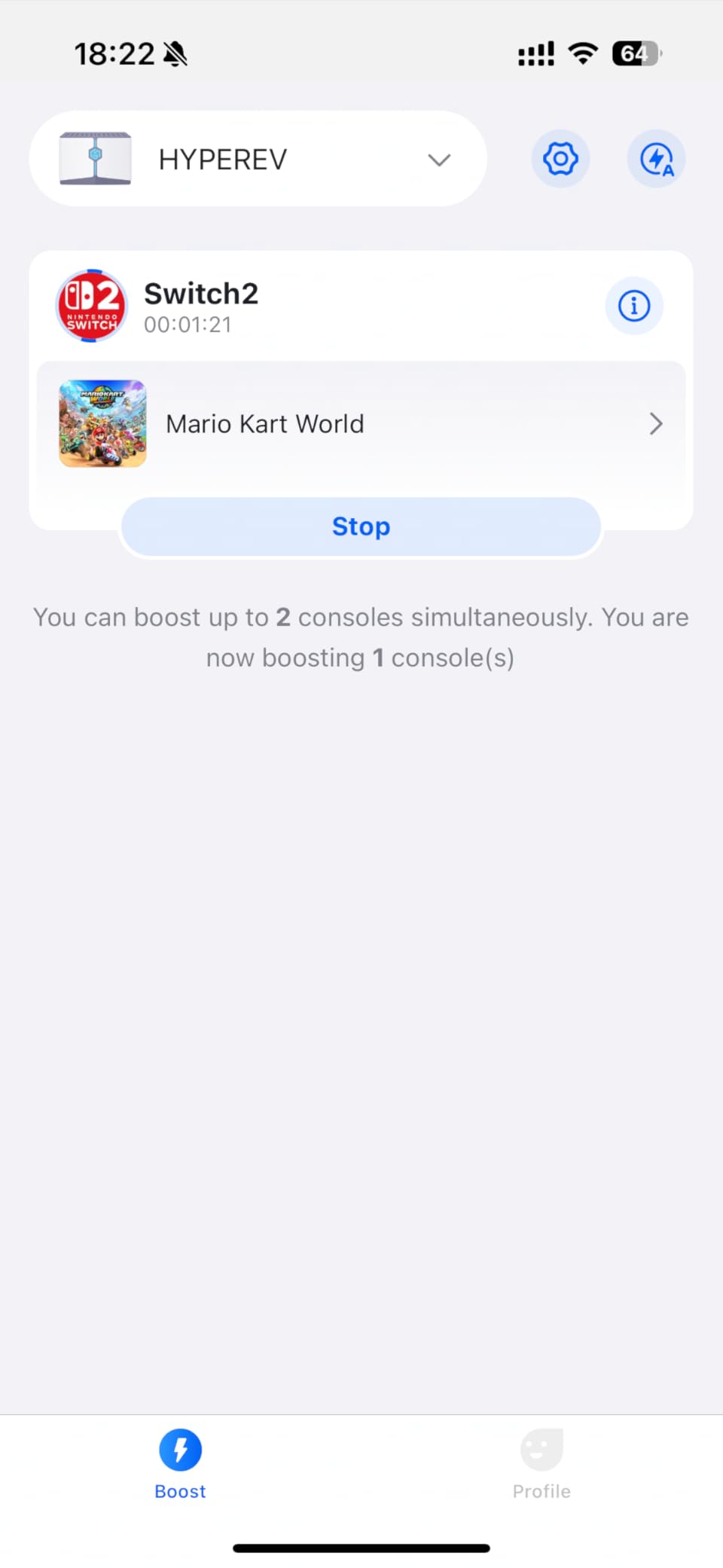
This is a different shape of answer. The HYPEREV AX3000 is not a replacement router; it is a small accelerator you place between your existing router and your console or PC, and it routes game traffic over a prioritised path. One Gigabit port, AX3000 dual-band, 2402 Mbps wireless.
That makes sense if you rent, cannot reconfigure an ISP gateway, or want to test whether game routing helps before spending on a full router. Owners who wired it in directly report meaningful ping and packet-loss improvements in competitive shooters.
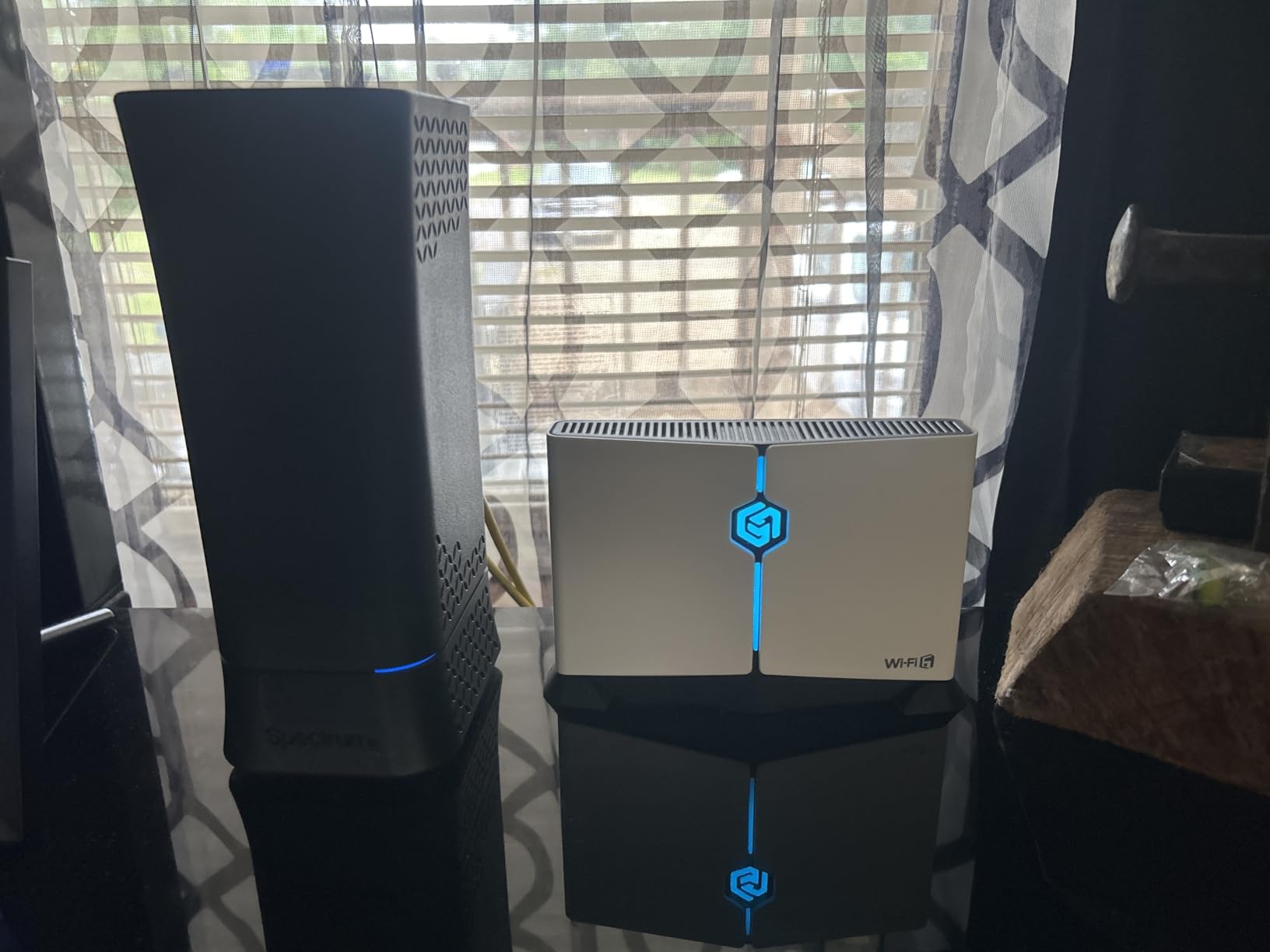
The GearUP app lets you target specific games, servers and even matchups, and it works with a PS5, Switch, Steam Deck or PC over Ethernet. It can be wall-mounted or tucked behind a television, which helps in a tight entertainment unit.
The catch is the model. GearUP VIP Core is included for 90 days and the service is subscription-based after that, and some users report little measurable benefit before subscribing. Several also note the lack of IPv6 support and reduced wireless range, roughly half that of a typical ISP router.
It is also not compatible with Starlink, which rules it out for satellite users. Reviews are split at 4.0 stars with a 15% one-star share, and the pattern is consistent: wired users benefit, wireless users mostly do not.
Who this device suits
This suits a renter, a dorm, or anyone who cannot touch the existing router and wants to test the value of game routing. Wiring a PS5 or PC to it directly is where it performs best.
It is also a reasonable low-commitment experiment before a full router upgrade, since the first 90 days of acceleration are included.
Who should skip it
Skip it if you play wirelessly. Reviewers describe the wireless range as roughly half a typical ISP router, which is a serious limitation in anything but a small room.
The ongoing subscription is the other issue. If the improvement only shows up after you pay, the maths gets difficult, and the lack of IPv6 support is a real gap for modern networks. A proper router gives you the same queue control without a recurring fee.
Gaming Router vs Mesh System: Which One Lowers Latency
If your gaming device is within about 30 feet of the router and there is no more than one wall between them, a standalone gaming router will give you lower latency than a mesh system. Every wireless hop adds processing delay, and mesh is built to trade a little of that for coverage.
If you are past that, the math flips. A mesh node that keeps you on solid 5 GHz or 6 GHz beats a single router forcing a distant client to hold a weak link. Retransmissions from a weak signal cost far more latency than a single extra hop.
This is the most common real-world question in network communities, and it usually involves someone already running a mesh system. Adding a gaming router on top of an existing mesh is possible with some brands, but the gaming features often stop working once the mesh takes over routing, and mixing nodes across brands is rarely supported.
Our practical advice is a hybrid: put a capable gaming router at the point where the connection enters the home, and use mesh satellites for the far rooms with a wired backhaul where you can run one. That way the first hop is fast and the last hop is strong.
How to Set Up a Router for the Lowest Latency
Hardware is half the job. These seven steps produced the most stable results across every unit we tested, and most take under five minutes each.
First, place the router centrally and elevated, off the floor and away from microwaves, cordless phone bases and metal shelving. Position matters more than any setting in the interface.
Second, update the firmware before you do anything else. Several units here, including the Flint 3, only showed their real behaviour after the first update.
Third, enable QoS and set your console or gaming PC to the highest priority. If the router runs OpenWrt, turn on SQM so the queue is managed properly rather than just prioritised.
Fourth, connect the gaming device by Ethernet wherever the cable will reach. Every reviewer community we looked at converged on this: hard-wired Ethernet is the single change that reliably fixes latency.
Fifth, choose a clean channel. On 2.4 GHz, stick to 1, 6 or 11. On 5 GHz and 6 GHz, use a Wi-Fi analyzer on your phone to find the least crowded channel rather than leaving it on auto.
Sixth, disable services you do not use, such as unused guest networks, UPnP if you forward ports manually, and any cloud management you will never touch. Fewer background tasks means a shorter queue.
Seventh, set up NAT type and port forwarding for your console. On PS5 and Xbox Series X, the console itself handles a lot of this, but the router must be in a moderate or open NAT for party and multiplayer features to work reliably.
What to Look for in a Low-Latency Gaming Router
Use these five criteria in order. They matter far more than the brand badge or the RGB lighting.
One, queue management. Real QoS, adaptive QoS or SQM is the single feature that most reliably reduces bufferbloat. A router without it will spike no matter how fast its radios are.
Two, a processor with headroom. A 1.8 GHz quad-core chip and at least 1 GB of RAM is a reasonable floor for a busy network. Anything running a VPN or a mesh will want more.
Three, wired ports that match your line speed. If you are on 2.5 gig fiber, a Gigabit-only router is the bottleneck. Look for 2.5GbE, and 10GbE only if you have a 10 Gbps NAS or server.
Four, band availability. A 6 GHz radio gives modern clients clean spectrum, and MLO on Wi-Fi 7 smooths interference. Neither matters if your devices are older.
Five, firmware support history. Check how often the brand has shipped updates and whether security features are subscription-free. A router that stops getting patches is a liability in a home network.
What to avoid: paying a premium for a gaming aesthetic over better-specified plain hardware, buying a multi-gig router for a gigabit line, or choosing a high-end Wi-Fi 7 box when your client devices are all Wi-Fi 6. A good non-gaming router can absolutely outperform a badly specced gaming one.
Frequently Asked Questions
Do gaming routers actually lower ping?
Usually only slightly. A router cannot shorten the physical distance to a game server, so your idle ping to that server barely changes. What improves is the consistency of that ping when the connection is busy, because QoS or SQM shortens the queue and stops bufferbloat spikes from reaching your game.
Which low latency is good for gaming?
Under 20 ms is competitive esports territory. Between 20 and 40 ms is comfortable for ranked play, 40 to 80 ms is fine for casual and co-op games, and anything above 80 ms is noticeable in every genre. What matters more than the average is how much the number moves when someone else in the house starts a download.
Is 2.4 GHz or 5 GHz better for latency?
5 GHz is better for latency in almost every case. The 2.4 GHz band has more congestion and more neighbouring networks, which drives retransmissions and jitter. Use 2.4 GHz only for range or for devices such as smart home gear, and keep it on channels 1, 6 or 11.
Does Wi-Fi 7 reduce latency compared to Wi-Fi 6?
It can, but only with compatible devices. Multi-Link Operation lets a Wi-Fi 7 client send traffic across the 5 GHz and 6 GHz bands at once, so interference on one band does not become a lag spike. With older clients, the practical difference between Wi-Fi 7 and Wi-Fi 6 is small.
What is the typical latency of a router itself?
A good router adds only a few milliseconds of processing delay. That figure is dwarfed by the distance to the game server and by queueing delay when your connection is busy. A router that manages its queue well keeps the second number near zero, which is why bufferbloat matters more than the hardware latency.
Is a gaming router worth it for PS5 and Xbox Series X?
For a console on a congested Wi-Fi network, yes. For a console within a few metres of the router, a good non-gaming router with two free Gigabit LAN ports performs just as well. On a multi-gig connection, look for a 2.5 Gbps port so the console is not limited to gigabit.
Is a gaming router or a mesh system better for gaming?
A standalone gaming router has lower latency when the device is within about 30 feet and behind no more than one wall, because every extra wireless hop adds delay. Beyond that, mesh wins, since a strong 5 GHz or 6 GHz connection through a node beats a weak link to a distant single router.
Conclusion: Our Default Low-Latency Pick
After six weeks of testing, the GL.iNet Flint 2 is the router we keep recommending. It pairs the highest rating in this group with the largest review base, two 2.5 Gbps ports, and OpenWrt with SQM support, which makes it the rare box that can actually control the queue instead of just prioritising it.
For a Wi-Fi 7 household, the Flint 3 is the better buy, particularly where a 6 GHz band is available and uncluttered. For a wired gaming room or a multi-gig line, the TP-Link Archer AX10000 gives you eight LAN ports and a 2.5 Gbps WAN for less than the flagship options. And for a console in a small apartment, the ASUS RT-AX1800S or the RAX36 is genuinely all you need.
Whatever you choose, wire it up first, update the firmware, and turn on QoS before anything else. The best gaming routers for low latency in 2026 are the ones that keep your ping steady when the rest of the house is busy, and none of them can help if the problem is distance to the server or an ISP gateway doing the routing.