
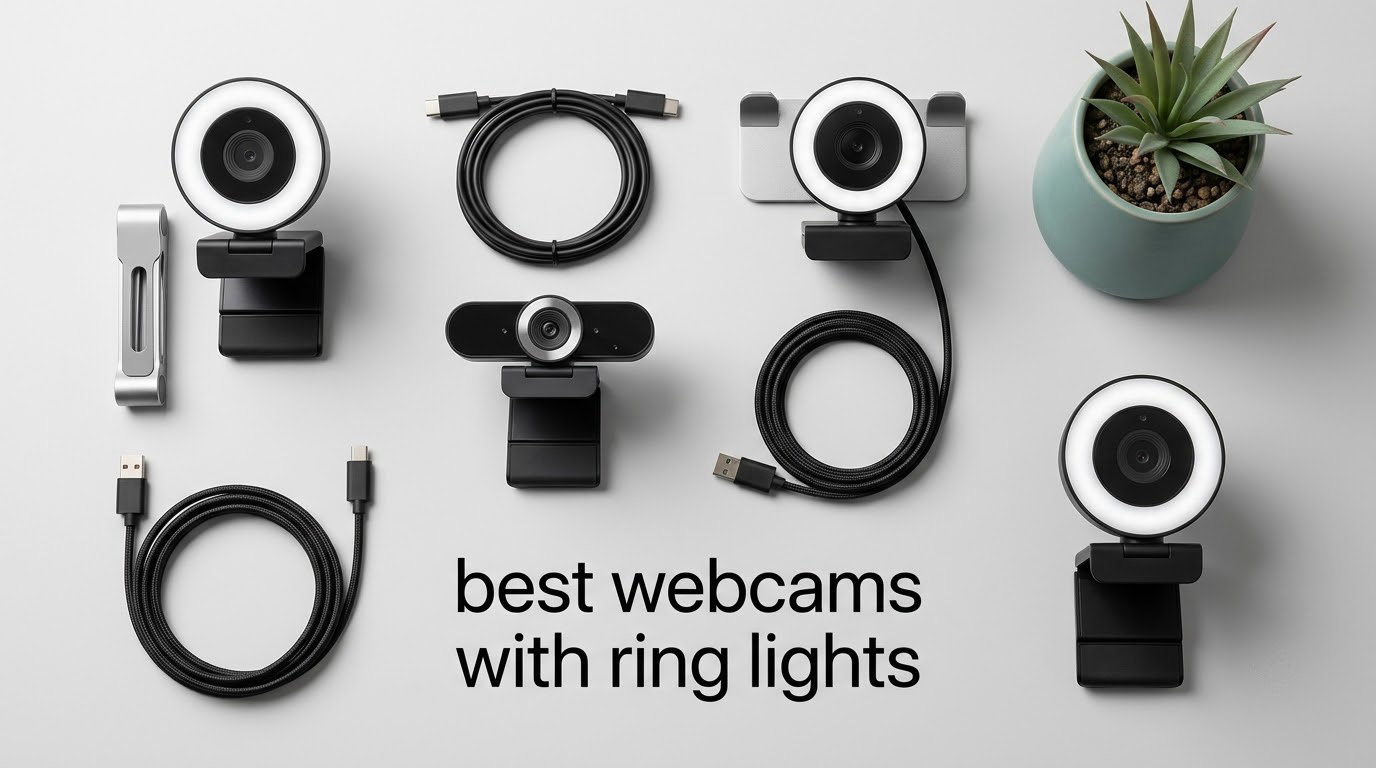
If your video looks grainy and flat, the camera is rarely the problem. Bad lighting is, and the best webcams with ring lights fix it at the source with an LED ring built into the camera face. Our pick for 2026 is the NexiGo N960E Plus 4K, which combines a tri-tone stepless ring light with a 1/2.5 inch sensor and ToF autofocus, and it carries the deepest review base of any model we looked at.
The honest caveat matters as much as the headline. A fixed ring light throws light straight back at you, so in an already bright room it can wash your face out, and it leaves a visible circular catchlight in your eyes and in any glasses you wear. Several users on r/Twitch and in a DEV Community livestream thread describe switching the built-in light off and placing a lamp in front of the desk as the fix for over-exposure and glare.
That said, for a dim home office, a spare room at night, or a student sharing a flat, a built-in ring light is the fastest upgrade available. You plug in one cable instead of buying, positioning, and colour-matching a separate lamp, and the light is guaranteed to sit in front of the lens rather than behind you. Below are ten models, with the ring light treated as the organising criterion rather than a footnote in the spec sheet.
Table of Contents
Top 3 Webcams With Ring Lights Right Now (October 2026)

NexiGo N960E Plus 4K
- 4K30 and 1080p60
- ToF autofocus
- Tri-tone stepless ring light
- RF remote with OSD menu

Angetube 967Ultra 4K
- 4K30 and 1080p60
- PDAF autofocus
- Three-level ring fill light
- Physical privacy shutter

Angetube 862Pro 1080p60
- 1080p at 60fps
- Three-colour stepless ring light
- RF remote
- Physical privacy cover
Best Webcams With Ring Lights in 2026: Quick Spec Overview
Every camera below has an integrated LED ring around the lens, so the comparison is really about how much control that ring gives you. Four of the ten offer stepless dimming with multiple colour temperatures, and the other six use three-level or four-level touch or dial rings with no fine adjustment between steps.
| Product | Specs | Action |
|---|---|---|
| NexiGo N960E Plus 4K |
|
Check Latest Price |
| Angetube 967Ultra 4K |
|
Check Latest Price |
| Angetube 862Pro 1080p60 |
|
Check Latest Price |
 papalook PA552 2K papalook PA552 2K |
|
Check Latest Price |
 saylas W4LS 2K saylas W4LS 2K |
|
Check Latest Price |
 Angetube 967Pro 1080p60 Angetube 967Pro 1080p60 |
|
Check Latest Price |
 UGREEN 2K 4-Level Ring Light UGREEN 2K 4-Level Ring Light |
|
Check Latest Price |
 NexiGo N680E Pro 4K NexiGo N680E Pro 4K |
|
Check Latest Price |
 Galyimage 866-1 4K Galyimage 866-1 4K |
|
Check Latest Price |
 EMEET S600L 4K EMEET S600L 4K |
|
Check Latest Price |
1. NexiGo N960E Plus 4K Is the Best Overall Ring Light Webcam
NexiGo N960E Plus 4K Webcam with Ring Light & RF Remote, ToF Autofocus, OSD Menu, 1080p 60FPS, 4X Digital Zoom, Noise-Canceling Mics, Privacy Cover, USB Web Camera for Streaming, Video Calls& Meetings
1/2.5 inch CMOS
4K30 plus 1080p60
ToF autofocus
Tri-tone stepless ring light
RF remote
Pros
- Deepest review base here at over 18k ratings
- Stepless tri-tone ring light with remote control
- ToF autofocus that settles fast
- Physical privacy cover and 1/4 inch tripod thread
- Dual noise-canceling microphones
Cons
- Bundled desktop software adds little
- Some cameras report a blurred frame on fast focus shifts
- No HDMI cable in the box
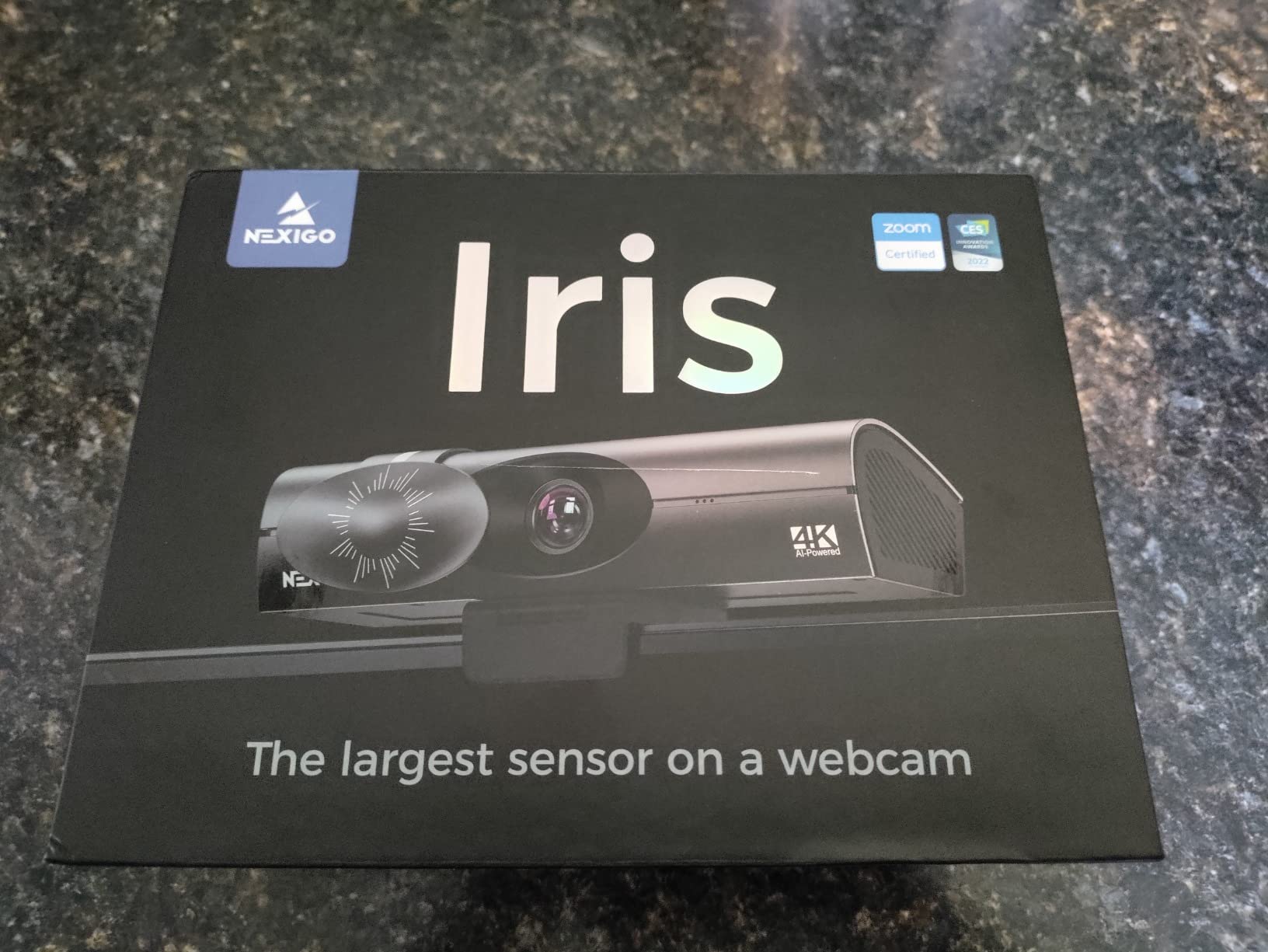
This is the model I keep coming back to after working through the list. The ring light is tri-tone, so you can shift between warm, neutral, and cool, and brightness is stepless rather than snapped to three fixed steps. An RF remote in the box changes brightness, colour, zoom, and the on-screen menu without you touching the camera, which matters because the clip mount is stiff and fiddly to reach.
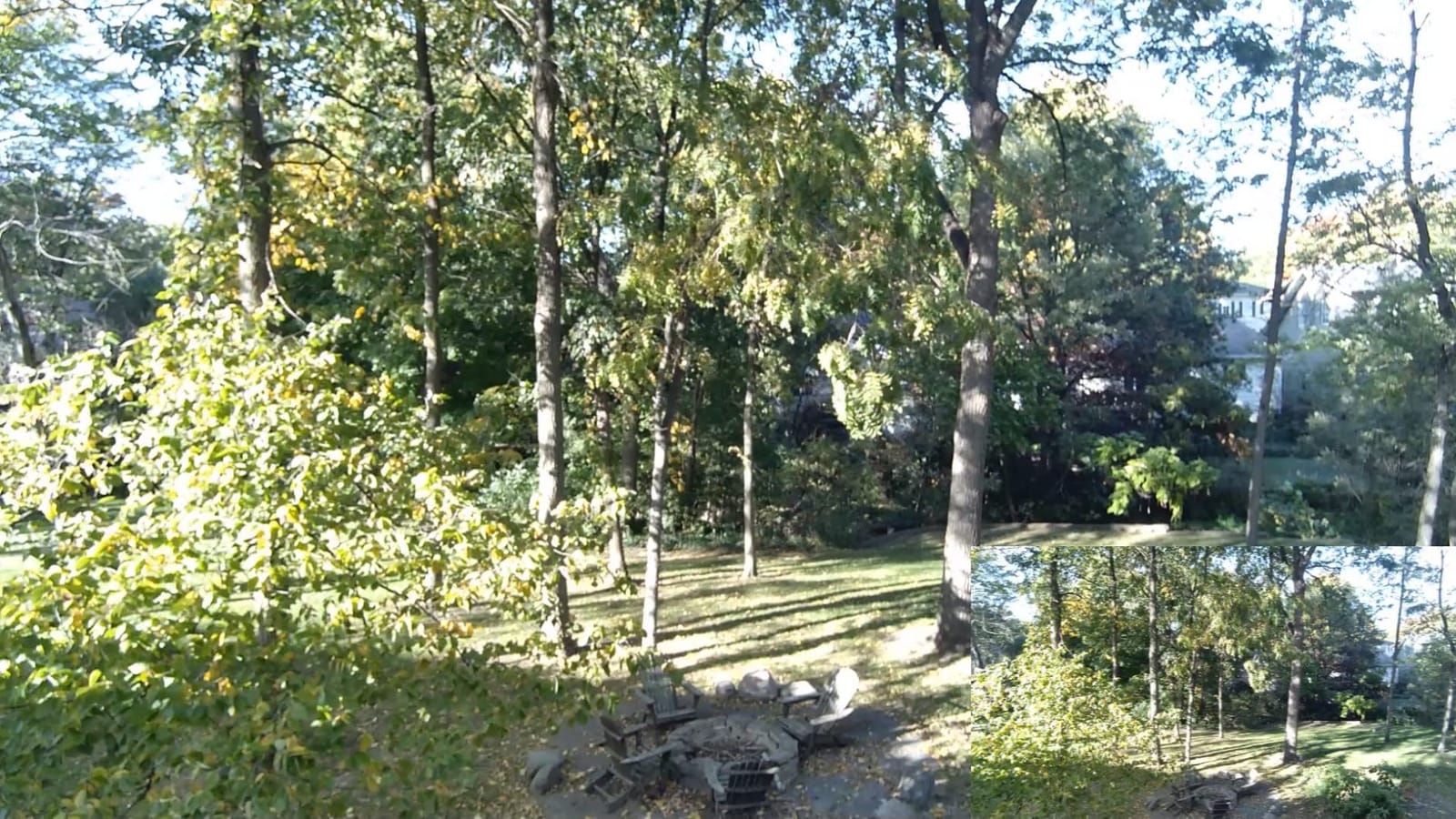
Underneath the light is a 1/2.5 inch CMOS sensor that outputs 4K at 30fps and 1080p at 60fps, so you get clean 4K for recording and smooth 60fps when it matters. Time-of-Flight autofocus measures distance rather than hunting by contrast, and across more than 18k ratings at a 4.4 average it is the most proven camera in this group. Reviewers also mention backlight compensation, HDR, and 3D noise reduction helping in mixed lighting.
The weaknesses are real but narrow. A minority of owners report the autofocus briefly rendering a blurred image, and the companion desktop software is unhelpful, with zoom not settable from the app. A few also report the desktop app being slow to start on macOS, so treat the software as optional and use the remote instead.
One detail worth knowing before you buy: full 4K capture needs a USB 3.0 port and the right capture software. Zoom, Teams, and Google Meet will happily ignore 4K and request 1080p, so for calls the 1080p60 mode is what you will actually send. The 1/4 inch tripod thread and physical privacy cover are both genuinely useful additions for a shared desk.
Best for people who want remote control over colour and brightness
No other camera in this list pairs stepless tri-tone dimming with an RF remote that changes brightness, colour, zoom, and the on-screen menu. If your room shifts between daytime and evening, or you record at more than one desk, the remote removes the need to reach behind the monitor every time.
The trade-off is bulk. This is a larger body than the 1080p Angetube models, and the software story is weaker than the hardware story.
Skip it if you only ever take video calls at a desk
If Zoom and Teams are the whole use case, much of this camera is idle. Meeting software rarely requests 4K, and the built-in microphones are not a reason to skip a separate mic, which you will want anyway for anything beyond a short call.
2. Angetube 967Ultra 4K Is the Best Value Ring Light Webcam
Angetube 4K Webcam with Ring Light, Computer Web Camera for Desktop, Laptop
4K30 and 1080p60
PDAF autofocus
Three-level touch ring light
78-degree field of view
Pros
- 4K sensor with PDAF autofocus at a mid-tier price
- Soft even three-level ring light
- Touch control is simpler than the old rotating bezel
- Physical privacy shutter
- USB-A cable with USB-C adapter in the box
Cons
- Ring light cannot dim below the lowest step
- Touch control triggers easily when adjusting aim
- A small number of cameras cut out mid-call
The 967Ultra is the model most people searching for a webcam with ring light will end up on, and the reason is straightforward: a 4K sensor with phase-detect autofocus and a ring light, without a premium badge on the box. It runs 4K at 30fps and drops to 1080p at 60fps, and the PDAF focus holds steady through normal movement rather than pumping in and out.
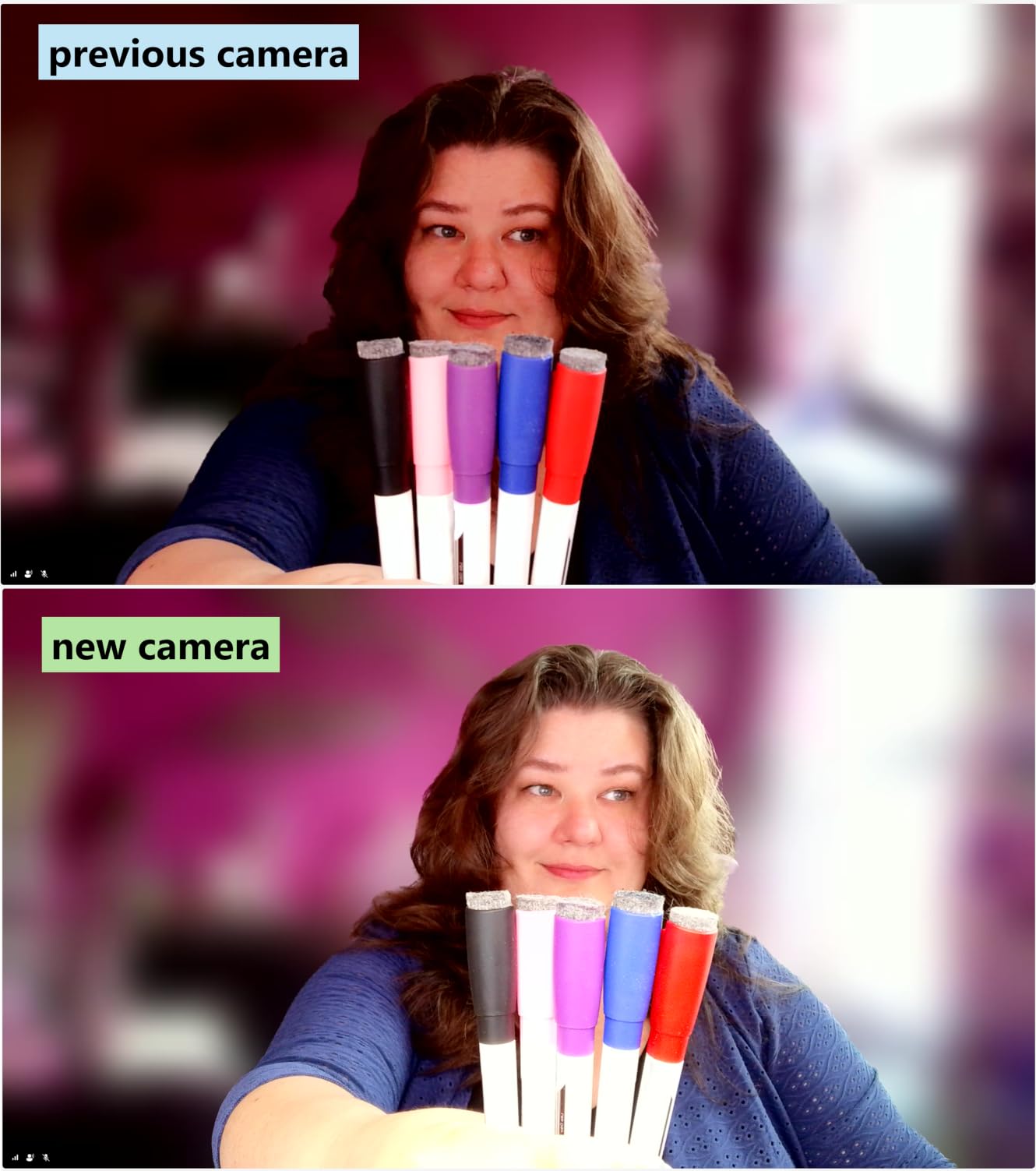
The ring light itself is a three-level touch ring rather than a stepless dial. Reviewers consistently describe it as soft and even, and several note the newer light balance produces less washed-out faces than earlier Angetube models. The 78-degree field of view is wide enough for a desk setup without bending into fisheye, and the physical privacy shutter closes over the lens without a software command.

Two things to plan around. The three brightness steps mean you cannot fine-tune between levels, so in a mid-light room you may end up choosing between too dim and too bright. The touch control also sits on the front of the ring, so grabbing the camera to re-aim it can switch the light off mid-sentence.
It ships as USB-A with a USB-C adapter in the box, works with laptops and desktops on both macOS and Windows, and the dual built-in microphones are fine for calls. Owners rate the colour rendition and general clarity as a big step up from a laptop camera, which is the baseline most buyers are replacing.
Best for a first ring light webcam on a mixed budget
You get a real 4K sensor and proper autofocus, which most cheaper ring-light cameras skip entirely. If the choice is between a 4K camera with focus hunting and a 1080p camera with clean focus, this is the sensible middle.
Step up to the NexiGo N960E Plus only if stepless dimming and colour temperature control change your setup day to day.
Skip it if you shoot in an unpredictable room
Three fixed brightness steps are limiting when daylight, a lamp, and a monitor all contribute different levels. There is no software control for the light on this model, so the adjustment has to be physical.
3. Angetube 862Pro 1080p60 Is the Best Ring Light Webcam for 60fps Streaming
Angetube Streaming Webcam with Microphone, USB 1080P Web Cam w/Ring Light
1080p at 60fps
Three-colour stepless ring light
RF remote with 360-degree control
Physical privacy cover
Pros
- True 1080p60 with smooth motion
- Stepless three-colour ring light that reviewers call gentle
- Remote handles zoom mute video and white balance
- No fisheye distortion and it stays locked in focus
- Physical privacy cover
Cons
- Digital zoom only works at 720p and below
- Privacy cover is manual with no hardware power switch
- Remote battery tab must be removed before first use
Most streaming platforms ask for 1080p, and this camera delivers 1080p at 60fps cleanly with no fisheye distortion. The ring light is a three-colour array with stepless brightness, controlled by a rotating bezel rather than touch, which in practice means you will not switch it off by accident while repositioning the camera. That is a small design decision that matters more than it sounds.
The RF remote is unusually capable for this category. It carries 360-degree control including zoom, mute, video off, and white balance, so you can change how you look on stream without leaning into frame. The dual omnidirectional noise-cancelling microphones cover meeting-grade audio, and real-time autofocus plus auto low-light correction handle a dark room without manual fiddling.
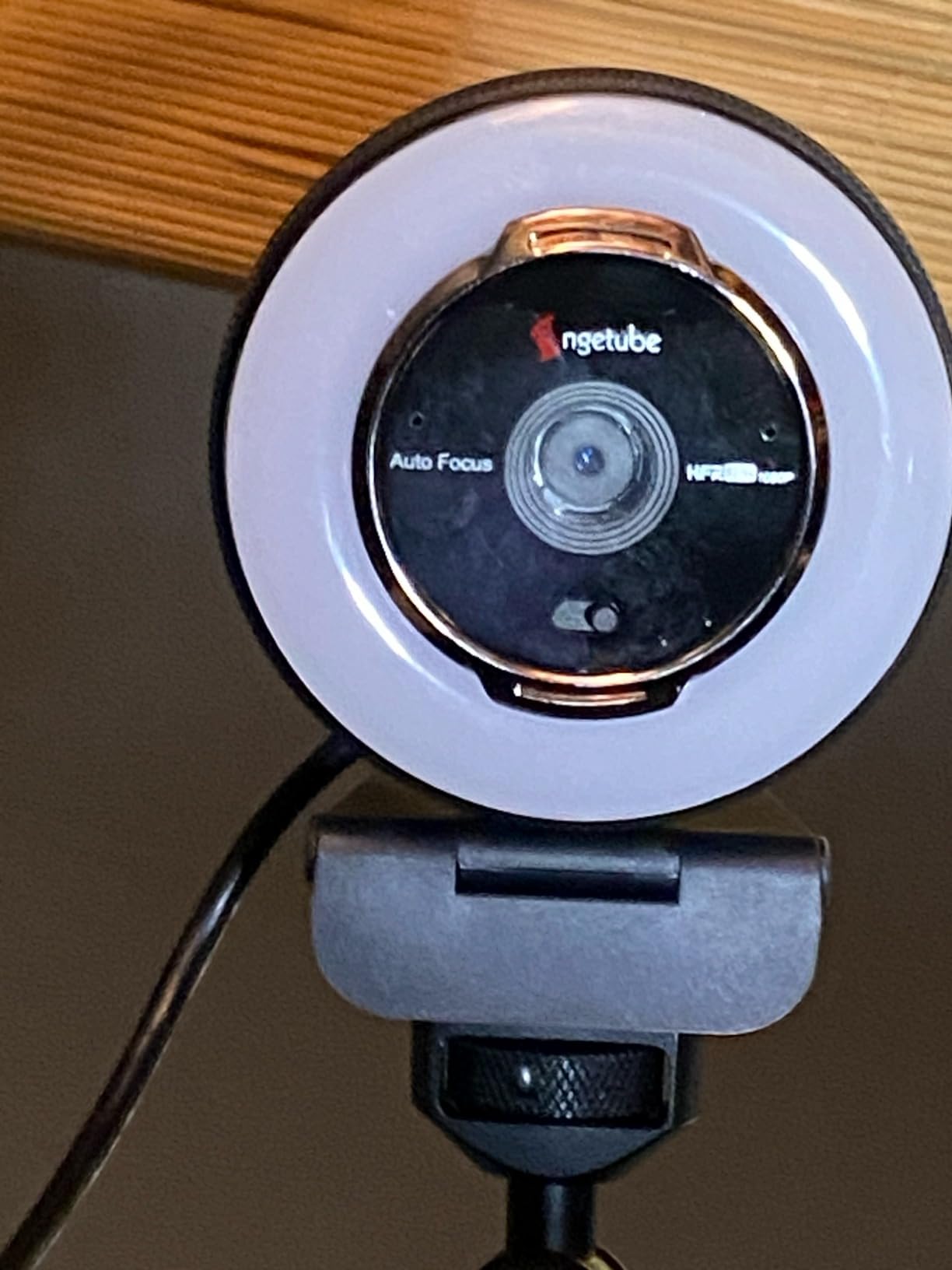
Understand the zoom before you rely on it. The 5X digital zoom is limited to 720p and below, so cropping into a 1080p stream drops your resolution. For a talking-head or webcam-based show that is rarely an issue, but for a game stream where you want a tighter face crop on a 1080p canvas, it will not do what you expect.
The privacy cover is a physical cap rather than a switch, and there is no hardware power cut-off, so the indicator light stays on while the camera is powered. Reviewers also mention pulling a battery tab from the remote before first use, which trips people up more often than it should. Otherwise the 2.72 by 2.87 by 3.46 inch body and 165 g weight are unremarkable, in a good way.
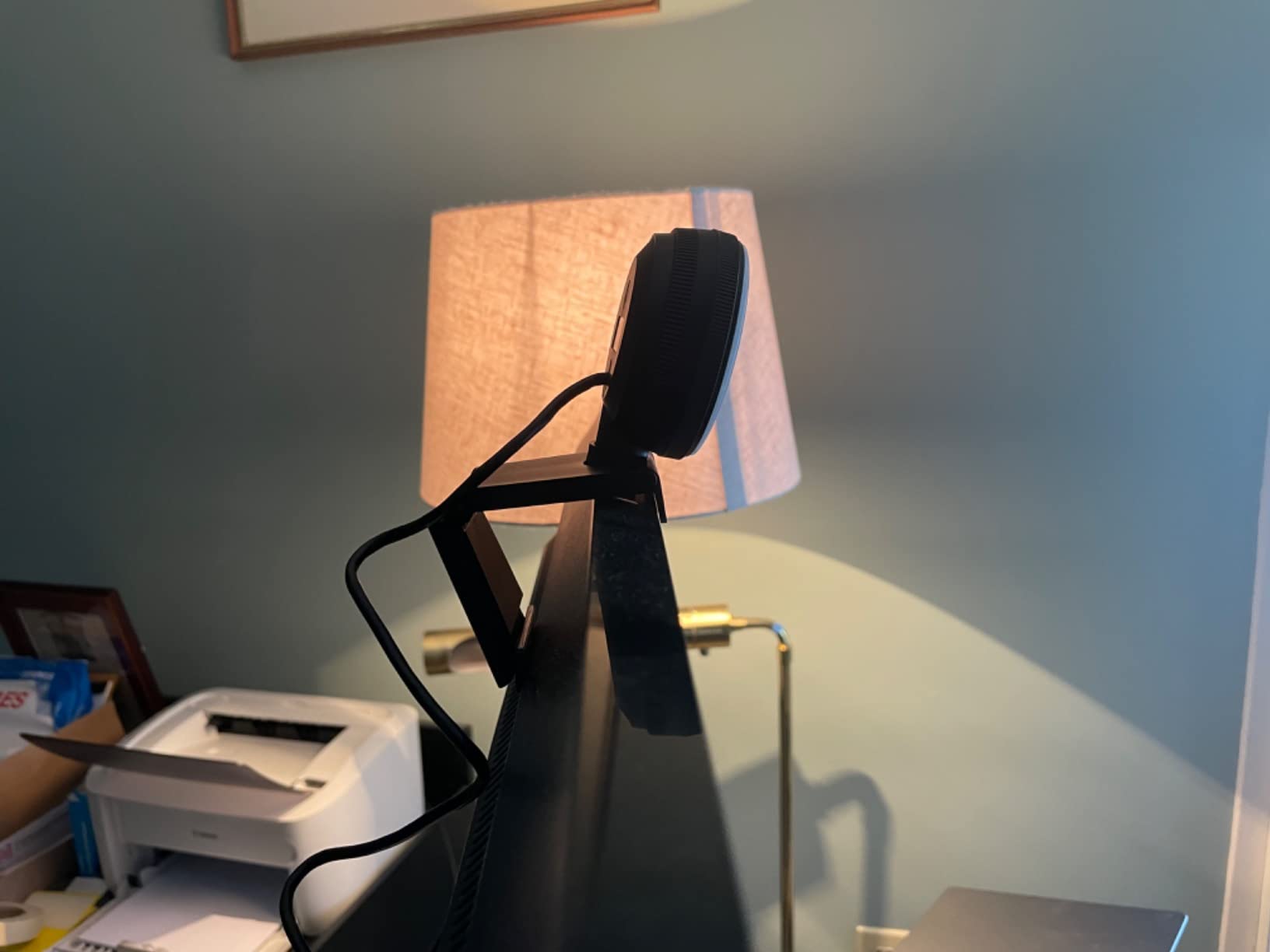
Best for streamers who want a dial instead of buttons
The rotating bezel gives smooth, continuous brightness changes with no accidental touch input, and three colour options let you warm the light for skin tone. If you have streamed before, that physical control is worth more than another step of resolution.
Pair it with a separate microphone. Nearly every owner recommends it, and the onboard mics here are tuned for voice, not for recording.
Skip it if you need to crop in at 1080p
The zoom drops to 720p before it engages. If your layout needs a tight face crop, pick a camera whose digital zoom works at full resolution, like the Angetube 967Pro below.
4. papalook PA552 2K Is a Fixed-Focus Option With a Privacy Cover
papalook 2K Webcam with Light and Privacy Cover, PA552 Full HD Streaming Web Camera with Dual Microphones, Plug and Play USB Computer Webcam for PC Laptop Desktop, Mac Zoom Skype Teams
Up to 2K and 1080p at 30fps
Fixed focus
Three-level touch ring fill light
75-degree field of view
Pros
- Lowest entry point in this roundup
- Three-level ring fill light lifts a dim room
- Narrow 75-degree view keeps background clutter out
- Removable physical privacy cover in the box
- Dual noise-reducing microphones with 5-10m pickup
Cons
- Fixed focus means sitting within roughly 90cm
- No autofocus and no digital zoom
- Microphones are tuned for calls not recording
This is the cheapest way to replace a laptop camera with something that has a light attached, and for a lot of people that is the entire brief. It outputs up to 2560 by 1440 or 1920 by 1080 at 30fps from a small CMOS body weighing 135.5 g, with a three-level touch ring fill light that compensates in a dim room.
The 75-degree field of view is the quiet advantage. It is narrower than the 78 to 80 degree options elsewhere in this list, which means less bookshelf and less lamp in shot when you sit close to a monitor. The removable privacy cover is a physical cap that comes in the box, and the two omnidirectional noise-reducing microphones pick up voice from 5 to 10 metres for meeting use.
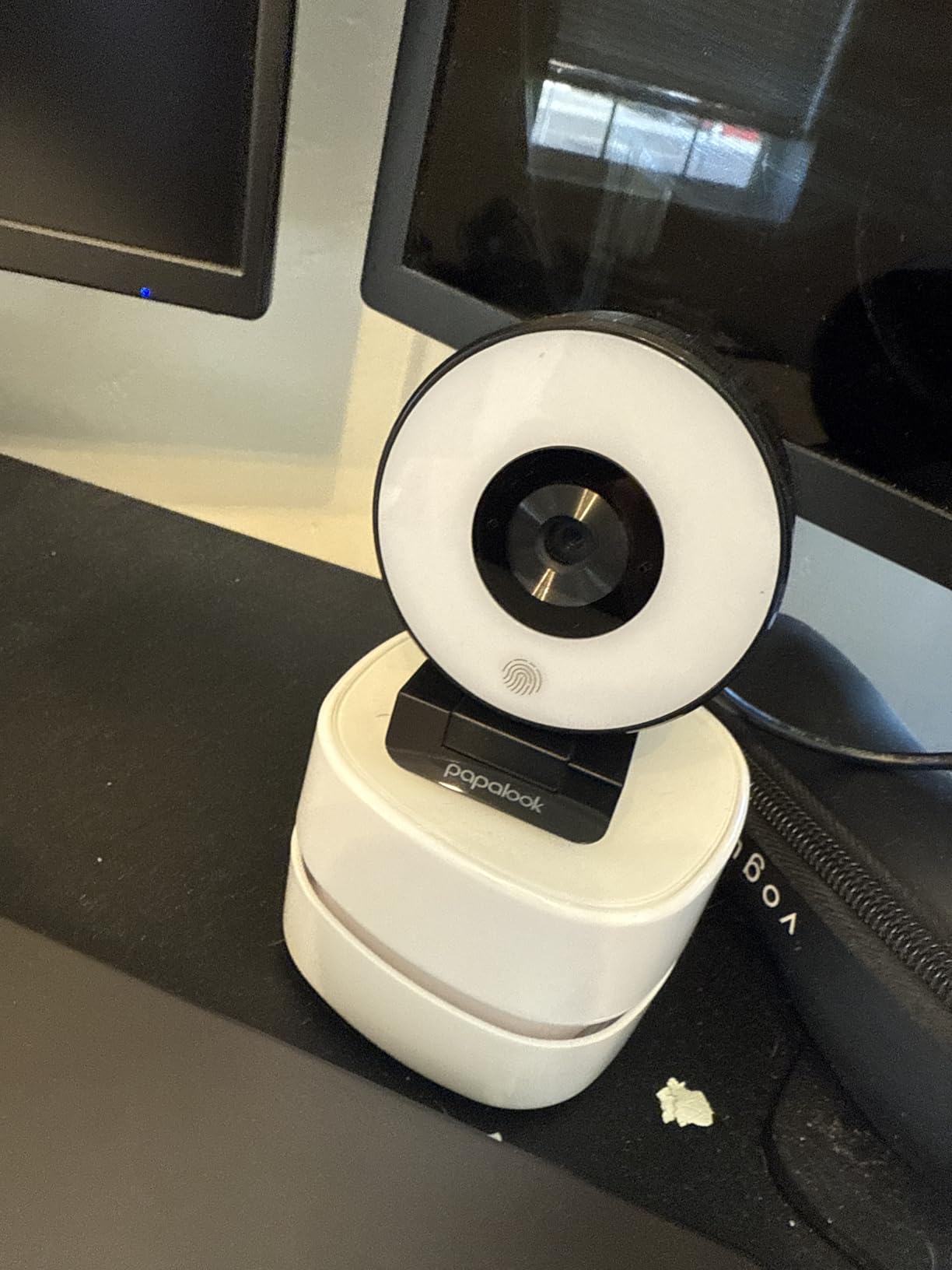
The fixed focus is the dealbreaker for some people. Without autofocus, you need to sit within roughly 90cm of the lens or the edges of your face soften, and there is no digital zoom to compensate. If your desk is deep, or you move back to gesture during a presentation, you will feel that limit immediately.
It is also 30fps only, which is fine for calls and light talking-head work but not for fast motion. Reviewers treat it as a budget step up from a built-in laptop camera rather than a streaming camera, and that is a fair description of what you are buying here.
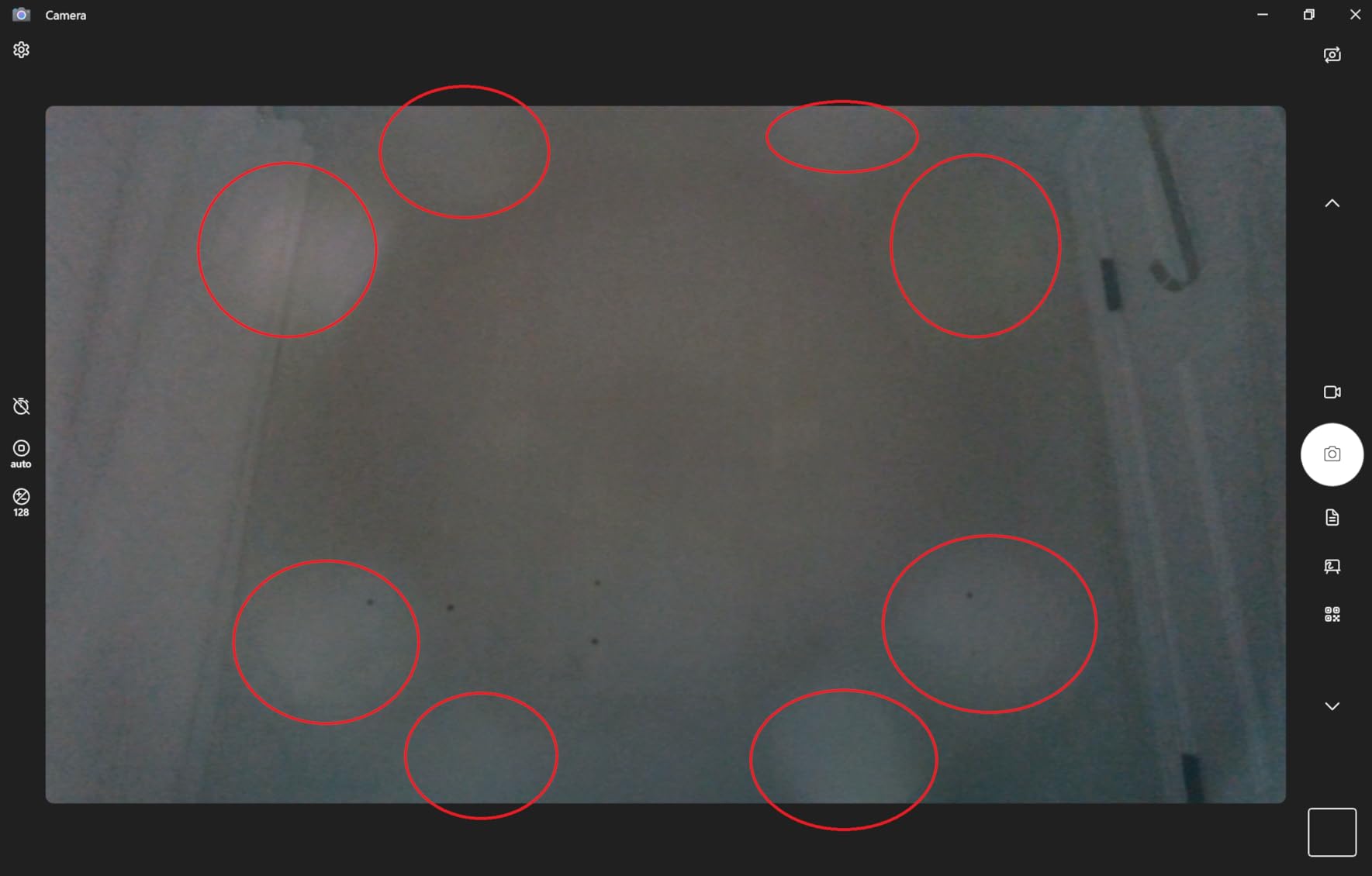
Best for a small desk and a tidy background
The narrow lens is genuinely useful in a home office where the background is cluttered. Combined with the ring light, it makes a modest camera look deliberate rather than borrowed from a laptop lid.
The 2K resolution is a genuine step up from 1080p laptop cameras, provided you sit close.
Skip it if you move around during calls
Fixed focus and no zoom means your framing is set once and cannot be corrected from software. Anyone who stands, walks, or reclines during a call will spend the call out of focus.
5. saylas W4LS 2K Is the Best Ring Light Webcam With RGB Desk Lighting
saylas 2K Webcam with Lights, HD Webcam for PC, 2K@60FPS Web cam with Microphone, 65° FOV, Autofocus, Noise Cancellation, Privacy Cover, Web Camera for Computer/Laptop, USB Streaming Computer Camera
2K at 60fps with 4MP sensor
Three ring light levels plus RGB modes
65-degree field of view
Sliding privacy cover
Pros
- Sharp 2K at 60fps for the money
- Three ring light levels plus seven RGB effects
- Autofocus is fast for a mostly static sit
- Includes both a tripod and a monitor clip
- 65-degree field of view crops the background
- Genuinely plug-and-play on Windows
Cons
- Autofocus struggles when you move a lot
- Glossy black plastic scratches and smudges easily
- Supplied cable is short
Nobody else here does what this one does with the light. Alongside three brightness levels of white ring light, it adds RGB mood lighting with seven colourful atmosphere effects, and it powers on with a rainbow effect. If your setup is a visible desk set-up on stream rather than a corner of a home office, that is the feature that sells it.
Under the lighting is a 4 megapixel sensor outputting 2K at 60fps, with 1080p and 720p at 60fps also available. The 65-degree field of view is the tightest here, which is helpful for framing, and the autofocus is quick when you stay in roughly one position. A tripod and a monitor clip are both included, and the 1.5m cable is the right length for a laptop on a desk.
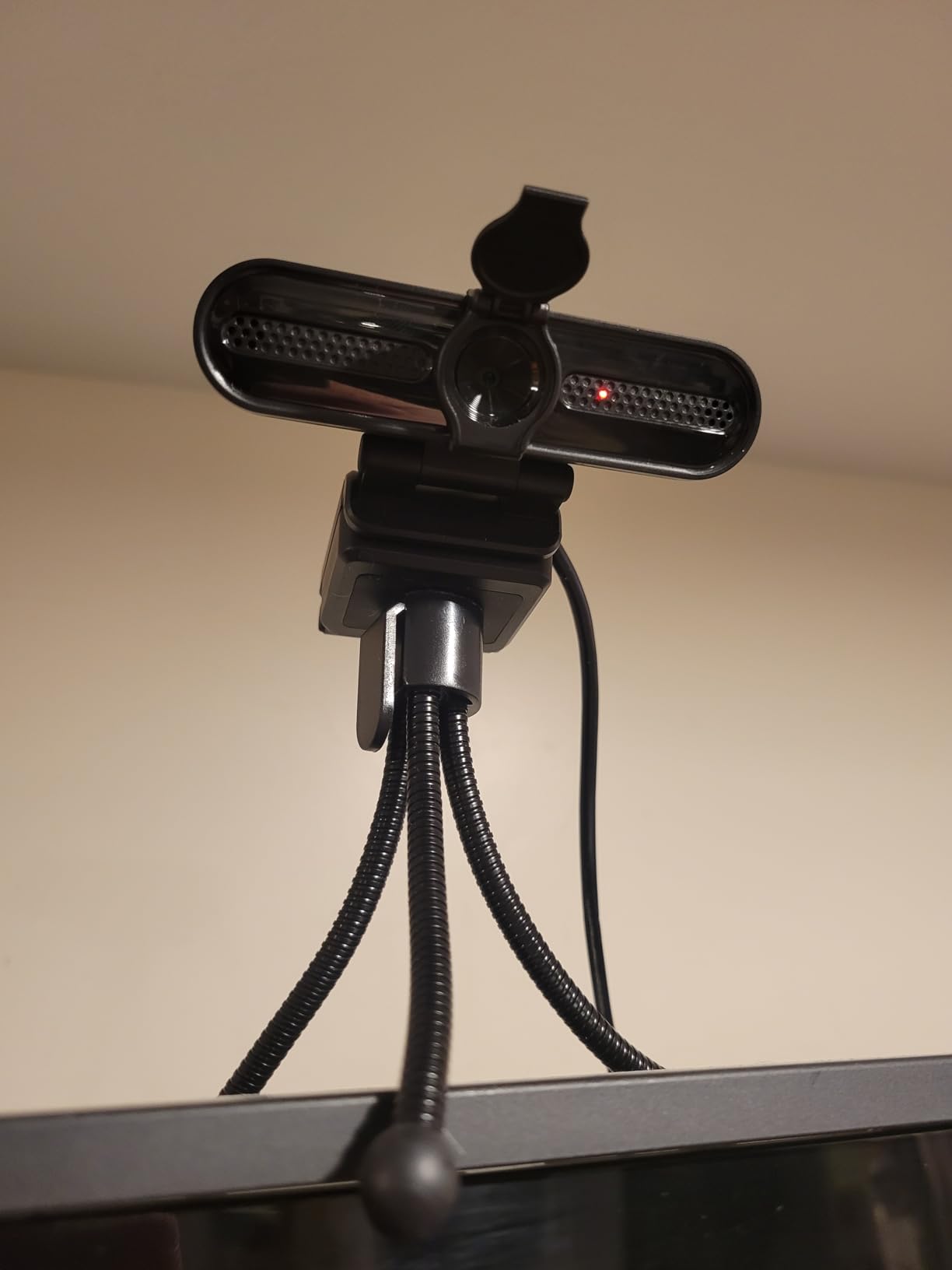
Where it falls down is movement. Reviewers are clear that the autofocus struggles when you walk around or lean back, and that is a common thing to do on stream or in a long teaching session. The build is also basic, with glossy black plastic that shows scratches and fingerprints, and a sliding privacy cover that one owner reported snapping off.
The two built-in microphones carry noise and echo cancellation with a 5 metre pickup, which is more than adequate for calls. The ring light levels are touch-controlled and the RGB effects are a novelty, so treat the light as a functional three-step fill with a bonus rather than a colour grading tool.
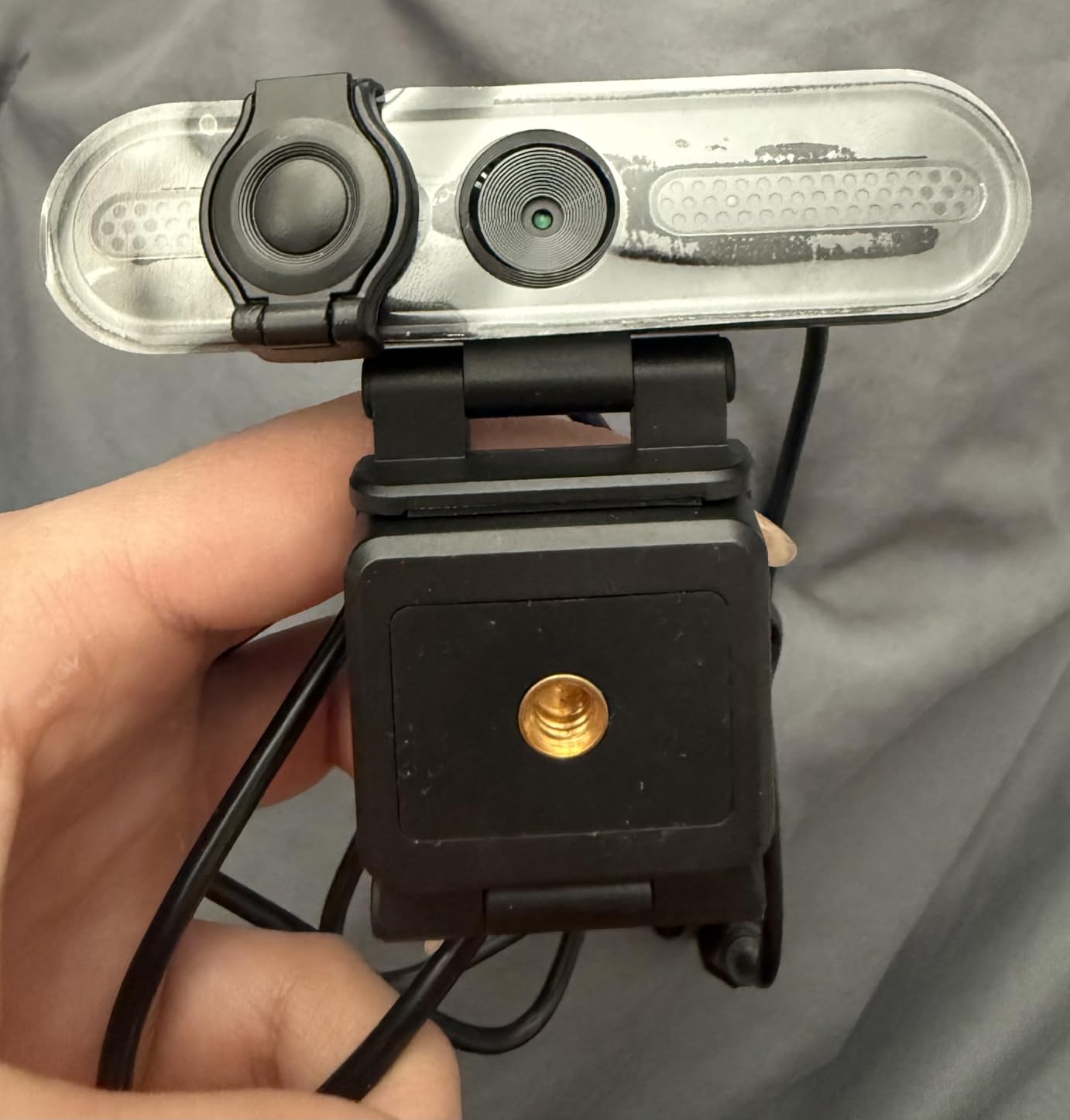
Best for streamers who want a lit-up desk behind them
The RGB effects turn the webcam into desk ambience, and the tight 65-degree view keeps the rest of your room out of frame. That combination suits a streamer who wants a visible setup without building one.
You also get a tripod in the box, which most competitors at this level do not include.
Skip it if you move during your sessions
The autofocus is the weak point, and a static sit is where this camera performs. Stand-up tutorials, walking demonstrations, and long teaching sessions will expose it quickly.
6. Angetube 967Pro 1080p60 Has the Best HDR Mode at 60fps
Angetube 1080p Webcam with Ring Light for Streaming, USB 60FPS Web Camera
1080p60 or HDR 30fps
Three-level ring fill light
5X digital zoom at 1080p
Switchable autofocus and manual focus
Pros
- Genuine 60fps 1080p with an HDR 30fps mode
- 5X digital zoom that still works at full 1080p
- Autofocus can be switched off for manual focus
- HDR mode improves colour and contrast
- Physical privacy cover included
- Rear buttons for zoom and mode switching
Cons
- Ring light is cool white only with no warm option
- Light cannot be controlled from software
- Privacy cover fit is loose on some cameras
- Bundled software adds little
The defining feature here is a switch between 1080p at 60fps and an HDR mode at 30fps. Several owners single out the HDR mode for noticeably better colour and contrast, which matters if you are on camera in a room with mixed light sources and a bright window. Many of them have also bought more than one, which usually signals a camera nobody is disappointed by.
It also solves the zoom problem that limits the 862Pro. Here the 5X digital zoom works at 1080p, so you can crop a tighter talking-head frame without dropping resolution. Autofocus is fast but can be disabled for manual focus, and 3D noise reduction plus auto low-light correction keep a dim room from turning into a grainy mess.
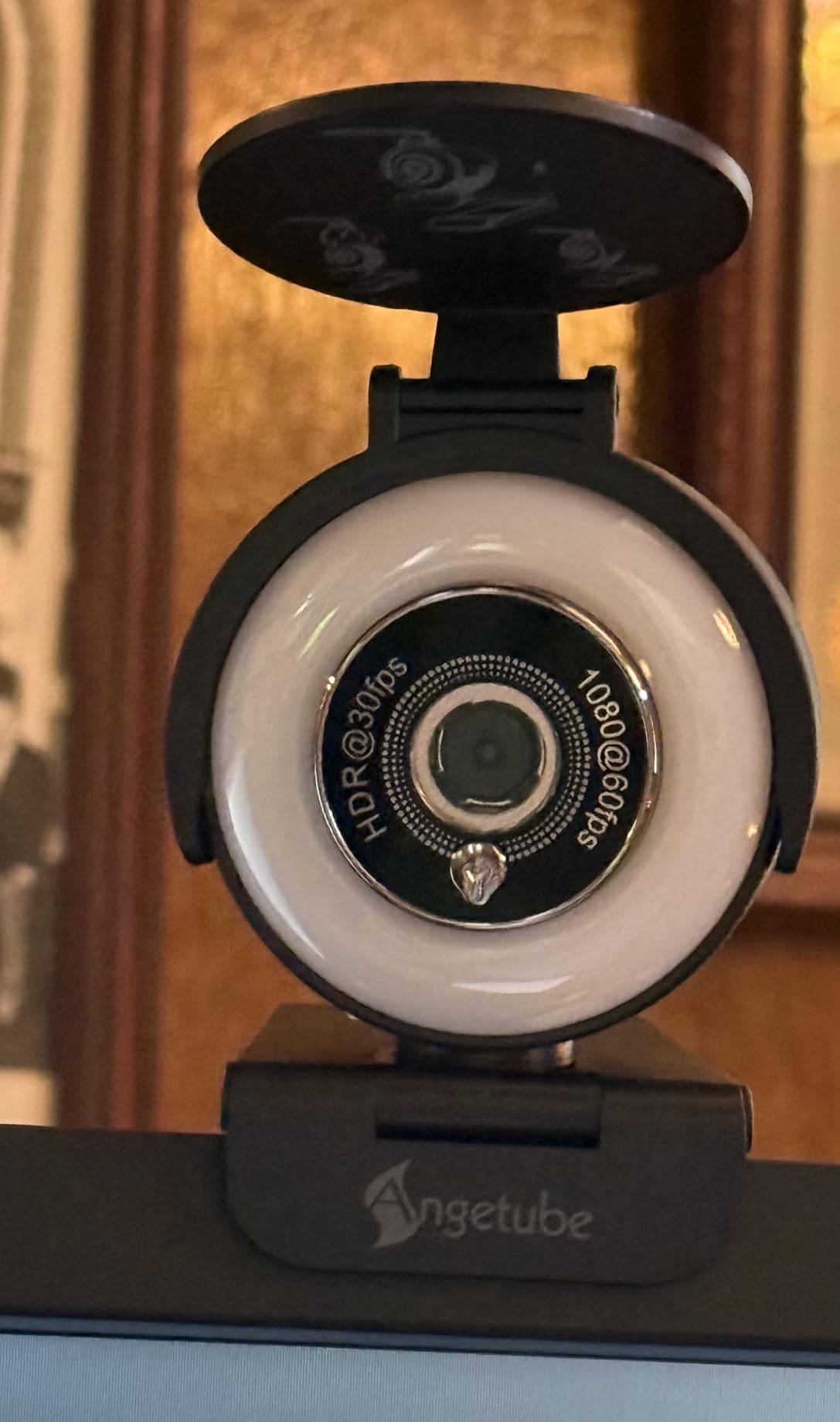
The ring light is the compromise. It is a three-level cool white fill with no warm setting, and it cannot be adjusted from software, so you are limited to three brightness steps in one colour temperature. That is the most repeated complaint in the reviews, and it is a real one for anyone with warm indoor lighting or pale skin who finds cool light unflattering.
The physical privacy cover is included, though the fit is loose on some cameras. H.264 and H.265 compression is supported, the rear buttons handle zoom and mode switching, and the body is compact at 2.13 by 2.48 by 2.91 inches.
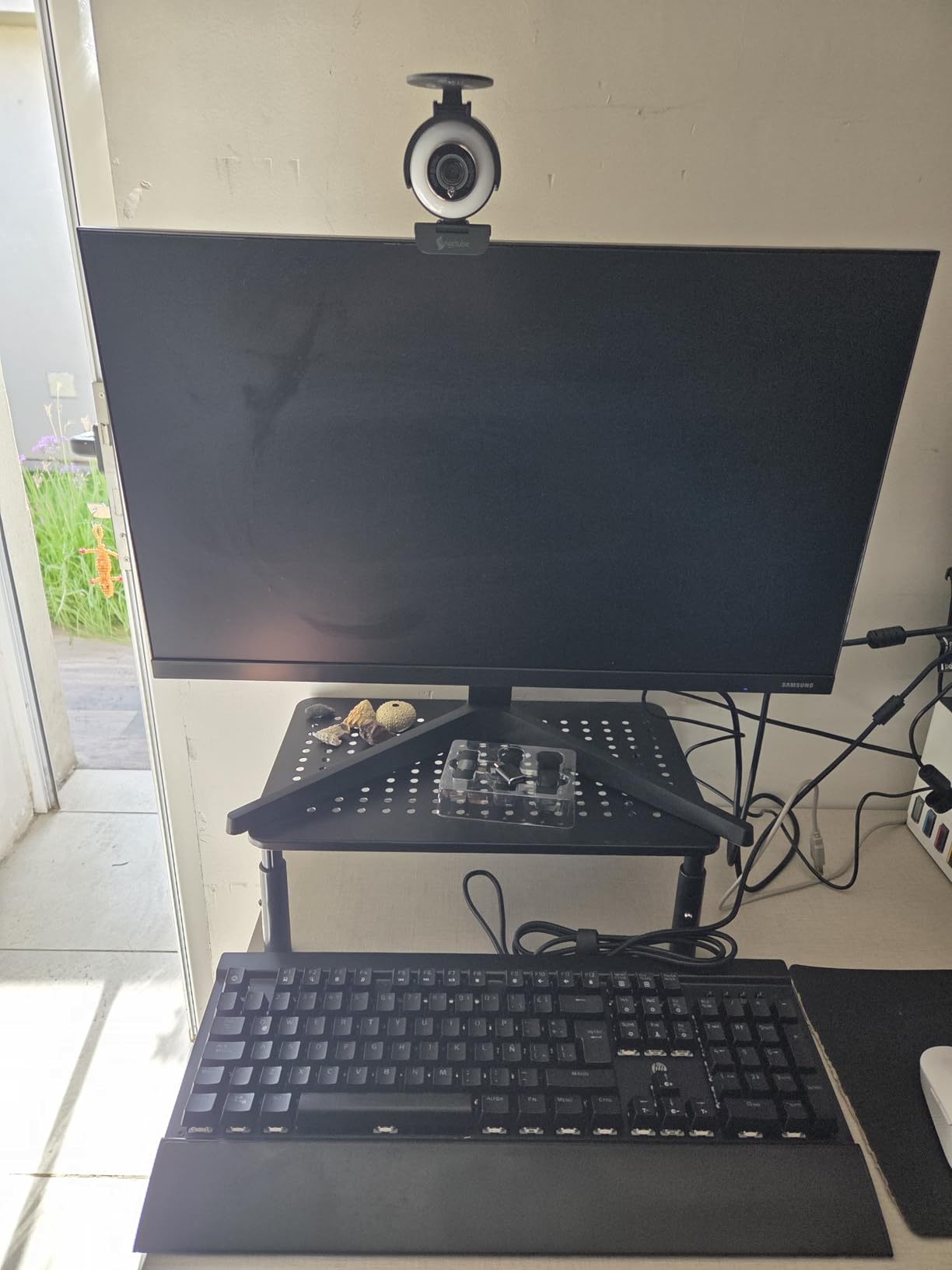
Best for creators who switch between smooth video and HDR stills
The 60fps and HDR modes give you a genuine choice based on what you are recording. For video, 60fps motion; for a recorded segment or a sit-down piece, the HDR mode’s colour and contrast improvement is a real upgrade.
The 5X zoom at full resolution is what separates it from most 1080p cameras in this list.
Skip it if you need warm or adjustable light
Cool white only, three fixed levels, and no software control. If the colour of your light matters to how you look, this is the wrong camera despite the imaging strengths.
7. UGREEN 2K 4-Level Ring Light Is the Best for Warm Skin Tones
UGREEN 2K Webcam with 4-Level Ring Light
2K at 30fps with 4MP sensor
Four light levels with two warm and two cool modes
Sliding privacy cover
80-degree field of view
Pros
- The only four-level ring here with two dedicated warm modes
- Clean 2K30 image from a 4MP sensor
- Sliding privacy cover in the box
- Dual noise-reducing microphones
- Works with USB-C and USB-A out of the box
- Windows Mac Linux and Android support
Cons
- Fixed focus so it must be placed at the right distance
- 30fps only which is weak for fast motion
- Lowest average rating in the group
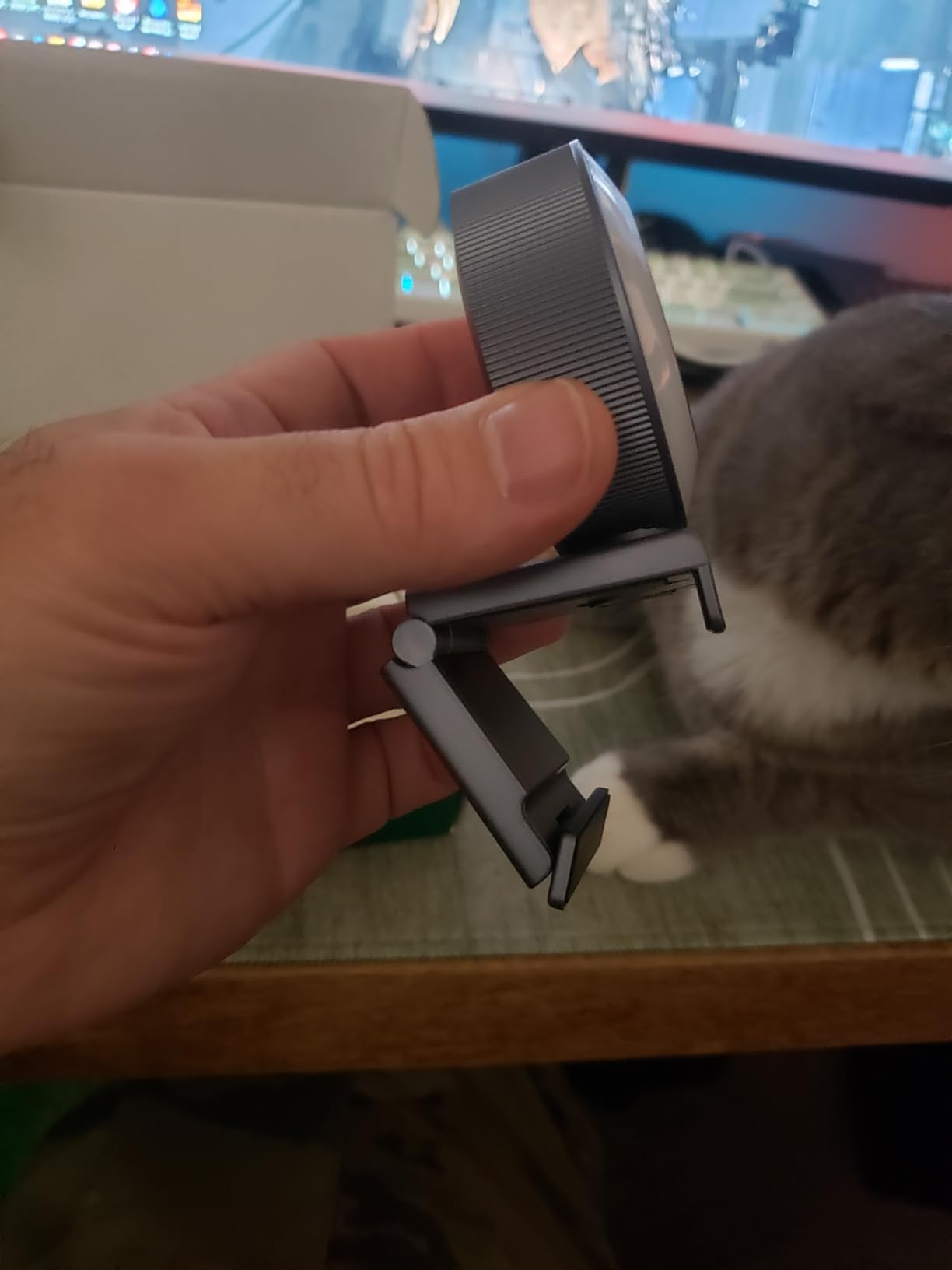
Colour temperature is where this camera earns its place. Its four-level ring light splits into two warm and two cool modes, and the two warm settings do more for skin tone than the single-temperature rings on several competitors here. For a creator with warm indoor lighting, or anyone who finds a cool white fill washes them out, those two extra levels are the whole buying decision.
Video is 2K at 30fps from a 4 megapixel CMOS sensor, with an 80-degree field of view and a built-in sliding privacy cover. At 80 g the body is the lightest of the cameras here where a weight is published, and it works with Windows, Mac, Linux, and Android, with a USB-A to USB-C adapter in the box so it runs on either port without a hub.
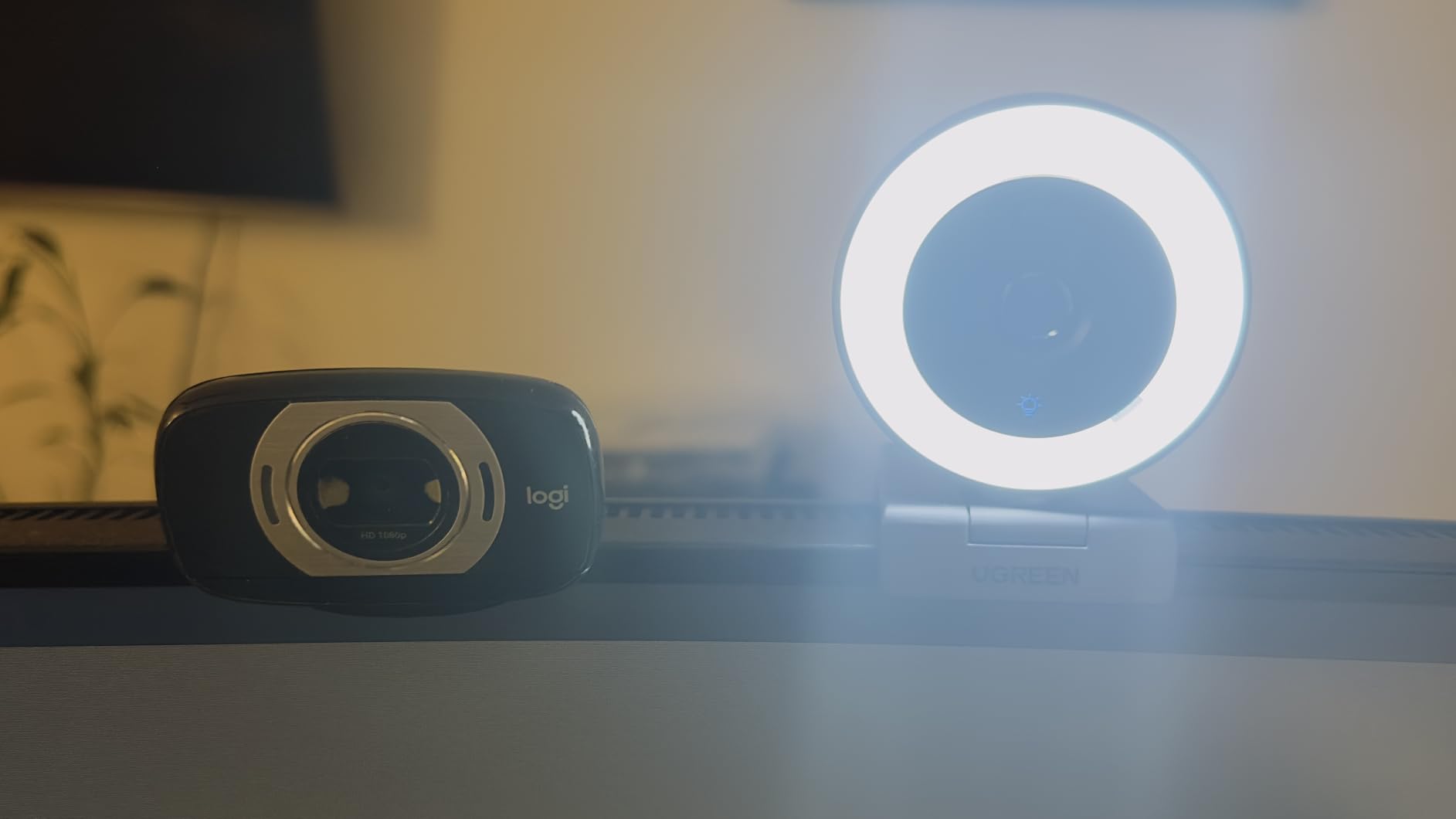
The 4.0 average is the lowest in this group, and the reviews explain why. Several buyers accept the fixed focus and the 30fps ceiling as fair trade-offs for the lighting features, while others feel the image quality does not justify what they paid once the light is switched off. It is a lighting-first camera, not a sensor-first one.
Fixed focus means the camera has to sit at the right distance from your face, with no correction available in software. The dual microphones are noise-reducing and tuned for calls, which is where the 2K30 ceiling also does not matter.
Best for warm indoor rooms and cool light sensitivity
Two warm levels out of four is a real feature, not a spec-sheet line. If your ring light needs to match a warm bulb rather than fight it, this is the only model here built that way.
The cross-platform support also makes it the easiest to move between a work laptop, a Linux machine, and an Android tablet.
Skip it if image quality matters more than light control
This is the lowest-rated camera in the roundup. If you will spend most of your time streaming or recording in a well-lit room, the light will be off and you will be paying for a 2K30 sensor you could get elsewhere.
8. NexiGo N680E Pro 4K Pairs a Sony 4K Sensor With a Stepless Dial Light
NexiGo N680E Pro 4K Webcam with Ring Light, PDAF Autofocus, 1080p 60FPS, Dual Noise-Canceling Mics, Privacy Shutter, USB Plug-and-Play for Zoom, Teams, Twitch, Google Meet
Sony 1/2.5 inch 4K sensor
4K capture and 1080p60 streaming
PDAF autofocus
Tri-tone stepless dial light
Pros
- Sony 1/2.5 inch sensor gives genuine 4K detail
- PDAF autofocus is fast and steady
- Brighter and more even tri-tone ring light
- Stepless brightness on an outer dial rather than touch
- Built-in physical privacy shutter
- 80-degree field of view with a 1/4 inch mount
Cons
- Full 4K needs the right capture software and a USB 3.0 port
- 4K and 60fps cannot both run at full quality
- Newer listing with a smaller review base
This is the model to consider if your output is video rather than meetings. The Sony 1/2.5 inch sensor with a coated lens produces genuine 4K detail, and PDAF autofocus holds through movement, which is what a game stream or a standing presentation demands. Reviewers describe the ring light as brighter and more even than on a typical webcam.
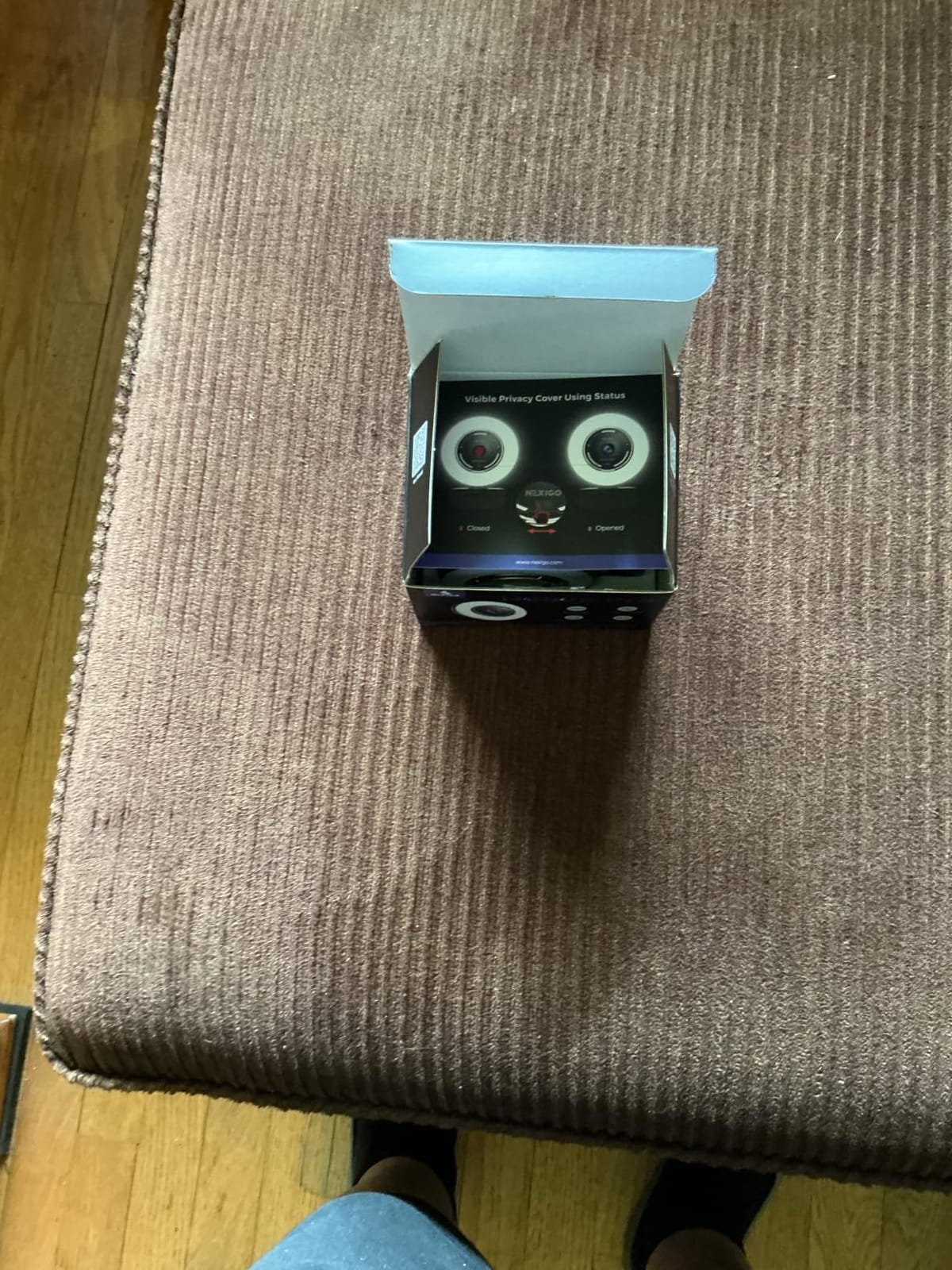
The light is a tri-tone array with stepless brightness controlled by a dial on the outer ring, not by touch, so adjusting it will not interrupt a take. The physical privacy shutter is built in, the field of view is 80 degrees, and a standard 1/4 inch tripod mount makes it easy to put on a stand rather than a monitor clip when you are not at a desk.
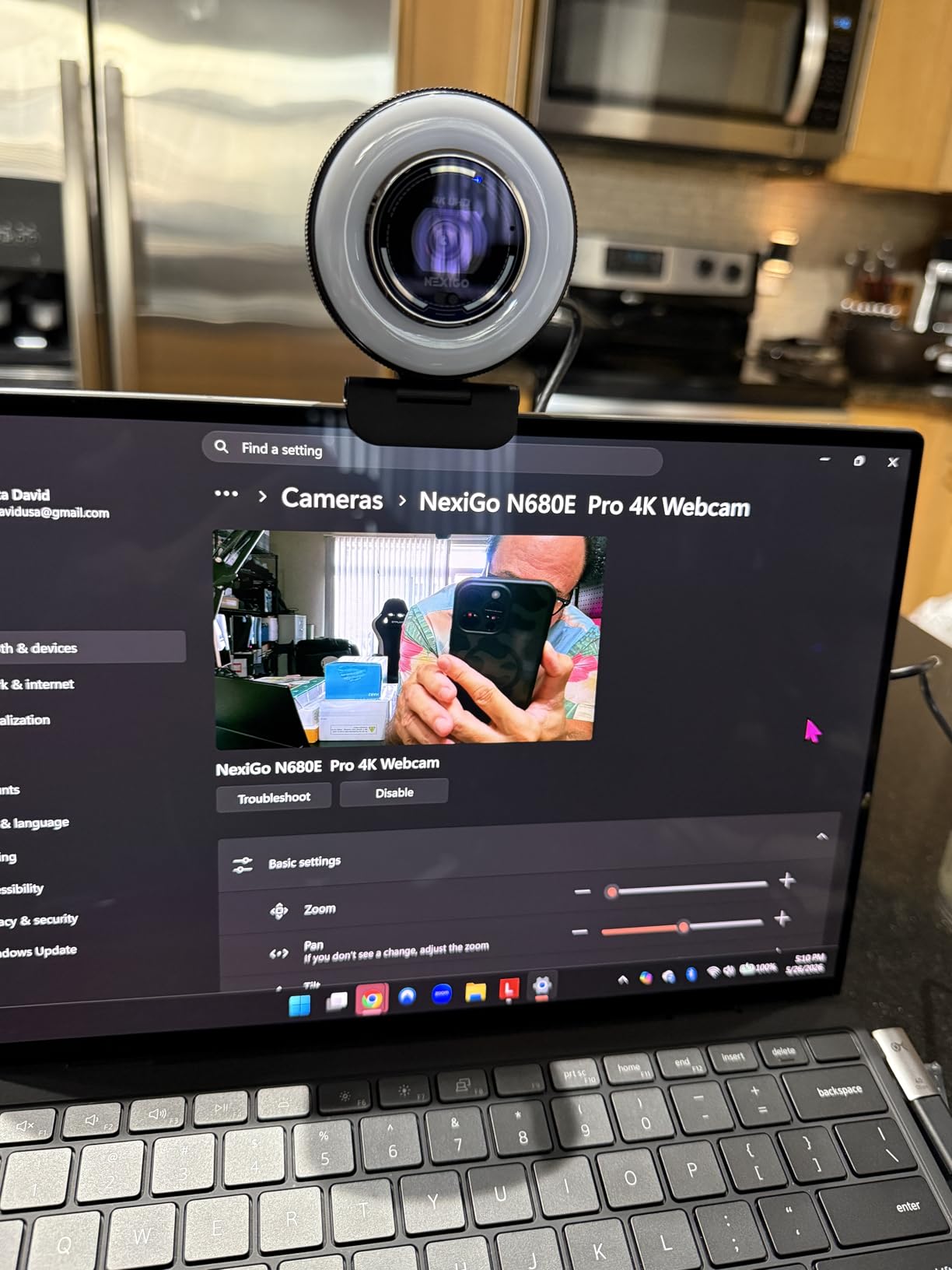
The caveat that matters most is the 4K itself. Owners repeatedly point out that reaching full 4K depends on your capture software, such as OBS or PotPlayer, and on having a USB 3.0 port. On a USB 2.0 connection or in a meeting app, you are effectively getting 1080p, so check your port before you decide this is the streaming upgrade you need.
You also cannot have everything at once. 4K capture and 1080p at 60fps are alternatives rather than simultaneous modes, and the 4.5 average sits on a smaller review base than the models further up this list, so the long-term record is thinner even though the early feedback is strong.
Best for streamers recording at 4K or near a monitor
The sensor is the strongest in this roundup and PDAF holds focus while you move, which is exactly what a live set-up needs. The dial-controlled light will not switch off mid-segment, either.
Confirm you have a USB 3.0 port and a capture app that requests 4K before you commit.
Skip it if you only need meeting-quality video
Zoom, Teams, and Meet will request 1080p and the extra sensor detail goes unused. For calls, a 1080p60 model with a stepless light is the sensible spend.
9. Galyimage 866-1 4K Has the Best Stepless Three-Colour Ring Light
Galyimage 4K Webcam with Ring Light & Built-in Microphone for PC Streaming
4K30 and 1080p60
TOF fast autofocus
Three colour temperatures with stepless dimming
Sliding privacy cover
Pros
- Sharp 4K plus 1080p60 capture
- TOF autofocus locks on quickly in dynamic scenes
- Three colour temperatures with genuinely stepless brightness
- Dual noise-canceling mics cut keyboard and fan noise
- Physical sliding privacy cover
- 78-degree field of view
Cons
- Small sample of reviews so long-term reliability is not established
- Bundled software is unnecessary and adds little
This camera pairs a 1/2.5 inch CMOS sensor with TOF fast autofocus, and it carries the highest average rating of anything in this roundup at 4.6. The autofocus locks on quickly in dynamic scenes, which is the part that usually frustrates people with cheaper ring-light cameras.
The light is the real reason to look here. Three colour temperature settings with genuine stepless dimming, controlled by an outer ring dial, gives you the fine control that three-level touch rings cannot deliver, and the dial means no accidental touch input. The dual noise-cancelling microphones cut keyboard and fan noise, which is more than most webcam mics attempt, and there is a built-in sliding privacy cover.
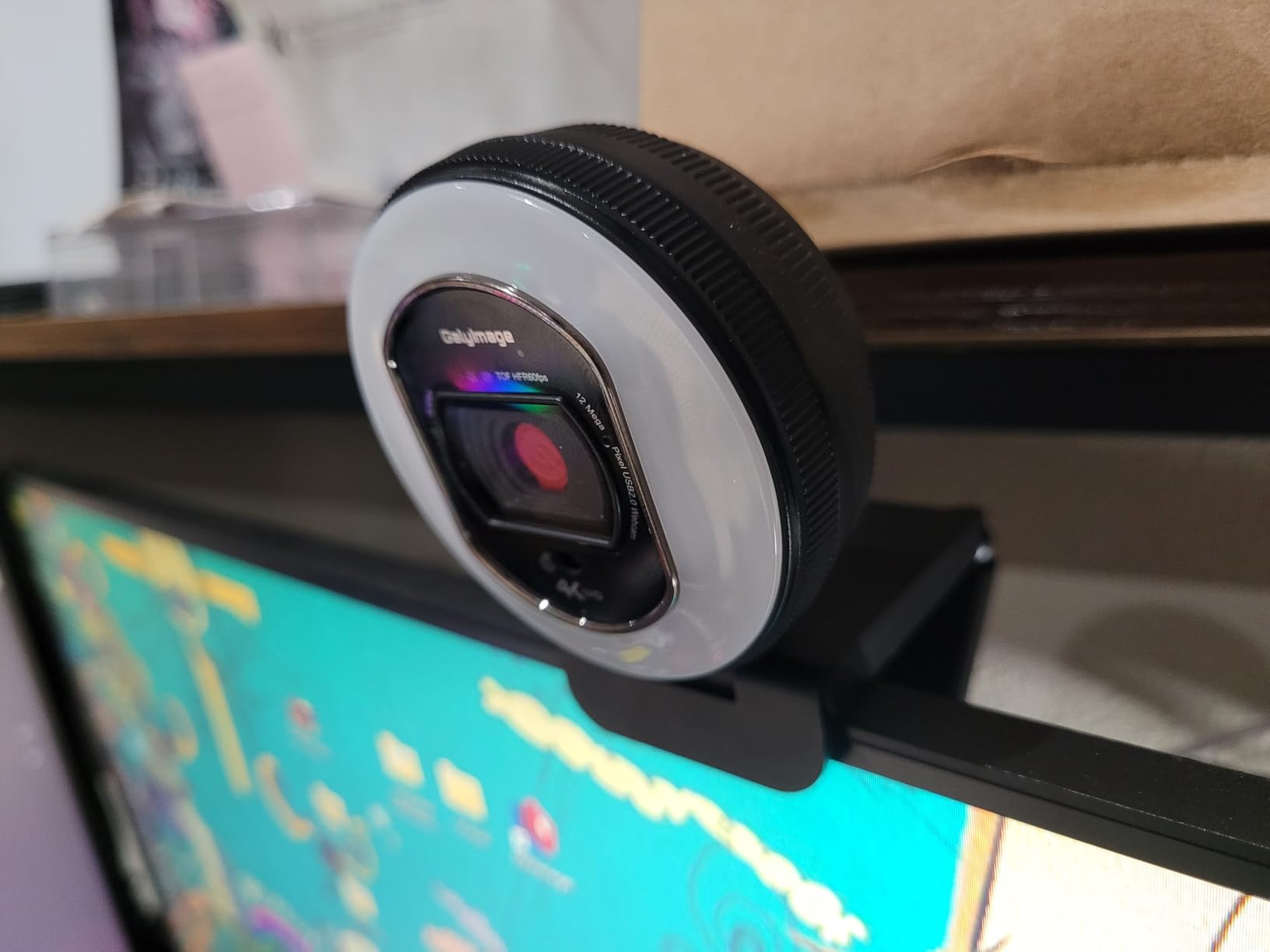
The honest drawback is the sample size. With under 200 ratings, the long-term reliability record is not established, and that cuts against the instinct to trust a 4.6 average over a camera with a far larger review count. A high average on a small sample can move sharply as more people buy and review it.
The bundled software is not required and adds little, though plug-and-play USB means you do not need it to get a working picture. At 4K30 and 1080p60 with a 78-degree field of view, the imaging side of this camera is competitive with models carrying far more reviews.
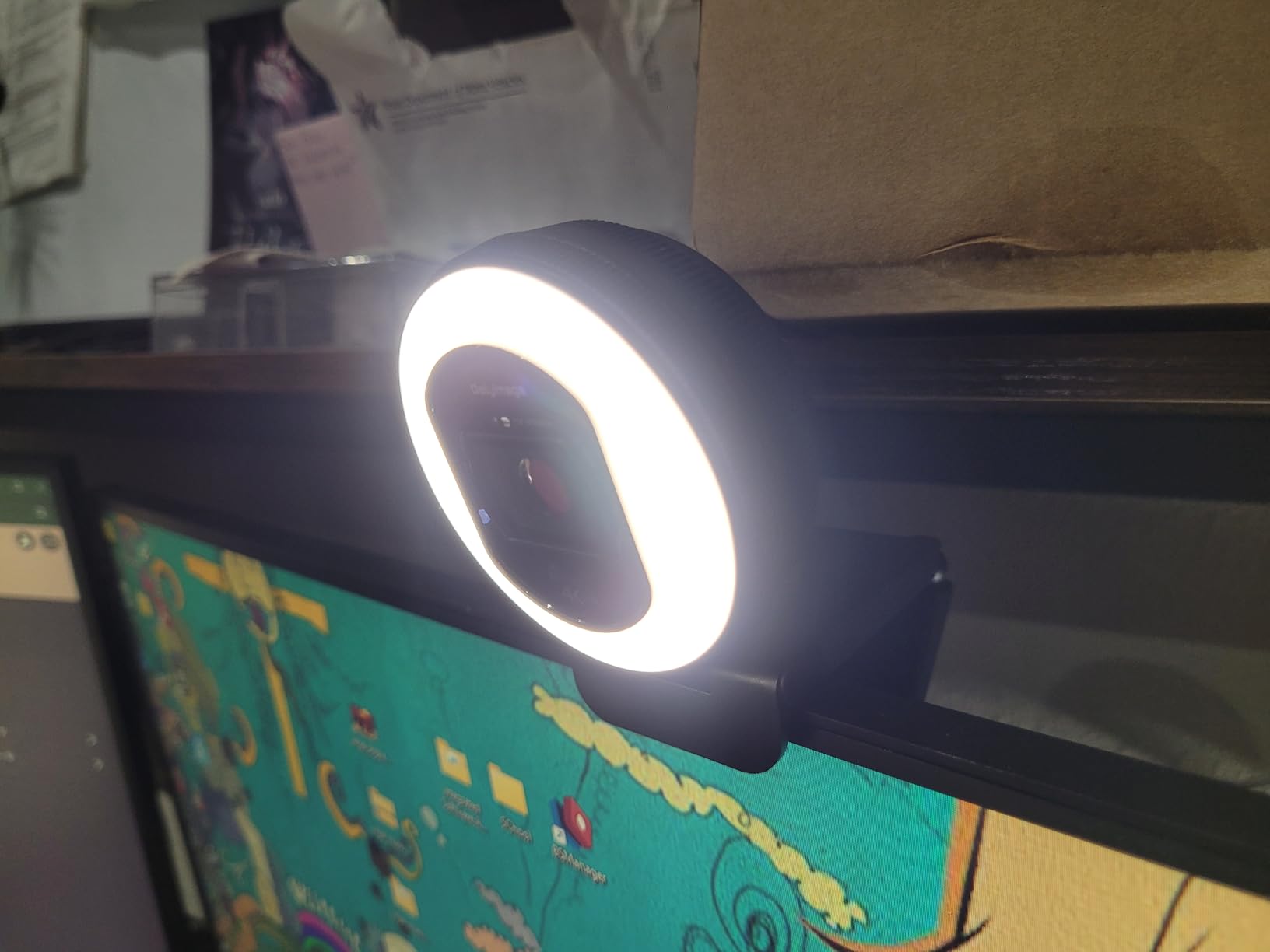
Best for fine control of light colour and level
Three colour temperatures plus stepless dimming on a dial is the most refined light control in this list. Anyone who has fought with a three-step ring in a mid-light room will notice the difference immediately.
The quick TOF focus also holds better during movement than most autofocus systems at this level.
Skip it if you want a long-proven track record
The review base is among the smallest in the group alongside the EMEET, and that is the only real caution here. Everything the owners report is positive, but there is less of it.
10. EMEET S600L 4K Has the Most Lighting Modes and a Flexible Mount
EMEET S600L 4K Webcam for Streaming with Ring Light, 1/2″ Sensor, 0.2S PDAF
Samsung 1/2.0 inch sensor
0.2s PDAF autofocus
Four light modes plus six ambient colours
Privacy cover and 1/4 inch mount
Pros
- Large 1/2.0 inch sensor
- 0.2 second PDAF focus
- Four light modes plus six ambient colours with a rainbow boot effect
- Physical dial for mode and brightness
- EMEET STUDIO software for image tuning
- Flexible mount with rotation and tilt
Cons
- Built-in microphones sound thin and trebly versus laptop mics
- Ring light output is modest for a device marketed as a light
- Recording LED is very dim and easy to miss
- Occasional reports of missing zoom or 4K in OBS
The EMEET S600L is the most interesting lighting design in this list. It offers four lighting modes, cool white, warm white, natural white, and ambient, plus six ambient light colours with a rainbow boot-up effect, and the ring doubles as desk ambience when the camera is switched off. A physical dial handles mode and brightness, so the settings are changed deliberately rather than by touch.
The imaging spec is the strongest on paper here: a Samsung 1/2.0 inch sensor with 4K at 30fps and 1080p at 60fps, and 0.2 second PDAF autofocus. It also has the most flexible mounting, with a built-in privacy cover, a 1/4 inch mount, 360-degree rotation, plus or minus 15-degree tilt, and both wide and vertical capture modes. EMEET STUDIO software handles image and effect tuning, and it works out of the box on Linux.
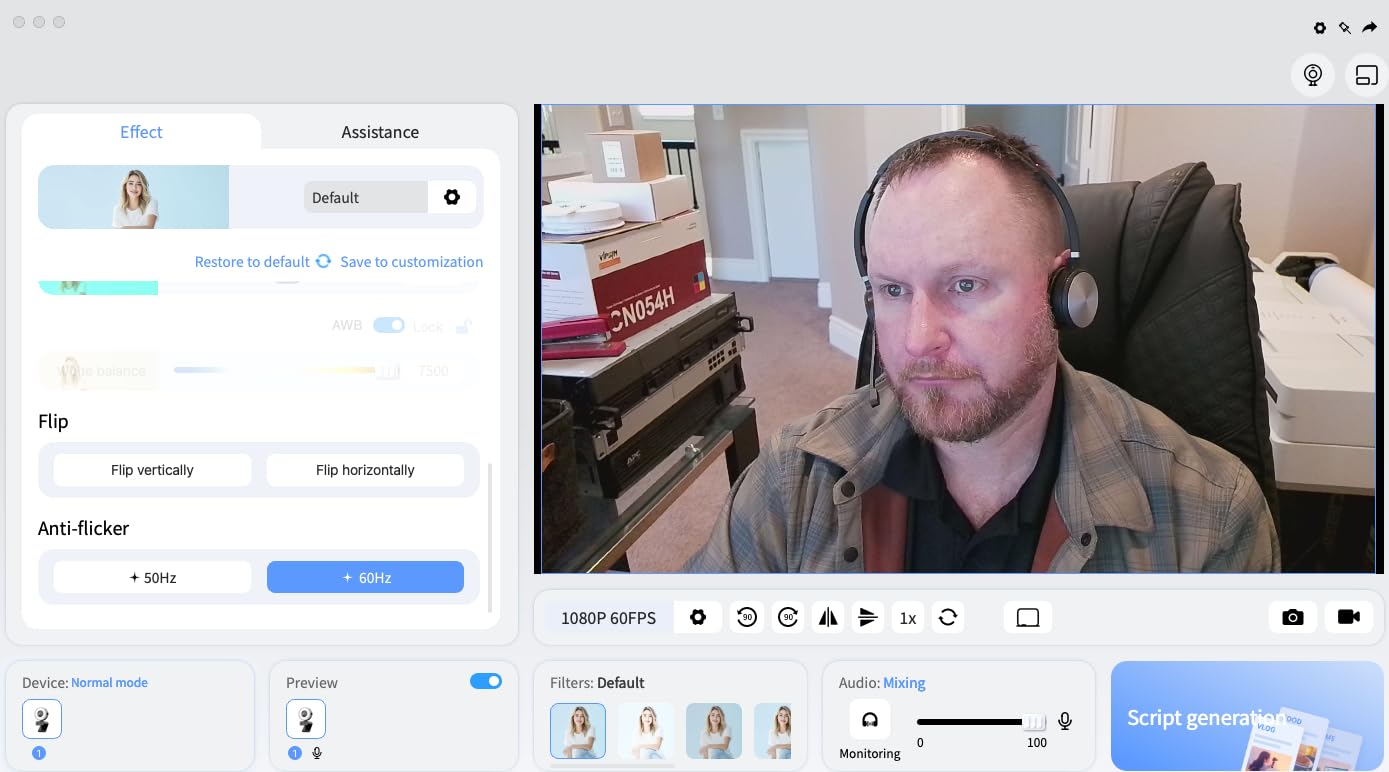
Two limitations stand out. The built-in microphones sound thin and trebly compared with even a laptop microphone, and owners consistently advise a separate microphone for streaming or podcasting. The ring light output is also more modest than the feature list implies, so it fills rather than floods a dark room.
A few users have reported missing zoom or missing 4K output inside OBS, so test your capture settings early. The recording LED is very dim and easy to miss, which is worth knowing if you need an obvious sign that the camera is live.
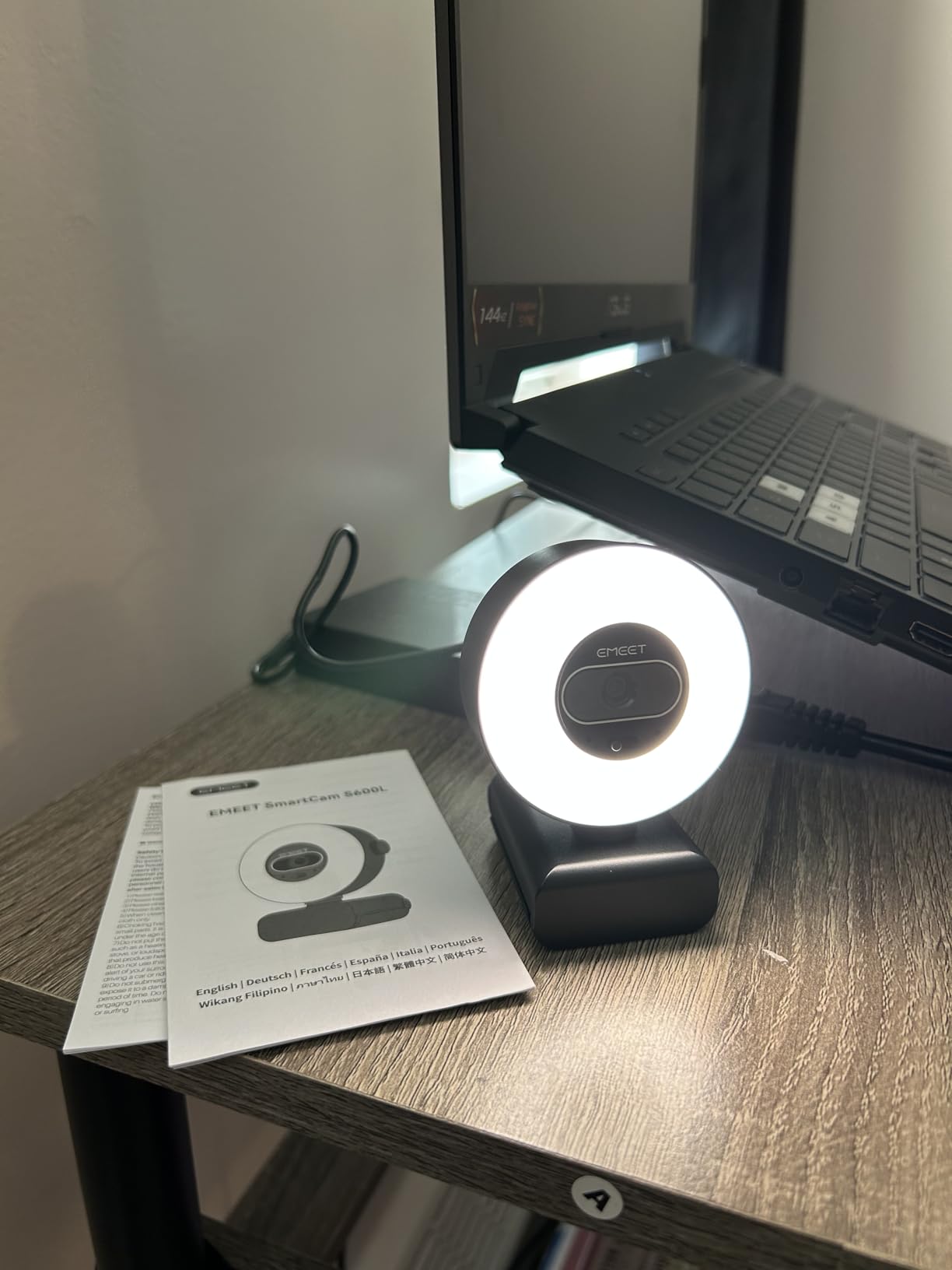
Best for a visible desk set-up you can angle properly
The 360-degree rotation and plus or minus 15-degree tilt mean you can point the ring slightly off-axis rather than straight into your face, which reduces the flat, direct look a fixed ring produces. Four light modes plus ambient colours also make it the most flexible light in the roundup.
The 1/2.0 inch sensor and 0.2 second focus back up the lighting with the best imaging spec here.
Skip it if you want to stream with the built-in audio
The microphones are the weakest point on an otherwise strong camera, and reviewers say so directly. Add a separate mic to the budget before you pick this one for streaming.
What a Built-In Ring Light Actually Does (and Where It Falls Short)
Yes, a ring light makes a real difference, but it is worth being precise about how. The LED array sits around the lens and throws light straight back at your face, filling in the shadows under your eyes, chin, and nose that a ceiling light or a monitor creates. It also fixes the most common webcam mistake, which is a bright window behind you turning your face into a silhouette.
The community consensus is blunt about priority. On r/Twitch, the most repeated advice is that a cheap external light placed in front or slightly to one side does more for your image than a more expensive camera. The general principle is simple: if your lighting is poor, even the best camera struggles. That is why lighting, not sensor tier, is the first thing to fix.
Where a built-in ring falls short is fixability. An external lamp can be moved off-axis to add modelling and depth to a face, while a fixed ring cannot, so a built-in light gives you flat, even, shadowless illumination. It is flattering for teaching and calls and less interesting for close-up beauty work. A panel light spreads light more evenly than a ring and avoids the circular reflection rings leave in eyes and glasses.
Then there is the over-exposure trap. Forcing the ring on in a room that already has ambient light pushes your face brighter than the background and creates glare. In one livestream setup discussion, turning the built-in light off and placing a lamp in front of the desk fixed the over-exposure and glare problems completely. Treat the ring as an adjustable tool, not an always-on feature.
Finally, a ring light is fixed to the camera, so its colour temperature is fixed too. If your room light is warm and the ring is cool, the camera’s auto white balance produces a visible orange or blue cast. One documented approach is to set the ring to 3200K and the webcam white balance to 3275K, so direct light reads slightly warmer than background light. That is why a model with warm settings, such as the UGREEN in this list, can be a better fit than a brighter neutral-only ring.
Ring Light Webcam vs. a Separate Ring Light: Which Should You Buy?
Buy the webcam with a built-in light if you are starting from a laptop camera, if you want one cable instead of a lamp plus a mount plus a power supply, or if your desk is small. The light is guaranteed to sit in front of the lens, which is the position that actually fixes a backlit face, and there is nothing to align.
Buy a separate light and keep your existing camera if you already own a decent webcam, if you record in a room where you can position the light off to one side, or if your camera has a colour temperature and white balance you can tune. This is the dominant advice across the streaming communities, and it costs far less than upgrading the camera.
A third option is worth naming: a panel light. It spreads light over a wider area than a ring, so the circular catchlight in eyes and eyeglass lenses disappears, and the softer falloff is easier on skin. If you wear glasses on camera or shoot beauty close-ups, a panel solves a problem no ring-light webcam here can.
Practical rule from our side: if you already own a webcam with manual exposure and white balance controls, spend on light first. If you are replacing a laptop camera, buy the integrated ring and put the saved effort somewhere else.
How We Chose: Specs, Review Data and What We Did Not Test
We compared ten ring-light webcams on published specifications and on what buyers report after living with them, and we weighted four things: how much control the ring light gives you, the sensor and autofocus behind the lens, the resolution and frame rate the camera actually outputs, and whether there is a physical privacy shutter.
We did not test these cameras in a lab. Nothing here is based on our own measured brightness, measured colour accuracy, or a controlled side-by-side of the ten sensors, and we have not published a single figure we could not source from the product data or owner reviews. Where a spec is not listed by the manufacturer, we say so rather than filling the gap.
Every rating and review count quoted below is the current figure from the product listing, and ratings move over time. Treat them as a guide to how a camera has been received, not as a laboratory score.
What to Look For in a Webcam With a Ring Light
01. How much brightness control the ring gives you. A three-level touch ring is a compromise; stepless dimming on a dial or a rotating bezel is a real control. Four models in this list offer stepless brightness, and it is the first spec we would check because a fixed brightness cannot suit both a daylit and a night-lit room.
02. Colour temperature, and whether it includes warm modes. Cool white flatters some skin tones and washes out others. Look for warm, neutral, and cool modes, or at minimum a warm setting you can dial toward your room. The UGREEN’s two warm levels and the EMEET’s warm white mode are the most useful in this group for that reason.
03. Sensor size and autofocus type. PDAF, or phase-detect autofocus, is fast and steady and generally the better of the two common types; TOF, or time-of-flight, measures distance and is equally good on newer models. Sensor size drives low-light performance, and a 1/2.0 inch sensor gathers more light than a 1/2.7 inch one. A fixed-focus camera is cheaper but locks your working distance.
04. Resolution and real frame rate. Decide whether you need 4K at 30fps, 2K at 60fps, or 1080p at 60fps. For streaming, 1080p60 is the practical target and 4K is mostly wasted, because meeting and streaming apps request 1080p or lower. If you do want 4K for recording, a USB 3.0 port is required.
05. Physical privacy control. A sliding shutter or removable lens cover is a meaningful signal in a shared or family home, and all ten cameras here have one. Note that on some models the cover is manual and does not switch the camera off, so the indicator light may stay on.
06. Microphones, and whether you will replace them. Almost every owner in our research recommends pairing any webcam with a separate microphone. Judge the built-in mics as a fallback for calls, not as a streaming solution, and budget for a microphone if you will be heard for more than short meetings.
07. Mounting and platform support. A 1/4 inch tripod thread plus a monitor clip gives you options, and a camera with rotation and tilt lets you angle the ring slightly off-axis to soften the flat, direct look. Confirm plug-and-play behaviour on your platform, since Windows, macOS, and Linux support varies, and check that USB-C laptops are covered by an included adapter.
Frequently Asked Questions
Do ring lights really make a difference?
Yes, mainly in dim or backlit rooms. A ring light sits in front of your face and fills the shadows under your eyes, chin, and nose, and it fixes the most common webcam mistake of a bright window behind you. In an already bright room the effect is much smaller, and a fixed ring can even cause over-exposure and glare because it cannot be angled away.
Are selfie ring lights worth it?
They are worth it if your camera has no lighting control and you shoot in a dim room, because the light is guaranteed to be in front of the lens. They are worth less on a bright camera with manual exposure and white balance, where an external lamp you can position off to one side gives you more modelling and depth than a fixed ring.
What is the best budget webcam with ring light?
The Angetube 862Pro 1080p60 is our budget pick, because it gives you true 1080p at 60fps, a three-colour ring light with stepless brightness, and a remote for zoom, mute, and white balance. The NexiGo N960E Plus is the all-round winner for 4K detail, ToF autofocus, and a remote-controlled tri-tone light.
What is the best ring light to use with a webcam?
A panel light is the most flattering option, because it spreads light wider than a ring and avoids the circular reflection a ring leaves in eyes and eyeglass lenses. A ring light is better when your budget is small or your desk is tight, since it needs no separate stand or power supply. Place any light in front of you, not behind, and near eye level.
What resolution do I actually need for video calls and streaming?
For Zoom, Teams, and Google Meet, 1080p is what those apps request, so 4K goes unused. For streaming, 1080p at 60fps is the practical target for smooth motion. Choose 4K only for local recording where you control the capture software, and note that 4K capture needs a USB 3.0 port.
Can I control a built-in ring light from software?
Usually not. On most models in this roundup the light is adjusted physically, by touch on three-level rings, or by a dial and remote on the stepless models. The EMEET S600L is the exception, since its companion software handles image and effect tuning alongside the physical dial for mode and brightness.
Bottom Line: Match the Ring Light to Your Room
The NexiGo N960E Plus 4K is our pick for the best webcams with ring lights in 2026, because a tri-tone stepless light with remote control sits in front of a proven 1/2.5 inch sensor and ToF autofocus, and more than 18k ratings at 4.4 give it the longest record of any camera here. The Angetube 967Ultra 4K is the better value 4K option, and the Angetube 862Pro 1080p60 is the one to buy for streaming on a tighter budget.
Match the light to the room, not the other way around. Dim or backlit space means stepless brightness and colour temperature matter most. A bright office means you may rarely need the ring at all, and a separate lamp you can angle will produce a better-looking face than any fixed ring.
Whatever you choose, place the light in front of your face rather than behind or beside it, keep it near eye level, and expect to add a separate microphone for anything longer than a meeting.