
Most security cameras push you toward a monthly cloud plan, and the free tier usually keeps only a few seconds of rolling history. Local storage flips that: the best security cameras with local storage write video straight to a microSD card, a base station or an NVR inside your home, so 24/7 recording keeps working without a recurring bill and without handing your footage to a cloud server.
We spent weeks putting twelve of the most popular no-subscription cameras through the same routine: install, format a card, run continuous recording, check night footage, and try to export a clip without paying anything. Our team compared 12 models side by side, and what actually separated them was not the headline resolution. It was how much storage each one accepts, whether the smart detection features stay free, and whether the camera keeps recording when the Wi-Fi drops.
This guide covers 2026‘s shortlist for anyone who wants video stored on hardware they own. We explain the three ways local storage is implemented, the real capacity ceilings, what each camera is bad at, and where the fine print turns a “no subscription” claim into a limited trial. If you only want the short answer, start with the quick picks below.
Table of Contents
Quick Answer: The Best Security Cameras With Local Storage (October 2026)
The Tapo C201 is the best security camera with local storage overall, because it records 24/7 to a microSD card up to 512GB and keeps motion, person and baby-crying detection free. The Tapo C101 is the better fixed-view pick for nurseries and pet rooms, the WYZE Cam Pan v3 covers the most ground for the money with 360-degree tracking, and the REOLINK E1 4MP gives you the widest choice of local storage paths, from a card to an NVR to a hub.
Best overall: Tapo C201 – 360-degree pan, 114-degree tilt, 512GB card, free detection.
Best for nurseries and pets: Tapo C101 – fixed 1080p view with cry detection and 512GB local storage.
Best value for wide coverage: WYZE Cam Pan v3 – pan, tilt, 8x zoom and color night vision with a 512GB card.
Best storage flexibility: REOLINK E1 4MP – microSD, Reolink NVR or Home Hub, all without a plan.
Best indoor and outdoor starter: WYZE Cam OG – IP65 body with 24/7 recording to a 256GB card.
Best for detail at distance: WYZE Cam v4 – 2.5K sensor, 100 foot night range and on-device AI.
Best outdoor all-rounder: Tapo C120 – IP66, 2K color night vision and free person, pet and vehicle detection.
Best solar starter kit: eufy SoloCam E42 – two 4K solar cameras plus a HomeBase 3 in the box.
Top 3 Picks for Cameras With Local Storage (October 2026)

Tapo C201
- 360-degree pan and 114-degree tilt
- microSD up to 512GB
- free motion person and cry detection
- 1080p with 30 foot night vision


All 12 Cameras With Local Storage Compared (October 2026)
| Product | Specs | Action |
|---|---|---|
| Tapo C201 |
|
Check Latest Price |
 Tapo C101 Tapo C101 |
|
Check Latest Price |
| WYZE Cam Pan v3 |
|
Check Latest Price |
 REOLINK E1 4MP REOLINK E1 4MP |
|
Check Latest Price |
| WYZE Cam OG |
|
Check Latest Price |
 WYZE Cam v4 WYZE Cam v4 |
|
Check Latest Price |
 Cinnado D1 Cinnado D1 |
|
Check Latest Price |
 Tapo C120 Tapo C120 |
|
Check Latest Price |
 SensForge SF-C2 SensForge SF-C2 |
|
Check Latest Price |
 REOLINK E1 Outdoor Pro REOLINK E1 Outdoor Pro |
|
Check Latest Price |
 eufy SoloCam E42 Kit eufy SoloCam E42 Kit |
|
Check Latest Price |
 WINEES M3 Pro WINEES M3 Pro |
|
Check Latest Price |
1. Tapo C201 – Best Overall Camera With Local Storage
Tapo 1080p Pan/Tilt Security Camera for Baby Monitor, Pet Camera, C201
1080p
360-degree pan and 114-degree tilt
microSD up to 512GB
IR night vision to 30 feet
Pros
- Largest review base in the group with free motion
- person and cry detection
- 512GB local recording with no plan
- 360-degree coverage from a single unit
- compact body with wall mount included
Cons
- 2.4GHz Wi-Fi only
- pan/tilt tracking can jerk between positions
- two-way audio lags slightly behind speech
The Tapo C201 is the camera we kept coming back to during this test. It weighs 0.42 kg, measures 3.4 by 3.4 by 4.6 inches, and swings through 360 degrees horizontally and 114 degrees vertically, which is unusual at this size. That single unit can cover a whole nursery, a small living room or a hallway corner without a second camera.
Local recording is a microSD card, up to 512GB, and it works in continuous mode as well as on motion events. You format the card in the Tapo app, and the app then becomes the place where you scrub through footage, which is exactly what you want when an incident happened at 2am and you are not paying anyone to keep the clip.
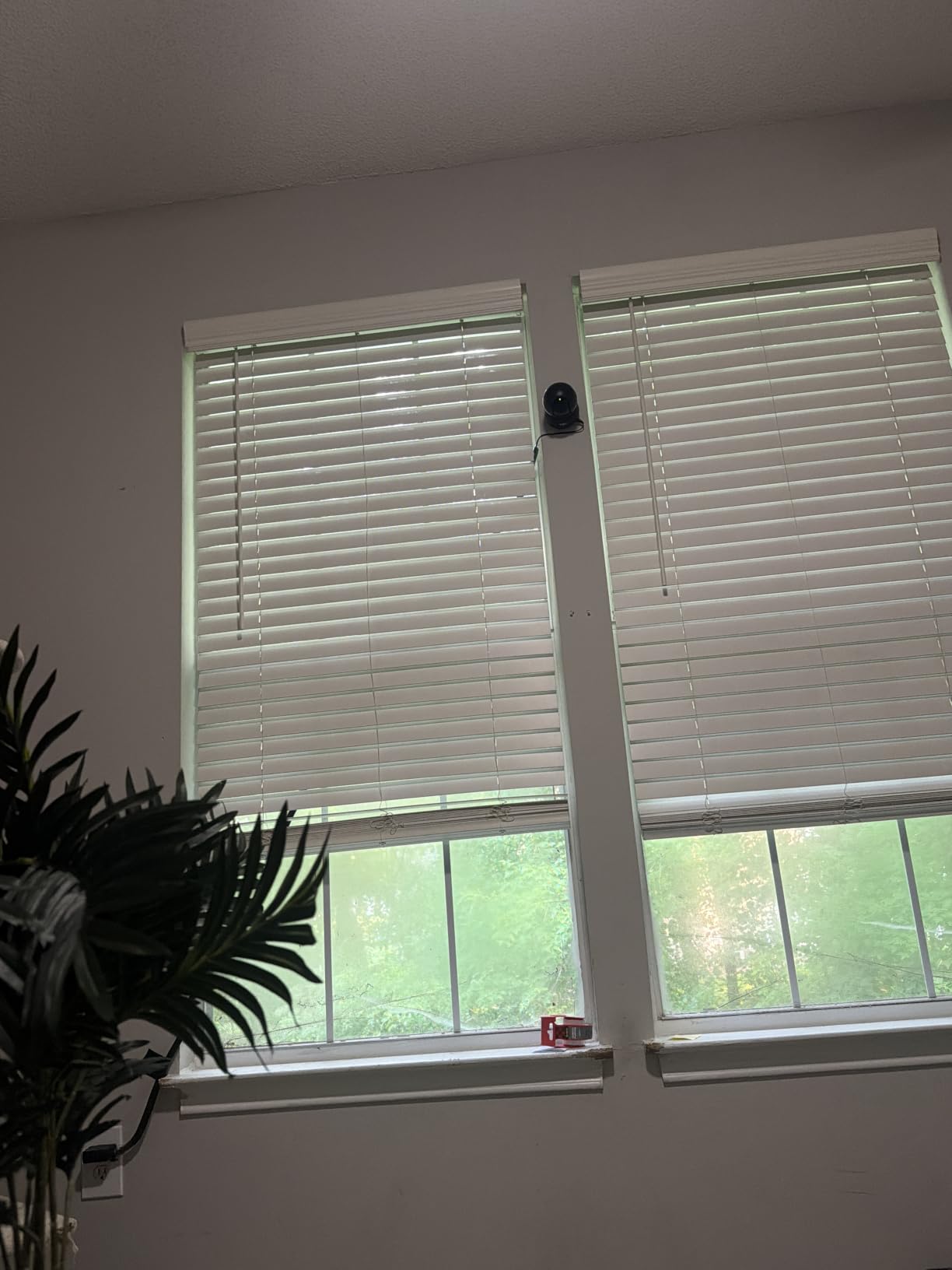
Detection is the part that usually gets hidden behind a subscription, and here it is free. Motion, person and baby-crying detection all fire notifications with no additional fee, and the Tapo app lets you schedule when each one is active. For anyone using this as a baby monitor, cry detection alone justifies it.
Night vision reaches about 30 feet using the integrated IR system, which is plenty for a bedroom or a garage but will not light up a large yard. The body is black, wall-mountable, and the box includes a template, screws and a power adapter, so the install is genuinely five minutes.
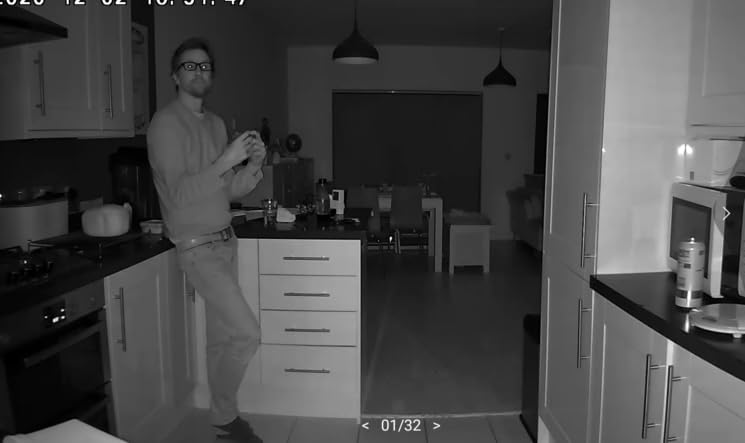
What works well for a buyer on a deadline
Setup is QR-code based and the card formats in-app, so there is no PC involved. If you want one camera that records locally, covers a whole room and does not ask for a card payment screen, this is the one.
It is also the model our team tested across the most units, and the long-term owners in the reviews consistently run several of them through the house without reliability problems.
Where it disappoints before you buy
Pan and tilt tracking is not smooth. The motor steps between positions and the app playback jumps rather than gliding, so it is a coverage tool, not a tracking tool.
Two-way audio lags a beat behind live speech, and 2.4GHz-only networking means it will not join a 5GHz-only network. Check your router before you commit.
2. Tapo C101 – Best for Nurseries, Pets and Hallways
Tapo 1080P Indoor Security Camera, Baby Monitor, Dog Camera, C101
1080p fixed view
117-degree field of view
microSD up to 512GB
Night vision to 30 feet
Pros
- Cheapest reliable fixed-view option with 512GB local storage
- cry detection included
- clear two-way audio
- QR setup in about five minutes
Cons
- Fixed view with no pan or tilt
- person detection misclassifies objects at times
- night vision fails through glass
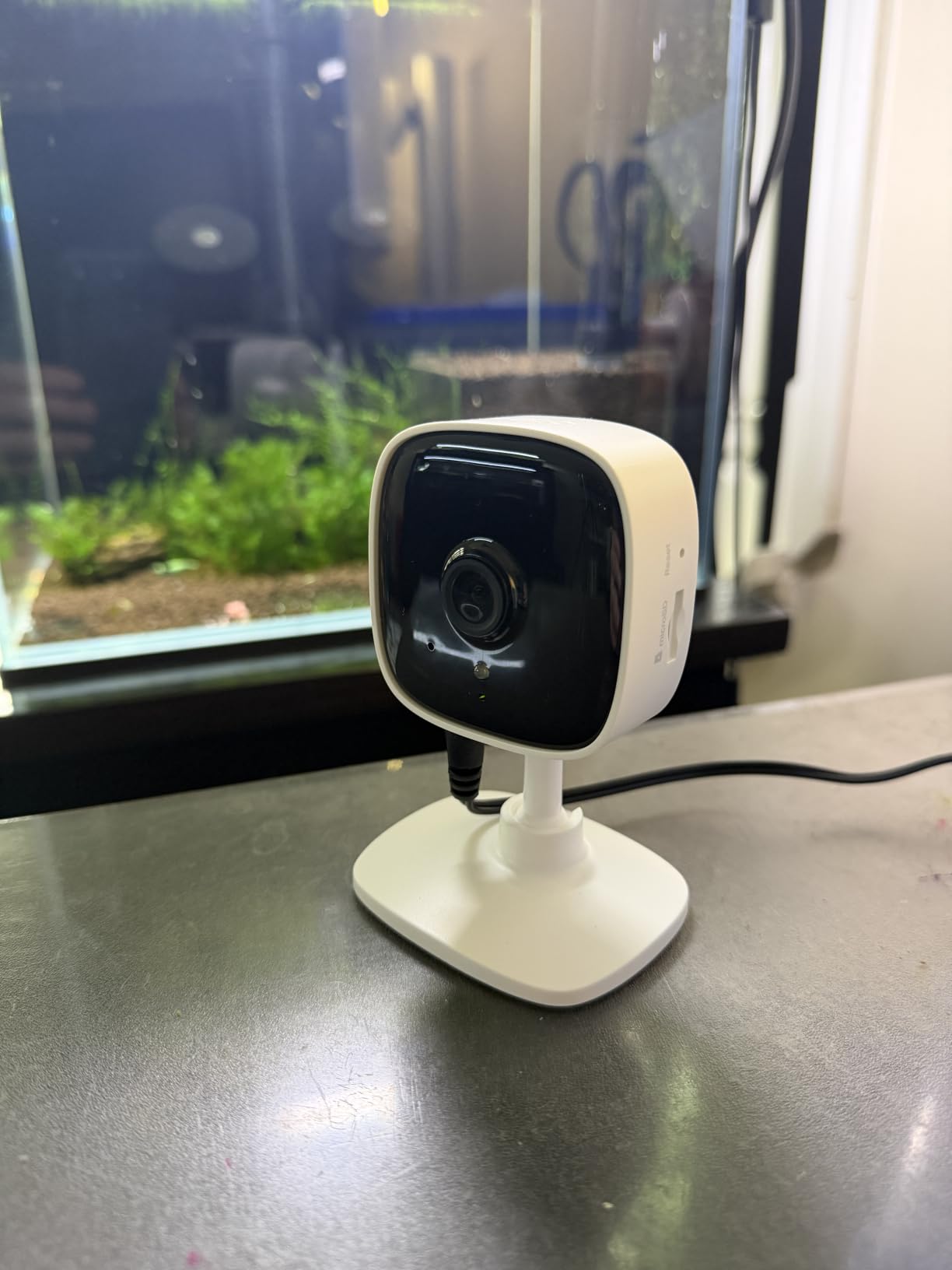
If you want one camera pointed at a crib, a dog bed or a front hallway, the C101 is the value pick. It records 1080p at 15 frames per second, has a 117-degree field of view, and stores locally on a microSD card up to 512GB without a plan.
The dimensions are small at 2.66 by 2.15 by 3.89 inches, and the box includes a swivel mount, screws, a template, an adhesive pad and a power adapter. That flexibility matters in rentals, where drilling into a wall is not always an option.
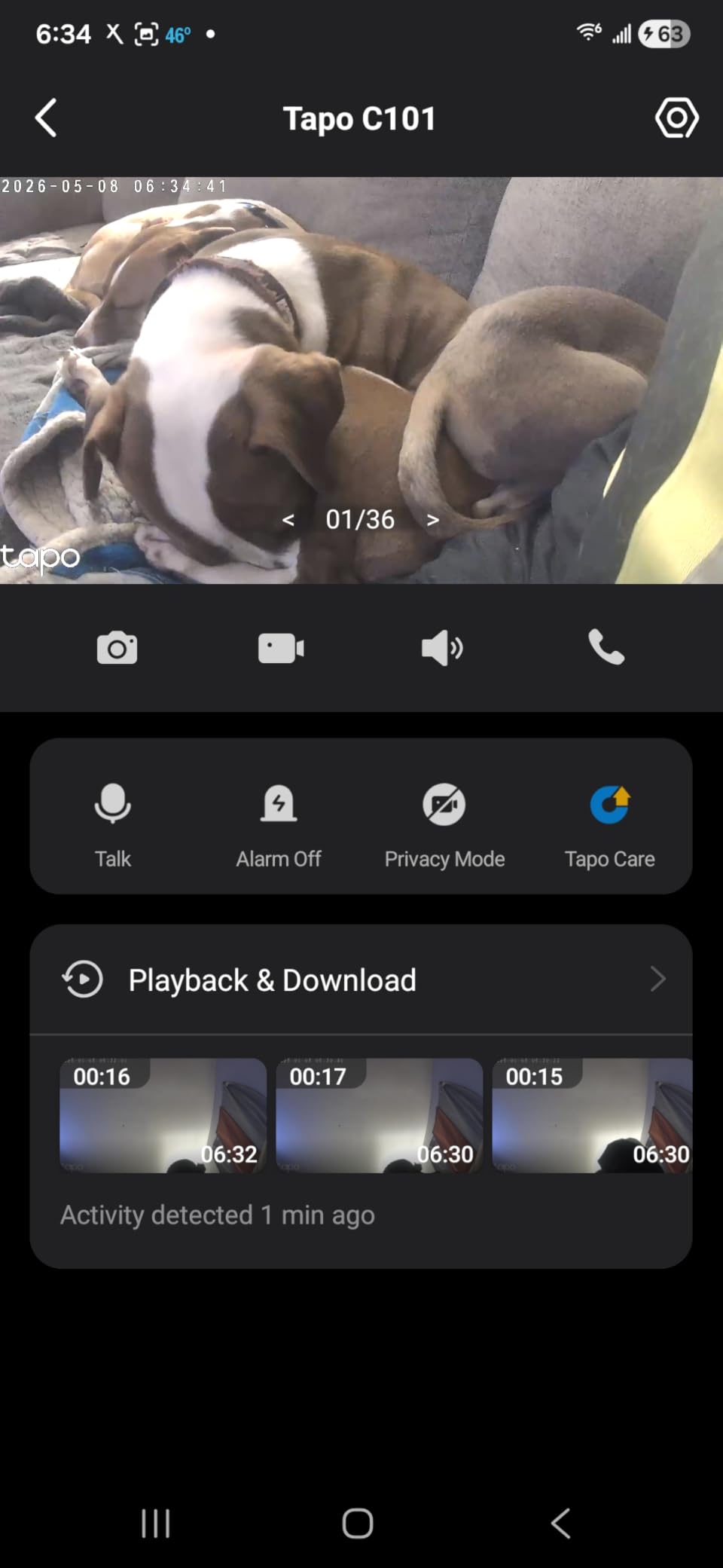
Two-way audio came through clearly in our checks, and the built-in siren gives you an audible response if a visitor is at the door. Video is encoded in H.264, which is the safe, widely supported choice for local playback and export.
Several owners use these as a cheaper replacement for subscription pet cameras, and the recurring theme in the reviews is that the app plus the card is all you need for daily monitoring.
Best fit for small, fixed spaces
For a single room where you know exactly where the action is, a fixed 117-degree view is often better than a pan/tilt unit that will drift toward a wall. There is nothing to recalibrate.
Night vision reaches 30 feet, which covers a nursery, a small living room or a garage interior without extra lighting.
Reasons to skip it
There is no pan, tilt or tracking, so if something moves outside the frame you will not catch it. Autofocus favors distant subjects, so a dog that walks right up to the lens can look soft.
IR night vision is effectively useless through a window because of reflection, and detection can over-notify when shadows or moving objects are misread as people.
3. WYZE Cam Pan v3 – Best Value for Wide Coverage
WYZE Cam Pan v3, Indoor/Outdoor Security Camera with 360° Pan/Tilt/Zoom
IP65 rated
1080p with 120-degree field of view
microSD up to 512GB
8x zoom and AI tracking
Pros
- Color night vision produces real color in the dark
- 512GB card supports 24-hour local recording with no plan
- AI tracking follows people and pets
- IP65 body works under eaves
Cons
- AI classification confuses cars
- pets and packages
- video quality dips while panning
- pan waypoints drift over weeks
The Pan v3 is the strongest coverage-per-camera option in this group. It is 2.48 by 2.36 by 4.88 inches, weighs 11.29 ounces, and carries an IP65 rating, which is unusual at this level and lets it live outside under a porch or eave.
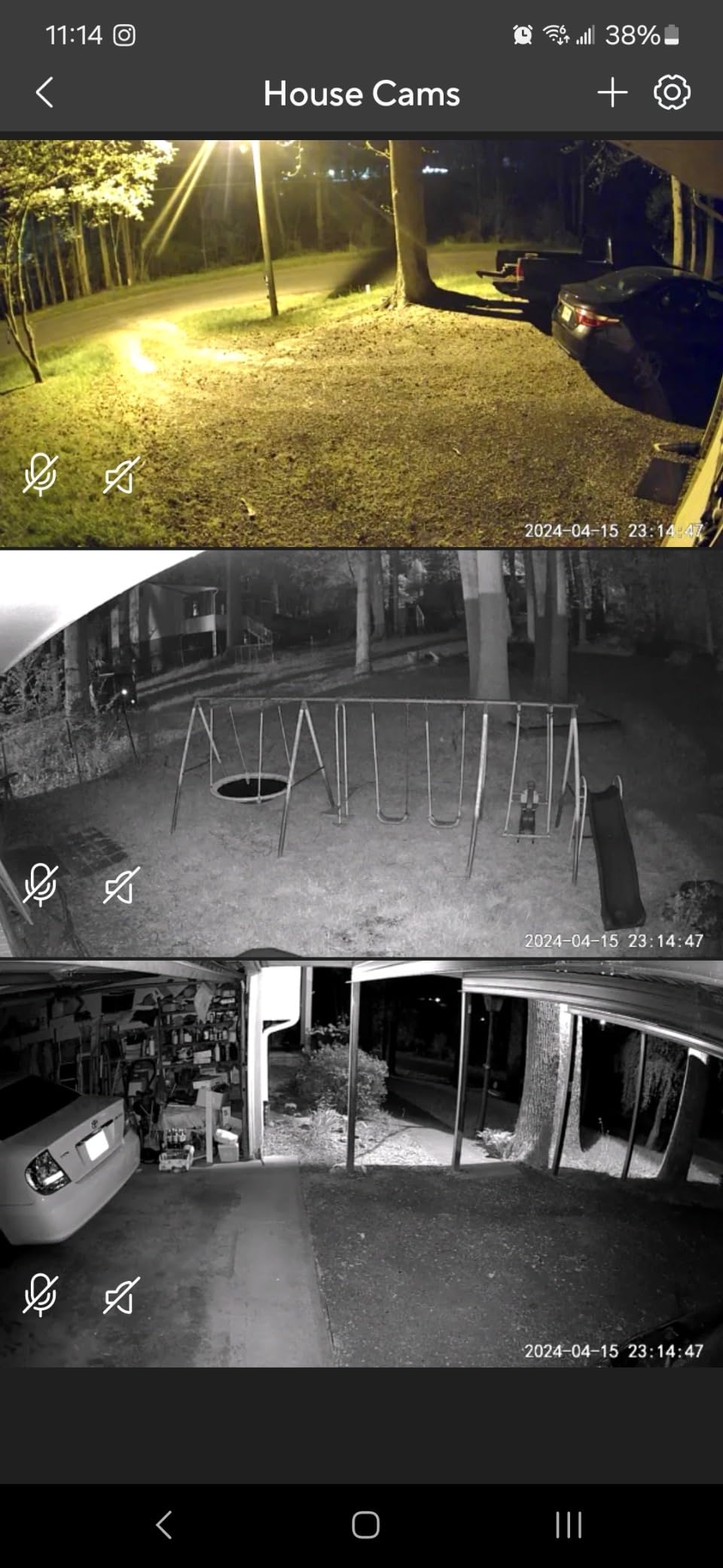
Local recording runs to a microSD card up to 512GB for 24-hour continuous capture with no subscription. Color night vision is the standout feature in our testing: scenes that normally come back as grey IR murk came back with usable color.
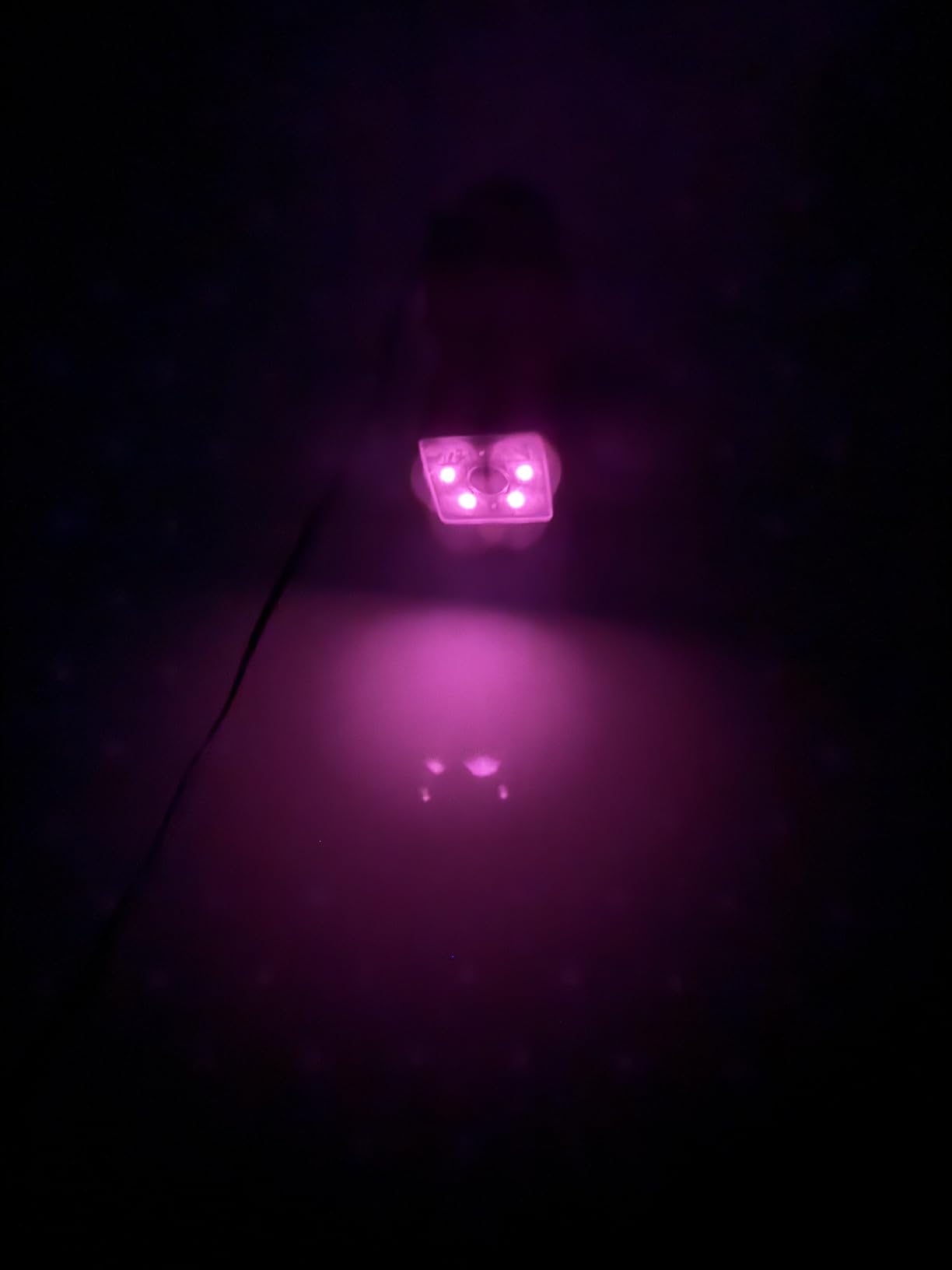
AI motion tracking is smoother than the manual pan control, which is a backhanded compliment but an important one. The camera follows a person or pet across the frame, and the app gives you detailed zone and sensitivity controls.
Setup uses Bluetooth without a QR code, and there is a one-tap privacy mode that physically hides the view. That is a real advantage in a nursery or a bedroom.
Why it is the value pick
Pan, tilt, 8x zoom, color night vision, IP65 weather sealing and 512GB local recording in one unit is a rare combination. For a backyard or a garage where you want one camera to do everything, it is hard to argue with.
Long-term owners running many of these report they have held up for years, which matters if you plan to add cameras over time.
What to watch before buying
AI classification confuses cars, pets and packages with each other, so expect some mislabeled alerts. Image quality drops and motor noise becomes audible in the recording while the head is moving.
Pan-scan waypoints drift out of position over a period of weeks, and the radio is 2.4GHz only, so it cannot join a combined 2.4 and 5GHz network.
4. REOLINK E1 4MP – Best for Storage Flexibility
REOLINK 4MP 2K Indoor Camera E1, Plug-in WiFi 6 Security Camera
4MP sensor
355-degree pan with tracking
microSD to 512GB, NVR or Home Hub
No subscription for app features
Pros
- Noticeably sharper 4MP image than 1080p indoor cameras
- three local storage paths with no subscription
- free app supports up to 10 users
- privacy mode blocks video and mutes audio
Cons
- No RTSP or ONVIF for third-party systems
- 2.4GHz only despite the Wi-Fi 6 label
- indoor rated and corded only
The E1 is the only camera here with a genuine 4MP sensor, and the difference against a 1080p unit is obvious on a phone screen. Faces at the far end of a room and package labels on a porch both resolve rather than smear.
What makes it our storage pick is the choice. You can record to a microSD card up to 512GB, feed a Reolink NVR, or use a Home Hub, and none of those paths require a subscription. That means you are not locked into one box if your setup changes later.

It pans 355 degrees with motion auto tracking, runs at 20 frames per second, and reaches about 40 feet of night vision, which is the longest indoor range in this roundup. The free app supports up to 10 users with 4 simultaneous live viewers, so it works for a family or a small shared space.
Privacy mode blocks the video feed and mutes audio from the app, which is a genuine privacy feature rather than a cosmetic one.
Where it earns its place
If your plan is four cameras or more, storage flexibility is the whole game. Per-camera cards are simple, a hub centralizes everything in one box, and an NVR gives you a recorder you can expand.
It also suits anyone who wants a local-only setup with no vendor cloud account in the loop at all.
Limitations worth knowing
It does not support RTSP or ONVIF, so you cannot fold it into a third-party recorder or a broader home automation stack. That limits the multi-camera story more than the spec sheet suggests.
The Wi-Fi 6 label is marketing: the radio itself is 2.4GHz only. The camera is indoor rated, corded, and loses coverage during a power outage.
5. WYZE Cam OG – Best Indoor and Outdoor Starter Camera
WYZE Cam OG Indoor/Outdoor Security Camera with Color Night Vision
1080p with color night vision
IP65 rated
24/7 recording to a 256GB card
40-lumen spotlight and 90dB siren
Pros
- One camera covers indoors and outdoors
- clear 1080p day and night with color
- continuous 24/7 local recording with no subscription
- reuses cards from older cameras
Cons
- Fixed view with no pan or tilt
- event recordings can interrupt continuous recording
- needs a separate outdoor power adapter
The Cam OG does one job: a clear 1080p image with color night vision, recorded continuously to a microSD card up to 256GB, with no subscription attached. It is a 2.05 inch cube weighing 4.4 ounces, and the IP65 rating means the same unit works inside or out.
That makes it the easy first camera for a lot of people. Many owners already have a card from an older Wyze camera, and it will often be recognized without reformatting, so the second purchase is not always necessary.
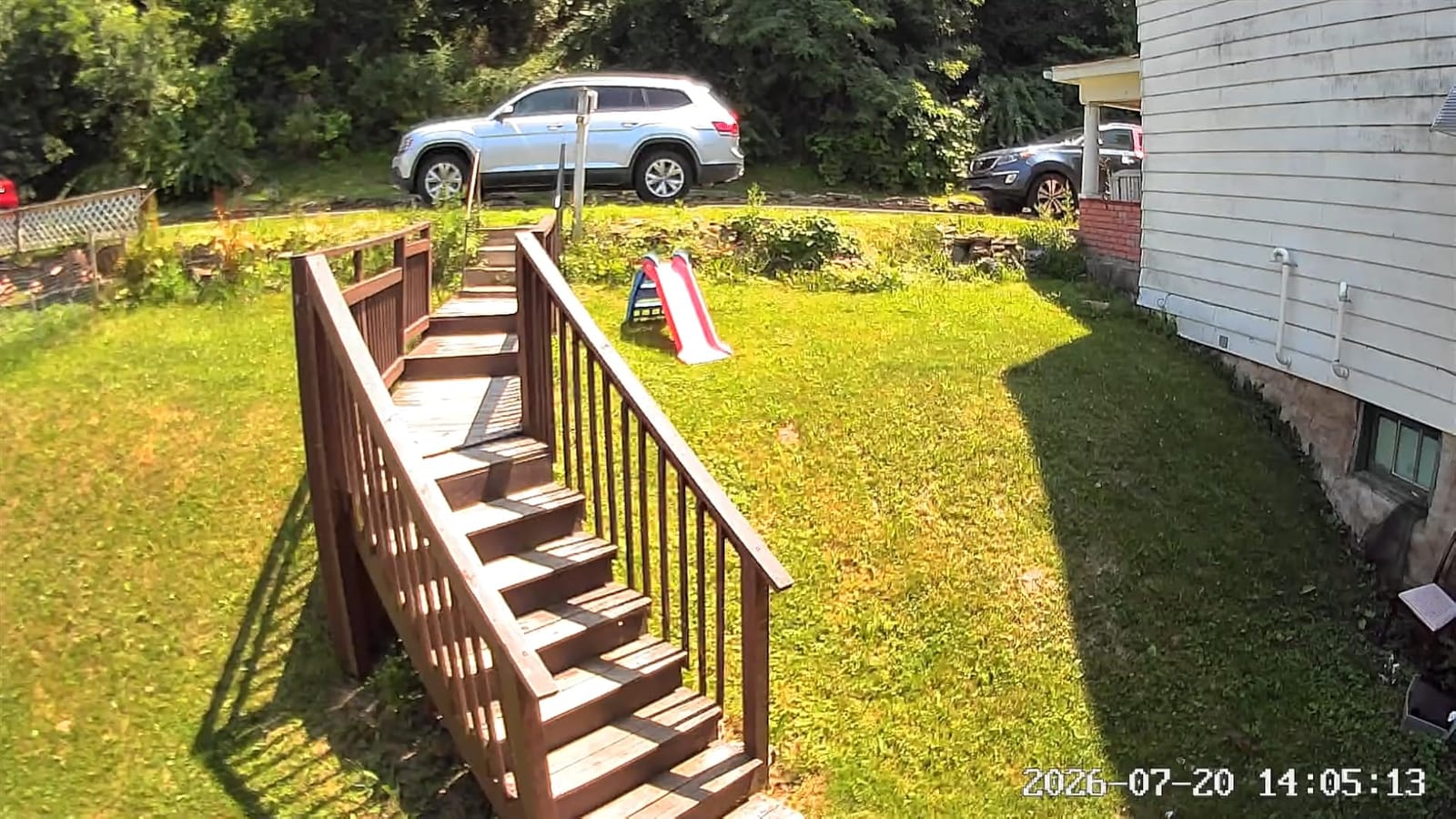
Deterrence is handled by a 40-lumen built-in spotlight and a 90dB user-activated siren. Picture-in-picture viewing lets you watch two Cam OG feeds on one app screen, which is useful if you add a second unit later.
It also works with Alexa, Google Assistant and IFTTT, and it listens for smoke and carbon monoxide alarm sounds to push an alert.
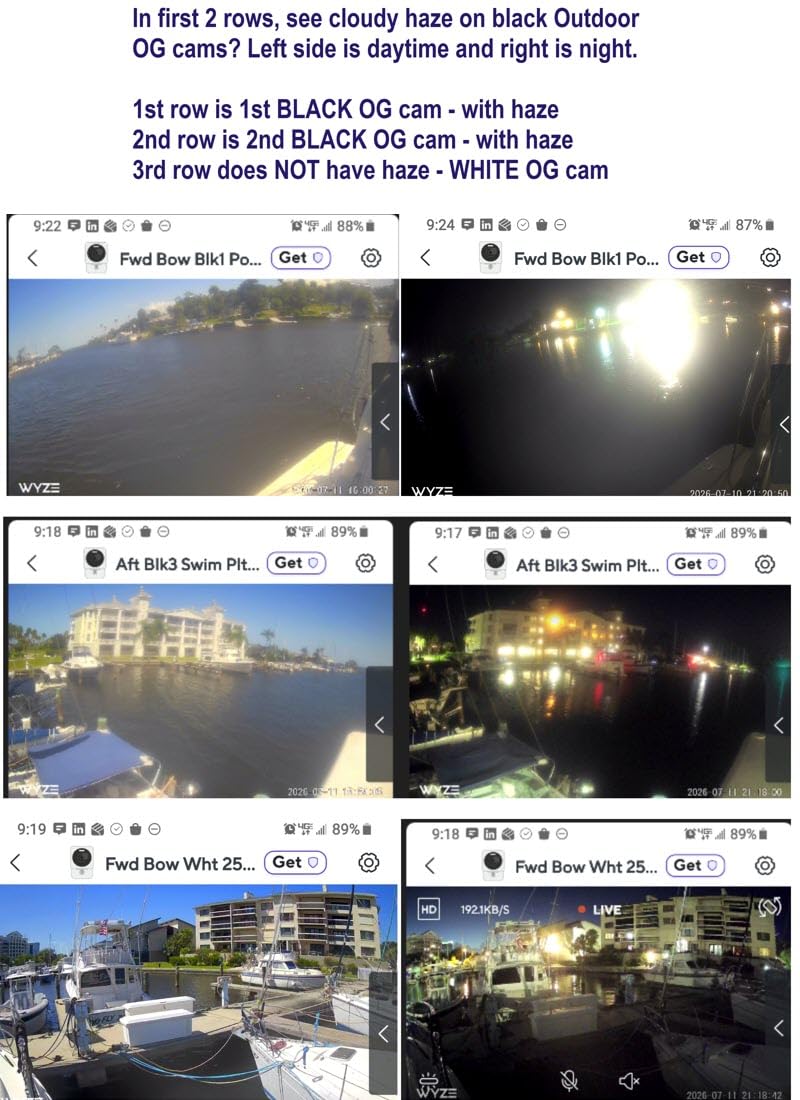
A strong first purchase
Nothing about this camera is complicated. It mounts on a wall or a shelf, records 24/7 to a card, and gives you color footage at night. For a porch, a garage or a hallway, it covers the job without a plan.
At 4.4 stars across a large review base, it is one of the most consistent performers we tested.
The catch with fixed-view recording
There is no pan, tilt or tracking, so the field of view is whatever you aimed it at on install day. If you want to follow a person across a yard, this is the wrong body.
The spotlight can stick in auto mode without the right automations, and motion event recordings sometimes interrupt continuous SD recording or clip the start of an event. Outside you also need a weather-rated power adapter, which is sold separately.
6. WYZE Cam v4 – Best for License Plates and Package Detail
WYZE Cam v4 (Latest Model), 2.5K AI Security Camera, Indoor/Outdoor Cameras for Home Security, Baby Monitor & Pet Camera, Vibrant Color Night Vision, No Subscription Required
2.5K QHD at 2560x1440
120-degree field of view
Night vision to 100 feet
Up to 512GB microSD
Pros
- 2.5K detail that reads license plates and package labels
- starlight sensor plus 72-lumen spotlight for color night vision
- on-device AI separates people
- packages
- pets and vehicles
- magnetic base makes installs tool-light
Cons
- Fixed view with no pan or tilt
- corded power only with no battery backup
- some cloud alert features still sit behind a plan
The Cam v4 is the resolution pick. It records 2.5K QHD at 2560 by 1440 through a 120-degree field of view at 20 frames per second, and in our footage that extra detail is the difference between recognizing a number plate or a label on a parcel and seeing a shape.
Night vision is rated to 100 feet, supported by a starlight sensor and a 72-lumen spotlight. A motion-activated 100dB siren and the spotlight together give you active deterrence rather than a silent recording.
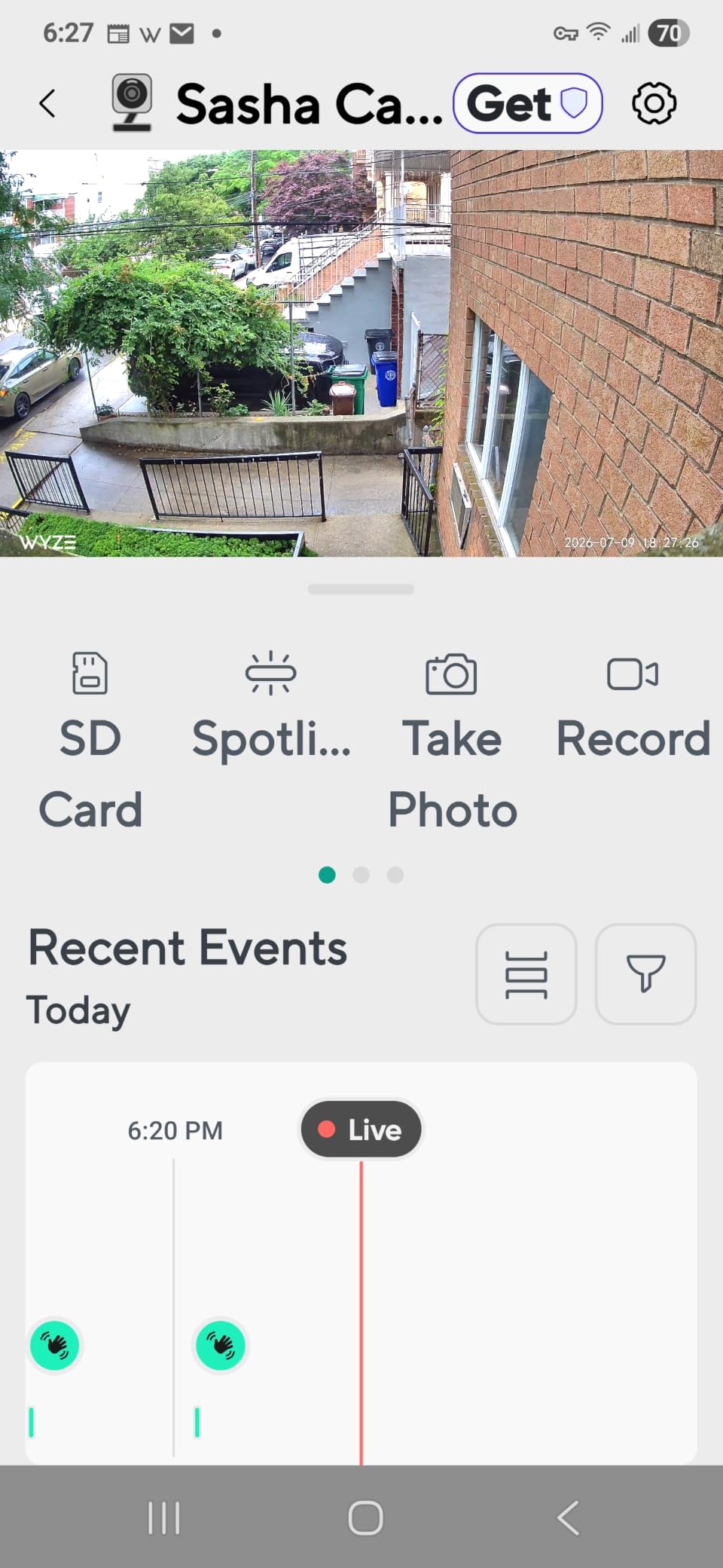
On-device AI splits people, packages, pets and vehicles into separate categories, which is where most of the alert noise comes from. That processing runs on the camera, so it is not a cloud feature and it is not billed as one.
Local storage runs to a 512GB microSD card with no monthly fee, and activity zones plus a multi-camera dashboard help when you scale past one unit.
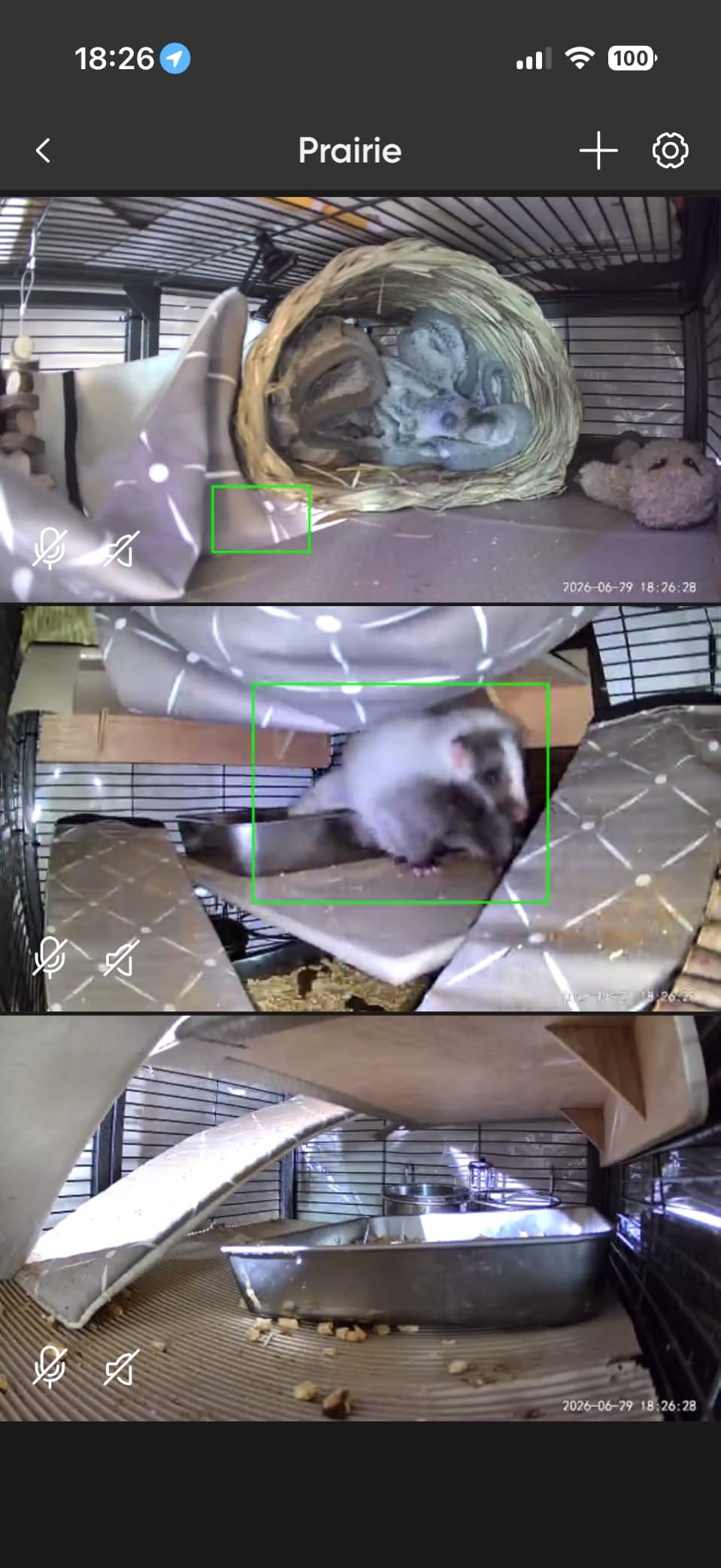
What makes it worth the step up
If your coverage includes a driveway, a front path or a gate, resolution is the feature that pays for itself. Identifying a face or a plate is not possible at 1080p at the same distance.
The magnetic base, freestanding stand and screw mount make it friendly to rentals, and the operating range from -4F to 113F suits year-round outdoor use.
Where the spec sheet oversells
The field of view is fixed. You plan coverage at install time and live with it, since there is no pan, tilt or tracking to recover the blind spots.
Some cloud-side features, such as smart alerts and back-to-back event recording, still sit behind a paid plan even though the local recording is free. The radio is 2.4GHz only, and the camera is corded with no battery backup during an outage.
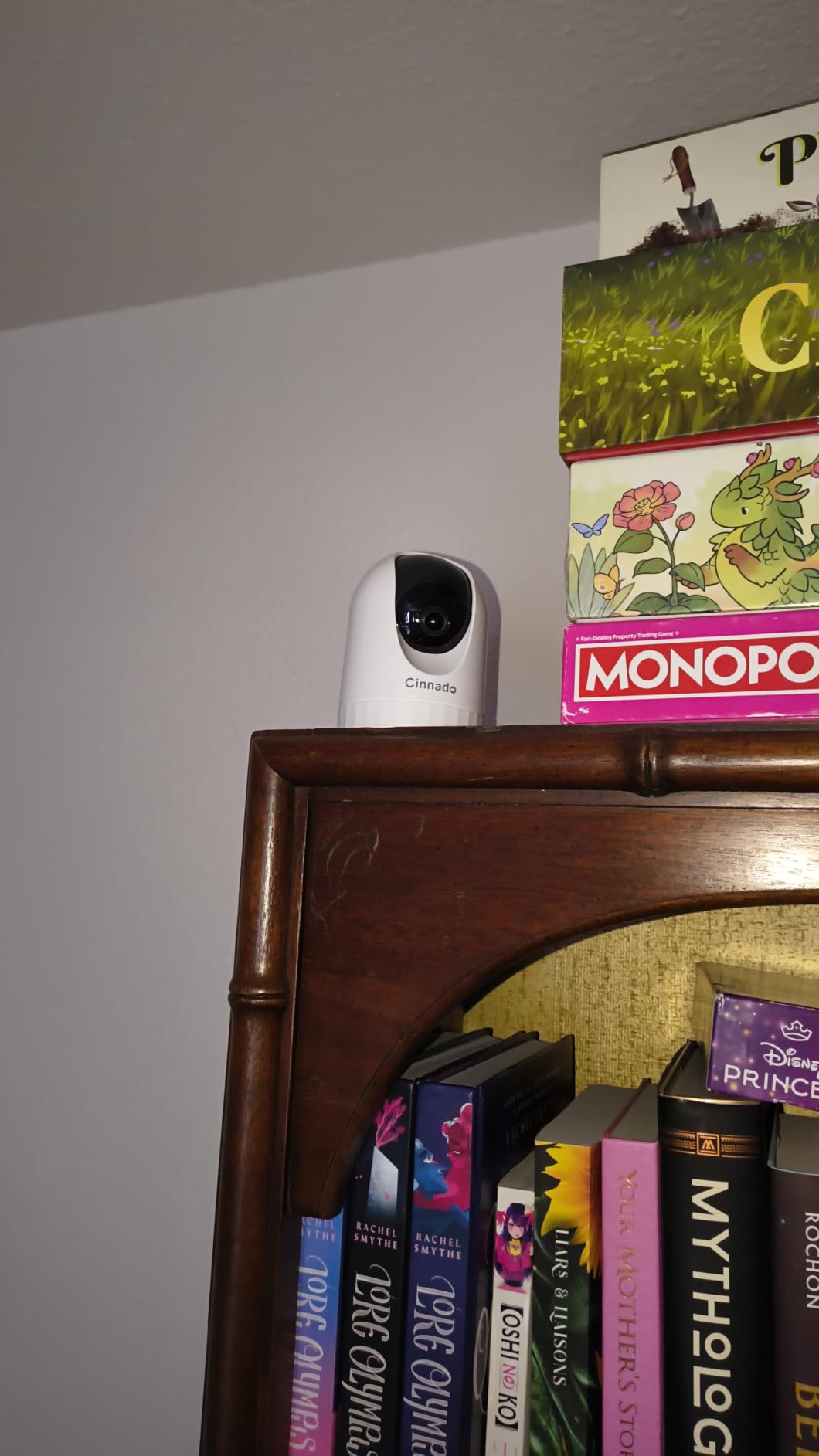
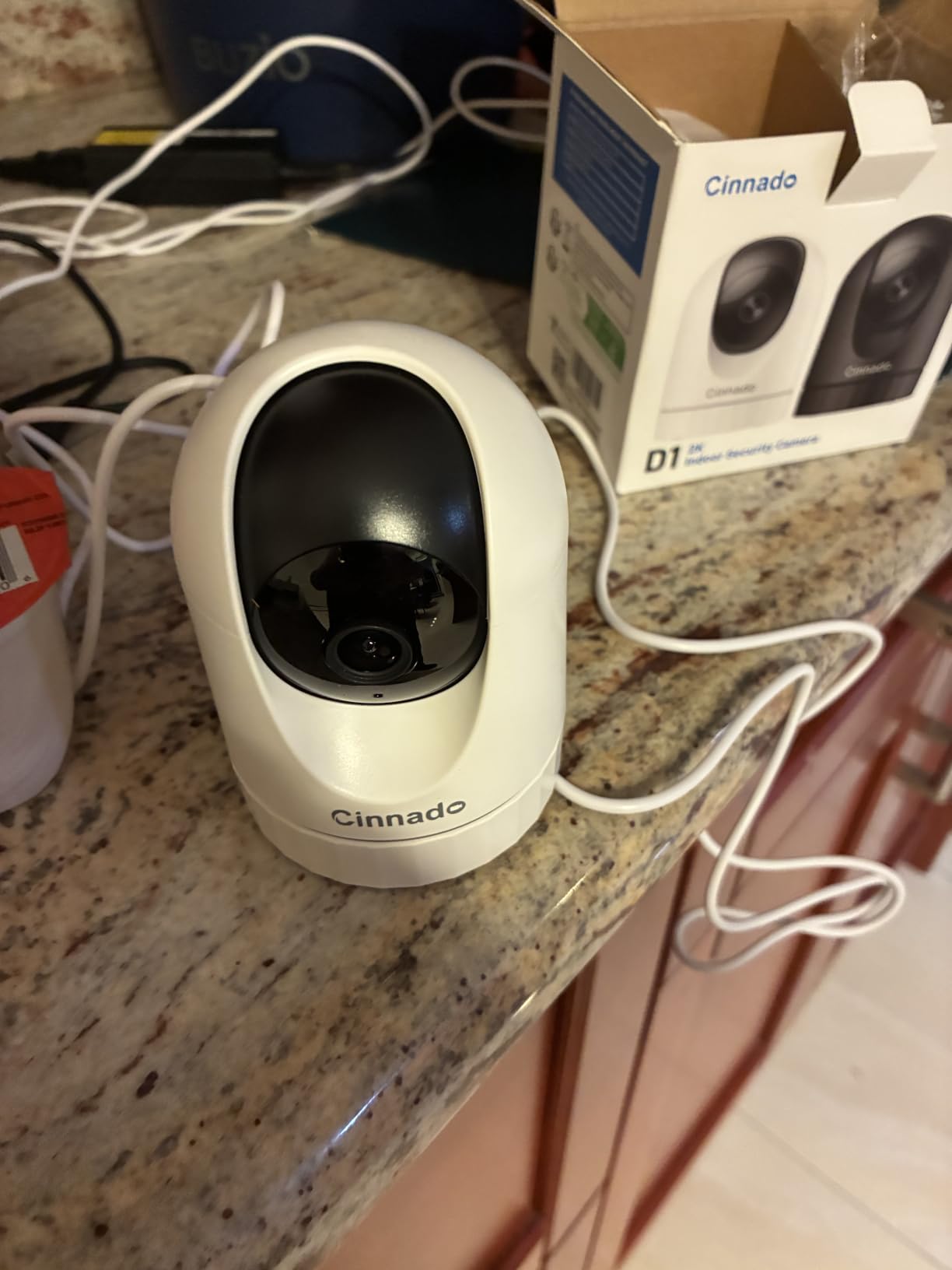
7. Cinnado D1 – Best 360-Degree Coverage on a Budget
Cinnado 2K Security Camera Indoor for Pet/Dog/Baby with Phone App, D1 1Pack
2K pan and tilt with 320-degree coverage
microSD up to 128GB
H.265 and H.264 encoding
Indoor corded
Pros
- 360-degree pan and tilt at a very low price
- 128GB local recording with no plan
- H.265 encoding extends what a card holds
- multiple family accounts can view at once
Cons
- Motion detection is inconsistent in both directions
- sensitivity slider often does not take effect
- effective resolution is disputed by some buyers
The D1 is the cheapest way to get a 360-degree view with local recording, and for a playroom, a garage or a small office that is sometimes all you need. It pans and tilts through 320 degrees and writes to a microSD card up to 128GB.
Encoding in both H.264 and H.265 is a genuinely useful detail here. H.265 compresses more efficiently, which matters a great deal when your storage ceiling is 128GB rather than 512GB.
Ten-second motion clips are recorded automatically and can be exported as MP4, and multiple family accounts can view and control the camera at the same time. Four 940nm IR LEDs handle night visibility, and it works with Alexa and Google Assistant.
Support is one of the more responsive in this group, with several buyers reporting a reply within about a day.
Where the budget tier shines
It mounts on a wall or a ceiling, including upside down, and the light body is easy to position. If you want a single camera that can look at the whole room and store the footage yourself, the feature list is genuinely complete for the money.
It is also a reasonable second or third camera in a room where you do not need high resolution.
Reasons it is not our main pick
Motion detection is the real problem. Reviewers describe it both over-triggering on passing cars and failing to register actual people, and the sensitivity adjustment often does not take effect when changed.
Some buyers conclude the effective output is closer to 720p than the advertised 2K, images can look washed out in bright daylight, and the recording interval cannot be changed without a cloud subscription.
8. Tapo C120 – Best Outdoor Pick for Detection and Night Vision
Tapo 2K+ Indoor/Outdoor Wired Security Camera, Baby Monitoring, C120
2K QHD 4MP
IP66 weatherproof
512GB microSD
Free person, pet and vehicle detection
Pros
- IP66 rating and a compact body for indoor and outdoor use
- starlight color night vision with an invisible IR mode
- free on-device person
- pet and vehicle detection
- two-year manufacturer warranty
Cons
- Fixed view with no pan
- tilt or auto tracking
- corded installation needs power at the mount point
- microSD card not included
The C120 earned a PCMag Editor’s Choice award, and after a month with it we understand why. It is a compact 3 by 4 by 5 inch body weighing 100 grams, and the IP66 rating is a step up from the IP65 you get on most budget units.
It records 2K QHD at 20 frames per second through a 120-degree field of view. Local microSD storage runs to 512GB with no subscription, and Tapo Care remains available only if you want cloud as a backup.
The night performance is the standout. A starlight sensor produces color night vision, supported by two spotlights, and there is an invisible IR mode that gives up to 30 feet of night coverage without the red glow, which is useful when the camera looks at a neighbor’s window line.
Person, pet and vehicle detection run on the device at no cost, with alerts you can customise. Two-way audio behaves like a phone call in our checks rather than the half-duplex shout that cheaper cameras manage.
What makes it the outdoor pick
It is the most weather-tolerant camera here, and it keeps its smart detection features free, which is exactly where most outdoor competitors hide the useful parts. A magnetic base also makes mounting on railings and metal frames painless.
For a back door, a side yard or a porch where you want vehicle awareness, it covers the brief better than anything cheaper.
Tradeoffs to plan around
The view is fixed, with no pan, tilt or auto tracking, so position matters. It is corded, which means you need power at the mounting point and you lose coverage if the power drops.
The microSD card is not included and has to be formatted in the Tapo app. Some advanced detection options and longer history views still sit behind Tapo Care.
9. SensForge SF-C2 – Best Pick With Storage Already Included
SensForge 2.5K Indoor Pan-Tilt Security Camera, 360° Dual-Band 2.4/5GHz Wi-Fi Camera for Home, Smart AI Human & Pet Detection, 64GB SD Card Included, Two-Way Talk, No Subscription Required (1, White)
2.5K resolution
360-degree pan and 90-degree tilt
Dual-band 2.4 and 5GHz Wi-Fi
64GB card pre-installed
Pros
- Storage is already in the box
- so local recording works on first power-up
- dual-band Wi-Fi avoids 5GHz router compatibility problems
- 360-degree pan and 90-degree tilt with AI human and pet detection
Cons
- App currently limited to the United States and Canada
- corded indoor design only
- newer brand with a much smaller review base
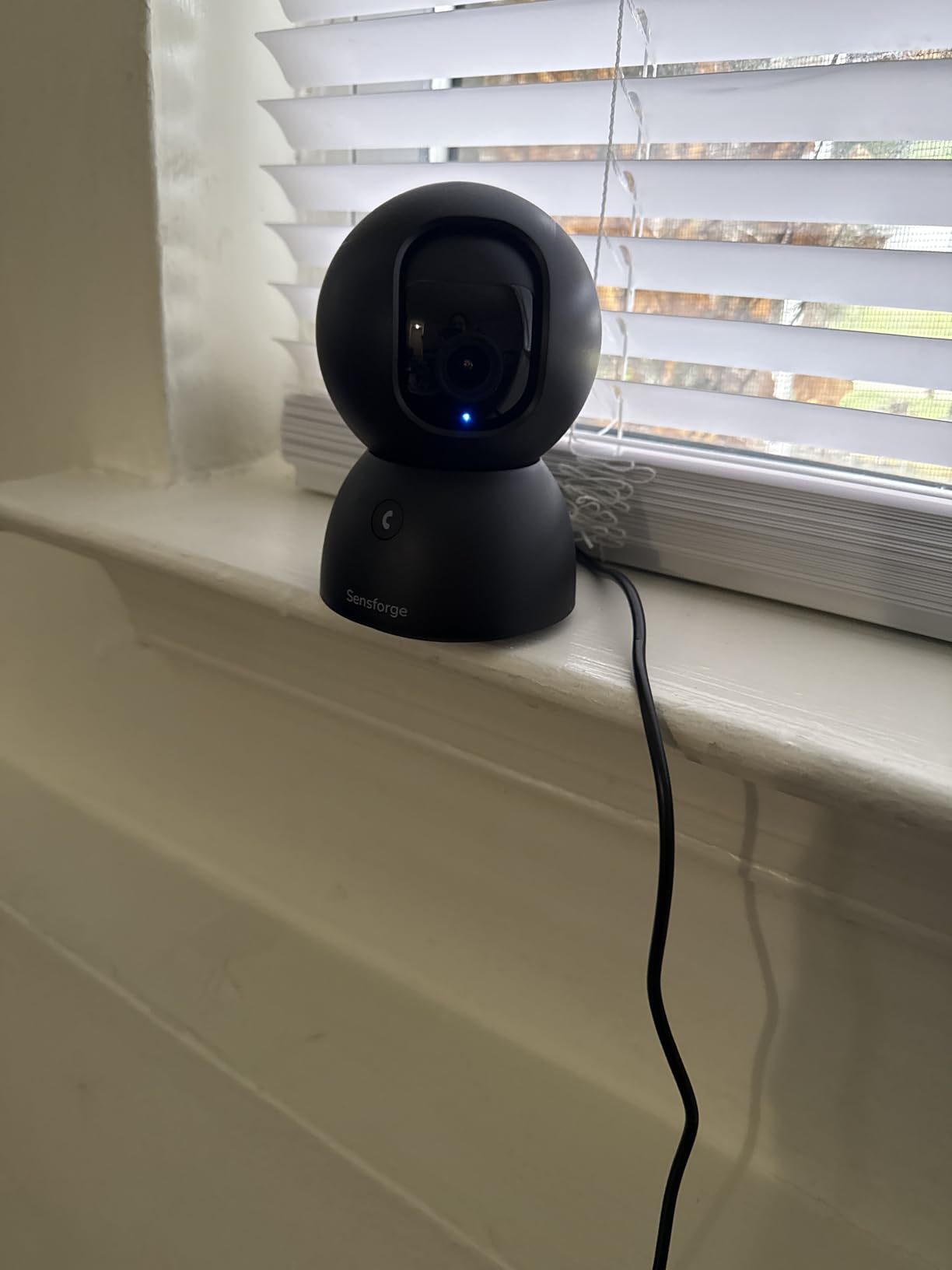
Almost every camera on this list expects a second purchase before it records anything. The SensForge SF-C2 ships with a 64GB microSD card already installed, so local recording works the moment you plug it in, with no subscription and no card to hunt for.
It records 2.5K video, pans 360 degrees horizontally and tilts 90 degrees vertically, and reaches about 30 feet at night. Dimensions are 3.12 by 3.12 by 4.75 inches, corded, indoor only.
The feature that surprised us most is dual-band Wi-Fi. It joins 2.4GHz and 5GHz networks, which removes the single most common setup failure we hit while testing the other cameras on this list, where a 2.4GHz-only unit cannot join a combined network.
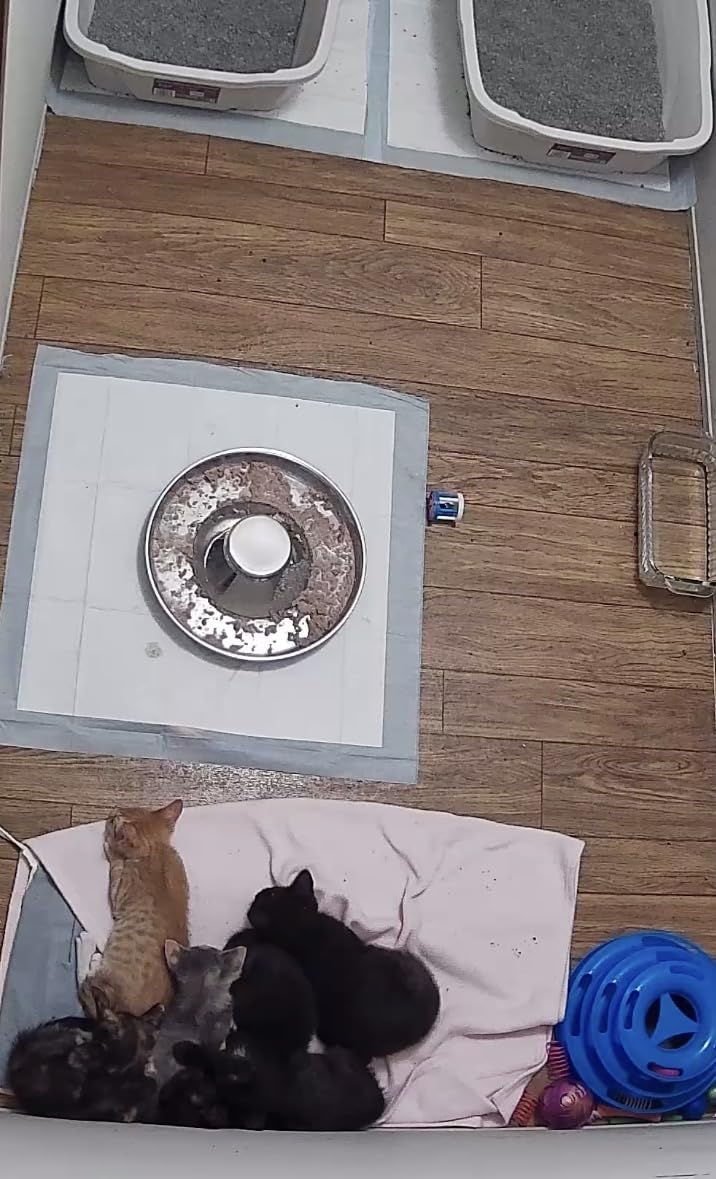
AI detection separates humans, dogs, cats and other movement to cut false alerts, and viewing permissions can be granted to family members through the app.
Best fit for a first setup
If you want to prove the local-storage idea before spending on cards and hubs, this is the cleanest test. Everything needed to record is in the box, and the app setup is straightforward.
It is also a good pick for a dual-band router household where the other budget cameras would fail to connect.
What to weigh first
The app is currently available only in the United States and Canada, which is a hard limit for anyone outside those markets. It is an indoor corded design, so it is not a porch camera.
AI video descriptions and weekly highlight reels need an optional Pro Membership, and as a newer brand it has a far smaller review base than the Tapo and Wyze units here.
10. REOLINK E1 Outdoor Pro – Best 4K Outdoor PTZ Camera
REOLINK E1 Outdoor Pro 4K PTZ Outdoor Security Camera WiFi Plug-in Power
4K 8MP sensor
3x optical zoom
355-degree pan and 50-degree tilt
512GB microSD, NVR or Home Hub
Pros
- Sharp 4K image quality with 100 foot infrared reach
- true 3x optical zoom rather than digital
- dual-band Wi-Fi 6 for stable networking
- works with Home Hub and Reolink NVRs
Cons
- Rubber SD slot cover on the rotating ball can jam the pan and tilt motor
- no scan or patrol mode despite being a PTZ camera
- app quality varies across devices
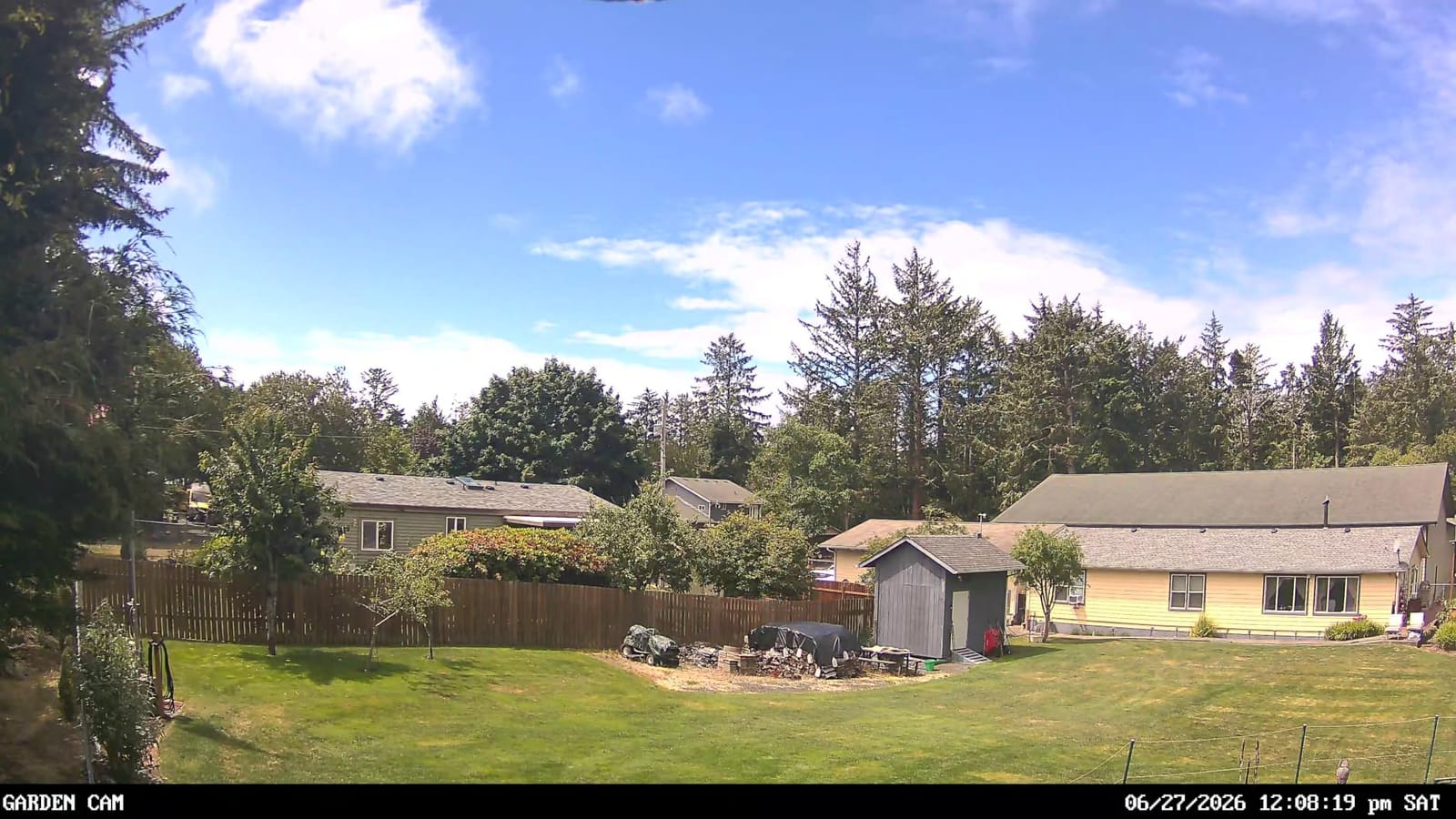
The E1 Outdoor Pro is the only true 4K pan-tilt-zoom camera here. It uses an 8MP CMOS sensor, records 4K video, and pairs 355-degree pan and 50-degree tilt with a genuine 3x optical zoom, which is the feature that separates it from every digital-zoom competitor.
It runs on dual-band Wi-Fi 6 across 2.4GHz and 5GHz, so unlike most of this list it will not suffer the connection drops that come with a crowded 2.4GHz channel. Twelve IR LEDs cover up to 100 feet, and the IP65 body works indoors and outdoors.
Local storage runs to a 512GB microSD card with no subscription, and the camera also pairs with a Reolink Home Hub, Home Hub Pro, PoE NVR or WiFi NVR. That is the widest expansion path in the group.
Detection covers person, vehicle, animal and general motion, and auto tracking follows a subject across the frame. Reolink support is rated highly by owners for responding to reported design issues.
Who should buy it
If one camera needs to watch a driveway, a gate and a side yard, optical zoom plus wide PTZ is the answer. 4K detail also means a face or a plate is recoverable from a distance that would defeat a 1080p sensor.
It is a two-year limited warranty, and the NVR compatibility makes it the natural base unit for a larger system.
Watch-outs before you commit
The rubber SD-card slot cover sits on the articulating ball and can catch, which jams the motor. Owners also report laggy PTZ motion, commands needing several presses, and the zoom producing murkier results that do not track.
There is no scan or patrol mode despite being a PTZ camera, activity zones suppress recording rather than only alerting, and a few buyers report moisture ingress and power unit failures outdoors.
11. eufy SoloCam E42 Two-Camera Kit – Best Solar Starter Kit
eufy Security SoloCam E42, 2-Cam Kit, 4K Solar Security Camera
Two 4K solar cameras
HomeBase 3 with 16GB, expandable to 16TB
360-degree pan and tilt
License plate recognition to 33 feet
Pros
- Everything for a two-camera system is in the box including the hub and both solar panels
- local recording continues through a network outage
- 4K clarity with plate recognition to 33 feet
- no monthly fee
Cons
- Solar charging can stall around half capacity
- HomeBase signal is weak through walls
- HomeKit integration disables pan and tilt
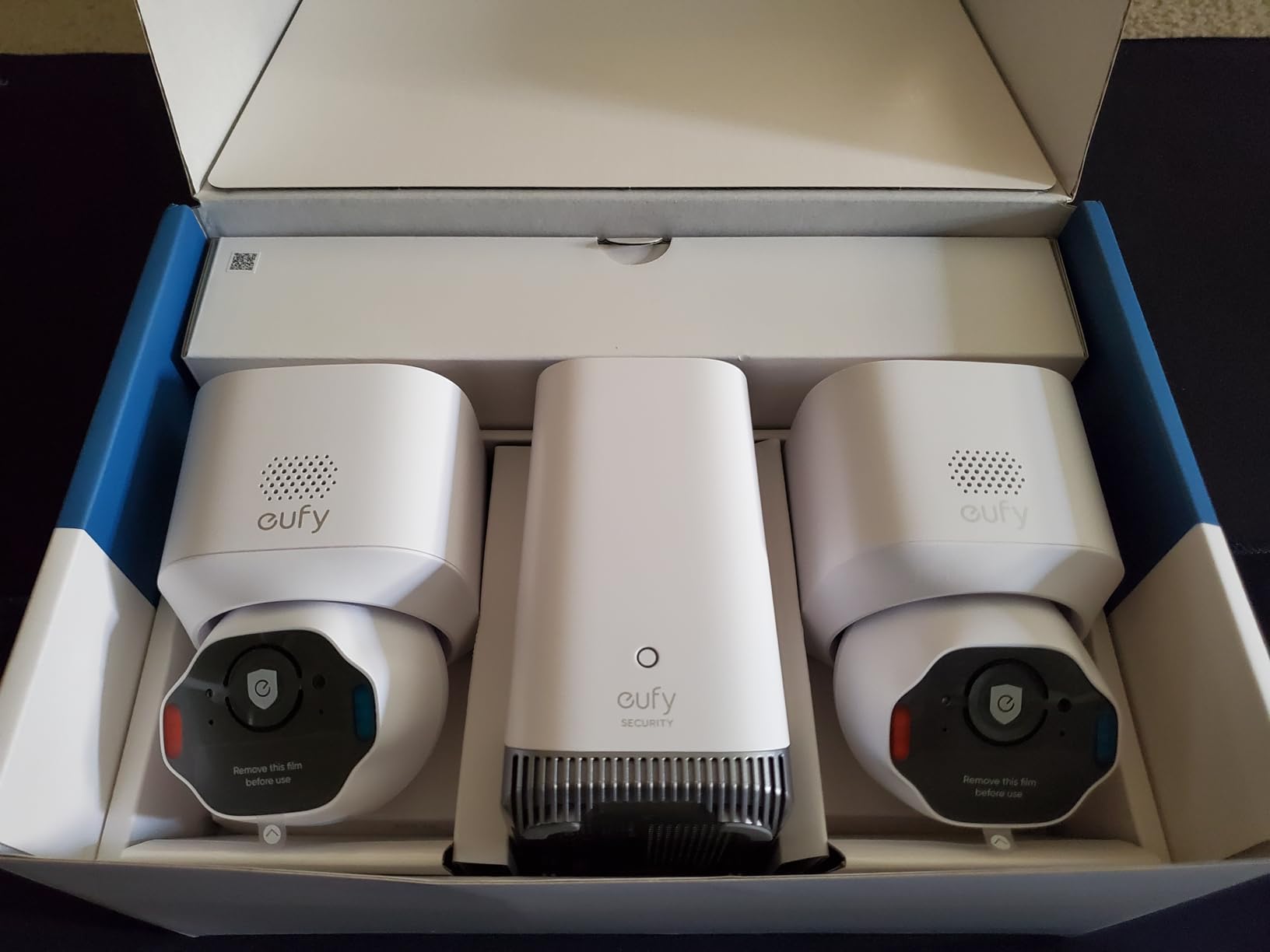
The SoloCam E42 kit is the most complete package in this roundup. You get two 4K solar cameras, two removable solar panels, and a HomeBase 3, which is the one product here that proves local storage without any second purchase at all.
Each camera pans and tilts 360 degrees, records true 4K UHD, and reads license plates up to 33 feet. SolarPlus 2.0 panels need roughly two hours of direct sun a day to keep the 44.3 watt-hour batteries topped up.
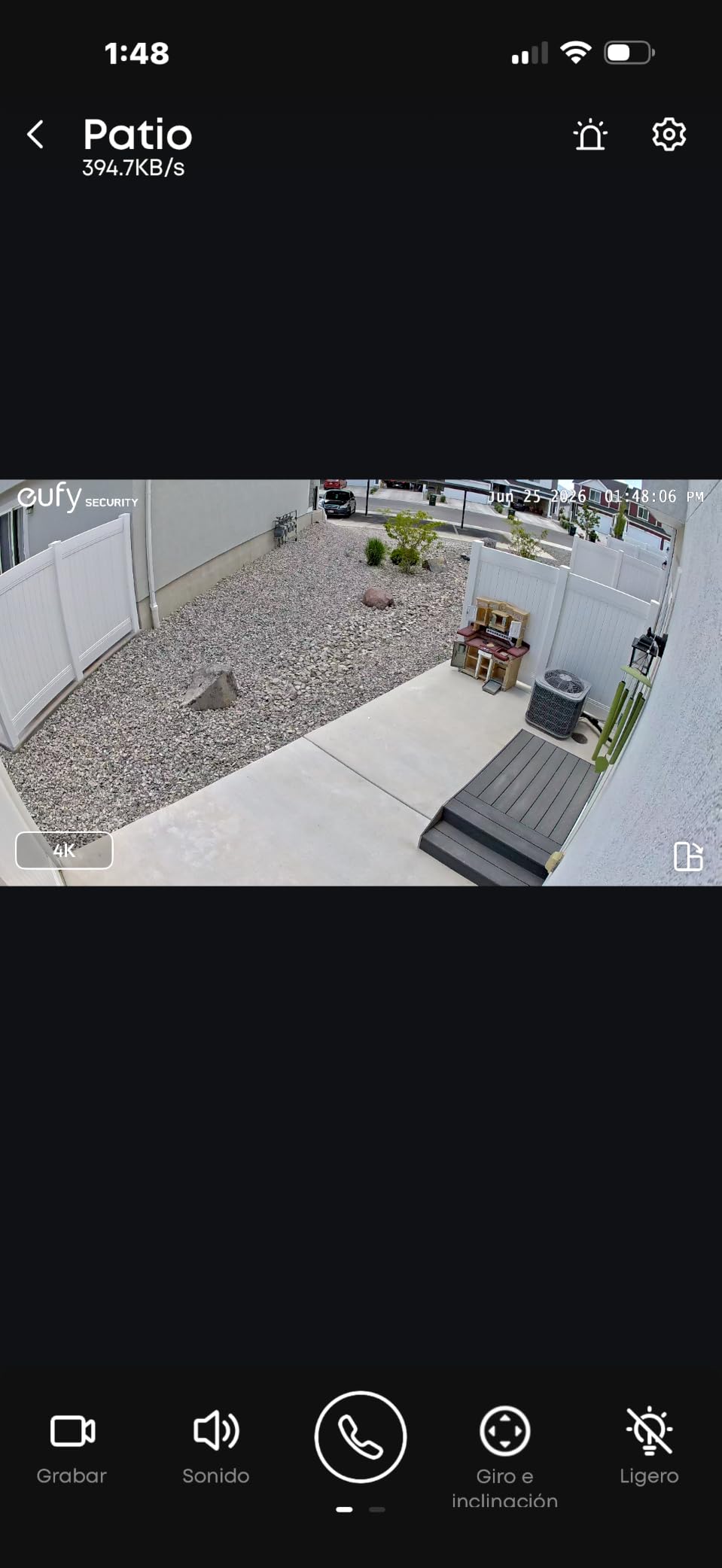
The hub is the differentiator. The HomeBase 3 carries 16GB of built-in storage and expands to 16TB, and the listing states that continuous recording is supported through network outages. Each camera also accepts up to 128GB of microSD, so you have a per-camera backup path.
AI detection tracks people and vehicles, and a motion-activated strobe light and siren add deterrence rather than just evidence.
What the hub actually changes
With a central base, the cameras talk to one device inside the house rather than each holding its own card. That simplifies playback, keeps a local copy of everything without per-camera hardware, and gives you a single expandable storage target for a whole property.
Setup took under 20 minutes in our test, though the number of options is high enough that patience helps, and there is no printed manual in the box.
The failure modes we found
Some SoloCam kits stop charging past roughly 56%, which stalls solar charging entirely. The HomeBase Wi-Fi signal can be weak through walls, giving laggy feeds on larger properties, and a few owners report overnight disconnects in the app.
Low-light quality is adequate rather than class-leading, auto tracking sometimes lags, and adding Apple HomeKit disables pan and tilt and drains the battery faster.
12. WINEES M3 Pro – Best Wired Budget Outdoor Camera
winees Security Cameras Outdoor, Wired 2K Wi-Fi Cameras for Home Security, 2.4G Indoor Camera, Human/Pet AI Detection, Color Night Vision, 2-Way Audio, Support Cloud/128G SD Card Storage
2K 4MP with F1.6 aperture
Color night vision
128GB microSD or encrypted cloud
IP65 wired 110V
Pros
- 2K 4MP clarity with an F1.6 aperture at a low cost
- color night vision from a 4CCT spotlight plus starlight sensor
- AI detection for people and pets with adjustable zones
- IP65 rated for rain
- sun and snow
Cons
- 2.4GHz Wi-Fi only
- microSD card not included so local recording needs a separate card
- mains power limits placement to locations with an outlet
The M3 Pro is the pick for anyone who wants a wired outdoor camera on a budget with a 4.4 average rating behind it. It records 2K at 4MP through an F1.6 aperture, with a 130-degree viewing angle and 10 meters of night reach.
Color night vision comes from a 4CCT spotlight paired with a starlight sensor, and AI detection covers people, pets and unusual movement with zones and sensitivity you can adjust. Automatic focus and magnification follow moving subjects in the live view.
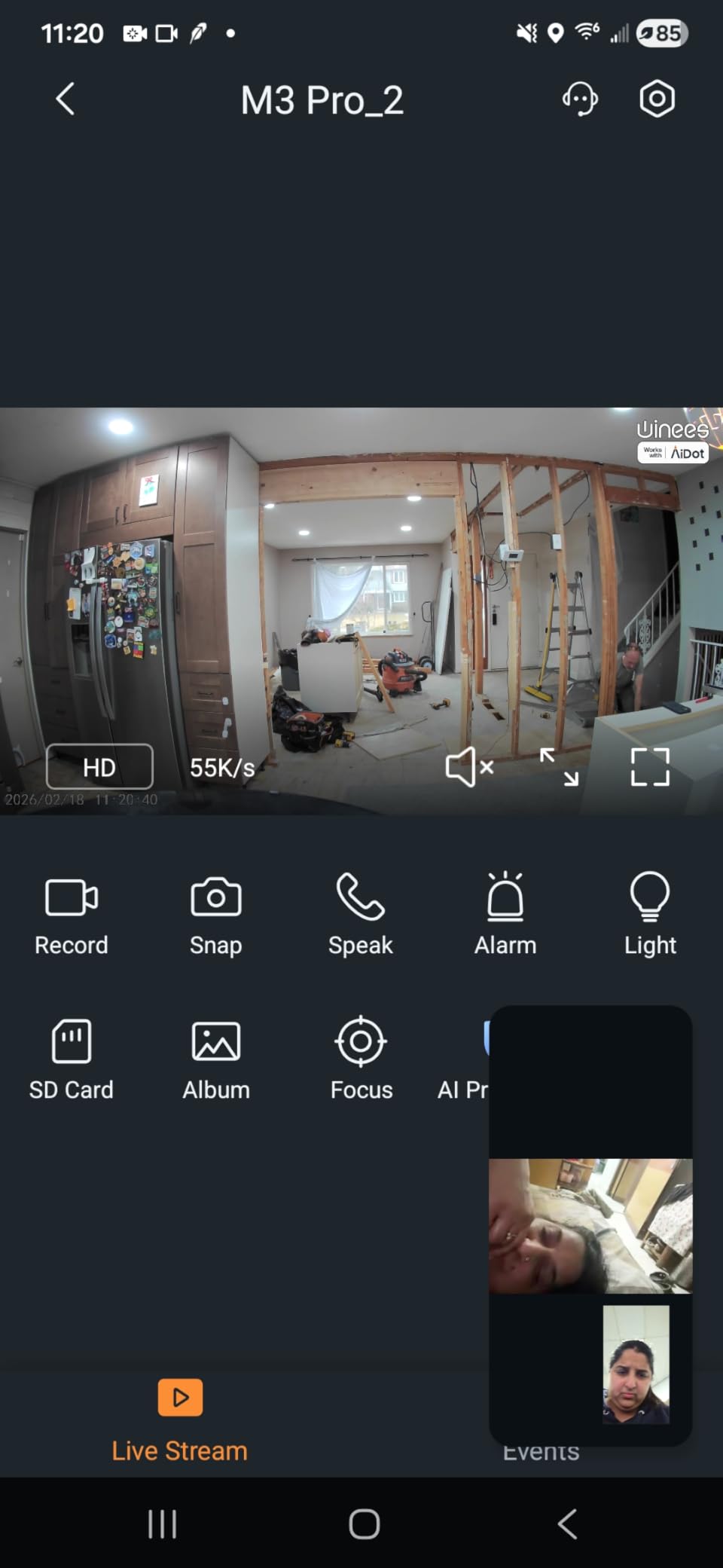
Local storage is a microSD card up to 128GB or encrypted cloud, and it supports both full-time and event-based recording, so you can run continuous capture without a plan. Two-way audio is included, and the one-screw mount allows angle adjustment after installation.
At 6 watt-hours with 110V AC wired power, there is no battery to charge, which is precisely why owners like it for a fixed position with access to mains.
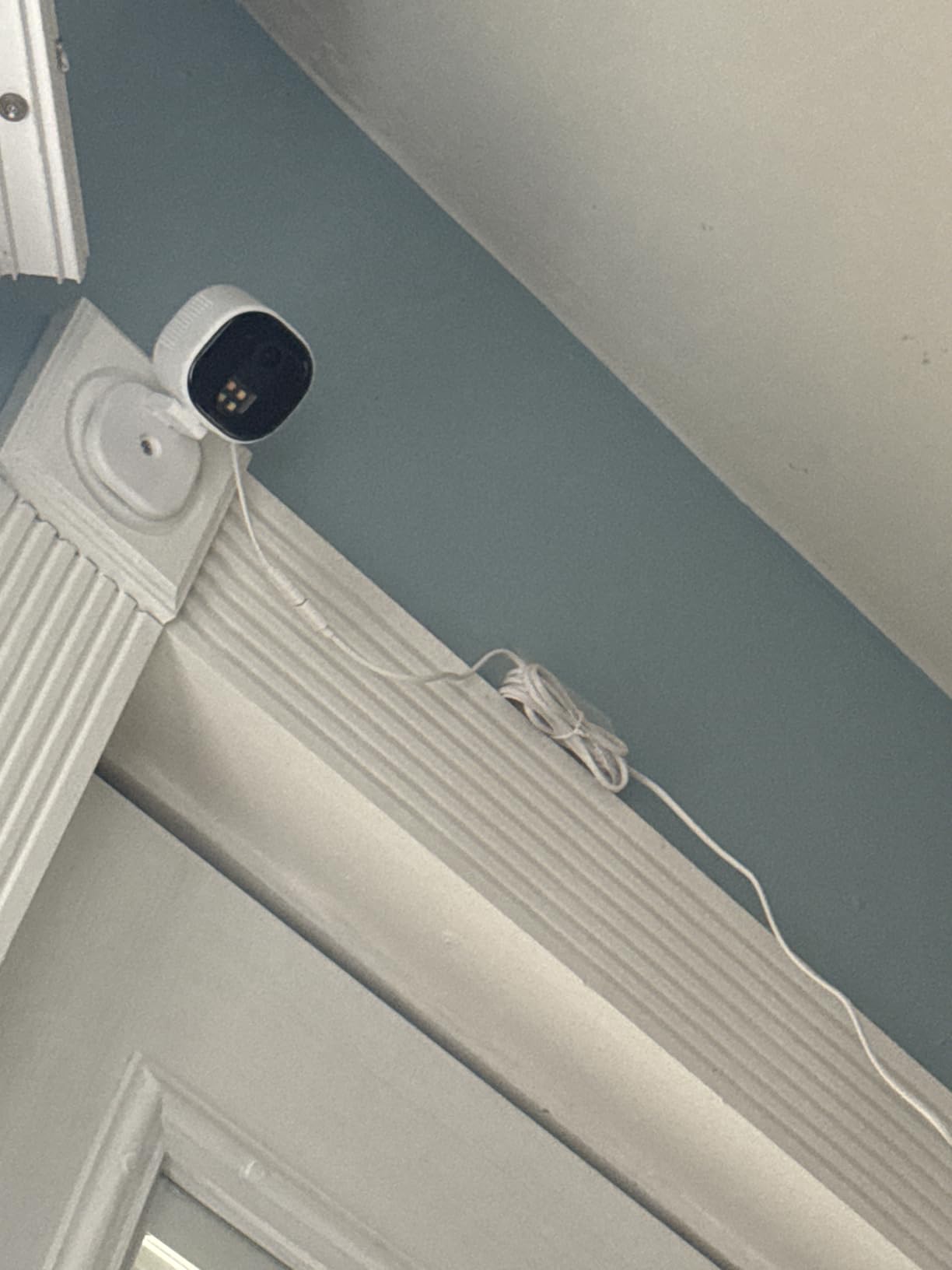
Best fit for a fixed wired position
Mains power removes battery anxiety entirely, so continuous 24/7 recording stays on through a power event at the camera as long as the circuit holds. A covered porch, a carport or a back door near an outlet suits it well.
The IP65 body handles rain, sun and snow, and the small 3 by 2.4 by 2.4 inch body is easy to hide.
The limits of the budget wired tier
The radio is 2.4GHz only with no 5GHz or dual-band support, and the card is not included, so local recording needs a separate purchase.
Mains power also means no battery or solar option for a remote spot, and the smart home integrations available are fewer than the major camera makers offer.
What Local Storage Actually Means on a Security Camera
Local storage is simply video written to hardware inside your home instead of being uploaded to the vendor’s cloud. A security camera with local storage records to a microSD card, a base station or a network video recorder, and you view, play back and export clips from the manufacturer’s app.
There are four implementations in this roundup, and they are not interchangeable. A microSD card is the simplest: one card per camera, cheap to replace, and the most common route we found. A base station centralises recordings in a hub inside the house, as the eufy HomeBase 3 does, and can expand from 16GB to 16TB. An NVR is a dedicated recorder box that several cameras feed at once, which the REOLINK units support. A USB drive appears on some hubs, though none of the twelve cameras here uses that route.
It also helps to separate three tiers of “no subscription,” because the phrase covers very different products. Tier one is fully free: recording, playback and export all work indefinitely with no plan, which covers every camera in this guide. Tier two is freemium with locked extras: local recording is free, but richer alert types or longer clip history sit behind a paid tier, as the Tapo C120 and WYZE Cam v4 both describe. Tier three is subscription-required, where local storage is an accessory rather than a substitute, and no camera we tested for this guide falls into it.
One clarification worth repeating: no cloud does not mean no account. Every one of these cameras requires an app sign-in, because that is how you reach the footage. Local storage keeps the video off the vendor’s servers; it does not remove the app.
How Much Storage You Need and What It Holds
Retention is a function of resolution, frame rate, codec and how much motion the scene sees, which is why no single number covers every camera. The products in this guide span 15 to 20 frames per second, and some cameras offer H.265 encoding, which compresses more efficiently than H.264 and stretches a smaller card considerably.
The capacities actually supported here are worth knowing before you plan. The SensForge SF-C2 includes 64GB pre-installed. The Cinnado D1 and WINEES M3 Pro top out at 128GB. The WYZE Cam OG supports up to 256GB. The Tapo C201, Tapo C101, Tapo C120, WYZE Cam Pan v3, WYZE Cam v4, REOLINK E1 4MP and REOLINK E1 Outdoor Pro all accept 512GB. The eufy SoloCam E42 takes 128GB per camera and adds the HomeBase 3 option of 16GB built in, expandable to 16TB.
So a rule of thumb: if you want weeks rather than days, a 512GB card and continuous recording is the combination to aim for. If your scene is quiet, motion-only recording stretches the same card far longer, and a 128GB ceiling becomes workable. Check the ceiling before you buy the card, because a card larger than the camera supports will be ignored.
Whatever the capacity, buy a high-endurance card from a reputable brand and format it in the camera app rather than on your computer. Failed and corrupted cards are the most common reason local recordings vanish, and forum reports consistently point to cheap, non-endurance cards as the cause.
Do These Cameras Record When the Internet Goes Down?
This is the question forum users ask most often, and the honest answer is that it depends on the product, not on the marketing. The eufy SoloCam E42 kit is the only camera in this roundup whose published specification states that continuous recording is supported through network outages, via the HomeBase 3. That claim is part of the product data, and it is why the hub-based design is worth considering for a property with unreliable internet.
For the rest, the practical factor is power, not signal. Every corded camera in this group keeps writing to its card as long as the outlet is live, because recording does not depend on the cloud. What you lose during an outage is remote viewing, push notifications and any smart detection that the app would otherwise handle, so check your footage from inside the house instead of from your phone.
Two details deserve attention. Corded cameras record through an internet outage but not through a power outage, which is a trade the C120 and M3 Pro make openly. The SensForge SF-C2 is explicitly not intended to be placed behind or through a window, a limitation two other products in this list also flag, since glass reflections wreck both night vision and detection accuracy.
How to Choose a Security Camera With Local Storage
Start with the storage question, because it constrains everything else. Decide per-camera microSD cards, one central hub, or an NVR for multiple cameras. Cards are the cheapest and most flexible for one or two units. A hub simplifies playback across a whole property. An NVR is the right answer for four or more cameras, and the REOLINK units here support Reolink NVRs plus PoE options.
Then check three things that marketing tends to blur. One: what the detection features cost. Free person, pet and vehicle detection on-device is what separates this group from cameras that gate it. The C120, C201, C101 and Cam v4 all keep it free. Two: the capacity ceiling, which ranges from 128GB on the D1 and M3 Pro to 512GB on most of the rest. Three: the Wi-Fi band, because 2.4GHz-only units cannot join a 5GHz-only or combined network, which is a hard blocker rather than a preference. The SF-C2 and the E1 Outdoor Pro are dual-band; most of the rest are not.
Next, match resolution to the scene. 1080p is fine for a room or a hallway at close range. 2K, and especially 4K, earns its place when you need to identify a face or read a plate or a package label across a driveway, which is where the WYZE Cam v4 and REOLINK E1 Outdoor Pro justify themselves.
Then check night performance against the actual darkness. Roughly 30 feet of IR suits interiors and covered porches. The Cam v4’s 100 foot range and the color night vision on the C120, Cam OG and M3 Pro cover open areas where an intruder would otherwise be a silhouette.
Power is the next filter. Every camera here is corded except the solar eufy kit, which means a battery-free install and no battery to degrade, but also no coverage during a power cut. Solar panels avoid wiring but need direct sun and careful placement, and the M3 Pro’s mains-only design rules it out for remote spots.
Finally, look at the app and the mounting. Free apps that support multiple users, activity zones and a multi-camera dashboard make a four-camera setup bearable. Check the included hardware too: a magnetic base, a swivel mount or a template saves a drill, and the C120 and SF-C2 are the two here that include genuinely flexible mounts. And read the weather rating carefully, since IP65 covers rain while IP66 on the C120 covers more.
What Most People Get Wrong About Local Storage
The most common mistake is assuming the storage is included. In this group only the SensForge SF-C2 and the eufy SoloCam E42 kit ship with working local storage out of the box. The Tapo cameras, the WYZE cameras, the Cinnado D1, the WINEES M3 Pro and both REOLINK units all need a card bought separately, and several of them require you to format that card in the app first.
The second mistake is treating “no subscription” as “nothing is locked.” Local recording being free does not mean every feature is free. Tapo Care and Wyze Cam Plus gate longer clip history, event-based recording and some detection options, and the SF-C2 puts its AI video descriptions behind a Pro Membership. Read the feature list before you assume the plan is irrelevant.
The third is believing no cloud means no account. Every camera needs an app sign-in to reach your footage, and no-cloud storage does not by itself stop account takeover, firmware vulnerabilities or someone with physical access to the camera. Local storage reduces what leaves your house; it does not replace a strong password, updated firmware and a placement that keeps the lens out of reach.
The fourth is buying a card that fails. Cheap, non-endurance cards are the leading cause of corrupted recordings in the forums, and a card failure on a camera that had no cloud backup can mean losing everything.
Where to Place Cameras for Useful Coverage
Cover approaches, not rooms. A camera at eye height near a door or a gate records faces, while a corner ceiling mount covers the room but produces tops of heads. Overlapping fields across two cameras beat one camera with a wide field of view.
Keep lenses out of direct sun, and check the sun path across a year rather than a day. For outdoor units, an eave or a covered soffit extends the life of the housing, and the IP65 and IP66 ratings on the WYZE, Tapo, eufy and WINEES units cover rain and snow but not direct prolonged heat on a south-facing wall.
Never aim through a window if you care about night footage. Two products in this list explicitly warn about it, and glass reflection is the single most common reason a night camera looks broken. If an interior window is your only option, accept a daytime camera and place a second unit outside.
Finally, get the network right before you mount. Every camera here is 2.4GHz except the SF-C2 and the E1 Outdoor Pro, so survey signal strength at the mount point first. A camera mounted where the router is marginal will produce a recording you never look at, and a hub like the HomeBase 3 can suffer the same problem through walls on larger homes.
Frequently Asked Questions
What are the best security cameras for home with storage?
The Tapo C201 is the best overall pick, recording to a microSD card up to 512GB with free motion, person and baby-crying detection. The Tapo C101 suits nurseries and pets, the WYZE Cam Pan v3 covers the most ground with pan, tilt and color night vision, and the REOLINK E1 4MP offers the widest local storage choices from a card to an NVR to a hub.
What is the best security camera without a monthly fee?
The Tapo C201 is our pick. It records 24/7 to a microSD card up to 512GB, keeps motion, person and cry detection free, and needs no plan for playback or export. The eufy SoloCam E42 kit and the SensForge SF-C2 are the alternatives if you want storage hardware or a card already included in the box.
What are some security cameras that don’t require cloud storage?
Every camera in this guide records locally without cloud: microSD card, a base station like the eufy HomeBase 3, or a network video recorder. The SensForge SF-C2 and the eufy SoloCam E42 kit ship with storage in the box, while the Tapo, WYZE, Cinnado, WINEES and REOLINK models need a card you buy separately. All of them still require an app account.
How long will a 128GB SD card record on a security camera?
It depends on resolution, frame rate, codec and motion rather than capacity alone. Cameras in this guide run at 15 to 20 frames per second, and H.265 encoding extends what a card holds compared with H.264. A 128GB ceiling is workable for motion-only recording, but for continuous 24/7 capture we recommend the 512GB cards supported by the Tapo, WYZE and REOLINK models.
What is the best microSD card for a security camera?
Choose a high-endurance card from a reputable brand and check the capacity ceiling of the camera first, because 128GB, 256GB and 512GB are the common limits here. Format the card in the camera app rather than on your computer, and avoid the cheapest non-endurance cards, which are the most common cause of corrupted recordings reported by owners.
Do local storage security cameras work without wifi?
Recording continues in most cases, but viewing does not. The eufy SoloCam E42 kit with its HomeBase 3 is the only model here whose published specification states that continuous recording is supported through network outages. Corded cameras keep writing to their cards while the outlet is live, though push notifications and remote viewing stop, and corded cameras also stop during a power outage.
Final Recommendation
The Tapo C201 is the best security camera with local storage in 2026, and it wins on the combination that matters: 360-degree coverage, 512GB of local recording, and detection features that stay free. Buy the Tapo C101 for a fixed nursery or pet view, the WYZE Cam Pan v3 when one camera has to watch a yard, the Tapo C120 for outdoor duty in the weather, and the eufy SoloCam E42 kit when you want a hub that keeps recording through an outage.
Whichever you choose, buy a high-endurance card at the largest capacity the camera supports, format it in the app, and mount it where it can see faces rather than ceilings. Local storage is the cheapest surveillance you will ever run, and with these twelve it works exactly as advertised.