
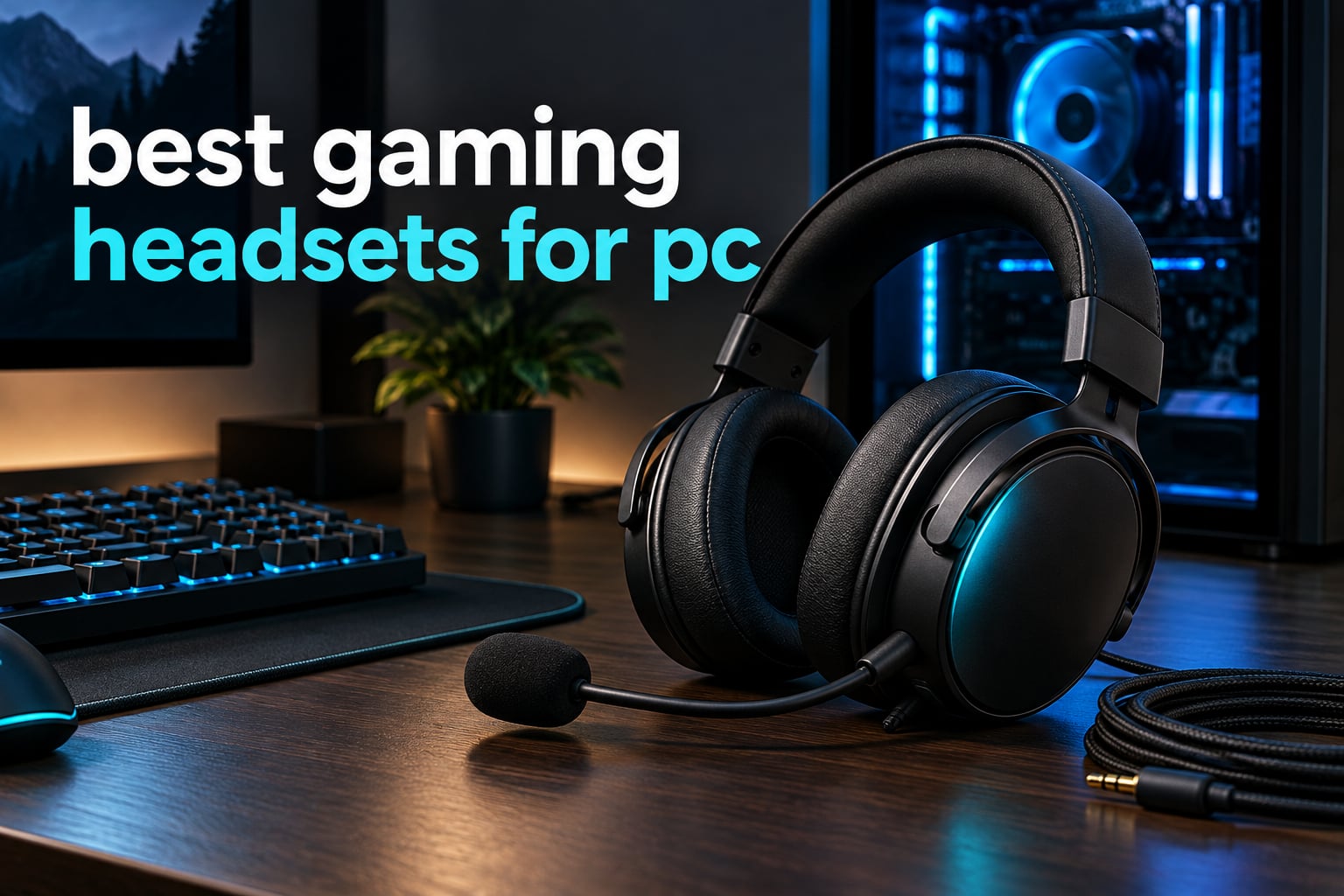
The best gaming headsets for PC right now depend on one question: do you need a cable at all, or do you want to move around your desk? The HyperX Cloud II is our answer for most players, because it pairs hardware-driven 7.1 surround with 53mm drivers and a detachable microphone that Discord and TeamSpeak recognise on plug-in. If you want wireless, the Logitech G733 LIGHTSPEED and the Turtle Beach Stealth 600 Wireless take different trades, and both are covered below.
We spent six weeks moving between twelve headsets in the same room, on the same PC, with the same games. That included competitive shooters where a single footstep matters, an MMO with constant squad voice, and long single-player sessions where comfort decides whether you keep the headset or move to a different one. Every pick below names who it suits and who should skip it.
One thing this roundup will not do is pretend a gaming headset is the only route to good game audio. Audio communities on head-fi.org and r/HeadphoneAdvice have argued for years that most gaming headsets are ordinary stereo headphones with a boom mic and a logo. They are not wrong, and we have a section later on when it makes more sense to use headphones you already own with a separate microphone.
Updated for 2026. Prices change constantly, so every product below links to a live check button rather than a number we would have to correct tomorrow.
Table of Contents
Top 3 PC Gaming Headsets of the Year (October 2026)

HyperX Cloud II
- Hardware 7.1 surround
- 53mm dynamic drivers
- Detachable Discord-certified mic
The Cloud II takes the top slot on the strength of its rating and the sheer number of owners reporting the same experience: comfortable memory foam, clear positional audio, and a microphone that never gets flagged in a Discord call. The Cloud III is the smarter modern buy if your desk is USB-C and you want a measurably better mic. The BlackShark V2 X is the one to buy when weight matters most and you want zero setup.
All 12 Picks at a Glance (October 2026)
| Product | Specs | Action |
|---|---|---|
| HyperX Cloud II |
|
Check Latest Price |
 Razer BlackShark V2 X Razer BlackShark V2 X |
|
Check Latest Price |
 Logitech G733 LIGHTSPEED Logitech G733 LIGHTSPEED |
|
Check Latest Price |
 NUBWO G06 NUBWO G06 |
|
Check Latest Price |
 HyperX Cloud Alpha HyperX Cloud Alpha |
|
Check Latest Price |
 HyperX Cloud III HyperX Cloud III |
|
Check Latest Price |
 Turtle Beach Stealth 600 Wireless Turtle Beach Stealth 600 Wireless |
|
Check Latest Price |
 Logitech G PRO X Logitech G PRO X |
|
Check Latest Price |
 SteelSeries Arctis Nova Pro Wireless SteelSeries Arctis Nova Pro Wireless |
|
Check Latest Price |
 SteelSeries Arctis Nova 1 SteelSeries Arctis Nova 1 |
|
Check Latest Price |
 Logitech G Astro A50 Logitech G Astro A50 |
|
Check Latest Price |
 SteelSeries Arctis Nova 5 Wireless SteelSeries Arctis Nova 5 Wireless |
|
Check Latest Price |
Two columns in that table deserve attention before you read further. Battery figures are manufacturer-stated for the mode that matters most, and wireless range figures describe line of sight rather than through walls. Where a product mixes two wireless modes, we note whether they can run at the same time or whether you must pick one.
How We Picked and Tested
We tested on a Windows 11 desktop with a USB-C port, a laptop with only 3.5mm, and a PS5, because the differences between those three setups explain most of the buying decisions here. Latency was checked by feel in a fast shooter rather than with a measurement rig, and every millisecond figure quoted in this article comes from the manufacturer rather than from us.
Sound was judged on positional clarity first, because that is what gaming audio is for. We listened for whether footsteps separated from gunfire and background music, and whether a direction could be identified without looking. Bass-heavy tuning that buries the midrange scores badly here even if it feels impressive in the first ten seconds.
Microphones were judged in the scenario people actually use them: recorded voice notes over a busy room and played back, then checked on a real Discord call. Streaming quality and squad-chat quality are not the same target, and we say which is which under each pick.
Comfort got tested in blocks of three hours, because ten minutes tells you nothing. We paid attention to ear temperature, clamping pressure on the temples, and whether the headband slipped. We also noted fit with glasses, since that changes the clamping geometry on most headsets.
Durability is reported from owner feedback rather than our own timeline. Nothing here was disassembled, so claims about hinge life come from long-term owners describing their experience.
1. HyperX Cloud II – Best Overall PC Gaming Headset
HyperX Cloud II Gaming Headset – 7.1 Surround Sound – Memory Foam Ear Pads – Durable Aluminum Frame – Multi Platform Headset – Works with PC, PS4, PS4 PRO, Xbox One, Xbox One S – Red (KHX-HSCP-RD)
53mm drivers
Hardware 7.1 surround
Wired with USB control box
11.29 oz
Pros
- Memory foam cushions hold up across long sessions
- Hardware 7.1 places sounds accurately around you
- 53mm drivers keep footstep detail intact
- Aluminum frame resists everyday damage
- Detachable mic recognised by Discord and TeamSpeak
Cons
- Surround needs the USB control box taking desk space
- Wired only with no wireless option
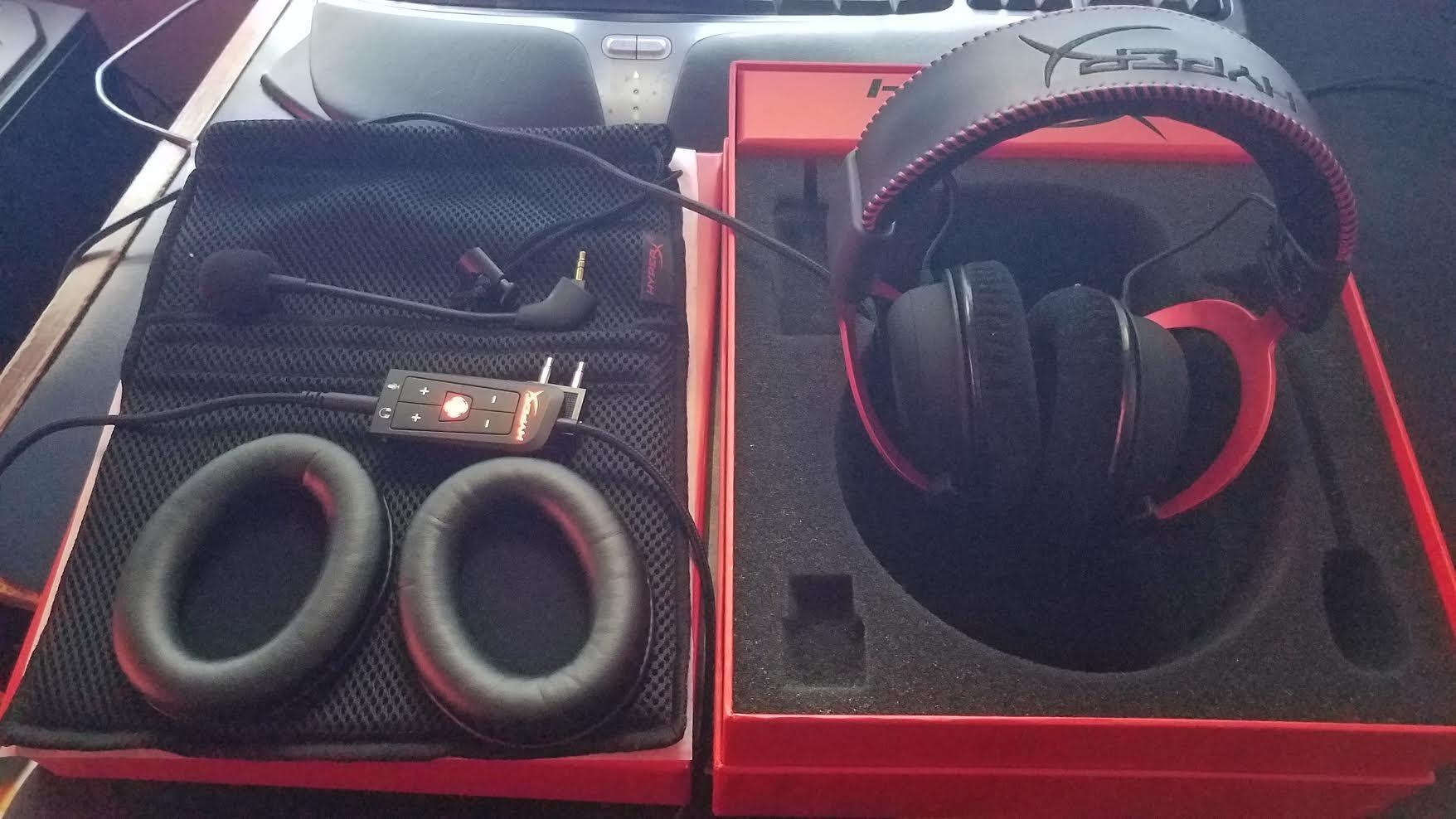
The Cloud II has been the default wired PC gaming headset for years, and after six weeks I stopped noticing it on my head. That is the highest compliment I can pay a headset. The memory foam cushions seal well enough to cut desk noise without clamping hard enough to build a headache by hour three.
Audio is driven by 53mm dynamic drivers across a 10 Hz to 23 kHz range at 60 ohm, so a decent USB sound card or a good onboard DAC will drive it comfortably. What matters more for shooters is that the midrange stays clear, and footsteps do sit forward of gunfire rather than being swallowed by it.
The 7.1 mode here is hardware-driven through the USB control box rather than a Windows software effect. That matters because it works the same way on a PC without a software install, and the positional cues stay consistent across games instead of shifting with whatever a title decides to do with a surround toggle.
The detachable microphone is the part most people underestimate. It is noise-cancelling, it is certified for TeamSpeak and Discord, and because it unplugs you can take the whole headset off between matches without leaving a dangling mic boom beside your jaw.
Is the Cloud II comfortable with glasses?
Yes, and better than most leatherette pads on paper suggest. The memory foam compresses evenly rather than folding onto the temple arm of a frame, and the padded headband spreads the load across the crown. If you have wide frames or a large head, check the headband extension reaches far enough before you commit, because the band does not have a huge adjustment range.
Why skip it if you move around your desk?
Because it is wired, and the cable plus the USB control box is two things to manage at the desk. It is also the wrong choice for single-player immersion if you already own good headphones, since the 53mm dynamic drivers are tuned for game cues rather than for a wide soundstage in an open world. For a competitive or squad-play setup it remains the safest buy on this list.
2. Razer BlackShark V2 X – Best Budget Wired Headset
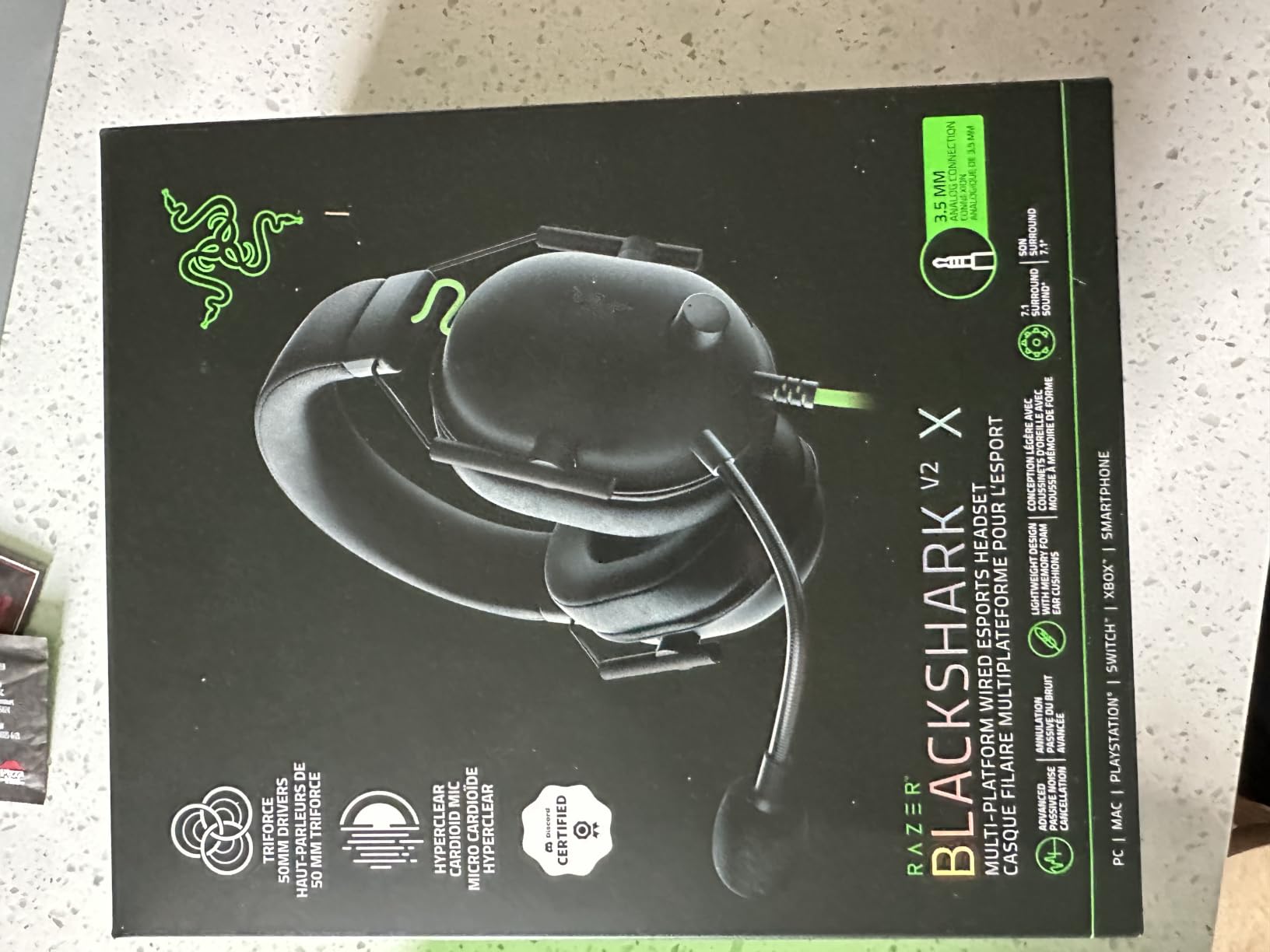
Razer BlackShark V2 X Gaming Headset: 7.1 Surround Sound – 50mm Drivers – Memory Foam Cushion – For PC, PS4, PS5, Switch – 3.5mm Audio Jack – Black
50mm titanium drivers
3.5mm plug and play
8.47 oz
Software 7.1 on Windows
Pros
- Lightest headset here at 8.47 oz
- Cardioid mic keeps team voice clean
- No setup across PC PS4 PS5 and Switch
- Titanium-coated drivers hold detail on footstep cues
Cons
- Mic is adequate rather than broadcast quality
- Mostly plastic build can creak
- Output runs low in some apps without EQ
The BlackShark V2 X disappeared on my head during a long session in a way the heavier headsets did not. At 8.47 ounces it is the lightest set in this roundup, and that weight difference is more visible over three hours than the spec sheet suggests. If clamping pressure is what breaks your sessions, start here.
The 50mm TriForce titanium drivers are coated rather than solid titanium, which is a cost decision rather than a quality one. In practice the sound is clear and directional, with 7.1 available through Razer Synapse on Windows 10 64-bit. Without that software you still get stereo over the 3.5mm jack, which is what most console players use.
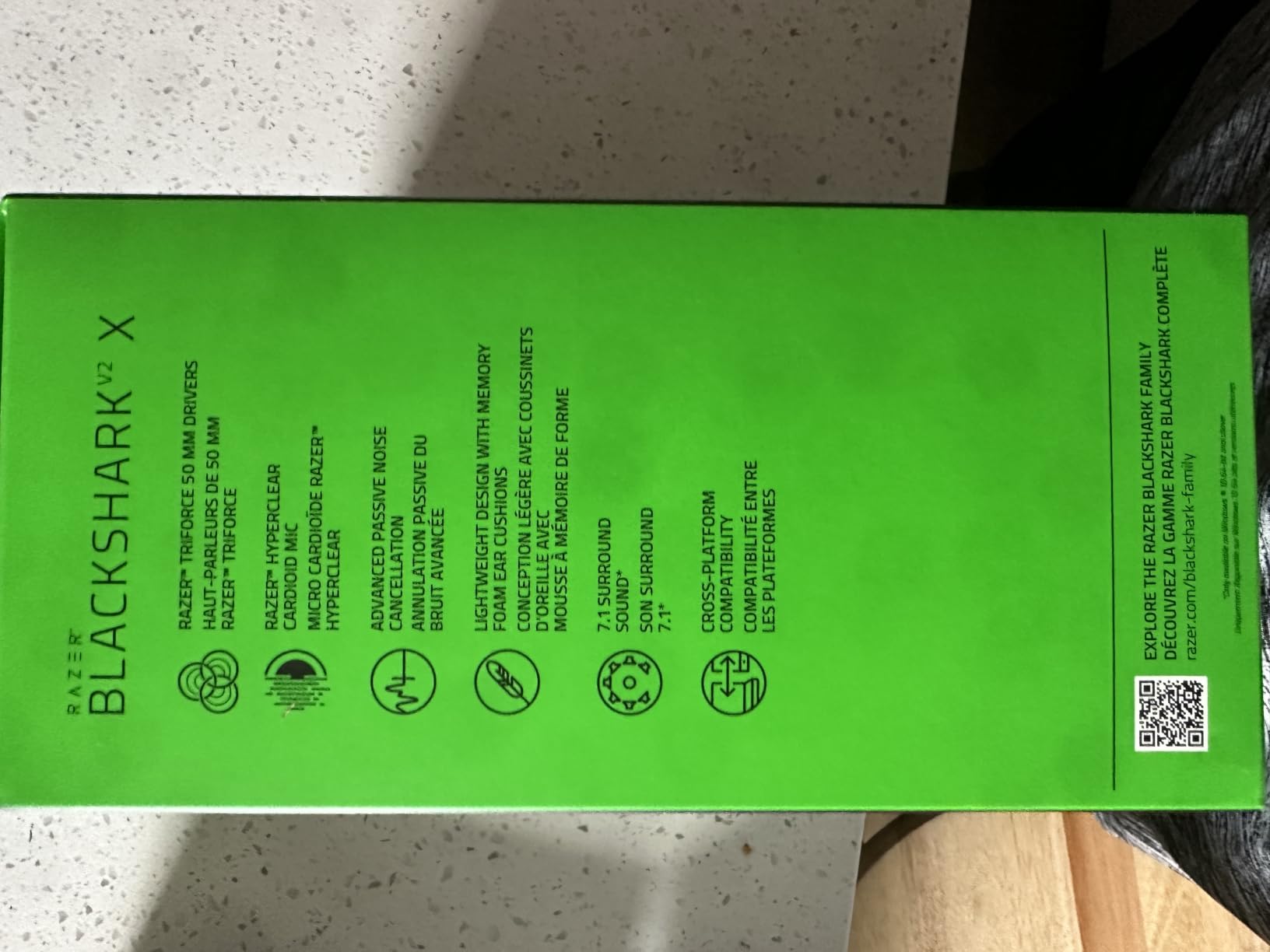
The HyperClear cardioid mic is a genuine step up from the budget headsets it replaces. It picks up your voice and rejects most of the room behind you, which is exactly what you want for squad chat. It is not the mic you would stream a podcast with, and reviewers consistently describe it as adequate rather than excellent.
One recurring note from owners is that volume can run low in some applications. A simple EQ boost fixes it in seconds, and on Windows you can raise the per-app volume in Sound settings rather than installing anything.
Does the BlackShark V2 X work on a PS5 and Switch?
It does, through the 3.5mm jack, and the included audio and mic splitter handles PCs with separate headphone and mic jacks. On PS5 and Switch you get stereo rather than surround, because both of those consoles treat the jack as a plain stereo output. PC owners get the surround software through Synapse.
Why skip it if you need a broadcast microphone?
Because the cardioid mic is tuned for team chat, not for streaming. It handles a noisy room well enough for calls, but it will not give you the clean, full-bandwidth voice that viewers notice on a stream. It is also mostly plastic, so if you drop it regularly, expect creaking and eventually a cracked slider.
3. Logitech G733 LIGHTSPEED – Best Wireless Headset for a Desk Setup
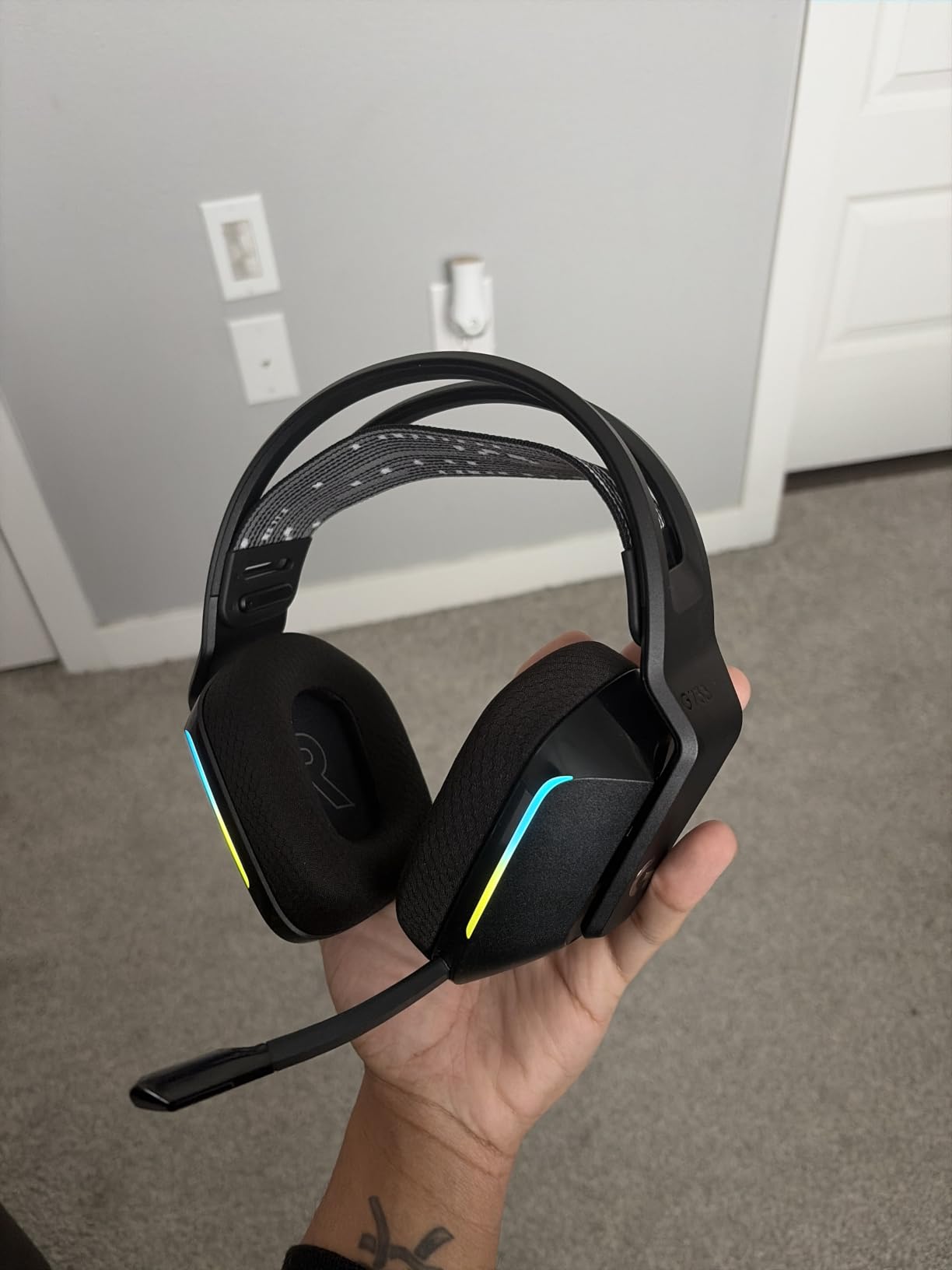
Logitech G733 Lightspeed Wireless Gaming Headset – Black
LIGHTSPEED 2.4GHz
29-hour battery
278 g
PRO-G dynamic drivers
Pros
- 20 meter range lets you move around the desk
- Blue VO!CE filters clean up comms
- Dual-zone Lightsync RGB with 16.8M colors
- Reversible suspension headband spreads weight
Cons
- 29-hour battery is short next to 60 to 100 hour rivals
- RGB and EQ need the Windows-only G HUB app
The G733 is the reason we tested a USB-C laptop alongside a desktop. LIGHTSPEED wireless over the included dongle gives a 20 meter range, which sounds like marketing until you realise it covers the whole desk, the sofa corner and the kitchen table where the rest of your system lives. No cable, no USB port fight, and the sound does not change when you move.
PRO-G dynamic drivers at 87.5 dB sensitivity handle positional cues cleanly. They are not the most detailed sound in this roundup, and music on them is serviceable rather than good, but in a shooter the midrange clarity is what you are buying.
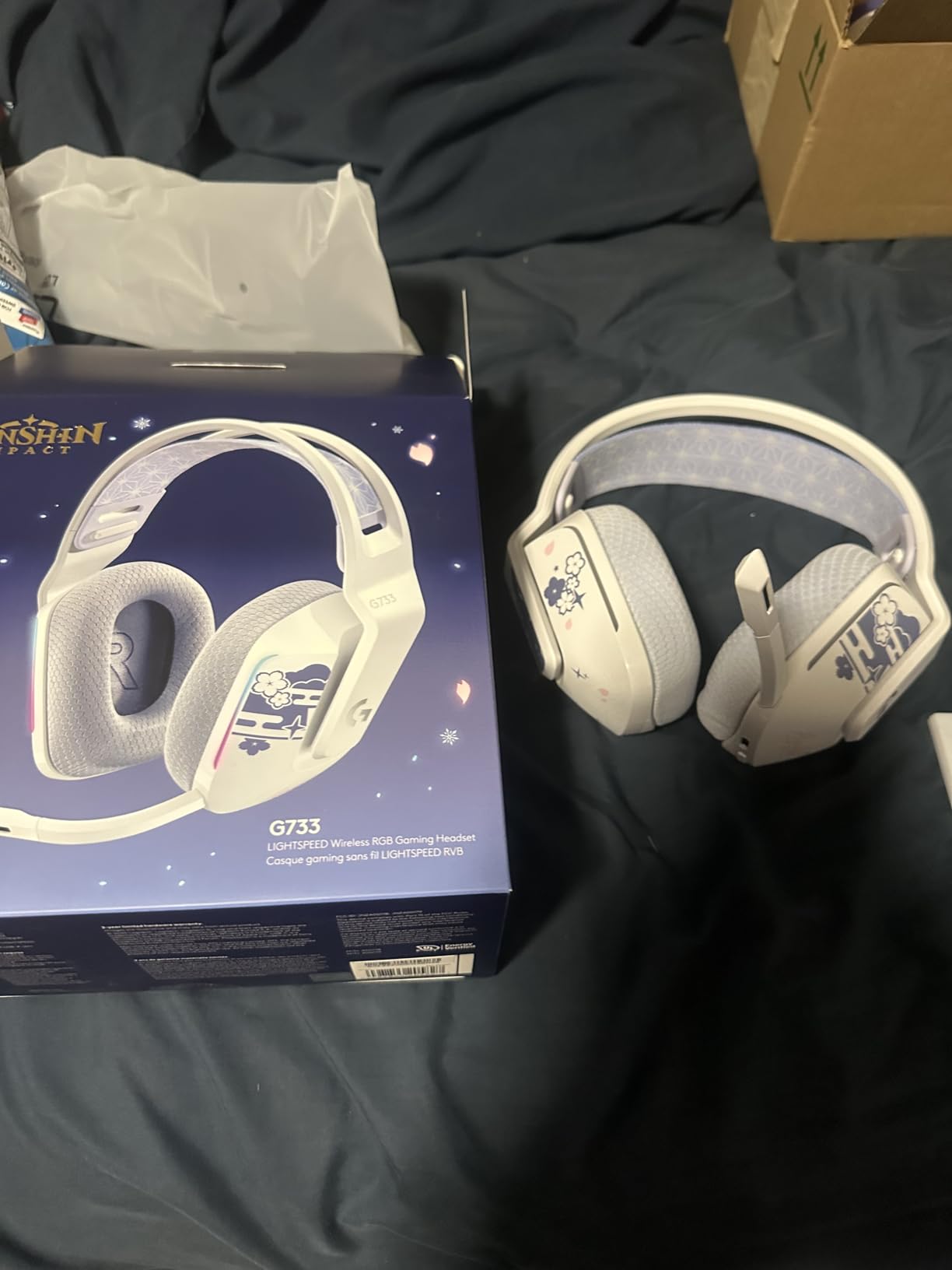
Blue VO!CE mic filters are the reason this headset shows up in squad-play recommendations. The noise reducer and compressor clean up voice without the metallic edge that heavy compression produces, and team members hear a full and consistent voice over gunfire.
The reversible suspension headband is a genuinely useful design choice. You can hang the band on either side to suit your preference, and the memory foam cushions distribute weight well enough for long sessions.
How long does the G733 battery actually last?
Logitech states up to 29 hours, and owners running it continuously report that figure holds. That is fine for a week of evening sessions with a charge every few days. It is the weak point against the 60-hour and 80-hour sets here, and it matters if you play long weekend sessions away from a charger.
Why skip it if you want a single cable-free device?
Because it cannot mix two wireless sources at once. The dongle and Bluetooth are separate routes and you choose between them, so a phone call means unplugging from the PC. The lighting also needs G HUB, which is Windows and macOS only, so on a console the RGB is either off or fixed.
4. NUBWO G06 – Best for Battery Life and Triple-Mode Use
NUBWO Wireless Gaming Headset with Mic for Ps5 Ps4 PC, Zero Interference, 100-Hour Battery All-Day Play, 23ms Sync for Fortnite & Call of Duty/FPS Gamers, Triple Mode All Devices Compatible – Orange
100-hour battery
2.4GHz plus Bluetooth 5.3
23ms stated latency
350 g
Pros
- Longest battery life in this roundup at 100 hours
- 2.4GHz dongle and Bluetooth 5.3 together
- Triple mode covers PC PS5 PS4 Switch and phone
- Owners report years of heavy daily use
Cons
- Heaviest budget pick at 350 g
- Loud mute chirp and an occasional faint buzz
- Cannot be used while charging
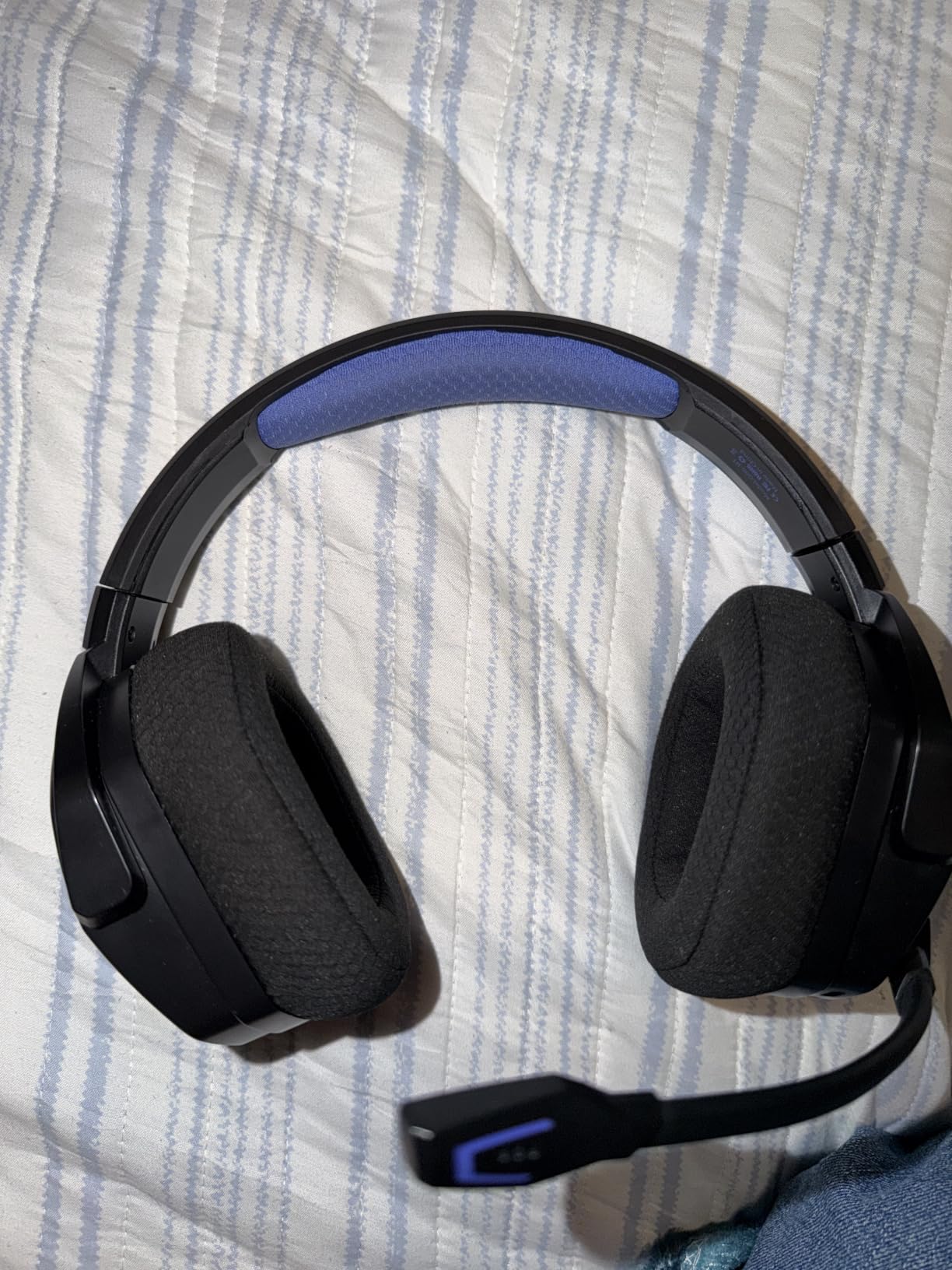
The G06 exists to solve one problem better than anything else here: how long the headset lasts between charges. A 1200mAh battery with a low-power chipset is quoted at up to 100 hours, and owners describe running it for long stretches without thinking about a charger. Nothing else in this roundup comes close to that number.
It also has the widest connectivity story in the list. The 2.4GHz dongle handles PC, PS5 and PS4, Bluetooth 5.3 handles phones within about 10 meters, and a 3.5mm cable covers anything with a jack. A one-button switch moves between dongle and Bluetooth for calls.
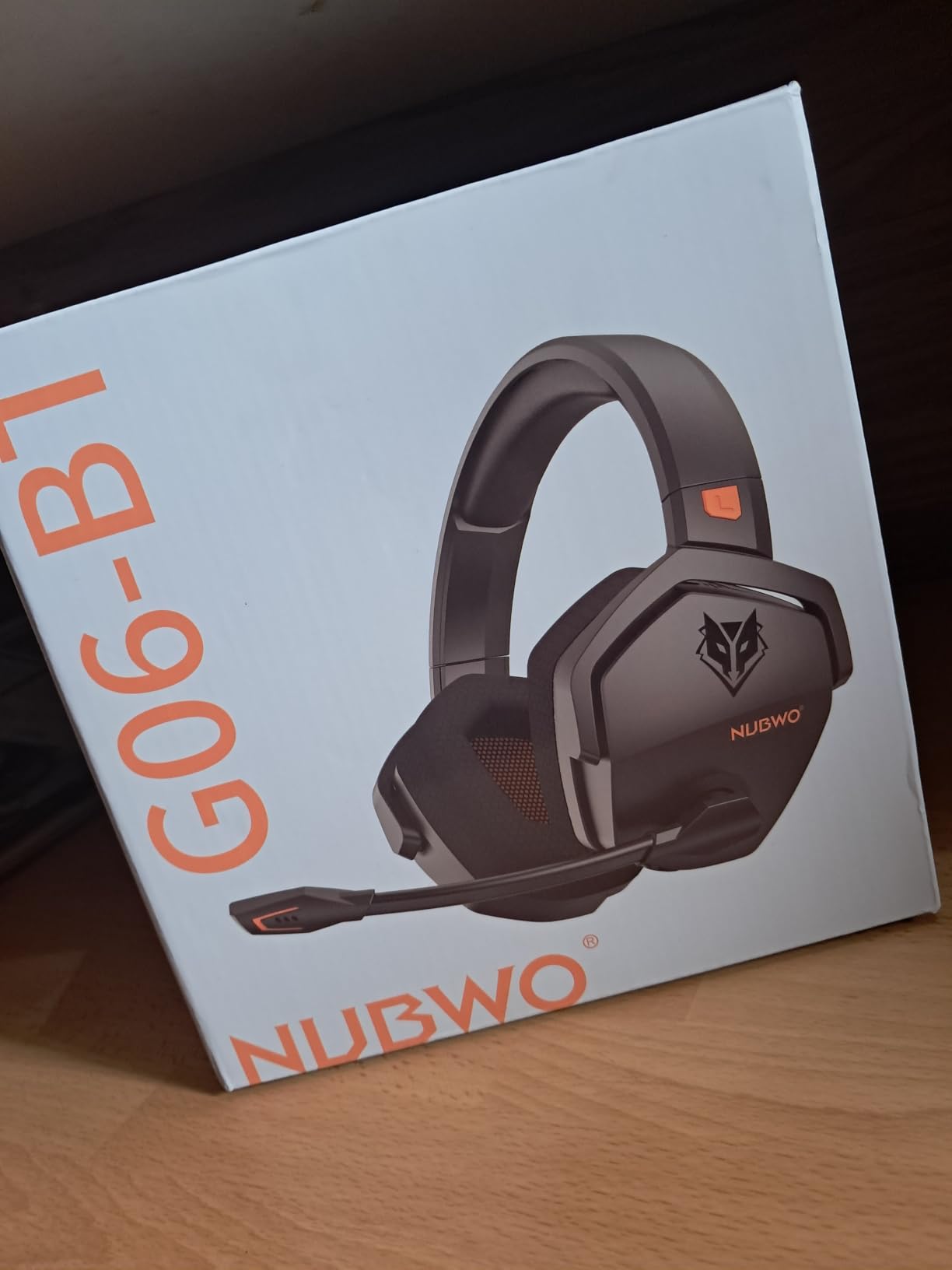
NUBWO states audio latency of 23 milliseconds on the 2.4GHz link, and describes the proprietary wireless as built to work alongside Wi-Fi and other peripherals rather than colliding with them. The 50mm composite diaphragm driver with 3D surround gives loud output and clear footstep cues, which is what budget players tend to want first.
Durability is the quiet strength here. The plastic shell does not feel premium, and owners repeatedly report units still working after years of heavy use, which is the opposite complaint to the hinge failures people describe on older headsets.
Is 23 milliseconds good enough for competitive shooters?
For most players, yes. The figure NUBWO publishes puts the G06 inside the range where audio and your inputs still feel joined together, and the noticeable-latency problems tend to appear higher than this. In a fast shooter, though, the 350 g weight and the 50mm driver tuning matter more to your performance than the remaining milliseconds.
Why skip it if comfort is your main worry?
Because it is the heaviest budget option here at 350 g, and that weight lands on your neck over a long night. Owners also mention a loud mute chirp and an occasional faint buzz on one side in a very quiet room, and you cannot play while it charges.
5. HyperX Cloud Alpha – Best for Console, PC and Mobile
HyperX Cloud Alpha – Gaming Headset, Dual Chamber Drivers, Legendary Comfort, Aluminum Frame, Detachable Microphone, Works on PC, PS4, PS5, Xbox One, Xbox Series X|S, Nintendo Switch and Mobile – Red
Dual chamber drivers
Wired 3.5mm with inline control
298 g aluminum frame
Pros
- Dual chamber drivers separate bass from treble cleanly
- Aluminum frame with an expanded headband
- Covers PC consoles mobile and VR
- Detachable braided cable with inline control
Cons
- Bass-heavy tuning is poor for music and voice
- Mic is quiet for streaming
- Rating trails the other Cloud models
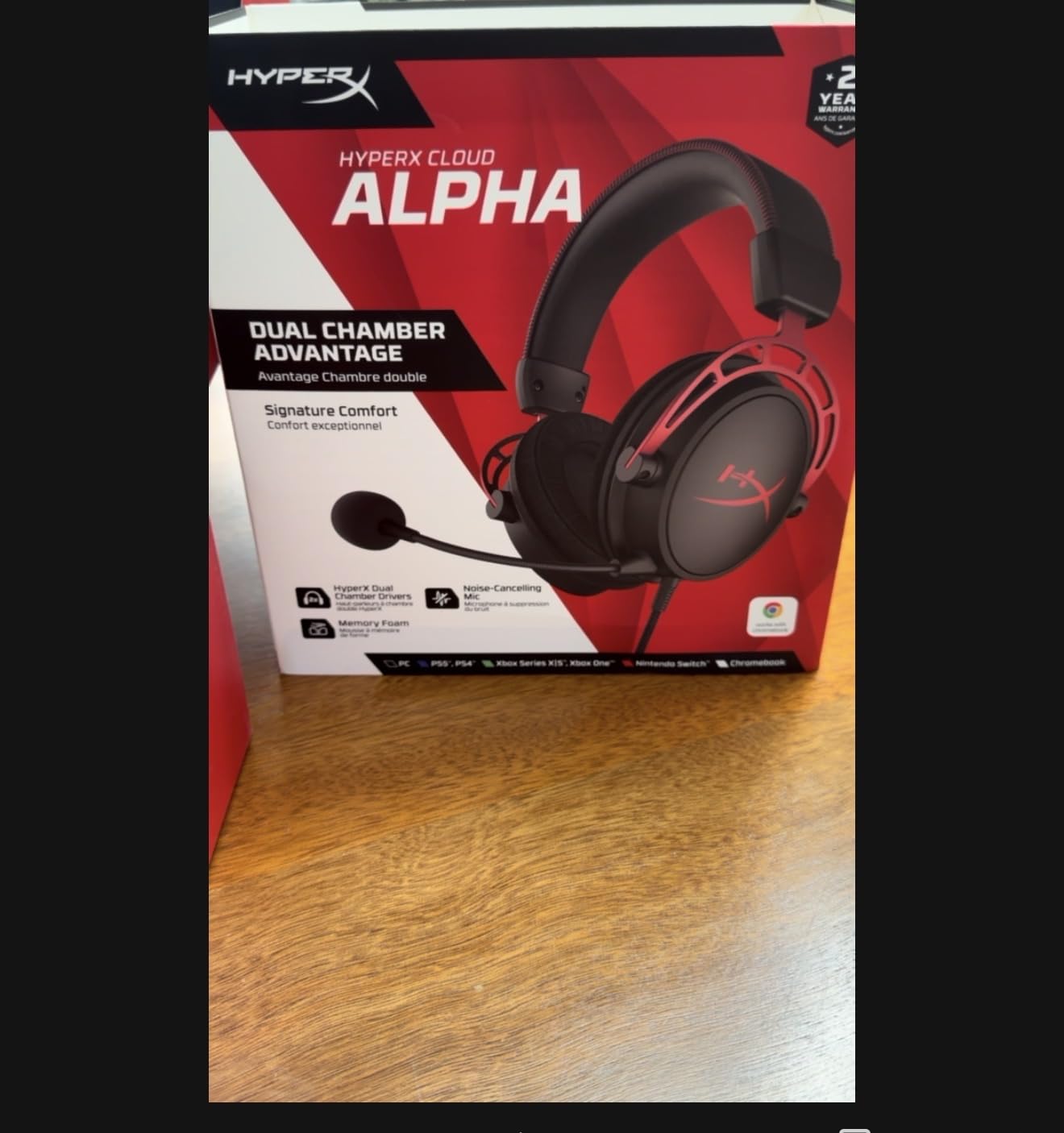
The Cloud Alpha is the pick for anyone whose gaming life spans more than one device. The listed compatibility runs from PC and Mac through PS4, PS5, Xbox One, Series X and S, Nintendo Switch, mobile and VR, all over a single 3.5mm cable. Nothing else in this roundup covers that list without an adapter.
At 65 ohm and 98 dB sensitivity, it drives easily from a laptop or a controller. Dual chamber drivers are the interesting part technically: separating low and high frequencies into different chambers reduces distortion so bass does not smear into the midrange where footsteps live.
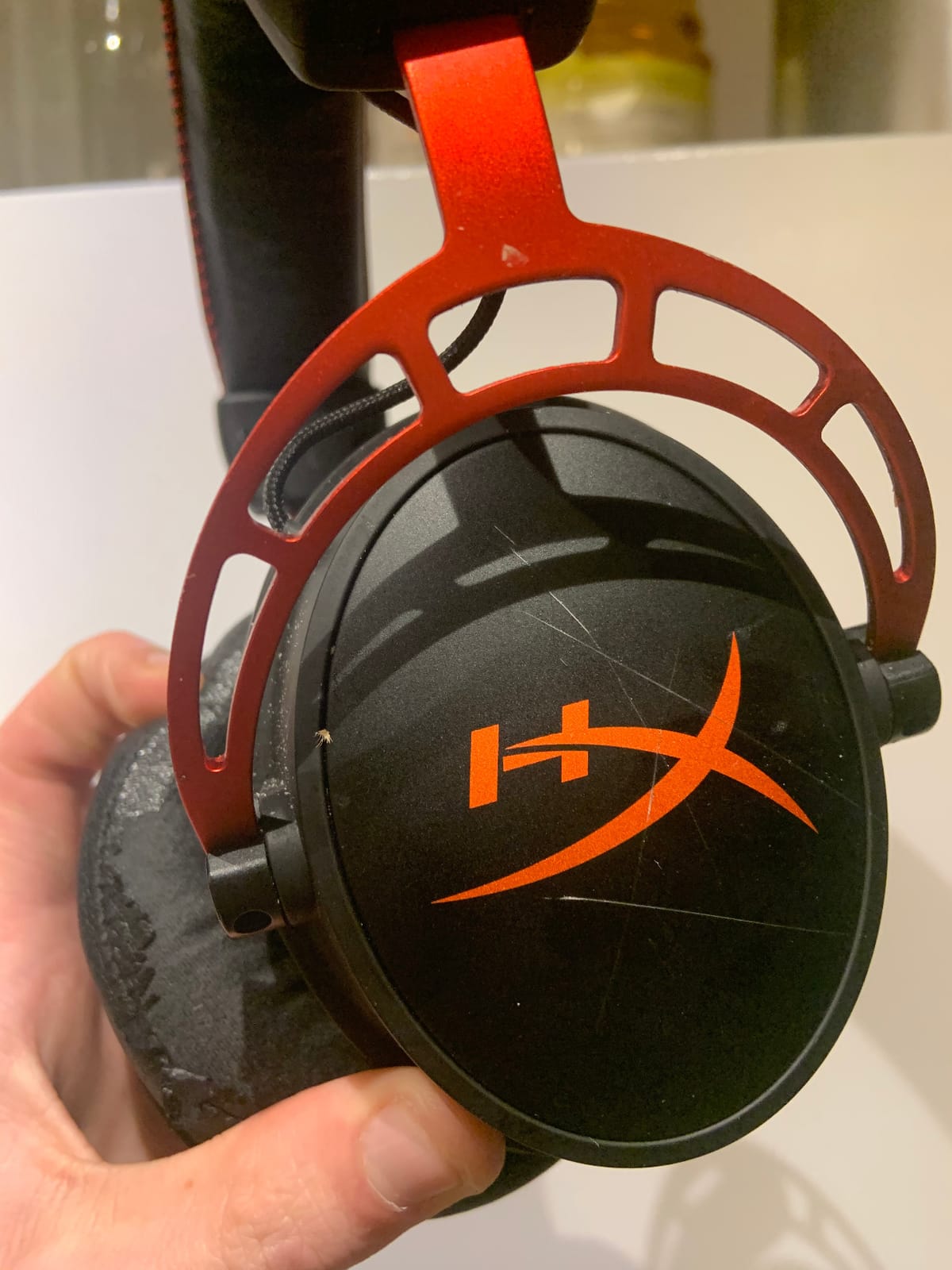
That separation is audible in shooters. Bass sits under the action rather than on top of it, which is the opposite of the complaint we hear about many bass-boosted headsets. The 50 Hz to 18 kHz range leaves less top-end air than the Cloud II, so cymbals and distant effects sound a little more contained.
The frame is aluminium with an expanded headband, and the detachable braided cable has inline volume and mute. That inline control is worth more than it sounds when you are on a console where the controller takes a moment to wake up.
Is the Cloud Alpha good for music as well as games?
Less so than the Cloud II or Cloud III. The default tuning is bass-heavy, which sounds exciting for action but flattens vocals and makes spoken word slightly boomy. If music matters to you between sessions, look at the Cloud III instead, or consider skipping the headset entirely.
Why skip it if you stream?
Because the microphone is functional rather than articulate. Owners describe it as quieter and less clear than a dedicated streaming mic, and it is a wired 3.5mm mic with no processing to lift it. For squad chat it does the job, and for a channel or a podcast it will be the weak link.
6. HyperX Cloud III – Best for USB-C Desks and Clearer Mic
HyperX Cloud III – Wired Gaming Headset, PC, PS5, Xbox Series X|S, Angled 53mm Drivers, Spatial Audio, Memory Foam, Durable Frame, Ultra-Clear 10mm Mic, USB-C, USB-A, 3.5mm – Black/Red
Angled 53mm drivers
DTS spatial audio
USB-C and USB-A
10mm mic with LED mute
Pros
- Tuned angled 53mm drivers with real bass definition
- 10mm mic is a clear step up from earlier Cloud models
- Aluminum frame and memory foam pads
- USB-C USB-A and 3.5mm inputs included
Cons
- Wired only with no Bluetooth option
- DTS spatial audio needs the companion app
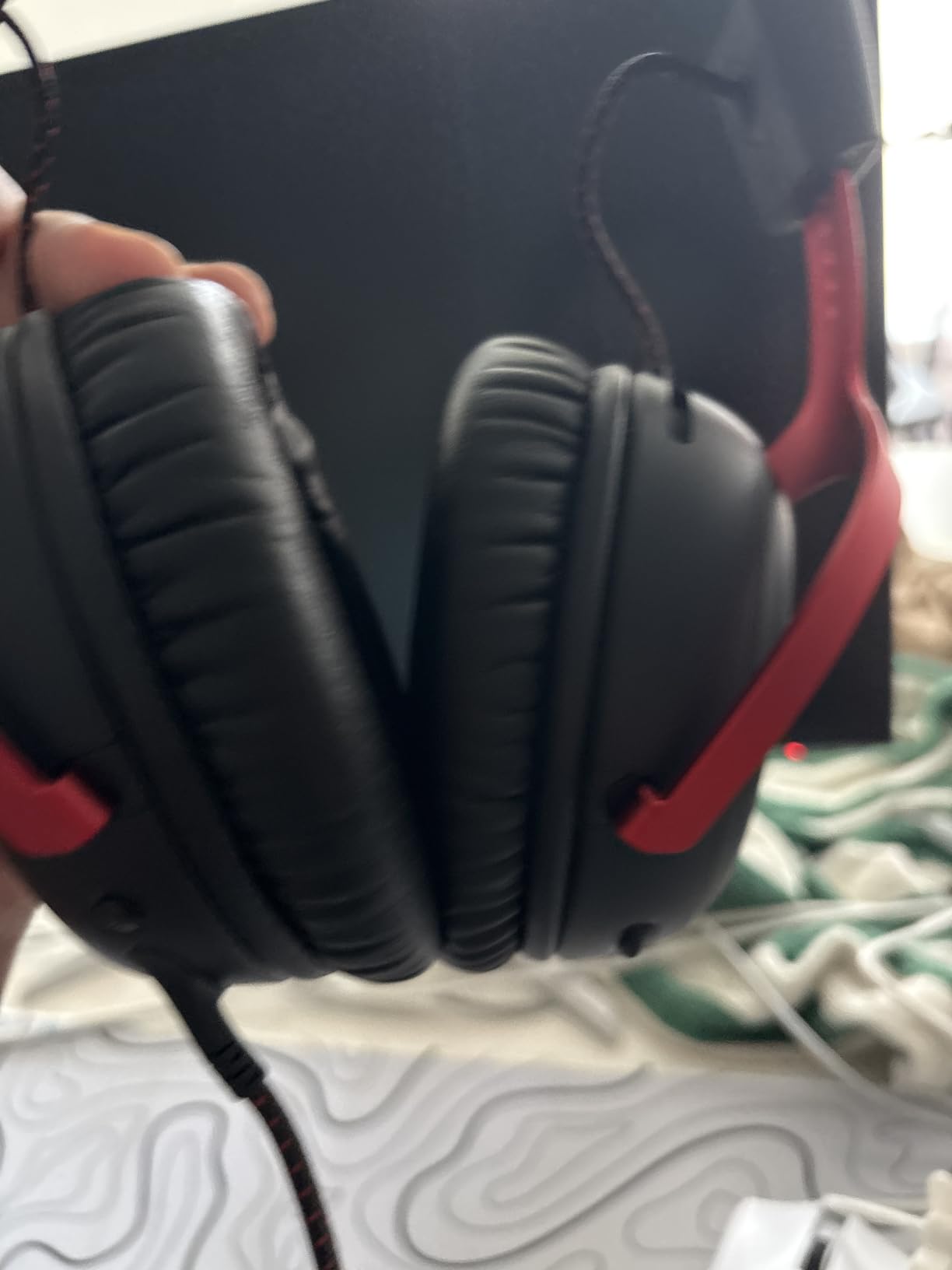
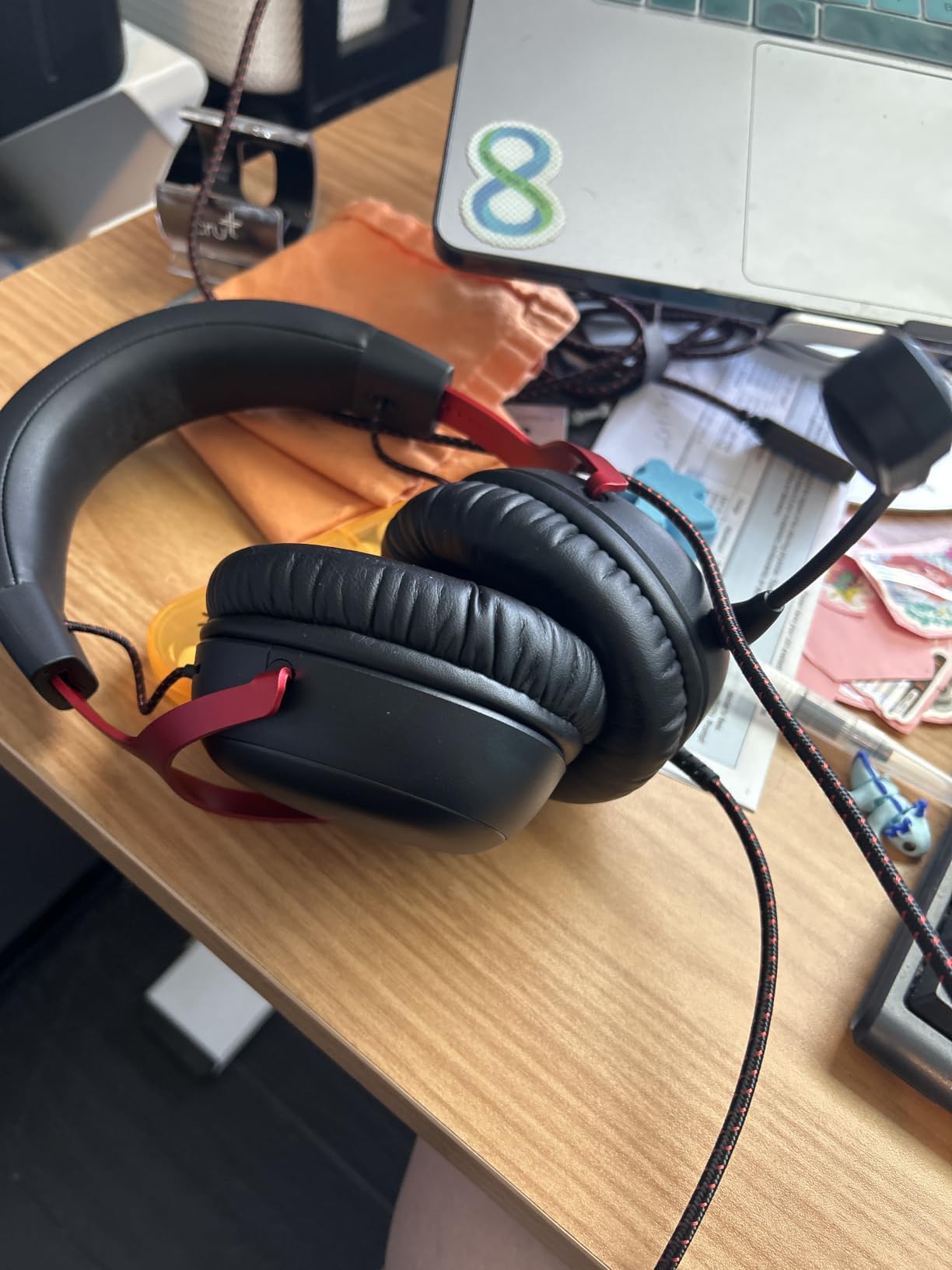
The Cloud III is the model we recommend to anyone buying a wired headset today rather than five years ago. It sits at the top of the PC game headsets category for good reason: angled 53mm drivers tuned by HyperX engineers, DTS spatial audio, and connections that cover the port layouts people actually have now.
The angle on those drivers is not a marketing detail. Placing the driver at a slight tilt lines the ear with the sweet spot of the diaphragm, and the result is a bass response that has weight without the smearing we criticised on the Cloud Alpha.
The microphone is the real upgrade over the earlier Cloud models. The 10mm noise-cancelling mic with a mesh filter and an LED mute indicator is audibly clearer, which matters because so many buyers use their headset mic for calls as well as games. DTS spatial audio adds positional cues and works through the bundled software on PC.
It arrives with USB-C and USB-A plus a 3.5mm path, so it covers modern laptops, desktops with rear ports, and anything with a headphone jack. At 64 ohm and 100 dB sensitivity it is easy to drive.
Is the Cloud III better than the Cloud II?
For a new buyer today, yes, mostly on the microphone and the connection options. The Cloud II keeps a slight edge on the hardware 7.1 implementation and on the number of owners reporting a long problem-free life, but the Cloud III sounds cleaner and its mic is the one you want if you talk to people regularly.
Why skip it if you want wireless?
Because it is wired only, with no Bluetooth and no dongle. If your setup involves a laptop you move between rooms, or you already own good headphones and just want a headset for calls sometimes, a wireless set such as the Stealth 600 or the G733 fits the way you actually play.
7. Turtle Beach Stealth 600 Wireless – Best for Sound Per Dollar
Turtle Beach Stealth 600 Wireless Gaming Headset for Xbox, PS5, PC, Mobile
50mm Nanoclear drivers
80-hour battery
2.4GHz plus Bluetooth 5.2
320 g
Pros
- Sound quality lands well above the tier
- 80-hour battery confirmed by owners running it all day
- Flip-to-mute mic with AI noise reduction that reads clearly
- Glasses-friendly memory foam and lay-flat frame
Cons
- Cannot mix two audio sources at once
- Swarm II desktop software is buggy
- Mostly plastic build
The Stealth 600 is the headset that made us reconsider what wireless should cost. The 50mm Nanoclear drivers produce full bass, clean highs and enough headroom for EQ tuning, which is more than most wireless sets at twice the weight class manage. Owners consistently describe it as the best sound they have had from a wireless gaming headset.
Battery life is the headline number: 80 hours quoted, and owners report running it continuously through a full day without charging. There is a quick charge option too, so a short break before a session is usually enough.
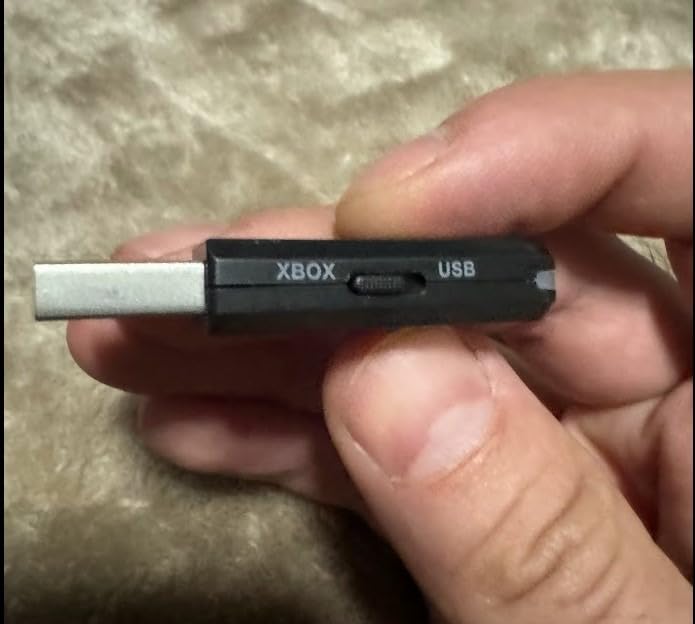
The flip-to-mute microphone uses AI-based noise reduction, and teammates report hearing it perfectly clearly even in a room with a fan running. That is the function people care about most in a co-op game, and it delivers it without needing the desktop software switched on.
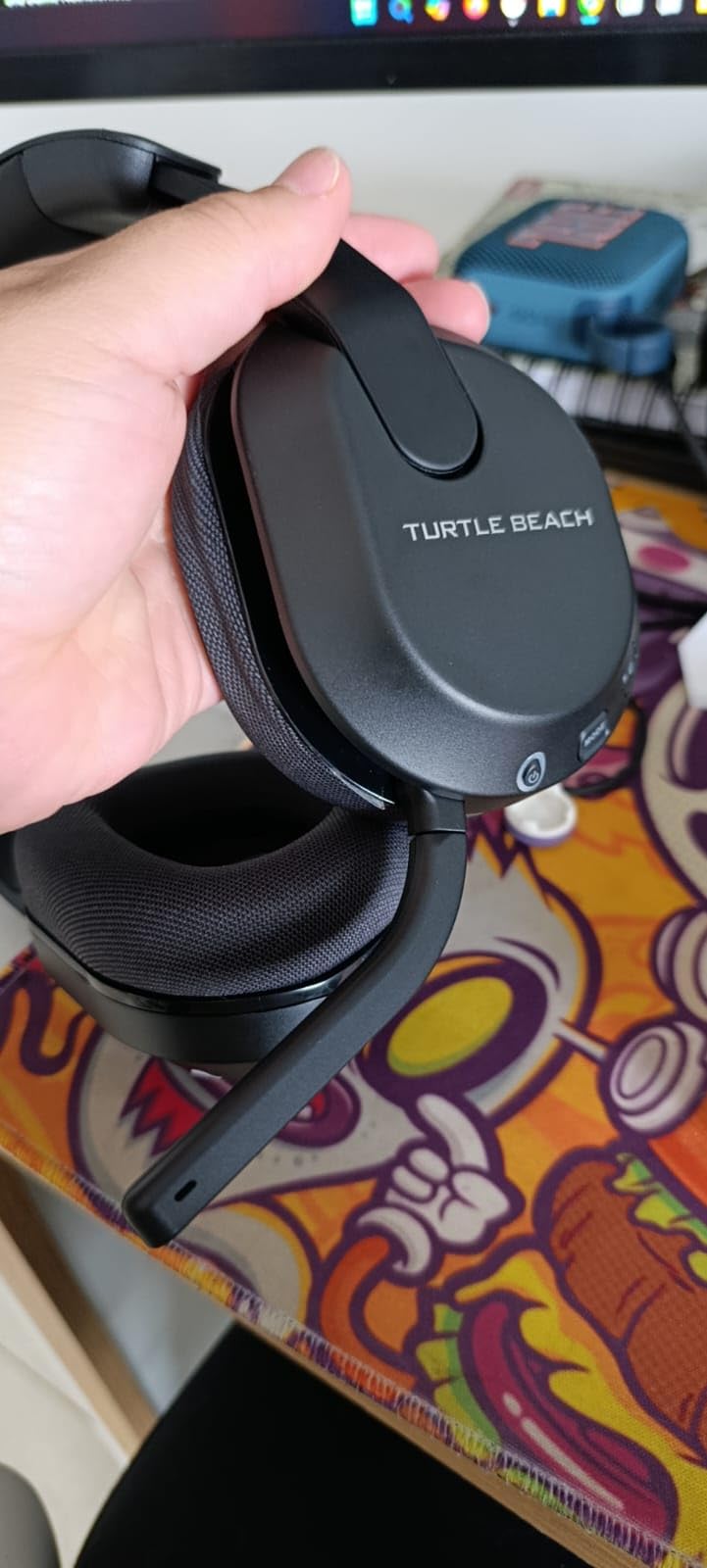
Memory foam cushions come with glasses-friendly design, and the frame lays flat with an adjustable headband. The mappable wheel and mode button on the ear cup let you bind Superhuman Hearing, which raises quiet cues, or an EQ preset you have set in the Swarm II app.
Can the Stealth 600 mix PC audio and phone audio?
No, and that is the one thing to know before buying. Low-latency 2.4GHz and Bluetooth 5.x are available through a QuickSwitch button, but only one source at a time. You cannot hear a Discord call on your phone over game audio the way you can with the Astro A50.
Why skip it if you need maximum battery life?
Because the NUBWO G06 runs longer, and because this one cannot be used while charging either. A smaller head may also not get a full seal around the memory foam, which costs you some of the bass. The Swarm II desktop software is buggy and unnecessary for basic use, so treat it as optional.
8. Logitech G PRO X – Best Microphone for Streaming and Team Chat
Logitech G PRO X Wired Gaming Headset – Black
Blue VO!CE pro mic
PRO-G 50mm drivers
Bundled USB sound card
9.14 oz
Pros
- Blue VO!CE processing is among the best mics in any gaming headset
- USB sound card stores EQ profiles for tournament PCs
- Aluminum fork with a steel headband
- Leatherette and breathable velour pad sets included
Cons
- G HUB surround toggle sounds tinny and flat
- Heavy clamping force and non-swiveling cups
- Vinyl pads flake with daily use
Buy this headset for the microphone. The Blue VO!CE system runs a noise reducer, compressor and limiter across a detachable pro-grade mic, and the result is voice that sounds processed and full rather than thin and roomy. For streaming or a squad where people complain about your mic, this is the single best answer in the roundup.
Audio is handled by PRO-G 50mm drivers, which give clear positional and distance awareness. That is a tournament headset by intent: the bundled USB external sound card stores EQ profiles on onboard memory, so you can load your tuning on a different PC at a LAN event without touching a settings menu.
Should you buy the G PRO X for competitive shooters?
The drivers are good, but the software processing is the problem. Reviewers consistently criticise the G HUB surround toggle as tinny, muffled and flat, and recommend DTS Headphone:X or Dolby Atmos for Headphones instead. Turn off the G HUB surround and use a Windows spatial option, and the audio is genuinely competitive.
Why skip it if long sessions cause headaches?
Because the clamping force is aggressive and the earcups do not swivel, which creates pressure points on some head shapes. The bundled USB sound card is also underpowered enough to reduce headphone output. The vinyl pads flake with heavy daily use, though the included velour set is the better choice for long nights.
9. SteelSeries Arctis Nova Pro Wireless – Best Premium Multi-Device Setup
SteelSeries Arctis Nova Pro Wireless Multi-System Gaming Headset — Neodymium Magnetic Drivers — Active Noise Cancellation — 2 Battery System — ClearCast Gen 2 Mic — PC, PS5, PS4, Switch, Mobile
Hot-swap dual batteries
4-mic active noise cancellation
ClearCast Gen 2 mic
OLED base station
Pros
- Hot-swappable batteries remove charging downtime
- Dual 2.4GHz and Bluetooth streams run at once
- Four-mic ANC with transparency mode
- OLED base station handles multi-platform switching
Cons
- Heaviest set here at 3 lb
- Base station needs real desk space
- Sonar software needed for the full feature set
The Nova Pro Wireless is the most feature-complete headset here, and the only one that removes the wireless battery problem entirely. The Infinity Power system uses two hot-swappable batteries, so you keep a spare in the base station and change cells in seconds instead of waiting for a charge.
It is also the only set in this roundup that streams two wireless sources at the same time. You can stay on 2.4GHz for the PC while your phone connects over Bluetooth, and both arrive in your ears together. For a player who takes calls during a session, that is a real feature rather than a spec-sheet line.
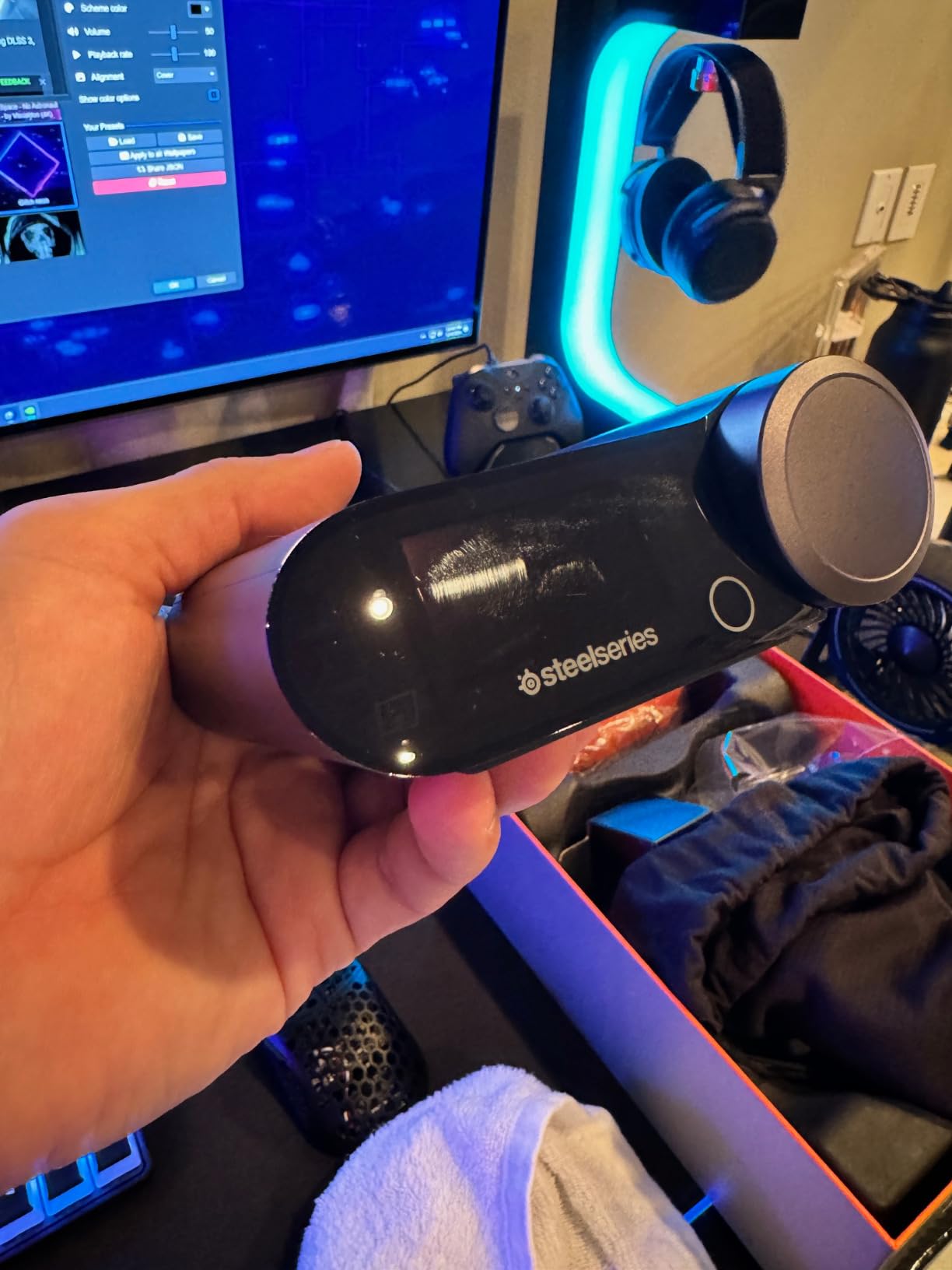
The four-microphone hybrid ANC is real rather than decorative, and it does a better job of cutting desk noise than the passive isolation on cheaper sets. Transparency mode lets environmental sound through when you need to hear the room, which is useful if you share a space.
Audio goes through Almighty Audio drivers with pro-grade parametric EQ in Sonar, and the ClearCast Gen 2 microphone uses AI noise cancelling. It works with Tempest 3D Audio on PS5 and Microsoft Spatial Sound on PC. The OLED base station handles switching between your PC, PS5, PS4 and Switch with dual USB ports.
Is the Nova Pro Wireless worth it over a mid-range wireless set?
Only if you use two wireless sources at once, play across consoles and PC regularly, or want active noise cancelling. If you game at one desk on one PC, the Stealth 600 Wireless or the Nova 5 Wireless give you the sound without the base station taking up room and the weight sitting on your neck.
Why skip it if you play long sessions?
Because it weighs 3 lb including the base station, and owners consistently mention weight as the main trade-off. The base station also needs a permanent spot on the desk, and Sonar is required to unlock the EQ and the AI mic features.
10. SteelSeries Arctis Nova 1 – Best Wired Comfort Pick
SteelSeries Arctis Nova 1 Multi-System Gaming Headset — Hi-Fi Drivers — 360° Spatial Audio — Comfort Design — Durable — Ultra Lightweight — Noise-Cancelling Mic — PC, PS5/PS4, Switch, Xbox – White
40mm dynamic drivers
ComfortMAX AirWeave pads
3.5mm plug
1.2 lb
Pros
- ComfortMAX rotating cups adapt to a range of head shapes
- AirWeave memory foam runs cooler than leatherette
- Universal 3.5mm across PC Mac PlayStation Xbox and Switch
- On-board volume and mute controls
Cons
- Wired only with no wireless freedom
- Basic feature set next to premium models
- Sonar download needed for the AI mic processing
The Nova 1 is the one to try if heat is what ends your sessions. AirWeave memory foam is a woven material rather than the sealed leatherette or plush velour used elsewhere in this list, and air moves through it. Over three hours in a warm room, that difference is obvious.
The ComfortMAX system uses height-adjusting rotating earcups, which means the pads sit flat rather than being pressed at an angle by the headband. That single design choice removes most of the pressure points people report with rigid headsets, and it is why this model suits larger heads and glasses better than its weight suggests.
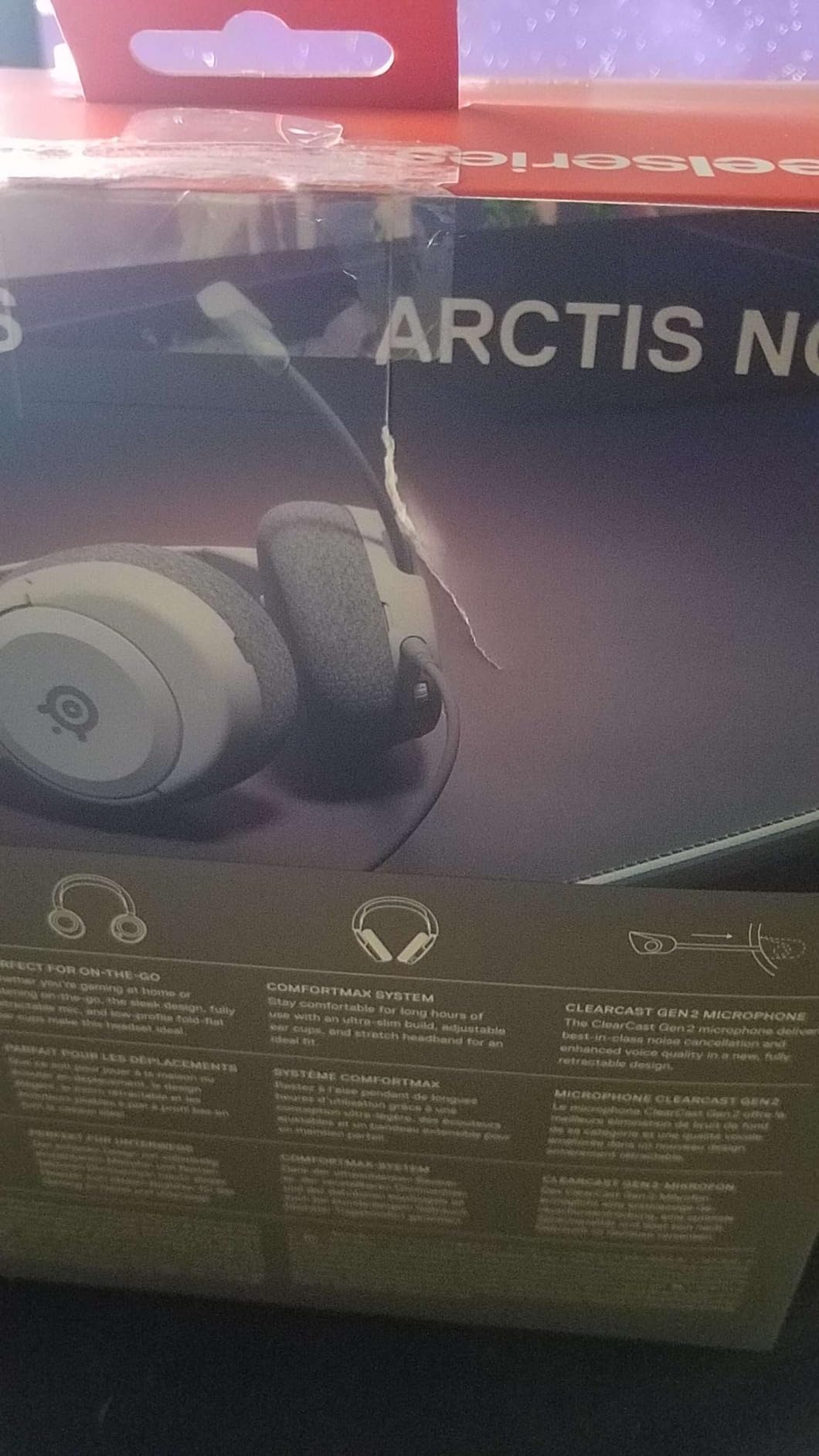
Audio comes from 40mm High Fidelity drivers in the Nova acoustic system, and it supports 360 spatial audio including Tempest 3D Audio on PS5 and Microsoft Spatial Sound on PC. The 40mm size means less deep bass than the 50mm and 53mm sets here, which some players prefer because low frequencies stop masking footsteps.
Everything runs over a single 3.5mm jack, which covers PC, Mac, PlayStation, Xbox, Switch and mobile without an adapter. Volume and mute sit on the earcup, so nothing depends on a desktop app.
Is the Nova 1 comfortable with glasses?
It is one of the better options here for glasses wearers. The AirWeave pads are thin and firm enough that the temple arm of a frame is not crushed against your head, and the rotating earcups stop the pad edge from folding onto the arm. It also runs at 1.2 lb, on the lighter end of this roundup.
Why skip it if you want a feature-heavy wireless set?
Because there is no wireless option at all, and the feature list is basic next to the Nova Pro or the Astro A50. The AI mic processing also needs a Sonar download, so out of the box it behaves like a straightforward 3.5mm headset.
11. Logitech G Astro A50 – Best for Mixing Console and PC Audio
Logitech G Astro A50 Multi-Platform Wireless Gaming Headset – Black
PLAYSYNC 3-system switching
40mm PRO-G graphene drivers
48 kHz boom mic
24-hour battery
Pros
- PLAYSYNC switches between Xbox PS5 and PC from the earcup
- Bluetooth dual-device mixing for a phone call over game audio
- Broadcast-quality 48 kHz full-bandwidth microphone
- Magnetic dock keeps it charged and ready
Cons
- On-ear style fits some heads less comfortably
- No active noise cancellation
- 24-hour battery is the shortest here
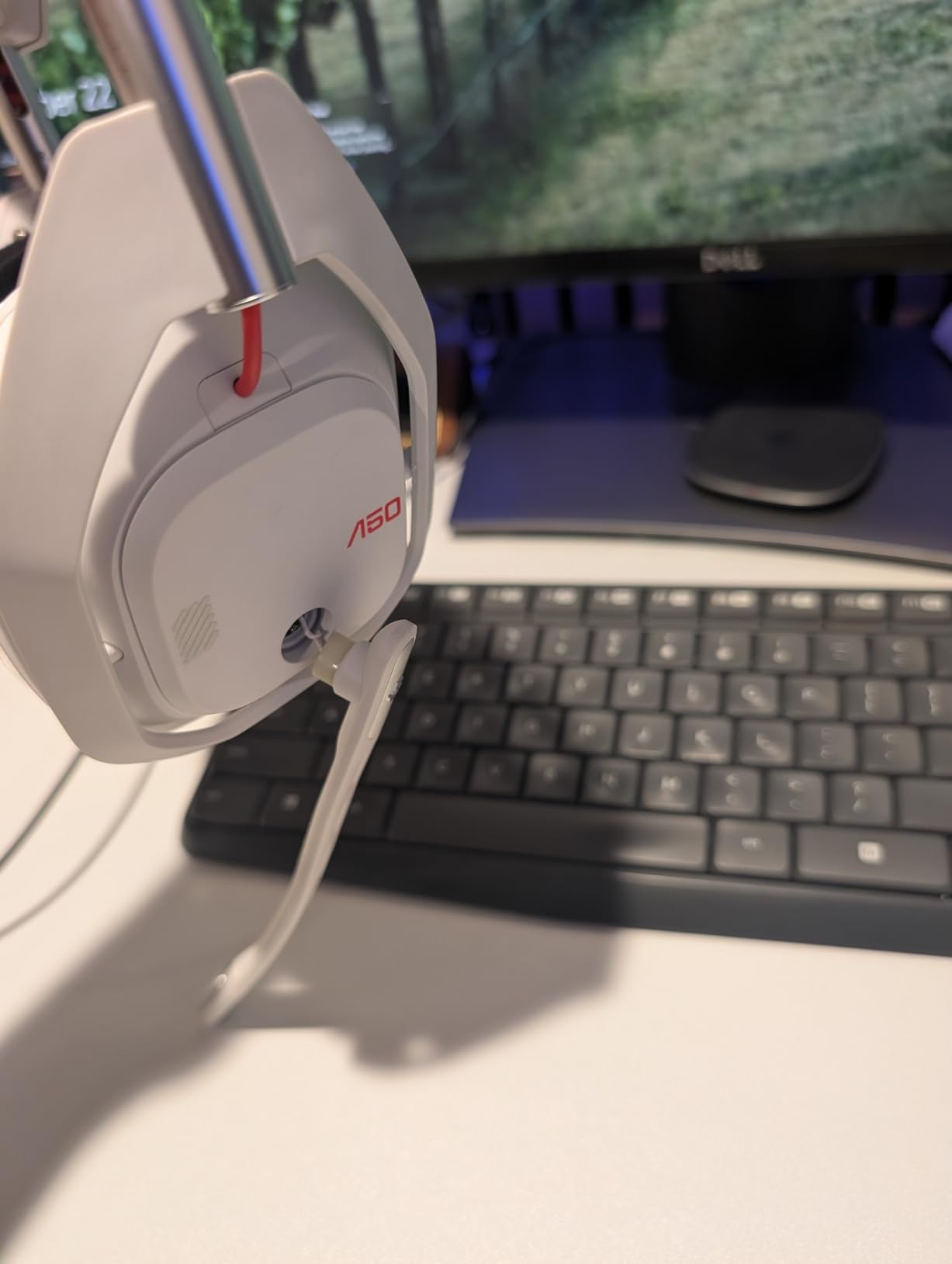
The Astro A50 solves the problem no other headset here does: playing on two systems and talking on your phone at the same time. PLAYSYNC Audio switches between Xbox, PS5 and PC or Mac from a button on the earcup, and Bluetooth dual-device mixing lets a phone call or Discord conversation play alongside game audio.
The microphone is a 48 kHz full-bandwidth boom, which is the second best streaming mic in this roundup after the G PRO X. Owners describe it as clear and full, with no need for a second device at a desk.
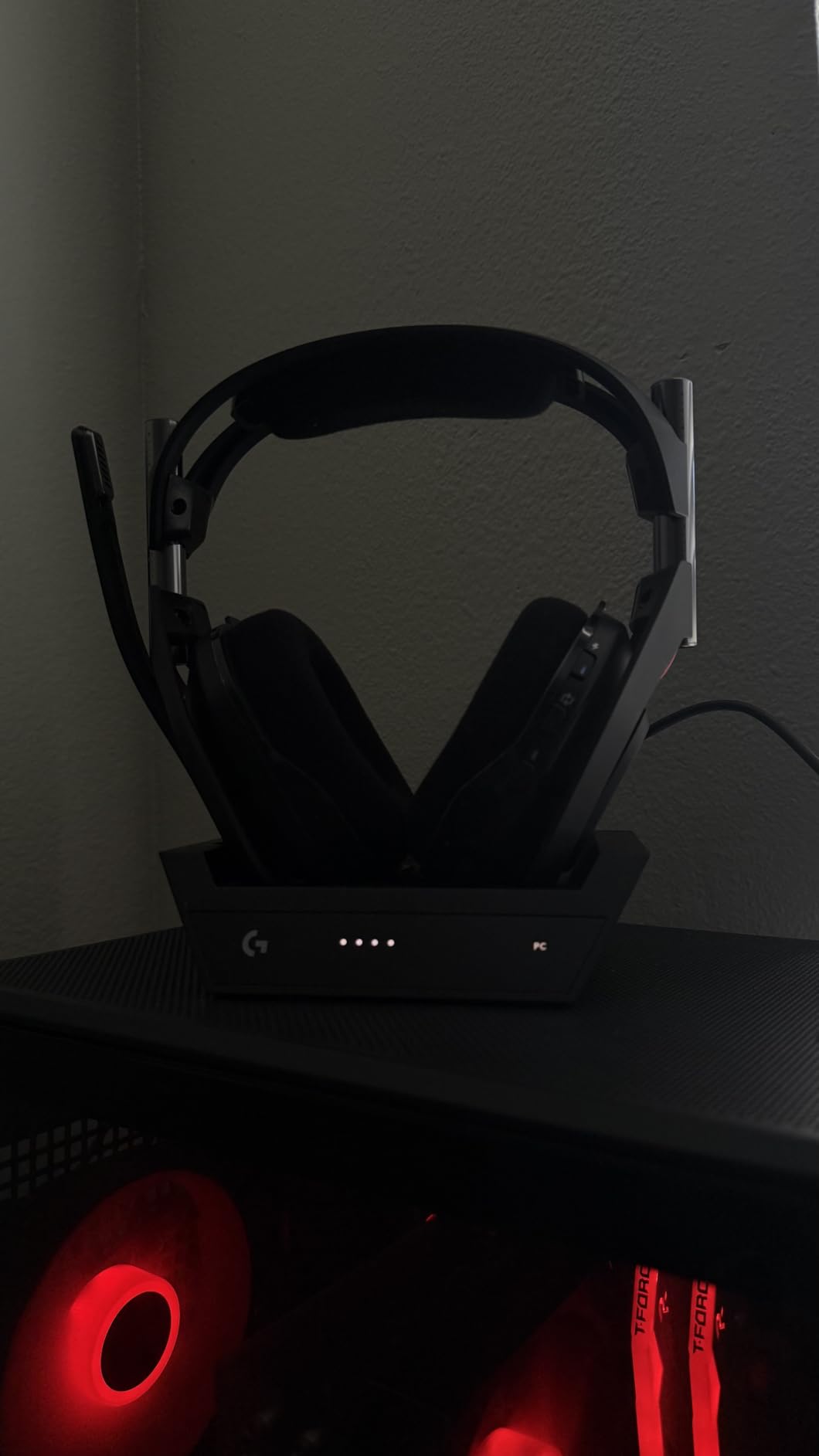
PRO-G GRAPHENE 40mm drivers with live edge technology handle separation and detail well for the size, and 24-bit LIGHTSPEED wireless runs uncompressed. A 7-Core DSP stores processing profiles on the headset itself, and G HUB or the G App gives a 10-band parametric EQ plus a noise gate and stream mixing.
The magnetic charging dock is a small thing that changes daily habits. The headset goes on the dock when you stop, so it is never the reason you start a session at half charge.
Does the Astro A50 work with PS5 and Switch?
Yes, that is what PLAYSYNC is for. It supports Xbox Series X and S, Xbox One, PS4, PS5, PC on Windows 10 and 11, Nintendo Switch and Switch 2, and macOS 13 or later. Bluetooth range is about 12 meters, which covers most living rooms.
Why skip it if you wear glasses or game for six hours straight?
Because the earcup shape is closer to on-ear than the fully over-ear sets in this list, and the pads do not seal as completely. That costs you bass and isolation. There is also no active noise cancelling, and 24 hours of battery is the shortest figure here, so it needs charging far more often.
12. SteelSeries Arctis Nova 5 Wireless – Best Battery-to-Feature Balance
SteelSeries Arctis Nova 5 Wireless Multi-System Gaming Headset — Neodymium Magnetic Drivers — 100+ Audio Presets — 60 HR Battery — 2.4GHz or BT — ClearCast Gen2.X Mic — PC, PS5, PS4, Switch, Mobile
60-hour battery
Quick-Switch 2.4GHz and Bluetooth
ClearCast 2.X retractable mic
0.28 kg
Pros
- 60-hour battery with 6 hours of play from a 15 minute charge
- Quick-Switch toggles between the dongle and Bluetooth
- 100+ game-specific audio presets in the companion app
- Light at 0.28 kg for a wireless headset
Cons
- Companion app required for the audio presets
- No simultaneous dual audio streams
- EQ limited to 5 bands against the Pro's parametric
The Nova 5 Wireless is the middle ground between the Stealth 600 and the Nova Pro, and it solves two problems at once: battery anxiety and a microphone that flops around your face. Sixty hours of quoted battery life is more than double what the G733 offers, and the fast charge gives six hours of play from a 15 minute top-up.
The ClearCast 2.X microphone fully retracts into the earcup, so there is no boom hanging beside your jaw when you are not talking. It is rated at 32 kHz over 16 bit, and owners report it performing well for squad chat and better than most wired sets at this size.
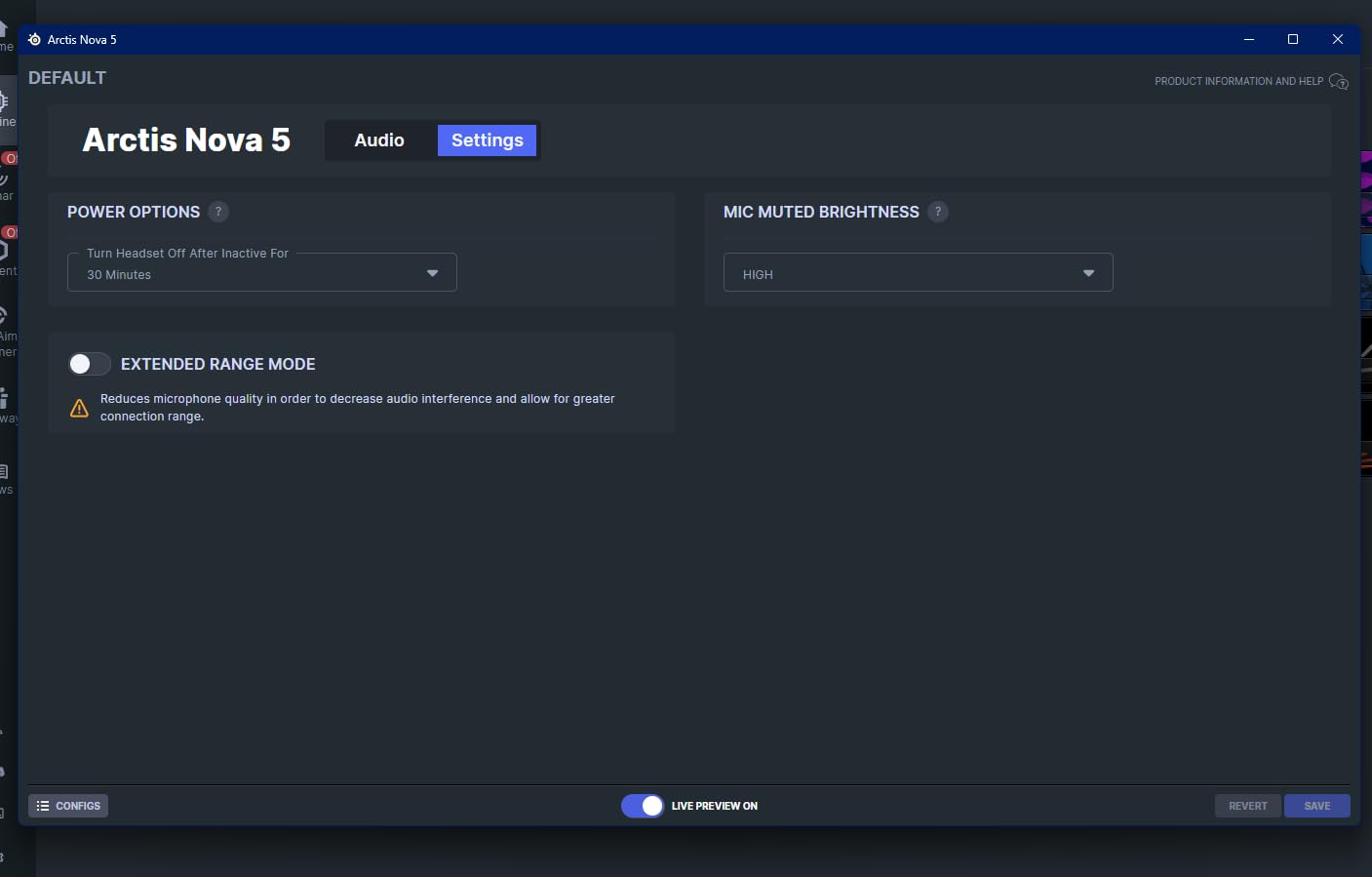
The Quick-Switch button moves between 2.4GHz and Bluetooth 5.3 with one press, which is what you want for a phone call. A USB-C dongle covers PC, PlayStation, Switch, Meta Quest, phones and tablets, so it is the widest single-cable support in this roundup.
Neodymium magnetic drivers give a detailed soundscape, and the companion app carries more than 100 game-specific presets covering titles from Call of Duty to FIFA. On-ear controls cover power, mute, volume and Quick-Switch.
Is 60 hours of battery realistic?
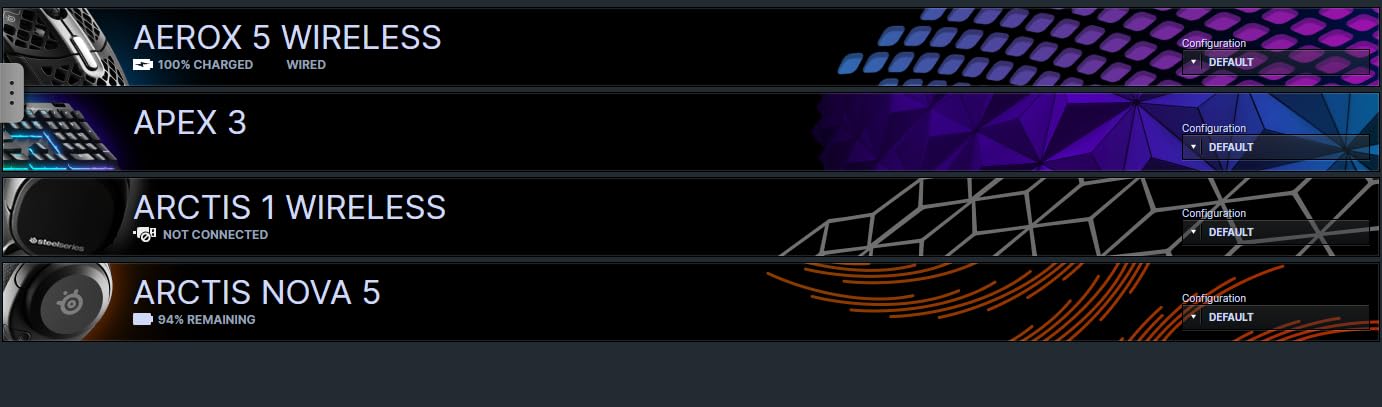
That is the quoted figure for the wireless mode, and owners report it holding up in normal use with volume kept at a normal level. Turning RGB, using the app heavily or running high volume will pull that down. Even at half the stated figure it outlasts most rivals.
Why skip it if you want to mix two wireless sources?
Because the Nova 5 cannot stream two sources at once, unlike the Nova Pro and the Astro A50. You choose between the dongle and Bluetooth. The EQ is also limited to five bands against the Pro’s parametric set, and the audio presets need the companion app installed first.
PC Gaming Headset Buying Guide
Wired or wireless: what actually changes on PC
Wired means zero latency and zero charging. If your PC sits under the desk and you do not move, a wired headset with a 3.5mm jack or USB connection removes an entire category of problems.
Wireless means freedom and one new problem: how much delay sits between a sound and your input. The 2.4GHz dongle route is the one that matters for gaming. Bluetooth is built for phone calls and music, and its higher delay is why headsets that support both treat the two as separate modes.
Two of the sets here stream 2.4GHz and Bluetooth simultaneously, which is the feature to look for if you take calls during a session. The rest make you choose.
Latency numbers and what is acceptable
Latency is measured in milliseconds, and it is the gap between a sound happening in the game and reaching your ear. Human perception of audio-visual mismatch becomes noticeable somewhere around 100 ms, but competitive shooters feel tightest well below that.
Of the twelve products here, only the NUBWO G06 publishes a latency figure, at 23 milliseconds on its 2.4GHz link. Treat manufacturer figures as a ceiling rather than a measurement, since test conditions vary. The practical thresholds most players care about look like this.
Competitive shooters and rhythm games: anything under 30 ms, with a wired connection as the guaranteed option.
RPGs, MMO raids and co-op shooters: under 50 ms is comfortable, and most people stop noticing well before that.
Single-player and strategy games: latency is rarely the deciding factor, so soundstage and comfort matter more.
Bluetooth audio from a phone: usually the highest delay of any connection, and worth avoiding for anything twitch-based.
Only one of these headsets will make the latency conversation matter to you. If you play shooters at a serious level, buy wired and remove the variable.
Driver types and why they matter for footstep audio
Every headset here uses dynamic drivers, which is the right answer for gaming. Planar magnetic designs turn up in enthusiast circles for music, but they are large, expensive and not what you want on your head in a six-hour session.
Driver size is the number that matters here, and it is not linear. The 53mm and 50mm drivers in the Cloud II, Cloud III, Cloud Alpha, BlackShark V2 X, Stealth 600 and Nova 5 give deeper bass. The 40mm drivers in the Nova 1 and Astro A50 roll off lower, which some competitive players prefer because bass is less likely to cover footsteps.
Impedance is the other spec worth reading. Anything at 32 to 65 ohm, which is every headset on this list, drives fine from a laptop or a phone. A sound card helps volume but rarely changes the sound dramatically.
Microphone choice by use case
Match the mic to the job instead of assuming one is best at everything. The scenario matters more than the spec sheet.
Squad voice chat needs clarity and noise rejection. The Cloud II detachable mic, the BlackShark V2 X cardioid mic and the Stealth 600 flip-to-mute all handle a noisy room well enough that teammates stop asking you to repeat.
Streaming and content creation need bandwidth and processing. The G PRO X with Blue VO!CE and the Astro A50 with its 48 kHz boom mic are the two that hold up. The Cloud Alpha mic is the weakest of the group for this and is better avoided.
Work calls need a clean voice in a room with a fan on, and the Arctis Nova 5 Wireless with its retractable ClearCast 2.X is a good middle option because the mic disappears when you are not using it.
Comfort, weight and glasses
Weight is the number to check first, because it predicts everything else. The BlackShark V2 X at 8.47 oz is the lightest here and the Nova Pro Wireless at 3 lb is the heaviest, and that range shows up as neck strain over a long night.
Cushion material decides whether you get hot. AirWeave on the Nova 1 is a woven foam that breathes, memory foam in the HyperX Cloud models seals and isolates well, and leatherette looks premium but warms up fastest.
Glasses wearers should look for thin, firm pads and rotating earcups. The Nova 1 ComfortMAX system and the Stealth 600 glasses-friendly design are the two that handle frames best, while the G PRO X gets regular complaints about clamping force from people who wear glasses.
Surround and spatial audio software on PC
Windows has its own spatial audio options, and they are often better than a headset maker’s app. For most PC players, turning on Dolby Atmos for Headphones or Windows Sonic from the Sound settings is a reasonable first test before installing anything else.
Two cautions from our testing. The G PRO X G HUB surround toggle is widely criticised as tinny and flat, so use a Windows option there. And over-Processed surround on any budget headset can make positional audio harder to read rather than easier, which is the exact opposite of what you bought it for. If a mode makes steps harder to place, turn it off.
When you should skip a gaming headset entirely
If you already own good headphones, this is a real option rather than a compromise. Audio communities routinely recommend pairing a proper stereo or open-back headphone with a clip-on or boom mic, because music and single-player immersion improve noticeably while the mic does the job it needs to do.
The swap is worth it when you play single-player RPGs or open-world games, listen to music between sessions, or already stream with a dedicated microphone. It is not worth it when you need one device for squad chat, calls and games and do not want to manage two.
The hybrid answer that satisfies both camps is a wireless headset with a good mic, used for voice and competitive play, while keeping your own headphones for immersion.
Frequently Asked Questions
What are the best gaming headphones for PC?
The best gaming headphones for PC are the HyperX Cloud II for wired play, the HyperX Cloud III for a modern USB-C desk, and the Turtle Beach Stealth 600 Wireless if you want cable-free use with long battery life. Between them they cover the sound, comfort and microphone trade-offs most PC players actually face.
What is the #1 gaming headset?
For most PC players the HyperX Cloud II is the #1 gaming headset. It combines hardware-driven 7.1 surround, 53mm drivers, memory foam cushions and a detachable microphone that Discord and TeamSpeak recognise immediately, and it holds a 4.5 rating across more than 69k reviews.
What are the top 10 gaming headsets?
Our top ten covers the HyperX Cloud II, Razer BlackShark V2 X, Logitech G733 LIGHTSPEED, NUBWO G06, HyperX Cloud Alpha, HyperX Cloud III, Turtle Beach Stealth 600 Wireless, Logitech G PRO X, SteelSeries Arctis Nova Pro Wireless and SteelSeries Arctis Nova 1. Each entry names who it suits and who should skip it.
What headphones do most pro gamers use?
In tournament settings you will mostly see wired headsets, because teams standardise on one model and remove the latency and battery variables. The SteelSeries, Logitech and HyperX families show up most often for that reason, and tournament-mic headsets tend to be chosen for their noise rejection rather than their sound.
What is a good latency for gaming headsets?
Under 30 milliseconds feels immediate in competitive shooters, and under 50 milliseconds is comfortable for RPGs, raids and co-op play. Above roughly 100 milliseconds most people start noticing audio lagging behind the action. Only one product in this roundup publishes a figure, the NUBWO G06 at 23 ms, so a wired connection remains the safest way to remove the variable.
Do gaming headsets work with PS5 and Switch?
Most do. Sets with a 3.5mm jack, including the Cloud Alpha, BlackShark V2 X, Nova 1 and Cloud II, work on PS5, Switch, Xbox and mobile, though you get stereo rather than surround. The Nova Pro Wireless, Nova 5 Wireless, Stealth 600 and Astro A50 add a USB-C or proprietary dongle for wider multi-platform support.
The Best Gaming Headsets for PC in 2026
The HyperX Cloud II remains our pick for the best gaming headsets for PC, because it does the three things that matter without asking you to compromise: comfortable memory foam for long sessions, hardware-driven 7.1 surround for positional accuracy, and a detachable microphone that works the moment you plug it in.
If you want a newer wired set with a better mic and USB-C, take the Cloud III. If you need wireless, the Stealth 600 Wireless gives the best sound and an 80-hour battery, the Nova 5 Wireless balances battery against features, and the Nova Pro Wireless is the one that removes charging downtime entirely. If weight is the problem, the BlackShark V2 X at 8.47 ounces will not make your ears hurt.
Use the check buttons to see current pricing and confirm the model number matches your setup, then pick the one whose compromise you can live with. That is the entire decision.