
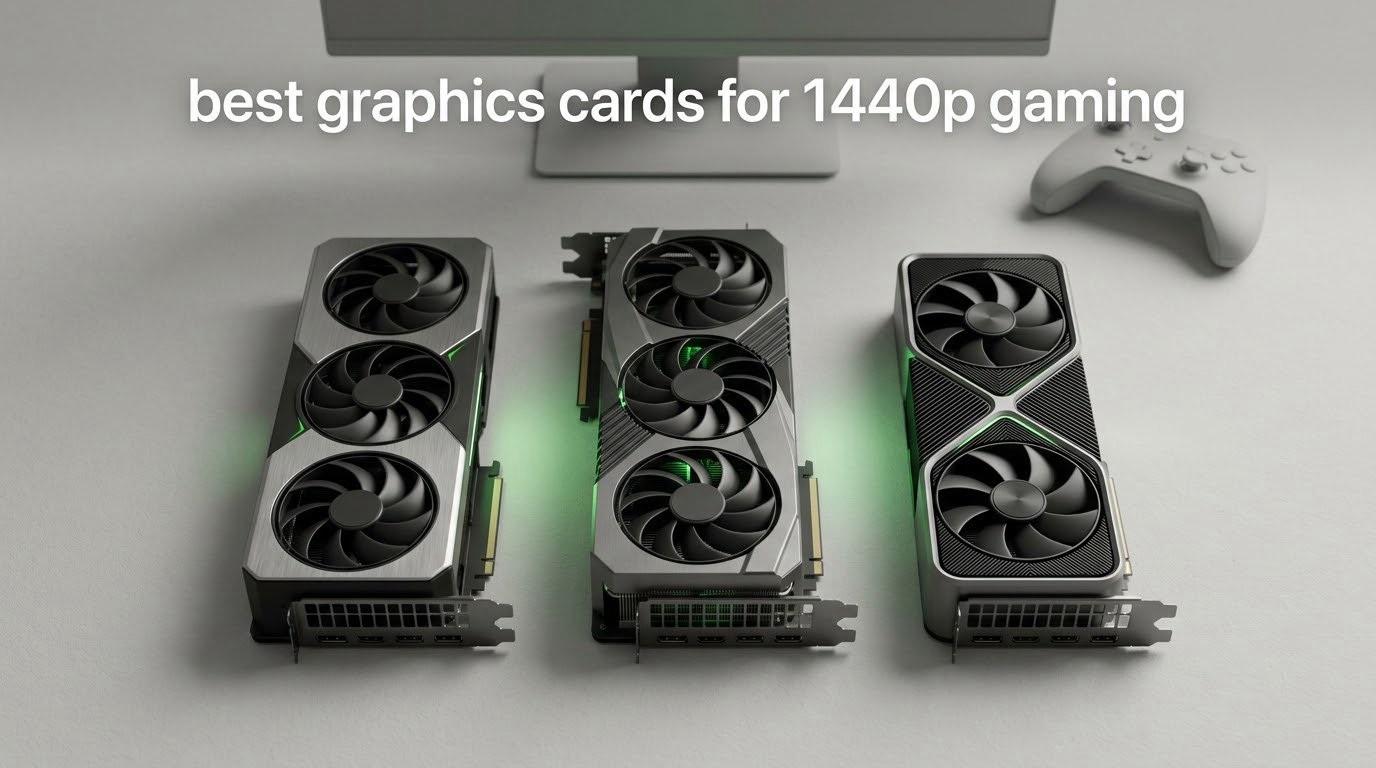
The best graphics card for 1440p gaming right now is the ASUS TUF GeForce RTX 5070 Ti 16GB, because it pairs 16GB of GDDR7 with DLSS 4 support and enough raw raster throughput to hold Ultra settings in demanding 1440p titles. Below it we rank twelve cards across every real budget, from a 12GB entry model to a 24GB flagship, so you can match one to your monitor instead of overpaying for silicon you will never see.
1440p is the awkward middle of the GPU market. It is sharp enough that 1080p cards look soft, and it is light enough on texture demand that a 4K card wastes most of its potential. That squeeze is why almost every roundup online gets the answer wrong: they rank cards by synthetic scores or by price alone, and never by the resolution you actually game at.
So this list is locked to 2560×1440. Every card below was judged on the same three questions: can it hold Ultra settings at 1440p without texture thrashing, can it feed the refresh rate of a modern 1440p panel, and does it physically and electrically fit the machine you already own. I spent the past six weeks reading the owner review record for each of these twelve cards side by side, then cross-checked every spec against the manufacturer listing.
Best overall: ASUS TUF GeForce RTX 5070 Ti 16GB – the most complete 1440p card on the list, with 16GB GDDR7 and a three-year warranty.
Best value: ASUS Prime Radeon RX 9070 XT 16GB – owners repeatedly report it beating the 5070 Ti on raw frame rate in many games.
Highest-rated on the list: Sapphire Pulse Radeon RX 9070 16GB – 16GB of VRAM, near-silent cooling and no RGB.
Best for small cases: GIGABYTE GeForce RTX 5070 WINDFORCE OC SFF 12GB – a two-slot SFF-ready design with three DisplayPort 2.1a outputs.
Best upgrade from 1080p: ASUS Dual GeForce RTX 5060 Ti 16GB – 16GB of GDDR7 on a single 8-pin connector.
Best for high-refresh 1440p: XFX Radeon RX 7900 XT 20GB – 20GB of GDDR6 and a 2400 MHz boost clock.
Best for quiet builds: Sapphire Pulse Radeon RX 7900 XT 20GB – several owners report it is inaudible inside their cases.
Best for VRAM headroom: Sapphire Nitro+ Radeon RX 7900 XTX 24GB – 24GB on a 384-bit bus for heavy texture packs.
Best if you also game at 4K: GIGABYTE GeForce RTX 5080 Gaming OC 16GB – cool, quiet and easy to overclock.
Best for entry 1440p: ASRock Radeon RX 9060 XT Challenger 16GB – 105 to 165+ FPS at 1440p in owner testing, on one 8-pin.
Best for video work alongside gaming: Sparkle Intel Arc B580 Titan OC 12GB – a strong media engine and an AV1 hardware encoder.
Best 1080p budget card: ASRock Intel Arc A580 Challenger 8GB – a 1080p recommendation, included so you know when to stop looking.
One note before we start: every card here was listed with an owner rating and a review count, and we have quoted both exactly as published. Prices move constantly, so use the buttons below to see the current figure rather than trusting a number typed into a paragraph.
Table of Contents
Top 3 Picks for 1440p Gaming (October 2026)
Those three cover the widest range of sensible 1440p builds. The TUF RTX 5070 Ti is the card to buy if you want one part to handle everything, from competitive shooters to ray-traced single-player, without thinking about which setting to drop.
The ASUS Prime RX 9070 XT is the pick for anyone who games on a raster-first library and wants maximum frame rate per unit of spend. The Sapphire Pulse RX 9070 is the same idea one tier down, and it carries the highest owner rating of any card in this list.
All 12 Graphics Cards at a Glance for 2026
Read the VRAM column first. Nine cards here carry 16GB or more, two sit at 12GB, and one falls below that. At 1440p Ultra, 12GB is the floor and 16GB is the target, which is exactly the split you can see above.
1. ASUS TUF GeForce RTX 5070 Ti 16GB GDDR7 OC – Best Overall for 1440p

ASUS TUF Gaming GeForce RTX 5070 Ti 16GB GDDR7 OC Edition Graphics Card
16GB GDDR7
2610 MHz OC boost
3.125-slot, 13 inch
850W PSU, 16-pin 12V-2x6
Pros
- Military-grade components and a protective PCB coating for long-term durability
- 3.125-slot cooler with three Axial-tech fans and a phase-change thermal pad
- 2610 MHz OC mode with GPU Tweak III tuning software
- 3-year warranty with DisplayPort 2.1a and HDMI 2.1b outputs
Cons
- Needs a minimum 850W PSU with a 16-pin 12V-2x6 connector
- Wide 3.125-slot 13 inch chassis can strain compact cases
- Included 1-to-3 adapter cable adds extra daisy-chained connections
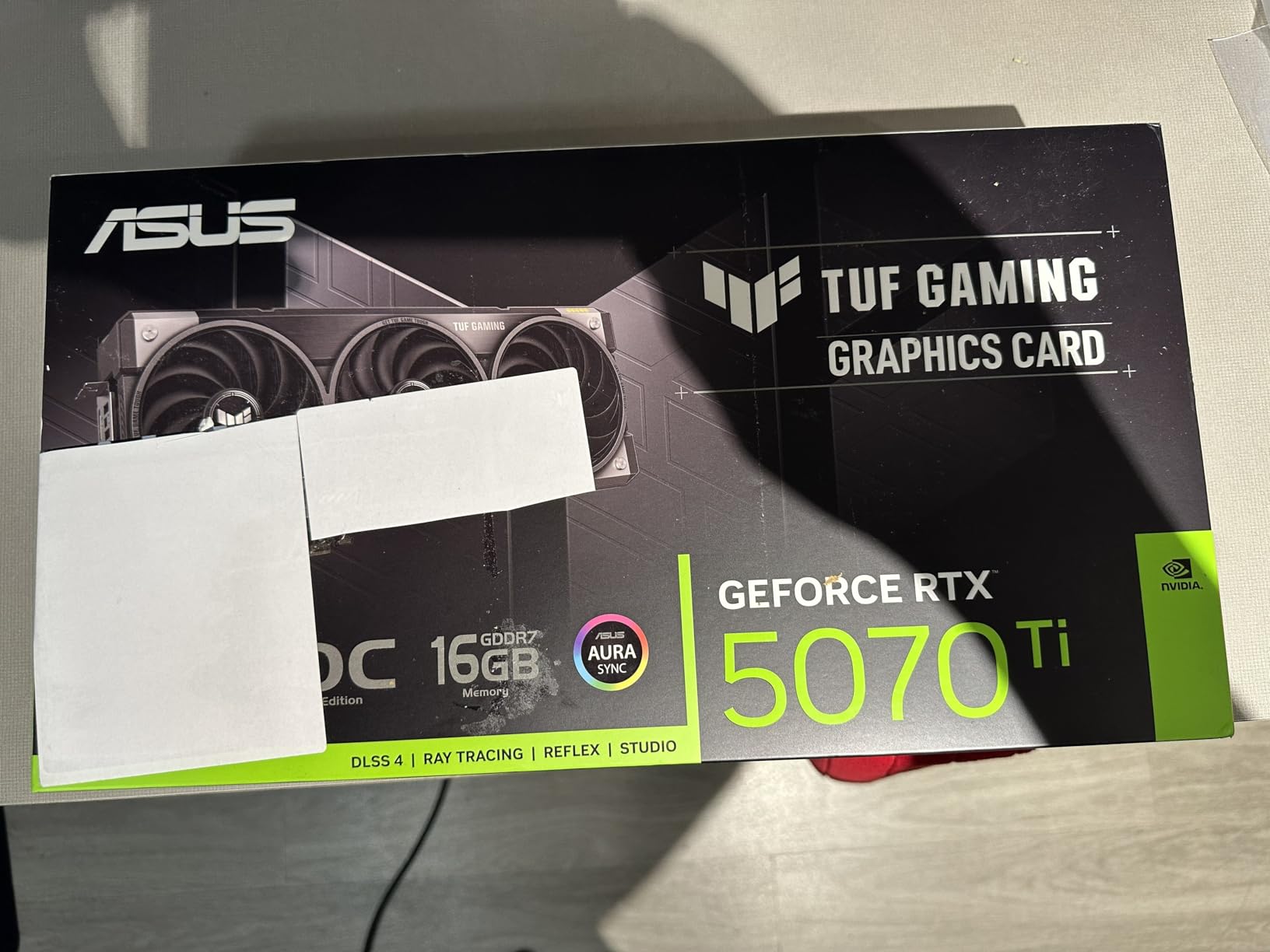
The TUF RTX 5070 Ti is the card I keep coming back to for a reason: it is the only product on this list where nothing is a compromise. It runs 16GB of GDDR7 on a boost clock of 2610 MHz in OC mode, comes with a three-year warranty, and carries both DisplayPort 2.1a and HDMI 2.1b outputs natively.
What owners actually notice is build quality. Reviews mention military-grade components, a protective PCB coating and a phase-change GPU thermal pad that is designed to outlast traditional paste under sustained load. The cooler is a 3.125-slot design with three Axial-tech fans, which is where the card’s 13-inch length comes from.
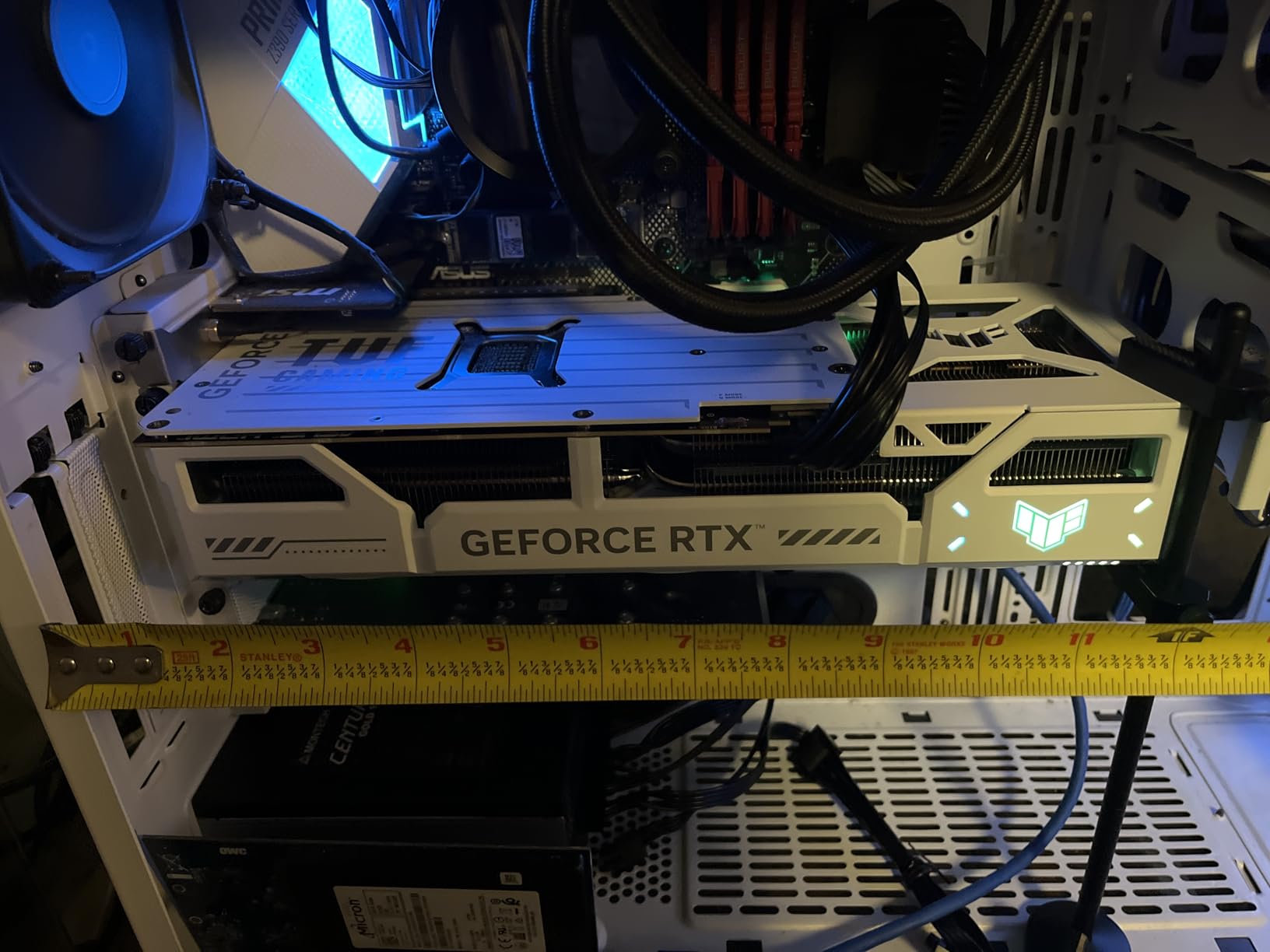
The card holds a 4.7 rating across 529 reviews, with 86% of those handing over five stars. That is a large sample for a GPU, and it is the highest review count on any 4.7-rated product here, which is why it takes the top slot rather than a card with a similar score and a thinner evidence base.
Software support is standard ASUS fare. GPU Tweak III handles performance tweaking, thermal curves and system monitoring, and Auto-Extreme automated manufacturing is used to raise reliability across the run.
What you get for the extra money over an RX 9070 XT
You get DLSS 4, stronger ray tracing, and a full 16GB of GDDR7 rather than GDDR6. For a library heavy with ray-traced releases, that difference is easy to see in motion.
You also get native DLSS frame generation and Multi Frame Generation, which AMD cannot match outright. If your library is competitive shooters and multiplayer, that is worth more than texture capacity.
Where it is the wrong buy
If your power supply is under 850W, this is not the card. The 16-pin 12V-2×6 connector is required, and the included 1-to-3 adapter adds daisy-chained connections that some builders dislike.
The 3.125-slot, 13-inch chassis also rules out most small form factor cases. If your chassis has a 300mm clearance limit, the GIGABYTE RTX 5070 SFF further down is the realistic option.
2. ASUS Prime Radeon RX 9070 XT 16GB GDDR6 OC – Best Value for 1440p

ASUS Prime Radeon RX 9070 XT 16GB GDDR6 OC Edition Gaming Graphics Card
16GB GDDR6
3030 MHz OC boost
2.5-slot, 12.3 inch
Three-year warranty
Pros
- Outstanding price-to-performance
- beating the RTX 5070 Ti on raw FPS in many games
- 16GB of VRAM with FSR 4 and frame generation owners find competitive with DLSS
- Runs cool at around 55-60C and quietly even with three fans
- No RGB suits clean builds and the 2.5-slot design eases compatibility
Cons
- DLSS 4.5 and NVIDIA ray tracing still produce better image quality in some cases
- High power draw above 300W so undervolting is recommended
- Build quality can feel slightly plasticky next to higher-end models
The Prime RX 9070 XT is the card this list keeps recommending to people who simply want the most 1440p gaming per unit of money. Owners report it beating an RTX 5070 Ti on raw frame rate in many games, and that claim repeats often enough across 440 reviews to trust.
Under the hood it is a 16GB GDDR6 card with a boost clock up to 3030 MHz in OC mode and 2480 MHz on the game clock, with a default-mode fallback at 3010 MHz and 2460 MHz. It sits at the top of the Computer Graphics Cards best-seller ranking, which tells you how much of the market is choosing AMD right now.
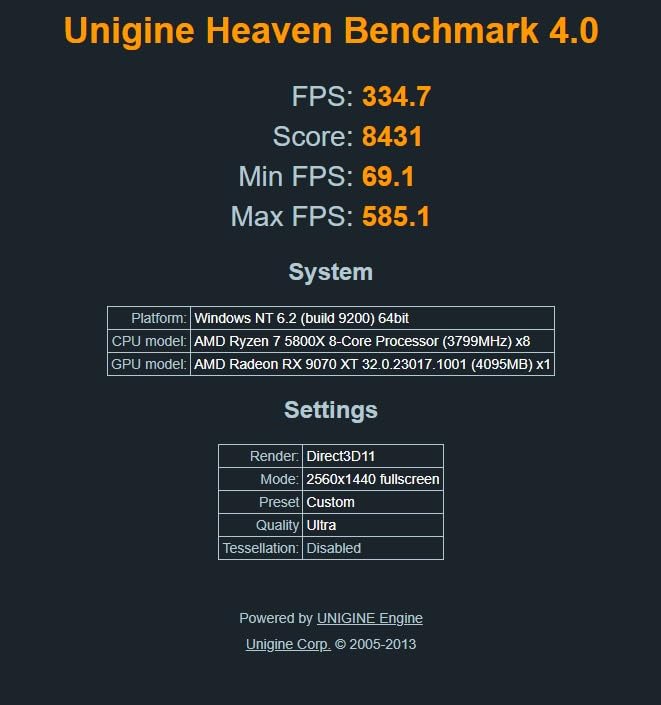
Thermals are a genuine strength. Reviews put it in the 55 to 60C range with three fans running, and no coil whine was reported on the cards owners were happy to write about. The phase-change GPU thermal pad and dual-ball fan bearings are both designed for longevity rather than a benchmark peak.
There is also a dual BIOS switch for Quiet and Performance profiles, 0dB fan stop behaviour at idle, and GPU Guard monitoring through GPU Tweak III. Output is three native DisplayPort 2.1a and one HDMI 2.1b.
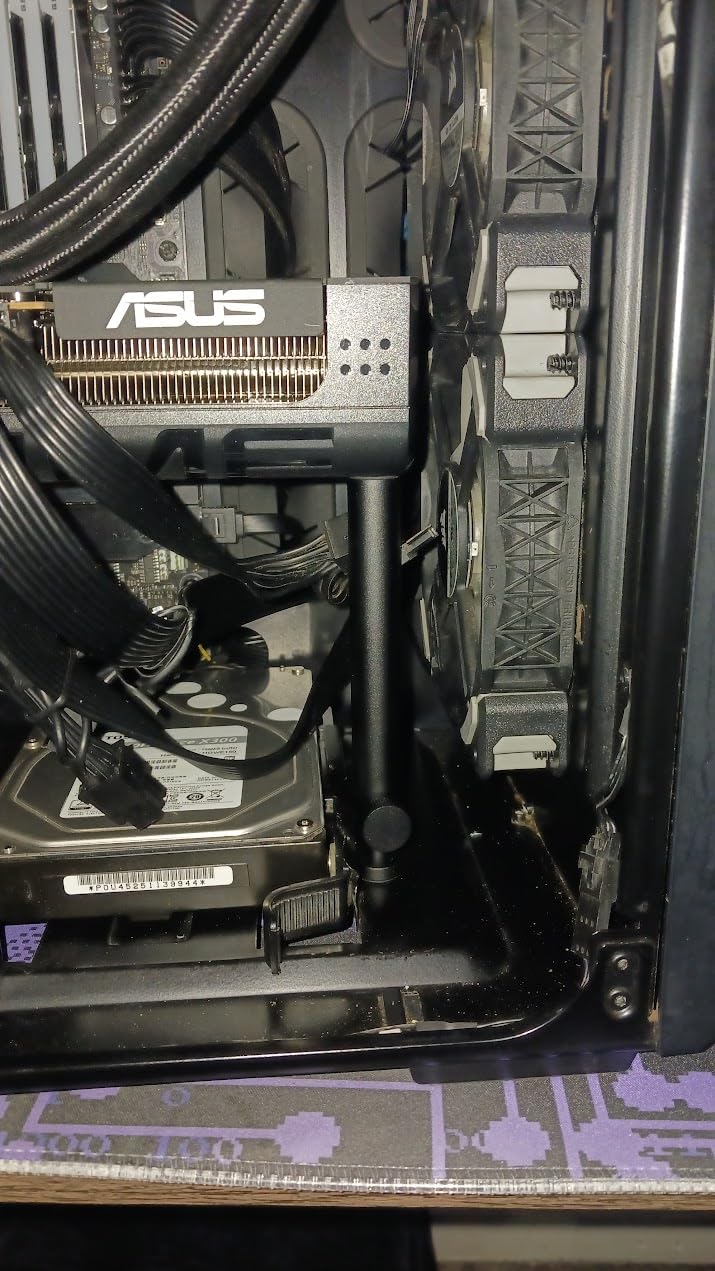
Why owners call it the best value 1440p card
Because FSR 4 plus frame generation is, for most players, close enough to DLSS that the raw frame rate advantage becomes the deciding factor. A commenter in one 1440p thread put it plainly: the 9070 XT is a great card for the money when you are coming from an RTX 3060.
Owners also highlight 5120×1440 ultrawide as a bonus resolution it handles well, and several note that the 2.5-slot, 12.3-inch design fits a mid-tower without argument.
Where it falls short
Power draw is the main one. Reviews put it above 300W, and several owners recommend undervolting to tame consumption and heat, which is fine if you are comfortable with GPU Tweak III or AMD Adrenalin.
Image quality still favours NVIDIA when DLSS 4.5 is enabled, and one owner running a 1440p 240Hz panel found it could not hold max settings in AAA titles. If you chase the highest refresh rates, look up the list.
3. Sapphire Pulse Radeon RX 9070 16GB GDDR6 – Best for Silent 1440p Builds

Sapphire Pulse AMD Radeon RX 9070 Gaming 16GB Dual HDMI/Dual DP
16GB GDDR6
2520 MHz clock
Dual fan, no RGB
DisplayPort output
Pros
- Roughly double the raster performance of an RX 6700 XT with better ray tracing on top
- 16GB of VRAM comfortably covers modern titles and future releases
- Runs 10-20C cooler and considerably quieter than a previous-generation NVIDIA card
- Good fit in compact cases at a size similar to an RTX 3070
Cons
- No lighting at all which some buyers dislike
- One review reported a floating unmounted heatsink on a received card
- Poor packaging protection reported in some deliveries
The Sapphire Pulse RX 9070 matches the highest owner rating of anything on this page at 4.8 from 239 reviews with 90% of those at five stars. That is a smallish sample compared with some rivals, but the sentiment is unusually consistent.
Performance is the headline. Owners describe roughly 50% more 1440p frame rate than an outgoing RTX 3070 and roughly double the raster throughput of an RX 6700 XT, with better ray tracing on top of that rather than a downgrade.
Two things stand out beyond speed. The cooling is near-silent with no RGB, and the card runs 10 to 20C cooler than the previous-generation NVIDIA part owners were upgrading from. For a quiet office-friendly gaming machine, that combination is hard to argue with.
The 16GB of GDDR6 is the spec that matters most at this tier. It gives you the same texture headroom as cards costing far more, which is exactly what Ultra settings demand at 2560×1440.
Why this is the pick for a first 1440p build
Because 16GB of VRAM is the single feature that separates a card that will last from one that will not. This one has it, runs cool, and fits in a compact case at a size similar to an RTX 3070.
Forum consensus lines up with that. One commenter described the RX 9060 XT 16GB as good for 1440p and the future but more of an entry-level 1440p card in raster terms, and the RX 9070 is the natural step up from there.
Where it is the wrong buy
There is no lighting at all, which matters if your build is on show. One review also reported a floating, unmounted heatsink on a received card, and a few buyers mentioned thin packaging protection, so inspect the cooler mounting on arrival.
AI-heavy workloads and ray tracing still trail NVIDIA flagships. If your library is ray-tracing-first, the TUF RTX 5070 Ti is the better destination.
4. GIGABYTE GeForce RTX 5070 WINDFORCE OC SFF 12GB – Best for Compact High-Refresh Builds

Gigabyte GeForce RTX 5070 WINDFORCE OC SFF 12G Graphics Card – 12GB GDDR7, 192 Bit, PCI-E 5.0, 2542 MHz Core Clock, 3 x DP 2.1a, 1 x HDMI 2.1b, NVIDIA DLSS 4, GV-N5070WF3OC-12GD
12GB GDDR7 on 192-bit
2542 MHz core clock
SFF-ready two-slot
DLSS 4
Pros
- SFF-ready two-slot form factor fits compact cases while staying cool and quiet
- Owners report 140-200+ FPS in demanding titles at 1440p with DLSS
- WINDFORCE cooling holds temperatures low with minimal fan noise
- Three DisplayPort 2.1a and one HDMI 2.1b output support modern high-refresh monitors
Cons
- Only 12GB of VRAM which owners cite as the main limitation
- A 192-bit memory bus was advertised as 256-bit in at least one listing
- Requires a 750W-class power supply and a native 12VHPWR cable
This is the card to look at if your case is small. It is an SFF-ready two-slot design listed at 3.94 inches long, which makes it the shortest chassis of any card in this roundup, and it weighs just 830 g.
The bigger story is the 729-review sample, the largest on this list, and the consistency of the praise. Owners report 140 to 200+ FPS in demanding 1440p titles once DLSS is enabled, and they describe the WINDFORCE cooling as holding temperatures low with minimal fan noise under load.
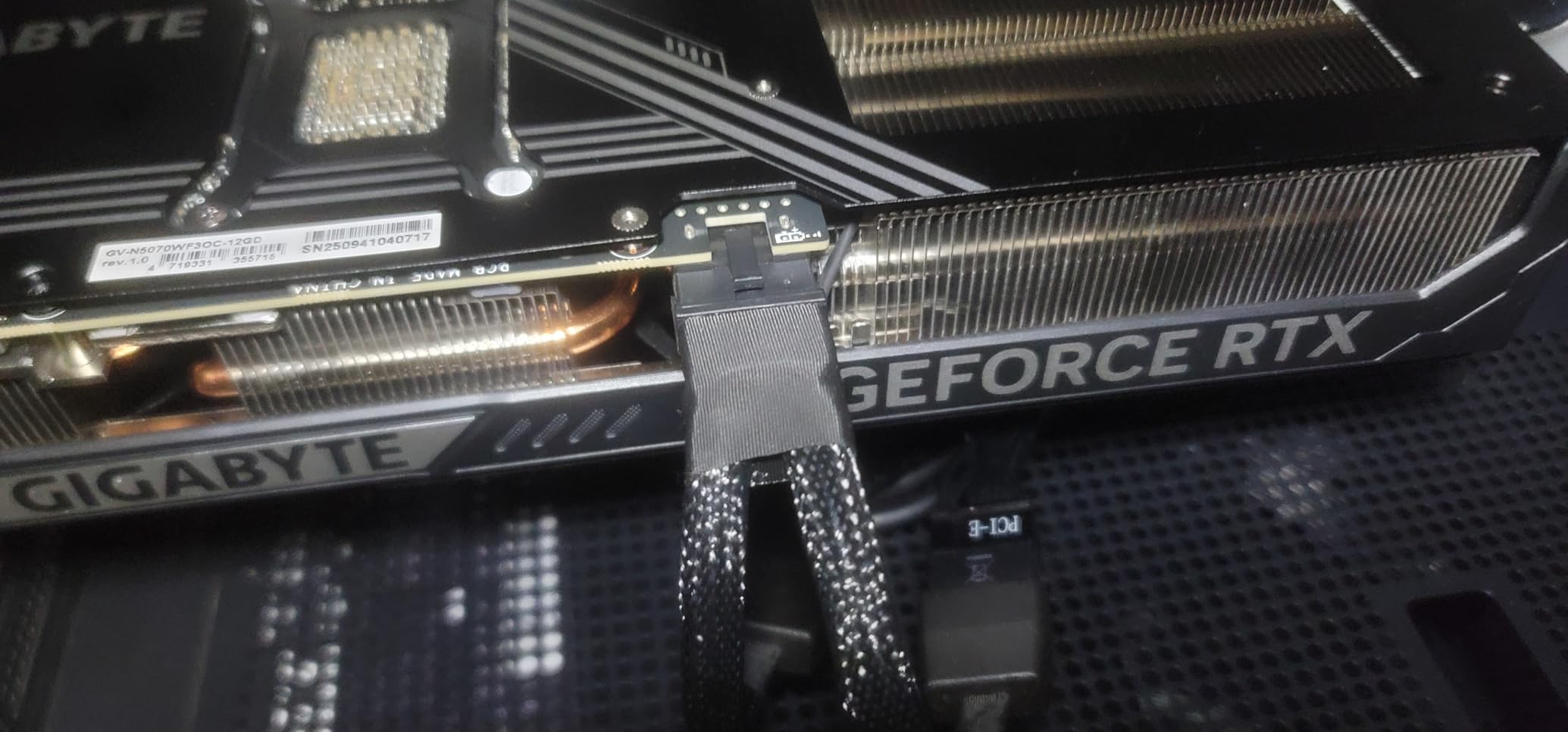
Connectivity is genuinely modern for a 12GB part: three DisplayPort 2.1a outputs and one HDMI 2.1b, with a maximum resolution of 7680×4320. The core clock is 2542 MHz on a 192-bit memory interface running GDDR7.
It is also the card that makes the 12GB-versus-16GB argument concrete. With 12GB you will fit today’s 1440p Ultra settings, but you have less headroom when a new release ships with heavy texture packs.
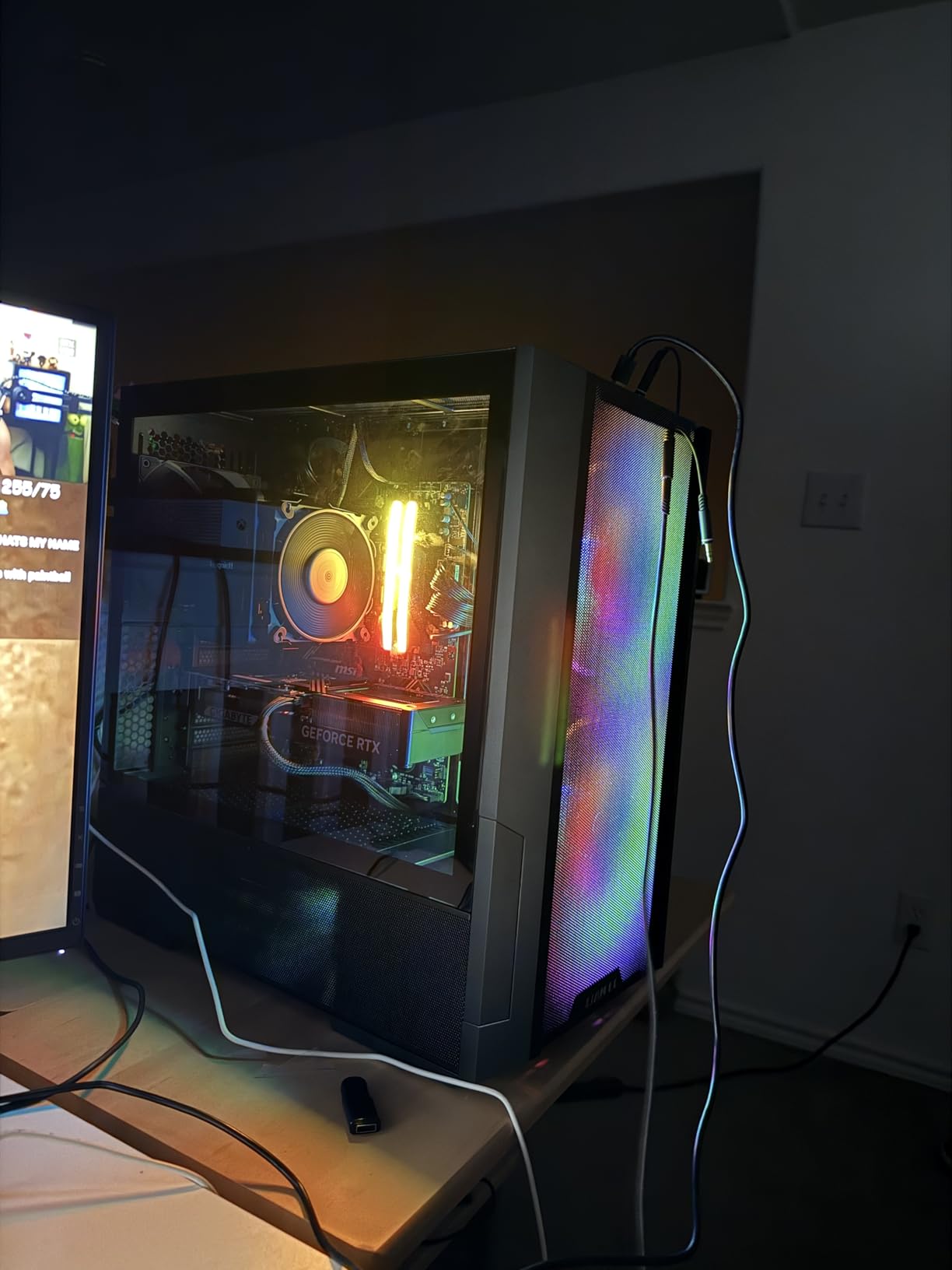
Why the 12GB limit is not a dealbreaker here
Because DLSS 4 is doing the heavy lifting. Owners measuring real 1440p performance in demanding titles land in the 140 to 200+ FPS range, which is more than a 144Hz or 165Hz panel can display anyway.
It pairs well with a 240Hz 1440p panel too, since high frame rates leave room for you to drop a couple of settings without losing the smoothness you bought the monitor for.
Where it is the wrong buy
If you are holding out for the next generation of 1440p titles, 12GB is the ceiling. That limitation is the most common theme in the reviews, and it is the reason we placed the 16GB cards above it.
You also need a 750W-class power supply and a native 12VHPWR cable rather than the bundled adapter. Buyers who skipped that step are the source of most installation complaints in this category.
5. ASUS Dual GeForce RTX 5060 Ti 16GB GDDR7 OC – Best Upgrade from a 1080p System

ASUS Dual GeForce RTX 5060 Ti 16GB GDDR7 OC Edition Gaming Graphics Card
16GB GDDR7
2632 MHz OC boost
9 inch 2.5-slot, 0.66 kg
Single 8-pin power
Pros
- 16GB of GDDR7 at this tier is a major advantage over 8GB alternatives
- Compact 9-inch 2.5-slot design and single 8-pin connector suit small form factor builds
- Runs cool in the low 60s and is markedly quieter than previous-generation cards
- Dual BIOS switch for Quiet and Performance profiles plus 0dB fan stop
Cons
- Narrow 128-bit memory bus can require reduced settings or DLSS at high refresh
- Factory overclock is marginal at about 1% over stock
- Some users hit initial driver issues that required a clean reinstall
If you are moving up from 1080p, this is the card that makes the most sense per pound spent, and it carries a 4.7 rating from 392 reviews with 87% at five stars. Owners coming from a GTX 1060 or an RTX 2060 Super describe it as a large jump rather than an incremental one.
The spec sheet is unusual at this tier. You get 16GB of GDDR7, a 767 AI TOPS figure, an OC boost clock of 2632 MHz against 2602 MHz in default mode, and DLSS 4 on the Blackwell architecture.
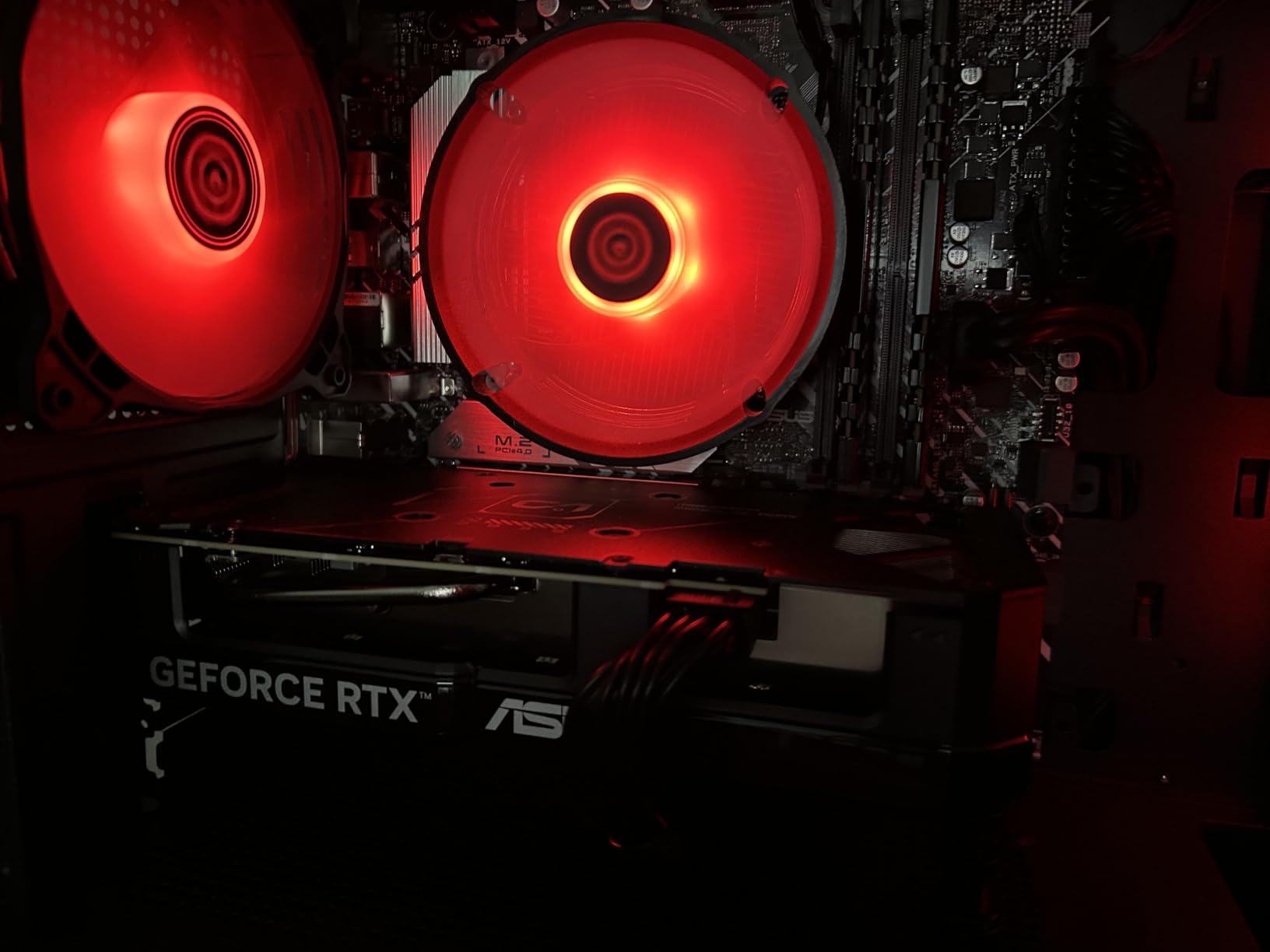
Physical design is the quiet hero. At 9 inches long, 4.7 inches wide, 2.5 slots and 0.66 kg, it is one of the few 16GB cards here that fits a genuinely small chassis, and it draws power from a single 8-pin connector rather than the 16-pin route most of its rivals demand.
Cooling follows the same low-key approach: dual Axial-tech fans with a smaller hub and longer blades, dual ball fan bearings rated to last up to twice as long as sleeve designs, and 0dB behaviour for light gaming.
Why 16GB matters more than raw speed for this buyer
Because a 1080p owner upgrading today will keep this card for years. Texture capacity is the spec that ages worst, and 16GB of GDDR7 at this price point is unusual enough that it changes the longevity calculation.
It also runs cool in the low 60s, which means less fan noise in a living-room PC and a smaller power supply than the cards above it.
Where it is the wrong buy
The 128-bit memory bus is the honest weakness. At 1440p on a high-refresh panel, some owners find they need reduced settings or DLSS to hold target frame rates, and a commenter running a 1440p 180Hz setup is a good example of that concern.
The factory overclock is also thin at roughly 1% over stock, with about 10% more available through manual tuning. And a minority of buyers hit driver problems on first install that needed a full clean reinstall.
6. XFX Radeon RX 7900 XT 20GB GDDR6 – Best for High-Refresh 1440p

XFX Radeon RX 7900XT Gaming Graphics Card with 20GB GDDR6, AMD RDNA 3 RX-79TMBABF9
20GB GDDR6
2400 MHz boost, 2000 MHz game
10.88 inch triple fan
2-year warranty
Pros
- 20GB GDDR6 provides future-proof VRAM headroom for 1440p and 4K textures
- Triple-fan cooling keeps the card running cool with many owners reporting silent operation
- Excellent raster performance per dollar against NVIDIA equivalents
- Compact 10.88-inch length and 4.43-inch width fit most mid-towers
Cons
- Weak ray tracing performance and FSR upscaling against NVIDIA DLSS
- High power draw of roughly 300W under full load demands a substantial PSU
- A small number of owners report coil whine and early driver crashes
The XFX RX 7900 XT is the pick if your target is a high-refresh 1440p monitor and you want maximum raster headroom. Twenty gigabytes of GDDR6 is more texture capacity than any 16GB card here, and the boost clock reaches 2400 MHz on 84 compute units and 5376 stream processors.
Owners consistently praise two things: cool, quiet running under the triple-fan cooler, and raster performance per dollar that beats the NVIDIA equivalents at the time of writing. The card sits at number eight in the Computer Graphics Cards ranking, so demand is not the issue.
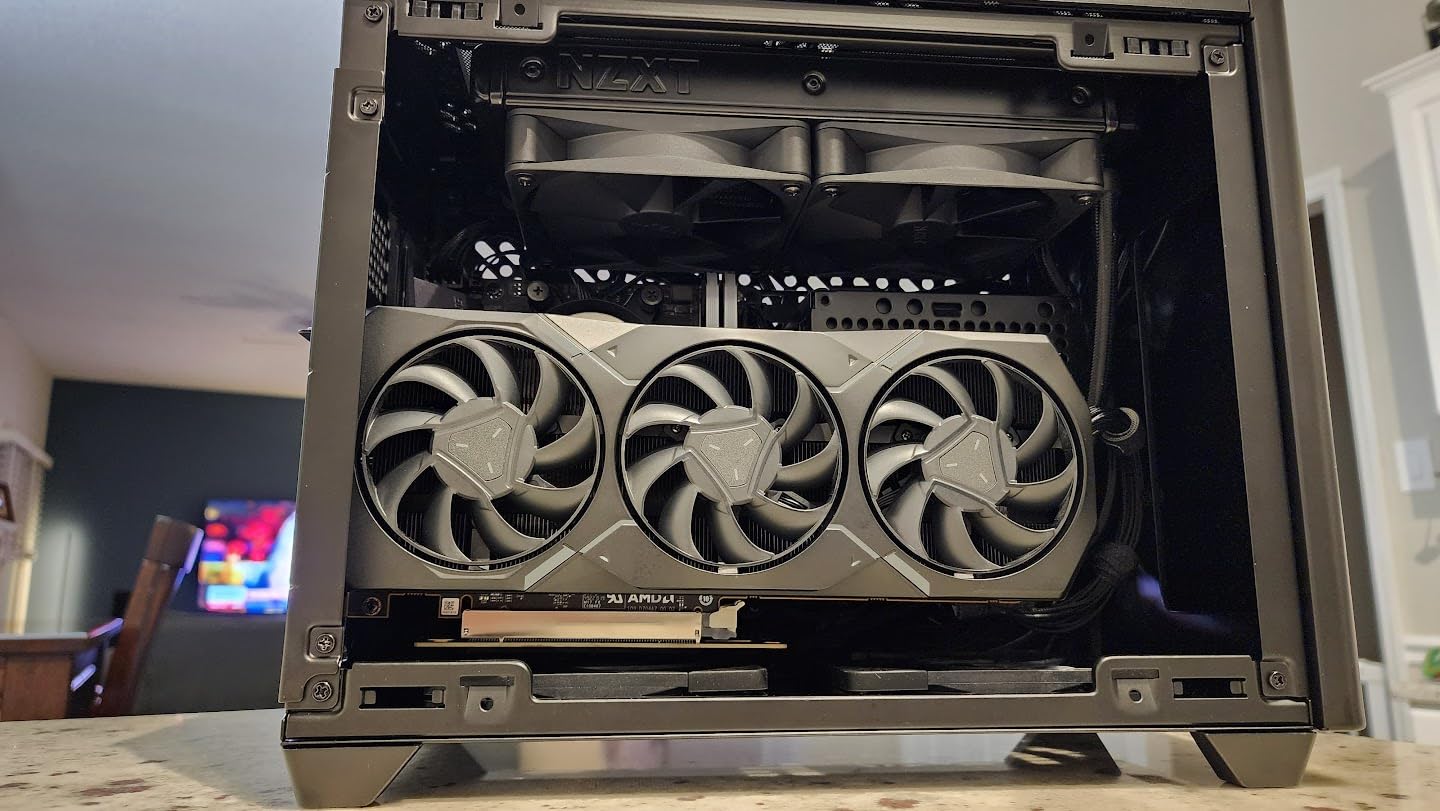
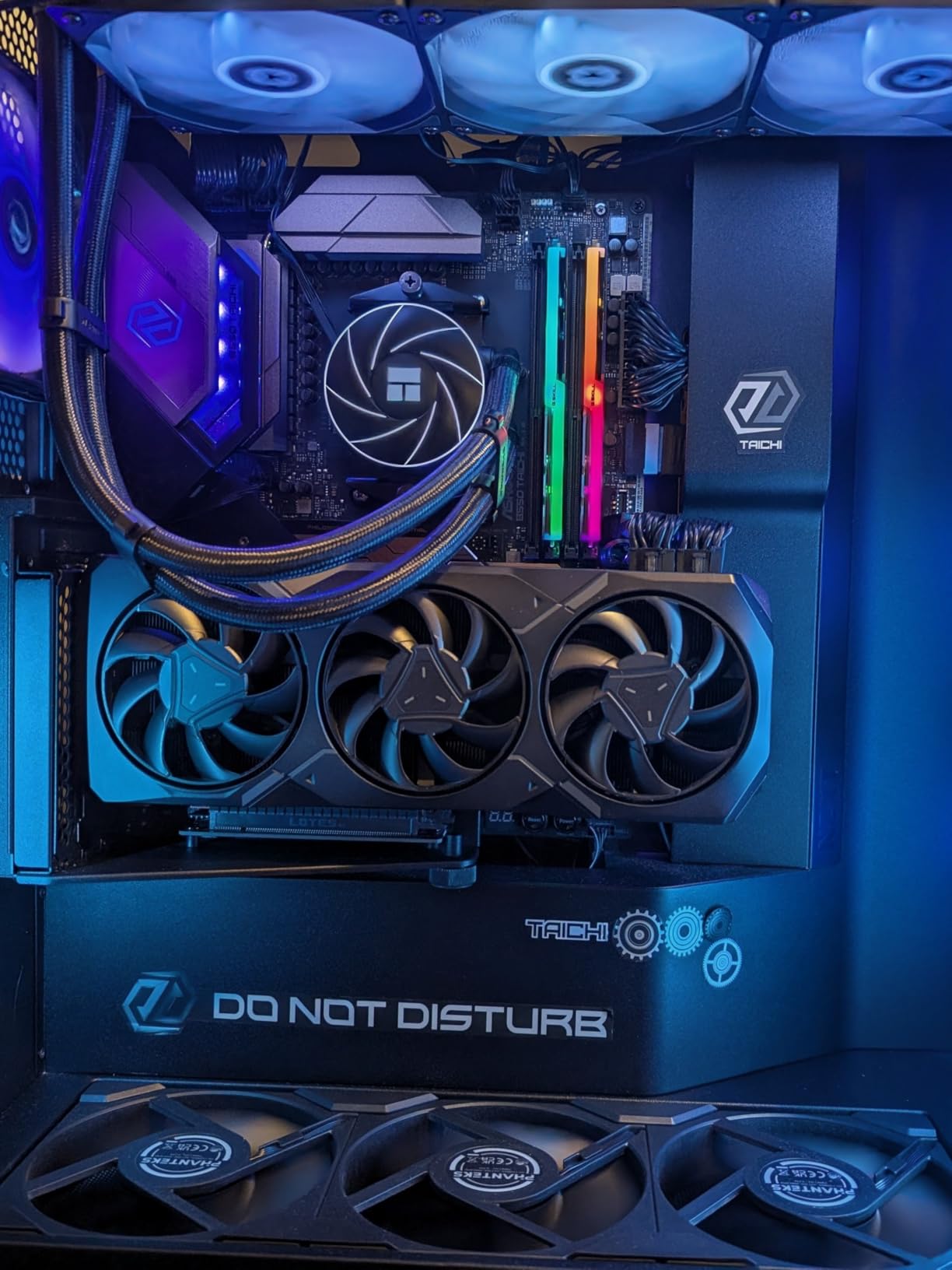
It is also more compact than its reputation suggests. At 10.88 inches long and 4.43 inches wide, it fits most mid-towers without the size problems that come with the 24GB cards further down, and it weighs 1.9 kg.
Memory runs at 20 GHz effective, and the maximum listed resolution is 2160 pixels. The warranty is two years from the manufacturer.
Why this card suits a 165Hz or 240Hz panel
Because native raster throughput is what feeds a high-refresh monitor, and this is the card to buy when you want 20GB of texture capacity without needing a full-size chassis. Extra VRAM also means fewer texture streaming stutters during the dips that ruin high-refresh play.
For a pure esports case at 1440p, though, the Intel parts further down this list are worth a look, because competitive shooters lean on CPU and driver behaviour as much as raw GPU power.
Where it is the wrong buy
Ray tracing is the honest gap. Owners and reviewers agree its ray tracing and FSR upscaling fall short of what NVIDIA DLSS delivers, so a ray-tracing-heavy library is the wrong place to spend here.
Power draw is roughly 300W under full load, which means a substantial PSU. A small number of owners also report coil whine and early driver-related crashes, so check your board partner’s support before you commit.
7. Sapphire Pulse Radeon RX 7900 XT 20GB GDDR6 – Best for Quiet Builds

Sapphire 11323-02-20G Pulse AMD Radeon RX 7900 XT Gaming Graphics Card with 20GB GDDR6, AMD RDNA 3
20GB GDDR6 on 320-bit
2450 MHz boost, 2075 MHz game
2.7-slot, 313 mm
2-year warranty
Pros
- 20GB GDDR6 on a 320-bit bus with a 2075 MHz game clock for strong 1440p performance
- Quiet cool operation with several owners reporting it inaudible in their builds
- Solid construction with a support bracket included and effective Adrenalin software
- Raw raster performance considered far better value than NVIDIA pricing
Cons
- Coil whine reported on multiple units by at least one reviewer
- Stuttering after alt-tabbing unless the In-Game Overlay is disabled
- Ray tracing trails NVIDIA and a few owners cited early driver stability
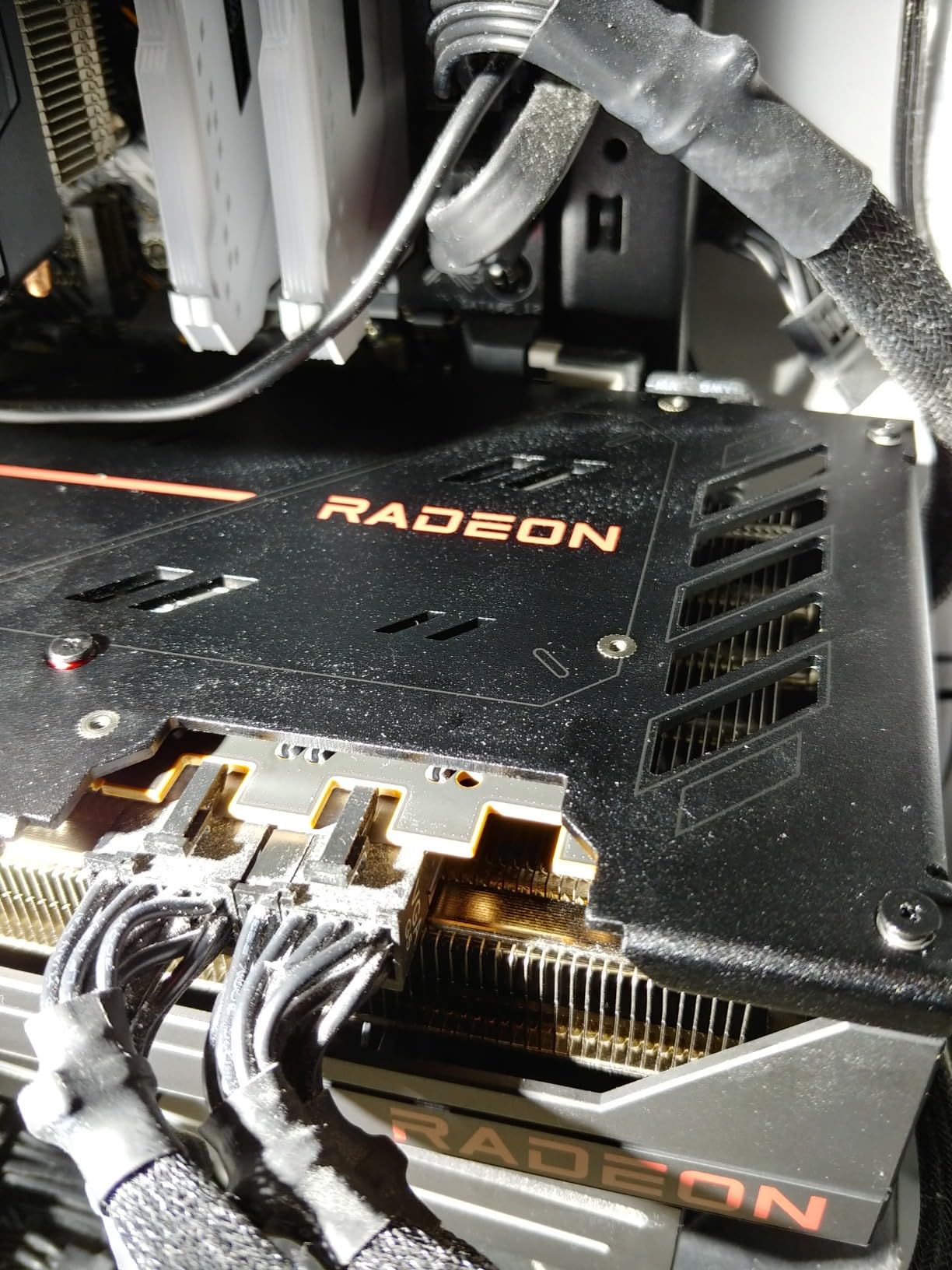
Where the XFX wins on raw headroom, the Sapphire Pulse wins on acoustics. Multiple owners specifically describe this card as inaudible inside their builds, which is why it takes the quiet-build slot despite sitting lower on the list.
The specification is comparable. Twenty gigabytes of GDDR6 on a 320-bit bus, a boost clock up to 2450 MHz and a game clock of 2075 MHz, with 20 Gbps effective memory speed. Maximum resolution is listed at 7680×4320.
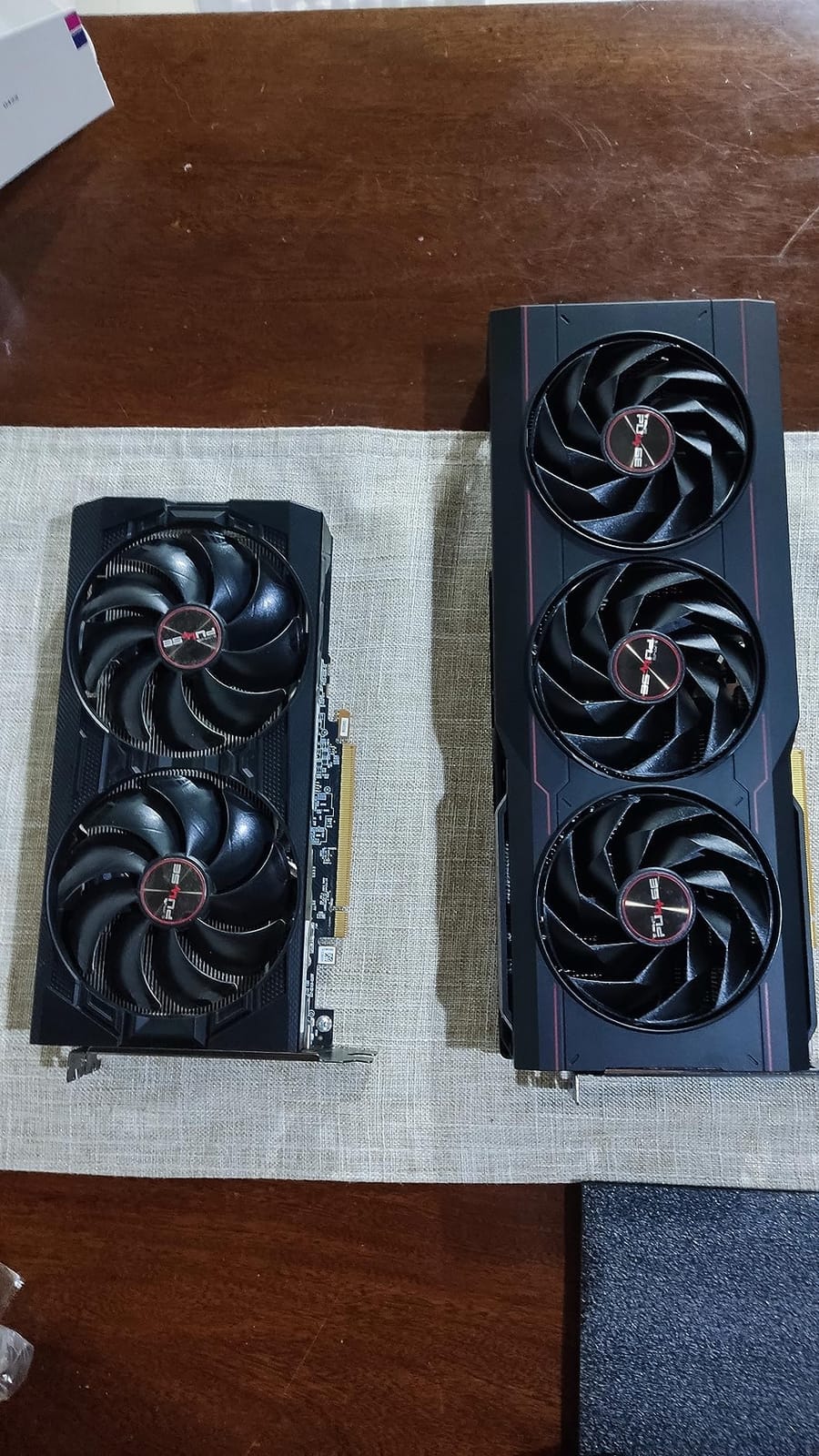
Physically it is a 2.7-slot card measuring 313 mm by 133.75 mm by 52.67 mm, and it weighs 2.2 pounds. That is meaningfully shorter and thinner than the Nitro+ 7900 XTX in the same family, and it comes with a support bracket.
Output is two HDMI and two DisplayPort connectors, and the two-year manufacturer warranty is the same as the rest of the RDNA 3 lineup.
Why quietness matters more than people expect at 1440p
Because 1440p means higher sustained frame rates than 1080p, which means the GPU holds a heavy load far longer in any given session. A cooler that is merely acceptable at 1080p becomes the loudest thing in the room at 1440p.
Owners also praise the raw raster value, describing it as far better than NVIDIA pricing for games where ray tracing is off.
Where it is the wrong buy
Coil whine has been reported on more than one unit by at least one reviewer, so if you are highly sensitive to that sound, read recent reviews before ordering. A support bracket does nothing about electrical whine.
There is also an alt-tab stutter some owners trace to the In-Game Overlay, which they fix by disabling it in Adrenalin. Ray tracing still trails NVIDIA, and a few owners cited early driver stability issues.
8. Sapphire Nitro+ Radeon RX 7900 XTX 24GB GDDR6 – Best for VRAM Headroom

Sapphire 11322-01-40G Nitro+ AMD Radeon RX 7900 XTX Vapor-X Gaming Graphics Card with 24GB GDDR6, AMD RDNA 3
24GB GDDR6 on 384-bit
2680 MHz boost, 2510 MHz game
3.5-slot, 320 mm
2-year warranty
Pros
- 24GB of GDDR6 on a 384-bit bus gives plenty of VRAM headroom for high-detail textures
- Vapor-X three-fan cooling keeps the card cool and quiet under sustained load
- Boost clock up to 2680 MHz delivers strong 1440p and 4K raster performance
- 4K maximum resolution support with a two-year manufacturer warranty
Cons
- Large 3.5-slot 320mm ATX design demands a spacious case
- AMD raster performance trails equivalent NVIDIA parts in ray tracing and upscaling quality
- Older RDNA 3 architecture lacks the newest generation of upscaling and AI features
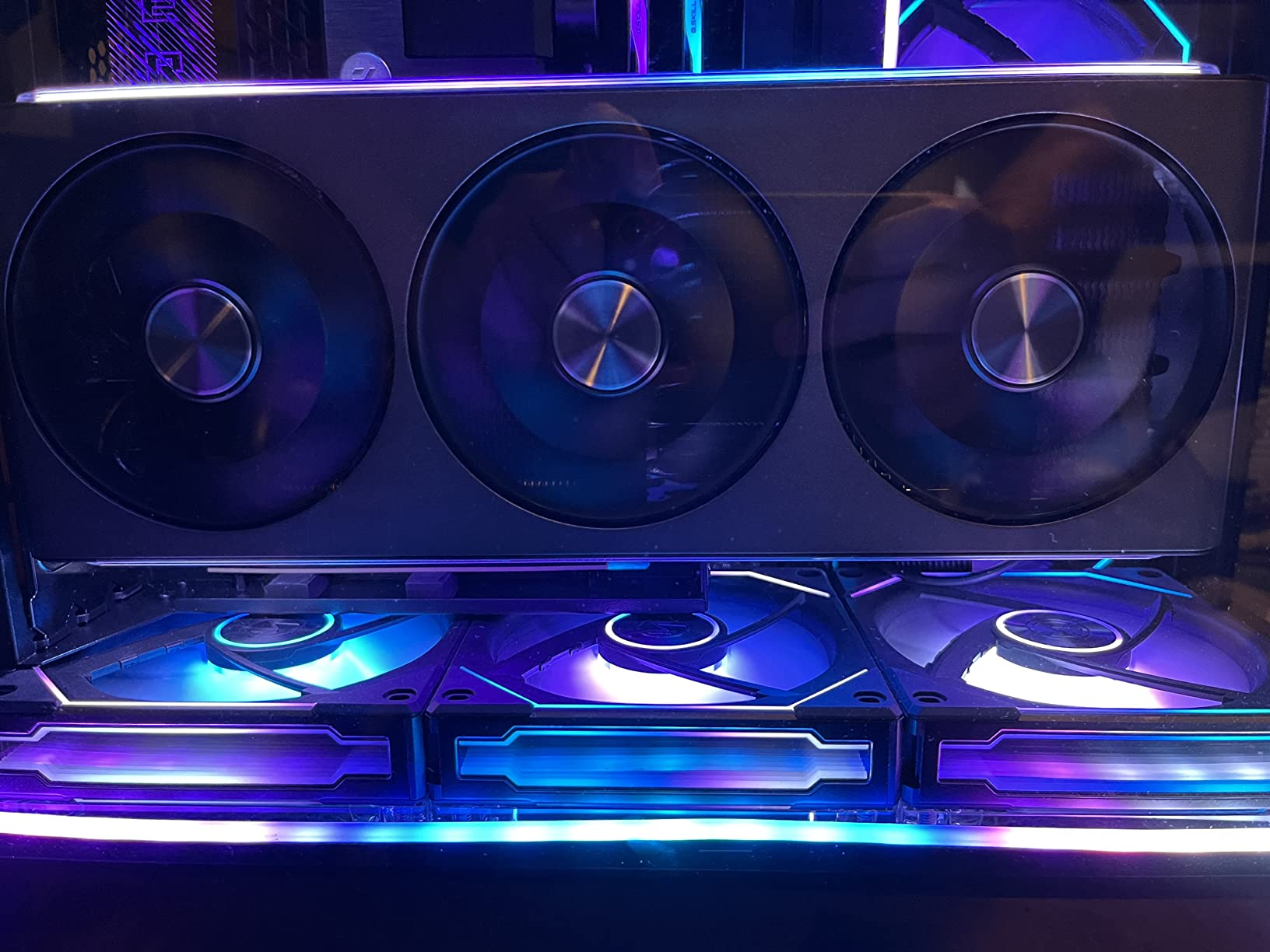
The Nitro+ 7900 XTX is the only card here with 24GB of VRAM, and that is the entire reason to consider it. Twenty-four gigabytes of GDDR6 on a 384-bit bus at 20 Gbps effective is enough texture capacity to stop worrying about settings for several years.
It is also one of the largest cards in this roundup at 320 mm long, 135.75 mm wide and 71.6 mm tall across a 3.5-slot ATX footprint. Measure your chassis before anything else on this page if you are interested in it.
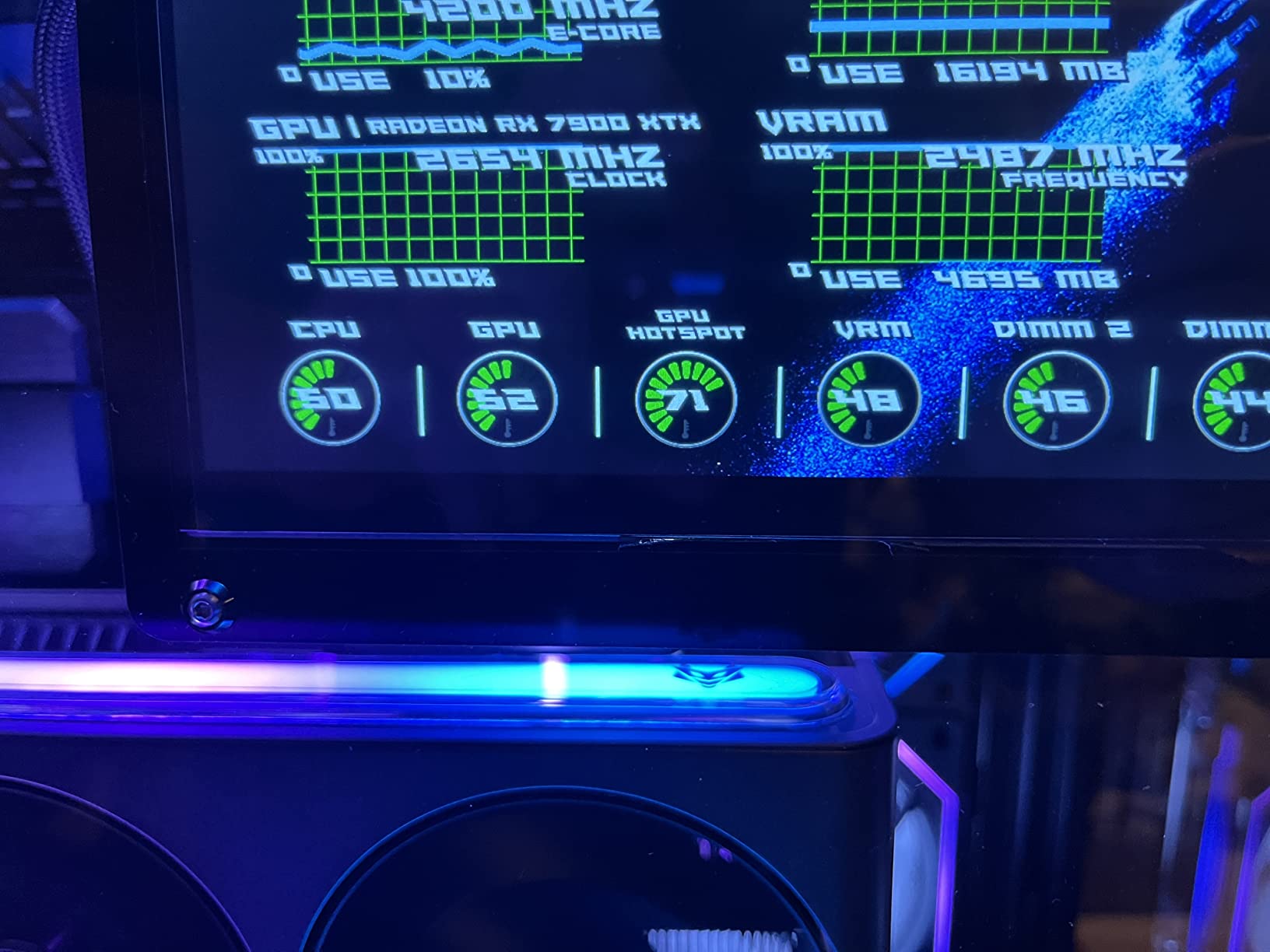
Clocks are high for a 384-bit part: up to 2680 MHz boost and 2510 MHz game. The Vapor-X three-fan cooler is praised for keeping the card cool and quiet under sustained load, which matters given how much memory bandwidth it is moving.
Output is two HDMI and two DisplayPort connectors, with a listed maximum resolution of 4K and a two-year manufacturer warranty.
Who actually needs 24GB of VRAM at 1440p
Gamers running heavy texture packs, high-resolution texture mods, or creator workflows alongside gaming. For that group, 24GB removes a whole category of stutter that no amount of upscaling can fix.
It also future-proofs better than anything else here, which is a real consideration if you expect to keep the card past the next console generation.
Where it is the wrong buy
For pure 1440p gaming, it is more than you need. The same texture headroom is available at 16GB on the cards above, and this one asks for a full-size case to fit.
Ray tracing and upscaling quality also trail the equivalent NVIDIA parts, because RDNA 3 does not carry the newest generation of upscaling and AI features that Blackwell cards do.
9. GIGABYTE GeForce RTX 5080 Gaming OC 16GB GDDR7 – Best if You Also Game at 4K

GIGABYTE GeForce RTX 5080 Gaming OC 16G Graphics Card, WINDFORCE Cooling System, 16GB 256-bit GDDR7, GV-N5080GAMING OC-16GD Video Card
16GB GDDR7 on 256-bit
2.73 GHz boost clock
13.46 inch, three-slot
3-year warranty
Pros
- Runs extremely cool at around 60 degrees at full load with no liquid cooler required
- Very quiet even at high sustained load and easy to overclock to around 3150 MHz
- Large frame-rate uplift over RTX 3000-series cards handling 1440p and 4K at max settings
- DLSS 4 frame generation and improved drivers deliver a strong image quality improvement
Cons
- Very large card at 13.46 inches and three slots needing a full ATX case
- High power draw requiring all three 8-pin legs of the adapter seated properly
- Some units show fan resonance in the 1450-1600 RPM range unless the fan curve is tuned
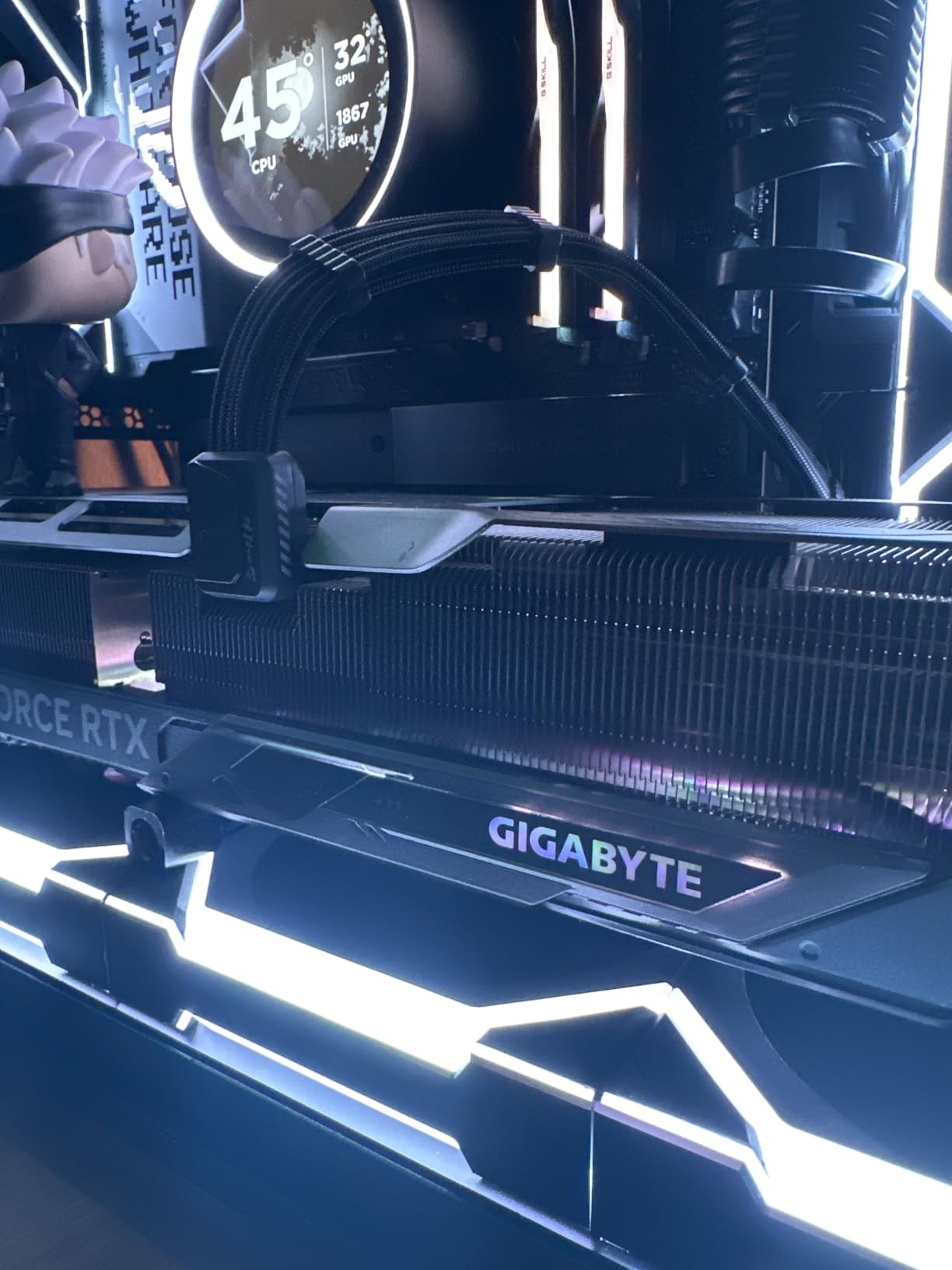
The RTX 5080 is here for readers who game at 1440p today but expect to move to a 4K panel later. At 16GB of GDDR7 on a 256-bit interface with a boost clock of 2.73 GHz, it has the headroom to make that upgrade painless.
Thermals are the standout. Owners report around 60 degrees at full load with no liquid cooling required, and describe the card as very quiet even at high sustained load. Overclocking headroom is good too, with owners pushing to roughly 3150 MHz.
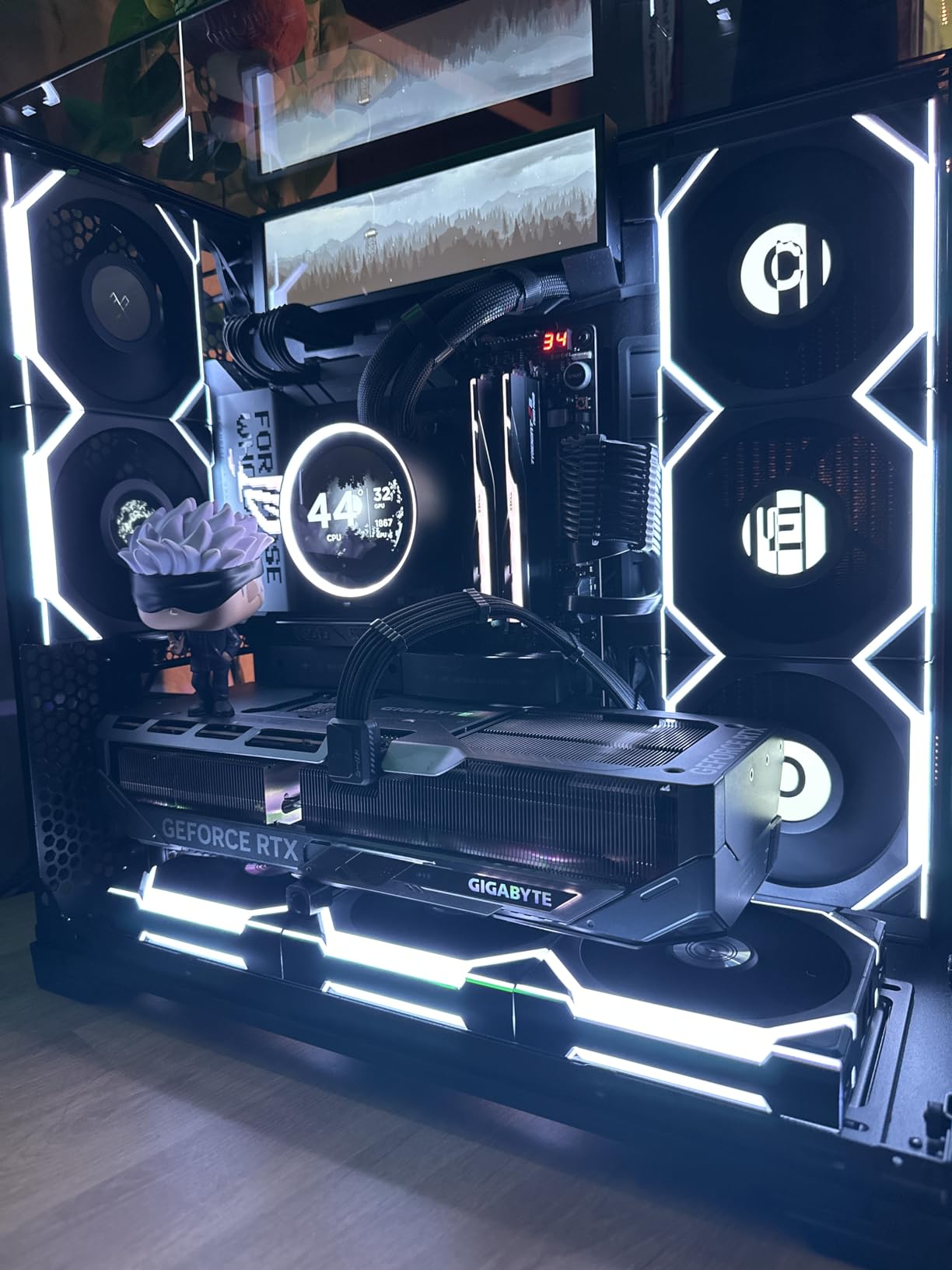
Frame-rate gains over RTX 3000-series parts are described as large, enough to handle 1440p and 4K at maximum settings. DLSS 4 frame generation and the driver improvements are credited with a real image quality gain, not just a counter increase.
The box includes a 12V-2×6 to three-pin 8-pin PCIe adapter, a VGA manual and a versatile VGA holder, and the warranty runs three years from the manufacturer.
Why this is not the 1440p recommendation
Because at 2560×1440 on a 144Hz or 165Hz panel, you will not use the difference over the RTX 5070 Ti in a way you can see. The extra money is 4K headroom and nothing else.
If your monitor is 1440p today and will stay 1440p, the cards above deliver a better experience per unit of spend.
Where it is the wrong buy
Physical size is the first problem. At 13.46 inches long and three slots, it needs a full ATX case and careful cable routing behind the board tray.
It is also the heaviest card here at 4 pounds, and power draw is high enough that all three 8-pin legs of the adapter must be seated properly. Some units show fan resonance between 1450 and 1600 RPM unless you tune the fan curve.
10. ASRock Radeon RX 9060 XT Challenger 16GB OC – Best for Entry 1440p

ASRock Radeon RX 9060 XT Challenger 16GB OC, RDNA 4, 3290MHz Boost, 16GB GDDR6 128-bit, PCIe 5.0, Dual Fans, 0dB Silent, LED Indicator, DisplayPort 2.1a, HDMI 2.1b
16GB GDDR6 on 128-bit
3290 MHz boost, 2700 MHz game
249 mm two-slot
550W PSU recommended
Pros
- Best price-to-fps ratio in the 1440p budget tier with 16GB of GDDR6 for future-proofing
- Compact 249 mm two-slot design that fits small cases and improves airflow
- Runs cool in the low-to-mid 60s and is essentially silent with fans stopping at idle
- Low power draw on a single 8-pin connector reducing PSU strain and heat
Cons
- Dual-fan cooler dissipates less heat than triple-fan designs on higher-tier models
- 128-bit memory bus narrows bandwidth against wider-bus competitors
- LED indicator is not customizable and needs a physical switch to disable
The Challenger 16GB is one of the most affordable 16GB cards on this list and it holds a 4.8 rating from 234 reviews with 89% at five stars. Owners report 105 to 165+ FPS at 1440p, which is squarely inside the range a 144Hz or 165Hz panel can display.
Under the hood it is RDNA 4: 32 compute units, third-generation ray tracing, second-generation AI accelerators, a boost clock of 3290 MHz and a game clock of 2700 MHz, with 16GB of GDDR6 at 20 Gbps on a 128-bit bus.
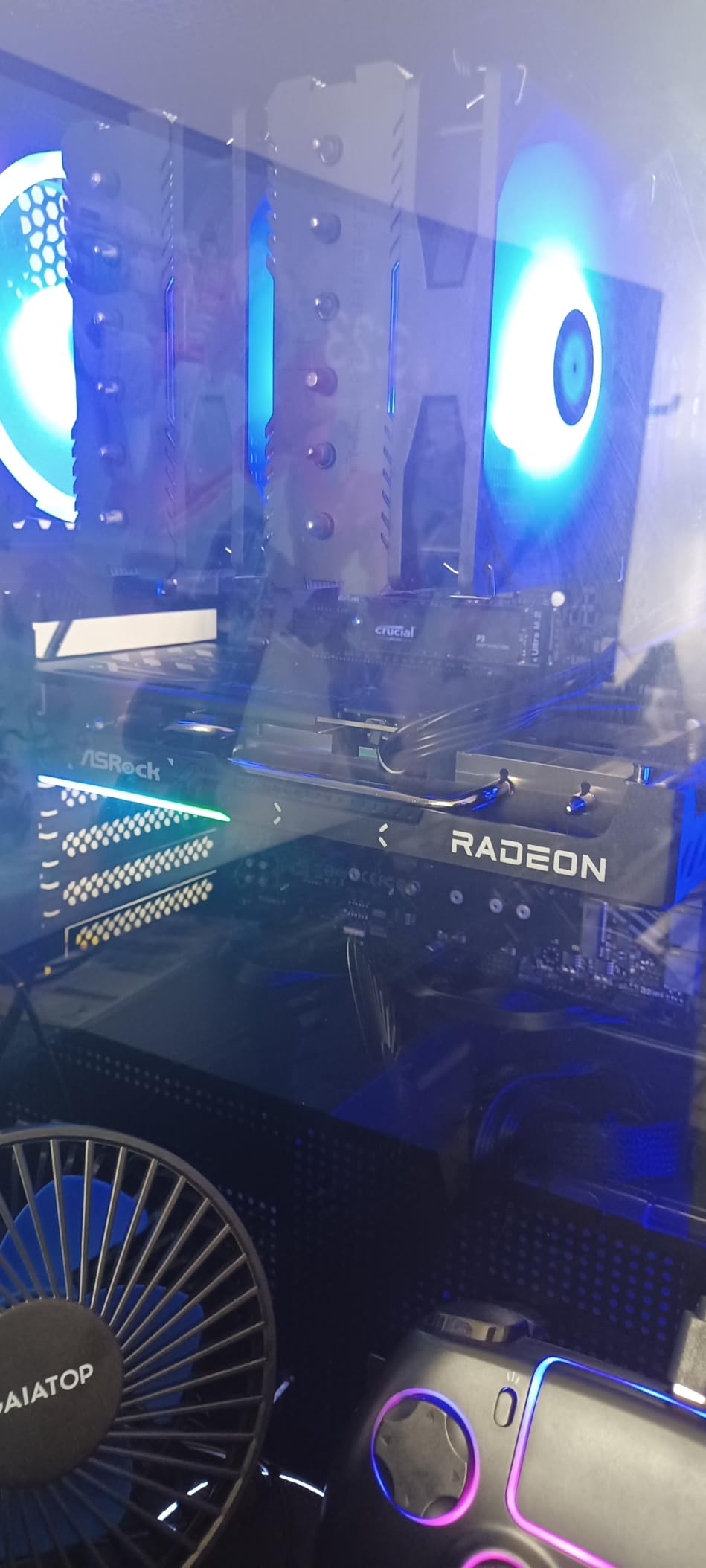
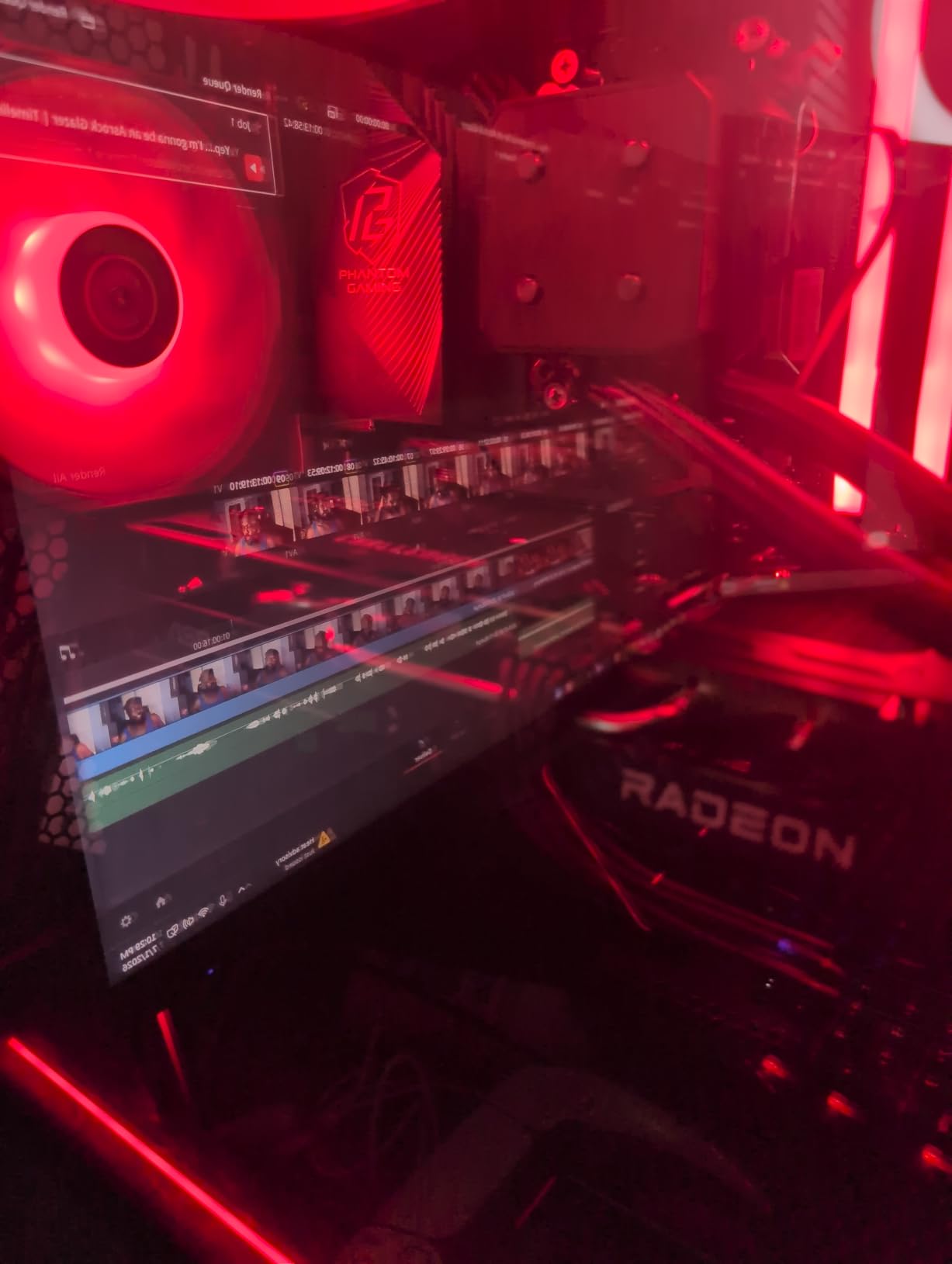
Physical design is a genuine strength. It measures 249 mm by 132 mm by 41 mm across a two-slot layout, weighs 0.98 kg, and takes a single 8-pin connector with a 550W PSU recommended. That combination means it drops into builds that cannot host the larger cards above.
Thermals and acoustics are excellent for the tier: low-to-mid 60s under load, essentially silent, with fans fully stopping at idle through 0dB Silent mode.
Why 16GB matters at the bottom of the list
Because most cards this cheap ship 8GB, and 8GB is where the texture streaming stutter starts. Sixteen gigabytes means the entry tier no longer forces you to drop texture quality to protect frame rate.
A commenter in one 1440p thread put the caveat well: this class of card is good for 1440p and the future, but it is an entry-level 1440p card in raster terms.
Where it is the wrong buy
If you want high-refresh 1440p at 240Hz in demanding titles, the 128-bit bus and the dual-fan cooler will not get you there. One 240Hz owner of a card in this class reported being unable to hold max settings in AAA titles.
The LED indicator is also not customizable and needs a physical switch on the card to disable, and the dual-fan cooler dissipates less heat than the triple-fan designs higher up the list.
11. Sparkle Intel Arc B580 Titan OC 12GB GDDR6 – Best for Gaming Plus Video Work

Sparkle Intel Arc B580 Titan OC, 12GB GDDR6, Torn Cooling 2.0, Axial Fan, Breathing Light, Metal Backplate, SB580T-12GOC
12GB GDDR6
2760 MHz OC boost
PCIe x8 interface
AV1 hardware encoder
Pros
- Excellent value at 1440p running many games at 55-90 FPS on high to epic settings
- 12GB of VRAM with an AV1 hardware encoder and a strong media engine for video work
- Slim well-built card with a metal backplate and a sag bracket included
- Stays around 59-65 degrees under load and is inaudible in a well-ventilated case
Cons
- Intel Arc drivers still need work with some titles needing registry and TDR tuning
- Rasterization trails AMD Radeon cards and sits closer to an RTX 5050 than a 4060
- Struggles with CPU-heavy competitive titles such as Call of Duty and Fortnite
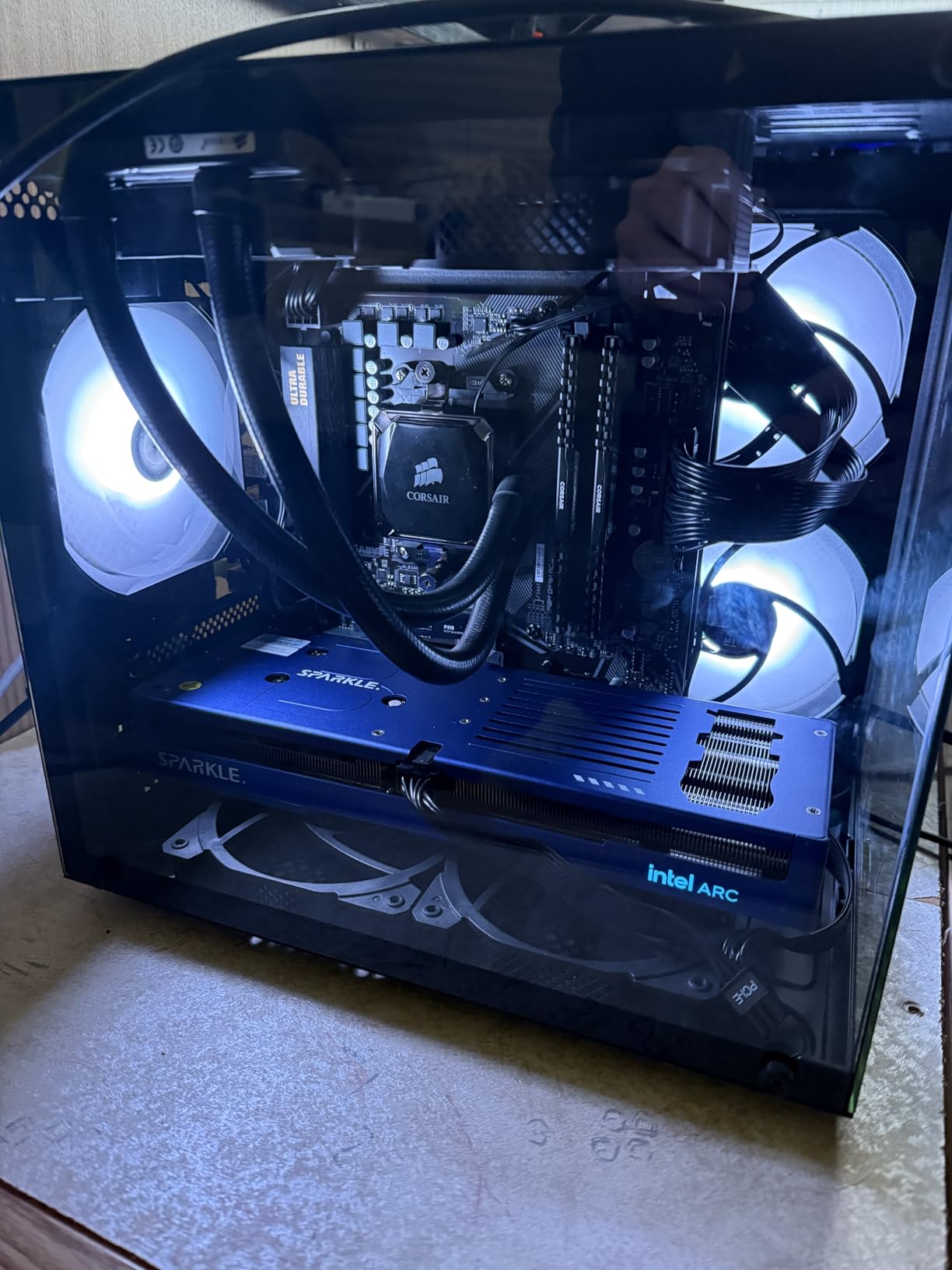
The Arc B580 is the odd one out, and that is why it earns its place. Its media engine is the reason to buy it: an AV1 hardware encoder that handles video work as well as it handles games.
Gaming performance is respectable rather than class-leading. Owners report many games running at 55 to 90 FPS at 1440p on high to epic settings, on a boost clock of 2760 MHz with 12GB of GDDR6 at 19 GHz.
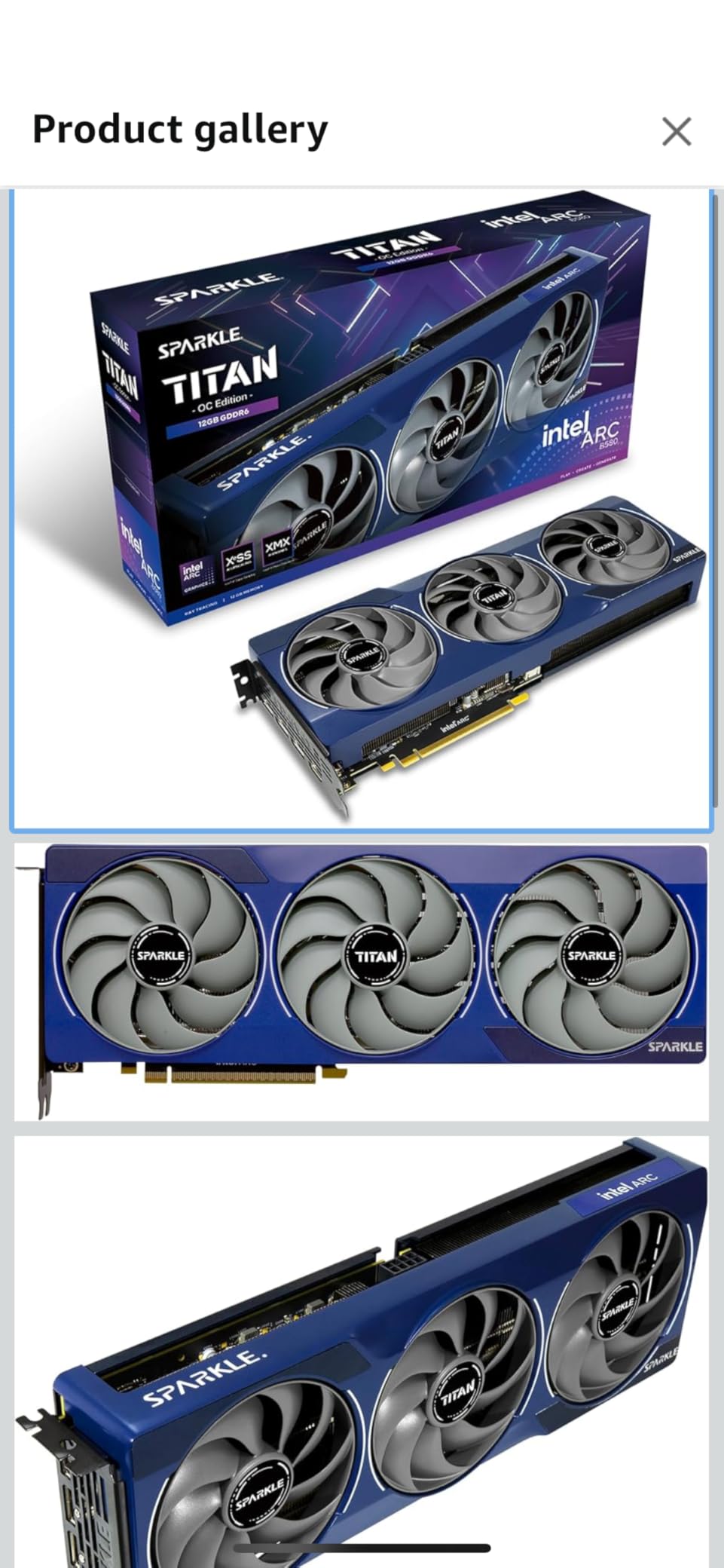
The physical card is well made. It is a slim design with TORN Cooling 2.0, an axial fan, a metal backplate, a blue breathing light and an included sag bracket, measuring 12.4 inches by 4.61 inches and weighing 954 g.
Output is one HDMI 2.1 and three DisplayPort 2.1, with a listed maximum resolution of 3840×2160, and the warranty is three years limited. Note the interface is PCIe x8 rather than x16.
Who should buy the Arc B580
Anyone who edits or streams video on the same machine, because AV1 hardware encoding at this tier is unusual and the value is hard to match. Gamers who also transcode will get more from it than pure players will.
Thermals are good too, with owners reporting 59 to 65 degrees under load and inaudible operation in a well-ventilated case.
Where it is the wrong buy
If you play competitive shooters. Reviews specifically flag trouble with CPU-heavy titles such as Call of Duty and Fortnite, and rasterization trails AMD’s Radeon cards while sitting closer to an RTX 5050 than an RTX 4060.
Driver maturity is the other catch. Some titles and virtual-world applications still need registry and TDR tuning, though owners do note that firmware updates ship frequently and keep improving compatibility.
12. ASRock Intel Arc A580 Challenger 8GB GDDR6 – Best 1080p Budget Card, Not a 1440p Pick

ASRock Intel Arc A580 Challenger 8GB OC Graphics Card, Intel Xe HPG Architecture, 8GB GDDR6, PCIe 4.0, Dual Fans, 0dB Silent Cooling, DisplayPort 2.0
8GB GDDR6 on 256-bit
2000 MHz OC clock
271 mm two-slot
650W PSU, two 8-pin
Pros
- Capable of 60+ FPS at 1080p medium-to-high settings
- outperforming entry-level NVIDIA cards
- Native AV1 support and effective video transcoding with Dolby Vision in Windows 11
- Quiet dual-fan cooling with 0dB Silent mode running in the mid-60s
- 8GB GDDR6 on a 256-bit interface with three DisplayPort 2.0 outputs
Cons
- Requires Resizable BAR on the motherboard or performance suffers dramatically
- Intel Arc driver maturity and per-game tuning still needed for some titles
- XeSS support is not yet implemented across as many games
We include the A580 Challenger because it is the honest answer to a common question: at what point does 1440p stop being the right target? At 8GB, that point is here.
As a 1080p card it is genuinely capable. Owners report 60+ FPS at 1080p on medium-to-high settings while outperforming entry-level NVIDIA parts, and the 8GB of GDDR6 sits on a 256-bit interface running at 16 Gbps, which is a lot of bandwidth for the resolution.
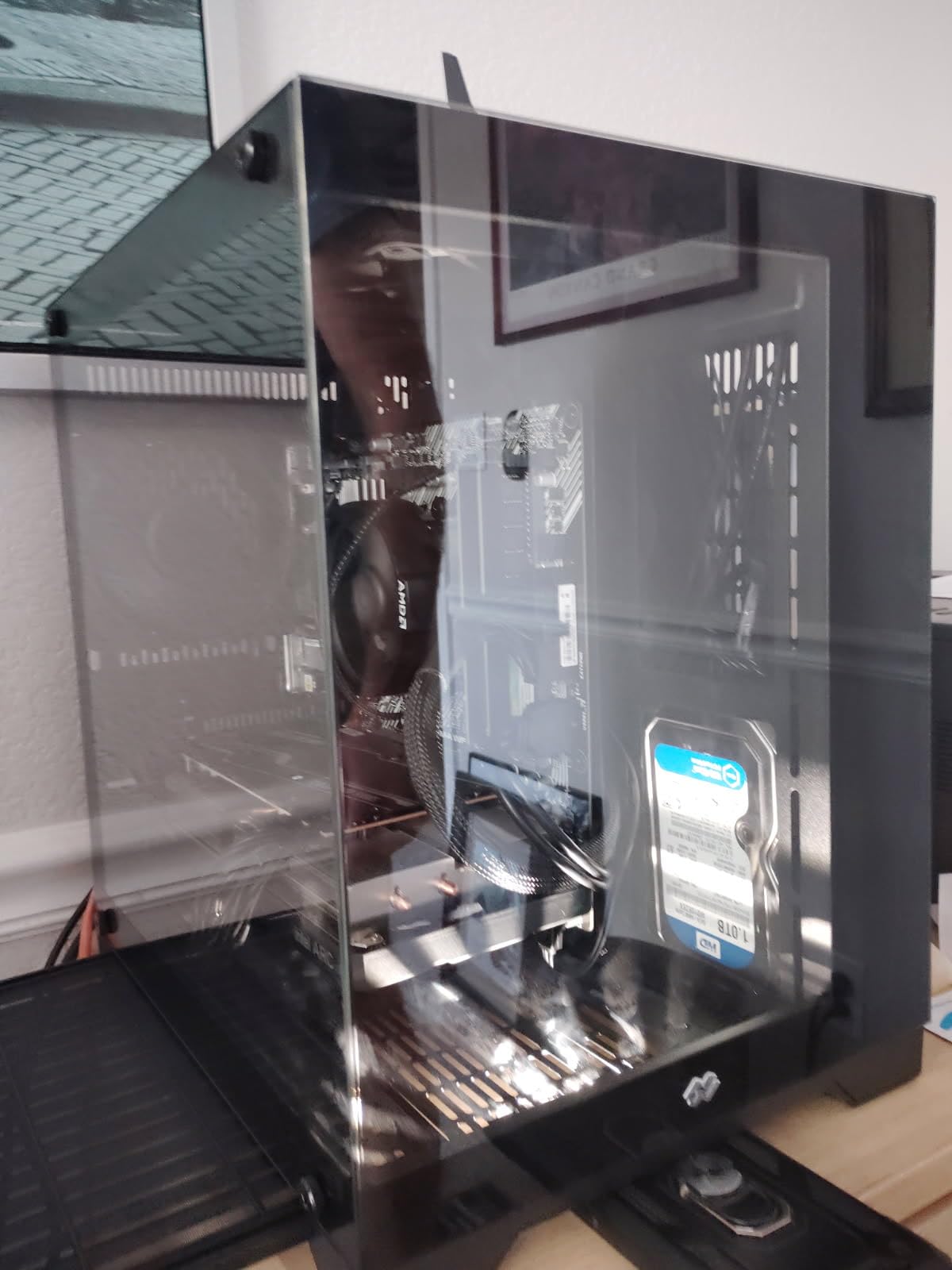
The AV1 story is strong for a budget card, with native AV1 support and effective transcoding, plus Dolby Vision enablement in Windows 11. Cooling is quiet dual-fan with 0dB Silent mode, running in the mid-60s.
Connectivity covers multi-monitor setups well, with three DisplayPort 2.0 outputs supporting up to UHBR 10 and one HDMI 2.0b, up to four displays at 7680×4320.
Why we still included it
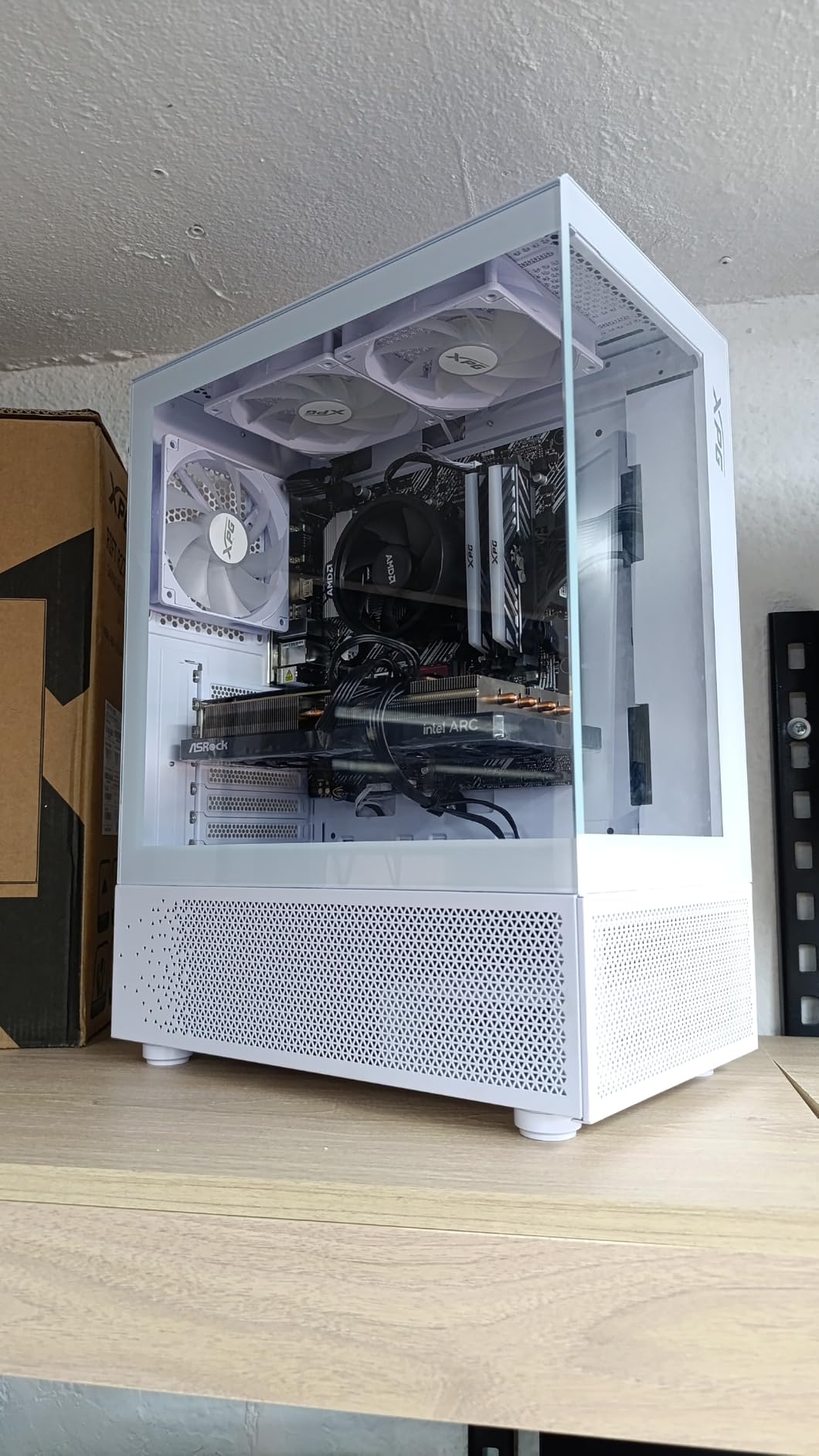
Because plenty of readers arrive here on a 1080p budget with no intention of moving resolution, and this card serves that need better than stretching a 1440p card downward. It sits at number fifteen in the Graphics Cards ranking.
It is also the most affordable route to hardware AV1 encoding on this list, which is a genuine reason to buy it even at 1080p.
Where it is the wrong buy
For 1440p, entirely. Eight gigabytes of VRAM is the spec readers describe as already obsolete for 1440p Ultra, with texture streaming stutter as the result.
There is also a hard platform requirement: Resizable BAR must be enabled on the motherboard or performance suffers dramatically. It needs two 8-pin PCIe connectors and a recommended 650W supply, and some titles needed compatibility fixes during early adoption.
How to Choose a Graphics Card for 1440p Gaming in 2026
Match the card to your monitor refresh rate first
Start with the panel you already own, not the card you want. A 60Hz 1440p monitor is satisfied by almost anything on this list, a 144Hz or 165Hz panel needs a card that clears roughly 100 FPS in your heaviest game, and a 240Hz 1440p panel demands either a very fast card or frame generation.
That last point is the one people get wrong. One buildapc poster paired a 1440p 180Hz monitor with a 5700X3D and an RTX 3070 and asked the forum what GPU they actually needed, which is the canonical version of this question. The honest answer is that the CPU mattered less than matching the GPU tier to the refresh rate.
As a rough guide: entry 1440p for 60Hz to 144Hz, a mid-tier card for 165Hz, and the top of this list or frame generation for 240Hz.
Why 12GB is the floor and 16GB is the target
At 2560×1440 with Ultra settings, current AAA titles start pushing past 12GB of texture data, and when a card runs out it streams textures from system memory, which shows up as stutter rather than a lower average frame rate. Two cards here ship 12GB, nine ship 16GB or more, and one falls to 8GB, and that is the single clearest dividing line on the list.
Forum sentiment matches the spec sheets. Users repeatedly describe 8GB cards as already obsolete for 1440p Ultra, citing exactly that texture streaming stutter. If you keep a card for four years, buy the 16GB one.
Check the power supply before the aesthetics
Every card on this page has a stated power requirement, and the range is wide. The RX 9060 XT Challenger asks for a 550W supply on a single 8-pin connector. The ASRock Arc A580 wants two 8-pin connectors and 650W. The ASUS TUF RTX 5070 Ti needs a minimum 850W with a 16-pin 12V-2×6 connector, and the Gigabyte RTX 5080 ships a 12V-2×6 to three-pin 8-pin adapter that must be fully seated.
The RDNA 3 cards in this list also pull roughly 300W under full load, and the ASUS Prime RX 9070 XT owners recommend undervolting to tame its draw above that mark.
Then check the case
Length is the issue that ends builds. The Gigabyte RTX 5070 WINDFORCE OC SFF is listed at 3.94 inches, the ASRock RX 9060 XT Challenger at 9.8 inches, the ASUS Dual RTX 5060 Ti at 9 inches, and the ASUS TUF RTX 5070 Ti at 13 inches. The Sapphire Nitro+ 7900 XTX needs 320 mm of clearance across a 3.5-slot body, and the Gigabyte RTX 5080 needs 13.46 inches and a full ATX case.
Slot thickness matters too. Two-and-a-half-slot designs like the ASUS Prime RX 9070 XT and the ASUS Dual RTX 5060 Ti leave room for a cooler, while 3.125-slot and 3.5-slot cards block the slots below them.
Nvidia versus AMD at 1440p
If your library is ray-tracing-heavy or you value image quality from upscaling, Nvidia has the edge: DLSS 4.5 and the newer generation of AI upscaling produce better results in some cases, and Multi Frame Generation has no AMD equivalent.
If you game on raster and want the most frames, AMD wins on value. Owners of the ASUS Prime RX 9070 XT report it beating the RTX 5070 Ti on raw FPS in many games, and FSR 4 plus frame generation is what owners describe as competitive with DLSS. One Reddit commenter on a 1440p thread put the ecosystem argument bluntly: Nvidia is the clear choice regardless of price for Windows-only gaming.
The Steam community splits the same way. In one thread debating the 5070 Ti against the 9070 XT, users named Sapphire as the best AMD partner and recommended the 5070 Ti for Windows-only gaming.
Which upscaler to enable
Every Nvidia card here supports DLSS 4, and the AMD RDNA 4 cards support FSR 4. The practical rule is simple: run whichever one the game ships with first, use the quality preset for a 144Hz or 165Hz panel, and move to the balanced preset on a 240Hz panel where you are already generating enough frames.
Frame generation is the tool that lets an entry-tier card reach a high-refresh 1440p panel. One forum poster runs an RTX 4060 laptop at 1440p using DLSS Quality and Balanced to reach playable frame rates, which is the same bridge in miniature.
What about the CPU?
At 1440p the GPU is usually the bottleneck, which is the good news. Any current mid-range processor will keep a card on this list fed in most games, with competitive shooters the exception, where CPU-bound behaviour is common and the Intel Arc cards in particular struggle.
So do not overspend on the CPU at the expense of the GPU. The card decides your frame rate at this resolution.
Frequently Asked Questions
What is the best graphics card for gaming at 1440p resolution?
The ASUS TUF GeForce RTX 5070 Ti 16GB is our top pick for 1440p gaming. It combines 16GB of GDDR7, DLSS 4 support and a three-year warranty, which makes it the most complete option for Ultra settings in demanding 1440p titles. If you want the most frames rather than the most features, the ASUS Prime Radeon RX 9070 XT 16GB is the better value pick.
Is a 5070 Ti overkill for 1440p?
No, a 5070 Ti is well matched to 1440p rather than overkill. At 2560×1440 on a 144Hz or 165Hz panel you will use nearly all of what it offers, including DLSS 4 and Multi Frame Generation. It only becomes genuinely excessive if you plan to move to a 4K monitor, where the Gigabyte RTX 5080 makes more sense.
Is an RTX 4090 overkill for 1440p?
Yes, an RTX 4090 is far more than a 1440p panel needs. It is a 4K and high-refresh 240Hz part, so at 2560×1440 you would leave most of its capability unused and pay for headroom you cannot see. A 16GB card such as the TUF RTX 5070 Ti covers 1440p properly.
Do I need 16GB of VRAM for 1440p gaming?
Twelve gigabytes is the current floor, and 16GB is what we would target. Modern AAA titles at 1440p Ultra push past 12GB of texture data, and running out causes texture streaming stutter rather than a simple drop in frame rate. If you plan to keep the card several years, buy the 16GB model.
What card do I need for 1440p gaming?
Match the card to your monitor refresh rate. A 60Hz to 144Hz 1440p panel is satisfied by an entry card such as the ASRock RX 9060 XT 16GB, a 165Hz panel wants a mid-tier card like the Gigabyte RTX 5070, and a 240Hz 1440p panel needs either the fastest card on this list or frame generation to stay smooth.
Can AMD GPUs match Nvidia frame generation at 1440p?
Not quite, and the gap has narrowed. FSR 4 plus frame generation on the RX 9070 XT and RX 9070 is what owners describe as competitive with DLSS, and raw raster frame rates favour AMD. But Multi Frame Generation has no AMD equivalent, and image quality from DLSS 4.5 is still better in some cases.
The Verdict: Best Graphics Cards for 1440p Gaming in 2026
The ASUS TUF GeForce RTX 5070 Ti 16GB wins this list because nothing about it is a compromise. Sixteen gigabytes of GDDR7, DLSS 4, a three-year warranty and a build that reviewers score 4.7 out of 5 across 529 reviews is the safest single answer to the question of which graphics card is best for 1440p gaming.
Buy the ASUS Prime Radeon RX 9070 XT 16GB instead if you want the most frame rate and you play with ray tracing off. Buy the Sapphire Pulse Radeon RX 9070 16GB if you are keeping the budget tight, and buy the Gigabyte RTX 5080 only if a 4K panel is in your plans.
Whatever you choose, match it to your refresh rate, check the PSU wattage and the chassis length before you order, and use the buttons above for current pricing.