
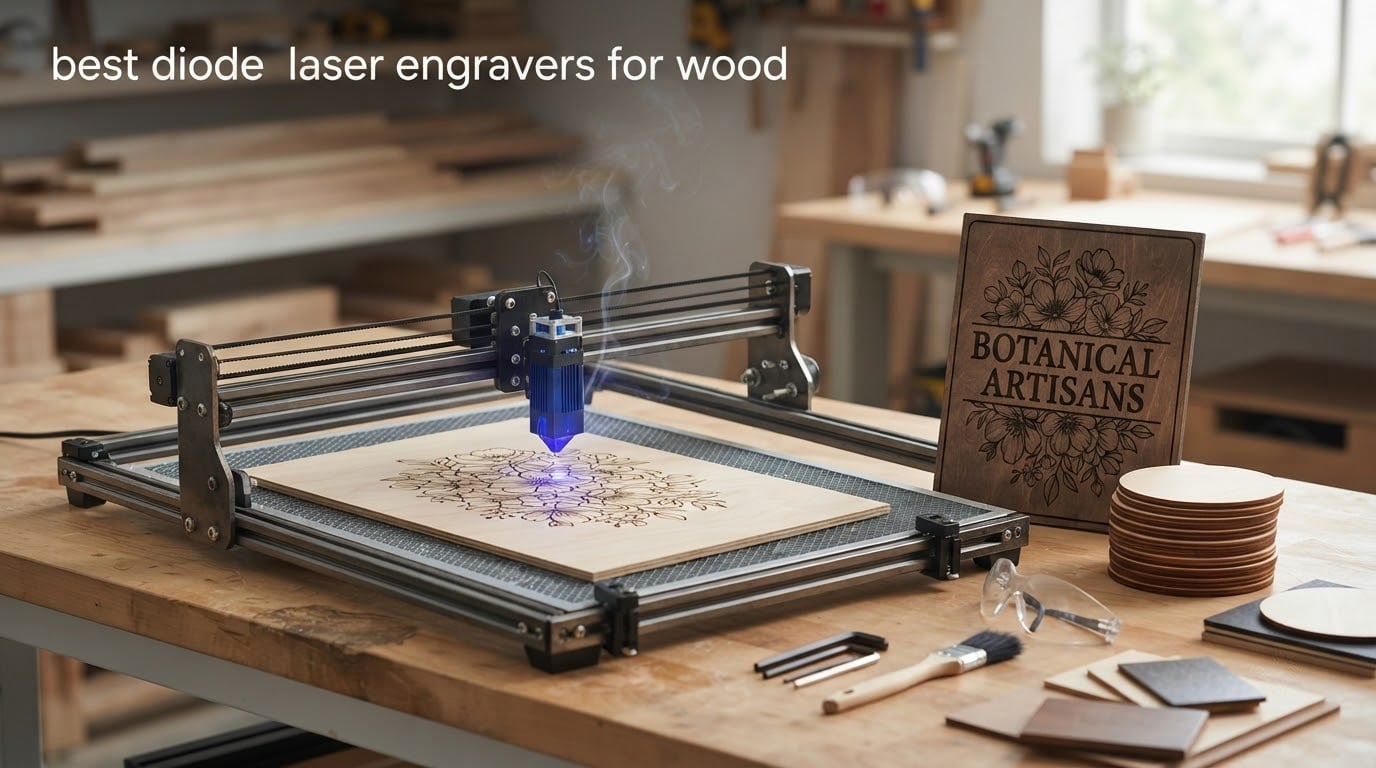
If you want one diode laser engraver that handles wood well out of the box, the Longer RAY5 is our pick. It pairs a 400 x 400mm bed with enough output to cut 20mm wood and a 3.5-inch touchscreen that most open-frame rivals still lack. The Twotrees TTS-10 Pro is the smarter spend if engraving is your priority over cutting, and the ATOMSTACK A20 Pro V2 is the one to buy when you plan to slice birch plywood for signs.
That is the short version. The machines below span everything from a 2.5W desktop engraver the size of a hardback book to a 20W enclosed workhorse with a camera, air assist and a rotary attachment in the box. We compared optical output, published cut-depth claims, work area, spot size, enclosure class, software support, air assist and the accessory costs that quietly follow almost every machine in this category.
Two things shape every recommendation here. First, a diode laser fires a 450nm blue beam that wood loves and clear acrylic hates, so the machines in this list are wood machines, not general-purpose engravers. Second, forum threads about this category repeat the same three complaints endlessly: pass-count frustration, uneven burns on resin-heavy softwoods, and a total cost that climbs once air assist, software, eyewear and extraction are counted. We weight those heavily.
This roundup was last updated in 2026. Ratings and review counts are copied from the listings at the time of writing, and the Check Latest Price buttons are the only place prices are kept current.
Table of Contents
Top 3 Diode Laser Engravers for Wood (October 2026)

Longer RAY5 20W-class Laser Engraver
- 400x400mm bed with 850mm extension option
- Cuts 20mm wood and 30mm acrylic
- 3.5-inch touchscreen
- Wi-Fi
- USB
- app and TF card transfer

Twotrees TTS-10 Pro 10W
- 10000mW optical output
- 300x300mm bed
- LightBurn and LaserGRBL support
- Full metal frame with dual Y-axis motors

ATOMSTACK A20 Pro V2
- 20000mW optical output
- Linear guide rails with 0.01mm accuracy
- Up to 400mm/s
- Cross-line light and tilt safety beep
All 12 Diode Laser Engravers at a Glance in 2026
| Product | Specs | Action |
|---|---|---|
| Longer RAY5 |
|
Check Latest Price |
| Twotrees TTS-10 Pro |
|
Check Latest Price |
 ACMER S1 ACMER S1 |
|
Check Latest Price |
 Creality Laser Falcon 10W Creality Laser Falcon 10W |
|
Check Latest Price |
 Creality Falcon 5W Creality Falcon 5W |
|
Check Latest Price |
 Creality Falcon A1 Creality Falcon A1 |
|
Check Latest Price |
| ATOMSTACK A20 Pro V2 |
|
Check Latest Price |
 WAINLUXPRO K10 5W WAINLUXPRO K10 5W |
|
Check Latest Price |
 Carverall K15 Pro 10W Carverall K15 Pro 10W |
|
Check Latest Price |
 KENTOKTOOL LE400 PRO KENTOKTOOL LE400 PRO |
|
Check Latest Price |
 Genmitsu L8 20W Genmitsu L8 20W |
|
Check Latest Price |
 WECREAT LC2320 20W WECREAT LC2320 20W |
|
Check Latest Price |
1. Longer RAY5: Best Overall Diode Laser Engraver for Wood
Longer New Upgrade RAY5 Laser Engraver Cutter,Working Area 15.75″×15.76″
Cuts 20mm wood and 30mm acrylic
400x400mm bed, expandable to 850mm
3.5-inch touchscreen
24000mm/min max speed
Pros
- Cuts real 20mm wood boards in this class
- Expandable bed for longer panels
- 3.5-inch touchscreen is rare at this tier
- Dual-beam tech and 24000mm/min top speed
- 32-bit board with Wi-Fi USB app and TF transfer
Cons
- Weak written instructions
- expect to follow video guides for assembly
- Motion or out-of-bounds errors force manual homing
- Learning curve to dial in even burn on hardwood
The RAY5 is the machine I keep coming back to because the 3.5-inch touchscreen is the feature none of the other open frames in this roundup carry. That sounds minor until you are an hour into a job and want to check power, speed and bed position without walking back to the laptop. The touchscreen handles those settings, and the 32-bit board moves files over Wi-Fi, USB, the app or a TF card, including fully offline operation.
On wood, the headline claim is 20mm cut depth on solid boards. Owners confirm it cuts thick stock, though most treat that as a maximum rather than a single-pass number. The dual-beam design and 24000mm/min maximum speed make engraving fast enough for batch work, and the 400 x 400mm bed covers a standard square sign blank without tiling.
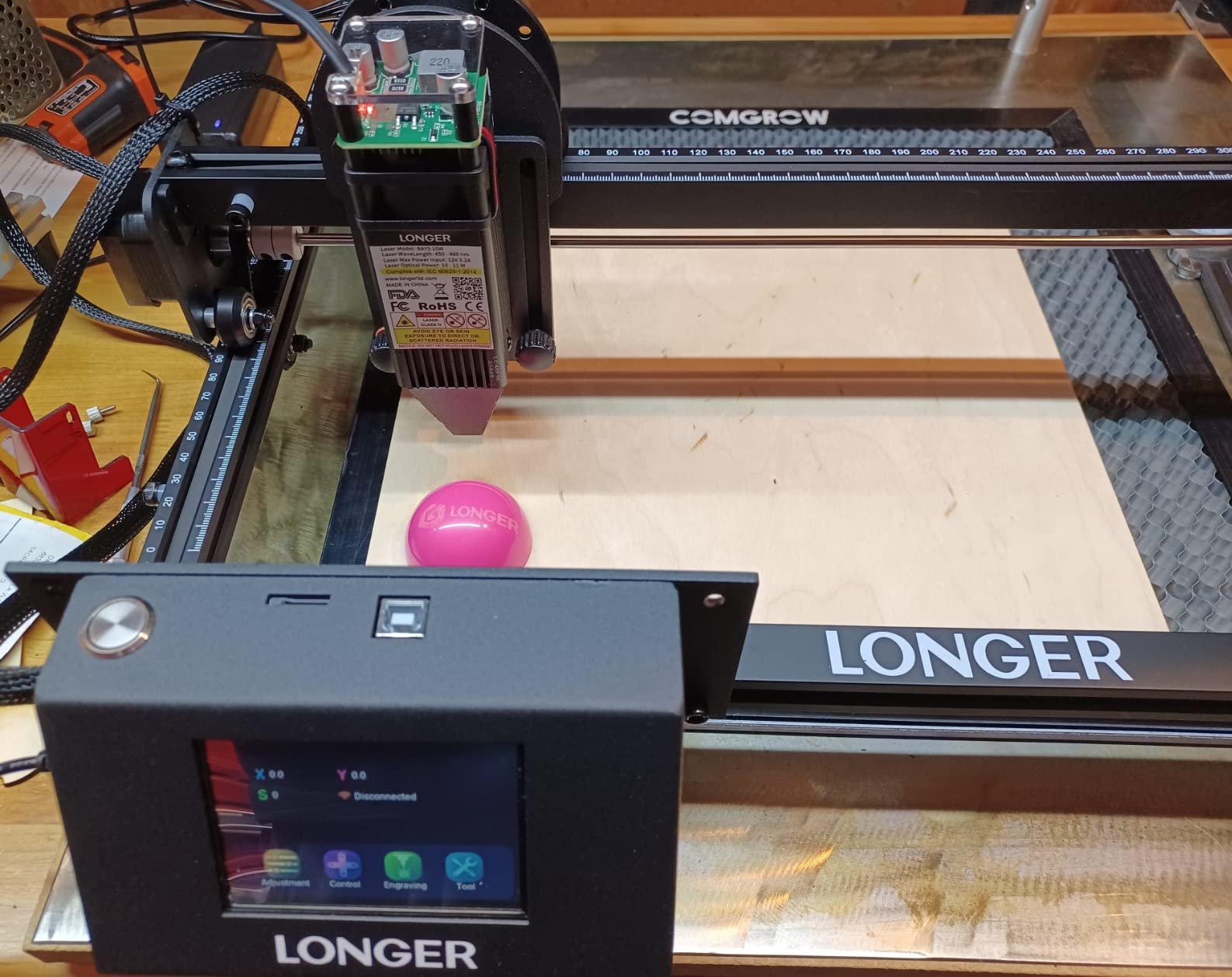
Expansion is the quiet advantage. An extension kit takes the working area to 850 x 400mm, which is how you get a cutting board or a long sign out of a machine that still fits on a desk. Very few competitors at this tier offer that path, and retrofitting a bigger gantry later is not a realistic option on most frames.
The safety package is reasonable for an open frame: a protective cover, safety glasses and an abnormal shaking or suspension auto-stop program. There is no enclosure, so fumes and stray light are your problem to solve, which is fine in a garage and a poor idea in a shared room.
What you get and what you add
Out of the box you get the machine, tools, accessories, safety glasses and an installation guide, plus ongoing technical support. Realistically you will still add an air pump, a fume extractor and LightBurn, because the bundled experience is where support is thinnest.
Support quality is the soft spot. Buyers report both responsive technical help and slow, inconsistent communication, so treat the machine as a hands-on purchase. Nobody buys one of these expecting the phone support of a major manufacturer.
Who should skip it
Skip it if you work in a small apartment or a classroom with unsupervised users, because an open frame with no extraction is the wrong tool there. The Falcon A1 or the Genmitsu L8 solve that problem at the enclosure level rather than the accessory level.
Also skip it if you want a finished product with no software work. The RAY5 rewards an owner who will spend an evening learning LightBurn and running a test grid, and frustrates an owner who expects to unbox and immediately cut.
2. Twotrees TTS-10 Pro: Best Value 10W Engraver for Wood
Twotrees TTS-10 Pro Laser Engraver,10000mW High Precision Laser Engraving
10000mW optical output
300x300mm engraving area
Full metal frame, dual Y-axis motors
LightBurn and LaserGRBL support
Pros
- Strong 10W output for engraving and light cutting
- Full metal frame with GT2-6mm belts holds accuracy
- TF card offline work removes the PC
- Certified with a 12-month warranty
- Highest review count in this roundup
Cons
- Assembly and setup are genuinely difficult for first-timers
- Software setup is a steep learning curve
- 300x300mm bed limits larger projects
- Some jobs reported freezing mid-run in LightBurn
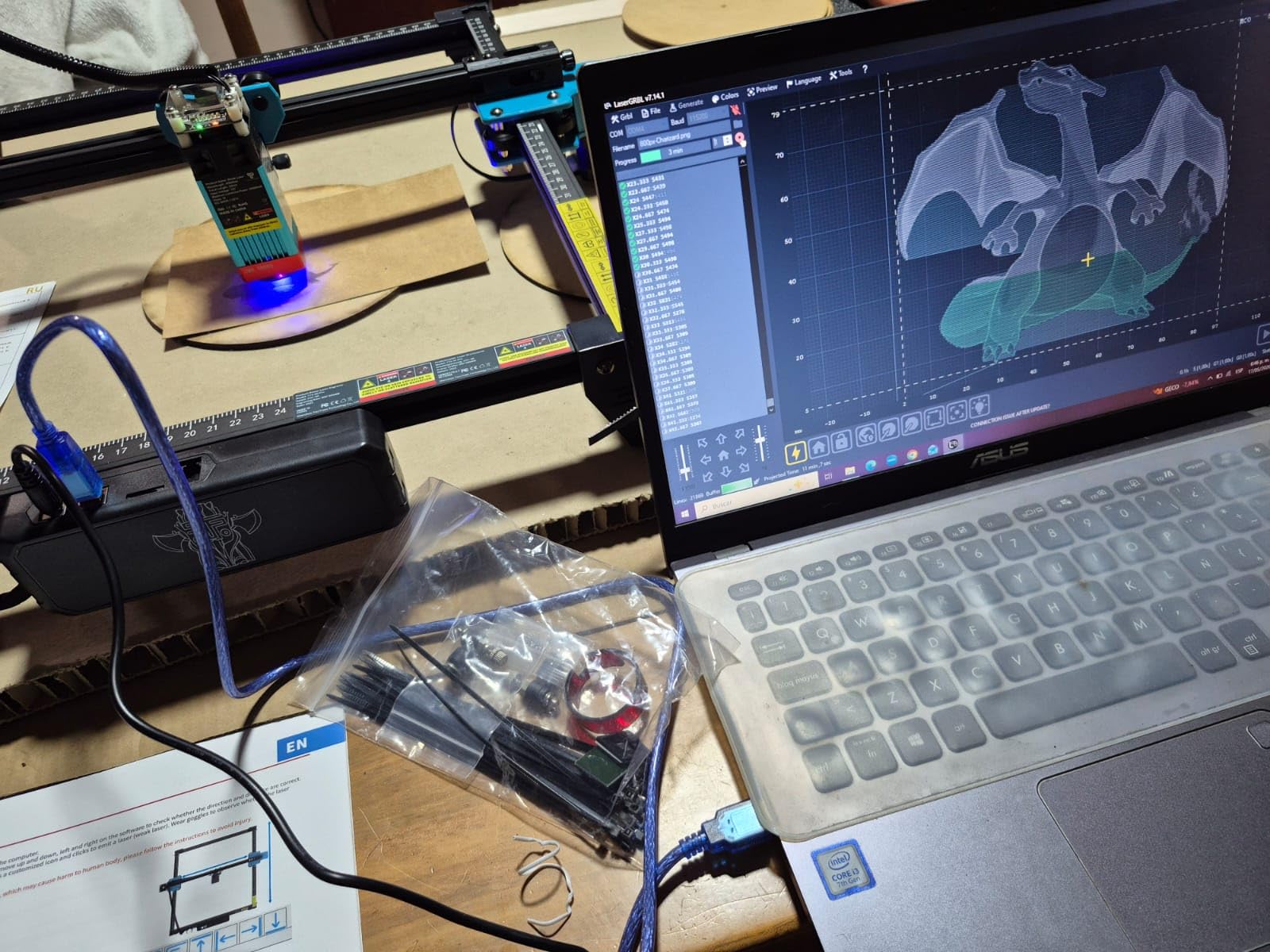
This is the most-reviewed machine on the list, and the volume of owner reports is the reason it is here. The TTS-10 Pro is a 10000mW 450nm diode on a full aluminum frame with dual Y-axis stepper motors and GT2-6mm synchronous belts, which is a stiffer, more accurate motion system than the roller-wheel designs found on cheaper frames.
For wood work, 10W is the sweet spot for engraving everything and cutting the first few millimetres of plywood. Reviewers describe it engraving and cutting wood, bamboo, acrylic, leather, dark glass and coated or anodized metal without trouble. What it will not do is mark bare steel or uncoated metal, and pretending otherwise is the most common expectation mismatch in this category.
The 32-bit dual-core board runs online or fully offline from the included 4GB TF card, which is genuinely useful for batch production. Software support covers LightBurn and LaserGRBL with lbrn and nc export, and the machine carries CE, FCC, ROHS, FDA and UL62368 certifications with a 12-month warranty behind it.
My reservation is the first afternoon. Assembly is reported as time-consuming and difficult for first-time users, and the software demands a real setup session. Budget a full evening before your first cut rather than the hour you probably imagined.
How it performs on hardwood
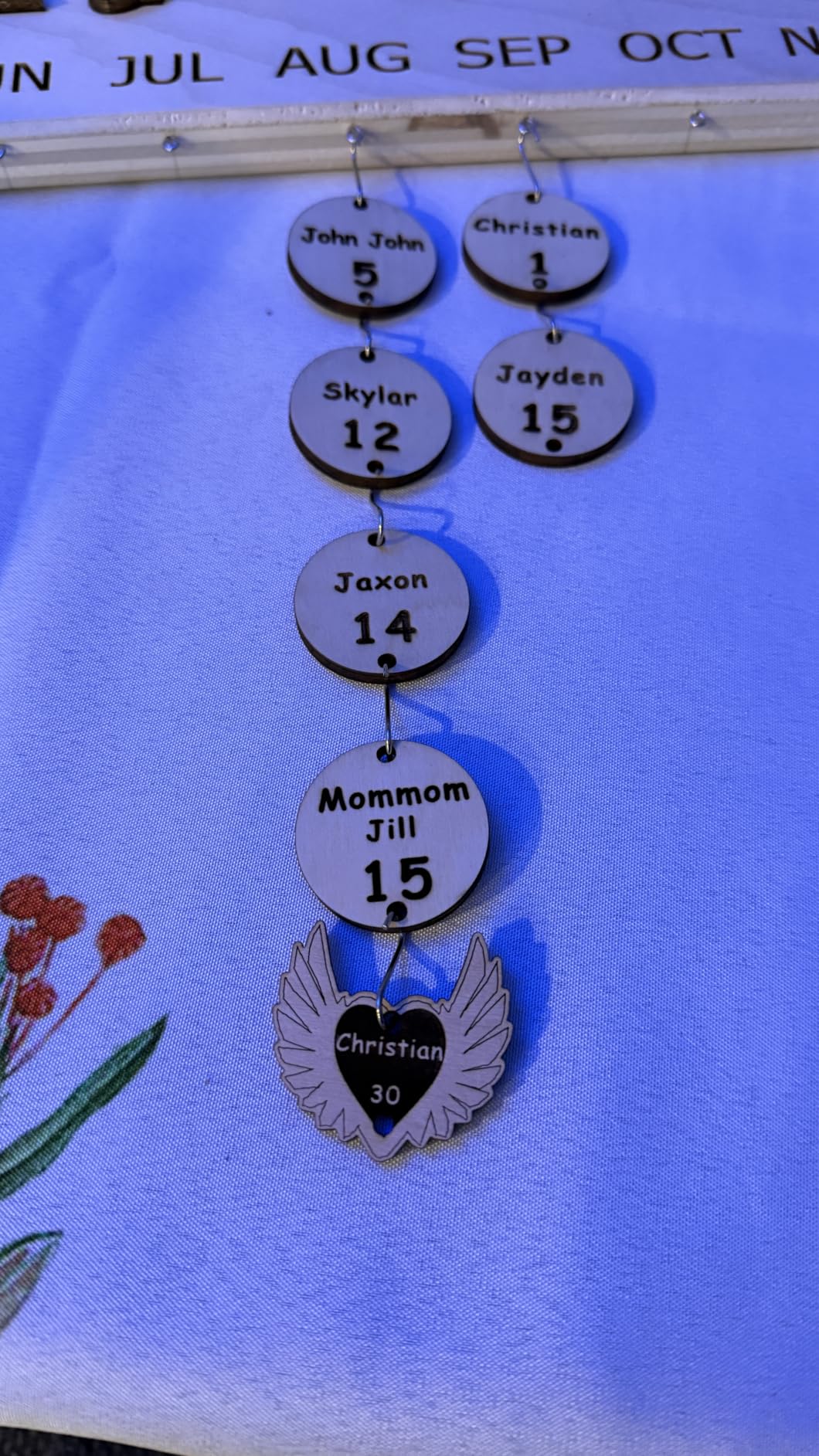
The stepper motors and belt drive are the reason engraved text on walnut or maple comes out with consistent depth pass after pass. Owners using it for personalization batches report repeatable results, which is the real advantage over a wood-burning pen. Speed and power still need dialling in per species, especially on softer woods.
On the flip side, the 300 x 300mm bed is smaller than the 400 x 400mm frames some rivals offer. Standard 300 x 180mm sign blanks fit comfortably; anything larger means tiling, and tiled seams on engraved text are visible.
Who should skip it
Skip it if your largest project exceeds 30cm square, or if you cut plywood regularly. Ten watts is a fine engraving class and a slow cutting class, and the pass counts owners report on thicker birch leave plenty of room for frustration.
Mac users should also weigh the software situation carefully. The companion app gives Mac users a trial period only, and several owners report jobs freezing or halting mid-run in LightBurn, so factor in patience for troubleshooting.
3. ACMER S1: Best Compact Engraver for Small Wood Pieces
ACMER S1 Laser Engraver Machine, 2500mW Lazer Cutter for Wood and Acrylic
2500mW diode with 2mm focal length
130x130mm work area
2kg and 99% preassembled
LightBurn and LaserGRBL compatible
Pros
- Weighs just 2kg and stores anywhere
- Arrives 99% assembled with a one-minute head install
- Cuts thin plywood and MDF once settings are set
- Free Acmerstudio software plus LightBurn support
- 0.01mm repeatable positioning accuracy
Cons
- 130x130mm bed is very small
- 2.5W is slow for anything beyond etching
- Home position loss and false out-of-bounds alarms reported
- Some owners describe registration as inconsistent
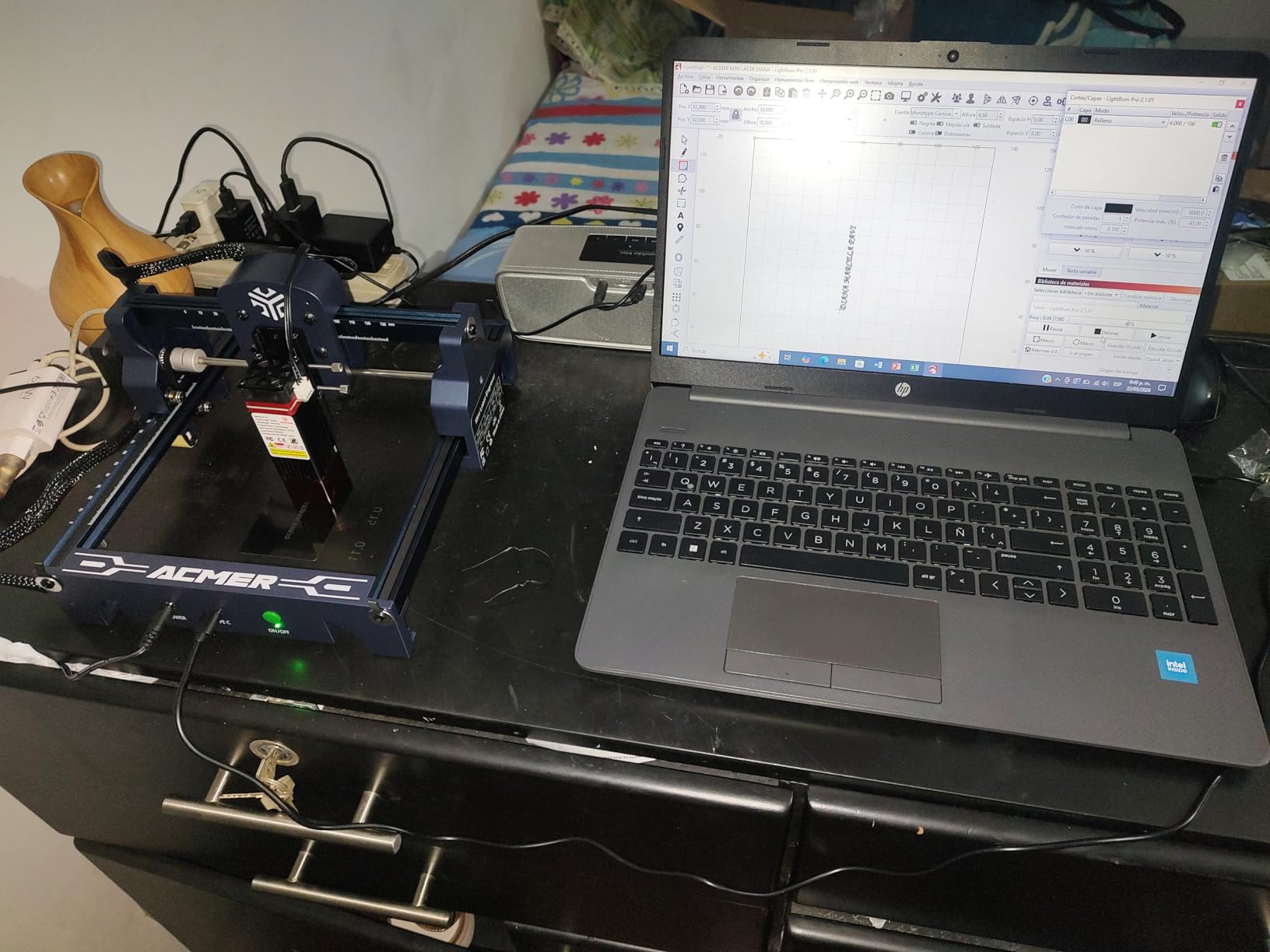
The S1 is the machine to buy if your wood project fits in a coaster. At 250 x 250 x 162mm and 2kg, it is genuinely portable, arrives 99% assembled and needs only a one-minute laser head installation. That combination of size and assembly ease makes it the least frustrating first machine to own, even though it is the least powerful here.
Output is 2500mW from a 455 plus or minus 5nm diode with a 2mm focal length, reaching up to 10000mm/min at 0.01mm repeatable positioning accuracy. Owners report it cutting thin plywood, MDF and acrylic cleanly once the power and speed are dialled in, which is exactly the process you want on your first board.
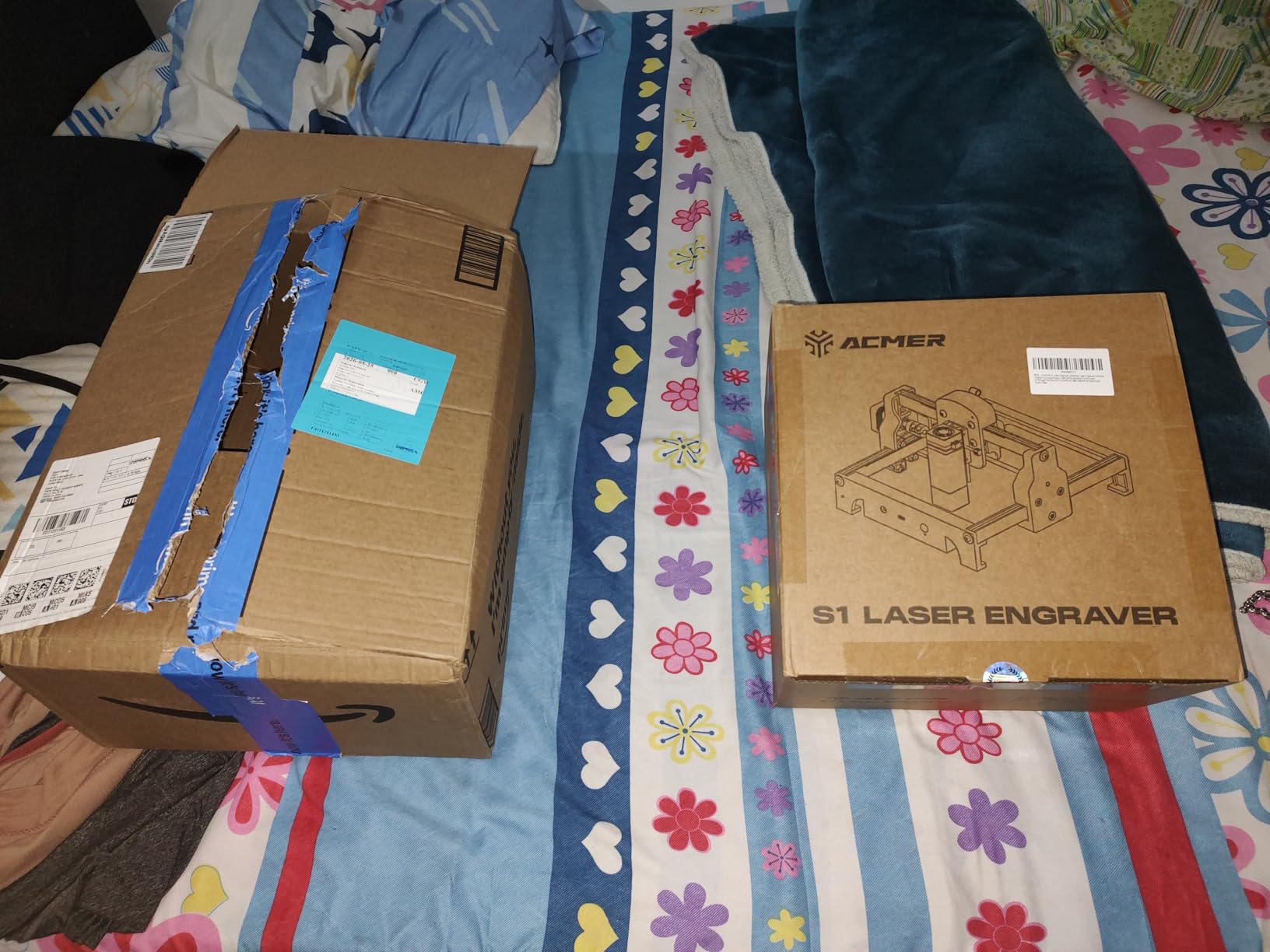
Software is unusually open for the price. Free Acmerstudio ships with the machine, LightBurn and LaserGRBL both work, and it reads NC, DXF, BMP, JPG and PNG files on macOS, Windows and Linux. Class 4 certification, IEC 60825-1 compliance and a 12-month warranty round out a credible package.
The reliability reports are the thing to read before buying. Owners describe lost home positions and false out-of-bounds alarms, and some describe registration as inconsistent. Homing again takes thirty seconds, but on a batch of fifty coasters it becomes a workflow rather than an annoyance.
Where the 2.5W class still works
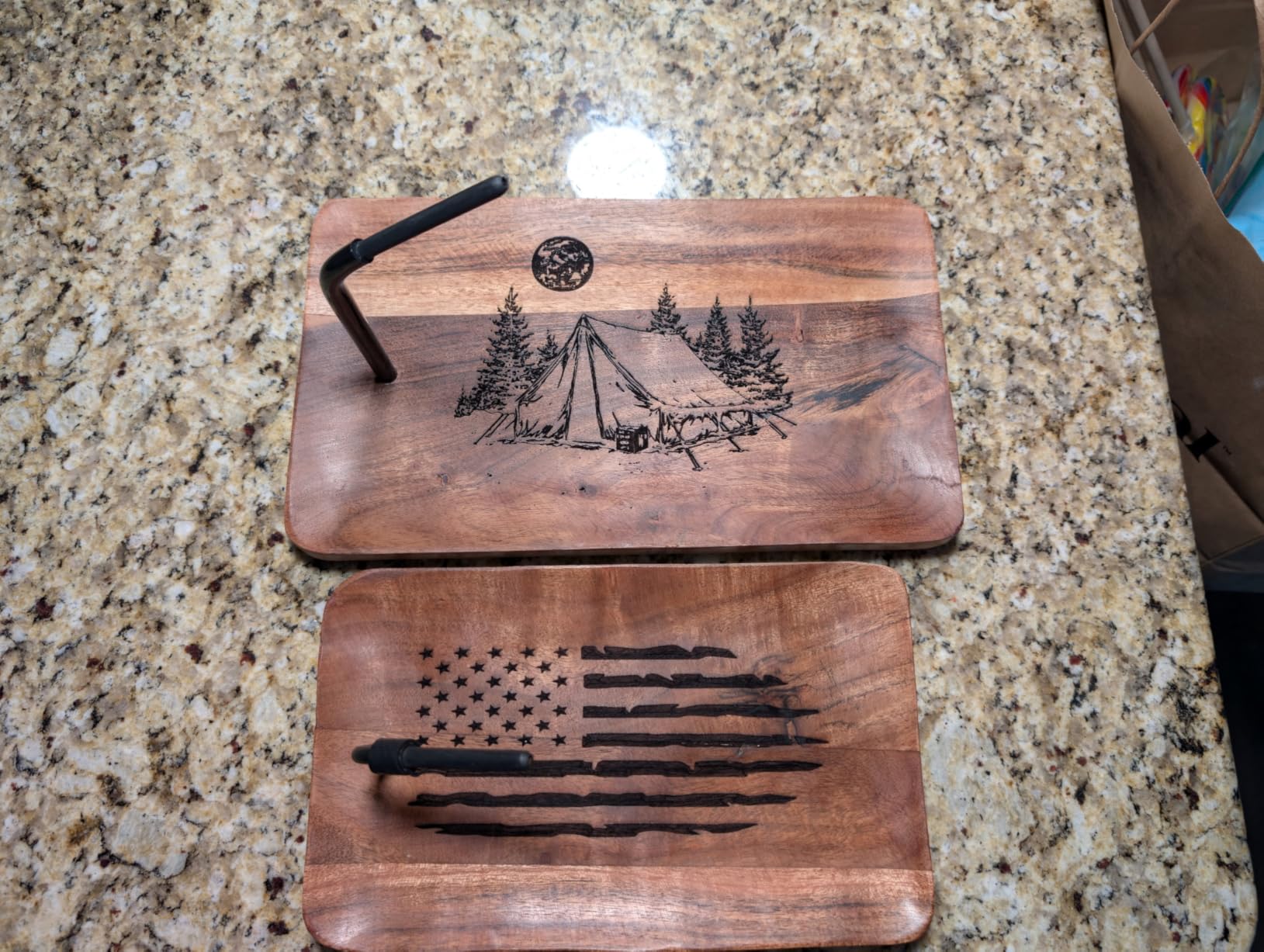
Personalisation on small items is the sweet spot: names on coasters, a logo on a small wooden tag, batch ornaments from thin stock. A 5W owner in forum discussions reports cutting 3mm basswood and MDF cleanly in a few passes at this class of power, so thin material is well within reach.
Engraving quality is described as acceptable to good once focus and power are set, and the small spot is fine for text. What it cannot do is a production run of thick plywood, or a panel bigger than 13cm square without tiling.
Who should skip it
Skip it if you plan to cut anything structural, or if your smallest work area requirement is larger than 130mm. The speed difference between 2.5W and 10W shows up most in cutting, and a slow machine makes pass counts punishing.
Also skip it if you want to grow into larger work soon. This is a machine you keep forever for one job type, not one you scale with, and the upgrade path is a second machine rather than a bigger bed.
4. Creality Laser Falcon 10W: Best for Fine Detail on Small Wood
Creality Laser Engraver Machine 10W Output Power, 72W DIY Laser Engraving Machine 0.06mm High Precision Laser Cutter and Engraver for Wood and Metal, Paper, Acrylic, Glass, Leather etc, 17″ x 16″
10W output at 0.06 x 0.06mm spot
Cuts 5mm basswood in one pass
All aluminum frame with steel rail guide
Up to 10000mm/min
Pros
- 0.06mm spot is among the finest in this roundup
- Cuts 5mm basswood in a single pass
- All-metal frame with steel rails holds accuracy
- Tool-free focus via the included focusing plate
- Assembles in 10-20 minutes
Cons
- Open frame
- so fume and UV control depends on the acrylic cover
- Not suited to unsupervised or classroom use
- Learning curve for LightBurn and LaserGRBL setup
- Initial alignment and focus needs fiddling
Spot size is the number that decides this one. A 0.06 x 0.06mm compression spot with 0.004 inch accuracy and repositioning under 0.007 inch is a 0.06mm figure that only a few machines in this roundup match, and it is what turns small serif text on a wooden tag into something legible rather than a smudge. Several others here quote the same 0.06mm spot, but this is the one that pairs it with a steel-rail frame and a single-pass 5mm basswood cut.
Cutting is the other headline: 5mm basswood or 3mm black acrylic in a single pass at up to 10000mm/min from a 10W diode. The 72000mW figure in the spec sheet is machine power, not optical output, and confusing those two numbers is the single most misleading thing in this entire category.
The frame is a genuine strength. An all-aluminum alloy structure with a steel shaft wheel guide rail design plus a belt tension adjustment device holds accuracy better than roller-wheel frames, which matters when you are engraving the same 300 coasters and need every one to match the last.
Data transfer works over Wi-Fi, USB and SD card. Software support covers LaserGRBL on Windows and LightBurn on Windows, Mac and Linux, so this is one of the few machines here with genuine cross-platform control. Assembly takes 10-20 minutes and the head ships with a focusing plate.
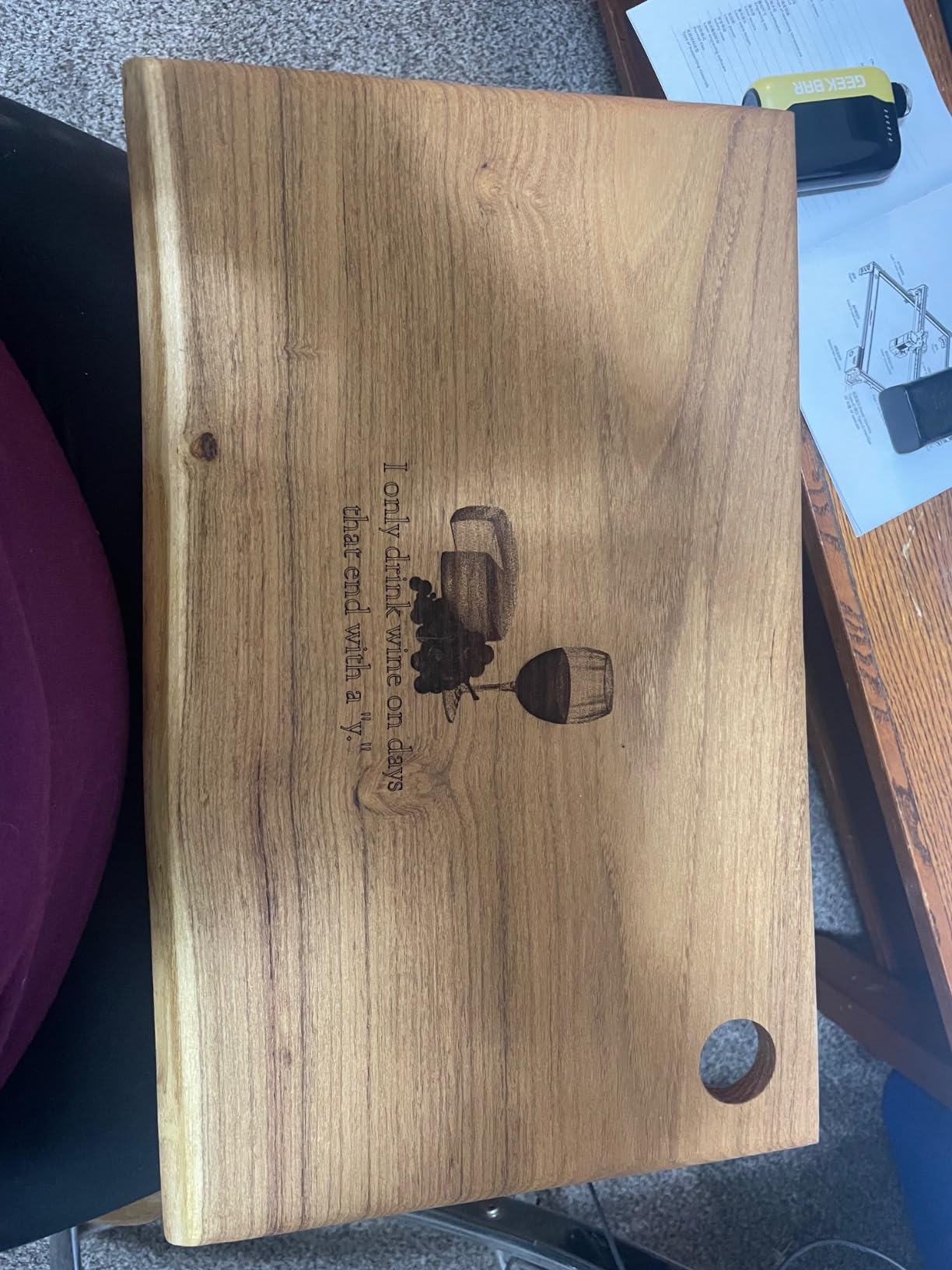
Focus and detail control
The included focusing plate makes setting focal height tool-free, which matters more than it sounds on a 0.06mm spot. Owners do report initial alignment and focus fiddling, so run a test grid on scrap pine before touching a good board. A laser spot a fraction of a millimetre high makes clean edges impossible.
The anti-UV acrylic filter window blocks 97% of UV rays, which helps with eye comfort but is not a substitute for Class 1 enclosure certification. It is a guard rail, not a permission to run it beside your laptop.
Who should skip it
Skip it if you work indoors with other people around. The open frame means fumes, noise and a visible beam, and owners and reviewers consistently flag the open format as the main drawback of this model.
Skip it if your work area needs exceed a 400mm square bed or if you want to cut thicker than 5mm basswood in one pass. This machine excels at detail and modest cuts, and asking more of it means more passes.
5. Creality Falcon 5W: Best Large-Bed Starter Machine
Creality Falcon 5W Laser Engraver Machine, 72w High Precision 0.06mm Laser Cutter and Engraving Machine for Wood Leather Acrylic Glass, 10000mm/min, Offline Usage, Working Area 400 * 415mm
5000mW output, laser class 4
400x415mm working area
0.06mm compression spot
Up to 10000mm/min, offline mode
Pros
- 400x415mm bed in a compact footprint
- Sharp detailed output for a starter machine
- Assembles fast and runs within an hour
- Handles wood
- acrylic
- leather
- glass and cardstock
- Offline TF card operation without a PC
Cons
- No work mat or height gauge in the box
- LightBurn not included so a trial or LaserGRBL is the starting point
- Head can strike the rails if not parked first
- A few machines have stopped working after several months
The Falcon 5W solves a problem the cheaper machines cannot: bed size. At 400 x 415mm you can engrave a standard square sign blank or a large serving board without tiling, and at 5W the beam still resolves a 0.06 x 0.06mm spot with 0.004 inch accuracy. For a first machine that is an unusually useful combination.
Owners describe clean, precise output across cardboard, glass, cardstock, wood and even debit cards, and quick assembly with first-time users running within an hour. Rotary roller and raiser upgrades exist for round work, sold separately, so tumblers are a later purchase rather than a day-one feature.
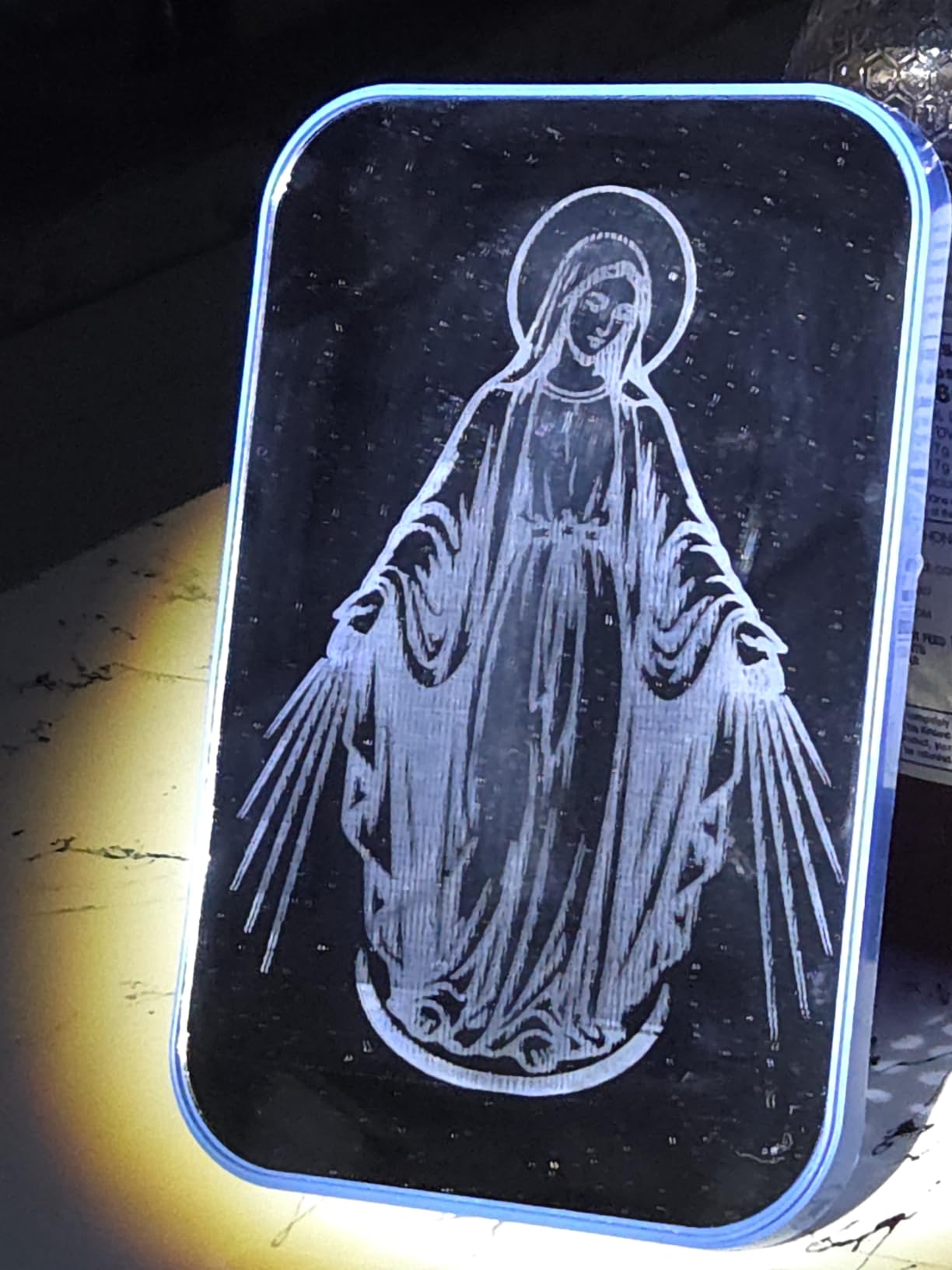
The 32-bit chip delivers up to 10000mm/min, offline use is supported, and the eye-protective cover filters 97% of UV with an active stop function. The manufacturer claims compatibility with more than 200 material types, which is marketing language for a wide and largely accurate range of non-metallic materials.
Watch the omissions. No work mat and no height-setting gauge ship in the box, and control software is not included, so you start on a LightBurn trial or on LaserGRBL. A few machines have failed after several months, and customer care contact can be hard to reach.
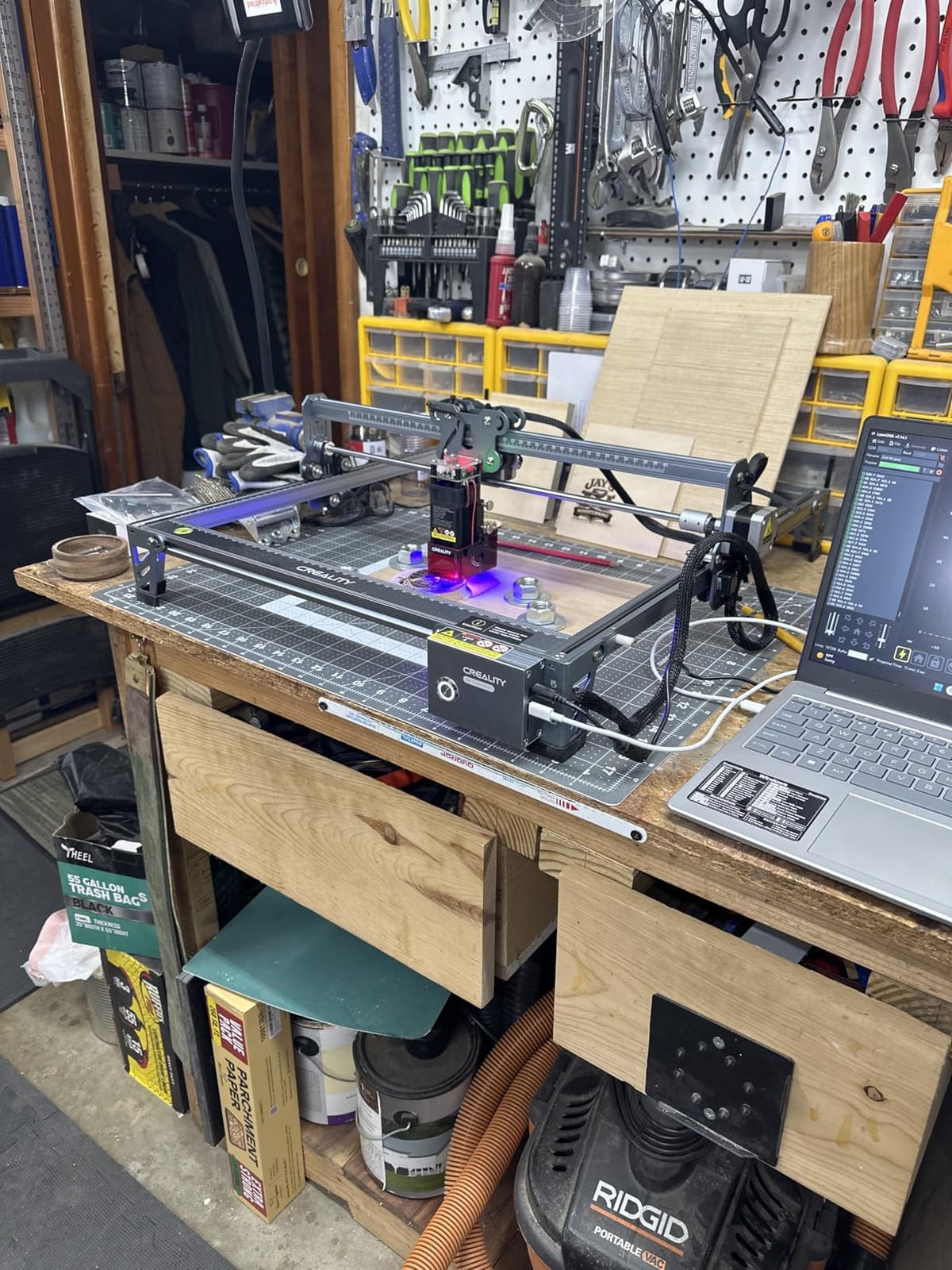
What 5W means for wood
Five watts engraves beautifully and cuts reluctantly. Basswood and thin plywood go through in a few passes, which is fine for small craft work and genuinely frustrating for anything repeated at volume. If you are cutting signs rather than labelling coasters, step up a wattage class.
The precision is the reason to stay at 5W if your work is small. Combined with the 400 x 415mm bed, you get fine text on a full-size board, which is a rare pairing in the starter tier.
Who should skip it
Skip it if you intend to cut thick wood regularly, or if you want the machine ready to run with no extra purchases. Missing mat, missing gauge and no included software add up quickly, and the manual information is thin.
Skip it if reliability under sustained load matters for a business. This is a hobby-first machine, and the reported failure rate after a few months, while small, is worth weighing against a warranty that requires you to reach support first.
6. Creality Falcon A1: Best Enclosed 10W for Indoor Wood Work
CREALITY FALCON A1 10W Laser Engraver, 80W Enclosed Laser Cutter and Engraver Machine with Air Assist, Smart Camera Positioning, 600mm/s Speed, Smart Material Recognition, Ideal for Wood & Metal
10W output, laser class 1
381x305mm working area
Class 1 dual-door enclosure, 99% filtering
Air assist, camera and emergency stop included
Pros
- Class 1 enclosed design filters 99% of laser radiation
- Air assist included
- which is rare at this price
- Pre-calibrated HD camera removes manual alignment guesswork
- CoreXY motion up to 600mm/s for batch throughput
- Pre-set material parameters mean it works out of the box
Cons
- 381x305mm bed is small for the machine footprint
- Cannot cut acrylic and must not touch mirror-finished materials
- Not compatible with the 500x500mm honeycomb panel
- Heavy and bulky for a desktop unit
If you work in a home, a flat or a shared space, the enclosure is the whole argument, and the A1 makes it at 10W. The dual-door body filters 99% of laser radiation, carries a door sensor, an auto-lock and an emergency stop, and adds smoke control. That is a different safety conversation from a filter lid on an open gantry.
It also arrives genuinely ready. Pre-set material parameter settings and material recognition mean you pick a material and it suggests power and speed, which removes the single biggest source of wasted wood for a first-time owner. Falcon Design Space is free, and LightBurn, LaserGRBL and Cutlabx all work if you outgrow it.
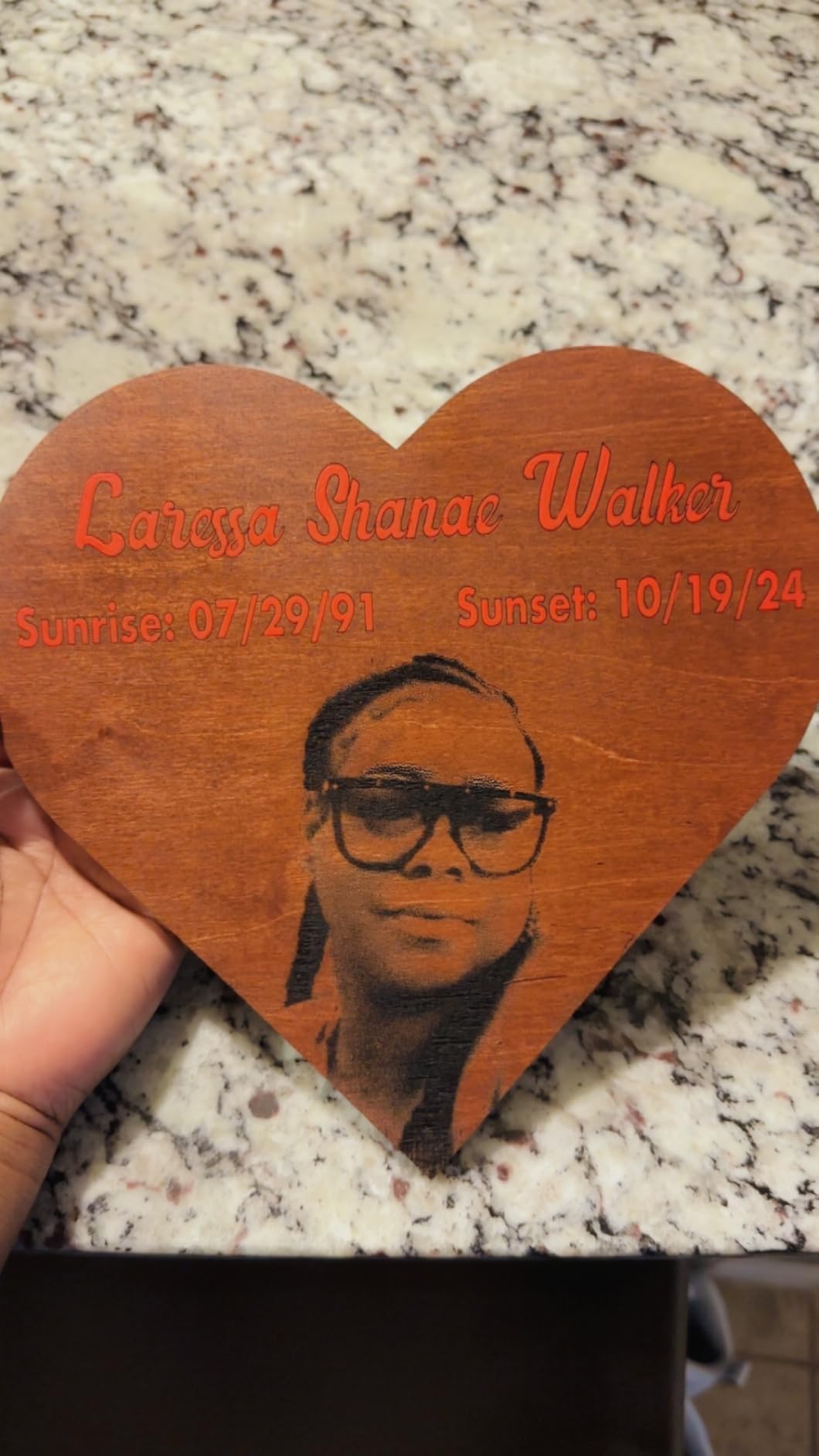
The pre-calibrated HD camera handles full-frame positioning, and the graphic outline extraction feature converts a printed or drawn design straight into an engraving path. On a 600mm/s CoreXY motion system with dual motors, batch throughput on small repeated items is a real step up from belt-driven gantries.
The CoreXY system is fast, but the honest limitation is bed size. The working area is 381 x 305mm in a machine that measures 25 x 22 x 10.5 inches and weighs 43.6 pounds. Air assist is included, and the manufacturer is clear that acrylic cutting is not supported and highly reflective materials are excluded.
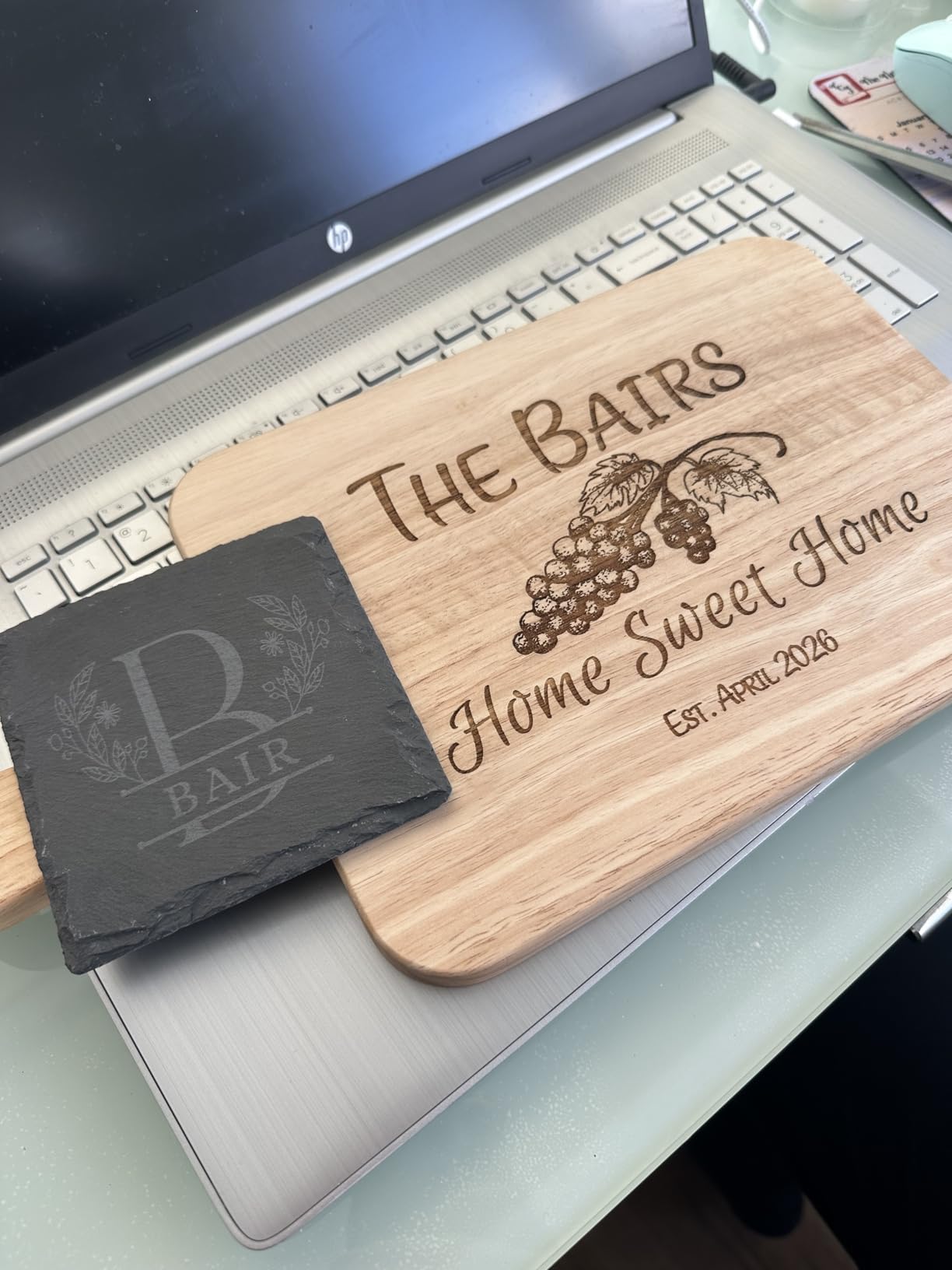
Where the enclosure changes the workflow
Inside a sealed box you can work without moving the machine, without opening a window and without worrying about a small child or a curious cat. You also cannot see the glow of the cut, which some owners dislike and some find irrelevant once they trust the machine.
The camera positioning is a bigger deal for wood than it looks. Aligning a design by eye on a board that is not perfectly flat wastes material; the camera overlay does it once, correctly, and pays for itself in scrap avoided.
Who should skip it
Skip it if you need to cut acrylic, or if you need a bed larger than 381 x 305mm. It is a wood and coated-material machine with a safety case, not a general fabricator, and the footprint is heavy for a shared work surface.
Skip it if you want the latest and largest 500 x 500mm honeycomb panel ecosystem; this machine is explicitly not compatible with that panel, which limits your upgrade path on a bench full of accessories.
7. ATOMSTACK A20 Pro V2: Best 20W for Cutting Wood
ATOMSTACK 20W Laser Engraver, A20 PRO V2 Laser Cutter, High Accuracy Laser Engraving Machine for Personalized Gifts, Business Cards, Wood, Metal, Acrylic, Leather
20000mW output, laser class 4
Up to 400mm/s engraving
0.01mm engraving accuracy
Linear guide rails, rated to 10000 hours
Pros
- Real 20W cutting power with clean results on wood
- Linear guide rails outperform belt-only motion
- Well-illustrated instructions and fast assembly
- Cross-line light and limit switches built in
- Tilt safety beep above 15 degrees
Cons
- No user documentation or specs supplied with the unit
- Bundled ATOMSTACK app is very basic
- so LightBurn is effectively required
- Gantry cables are not in a drag chain and can snag
- Belt-driven accuracy is weaker on large items
Twenty watts is the threshold where a diode laser stops being an engraver with ambitions and becomes a cutter. The A20 Pro V2 puts out 20000mW at up to 400mm/s with a 0.08 x 0.1mm compression dot and 0.01mm engraving accuracy, which is the level at which birch plywood and thicker hardwood become a single-pass or two-pass job rather than a long multi-pass grind.
The motion structure is the detail that separates it from cheaper 20W frames. It uses an integrated linear guide motion structure on an aluminum alloy frame with a modular design, plus built-in limit switches and a cross-line light for positioning. Owners consistently praise the solid construction and the sharp engraving quality.
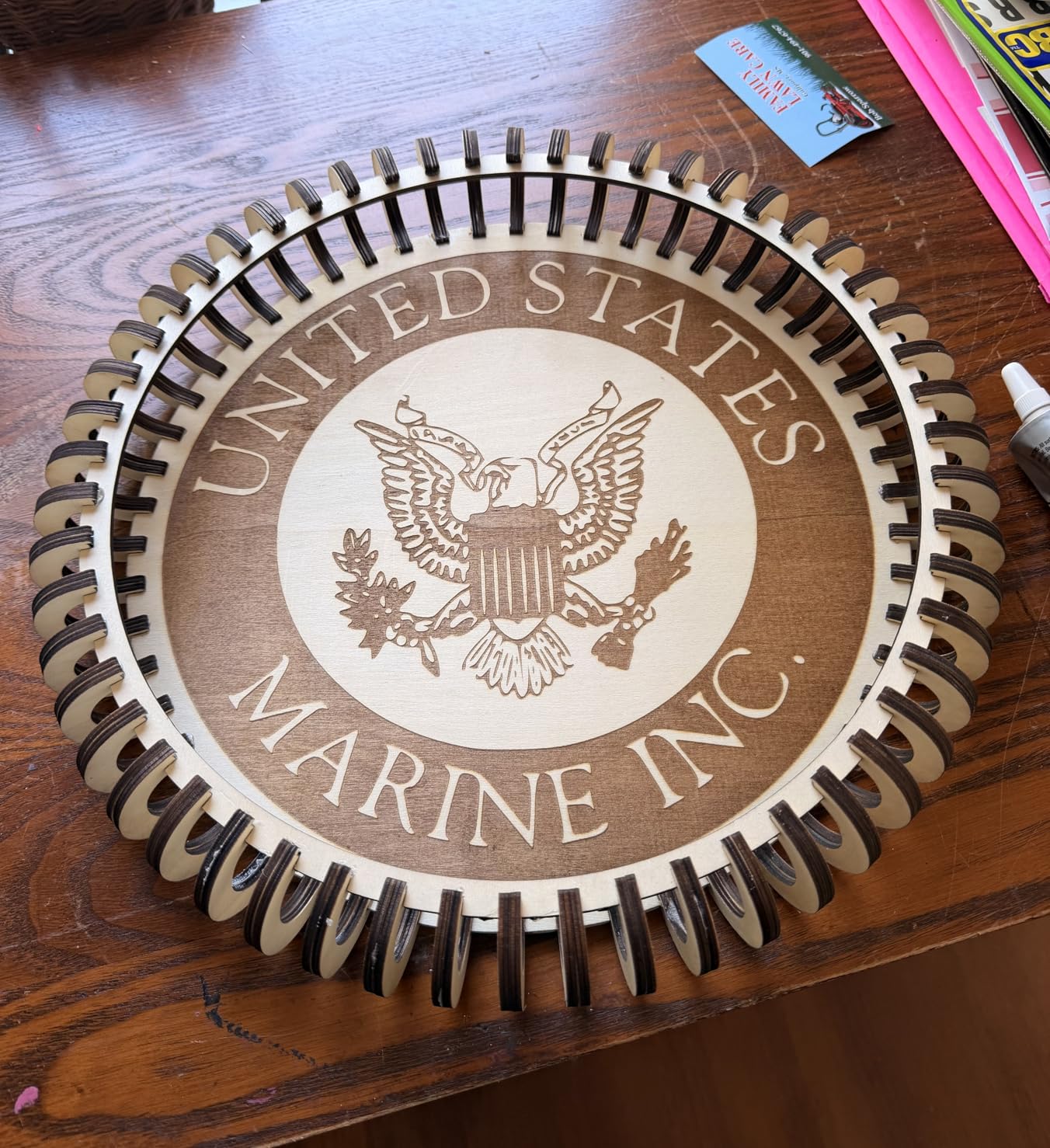
Safety touches are unusually thoughtful for an open frame: a removable magnetic protective cover, safety glasses included, and a tilt safety beep above 15 degrees that stops a job if the machine is bumped. Type-C and USB stick control work alongside the ATOMSTACK app, LightBurn and LaserGRBL.
The rated module lifespan is up to 10000 hours, and support includes 24/7 customer service, lifetime technical support and free faulty part replacement. That is a real differentiator in a category where owners regularly complain about slow budget-brand support.
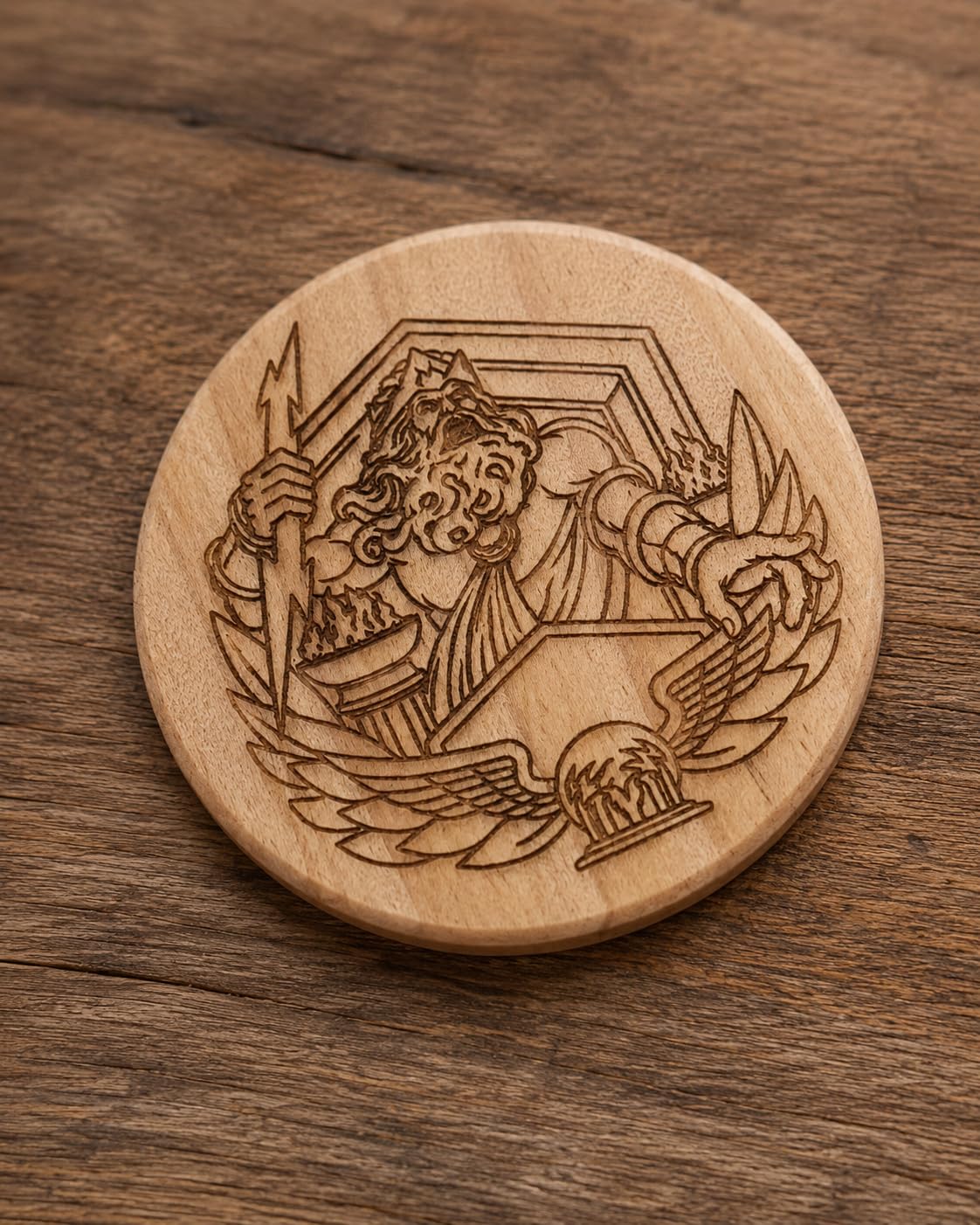
Where 20W changes your projects
At 20W you can cut multiple layers of thin plywood, separate parts from a single sheet, and produce signage blanks rather than only surface engravings. A 20W owner in community discussions reports cutting 10mm solid pine in about four passes, which is the realistic expectation for this class.
Speed of work is the other change. Once you can cut rather than repeatedly raster, the workflow shifts from long single jobs to batches, and a machine that is fast at engraving is not the same as a machine that is fast at cutting.
Who should skip it
Skip it if you want a turnkey software experience. The bundled app and PC program are described as very basic, owners report missing documentation and no spec sheets, and Wi-Fi and limit switch setup is undocumented. Plan to use LightBurn and to spend an evening learning it.
Skip it if precision on very large workpieces is critical. It is belt-driven, and accuracy is weaker on larger items, plus the gantry cables are unrouted and can catch on stock. For big flat panels, a linear rail machine is the safer buy.
8. WAINLUXPRO K10 5W: Best Enclosed Engraver for Small Safe Work
WAINLUXPRO K10 5W Laser Engraver, Class 1 Enclosed Engraving Machine
5W laser with 0.01mm engraving precision
80x80mm work area
Fully enclosed Class 1 body
Weighs 1.9kg, goggles included
Pros
- Fully enclosed Class 1 body
- safe around kids and pets
- Ready in under 10 minutes from the box
- Small and light at 1.9kg
- Sharp consistent engraving on wood leather and glass
- Support reported as responsive and proactive
Cons
- 80x80mm work area with home position cutting into usable space
- Will not cut basswood cleanly in a single pass at 5W
- Cutlabx software reduces image quality
- Manual lacks step-by-step guidance and results are hit or miss
The K10 exists because a full enclosure at 5W is unusual, and that combination solves a specific problem: marking small wooden items where a stray beam is a genuine risk. The body is fully enclosed and Class 1 certified, safety glasses are included, and it weighs 1.9kg, so it can sit on a kitchen table and be put away afterwards.
Specification-wise it is 5W with 0.01mm engraving precision on an 80 x 80mm work area, and it cuts 3mm basswood. Smart memory stores the last file for one-button repeat jobs, which is the feature that makes sense for a production run of identical small tags rather than unique pieces.
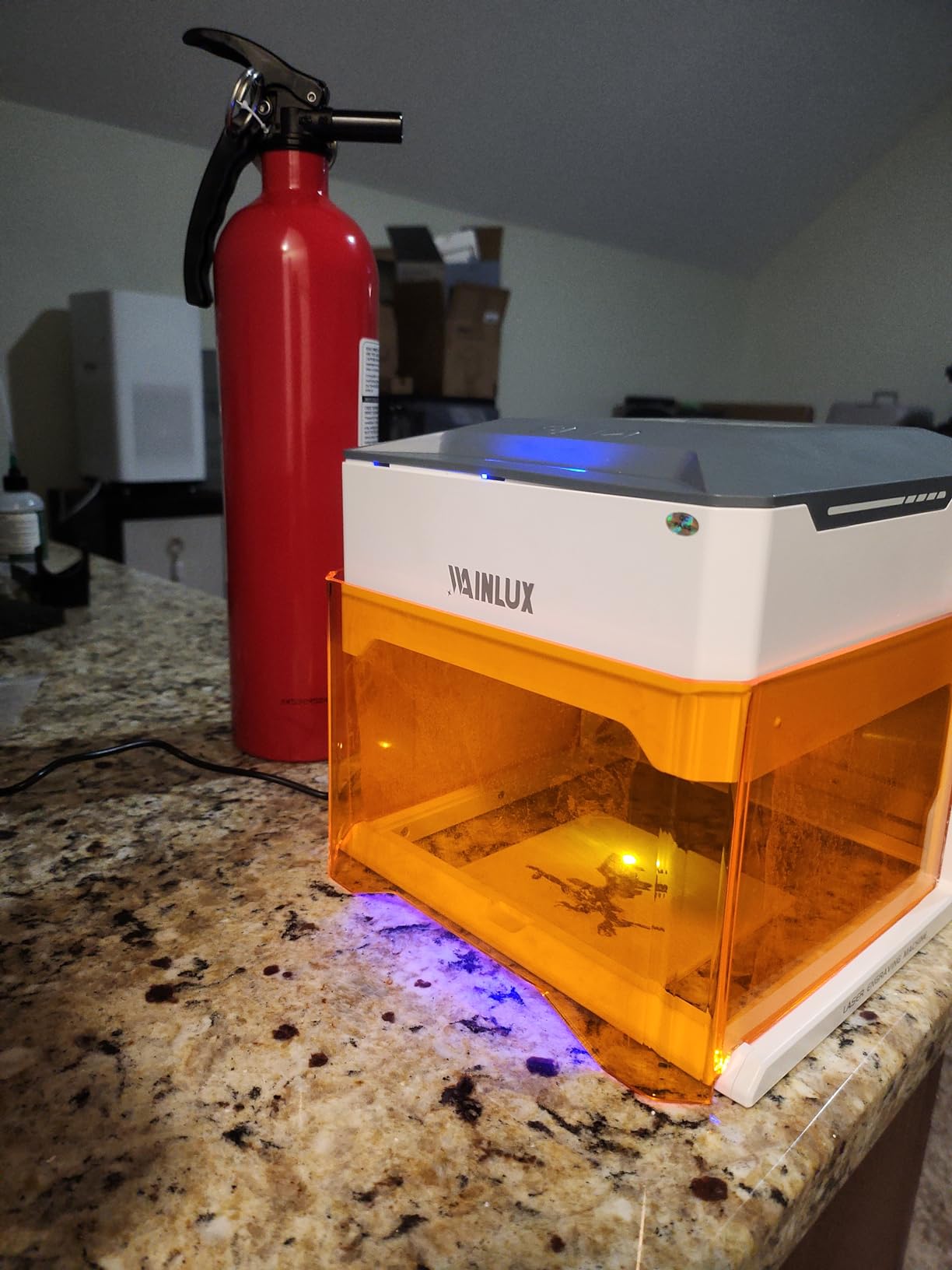
Connectivity covers WiFi, USB and a built-in TF card slot for offline batch production without a computer or phone, and software support spans LightBurn, LaserGRBL and the free Cutlabx app. Owners highlight the WiFi, USB and offline modes as flexible rather than as a single forced workflow.
The enclosure also means the machine is not really useful for cutting, and 80 x 80mm is a postage stamp of a work area even before the home position reduces it. This is a precision labelling machine, and judging it by cutting performance leads to disappointment.
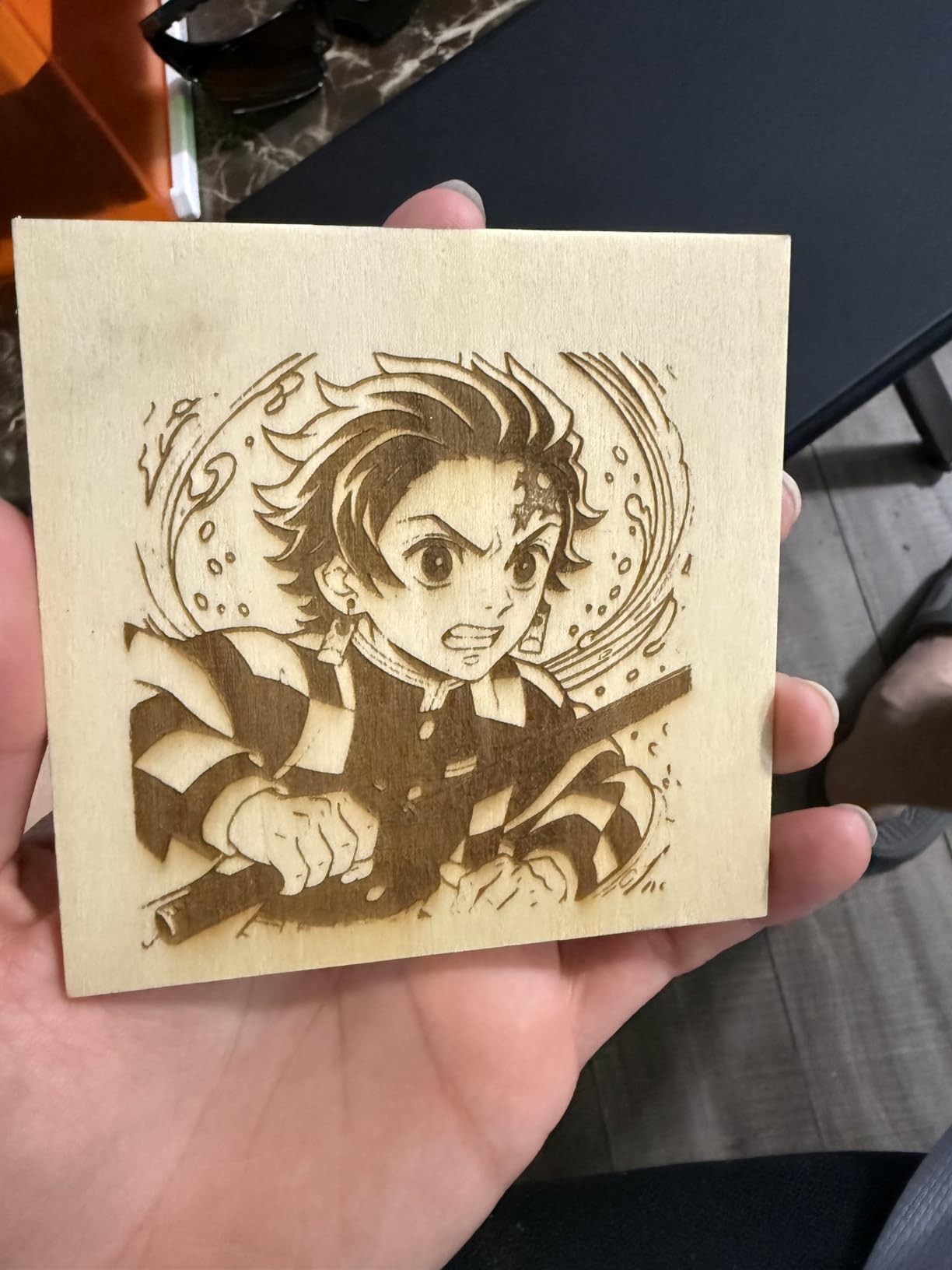
What the enclosure buys you
Class 1 certification means the machine is safe to operate without dedicated laser eyewear for the operator, which removes the single most common excuse people give for not engraving at a kitchen table. Add the 1-year warranty, tutorial videos and technical support and you have a low-friction first machine.
The honest limit is the software. Owners report Cutlabx reducing image quality and lacking a full image preview, and some describe results as hit or miss. If your work is detailed graphics rather than simple text, budget time in LightBurn instead.
Who should skip it
Skip it if your pieces are larger than a coaster, or if you plan to cut. Eighty millimetres square is smaller than a standard small sign blank, and the home position takes usable area away from that already tiny bed.
Skip it if you expect bare or uncoated metal marking. Owners and marketing both overstate this capability; it handles coated and pre-painted surfaces only, and expectations set that way are hard to shake.
9. Carverall K15 Pro 10W: Best A4-Size Bed for Wood Projects
Carverall K15 Pro Laser Engraver 10W-Laser Engraving Machine for Coated Metal Wood Acrylic Glass Stone, Near A4 Work Area Offline Engraving CNC DIY Lazer Cutter for Home & Crafting 10000mW Class 1
Verified 10.36-10.58W output
11.8 x 7.9 inch A4 workbed
Cuts 12mm plywood and 8mm acrylic
3-minute assembly, 6 screws
Pros
- Verified output rather than a marketing wattage figure
- A4 workbed is a genuine upgrade over tiny 15x15cm units
- Cuts 12mm plywood
- deeper than most 10W rivals
- Dual-fan module cuts heat buildup by 50% with 15000 hour life
- Assembles in 3 minutes with clear instructions
Cons
- CutLabX software is unstable and can crash
- Manual is poorly written with incorrect page references
- Air pump enclosure and ventilation all cost extra
- Requires trial and error on power and speed
The K15 Pro is the machine that made me stop worrying about bed shape. A 300 x 200mm near-A4 workbed with four heightening columns fits standard paper-adjacent blanks, rectangular plaques and offcuts in ways that a square 300 x 300mm frame simply cannot, and the 2.68kg weight keeps it portable.
Output is verified at 10.36 to 10.58W rather than claimed, which is a good sign about the listing overall. It cuts 12mm plywood and 8mm acrylic, and at 15000mm/min with 0.01mm precision it engraves detail well. That cut depth is deeper than most 10W machines in this roundup manage.
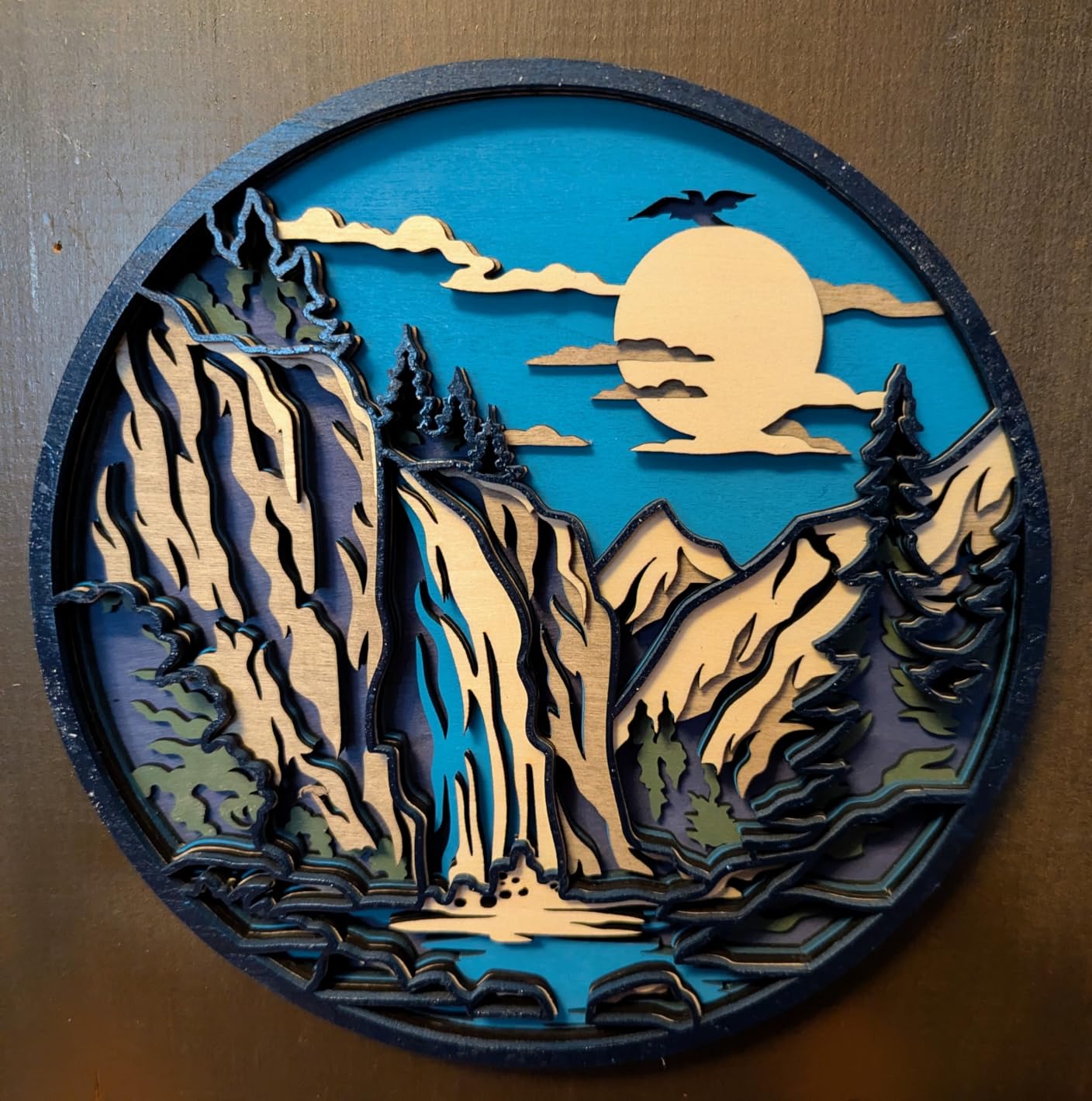
The dual-fan diode module reduces heat buildup by 50% and is rated to 15000 hours of module life, which matters for long batches because diode heat is the main reason output degrades. Assembly takes three minutes and six screws, and the starter kit includes safety glasses, materials and tools.
Free CutLabX software covers PC, tablet and phone with AI design generation, and LightBurn and LaserGRBL both work alongside it, with TF card offline batch operation. Optional upgrades include a 1W IR laser head, honeycomb plate, air pump, rotary roller and air purifier, plus a 1-year warranty with lifetime technical support.
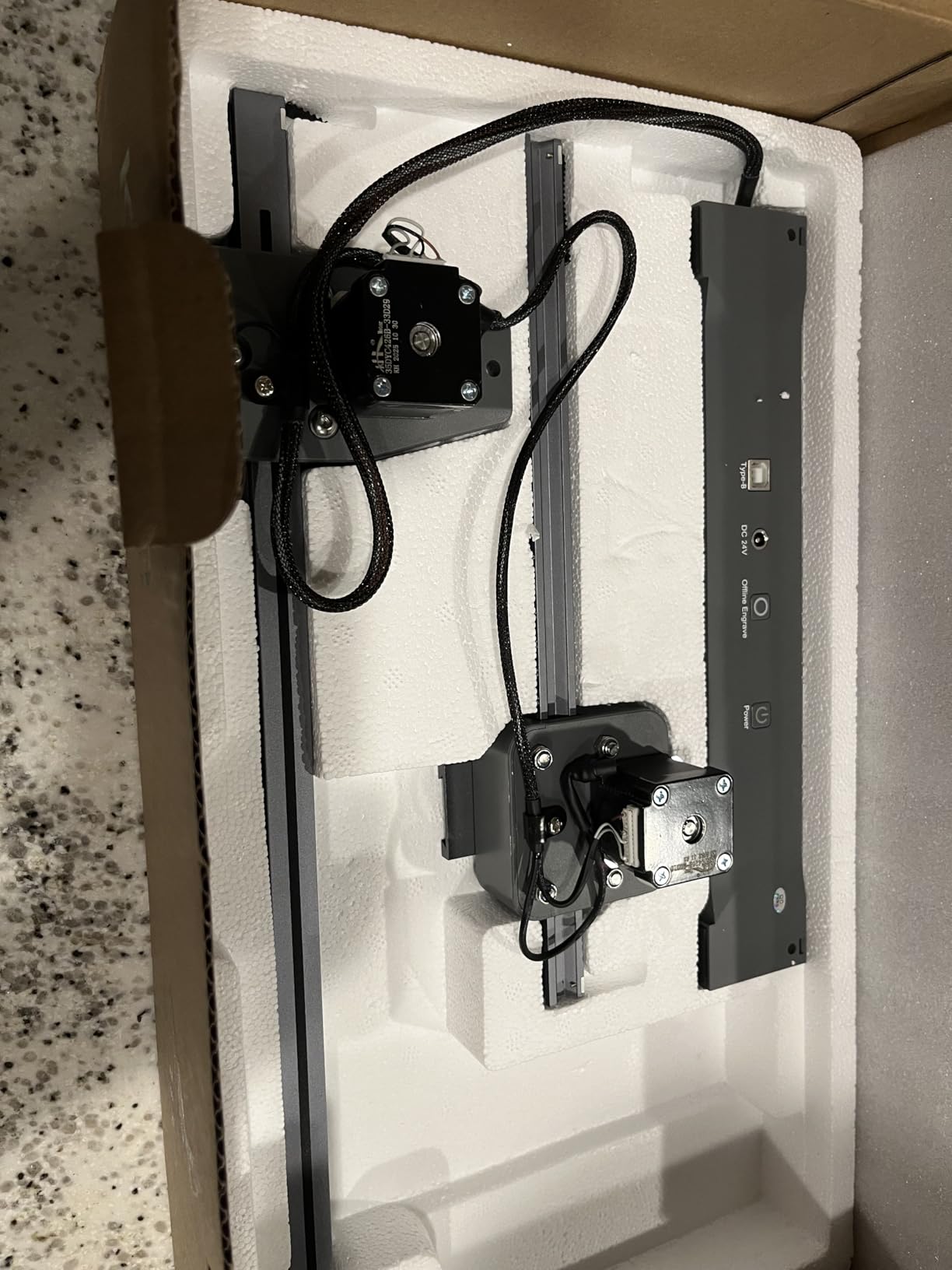
The hidden total cost
Owners are clear that the air pump, enclosure, camera, honeycomb bed and ventilation are all extra, and that the CutLabX software is unstable enough to make a paid LightBurn licence worthwhile. Add an exhaust unit and eyewear and the real cost of a complete wood setup sits well above the machine.
That is not a reason to skip it, as long as you plan for it. The A4 bed and 12mm plywood capability are genuinely unusual at this power level, and responsive customer service with a large user community softens the learning curve.
Who should skip it
Skip it if you need a machine that includes its safety gear out of the box. This is an open-frame unit requiring a ventilation setup for safe indoor operation, and that is the single most common surprise in owner reviews of this model.
Skip it if you dislike software friction. CutLabX instability plus a poorly written manual is a poor first impression, and the fix is an evening with LightBurn rather than a quick start.
10. KENTOKTOOL LE400 PRO: Best Big Bed for Quiet Indoor Engraving
Laser Engraver, LE400PRO 50W Laser Engraving Machine for Beginners, 5.5W 400x400mm Large Working Area High Precision Laser Engraver and Cutter Machine for Wood Acrylic Leather (Class 1 Output 5500mW)
5.5W actual output, Class 1
400x400mm engraving area
Cuts up to 8mm wood
0.08mm square compressed spot
Pros
- 400x400mm bed in an entry-level machine
- Quiet operation with no overheating
- Accurate and consistent for its size
- Tool-free knob focus adjustment
- Quick 10-20 minute installation
Cons
- The 50W in the listing title is misleading
- actual output is 5.5W
- Almost no instructions included
- Bundled software is extremely limited
- Slide rollers must be tightened after assembly
Start with the honesty point, because it is the thing owners flag most: the 50W in the product title is not real. Actual output is 5.5W. Buyers who understand that before buying consistently report a capable, quiet, beginner-friendly machine with an unusually large bed, and those who expect 50W feel misled.
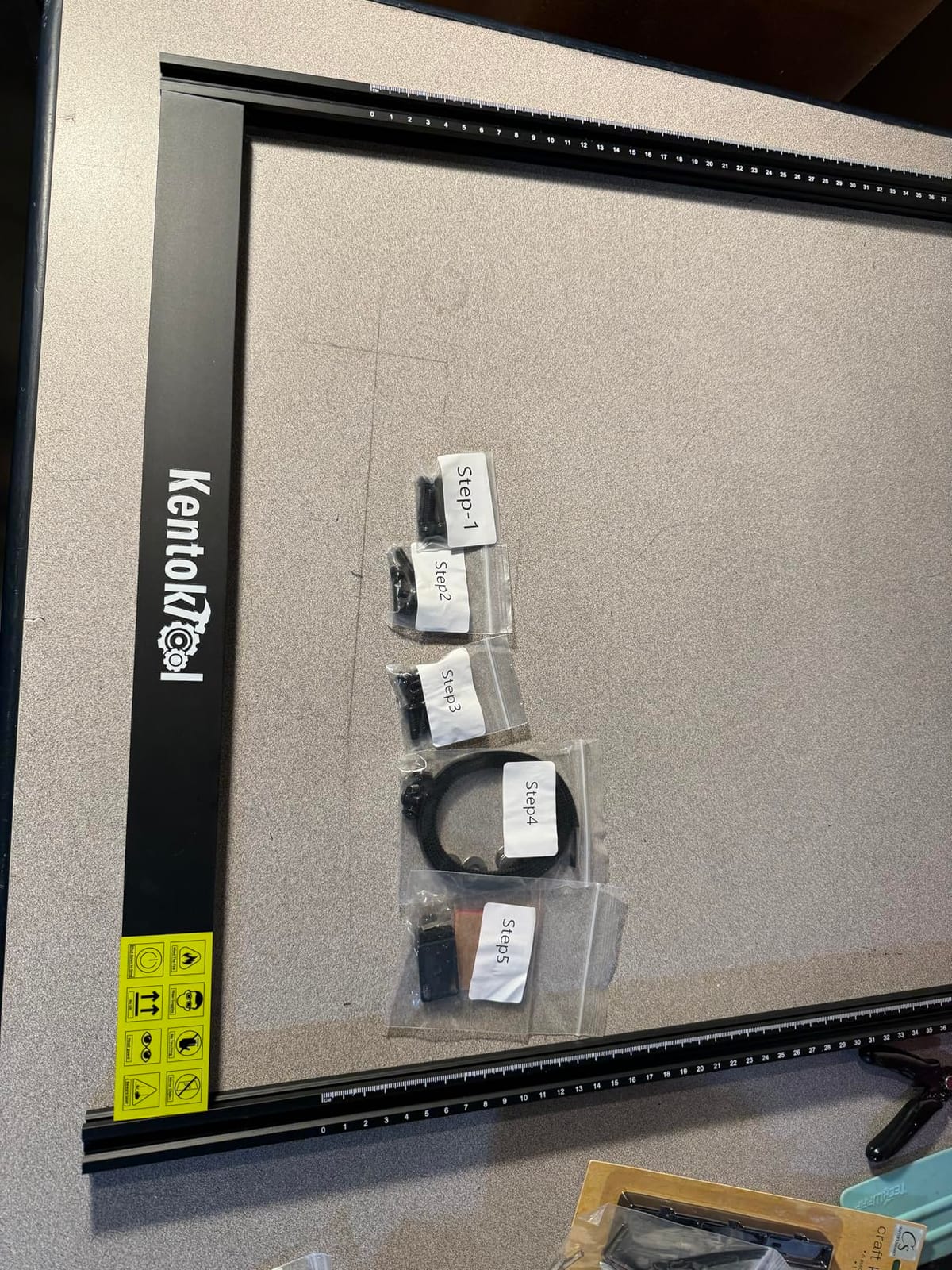
What you actually get is 400 x 400mm of engraving area, a 0.08mm square ultra-fine compressed focus spot, up to 6000mm/min engraving speed, and cuts up to 8mm of wood and 5mm of black acrylic. On a 5W machine those cut figures are strong, and the all-metal structure with tick marks on both axes helps you position accurately.
Quietness is the underrated feature. Owners call out quiet operation with no overheating, which makes it viable in a home or a shared space in a way most open-frame machines at this size are not. Service life is rated at up to 15000 hours, and there is an emergency power switch for safe shutdown.
Software covers GRBL and LightBurn on Windows and Mac, with NC, BMP, JPG, PNG and DXF formats. A magnetic protective cover filters 97% of UV rays and focus adjusts tool-free with a knob, which is a small thing that saves a lot of frustration on an entry machine.
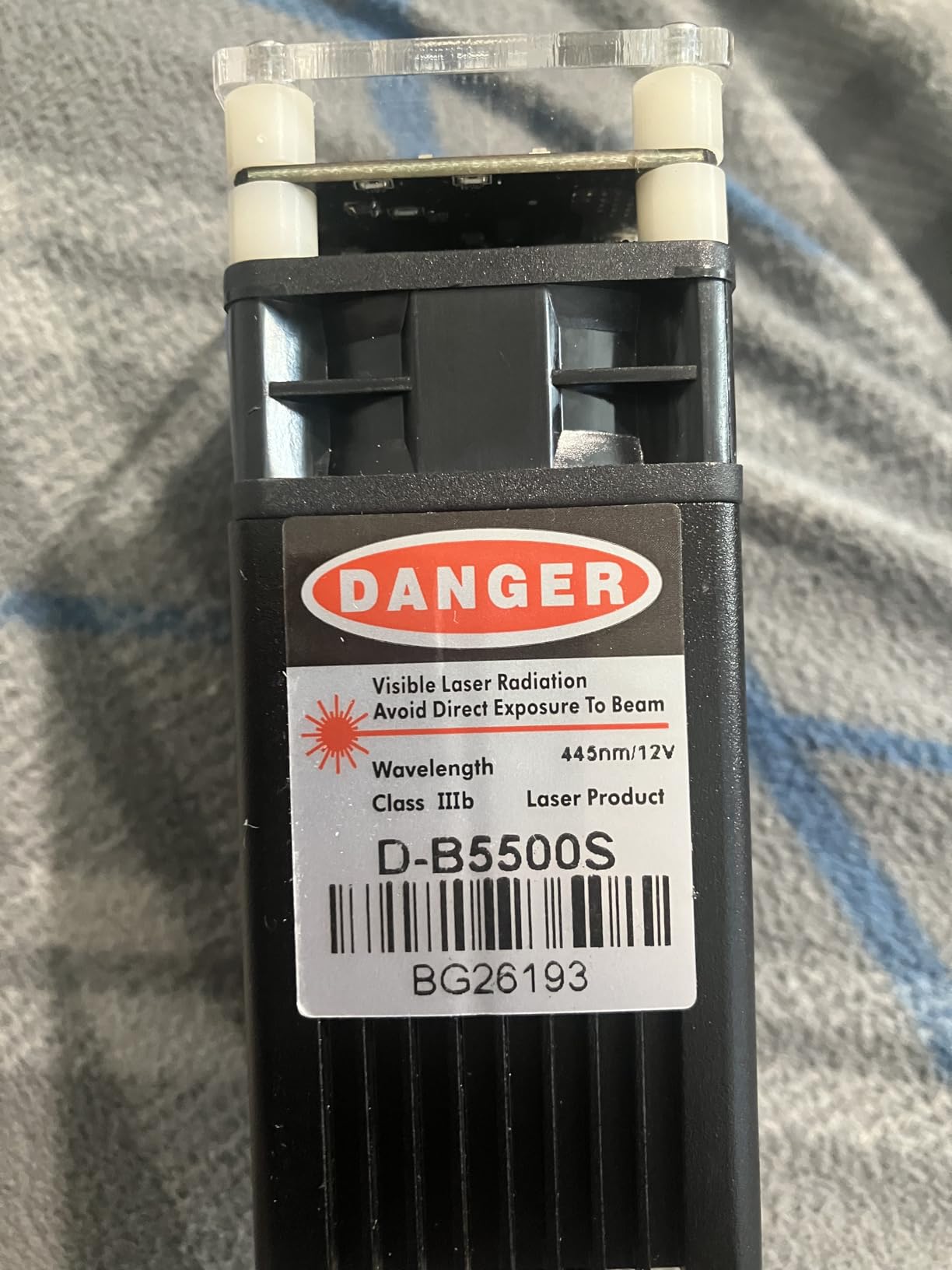
Setting up without a manual
Installation takes 10-20 minutes and the controls are straightforward, but almost no instructions are included, so learning is done through external videos and the LightBurn community. Round objects need an extra roller, which is an add-on rather than a standard feature.
One assembly step is critical: the slide rollers must be tightened after assembly or accuracy suffers noticeably. Owners who skip it report soft, inconsistent results and assume the machine is faulty when it is simply loose.
Who should skip it
Skip it if you read the title at face value or if you need real cutting power. For engraving large flat wooden panels quietly and accurately, this machine is excellent. For cutting ply in volume, you want the 20W class.
Skip it if you need good documentation in your own language or robust cooling for very long continuous sessions. Both are known limitations, and both surface after the first big batch rather than on day one.
11. Genmitsu L8 20W: Best for Repeat Production Batches
Genmitsu L8 Laser Engraver, 20W 20000mW Laser Cutter with Acrylic Enclosure
Over 20W optical output
Cuts 12mm pinewood in one pass
30L/min air assist pump included
Class 1 with flame and tilt sensors
Pros
- Arrives fully assembled and running in about 10 minutes
- 20W output cuts plywood acrylic and thin stainless in one pass
- Most complete safety package here
- Includes air pump and honeycomb bed
- Fast and generous customer support
Cons
- Instructions do not explain focus
- power or line interval for materials
- Weak 3 inch exhaust fan needs external ducting
- Internal light cannot be dimmed during camera overlay
- A small number of sensor anomalies stop jobs mid-cut
The L8 is the machine to buy when the work is repetitive. It arrives fully assembled with a 360-degree acrylic exhaust laser shield, a built-in large honeycomb bed and a 30L/min smart air assist pump in the box, and owners report it running within about ten minutes of delivery. It is the only machine here that ships fully assembled with the exhaust shield in place.
Power is genuine: over 20000mW optical output at up to 40000mm/min, cutting 12mm pinewood, 8mm black acrylic and 0.05mm stainless steel in one pass. The safety hardware is the most complete here too, with a door sensor, tilt auto-stop, flame monitor buzzer, position limit switches, emergency stop and a child safety lock, all at laser safety class 1.
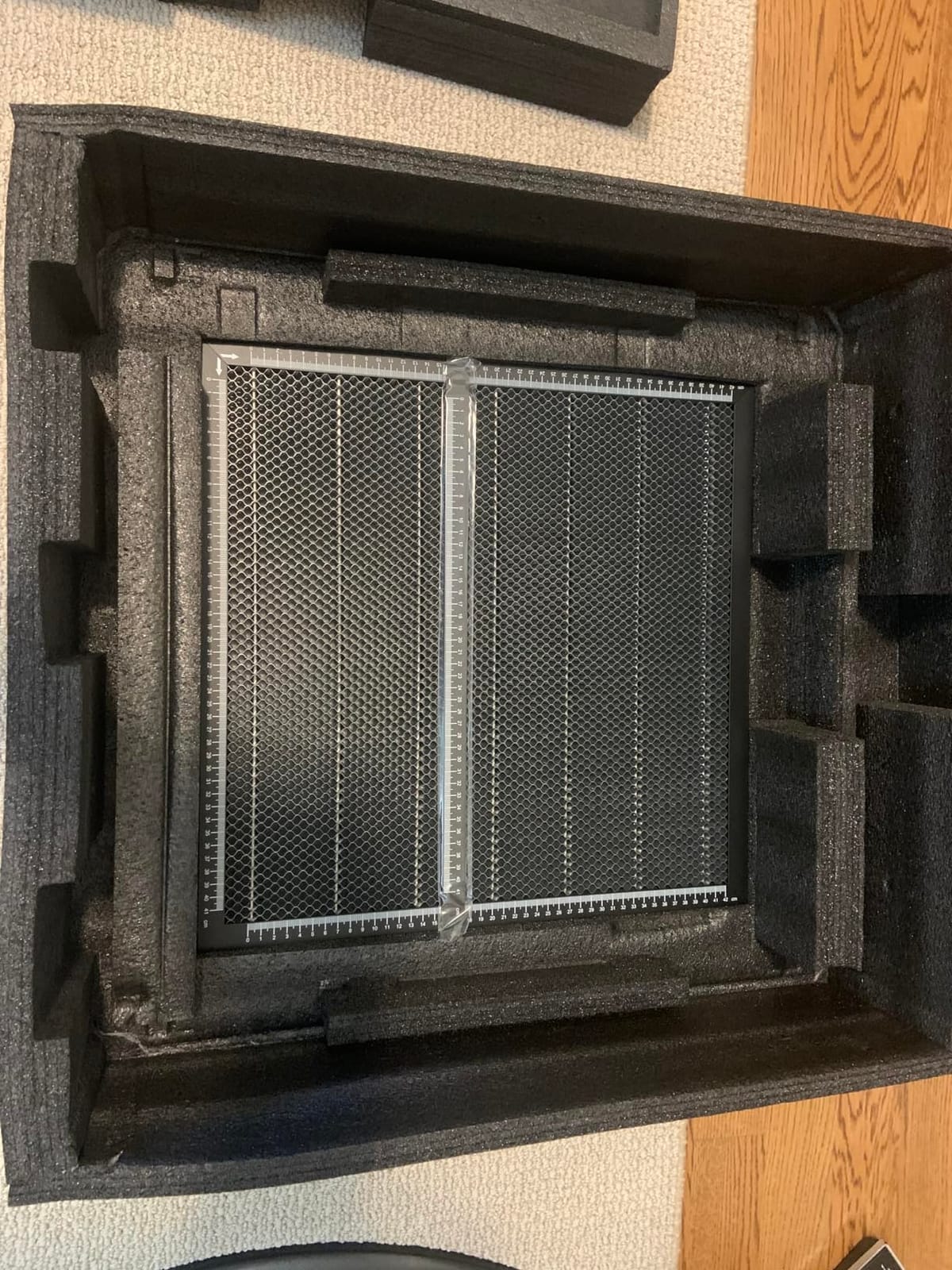
Workflow aids are unusually practical: a LightBurn-compatible camera for positioning, a power indicator bar, a fault reporting light and airflow detection. Optional smoke purifier and roller rotaries extend it further, and the 1-year warranty comes with support that owners single out as fast and generous.
Documentation is the weak point, and it is a real weak point. Instructions do not explain focus, power or line interval settings for different materials, so the first afternoon of parameter work falls on you. The 3-inch exhaust fan is also weak enough that enclosed rooms need external ducting.
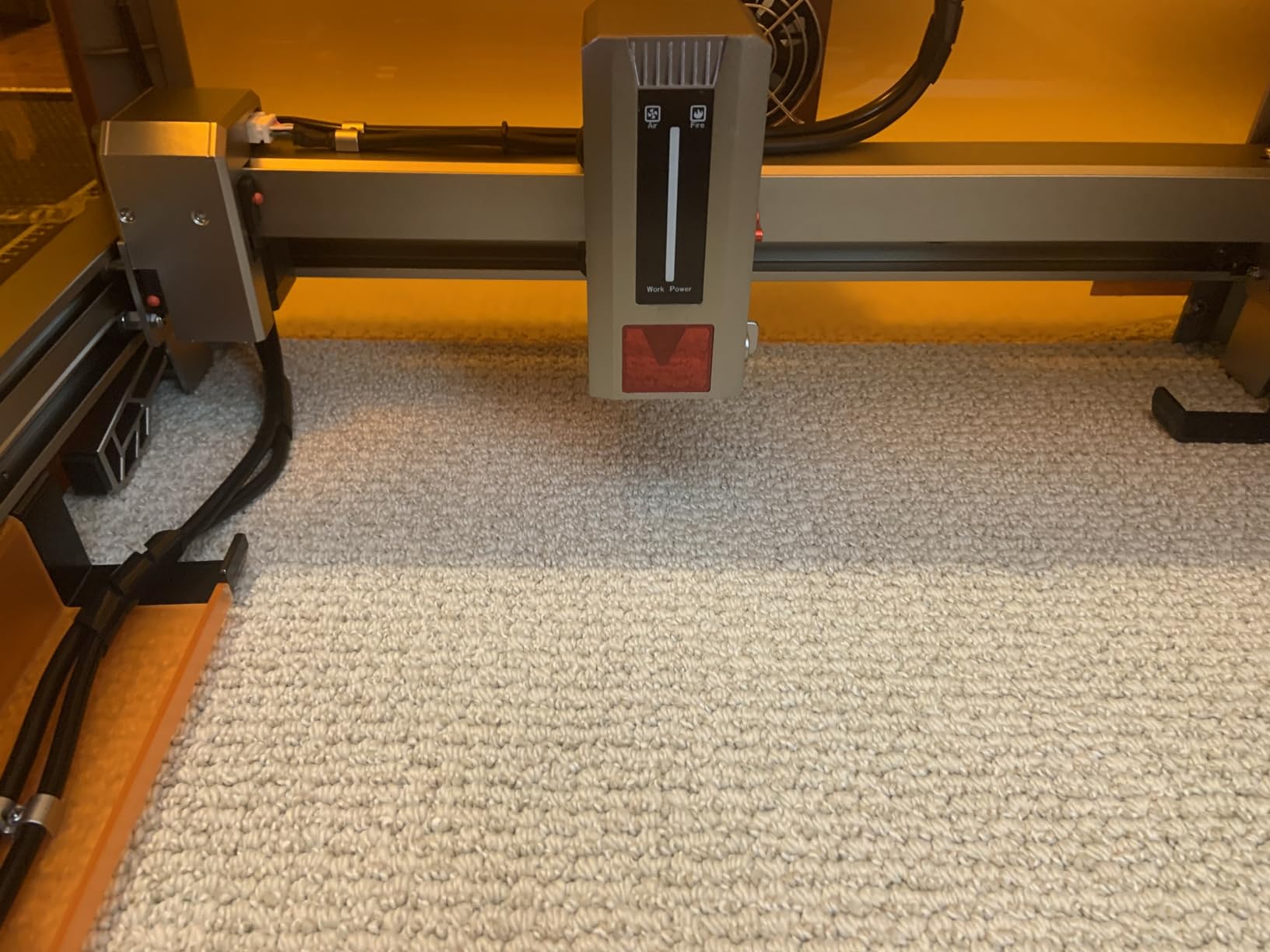
Why batch work suits it
Air assist, honeycomb bed, camera and enclosure arriving together remove the four most common accessory purchases in this category. For someone running the same design fifty times, that means setup happens once and the machine stays in production mode rather than being reconfigured each session.
The honey bed also controls the material itself, which matters for thin plywood and veneer where a flat slatted bed catches fire. A majority of owners who pair it with LightBurn report it meets or exceeds its stated specifications.
Who should skip it
Skip it if you are a casual hobbyist making a few gifts. The 20W capability and Class 1 enclosure are wasted effort if you engrave a coaster a month, and the safety complexity needs to be understood rather than ignored.
Skip it if you need a well-lit interior. The internal light cannot be dimmed during camera overlay, which makes fine positioning harder than it should be, and a small number of owners report sensor anomalies that halt jobs mid-cut.
12. WECREAT LC2320 20W: Best All-in-One Kit with Rotary Attachment
WECREAT Laser Engraver and Cutter, 20W(20,000mW) 4-in-1 Desktop Diode Fully Enclosed Laser Engraver Machine with Rotary, Home Business for Jewelry and Gift Making with Metal Wood Acrylic Leather
20W output, 0.06x0.08mm spot
Cuts 10mm wood in one pass
0-140mm automatic head lift
Fully enclosed FDA Class 1
Pros
- Camera
- rotary attachment
- air assist and enclosure in one package
- 20W cuts 10mm wood and 8mm black acrylic in one pass
- Automatic 0-140mm head lift removes the need for a riser
- Built-in camera with 3D preview cuts waste
- Over 1000 ready-to-print images and editable projects
Cons
- Weighs 66.9 pounds
- so it needs a dedicated sturdy surface
- Enclosed format means no visible glow during cutting
- Premium price against open-frame 20W alternatives
- Smallest review base among the machines here
The WECREAT is built as a single package rather than a machine plus accessories, and the 4-in-1 framing is not marketing. You get a 20W enclosed engraver, a rotary system for tumblers, mugs, rollers, chucks, spheres and rings, air assist up to 30L/min, and a built-in HD camera, pre-assembled.
Output is 20W at 0.06 x 0.08mm spot with speeds up to 600mm/s, cutting 10mm wood or 8mm opaque black acrylic in a single pass. The enclosure is FDA Class 1 with auto stop when the lid opens and an eye-protection cover filtering 99% of laser light, so the safety story is as complete as the feature list.
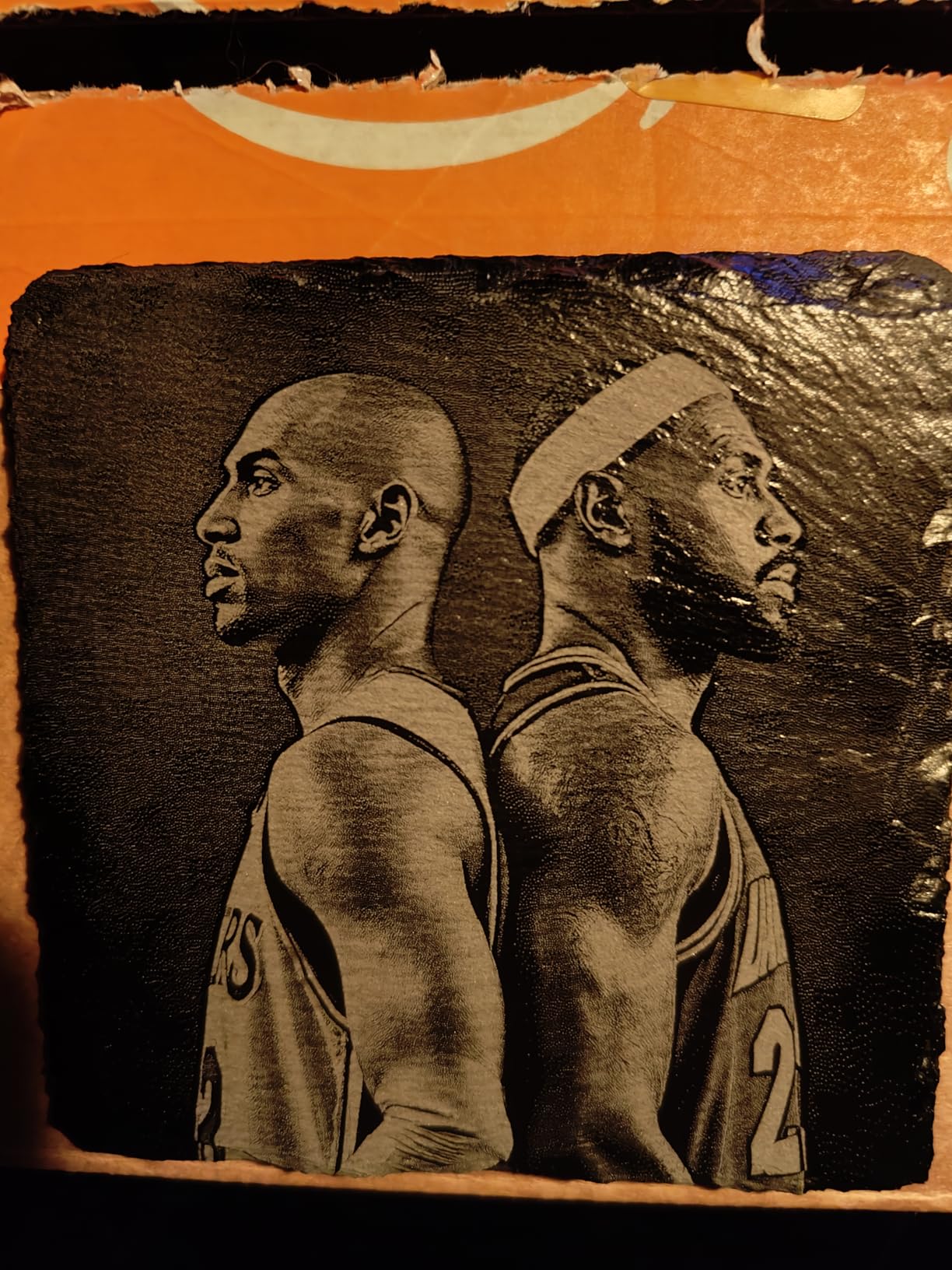
Two details genuinely change daily work. The 0-140mm automatic laser head lift means you can engrave a tall object without a separate riser base, and the built-in HD camera offers automatic precise positioning with a 3D preview plus a quick view matrix for more than 1000 materials, which cuts both positioning time and material waste.
Software is WeCreat MakeIt and LightBurn, with more than 1000 ready-to-print images and 1000 ready-to-make editable projects included. The rotary attachment is the reason many buyers choose this machine: it turns a diode laser into a mug and tumbler business tool, and a glass tumbler is exactly the object owners most want to mark.
What the rotary attachment really adds
A rotary system covers tumblers, mugs, rollers, chucks, spheres and rings, which means a coated stainless tumbler becomes a sellable product. That is a business model the open-frame 20W machines here cannot support without a separate attachment purchase and a larger footprint.
The auto-lift head complements it. Raising and lowering the laser over 140mm means you can engrave a tumbler or a deep basket without propping the machine on blocks, and owners rate the ability to work without trial-and-error stacking highly.
Who should skip it
Skip it if bench space or weight is a constraint. At 66.9 pounds and 24 x 21 x 10 inches, this needs a dedicated sturdy surface rather than a desk, and the enclosed format means you never see the cut glow, which some owners dislike.
Skip it if you already have air assist, a camera and a rotary from other machines, or if you want the simplest path into 20W cutting. The premium against open-frame alternatives is real, and the review base is the smallest in this roundup at 98 ratings.
How Much Wood Each Wattage Tier Cuts
Wattage is the number sellers shout about and the number that matters least on its own. Optical output, not machine power, determines cut depth, and pass count matters more than headline figure. A 10W diode that cuts 5mm basswood in one pass is more useful than a listing advertising 50W that delivers 5.5W.
As a working guide across this category, 5W machines typically manage 3-8mm of basswood in a few passes, 10W machines reach 5mm in a single pass and 12mm of plywood with slower multi-pass settings, and 20W machines handle roughly 10-12mm of pine or plywood per pass with basswood going deeper. Hardwood, MDF and plywood each behave differently, and no single table replaces a test grid on your own stock.
The most powerful diode lasers available today sit around 40W to 60W of optical output, and published testing puts 40W at roughly 18mm of basswood. Nothing in this roundup reaches that class, because at these prices and bed sizes the practical difference to a wood hobbyist is a faster job rather than a new capability.
One community data point worth keeping in mind: a 40W owner reports cutting 10mm solid pine in about four passes with no issues. That tells you how far the enthusiast end of this category sits from the 5W and 10W machines most buyers start on, and why owners of low-wattage machines talk about pass-count frustration so often.
Wood Species and Starting Settings
Wood is not one material. Basswood and birch plywood are the beginner’s friends because they are pale, soft and consistent. Maple and walnut engrave beautifully but demand lower power because they are denser. Pine and cedar are resin-heavy, and resin melts before the surrounding fibre chars, which is the direct cause of the uneven burns owners complain about.
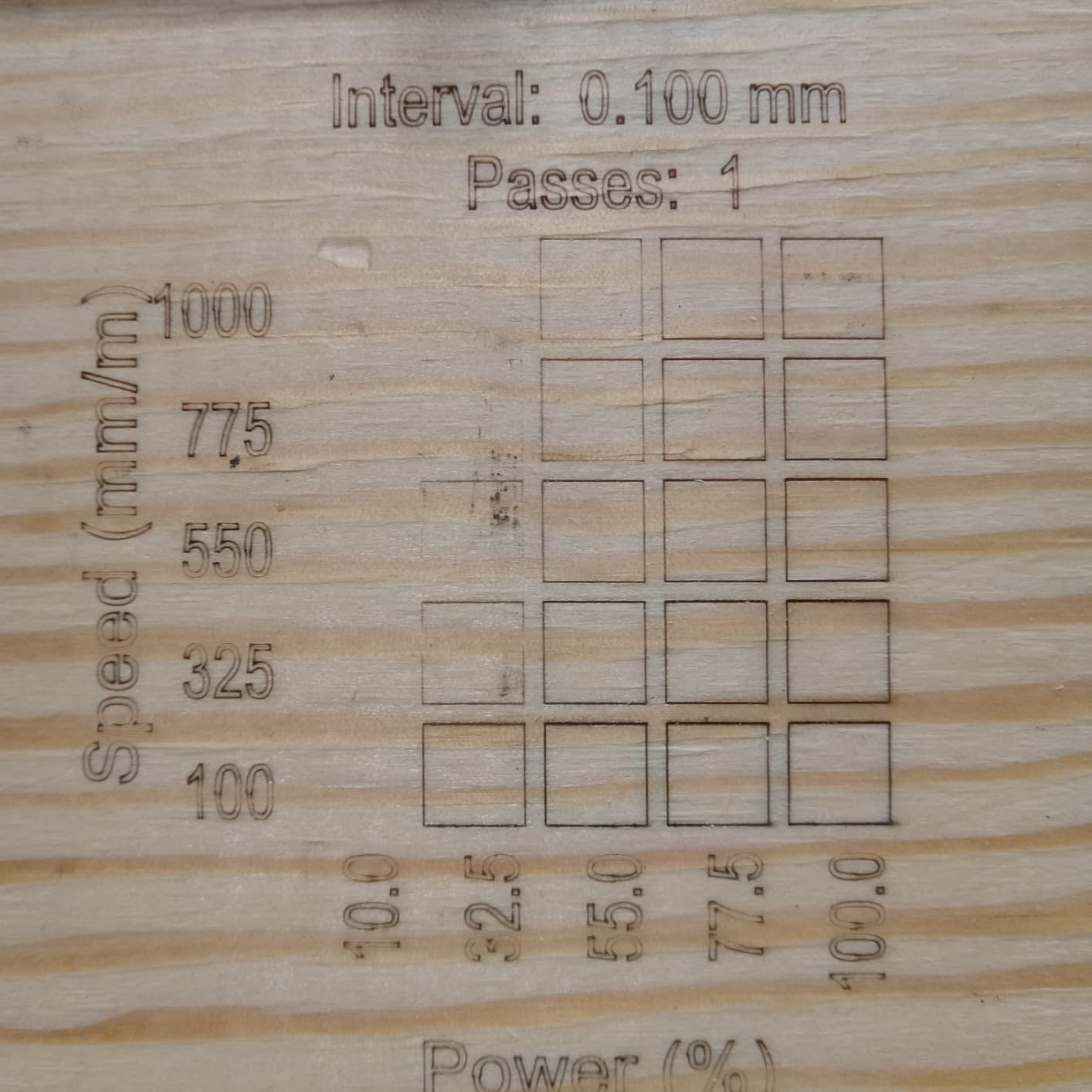
Your starter settings should always come from a test grid, never from a table. Print or draw a 20 x 20mm grid of squares, vary power from 10% to 100% in steps and speed from 1000 to 3000mm per second, then pick the lowest power and highest speed that gives a full, even burn. Move to production only after that.
For a 20W diode, a reasonable starting point on birch plywood is around 1500mm per second at 70% power in a single pass, slowing to 600mm per second with multiple passes for thicker stock. On pine, drop power by roughly a third and expect to clean up the surface afterwards. Treat every number here as a starting point, not a result.
Focus and Focal Length Troubleshooting
The typical focal length of a laser engraver lens is 20mm for the standard 80mm or 100mm lens assemblies found in most diode machines, and 2mm on small engravers such as the ACMER S1, which uses a different focusing geometry. If your machine is not telling you, the practical method is to place the supplied focusing block or plate on the material and lower the lens until light is smallest on the target.
An uneven or incomplete burn on the same board is usually focus, not power. A lens sitting even half a millimetre high produces a spot several times wider than its rated diameter, and the beam spreads across the surface instead of sinking into it. Clean the protective lens first, because a filmed lens reduces power and widens the spot at the same time.
If the burn still looks right but will not cut through, the community consensus is clear and it is not maxing the power. Lower the speed and add passes with air assist blowing into the kerf. Pushing a machine to 95% power at low speed generates heat faster than the air can clear it, which scorches the top layer and insulates the cut below.
Uneven burns between boards usually come from inconsistent material rather than the machine. Rotating each board to bring a fresh face to the beam, keeping the grain direction consistent and cleaning off sawdust between passes all help. The same machine and the same settings will never produce identical results on softwood, and knowing that prevents a lot of wasted searching.
Air Assist, Software and Safety on Wood
Air assist is not optional for cutting wood. A focused high-pressure flow blows the kerf clear so the beam can reach deeper instead of vaporising debris into a hot layer that blocks the cut. Guidance converges on high-pressure focused flow for wood and gentle low flow for acrylic, where a hard blast can chip the edge. It is the accessory that changes results most in this category.
On software, LightBurn is the standard control layer because it works with every machine here that supports it, and LaserGRBL is the free Windows alternative on several models. Some brands ship their own software, which varies from genuinely useful, as with the Creality Falcon A1, to very basic, as owners report for the ATOMSTACK app. Budget for a LightBurn licence rather than fighting bundled tools.
Safety on wood has two hard rules. Never engrave PVC, vinyl or pressure-treated wood; those release toxic gases, and treated wood is a common timber-yard default. Be cautious with MDF, which contains formaldehyde binders and should only be cut with proper extraction running. Run the machine outdoors, or with a fume extractor and filtered eyewear, and keep an emergency stop within reach.
One community question comes up constantly and deserves a direct answer: no, a diode laser will not engrave clear glass or a clear tumbler. The leading workaround in owner discussions is to apply a dark coat, engraving spray or matte paint first and engrave that layer, which is why coated tumbler packages exist. It works, and it is not the same as marking glass directly.
Diode vs CO2 vs Fiber for Wood
Diode is the right default for wood work at home because a 450nm beam is strongly absorbed by wood, needs no water cooling, no gas supply and no mirror alignment, and runs from a standard socket. A CO2 laser at 10640nm cuts wood beautifully and much faster, but it needs chiller, compressor and exhaust, and it will not touch metal at all.
Fiber lasers are the metal and plastic specialists. They mark bare metals that a diode cannot touch and cut thin plastics, but wood is their weakest material, and they cost several times more. For anything wood, a diode is the sensible spend unless you need thicker hardwood cutting at production speed, which is where CO2 earns its place.
A useful rule: choose CO2 when your work is thick hardwood, plywood or acrylic-heavy and you have a workshop to run it in. Choose a diode when space, noise, ventilation and cost matter, which for most home and small-business wood work is the deciding factor.
How to Choose a Diode Laser Engraver for Wood
Decide whether you engrave or you cut. If you are personalising existing wooden items, a 5W to 10W machine with a good spot size and a decent bed is enough. If you want to cut birch plywood signs or produce parts, start at 20W. Moving from 10W to 20W is the single biggest change in what you can make.
Then match the bed to your largest real project, not your imagination. 400 x 400mm covers standard square blanks, a near-A4 bed covers rectangular signs, and 130 x 130mm covers coasters. A machine that is too small forces tiling, and tiled engraved text shows every seam.
Choose the enclosure based on where the machine lives. In a garage or workshop, an open frame with a filter lid and good extraction is fine. In a home, a flat or a shared room, a Class 1 enclosed machine removes the safety argument entirely and is worth the extra floor space.
Finally, budget for the accessories nobody puts on the box. A compressed air pump, a fume extractor, laser eyewear, an exhaust upgrade, honeycomb bed and a LightBurn licence are all realistic parts of a complete wood setup, and open-frame machines that ship without them are not a complete setup on arrival.
Check the module lifespan claim before you buy, and treat 10000 to 15000 rated hours as a planning figure rather than a guarantee. Cleaning the protective lens regularly is what keeps output stable, and a machine that has lost power over a year of use is usually dirty, not dead.
Frequently Asked Questions
Which laser engraver is best for engraving wood?
For most people the Longer RAY5 is the best all-round diode laser engraver for wood, pairing a 400 x 400mm bed with the ability to cut 20mm boards and a 3.5-inch touchscreen. If engraving quality matters more than cutting power, the Twotrees TTS-10 Pro at 10000mW is the stronger value, and the Creality Laser Falcon 10W resolves the finest detail with a 0.06mm spot. For cutting birch plywood rather than marking it, move up to 20W with the ATOMSTACK A20 Pro V2 or the Genmitsu L8.
What wattage diode laser do I need for wood?
Use 5W to 10W for engraving wood and cutting thin basswood or plywood in a few passes, and 20W when you want to cut thicker plywood, produce separate parts or run batch production. 5W classes here manage roughly 3-8mm of softwood across multiple passes, while 20W machines reach around 10-12mm of pine or plywood per pass and deeper into basswood. Anything above 40W is an enthusiast purchase for thick hardwood in a single pass.
Will a 20W diode laser engrave metal?
A 20W diode laser can mark coated, painted or anodised metal well, because the 450nm beam is absorbed by the coating rather than the metal underneath. It cannot meaningfully mark bare or mirror-finished steel or aluminium, and repeated blasting at full power on bare metal is a common way to damage a lens. Several machines here are explicitly documented as not for reflective materials, so treat coating as a requirement rather than an option.
Is air assist needed for laser engraving wood?
Yes for cutting, and helpful for engraving. A focused high-pressure flow clears the kerf of debris so the beam reaches deeper material instead of heating a layer of char that insulates the cut. Owner guidance converges on high-pressure focused airflow for wood and gentle low flow for acrylic, which can chip along a cut edge. The pump, tubing and nozzle are usually sold separately, so budget for them as part of the machine.
What is the typical focal length of a laser engraver lens?
Most desktop diode engravers use a 20mm focal length with the standard 80mm or 100mm lens assembly, and smaller machines such as the ACMER S1 use a 2mm focal length instead. Because the parameter is rarely printed in the manual, the reliable method is to place the supplied focusing plate or block on the material and lower the lens until the light spot is at its smallest. An even burn that will not cut is nearly always a focus problem, not a power problem.
What should you not laser engrave?
Never engrave PVC or vinyl, which release hydrogen chloride gas, and avoid pressure-treated wood, which contains chemicals that produce toxic fumes. Treat MDF with caution because its formaldehyde binders need proper extraction. Skip any wood with an unknown finish or adhesive, and never laser vinyl flooring, imitation leather or anything you cannot identify. When in doubt, test a small offcut in a well-ventilated space before committing a whole board.
Final Verdict: Which Diode Laser Engraver for Wood Is Right for You
The Longer RAY5 is our best diode laser engraver for wood overall, and it wins on the combination that matters most: a 400 x 400mm bed that can be extended, real 20mm cutting capability, and a touchscreen that removes most of the friction other open frames leave you with. If your budget is tighter and engraving is the main event, the Twotrees TTS-10 Pro is the one to take, with the most owner feedback in the group and a frame that holds accuracy.
Match the machine to the constraint you actually have. Small detailed items on a desk, go compact with the ACMER S1 or the enclosed WAINLUXPRO K10. Fine text and modest cuts, take the Creality Laser Falcon 10W for its 0.06mm spot. Real cutting, go 20W with the ATOMSTACK A20 Pro V2, and batch production or a workshop gets the Genmitsu L8. Working indoors around people means an enclosed machine, and the WECREAT LC2320 adds the rotary attachment if tumblers are the goal.
Whichever you choose, the accessories are part of the purchase. Air pump, extraction, eyewear and software decide whether your first month is productive or frustrating, and no amount of optical power fixes a machine that has never been focused. Start with a test grid on scrap pine, keep the lens clean, and check the current price on the button below before you order.