
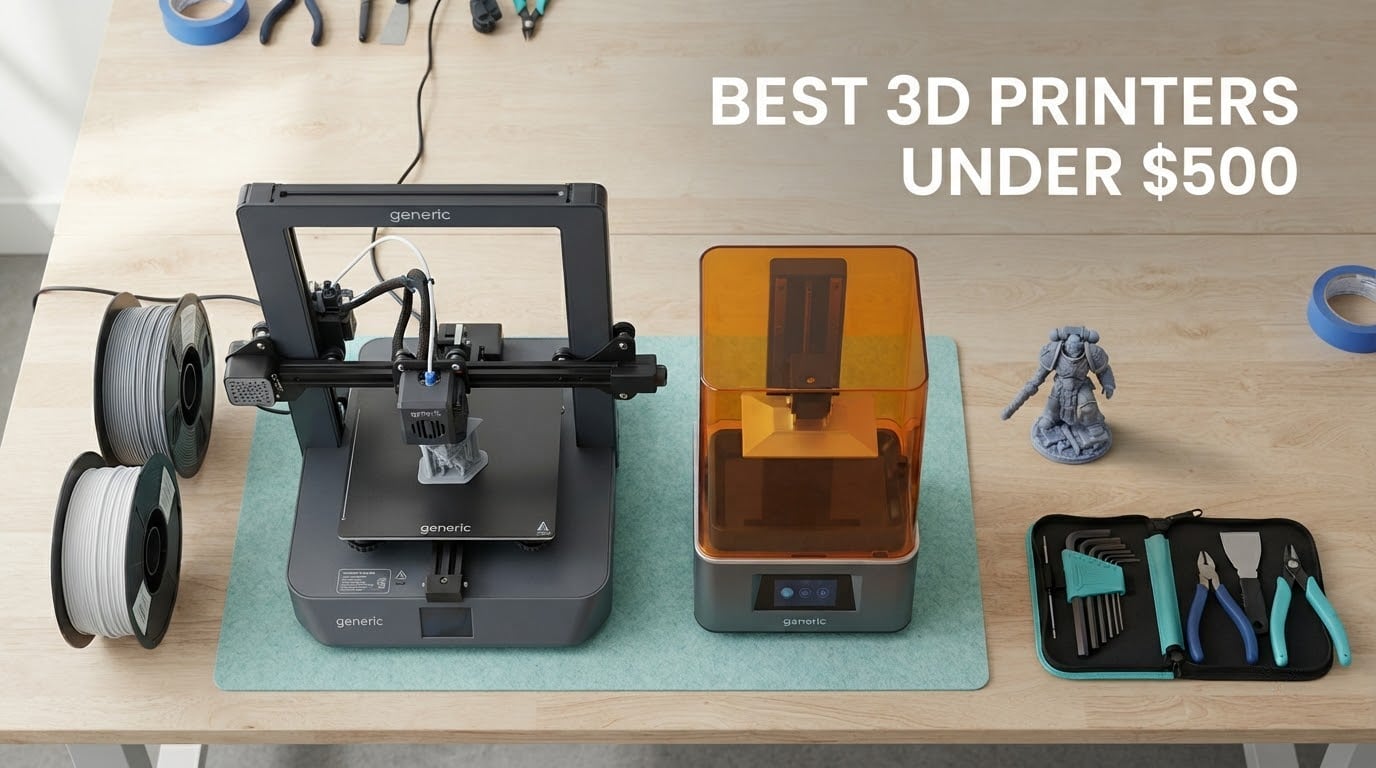
The best 3D printer under 500 dollars right now is the Creality K1C: a fully enclosed CoreXY machine rated at 600mm/s that auto-levels on start-up, monitors prints with a built-in AI camera, and stays quiet enough for a shared room. It is the pick we would put in front of anyone who wants one printer to grow into rather than outgrow.
That is a different answer from the one most roundups give you. The top editorial result for this query has not meaningfully changed its picks in years, and it still leads with a printing pen and a couple of children’s machines while missing every current-generation contender. A buyer reading that page in 2026 is being steered toward hardware two product generations behind.
So this is a fresh look at the best 3D printers under 500 dollars, built from the machine data and the owner feedback that actually tells you something: how the first layer held up, whether the app stayed connected at hour forty, whether the moving parts were still smooth after months of daily use. Twelve machines, two resin and ten FDM, all inside the budget ceiling, each with its own section further down.
Two things shape almost every recommendation below. The first is enclosure, because it decides whether ABS and ASA are usable materials or permanently troublesome ones. The second is multi-color, because a four-color machine built into the chassis and a four-color unit bolted to the side are very different purchases at this price. We cover both in dedicated sections later, because the difference matters more than any single spec number.
A note on what you will not find here: no prices. They move daily, and the buttons below open the live listing instead. We focus on the hardware, the failure modes, and the fit for specific jobs.
Table of Contents
Top 3 Picks for the Best 3D Printers Under 500 Dollars in 2026

Creality K1C
- CoreXY 600mm/s
- 20000mm/s2
- Enclosed with HEPA-style carbon filtration
- AI camera with time-lapse
- 45dB silent mode

Bambu Lab A1
- 10000 mm/s2 acceleration
- Full-auto bed and Z-offset calibration
- AMS lite multi-color ready
- Quiet motor noise cancelling

Bambu Lab P1S
- Fully enclosed for ABS and ASA
- 500mm/s with 20000 mm/s2
- Up to 16 colors with AMS
- Automatic bed leveling
Our editor’s choice is the machine with the deepest owner base in this list and the broadest material support. The best value pick is the highest-rated machine here, and the one most first-time buyers actually finish setting up without a second attempt. The enclosed pick is the option for anyone who prints in a spare room rather than a garage.
Quick Overview: All 12 Picks at a Glance (October 2026)
Every machine below is inside the 500 dollar ceiling. Two are resin machines and belong in a different workflow entirely, and we flag that clearly in each of their sections rather than pretending an MSLA printer is a substitute for an FDM one.
| Product | Specs | Action |
|---|---|---|
| Creality K1C |
|
Check Latest Price |
| Bambu Lab A1 |
|
Check Latest Price |
| Bambu Lab P1S |
|
Check Latest Price |
 Creality Ender 3 V3 SE Creality Ender 3 V3 SE |
|
Check Latest Price |
 Flashforge Adventurer 5M Flashforge Adventurer 5M |
|
Check Latest Price |
 Flashforge AD5M Flashforge AD5M |
|
Check Latest Price |
 Elegoo Centauri 2 Combo Elegoo Centauri 2 Combo |
|
Check Latest Price |
 Creality K2 SE 4C Creality K2 SE 4C |
|
Check Latest Price |
 Anycubic Photon Mono 4 Anycubic Photon Mono 4 |
|
Check Latest Price |
 Elegoo Saturn 3 Elegoo Saturn 3 |
|
Check Latest Price |
 Bambu Lab A1 mini Bambu Lab A1 mini |
|
Check Latest Price |
 Entina Tina2C Entina Tina2C |
|
Check Latest Price |
Everything in this table is covered in full below, with the honest downsides attached to each one rather than buried in a spec list.
How We Picked the Best 3D Printers Under 500 Dollars in 2026
We read the owner reviews rather than the marketing copy, because at this budget the difference between a good machine and a frustrating one is rarely a headline number. It is whether the first layer stuck on attempt one and whether the fan was still running at month three.
Calibration that actually holds. Automatic bed leveling is now table stakes. What matters is whether the machine also handles Z-offset and first-layer flow automatically, because that is the difference between a first-timer printing successfully and a first-timer spending an evening on calibration by hand.
Consistent extrusion under load. Fast headline speed means nothing if the extruder stalls on long layers or the hot end cannot keep up. Acceleration figures matter more than maximum speed for real-world print times.
Enclosure when materials demand it. ABS, ASA and other high-temperature filaments warp on an open frame. If you plan to print any of those, an enclosed machine moves from nice-to-have to requirement.
Multi-color cost and footprint. We looked at what a four-color print costs in purge waste and how much desk space the extra hardware takes, because the purchase outlay is only part of that decision.
App behaviour and open-slicer flexibility. A proprietary app that drops its Wi-Fi connection at hour forty is a real cost. Machines that also work with third-party slicers age better.
Spare parts and support. A printer is a machine with wear parts. The brands here that ship replacements quickly and keep an active community have a real advantage over the ones that do not.
Two patterns kept showing up in the owner conversations. Print-hour count carries far more weight than spec sheets, and people who share a living space with a printer care about noise more than speed. Several of the picks below include a silent mode or a genuinely quiet motor profile for exactly that reason.
1. Creality K1C – Best Overall 3D Printer Under 500 Dollars
Creality K1C 3D Printer, 600mm/s with AI Camera and Auto Leveling
Enclosed CoreXY
600mm/s
20000mm/s2
AI camera
45dB silent mode
Pros
- Very fast CoreXY motion at 600mm/s with 20000mm/s2 acceleration
- One-tap auto calibration removes manual bed leveling
- AI camera gives real-time monitoring and time-lapse
- Direct extruder with tri-metal nozzle handles tough filaments
- Silent mode at 45dB with activated carbon filtration
Cons
- Slower ABS and ASA prints thanks to the heated chamber
- No physical touchscreen so control runs through the app and software
- Camera and app pairing is finicky for some owners
The K1C is the machine we kept coming back to while working through this list. It is a fully enclosed CoreXY printer rated at 600mm/s with 20000mm/s2 acceleration, and in practice the acceleration figure is the one that matters: it is what lets the machine keep moving through short segments and infill instead of decelerating to a crawl at every corner.
Owners with plenty of hours on it describe a fast, feature-rich machine where the auto-leveling does its job quietly in the background. The AI camera is genuinely useful rather than a gimmick, because you can catch a first-layer problem in the first three minutes instead of two hours into a job.
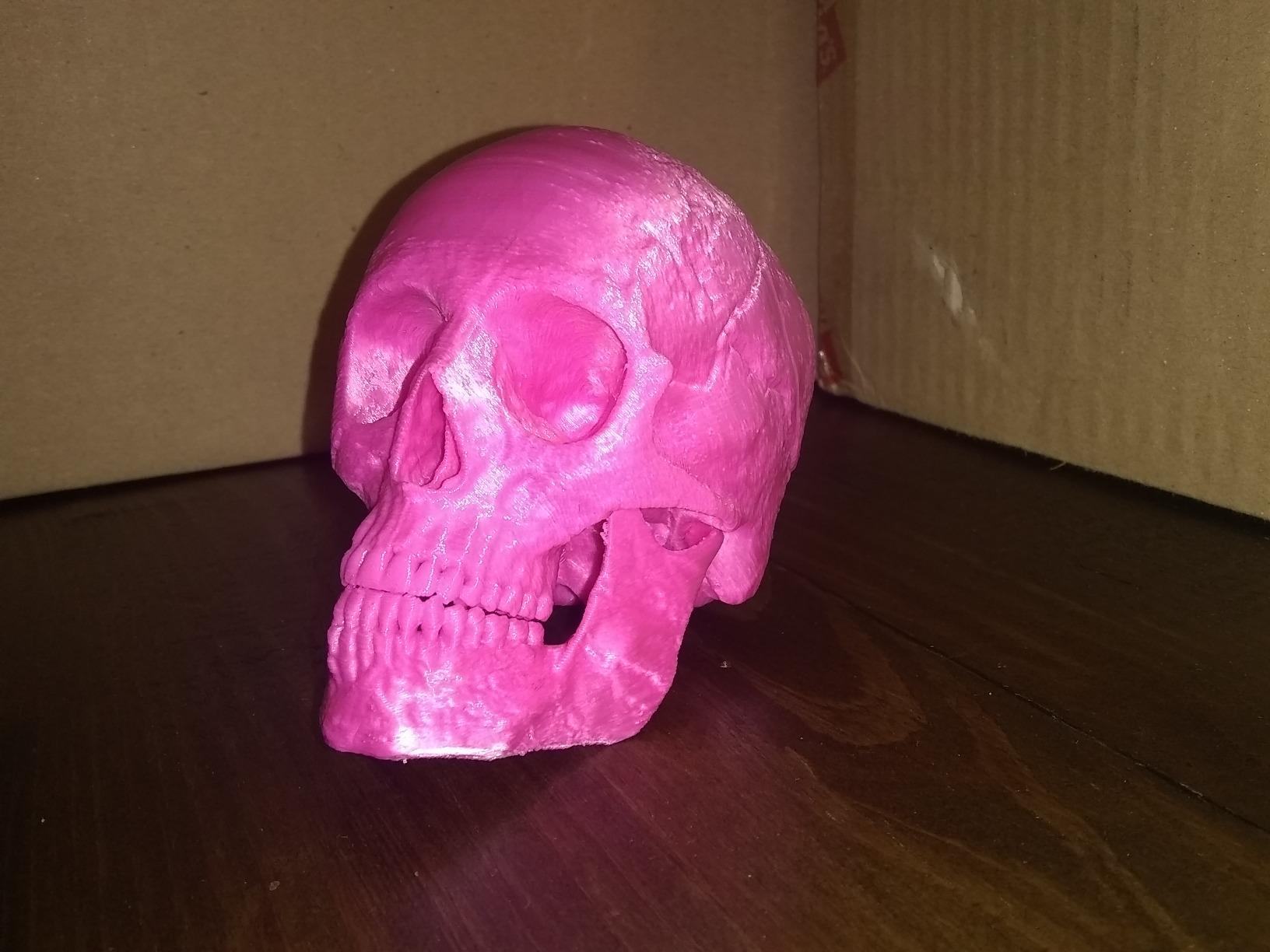
The direct extruder and tri-metal unicorn nozzle are the under-sold part of this package. Most machines at this level give up on tougher filaments; this one keeps handling carbon-fiber reinforced material, which widens what you can make in a single session.
There is a real trade-off, and it is the enclosure itself. A heated chamber keeps ABS and ASA parts flat, but those same parts then print more slowly than they would in the open air, because the machine is holding temperature on purpose. Owners who print mostly PLA and PETG will not notice the difference much.
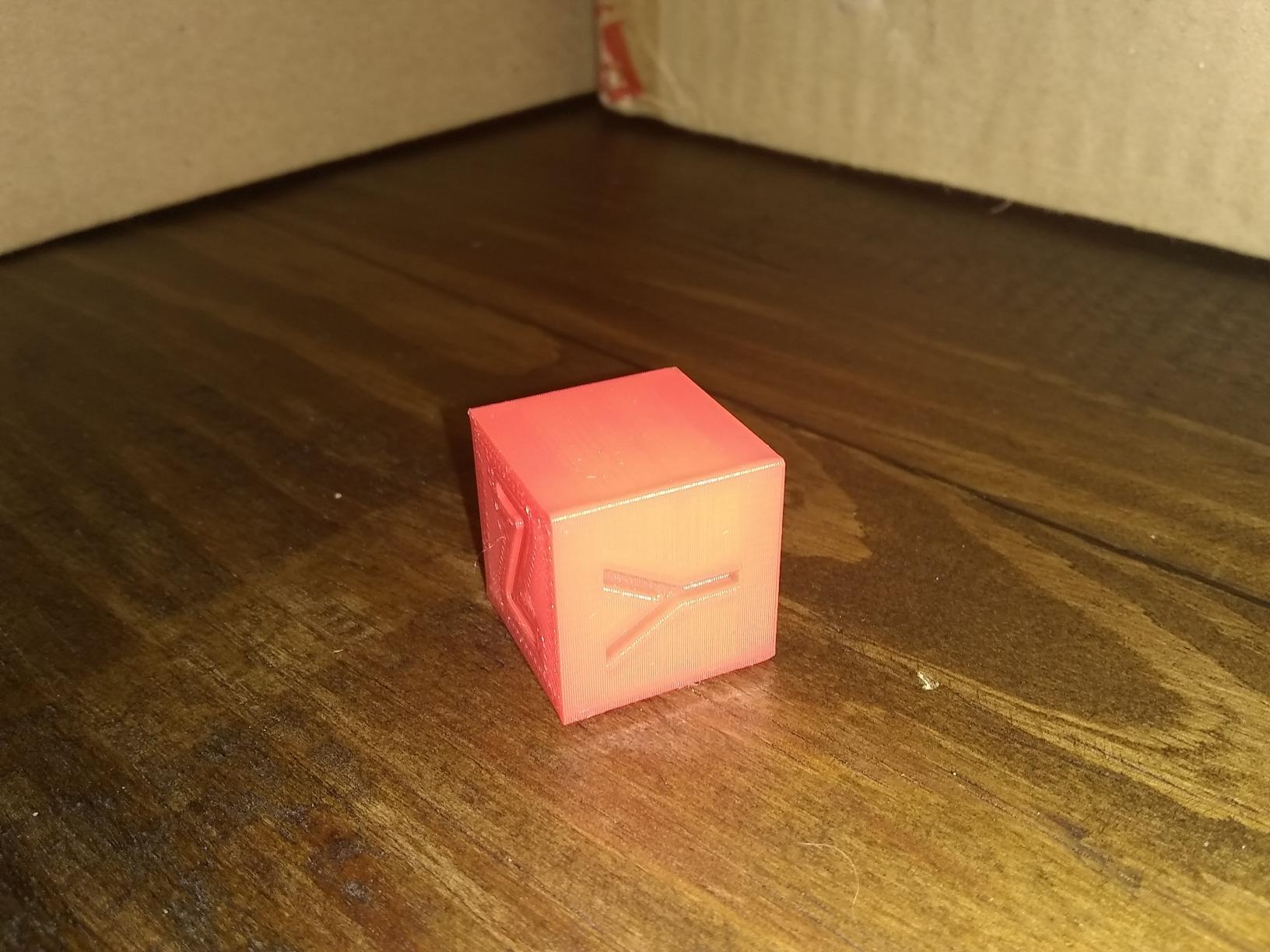
Who the Creality K1C suits
It suits someone who wants one machine to cover most jobs: strong materials in an enclosed chamber, a camera to watch long prints, and acceleration high enough that a mid-sized part finishes while you are still at work. It is a good fit for a home office or a small studio where noise matters, since the silent mode and carbon filtration take the edge off both sound and smell.
It is also a strong choice for anyone upgrading from an older open-frame machine and tired of warped ABS parts. The improvement in part quality from a controlled chamber is immediate.
Who the K1C does not suit
It does not suit someone who wants a physical touchscreen. There is no screen on the machine, so every adjustment happens in the app or in software on a computer, and that is a genuine annoyance when you want to check a temperature quickly.
It also frustrates people who dislike locked ecosystems, and the small number of owners who report an unreliable camera and app pairing should be weighed before you commit. If a touchscreen and screen-based control are non-negotiable, look at the Elegoo Centauri 2 instead.
2. Bambu Lab A1 – Top Rated 3D Printer Under 500 Dollars
Bambu Lab A1 3D Printer, Ready-to-Use FDM 3D Printer for Beginners and Kids
10000 mm/s2
Full-auto calibration
AMS lite ready
Motor noise cancelling
Pros
- Exceptionally easy setup and daily use for complete beginners
- Automatic bed leveling removes manual calibration hassles
- Consistently high print quality with few failed prints reported
- Quiet operation from active motor noise cancelling
- Well-regarded app with remote monitoring and time-lapse
Cons
- Open frame means ABS and ASA parts can warp without an enclosure
- Multi-color printing needs the AMS lite add-on
- Closed-source software ecosystem is disliked by some advanced users
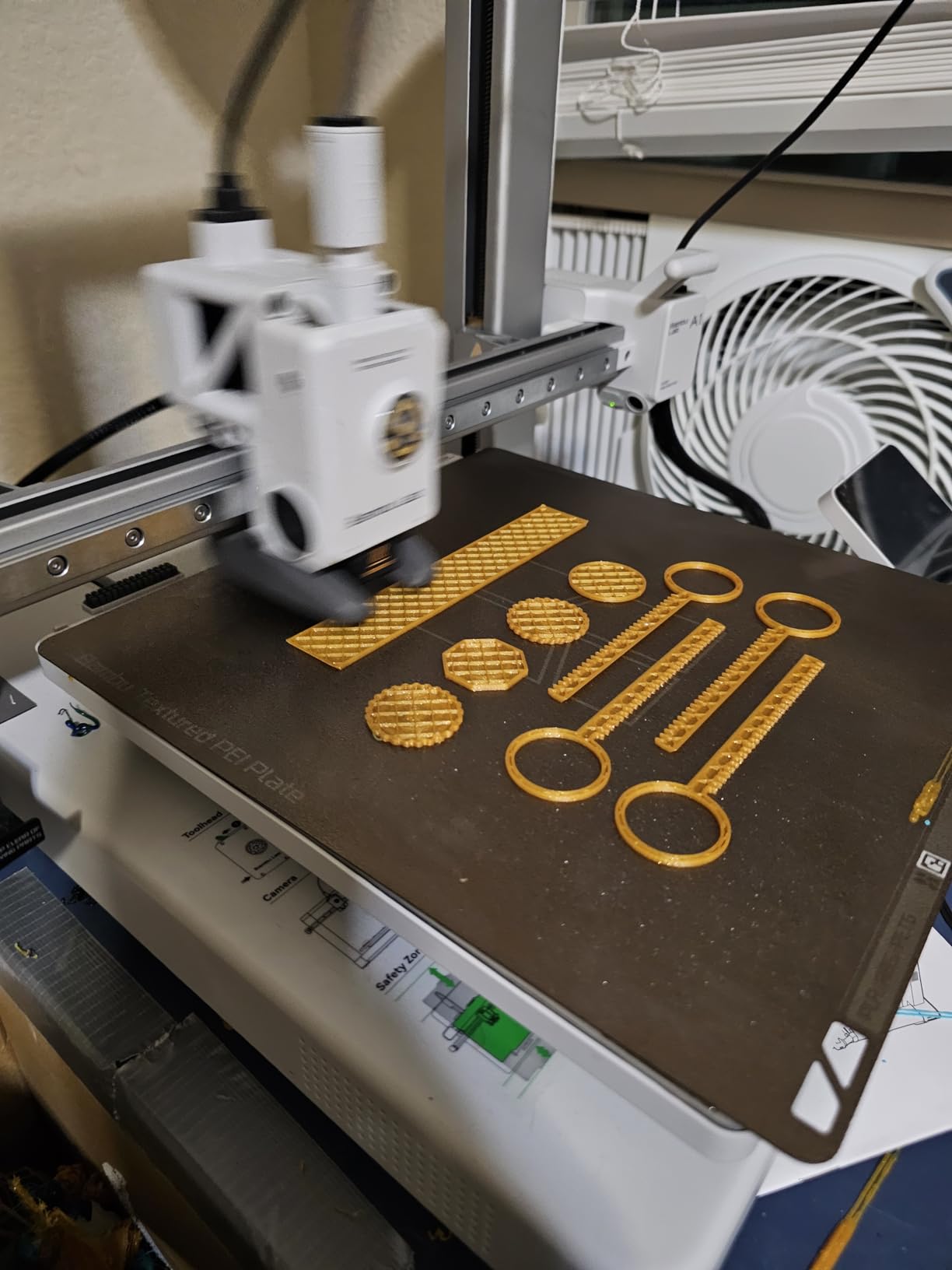
The A1 carries the highest average rating in this entire roundup, and the reason is not a single feature. It is the shortest distance between opening the box and putting a finished part on the desk. Full-auto calibration covers Z-offset, bed leveling and flow, so the three things that normally eat a beginner’s first weekend are handled by the machine.
That is not a marketing abstraction. In the r/3dprinter conversations, owners repeatedly converge on the A1 as the answer to the question of what to buy first, describing it as easy to use, self-calibrating, and not much of a hassle. That consensus matches the review data closely, which is as close to independent validation as this topic gets.
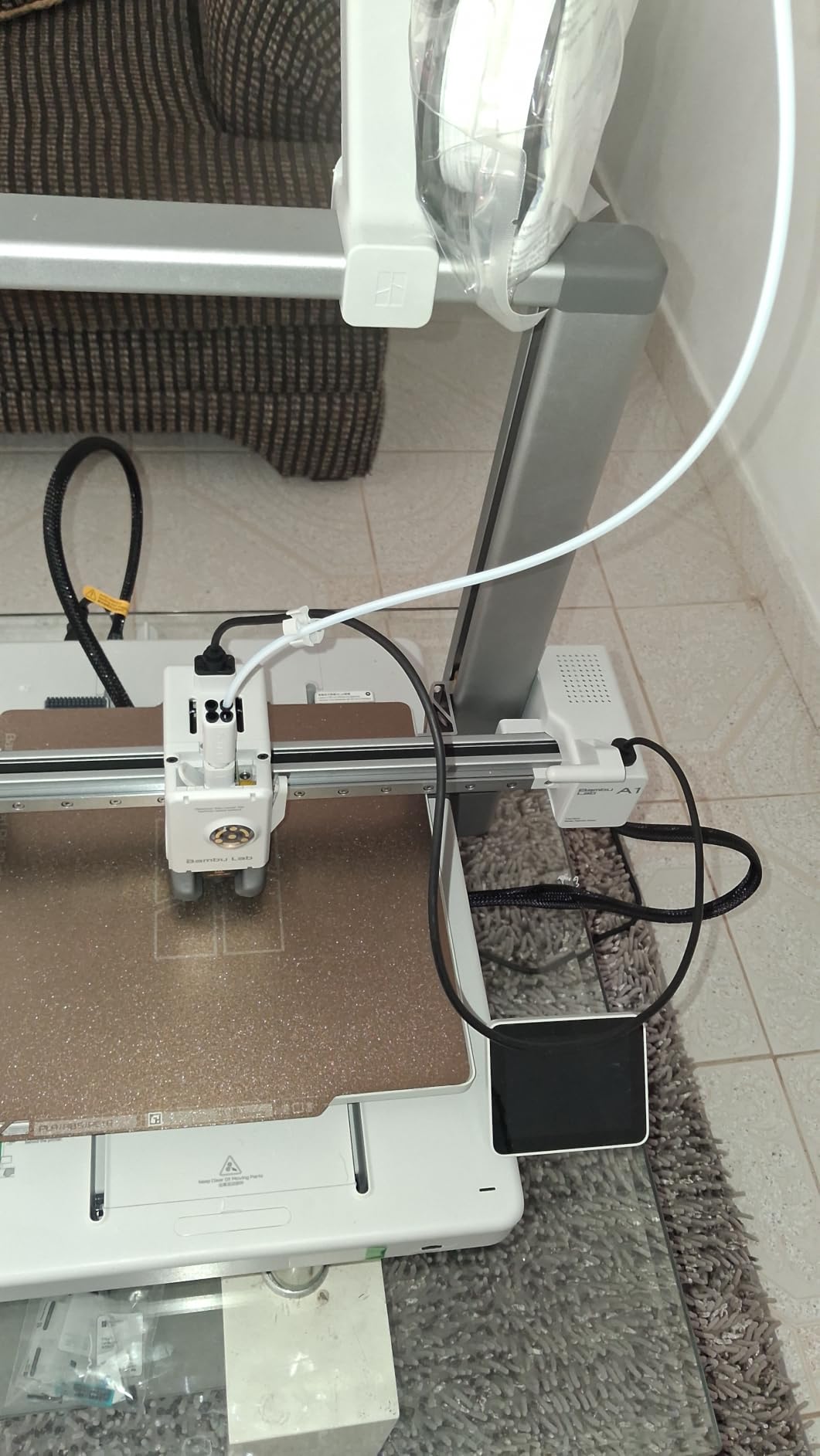
Active Flow Rate Compensation keeps extrusion consistent as the print progresses, and the result is a high rate of finished parts rather than a high rate of nearly-finished ones. Active motor noise cancelling keeps it quiet, which matters if it is going to live in a bedroom or a study.
The honest limitation is the frame. It is open, so warp-prone filaments will still lift at the corners unless you handle them carefully with an enclosure add-on. And multi-color is not included: the AMS lite is a separate purchase, which is also the single most common regret in the reviews.
Who the Bambu Lab A1 suits
It suits a first-time buyer, and a parent buying for a teenager, more than any other machine here. If the person using it has never calibrated a bed in their life, the difference between this and a manual-leveling printer is the difference between a first print and a first evening of troubleshooting.
It also suits someone who wants multi-color later without replacing the printer. The A1 is designed around the AMS lite, so adding color later is a supported upgrade rather than a modification.
Who the A1 does not suit
It does not suit anyone printing ABS or ASA regularly, because the open frame is the wrong tool for it. It also suits less well for people who want to run open-source slicers or modify firmware, since the software stack is closed and a few experienced users object to that on principle.
If you need a built-in screen, the A1 has no touchscreen, and a parent may prefer the Centauri 2’s 5-inch panel. Neither issue is disqualifying; both are worth knowing before you order.
3. Bambu Lab P1S – Best Enclosed 3D Printer Under 500 Dollars
Bambu Lab P1S 3D Printer, Ready-to-Use FDM 3D Printer
Fully enclosed for ABS and ASA
500mm/s with 20000 mm/s2
Up to 16 colors with AMS
Auto bed leveling
Pros
- Fully enclosed body handles ABS and ASA and other advanced filaments
- Fast 500mm/s CoreXY printing shortens design iteration time
- Build quality feels premium with glass panels and a slick design
- Bambu Studio and MakerWorld streamline slicing and model sourcing
- Set up in roughly 15 minutes with automatic bed leveling
Cons
- No built-in touchscreen so control is via app or SD card
- Low frame-rate camera disappoints for time-lapse
- AMS required for multi-color and not included
- Closed ecosystem and locked hardware draw criticism
The P1S is the pick for anyone whose prints have failed because of warping rather than because of a mistake. A fully enclosed chamber holds heat around the part, which is the whole reason ABS and ASA print well in a chamber and badly without one.
Owners with long printing backgrounds describe it as outperforming machines from far higher tiers, with strong bed adhesion and a very high success rate. The 500mm/s CoreXY motion and 20000 mm/s2 acceleration make iteration fast, which matters more than raw speed once you are refining a design.
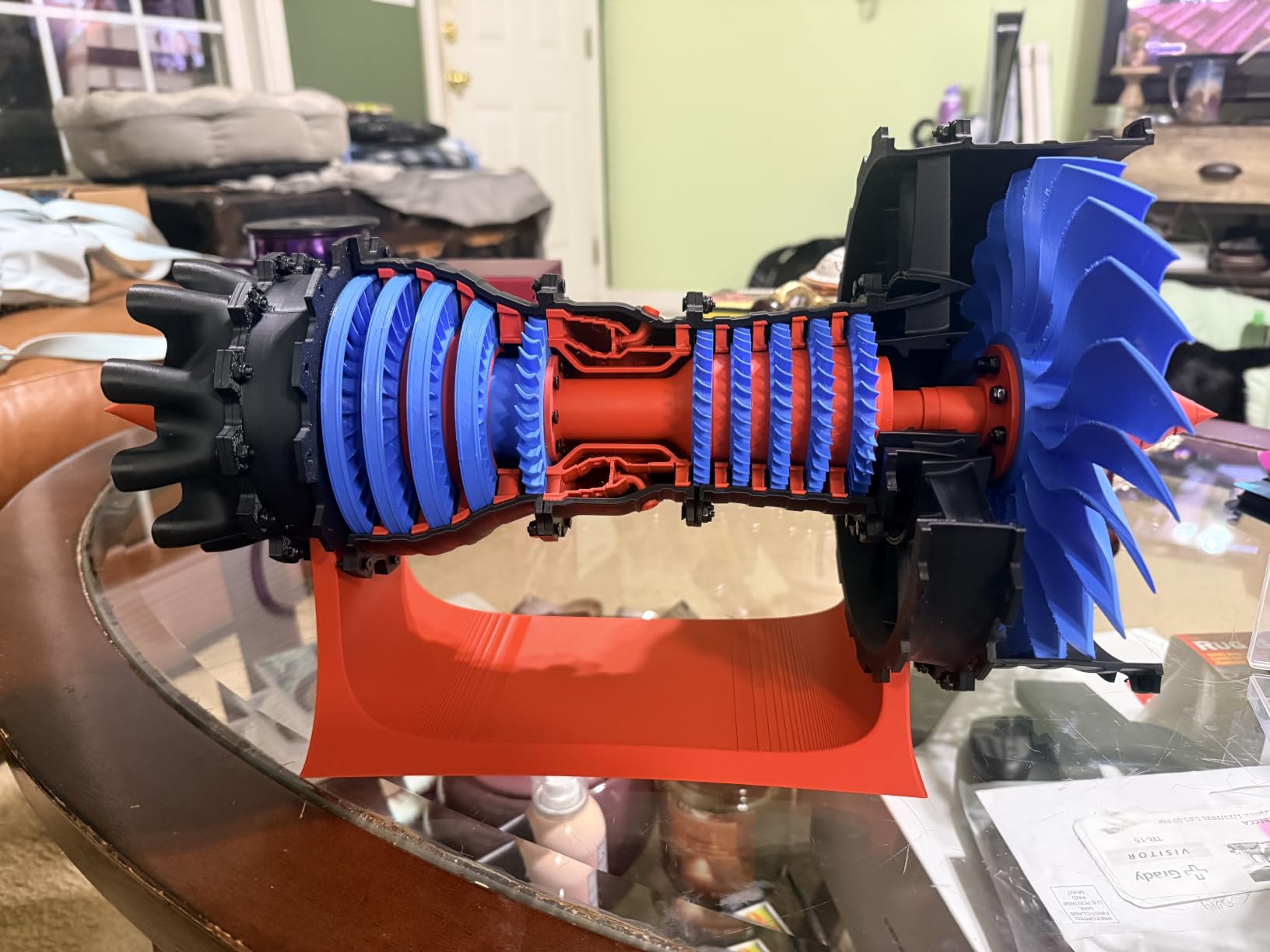
Supported filament runs from PLA, PETG and TPU through to PVA, PET, ABS and ASA, with capability for PA and PC. Carbon-fiber and glass-fiber reinforced polymers are explicitly not recommended, so skip those spools.
The build is the part you notice daily: glass panels, tight fittings, and an exterior that looks more like a small appliance than an experiment. It is heavy at nearly 39 pounds, which is a benefit for print stability and a consideration for where you put it.
Who the Bambu Lab P1S suits
It suits anyone making durable functional parts: brackets, enclosures, tools and anything for the car, garden or workshop where ABS or ASA is the right material. It also suits a home user who values build quality and a quiet-looking machine sitting in a living space.
For people already inside the Bambu ecosystem, the P1S adds up to 16 colors when paired with an AMS, and owners single out its slicer and model library as a reason the machine feels finished rather than assembled.
Who the P1S does not suit
It does not suit someone who wants to operate the machine from a screen, because there is no touchscreen. The camera is also weak for time-lapse at this price, which disappoints people who want to share a video of the print finishing.
A small number of buyers reported missing hardware or early failures, and the closed ecosystem draws steady criticism from advanced users. If you want four colors with no add-on and no purge waste tower, the built-in multi-color machines further down fit better.
4. Creality Ender 3 V3 SE – Best Budget 3D Printer Under 500 Dollars
Creality Ender 3 V3 SE Beginner-Friendly 3D Printer with Auto Leveling
CR Touch auto leveling
250mm/s
Sprite direct drive
Dual Z lead screws
Pros
- Very low entry price with genuinely useful auto leveling
- Around 20-minute setup needing only basic tools
- Proven Sprite direct drive extruder handles everyday filaments
- Reliable and easy to maintain once running
- Silent 32-bit mainboard reduces operating noise
Cons
- Open frame makes high-temperature filaments difficult
- Bed-slinger motion is less precise than CoreXY at speed
- Power switch is factory-set to 220V and must be changed to 125V in the US
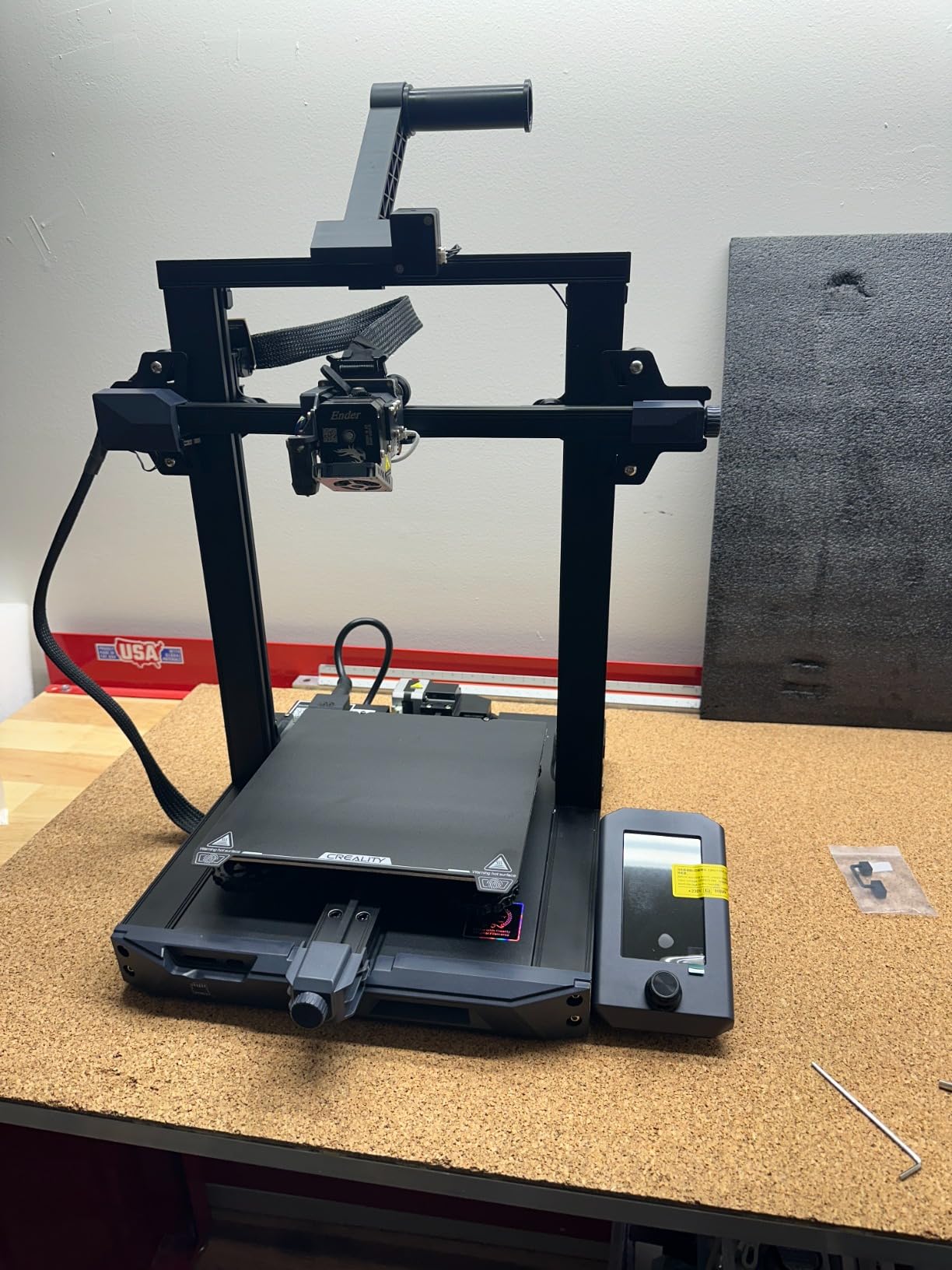
The Ender 3 V3 SE is the least expensive machine on this list, and it is a strange value because it still ships with CR Touch auto leveling and automatic Z-offset calibration. That combination was not available at this outlay a few years ago, and it removes the part of the first-print experience that causes beginners to give up.
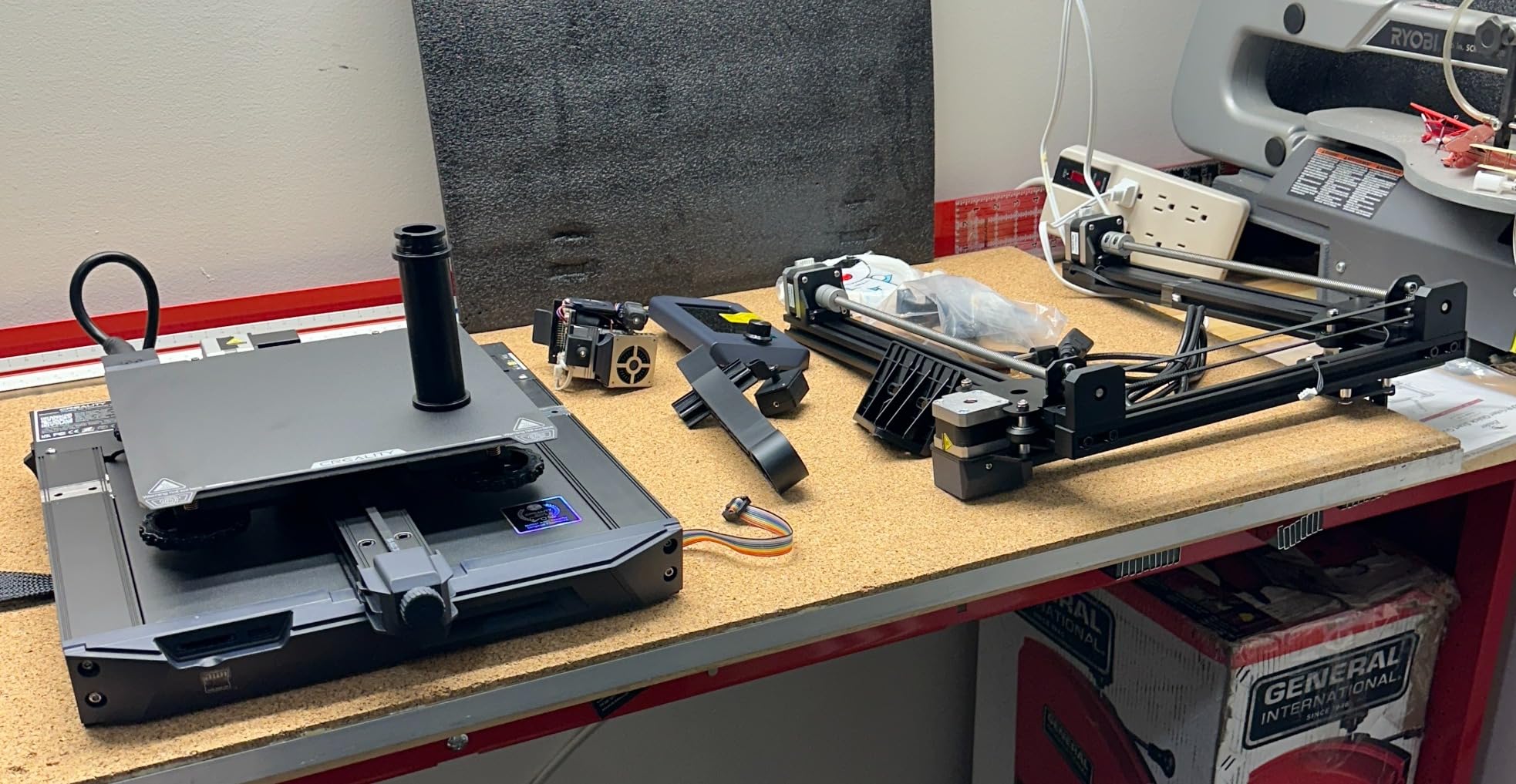
Setup takes about 20 minutes with basic tools. The dual Z lead screws and precision Y-axis linear shafts cut the Z wobble that made older Ender models ripple visibly at moderate layer heights, and the 32-bit mainboard keeps the machine quiet while it runs.
One practical note that catches new owners out: the power switch on this model is factory-configured for 220V. In the US you need to change that to 125V before first use. It is a small thing that can damage the board if you miss it, and no review mentions it more often than the fans.
The durability feedback is the honest weakness. A handful of owners report failing cooling fans or a noisy Y-axis within months, which is exactly the wear-and-tear profile forum regulars point to when they advise learning on a cheap machine.
Who the Ender 3 V3 SE suits
It suits a beginner on a tight budget, or anyone who wants to learn the fundamentals without spending real money on a mistake. Experienced printers often recommend exactly this path: the machine teaches you the habits that transfer to every printer you own later.
It also suits a second household machine, a classroom set, or a workshop where having a cheap spare on hand matters more than polish.
Who it does not suit
It does not suit anyone who prints ABS or ASA, because the open frame makes corner lift a daily fight. It also suits less well for people who print large objects, since the build volume is modest and plenty of owners wish for more height.
For faster motion and a CoreXY bed at a similar outlay, the two Flashforge machines in this list move considerably quicker. The trade is that the Ender teaches you more.
5. Flashforge Adventurer 5M – Best High-Speed 3D Printer Under 500 Dollars
FLASHFORGE Adventurer 5M 3D Printer, 600mm/s High-Speed, 1 Click Fully Auto Leveling, Upgraded Direct extruder Quick Detachable 280°C Nozzle, Dual-Sided PEI Coating Plate, Print Size 220x220x220mm
CoreXY 600mm/s
One-click auto leveling
280C quick-detach nozzle
PEI build plate
Pros
- CoreXY speed that rivals much higher tiers
- Ready to print within 10-15 minutes of unboxing
- Strong all-metal frame that feels solidly built
- Print quality and auto-leveling praised for the outlay
- Tech support that sends replacement parts quickly
Cons
- No enclosure so ABS and high-temperature filaments are impractical
- 220mm build volume is smaller than most rivals here
- WiFi and app connectivity is unreliable so owners fall back to USB or ethernet
The Adventurer 5M is the value CoreXY machine in this group. It hits 600mm/s with 20000mm/s2 acceleration and input shaping to control ghosting, which is headline territory most buyers associate with a much higher tier of machine.
What convinced us is the gap between the numbers and the experience. Owners who came from other printers call it the best value CoreXY machine in its class, and consistently describe unboxing to first print in 10 to 15 minutes with a frame that feels solidly built rather than folded from plate.
The quick-detachable 280°C nozzle reaches 200°C in 35 seconds and flows at 32mm3/s, and the dual-sided flexible PEI steel plate handles PLA, PETG, TPU and carbon-fiber variants. There is also a filament run-out sensor and power loss recovery, both of which are cheap insurance on long jobs.
The recurring complaint is connectivity. Owners report flaky Wi-Fi and app connections and fall back to USB or ethernet, which is worth knowing if you plan to start prints from your phone. The 220mm cube is also small, and the dark chamber with no work light makes it hard to inspect a print visually.
Who the Adventurer 5M suits
It suits anyone who measures a print’s value in finished time rather than purchase outlay. A 220mm cube printed in a fraction of the time changes how much you experiment, and the input shaping keeps corners clean at the speed.
It also suits people who want a repairable machine with a maker brand that responds: several owners describe support resolving early sensor or extruder problems quickly and at no charge.
Who it does not suit
It does not suit anyone printing ABS or ASA, since the frame is open, and the 220mm build volume will frustrate you quickly if you like large cosplay pieces or full-size phone cases without splitting the model.
If app-based printing matters to you, skip it. The AD5M further down shares the same CoreXY motion and the same headline speed on a similar all-metal frame, and a minority of owners also credit Flashforge support for fast parts.
6. Flashforge AD5M – Best 3D Printer Under 500 Dollars for Beginners
FLASHFORGE AD5M 3D Printer Fully Auto Calibration Print with 1-Click Max 600mm/s Speed, All-Metal CoreXY Structure Precise Printing, Easy-Maintenance Quick-Swap Nozzle, Print Size 220x220x220mm
Auto bed leveling
600mm/s CoreXY
Tool-free quick-swap nozzle
Power loss resume
Pros
- Quick
- largely assembly-free setup that beginners manage unaided
- Good print quality and layer adhesion for the outlay
- Noticeably quieter than many printers in this class
- Tool-free nozzle swaps take only seconds
- Strong value that leaves budget for filament and accessories
Cons
- No enclosure so it is limited to everyday filaments
- WiFi and app connectivity is spotty; ethernet or USB is more dependable
- Slicing requires a Windows or Mac computer
The AD5M is a nearly identical motion platform to the Adventurer 5M with a more beginner-shaped package. Fully automatic one-click leveling and nozzle-to-plate offset calibration mean the first print does not depend on your hands, and reviewers describe the setup as quick enough that beginners manage it without help.
It is also quieter than most machines at this level, and that combination, low noise plus automatic calibration, is what makes it good for a study. Several owners report that most problems they hit turned out to be their own filament handling or slicing settings rather than the machine.
The tool-free quick-release nozzle is available in 0.25, 0.4, 0.6 and 0.8mm and swaps in seconds, which means you can move from fine detail to fast draft prints without waiting for a nozzle to cool. Power outage resume and a double-sided flexible PEI steel plate round out a well-judged feature set.
Two real constraints. Slicing happens on a Windows or Mac computer through the Orca-flashforge slicer, so there is no slicing from a tablet, and the Wi-Fi and app connection is spotty enough that owners reach for ethernet or USB. Heat-up is also slower than most buyers expect.
Who the Flashforge AD5M suits
It suits a genuine beginner who wants a CoreXY machine without CoreXY assembly, and it suits anyone who will be printing late at night in a shared space. The dual-sided PEI plate also means the first-layer problem that stops most beginners, forgetting to clean the plate, has a forgiving surface to sit on.
For a first functional part rather than a display model, the tool-free nozzle change is a genuinely useful feature, not a gimmick.
Who it does not suit
It does not suit anyone printing ABS or ASA, and it will not suit you if you want to control everything from a phone. Slicing needs a desktop or laptop, and the network is the weak link.
A small number of buyers received units that could not complete a test print, so inspect the machine early. The Flashforge AD5M is best understood as the quiet, forgiving gateway machine rather than the fastest one.
7. Elegoo Centauri 2 Combo – Best Multi-Color 3D Printer Under 500 Dollars
ELEGOO Centauri 2 Combo 3D Printer, Beginner-Friendly Multicolor Printing
Enclosed
Built-in 4-color CANVAS
CoreXY 500mm/s
5-inch touchscreen
Pros
- Enclosed build supports ABS and other high-temperature filaments at this price
- Four-color CANVAS system delivers fast automatic color changes
- Fast CoreXY speed with a rigid frame for stable high-speed printing
- Full auto calibration and 22 sensors reduce manual adjustment
- Excellent bed adhesion and good single-color results
Cons
- Multicolor printing is significantly slower due to the prime tower
- Nozzle under-extrudes out of the box and needs a flow ratio bump
- Vibrates noticeably with loud fans and an inconsistent Wi-Fi connection
This is the most polarizing machine in the roundup, and also the one that solves a problem nothing else here does at this price: an enclosed chamber with four-color printing built into the chassis, with no add-on unit and no separate purge box on the desk.
The CANVAS system uses independent motors per spool, RFID filament recognition and auto refill, so it loads and changes colors without you touching anything. The 5-inch touchscreen also makes it the only enclosed multi-color option here that you can operate from the machine itself.
On the other side, the reviews split hard. Many owners call it a fantastic enclosed alternative to a closed-ecosystem bundle, with fast speeds and good adhesion. Others describe hands-on troubleshooting: under-extrusion that needs a flow ratio adjustment out of the box, overhang difficulty, and firmware or app updates that broke the Wi-Fi connection for them.
Multicolor prints are noticeably slower because of the prime tower, the fans are loud enough that two closed doors are the recommended mitigation, and the built-in camera time-lapse quality is low. Expect to calibrate and tune it before you trust it.
Who the Centauri 2 Combo suits
It suits someone who wants colorful decorative prints and durable ABS parts from one machine, and who has no interest in managing a separate multi-material unit. The 22 sensors and full auto calibration mean the machine checks itself before a print, which suits people who do not want to babysit it.
It also suits anyone who insists on operating the printer from a screen, because the touchscreen is a full 5 inches across and it works.
Who it does not suit
It does not suit a first-time buyer who wants something that works without adjustment. Under-extrusion out of the box and connectivity that fails after a firmware update are both reported often enough that you should expect to spend time on it.
It also does not suit a small apartment, since at 33 pounds and nearly 23 inches tall the multicolor unit is bulky and the loud fans carry down a hallway. If you print large multi-color volumes and care about time per print, the purge overhead will annoy you.
8. Creality K2 SE 4C – Best 3D Printer Under 500 Dollars for Multi-Color and Classrooms
Creality K2 SE 4C 3D Printer, Multi-Color 3D Printer, 500mm/s Fast Printing
Built-in 4-color
CoreXY 500mm/s
37% smaller multicolor footprint
Pros
- Four-color printing works out of the box with no upgrades or extra assembly
- Fast 500mm/s CoreXY with 20000mm/s2 acceleration
- Compact footprint for a multi-color machine in home offices and classrooms
- Auto bed leveling probes only the active area which speeds setup
- Runout and tangle detection plus power loss recovery
Cons
- No enclosure so high-temperature and warp-prone filaments are unsupported
- Ready-to-print promise assumes some familiarity with slicer setup
- Multi-color prints are slower because of color-change and purge overhead
The K2 SE 4C answers the multi-color question from the other direction to the Elegoo: instead of bolting on a large unit, it integrates four colors into a body that is 37% smaller than traditional multi-material setups. That is the difference that matters in a classroom or a home office, where desk space is the actual constraint.
Everything else is built for unsupervised use. It has filament runout detection, filament tangle detection, power loss recovery and a skip-partial-failure feature, and the auto bed leveling probes only the active print area so setup is quick.
The rigid all-metal frame reduces vibration, which helps at 20000mm/s2 acceleration, and the deep customization options stand out: Creality OS, a Fluidd interface, root access and offline USB printing. For anyone who has been annoyed by a locked ecosystem, that is a real differentiator.
The frame is open, so the enclosed high-temperature workflow that the P1S and the Centauri 2 support is not available here. And the ready-to-print promise assumes you are comfortable with slicer settings; multi-color prints also take longer because of color-change and purge overhead.
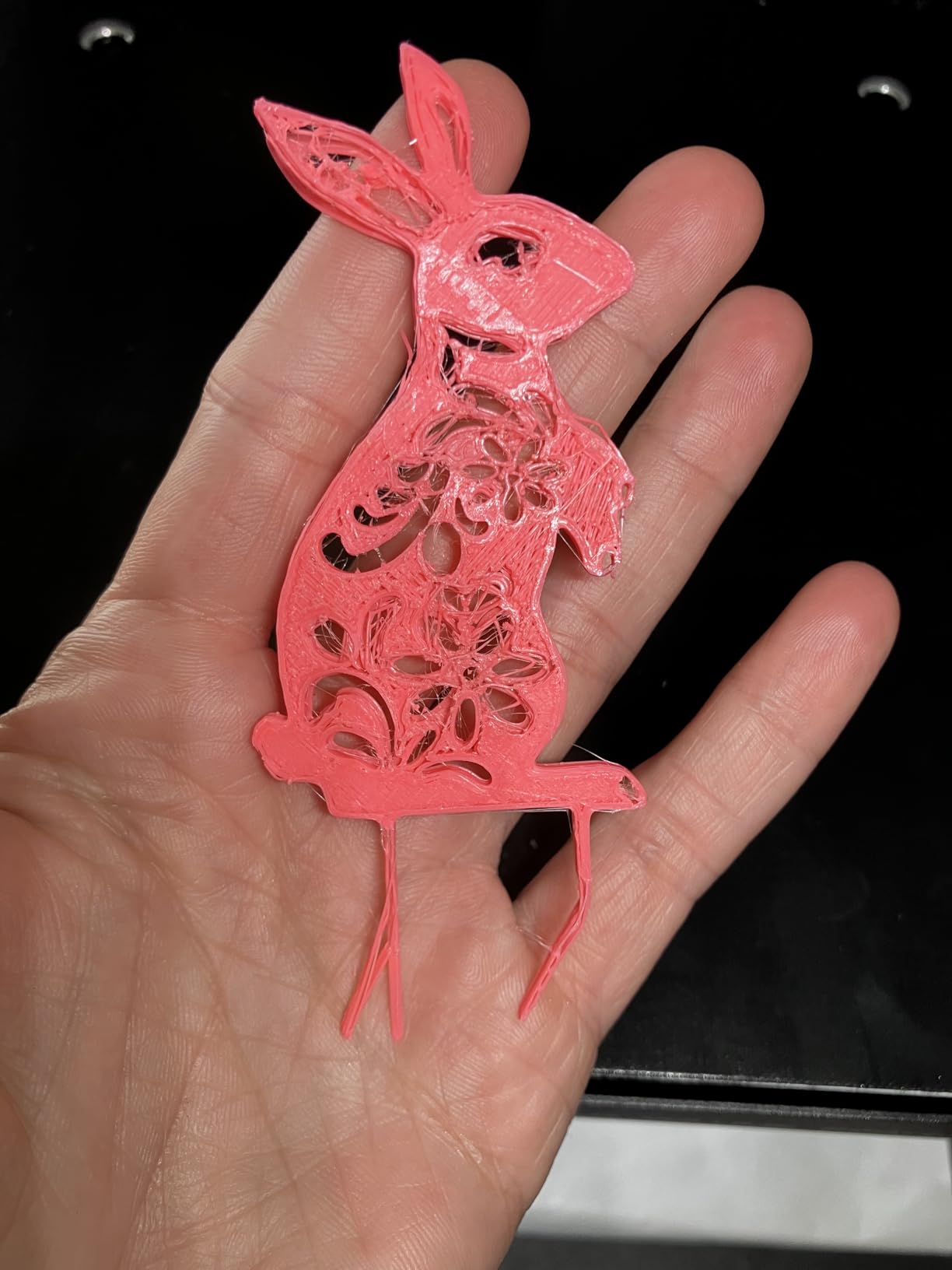
Who the K2 SE 4C suits
It suits schools, makerspaces and family desks where four colors matter and space does not. Integrated four-color means no second box, no extra wiring and no stack of purge waste taking up a shelf, which is a genuine advantage over an add-on unit.
It also suits people who want to tinker: root access and Fluidd UI mean this is one of the few machines here that welcomes modification rather than resisting it.
Who it does not suit
It does not suit anyone printing ABS or ASA, because the open frame rules out the controlled chamber those materials need. It also suits beginners only if they are willing to learn a slicer, because the out-of-box experience is not quite as hands-off as the Bambu machines.
If your prints are mostly large functional parts rather than colored objects, the purge overhead buys you capability you will not use. Check the build volume against your largest job before committing.
9. Anycubic Photon Mono 4 – Best 3D Printer Under 500 Dollars for Miniatures
ANYCUBIC Photon Mono 4, Resin 3D Printer with 7” 10K Mono LCD Screen
7-inch 10K mono LCD
9024 x 5120 resolution
17 x 17 micron pixels
Pros
- Exceptionally fine detail with layer lines virtually invisible at proper settings
- Quick setup with one-and-done 4-point leveling
- Excellent build plate adhesion stronger than FDM users expect
- Compact and very quiet
- Resumes prints after a power outage
Cons
- Small build volume limits model size and forces constant scaling
- Resin and FDM vats tend to crack and need periodic replacement
- Default profiles need exposure tuning; a computer running Photon Workshop is required
Resin produces surface detail that the FDM machines here simply cannot match, and the Photon Mono 4 is the clearest example. A 7-inch 10K mono LCD at 9024 x 5120 with 17 x 17 micron pixels puts a finish on miniatures and figures that filament extrusion leaves visibly ridged, with layer lines effectively invisible at correct settings.
The LighTurbo matrix light source keeps illumination uniform across the plate, which is what prevents the banding and scalloping that plague cheaper resin machines. The 105% precision increase over the previous Mono generation is real and visible on small details.
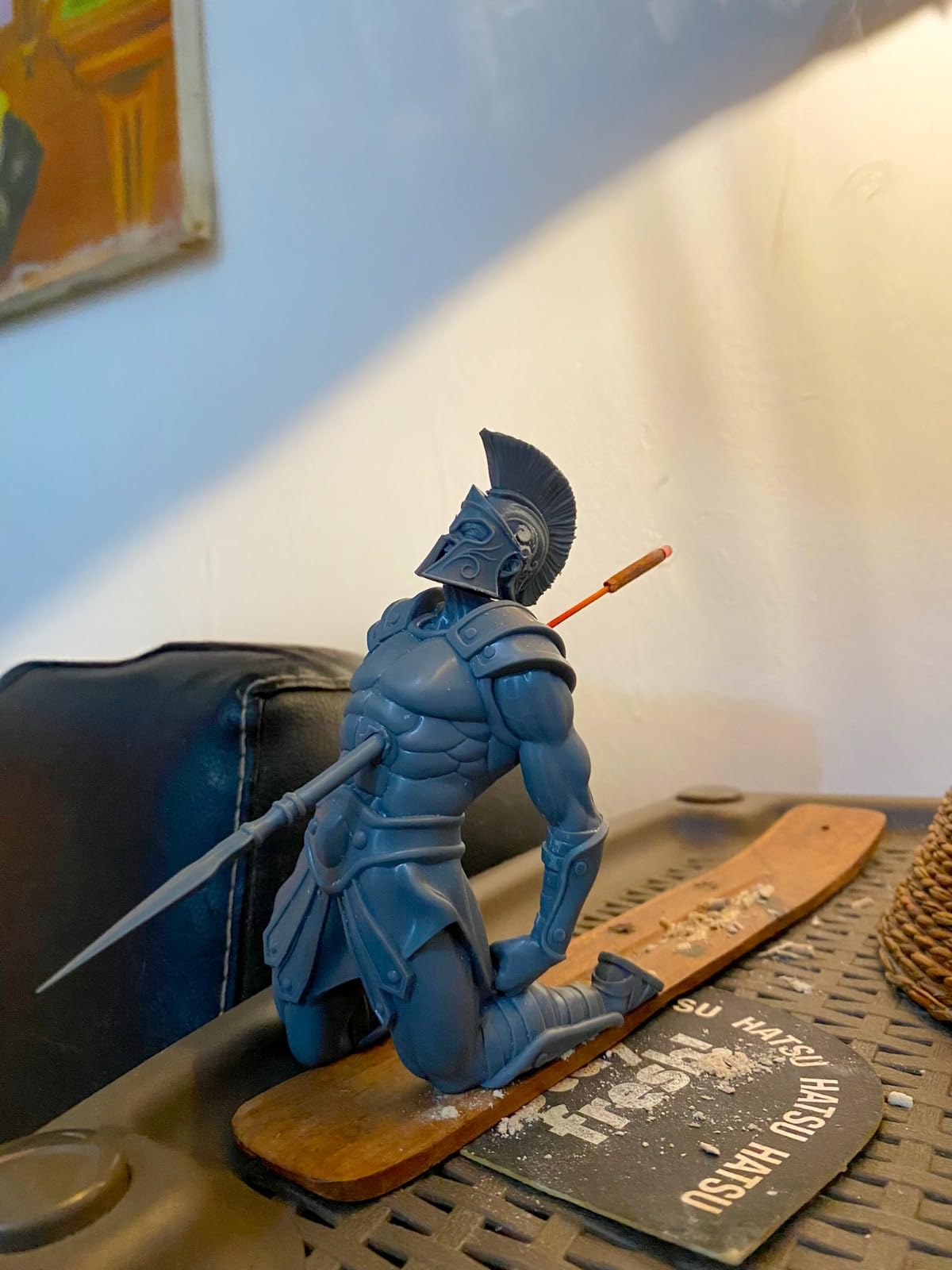
Setup is quick, and the 4-point leveling is a one-time job rather than a recurring ritual, which is unusual in resin. The laser-engraved print platform gives adhesion good enough that most people are surprised, and power outage resume protects long prints.
The build volume is the constraint everyone mentions: 153.4 x 87 x 165mm means you scale and split models constantly. Vats and FTMU films wear out and need replacing, default profiles need exposure and lift tuning, and the workflow needs gloves, ventilation and a computer running Photon Workshop.
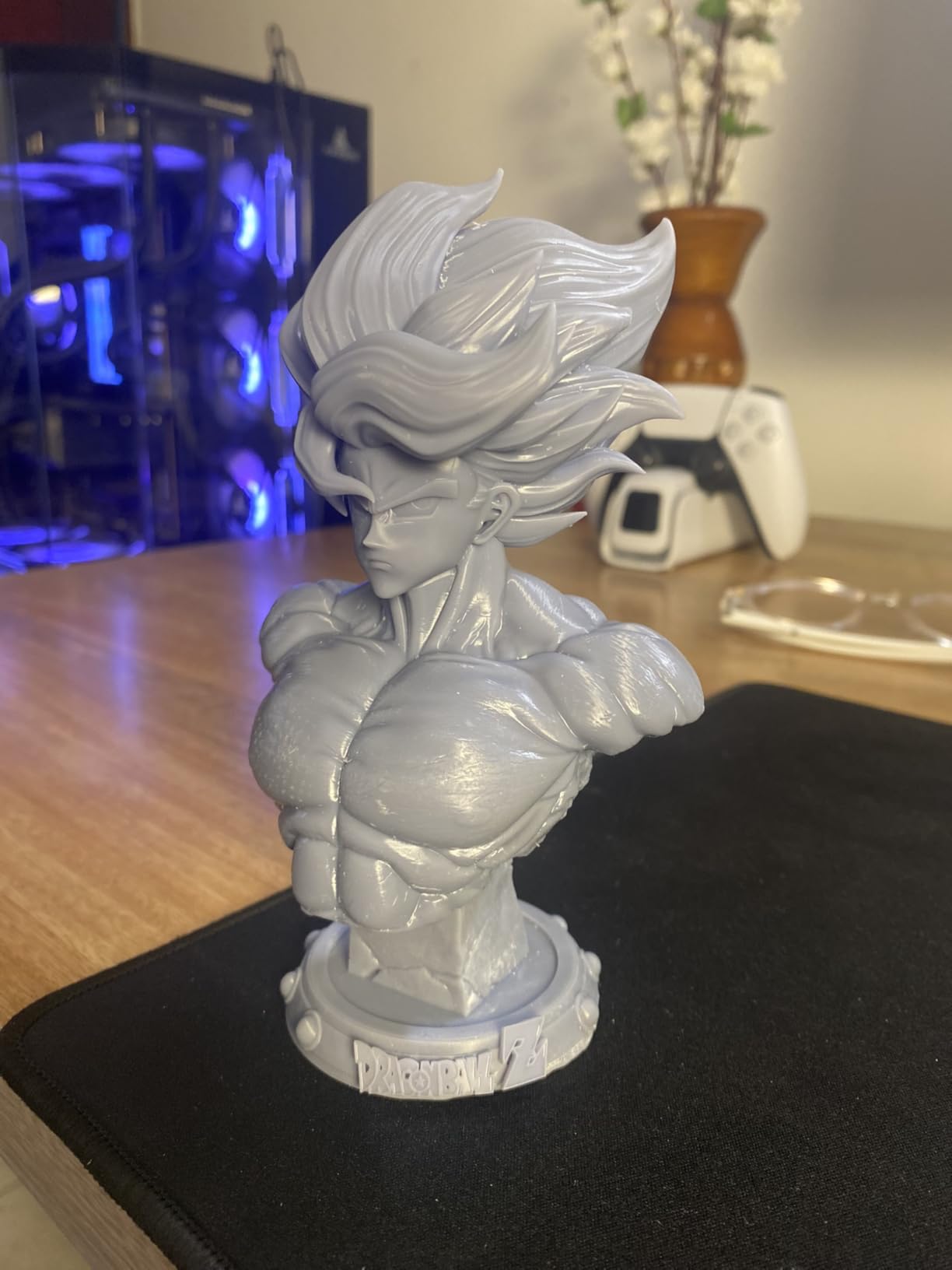
Who the Photon Mono 4 suits
It suits miniature painters, tabletop gamers, jewelry and dental model makers, and anyone whose hobby is surface quality. With several hundred reviews at 4.4 stars, it is one of the most consistently well-regarded products in this entire list.
It also suits someone who wants a second hobby machine. Resin and FDM complement each other rather than compete, and a small quiet resin printer next to a fast FDM machine covers both fine detail and larger parts.
Who it does not suit
It does not suit anyone who wants functional mechanical parts in quantity, or anyone sensitive to resin odor who cannot ventilate a room. It also does not suit a beginner who expects to open a box and print immediately, because exposure tuning is part of the job with any resin machine.
If the models you make are larger than a few centimeters, the small volume will be the thing that ends the experiment. The Saturn 3 is the resin option for bigger work.
10. Elegoo Saturn 3 – Best Large-Volume Resin 3D Printer Under 500 Dollars
ELEGOO Saturn 3 MSLA 12K 3D Printer
10-inch 12K mono LCD
218.88 x 122.88 x 250mm build
Three print modes
Pros
- Large 12K mono LCD produces very fine detail and sharp surfaces
- Generous build volume for a resin printer at this price
- Uniform 405nm COB light source reduces layer banding
- Laser-carved build plate gives strong adhesion and higher success rates
- Multiple print modes including a high-speed mode
- Compatible with third-party open-source slicers
Cons
- Resin workflow requires gloves and ventilation and careful handling
- MSLA resin prints are slow compared with FDM for larger parts
- Large and heavy unit that needs a sturdy work surface
The Saturn 3 solves the size complaint that pushes people away from resin. Its build volume of 218.88 x 122.88 x 250mm is the largest in this roundup for a resin machine, and paired with a 10-inch 12K mono LCD at 11520 x 5120 it produces genuinely sharp surfaces on models far bigger than the Photon Mono 4 can handle.
The COB Fresnel collimating light source at 405nm pushes uniformity above 90% across the plate, and that uniformity is why the layer banding that ruins cheap resin prints largely does not appear here.
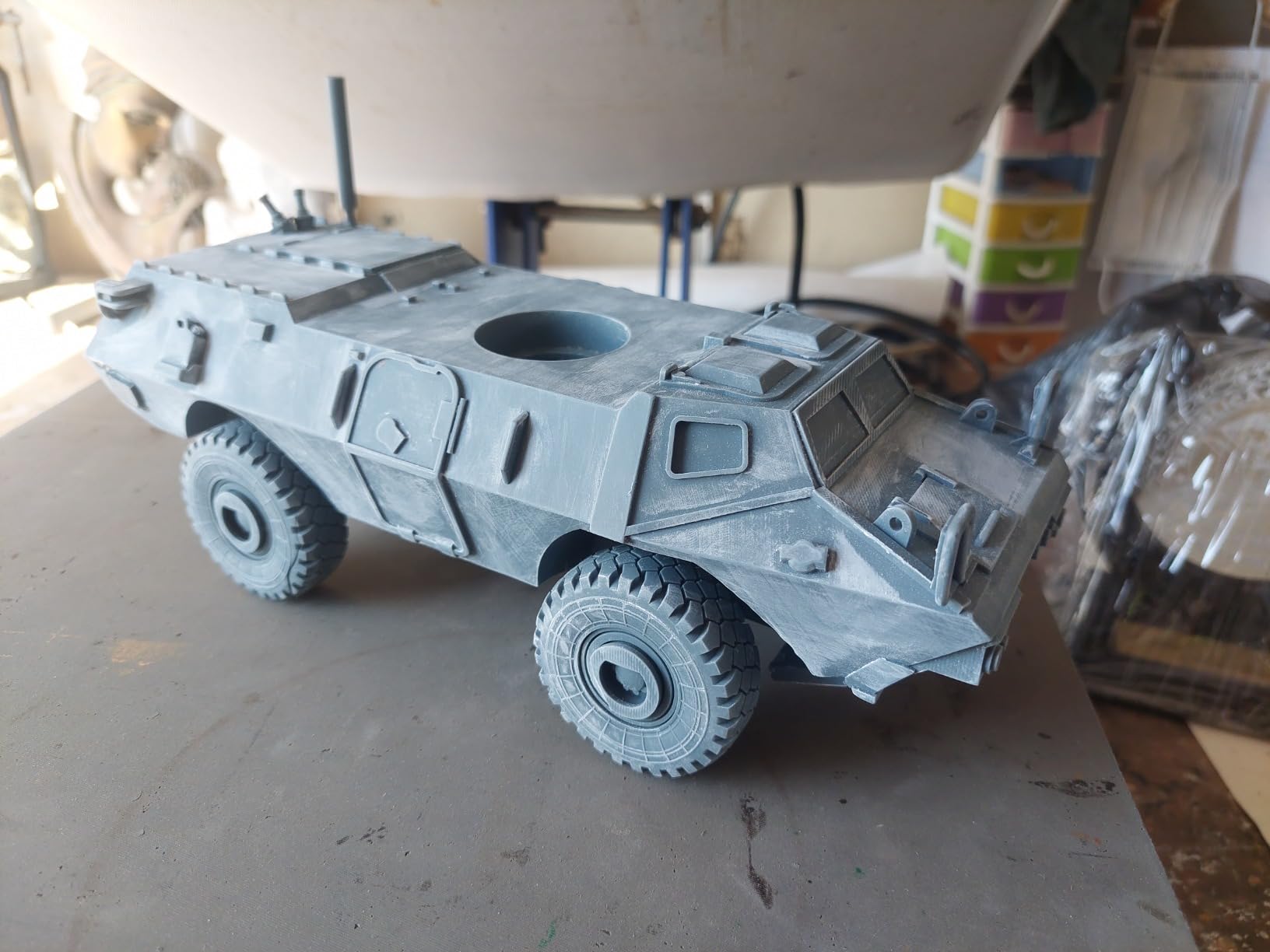
Three print modes, static, smooth and high speed, let you trade time for finish depending on the job, and the GOO open-source slice format means you are not locked into one piece of software. Compatible with CHITUBOX and Lychee Slicer out of the box.
The 9H hardness tempered glass protects the LCD, which addresses the most common resin complaint about screens degrading. The laser-carved build plate improves adhesion and success rates. It is still a 33-pound machine that needs a solid surface, and resin printing remains slower than FDM for larger parts.
Who the Elegoo Saturn 3 suits
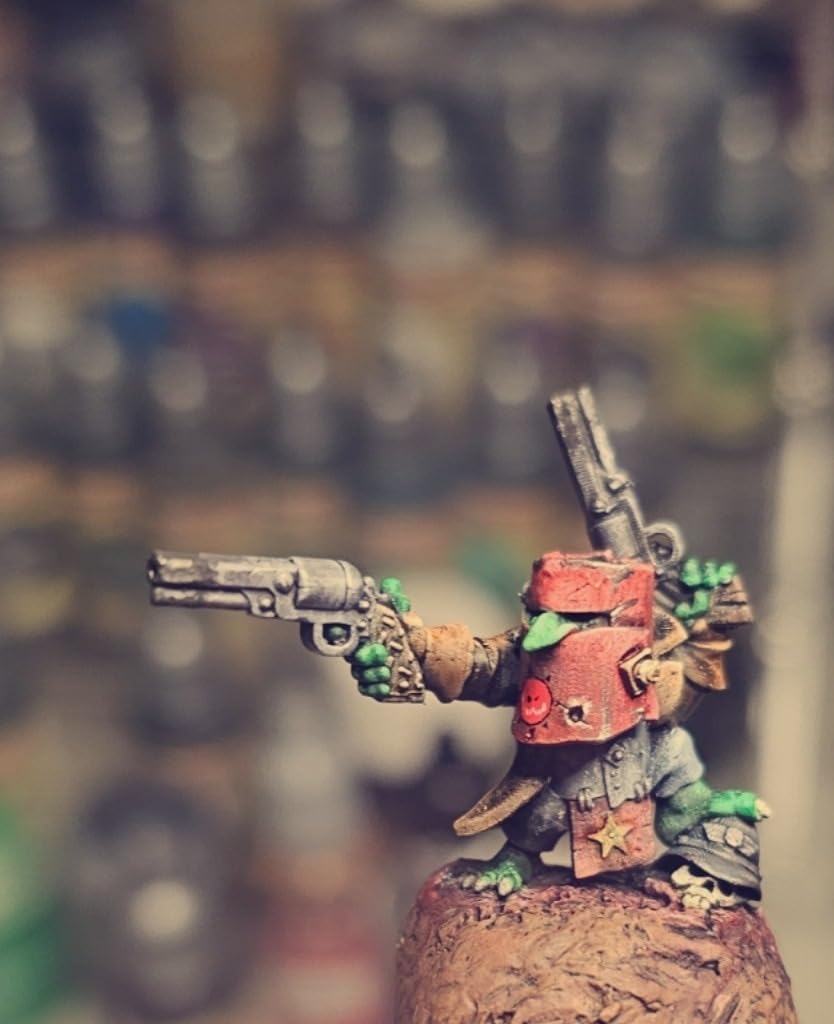
It suits resin users whose models outgrow a small plate: large figures, terrain, cosplay-adjacent props, and display pieces. Owners specifically call out the combination of 12K resolution and a big build volume as the standout at this price.
It also suits people who like open formats. The GOO slice output means your files are not locked to one vendor’s software, which is rarer than it should be.
Who it does not suit
It does not suit anyone without a ventilated space or a willingness to wear gloves and handle liquid resin. The odor and the PPE requirement are not optional, and owners mention them in nearly every review.
It also does not suit someone who needs to print a hundred functional parts. MSLA is slow for larger parts, and if your goal is quantity in a material like nylon, an FDM machine serves you better.
11. Bambu Lab A1 mini – Best 3D Printer Under 500 Dollars for Small Spaces
Bambu Lab A1 mini 3D Printer + LED Lamp Kit, Ready-to-Use for Beginners
Compact A1 mini platform
Auto calibration
MakerWorld library
Bundled LED lamp kit
Pros
- Designed for beginners with automatic calibration and simple setup
- Compact and lightweight and quiet enough for a home or studio workspace
- Access to the large MakerWorld model library and Bambu Handy app
- Bundled LED Lamp Kit adds a ready-to-make project out of the box
- Good print quality and reliable everyday operation
Cons
- Small build volume limits it to modest objects
- Open frame so high-temperature and warp-prone filaments are unsuitable
- Multi-color printing requires the separate AMS lite add-on
The A1 mini is the same design philosophy as the A1 in a body small enough for a dorm room, a home office shelf or a classroom cupboard. At 12.1 pounds it moves easily between a shelf and a desk, and it runs quietly enough that nobody in the room has to know it is working.
The bundled LED Lamp Kit is a smart inclusion. It gives a new owner something to print on day one that is more interesting than a calibration cube, and the MakerWorld model library means there is a large pool of ready-to-print designs without touching a slicer.
Automatic calibration keeps the first-layer process simple, and owners describe reliable everyday operation. For toys, home decor, functional tools and personalized gifts, it handles the work well.
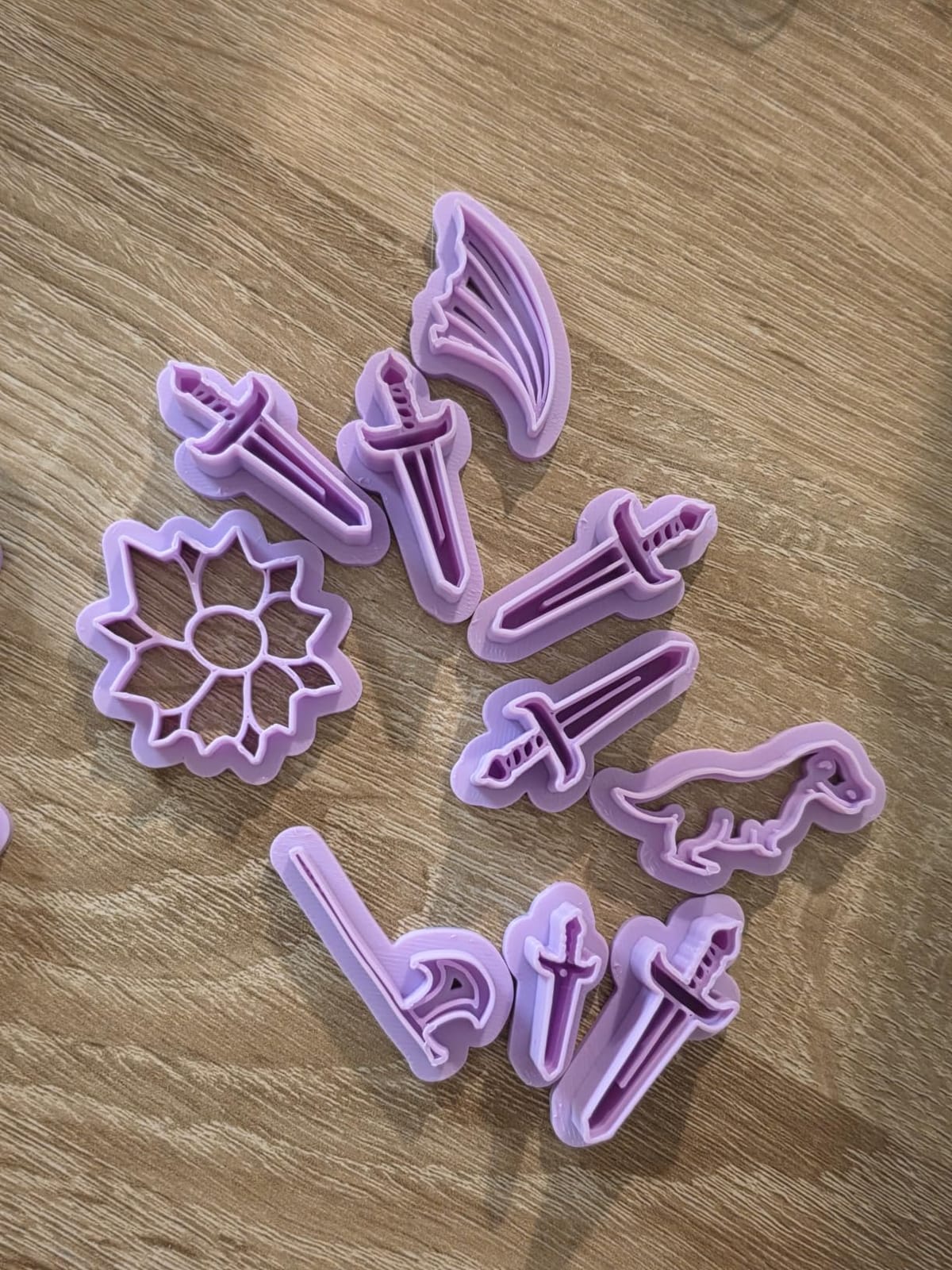
The trade is the same one the full-size A1 has, in sharper form: an open frame rules out high-temperature filaments, and multi-color needs the AMS lite bought separately. The small build volume is the defining limit and the reason owners describe it as suited to desk-scale projects rather than large parts.
Who the Bambu Lab A1 mini suits
It suits beginners in small spaces, students in dorms, and anyone who wants a tidy second machine for small parts and gifts. The quiet operation and the low weight make it easy to shift between a shelf and a desk when you need the space back.
It also suits a parent buying a first machine, because the bundled project and the model library remove the intimidating blank page on day one.
Who it does not suit
It does not suit anyone making parts over its build volume, and the frame rules out ABS and ASA. Reviewers are consistent on this being a small-format machine, not a general one.
It also does not suit someone who wants multi-color out of the box, since the AMS lite is still an extra purchase. If four colors matter, the K2 SE 4C and the Centauri 2 include them in the machine.
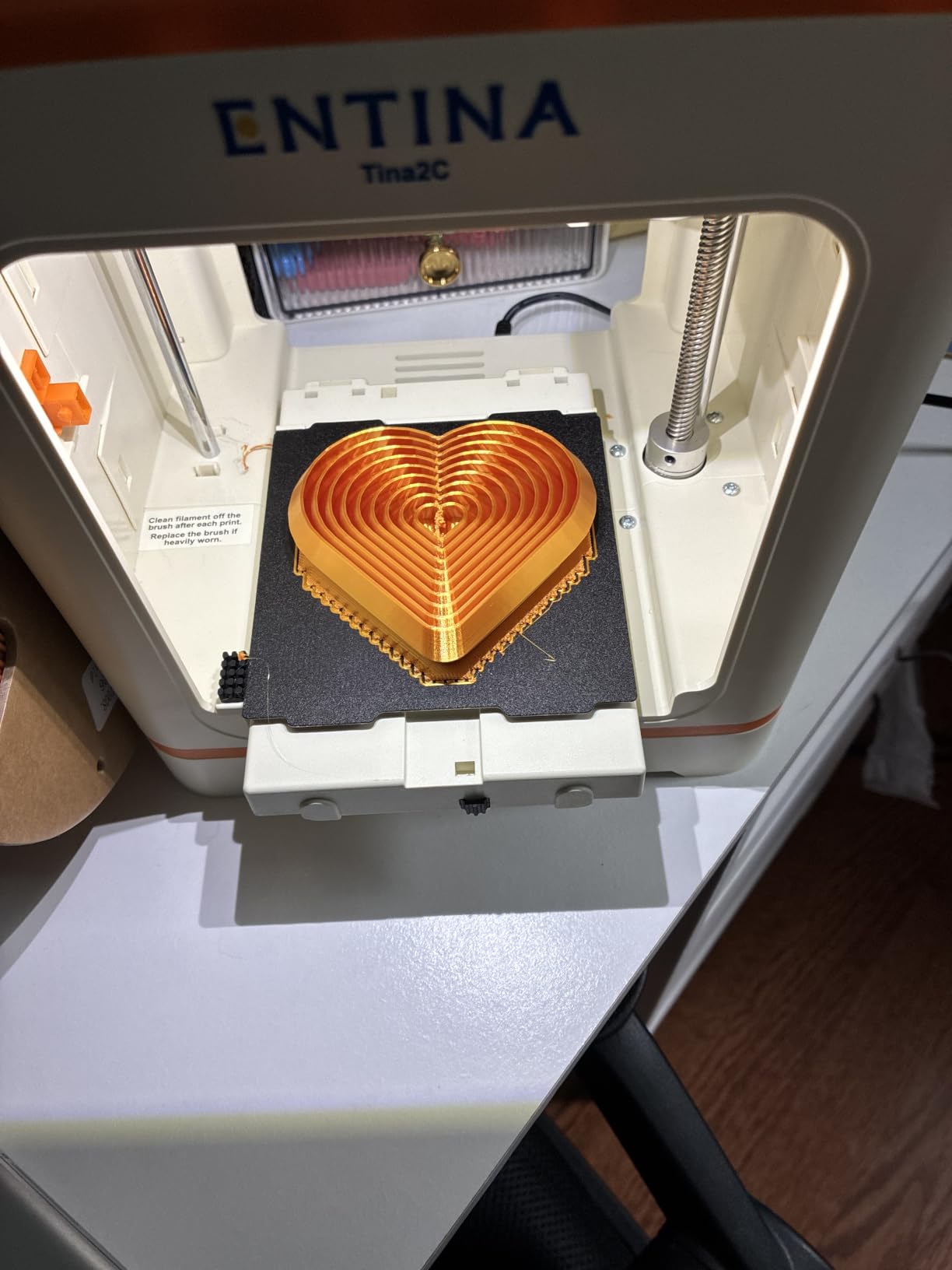
12. Entina Tina2C – Best Starter 3D Printer Under 500 Dollars for Kids and Classrooms
Entina Tina2C 3D Printer for Kids & Beginners, Fully Assembled Starter Mini 3D Printer, Start in 8 Mins, App & WiFi Control, Auto Leveling, 3000+ Model Library, 20+ Creative DIY Modules for STEM, Home
Fully assembled
First print in about 8 minutes
WiFi and app control
3.9 inch cube
Pros
- Extremely quick guided setup with a first print in about 8 minutes
- App and AI search make model selection easy for non-technical users
- Small and quiet and safe for home or classroom use with integrated LED lighting
- Cheap and approachable entry point for children and first-time makers
- Flexible magnetic plate makes finished models easy to remove
Cons
- Very small 3.9 inch build volume quickly becomes limiting
- Some users report wobbliness in prints and occasional filament feed or clogging
- Not fully independent for beginners and no support for high-temperature filaments
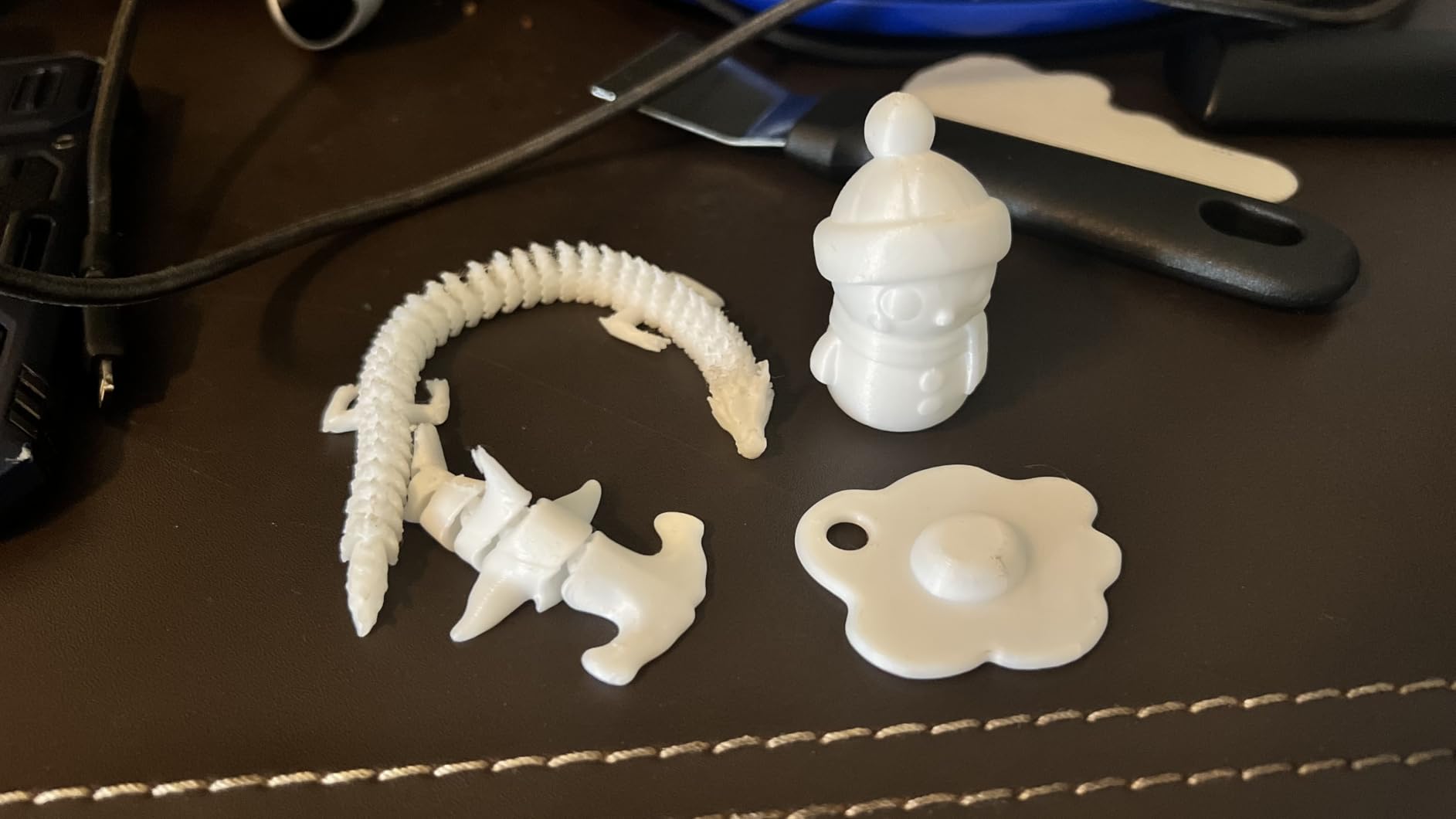
The Tina2C arrives fully assembled with guided setup in the Poloprint Cloud app and a first print in about eight minutes. At 5.28 pounds with a 3.9 inch cube, it is the smallest and lightest machine here, and the integrated LED lighting makes it look more like a consumer gadget than a printer.
For a child, that matters. The app includes AI-powered search and photo-to-print, plus 25 or more creative STEM modules, so a first-time user picks something they want to make rather than something they have to learn to model.
It runs 2.4G Wi-Fi with a TF card fallback for offline printing, includes auto leveling and power loss recovery, and is compatible with Windows, macOS, Linux, Chromebook, Cura and Simplify3D. That slicer compatibility is unusually good for a machine aimed at beginners.
The 3.9 inch build volume is the limitation owners name most often, and it outgrows quickly. Some users also report wobbliness in prints and occasional filament feed or clogging issues, and one reviewer found it not reliable enough for unsupervised child use.
Who the Entina Tina2C suits
It suits a parent buying a first introduction to 3D printing for a child, or a teacher who wants a safe, quiet, small machine for a classroom where nothing gets damaged. The STEM modules give a structured path rather than an empty app.
It also suits an adult who wants a second machine for small parts and keyring-scale objects, where the build volume is a feature rather than a limitation.
Who it does not suit
It does not suit anyone who will outgrow desk-scale objects in a few weeks, and the open frame rules out every high-temperature filament. It is also not a machine to set a child loose with unattended, which is a caution one owner raised directly.
If you expect a year of cosplay armor or a phone case, this is the wrong tool. It is a first step, and a good one, but it is a first step.
What 500 Dollars Actually Buys You in 2026
Budget 3D printers have improved faster than their prices have risen. At this ceiling you can now get automatic bed leveling, meaningful acceleration figures, and in several cases multi-color printing, a capability set that cost well over four figures a few years ago. The practical consequence is that the upper half of this budget is the sweet spot, not the compromise tier.
The entry tier below about 200 is where you find the machines we would steer a serious buyer away from. They work, and several are fine first toys, but the absence of auto-leveling and direct drive extruders is exactly the difference between a satisfying first experience and a frustrating one. The Creality Ender 3 V3 SE is the exception that proves the rule: it keeps auto-leveling at that level.
Build volume is the second thing to size up honestly. A 220mm cube covers phone cases, brackets, organizers, earbud cases and cosplay helmets printed in pieces. It does not cover a full-size helmet, a guitar body or a large terrain tile. Measure the largest thing you expect to make in year two, not the smallest thing in week one, because that regret is the most common one in the owner reviews of small machines.
On filament, a short glossary helps. PLA is easy, rigid and low-friction, the right default for display models. PETG is tougher and heat-resistant, good for functional parts. TPU is flexible and needs a direct drive extruder, which is why every machine here that claims TPU support has one. ABS and ASA are durable and heat-resistant but warp without an enclosure, which brings us to the next section.
Enclosed vs Open Frame: What the Answer Changes in 2026
If you only ever print PLA, an open frame is not a compromise. A door-closed PLA print gains very little, and the open machines here are quieter, simpler to service, and often faster. If you print any ABS or ASA, an enclosure stops being a preference and becomes a requirement.
That is the honest version of the answer most roundups soften. Warping happens when a plastic part cools unevenly as it prints, which pulls the corners up off the bed. A chamber holds steady heat around the part so it cools more evenly, and an active chamber is why the K1C, the P1S and the Centauri 2 can print durable outdoor parts at all.
The cost is serviceability. Owners warn that enclosed designs make jams and first-layer failures hard to reach and hard to diagnose, because your hands do not fit where they used to. That is a real disadvantage for a beginner who will be pulling apart a machine in the first month, and it is the strongest argument for an open frame if PLA is all you will ever use.
Noise and smell follow the same line. Open printers are loud and their ABS prints stink up a room, which pushes people toward enclosures in shared living spaces. If you print late at night near someone who is trying to sleep, the K1C’s silent mode and carbon filtration or the A1’s motor noise cancelling are worth more to you than another 200mm/s.
Multi-Color Printing Under 500 Dollars: Integrated vs Add-On Units
Multi-color is where this budget got interesting, and it is the topic no editorial competitor covers properly. There are two architectures, and the cost and the trade-offs are completely different.
An integrated unit builds four colors into the machine. The Creality K2 SE 4C and the Elegoo Centauri 2 Combo both do this, and the Creality does it in a footprint 37% smaller than a traditional multi-material setup, which is why it works in a classroom. You pay for it in machine weight and in purge time on every color change, but there is no second box to find a place for.
An add-on unit bolts onto a single-color machine. The Bambu Lab A1 and A1 mini take an AMS lite for four colors, and the P1S takes a full AMS for up to 16. This is the cheaper route to color and the one most people start with, but it needs clear space beside the printer and a spool feeding path to the toolhead.
The hidden cost in both cases is purge waste. Every color change runs a purge sequence that extrudes and discards plastic, and on a large multicolor object that overhead can add a noticeable share of filament to a single print. Community discussion on the cost per multicolor print is one of the most common threads in printer forums, and it is the number that decides whether multi-color is a hobby or an occasional treat.
Our read: if color is occasional, buy the single-color machine now and add a unit later. If you are making colored objects constantly, the integrated machines save desk space and setup time well enough to justify the larger footprint.
Resin vs FDM at This Budget: Which One Suits Your Models
Two of our twelve picks are resin machines, and they are not cheaper versions of the FDM machines. They are a different tool for a different job, and pretending otherwise is how beginners end up unhappy.
Resin cures liquid plastic with light. The result is dramatically finer detail and a smoother surface, which is why the Photon Mono 4 and the Saturn 3 are the right machines for miniatures, figures and display pieces. The cost is workflow: liquid resin, gloves, ventilation, an exposure calibration process, and a vat that wears out and gets replaced.
FDM melts filament. It is safer, quieter in a home, far faster for anything larger than a few centimeters, and the only sensible option for functional parts in engineering materials. Ten of the picks here are FDM for that reason.
The honest answer for most first-time buyers is FDM. The right answer for anyone modelling small, detailed, display objects is resin. Many hobbyists end up owning one of each eventually, because the two genuinely do not overlap.
Real Cost of Ownership, Wear Parts and the Used Market in 2026
The purchase outlay is the smallest part of owning a 3D printer. The running costs are filament, wear parts, and the electricity for long prints, and a first-year budget that ignores them produces a bad experience.
Filament is the obvious line and third-party spools are where owners find the most control over it. Dry boxes matter more than most buyers expect, because wet filament produces stringy, weak prints that look like a machine fault and are not one. A basic dry box costs little and fixes a surprising share of first-week problems.
Wear parts are the line competitors ignore. Nozzles block, fans fail, belts stretch, resin vats crack, LCD screens degrade and extruder feeders clog. In this list specifically, owners report failing cooling fans and noisy Y-axis on the Ender 3 V3 SE, early sensor and extruder issues on the Adventurer 5M that Flashforge support resolved with free parts, and resin vats needing replacement after months on the Photon Mono 4.
That is why spare-parts availability and support responsiveness belong in any buying decision at this level. A brand that sends parts quickly turns a failed print into an afternoon, and a brand that does not turns it into a retired machine.
One more route deserves a mention. The used and refurbished market is a genuine way into this tier, and it is active: forum discussions regularly cover used and refurbished Bambu Lab P1S units in the region of the 500 dollar mark, sometimes with an AMS attached and a few hundred hours logged. The trade is a shorter remaining life and no warranty worth relying on, so it suits someone who is comfortable opening a machine.
Used buyers should check three things: total print hours, whether the extruder has been replaced, and whether the heated chamber holds temperature evenly. Everything else on a well-maintained printer is consumable or replaceable.
Frequently Asked Questions
What is the best printer under 500 dollars?
The Creality K1C is our pick for the best 3D printer under 500 dollars in 2026. It is a fully enclosed CoreXY machine rated at 600mm/s with 20000mm/s2 acceleration, one-tap auto calibration, a built-in AI camera and a silent mode at 45dB. Enclosure makes ABS and ASA practical, and it has the deepest owner base in this roundup.
What is the cheapest but best 3D printer?
Among the picks here, the Creality Ender 3 V3 SE is the least expensive machine that still ships with CR Touch auto leveling and automatic Z-offset calibration, which is what usually makes budget printers frustrating. The Entina Tina2C is smaller and cheaper still, but its 3.9 inch build volume suits desk-scale projects rather than functional parts.
Is it better to have an open or enclosed 3D printer?
If you only print PLA, an open frame is fine and often quieter, cheaper and easier to service. If you print ABS or ASA, an enclosure is effectively required, because a heated chamber prevents the corner warping that ruins those materials in open air. Open frames also make jams and first-layer failures much easier to reach and diagnose.
What is the best enclosed 3D printer under 500 dollars?
The Creality K1C is our best enclosed pick for speed, materials and camera monitoring, while the Bambu Lab P1S is the quieter, more polished enclosed option with 16-color capability through the AMS. The Elegoo Centauri 2 Combo is the enclosed choice if you also want four colors built into the machine and a touchscreen.
What is the resin vs FDM question for this budget?
Neither is better overall, they solve different problems. Resin such as the Anycubic Photon Mono 4 produces far finer detail and smoother surfaces for miniatures and display models, but needs gloves, ventilation and exposure tuning. FDM machines print faster, safer and far larger functional parts, which is why ten of our twelve picks are FDM.
The Best 3D Printer Under 500 Dollars in 2026: Final Verdict
After working through all twelve, the Creality K1C remains the best 3D printer under 500 dollars. It is enclosed, fast, quiet, monitored by a camera, and supported by a large owner base that has already worked out the kinks. It is also the machine we would recommend to someone who cannot easily tell us what they want to print, because it handles the widest range of jobs.
Buy the Bambu Lab A1 if you are a beginner and want the fewest possible reasons to be disappointed. Buy the P1S if ABS and ASA matter to you and you want a polished, quiet machine. Buy the Creality K2 SE 4C or the Elegoo Centauri 2 Combo if four colors are the goal, and accept the purge waste and the tuning. Buy the Photon Mono 4 or the Saturn 3 if you are making small, detailed display models and can ventilate a room.
Start with PLA, print something simple the first evening, and only then decide whether you need an enclosure or a second color. That is the fastest route to a machine you keep using rather than a machine that ends up in a cupboard.