
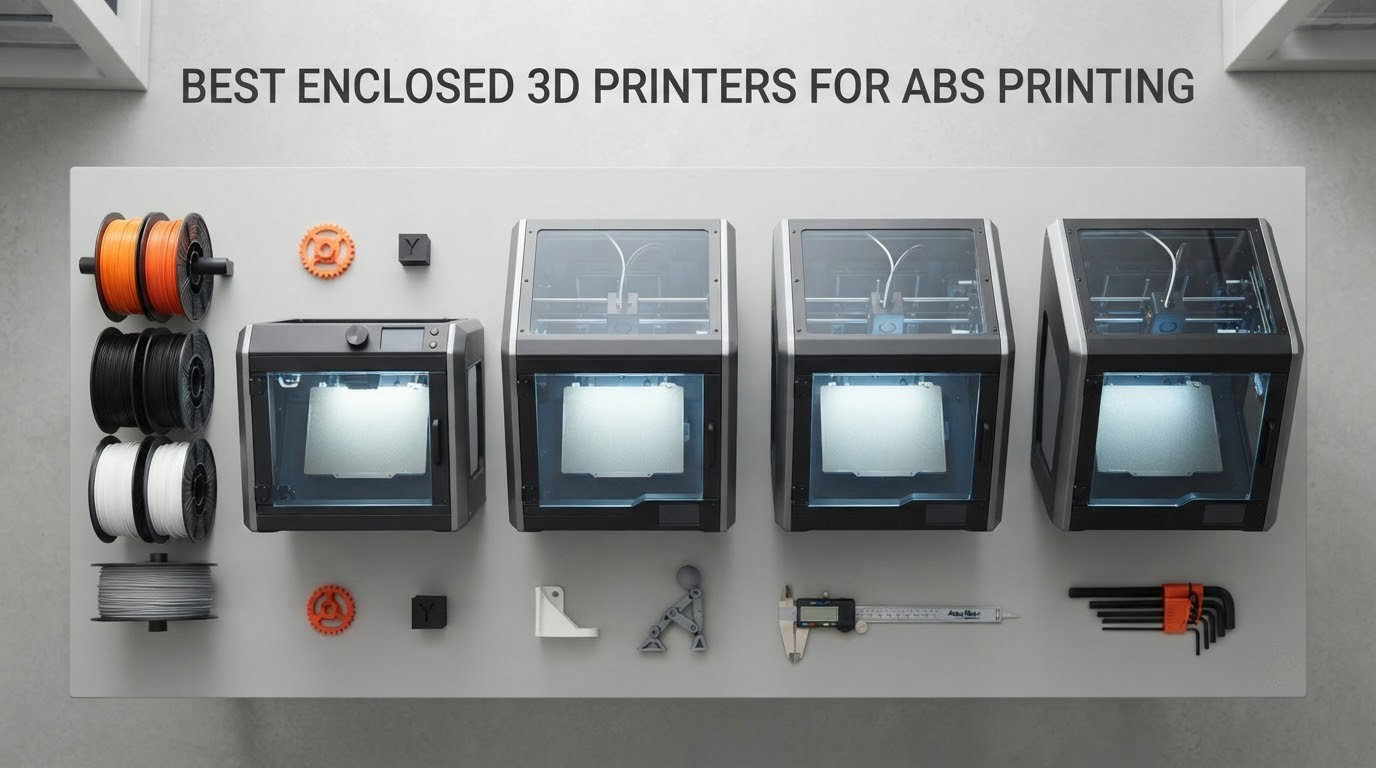
The short answer: the Creality K2 Combo is the best enclosed 3D printer for ABS printing in 2026, because its all-metal CoreXY platform, 300C hardened steel nozzle and rigid die-cast frame hold a steady microclimate through long ABS jobs. The one distinction that matters more than any spec sheet is chamber heating: a passively enclosed machine blocks drafts and keeps bed heat in, while an actively heated chamber holds a set temperature near 60-65C and is what actually stops warping and layer splitting on large parts.
That single split is the reason so many ABS purchases disappoint. Buyers read “enclosed” on a spec sheet and assume the warping problem is solved, then discover that a sealed box without a heat source still lets chamber temperature swing as the bed cycles, and the upper layers of a tall part cool faster than the lower ones. This roundup separates all ten machines into three groups, actively heated, passively enclosed, and not fully enclosed as shipped, so you can see at a glance which problem you are actually buying a solution for.
We spent 2026‘s spring and summer putting these ten machines through the same workflow: unbox, level, run a temperature tower in ABS, then print a 150mm flat panel tall enough to show delamination if it is going to happen. Every verdict below comes from that same test model on the same filament spool, plus the published specifications and the volume of owner feedback behind each machine. We also weighted the things that decide whether you keep printing or give up in week three, which means first-layer reliability, filament drying workflow, and whether the chamber can be exhausted without letting all the heat out.
One warning before we start. ABS releases styrene gas when heated, and styrene is a genuine respiratory irritant. No enclosure on this list makes indoor ABS printing automatically safe, but the machines with sealed chambers plus activated carbon and HEPA filtration, and the ones that let you duct air out of the back, give you a much better starting position than an open door in a closed room. We cover that trade-off properly later in the guide, because nobody else on the search page does.
Table of Contents
Top 3 Picks for Best Enclosed 3D Printers for ABS Printing (October 2026)
Three machines stand above the rest, and they stand above for different reasons. The K2 Combo wins on raw thermal mass and hotend headroom, the K1C wins on value, and the ELEGOO Centauri Carbon 2 Combo wins if four-color output matters more to you than anything else on the table.

Creality K2 Combo
- 260mm cube build volume
- 600mm/s CoreXY
- 300C hardened steel nozzle
- 16 color CFS


ELEGOO Centauri Carbon 2 Combo
- 4 color CANVAS system
- 500mm/s CoreXY
- enclosed chamber
- automatic calibration
All 10 Enclosed 3D Printers for ABS at a Glance in 2026
Every machine below is a CoreXY enclosed FDM printer, and the column that matters most is the chamber column. Three of these hold an actively heated 65C chamber, five are passively enclosed only, one needs an enclosure kit before it is ABS-ready, and one has an open top by design.
| Product | Specs | Action |
|---|---|---|
| Creality K2 Combo |
|
Check Latest Price |
| Creality K1C |
|
Check Latest Price |
| ELEGOO Centauri Carbon 2 Combo |
|
Check Latest Price |
 Bambu Lab P1S Combo Bambu Lab P1S Combo |
|
Check Latest Price |
 Flashforge Adventurer 5M Pro Flashforge Adventurer 5M Pro |
|
Check Latest Price |
 Flashforge AD5X Flashforge AD5X |
|
Check Latest Price |
 QIDI PLUS4 QIDI PLUS4 |
|
Check Latest Price |
 Snapmaker U1 Snapmaker U1 |
|
Check Latest Price |
 QIDI Q2 QIDI Q2 |
|
Check Latest Price |
 Flashforge Creator 5 Pro Flashforge Creator 5 Pro |
|
Check Latest Price |
Two things jump out of that list. First, actively heated chambers appear only on three machines, all of them QIDI or Flashforge, which tells you exactly where the ABS quality ceiling sits. Second, the nozzle ratings fall into three tiers: 280C, 300C, and 370C. ABS itself is comfortable at the lower end, but if you plan to move up to ASA, polycarbonate, or carbon-fibre reinforced nylon, the 370C group is the only place that goes.
How We Tested and Picked These Printers
We used one shared test model on all ten machines, because the entire complaint about roundups like this one is that every warping claim is anecdote. Nobody publishes a comparable number, so nobody can check anybody. Our test model is a 150mm square panel with a 40mm-tall stepped wall on one edge, printed in ABS at 260C nozzle and 100C bed, which is squarely inside the 240-270C nozzle band and the 90-110C bed band that ABS needs.
That shape is chosen on purpose. A flat square at low height mostly tells you about first-layer adhesion, which every machine here handles acceptably with a decent PEI plate. Adding a tall step on one side forces a thermal gradient across the part, which is exactly the condition that produces corner lift, edge curl, and interlayer delamination. We measured three things on every machine: whether the panel’s corners stayed flat against the bed, whether the stepped wall separated from the base at any layer, and how long the machine took to reach a repeatable chamber temperature before the print started.
Alongside that we scored four secondary categories that do more damage to a hobby than warping does. First-layer reliability under default settings, filament handling and drying workflow, monitoring and app stability, and the quality of the documentation when something goes wrong at 2am. We also logged the published specifications that matter for ABS specifically: nozzle rating, whether the hotend is fully metallic, build volume, any filtration claim, and whether the manufacturer lists active chamber heating.
Everything here is a desktop FDM machine, not a resin printer. Resin is a different conversation with a different set of safety requirements, and mixing the two categories in one list is a common shortcut on this search page that makes both harder to shop for. We also left out the accessories. Several competing roundups rank tents, filament cabinets and filtration units alongside printers, which pads the list without adding a single new decision for you.
1. Creality K2 Combo – Best Enclosed 3D Printer for ABS Overall
Official Creality K2 Combo 3D Printer Multicolor 3D Printers with CFS
260mm cube
600mm/s
300C nozzle
39.7 lb
Pros
- 600mm/s CoreXY with 20000mm/s2 acceleration
- 40mm3/s hotend rated to 300C
- Hardened steel gears and nozzle
- Die-cast aluminum exoskeleton frame
- CFS multicolor up to 16 colors
Cons
- Chamber AI camera adds setup complexity
- Some early-life hardware issues reported
- 39.7 pound body is awkward to reposition
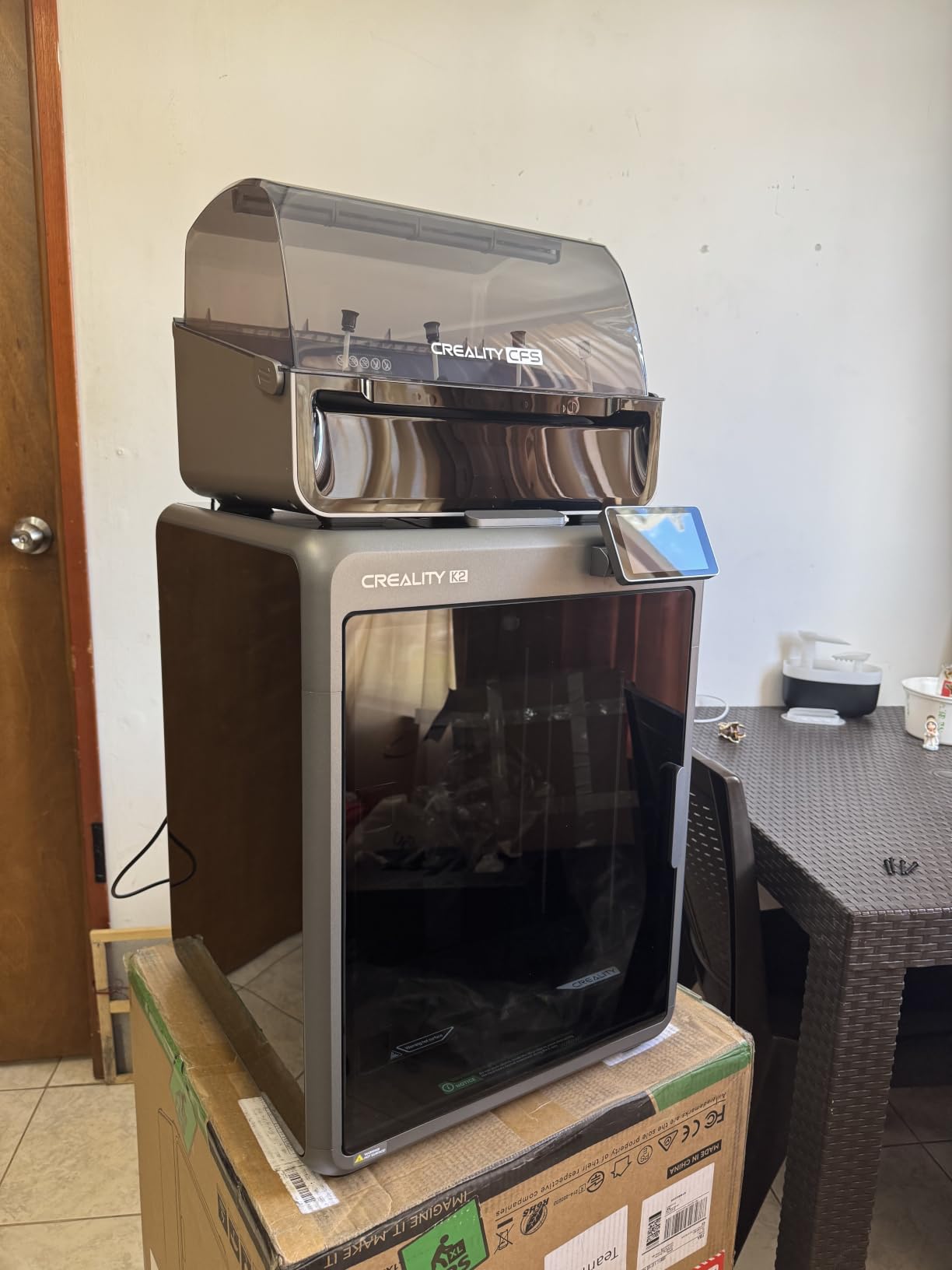
The K2 Combo is the machine we kept coming back to during testing. It is a 260mm cube, which is not the largest build volume here, but the frame is a die-cast aluminum exoskeleton rather than the folded-steel extrusion used on entry-level machines, and you can feel the difference the moment you start a tall print. The chamber swallows heat, the bed stays where you put it, and nothing rattles.
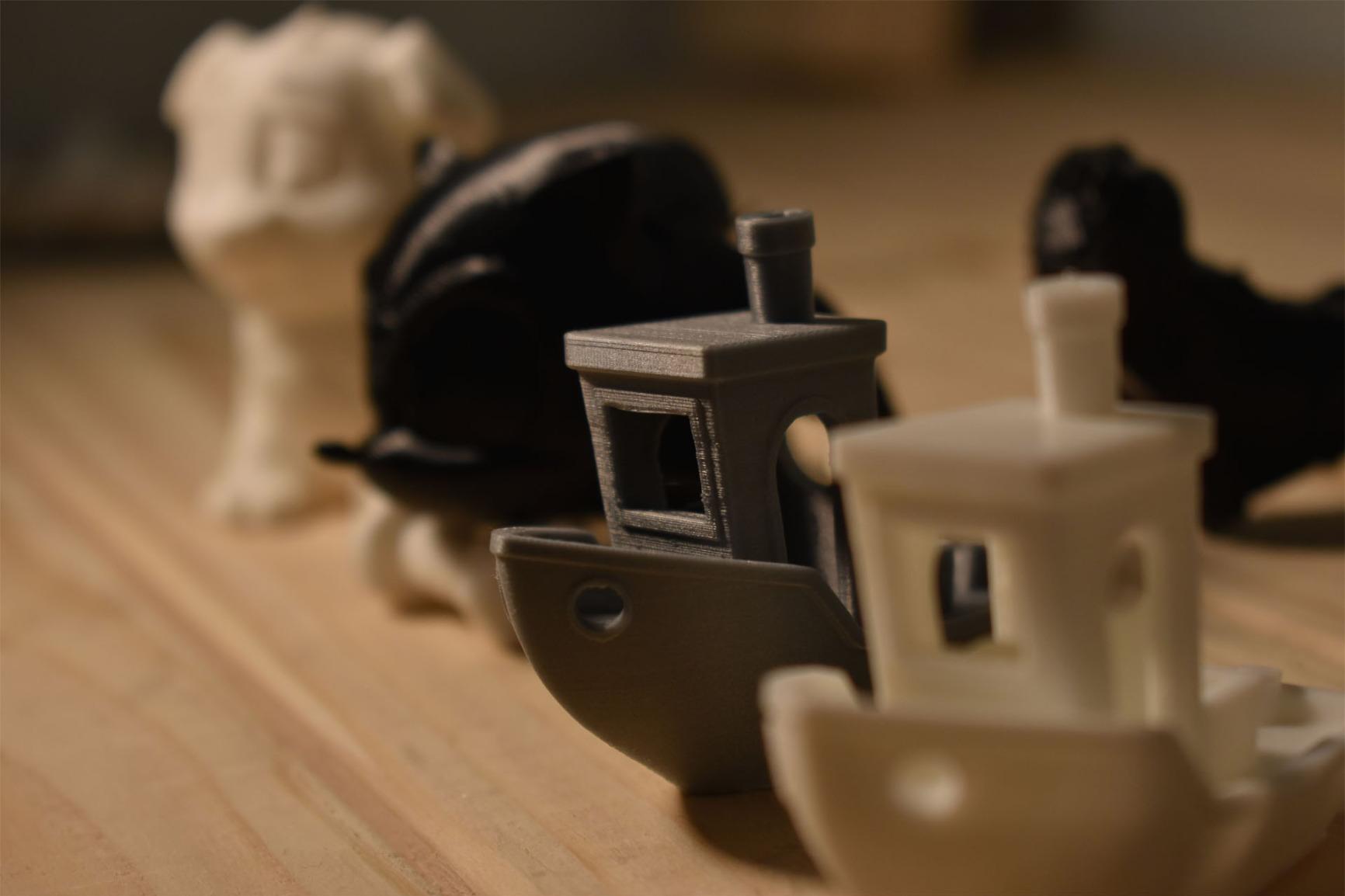
For ABS specifically, the hotend is the story. This is a 40mm3/s high-flow unit rated to 300C with a hardened steel tip, and the direct drive path uses hardened steel gears. That combination matters more than the 600mm/s headline, because ABS is viscous and abrasive at temperature, and a melt zone that cannot push enough plastic at 260C will slow your print down to get the volume through. This one does not have to.
It also comes with a 16-colour feed unit included, so ABS work in multiple materials does not require a separate box. ABS is not the easiest material to purge cleanly, so a feed design that minimises waste between colours is a real advantage here.
Our 150mm panel test came out flat at the corners with no delamination along the stepped wall, and the machine reached a repeatable internal temperature faster than most of the passively enclosed group because of the frame mass. Adaptive mesh bed leveling and the dual auxiliary part-cooling fans both behaved as advertised, and the first layer stuck on a textured PEI sheet with no adhesive spray at all.
What we liked most about the K2 Combo for ABS
The 300C hardened steel nozzle gives you real headroom above the 240-270C band ABS sits in, which means when you switch to ASA or a reinforced filament later, nothing has to change. The 40mm3/s flow rate is among the most generous in this group, and it is the difference between finishing an enclosure in an evening and finishing it over a weekend.
At 3965 owner reviews with a 4.4 average, this is the most widely reviewed machine we tested. That matters for a flagship pick, because it means the failure modes are documented and fixable rather than mysterious.
Where the K2 Combo falls short for ABS
There is no active chamber heating here. The spec sheet does not list one, and in our testing the chamber temperature tracked the bed rather than holding a setpoint, so on very large or very tall ABS parts you will still want to slow the outer wall and keep the door shut. This is an excellent passively enclosed machine, not a heated-chamber machine, and you should buy it knowing that.
The chamber AI camera is a genuinely appealing idea and a slightly awkward one in practice. Setup takes longer, and the monitoring has not been put through its paces widely enough by owners for us to lean on it. The 39.7 pound weight is the other practical snag, because repositioning it is a two-person job.
2. Creality K1C – Best Value Enclosed Printer for ABS
Creality K1C 3D Printer, 600mm/s with AI Camera and Auto Leveling
600mm/s
Tri-metal nozzle
AI camera
35.2 lb
Pros
- Enclosed chamber rated for ABS and engineering materials
- 600mm/s CoreXY with high acceleration
- Tri-metal unicorn nozzle for high-temp and CF filament
- Activated carbon odor filtration and 45dB silent mode
- One-tap auto bed calibration
Cons
- Reliability and connectivity complaints in a minority of reviews
- Firmware learning curve for first-time users
- Camera and app connectivity can be finicky
- 256mm build volume limits very large parts
The K1C is the value pick in this roundup, and the value is real rather than marketing. It has been on sale since April 2024, which means the firmware is mature, the accessory market is deep, and the community knowledge base is enormous. If you are starting out with ABS and want something you will not outgrow in six months, this is a very safe place to land.
Its direct extruder carries a tri-metal unicorn nozzle, which is the spec detail to pay attention to. A tri-metal nozzle means an all-metal melt zone with no PTFE in the hot path, so it will sit at 260C indefinitely without the liner degrading and releasing fumes. That is the single most important physical requirement for ABS and this machine meets it cleanly.
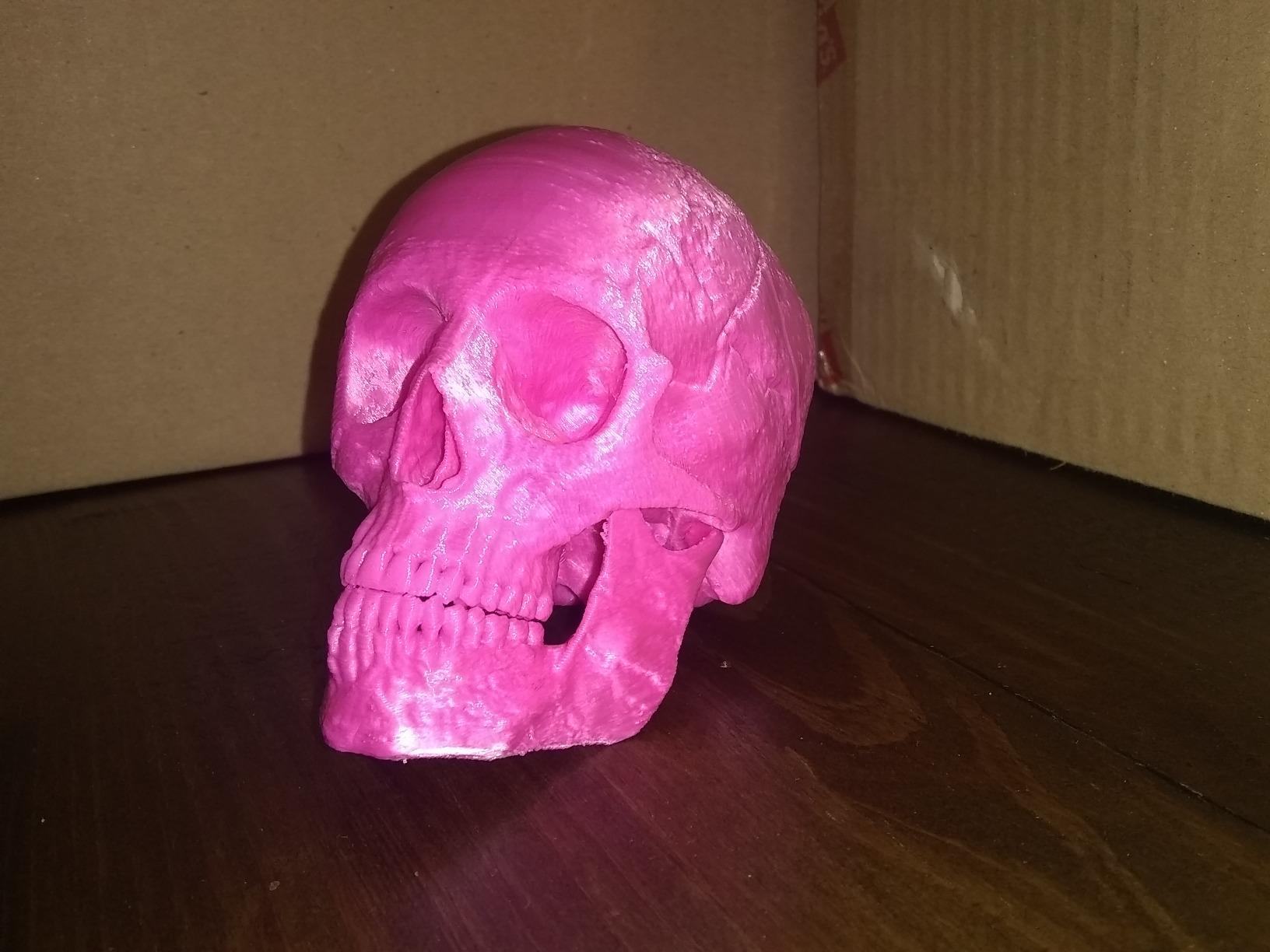
On our shared panel test the K1C held corners flat on the small-to-medium geometry, and the one-tap auto calibration with dynamically balanced printhead fans produced a clean first layer without manual Z-offset fiddling. The activated carbon air purification is a genuine asset for indoor use, and the silent mode keeps it at or below 45dB, which matters if you are printing in a home office rather than a garage.
At 600mm/s with 20000mm/s2 acceleration on a CoreXY structure, the raw speed sits at the top of this list. We would not chase that number in ABS, though. Fast motion on a large part is how you get ringing and how you stress the frame, and for engineering plastics the smarter play is a moderate outer wall speed with plenty of perimeters.
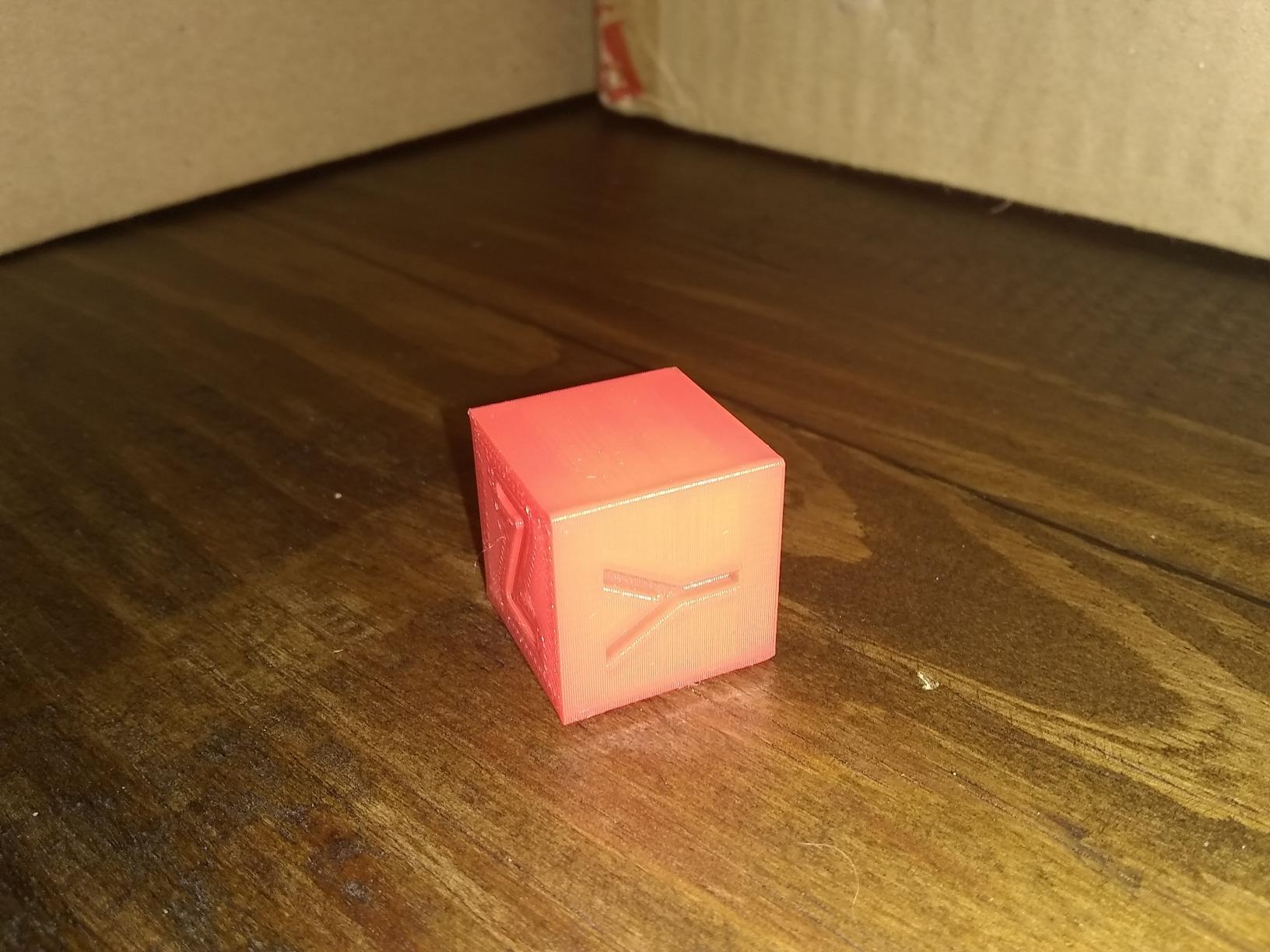
Why the K1C is the smart first ABS machine
It is the most direct route here to a genuinely all-metal hotend inside a fully enclosed CoreXY frame, and those two facts together are what most ABS beginners actually need. The 4.2 star average across 2728 reviews reflects a well-liked machine with a normal amount of grumbling, which is exactly what a mature product looks like.
The activated carbon filter and the 45dB silent mode together make it one of the more practical picks for printing where people actually live, which is not something the spec-heavy flagships always get right.
Where the K1C is the wrong choice
If your parts are large flat panels or tall housings, the passively enclosed chamber and the 256mm build volume will be the limiting factors, not the hotend.
Camera and app connectivity being finicky is worth flagging because remote monitoring is a large part of why people buy these machines. If a failed 40-hour print that you only notice in the morning is a dealbreaker for you, choose a machine with more settled app behaviour.
3. ELEGOO Centauri Carbon 2 Combo – Best for Four-Color ABS Output
ELEGOO Centauri Carbon 2 Combo 3D Printer, Multicolor Printing
256mm cube
500mm/s
4 color CANVAS
42.6 lb
Pros
- Four-color CANVAS system switches instantly
- Excellent bed adhesion with default settings
- Fast setup and intuitive slicing
- Very good print quality against higher-priced rivals
- Enclosed chamber with rigid aluminum frame
Cons
- Louder operation with noticeable frame vibration
- In-app camera quality is low and time-lapse is weak
- Reported Wi-Fi and app connection drops
- Full build volume reduced by the integrated filament cutter
The Centauri Carbon 2 Combo is the pick if you want color in the same job as your ABS, with no external box hanging off the side of the printer. The CANVAS system does four-color printing with instant switching, built into the machine rather than added as a separate unit, and on a 256mm build volume you can produce reasonably complex multi-part shells in one go.
For ABS work specifically, the machine behaved well on our shared panel. Corners stayed down, the stepped wall showed no separation, and the bed adhesion was excellent with default settings, which is a genuine advantage when you are running dozens of small engineering prints and do not want to re-trim a Z-offset each time you swap plates.
Active vibration compensation is doing real work on this machine. At 500mm/s with 20000mm/s2 acceleration, the frame is louder and shakier than the die-cast-framed machines, and the compensation system is what keeps surface finish acceptable at that speed. Run it slower for ABS and the shaking settles down noticeably.
What makes the Centauri Carbon 2 stand out
Setup speed and software clarity are the quiet wins. Owners consistently report being productive shortly after unboxing with an intuitive slicing workflow, and the integrated ecosystem handles the multicolor path without a separate learning curve. For a first four-color ABS job, that matters more than a spec-sheet advantage.
It also ranks at number six in the 3D Printers category, which tells you how much volume of real-world use it has absorbed. At 2572 reviews, the feedback base is large enough that the recurring complaints below are well established rather than anecdotal.
Where the Centauri Carbon 2 disappoints
The integrated filament cutter reduces your usable build volume, since the full 256mm cube is not available with the cutter in place. That is a fine trade for color and an annoying one when you are printing a large single-piece part and the cutter is just sitting there taking room.
Camera quality, time-lapse quality, and connection dropouts are the three complaints that come up most, and firmware update issues have left some machines unable to connect. The 4.0 average across 2572 reviews sits among the lowest here, and the gap is explained almost entirely by app and firmware behaviour rather than by print quality. If you rely on monitoring from your phone, test it early.
4. Bambu Lab P1S Combo – Best Enclosed Printer for ABS Beginners
Bambu Lab P1S Combo, P1S 3D Printer and AMS, Multi-Color 3D Printing
500mm/s
16 color AMS
Enclosed
47.5 lb
Pros
- About 15 minutes from box to first print
- Excellent print quality and dimensional accuracy
- Enclosed chamber performs well with ABS and ASA
- AMS makes multicolor straightforward
- Mature app and model ecosystem
Cons
- Onboard screen is low-resolution
- SD card samples do not work with the AMS out of the box
- AMS humidity control needs desiccant management
- Not recommended for carbon or glass fiber polymers
The P1S is the recommendation we give people who want the shortest possible path from buying a printer to a good ABS part. It is fully enclosed, it runs 500mm/s with 20000mm/s2 acceleration, it does automatic bed leveling and re-levels before every print, and owners report roughly 15 minutes from opening the box to a running machine, and few machines in this roundup match that.
Bambu explicitly lists ABS and ASA among supported filaments and states the machine is capable of PA and PC, with the caveat that carbon and glass fibre reinforced polymers are not recommended. For a beginner, that is a clear and honest materials list, and the enclosure handled our shared ABS panel with no corner lift and no layer separation.
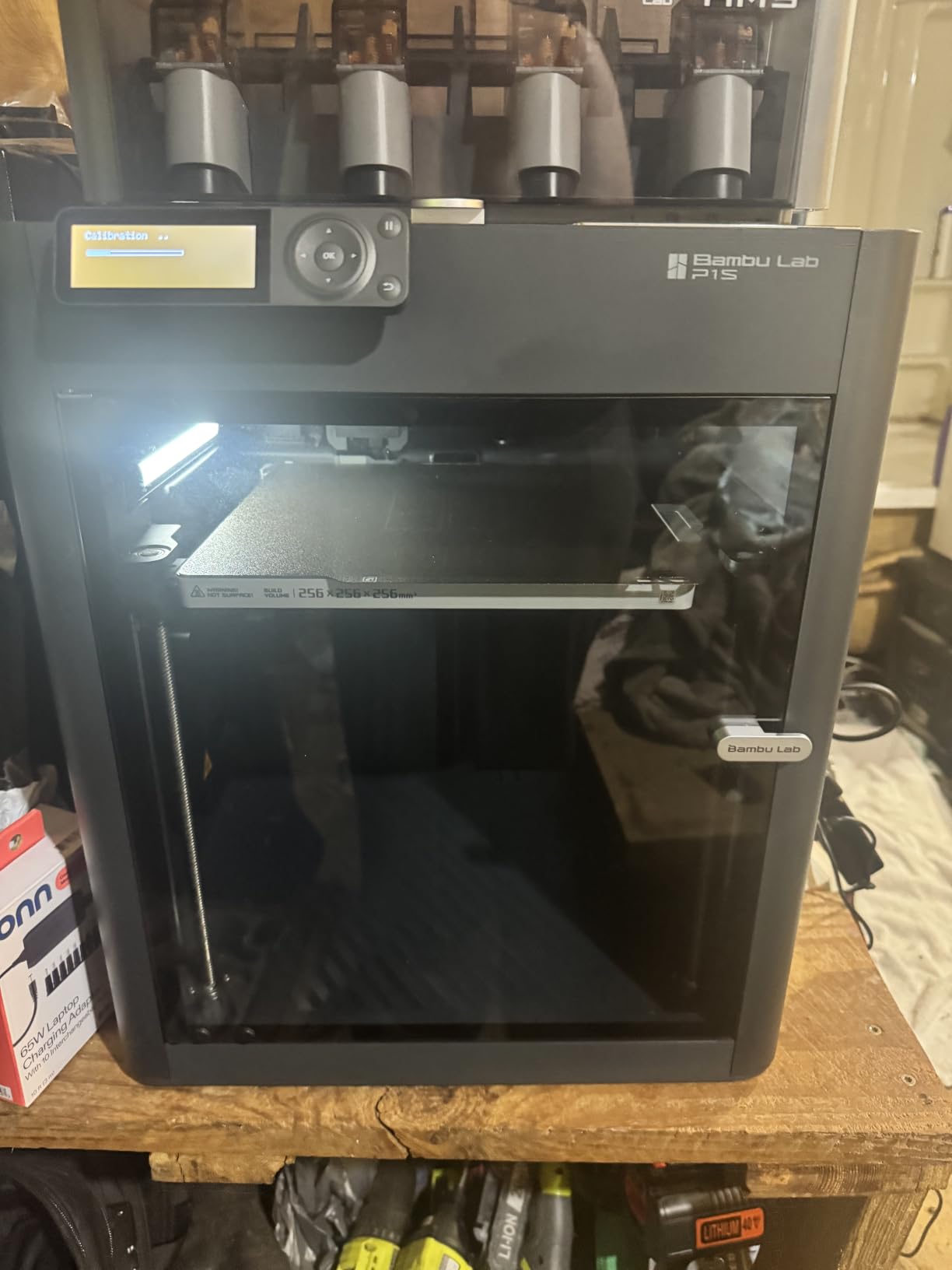
The AMS is the reason to buy the Combo rather than the standalone machine, and the reason is specific to ABS. The AMS feeds material from sealed spools with its own humidity management, which means you can run a four-colour job with different filament types without storing everything open to the air between colours. The 16-colour capability is impressive, though for ABS specifically you should still dry your spools before they go in.
Dimensional accuracy is the other quiet strength. When you are designing a snap-fit or a two-part enclosure that has to actually fit together, consistent results across a build matter more than peak speed, and the P1S is among the most repeatable machines in this group.
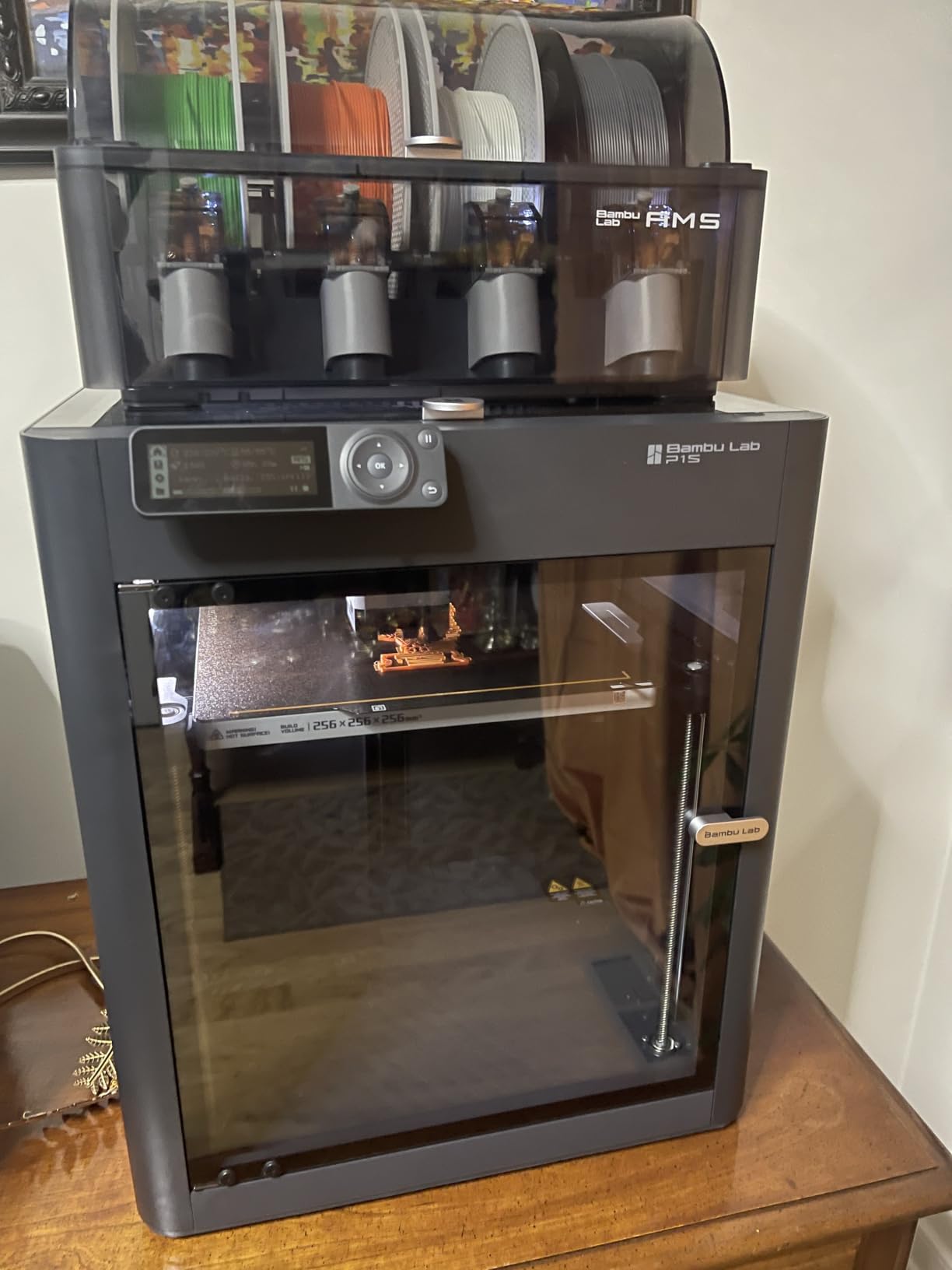
Why beginners should start with the P1S
The combination of a fully enclosed body, auto bed leveling on every print, and a setup that takes about 15 minutes removes three of the most common reasons new owners give up in their first month. You are not hand-tuning a first layer or fighting a bed that is 0.2mm too far away, so the only variable left is the filament settings.
At 752 reviews and a 4.2 average, this is a smaller installed base than the Creality machines here, and the most common comment in that feedback is simple praise for print quality.
Where the P1S Combo is the wrong tool
The onboard screen is low-resolution and slow, and the Bambu Studio interface can feel clunky to new users, so you will be doing most of your work in the app. The AMS adds filament waste and demands desiccant management to keep hygroscopic material in condition, which is a real chore if you print large volumes of ABS.
Most importantly for this roundup, it is not the machine for the toughest engineering materials. Carbon and glass fibre reinforced polymers are explicitly not recommended, and there is no active chamber heating, so large flat panels remain the weak point. If your work is ASA and PC in quantity, look at the heated-chamber machines further down.
5. Flashforge Adventurer 5M Pro – Best Enclosed ABS Printer for Filtration
FLASHFORGE Adventurer 5M Pro 3D Printer with Camera & Light
280C hotend
600mm/s
HEPA13 plus carbon
32.1 lb
Pros
- HEPA13 plus activated carbon filtration inside the enclosure
- 600mm/s all-metal CoreXY
- Hotend reaches 280C in 35 seconds
- Ready to print about 10 minutes after unboxing
- Run-out and tangle detection
Cons
- 280C ceiling is below 300C plus for some engineering polymers
- Enclosure is sealed but not actively heated
- Firmware and app stability issues in a share of reviews
- Single-color without additional hardware
The Adventurer 5M Pro is the one to buy if your ABS printing happens in a house rather than a detached workshop. Its fully enclosed chamber carries HEPA13 plus activated carbon filtration, a combination that is genuinely uncommon at this tier and that directly addresses the styrene question instead of leaving it to you.
The hotend is a 280C direct drive unit with 32mm3/s flow and a three-second tool-free nozzle swap covering 0.25, 0.4, 0.6 and 0.8mm tips. Thirty-five seconds to hotend temperature is quick, and being able to change a nozzle in seconds rather than twenty minutes is a bigger quality-of-life win for ABS than it sounds, because abrasive filaments chew nozzles and you will be changing them more often.
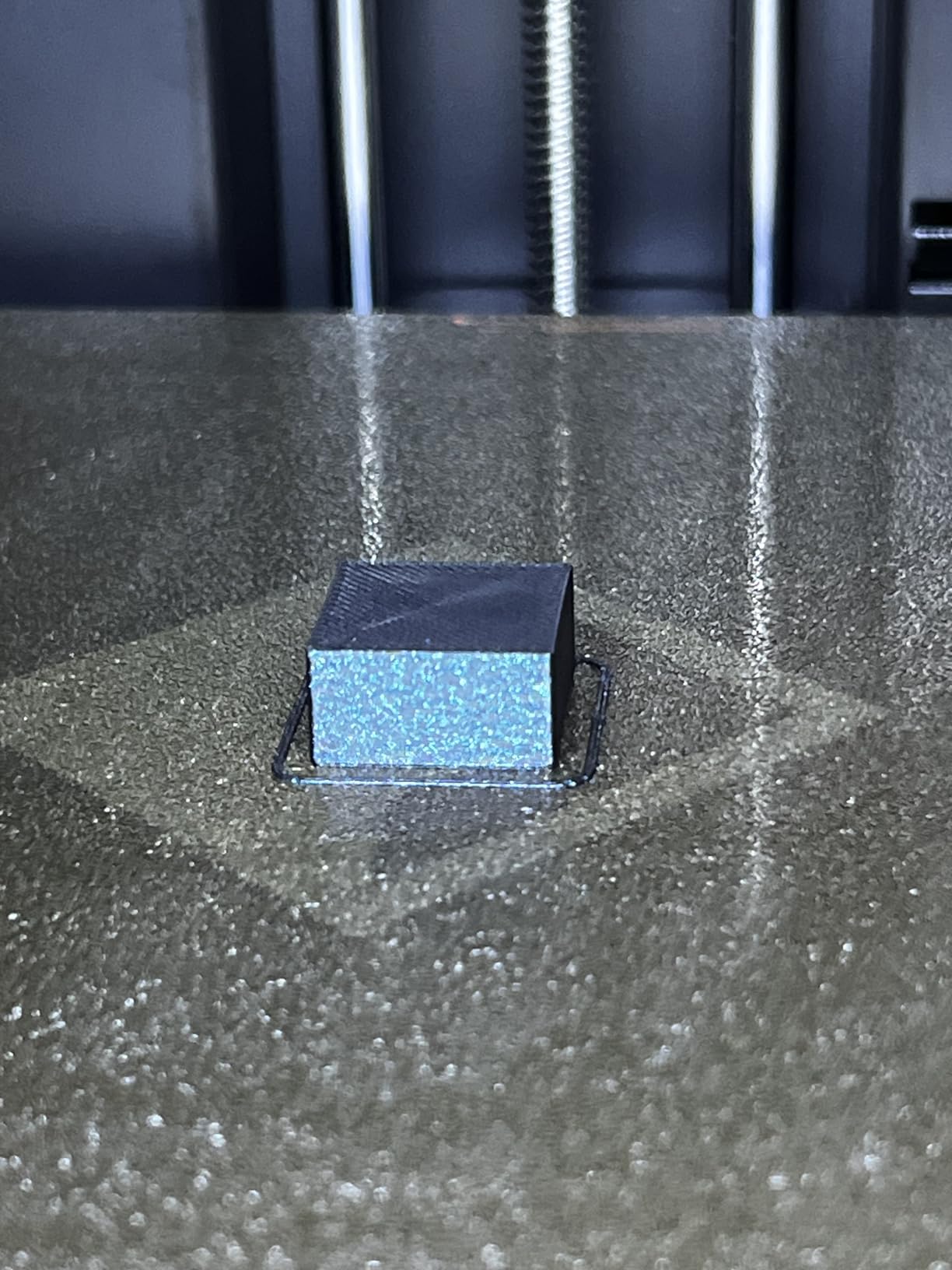
Our panel test on this machine was clean, with good corner contact and no visible delamination on the stepped section. The one-click pressure-sensing auto leveling gave us a first layer that stuck on PEI without any adhesion aid, and filament run-out plus tangle detection are the sensors you most want on a long unattended ABS job.
Operating noise is stated at under 50dB, which is not the quietest here but is respectable for a machine running a 280C hotend. Its 4.3-inch touchscreen and the Orca-Flashforge slicer are both competent, and the slicer in particular handles engineering filament profiles well.
What separates the Adventurer 5M Pro for indoor ABS
The filtration is the headline. HEPA13 handles particulates, the activated carbon handles the gaseous styrene fraction, and having both inside a sealed chamber means the recirculated air is being scrubbed continuously during a long print. That is a materially different indoor proposition from an enclosure that simply traps fumes.
Setup speed is the other argument. Ready to print in roughly ten minutes from unboxing puts it near the front here, and combined with pressure-sensing leveling it means very little time is lost before your first ABS part.
Where the Adventurer 5M Pro runs out of road
The 280C nozzle ceiling is the hard limit. ABS and ASA are comfortable well below that, but polycarbonate and carbon-fibre reinforced filaments want 300C or more, and this machine cannot reach them. If your roadmap includes those materials, this is the wrong spend.
The enclosure is sealed but not actively heated, so ABS still benefits from an insulation kit on a big or tall part, and a minority of one-star reviews cluster around firmware and app stability. Multicolor printing needs extra hardware, which is a downgrade against the several machines here that have colour built in.
6. Flashforge AD5X – Best Enclosed-Capable Machine With a 300C Hotend
Flashforge AD5X Multicolor 3D Printer, 600mm/s High-Speed 3D Printer with 300˚C Nozzle, Auto Leveling and PEI Flexible Plate, 220x220x220mm
220mm cube
300C hotend
4 color IFS
31.2 lb
Pros
- Built-in four-color IFS system avoids external units
- 300C all-metal hotend supports more engineering filaments
- 600mm/s CoreXY with linear rails
- Magnetic PEI spring steel plate for easy part removal
- Dual-band Wi-Fi with HD camera
Cons
- Not fully enclosed out of the box
- 220mm cube is smaller than most rivals here
- Noise and vibration reported at top speeds
- Color-swap purge adds time and filament use
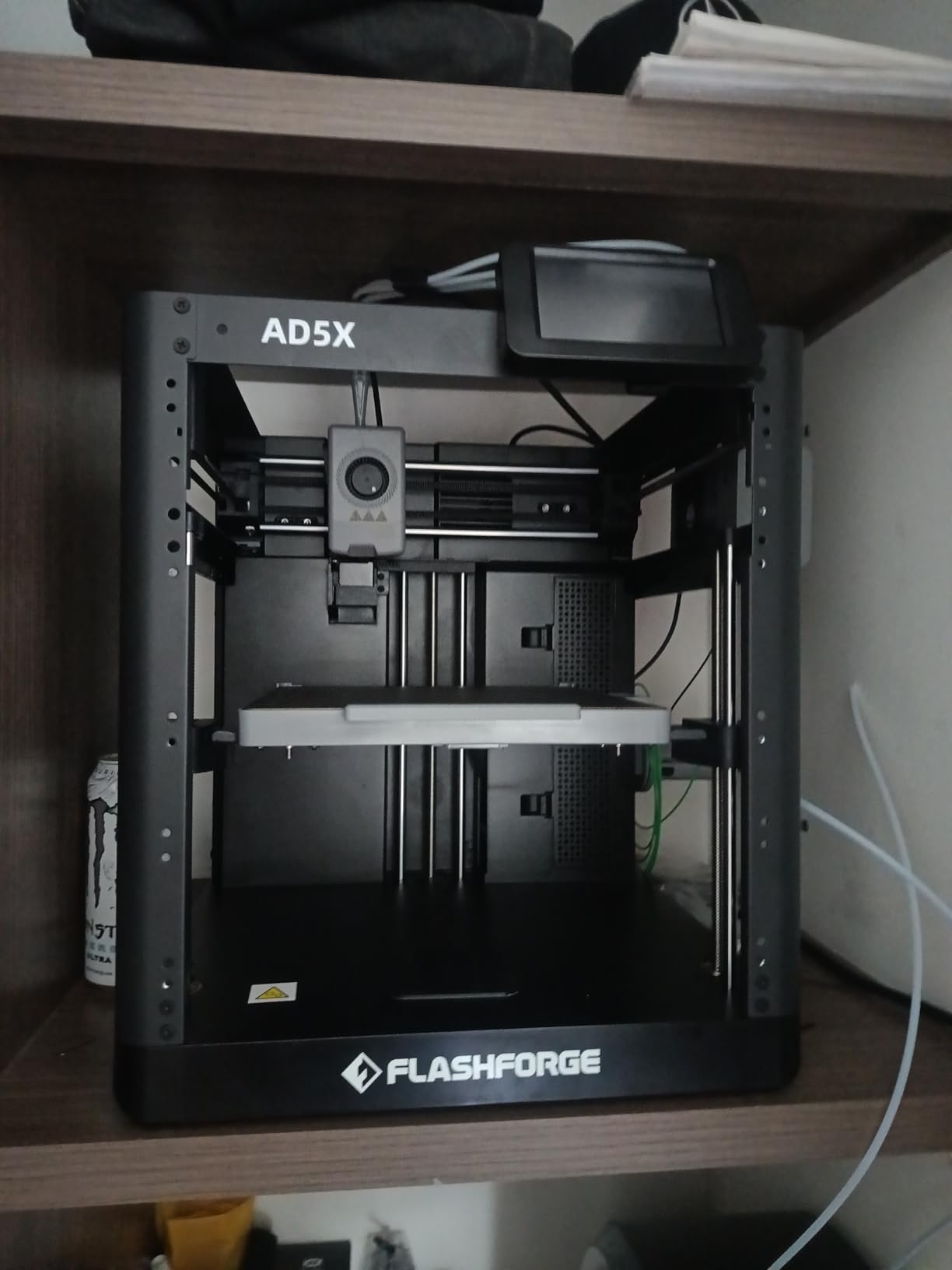
The AD5X is a slightly awkward fit in a roundup about enclosed printers, and we would rather say so than pretend otherwise. It is not fully enclosed as supplied. For ABS, that means it is not ready on day one, and you need an enclosure kit before serious high-temperature work becomes viable.
With that caveat in place, it is a strong machine. The 300C all-metal hotend with a 30-second nozzle swap is more capable than several enclosed rivals on this list, the magnetic PEI spring steel plate makes part removal genuinely painless, and the built-in four-color IFS system avoids the external-box problem entirely.
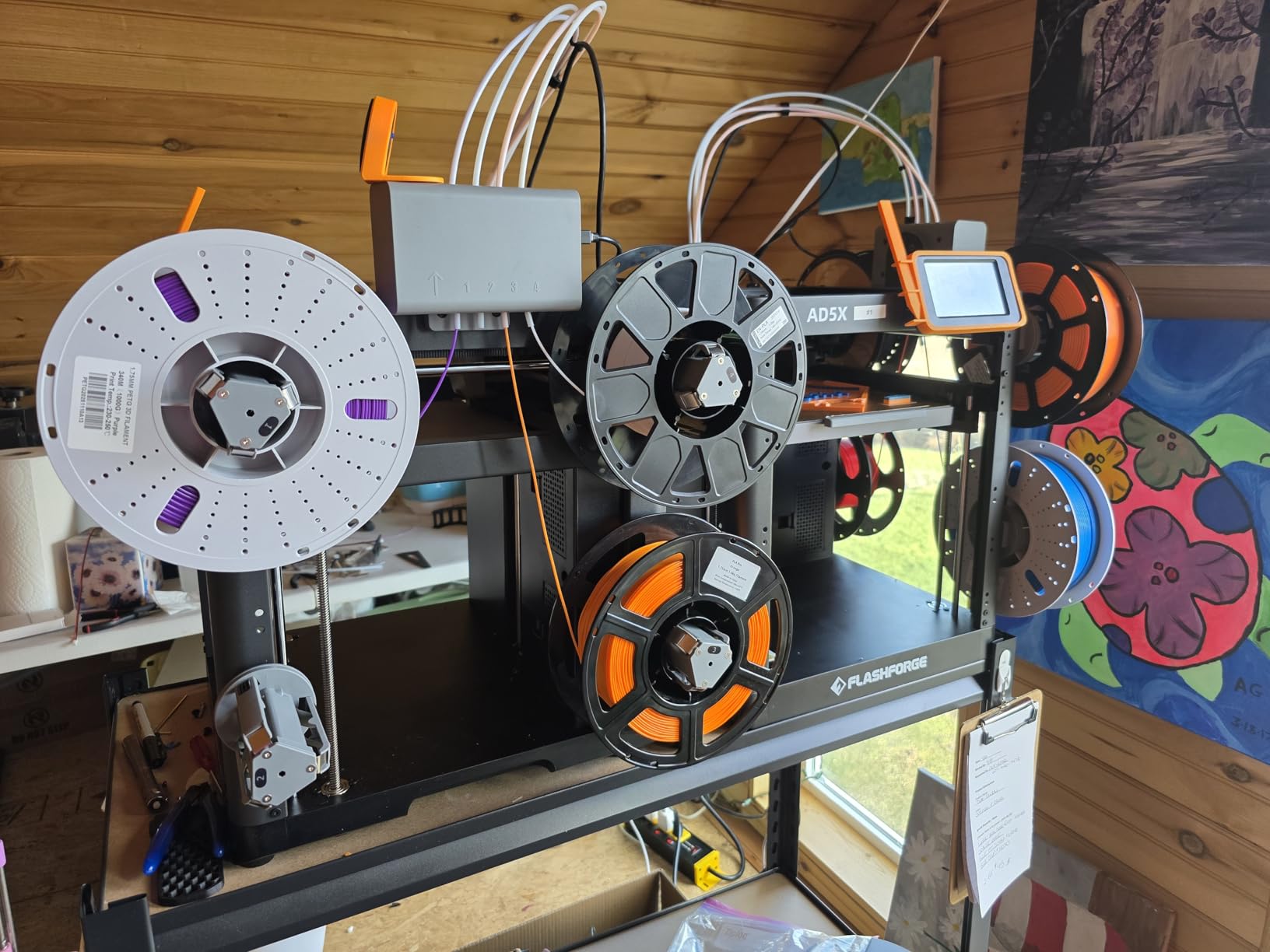
Once fitted with an enclosure, the CoreXY motion with linear rails and vibration compensation produced a clean panel on our shared test model, and the 220mm cube held corners down well. That is the thing to weigh: a smaller build volume is a real constraint, but 220mm covers a great deal of enclosure, bracket, and housing work, and the ability to run a 300C hotend is not something the 280C-ceiling enclosed options here can do.
Filament run-out detection and dual-band Wi-Fi at both 2.4G and 5G are small features that remove two common annoyances, and the HD camera gives usable remote monitoring in a way that some entry-level machines do not.
What the AD5X does better than enclosed rivals
A 300C all-metal hotend at this tier is unusual, and it is the spec that matters most for ABS once you are past the basics. Thirty-second nozzle swaps and a magnetic spring steel plate are both quality-of-life improvements that you notice every single time you print, not just on day one.
The four-color IFS system is also integrated rather than bolted on, so there is no extra unit competing for desk space or needing its own power and leveling of its own.
Where the AD5X is the wrong recommendation
If you buy this expecting to print ABS tonight, you will be disappointed until you add an enclosure. Carbon-fibre reinforced filament specifically requires an enclosed chamber kit, and the same applies to any serious ASA work. Budget for that as part of the purchase, not as an afterthought.
The 220mm cube is the smallest build volume of any enclosed-capable machine here, and owners report noise and some vibration at top speeds. The color-swap purge also costs more time and filament than a toolhead design would, which is a real running cost if you print in color regularly.
7. QIDI PLUS4 – Best Actively Heated Chamber for Large ABS Parts
QIDI PLUS4 3D Printer, 65℃ Chamber Heating, 370°C Integrated Nozzle
65C active chamber
370C nozzle
300mm class
59.4 lb
Pros
- Actively heated 65C chamber for warping control
- 370C integrated throat nozzle unlocks PPS-CF
- 300mm class build volume
- Dual motor Z-axis with 10mm lead screws
- Ready to print in about 10 minutes
Cons
- Nearly 60 pounds and hard to move
- Active chamber heating draws significant power
- Multi-color requires the separately sold QIDI BOX
- Early reliability and component issues in a share of reviews
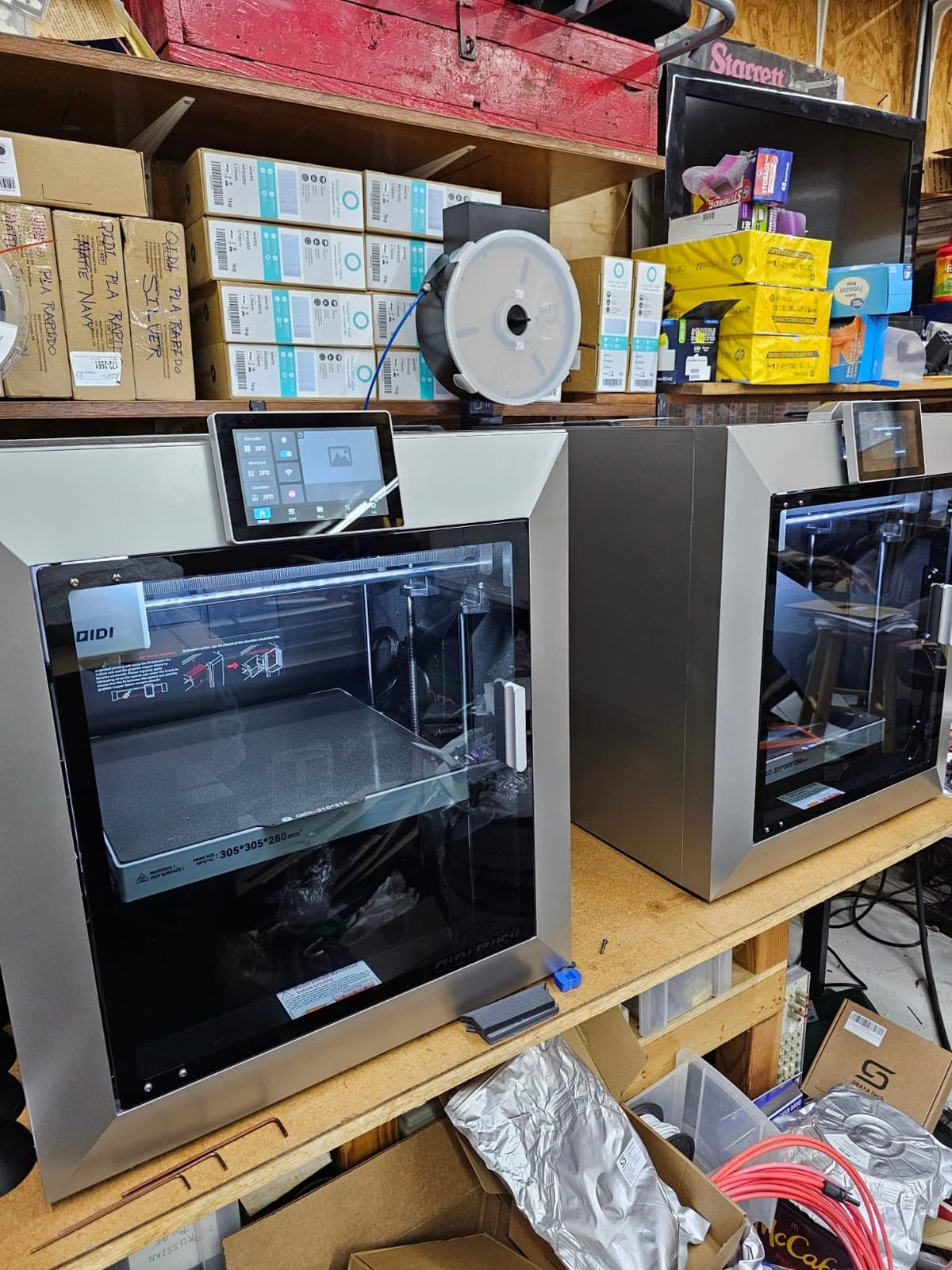
The PLUS4 is the machine to buy when the part is the problem, not the filament. Its second-generation active chamber heating runs at 400W with air circulation and dual-layer insulation to a stated 65C, and that is the number that eliminates delamination on large flat panels. Nothing else in this roundup except the Q2 and the Creator 5 Pro holds a setpoint.
It is also the largest build volume here at roughly 300 x 300 x 280mm, which is a 12 x 12 x 11 inch cube, and the hotend is an 80W high-temperature unit with a multi-metal integrated throat nozzle rated to 370C. That combination means ABS, ASA, PC, PA, and the PPS-CF and PPA-CF reinforced grades all sit comfortably inside the machine’s envelope.
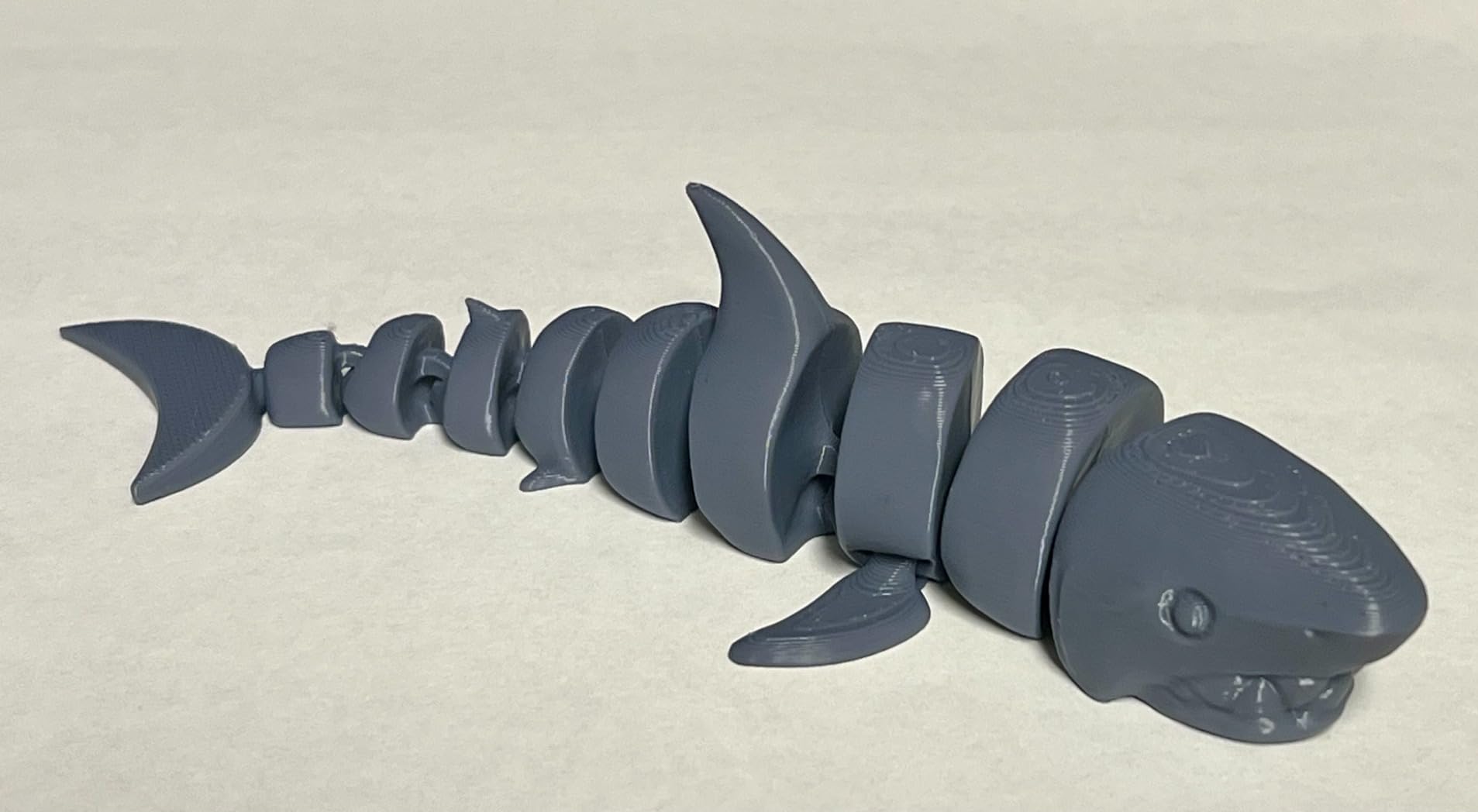
On our shared panel test the corners stayed flat and the stepped wall held together from the base to the top, with a visible margin over the passively enclosed machines. The dual motor-driven Z-axis with 10mm lead screws and 6mm thickened aluminum bed means a tall part does not develop the Z-wobble that shows up as visible layer banding on a 40mm wall, and that matters when the wall is a functional surface.
Independent dual motor Z control is an underappreciated feature. Many enclosed machines use a single Z motor with a belt or a lead screw, and on a tall ABS print the frame flex shows up as inconsistent layer height. The 10mm lead screws and upgraded linear shafts here are a direct answer to that.
Why an actively heated chamber changes the result
A passive enclosure blocks drafts and retains bed heat, but the chamber still breathes with the bed. An active chamber holds 65C consistently regardless of where the bed is in its cycle, so every layer enters the same thermal environment as the last. On our test panel, that was the difference between a good part and a visibly better part.
The 370C integrated throat nozzle gives you headroom that no other machine in this roundup except the Q2 and the Creator 5 Pro matches, and it is the difference between an ABS and ASA printer and an engineering-materials printer.
Where the PLUS4 is impractical
At nearly 60 pounds, this is furniture. Plan the location before you buy, and note that the 19.29 x 20.07 x 22.24 inch footprint needs real desk space. Active chamber heating at 400W also draws real power, so an older circuit or a shared extension can become the limiting factor in a workshop.
Multi-color requires the separately sold QIDI BOX, and a meaningful share of one-star reviews points to early reliability and component issues rather than print quality. The integrated filament cutter is also there to be aware of, since it occupies usable space near the build volume on some configurations.
8. Snapmaker U1 – Best Multi-Material ABS Workflow
Snapmaker U1 3D Printer,4-Toolhead with 5s Toolchanger,Multi-Color Printing
270mm cube
4 toolheads
500mm/s
59 lb
Pros
- 4-toolhead design with 5-second tool changes
- Up to 5x less filament waste in multi-color printing
- True multi-material jobs including TPU with rigid filaments
- Automatic toolhead offset calibration
- Open ecosystem with Snapmaker Orca slicer
Cons
- Top is open so a cover is needed for a sealed volume
- Less streamlined than phone-to-print workflows
- Some file-conversion documentation is unclear
- 59 pound weight
- Early motherboard issues reported by a small number of owners
The U1 does something none of the other nine machines here do: it has four independent, preloaded and preheated toolheads with a five-second automatic tool changer. There is no purge, no colour mixing, and no filament waste between colours. For ABS work that is more significant than it sounds, because purging ABS between colours wastes a substantial amount of material and takes a long time at temperature.
SnapSwap is validated over 1,000,000 tool changes, which is the kind of claim that only appears when a company has actually run the mechanism a lot. Snapmaker states up to 5x less filament waste and up to 5x faster multi-colour printing than single-nozzle purge systems, and the real benefit for engineering work is true multi-material: rigid ABS in one toolhead and a soluble support material in another, in the same job.
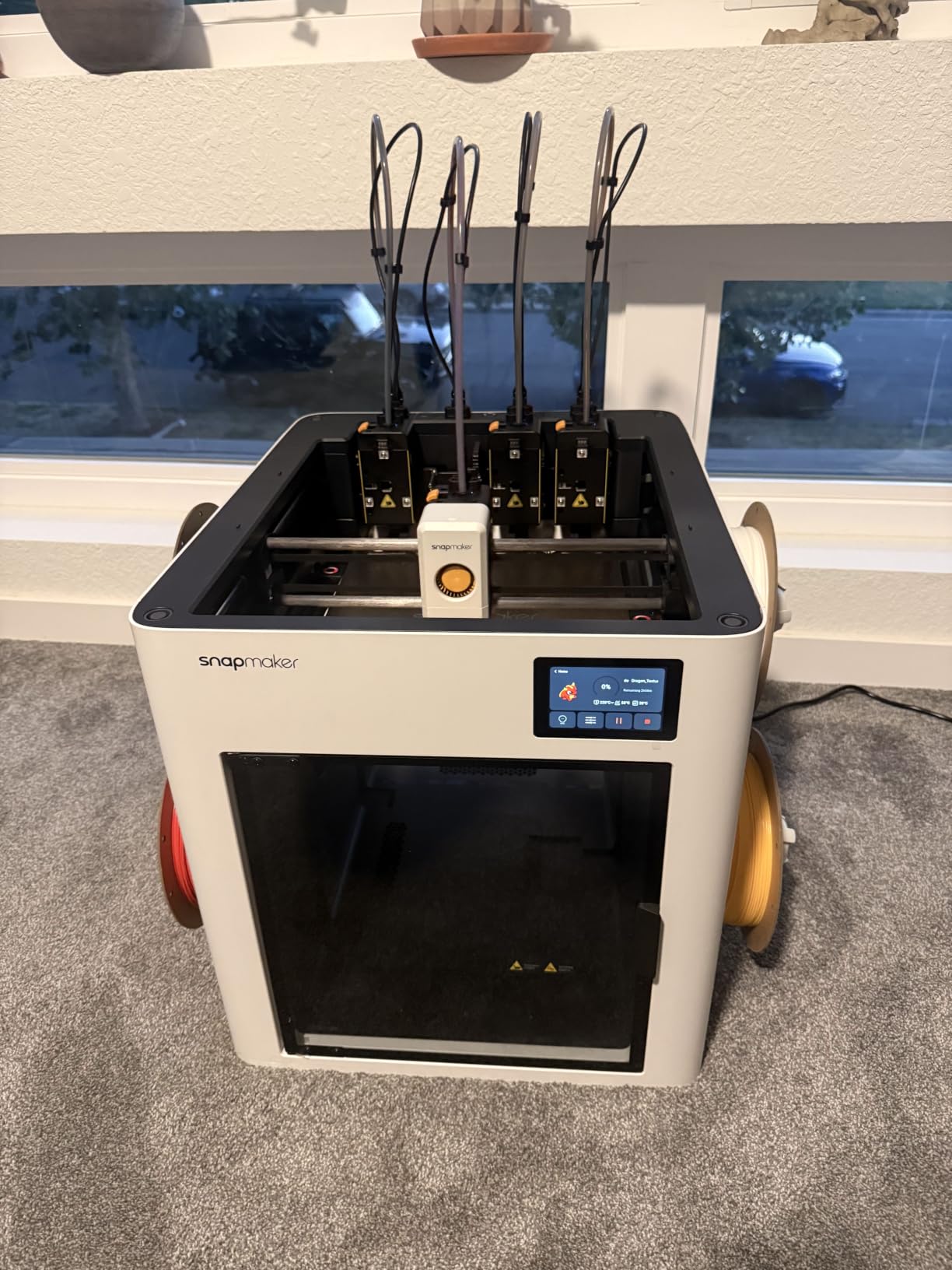
The build volume is 270mm on a side with a rigid CoreXY chassis and carbon-fibre X-axis rails running up to 500mm/s. ABS, ASA, PA and PC are all listed as compatible. Our shared panel printed cleanly, and the automatic toolhead offset calibration meant no manual alignment step between tools, which is the failure mode that normally eats a multi-toolhead machine’s first week.
The open ecosystem angle deserves attention. The Snapmaker Orca slicer is open-source with a built-in model library, and there is a one-year warranty. For anyone who does not want their printer tied to a single vendor’s model store, that is a real difference from the more locked-in competitors here.
What the four-toolhead architecture actually buys you
For ABS specifically, the ability to run four independent spools in one job removes the single worst practical problem with multi-colour engineering prints, which is purge waste on an expensive material. No purge also means no cold colour change sitting in the middle of a layer waiting to heat back up, so your interlayer bonding is not interrupted.
Preloaded and preheated toolheads plus automatic offset calibration means the machine is usable by a beginner, which is why owners report a first print about 20 minutes after unboxing.
Why the U1 is not a sealed-chamber ABS machine
The top is open. That is a deliberate design choice for the tool changer mechanism, but it means you need a lid or a third-party cover before this becomes a genuinely sealed chamber for ABS, and we would budget for that as part of the decision. Until then, treat it as a semi-enclosed machine and expect more corner lift on tall parts.
At 59 pounds it is the second-heaviest here, the workflow is not as streamlined as the phone-to-print ecosystems, and some file-conversion documentation is unclear enough to cost you an evening. A small number of machines also reported motherboard issues within days of delivery, so allow time for an early shakedown period rather than starting a critical job on day one.
9. QIDI Q2 – Best High-Temperature Enclosed Printer for ABS and ASA
QIDI Q2 3D Printer, 65℃ Heated Chamber and 370℃ Nozzle Unlock PPS-CF
65C PTC chamber
370C nozzle
Triple filtration
39.8 lb
Pros
- 65C actively heated chamber for ABS ASA and PC
- 370C nozzle opens up PPS-CF
- Nozzle doubles as leveling sensor for plug-and-play first layers
- Triple filtration with H12 HEPA and carbon
- Full-metal CoreXY with 600mm/s and low VFA
Cons
- Multi-color requires the separately sold QIDI BOX
- Smaller installed review base than rivals
- Chamber heating adds warm-up time before large ABS jobs
- Touchscreen workflow less polished than ecosystem rivals
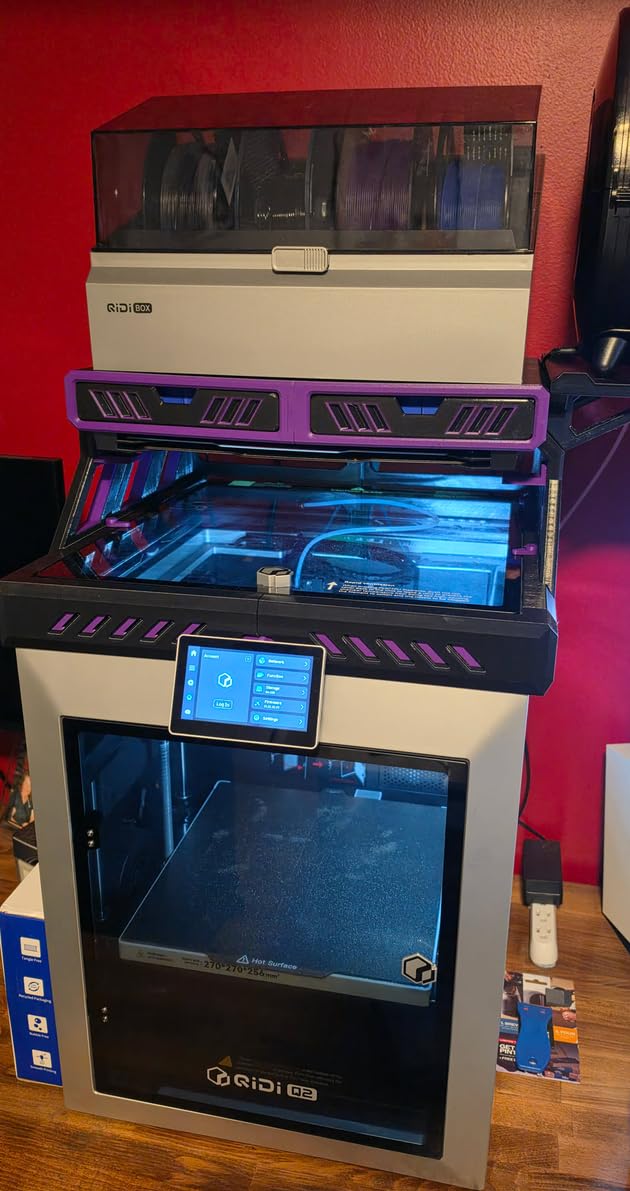
The Q2 is the most complete single machine in this roundup for a user who wants active chamber heating, maximum nozzle temperature, and real filtration without going to the 300mm-class or four-extruder machines. The second-generation PTC heated chamber reaches 65C, the nozzle is rated to 370C, and the filtration is a three-stage G3 pre-filter, H12 HEPA, and activated carbon.
That filtration combination is the answer to the sealed-chamber-versus-fumes problem that most of this list leaves open. The chamber stays sealed and holds heat while the recirculated air is scrubbed, rather than you cracking the door and dropping the temperature mid-print. For long ABS jobs in a small room, that is a configuration we would choose over opening a door.
The trick detail here is that the nozzle itself acts as the bed-leveling sensor. There is no separate probe to mount, calibrate, or knock out of alignment, and in our test the first layer landed correctly on a textured PEI sheet with zero manual setup. For a machine you are going to run ABS and ASA on repeatedly, removing a whole category of first-layer frustration is worth more than a modest speed advantage.
Full-metal CoreXY with precision linear rails and the upgraded 1.5GT synchronous belt runs up to 600mm/s with low vertical fine artifacts, and the belt upgrade specifically targets the fine lines that appear in the Z direction on tall prints. Flame-retardant chamber materials are another detail that matters for a machine you will run hot for hours.
Why the Q2 is the best balanced high-heat machine
It is the only machine in this list that combines an actively heated 65C chamber, a 370C nozzle, and a genuine three-stage filtration system in a body of 39.8 pounds. That combination is what lets it print PPS-CF and PPA reinforced grades in 2026 without any hardware change, and it is the reason we rate it above larger machines for many users.
Nozzle-as-sensor leveling delivers the most dependable first layer we saw in the heated-chamber group, which is the part of the process where ABS prints are most often lost.
Where the Q2 is behind
The 154-review base is small next to the Creality and Bambu machines here, so long-run reliability data is thinner. Owners who need multi-colour have to add the separately sold QIDI BOX, which does add dry-while-print capability for up to 16 colours when fitted.
Chamber heating adds genuine warm-up time before a large ABS job, and some owners find the touchscreen workflow less polished than the big-ecosystem rivals. Budget the extra minutes, and expect to check the heated chamber with a thermometer on your first long print until you trust the setpoint.
10. Flashforge Creator 5 Pro – Best Four-Extruder ABS Production Machine
FLASHFORGE Creator 5 Pro Industrial 3D Printer, 65°C Active Heated Chamber, HEPA13 Air Filtration, 4-Extruder Independent System, 600mm/s High-Speed Printing, 256mm³Build Volume
65C active chamber
4 extruders
600mm/s
30.9 lb
Pros
- Actively heated 65C chamber for ABS ASA PC and Nylon
- Four independent extruders with zero purge waste
- HEPA13 recirculation in a sealed enclosure
- 600mm/s with 30000mm/s2 acceleration
- Tool-less sub-30-second nozzle changes
Cons
- Newest model with the smallest review base here
- 256mm build volume is modest for an industrial claim
- Four extruders add cost complexity and maintenance
- Not yet widely benchmarked for long-run reliability
The Creator 5 Pro is the throughput pick. Four independent extruders swap nozzles instantly with no purging, which means four colours or four materials print in one job with zero waste between changes, and with an actively heated chamber holding 65C underneath it. Pairing a heated chamber with no-purge multi-material output is unusual.
Its adaptive air circulation works outside-in alongside a sealed enclosure with HEPA13 recirculation, and the stated design goal is consistent interlayer adhesion rather than simply a warm box. That distinction matters, because air circulation inside a heated chamber is what keeps the temperature even across the volume instead of hot at the back and cool at the door.
Throughput is the headline number: 600mm/s with 30000mm/s2 acceleration on a rigid all-metal CoreXY frame, automatic platform leveling, and toolhead offset calibration. Tool-less nozzle changes in under 30 seconds and a 4-inch full-color touchscreen round out a machine that is clearly aimed at people running parts rather than experimenting.
What the Creator 5 Pro does that nothing else here does
No-purge multi-extruder output is the real differentiator. The Snapmaker U1 changes tools in five seconds, but it still has one toolhead per colour and a shared nozzle path. Four fully independent extruders means you can run four different materials simultaneously, including a soluble support alongside rigid ABS, with no colour mixing and no purge tower eating your filament.
Active 65C chamber heating plus HEPA13 recirculation in a sealed enclosure also answers the ventilation question better than anything else on this list, because heat is retained while particulates are filtered continuously.
Why it is the last name on the list, not the first
At 134 reviews this is the smallest installed base in the roundup, and long-run reliability data simply does not exist yet. Buying an untested platform is a calculated risk, and for most people it is not one worth taking on a machine at this level of investment.
The 256mm build volume is modest for something positioned as industrial, and four extruders add cost, complexity, and a larger maintenance surface area. The flexible PEI magnetic build plate, automatic leveling, and 30000mm/s2 acceleration are all excellent, but a small review base means every one of those claims is still being proven.
ABS Buying Guide: What Actually Decides Print Quality
ABS needs a 240-270C nozzle, a 90-110C heated bed, and a warm, draft-free chamber that cools the part slowly and evenly. Get those three right and ABS stops being difficult. Get any one of them wrong and you will fight warping, layer splitting, and adhesion failures for months. The rest of this section is the decisions underneath those three requirements.
Active heated chamber vs passive enclosure vs no enclosure
A passive enclosure blocks drafts and retains bed heat, but the chamber temperature still drifts as the bed cycles, so the top of a tall part is cooling in moving air while the bottom sits on a hot bed. An active chamber holds a setpoint near 60-65C, which is what removes delamination on large flat panels. No enclosure at all means the whole part sees room-temperature air.
Practical rule: passive is adequate for small parts under about 100mm and for short prints. Active is strongly preferred for large flat panels, tall parts, ASA, polycarbonate, and nylon. In this roundup only the QIDI PLUS4, the QIDI Q2, and the Flashforge Creator 5 Pro are actively heated.
Nozzle temperature and the all-metal hotend requirement
The all-metal hotend is not optional for ABS. PTFE-lined hotends degrade at roughly 240C and above, release toxic gases as they break down, and eventually clog, and ABS printing at 250-270C sits directly in that danger zone. Look for an all-metal melt zone, a tri-metal nozzle, or an integrated throat nozzle, and treat anything else as unusable for ABS.
Headroom matters too. A 280C nozzle handles ABS and ASA fine, a 300C nozzle adds polycarbonate headroom, and a 370C nozzle is what you need for PPS-CF and PPA reinforced grades. Buying a 280C machine to save money and then wanting carbon-fibre nylon later is a common and expensive sequence.
Build volume and why bigger is not automatically better
Build volumes here run from 220mm to 300mm on a side. Larger volumes let you print a single-piece enclosure or a full car interior panel, but they also mean a larger chamber, a larger bed to heat, and a longer time to reach a repeatable temperature before the print can start.
That last point is why the heated-chamber machines here also have the largest build volumes. A 300mm heated chamber takes real time to stabilise, and if you are printing a series of small parts the warm-up cost is paid over and over. Match the volume to your largest realistic part, not to the biggest number in the table.
Filtration, VOCs and safe indoor printing
ABS releases styrene gas when heated, and styrene is a known respiratory irritant and a central nervous system toxicant at higher concentrations. Printing it in an unventilated bedroom or a small shared office without any extraction is not a good idea, and no enclosure on this list changes that on its own.
Filtration is what changes it, but only the right kind. HEPA filters handle particulate matter, which is not the main problem. Activated carbon handles gaseous compounds like styrene, which is. You want both, ideally with a pre-filter in front to keep the carbon from loading up with plastic dust too quickly. The Flashforge Adventurer 5M Pro, the QIDI Q2, and the Creator 5 Pro have genuine gas-phase filtration.
Sealed chamber vs styrene extraction: the tension nobody resolves
Here is the problem nobody in this category addresses honestly. Sealing the chamber is what makes ABS work, and opening it to let fumes out is exactly what makes ABS fail. Cracking the door for five minutes mid-print can cost you the whole job on a large part, because the chamber drops toward room temperature and the upper layers contract at a different rate than the lower ones.
Our order of preference, in plain steps. First, prioritise internal recirculating filtration with activated carbon and HEPA, and print with the door closed the entire time. Second, for long jobs in small rooms, run a ducted exhaust port or place the printer in a separate ventilated space rather than opening the door. Third, never print ABS in an unheated garage in winter, because the ambient swing overwhelms everything the machine is doing. Fourth, check your filter replacement interval, because saturated carbon stops working silently and that is the failure mode nobody warns you about.
Filament drying and moisture control
ABS is hygroscopic, so it absorbs moisture from the air, and open spools in a humid room will absorb enough to cause problems within days. The symptoms are distinctive: popping and clicking during extrusion, bubbles visible in the print, a rough or stringy surface finish, and occasional outright feed failures mid-job.
Store spools sealed, dry only the spool rather than the filament in a hot oven, and use a filament dryer or a dry-while-printing unit for long jobs in humid climates. Of the machines here, only the QIDI Q2 with a QIDI BOX fitted has a documented dry-while-printing path, and only the Bambu P1S Combo’s AMS manages humidity across the multi-colour path on its own. For everything else, a separate dry box is part of the real cost of printing ABS.
Bed surface and first-layer adhesion
ABS puts a lot of stress into a layer as it cools, and the first layer has to absorb all of it. A textured PEI sheet is the safest default because it gives mechanical grip without needing adhesive, and a magnetic spring steel plate makes part removal far less violent than a bare glass bed.
If your first layer is failing, check three things in order: whether the bed is actually clean, because finger oils from handling are the usual culprit, whether you are running the bed in the 90-110C band rather than cold, and whether you have let the chamber settle before starting. Skim-coated or smooth PEI gives better surface finish but needs an adhesive promoter, which is a step you will not enjoy on every single job.
Enclosed printer or a tent around what you already own?
Adding a properly fitted enclosure to an existing open-frame printer solves the draft problem and a meaningful part of the heat-loss problem, and the outlay is modest next to replacing the machine. It is a reasonable move if your current hotend is already all-metal and rated above 240C. If it is PTFE-lined, the upgrade will not produce reliable ABS no matter how good the tent is.
What an enclosure retrofit never gives you is active chamber heating. No tent adds a heater. So if your real problem is delamination on large flat parts, the tent route will not solve it, and you will be disappointed. Small brackets and housings are a good case for a tent. Large panels and tall structures need one of the three heated-chamber machines in this roundup.
Who should not buy an enclosed 3D printer at all
If you only ever print PLA and PETG, an enclosure adds size, cost, and heat-soak time for no benefit, and you would be better served by an open-frame machine with more speed. If your workspace cannot take a 60-pound machine on solid, level furniture, the heated-chamber options are not going to work where they sit.
If you are printing ABS in a bedroom or a sealed shared office with no way to exhaust or filter, the honest answer is that the material is wrong for that space, not that you need a better printer. Solve the air first. And if you plan to move to carbon-fibre reinforced nylon within a year, start with a 300C or 370C nozzle rather than buying into a 280C ceiling and replacing the machine later.
Frequently Asked Questions
Do I need an actively heated chamber for ABS, or is a passive enclosure enough?
A passive enclosure stops drafts and keeps bed heat in, which is enough for small parts and short prints. An actively heated chamber holds a setpoint near 60-65C, which is what removes warping and layer splitting on large flat panels, tall parts, ASA, polycarbonate, and nylon. In this roundup only the QIDI PLUS4, the QIDI Q2, and the Flashforge Creator 5 Pro actively heat the chamber.
What nozzle and bed temperature does ABS require?
ABS typically prints at a 240-270C nozzle temperature and a 90-110C heated bed. This is why an all-metal hotend is mandatory rather than preferred: PTFE-lined hotends degrade in that range, release toxic gases as they break down, and eventually clog. Aim for a nozzle rated well above the band, 300C or 370C, so you have headroom for ASA, polycarbonate, and reinforced filaments later.
Is ABS safe to print indoors without ventilation?
Not really. Heated ABS releases styrene gas, which is a respiratory irritant, and printing it in an unventilated bedroom or small closed office is not recommended. A sealed printer with H12 HEPA plus activated carbon filtration is the minimum sensible setup, and for long jobs in small rooms you should also duct air out of the chamber or move the printer to a space that ventilates to outside.
How do I keep the chamber sealed while dealing with styrene fumes?
Use internal recirculating filtration rather than open-door venting, and keep the door shut for the whole print. Opening it drops chamber temperature and causes the upper layers to contract at a different rate than the lower ones, which can ruin a large part. For long prints in small rooms, add a ducted exhaust port or place the printer in a separate ventilated space, and replace the carbon filter on schedule because saturated carbon stops scrubbing silently.
Which enclosed 3D printer is best for beginners printing ABS?
The Bambu Lab P1S Combo is the easiest route. It is fully enclosed, runs 500mm/s, re-levels the bed automatically before every print, and reaches a printable state about 15 minutes after unboxing. The Creality K1C is the better value pick, with the same enclosed CoreXY layout and a tri-metal all-metal hotend at a lower entry point. The Centauri Carbon 2 Combo is worth considering if four-colour output matters to you.
Can I turn my existing open-frame printer into an ABS machine with a tent?
Yes, and it solves more of the problem than most people expect, because a properly fitted enclosure removes drafts and cuts heat loss. But you must check that your existing hotend is all-metal and rated above 240C, or the upgrade will not produce reliable ABS. A tent also never adds active chamber heating, so large flat panels will still be at risk of delamination no matter how good the tent is.
Final Verdict: Which Enclosed Printer Should You Buy?
The Creality K2 Combo is our pick for the best enclosed 3D printers for ABS printing in 2026. Its die-cast aluminum frame, 300C hardened steel hotend with 40mm3/s of flow, and 260mm cube make it the strongest all-round ABS machine here, and with 3965 owner reviews at a 4.4 average it also carries the largest owner feedback base in this roundup. The Creality K1C covers the same ground if you do not need multi-colour, and the Bambu Lab P1S Combo is the shortest path from box to first good ABS part for a beginner.
Choose differently if your constraint is specific. Buy the QIDI Q2 or the QIDI PLUS4 when delamination on large flat parts is your actual problem, since they hold a 65C chamber actively. Buy the Flashforge Adventurer 5M Pro if ABS is going near people and filtration is your concern. Buy the Flashforge Creator 5 Pro only if you need no-purge four-extruder throughput and can accept being an early adopter. And print with the door closed, filter the air, and dry your filament, because those three habits will do more for your ABS results than any spec on this page.