
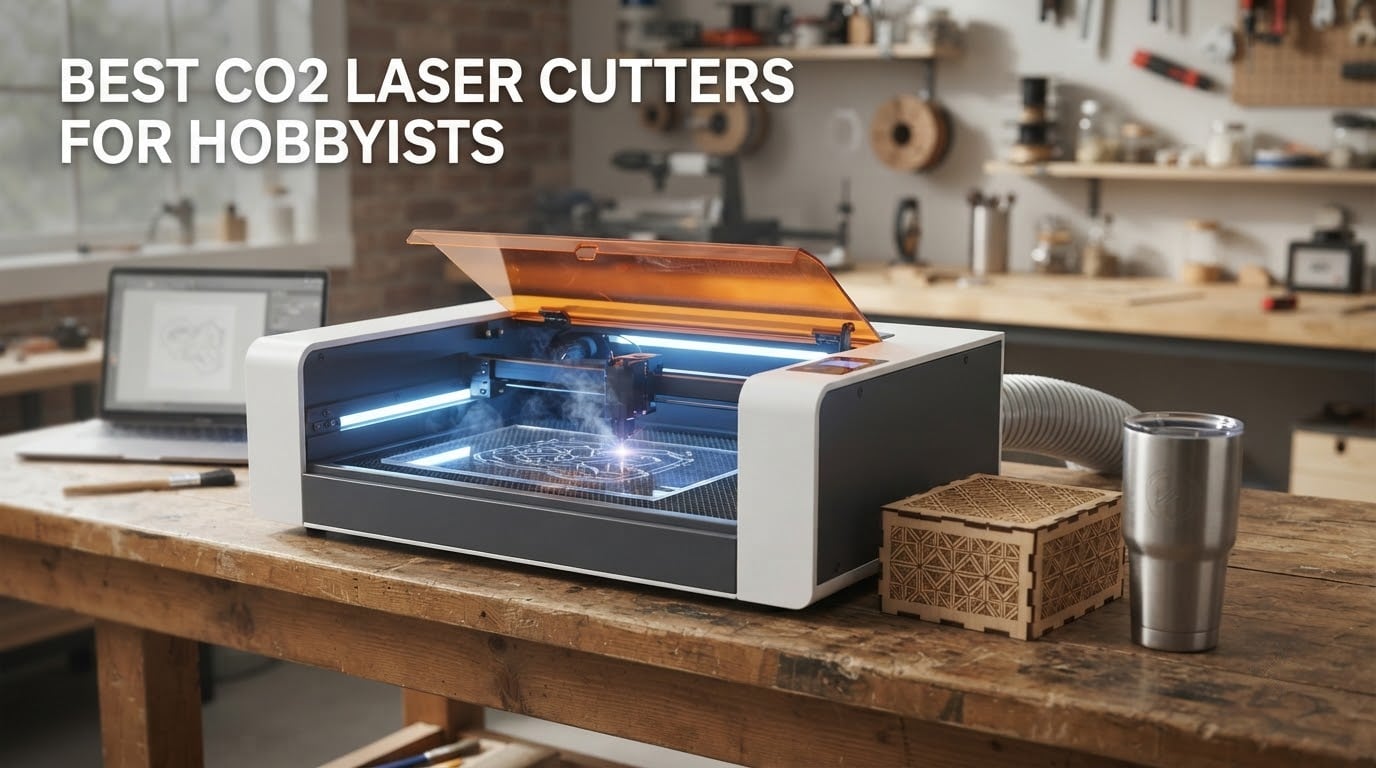
Quick answer: The xTool P2S 55W is the best CO2 laser cutter for most hobbyists, the OMTech K40+ 45W is the best value pick, and the WECREAT Vision Pro 45W is the one to buy if tumblers and curved work are on your list. Updated for October 2026.
A CO2 laser cutter fires a 10,600nm infrared beam from a glass gas tube, focuses it through a lens, and moves it under a design to cut or engrave wood, acrylic, leather, glass, fabric, cork, and paper. For a hobbyist moving up from a diode machine, the jump is not a quality upgrade so much as a category expansion: a diode engraves thin wood and leather, while a CO2 laser cuts clear acrylic, thicker plywood, and glass outright.
That expansion is also why the wrong CO2 machine wastes money. Tube wattage, work area, enclosure type, and ventilation all change what you can safely do in a home workspace, and the machines differ far more than their wattage numbers suggest. I compared the six highest-reviewed CO2 laser cutters available for hobby use right now, checked the specifications against the manufacturer claims, and read the customer reviews for the failure patterns that show up after month two rather than week one.
Table of Contents
Top 3 Picks for the Best CO2 Laser Cutters (October 2026)

xTool P2S 55W
- 20mm acrylic single pass
- Enclosed Class 1 cabinet
- Dual 16MP cameras
- LiDAR autofocus
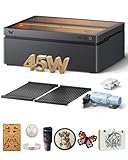
WECREAT Vision Pro 45W
- Rotary Pro for 40oz tumblers
- Auto-lifting bed
- Class 1 metal enclosure
- 45W BeamFocus tube

OMTech K40+ 45W
- 0.4 inch acrylic cut
- 12 x 8 inch honeycomb bed
- Integrated 45 degree air assist
- LightBurn and LaserGRBL ready
Best CO2 Laser Cutters for Hobbyists in 2026: At a Glance
| Product | Specs | Action |
|---|---|---|
| xTool P2S 55W CO2 Laser Cutter |
|
Check Latest Price |
| WECREAT Vision Pro 45W Laser Engraver and Cutter |
|
Check Latest Price |
| OMTech K40+ 45W Desktop CO2 Laser |
|
Check Latest Price |
 Orion Motor Tech 50W CO2 Laser Engraver Cutter Orion Motor Tech 50W CO2 Laser Engraver Cutter |
|
Check Latest Price |
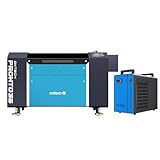 OMTech Pronto 35 90W CO2 Laser Engraver Cutter OMTech Pronto 35 90W CO2 Laser Engraver Cutter |
|
Check Latest Price |
 OMTech Maker 60W CO2 Laser Engraver OMTech Maker 60W CO2 Laser Engraver |
|
Check Latest Price |
1. xTool P2S 55W – The Best CO2 Laser Cutter Overall for Hobbyists
xTool P2S 55W CO2 Laser Cutter, Smart Desktop CO2 Laser Engraver and Cutter
55W tube,26 x 14 inch bed,130.7 pounds,600mm/s,Class 1 enclosure
Pros
- Runs within an hour of unboxing
- Enclosed cabinet keeps fumes contained
- Accurate camera alignment out of the box
- Single pass cuts in 20mm acrylic and 18mm walnut
Cons
- Accessories need partial disassembly to fit
- Slatted bed is awkward for small parts
- LightBurn drops rotary support
The P2S is the machine I keep coming back to for a reason that no specification captures: it arrives ready to work. Owners report cutting within 30 to 60 minutes of unboxing, with gantry and mirrors needing no calibration, and that claim held up consistently across the reviews I read. The magnetically attached mirrors detach for cleaning, which is a small detail that matters a great deal in a dusty garage workshop.
It is also the most capable of the set in raw terms. The 55W tube cuts all colours of acrylic up to 20mm and black walnut up to 18mm in a single pass, the 26 inch by 14 inch bed is the second largest here, and engraving speed reaches 600mm/s. LiDAR ranging autofocus claims 0.001 inch accuracy, and the dual 16MP cameras give a real-time preview accurate enough to trust for print-and-cut registration.
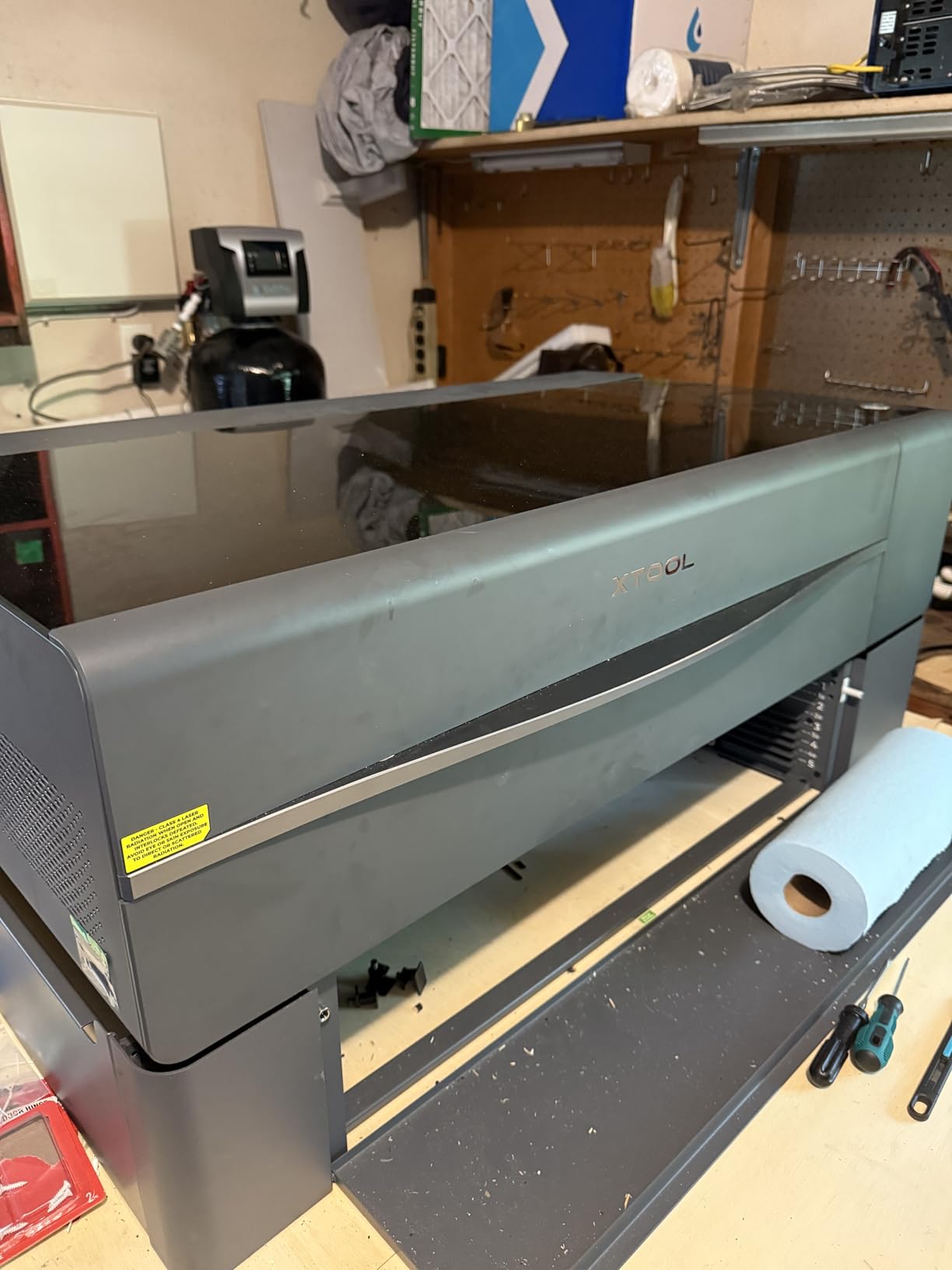
Safety is the headline feature for home use. The cabinet is a fully enclosed Class 1 design with AI fire detection, an emergency stop, and a 233.3 CFM exhaust fan with adjustable air assist. That matters because a garage or spare room is exactly where an open-frame machine creates a ventilation problem you did not budget for. The Riser Base option handles objects up to 8.4 inches high, and the RA2 Pro Rotary covers tumblers, mugs, and rings.
The friction points are real but specific. Installing the rotary attachment means partially taking the machine apart, and topping up the water reservoir requires removing the rear lid panel. The slatted bed is less pleasant than a honeycomb grid for small detailed parts, and XCS traces raster images less faithfully than Inkscape. LightBurn works with it, though rotary support is reduced.
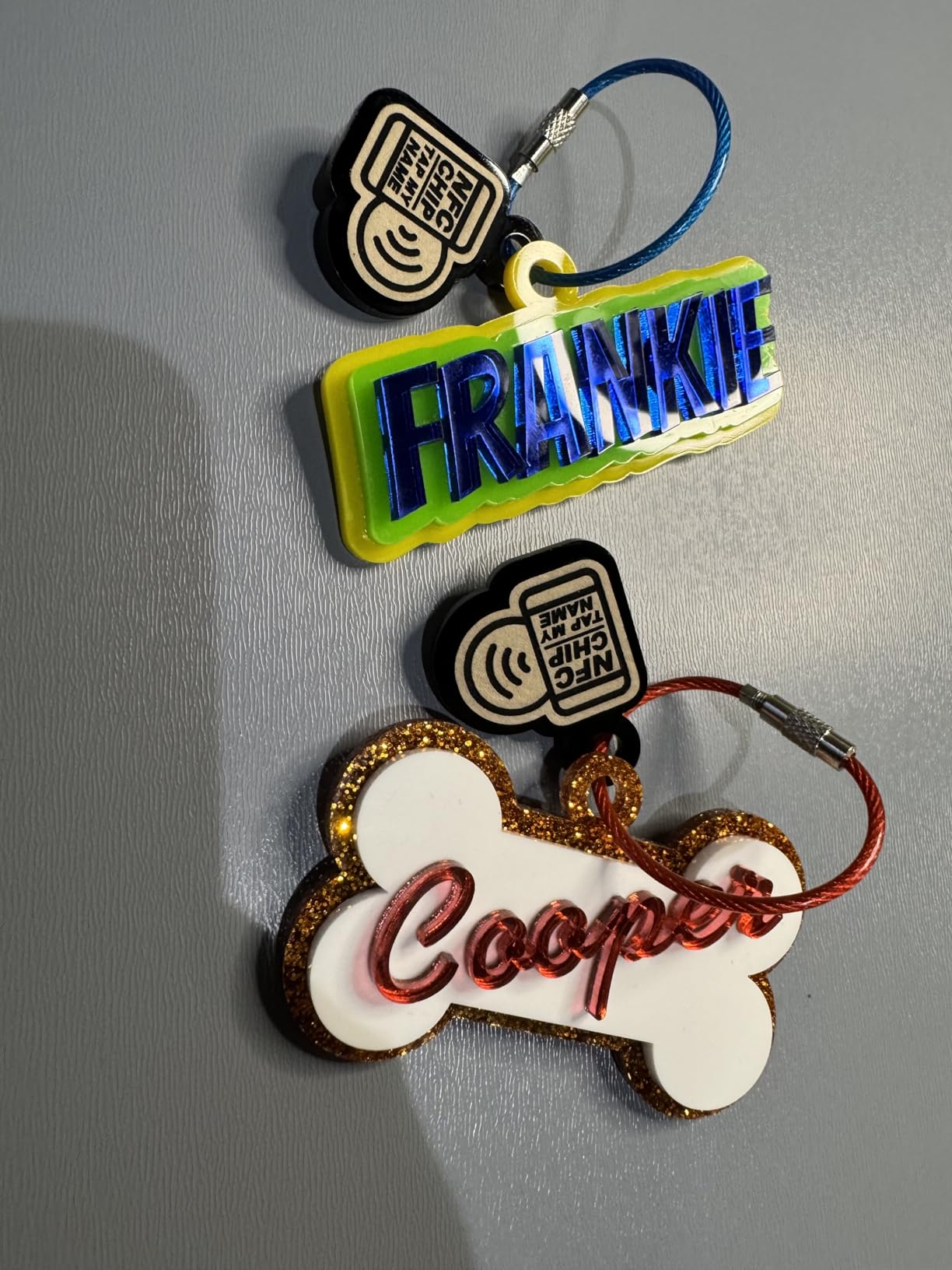
What you give up by choosing the P2S
Weight is the first constraint. At 130.7 pounds and 44.09 by 29.13 by 13.78 inches, it is a two-person move, and the wide shallow footprint eats desk space. The rating of 4.2 across 89 reviews sits below the OMTech K40+, which tells you something real about polish versus capability.
A minority of owners hit a gantry homing failure on first startup, and the manufacturer’s replacement process was described as difficult by those users. If you are comfortable troubleshooting, that is an inconvenience. If you want a machine that simply works, weigh it against the K40+.
Who the P2S suits best
Choose the P2S if your workspace is a room people walk through, if you intend to engrave on tumblers and mugs, or if you want a camera you can trust for print-and-cut alignment. The enclosed cabinet and fire detection are the deciding features for home use specifically, not for a dedicated workshop.
Skip it if you are on a tight budget or if your projects are small enough for a 12 by 8 inch bed. The extra capability is genuine, but it is capability you have to pay for whether you use it or not.
2. WECREAT Vision Pro 45W – Best CO2 Laser Cutter for Tumblers and Curved Work
WECREAT Vision Pro 45W Laser Engraver and Cutter with Rotary Pro, HD Camera & Auto-Lifting, Laser Cutter Cuts 1” Wood, Full Enclosure Laser Engraving Machine for Tumblers, Wood and Metal, Acrylic, etc
45W BeamFocus tube,22.83 x 15.75 inch bed,35 kg,auto-lift to 140mm,Class 1
Pros
- Rotary Pro wraps a 40oz tumbler in one pass
- Auto-lift handles 1mm to 140mm material
- Enclosed Class 1 metal cabinet
- Replaced a faulty unit for one owner
Cons
- Control cable shreds without a drag chain
- LightBurn camera wizard leaves jobs out of focus
- Occasional mid-job freezes need a power cycle
This is the machine to buy if a stainless tumbler is the first thing you want to make. The bundle includes the Rotary Pro attachment, and owners report engraving a full-wrap 40oz tumbler in a single pass. The pass-through feeder extends the working width to 18.11 by 137 inches, which makes long thin stock like knife blanks or signage strips practical.
Despite the 45W nameplate, the BeamFocus system is rated by WECREAT at 60W-like cutting performance, and the published capability is 25mm of wood or 20mm of black acrylic in one pass. The auto-lifting bed takes material from 1mm to 140mm without manual adjustment, and the LiDAR autofocus reports the same 0.001 inch accuracy as the P2S.
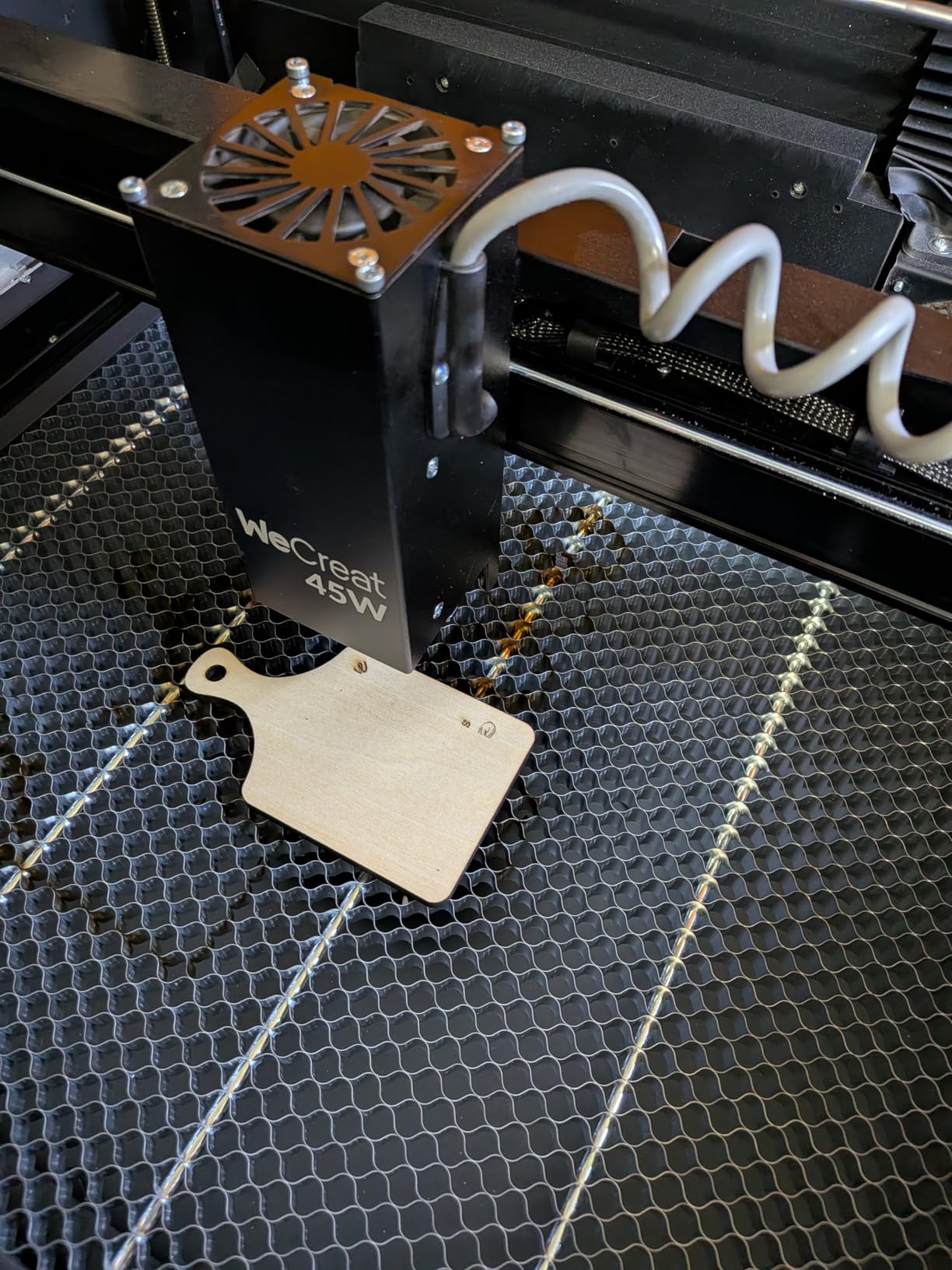
The bed is unusually large for a 45W desktop unit, and one owner ran more than 200 dog tags through it in a single pass. The AirGuard Ultra fume extractor and the fully metal Class 1 enclosure mean this machine also works in a home room without an open-frame ventilation project. A 2W switchable IR module is available separately for shallow engraving on thin material.
The one flaw owners mention repeatedly is a cable management design problem. The control cable shreds as the head travels left and right unless you add a drag chain yourself, and that is a hardware fix rather than a firmware one. The LightBurn camera alignment wizard also drives the head to its highest Z position, which leaves the finished job out of focus on angled surfaces.
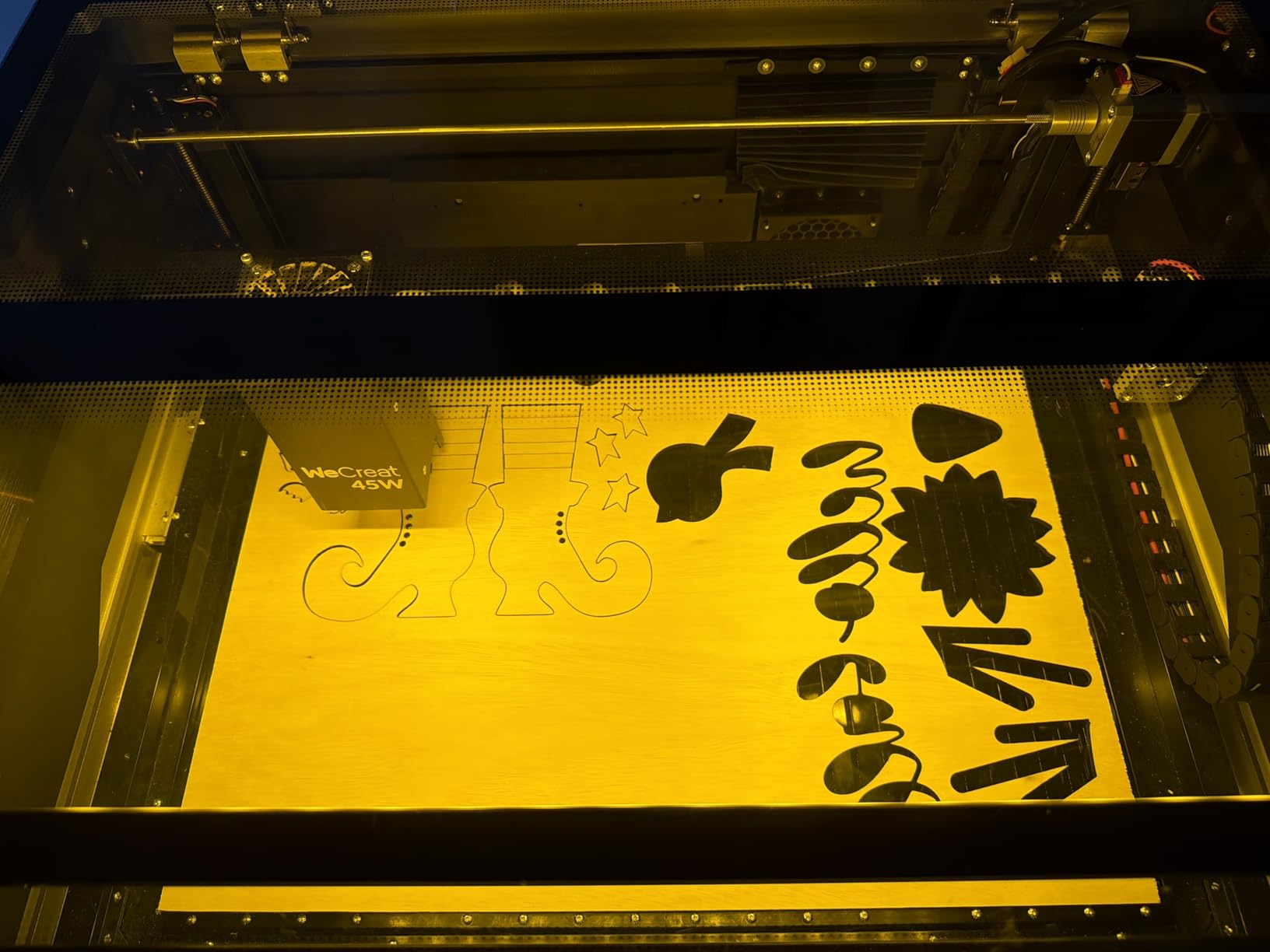
What you give up by choosing the Vision Pro
The bundled software has fewer features than XCS or LightBurn, so you will probably outgrow it and buy LightBurn anyway. Mid-job freezes that need a power cycle are reported often enough to plan around. Support response, while it did replace a faulty unit and repair a fraying ribbon cable for one buyer, is often limited to basic troubleshooting suggestions.
At 35 kg the machine is manageable, but the 4.0 rating across 44 reviews is the second lowest here. That is not a dealbreaker, it is just honest: this is a capable machine with a rougher software story than the machine above it.
Who the Vision Pro suits best
Buy it for drinkware engraving, jewellery, and batch work on small tags. The rotary, the auto-lift, and the large bed for the class make it the most batch-friendly hobby machine in this group, and the enclosure keeps it usable in a shared space.
Skip it if you cut thick slabs regularly or if you want the smoothest software experience available. The 20mm acrylic figure is below the P2S, and a first machine sold without the polish of the xTool unit.
3. OMTech K40+ 45W – Top Rated CO2 Laser Cutter for Hobbyists
OMTech K40+ 45W Desktop CO2 Laser Engraver & Cutter
45W tube,12 x 8 inch honeycomb bed,81.8 pounds,300mm/s,LightBurn ready
Pros
- Highest rated of the large-sample machines
- Cuts 0.4 inch acrylic and 0.31 inch wood
- Live video support walks you through alignment
- Integrated 45 degree air assist
Cons
- Quality control varies on arrival
- Water hoses can be fitted backwards
- USB cable failures reported by some buyers
The K40+ carries the highest rating in this group at 4.4, and the reason is not raw specs so much as what happens when something goes wrong. Multiple owners describe OMTech support walking them through mirror alignment over a live video call, which for a first machine is worth more than any feature on the spec sheet.
On paper it holds its own. A 45W tube cuts 0.4 inch acrylic and 0.31 inch wood, roughly a 1.5 to 2x speed gain and 15 to 20 percent deeper cut than the previous generation. The 12 by 8 inch honeycomb bed comes with a detachable base and an optional rotary axis, and the integrated 45 degree air assist adjusts airflow to the laser power automatically. Both LightBurn and LaserGRBL work with it.
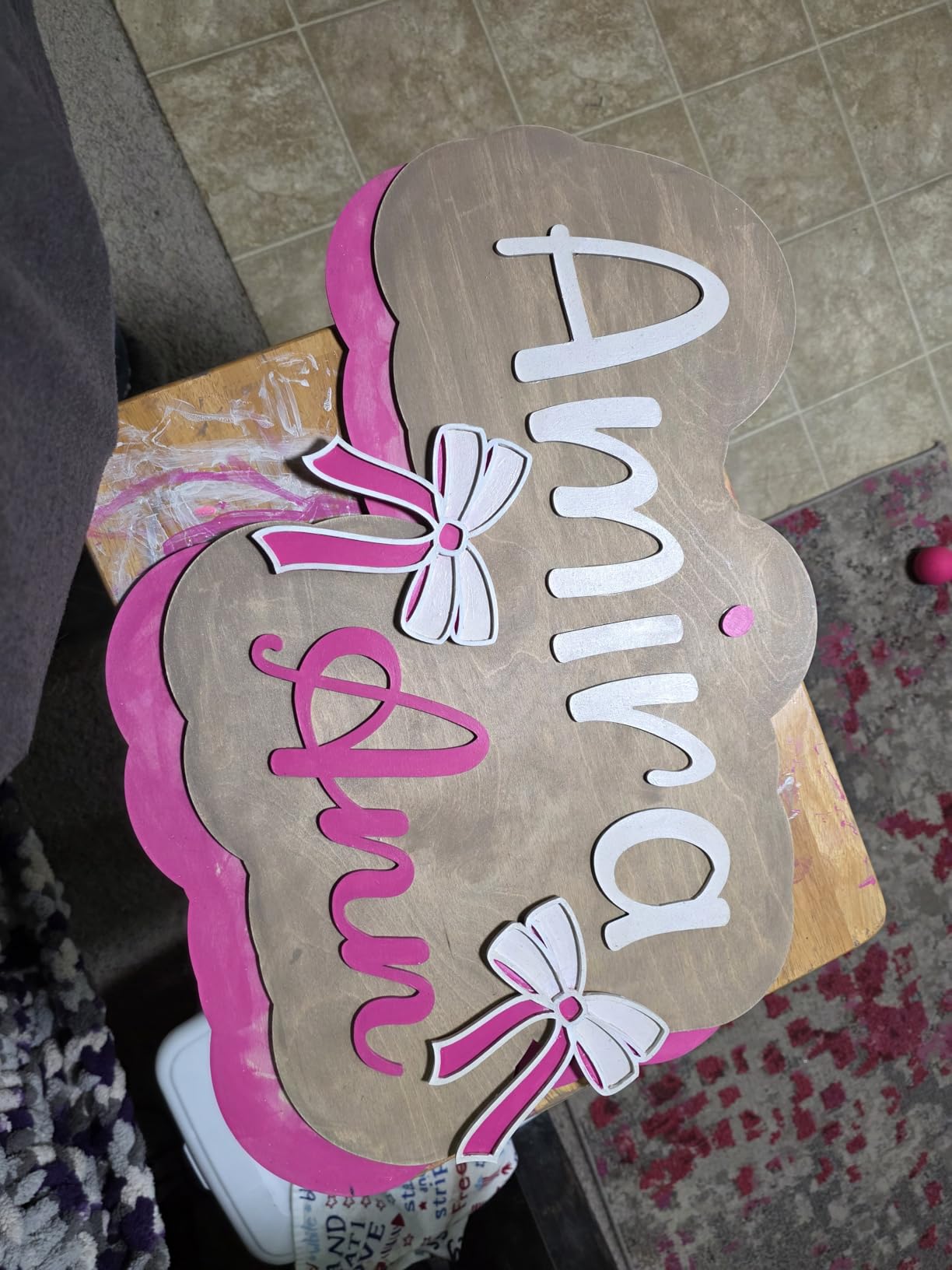
Owners upgrading from a diode describe it as a category change, and the safety hardware reassures new users: a door interlock, water protection, an emergency stop, and a flame-retardant panel. At 81.8 pounds and 31.9 by 19.7 by 9.8 inches it is also the easiest machine here to move into a small room.
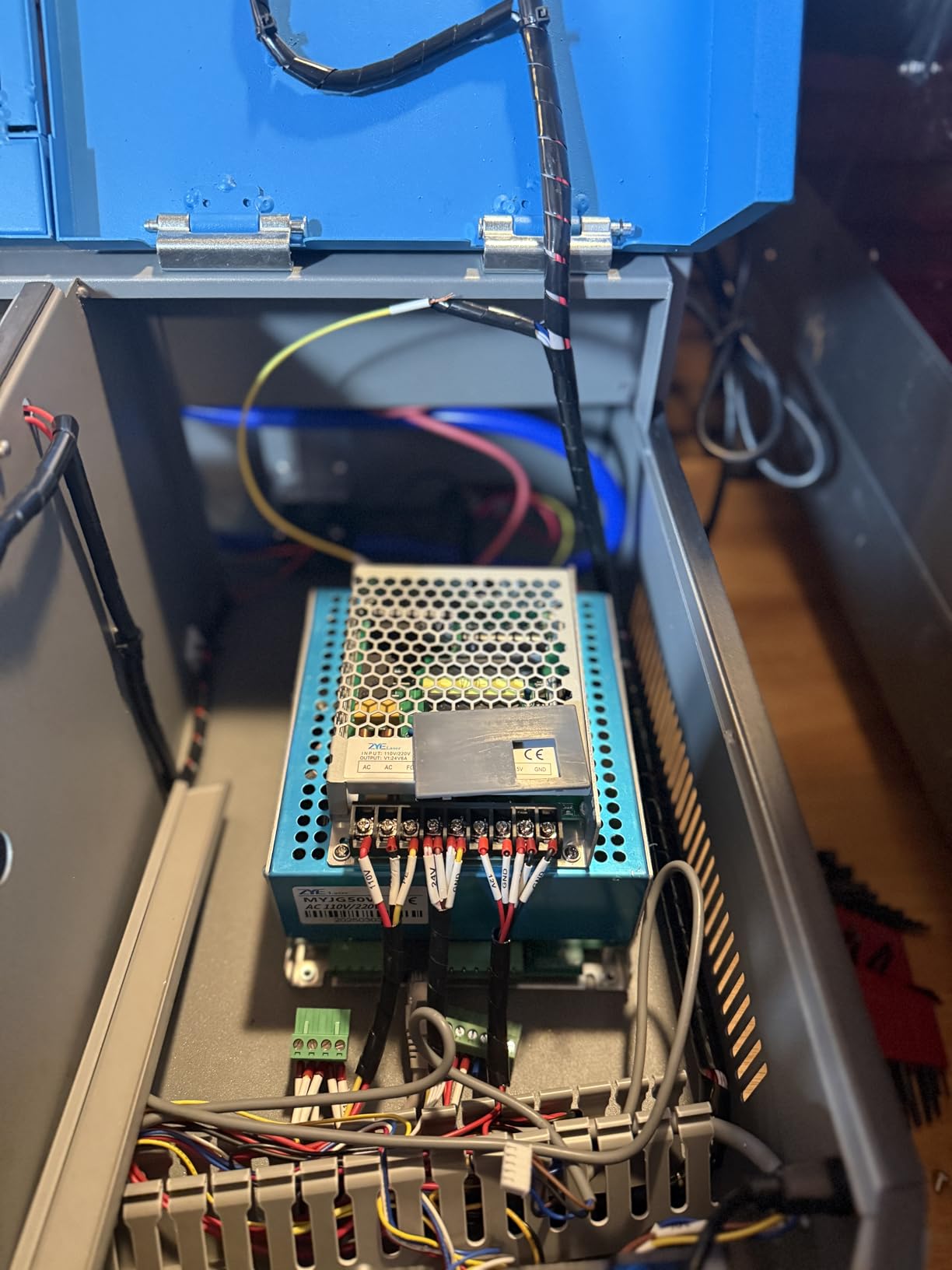
The recurring complaint is quality control on arrival. Some units show up with dented panels, loose hardware, an unsoldered data cable, and a gantry that needs realignment before the first cut. The water hoses can be installed backwards, which stops the machine running until you swap them, and the safety switch sometimes needs adjusting out of the box. Budget an hour for setup and check everything before you cut.
What you give up by choosing the K40+
The 12 by 8 inch bed is the smallest here, and at 300mm/s it is the slowest engraving speed of the four enclosed and semi-enclosed desktops. One sheet of 8 by 12 inch craft plywood fits, and that constraint shapes what you can make on a given weekend.
There is no enclosure. The K40+ is an open-frame design, which is exactly what makes it affordable, and it means you are handling fumes and open-beam light yourself rather than relying on a Class 1 cabinet.
Who the K40+ suits best
Choose it if this is your first CO2 laser, if you are learning, and if you want the option to be supported when something breaks. It handles engraving, cutting thin plywood, acrylic, leather, fabric, and cardboard, and the 24/7 support team with local demos is a genuine advantage over cheaper imports.
Skip it if you run it in a house with children or if your projects need sheets bigger than 8 by 12 inches. For a garage or a shed, with ventilation planned, it is the strongest starting point on this list.
4. Orion Motor Tech 50W – Best CO2 Laser Cutter for Running Without a Computer
Orion Motor Tech 50W CO2 Laser Engraver Cutter with 12 x 20in Work Area, Laser Engraving Machine with Ruida Digital LCD Control Real-Time Power Data, USB Port, Air Pump, Red Dot Pointer
50W tube,12 x 20 inch bed,165 pounds,Ruida LCD,USB drive operation
Pros
- Real-time power readout on the Ruida display
- Largest bed-to-size ratio in this group
- Runs designs straight from a USB stick
- Open platform for LightBurn and CorelDRAW
Cons
- Requires assembly and alignment on arrival
- Heavy floor-standing footprint at 165 pounds
- RDWorks has a learning curve
This is the odd one out in a useful way. The Ruida digital LCD control panel sits on the front of the machine and shows real-time power data as it cuts, so you can see the wattage you are actually running rather than guessing from a slider in software. For someone learning what power does to a material, that display is genuinely instructive.
It also runs without a computer. You can load a design onto a USB drive, plug it in, and start a job with no PC in the room, which matters for craft fairs, classroom teaching, or a workshop where you do not want a laptop running all day. When you do want a computer, the open platform accepts LightBurn, AutoCAD, and CorelDRAW, with RDWorks and CorelLaser included.
The 12 by 20 inch cutting surface gives it more bed than the K40+ for a similar class of machine, and the built-in air compressor with vent piping means air assist is not an accessory hunt. An auto-shutdown sensor cuts the laser when the cover door opens, the red dot pointer helps with positioning, and adjustable resolution goes up to 4500 dpi. Cutting speed runs 0 to 80mm/s and engraving 0 to 500mm/s.
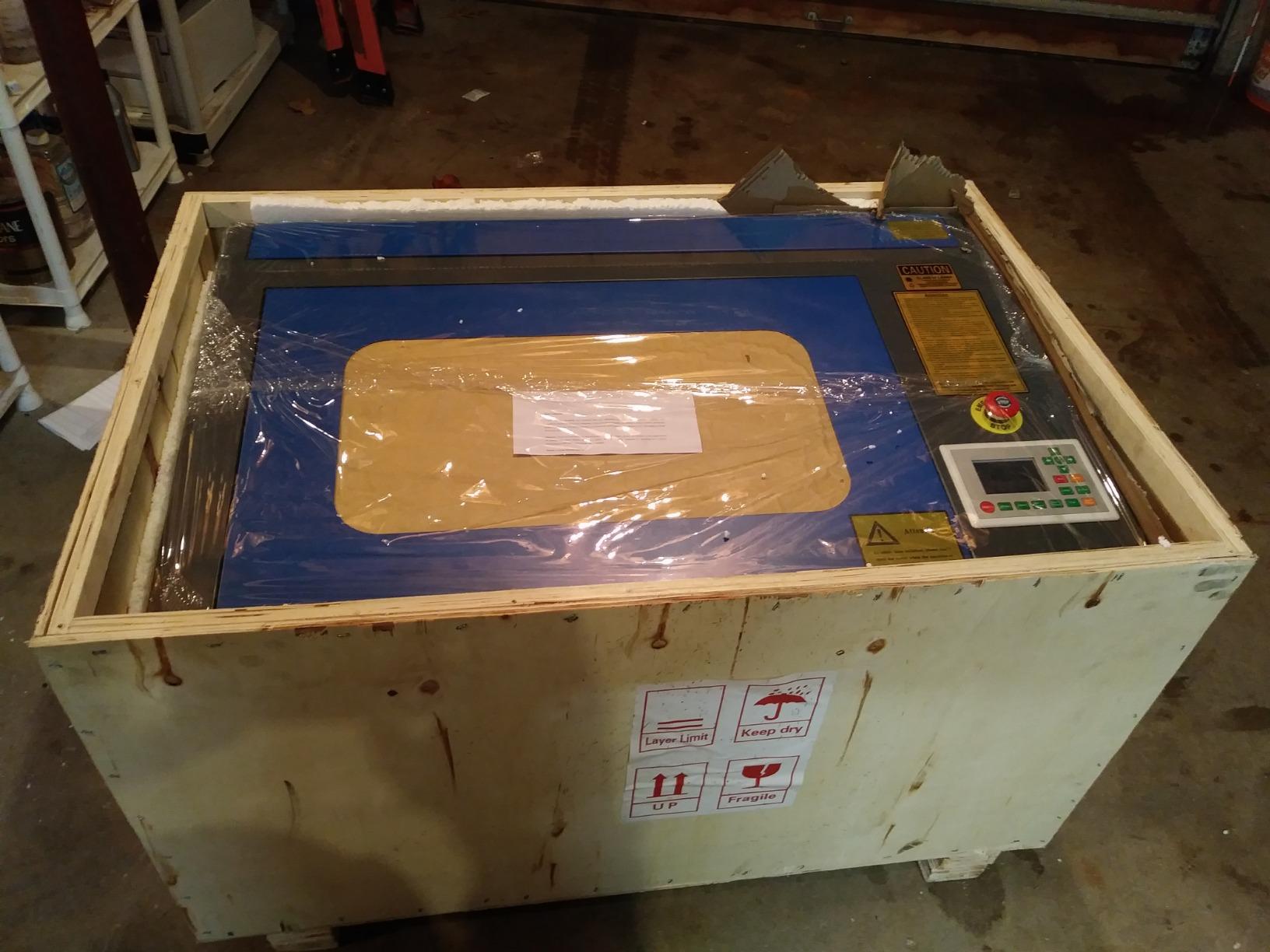
The compromises are physical. It needs assembly and initial alignment when it arrives, and at 165 pounds with a 25 by 26 by 25 inch floor-standing body it is not going anywhere once you place it. The warranty runs 12 months with 6 months on wear parts including the tube, which is a shorter consumable cover than OMTech offers on the machines above.

What you give up by choosing the Orion 50W
The 12 by 20 inch bed only takes standard sheet goods if you feed them through a single side, and the open front means the same ventilation work the K40+ needs. RDWorks is functional rather than friendly, and some buyers hit a real learning curve with it and with support.
It is an older-platform design that has not been refreshed, so you are buying proven engineering rather than the latest autofocus and camera systems. That is a fair trade, but not a free one.
Who the Orion 50W suits best
Pick it for a classroom, a makerspace, or a craft fair booth where you need the machine to run without a laptop and where the front display helps you teach settings. It handles a wide material range, including glass, leather, ceramics, tile, cork, and fabric, plus standard engraving and cutting formats.
Skip it if you need a full enclosure, or if you cannot give it a dedicated floor space it will never leave. For a fixed workshop with ventilation in place, it is a lot of machine for the money.
5. OMTech Pronto 35 90W – Best High-Power CO2 Laser Cutter for Serious Hobby Production
OMTech Pronto 35 90W CO2 Laser Engraver Cutter with Water Chiller, 28″x20″ Autofocus Engraving Machine with Air Assist & 2-Way Pass-Through, Laser Cutter for Wood Acrylic Leather Glass
90W tube,28 x 20 inch bed,441 pounds,1000mm/s,chiller included
Pros
- Cuts 0.4 inch wood and 0.8 inch acrylic
- 1000mm/s engraving speed
- Push-button autofocus
- Two-way pass-through bed
Cons
- Very heavy at 441 pounds
- Needs a dedicated space
- Very few customer reviews to judge reliability
The Pronto 35 is the power outlier here, and the reason to include it is simple: it changes what materials you can work with. A 90W tube cutting 0.4 inch of wood and 0.8 inch of acrylic in one pass is a different machine from a 45W desktop, and if your projects are thick hardwood or deep acrylic it is the only one on this list that will do them without repeated passes.
The bed is 28 by 20 inches with a two-way pass-through, so long and thick material feeds straight through. Engraving speed reaches 1000mm/s, the advanced autofocus finds the focal point from a button press, and the V-wheel guide rails with X and Y stepping motors are the more rigid construction you want when a job runs for an hour. Temperature and air pressure sensors with auto shutoff are sensible on a machine that runs this hot.
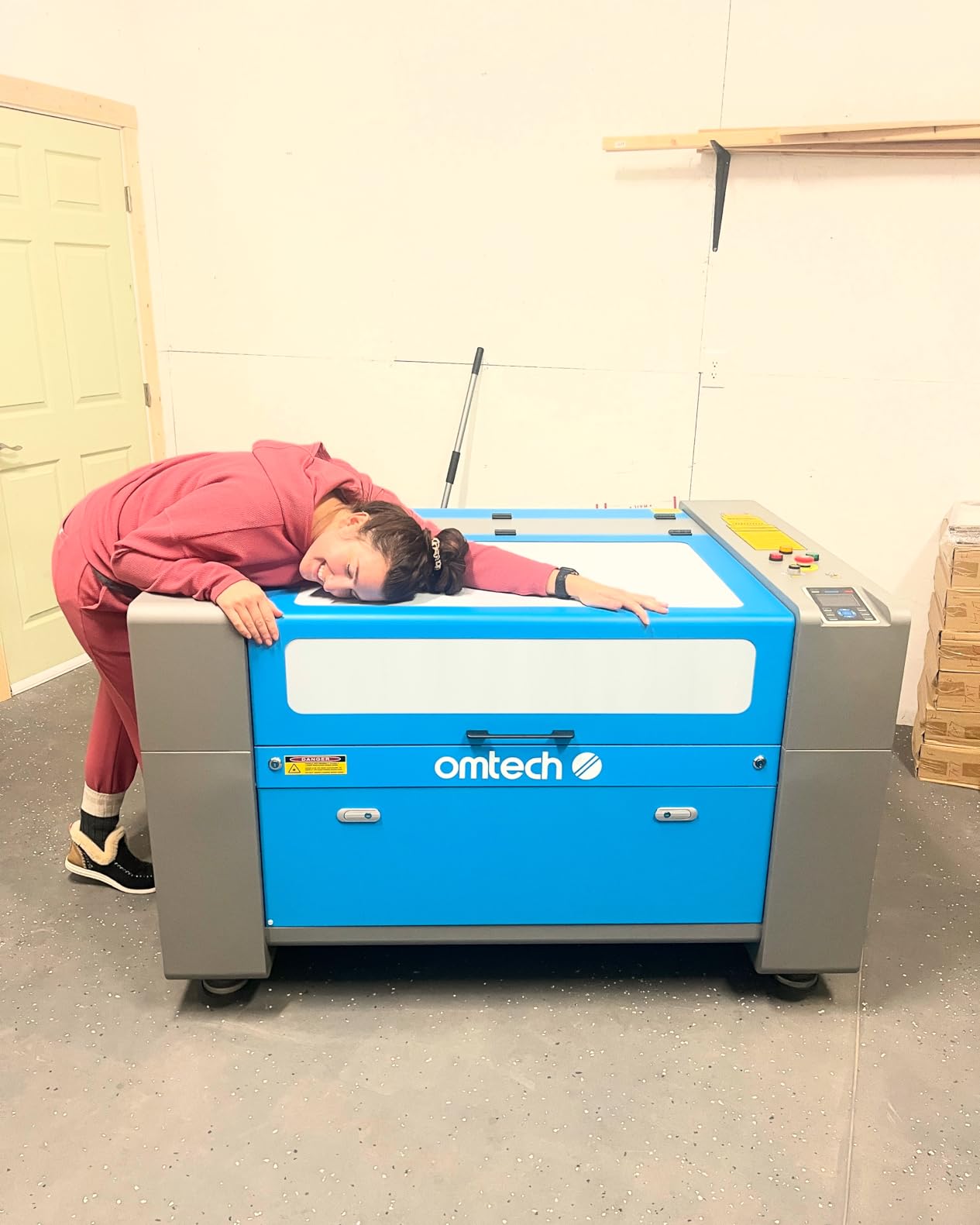
The water chiller is included, which is the right call at this power level, and it arrives in a separate carton from the engraver itself. Air assist with a powerful pump and a 318 CFM turbo exhaust fan are both standard. Compatibility covers RDWorks, CorelLaser, and LightBurn, so you are not locked into one workflow.
Be honest about the evidence. The rating is 5 stars, but it comes from 3 reviews, which is not enough to tell you much about long-term reliability. The owners who did review it describe the machine as fast and easy to use, and several are repeat buyers who bought the same model again as their business grew. That is a good sign from the right sample, and it is still a very thin sample.
What you give up by choosing the Pronto 35
At 441 pounds and 49.6 by 34.3 by 36.6 inches, this is a workshop machine in the literal sense. It needs floor space you can dedicate and will not be moved again, and the two-carton delivery means you are handling two large pallets.
A 90W tube also works through a consumable faster if you run it at full output, which is the single most repeated piece of advice in owner communities. Buying more wattage than you need is not free over five years of use.
Who the Pronto 35 suits best
Choose it if you already know you will cut thick material regularly or you are producing parts to sell where a failed cut costs more than the machine did. Repeat-purchase behaviour in a growing business is a meaningful signal at this power level.
Skip it for a first machine, for a flat, or for a room you might move out of. A 45W or 55W desktop will teach you the same fundamentals for a fraction of the weight and space.
6. OMTech Maker 60W – Best CO2 Laser Cutter With Everything Bundled
OMTech Maker 60W CO2 Laser Engraver with LightBurn & Water Chiller
60W tube,20 x 28 inch bed,249 pounds,autofocus,chiller and LightBurn
Pros
- Chiller and LightBurn included in the package
- Autofocus removes manual Z adjustment
- 20 by 28 inch bed with four-way pass-through
- Built-in air assist and flame-retardant window
Cons
- Heavy at 249 pounds
- Only 6 customer reviews
- No customer photos to verify build quality
The Maker 60W is the machine to look at if you want one purchase that covers everything. The water chiller and LightBurn are both in the box, so the two accessories that add cost and setup time on almost every other CO2 laser are already accounted for. With autofocus, a 20 by 28 inch bed, and a 60W tube, it is closer to a production machine than anything else in a home footprint.
The bed is a honeycomb and aluminium blade combination, which lets you use the blade surface for long thin material and the honeycomb for stable support under small parts. Four-way pass-through doors mean oversized stock enters from any side, a real advantage over two-way machines when you are working with full plywood sheets. Built-in air assist clears smoke and dust, and the widened flame-retardant viewing window helps with watching a cut.
That combination is what separates it from the other 60W-class machines here. The K40+ and the Vision Pro both need a chiller and software bought separately before the first cut, and on both the setup is part of the first weekend. Here, the chiller, the LightBurn licence, and the autofocus arrive in the box, so what you do on day one is design something and cut it.
What you give up by choosing the Maker 60W
At 249 pounds and 47.2 by 34.3 by 36.6 inches it is a dedicated floor machine, and the same commitment applies as with the Pronto. The 4.7 rating is encouraging, but it rests on 6 reviews, all at 5 stars or better with no critical feedback at all, which usually means a recent listing rather than a proven track record.
There are no customer photos at all yet, so build quality is unverified outside the manufacturer imagery. There is also no rotary attachment in the bundle, so curved objects are an extra purchase.
Who the Maker 60W suits best
Pick it if you want a 60W machine and a real bed without a second purchase order afterwards, and if you would rather use LightBurn than fight proprietary software. The four-way pass-through and the 20 by 28 inch bed suit furniture-scale and sign-scale hobby projects.
Skip it if you need tumbler engraving, need a rotary, or need a machine you can carry between rooms. Also wait if buying blind makes you nervous, because the review base is too small to confirm the build quality claims.
How to Choose a CO2 Laser Cutter for Hobby Use
Wattage is the first filter, and the ladder runs from 35W to 90W across everything on the market. A 40 to 45W machine is the hobby entry point and will cut roughly 10mm of acrylic and 8mm of wood. A 55 to 60W machine handles 15 to 20mm of acrylic and is the range most owners end up recommending for anything beyond occasional gift-making. An 80 to 90W machine is a production tool, and it is where the weight, the space, and the electricity bill jump.
The community advice worth taking seriously is that you should not run a laser at 100 percent output. Owners consistently recommend buying headroom so you can work at 60 to 80 percent power, which roughly doubles tube life and gives you faster cuts when you do need full power for a thicker material. Buying the wattage you will use rather than the wattage you might use is the cheapest decision in this entire guide.
Work area is the second filter, and it is the one people underestimate. The hobbyist standard is about 9 by 12 inches, which matches the K40+ and suits key fobs, earrings, puzzle pieces, and small signage. The jump to 12 by 20 inches doubles your usable space for sheet goods, and the move to 20 by 28 inches or 28 by 20 inches is what you need for full plywood sheets, layer-based projects, and anything you would otherwise have to split and join.
Enclosure and Class 1 safety decide whether the machine belongs in a room or in a shed. A Class 1 enclosed cabinet contains the beam, contains the fumes, and means you can run it in a space with people in it. The xTool P2S, the WECREAT Vision Pro, and the OMTech Pronto are enclosed. The K40+, the Orion 50W, and the Maker 60W are open-frame and need planned ventilation, which is a real cost and effort difference for a home workspace.
Software is where lock-in happens. LightBurn is the reference tool and works with the K40+, the Orion 50W, and the Pronto, and it is bundled with the Maker 60W. LaserGRBL is the simpler free option for the K40+ platform. RDWorks ships with the Orion machine. The xTool P2S uses xTool Creative Space, which is genuinely beginner-friendly and improving, but it traces raster images less faithfully than Inkscape, and LightBurn support on that machine drops rotary functionality. Decide this before you buy, not after.
Air assist, ventilation, and cooling are not optional. Air assist blows debris off the cut line, which improves cut quality, protects your lens, and lowers fire risk, and the integrated versions on the P2S, K40+, Vision Pro, and Maker are a genuine saving over adding a pump later. Ventilation is the cost people forget: an inline exhaust fan and ducting running outdoors, or a fume extractor, is an extra purchase on any machine. The Pronto 35 and the Maker 60W include a water chiller, which you will want on anything above 60W.
Tube lifespan is a consumable cost, not a one-off. A glass CO2 tube is rated in the range of 1000 to 10000 hours depending on the class of tube, and running below maximum output roughly doubles that. Ask what the replacement tube costs for the machine you are considering before you commit, because on a 90W machine it is a meaningful annual expense if you cut hard every week.
Space, weight, and power supply are where home workshops get derailed. The desktop machines in this group weigh between 81.8 and 130.7 pounds, while the open-frame production machines run from 165 to 441 pounds. Measure your doorway before you order, and check your circuit: the larger machines with their own chiller and turbo exhaust can need a dedicated 240V outlet rather than a standard wall socket. Several of the largest units are floor-standing models you will place once and never move again.
Materials You Should Never Cut in a CO2 Laser
Never cut PVC, vinyl, or any chlorinated plastic. They release toxic chlorine gas when the 10,600nm beam hits them, and that gas is genuinely dangerous to you, your pets, and anyone else in the building. Also avoid PTFE and Teflon, any material containing glass fibre, and any unidentified plastic you cannot identify by type. Pressure-treated lumber carries chemicals that should not be vaporised either, and cutting it is a slow way to make a room unusable.
Beyond that, the rule is simple: if you cannot identify the material, do not put it under the lens. Know that a CO2 laser cannot cut metal. It can engrave anodised aluminium, coated surfaces, slate, and ceramic, but cutting or true marking of bare metal needs a fibre laser, which is a different machine at a different budget.
CO2 vs Diode vs Fiber: Which Laser Suits Your Projects
A diode laser is cheaper, safer, and genuinely better for one narrow job: engraving thin wood, leather, and coated surfaces. A CO2 laser cuts what a diode cannot, which is clear acrylic, thicker plywood, glass, and fabric, and that expansion is why hobbyists move up. A fibre laser is the only one of the three that marks bare metal, and it is out of scope for a home hobby shop.
So the honest advice is this. If you only want to engrave names on leather dog tags and plywood coasters, a diode machine serves you well and costs a fraction. If you want to cut clear acrylic boxes, layer a lamp, or make jewellery from wood, you need a CO2 laser. If you need steel and aluminium marking, you need a fibre laser, and none of the machines here will do it.
What Real Owners Say About Their First Machine
The highest-ranking discussion for this topic on r/lasercutting is not a review roundup, and reading it is more useful than reading any of the affiliate pages. The recurring consensus is that the K40 platform is the canonical entry point, with owners describing it as a good first machine if you are working at roughly 9 by 12 inches and not running it hard.
The second thread is the wattage one, and the answer is consistent: do not run a laser at 100 percent, buy headroom, and treat 60W as the practical floor if you want to cut quarter-inch plywood without fighting the machine. On marketplace 100W tubes, owners are blunt that these need real work to dial in, arrive misaligned often enough to matter, and are not the same as a dealer-supported unit.
On support, the community recommends brands that ship machines pre-focused and ready to run, and treats video-call setup help as a genuine purchase factor rather than a bonus. The list of pain points repeats across threads: quality control variance on budget machines with dented panels and loose gantry parts, power supplies and tubes dying within months on entry-level units, Y-axis motors skipping steps and ruining print-and-cut registration, and support going unresponsive exactly when you need it.
Two questions come up constantly and go unanswered in most buying guides. Will it fit through your door, and can you move it into a small room. The honest answer is to weigh the machine before you order, because a 130 pound desktop and a 441 pound floor-standing machine are entirely different logistics problems.
Frequently Asked Questions
What is the best CO2 laser cutter for home use?
The xTool P2S 55W is the best CO2 laser cutter for home use because its fully enclosed Class 1 cabinet, fire detection, emergency stop, and 233.3 CFM exhaust fan contain both the beam and the fumes, which is what a shared or residential space requires. If cost is the constraint, the OMTech K40+ 45W is the alternative, but it is open-frame and needs planned ventilation.
What is the best laser cutter for hobby use?
It depends on what you make. For learning, gift-making, and small engraving projects, a 40 to 45W machine such as the OMTech K40+ is the right answer. For Etsy-style production, tumbler engraving, or thicker acrylic and plywood, move to an enclosed 55W desktop such as the xTool P2S or the WECREAT Vision Pro. A diode laser remains the cheaper choice if you only engrave thin wood and leather.
Which brand of CO2 laser is best?
There is no single winner. xTool builds the most polished enclosed desktop with strong support, OMTech covers the widest range and offers live video setup help, WECREAT gives the best enclosed value with a bundled rotary, and Orion Motor Tech is the strongest option for running without a computer. Match the brand to your workspace and your project type rather than to a brand ranking.
What materials should you never use in a CO2 laser cutter?
Never cut PVC, vinyl, or any chlorinated plastic, because they release toxic chlorine gas. Also avoid PTFE and Teflon, glass fibre materials, unknown or unidentifiable plastics, and pressure-treated lumber. If you cannot identify the material, do not put it under the lens. A CO2 laser can engrave anodised and coated metal but cannot cut it.
Do CO2 laser cutters need ventilation?
Yes. Every CO2 laser needs fumes vented outdoors or filtered through a fume extractor. Enclosed desktops like the xTool P2S and WECREAT Vision Pro include extraction fans, but open-frame machines such as the OMTech K40+ and the Orion 50W need an inline exhaust fan and ducting added separately, which is an extra cost and a weekend of work before the first cut.
How long does a CO2 laser tube last?
Tube life is measured in hours and depends on the tube class, with published figures ranging from about 1000 to 10000 hours. Lifespan roughly doubles when you run below maximum output, which is why owner communities recommend buying a higher-watt machine and working at 60 to 80 percent power rather than running a smaller tube flat out. Budget for the tube as a consumable.
The Bottom Line: Which CO2 Laser Should You Buy?
For most hobbyists in 2026, the xTool P2S 55W is the best CO2 laser cutter here, because an enclosed Class 1 cabinet, a 20mm acrylic single-pass cut, accurate cameras, and support that answers the phone solve the problems that actually stop people cutting. If your budget does not stretch there, the OMTech K40+ 45W is the best value and the most recommended first machine in the owner communities, provided you give it ventilation and an afternoon of setup. For tumblers, batch tags, and large work areas without a big footprint, the WECREAT Vision Pro 45W is the pick.
Match the machine to the room, not just the projects. Enclosed if the laser lives inside the house, open frame if it lives in a garage, and check the weight and your doorway before you order anything over 130 pounds.