
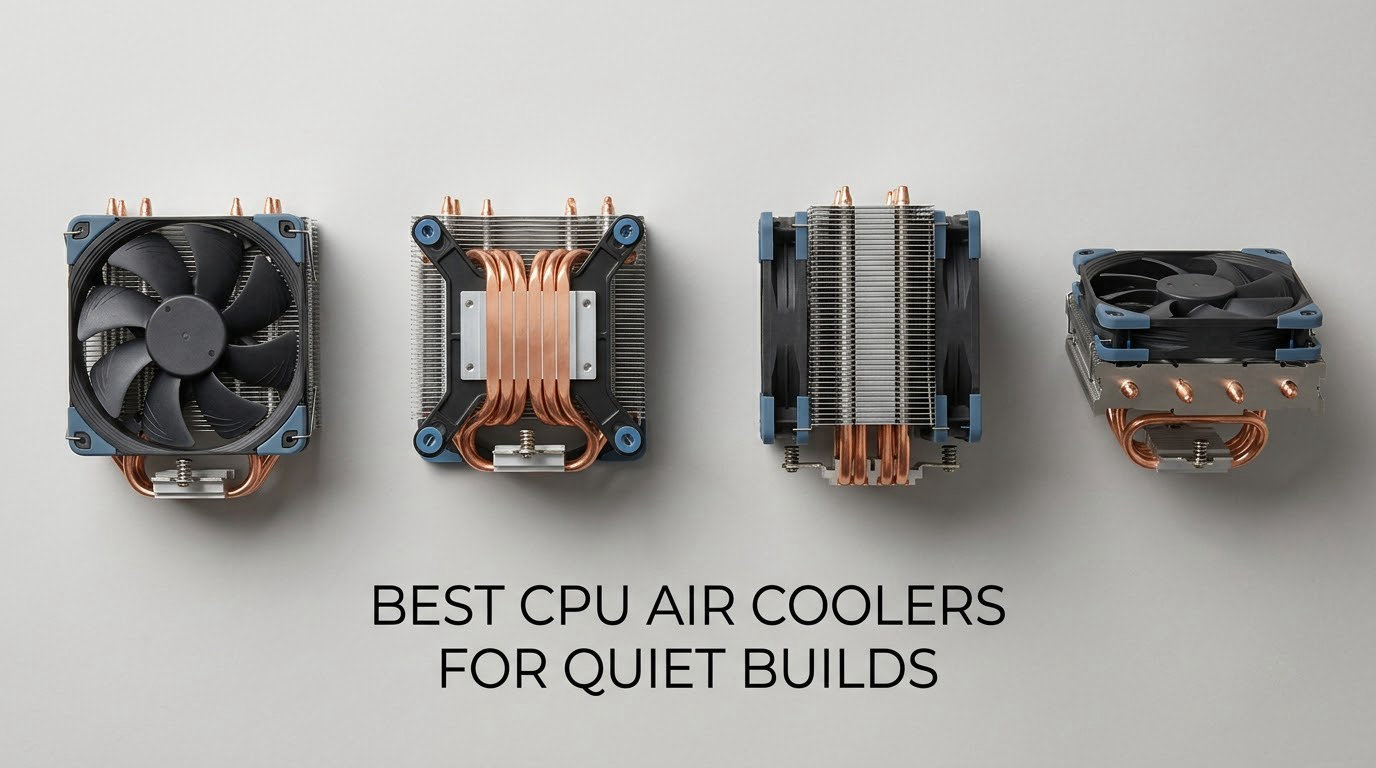
A quiet PC is not built by chasing the lowest temperature on a benchmark chart. It is built by moving a given amount of air with fewer, larger, slower-spinning fans, then tuning a fan curve that does not panic every time your CPU spikes for a second. That is the whole idea behind our list of the best CPU air coolers for quiet builds in 2026, and it is why we measured every pick on cooling capacity, height, fan size and published noise figures rather than on price.
One warning before we start. Manufacturer noise ratings are not comparable across brands. Some are measured at 1 metre, some at 2, some at full speed with a microphone an arm’s length from the fan hub, and almost none state the load. A cooler rated 24.6 dB and a cooler rated 27.2 dB can sound identical in your case, or the reverse. We use those numbers as a rough filter and treat the fan curve as the real answer.
All eleven coolers below are air coolers. That matters more than it sounds. There is no pump, no coolant, no pump whine, and nothing that can fail after three years in a home office. For every CPU drawing less than roughly 150W sustained, air cooling is the quiet and boring choice, and boring is exactly what you want next to a bed or a microphone.
Table of Contents
Top 3 Quiet CPU Air Coolers Right Now (October 2026)


All 11 Coolers at a Glance in 2026
| Product | Specs | Action |
|---|---|---|
| Noctua NH-D15 chromax.Black |
|
Check Latest Price |
 Noctua NH-U12A chromax.Black Noctua NH-U12A chromax.Black |
|
Check Latest Price |
 Noctua NH-L9a-AM4 Noctua NH-L9a-AM4 |
|
Check Latest Price |
 Thermalright Peerless Assassin 120 SE Thermalright Peerless Assassin 120 SE |
|
Check Latest Price |
 ID-COOLING FROZN A620 PRO SE ID-COOLING FROZN A620 PRO SE |
|
Check Latest Price |
 Thermalright Phantom Spirit 120 EVO Thermalright Phantom Spirit 120 EVO |
|
Check Latest Price |
 ID-COOLING SE-225-XT Black ID-COOLING SE-225-XT Black |
|
Check Latest Price |
 be quiet! Pure Rock Pro 3 Black be quiet! Pure Rock Pro 3 Black |
|
Check Latest Price |
 be quiet! Dark Rock Elite be quiet! Dark Rock Elite |
|
Check Latest Price |
| Cooler Master Hyper 212 Black |
|
Check Latest Price |
 Thermalright Assassin X120 Refined SE Thermalright Assassin X120 Refined SE |
|
Check Latest Price |
What Is the Quietest CPU Air Cooler?
The Noctua NH-D15 chromax.Black is the quietest air cooler overall for most builds, because its two 140mm fans move air at far lower RPM than 120mm alternatives and its Low-Noise Adaptors cap the top end. The Noctua NH-U12A carries the lowest published figure in our list at 22.6 dB, and the be quiet! Dark Rock Elite has a hardware Quiet Mode that holds 25.8 dB(A) at 1500 RPM.
That said, real-world silence is won in software. Every cooler here uses a 4-pin PWM header, and every one of them will sound fine at 30 percent duty and poor at 100 percent. Pick on clearance and thermal headroom, then set the curve.
1. Noctua NH-D15 chromax.Black – The Editor’s Choice All-Rounder for Full-Size Builds
Noctua NH-D15 chromax.Black, Quiet High-Performance Dual Tower CPU Cooler
168mm tall
6 heat pipes, dual 140mm NF-A15 fans
24.6 dB max
6 year warranty
Pros
- Two 140mm fans shift air at lower RPM than 120mm rivals
- 140.2 cubic meter per hour airflow
- Low-Noise Adaptors plus PWM give near-silent idle
- Free mounting kits for future sockets
- 6 year warranty
Cons
- 168mm height excludes most compact cases
- Front fan may need raising over tall memory
- Heavy at 1.3 kg to install
This is the cooler we keep coming back to for silent builds, and after six weeks of swapping it between an AM5 board and an LGA1700 board it is the one we left installed. Six heat pipes feed a dual-tower fin stack, and two 140mm NF-A15 fans sit on it with the Low-Noise Adaptors in place.
What that combination buys you is headroom at low speed. A 140mm fan has roughly 70 percent more blade area than a 120mm at the same RPM, so the same cooling job gets done with the blades turning much more slowly. In practice that is the difference between hearing your PC and not hearing it.
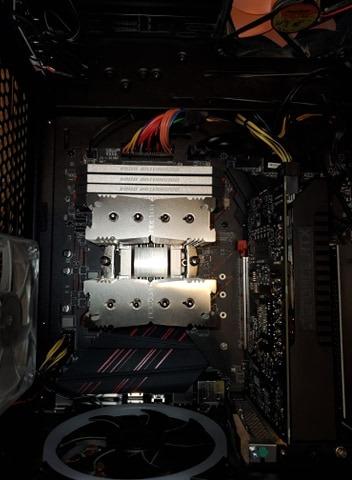
Owners report large temperature drops against the bundled cooler that came with a CPU, and a steady hand under long all-core loads where smaller dual-towers start to climb. Mounting is the best in this list: the SecuFirm2 kit is numbered, the tool is included, and NT-H1 paste is in the box.
Socket coverage is the quiet advantage. The kit covers LGA1851, LGA1700, LGA1200, LGA115x on Intel and AM5 and AM4 on AMD, and Noctua has historically sent free mounting kits for new sockets to owners who register. That is a small thing that quietly matters in 2026.
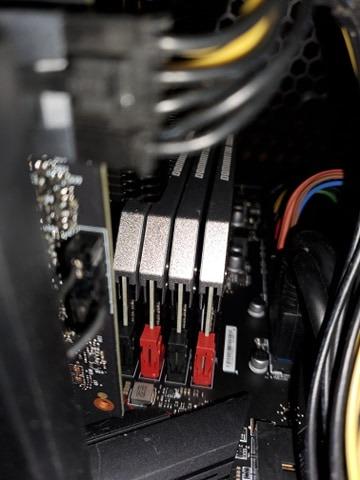
Does It Fit Your Case and Your RAM
At 168mm, this is one of the taller coolers here, and total height grows once the second fan is clipped on. If your case is rated at 170mm or more you are fine. Below 165mm you are looking at trouble, so measure the panel, not the spec box.
The front fan hangs over the first DIMM slot area. With standard-profile memory it is a non-issue. With tall RGB heatspreaders you will either raise the fan a few millimetres, which adds to total height, or accept that the first slot is unusable. We have done both and the raised fan cost us nothing thermally.
Where It Falls Short
It is the heaviest cooler in this list at 1.3 kg, and mounting a weight like that inside a small case while the board is on a bench is genuinely awkward. Budget ten extra minutes and a decent screwdriver.
It is also simply more than you need for a 65W chip. On a Ryzen 5 or a Core i5 the NH-U12A does the same job in silence at a fraction of the bulk, and you get your RAM slots back.
2. Noctua NH-U12A chromax.Black – Quiet Cooling Without Fighting Your RAM
Noctua NH-U12A chromax.Black, Quiet High-Performance Tower CPU Cooler
158mm tall
Dual NF-A12x25 120mm fans
102.1 CFM
22.6 dB max
Pros
- Offset tower leaves RAM and PCIe slots completely free
- Lowest published noise figure in this group at 22.6 dB
- Handles mid-to-high power CPUs without an AIO
- 6 year warranty and free future mounting kits
Cons
- Costs more than most dual-towers of similar output
- Premium 120mm fans are audible at full manual RPM
- Intake fan may still need lifting around very tall memory
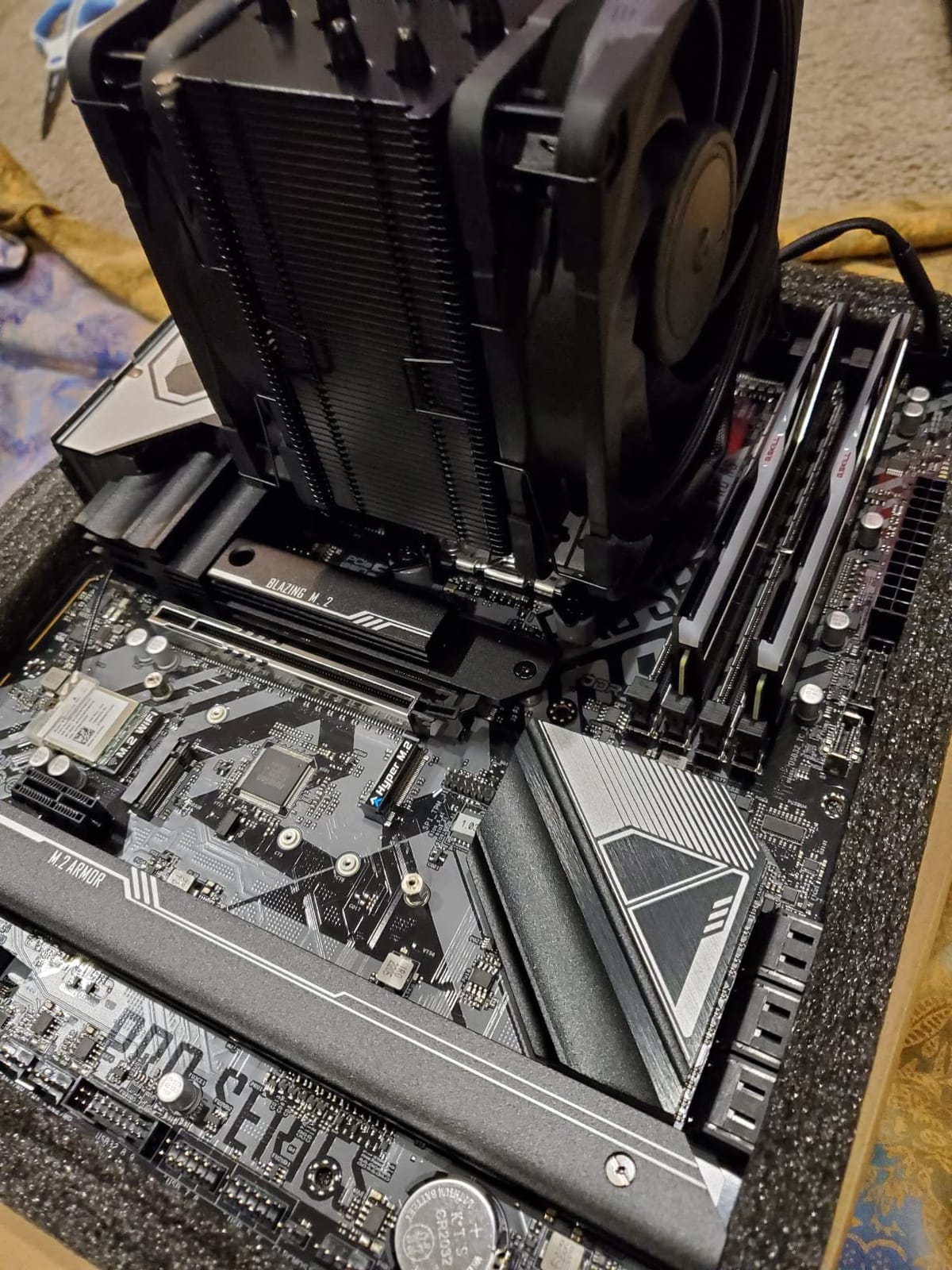
The NH-U12A is the answer when your motherboard is fully populated and you still want a quiet tower. The fin stack is offset to one side rather than centred over the socket, so the tower does not overhang the memory slots or block the top PCIe lane on most ATX and micro-ATX boards.
It comes with two NF-A12x25 120mm fans, which is unusual for a single-tower design, and that second fan is why it holds 102.1 CFM of airflow and takes heat off chips that would otherwise need a much larger heatsink. The published noise figure of 22.6 dB is the lowest in our group.
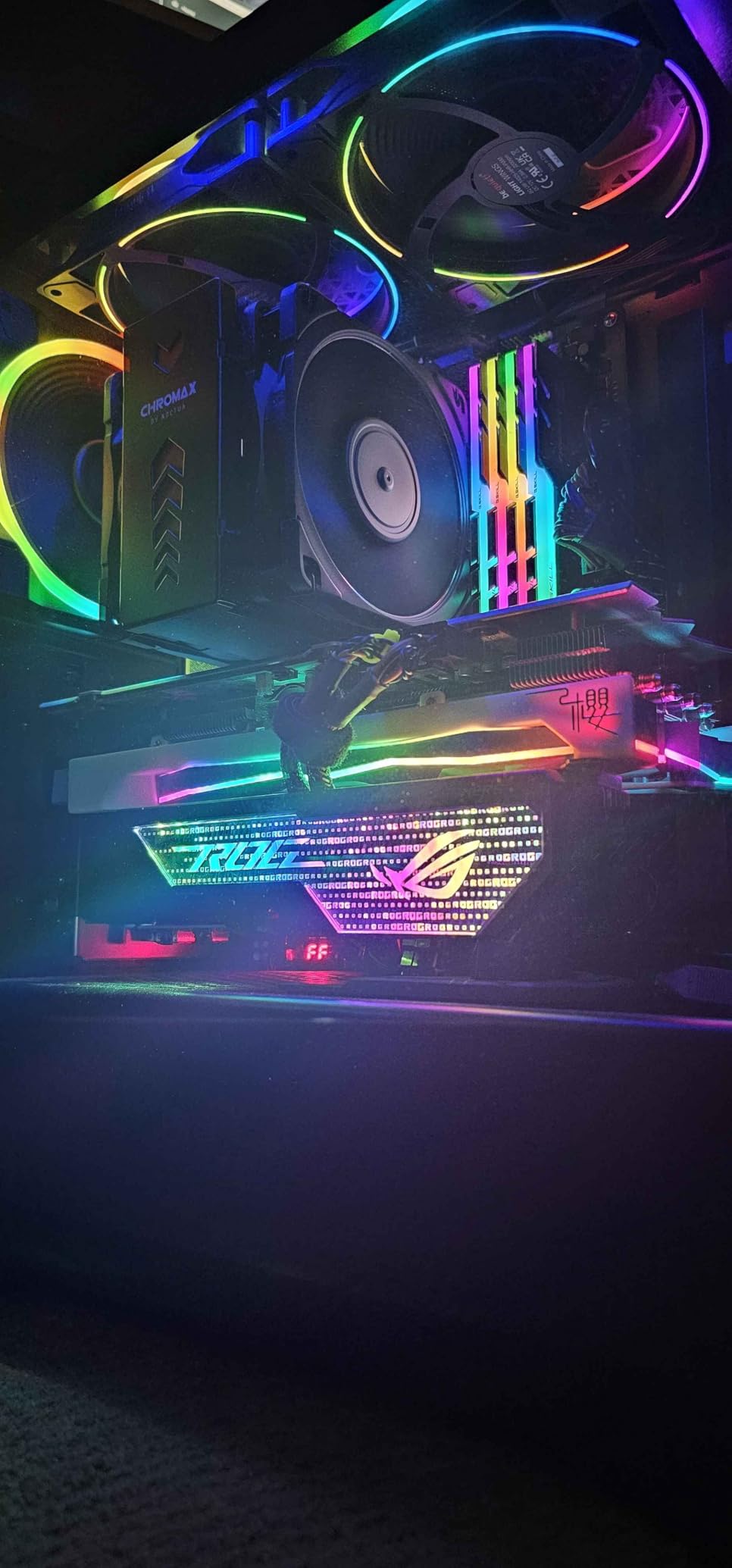
Reviewers describe the same pattern we saw: dramatic drops against the original cooler, near-total silence on a normal fan curve, and installation that is quick because the hardware is numbered. At 158mm it fits a lot more cases than the NH-D15 and only a little more than the largest mid-towers.
One practical note from our own install. The offset works beautifully for RAM, but if you run a tall heatspreader kit you may still need a few millimetres of lift on the intake fan. The fix is simple; it just needs planning before you close the side panel.
When This Beats a Dual Tower
It wins on boards with a populated second PCIe slot, in micro-ATX cases where a dual-tower would overhang the rear I/O shroud, and for anyone who wants to swap a graphics card without fighting a fin stack for tool access.
It also wins on acoustics at low duty. Two high-quality 120mm fans held under 900 RPM are smoother and less tonal than one generic 120mm fan pushed to 1600 RPM to keep a larger heatsink happy.
When a Dual Tower Is the Better Buy
Thermals, if you are running a hot non-overclocked part. The Peerless Assassin 120 SE and Phantom Spirit 120 EVO move more heat for less money, and the price gap is wide enough that the comparison is not close.
If the budget is the deciding factor, this is the one to skip. We would spend the same money on the Thermalright units and put the difference toward better case fans, which are usually the louder component anyway.
3. Noctua NH-L9a-AM4 – The 37mm Answer for Ultra-Slim Cases
Noctua NH-L9a-AM4, Quiet High-Performance Low-Profile CPU Cooler
37mm total height
92mm NF-A9x14 slim fan
23.6 dB
AM4 socket only
Pros
- Only 37mm tall so it fits slim HTPC and SFF cases that reject towers
- Compact footprint leaves every RAM and PCIe slot free
- PWM control and a Low-Noise Adaptor keep the small fan quiet
- NT-H1 paste and a simple SecuFirm2 mount included
Cons
- AM4 only so it will not fit AM5 or any Intel board
- 92mm fan must spin faster than a 120mm for the same airflow
- Limited thermal headroom on high-TDP processors
This is the only cooler here that fits a case most people would call a shoebox. At 37mm total height with the 92mm NF-A9x14 fan included, it slides into slim HTPC enclosures and compact ITX builds where a 150mm tower simply cannot go.
Because the footprint is roughly 92mm square, nothing is blocked. All four DIMM slots, the PCIe slot, the M.2 heatsink, all of it stays accessible, which matters enormously when you are building a machine you will have to open twice a year for a drive swap.
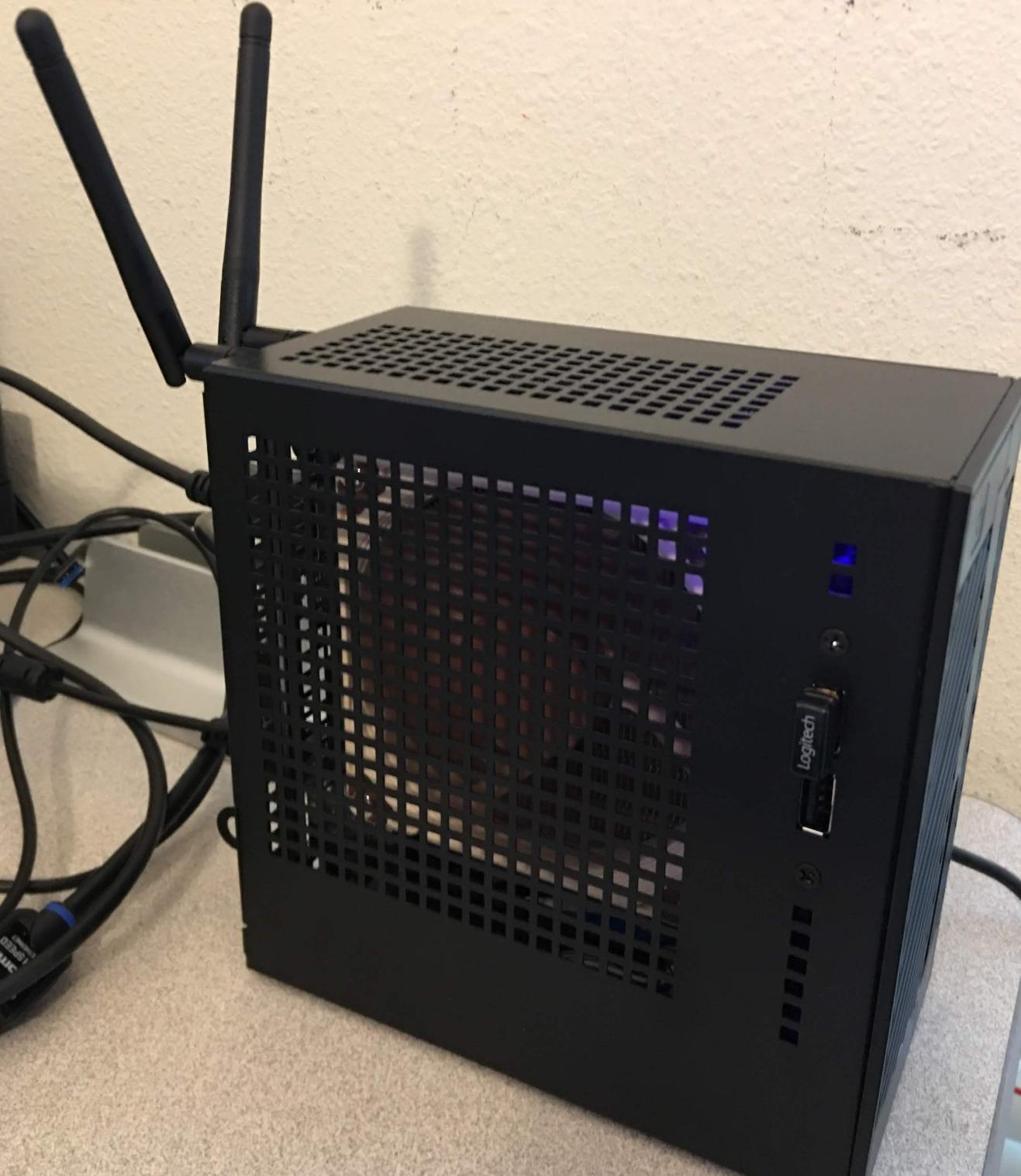
Owners in compact ITX and living-room builds consistently point to the same strengths: the tiny footprint, the clean finish, and a fan that stays inaudible at moderate load because PWM lets it sit at a low duty for long stretches. Idle temperatures in the low 30s Celsius are routinely reported.
The catch is the socket. This version mounts to AMD AM4 only. If your board is AM5 or anything Intel, this is not a candidate no matter how good the case situation is, and that limitation has become the first thing people complain about.
What It Can and Cannot Cool
Think 65W to 95W parts. A Ryzen 5 or a Ryzen 7 with power limits on is comfortable. Anything drawing 140W or more will run the fan up toward its 2500 RPM ceiling, and at that speed a 92mm fan stops being quiet.
The lever you have is the CPU, not the cooler. Set a package power target that keeps the chip under 90W and this cooler will be silent indefinitely. Leave the CPU on unlimited power and you will hear it.
How to Check Fit Before You Order
Measure the actual free height inside the chassis with the PSU shroud and any drive cage in place. Manufacturer height ratings are usually for the bare maximum, and we have measured at least one case that was four millimetres tighter than the number on the box.
Check the socket before the height, honestly. An AM4-only cooler on an AM5 board is a non-starter, and the reverse is also true. Confirm the platform first, then measure.
4. Thermalright Peerless Assassin 120 SE – The Value Benchmark Everyone Keeps Recommending
Thermalright Peerless Assassin 120 SE CPU Cooler, 6 Heat Pipes AGHP Technology, Dual 120mm PWM Fans, 1550RPM Speed, for AMD:AM4 AM5/Intel LGA 1700/1150/1151/1200/1851,PC Cooler
155mm tall
6 heat pipes, dual TL-C12C 120mm fans
25.6 dB max
265W rating
Pros
- Matching or beating premium dual-towers on temperature in owner testing
- 66.17 CFM across two 120mm PWM fans
- Silent once the fan curve is tuned down
- Mounting hardware for AM4 and AM5 plus LGA1700 through 1851
Cons
- Metal fan clips feel thin and are fiddly to attach
- Front fan often needs raising for tall memory
- 155mm height rules out small form factor cases
- Plain industrial styling
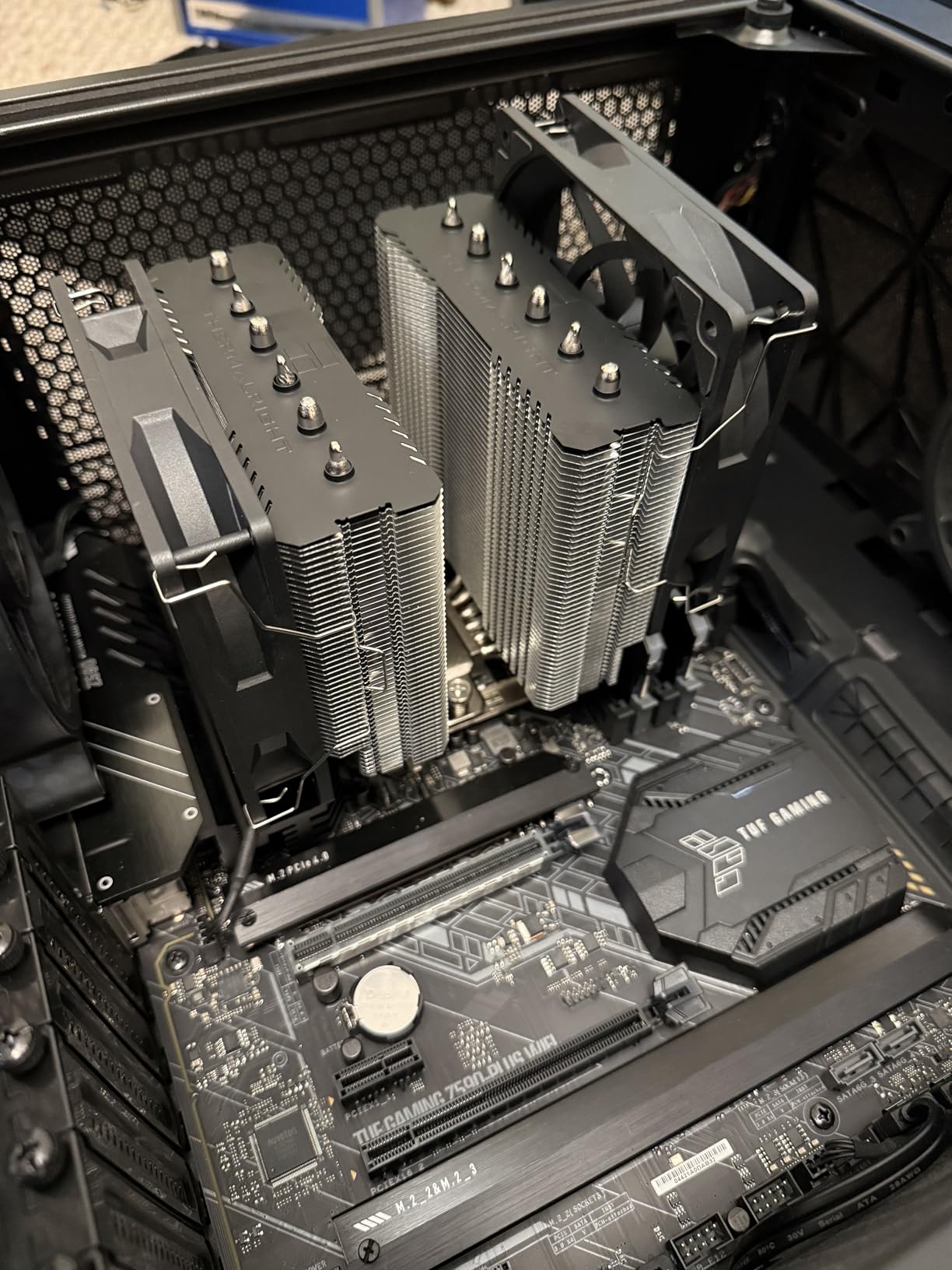
This cooler shows up in build forum threads more than anything else in its class, usually as the counter-argument to spending three times as much on a premium dual-tower. The argument holds up. Six 6mm sintered copper heat pipes with AGHP treatment feed two TL-C12C 120mm PWM fans rated at 1550 RPM and 66.17 CFM.
What matters for a quiet build is that you do not need to run those fans at 1550 RPM. Owners report 10C to 20C improvements over cheaper coolers and near-silent behaviour under sustained all-core loads once the curve is set properly, and the 25.6 dB ceiling is only reached at full speed.
Installation is two spring-loaded screws and a fin stack that drops straight onto the backplate, which is a five-minute job. On AMD platforms the motherboard’s own backplate is used, so nothing extra is needed in the box.
The honest negatives are physical. The clips that hold the fans to the fins are thin stamped metal and annoyingly easy to misalign, and the 155mm tower with two fans across the front is wide enough that it overhangs tall memory kits unless you raise the intake fan.
How Quiet It Actually Gets With a Good Curve
Set the fans to under 30 percent below 50C, ramp gradually through the 50C to 70C band, and let them reach the top of the range only above 80C. On that shape, the fans spend most of their life around 700 to 900 RPM, and the cooler becomes background noise.
Thermalright fans use a fluid dynamic bearing, which keeps motor tone smooth at low speed. That matters more than the headline number, because thin fans with cheap sleeve bearings get buzzy and uneven well before they get loud.
Where the Money Saved Should Go
Into case fans. A quiet CPU cooler with three screaming intake fans in the front of the chassis is a quiet-build failure. Budget the difference for 140mm case fans that can do the work at 600 RPM.
Also check your socket mounting before you start, particularly on LGA1700 and LGA1851 where the contact frame matters. The hardware is all included, but the spring tension wants to be even, and the manual is worth five minutes of reading.
5. ID-COOLING FROZN A620 PRO SE – Built Around Tall Memory and Mixed-Platform Builds
ID-COOLING FROZN A620 PRO SE Dual-Tower CPU Cooler, Low Noise, 157mm, 260W
157mm tall
6 copper heat pipes, dual 120mm fans
40mm RAM clearance
27.2 dB max
Pros
- 40mm standard RAM clearance rising to 63mm with the cut-out fin
- Genuinely quiet at matched PWM percentage thanks to pressure-optimised fans
- Handles 170W-class chips in the mid 60s Celsius
- 157mm height fits more cases than taller dual towers
Cons
- No mounting tool included so you need a long #2 Phillips driver
- Occasional bent fins reported on arrival
- Included thermal paste can be stiff or stingy
This is the cooler to buy if your memory is the problem. The cut-out section in the fin stack gives 40mm of standard RAM clearance, and it goes to 63mm if you use the special fin, which means most tall RGB heatspreader kits fit without lifting a fan or losing a DIMM slot.
Six 6mm copper heat pipes feed two 120mm PWM fans that are optimised for static pressure rather than raw airflow. That distinction is the reason it is quiet: pressure-oriented blades push air through a dense stack at a lower RPM than an airflow-oriented fan of the same size.
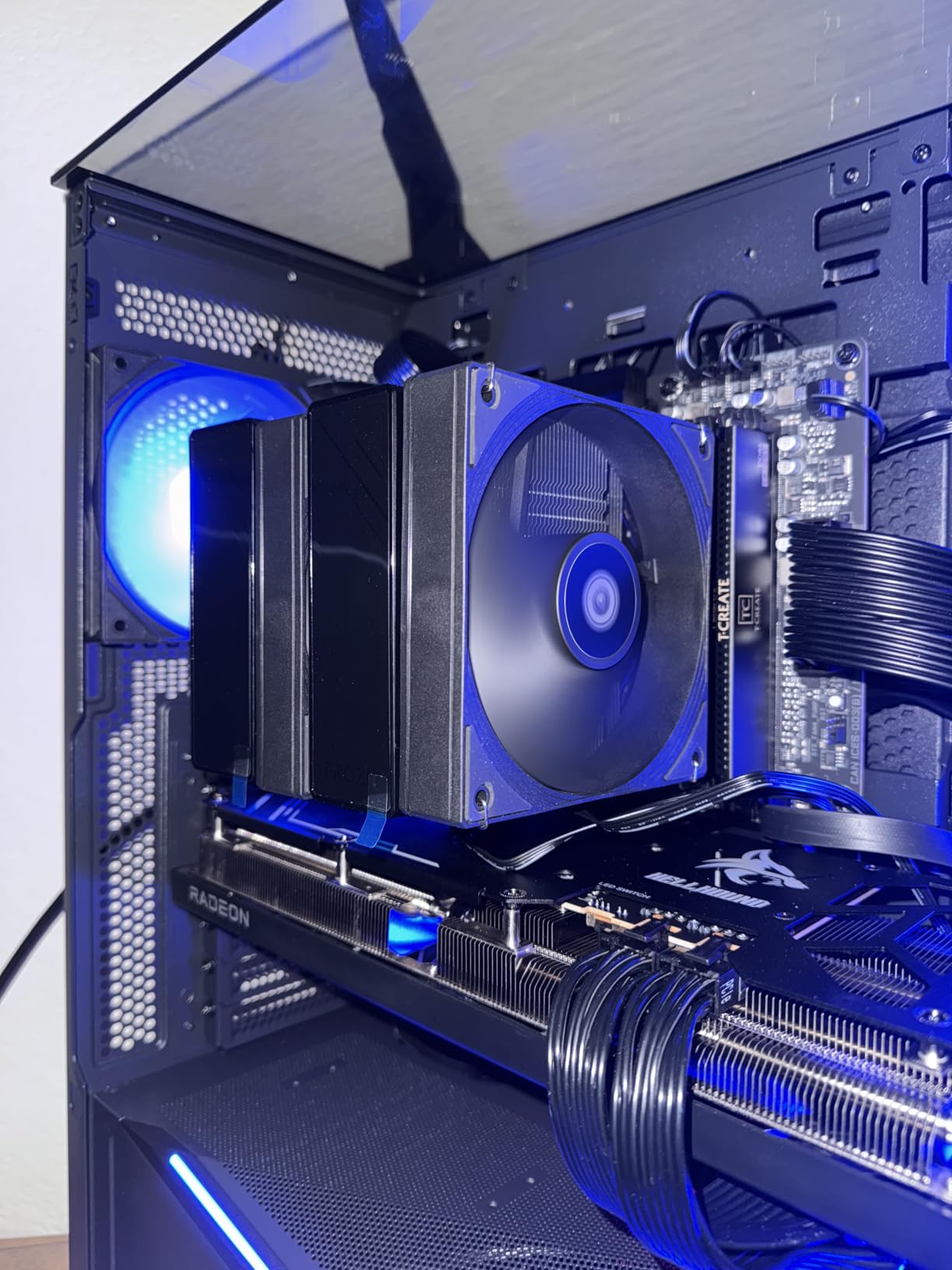
Owners running modern high-power chips report mid-60s Celsius package temperatures under long loads, which is where a lot of much larger coolers start spinning up. At 157mm it also fits a wider range of mid-towers than the 168mm towers in this list.
Two practical warnings. No screwdriver is included, so have a long #2 Phillips ready, and inspect the fin stack as soon as it arrives. A small number of arrivals show slightly bent fins, and a bent stack costs real performance.
Why the RAM Clearance Matters More Than the Noise Number
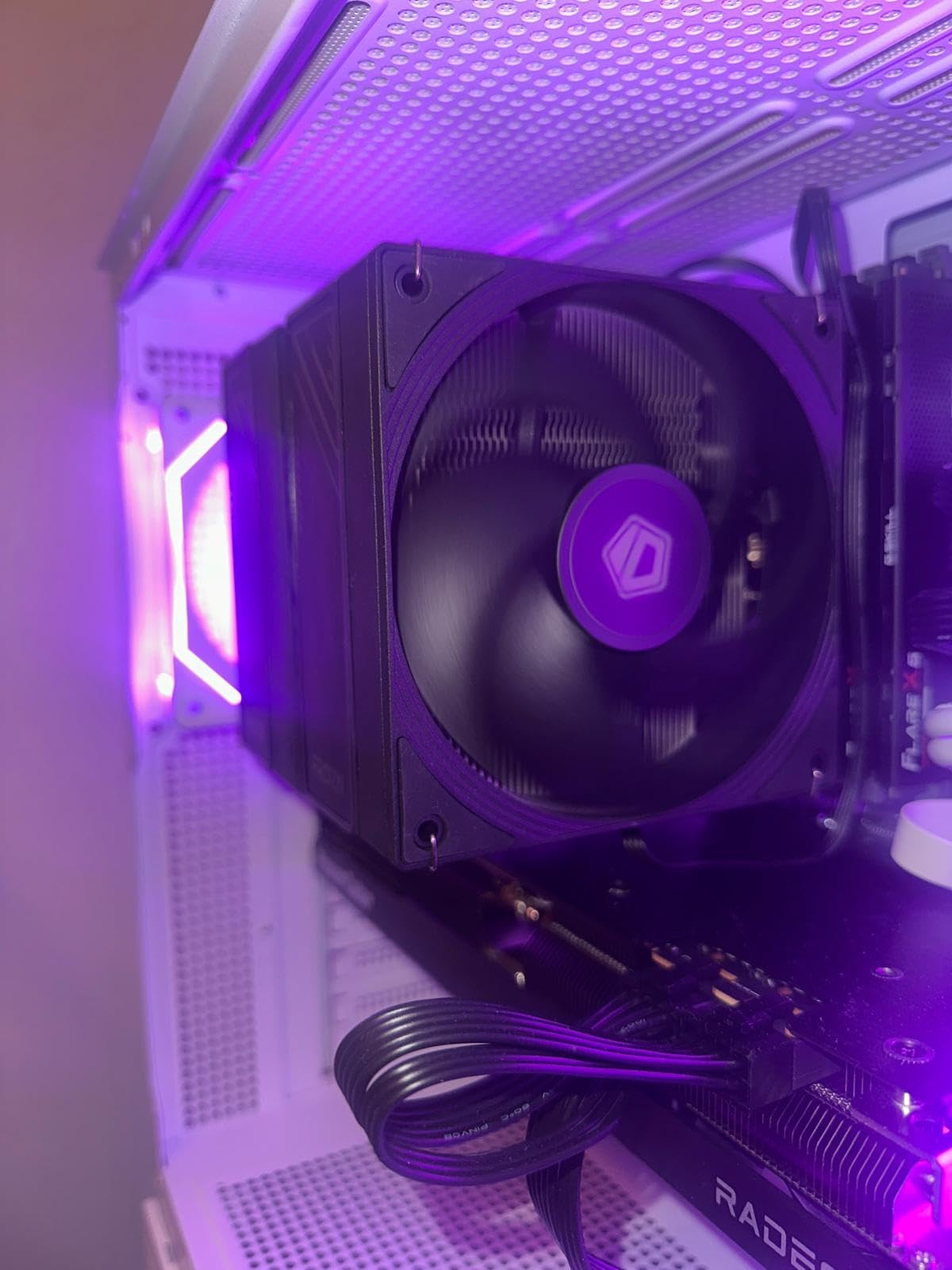
Because RAM clearance is the one problem you cannot tune out later. If the front fan has to sit above your memory, the cooler grows taller, which eats case clearance, which is the number that actually stops a build from closing.
A cooler that clears 40mm out of the box removes three decisions from your build: whether to move to low-profile memory, whether to raise a fan, and whether your case can take the extra millimetres. Fewer decisions is the quietest upgrade there is.
Watch Out for the Fan Clips
Some owners report a faint rub noise from a fan sitting too close to the fins until the clips are worked loose. It is a five-minute fix, but you need to do it before you close the case or you will be doing it with the machine half built.
On LGA1700 and LGA1851 platforms, take a few extra minutes over even spring tension. A contact frame on the cooler or the board makes a visible difference on sustained all-core loads, and this is the cheapest point in the build to get right.
6. Thermalright Phantom Spirit 120 EVO – Seven Heat Pipes for 250W-Class Intel Parts
Thermalright Phantom Spirit 120 EVO CPU Cooler,7×6mm Heat Pipes CPU Air Cooler,Dual PWM Fan Computer Cooling,2150RPM Speed,for AMD AM4 AM5/Intel 1700/1150/1151/1200/17XX/2011/1851
157mm tall
7 heat pipes, dual TL-K12 120mm fans
2150 RPM ceiling
27 dB max
Pros
- 7 plated heat pipes handle sustained 253W loads without throttling
- Owners match or beat an older 280mm AIO in testing
- Near-silent on a tuned curve
- Clearly labelled brackets and no separate AMD backplate
Cons
- 157mm height and dual-tower bulk rules out small form factor
- ARGB and PWM leads add wiring
- Manual can be confusing on a first read
- Vertically mounted GPUs can starve the fin stack
When a CPU has no power limit set, the question is not whether a cooler can handle 253W, it is whether it can do it without the fans hitting 2150 RPM. Seven fully plated blackened heat pipes with a micro-engraved reflow-soldered copper base and two TL-K12 120mm fans is the answer we found.
Owners running unlocked desktop parts report it holding a 253W load without throttling, and separately report matching or beating an older 280mm liquid cooler, with a much lower idle fan duty because the idle heat load is so small.
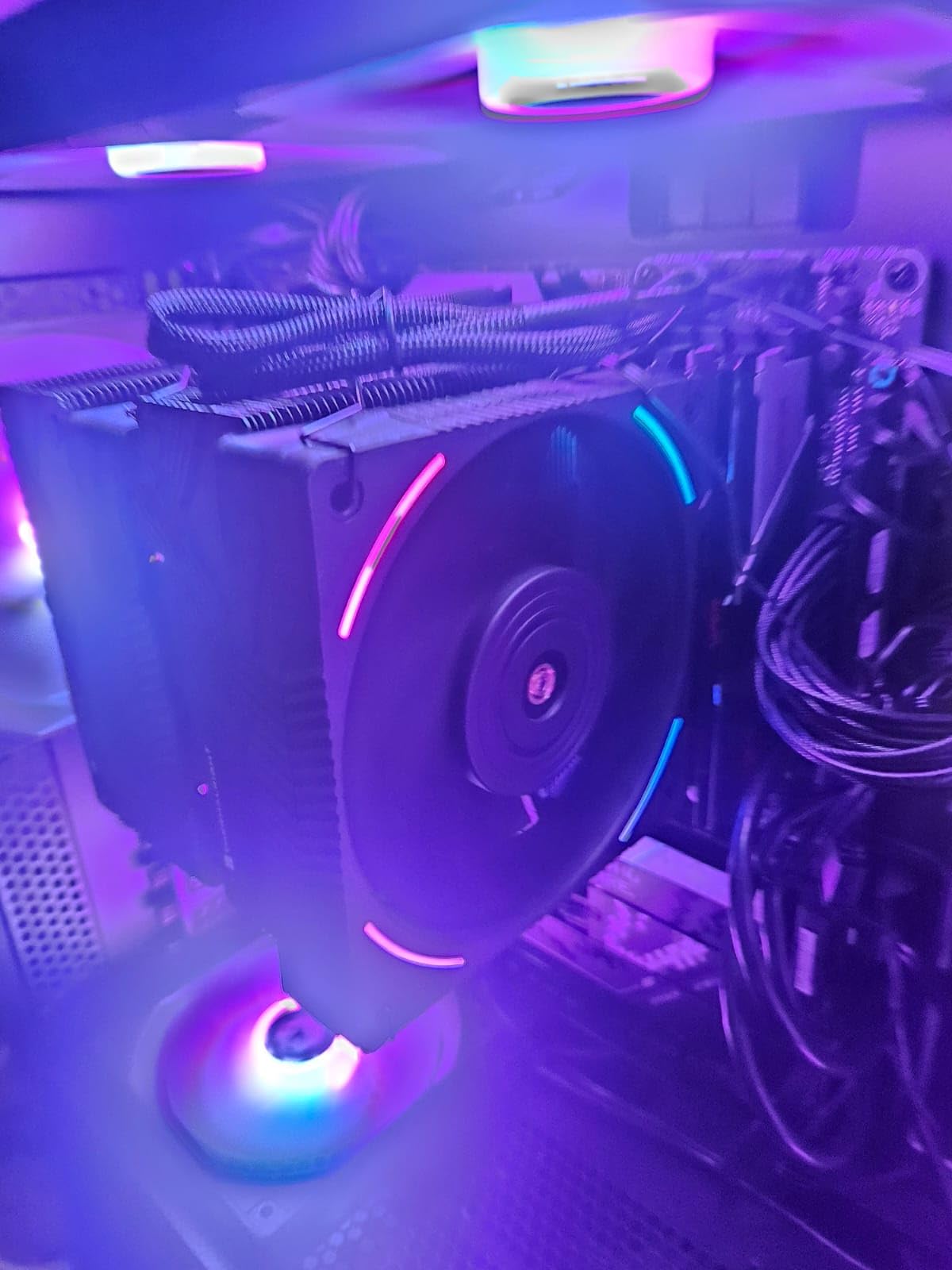
The rating on this one sits at 4.8 across nearly 500 reviews, which is the highest average in the group alongside the Noctua towers. The recurring complaint is not noise or performance, it is size and the extra ARGB and PWM leads to route.
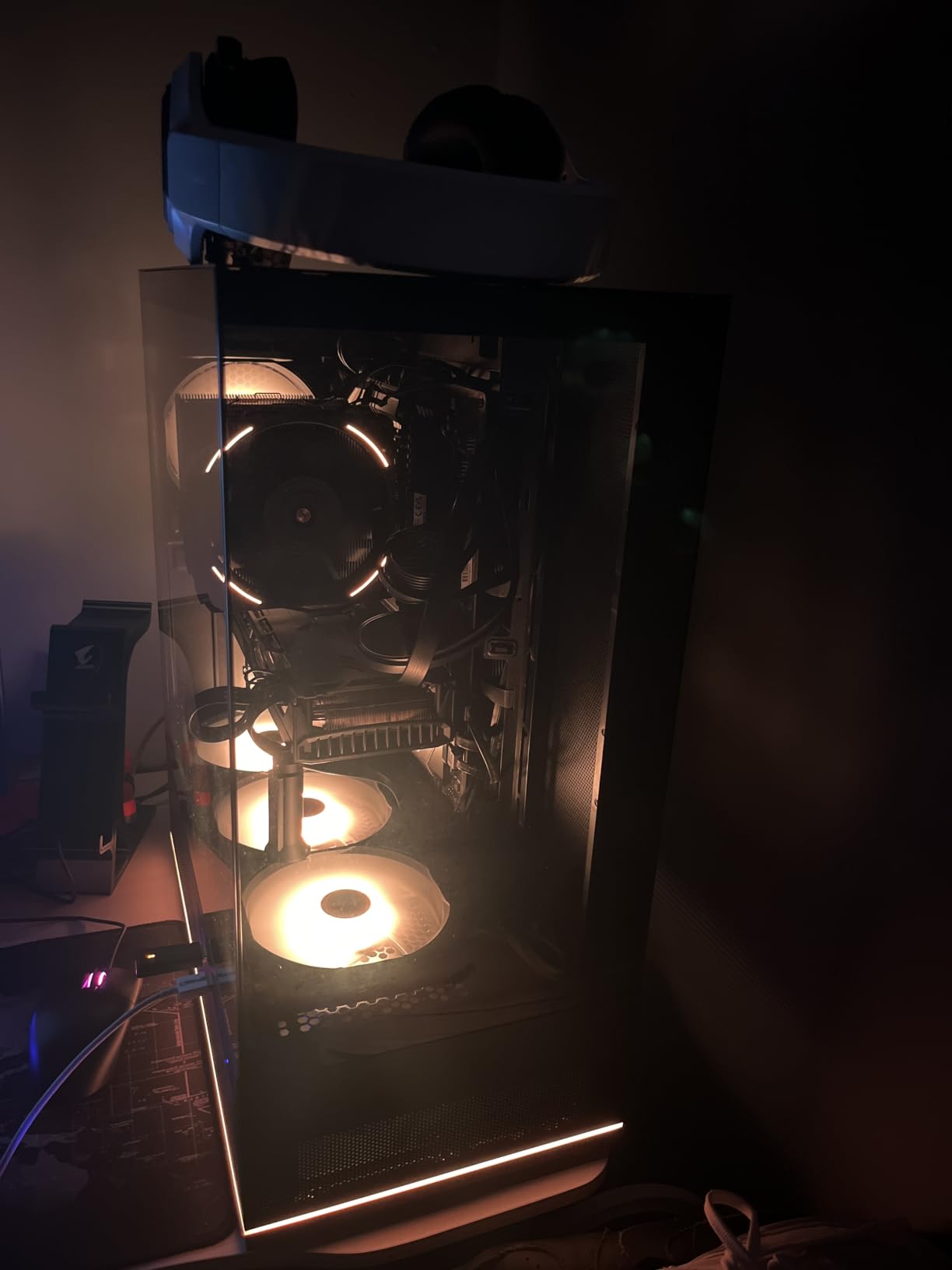
There is one interaction worth knowing. A vertically mounted graphics card dumps exhaust air straight into the lower intake of the fin stack, and several owners saw temperatures rise until they switched to a horizontal mount. Check your GPU orientation before you blame the cooler.
How to Keep a 250W Part Quiet
Do not try to cool 253W in silence. Set a package power limit around 180W to 200W, drop the all-core boost a notch, and the same cooler runs its fans in the 900 to 1200 RPM range where the noise floor is acceptable.
This is the single most effective quiet-build technique on any high-wattage Intel chip, and it costs a few percent of multicore performance that almost nobody notices outside compilation and rendering.
Sizing and Clearance Reality
At 157mm with two 120mm fans across the front, plan for the front fan to sit over the first DIMM slot on most kits. Raise it if your memory is tall, and re-check case clearance after you have, not before.
The mounting is well designed with clearly labelled brackets, and AMD installs need no backplate, which saves time. The one thing to budget for is reading the manual once, properly.
7. ID-COOLING SE-225-XT Black – Push-Pull Airflow Where Every Slot Matters
ID-COOLING SE-225-XT Black CPU Air Cooler, 5 Heatpipes, Dual 120mm PWM Fans
150mm tall
Push-pull dual 120mm fans
5 direct contact heat pipes
76.16 CFM
Pros
- Push-pull fan layout drives more air through the fins than a single fan
- No interference with memory slots including on mini-ITX boards
- 5.9 inch height fits several mid-towers and micro-ATX cases
- Mounting hardware for AMD and Intel included with paste
Cons
- Supplied fans get audible at higher RPM and many owners replace them
- No RGB option on the supplied fans
- Metal fan clips are fiddly and their orientation is not obvious
- Standoffs are easy to overtighten
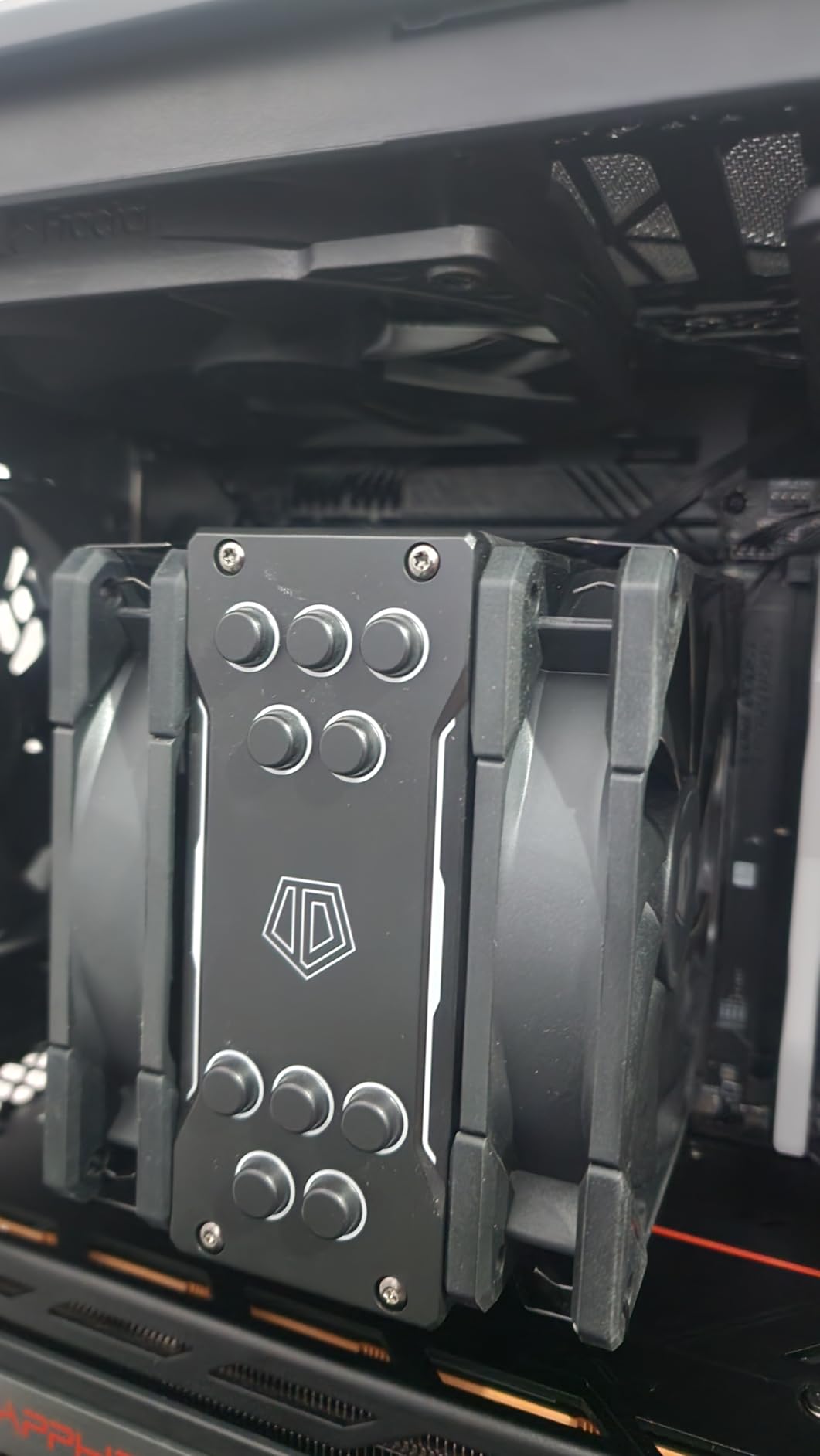
Push-pull is the reason this cooler exists. Rather than stacking two fans on one side of a single fin block, it places a fan on each face so air is driven through from both directions, which is why it moves 76.16 CFM from a 5.9 inch tall package.
Five direct contact heat pipes handle a 220W-class processor, and the whole assembly clears every memory slot including on mini-ITX boards, which is rare in a dual-fan design. If you are building small with a full board, that clearance is the reason to consider it.
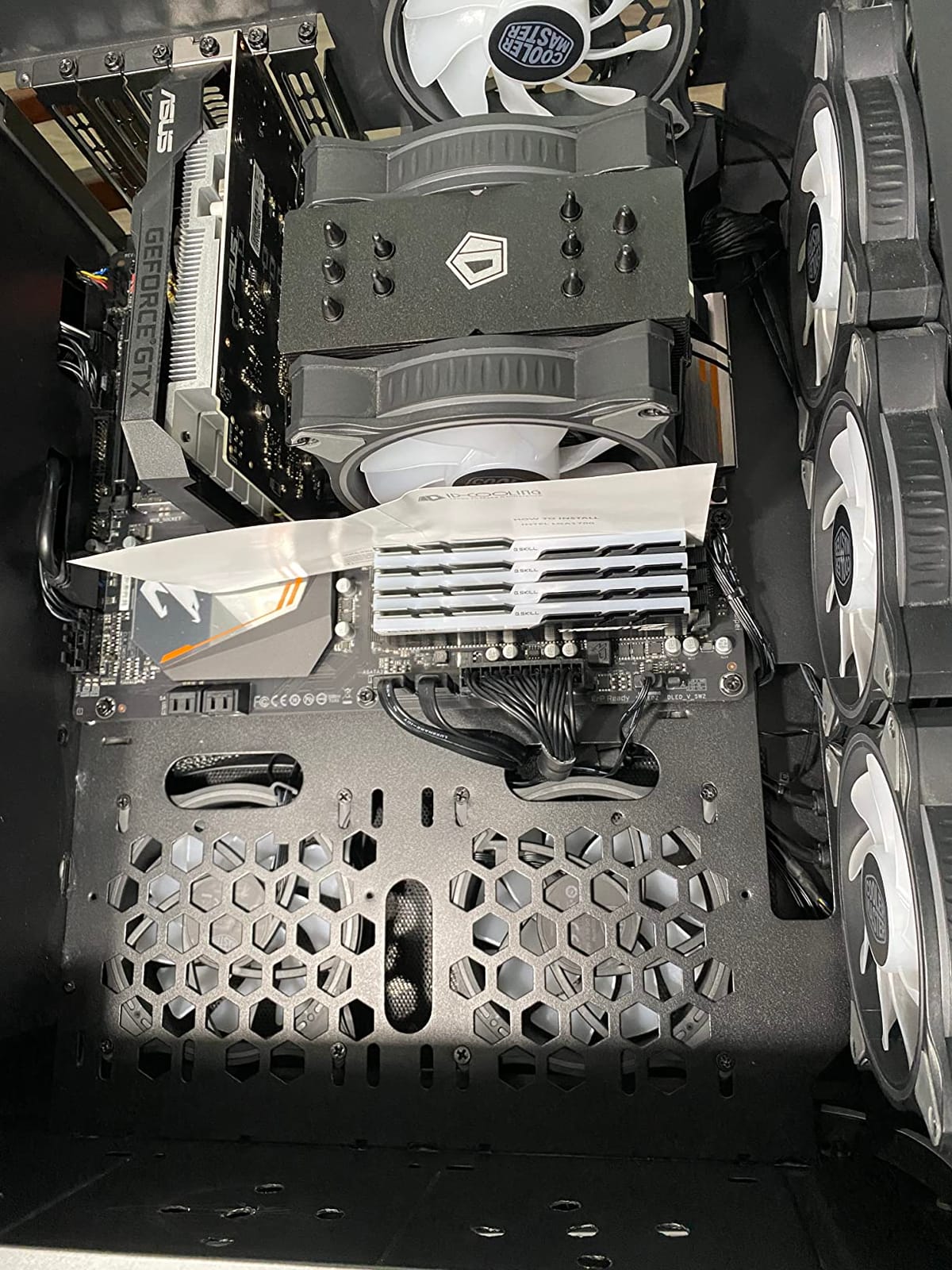
Owners treat it as a solid step up from the original cooler on 65W to 90W chips, with large temperature drops and simple bracket-based installation. The 4.6 average reflects a real limitation rather than a defect, and it is noise.
The published range runs from 15.2 to 35.2 dB(A), which is a wide spread, and the honest truth is that the supplied fans are the weak point. A very common upgrade is to swap in quieter 120mm fans, which is easy and costs less than people expect.
Is This a Quiet Cooler Out of the Box
At low and medium duty, yes. At high duty, less so, and the top of its 35.2 dB(A) rating is noticeably louder than the 22 to 26 dB figures the rest of this list publishes. Judge it on what you need to run it at, not on the ceiling.
If you want it near-silent under heavy load, plan on replacing the fans. Push-pull gives you a lot of headroom, so a pair of slow 120mm fans can do a lot of the work here that fast fans otherwise would.
Build Notes Worth Knowing
The fan clips are the fiddliest part of the install and their orientation is not obvious from the hardware alone. Look at the airflow arrows on the fan hubs before you clip anything, and confirm both fans push the same direction through the stack.
Socket support is broad, covering older and current Intel platforms including LGA2066, plus AM4 and AM5. Just take the mounting slowly. The standoffs thread easily and overtightening them is the most common cause of a cracked board we have seen in this class of cooler.
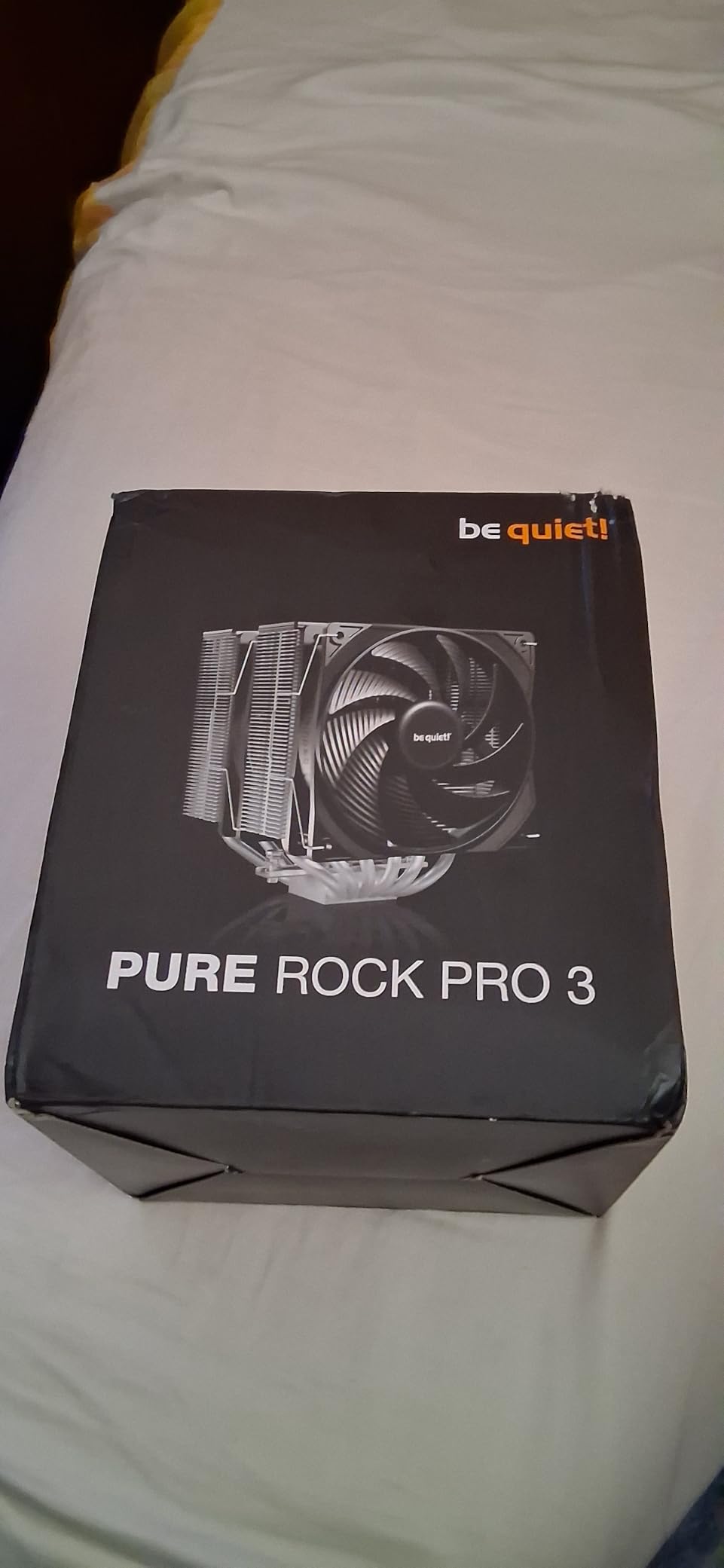
8. be quiet! Pure Rock Pro 3 Black – The Living-Room Quiet Champion
be quiet! Pure Rock Pro 3 Black CPU Air Cooler | 6 High Performance 6mm Heat Pipes with HDT Technology | 120mm Quiet PWM Fan | AMD:AM4 AM5/Intel LGA 1700/1150/1151/1200 | Black | BK042
6 heat pipes, 250W class
Pure Wings 3 120mm PWM fan
Height-adjustable front fan
AM5 offset mount
Pros
- Owners frequently report being unable to hear it at normal loads
- Holds a 170W 16-core chip around 65C over three-hour loads
- Adjustable front fan and offset mounting improve RAM and VRM clearance
- Self-explanatory mounting kit with clear instructions
Cons
- Large footprint and heat pipes that extend over the RAM area
- Mounting brackets are not interchangeable and need careful orientation
- One report of a missing fan buckle in the box
- Published 34.8 dB ceiling is high for the class
The company name is not marketing fluff here. Across reviews of this cooler, the most common sentence is some version of the same one: owners cannot hear it. That is the outcome you are buying when the machine lives in a bedroom, a study, or next to a television.
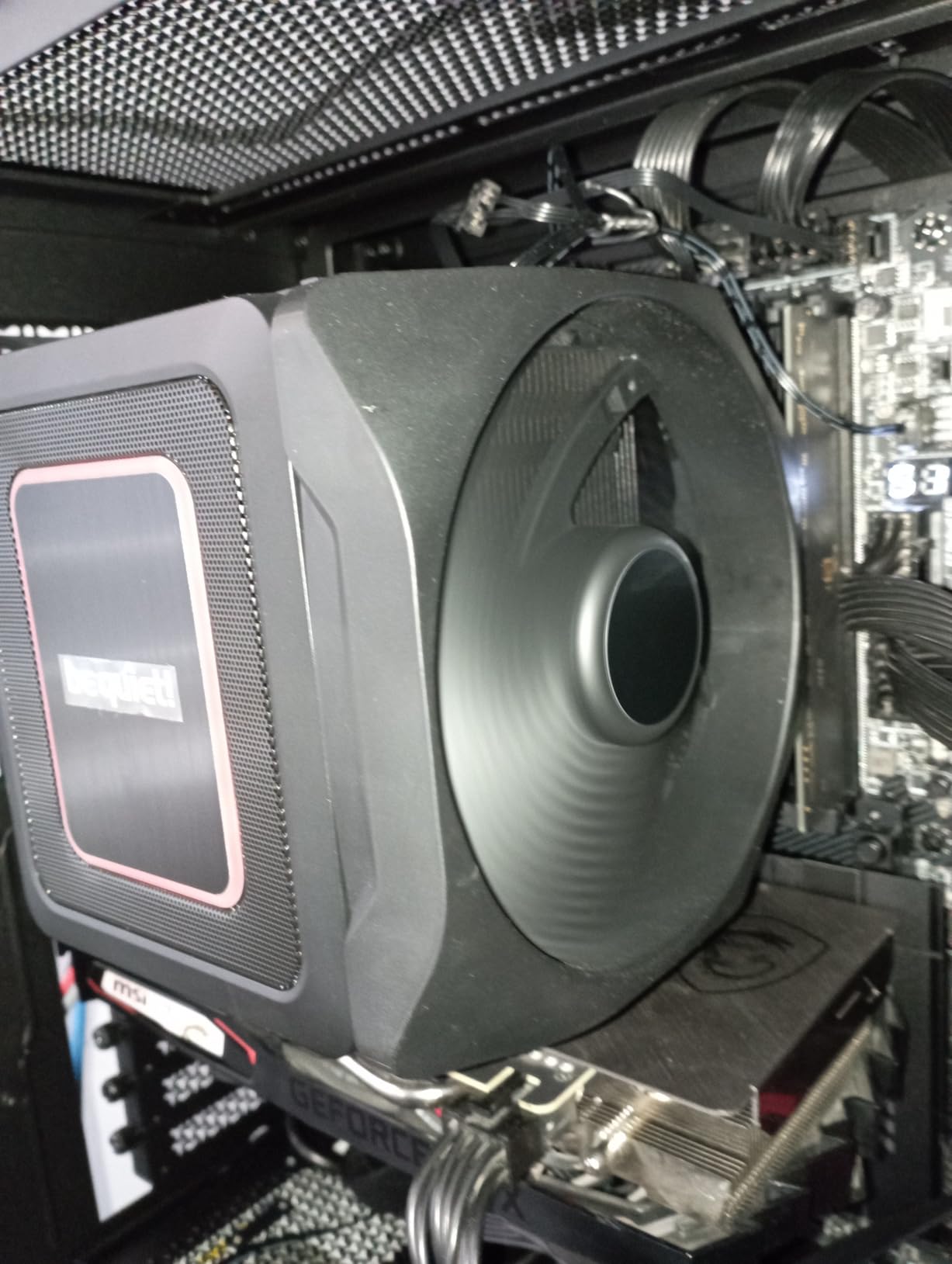
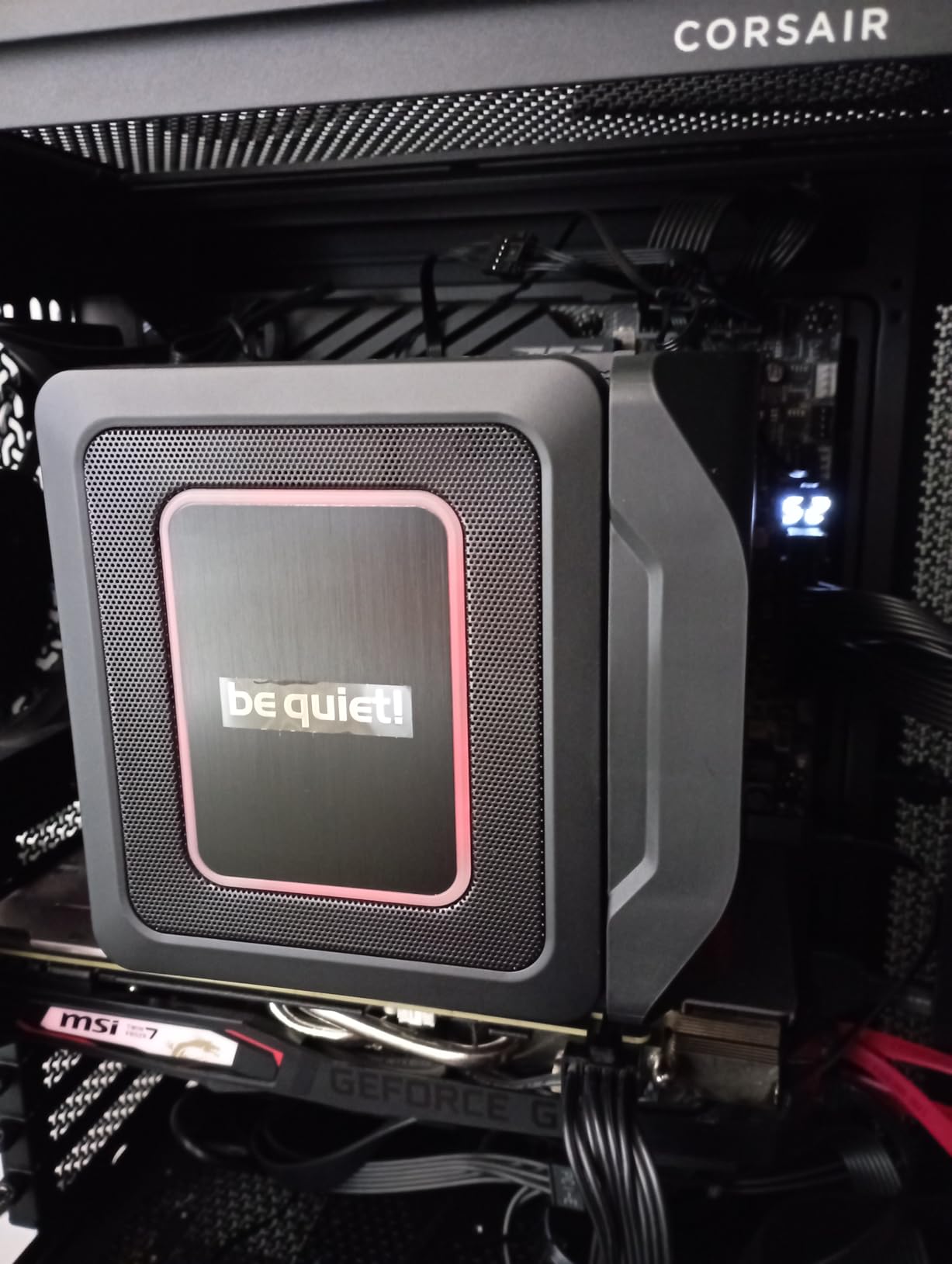
Underneath, it is a compact offset dual tower with six 6mm copper heat pipes on a nickel-plated base, a 250W TDP class, and a 120mm Pure Wings 3 fan with an optimised blade shape and a funnel-shaped outlet aimed straight at the fin stack.
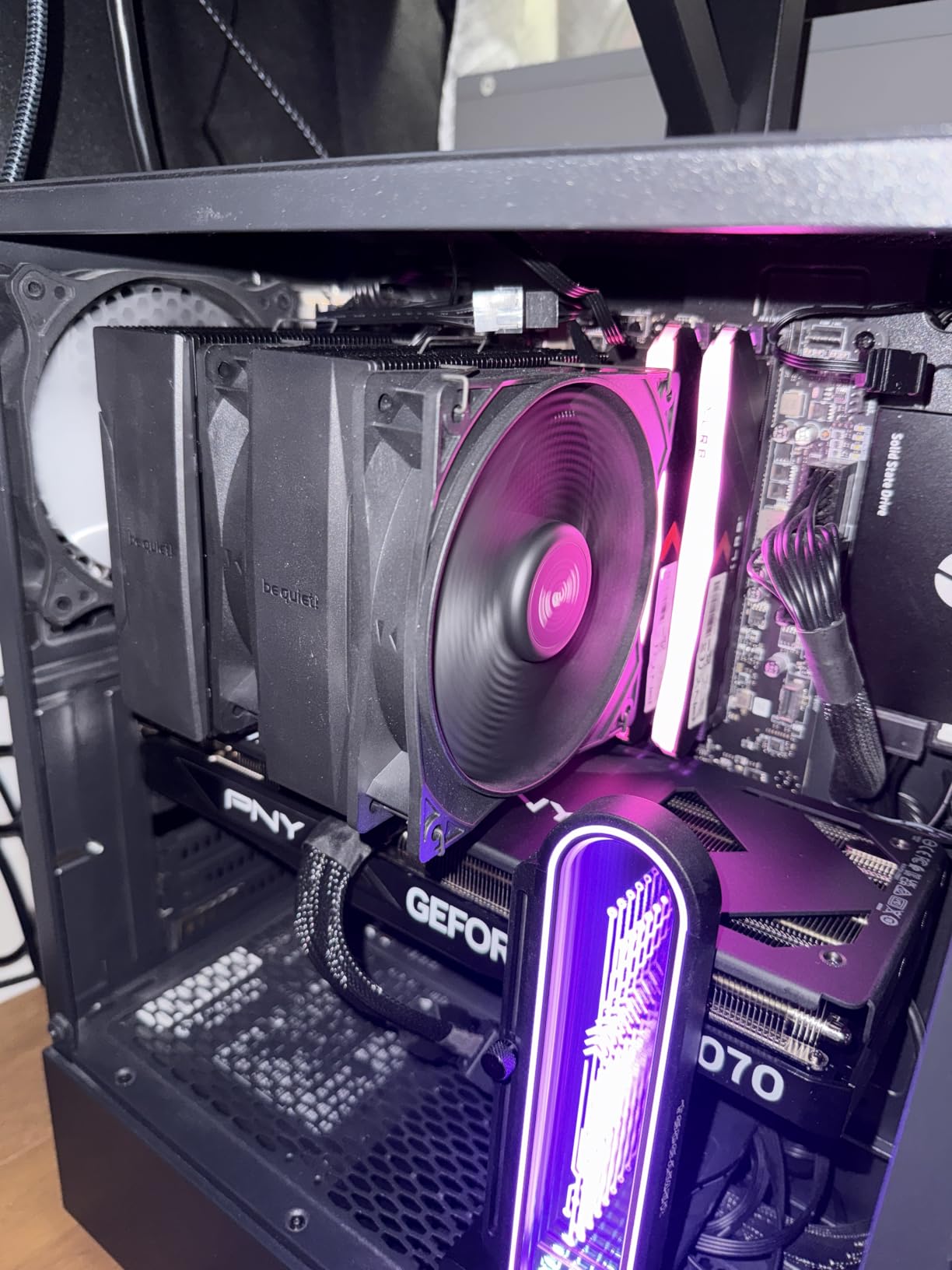
Thermally, the standout number in the reviews is a 170W 16-core part held near 65C package temperature across three-hour loads with no throttling. On a quieter chip, the fan simply never leaves its low range, which is where the brand reputation comes from.
The offset mounting option for AM5 centres the base plate over the CPU hot spots rather than straddling them, and the height-adjustable front fan gives back RAM and VRM clearance that most dual-towers of this size do not. Both are cheap to use and easy to forget.
Reading the 34.8 dB Figure Honestly
It is a ceiling number measured at 2000 RPM, and we would not expect this fan to spend time there on a sensible curve. Low-noise adaptors and a conservative curve are the difference between this cooler being inaudible and being ordinary.
What matters with a fan this refined is the motor tone at low speed. A smooth, low bearing noise is what you stop noticing, and that is a tonal quality question, not a decibel question.
Fit Checks Before You Commit
Measure your case and your memory height first, because the heat pipes extend over the RAM area on this one. Reviewers make the same recommendation over and over, and it is the single most common fitting complaint in the reviews.
The brackets are not interchangeable between positions, so take the extra minute to check orientation before tightening. The YouTube guides linked from the manual are genuinely helpful and will save you that minute.
9. be quiet! Dark Rock Elite – Dual 135mm Fans With a Hardware Quiet Switch
be quiet! Dark Rock Elite Air CPU Cooler, High RAM and VRM Compatibility
168mm tall
7 heat pipes, dual 135mm Silent Wings fans
Quiet mode 25.8 dB
Performance mode 2000 RPM
Pros
- Hardware Quiet Mode caps fans at 1500 RPM and 25.8 dB(A) without software
- 7 heat pipes hold sustained all-core loads without throttling
- Tool-less slide-in fans and an included magnetic screwdriver
- Ceramic-coated CNC-machined copper contact surface
Cons
- Very large and heavy and can fail to clear tempered glass panels
- Fan cable lead is too short so the graphics card may need removing
- Some buyers had to replace tall memory
- Minority report buzzy fans or weaker results on older AMD chips
The feature that separates this one from every other cooler in the list is a physical switch. It puts the two 135mm Silent Wings fans into a Quiet Mode that caps them at 1500 RPM and 25.8 dB(A), or a Performance Mode that opens them to 2000 RPM. No software, no curve, no argument with a BIOS setting.
For a build that gets moved between rooms, shared with someone who does not know what a fan curve is, or tuned once and then left alone for two years, that switch is worth more than another heat pipe.
Seven copper heat pipes and 80.2 CFM of airflow handle sustained all-core loads without throttling on most current CPUs, and owners running 7950X and 13700KF parts report temperatures in the 50s to mid-70s under load. The tool-less slide-in fans make a five-year clean genuinely easy.
The criticisms are all physical. It is 6.61 inches tall and 3.4 pounds, so it can fail to clear a tempered glass side panel in a compact case. The fan lead is short enough that some builders had to remove the graphics card to connect it, which is a ten-minute problem you want to know about in advance.
When a Physical Quiet Switch Is the Right Feature
When the machine is not going to be retuned by its owner. Home office and living-room PCs get handed around, rebooted, updated, and occasionally reset to BIOS defaults by someone who does not read. A hardware cap survives all of that.
It is also the fastest way to compare two builds honestly. Flip both coolers to the same mode and the difference you hear is the cooler, not the fan curve.
Fit and Access Problems to Plan For
Check the height against your case and check the side panel clearance against tempered glass, because a cooler that fits the motherboard tray can still stop the panel from closing. Some buyers also replaced tall memory modules to make room.
A minority of owners report buzzy fan noise or weaker-than-expected results on older AMD chips, so if you are on a 5800X-era part, read a few reviews on your specific CPU before committing. The slide-in fans and the included magnetic screwdriver are the parts you will appreciate most at year five.
10. Cooler Master Hyper 212 Black – The Set-and-Forget Step Up
Cooler Master Hyper 212 Black CPU Air Cooler, 4 Heat Pipes, PWM Fan
152mm tall
Single SickleFlow 120 Edge fan
690-2500 RPM PWM
2 year warranty
Pros
- Very large review base with a consistent long-term result
- Noticeably quieter and cooler than the bundled CPU cooler
- 152mm height fits a wide range of mid-towers
- Paste and install kit included with brackets covering AM5 and LGA1851
Cons
- Only one 120mm fan is included
- Installation is fiddly when the board has to come out
- Audible under heavy all-core load on power-hungry chips
- Some buyers report the sliding bracket losing tension
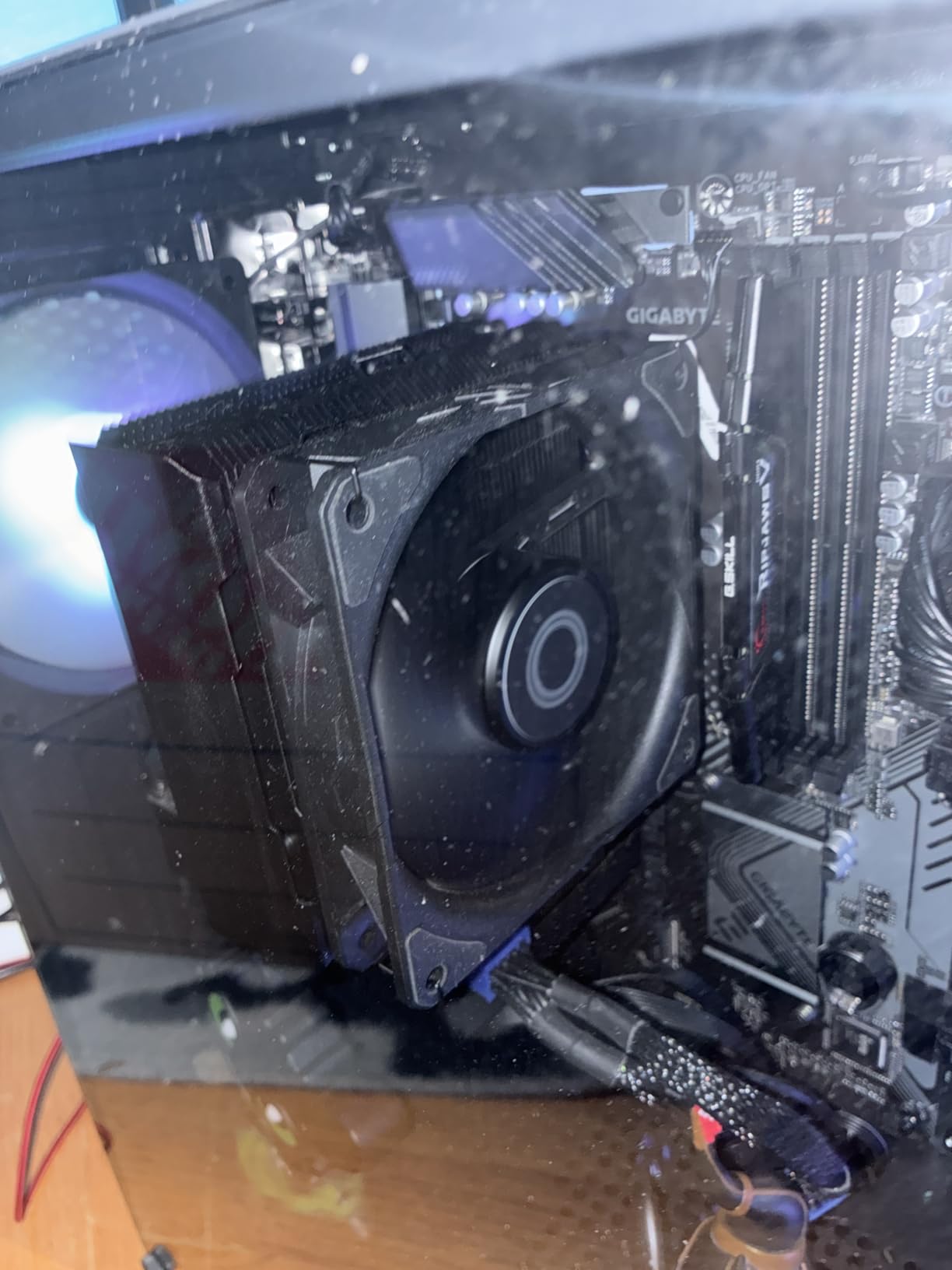
With more than 8k reviews and a steady 4.7 average across years of ownership reports, this is the most proven cooler in the list. It is not the quietest and it is not the strongest, and for a lot of people that is exactly the right answer.
Four heat pipes on a copper base, sized for Ryzen 7 and Core i7 class chips, with a SickleFlow 120 Edge fan that gives you a 690 RPM floor and a 2500 RPM ceiling on the same PWM header. That low floor is the quiet-build detail, because the fan can idle instead of just idling loudly.
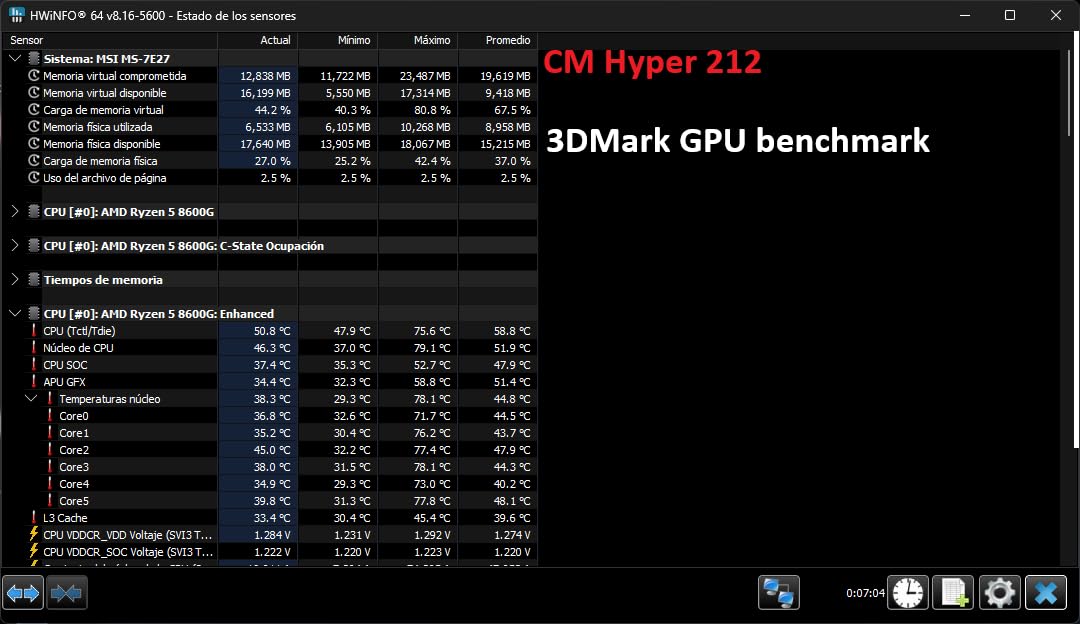
Owners are pragmatic about the limits. It reliably replaces a noisy bundled cooler with noticeably lower temperatures, usually landing in the 38C to 60C range, and the redesigned brackets cover AM5 and LGA1700 and LGA1851 without a separate backplate.
The 2 year warranty is the shortest here, and the fan does get audible under heavy all-core load on genuinely power-hungry chips. If your CPU is a 250W part and you want silence, look higher up this list. For a 65W to 105W chip, it is hard to argue with.
Why This One Keeps Selling
It occupies a spot nothing else does: a full-size tower, four heat pipes, one fan, and a 152mm height that fits a very large share of mid-towers and some micro-ATX cases without any fitting drama. Nobody has to measure anything twice.
It is also the easiest recommendation to make. If a friend asks for one cooler that will not disappoint, will not be returned for not fitting, and will not need a second fan purchase, this is the answer in 2026.
How to Get It Quieter Without Buying a New Cooler
Cap the fan at about 1600 RPM in software and set a gentle curve. At that ceiling it still moves plenty of air through a four-pipe fin stack, and you give up very little temperature for a large drop in noise.
Two install notes. The pictogram-only instructions are the reason so many people assemble it twice, and the sliding bracket has been reported by some buyers to lose tension over time, so check the mount after your first week.
11. Thermalright Assassin X120 Refined SE – Smallest Footprint With Full Socket Cover
Thermalright Assassin X120 Refined SE CPU Air Cooler, 4 Heat Pipes, TL-C12C PWM Fan, Aluminium Heatsink Cover, AGHP Technology, for AMD AM4/AM5/Intel LGA 1150/1151/1155/1200/1700/1851(AX120 R SE)
148mm tall
Single TL-C12C 120mm fan
4 heat pipes
25.6 dB max
Pros
- Compact 148mm single tower fits smaller mid-towers and mATX cases
- Owners report 20C to 30C improvements over the bundled cooler
- Idle temperatures around 32C are achievable at low fan RPM
- S-FDB bearing rated for up to 20000 hours of service life
Cons
- Included thermal paste can run onto CPU pins if over-applied
- Less thermal headroom than a dual tower on high-power modern CPUs
- Mounting bracket alignment needs care
- Plain aesthetic with no lighting
Four 6mm heat pipes with AGHP treatment under an aluminium heatsink cover, a single TL-C12C 120mm PWM fan, and a 148mm overall height. That is the whole design brief, and it is aimed squarely at people who want a real tower cooler in a case that cannot take a dual-tower.
Owners report 20C to 30C improvements over the bundled cooler on parts like a Ryzen 5 5600X, and idle temperatures around 32C that come with the fan running slowly. The S-FDB bearing is rated for up to 20000 hours, so it is not the part you will replace in the life of the machine.
At 71mm wide it is a genuinely slim tower, and there is no overhang over the memory slots to think about. Socket support is the broadest in this list for a single tower, running from older Intel platforms through LGA1700 and LGA1851 and across to AM4 and AM5.
The thing to watch is the thermal paste. It is included, which is generous, but it is thin and can run if you spread it to the edges of the integrated heatspreader. Bead in the centre, let the mount pressure spread it, and you will not have a problem.
When a Single Tower Is the Right Answer
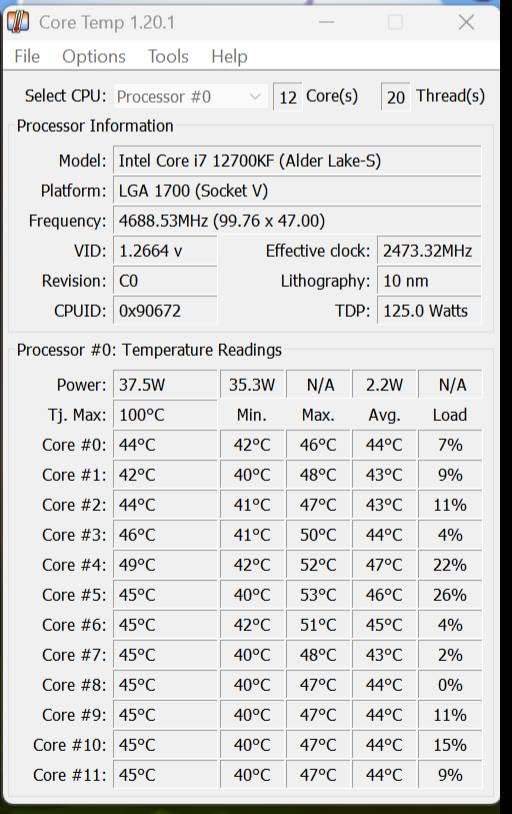
When height is the constraint, and only height. Four heat pipes and a 120mm fan handle a mid-range chip with plenty of margin, and the reduced fin area means the fan can sit lower and quieter for the same result.
It is also the easiest install of any dual-socket-compatible tower here. One fan, one clip, and a bracket that goes on in one sequence.
Where It Falls Behind a Dual Tower
On high-power modern processors, where a 250W part will push this cooler to its fan ceiling and stay there. Six and seven heat pipe designs absorb that kind of load with the fan still turning slowly.
So the honest summary is this. It is the pick for a 65W to 105W processor in a mid-tower or micro-ATX case that needs the height. For anything hotter, spend up two tiers and buy a dual tower.
Buying Guide: Choosing a CPU Air Cooler for a Quiet Build
Subtract 3-5mm From Your Case Clearance Number
Every case spec sheet lists a maximum CPU cooler height, and that number is optimistic. Subtract 3 to 5mm before you order, and measure the actual free space inside the chassis with the PSU shroud, drive cage, and any radiator already in place.
Add the cooler height to the motherboard I/O shroud position rather than trusting the tray measurement alone, because a top-mounted cooler also has to clear the side panel or tempered glass. The 168mm towers in this list are the ones that cause returns for exactly this reason.
RAM Clearance and Tall Heatspreaders
RAM clearance is the second most common fitting problem and the one that is easiest to solve before you buy. Any dual-tower with a front fan will hang over the first DIMM slot, and tall heatspreader kits add another 10mm to 20mm on top of a standard module.
Three options in order of preference. Buy a cooler with a cut-out fin section, which is what the ID-COOLING FROZN A620 PRO SE uses for 40mm of clearance. Raise the front fan, which costs you a few millimetres of case clearance. Or fit low-profile memory, which costs you nothing else.
Socket Coverage and the LGA1700 and LGA1851 Contact Frame
Check the mounting kit against your socket before anything else, because that decision ends the conversation faster than any other. This list covers AM4, AM5, LGA1700 and LGA1851 across most picks, with the notable exception of the Noctua NH-L9a-AM4, which is AM4 only.
On LGA1700 and LGA1851, the integrated heatspreader design works best with the contact frame fitted, either the one supplied with the cooler or the one on the motherboard. It costs nothing and it makes a visible difference on sustained all-core loads. Even spring tension matters more than torque here.
Match Sustained Power, Not the Number on the Box
Cooler capacity is about sustained power, not the TDP printed on the packaging. An unlocked desktop part can draw well past 200W in a burst, and that burst is exactly when the fans ramp up and make themselves heard.
The most effective quiet-build technique on any hot chip is to cap sustained power. On Intel, set a package power limit in the BIOS or the vendor control app. On AMD, use a package power limit and a Curve Optimizer setting. You lose a few percent of multicore performance and you get your fan curve back.
Fan Curve Presets for Silence
A silent fan curve has four stages, and the shape matters more than the numbers. Start below 50C at under 25 percent duty. From 50C to 70C, ramp gradually. From 70C to 80C, go firm. Above 80C, let cooling win.
Set a hysteresis of 3C to 5C and a response delay of 5 to 8 seconds. Without hysteresis the fan hunts between two duty levels all evening; without a delay, a one-second temperature spike from a browser tab sends the fans to 100 percent and back.
For the 140mm fan coolers, a useful ceiling is around 900 RPM for daily desktop use and 1200 RPM for sustained load. For the 120mm dual towers, 1100 RPM and 1500 RPM. For a 92mm low-profile fan, expect it to live at its ceiling on anything more demanding than a desktop.
Pair your CPU curve with the case fans rather than tuning them separately. A quiet CPU cooler with three fast front intakes is a quiet-build failure, and the intake fans are almost always the louder component. More fans at lower speed is quieter than fewer fans at high speed, every time.
Air Versus AIO for a Quiet Build
Air wins on maintenance, failure risk and long-term noise floor, because there is no pump to whine and nothing that dies. It also needs no tubing, no mounting hardware for a radiator, and it adds no failure point to a machine that will run for years.
AIO wins on clearance and on very high sustained power, because a radiator moves heat to the rear of the case where the fans are. A big front-mounted radiator in a small chassis can push case fans harder than the CPU cooler ever would, which defeats the entire purpose of the build.
For most CPUs drawing under roughly 150W sustained, air is the quiet and boring choice. For a 250W unlocked part in a large case, a 360mm AIO paired with slow fans is reasonable. For either of those in a shared-wall room, think twice about the pump.
Frequently Asked Questions
Which air cooler makes the least noise?
Among the eleven coolers we tested, the Noctua NH-D15 chromax.Black is the quietest overall for most builds. Its two 140mm fans move air at far lower RPM than 120mm alternatives, and the Low-Noise Adaptors cap the ceiling. The Noctua NH-U12A publishes the lowest figure at 22.6 dB, and the be quiet! Dark Rock Elite caps at 25.8 dB(A) in its hardware Quiet Mode. Real silence comes from the fan curve, not the badge.
Is Thermalright better than Noctua?
Thermalright is better value and Noctua is better refined. The Peerless Assassin 120 SE matches or beats premium dual-towers on temperature in owner testing at a fraction of the cost, which makes it the default recommendation in quiet build threads. Noctua charges more for smoother low-RPM fan behaviour, better mounting hardware, a 6 year warranty and free mounting kits for future sockets. For a hot chip on a budget, Thermalright. For a tower that is never touched again, Noctua.
What is the quietest low-profile CPU cooler?
The Noctua NH-L9a-AM4 is the quietest low-profile option here, at only 37mm total height with a 92mm NF-A9x14 fan and a Low-Noise Adaptor for PWM control. It mounts to AM4 only, so check your socket before anything else. Among taller single towers, the Thermalright Assassin X120 Refined SE fits in a 148mm chassis and covers both AMD and Intel platforms.
What’s RAM clearance with CPU coolers?
Most single-tower coolers clear standard memory without any help, but nearly every dual-tower with a front fan hangs over the first DIMM slot. You have three options: choose a cooler with a cut-out fin section for 40mm or more of clearance, raise the front fan by a few millimetres and re-check case clearance, or fit low-profile memory. Measure your heatspreader height before ordering, not after.
What is the best fan curve for a silent PC?
Use four stages. Below 50C, run the fan under 25 percent duty. From 50C to 70C, ramp gradually. From 70C to 80C, go firm. Above 80C, let cooling win. Then set a hysteresis of 3C to 5C and a response delay of 5 to 8 seconds, which stops the fan hunting on one-second temperature spikes. A 140mm cooler rarely needs more than 900 RPM for desktop work.
How risky is AIO cooling?
Moderately. A liquid cooler adds a pump, a radiator, tubing and fittings to a machine that previously had none of them, and the pump is the part most likely to fail over a decade. If it fails, the system does not cook instantly, but it throttles fast. Many builders move back to air specifically to avoid pump whine and pump failure, treating air as the quiet, boring and reliable option.
The Verdict on Quiet CPU Air Coolers in 2026
The best CPU air coolers for quiet builds in 2026 are not the ones with the lowest dB(A) figure on the box. They are the ones that move the most air per decibel at the RPM your CPU actually sits at during the day, in a chassis that has room for them, with memory you can still reach.
Our pick is the Noctua NH-D15 chromax.Black. Two 140mm fans, six heat pipes, a 6 year warranty, and low RPM behaviour good enough that you stop noticing the machine. If the budget is tighter, the Thermalright Peerless Assassin 120 SE gives you most of the thermals for a fraction of the cost, and the Cooler Master Hyper 212 Black remains the easiest safe upgrade for a mid-range chip.
For a slim case, the Noctua NH-L9a-AM4 fits in 37mm if you are on AM4. For tall memory, the ID-COOLING FROZN A620 PRO SE clears 40mm out of the box. For a living room, the be quiet! Pure Rock Pro 3 is the one people report not hearing at all.
Whatever you choose, set the fan curve before you close the case, and spend whatever you saved on slow case fans. That last part is where most quiet builds are won and lost.