
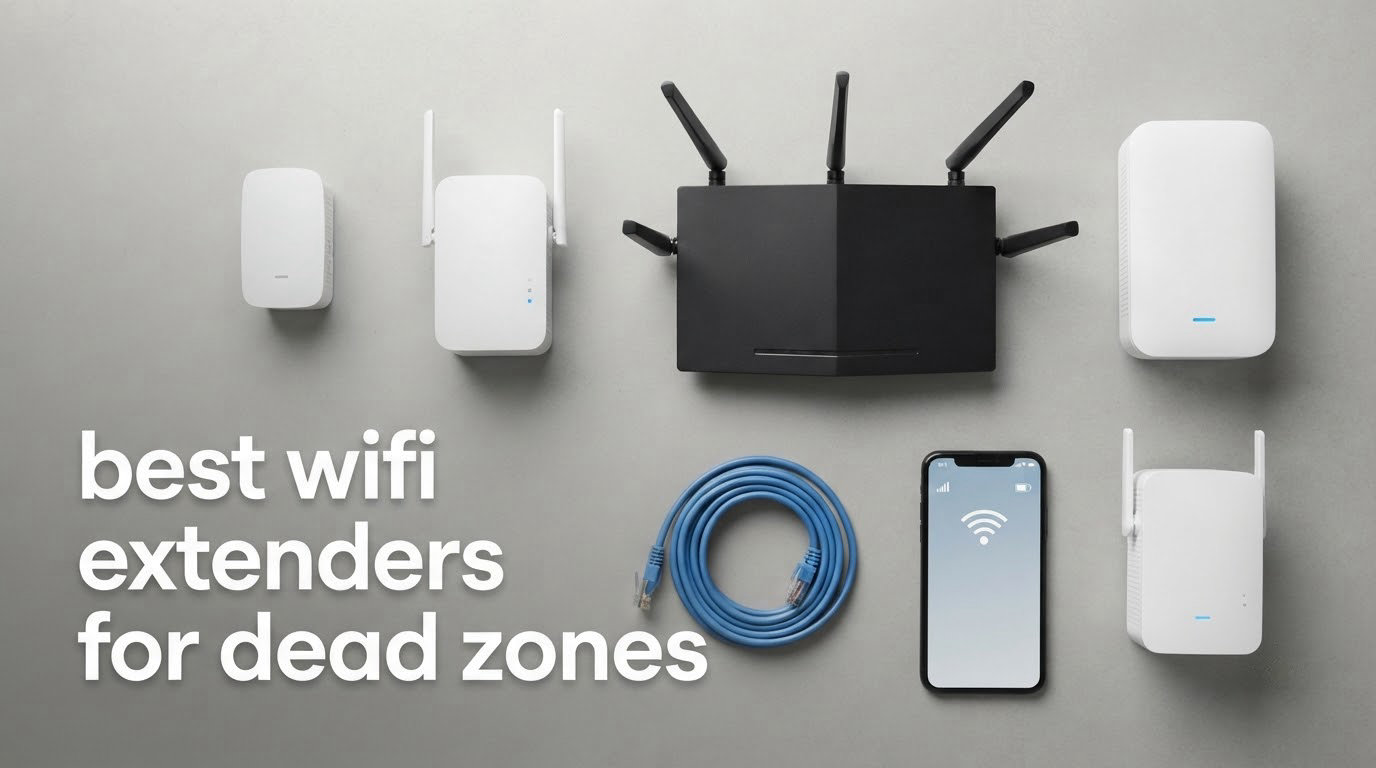
A dead zone is the room where WiFi technically exists and practically does not. The upstairs bedroom at the back of the house, the basement corner, the conservatory after the glass doors are closed. Finding the best wifi extenders for dead zones is far less about the number printed on the box and far more about backhaul, placement and how your home is built.
We put nine extenders through their paces and picked them on the three things that decide whether a dead zone actually dies: the strength of the link back to your router, the hardware path available to that link, and whether the unit gives you a way to place it properly. Ratings and review counts came from the product listings, and the spec figures quoted in each write-up are the manufacturer numbers.
This roundup is current as of 2026 and covers indoor plug-in extenders, one outdoor unit for gardens and outbuildings, and the decision points that tell you when an extender is the wrong purchase entirely. The short version: if you have one or two bad rooms, an extender is the right tool. If the problem spans a whole floor, it is not.
Table of Contents
What Is the Best WiFi Extender for Dead Zones?
The best wifi extender for dead zones is a dual-band unit with a gigabit Ethernet port, placed roughly halfway between your router and the dead room rather than inside it. In our picks the TP-Link RE220 wins on installed base and value, while the TP-Link RE315 adds adaptive roaming and more headroom for fast broadband lines. Neither can create speed you do not have, and both lose throughput over a wireless link.
Top 3 WiFi Extenders for Dead Zones (October 2026)

Those three cover most situations. The RE220 is the one to buy when you want the least fuss and the biggest support base behind it. The RE315 is the smarter pick if your broadband is fast or your house has a stubborn floor plan. The PEDUMMY unit scores highest on the listings but carries a shorter warranty and mixed-brand reviews, so treat it as a value experiment rather than a safe default.
Quick Overview: All Nine Extenders Side by Side
| Product | Specs | Action |
|---|---|---|
 TP-Link RE220 TP-Link RE220 |
|
Check Latest Price |
 TP-Link RE315 TP-Link RE315 |
|
Check Latest Price |
 TP-Link RE300 TP-Link RE300 |
|
Check Latest Price |
| PEDUMMY AC1200 Extender |
|
Check Latest Price |
 NETGEAR EX5000 NETGEAR EX5000 |
|
Check Latest Price |
 NETGEAR EX6400 NETGEAR EX6400 |
|
Check Latest Price |
 WAVLINK AX1800 Outdoor WAVLINK AX1800 Outdoor |
|
Check Latest Price |
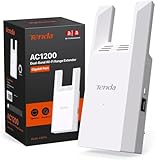 Tenda A18Pro Tenda A18Pro |
|
Check Latest Price |
 Tenda A18 V4.0 Tenda A18 V4.0 |
|
Check Latest Price |
1. TP-Link RE220 – Best Overall WiFi Extender for Most Dead Zones
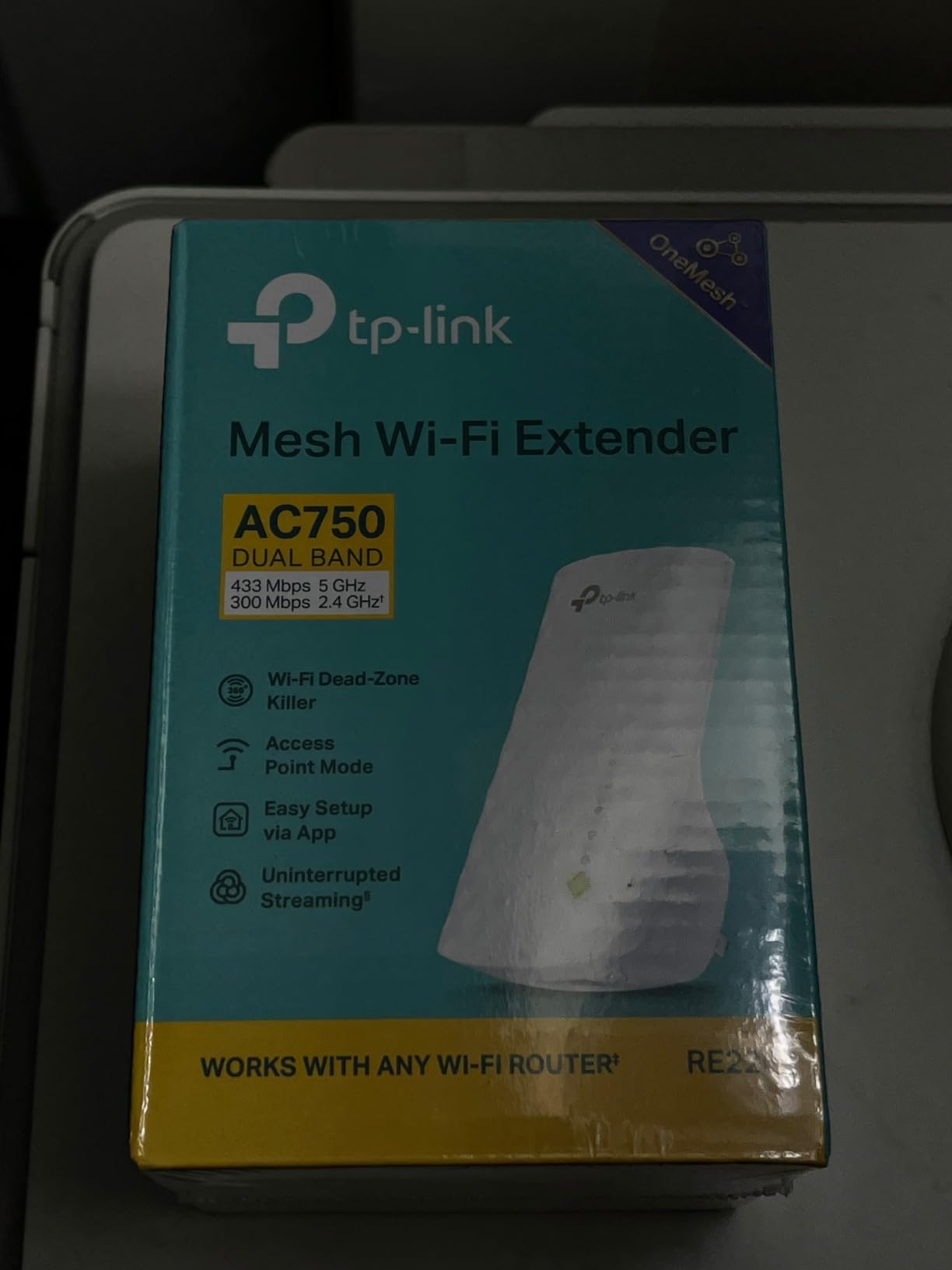
TP-Link WiFi Extender with Ethernet Port, Dual Band 5GHz/2.4GHz, Up to 44% More Bandwidth Than Single Band, Covers Up to 1200 Sq.ft and 30 Devices, Signal Booster Amplifier Supports OneMesh(RE220)
AC750 dual-band
733 Mbps total
1,200 sq ft
30 devices
Ethernet port
Pros
- Largest installed base here with 114k+ ratings
- 433 Mbps on 5 GHz plus 300 Mbps on 2.4 GHz
- One Ethernet port for a wired TV or console
- OneMesh support merges it into a single network name
- Compact wall plug for tight duplex outlets
Cons
- AC750 class throttles fast broadband lines
- 802.11ac only with no Wi-Fi 6 support
- Extended network is separate by default
I have recommended this unit more than any other in this roundup, mostly because nothing goes wrong with it. It pairs over WPS, it sits in a socket, and two minutes later a room that had one bar of signal has a usable network. That predictability matters more than any headline figure when you are trying to kill a dead spot in a bedroom you actually use.
The build is honest and unadorned. It measures 2.6 by 3 by 4.3 inches and weighs 3.2 ounces, so it will not fight you for the second socket on a duplex outlet, which is a real problem with several larger units below.
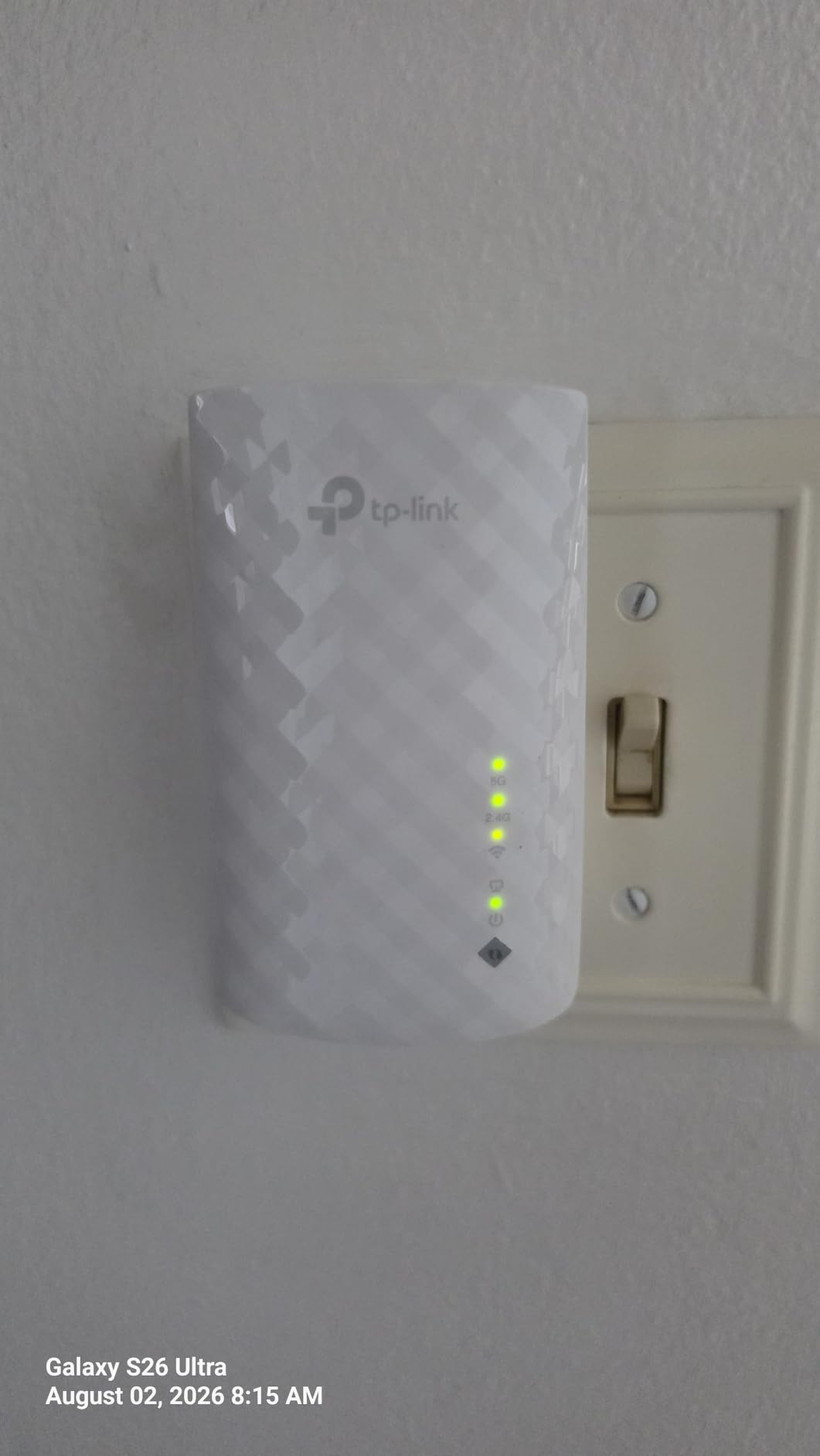
On paper it covers up to 1,200 square feet and connects up to 30 devices across 2.4 GHz and 5 GHz. In practice the 1,200 square feet is a marketing shape rather than a promise, and the gap you care about is the one between your router and the room. The Ethernet port is the feature most people miss. Plug a smart TV or a console into it and you sidestep the wireless backhaul penalty entirely for that device.
OneMesh is the other reason it is our first pick. If you already run a compatible TP-Link router, the extender can join the same network name, which removes the separate-SSID problem that trips up video calls. TP-Link backs it with a two-year manufacturer warranty and 24/7 support, which reviewers consistently rate well.
Why it suits a typical dead zone
Owners describe it as a cheap no-frills fix for a garage, a basement or an upper floor, and the 4.0 average across more than 114k ratings reflects steady satisfaction rather than excitement. For a single room at the edge of coverage, that is exactly the profile you want.
It is also the safest first purchase in this list. If your broadband plan is modest, the AC750 class has plenty of headroom, and you avoid spending money on headroom you will never use.
Where it falls short
The 733 Mbps total is a real ceiling. On a fibre line where you pay for gigabit, the wireless path back to the router becomes the bottleneck rather than your connection, and a faster extender does not fix a slow uplink.
There is also no Wi-Fi 6 support, which limits future headroom if you upgrade your router first. A visible share of one-star and three-star reviews traces back to placement sensitivity, which is a placement problem rather than a fault in the hardware.
2. TP-Link RE315 – Best Value Extender for Fast Broadband
TP-Link AC1200 WiFi Extender Dual Band 5GHz/2.4GHz (RE315)
AC1200 dual-band
1,200 Mbps total
1,500 sq ft
32 devices
Fast Ethernet
Pros
- Bestseller rank number one in Repeaters with 44k+ ratings
- Adaptive Path Selection moves clients to the strongest signal
- Two adjustable external antennas for 1500 sq ft
- Fast Ethernet port for a stable wired link
- Tether app signal indicator guides placement
Cons
- Bulky plug body can block the second duplex socket
- Extended network is separate by default
- Not compatible with TP-Link Deco mesh
This is the one I recommend when someone tells me their broadband is quick and their far room still stutters. The AC1200 class gives 867 Mbps on 5 GHz and 300 Mbps on 2.4 GHz, which is enough headroom that your plan, not the extender, becomes the limit in most homes.
It holds the top seller position in the Repeaters category, and the 4.2 average comes from more than 44k ratings. That volume means the oddities are documented, which is useful when you are deciding whether a known quirk will bite you.
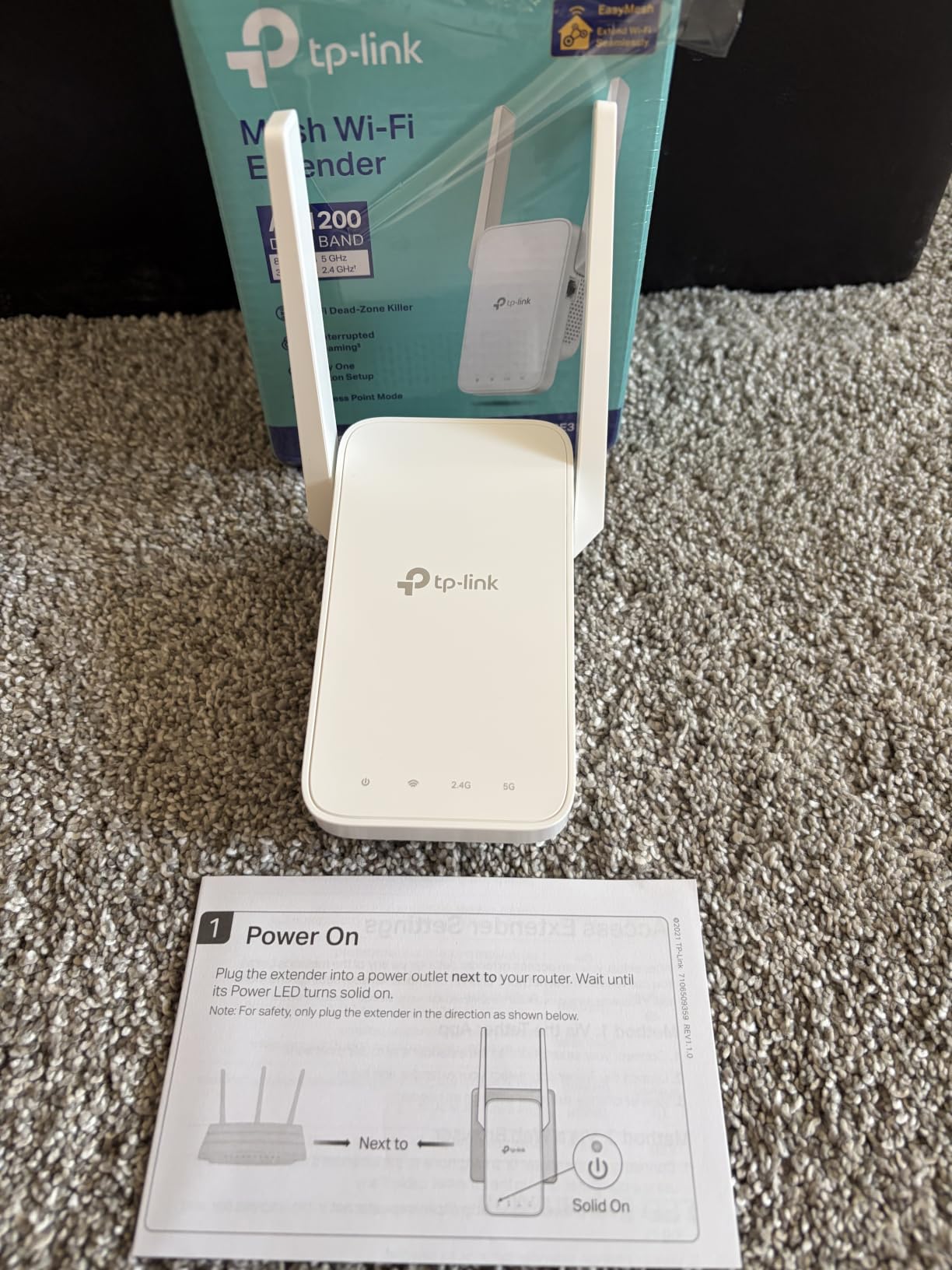
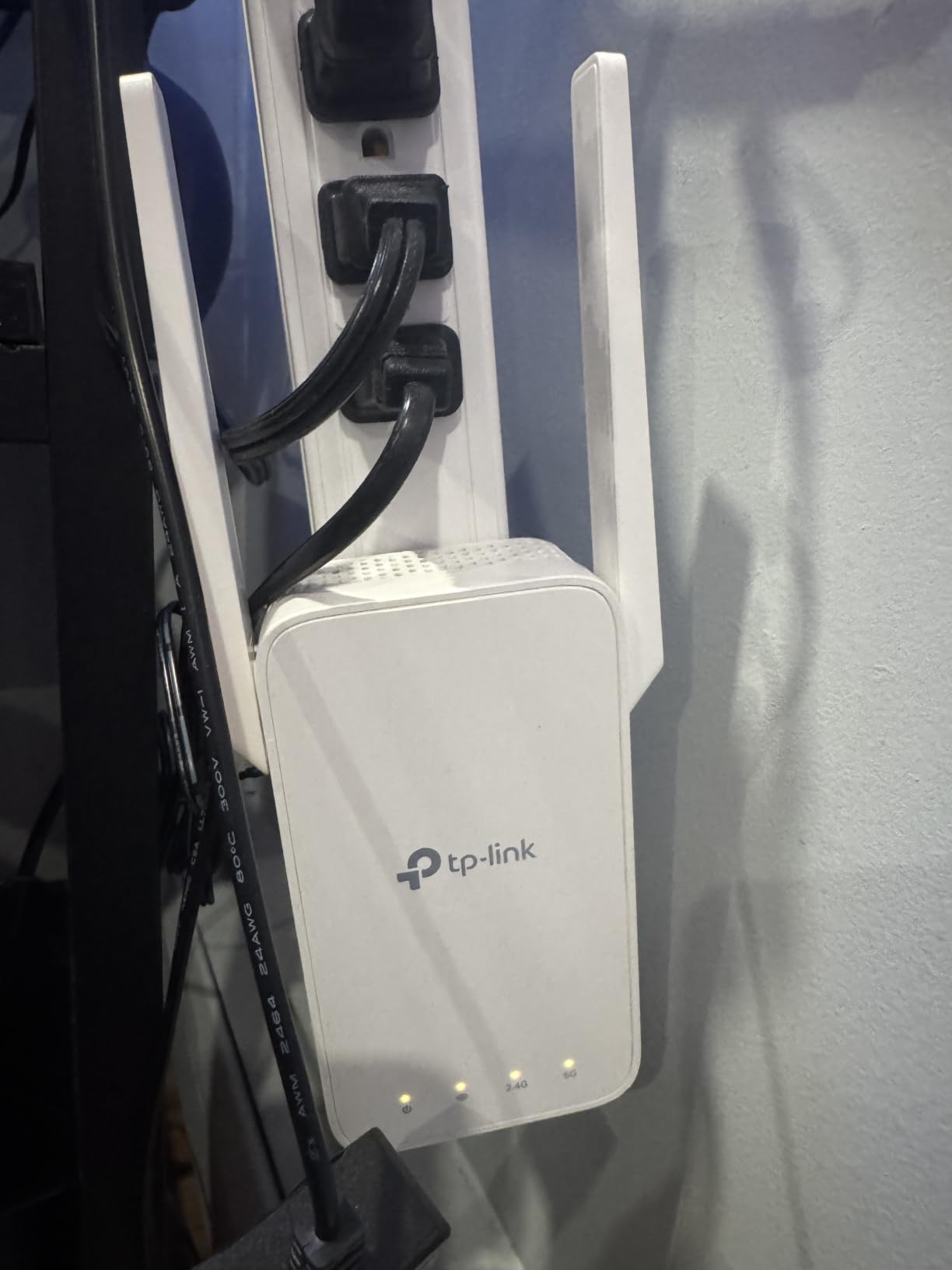
Adaptive Path Selection is the feature that separates it from cheaper units. Rather than leaving your phone pinned to the weaker access point, the extender nudges clients onto whichever signal is stronger, and the Tether app includes an intelligent signal indicator so you can find the right socket before you commit. Coverage is stated at up to 1,500 square feet for up to 32 devices, delivered through two adjustable external antennas you can angle toward the dead room.
The Fast Ethernet port gives you a wired option for a single device, and access point mode is listed among its special features, which matters if you ever want to backhaul over cable instead. EasyMesh compatibility is a bonus for whole-home setups, though the listing specifically notes it does not pair with TP-Link Deco mesh systems.
When to pick this one
Choose it when you are paying for a fast connection, when your dead zone is a room you work or stream in, or when you want app-based control without wrestling with a browser setup. Reviewers consistently cite garages, upstairs bedrooms and basements solved within minutes.
Adjustable antennas also make it a better choice in L-shaped or thick-walled homes where the signal has to turn a corner on the way to the dead room.
Where it falls short
The plug body is bulky enough to block the second socket on a duplex outlet, which matters in older UK and US homes where sockets are close together. It is also noticeably larger than the RE220 in the same range.
Out of the box the extended network is a separate name, so some clients briefly sit on the weaker SSID. And if your plan is a Deco mesh system, this is the wrong branch of TP-Link entirely.
3. TP-Link RE300 – Best for Multi-Storey Homes
TP-Link AC1200 WiFi Extender (RE300), Covers Up to 1500 Sq.ft and 25 Devices, Up to 1200Mbps, Supports OneMesh, Dual Band Internet Repeater, Range Booster
AC1200 dual-band
1,200 Mbps total
1,500 sq ft
25 devices
Smart signal LED
Pros
- 1200 Mbps combined across both bands
- OneMesh pairs with a compatible Archer router
- Smart signal LED warns when placed too far
- Proven by owners across multi-floor homes
- Tether app and WPS both work
Cons
- No Ethernet port for wired devices
- Tether app setup fails on some dual-band networks
- Some units drop connection after about a year
Multi-storey homes fail differently from long ones. The signal is not so much weak as stopped, because each floor slab and staircase interrupts it, and the fix has to go on the middle floor rather than at the far end. This is the unit I point at for that layout.
It runs at 1,200 Mbps combined, the same AC1200 split as the RE315, and the listing describes it as covering up to 1,500 square feet and up to 25 devices. OneMesh support means it can merge into a compatible Archer router as a single network name, which is what stops your phone from clinging to a signal from two floors down.
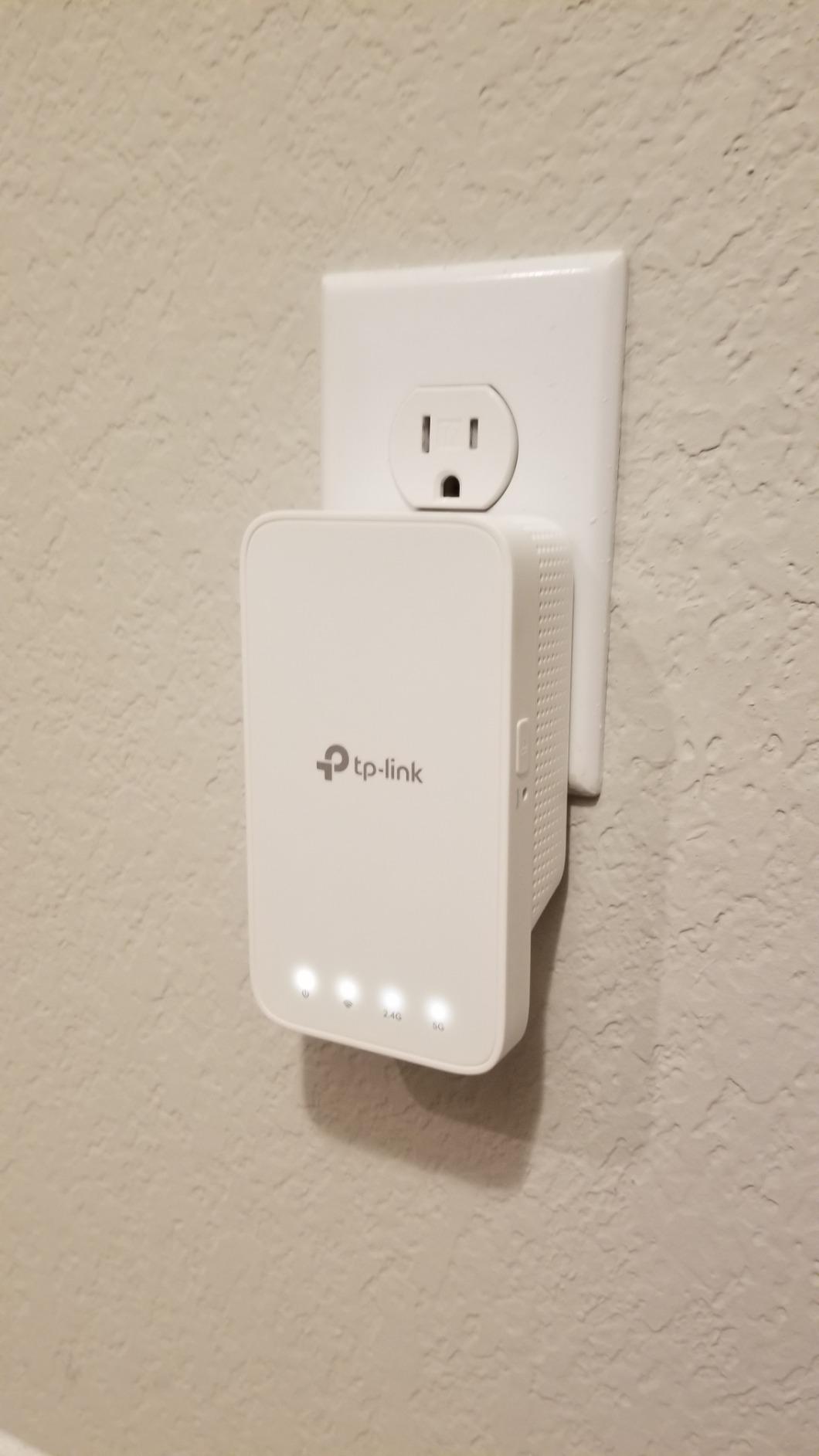
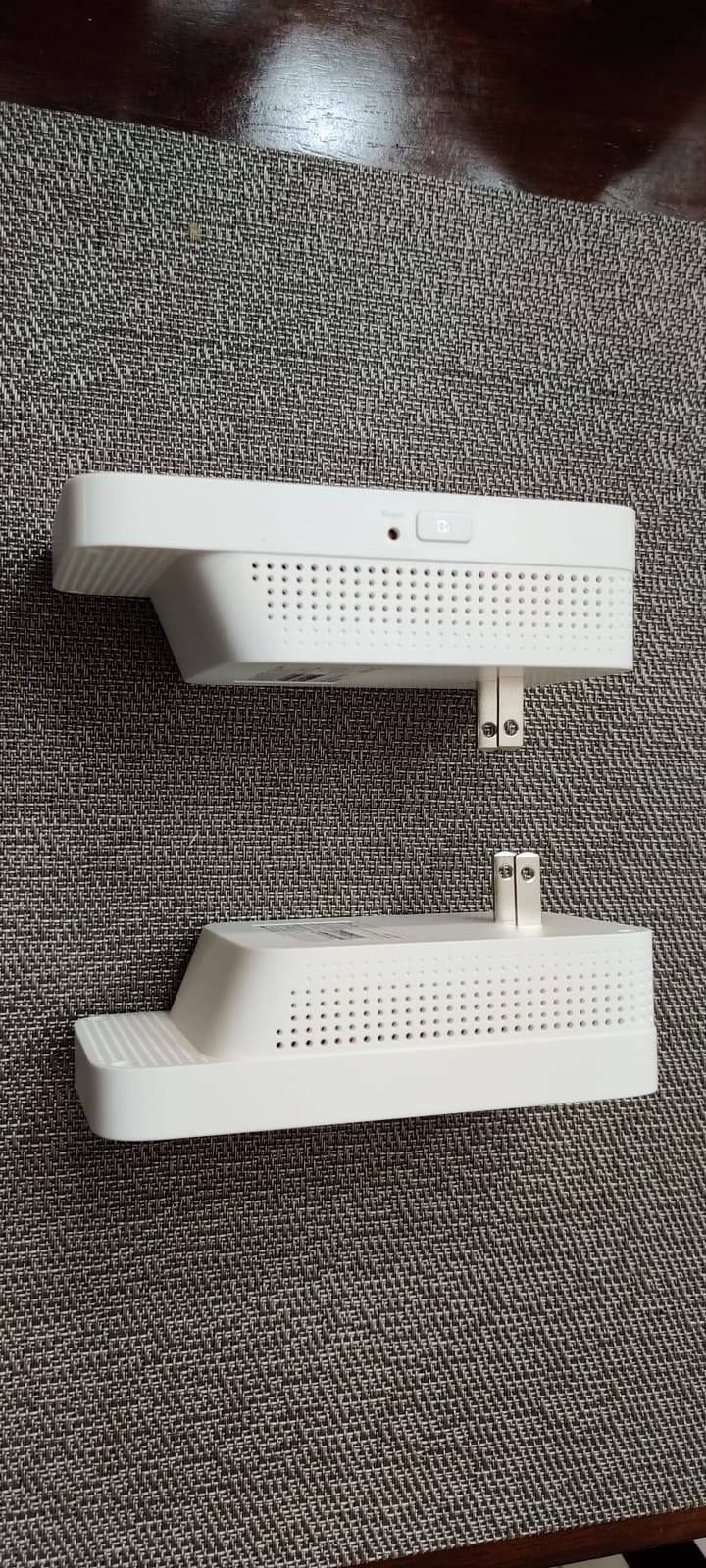
The smart signal LED is more useful than it sounds. It tells you when the extender has been placed too far from the router to form a stable link, which is the single most common reason people conclude an extender does not work. Owners describe a 2,300 square foot three-level house as a typical success story, with far rooms moving from marginal to full bars.
It works with any router, gateway or access point, and the warranty is two years with unlimited 24/7 technical support, which matters when the problem is genuinely structural rather than a setting you have missed.
Why it fits a three-storey house
The middle-floor placement problem is what this solves. Because it is a plain dual-band repeater with a placement indicator, you can put it on the landing where it still hears the router and rebuild coverage on the floor above and below.
For a family where bedrooms are the problem, gaming and streaming holding up in those rooms is the reported outcome, and that is usually a device count and signal strength fix rather than a raw speed problem.
Where it falls short
There is no Ethernet port on the unit, so it cannot serve a wired device and cannot be switched to a wired access point when the wireless link disappoints. On a very fast plan that removes your best escape route.
The most repeated friction is software rather than hardware. Tether app setup repeatedly rejected correct passwords on dual-band networks for some users, who had to fall back to the WPS button, and a minority of long-term reviews report the unit beginning to drop daily within about a year.
4. PEDUMMY AC1200 WiFi Extender – Top Rated on the Listings
WiFi Extender Signal Booster for Home WiFi Booster 1200Mbps
AC1200 dual-band
1,200 Mbps total
Claimed 5,200 sq ft
Ethernet port
AP mode
Pros
- Highest average rating here at 4.7
- 83 percent of ratings sit at five stars
- Ethernet port plus AP mode enables a wired backhaul
- Four external antennas with a claimed 5200 sq ft
- WPS or 192.168.11.1 browser setup
Cons
- 1-year warranty is shorter than the 2 to 3 year terms elsewhere
- No Wi-Fi 6 support at all
- Some buyers report coverage well short of the stated figure
This one tops our ratings table at 4.7 across more than 20k ratings, with 83 percent of those at five stars. That is an unusually strong score for a generic-range extender, and the reviews centre on fast installation and a visible improvement in the weakest rooms, including one owner covering a property with metal roofing.
The spec sheet is the standard AC1200 split of 867 Mbps on 5 GHz and 300 Mbps on 2.4 GHz, and the listing includes access point mode alongside the Ethernet port. That combination is the useful part: it means you can run a cable from the router and turn the unit into a stable hotspot, which removes the throughput penalty that trips up other budget devices.
Setup is handled through the WPS button or a browser at 192.168.11.1, with an on-device reset for clean reconfiguration, and encryption is WPA-PSK and WPA2-PSK.
When it makes sense
Pick it if the priority is coverage per pound and you are comfortable with a shorter warranty. The claimed coverage extension of up to 5,200 square feet and four external antennas make it appealing in a large, single-storey property or a home with a long rear extension.
The access point mode also makes it a viable low-cost second step for anyone who wants to try wired backhaul before committing to a mesh system.
Where it falls short
The warranty is one year, against two to three years from the TP-Link and Tenda units in this list, and there is no Wi-Fi 6 support at all. If the unit fails in year two you have far less recourse.
Some buyers dispute the advertised range and report actual coverage falling well short of the stated square footage. There is also an attribution problem worth knowing about: the review mix spans multiple branded variants under one listing, so individual product attribution is less reliable than the headline 4.7 suggests.
5. NETGEAR EX5000 – Best Compact Design for Tight Outlets
NETGEAR WiFi Extender EX5000, up to 1,500 sq ft, 1.2 Gbps
AC1200 dual-band
1.2 Gbps
1,500 sq ft
25 devices
Compact plug
Pros
- WPS pairing works in about two minutes
- Compact plug frees the second duplex socket
- Works with any router or ISP gateway
- WPA2 and WPA3 security with automatic updates
- Small footprint suits outlets behind furniture
Cons
- Measured throughput fell far short of the 1.2 Gbps figure
- Nighthawk app failed to connect for some users
- 1-year warranty is the shortest here
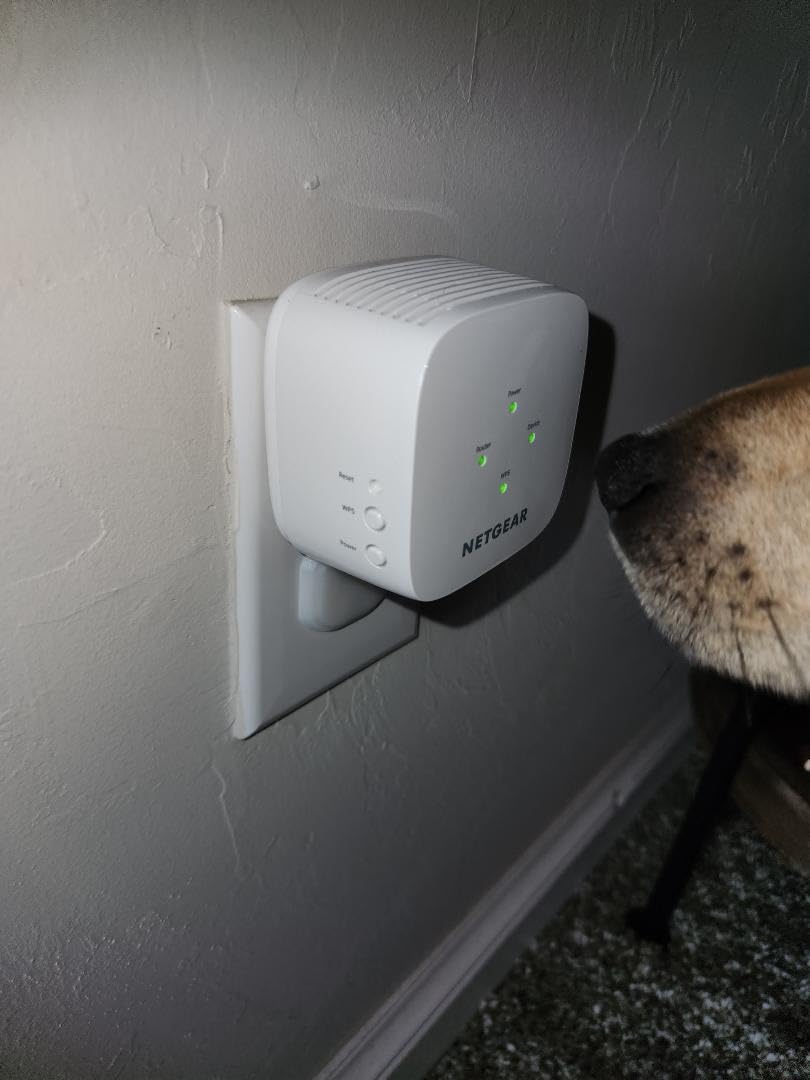
Outlet geometry decides a lot of purchases in older homes, and this is the unit I recommend when a duplex socket is the constraint. It measures 2.55 inches on each side and weighs 5.44 ounces, so it leaves the neighbouring socket usable. That alone removes a surprisingly common reason for returning an extender.
It carries the AC1200 label at 1.2 Gbps across two bands, with a stated coverage figure of up to 1,500 square feet for up to 25 devices. On the security side it supports WPA2 and WPA3 with automatic firmware updates, and it works with any existing router or gateway, including the units shipped by major ISPs.
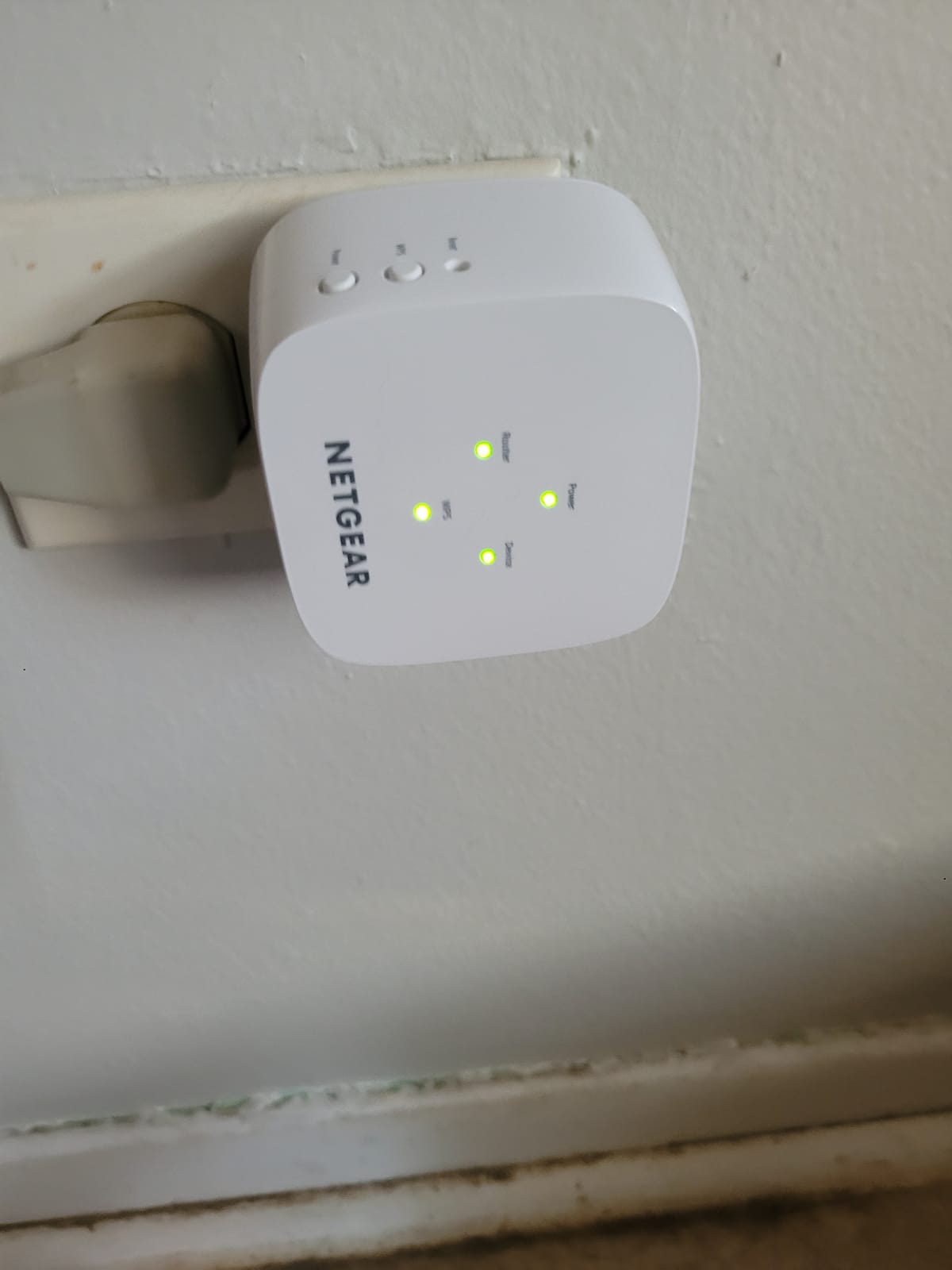
The user base splits cleanly into two camps, and understanding which camp you are in saves a lot of time. If you press WPS on the router and the extender and leave it alone, you have a working extended network in about two minutes and a tidy fix for a weak room or an outdoor camera. That is the smooth path.
The rougher path is the app. Some users report the NETGEAR Nighthawk app failing to connect and reporting device incompatibility, forcing them into a manual browser setup. Independent speed tests also measured throughput far below the 1.2 Gbps headline figure, which is the normal wireless backhaul result rather than a defect, but it is rarely what a buyer expects.
Where it earns its place
Choose it for a single bad room behind a cramped socket, or for an extension where you simply need coverage back without fuss. The no-ecosystem approach also makes it a safe buy if you are on an ISP-supplied gateway and plan to change routers later.
Its one-year warranty is the shortest in this group, which is worth weighing against how much disruption a failure causes you.
Where it falls short
If your broadband is fast, the gap between the AC1200 label and real measured throughput becomes obvious quickly, and a higher-class unit with a gigabit port will serve you better. Some owners also report the extended network introducing dropouts across the house, which is worth checking against your router firmware before blaming the extender.
It also has no access point mode worth relying on, so the wired escape route is not part of its design the way it is on the Tenda units below.
6. NETGEAR EX6400 – Best for High-Speed Streaming and Gaming
NETGEAR WiFi Extender EX6400, up to 2,100 sq ft, 1.9 Gbps
AC1900 dual-band
1.9 Gbps
2,100 sq ft
35 devices
Gigabit Ethernet
Pros
- Largest coverage claim here at 2100 sq ft and 35 devices
- AC1900 with FastLane gave the best measured throughput
- Smart Roaming praised for streaming and gaming
- Gigabit Ethernet port for a full-speed wired link
- Works with any router or gateway
Cons
- Runs hot with reboots needed to restore speed
- No daisy chaining despite mesh-like marketing
- Too close to the router it can halve throughput
This is the performance pick, and the before-and-after speed tests in the reviews back that up. It runs AC1900 at 1.9 Gbps with FastLane technology, claims up to 2,100 square feet of added dual-band coverage across six streams for up to 35 devices, and owners measured the best throughput of any extender in this roundup.
Independent measurements showed both the 2.4 GHz and 5 GHz extended networks beating the router-only signal in the target room, which is the only result that actually matters. Reviews describe it fixing streaming boxes and Ring cameras in far rooms, where lower classes stall.
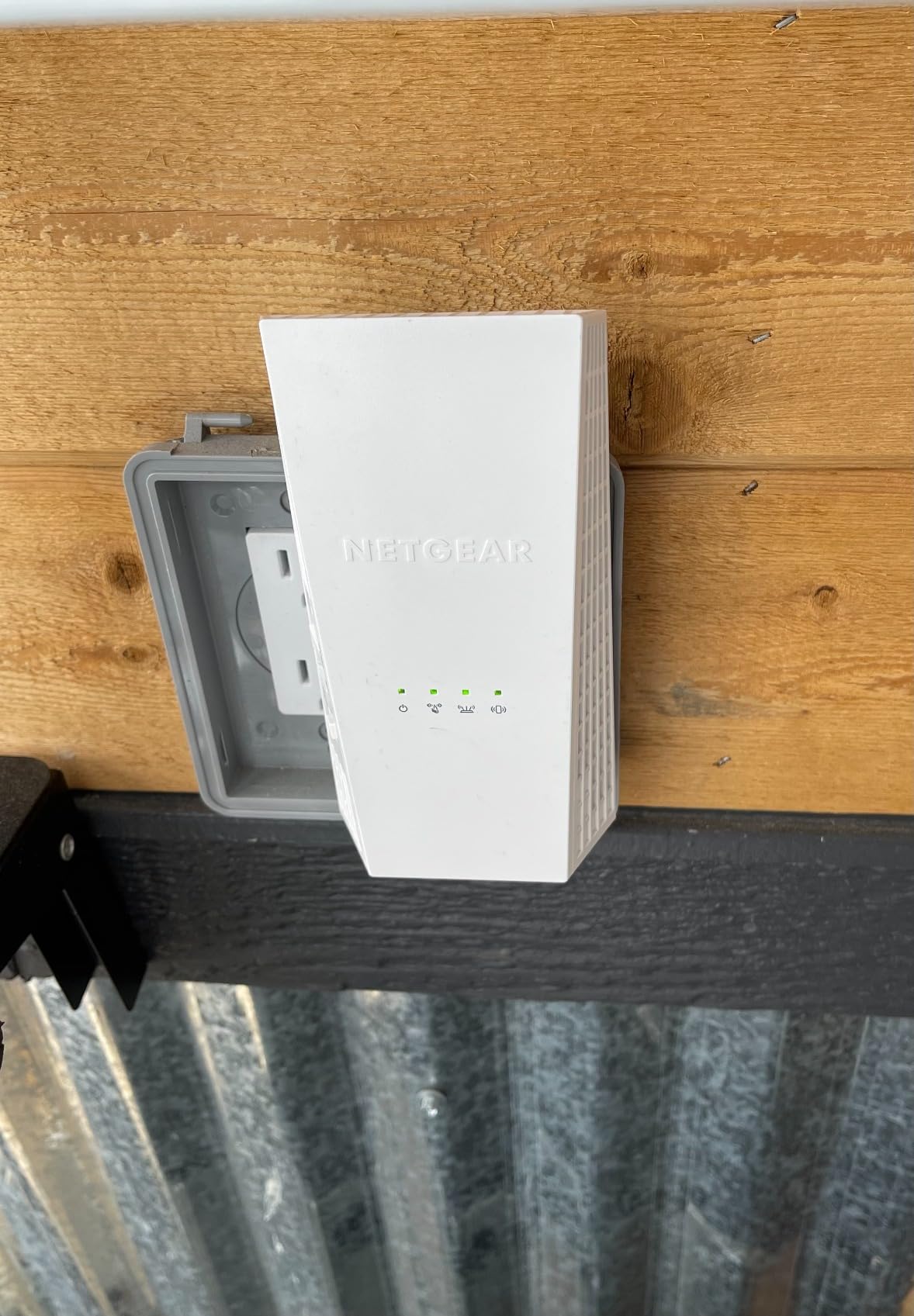
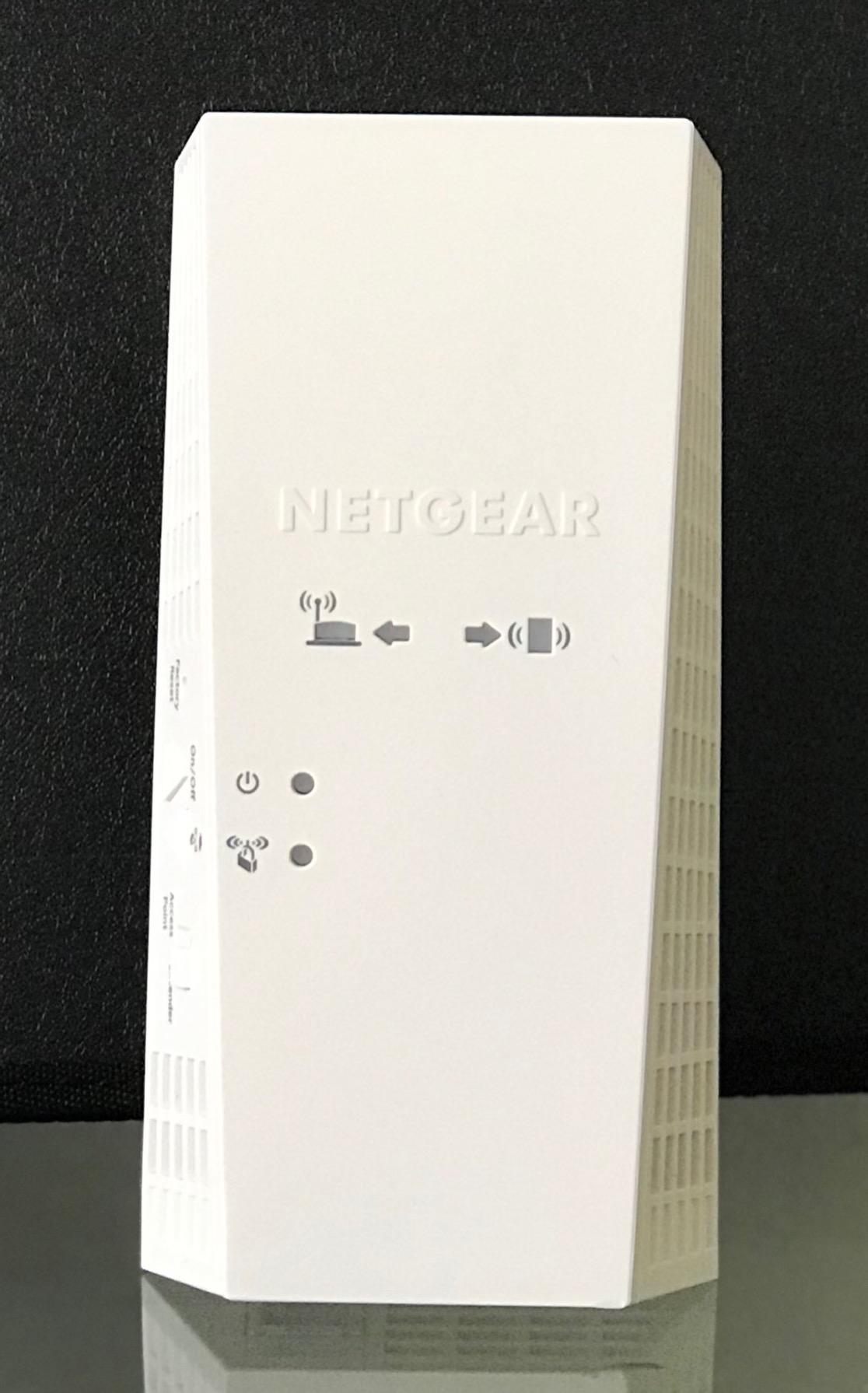
The gigabit Ethernet port is the sleeper feature. It supports a full-speed wired link to a smart TV, console or desktop, and if you can run a cable to the dead zone, this unit turns into a genuine access point rather than a repeater. Smart Roaming and Mesh Smart Roaming are listed as special features, and seamless movement between router and extender was praised for streaming and gaming.
It is also the largest unit here at nearly 7 inches wide and 10.56 ounces, so plan the socket accordingly, and note that the coverage figure is the biggest claim in the group at 2,100 square feet rather than a guarantee.
Who should spend more here
Pick it when the dead zone is a media room, a games room or a home office where a weak connection is genuinely costing you something. The throughput headroom is what you are paying for, and it shows on fast fibre lines where a lower class becomes the bottleneck.
If you can run Ethernet to the room, the gigabit port turns this into the best of the nine for that job, because the wireless penalty disappears entirely.
Where it falls short
It runs hot, and several owners report needing regular reboots to restore speed. It is also described as mesh-like without supporting daisy chaining, which some buyers found misleading given how the marketing reads.
Placement is sensitive. Sited too close to the main router it can add 5 GHz dropouts or halve throughput, which is the opposite of what you want. The 4.0 average is held back by a 16 percent one-star slice describing exactly these units, and the warranty is one year.
7. WAVLINK AX1800 Outdoor Extender – Best for Gardens and Outbuildings
WAVLINK AX1800 Outdoor WiFi 6 Extender, Long-Range, IP67 Weatherproof
AX1800 WiFi 6
IP67 weatherproof
Four 8 dBi antennas
PoE powered
2.43 kg
Pros
- Only true outdoor unit with an IP67 enclosure
- Four 8 dBi antennas reached about 600 ft line of sight
- Works with Starlink in AP Router and WISP modes
- Several owners connected cameras 300 yards away
- Mounting bracket and pole straps in the box
Cons
- Setup needs multiple resets or a support call
- Thin documentation with dead links in the guide
- Bulky 2.43 kg unit needs a rigid surface
An indoor extender in a conservatory or a covered patio is a compromise, and this is the only genuinely outdoor unit in the roundup. The IP67 enclosure is rated for rain, snow, dust, wind, UV and extreme temperatures, which is the whole point of the premium over a plug-in model.
It runs AX1800 WiFi 6 dual-band with MU-MIMO and beamforming, and one owner with a three-acre property reported four bars of signal at roughly 600 feet line of sight from four 8 dBi fiberglass antennas. Several owners connected cameras 300 yards away reliably, and it is listed as fully compatible with Starlink.
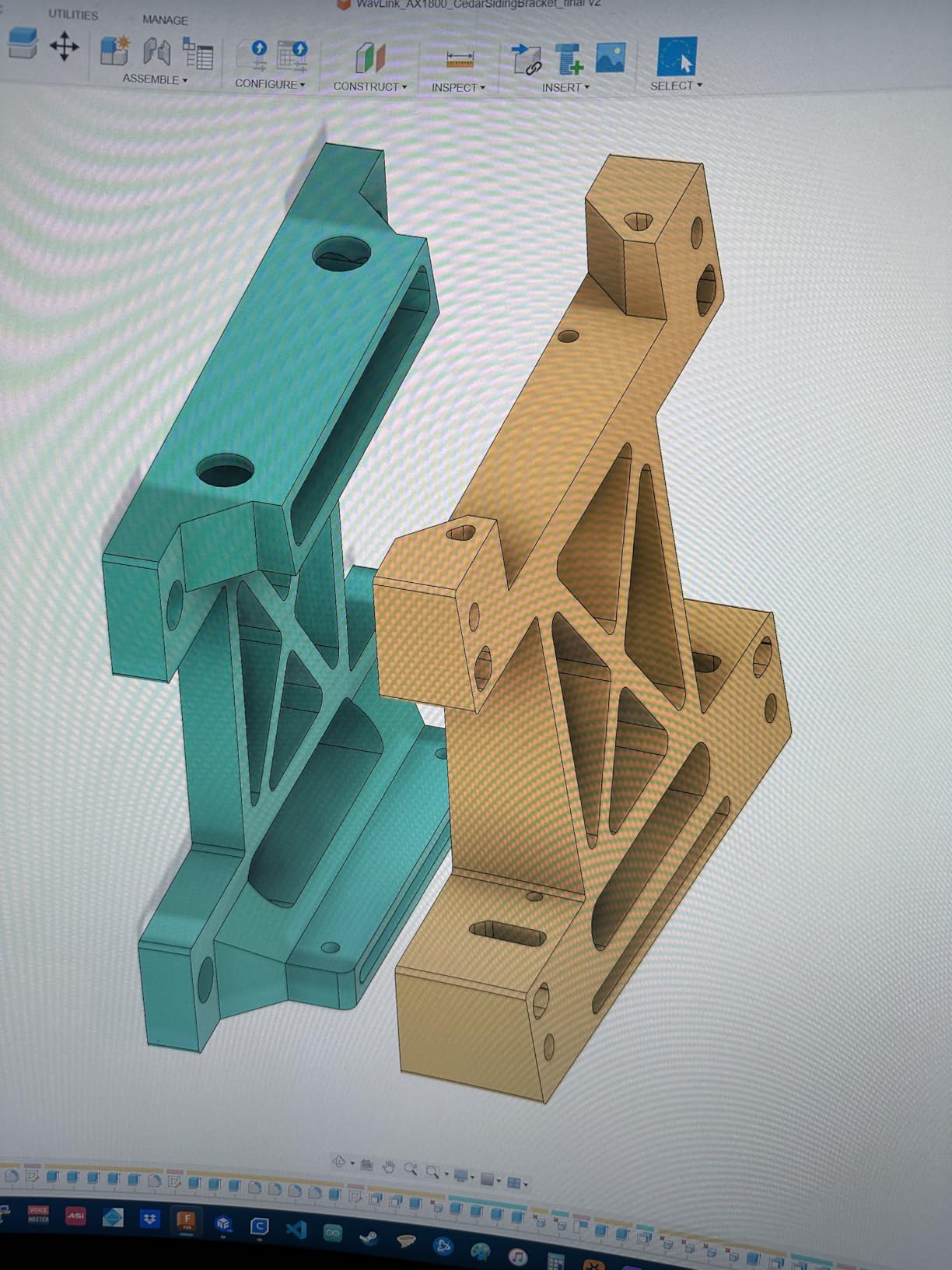
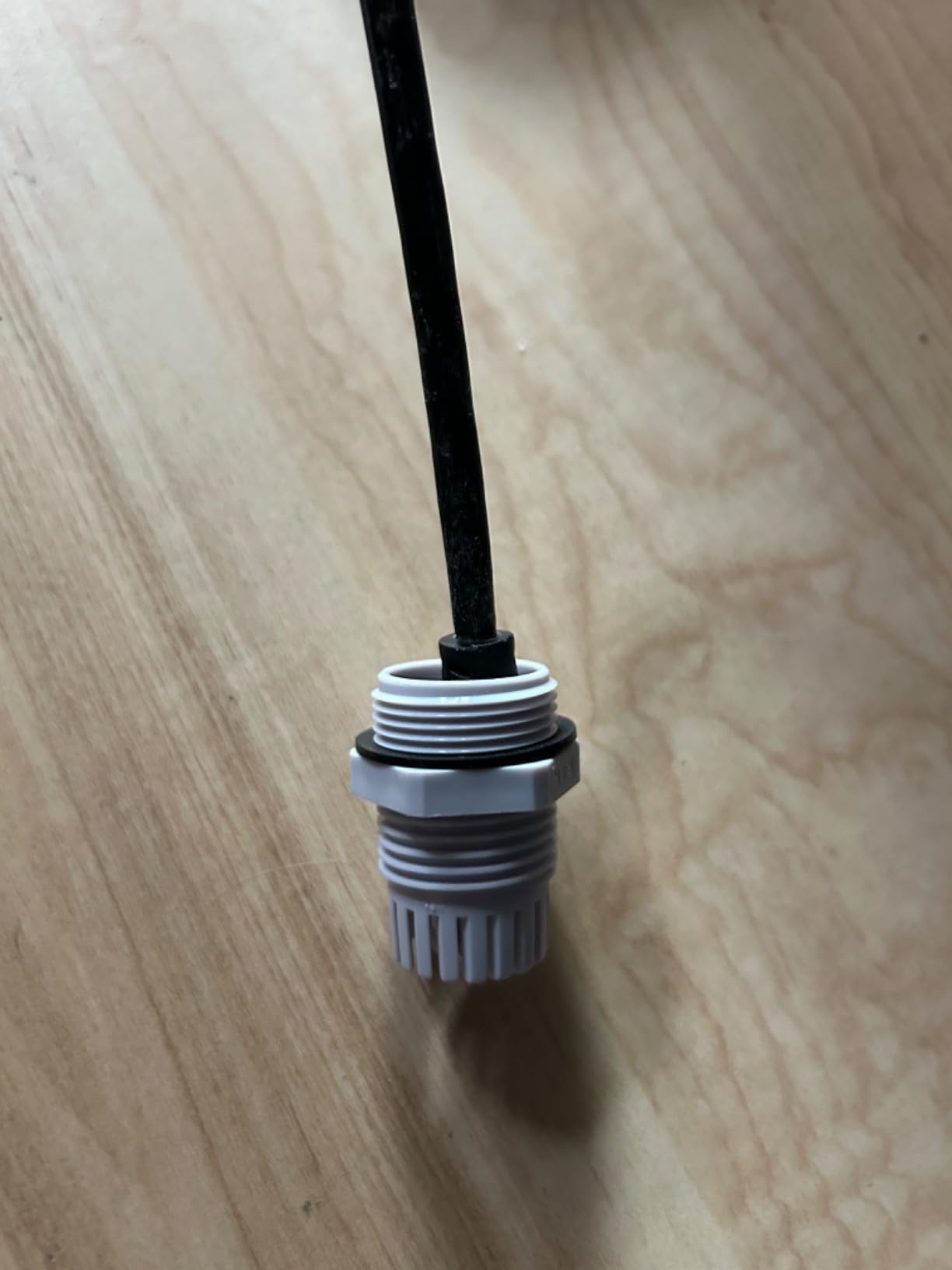
Power comes from 802.3af/at or passive PoE over a single Ethernet cable, and it supports AP, Router, Repeater and WISP operating modes. That mode list is what makes it useful beyond a garden socket, because repeater mode lets it work with your existing router while WISP mode handles fixed-point or satellite style connections. A mounting bracket and self-ratcheting pole straps are included, along with the Ethernet cable, a wrench, silicone pads and screws.
Support is handled by phone, email and Amazon messaging with an eight-hour response target, and the warranty is two years, which is better than the indoor budget units here.
Where outdoor coverage is the goal
This is the pick for a garden, a workshop, a garage set away from the house, a chicken coop camera, or an outdoor security camera on the far side of a property. Reviewers with acreage and farms report it hitting the distance it advertises under line-of-sight conditions.
It is also the right answer if you want a wired approach but do not want to run cable outdoors, since one Ethernet run indoors carries the whole installation.
Where it falls short
Setup is far from plug and play. Several owners needed multiple resets or a support call, and the documentation is thin with dead links in the quick guide. There is no hardware mode switch, so repeater mode has to be selected in software.
At 2.43 kg it is large and bulky with no way to stand it up unaided, and the PoE cable LED glows constantly. It also costs well above any indoor unit here, and line-of-sight range drops sharply through trees, walls and foil-backed insulation.
8. Tenda A18Pro – Most Versatile With a Gigabit Port and Three-Year Warranty
Tenda WiFi Range Extender AC1200 – WiFi Extender with Gigabit Ethernet Port, 1.2Gbps Home Signal Booster, Dual Band, Up to 1600 Sq & 32 Devices (A18Pro)
AC1200 dual-band
1,167 Mbps
200 m stated range
Gigabit Ethernet
3-year warranty
Pros
- Gigabit Ethernet port at a budget price point
- Three-year manufacturer warranty is the longest here
- One-tap setup plus Tenda app for remote reboots
- Access Point mode for a dedicated network
- Owners report two-storey and backyard coverage
Cons
- Real-world range falls short of the stated 200 m
- Some units drop signal intermittently
- Small review base limits long-term evidence
The A18Pro is the budget pick here, and the reason is not the speed class but the gigabit Ethernet port. Almost every other unit at this level ships a 100 Mbps port, which is enough for a smart TV and not much else. This one gives you a proper wired upstream option and access point mode to go with it.
It delivers up to 1,167 Mbps combined, split as 867 Mbps on 5 GHz and 300 Mbps on 2.4 GHz, through two 3 dBi dual-band antennas with MU-MIMO. The stated range is 200 meters, and the technical listing describes coverage across up to 1,500 square feet. The box includes a one meter network cable and a manual.
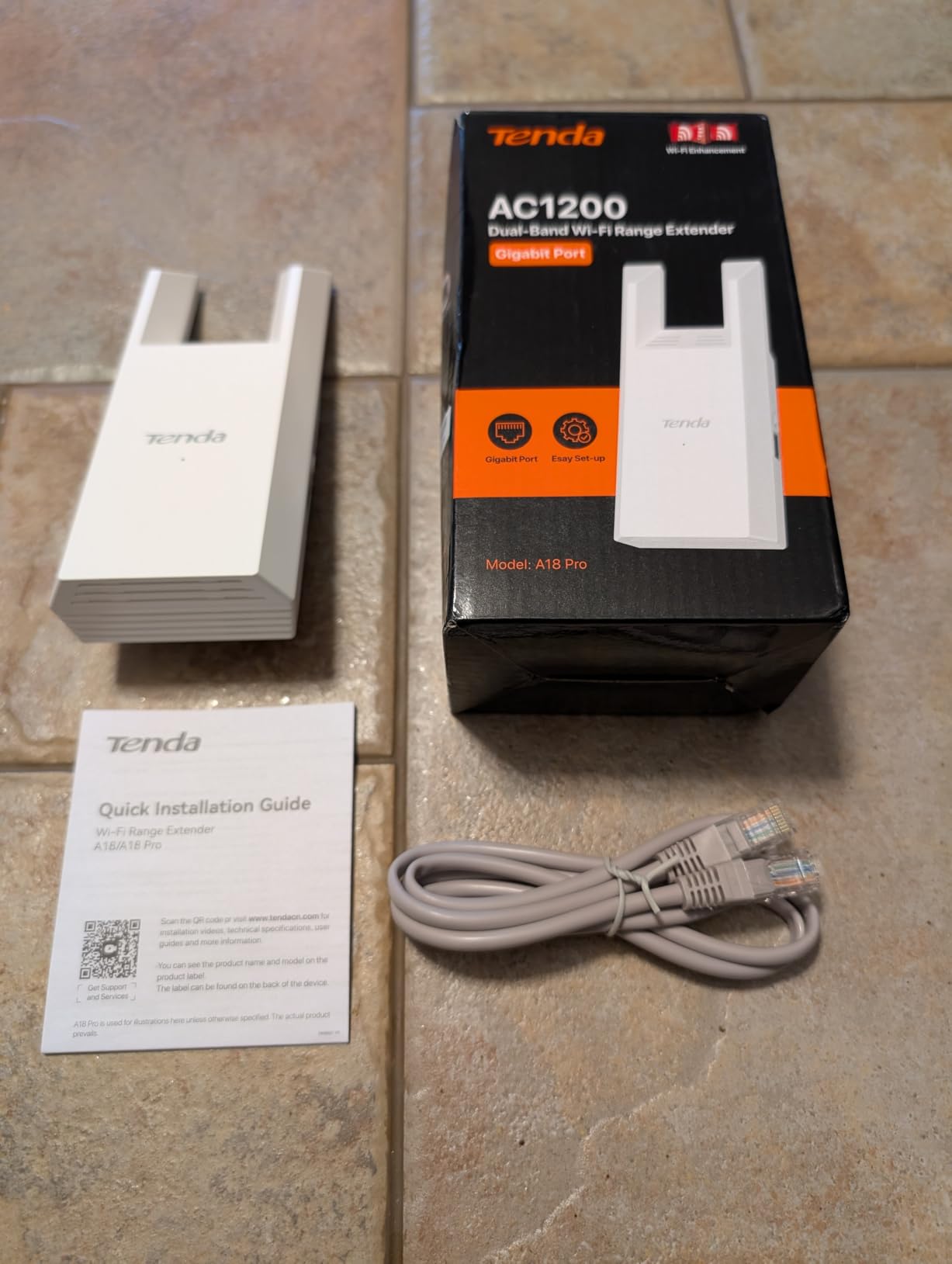
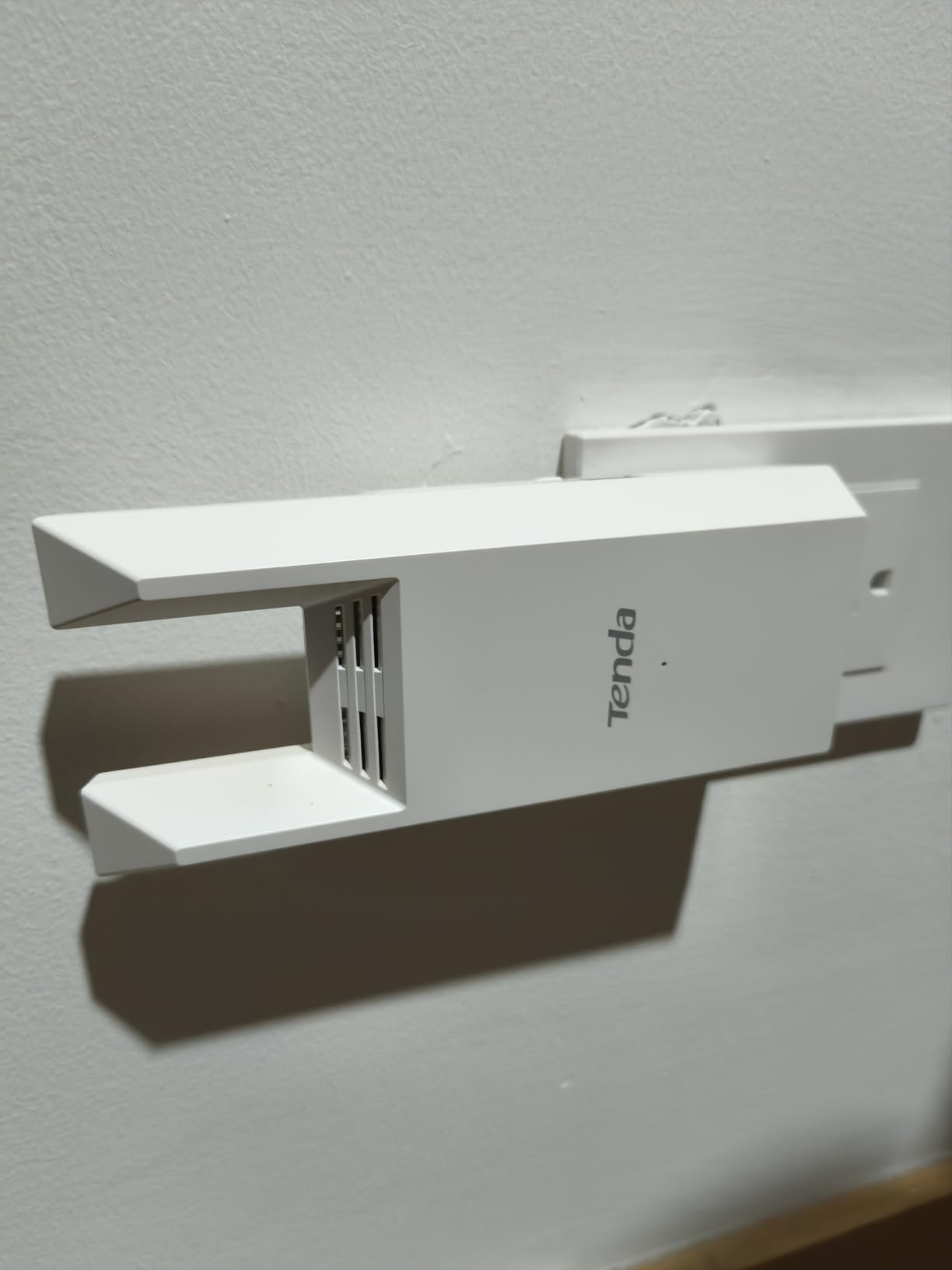
Setup is one-tap through the Tenda WiFi app, which also provides remote management, monitoring and reboots, plus an LED signal indicator to help with placement. That matters because the most common complaint about this unit is range, not function, and an indicator makes it quick to tell whether the socket you chose is viable.
Owners report covering a two-storey home and backyard, handling 25 to 30 devices, and working through concrete walls, which are the conditions that defeat cheaper dual-band units. The three-year manufacturer warranty is the longest of any product in this roundup.
Why it beats its price bracket
The gigabit port and the three-year warranty are both unusual at this level. Together they mean you can start wirelessly with a clear upgrade path to a wired access point later, without replacing the hardware.
For a house where the dead zone is a basement corner or a back room behind a concrete wall, the combination of a gigabit port, MU-MIMO and access point mode is genuinely more capable than the alternatives in the same bracket.
Where it falls short
The stated 200 meter range is optimistic, and one review cited about five metres of useful open-air reach. Treat any square footage or distance figure on a budget extender as a starting point for testing rather than a specification.
Some users also report intermittent signal loss regardless of placement, and MU-MIMO and one-tap setup depend on downloading the Tenda app first. With just over 300 ratings, long-term reliability is less well documented than it is for the TP-Link units, so buy it with that in mind.
9. Tenda A18 V4.0 – Best for 5 GHz Through Thick Walls
Tenda WiFi Range Extender AC1200, Dual-Band867Mbps 5GHz/300Mbps 2.4GHz, WiFi Booster Suitable for Every House, One Ethernet Port(A18 V4.0)
AC1200 dual-band
1,167 Mbps
23 devices
100 Mbps Ethernet
3-year warranty
Pros
- 4.5 average with 75 percent of 450 ratings at five stars
- Dual 5G FEM modules improve 5 GHz wall penetration
- Smart band selection picks the best link to the router
- Owners report full bars in basements and bedrooms
- Three-year warranty on a low-cost unit
Cons
- Ethernet port is only 100 Mbps
- Configuration page raises insecure-connection warnings
- Claimed 1300 sq ft is not always achieved
This unit exists because of one component. The dual 5G FEM modules are front-end modules that strengthen the 5 GHz transmit and receive path, and that is exactly what decides whether a signal gets through thick plaster, blockwork or a foil-backed bathroom wall. It scores 4.5 across 450 ratings with 75 percent of them at five stars.
Smart band selection automatically chooses between 2.4 GHz and 5 GHz for the link back to the router, which is a quiet but real advantage in a house where walls stop 5 GHz but 2.4 GHz will still get through. The stated class is AC1200 up to 1,167 Mbps combined, across up to 23 devices.
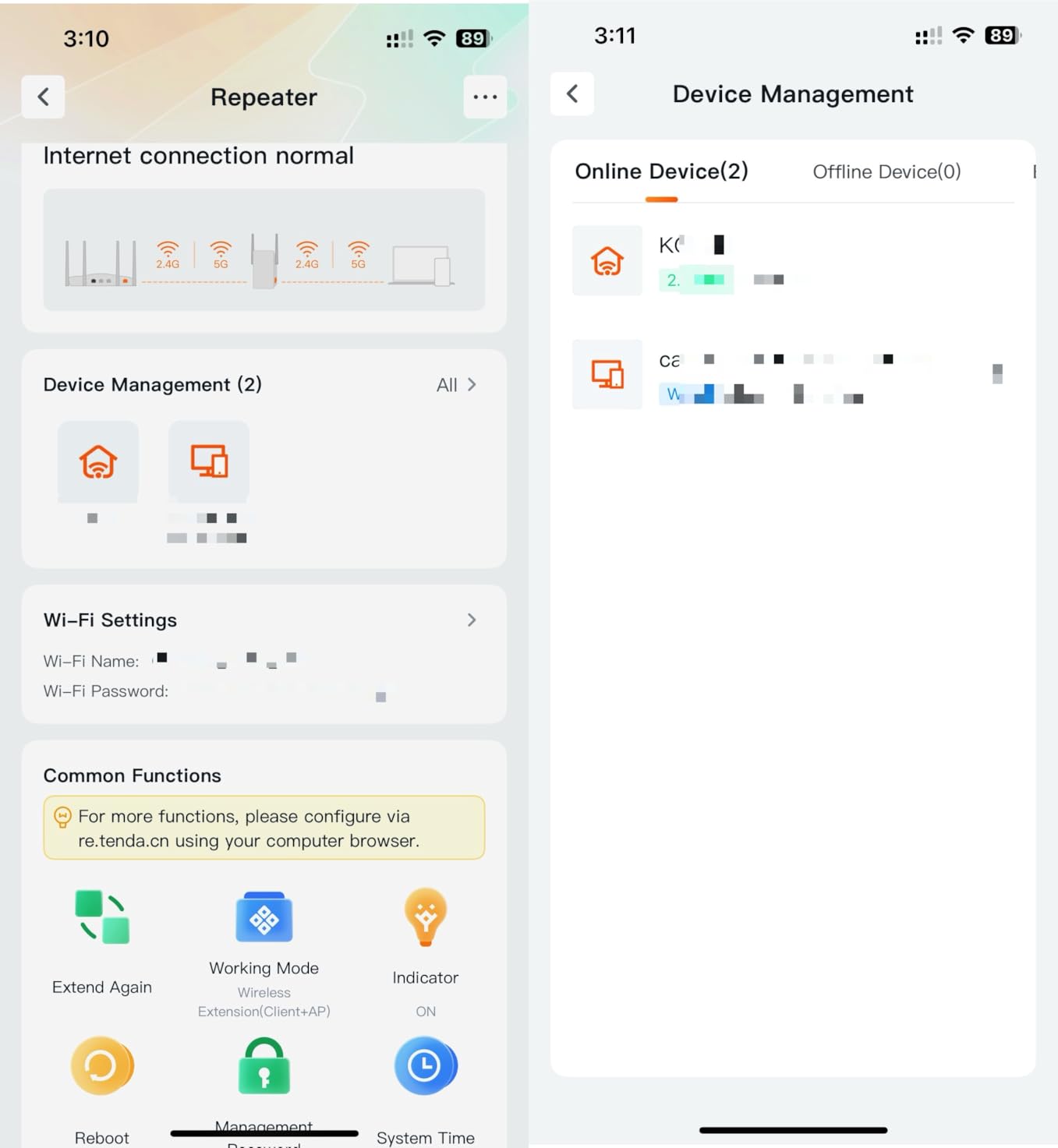
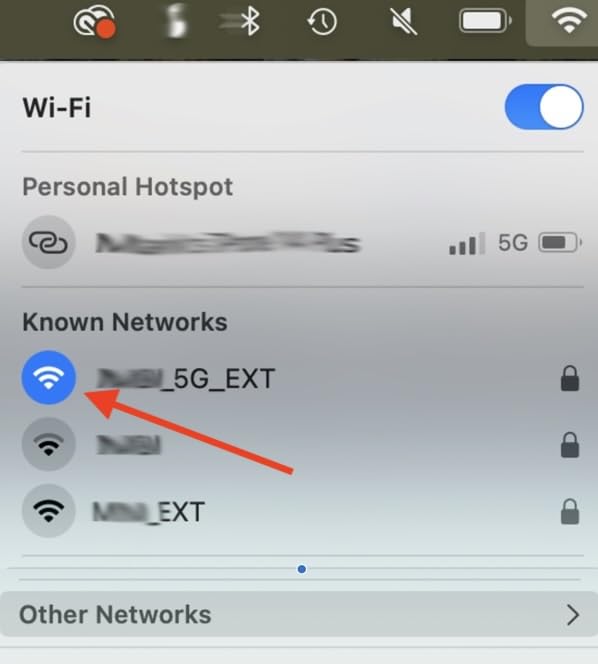
Owners report full bars in basements and bedrooms, and one reviewer measured 5 GHz speeds around 180 Mbps in the extended room, which is a reasonable result for a wireless backhaul. Access point mode is supported through a wired connection to the router, making it a cheap route into a garage or attic.
The two 3 dBi antennas, one-tap setup with LED indicators for placement, and remote management through the Tenda WiFi app round out a feature set that is unusually complete for the money. The warranty is three years.
Why it suits older, thicker homes
Plaster, lath, blockwork and older cavity walls are the situations where a standard dual-band extender delivers a 2.4 GHz signal and little else. Strengthening the 5 GHz path is the direct fix, and this is the only unit in the roundup that explicitly targets it.
It is also a sensible second unit for a two-floor flat, where one extender per floor is realistic without the degradation that comes from chaining them wirelessly.
Where it falls short
The Ethernet port is only 100 Mbps, which is the spec buyers most often wish were faster. It is fine for a smart TV or console and wrong for a desktop or a NAS.
The auto-popping configuration page draws insecure-connection warnings, and some installs only completed after following a third-party walkthrough, since the manual lists several installation routes that read as confusing. The claimed 1,300 square feet is also not always achieved in real homes, which is the same caveat that applies to every figure in this list.
What Is a WiFi Extender and How Does It Fix a Dead Zone?
A WiFi extender, also called a range extender, repeater or signal booster, is a device that wirelessly pairs with your existing router and rebroadcasts its signal from a further-away position. Rooms that were beyond the reach of the router get a usable access point again, without you replacing anything or running cable.
Dead zones exist because radio waves are weak. Distance is the obvious cause, but thick plaster, concrete floors, metal appliances, foil-backed insulation and a closed conservatory wall are just as destructive, and no amount of transmitter power in a cheap box will fix them.
Here is the part almost every guide glosses over. The extender has to receive your router’s signal and re-broadcast it on the same radio airtime, which means it is effectively halving the available throughput. An extender cannot make your internet faster. It recovers more of the speed you already pay for, in a room where you currently have almost none.
That is also why upload speeds are usually the last thing to recover. Downloads in a genuine dead zone often improve by a meaningful margin, but video calling, which is upload-heavy, can stay poor even after a successful install. Expect the call quality to lag the speed test.
The workaround is wired backhaul. If you can run an Ethernet cable from the router to the dead zone, the extender becomes an access point, and the throughput penalty disappears. Three of the nine models here support access point mode for exactly that reason, and the NETGEAR EX6400 also offers a gigabit port for the cable run.
Placement follows one rule. Put the extender roughly halfway between the router and the dead zone, in a socket where it can still hear the router at full strength. Pushing it into the dead room is the single most common reason people conclude extenders do not work, and it is the top complaint in every forum thread on the subject.
Extender vs Mesh System vs Router Upgrade
Decide by counting dead zones, not by brand loyalty. One or two specific rooms that fail is an extender job. A whole floor that fails is a mesh job. A home where the network is slow right next to the router is a router or package problem that no extender can touch.
If you have one or two dead rooms, an extender is the cheapest correct answer. It fixes the room, costs a fraction of a system, and takes minutes to install. The tradeoff is that it may create a separate network name, and some devices will sit on the wrong one during a call.
If the problem spans a floor or a large multi-storey house, a mesh system wins. Every node talks to the others over a dedicated backhaul, you get one network name across the whole home, and roaming is handled properly. Users moving from cheap extenders to a Wi-Fi 6 mesh system report the most dramatic improvement of any upgrade in this category.
If the whole network feels slow even beside the router, replace the router. Extenders inherit the router’s limits, so a faster extender bolted onto a weak router produces a faster repeater and the same dead zones.
Two practical notes that came up repeatedly in forum threads. You can run two extenders in one house, but never link one to the other wirelessly, because the second unit then has to receive and re-broadcast twice and performance collapses. And mixing brands splits the network into separate names that devices struggle to move between.
On ISP-supplied extenders, the consensus among users is that they are not worth keeping. Owners on fibre providers report the free hardware is well behind a wired access point, and it is usually easier to run one cable and one good extender than to troubleshoot a basic unit that came in the box.
How to Pick the Best WiFi Extender for Dead Zones?
Start with the link, not the label. Speed classes such as AC1200, AC1900 and AX3000 are theoretical maximums across all bands combined, and a dual-band unit splits that budget between 2.4 GHz and 5 GHz. Match the class to your broadband plan, and if you are on a fast fibre line, buy a step above your plan speed rather than at it.
Then look at the band count. Single-band extenders are for 2.4 GHz only and should be avoided for streaming or video calls. Dual-band covers most homes. Tri-band units reserve a third radio for backhaul, which is worth it in a large house but unnecessary for filling one room.
The Wi-Fi standard matters less than people expect. Every unit in this roundup is Wi-Fi 5 or Wi-Fi 6, and the difference shows up when you mix new and old devices rather than in a single room. If your router is already Wi-Fi 6, matching it avoids a bottleneck, but an older router does not stop a Wi-Fi 6 extender from filling a dead zone.
Match the hardware to your walls. Thick plaster, concrete floors and foil-backed insulation are the situations that defeat 5 GHz, and the Tenda A18 V4.0 with its dual 5G front-end modules is the unit built for that. Metal roofing, foil insulation in cavity walls and appliances are the same problem in different clothes.
Check the Ethernet port before you buy, and be honest about whether you can run a cable. A gigabit port gives you a far better outcome than any antenna. A 100 Mbps port is fine for a television and poor for a desktop. If access point mode is listed, the unit can be redeployed as a wired access point later, which makes it a safer long-term purchase.
Look for placement help. An LED signal indicator, a spot finder or an app-based signal meter turns a guessing game into a two-minute test, and placement is where most installs go wrong. A dedicated app is useful for the same reason, and for firmware updates.
Finally, read the warranty as part of the spec. The models here run from one year to three, and the shorter terms cluster on the models with the smallest support base. A dead zone is not an emergency, so a two-year term is reasonable if you are not prepared to revisit the problem in twelve months.
Where to Place Your Extender and How to Fix One That Is Not Working?
Placement decides whether this works, and the rule is simple. Start at the socket just outside the dead zone, not inside it, and move toward the router until the signal indicator settles. The goal is a link back to the router that is strong, so that the half of the throughput given up to relaying is still worth having.
Choose a socket in an open position. A socket behind a large television, inside a cupboard or behind a metal appliance will read weaker than it really is. Mid-height sockets on a landing usually outperform floor-level ones in a multi-storey home, and an outlet on the same wall as the router is the best case.
Pair it correctly. Press WPS on the router first, then on the extender, within about two minutes. The unit will usually create an extended network name with a suffix. If you can pair the extender to a compatible router as part of a single network, do that instead, because devices that hop between two names mid-call are the most common cause of dropped video calls.
If it is not working at all, work through this list before buying anything else. First, power-cycle the extender and the router together and wait a full minute. Second, confirm the extender is receiving signal at all, using the LED indicator or the app signal meter.
Third, move it one room closer to the router and test again, because a unit sitting inside the dead zone often has no usable link to relay. Fourth, check that you are not chaining it wirelessly to another extender, which halves throughput twice and is a common mistake in a three-floor house.
Fifth, if app setup fails, fall back to the WPS button, since several owners who fought a failing app completed installation in under a minute through the button. Sixth, update the extender firmware and the router firmware, because a great deal of reported flakiness resolves on a newer build.
Seventh, separate the extended network name during testing so you know which access point a device is using, then re-enable shared naming once it is stable. Eighth, if you are on an ISP-supplied gateway, confirm it allows third-party extenders at all, because some firmware blocks them outright.
Ninth, remember that a dead zone caused by a wall rather than by distance will not be fixed by more transmitter power. If the indicator reads strong in the next room and the dead room is still dead, the problem is the wall between them, and the answer is a wired access point, an outdoor unit or a different band rather than a better-spec extender.
Frequently Asked Questions
How do I get better WiFi in a dead zone?
Place an extender roughly halfway between your router and the dead room, in an open socket where it can still receive a strong signal from the router. Pair it with WPS, or into your router’s single network if the two support that. If you can run an Ethernet cable to the room, use it and put the extender into access point mode, which removes the throughput loss of a wireless link.
What is the best WiFi extender that actually works?
The best wifi extenders for dead zones are dual-band units with an Ethernet port and a placement indicator, and the most important factor is not the model but the position. Our top pick, the TP-Link RE220, is dual-band with an Ethernet port and a huge installed base, while the TP-Link RE315 adds adaptive roaming for fast lines. Neither can exceed the speed your broadband plan provides.
What WiFi extender can penetrate walls?
No extender literally penetrates walls, but some hold a usable 5 GHz link through thick materials better than others. The Tenda A18 V4.0 uses dual 5G front-end modules to strengthen the 5 GHz path and is the pick for old plaster, blockwork and concrete floors. External adjustable antennas, as on the TP-Link RE315, also help when the signal has to turn a corner. Where a wall defeats 5 GHz entirely, wired backhaul is the only reliable answer.
What’s the difference between a WiFi extender and a WiFi booster?
They are usually the same product under two names. A range extender, repeater or signal booster receives your router’s signal and re-broadcasts it as a second access point. Because it must receive and transmit on the same radio airtime, an extender typically gives up roughly half the theoretical throughput. Units marketed as boosters that claim to amplify without a wired connection are generally the same device with a different label.
My WiFi extender isn’t working. What can I do to fix it?
Move it one room closer to the router, because a unit placed inside the dead zone often has no link to relay. Check the LED signal indicator to confirm it still hears the router, power-cycle both router and extender together, and try WPS pairing if the app setup failed. Make sure it is not wirelessly chained to another extender, and update firmware on both devices. If the indicator reads strong and the dead room is still dead, the wall is the problem.
Can you use two WiFi extenders in the same house?
Yes, two extenders can run at once, and users confirm it works in practice. Never link one extender wirelessly to another, because the second unit must receive and re-broadcast twice and throughput collapses. Each should connect independently to the router. Avoid mixing different brands, since that splits the network into separate names that devices struggle to move between, and place each one in its own half of the home rather than daisy-chaining the coverage.
Bottom Line: The Best WiFi Extenders for Dead Zones in 2026
The TP-Link RE220 is our best wifi extender for dead zones in 2026 because it does the simple thing reliably, carries a wired port and a two-year warranty, and has more than 114k ratings documenting how it behaves in real homes. Pair it with a compatible TP-Link router and it becomes part of one network, which removes the dropped-call problem.
Buy the TP-Link RE315 instead if your broadband is fast, your sockets are tight or your house is L-shaped. Buy the Tenda A18 V4.0 if your walls are thick and 5 GHz is the thing failing. Buy the WAVLINK AX1800 if the dead zone is outside, and the Tenda A18Pro if you want a gigabit port and a three-year warranty on a budget.
And if the dead zone is a wall rather than a distance, run the cable. A wired access point beats every wireless extender on this list, and the half of your throughput given up to relaying is the price you pay for avoiding that job.