
The phrase “large home” hides the actual problem. Most routers advertise a coverage number on the box, and most of those numbers were measured in a lab with the unit sitting on a table in an empty room. Push that same box into a 3,200 sq ft house with two staircases, a finished basement, and four floors of plaster over lath, and the number on the box stops meaning anything at all.
That is why picking the best wifi 6 routers for large homes is not a speed contest. In a home of 2,500 sq ft or more, coverage and device capacity fail long before raw throughput does. A faster single router will not remove a dead zone behind a bedroom wall. What removes it is a second radio in the right physical place, and the whole buying decision is really about how many radios you need, where you put them, and how you connect them back to the main unit.
We put 12 Wi-Fi 6 routers and mesh systems through the criteria that actually decide whether a big house works: real coverage footprint, node count, backhaul options, port speed, device capacity, and whether the vendor puts a subscription between you and the security features. Below is the full ranked list, followed by the square footage math nobody else publishes and the wall-material rules that decide your node count.
Table of Contents
Top 3 Wi-Fi 6 Router Picks for Large Homes in 2026
Our top three cover the three situations that come up most: a large house that needs straightforward whole-home coverage, a large house on a budget, and a large house that needs a dedicated wireless backhaul band.

TP-Link Deco X55 3-Pack
- Covers up to 6500 sq ft
- 150+ devices
- 3 Gigabit Ethernet ports per node
- Wired Ethernet backhaul

eero 6+ 3-Pack
- Up to 4500 sq ft coverage
- 75+ devices
- Thread and Zigbee hub
- App-guided setup in minutes

NETGEAR Orbi RBK852
- Tri-band AX6000 up to 6 Gbps
- 5000 sq ft and 100 devices
- Dedicated backhaul band
- 4 Gigabit ports per node
The Deco X55 wins the top spot because it is the rare mesh kit that gives you three Gigabit ports on every node, so a house that already has Ethernet can run wired backhaul without buying a switch. The eero 6+ takes the value slot for anyone who wants the least amount of setup work in the house. The Orbi RBK852 is the performance pick, with a dedicated third band that stays out of the way of your client traffic.
How We Evaluated 12 Routers for Big Homes
Every product here was scored against six criteria in this order, weighted for homes above 2,500 sq ft.
Real coverage footprint. The manufacturer’s stated square footage, cross-checked against what owners report in houses with more than one floor. Stated numbers are treated as a ceiling, not a promise.
Backhaul options. Whether the satellites can carry traffic over Ethernet, and how many ports remain available for wired devices afterwards.
Device capacity and congestion handling. How many simultaneous clients the hardware is built for, and whether OFDMA and MU-MIMO are doing real work under load.
Wired speed headroom. Whether there is a 2.5GbE port, because a gigabit port will cap a 2-gig plan and waste the router above it.
Total cost over five years. Security suites, parental controls, and management features that sit behind a paid subscription count against the hardware, not for free.
Control and privacy. Whether the unit needs a cloud account, whether local admin is available, and how deep the settings go.
Two things we deliberately did not score. We did not rank on the AX number on the box, because AX6000 is a sum across all bands and no single client ever receives it. We also did not rank on subscription-free status alone, since a subscription you never use costs nothing.
All 12 Routers Compared in 2026
This is the full comparison table, in ranked order, with the specification that matters most for a large home in each row.
| Product | Specs | Action |
|---|---|---|
| TP-Link Deco X55 3-Pack |
|
Check Latest Price |
| eero 6+ 3-Pack |
|
Check Latest Price |
| NETGEAR Orbi RBK852 |
|
Check Latest Price |
 GL.iNet Flint 2 GL-MT6000 GL.iNet Flint 2 GL-MT6000 |
|
Check Latest Price |
 ASUS RT-AX1800S ASUS RT-AX1800S |
|
Check Latest Price |
 Tenda Nova MX12 3-Pack Tenda Nova MX12 3-Pack |
|
Check Latest Price |
 TP-Link Archer AX55 TP-Link Archer AX55 |
|
Check Latest Price |
 Cudy WR3000 Cudy WR3000 |
|
Check Latest Price |
 ASUS RT-AX82U Renewed ASUS RT-AX82U Renewed |
|
Check Latest Price |
 TP-Link Archer AX21 TP-Link Archer AX21 |
|
Check Latest Price |
 NETGEAR Nighthawk RAX36 NETGEAR Nighthawk RAX36 |
|
Check Latest Price |
 NETGEAR R6700AX NETGEAR R6700AX |
|
Check Latest Price |
How Much Coverage Do You Actually Need?
Start from usable square footage, not the number on the listing. Split the total by ten and subtract bathrooms, closets, and the garage. That gives you the area the radios have to cover. Then match it to a setup.
Under 1,200 usable sq ft, single floor: one standalone router. The ASUS RT-AX1800S, the TP-Link Archer AX21, or the Cudy WR3000 all handle this comfortably.
1,200 to 2,000 usable sq ft, single floor or two floors close together: one strong router plus a switch, or a two-node kit. The TP-Link Archer AX55 and the NETGEAR RAX36 sit in this range with their stated footprints.
2,000 to 3,000 usable sq ft, two floors: two or three nodes. This is the most common large-home case, and it is the one that trips people up. A single tri-band router looks attractive on paper, but the satellites in a kit are placed near the far end of the house rather than beside the main unit.
3,000 to 5,000 usable sq ft, two or three floors: three to four nodes, and plan on running Ethernet if the house has it. The Deco X55 3-Pack and the Tenda Nova MX12 3-Pack both state footprints in this band.
Above 5,000 usable sq ft, or old construction: four nodes as a floor, plus a wired backhaul plan. In plaster and lath houses, treat every stated coverage number as roughly halved. Owners in r/centuryhomes describe the same pattern: a kit that covers 2,500 sq ft in a modern build stalls at roughly half that distance once it has to cross lath, plaster, and wiring channels.
One more rule from r/HomeNetworking worth repeating: nobody is fully satisfied with the coverage of a cheaper kit placed badly, and almost nobody is happy with an expensive kit placed badly. Node placement decides more about your experience than the model you buy. Put the main node where the floors meet and near your cable entry, put the second node on the far floor rather than the near one, and keep nodes out of closets and away from metal.
1. TP-Link Deco X55 3-Pack – Best Mesh for Almost Every Large Home
TP-Link Deco X55 AX3000 WiFi 6 Mesh System, Deco X55(3-Pack)
AX3000 dual-band mesh
Up to 6500 sq ft
3 Gigabit Ethernet ports per node
150+ devices
Pros
- Three Gigabit Ethernet ports on every node so wired backhaul needs no switch
- Up to 6500 sq ft of stated coverage across three nodes
- Handles 100+ connected devices
- Fast app-guided setup
- Two-year manufacturer warranty
Cons
- Deco app device list is unreliable and shows devices offline when they are not
- Firmware updates can leave a node in a red state needing a power cycle
- Fewer advanced controls such as multiple SSIDs on older firmware
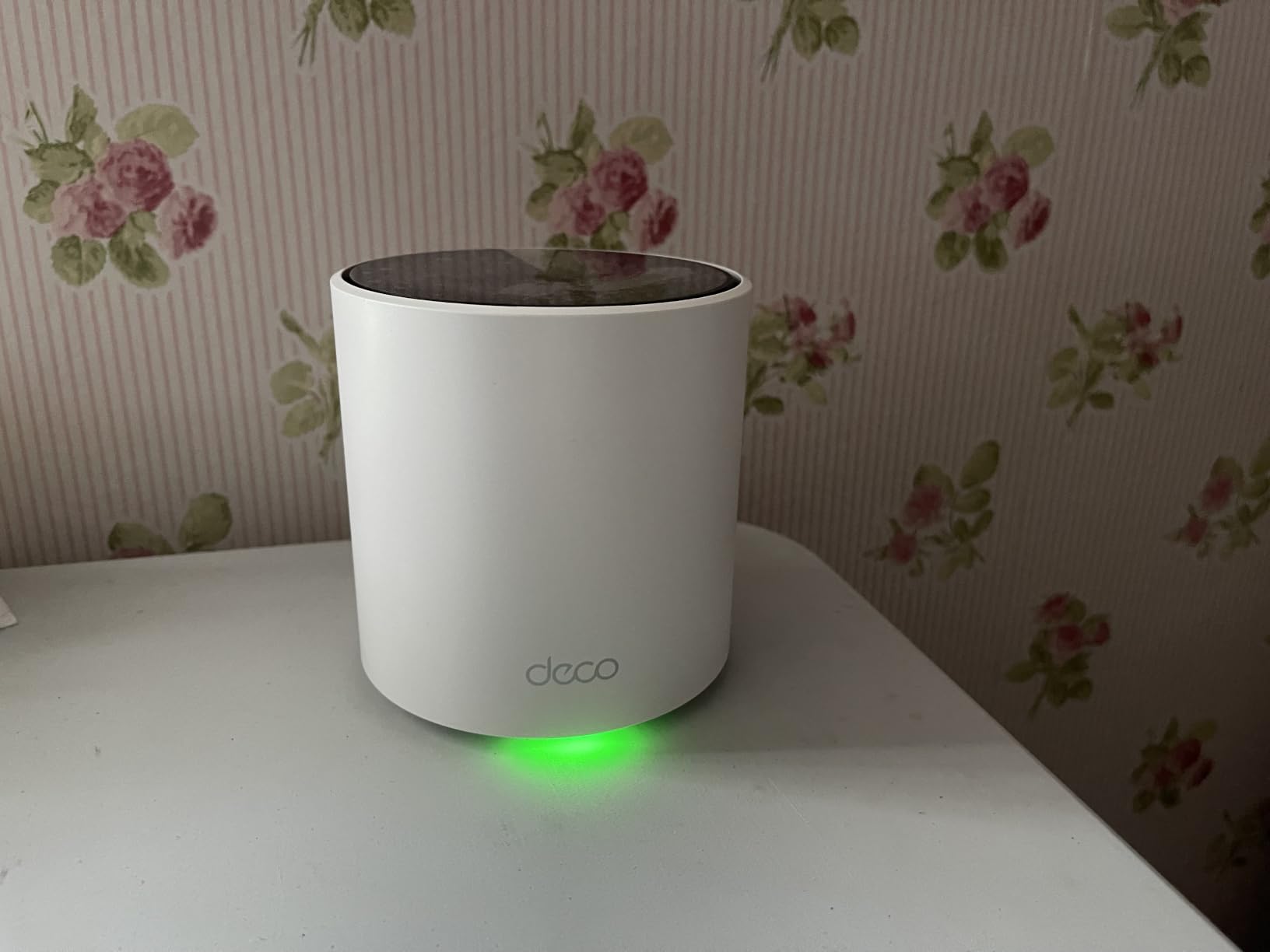
This is the kit I recommend first, and the reason is the ports rather than the radios. Every node in the X55 3-Pack carries three Gigabit Ethernet ports, so you can connect a satellite to the main node with a cable and still have two ports free on each box for a printer, a game console, or an access point downstairs.
In a large home, that single design decision is worth more than a faster CPU. Wireless backhaul works, but it takes a cut out of your throughput on every hop, and the forum consensus in r/HomeNetworking is blunt about it: a mesh running wirelessly feels slower than the same mesh running on cable. The X55 does not force that choice on you, because the option is physically there.
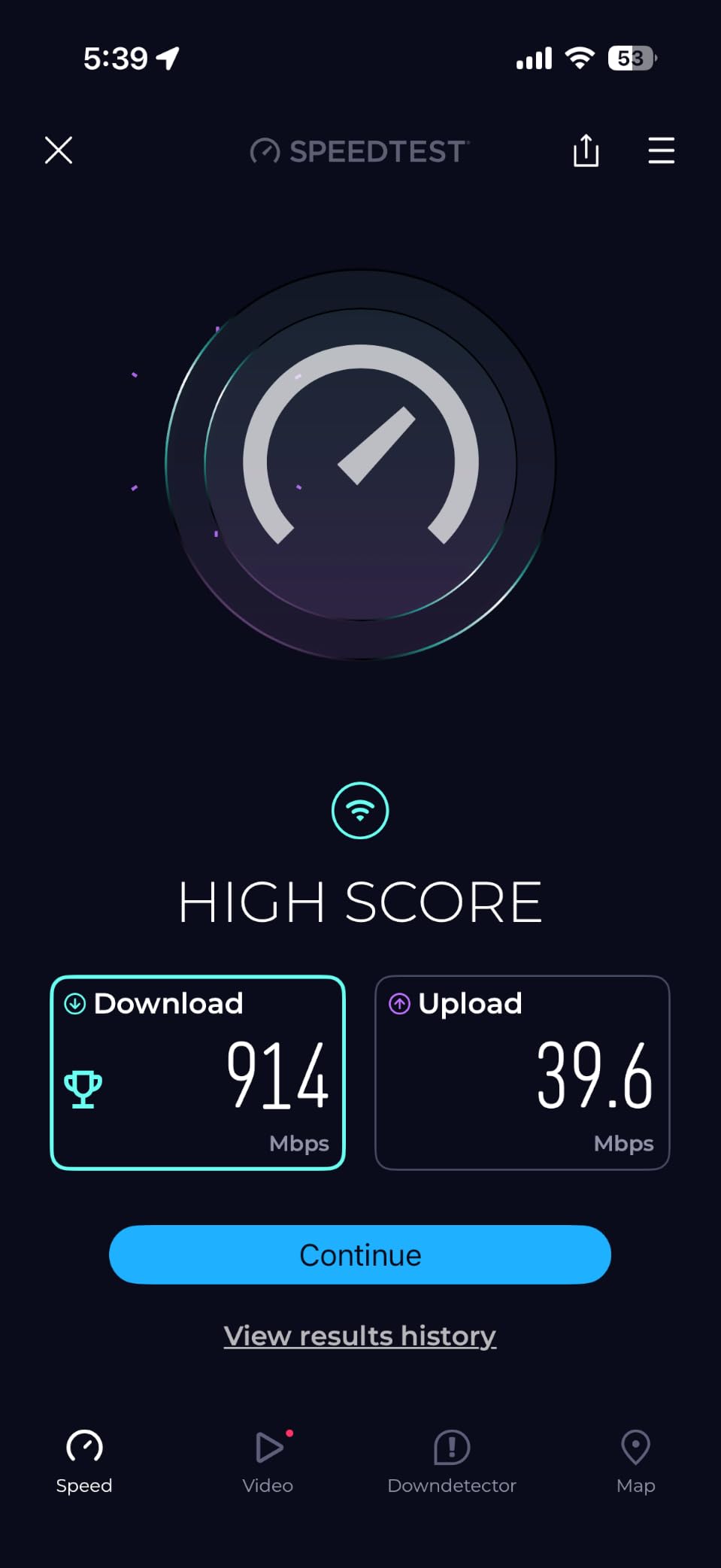
Owners consistently report a setup that finishes inside fifteen minutes through the Deco app, and the most common praise is coverage reaching areas that a single router never touched. Several buyers describe doubling their throughput compared with an extender setup, and a recurring note says smart cameras that used to drop out stopped dropping out once the mesh went in.
Capacity is not the weak point. The stated figure is up to 150 devices, and one owner runs cameras, tablets, and smart home gear on a home with more connected clients than most people would guess. Coverage claims of 6,500 sq ft assume an open layout, so treat that as the ceiling rather than the expectation in a divided house.
Why this is the one to buy
The wired backhaul option is the deciding factor. If your house has any Ethernet, or if you are willing to run one cable per floor, this kit lets a satellite behave like a full access point instead of a repeater. You keep the full Gigabit link to the main node, and the house stops fighting you at the far end.
Where it falls short
The app is the weak spot, and reviewers are consistent about it. Device names get changed on their own, entries show as offline when the device is connected, and after a firmware update a node sometimes comes back in a red or power state that only a manual power cycle clears. If you like to watch a detailed device list, you will be mildly irritated by this.
2. eero 6+ 3-Pack – Best Value Whole-Home Mesh
Amazon eero 6+ mesh wifi system – Supports internet plans up to a Gigabit, Coverage up to 4,500 sq. ft., Connect 75+ devices, 3-pack
Wi-Fi 6 gigabit mesh
Up to 4500 sq ft
75+ devices
Thread and Zigbee hub
Pros
- App-guided setup that most non-technical buyers finish in minutes
- Consistently strong coverage across multiple floors after modest placement tweaks
- Rock-solid stability in multi-device homes
- Compact units and backward compatibility with older eero hardware
- SQM setting helps remote workers sharing bandwidth
Cons
- Very limited advanced controls compared with open-firmware systems
- Only two Ethernet ports per node so wired backhaul usually needs a switch
- Known incompatibility with some smart home devices including MyQ garage hub openers
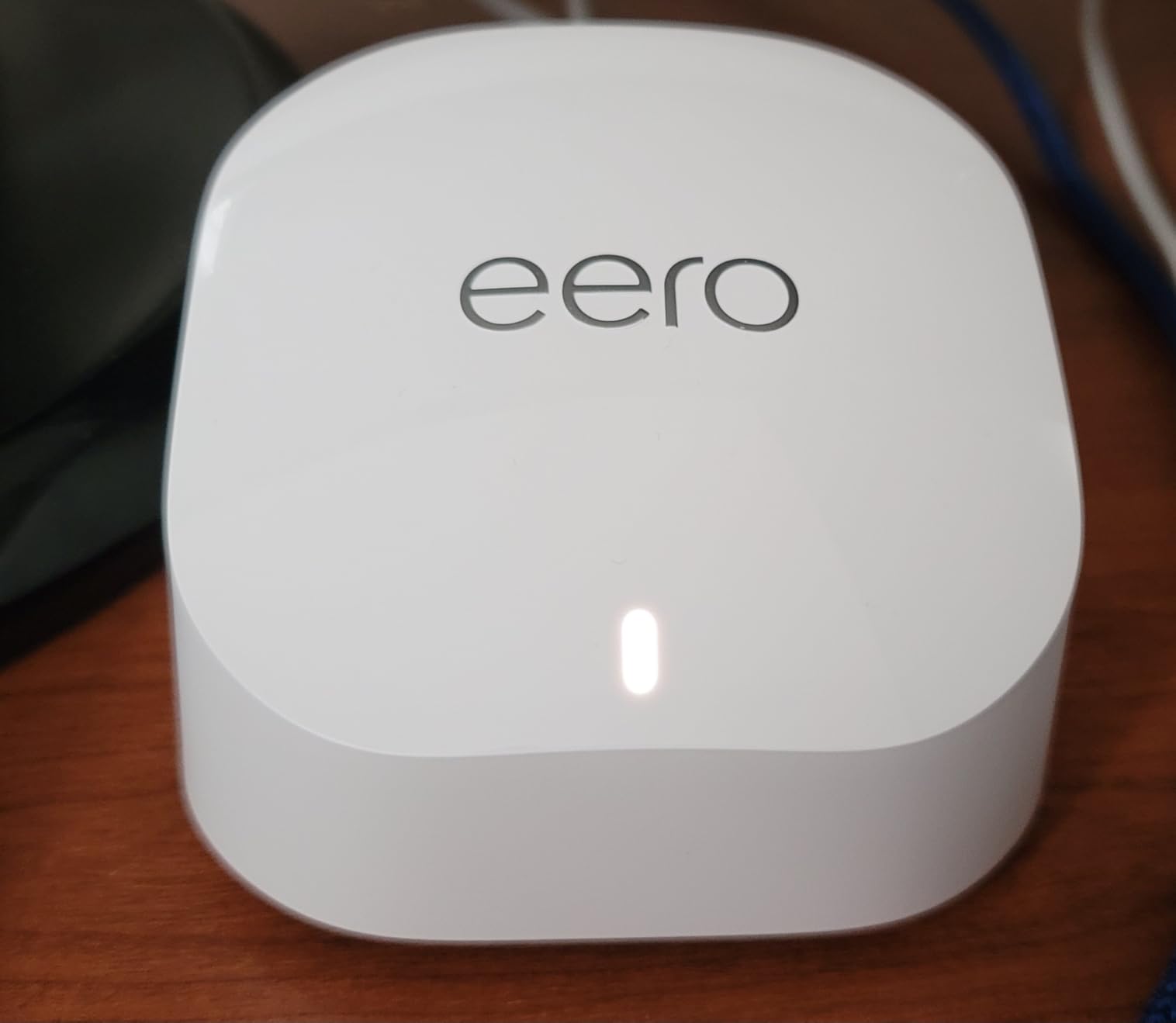
If nobody in your house wants to touch a settings page, this is the kit. The eero 6+ 3-Pack is the least demanding product in this roundup: the app walks you through it, the network stabilises, and it stays stable. In a large home that reliability is worth more than a deeper menu.
The stated footprint is up to 4,500 sq ft for 75+ devices, which lands it squarely in the two-and-three-floor band. TrueMesh routing is what keeps traffic from sticking to a distant node, and that roaming behaviour is the thing large houses care about most when people walk between rooms with a call in progress.
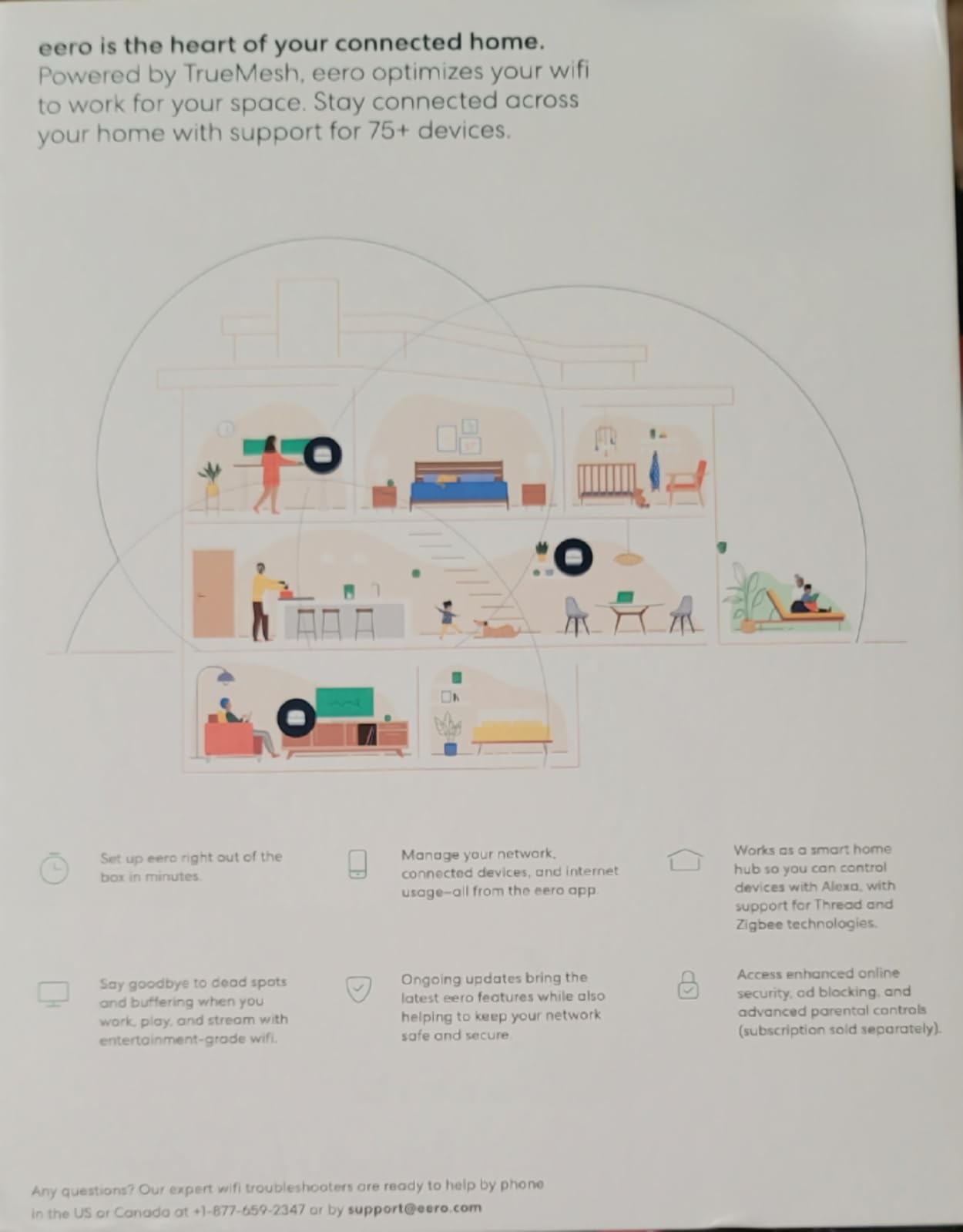
Owners report near-maximum ISP speeds once the placement is right, and the practical tip that comes up again and again is to move a node rather than buy another. The built-in smart home hub for Thread and Zigbee gear is a genuine bonus if you have mixed-brand devices, since it removes a hub from the shelf.
Two Ethernet ports per node is the catch. Because one goes to the ISP connection, only one remains, so a house that wants full wired backhaul across three floors ends up adding a switch. That is a modest cost, but it is a cost the Deco X55 does not ask you to pay.
Who this suits
Households with mixed technical ability, anyone running a lot of smart home devices, and people who want a result rather than a project. r/homeowners threads about large houses keep landing on the same advice: pick something that works everywhere, and do not chase gigabit speed you cannot use.
Who should skip it
Anyone who wants per-band control, VLAN segmentation, or a router that does not need a vendor account. Owners with MyQ garage openers report real integration problems, and 2.4 GHz-only devices sometimes need the 5 GHz band temporarily disabled before they join. Initial registration also needs cellular reception, which trips up some installs.
3. NETGEAR Orbi RBK852 – Premium Pick Tri-Band Mesh
NETGEAR Orbi Whole Home Tri-Band WiFi 6 Mesh Network System (RBK852) – Router with 1 Satellite Extender -Security Features – Coverage Up to 5,000 sq. ft., 100 Devices – AX6000 (Up to 6Gbps)
Tri-band AX6000 up to 6 Gbps
5000 sq ft and 100 devices
1 router plus 1 satellite
4 Gigabit ports each
Pros
- Dedicated backhaul band keeps near-gigabit wireless speeds through multiple walls
- Each extra satellite adds 2500 sq ft of stated coverage
- 4 Gigabit Ethernet ports on the router and every satellite
- Handles heavy smart home and IoT loads
- Works with ISPs up to 2.5 Gbps
Cons
- Large bulky units and a clunky browser interface
- App-first setup leaves some owners needing support to finish
- Orbi and NETGEAR Armor security are subscription-based after the trial
- Closed ecosystem that will not mix with third-party mesh
- One-year hardware warranty
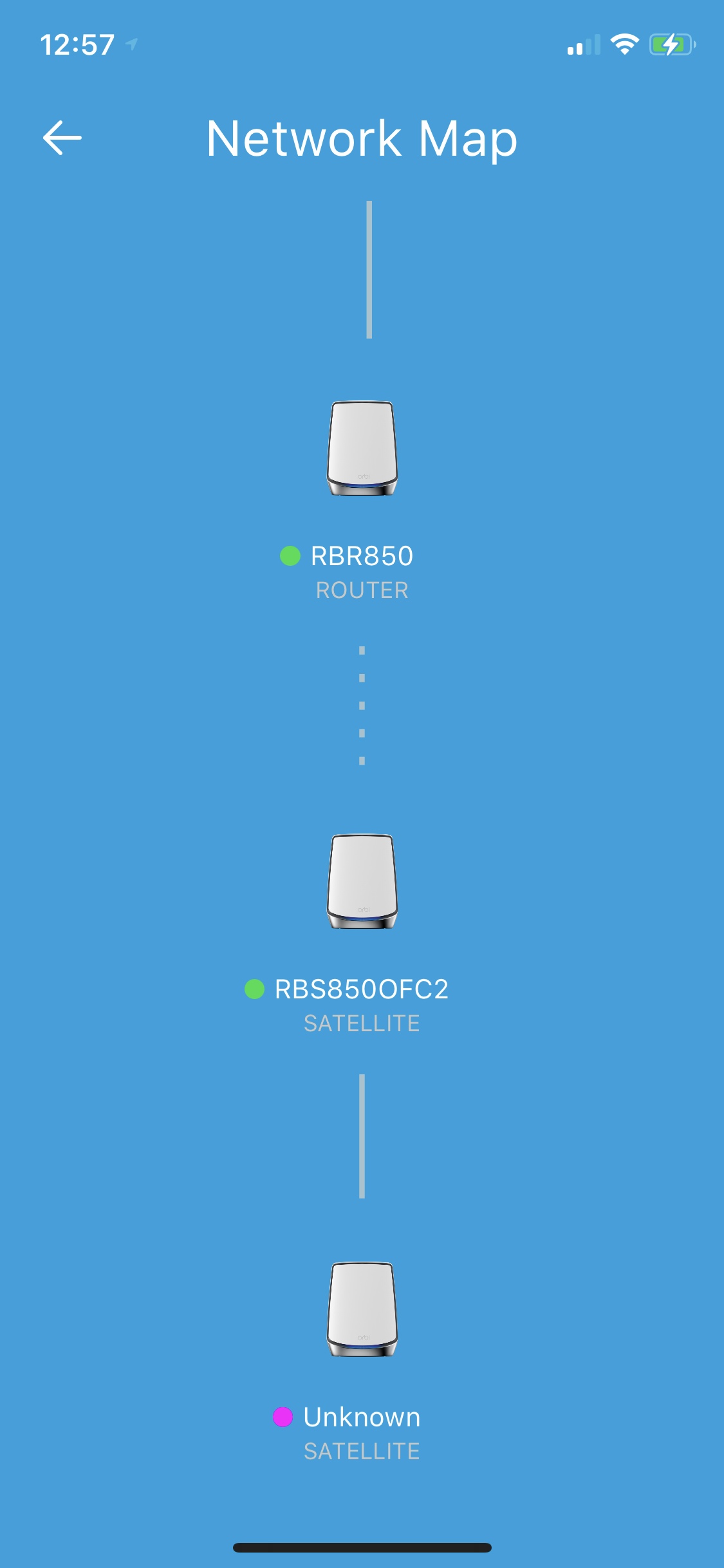
This is the fastest wireless backhaul in the group, and in a large house that is the number that matters. The RBK852 is tri-band, and the third band exists to carry traffic between the router and the satellite rather than competing with your phones and laptops for airtime.
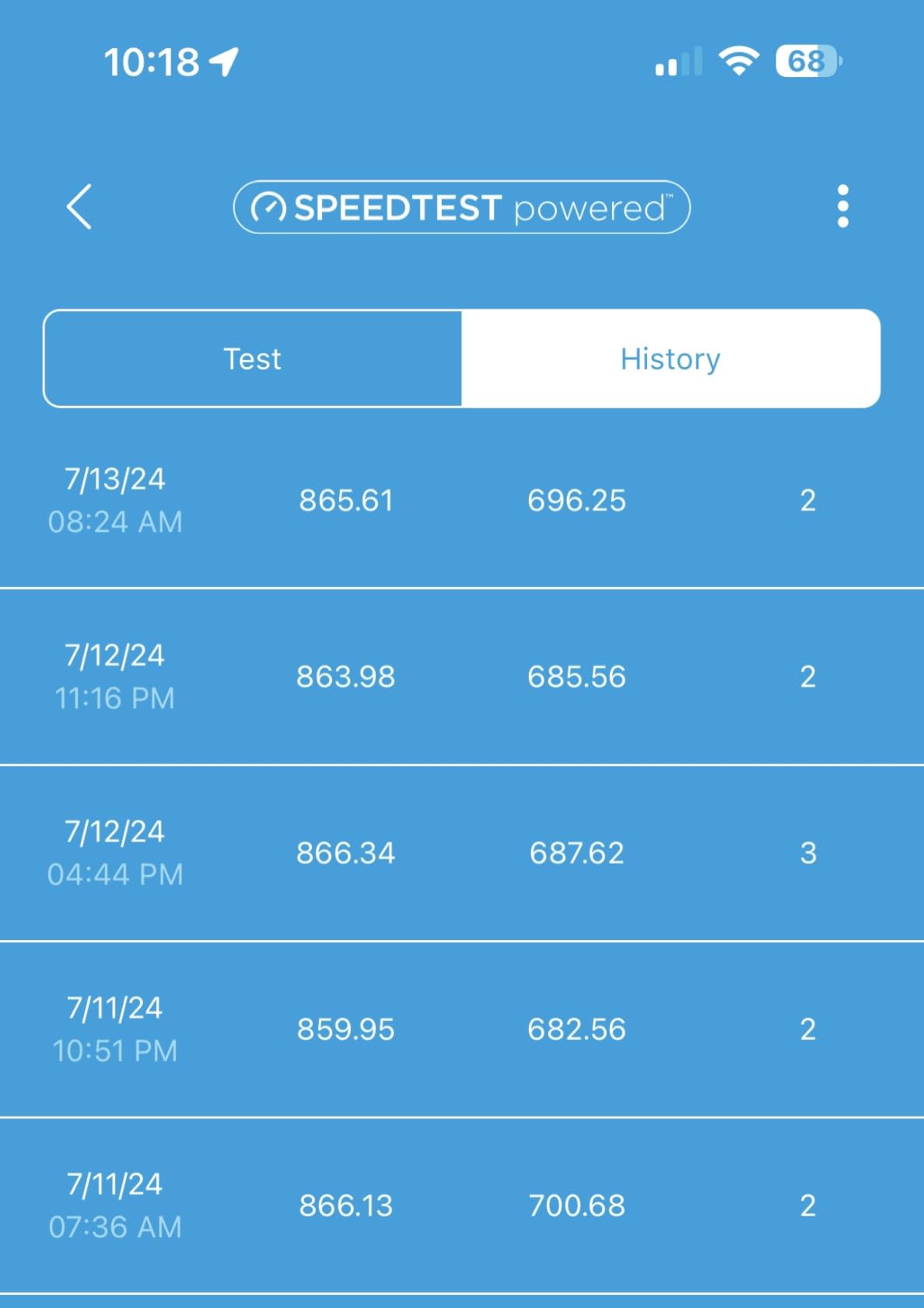
Stated coverage is 5,000 sq ft for up to 100 devices, with each added satellite contributing another 2,500 sq ft. Owners running heavy smart home setups describe 52 devices across three floors working without complaint, and enthusiasts report close-to-line-rate throughput on gigabit service with full-strength signal on every level.
The hardware is fast and the coverage is real. What slows the experience down is the software around it. Several owners needed tech support or the browser interface to complete installation, and the browser interface itself is described as clunky next to the Deco and eero apps. The units are also physically large, which matters if you are hiding nodes in plain sight.
Then there is the cost question. NETGEAR Armor and the Orbi subscription features are gated behind a trial period, and the hardware warranty is one year, which is short for a system of this class. The closed ecosystem also means you cannot mix in nodes from another vendor later.
When tri-band earns its cost
Buy this when the house has no Ethernet and you are not willing to run any. A dedicated backhaul band is the only way to keep a two-hop wireless mesh from halving your speed at each step, and in a 4,000 sq ft house with concrete or masonry that difference is the whole experience.
Where it disappoints
If you already have cabling, the Deco X55 reaches the same result with gigabit backhaul and a two-year warranty. The one-year warranty and subscription-gated security are real costs over a five-year ownership period, and the setup flow puts friction exactly where a large-house installer wants speed.
4. GL.iNet Flint 2 (GL-MT6000) – Top Rated for Multi-Gig and Control
GL.iNet GL-MT6000 Flint 2 Wi-Fi 6 Gaming Router Dual 2.5G Ports
AX6000 8-stream Wi-Fi 6
2 x 2.5G plus 4 x 1G ports
Pre-installed OpenWrt
100+ devices
Pros
- Dual 2.5 Gbps ports deliver true multi-gig speeds
- Pre-installed OpenWrt with LuCI for full network control
- VPN throughput up to about 900 Mbps WireGuard and 880 Mbps OpenVPN
- AdGuard Home blocks ads network-wide
- 1 GB RAM and 8 GB storage run many packages and 100+ devices
Cons
- OpenWrt is overwhelming if you only want plug-and-play
- Plain boxy industrial design
- Firmware should be updated right after setup
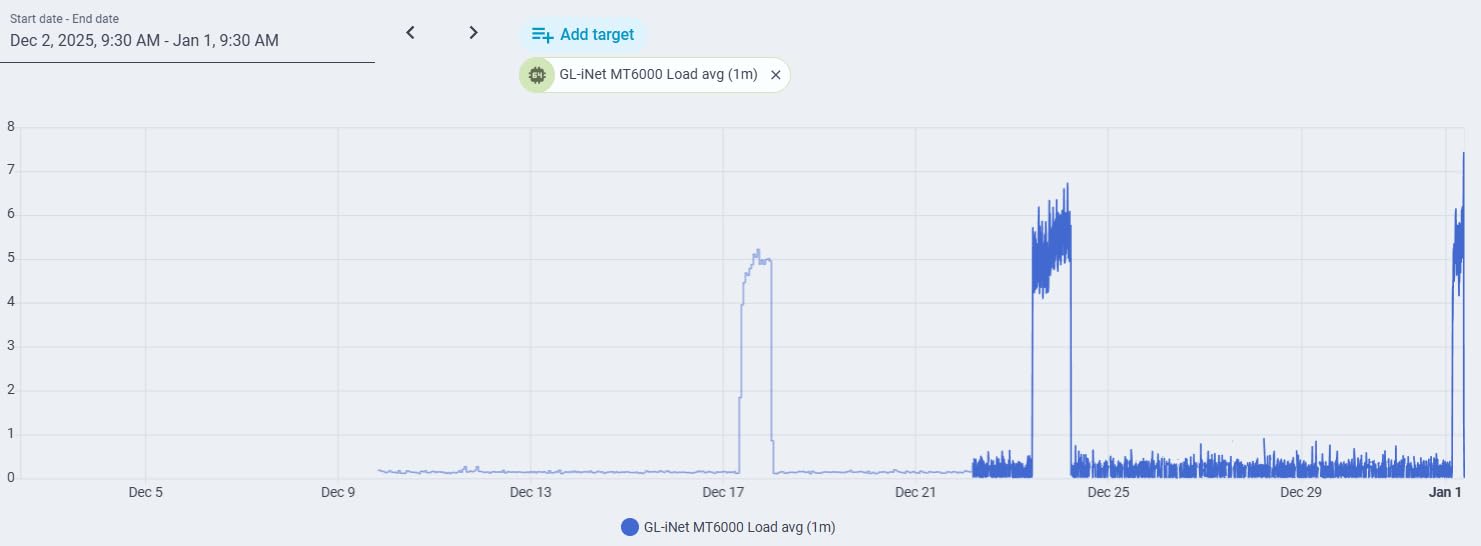
The Flint 2 is the only product here that will not become the bottleneck on a multi-gig plan, and for a large home that is a bigger deal than raw Wi-Fi speed. Two 2.5 Gbps ports alongside four 1G ports mean a 2-gig fiber connection has somewhere to go, and the remaining ports are free for switches and satellites.
It ships with OpenWrt already installed, so you get VLANs, firewall rules, policy routing, and package installation on day one without reflashing anything. AdGuard Home is built in for network-wide ad and tracker blocking, and the VPN numbers are strong enough that remote workers can run a tunnel without noticing.
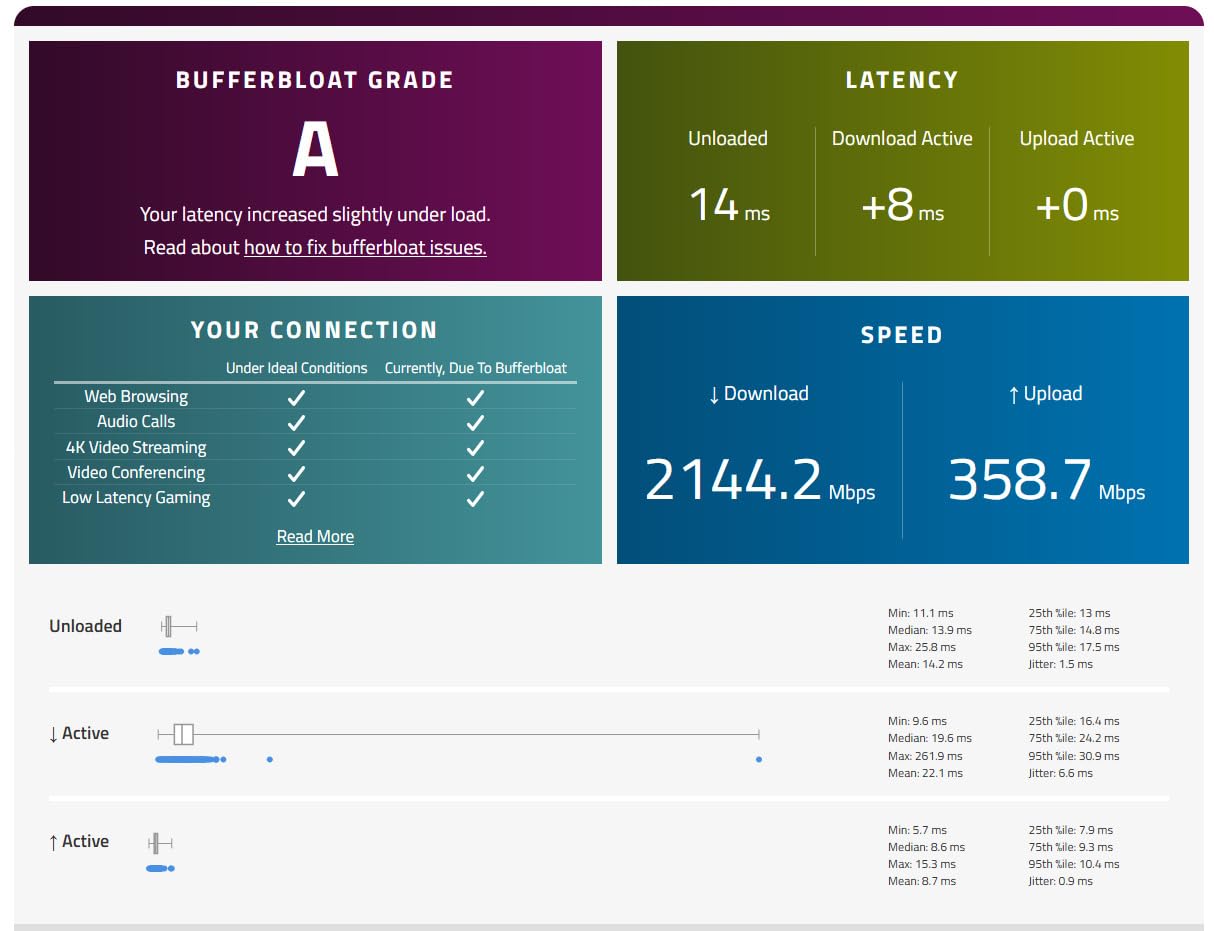
This is the highest-rated unit in our roundup, and the reason is that the enthusiast features are genuinely free rather than tiered behind a subscription. With 1 GB of RAM and 8 GB of storage it comfortably runs many packages alongside 100+ connected devices, which is the combination you want in a house full of cameras, consoles, and work equipment.
The limitation is straightforward. If you want a router that configures itself, this is the wrong tool. The learning curve is real, the interface is not polished in the way the eero app is, and the plain boxy housing is not going into a hallway on display. Update the firmware immediately after setup or you may leave performance on the table.
Why we rate it highly
Multi-gig ports plus open firmware plus no subscription is a combination nothing else in this list matches. If your ISP plan is about to double in speed, as several users in fiber townhouse threads describe, this is the router that will not become the reason the upgrade does not land.
Who should skip it
Anyone who wants zero configuration. OpenWrt gives you power and takes away simplicity in equal measure. For a single person who just needs coverage to reach the end of a long house, the Deco X55 covers the same ground with less effort.
5. ASUS RT-AX1800S – Best for Subscription-Free Security
ASUS RT-AX1800S Dual Band WiFi 6 Extendable Router, Subscription-Free Network Security, Parental Control, Built-in VPN, AiMesh Compatible, Gaming & Streaming, Smart Home
Wi-Fi 6 dual-band
1 WAN plus 4 Gigabit LAN
AiProtection with no subscription
3-year warranty
Pros
- Lifetime AiProtection security with no monthly fee
- App-based setup that beginners complete without help
- Stable Wi-Fi 6 range in congested environments
- Deep configuration for QoS firewall and VPN
- AiMesh compatible for whole-home expansion
- Three-year warranty
Cons
- Parental controls lack a custom whitelist or per-site history
- A known firmware bug on some builds can disable the 2.4 GHz radio
- As a standalone unit it suits small to medium homes more than very large ones
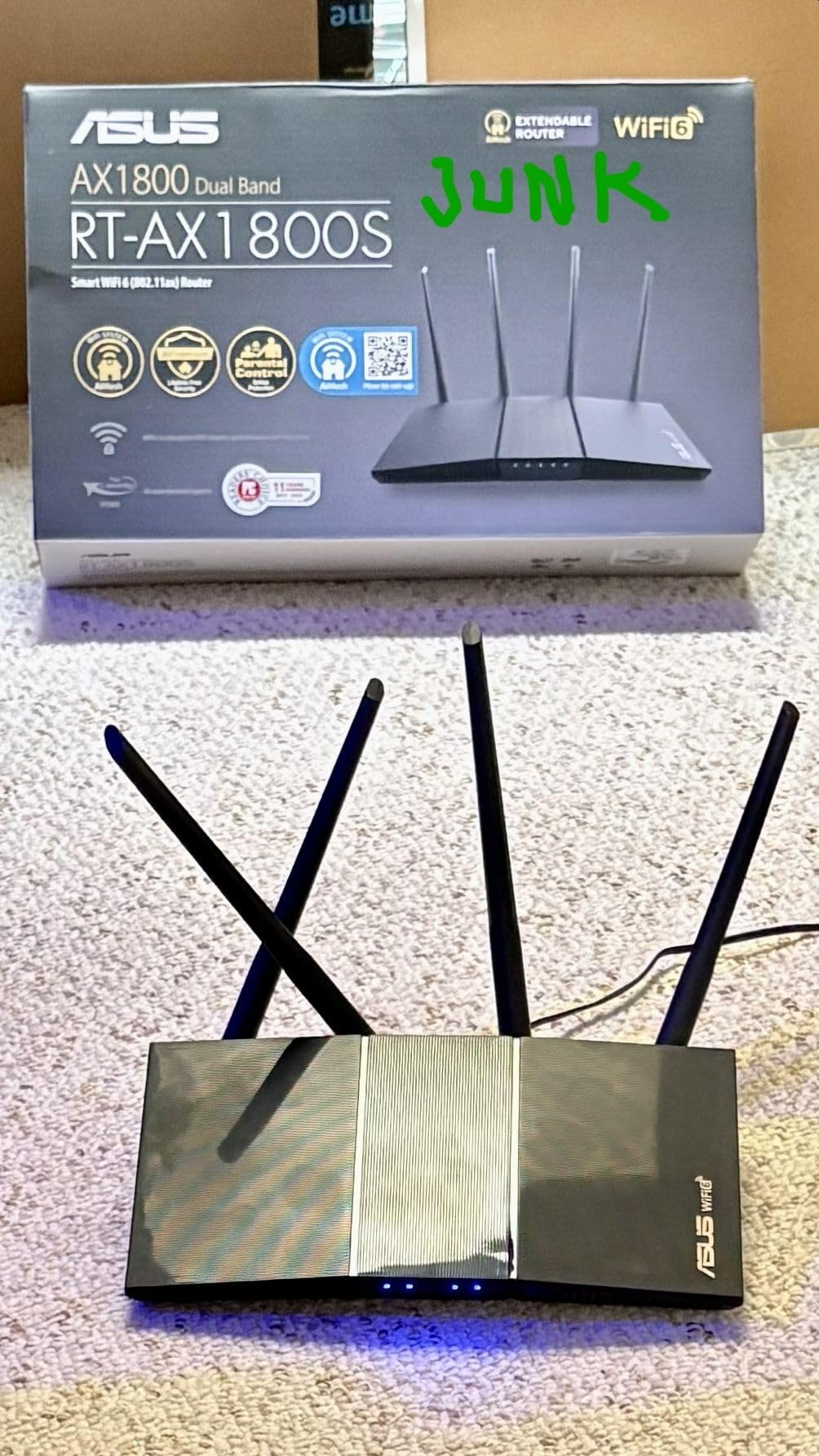
Over a five-year ownership period, subscription-free security is worth real money, and this is the router that offers the most of it at the entry end. AiProtection Classic is powered by Trend Micro and included for the life of the unit, with parental controls and ASUS Instant Guard one-click VPN on the same bill.
The hardware is a straightforward dual-band Wi-Fi 6 router with one Gigabit WAN and four Gigabit LAN ports, which is a better port count than most competitors at this level. AiMesh compatibility means you can add matching ASUS hardware later, so a house that grows does not need a second platform.
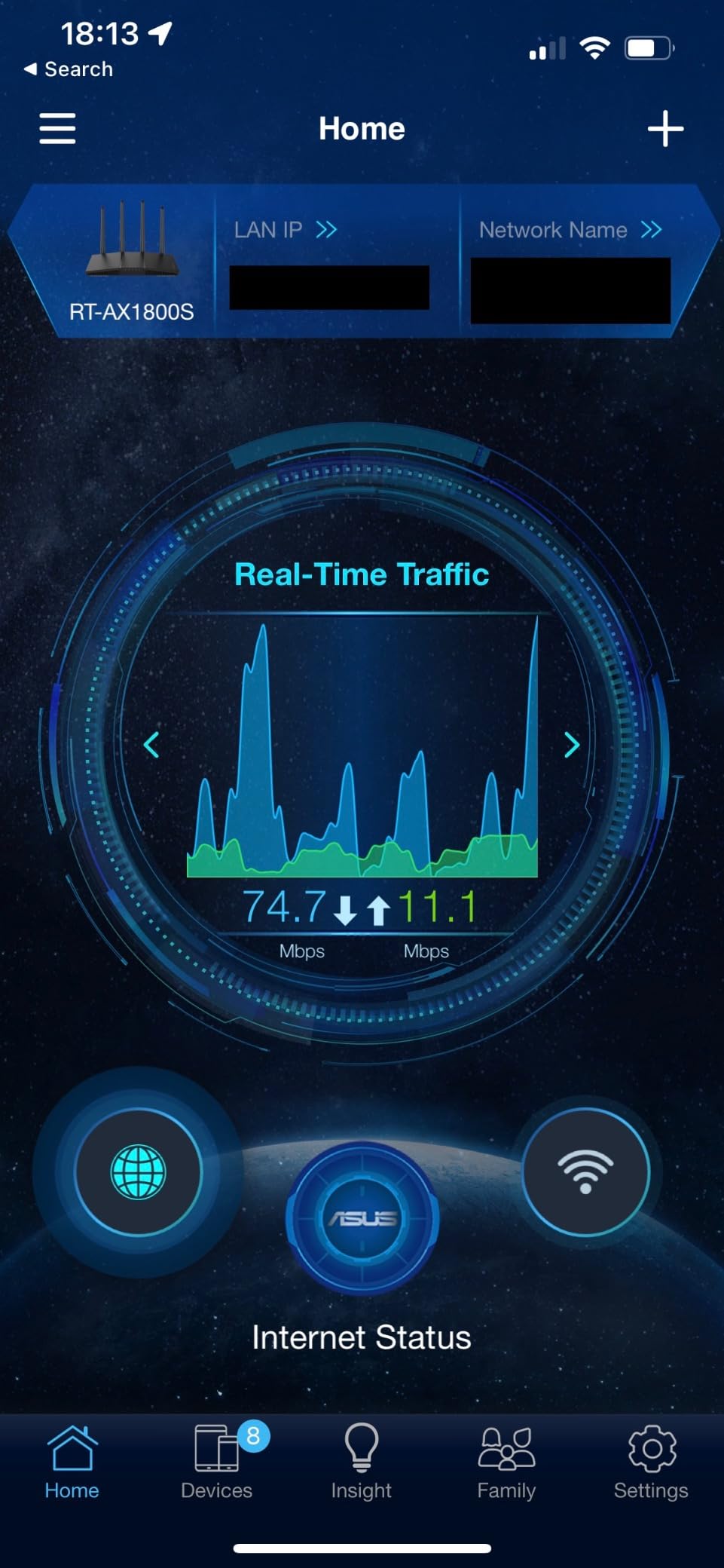
Buyers like the interface and the range for the money, and the deep configuration options make it a favourite for anyone running a home lab. Range is consistently reported as strong even in crowded wireless environments, which matters in apartment buildings and multi-unit housing where the neighbour problem is real.
Two caveats. The parental controls are coarse, with no custom whitelist or per-site browsing history, so families with young children will want more. And there is a known ASUSWRT firmware bug on some MT7915-based builds that shuts down the 2.4 GHz radio when Smart Connect and 2.4 GHz Wi-Fi 6 are both enabled.
Why it makes the list
The combination of five Gigabit ports, free security, and a three-year warranty is hard to match. As a main unit in a wired house it is excellent, sitting in front of a switch and feeding access points on each floor.
Where it falls short
On its own, it is a small-to-medium home router. In a large house you are pairing it with something else, which is fine, but it is not the answer to the coverage question. Keep firmware current to stay clear of the 2.4 GHz bug.
6. Tenda Nova MX12 3-Pack – Best for Budget Mesh Coverage
Tenda AX3000 WiFi 6 Mesh System Nova MX12– Whole Home Mesh WiFi Coverage up to 7,000 sq. ft., Dual-Band WiFi Mesh Network for 160+ Devices, Fast & Stable, Replaces Wireless Router (3-Pack)
AX3000 dual-band mesh
Up to 7000 sq ft
160+ devices
3 nodes with 9 ports
Pros
- Largest stated coverage footprint in the group at 7000 sq ft
- Handles 160+ devices with MU-MIMO and OFDMA
- Simple app or web GUI setup with one-button node adding
- Separate SSIDs available for 2.4 GHz and 5 GHz
Cons
- Lowest rated unit here at 4.1 stars with a larger share of 1-star reviews
- Firmware may need a manual update out of the box
- Cannot mix with the MW series to form a mesh
- Less mature ecosystem and fewer advanced features
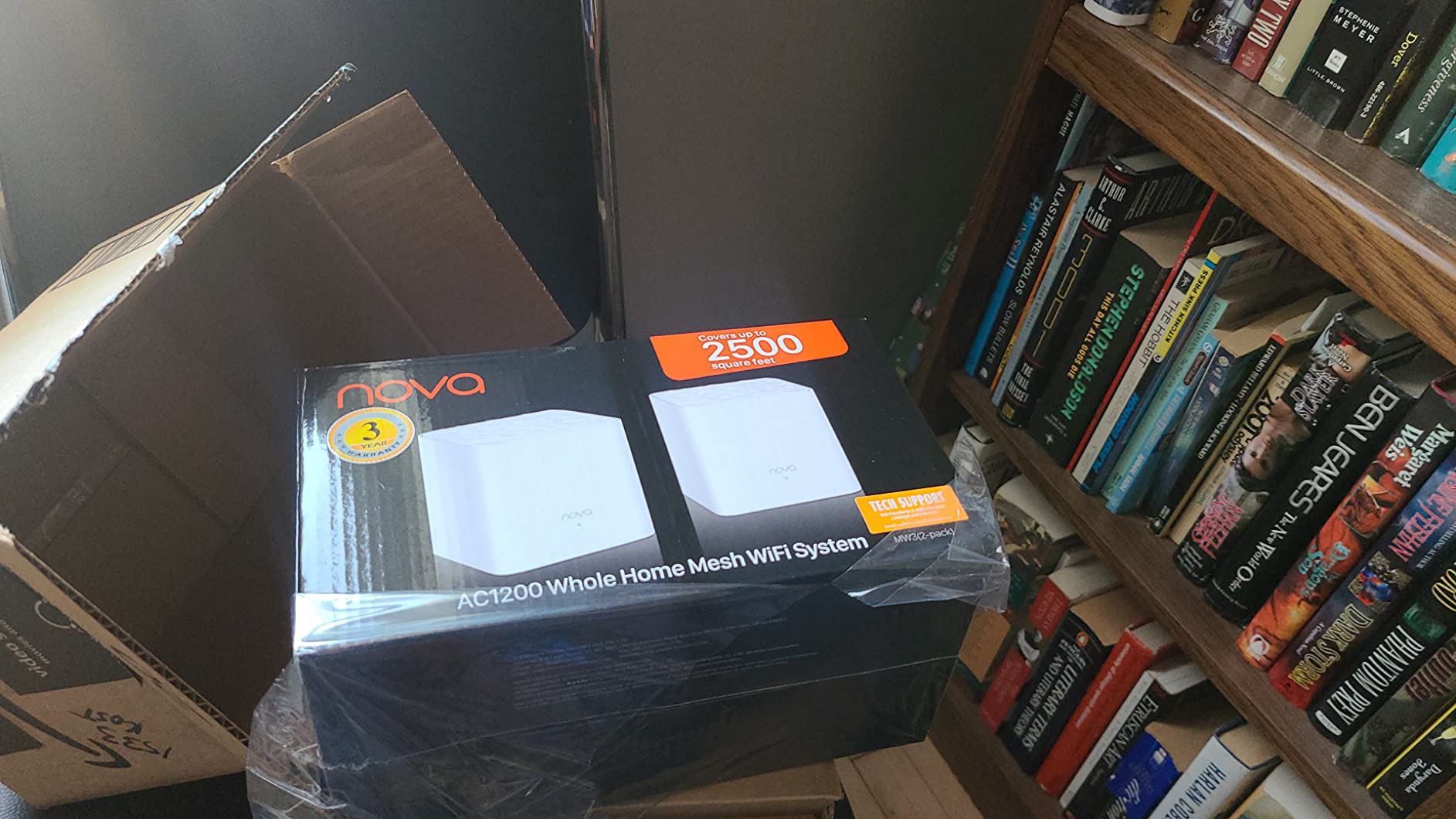
The Nova MX12 states the largest coverage figure in this roundup at up to 7,000 sq ft across three nodes, and it lists 160+ device capacity. On paper that makes it the most straightforward way to cover a very large house, and for an open-plan build the claim often holds.
Across the set you get nine Gigabit Ethernet ports, three per node, so wired backhaul is available here as well. Setup runs through the Tenda app or a web GUI, and adding a node is a single button press rather than a configuration task.
The reason this sits sixth rather than higher is the review profile, not the spec sheet. At 4.1 stars it is the lowest-rated product here, with a visibly larger share of one-star reviews than the others. Owners who like it describe it as capable and good value; owners who do not describe firmware that needed a manual update out of the box.
There is also a hard ecosystem limit. The MX series cannot pair with the MW series to form a mesh, so if you later want to expand, your options are within this product line. There are fewer advanced features overall, with no equivalent of a HomeShield or AiProtection suite.
When it makes sense
An open-plan single-family home of 3,000 sq ft or more where the budget is the primary constraint and nobody needs granular control. Check the firmware version on arrival and update before you start placing nodes.
When to spend more
If the house has thick walls, many floors, or a family that will notice flaky roaming, the small rating difference becomes a large experience difference. The Deco X55 or the eero 6+ carries a higher rating and behaves more predictably over time.
7. TP-Link Archer AX55 – Best Main Router for Wired Backhaul Homes
TP-Link Dual-Band AX3000 Wi-Fi 6 Wireless Gigabit Internet Router for Home
AX3000 dual-band
2402 Mbps plus 574 Mbps
Four high-gain external antennas
Free HomeShield suite
Pros
- OFDMA and MU-MIMO cut latency and jitter when many devices connect
- Four external antennas with beamforming for strong home-wide coverage
- Built-in VPN server and client support
- HomeShield security IoT protection QoS and parental controls at no cost
- Improved cooling reduces throttling in warm rooms
Cons
- Single-unit router so very large or multi-storey homes need mesh or extra access points
- Only three wired connections total with one WAN and two LAN in use
- Not a mesh system on its own
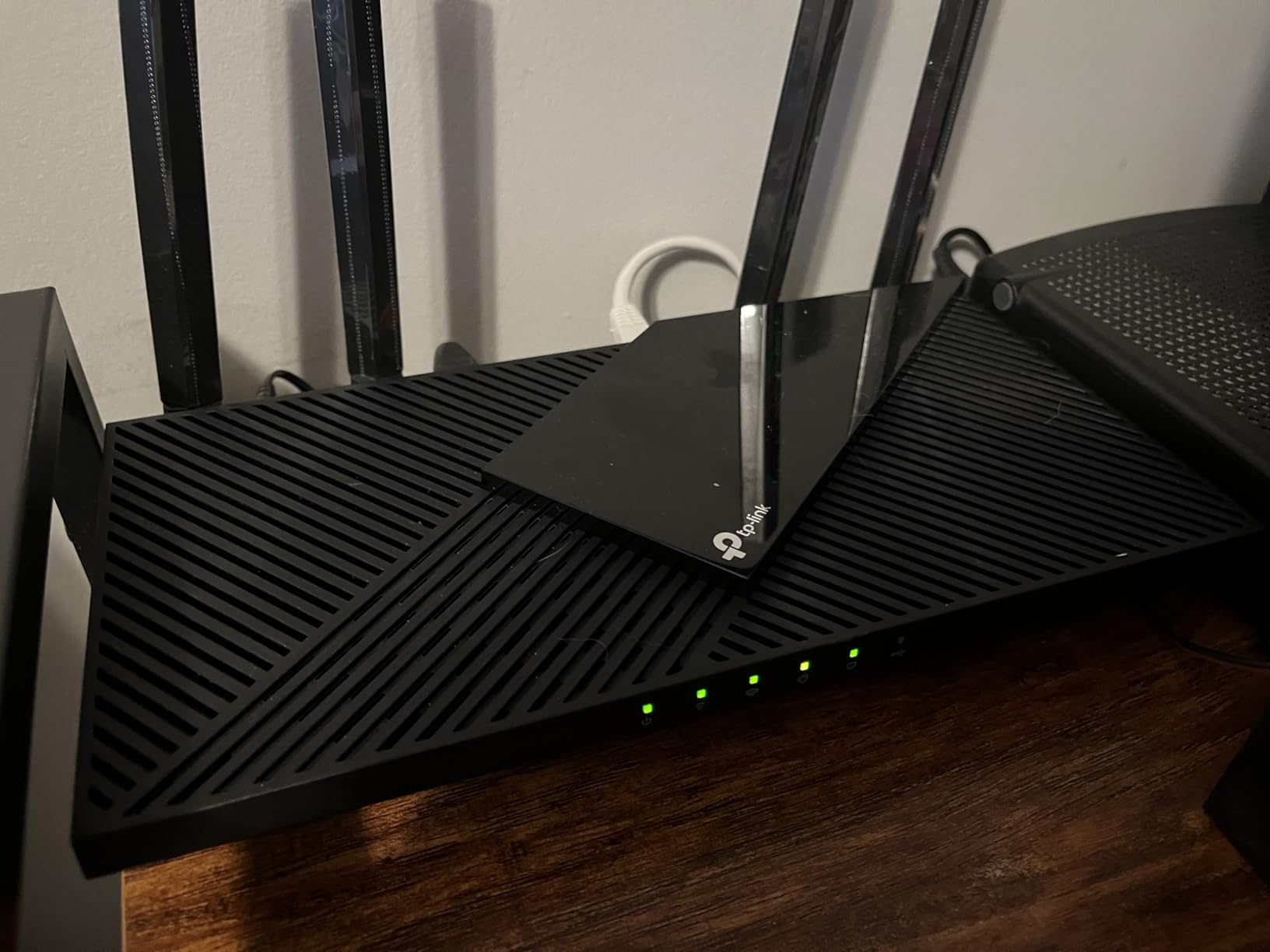
The AX55 is a strong central unit, and in a large home with existing cabling that is exactly what you want at the centre of the network. It has the throughput to feed several access points without becoming the weak link, plus a built-in VPN server and client that most competing routers leave out.
Four high-gain external antennas with beamforming focus signal toward distant clients, and the improved cooling design with a larger heat sink addresses a genuine problem in warm rooms. HomeShield gives you basic network security, IoT protection, QoS, and parental controls with no monthly charge.
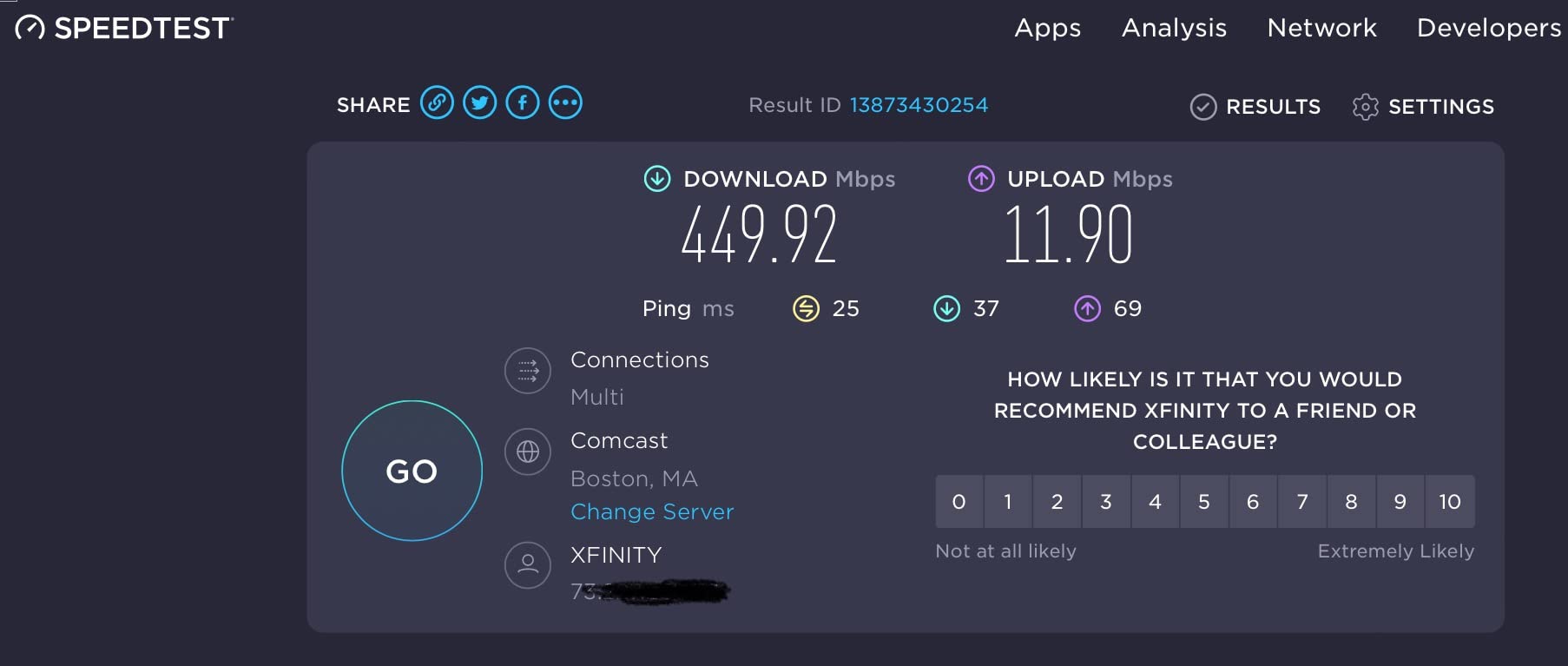
Owners highlight stable Wi-Fi 6 throughput, easy app-based setup, and the useful built-in VPN. The recurring caveat is scale rather than quality: as a standalone dual-band router it performs best in mid-sized homes, and owners with bigger floor plans add nodes or an access point rather than rely on the single box.
Count the ports carefully. There are five physical ports, but one is the WAN connection, so your working wired budget is two LAN ports on the main unit. Everything else goes through a switch, which is a small cost and a normal part of a large-home build.
Why it works in a large home
Placed centrally, it feeds a switch and two or three access points on other floors, and every one of those floors gets full Gigabit without any wireless hop. This is the configuration the AVS Forum and r/HomeNetworking threads keep describing for 3,000-plus sq ft two-storey homes, and it works because the backhaul is cable.
What to watch
Do not expect it to cover the house by itself. If you cannot run Ethernet, the Deco X55 solves the problem in one purchase instead of three, and the AX55 becomes the wrong shape of solution.
8. Cudy WR3000 – Best as a Wired Access Point
Cudy AX3000 Gigabit Mesh Wi-Fi 6 Router, 4X GbE, 160MHz, VPN Full, WR3000
AX3000 with 160 MHz
1 WAN plus 3 Gigabit LAN
Supports router access point and repeater modes
Full VPN hub
Pros
- Full AX3000 speed with 160 MHz channels and 1024-QAM
- Four Gigabit Ethernet ports leaving three for wired devices
- VPN server and client for WireGuard OpenVPN IPsec PPTP and L2TP
- Cudy Mesh works over wireless or wired backhaul
- Small footprint and a clean browser interface owners prefer to the app
Cons
- Only 128 MB of RAM limits advanced OpenWrt use
- Stated coverage of about 1400 sq ft per box so large homes need extra nodes
- Black non-V1 revisions do not support mainline OpenWrt flashing
- The default firmware locks down SSH despite running on an OpenWrt base
Read the mode list again: router, access point, repeater. That third option is why this router is on a large-home list despite a stated coverage of about 1,400 sq ft. In access point mode you put the WR3000 on a cable, disable DHCP, and it becomes a floor-filling access point for a network you already own.
For a house with Ethernet, this is the cheapest way to add a floor. Reviewers consistently rate it as exceptional value, often outperforming more expensive TP-Link hardware on throughput and stability, and many prefer the browser interface to a mobile app.
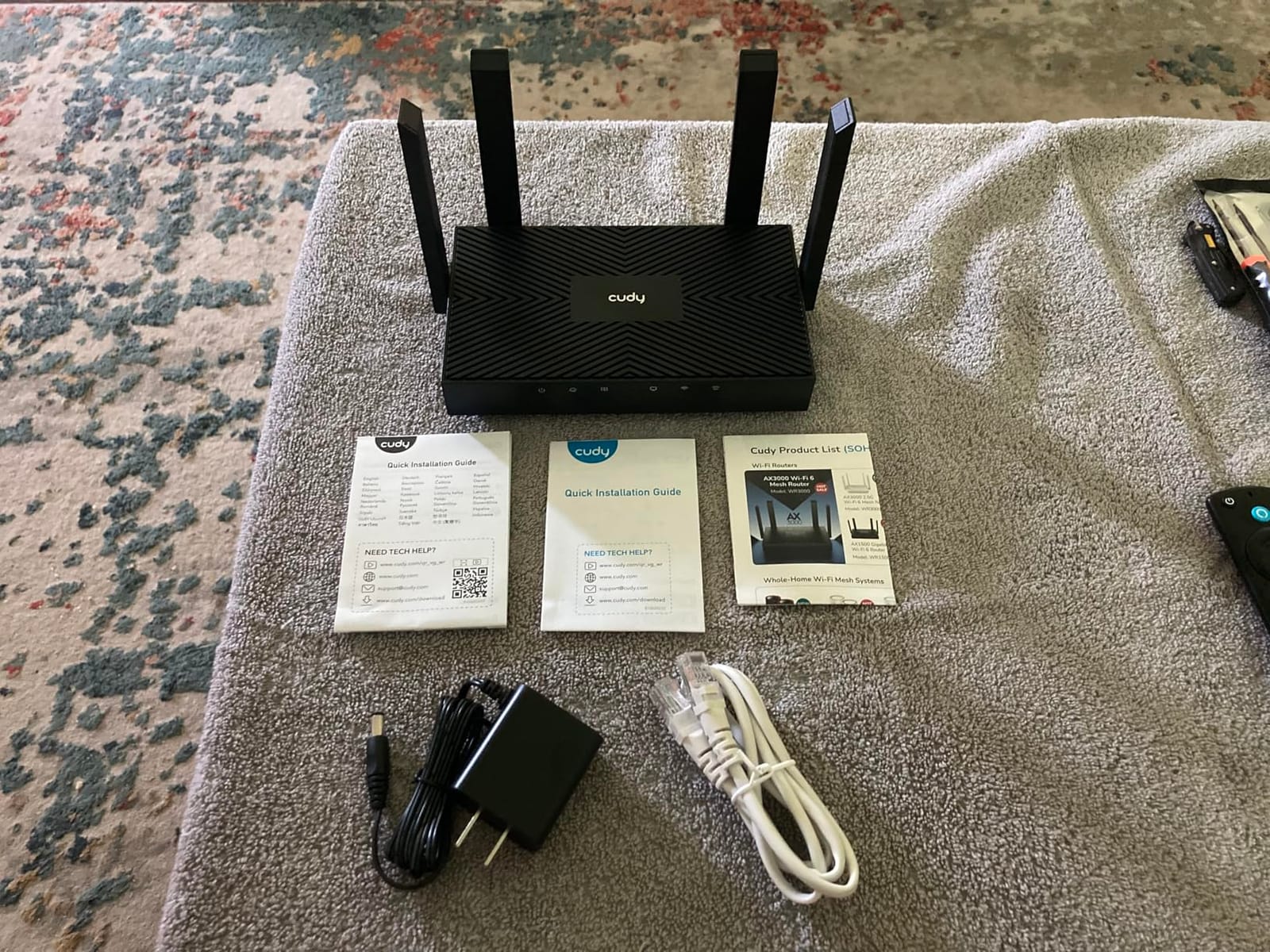
The full AX3000 numbers come with 160 MHz channels and 1024-QAM, and the VPN hub covers WireGuard, OpenVPN, IPsec, PPTP, and L2TP as both server and client. Cudy Mesh will chain these units together over wired or wireless backhaul, so the same box works whether or not you have cabling.
The constraints are honest ones. With 128 MB of RAM and limited flash, this is not a machine for heavy OpenWrt packages, and while it runs on an OpenWrt base, the default firmware locks down SSH. If you plan to flash, check the hardware revision first, because only the white V1 revision supports mainline OpenWrt.
Why it belongs here
Access point mode is the most overlooked option in a large home. Rather than fighting dead zones with a second router and risking double NAT, you add a box per floor, keep one router doing routing, and get clean layer-2 behaviour everywhere.
When it is the wrong tool
If you have no wiring and no plan to add any, the 1,400 sq ft per-box figure makes this a poor standalone solution for a big house. In that case buy mesh nodes designed for the job.
9. ASUS RT-AX82U (Renewed) – Best for Gaming Latency
ASUS RT-AX82U AX5400 Dual-Band WiFi 6 Gaming Router, Game Acceleration, Mesh Support, Dedicated Port, Mobile Boost, MU-MIMO, Aura RGB (Renewed)
AX5400 dual-band with 160 MHz
Dedicated gaming port
Game acceleration and Mobile Game Mode
AiMesh capable
Pros
- AX5400 with 160 MHz channels delivers very high throughput for the cost
- Polished setup wizard and admin interface
- Game acceleration and a dedicated gaming port reduce latency and jitter
- Range reported past the garage into the backyard
- Lifetime free AiProtection Pro with WPA3
Cons
- Runs hot and some owners schedule reboots to keep it stable
- Deep feature set can overwhelm users new to router administration
- Renewed units may arrive in generic packaging
- Only a 90-day limited warranty
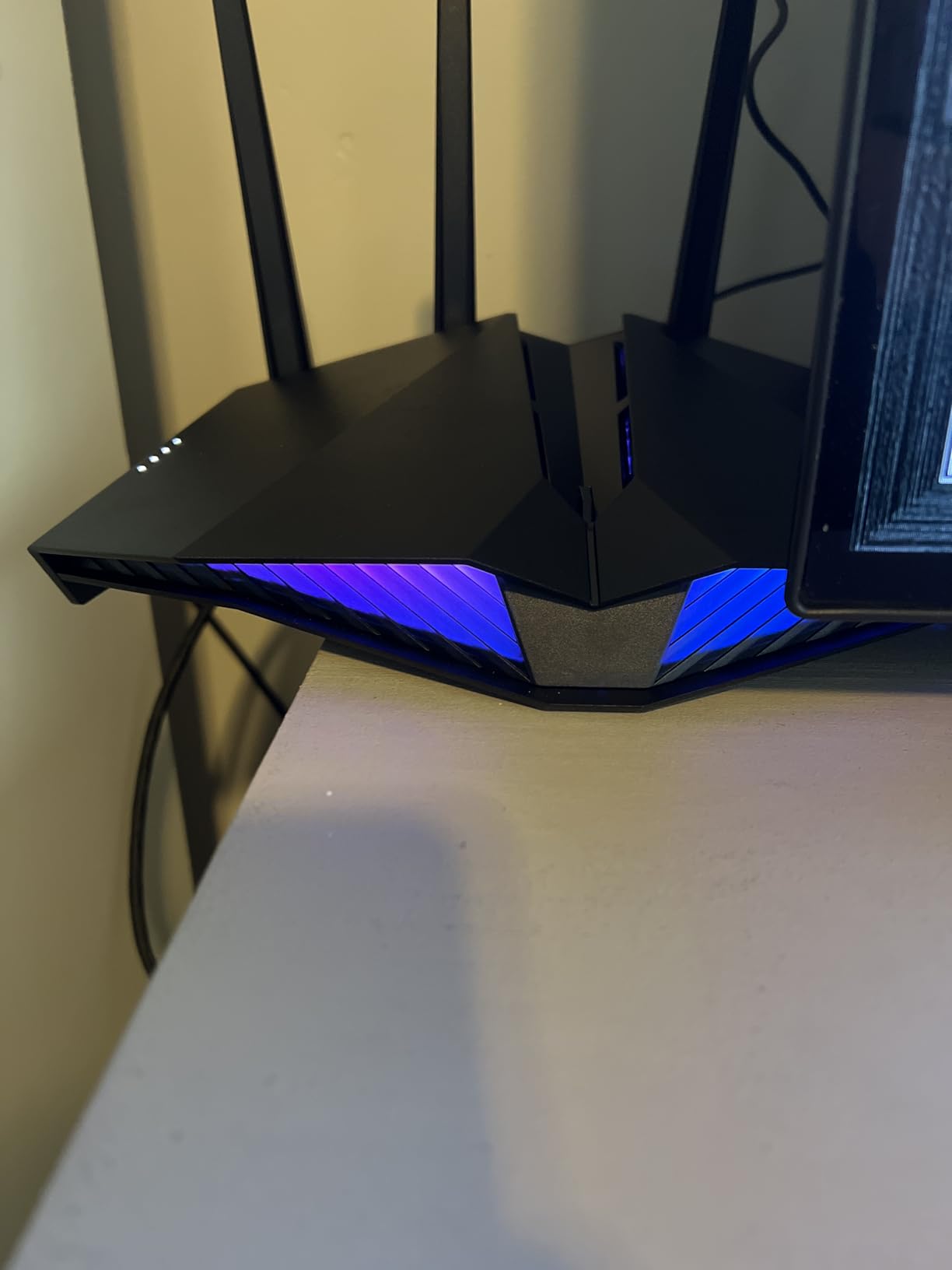
The RT-AX82U is the router on this list where latency is the design goal. It has a dedicated gaming port, Game Acceleration, and a Mobile Game Mode, and owners report visibly lower lag and jitter in practice rather than only in the menu.
Throughput is AX5400 across 160 MHz channels, which is a genuine step up from AX3000 hardware for a single client near the unit. Range is another strength here, with some owners reporting usable coverage well past the garage and into the backyard, which matters when the office sits at the back of a long plot.
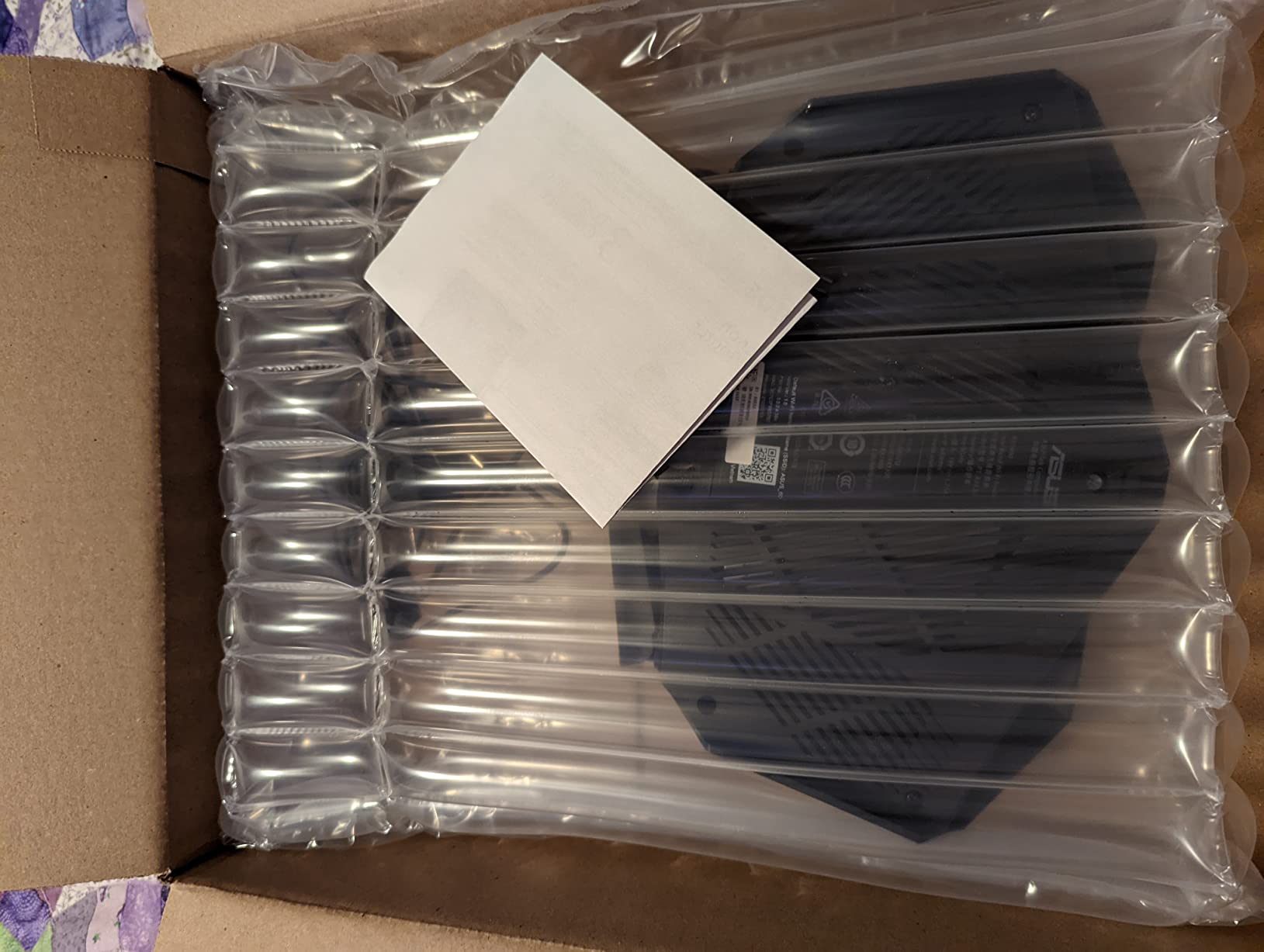
What makes this listing unusual is that it is a renewed unit, and that changes how you read the warranty line. A renewed ASUS RT-AX82U arrives with the original accessories and a 90-day limited warranty rather than the multi-year cover a new unit carries, and some owners receive generic packaging.
There is also a heat report worth taking seriously. Several owners run scheduled reboots to keep stability, and the deep feature set is a real adjustment for anyone who has never configured a router before. If the house is large, AiMesh support means you can add ASUS hardware later, though this unit alone is a single-box solution.
Why it earns a place
For a competitive household, prioritising latency over coverage area is the right trade. A wired gaming desk in a large home will notice the difference between a dedicated gaming port and a generic switch port, and the AX5400 headroom helps when the rest of the house is streaming at the same time.
What to consider first
Check the 90-day warranty against how long you plan to keep it, and expect a warmer-running unit. If you want the same platform with full warranty terms, a new RT-AX82U or the RT-AX1800S is the safer route for a main router.
10. TP-Link Archer AX21 – Best Proven Budget Router for Smaller Homes
TP-Link AX1800 WiFi 6 Router (Archer AX21 V5)
AX1800 dual-band
1200 Mbps plus 574 Mbps
Four high-gain antennas
OpenVPN and PPTP servers
Pros
- Largest review base here at nearly 25000 ratings
- AX1800 class handles streaming and gaming smoothly
- OFDMA communicates with more devices at once
- Beamforming with four high-gain antennas and an FEM chipset
- OpenVPN and PPTP VPN server support
- EasyMesh allows future expansion
Cons
- AX1800 hardware is a step down from AX3000 for very large homes
- Dual-band only with no 6 GHz support
- A separate modem is required
- Coverage claims are modest next to dedicated mesh systems
The AX21 has the deepest proven track record in this roundup, with a review base approaching 25,000 ratings at a 4.4 average. That matters in a different way from the specs: it means the firmware, the app, and the support path are all well worn rather than freshly invented.
It is a dual-band AX1800 router at 1200 Mbps on 5 GHz plus 574 Mbps on 2.4 GHz, with OFDMA, beamforming, four high-gain antennas, and a front-end module chipset aimed at reaching distant clients. Both OpenVPN and PPTP servers are supported, which is unusual at this end of the market.
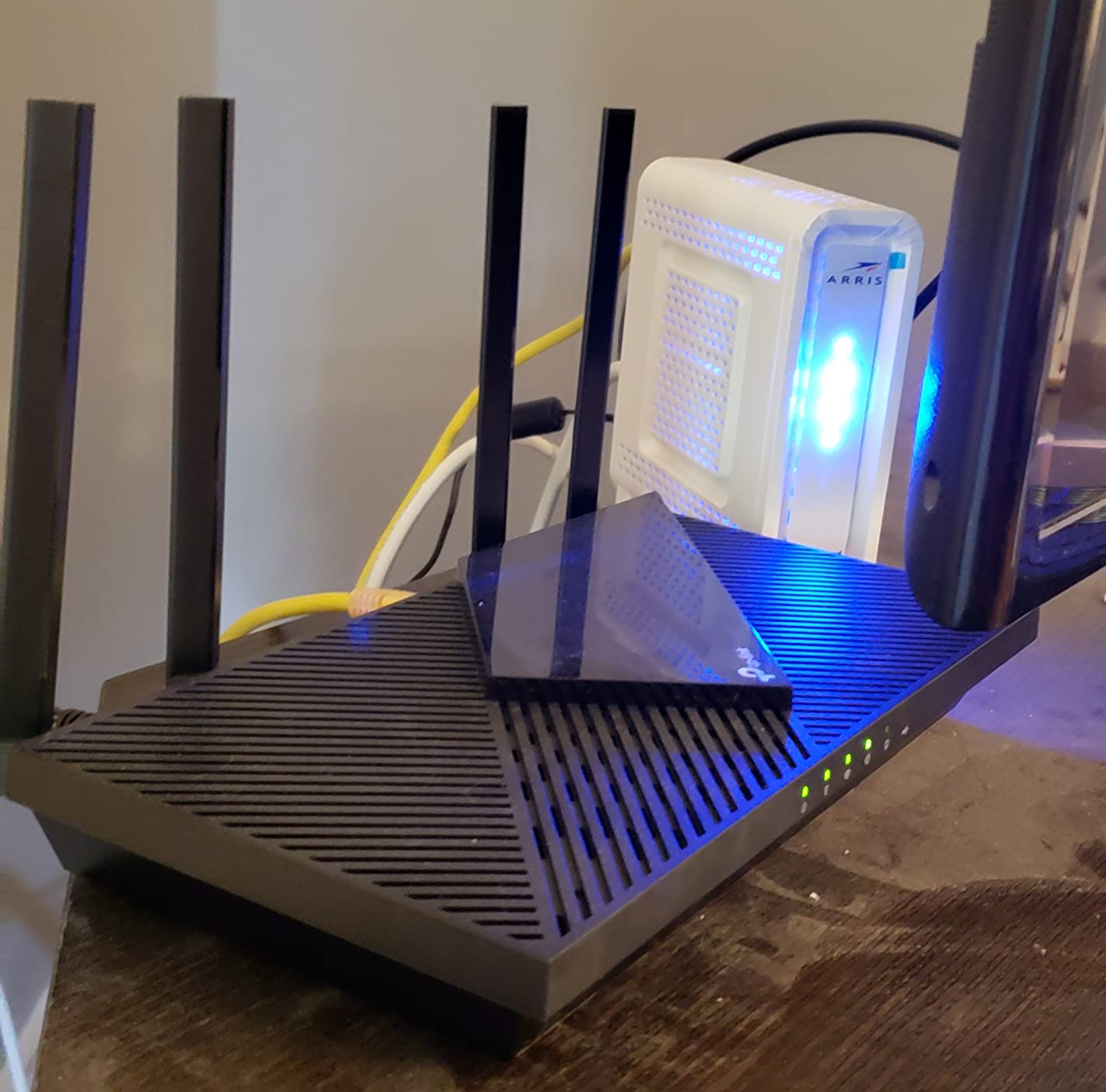
EasyMesh support means a single AX21 can join a mesh later, which makes it a reasonable first step in a home that might grow. Owners value the simple setup, stable performance, and the fact that TP-Link is a signatory of the CISA Secure-by-Design pledge.
The limitation is scale. AX1800 is a real step down from AX3000 hardware in a large house, there is no 6 GHz band, and the stated coverage is modest next to a mesh kit. Consensus among owners is that this suits apartments and small to medium homes, and larger homes should step up.
Where it fits
A condo, a townhouse under 1,500 sq ft, or a single-floor house with a modest device count. In that environment the AX21 is hard to argue with, and the VPN servers add value for remote workers at no cost.
Where it does not
Once you are past roughly 2,000 sq ft across two floors, the arithmetic works against it. Its coverage footprint is among the most modest of the options here, so a large-home buyer ends up adding hardware later anyway.
11. NETGEAR RAX36 – Best for 2,000 Sq Ft Gigabit Homes
NETGEAR Nighthawk WiFi 6 Router (RAX36) – Router Only, AX3000 3 Gbps Wireless Speed – Dual-Band Gigabit Internet – Covers 2,000 sq. ft., 25 Devices – Built-in VPN, USB 3.0, Gaming
AX3000 up to 3 Gbps
Covers 2000 sq ft and 25 devices
4 x 1G Ethernet
Router only
Pros
- AX3000 speeds up to 3 Gbps on a dual-band gigabit platform
- Built-in VPN support plus a USB 3.0 port for storage
- Simple drop-in replacement for an existing cable modem
- WPA3 with standard Nighthawk app management
- Compatible with ISPs up to 1 Gbps
Cons
- 2000 sq ft and 25 devices is modest for a large home
- No cable modem included so a separate modem is required
- Only four 1G Ethernet ports and a one-year limited warranty
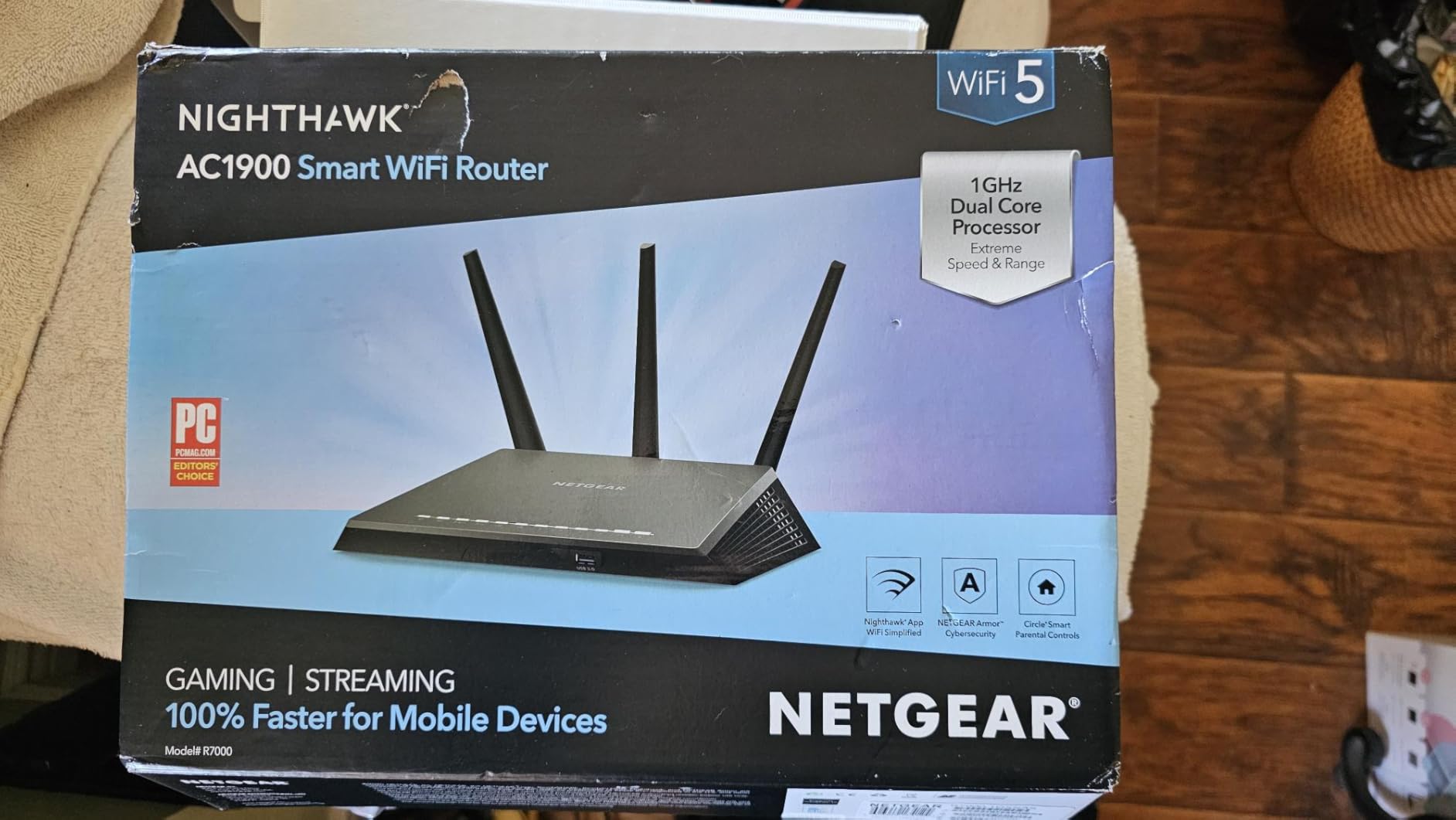
The RAX36 is a no-frills upgrade box and it does one job well: replacing an ISP or older Nighthawk unit and delivering reliable gigabit-class throughput in a typical single-family home. The smaller review base tells you this is a less travelled path, not a worse one.
AX3000 speeds up to 3 Gbps across dual bands, with a built-in VPN and a USB 3.0 port that you can use for external storage or to hang a device off the network. Owners treat it as a straightforward drop-in swap.
What it is not is a large-home solution on its own. The stated coverage is 2,000 sq ft for around 25 connected devices, which is honest for a standalone dual-band router but well short of what a 4,000 sq ft house with a basement needs.
Two practical notes. This is router only, so you need a cable modem or an existing gateway in front of it, and it carries four 1G Ethernet ports with a one-year limited warranty. Neither is a problem for a targeted use, both matter if you are making this your main unit for a decade.
Who it works for
A single-floor home up to about 2,000 sq ft on a gigabit plan, or a secondary router placed in a specific wing of a larger house. The built-in VPN and USB port make it a tidy main unit for a small office.
Why it ranks here
It sits at the boundary of the large-home question. Past 2,000 sq ft with more than one floor, you are adding hardware, and at that point a mesh kit or an access point plan is the cleaner purchase.
12. NETGEAR R6700AX – Best for Condos and Compact Homes
NETGEAR Nighthawk WiFi 6 Router R6700AX, Up to 1,500 sq ft, 1.8 Gbps
Wi-Fi 6 up to 1.8 Gbps
1500 sq ft and 20 devices
4 Gigabit LAN plus WAN
WPA3 and guest network
Pros
- Guided setup with unusually actionable troubleshooting in the Nighthawk app
- Four Gigabit LAN ports plus a dedicated WAN
- Good coverage for a 1500 sq ft single-floor home
- WPA3 encryption automatic updates and guest network with no subscription
- Compact unobtrusive design
Cons
- Smallest coverage footprint in the group at 1500 sq ft and 20 devices
- Some revisions run WPA2-only security on certain firmware
- No way to block individual devices from the Wi-Fi
- Phone support limited to a short window unless you buy a plan
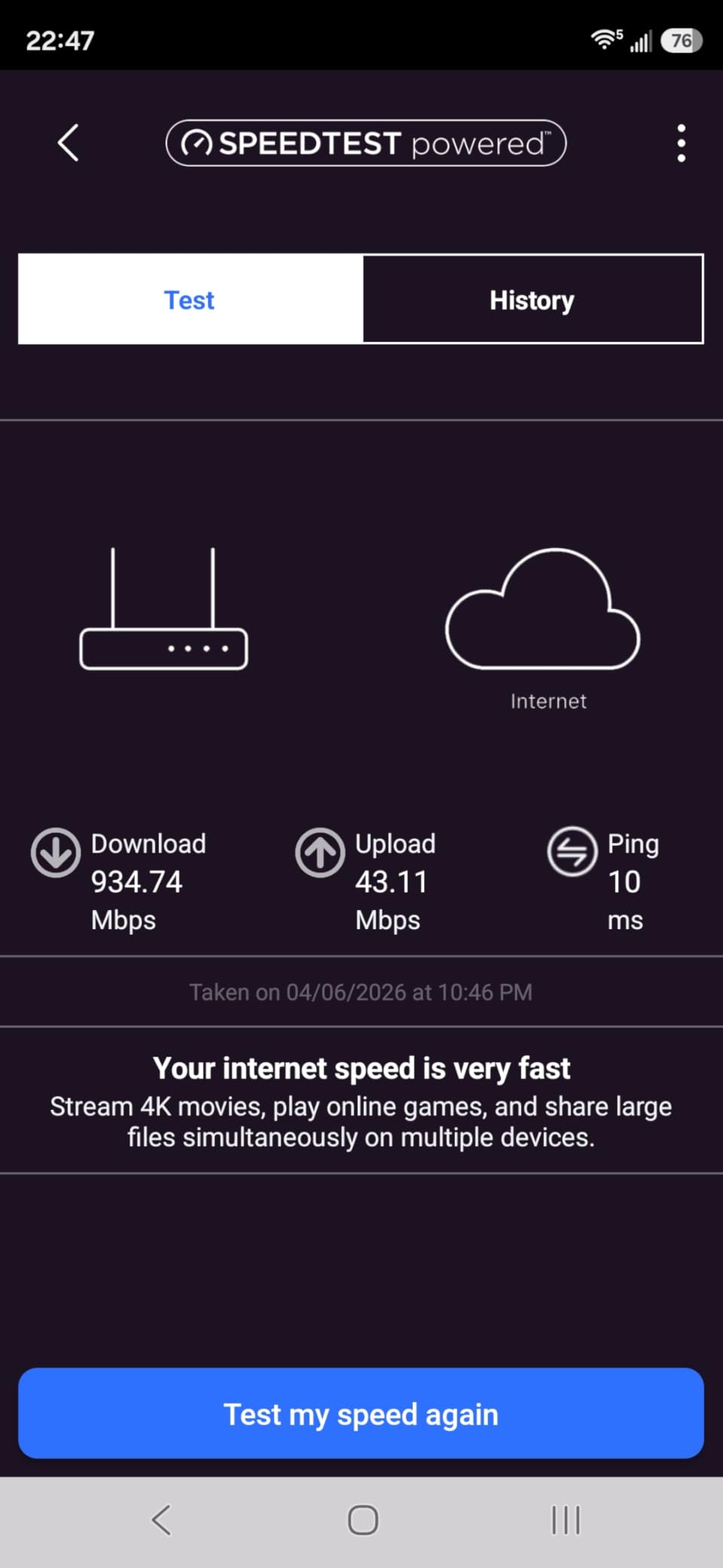
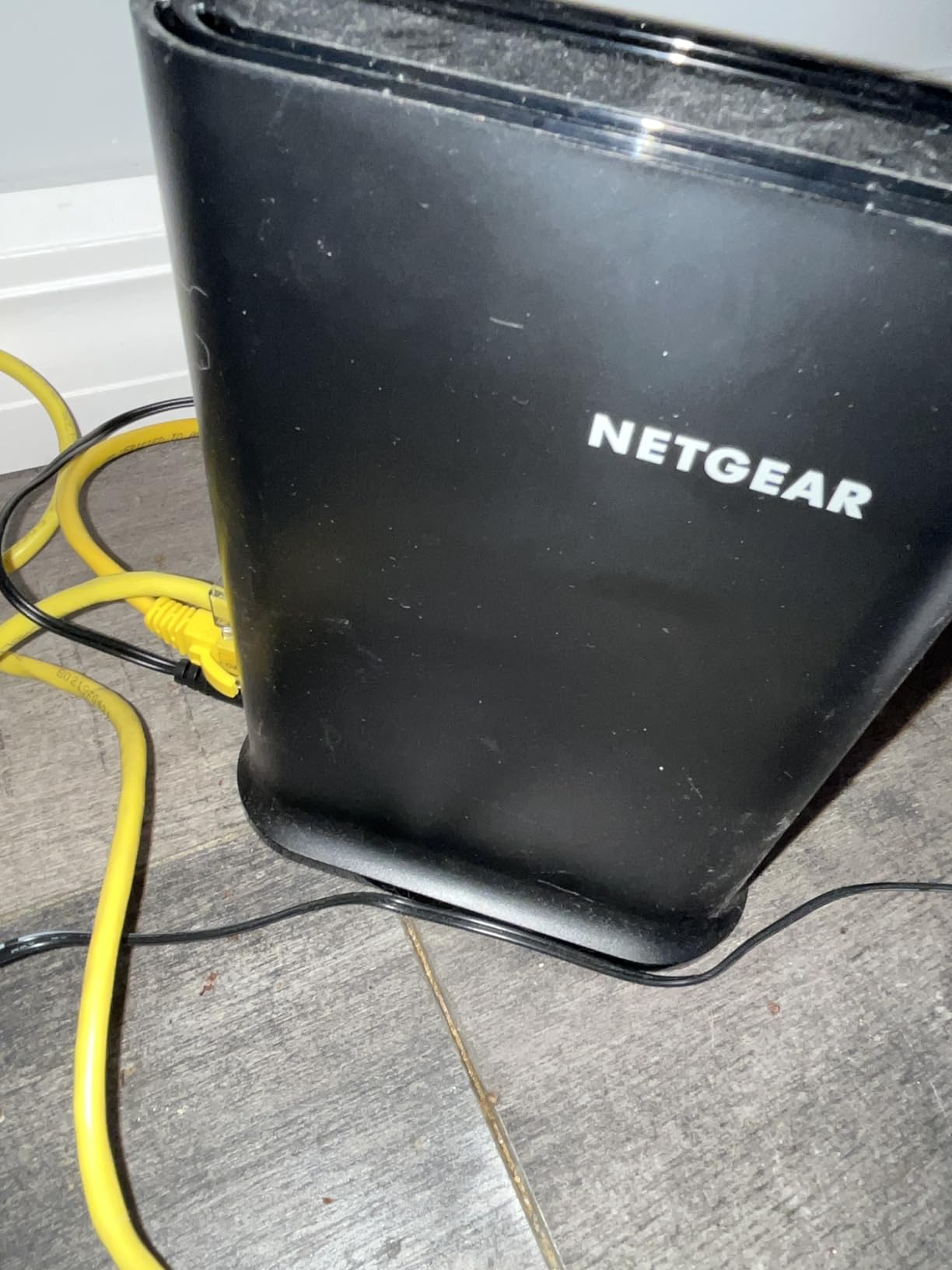
We include the R6700AX as the honest floor of this list. It is the smallest coverage footprint here, up to 1,500 sq ft for 20 devices, and we would not recommend it as an answer to a 3,000 sq ft problem. What it does is cover a compact space properly at low cost.
For a condo, a small single-floor house, or a secondary router in a bedroom, the feature set is complete enough. Wi-Fi 6 speeds up to 1.8 Gbps, WPA3 encryption, automatic firmware updates, a guest network, and no subscription requirement for any of it.
Owners frequently single out the Nighthawk app for setup guidance, saying it gives precise, actionable troubleshooting when something does not connect. That is worth more in a rental or a multi-tenant building than a deep settings menu, and it is a fair trade against the small footprint.
There are real limitations. Coverage of 1,500 sq ft and 20 devices is the smallest in the group, some revisions run WPA2-only behaviour on certain firmware, and there is no way to block individual devices from the Wi-Fi entirely. NETGEAR phone support is limited to a short period after purchase unless you buy a plan.
When it is right
Under 1,500 sq ft on one floor, with fewer than twenty devices, and no plan to expand. It also works as an inexpensive wired or wireless range extender unit in a larger home, which is how it earns its place here.
When it is not
Any home above 1,500 sq ft, any home with more than one floor, and any home with plaster walls. If you are reading this to cover a large house, the first eleven products are the relevant ones.
How to Choose a Wi-Fi 6 Router for a Large Home?
Work through these seven questions in order. The order matters, because each answer narrows the next one and stops you buying hardware that solves a problem you do not have.
1. Do you actually need more coverage, or just a faster connection? If you are on a 300 to 500 Mbps plan, a gigabit router will not make downloads feel faster and it will not remove a dead zone. This is the most common wasted purchase in large homes, and forum threads about it recur constantly. Coverage, not speed, is the problem you are solving.
2. Single powerful router, or mesh? A single tri-band router works when the house is open-plan, the main unit can sit centrally, and you have two floors at most. Mesh wins in L-shaped houses, houses with more than three floors, and anywhere a staircase blocks line of sight. There is no universal winner, only a match to the floor plan.
3. How many nodes, based on your usable square footage? Use the table logic from earlier in this article: under 1,200 usable sq ft is one box, 1,200 to 2,000 is a router or two nodes, 2,000 to 3,000 across two floors is two or three nodes, 3,000 to 5,000 is three or four nodes, and above 5,000 in old construction is four nodes plus cabling.
4. Wired backhaul or wireless backhaul? If your house has Ethernet or you can run a cable per floor, wire the nodes. Wireless backhaul consumes airtime that your clients need, and a satellite on wireless backhaul gives you roughly half the throughput of the same satellite on a cable. This is the single highest-return decision in the whole article.
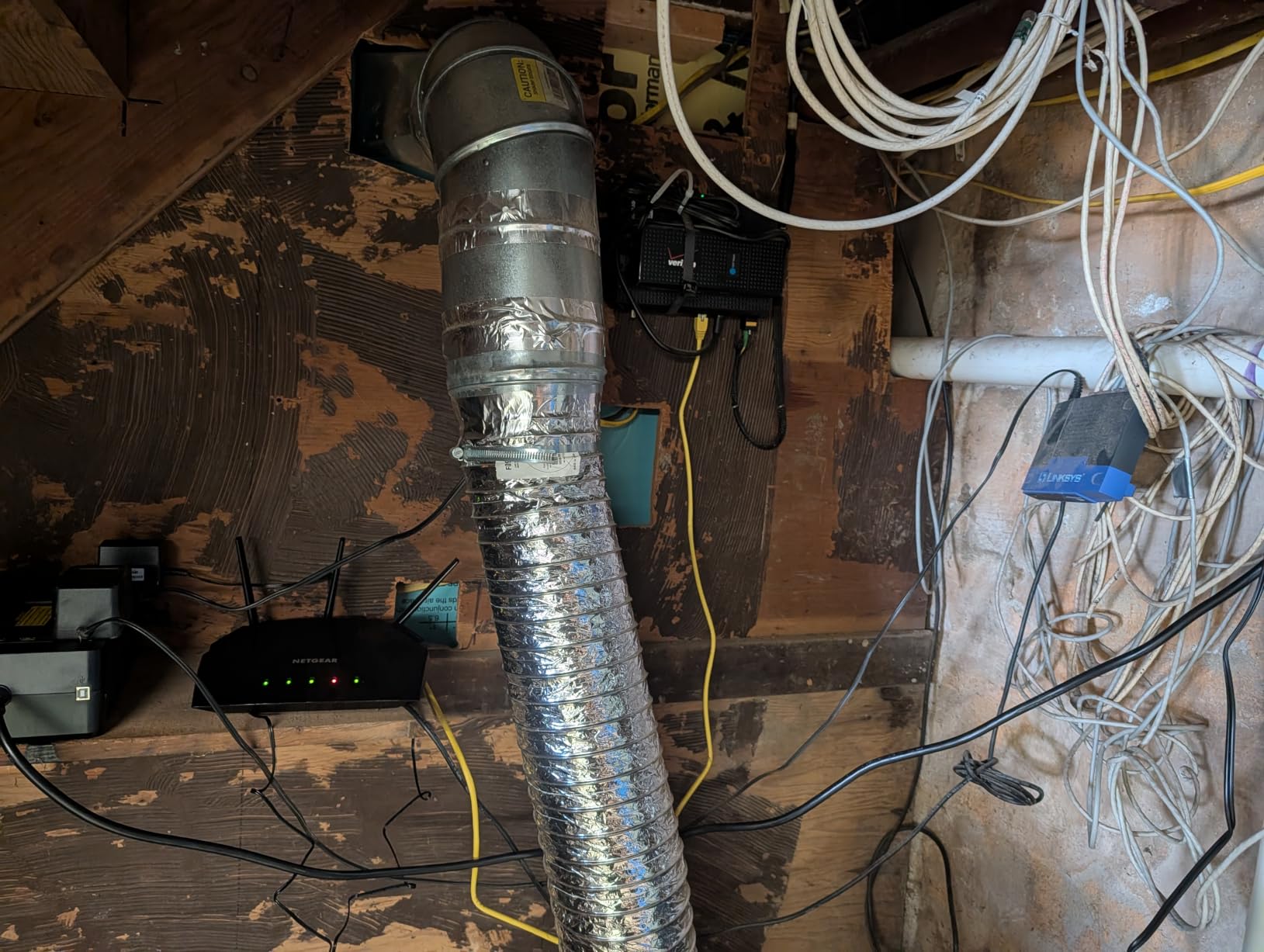
5. What are your walls made of? This is where large homes diverge most. Modern stud walls with drywall barely slow a signal. Plaster over lath, concrete, brick, foil-backed insulation, and foil-faced ductwork all cut range badly, and metal-backed mirror insulation in older builds can create genuine dead spots. r/centuryhomes members with plaster report that standard consumer routers struggle badly and that coverage numbers from modern builds do not transfer. In these houses, add a node rather than adding power, and keep node count at one per floor even if your square footage math suggests fewer.
6. How many devices, and what do they do? A household running 40 or more connected items, with several 4K streams plus a work-from-home office plus smart home gear, needs a hardware platform with real multi-client handling rather than a headline speed number. Look for stated device capacity, MU-MIMO and OFDMA support, and enough processing for QoS rules. The Deco X55, Tenda Nova MX12, and GL.iNet Flint 2 all state 100 or more devices for this reason.
7. Are you paying a subscription for five years? Count it before you buy. Orbi and NETGEAR Armor gate security behind a trial. eero Plus adds management features. By contrast the ASUS RT-AX1800S and RT-AX82U include AiProtection for the life of the unit, the TP-Link Archer AX55 and Deco X55 include basic HomeShield at no cost, and the GL.iNet Flint 2 and Cudy WR3000 have no subscription layer at all. Over a five-year period that difference is not rounding error.
Finally, deal with the ISP hand-off before you blame the router. A very common setup mistake puts an ISP modem in router mode and your new router behind it, which puts two layers of translation in the path and quietly caps throughput. Put the modem in bridge or passthrough mode, or skip the ISP router entirely if the modem is a pure bridge. This single change fixes more perceived speed problems than any router upgrade on this list.
And for the record on Wi-Fi 7: it is faster, but it does not go through walls better than Wi-Fi 6. The range question in a large home is answered by node placement, node count, and backhaul, not by the newest radio standard. A well-placed Wi-Fi 6 mesh with wired backhaul will beat a badly placed Wi-Fi 7 router in almost every large-home scenario.
Frequently Asked Questions
What is the best router for very large homes?
For most homes above 3,000 sq ft, a three-node Wi-Fi 6 mesh system is the right answer, and the TP-Link Deco X55 3-Pack is the one we recommend first. It states coverage up to 6,500 sq ft, handles 150 or more devices, and gives every node three Gigabit Ethernet ports so you can use wired backhaul without buying a switch. If your house has no Ethernet, a tri-band kit such as the NETGEAR Orbi RBK852 is worth the extra money because its dedicated backhaul band avoids the throughput loss wireless backhaul normally causes.
What is the best Wi-Fi router for a 3,000 sq ft house?
A three-node kit. For a 3,000 sq ft two-storey house, put the main node near the centre where the floors meet, and place one node on each floor rather than both in the same room. If you can run a cable, connect the satellites with Ethernet and you keep full Gigabit throughput on every floor. If you cannot, choose a tri-band system so the third radio handles backhaul instead of competing with your devices.
What is the most powerful Wi-Fi router for a large home?
The most powerful option in this roundup is the NETGEAR Orbi RBK852, a tri-band AX6000 system rated up to 6 Gbps aggregate with a dedicated backhaul band and coverage up to 5,000 sq ft. If your internet plan is multi-gig, the GL.iNet Flint 2 is the more sensible choice for raw wired speed because its dual 2.5 Gbps ports remove the port bottleneck that gigabit-only hardware creates.
What is the best router for a large house with many devices?
For a house running 40 or more connected devices, prioritise stated device capacity and multi-client radio features over headline speed. The Deco X55 handles up to 150 devices, the Tenda Nova MX12 lists 160 or more, and the GL.iNet Flint 2 runs 100 or more on 1 GB of RAM. Any of them will serve several 4K streams, a work-from-home office, and a smart home at once, provided the nodes are placed rather than stacked in one room.
Does Wi-Fi 7 go through walls better than Wi-Fi 6?
No. Wi-Fi 7 delivers higher throughput and lower latency, but it does not meaningfully improve radio range or wall penetration compared with Wi-Fi 6. In a large home the coverage question is answered by node count, node placement, and wired backhaul rather than by the newest standard. A well-placed Wi-Fi 6 mesh with cable backhaul will outperform a badly placed Wi-Fi 7 router in almost every large home.
Final Verdict for 2026
For most people reading this, the TP-Link Deco X55 3-Pack is the best of the best wifi 6 routers for large homes, because three Gigabit ports on every node make wired backhaul the default rather than an upgrade. Buy the eero 6+ 3-Pack if setup effort is the thing you most want to avoid, and the NETGEAR Orbi RBK852 if your house has no cabling and you refuse to lose throughput to wireless backhaul.
For multi-gig plans, pick the GL.iNet Flint 2 and its dual 2.5 Gbps ports. For houses that already have Ethernet, the ASUS RT-AX1800S as a central router plus Cudy WR3000 units in access point mode is the tidiest and cheapest build on this list. Whatever you choose, place the nodes across floors, run Ethernet if you can, and set the ISP modem to bridge mode before you blame the hardware.