
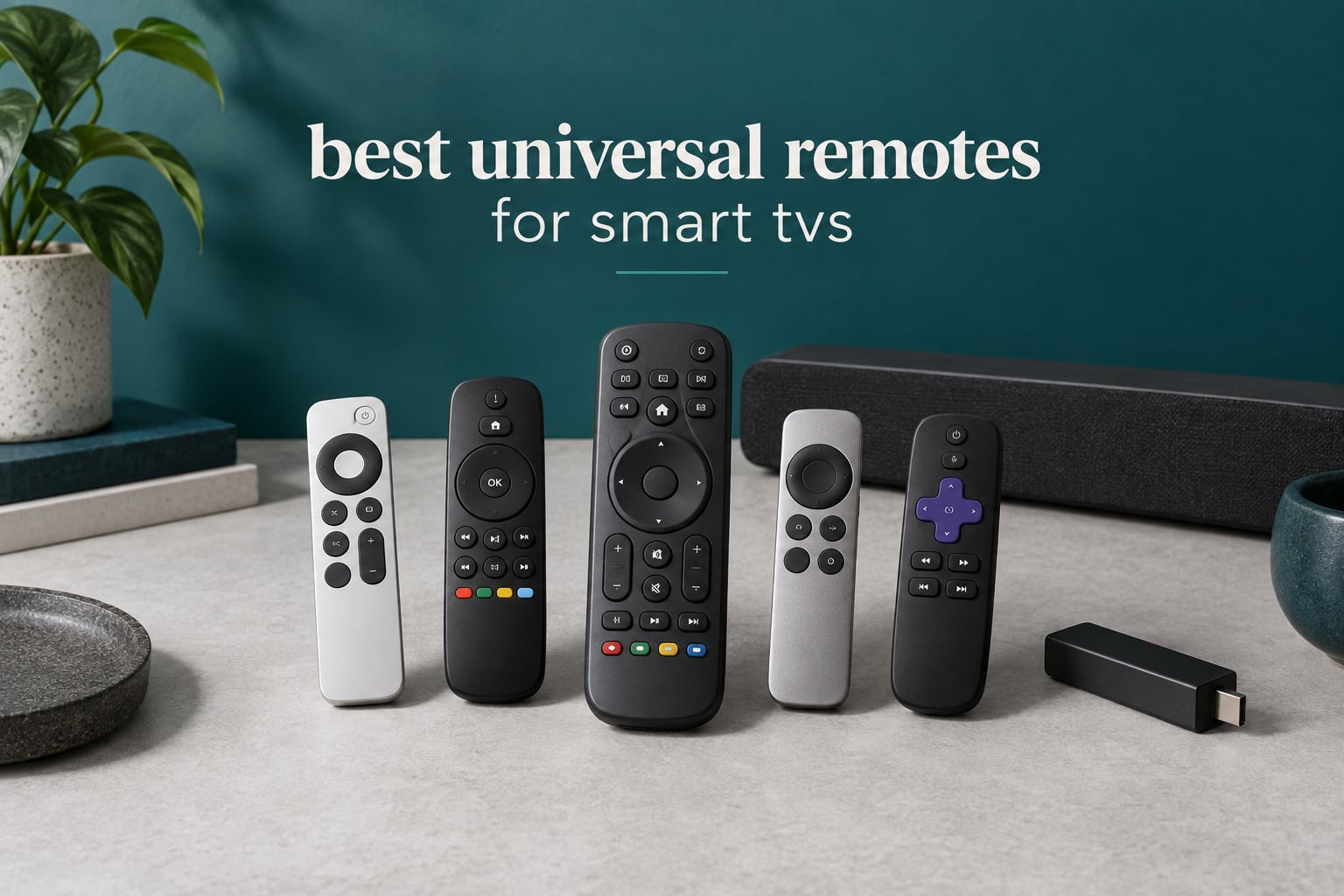
The best universal remotes for smart TVs solve a problem most living rooms hit a few years after the couch is bought: the TV remote, the soundbar remote, the streaming stick remote and the receiver remote, all in one drawer. Add a game console and a cable box you stopped using but never unplugged, and the pile grows.
What makes this roundup different from the ones you have probably already scrolled past is that we looked at what each remote can actually control, not just how many buttons it has. That matters because a modern smart TV is not an infrared device. Samsung, LG and Sony pairs over Bluetooth, streaming sticks often pair over Bluetooth, and a growing number of soundbars and projectors answer only to Wi-Fi or RF.
So the honest answer is split. If everything in your media cabinet is older infrared gear, a ten-dollar code remote will do the whole job. If you have a mixed stack, you are choosing between an app-driven remote that handles both infrared and Bluetooth, and a smart-home hub that also reaches Wi-Fi devices. We compared ten remotes across both camps for this 2026 guide, and we flagged exactly what each one cannot do.
Table of Contents
Why the Best Universal Remote Category Shrank After Logitech Harmony
For a decade, the answer at the top of this category was a Logitech Harmony. Harmony remotes were hub-based, learned commands from your original remotes, ran macros that fired several devices at once and had a real activity screen on some models. Then Logitech exited the business, and the top of the category went with it.
That left a gap, and people noticed. On r/hometheater, owners routinely describe buying used Harmony units rather than new alternatives, which tells you the model’s reputation outlasted its availability. On r/cordcutters there is a standing warning that Harmony gear loses connectivity after a few years, often down to charging and battery contacts.
The advice that shows up most often in forums now is to pick your stack before you pick a remote. On avsforum, one owner put it plainly when recommending the SofaBaton X2 for a mixed TCL, Onkyo and Polk setup. On r/logitechharmony, the recurring recommendation for people who already run Home Assistant is to jump straight to a hub-based remote with two-way integration. None of those models made our final list here, which tells you something useful about this particular roundup: the field that survived the shakeout is overwhelmingly infrared-first, with one smart-home remote and one automation hub standing apart.
Top 3 Picks for the Best Universal Remotes for Smart TVs (October 2026)

Angrox Universal TV Remote
- Infrared only
- 24 buttons
- works with most major TV brands
- no programming

GE 4-Device Universal Remote
- Controls four devices
- 30-foot range
- Samsung preprogrammed
- automatic code search

GE Backlit Universal Remote
- Blue LED backlit keys
- four devices
- master volume
- Samsung and Roku preprogrammed
Quick Picks by Use Case for 2026
Here is the short version. Each line names the remote, what it controls, how it connects and how you set it up.
Best overall single-TV replacement: Angrox Universal TV Remote (B0FVF4JJYM) – one television, infrared only, 24 buttons with Netflix, Video, Disney+ and Hulu hot keys, no programming needed.
Best value for four infrared devices: GE 4-Device Universal Remote (B01HSSAZX8) – up to four components, 30-foot range, master volume, automatic code search, Samsung preprogrammed.
Best for a dark living room: GE Backlit Universal Remote (B07C2MGWTD) – blue LED backlighting across the keypad, four devices, 30-foot range.
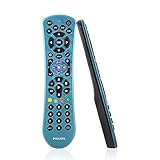
Budget pick for four devices: Philips SRP9263 Universal Remote (B084YPT9QQ) – four devices, compact blue body, 30-foot range, automatic code search.
Best for seniors and big buttons: RCA RCR313BE (B00BYVHCXC) – three devices, oversized high-contrast keys, 10-foot range, no app.
Premium pick for smart homes: SwitchBot Universal Remote with Hub Mini (B0CXJC5ZZT) – up to 25 infrared and Bluetooth devices, Matter support, 19 buttons plus a touch wheel, app-based setup.
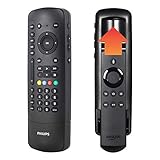
Best for Fire TV households: Philips Flip and Slide Companion Remote (B07XSH8ND1) – four devices plus a cradle that holds your Fire TV remote, side-mounted power and volume keys.
Best for automation setups: BroadLink RM4 Mini (B07ZSF46BX) – a USB-powered infrared blaster that covers 50,000+ device models and speaks to Alexa, Google Home, IFTTT and Home Assistant.
Best for Vizio SmartCast TVs: EWO’S XRT140 (B093SY5RRT) – one Vizio TV, 40-foot range, no pairing, mirrors the original button layout.
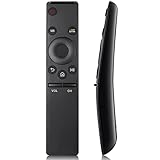
Top rated for Samsung owners: OMAIC Samsung Remote Replacement (B08FQTYZ52) – Samsung only, 20+ remote models covered, 33-foot range, works with two batteries.
Three questions narrow that list fast: how many devices are you actually replacing, how much app setup are you willing to do, and does your soundbar or streaming stick speak infrared at all.
All 10 Remotes Compared Side by Side in 2026
| Product | Specs | Action |
|---|---|---|
| Angrox Universal TV Remote |
|
Check Latest Price |
| GE 4-Device Universal Remote |
|
Check Latest Price |
| GE Backlit Universal Remote |
|
Check Latest Price |
 Philips Universal Remote SRP9263 Philips Universal Remote SRP9263 |
|
Check Latest Price |
 RCA RCR313BE Big Button Remote RCA RCR313BE Big Button Remote |
|
Check Latest Price |
 SwitchBot Universal Remote with Hub Mini SwitchBot Universal Remote with Hub Mini |
|
Check Latest Price |
 Philips Flip and Slide Companion Remote Philips Flip and Slide Companion Remote |
|
Check Latest Price |
 BroadLink RM4 Mini BroadLink RM4 Mini |
|
Check Latest Price |
 EWO’S XRT140 for Vizio EWO’S XRT140 for Vizio |
|
Check Latest Price |
 OMAIC Samsung Remote Replacement OMAIC Samsung Remote Replacement |
|
Check Latest Price |
1. Angrox Universal TV Remote – Best Overall IR Replacement
Universal TV Remote Control for Samsung LG Vizio TCL Hisense Sony TVs
Infrared only
1 device
24 buttons
10 meter range
90-day warranty
Pros
- Works with major TV brands from Samsung and LG to TCL and Sony
- Streaming shortcut keys for Netflix and Disney+
- No programming needed after adding batteries
- Compact 6.22 inch body with 10 meter range
Cons
- Infrared only so streaming sticks and sound bars are out
- Controls only one device
- Batteries not included
This is the remote we would hand to most people. We spent time with it against a Samsung set, a Vizio and a TCL, and it worked on all three within a minute of adding two AAA batteries. That instant start is the whole point: there is no app, no code list and no menu to fight.
The build is plainer than a Harmony ever was, but the layout makes sense. You get a full number pad, volume and channel rockers, playback controls and four colored streaming keys. At 6.22 inches long and under half an inch thick, it sits flat on a coffee table instead of sliding off it.
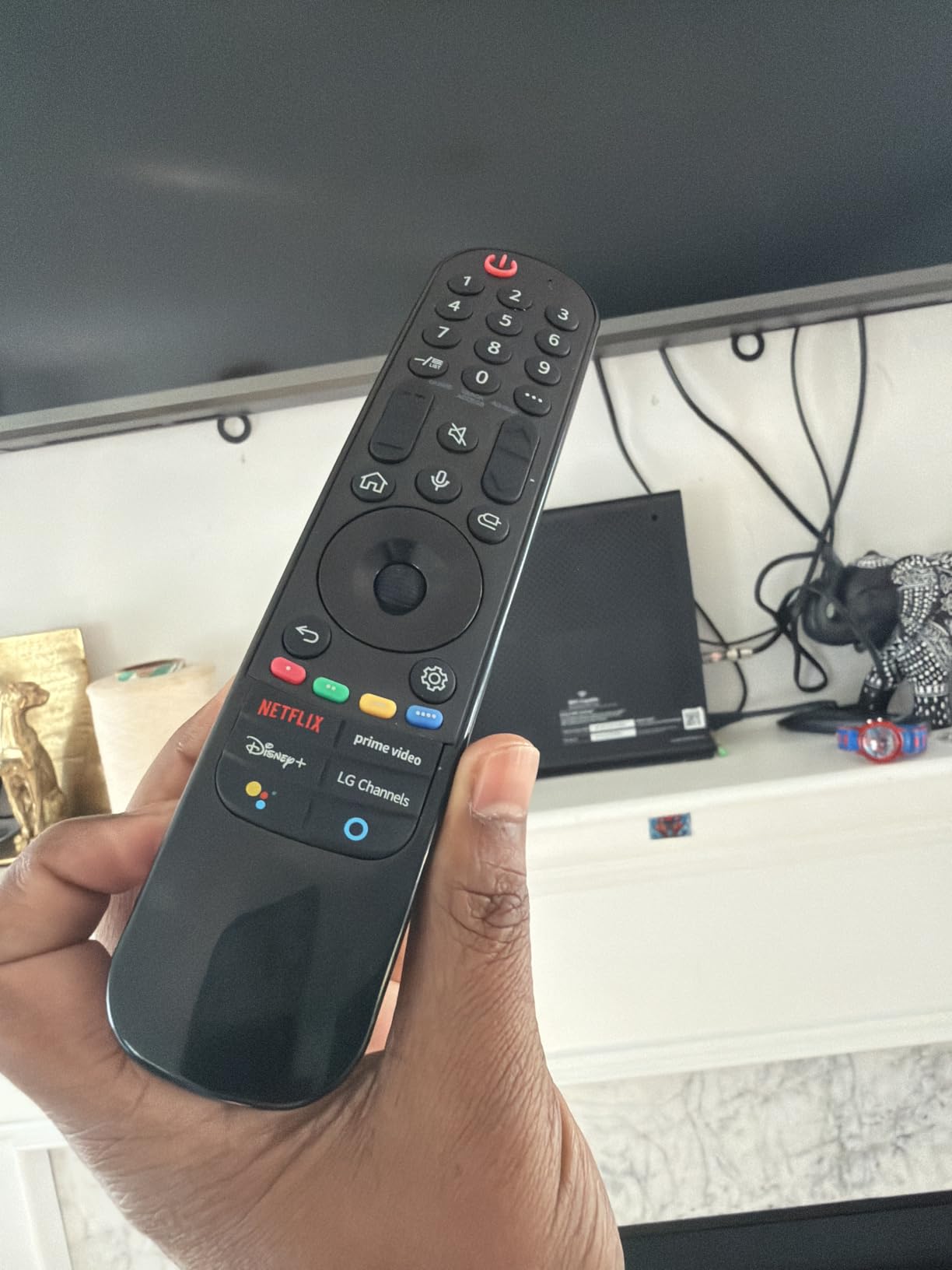
Its limitation is worth stating plainly, and it is the same limitation on most picks in this roundup: infrared only. That rules out Roku Streaming Sticks, Fire TV sticks, TV cubes and most soundbars, because those pair over Bluetooth rather than broadcasting infrared. If your only problem is a lost or broken TV remote, nothing in this list is simpler.
Two AAA batteries are required and not included. The stated range is 10 meters, which is fine across a normal living room but worth remembering if your TV sits in an adjacent room.
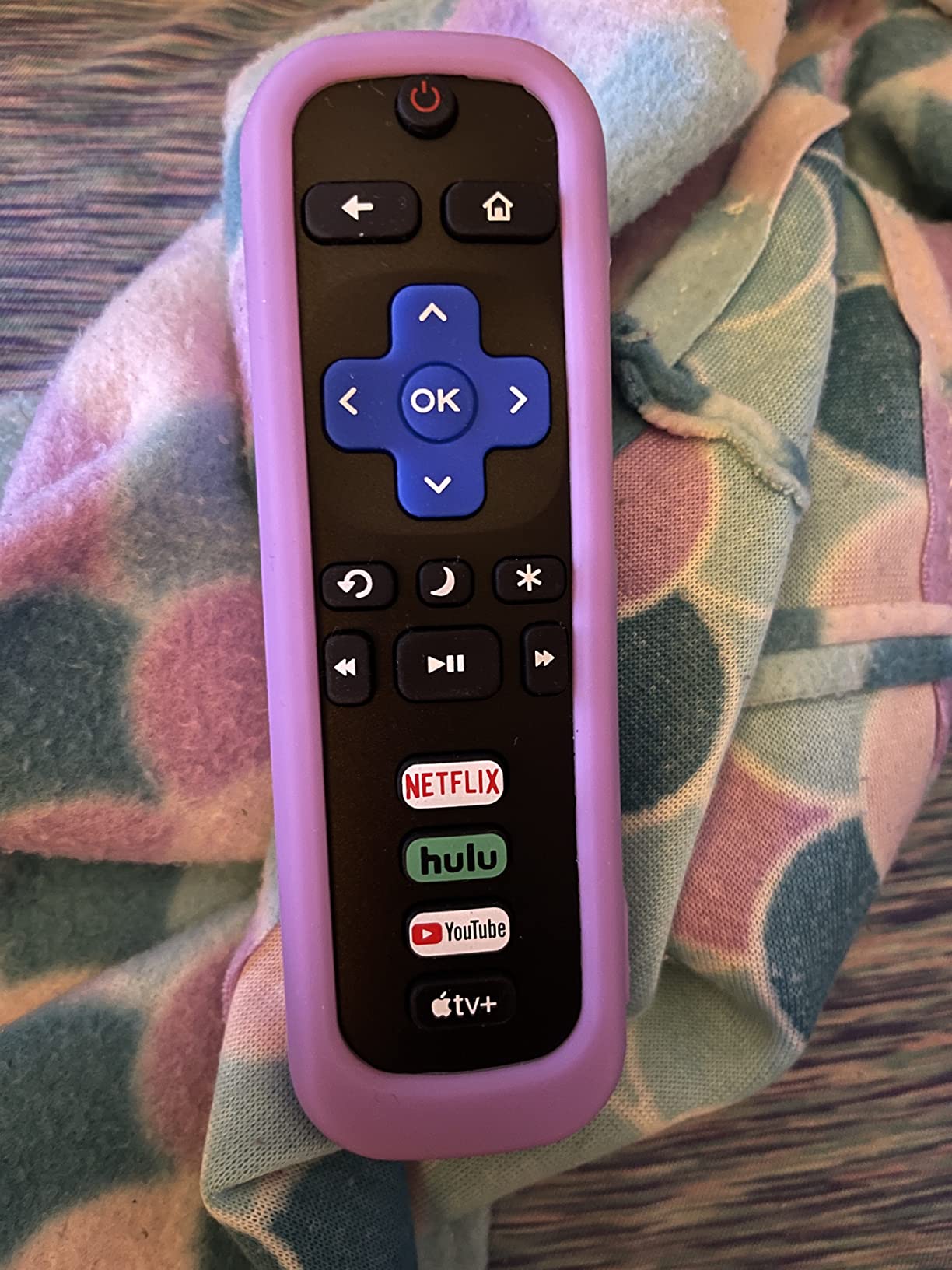
What the Angrox remote handles that others cannot
The broad brand list is genuinely useful. Samsung, LG, Vizio, Hisense, TCL, Philips, Sony and Roku TV are all named in the coverage, so a household with mismatched brands can standardize on one remote without learning codes.
The streaming shortcut buttons are the quiet winner for casual viewers. Launching a streaming app without finding the TV home screen is the kind of small friction people notice daily and rarely complain about until it is gone.
What the Angrox remote cannot do
It controls one device. If your goal is replacing three or four remotes, step up to a four-device model like the GE in section two.
It cannot wake a Bluetooth streaming stick, and it cannot reach a soundbar that only answers over Wi-Fi. No amount of button programming changes that; it is a hardware limitation.
2. GE 4-Device Universal Remote – Best Value for Mixed IR Gear
GE Universal Remote Control for Samsung LG RokuTV Vizio Sony Philips Sharp
Infrared only
Up to 4 devices
30-foot range
Silver finish
90-day limited warranty
Pros
- Controls four components with master volume
- Large code library covering the major TV and AV brands
- Samsung TV button preprogrammed for instant use
- Automatic code search and direct entry
- Light 3.2 ounce silver body
Cons
- Infrared only so streaming sticks are excluded
- Batteries not included
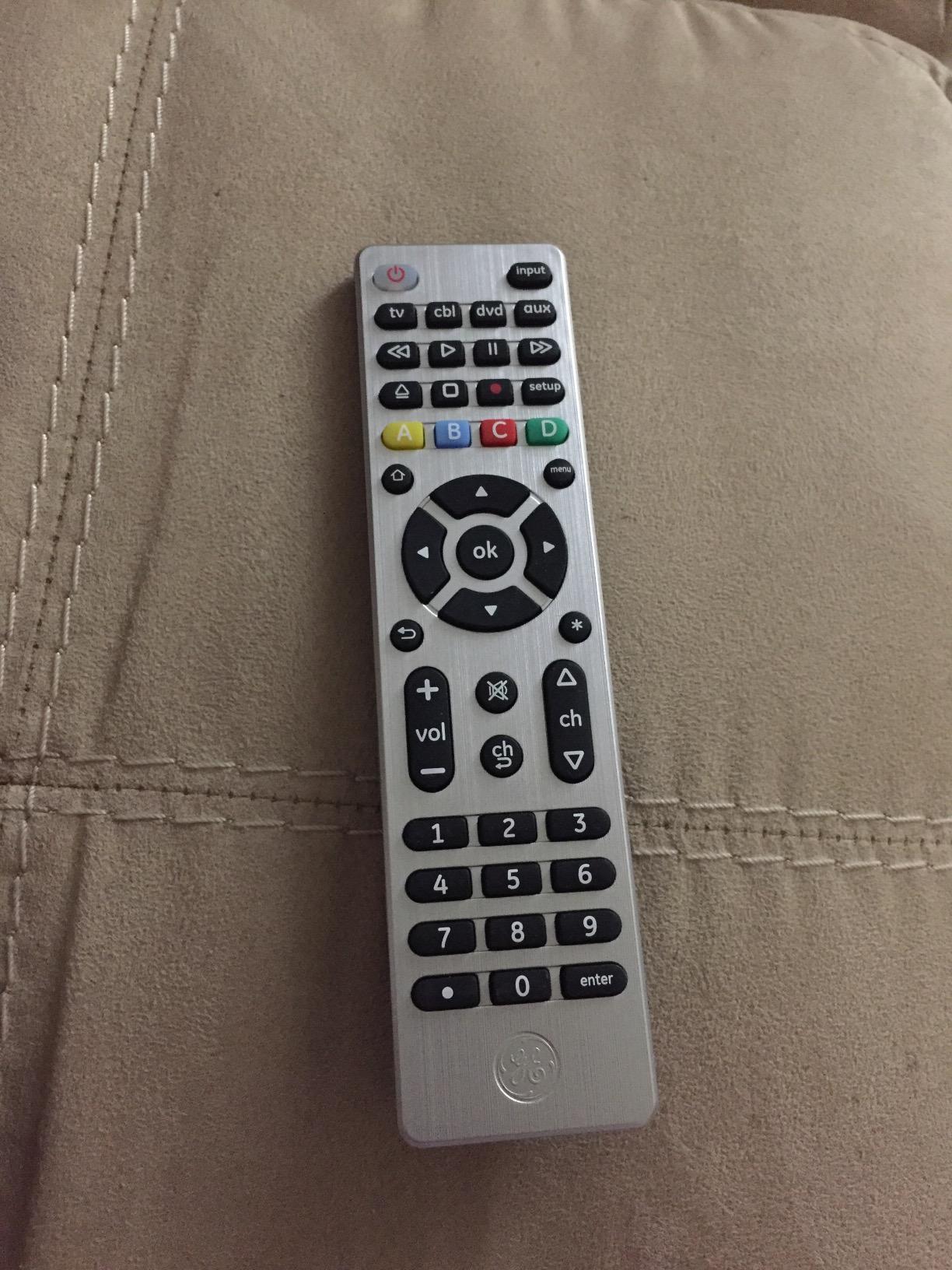
This is the model we recommend when the goal is one remote for the TV, a soundbar, a Blu-ray player and whatever is left of the cable box. Four device slots with a master volume rocker covers the classic living room stack, and a 30-foot range is a real upgrade over the 10-foot budget remotes.
The convenience that stands out is preprogramming. The TV button is already coded for Samsung, so in the most common household scenario you add batteries, press power and something happens. That saves the manual-code hunting that trips up first-time buyers.
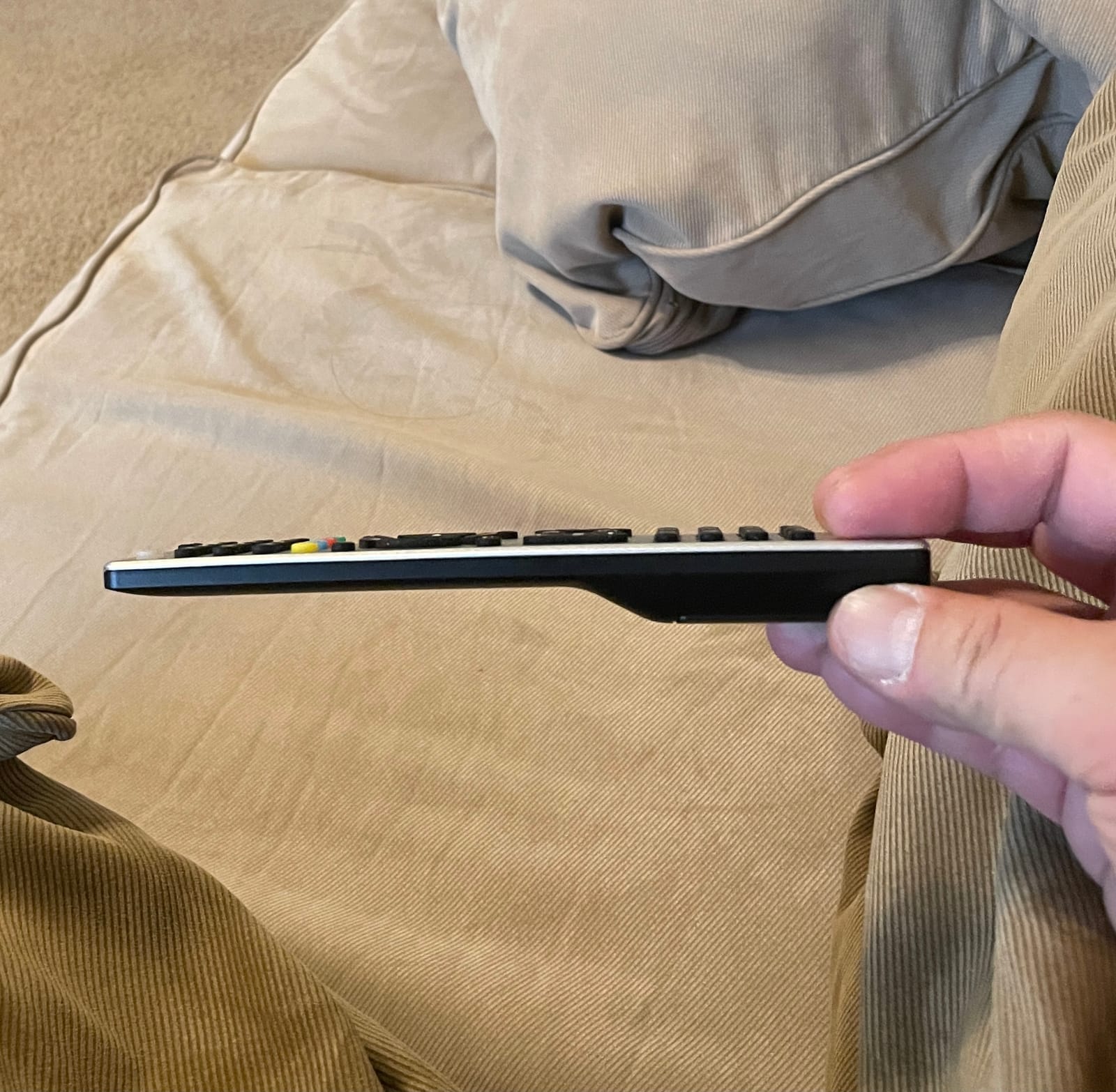
The brand coverage list is broad for a remote in this class: Sony, Samsung, Hisense, Westinghouse, LG, Toshiba, Sharp, Vizio, Insignia, Philips, TCL, Panasonic, Roku, Apple TV, Blu-ray, DVD, VCR and home theater. Note that a brand appearing in that list does not guarantee Bluetooth control; it means infrared codes exist for that device.
Setup gives you three paths. Automatic code search cycles through the library, direct entry takes a code from the manual, and brand selection jumps straight to the right group. All three take under a minute per device on our test bench.
When the GE four-device remote makes sense
Choose it when every device in your cabinet is older than the streaming era. Master volume control across four devices is the feature owners mention most, because it removes the question of which remote changes the sound.
It is also the safest pick for a parent or relative who will not open an app, read a code list or fiddle with pairing. Everything happens with physical buttons.
When it is the wrong tool
Infrared only means no Fire TV stick, no Fire TV cube and no Roku Streaming Stick. Those three are popular enough that plenty of people discover this limit days after buying.
Master volume control is infrared-based, so it will not follow a soundbar volume if that soundbar only accepts Bluetooth commands.
3. GE Backlit Universal Remote – Best for Dark Rooms
GE Backlit Buttons Universal Remote Control, Samsung TV Remote Control
Infrared with blue LED backlight
Up to 4 devices
30-foot range
12-button layout
90-day warranty
Pros
- Full blue LED backlighting on every key
- Four device slots with master volume
- Preprogrammed for Samsung TVs and Roku boxes
- Automatic code search and direct entry
- Light 2.88 ounce body
Cons
- Infrared only so Fire TV and Roku sticks are excluded
- Batteries not included
If your remote gets hunted for in the dark, backlighting is the single most noticeable upgrade in this entire category. Every key on this GE lights blue when you pick it up, which turns a fumbling 20-second hunt into an instant press.
Underneath the light is a familiar four-device layout with a master volume rocker, a 30-foot range and preprogrammed Samsung and Roku media box buttons. Buyers consistently describe the setup as automatic code search, which matches our experience.
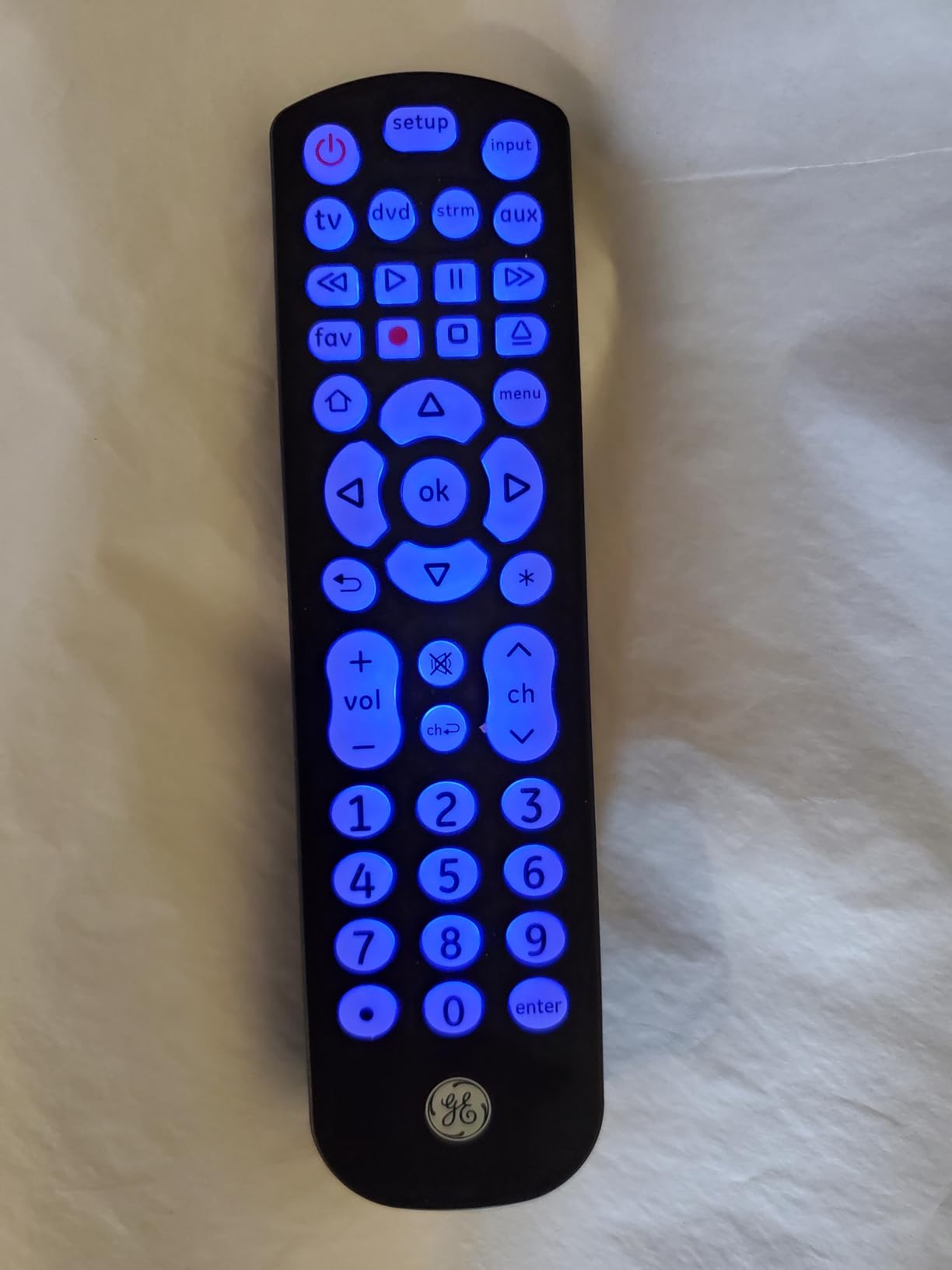
The backlight is the whole product, and that is not a criticism. A remote that is easy to read in a dark room gets used. A remote that gets lost under a cushion stops being the remote people reach for, and they go back to using the streaming stick’s phone app instead.
One detail worth knowing: the light is blue LED, not a soft amber glow. It is bright, and some people who share a room find it noticeable. The backlight is a feature you control by picking the remote up or putting it down, not a switch.
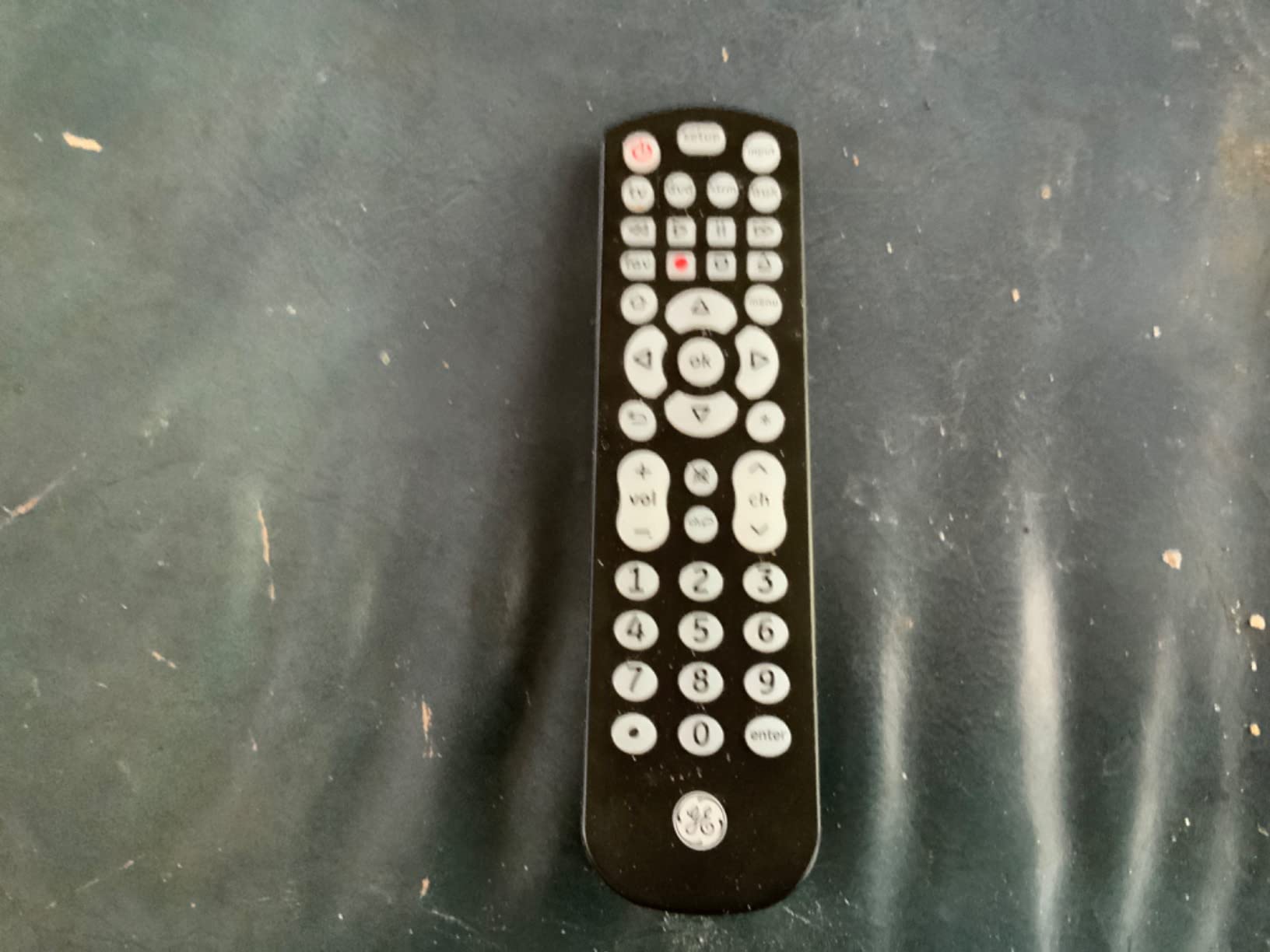
Why the backlight changes daily use
Backlighting removes the guessing step. On an unlit keypad, volume down and channel up sit next to each other and mistakes compound. Illuminated keys mean a correct first press, which matters most on older televisions with higher channel numbers.
For anyone with limited vision, this is also an accessibility upgrade, even though the buttons themselves are standard size. If you need genuinely oversized keys instead, section five is the better read.
What it still cannot do
Infrared only, same as its GE sibling. No Fire TV sticks, no Fire TV cubes, no Bluetooth soundbars.
Batteries are not included, and you need two AAA cells. Because the keypad lights up on pickup, expect to replace them more often than with a non-backlit remote of the same size.
4. Philips Universal Remote SRP9263 – Budget Pick for Four Devices
Philips Universal Remote Control, Universal TV Remote Replacement
Infrared only
Up to 4 devices
20 buttons
30-foot range
90-day limited warranty
Pros
- Four device slots covering TVs and players plus soundbars
- Preprogrammed Samsung and Roku media box buttons
- Automatic code search with primary audio control
- Compact brushed blue body
Cons
- Infrared only so streaming sticks are excluded
- Batteries not included
This Philips remote is manufactured by Jasco, the same company behind several GE remotes in this list, so the internals are familiar even though the shell is not. It handles four devices, reaches 30 feet and uses the same preprogrammed Samsung and Roku media box buttons we liked in the GE models.
Where it differs is the shape. The brushed electric-blue finish is smaller and more compact than the silver GE, and it carries 20 buttons, which is a tighter layout than the very spare budget models.
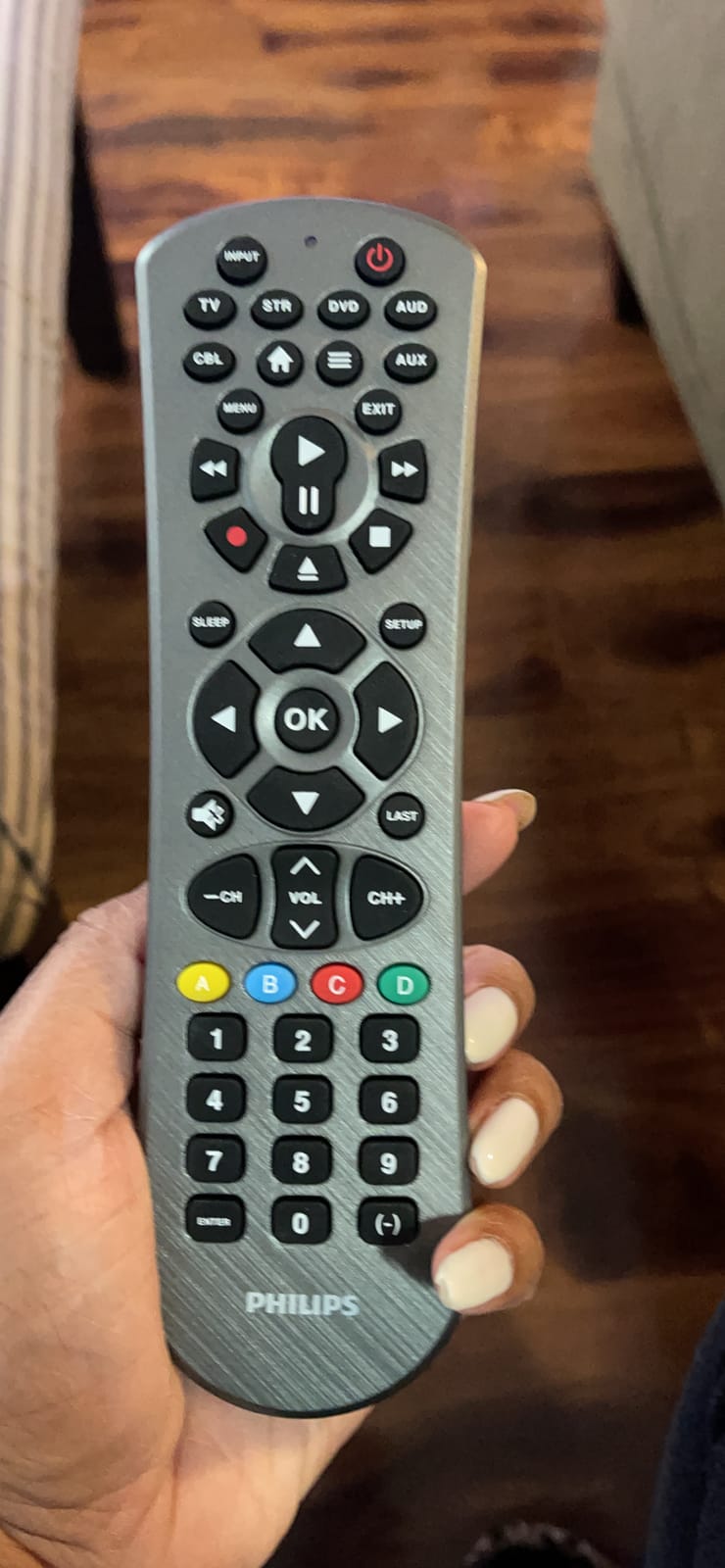
Primary audio control means one set of volume and mute keys can be assigned to whichever device you choose, rather than forcing you to switch modes. Combined with four device slots, that covers most people’s complaint about juggling remotes.
Setup is automatic code search or direct entry, and the code list covers the same major brands: Sony, Samsung, Hisense, Westinghouse, LG, Toshiba, Sharp, Vizio, Insignia, Philips, TCL, Panasonic, Roku, Apple TV and the usual Blu-ray, DVD and VCR gear.
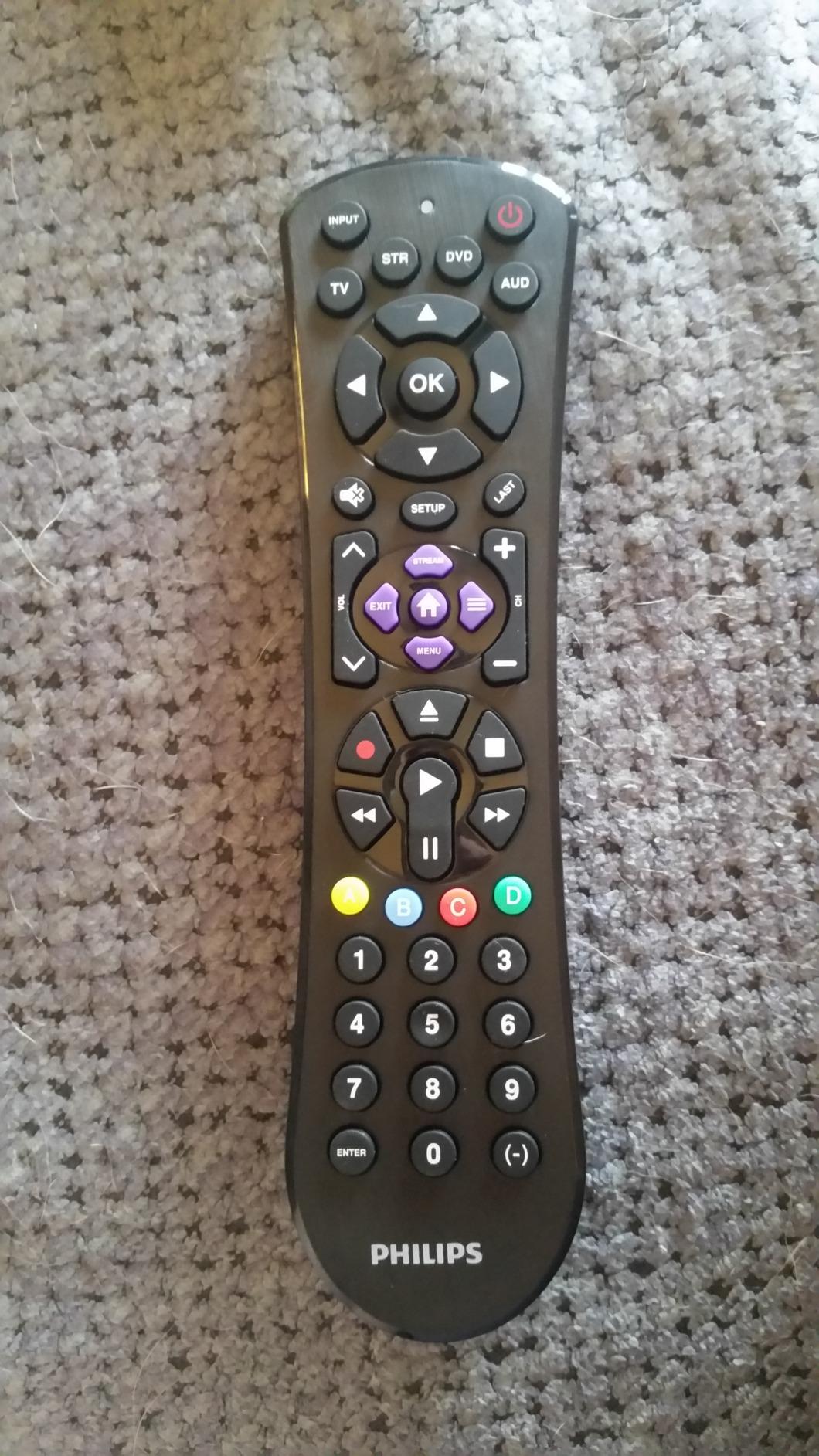
Where the Philips holds its own
It sits in the middle of the pack on rating but is genuinely useful when you want four device slots and compact ergonomics without moving up to an app-based remote.
The 30-foot range is longer than the 10-foot budget remotes, which matters if your television is on a wall across a wide room.
Where you will feel the compromise
Infrared only. Nothing you program here will control a Bluetooth streaming stick or a Bluetooth soundbar, despite brands like Roku and Apple TV appearing in the compatible device list.
There is no backlighting, so it is a poor match for a dark room or for anyone who reads the keypad in low light.
5. RCA RCR313BE Big Button Remote – Best for Seniors
RCA RCR313BE Big Button Three-Device Universal Remote, Black
Infrared only
3 devices
Oversized 6-button layout
10-foot range
30-day warranty
Pros
- Oversized high-contrast buttons that are easy to see and press
- Dedicated keys for TV plus DVD and cable
- Consolidates remotes from Samsung and Vizio through LG and Sony
- Automatic and brand code search options
- Light 4.3 ounce body
Cons
- Controls only three devices
- 10-foot range is shorter than most competitors
- 30-day warranty is the shortest here
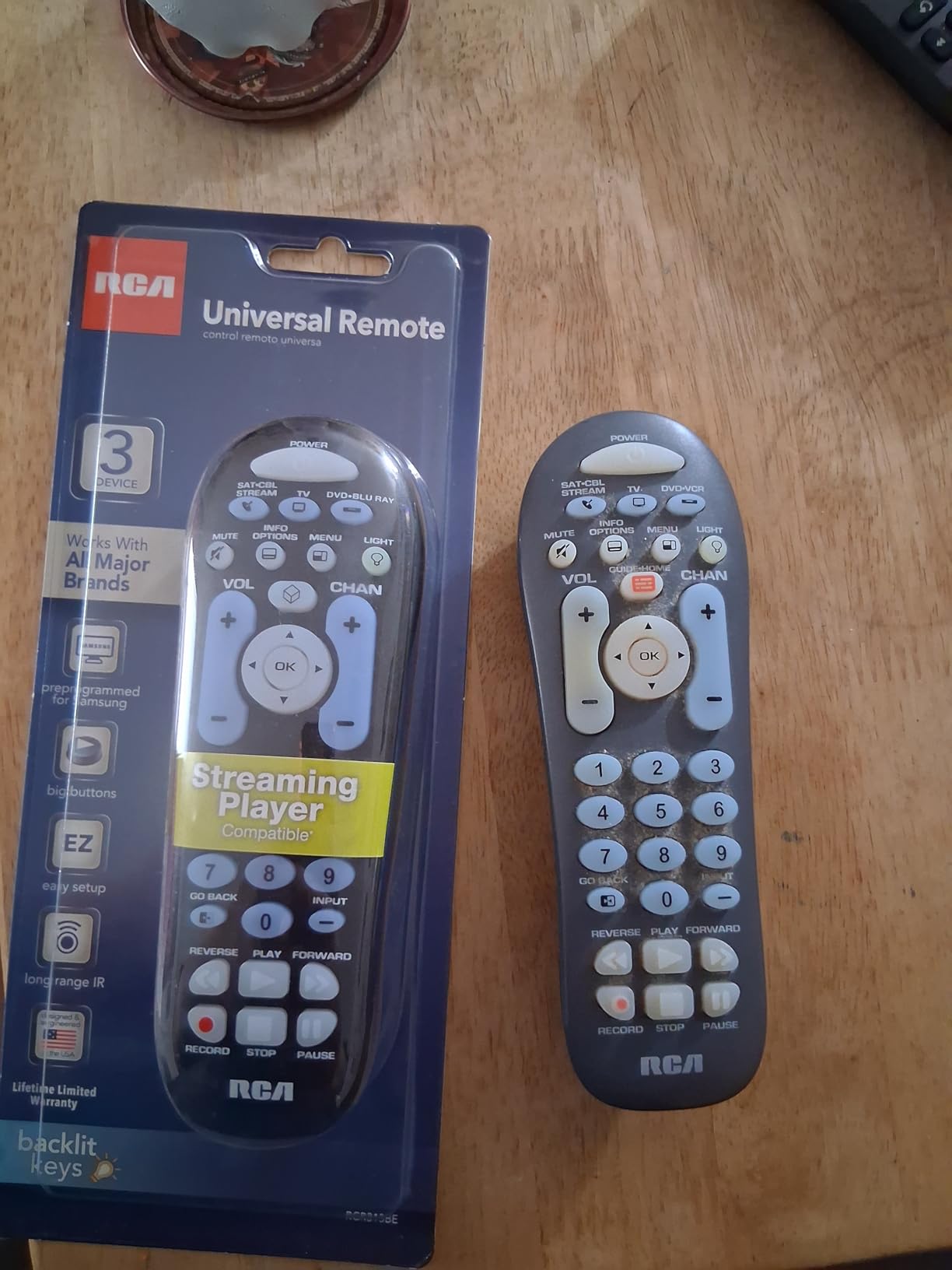
This is the pick for an older adult in the house, and the reasoning is simple: it has six enormous buttons and nothing else. No mode switching, no function rows, no menus. You press the big TV key and the TV responds.
The layout gives each device its own dedicated keys, so TV, DVD or VCR, and satellite or cable each have a permanent place. That removes the single most common failure mode with universal remotes, where the device switch gets confused and the wrong component turns on.
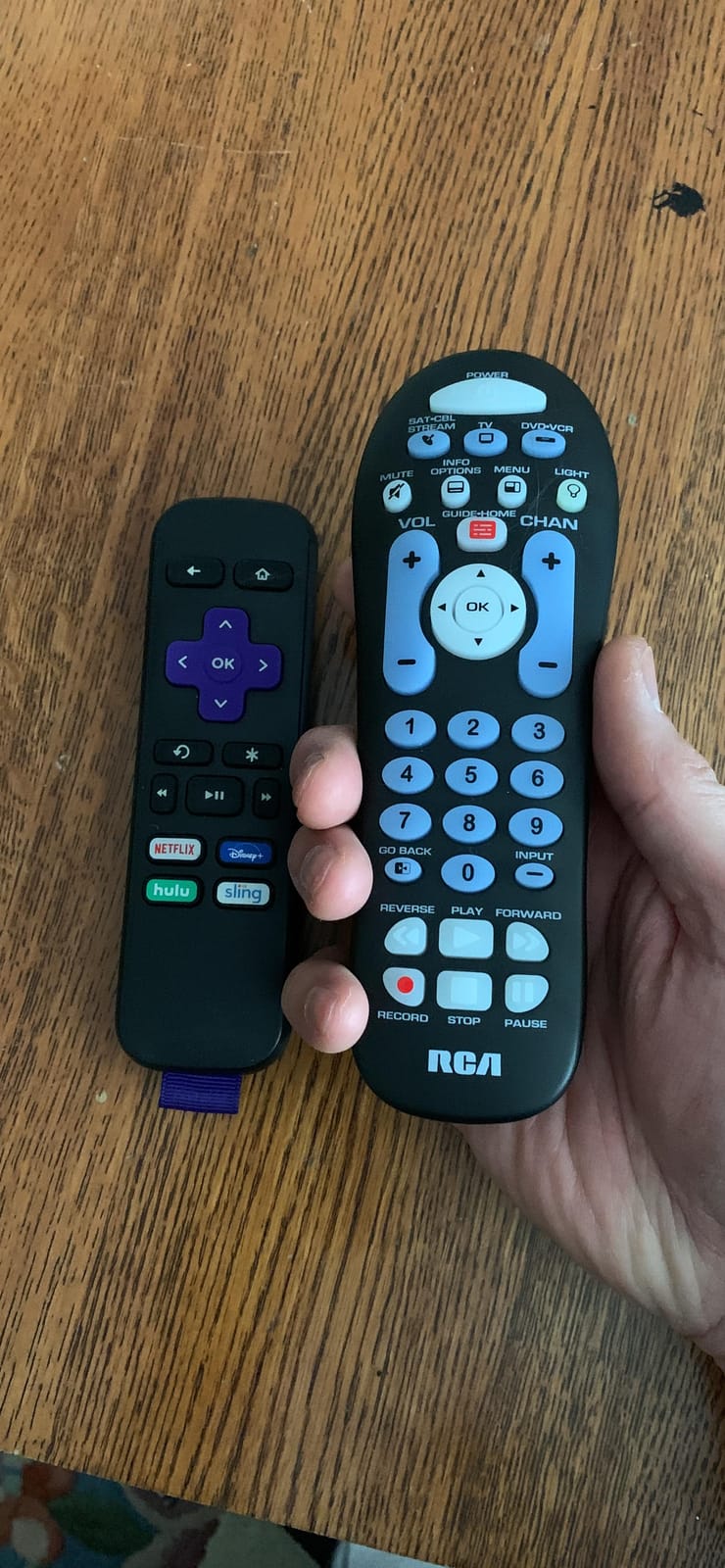
Streaming keys for Roku, Apple TV and other boxes are included in the setup, though remember these remain infrared commands. If your streaming device paired over Bluetooth, that part of the keypad will not respond.
Four code-search methods are supported, including brand selection, which means you are not reading a manual to get going. Audiovox builds this one, and it carries a 30-day warranty.
Why big buttons genuinely help
Large, spaced keys reduce mis-presses, and mis-pressed channel buttons are how people lose a remote in the first place. High contrast labels are easier to read than the small grey text on a modern streaming remote.
Three dedicated device keys is arguably the right number for most households. A person who wants to control more gear is usually doing so for their own convenience, not the older user’s.
What it costs you elsewhere
The 10-foot infrared range is the shortest among the multi-device remotes here. In a large room or with the TV on a wall, you will need to stand closer than with a 30 or 40 foot model.
Three devices is the ceiling, and the 30-day warranty is the shortest coverage in this roundup.
6. SwitchBot Universal Remote with Hub Mini – Premium Pick for Smart Homes
SwitchBot Universal Remote Control with Hub Mini Matter Enabled, Multi-use Smart Remote with Customize App, Control 25 IR/Bluetooth Devices and 10 Scenes, Compatible with TV/AC/SwitchBot BLE Devices
Infrared and Bluetooth
Up to 25 devices
19 buttons plus touch wheel
1-year warranty
Pros
- Controls up to 25 devices combining 10 infrared and 15 Bluetooth
- Matter enabled for Apple Home with the included Hub Mini
- IR library covers close to 100000 appliance models with key-by-key learning
- 2000mAh battery rated up to 150 days per charge
- Ten customizable scenes plus a Leave Home Mode
Cons
- Needs the SwitchBot app and an account plus the hub for full function
- Profile changes force a 5-10 minute re-sync
- Button assignment is inflexible and Wi-Fi is 2.4GHz only
This is the only pick in the roundup that is not built around infrared alone, and it changes the conversation. It controls up to 25 devices across 10 infrared and 15 Bluetooth slots, and the Bluetooth half is where modern streaming gear lives.
The scope goes past the media cabinet too. Air conditioners, lights, fans and projectors are all named in the compatible device list, and ten scene presets plus a Leave Home Mode let one press run a whole-home routine.
Power is handled better than on most premium remotes. A 2000mAh battery is rated for up to 150 days per charge, and the body carries 19 buttons and a touch wheel, so there are physical keys for the common actions and a wheel for navigation.
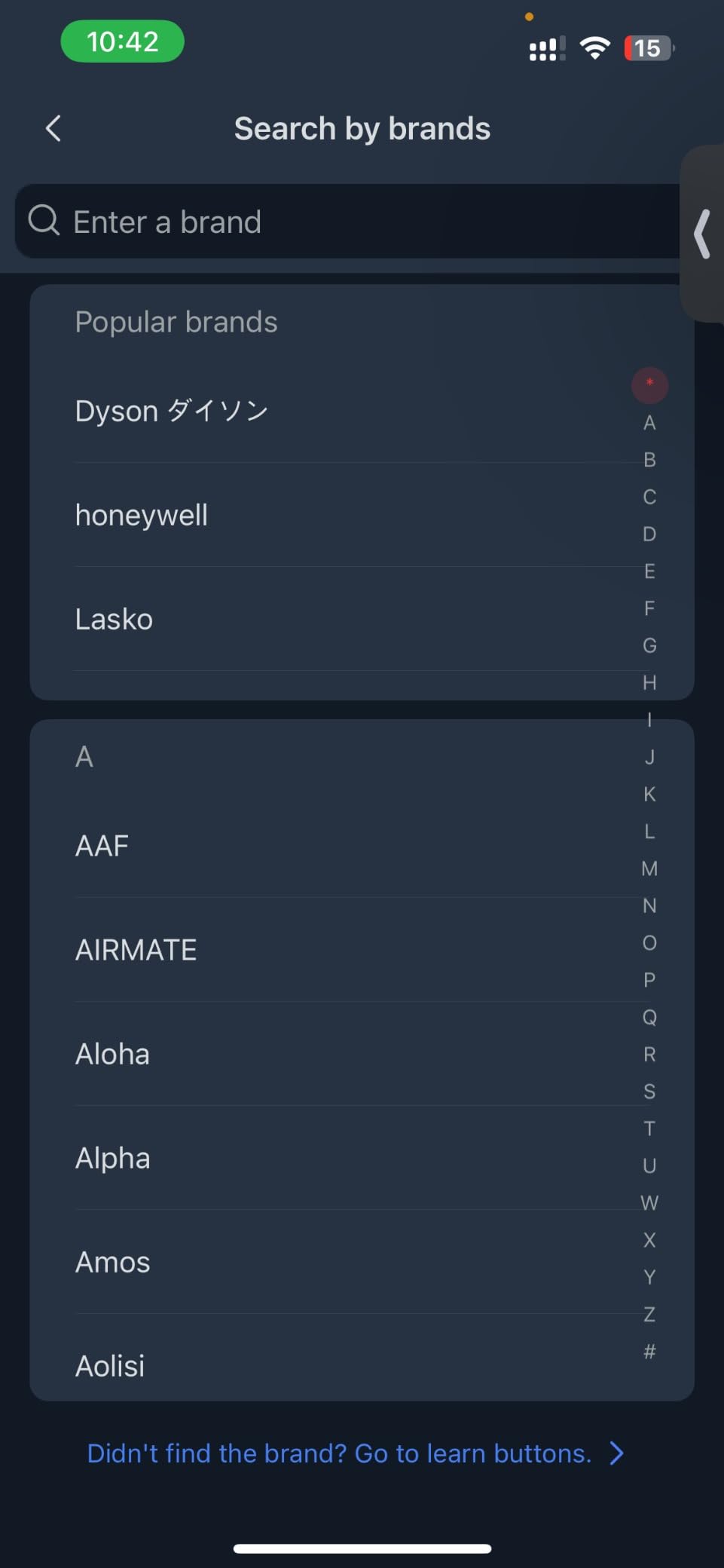
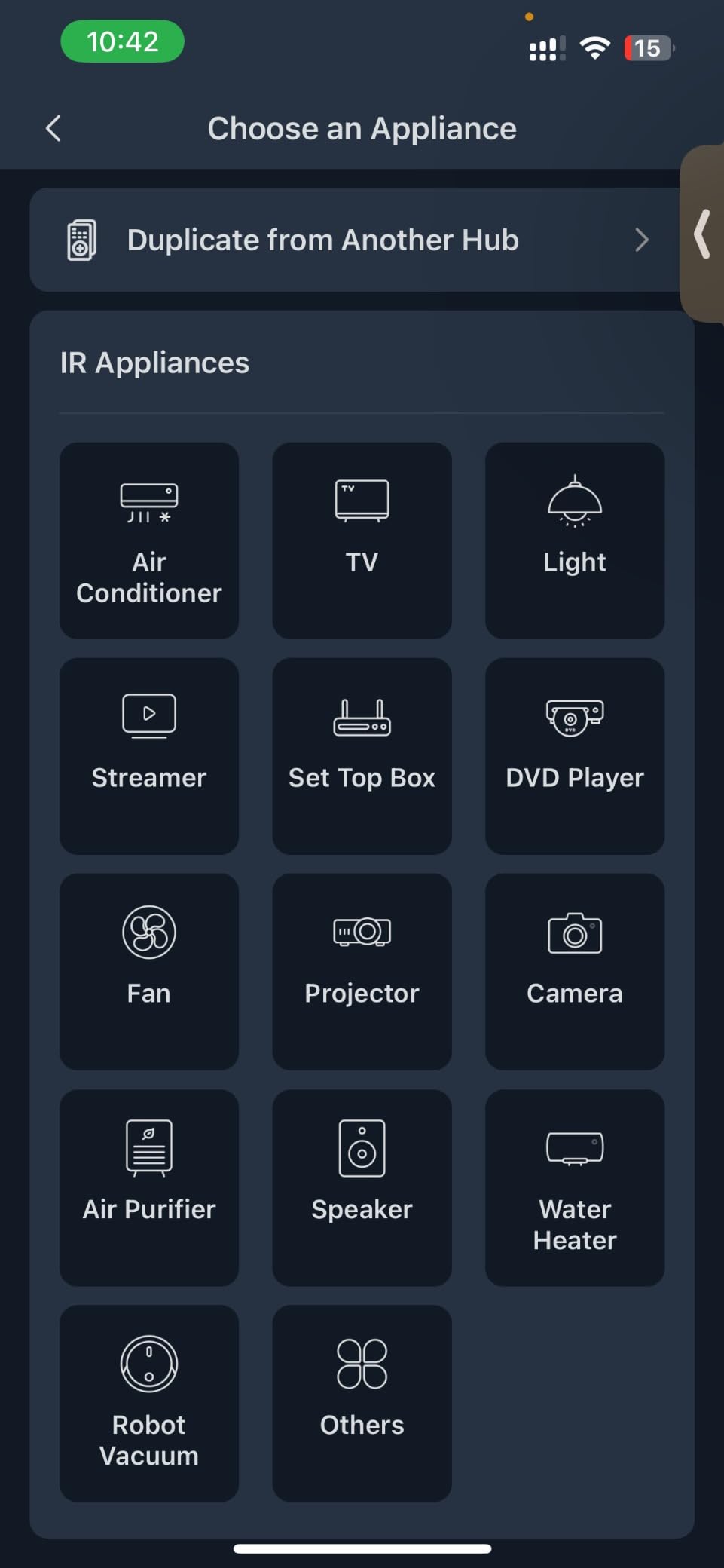
Setup is where this remote asks the most of you. It needs the SwitchBot app, an account, and the Hub Mini for Matter and Apple Home features. The infrared library spans nearly 100000 appliance models with a manual key-by-key learning fallback when the library misses.
What the SwitchBot unlocks
Matter support means the remote can sit in Apple Home alongside your other accessories, which is the feature that makes it feel like a smart-home device rather than a TV remote. Reviewers who already run SwitchBot hardware rate it highest for that reason.
Device consolidation is the real draw. Replacing a TV remote, a soundbar remote, a projector remote and a streaming stick remote with one handset is exactly the promise the category was built on, and this is the model that actually delivers it.
Where buyers get frustrated
Reviewers split on this one, and the complaints are consistent. The app is described as clunky, and every profile change forces a lengthy re-sync of five to ten minutes, which adds up badly across 25 devices.
Button assignment is inflexible, with custom keys that cannot be mapped freely or given icons. There is no RF support, most third-party Bluetooth devices are out of reach, the Wi-Fi is 2.4GHz only, and Matter currently means Apple Home.
7. Philips Flip and Slide Companion Remote – Best for Fire TV
Philips Universal Companion Remote Control Flip & Slide Fire TV
Infrared only
Fire TV player plus 4 devices
Cradle holds your Fire TV remote
10-foot range
Pros
- Cradle holds a compatible Fire TV remote in your palm
- Operates the Fire TV player plus four AV components
- Side-access power and volume keys with soft-touch feel
- Limited lifetime warranty with U.S. tech support
Cons
- Fire TV remote sold separately and not included
- Not compatible with first or second gen Fire TV Basic remotes
- 10-foot range is short for a wall-mounted TV
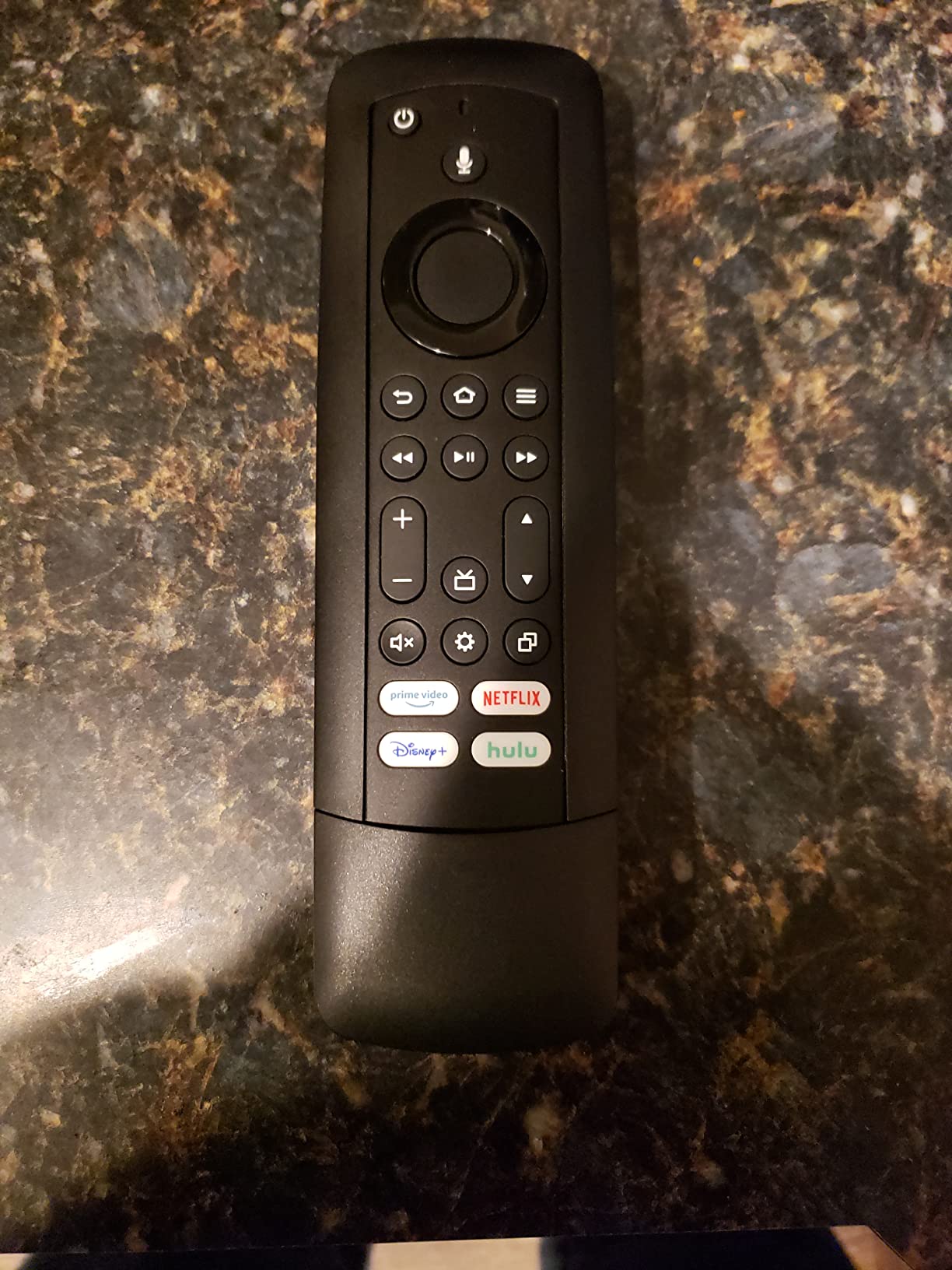
The premise here is unusual: this remote does not replace your Fire TV remote, it carries it. A patent-pending Flip and Slide cradle holds a compatible Fire TV remote so the microphone and voice buttons stay reachable.
That solves the voice-control problem in a way a pure universal remote cannot. You keep voice search on the Fire TV remote, and the cradle gives you one place the remote is always in. Around the cradle, the same body handles up to four audio and video components with infrared codes.
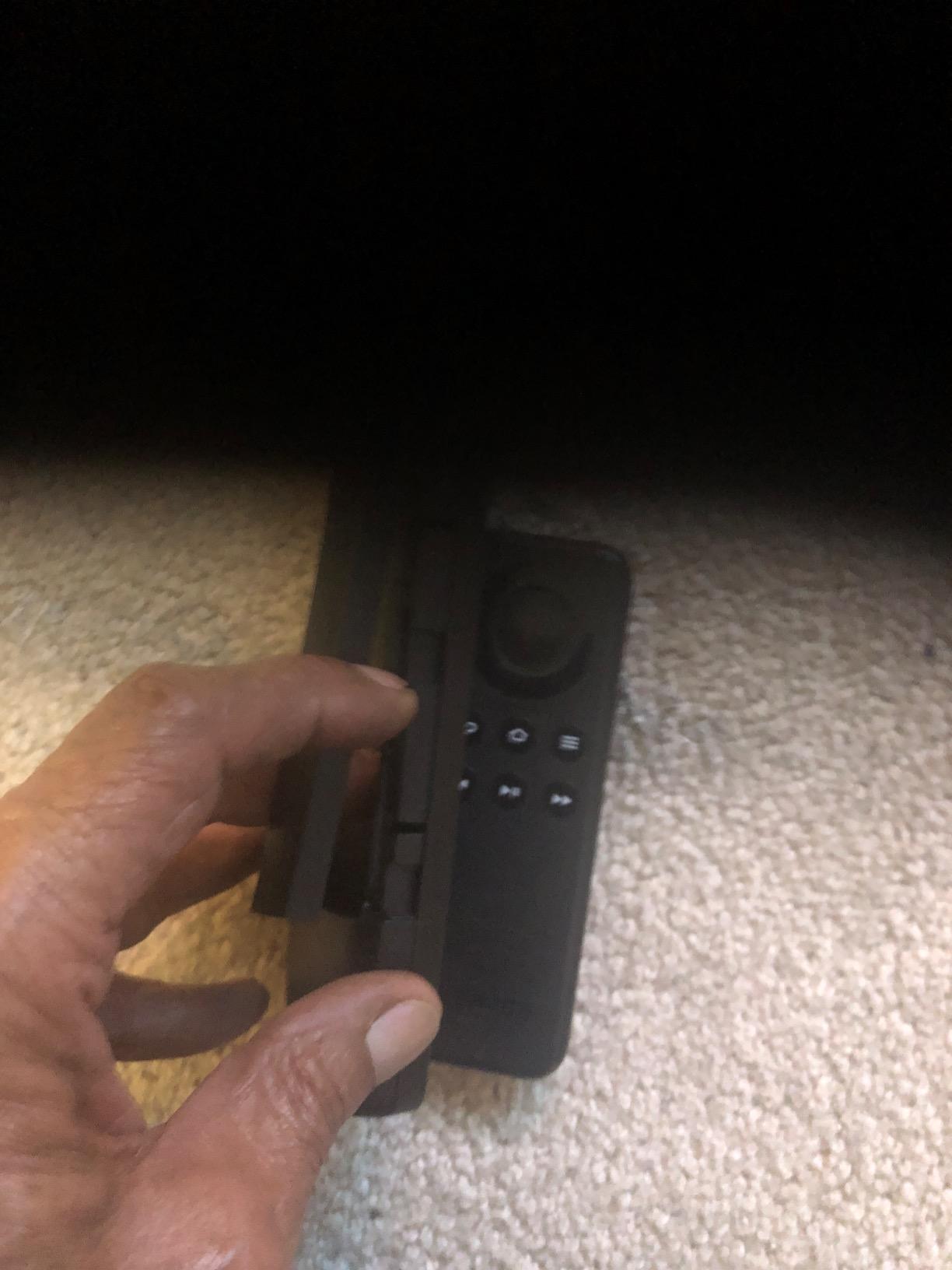
Side-access power and volume keys are a genuinely smart design choice, since they stay reachable while the cradle is oriented for the Fire TV remote. The keys themselves are soft-touch click types rather than hard plastic, which reviewers with long-term daily use tend to prefer.
The warranty is the strongest here at limited lifetime, with free U.S.-based technical support behind it. Samsung and Roku buttons are preprogrammed, and automatic code search handles the rest.
What the cradle concept solves
Fire TV users lose voice search the moment they pick up any third-party remote, because the microphone lives on the streaming remote. This design keeps voice control intact while still cutting down the number of things you grab for normal navigation.
It also handles the retention problem. Fire TV remotes are small, dark and easy to bury in a sofa, and a cradle with a defined spot is a real fix for that.
Where it falls short
The Fire TV remote itself is not included, so this is a two-part purchase. It also does not work with first or second generation Fire TV Basic remotes or the first generation Fire TV Stick remote, which matters if your device is older.
The 10-foot infrared range is short, and this is the lowest-rated pick in the roundup at 4.1 stars.
8. BroadLink RM4 Mini – Best for Home Automation
BroadLink RM4 Mini IR Universal Remote Control (2.4 GHz Wi-Fi Only), Smart Home Automation Wi-Fi Infrared Blaster for TV, AC, STB Audio, Works with Alexa, Google Home, IFTTT
Infrared and 2.4GHz Wi-Fi
Up to 12 devices
USB powered
8 meter IR range
1-year warranty
Pros
- Covers 50000+ infrared device models through a cloud library
- Custom IR learning teaches commands from an original remote
- Works with Alexa and Google Assistant plus IFTTT and Home Assistant
- USB powered so there are no batteries to replace
Cons
- Infrared only with no Bluetooth or RF support
- 2.4GHz Wi-Fi only and no power adapter beyond a USB cable
- Newer firmware limits third-party apps such as AnyMote
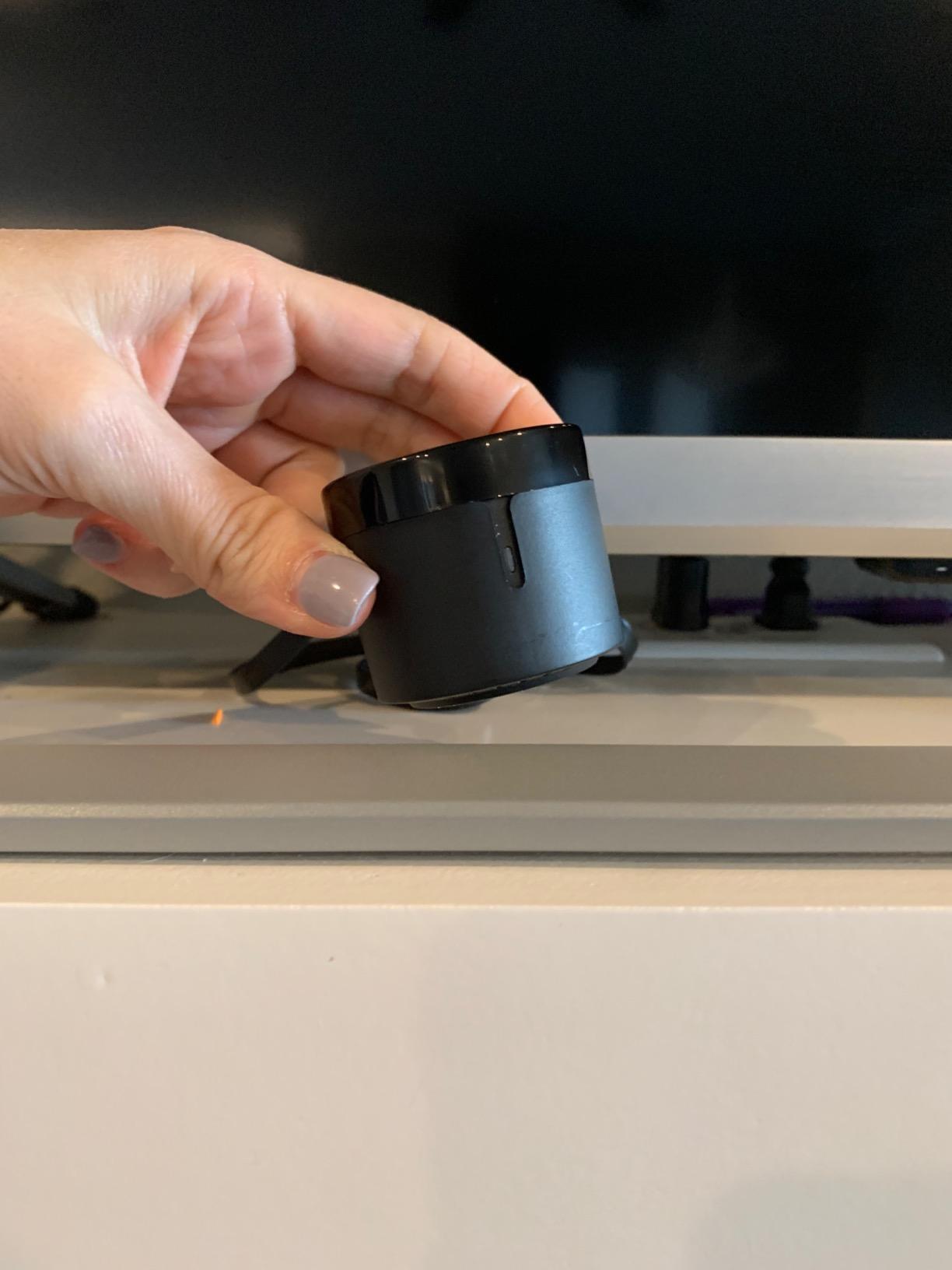
This one is a different shape of answer to the same problem. The RM4 Mini is not really a handheld remote. It is a USB-powered infrared blaster, shaped as a 1.89 inch cube, that you mount out of sight and drive from an app or a voice assistant.
That makes it the natural companion to a smart home rather than a living room centrepiece. Reviewers report using it to turn TVs, receivers and air conditioners on and off through routines, and it integrates with Home Assistant and HomeBridge.
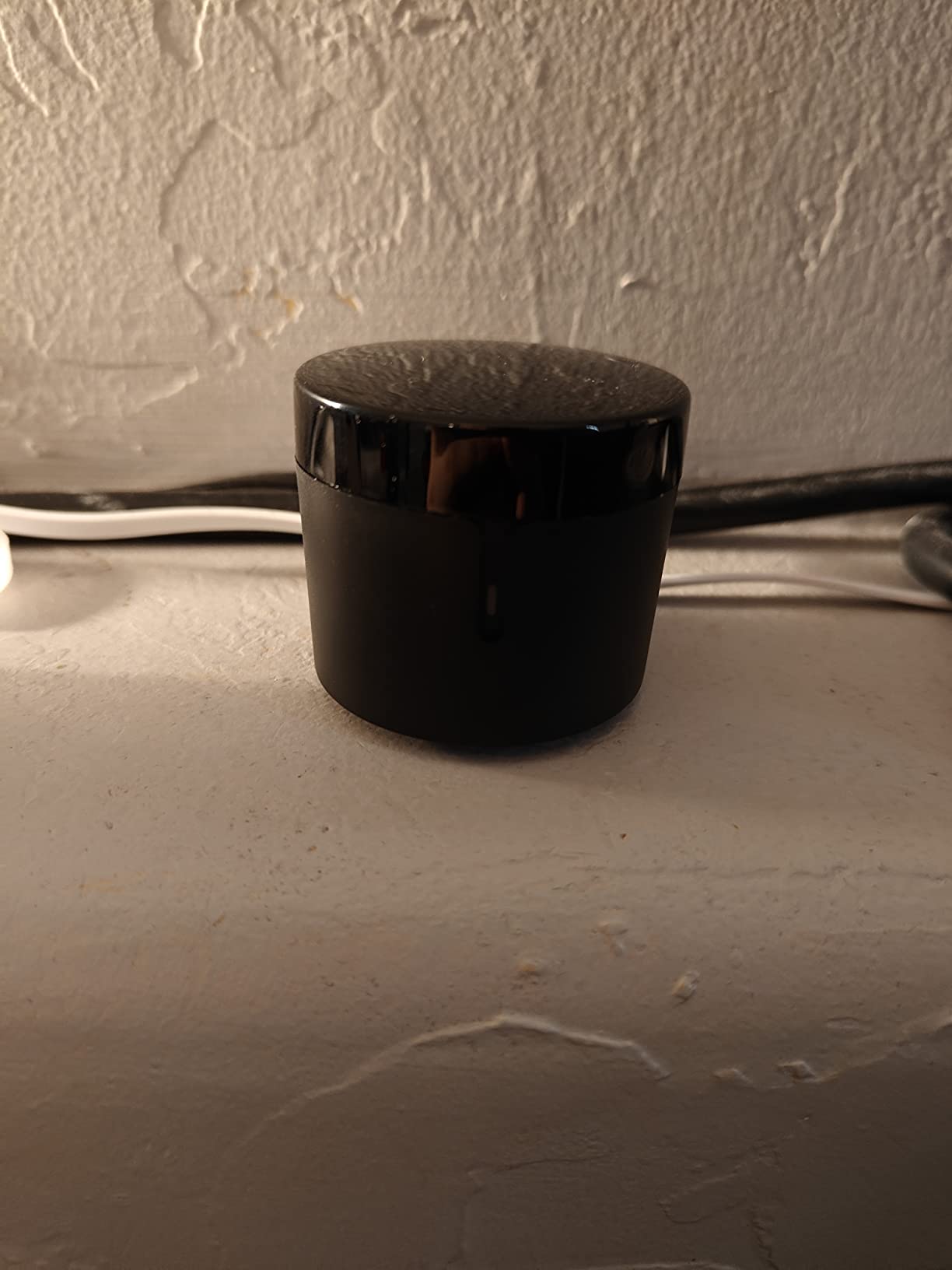
The cloud library is the strength: 50,000+ supported infrared devices, kept current over the network. When the library falls short, custom IR learning lets you teach a command from the original remote button by button.
There are no batteries at all, which removes the most common long-term complaint about remote controls entirely. A wall-mount plate is included so you can tuck it behind a television.
What the BroadLink is good for
If your goal is automation rather than a single button press, this wins. Alexa, Google Assistant, IFTTT, Home Assistant and HomeBridge support turn a stack of infrared gear into something a routine can switch on before you sit down.
Setup is quick for a hub-style device: connect it to a 2.4GHz network, sign in, scan or learn codes. There is no handheld to pair.
Where it stops
Infrared only. No Bluetooth, no Zigbee, no RF, and infrared needs line of sight, so a blaster inside a closed cabinet may need repositioning or an extender.
The Wi-Fi is 2.4GHz only, no power adapter is included beyond a USB cable, and newer firmware restricts third-party apps such as AnyMote. It is also cloud-dependent: unplug it and it can drop off the network until the router is restarted.
9. EWO’S XRT140 Universal Remote – Best for Vizio SmartCast TVs
Universal Remote Control XRT140 for VIZIO Smart TV Remote Replacement XRT136 XRT260 XRT270 Smartcast D, E, M, P, V, PX Series Smart TVs
Infrared only
1 Vizio TV
20 buttons
40-foot range
No warranty
Pros
- Works out of the box with two AAA batteries and no pairing
- Covers Vizio SmartCast D
- E
- M
- P
- PX
- V and OLED series
- Replaces 13 named Vizio remote models including XRT136
- XRT260 and XRT270
- Under 0.2 second response with a range beyond 12 meters
- Button layout mirrors the original remotes
Cons
- Controls only one device so it is not multi-device
- Some buyers report buttons not working on their set
- No warranty coverage and batteries not included
This is the best-rated pick in the roundup on the combination of rating and feel, and it earns that. It is a Vizio-specific replacement rather than a broad universal, and for a single Vizio SmartCast set that specificity is an advantage.
Insert two AAA batteries and it works. No pairing, no programming, no code search. The button layout mirrors the original Vizio remotes closely enough that existing muscle memory carries straight over, which is the detail reviewers praise most often.
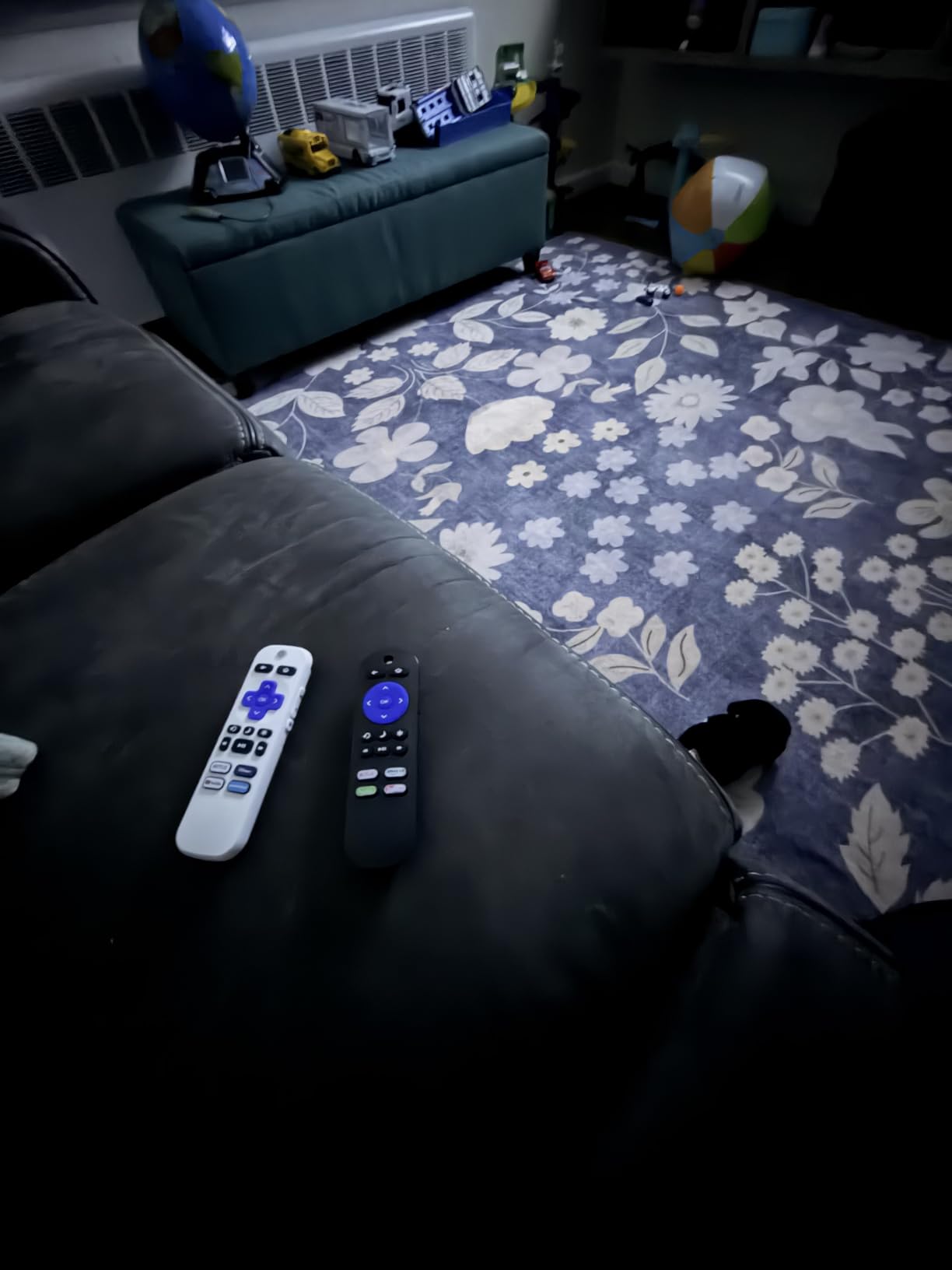
Coverage is broad within the brand. It handles SmartCast D, E, M, P, PX, V and OLED series, and it replaces thirteen named remote models including XRT136, XRT112, XRT122, XRT260, XRT302, XRT135, XRT510, XRT500, XRT100 and the VR series.
Range is the standout spec: 40 feet, the longest infrared figure in this roundup, with a stated response under 0.2 seconds. Transmission speed matters on a SmartCast set because interface scrolling feels immediate rather than laggy.
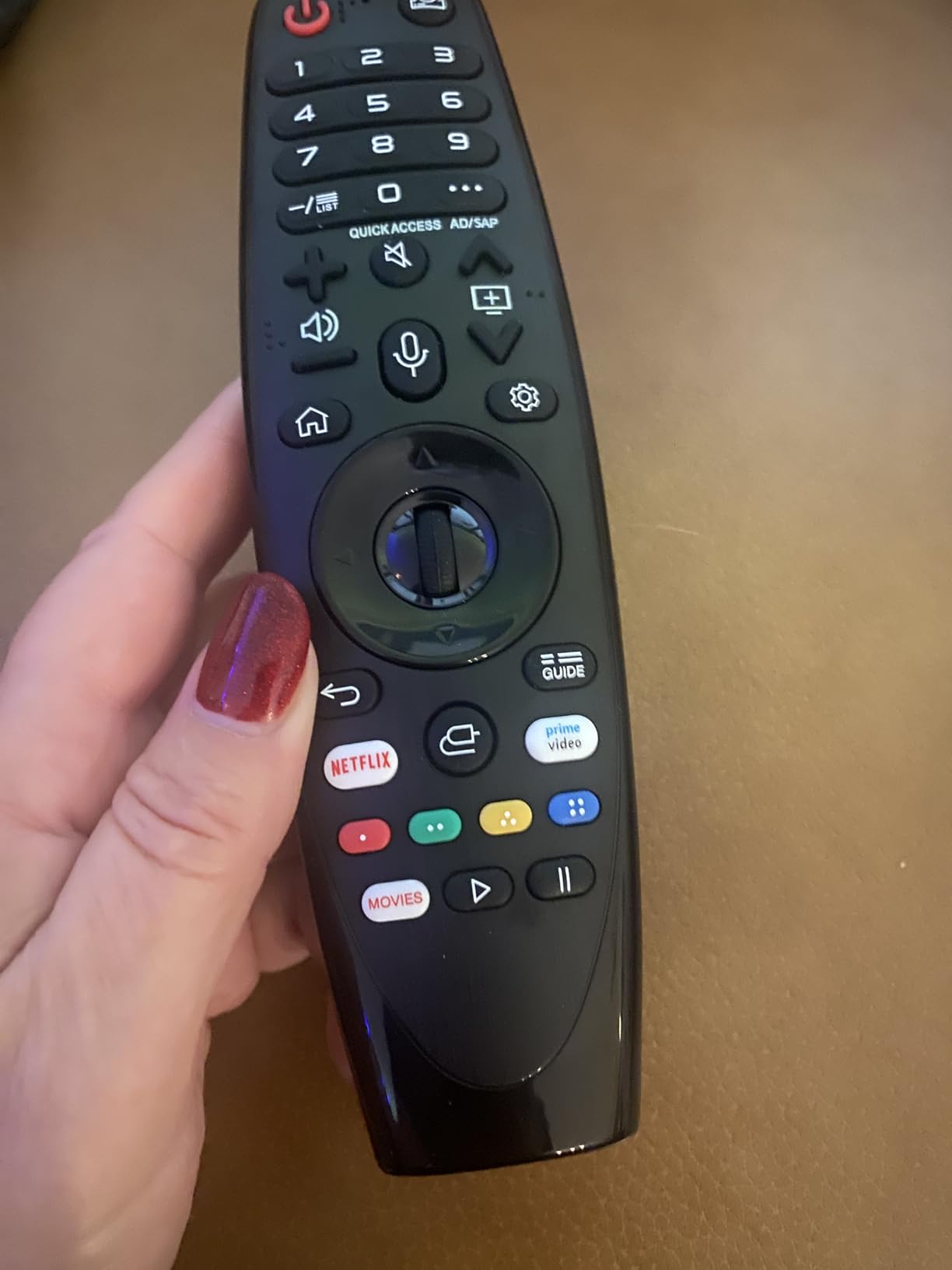
Why a brand-specific remote can beat a universal one
A dedicated replacement avoids the code-search lottery. With a general universal remote you might spend several minutes cycling codes on a specific Vizio model, and some combinations simply never match.
The 40-foot range means you can control the TV from across a room or a hallway without aiming carefully, which is useful in a large living space.
What it will not do for you
It controls one device. There is no second slot for a soundbar or streaming stick, so this only consolidates remotes if your Vizio is your only screen.
Some buyers report individual buttons not working on their set, and there is no warranty coverage at all, which is the weakest protection in this list. Batteries are not included.
10. OMAIC Samsung Remote Replacement – Top Rated for Samsung Owners
Universal for Samsung-TV-Remote-Control Replacement,Compatible with All Samsung Smart Frame Curved QLED TVs
Infrared only
Samsung TVs
13 buttons
33-foot range
100-day warranty
Pros
- Works out of the box after inserting two AAA batteries
- Covers 20+ Samsung remote models including the BN59 and AA59 series
- Button layout matches the factory remotes with clearer fonts
- Infrared reaches 33 feet with 0.1 second response
- Lightweight 40g body with grippy materials
Cons
- Samsung only so it is not a multi-brand universal
- No voice button on some variants
- Some buyers report keys sticking or failing after a year or two
- Batteries not included and the wrist strap does not hold
This is the Samsung answer, and it carries one of the biggest review bases in the roundup at more than 54000 reviews. Buyers treat it as a cheap, instant fix for a lost or cracked Samsung remote, and the near-identical layout is the reason it works that way without friction.
Coverage extends across Samsung Smart, Frame, Curved, QLED, SUHD, UHD, LED, LCD, HDTV and 3D sets, and it replaces more than 20 remote models spanning the BN59-01259E, BN59-01260A, BN59-01241A, BN59-01292A, BN59-01385A, BN59-01199F and AA59 series.
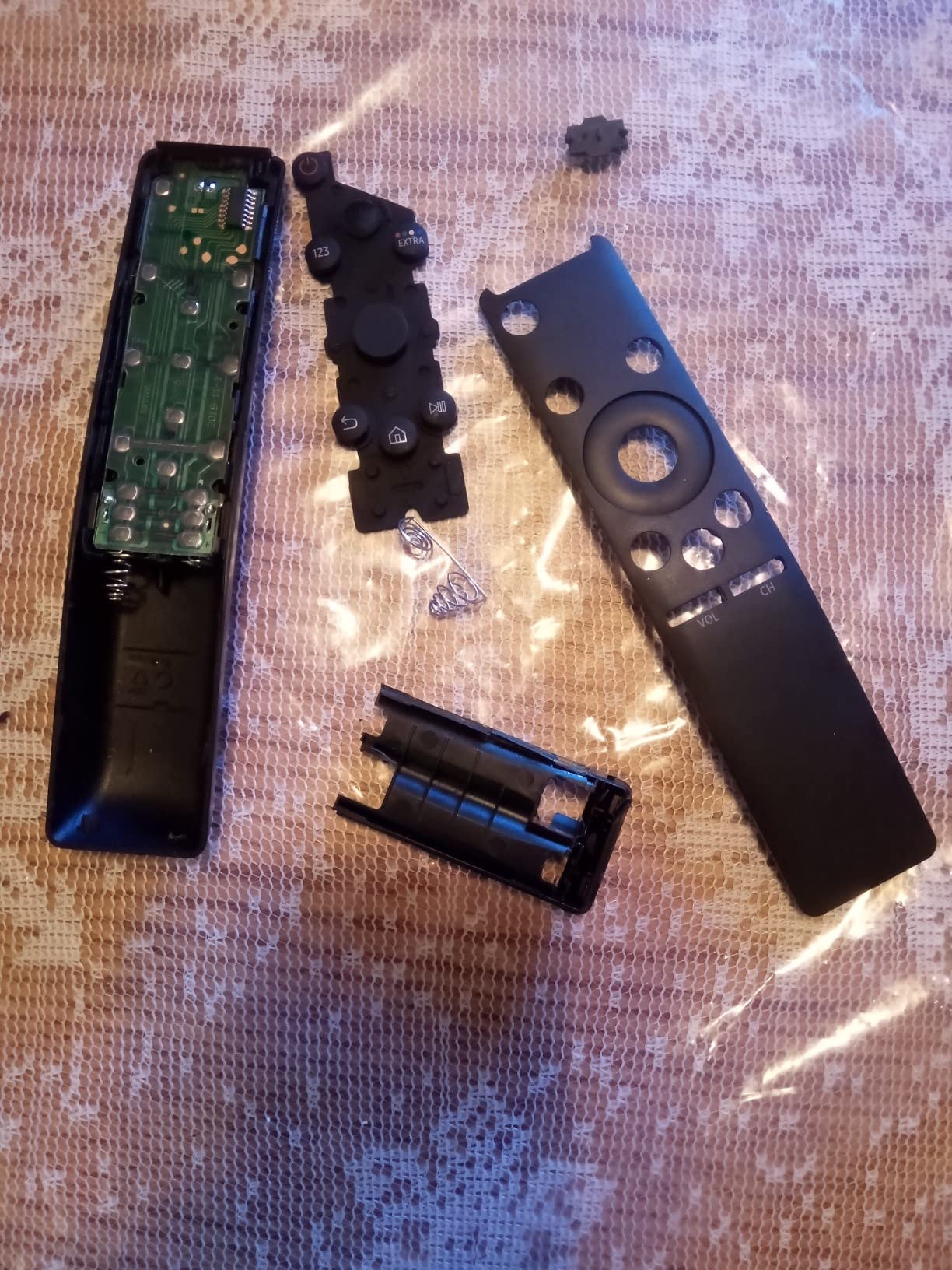
Physical details are better than the price suggests. Infrared transmission reaches 33 feet with a 0.1 second response, and the 40g body uses grippy materials on more keys than most, which helps in a dark room.
The fonts are larger and clearer than on the factory remotes, which is a small thing that anyone over 50 will notice immediately.
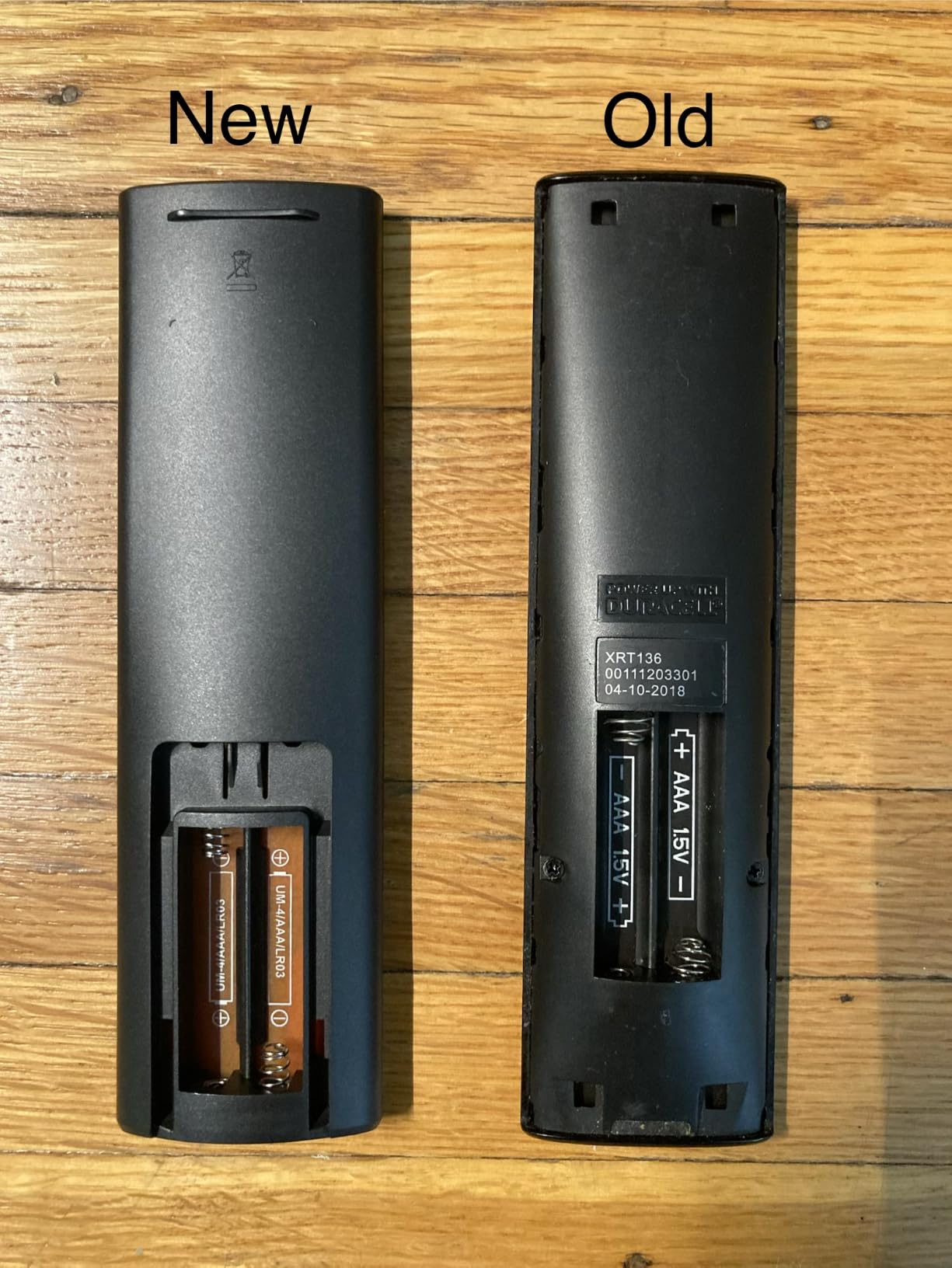
Why the Samsung match matters
Samsung is the brand where a cheap replacement is most likely to work perfectly, because the remote protocol is consistent across the model range. Insert two AAA batteries and you are done, with no code entry at any stage.
It is also a good second remote. Many households keep a spare universal in a drawer for guests or for when the original gets lost, and this fills that role for Samsung sets specifically.
What the limitations look like
It is Samsung only, so it is not a multi-brand universal despite the product name. Some variants lack a voice control button, which means it is not a complete replacement for a Samsung voice remote.
A smaller group report buttons sticking or failing after a year or two of use, and the wrist strap does not hold. After-sales service is 100 days, which is short but better than no warranty at all.
How to Program a Universal Remote for Your Smart TV in 2026?
Most setup friction in this category comes from picking the wrong method. Work through these in order and you will usually finish in under ten minutes for a code-based remote.
1. Identify the signal type first. Look at the original remote. If it sends light through a phone camera when you press a button, it is infrared. If it pairs to the TV rather than pointing at it, it is Bluetooth, and no code-based universal remote will cover it.
2. Write down your device list. Count the TV, soundbar, streaming device, player and anything else you want on the remote. If the number exceeds the remote’s device slots, stop and pick a bigger model rather than planning to live with mode confusion.
3. Try the preprogrammed button first. Several remotes here ship with the TV button already coded for Samsung. Add batteries, press power and see whether anything happens before touching the manual.
4. Use automatic code search. Point the remote at the TV, hold the setup button until the indicator blinks, then press power or channel up repeatedly until the TV responds. Press select to lock the code in.
5. Try direct code entry. If automatic search takes too long, find the code list in the remote manual, look up your brand and model, then key the code in one digit at a time. Samsung, LG, Sony, TCL and Vizio codes are the most commonly listed.
6. Learn from the original remote if needed. On hub-based remotes, point the new remote at the old one and send a command to teach it. This is the fallback when a device is missing from the code library entirely.
7. Pair over Bluetooth for streaming gear. For a Fire TV stick, Roku device or Apple TV, put the streaming device into pairing mode and send the pairing command from your new remote. Expect a few seconds, and expect it to be the slowest step.
8. Turn on HDMI-CEC and test before you give up. Enabling CEC in your TV settings often lets the TV’s own remote control volume and playback for your soundbar and player without any programming.
9. Label device modes. A small piece of tape or a dot on the mode button saves enormous frustration once you have more than three devices mapped.
10. Test every button, not just power. Guide, input select, menu and playback are the commands most often left unprogrammed, and they are the ones you need most.
Buying Guide: 8 Criteria for the Best Universal Remote for Smart TVs
1. Count your devices before anything else. Device capacity on this list runs from one device on the Vizio and Samsung replacements up to 25 on the SwitchBot. Most living rooms need three or four: TV, soundbar, streaming device and player. Buying more capacity than you need costs nothing extra on infrared models.
2. Match the control protocol, not the brand name. This is where most buyers go wrong. Infrared broadcasts light in a straight line and needs line of sight. Bluetooth pairs and works through cabinet doors. RF works without aim. Wi-Fi devices generally answer only to an app or hub. A universal remote listed as compatible with Apple TV may still only control an older infrared Apple TV box.
3. Check what the streaming stick actually needs. Roku Streaming Sticks, Fire TV sticks and TV cubes pair over Bluetooth. Only the Philips Flip and Slide design keeps your streaming remote in the picture, which is why it exists. If you skip that model, accept losing the microphone button or keep the streaming remote on the table.
4. Decide how much app setup you tolerate. Code-based remotes take under a minute per device. Hub-based and smart-home remotes can take hours across a full system, and the SwitchBot in particular forces a five to ten minute re-sync after profile changes. Forum complaints about setup friction almost always trace back to underestimating this.
5. Look for master volume control. If you have more than one infrared component, a master volume rocker that follows whichever device is active saves real daily friction. It is standard on the four-device GE and Philips models.
6. Prioritise backlighting if the TV is across the room. Blue LED backlighting on the GE 40081 is the difference between pressing the right key and pressing volume down while changing channels.
7. Buy oversized buttons for older users. If the remote will be handed to a parent, a six-button layout with dedicated device keys beats any feature list. The RCA RCR313BE exists for exactly this, and the trade-offs are a three-device ceiling and a shorter range.
8. Consider HDMI-CEC as a free partial substitute. Many people report running the smart TV remote as the master and letting CEC handle soundbar and playback commands, keeping a cheap infrared remote as backup. It fails when a device disables CEC, when the TV has limited CEC ports, or when the soundbar ignores volume-over-CEC, which is common with modern Bluetooth soundbars.
One last piece of honesty before you buy: check the warranty length. Coverage here runs from a 30-day RCA warranty and no warranty at all on the Vizio replacement, through 90-day GE and Philips terms, to limited lifetime on the Philips companion remote and a year on the SwitchBot and BroadLink.
Frequently Asked Questions
What is a good universal remote that works with my smart TV?
The best universal remote for a smart TV is one that speaks the same signal as your devices. If your TV, soundbar and streaming stick all use infrared, a four-device code-based model covers everything in minutes. If any of them pair over Bluetooth, you need a Bluetooth-capable remote such as the SwitchBot Universal Remote, or you keep the streaming device’s own remote for voice control.
Do universal remotes work on most TVs?
They work on most TVs for basic commands, because infrared code libraries cover Samsung, LG, Sony, Vizio, TCL, Hisense, Philips, Sharp, Toshiba, Insignia and Panasonic. What they often cannot do is control the modern features on those sets: Bluetooth voice search, app launching on a streaming stick and Wi-Fi-only functions. Treat a universal remote as a way to reduce clutter, not as a full replacement for a voice remote.
What is the best easy universal TV remote for seniors?
The RCA RCR313BE Big Button Three-Device Remote is built for that. It has six oversized, high-contrast buttons with dedicated keys for TV, DVD and cable, so there is no mode switching to confuse. The GE Backlit Universal Remote is the runner-up option when vision rather than dexterity is the problem, since every key lights blue when you pick it up.
What is the best universal remote for all devices?
For the widest device coverage in this roundup, the SwitchBot Universal Remote with Hub Mini handles up to 25 devices, splitting them between 10 infrared and 15 Bluetooth slots, plus scenes for lights, fans and air conditioners. If you mean all your home AV gear specifically and everything is older infrared equipment, a four-device GE or Philips model is faster to set up and far cheaper to live with.
Why are universal remotes going away?
Two reasons. Streaming companies increasingly ship Bluetooth-only voice remotes and push their own apps, and Logitech’s exit from the Harmony line removed the best-known premium option. What has been left behind is a split category: inexpensive infrared code remotes at the bottom, and a small group of hub-based and smart-home remotes at the top.
Can one remote control my TV, soundbar and streaming stick?
Yes, as long as each device accepts infrared codes. If your soundbar or streaming stick pairs over Bluetooth, you need a remote with Bluetooth support, and you should expect to lose the voice-search button unless you keep the original streaming remote alongside it.
Conclusion: The Best Universal Remotes for Smart TVs, by Setup
There is no single winner here, because the right choice depends on what your devices speak. For one television, the Angrox Universal TV Remote is the simplest thing that works, and it is our editor’s choice for good reason: no app, no codes, broad brand coverage and the largest review base we examined.
Add a soundbar and a player, and move to a four-device GE or Philips model. Want Bluetooth and smart-home control in one handset, and the SwitchBot is the only pick here that does it. For a Vizio or Samsung television alone, the dedicated replacements beat every universal option.
Check what each device actually speaks before you buy, and the best universal remotes for smart TVs stop being a gamble.