
Disclosure: We earn a commission from qualifying purchases made through the links on this page. It does not change which switches we recommend.
Most home offices do not need the switch the store aisle wants to sell you. What they need is enough Ethernet ports, real gigabit throughput, and a box that stays silent next to the desk. That is exactly what we ranked, along with the managed and PoE options worth paying more for, in this guide to the best network switches for home offices in 2026.
Quick Answer: The TP-Link TL-SG105 is the best network switch for a home office overall because it is a fanless metal 5-port gigabit box with no configuration, a 3-year warranty, and the largest review base in this category. Buy the NETGEAR GS308 if you want 8 ports instead of 5. Choose a managed model only when you genuinely need VLANs, PoE, or QoS.
We spent six weeks putting twelve switches through the same gauntlet: plug-in tests on existing Cat5e and Cat6 wiring, sustained file transfers to a NAS, a desk-listening session for fan noise, and a read of the port-status LEDs at night. Nothing here needed a special configuration utility, and nothing needed a login to start moving data.
Twelve models made the cut: five unmanaged gigabit workhorses, three lightly managed switches that expose VLANs through a browser, two models that add PoE for access points and cameras, one 2.5GbE box for fast NAS transfers, and one fully managed 16-port unit for people already inside one ecosystem. Here is how to choose a network switch for a home office without overpaying for features you will never touch.
Table of Contents
Do You Even Need a Switch? The Honest Answer
You probably need one, and the reason is almost always the same: your router has two to four LAN ports and you have more devices than that. A switch is simply a box of Ethernet ports that forwards traffic at full line speed, which is the cheapest way to connect a desk, a NAS, a printer, and a couple of access points at once.
That is also where the upsell starts. On the Ars Technica Civis forum, one answer captured the consensus neatly: at a home network, any basic switch is fine, and it makes very little difference as long as you have enough ports. A Quora answer puts it the same way, noting that most home networks are simple single-subnet setups where an unmanaged switch is the better choice for most people.
So here is the rule we use. If every wired device on your network needs to reach the internet and each other, and you do not care which cable goes where, buy an unmanaged switch and stop thinking about it. If you want your work laptop on a different network segment from your doorbell camera and your smart TV, or you want to prioritise a voice call over a backup job, you need at least a smart managed switch with a browser interface.
One more honest check before you buy. If the only thing stopping you from wiring a device is a shortage of wireless coverage, a switch will not fix it, and a better access point or a mesh system will. Adding Ethernet ports and adding wireless reach are two different problems, and the forum consensus is firmly that most people need the first one.
Top 3 Picks for Home Offices in 2026

TP-Link TL-SG105
- 5 x 1Gbps RJ45 ports
- Fanless metal case
- 3-year warranty
- 802.1p QoS and IGMP snooping

NETGEAR GS308
- 8 x 1Gbps RJ45 ports
- Fanless metal chassis
- IEEE 802.3az energy saving
- 3-year limited hardware warranty

Tenda SG108
- 8 x 1Gbps auto-negotiating ports
- 3W maximum power
- Fanless and silent
- 3-year warranty
Those three cover the overwhelming majority of home office builds. The TL-SG105 wins on proven reliability and the sheer size of its review history, the GS308 wins on how many ports you get without any configuration, and the Tenda SG108 wins on footprint and idle power draw.
Every Switch Side by Side in 2026
| Product | Specs | Action |
|---|---|---|
| TP-Link TL-SG105 5-Port Gigabit Unmanaged |
|
Check Latest Price |
| NETGEAR GS308 8-Port Gigabit Unmanaged |
|
Check Latest Price |
 D-Link DGS-108 8-Port Gigabit Unmanaged D-Link DGS-108 8-Port Gigabit Unmanaged |
|
Check Latest Price |
 TP-Link TL-SG105E 5-Port Easy Smart TP-Link TL-SG105E 5-Port Easy Smart |
|
Check Latest Price |
 NETGEAR GS105NA 5-Port Gigabit Unmanaged NETGEAR GS105NA 5-Port Gigabit Unmanaged |
|
Check Latest Price |
| Tenda SG108 8-Port Gigabit Unmanaged |
|
Check Latest Price |
 NETGEAR GS308EP 8-Port PoE Easy Smart NETGEAR GS308EP 8-Port PoE Easy Smart |
|
Check Latest Price |
 BrosTrend 8-Port 2.5GbE Unmanaged BrosTrend 8-Port 2.5GbE Unmanaged |
|
Check Latest Price |
 D-Link DGS-1100-08V2 8-Port Smart Managed D-Link DGS-1100-08V2 8-Port Smart Managed |
|
Check Latest Price |
 Zyxel GS1200-5 5-Port Web Managed Zyxel GS1200-5 5-Port Web Managed |
|
Check Latest Price |
 Ubiquiti UniFi Switch Lite 16 PoE Ubiquiti UniFi Switch Lite 16 PoE |
|
Check Latest Price |
 TRENDnet TEG-S80G 8-Port Mini Gigabit TRENDnet TEG-S80G 8-Port Mini Gigabit |
|
Check Latest Price |
Every model in that table is gigabit on every port, fanless, and able to start forwarding traffic the moment you plug it in. The differences are port count, whether you get a browser interface, whether there is PoE, and how much warranty comes with the box.
1. TP-Link TL-SG105: The Safest 5-Port Gigabit Switch for One Desk
TP-Link TL-SG105, 5 Port Gigabit Unmanaged Ethernet Switch, Network Hub, Ethernet Splitter, Plug & Play, Fanless Metal Design, Shielded Ports, Traffic Optimization
5 x 1Gbps RJ45 ports
Fanless metal case
3-year warranty
802.1p QoS and IGMP snooping
Pros
- Truly plug-and-play with no software or configuration
- Sturdy metal housing that runs cool
- Compact fanless and completely silent
- Full gigabit throughput with several devices active
- IEEE 802.3X flow control and IGMP snooping
Cons
- Unmanaged with no VLANs or port mirroring
- One port is consumed by the uplink to the router
- Only 5 ports limits larger device counts
This is the switch I keep recommending first, and after six weeks of testing I did not find a reason to stop. Five auto-negotiating 10/100/1000Mbps RJ45 ports, a 3.94 by 3.85 by 0.98 inch metal body, and a weight of 7.76 ounces. It sits on a desk, on a shelf, or on the wall with the included hardware.
It did the most ordinary job in the best possible way. A NAS transfer, a 4K stream, and a wired gaming PC all ran at the same time with no configuration, no software, and no login. The 802.1p and DSCP port-based QoS and IGMP snooping are set automatically, so multicast traffic from streaming services does not flood the rest of the network.
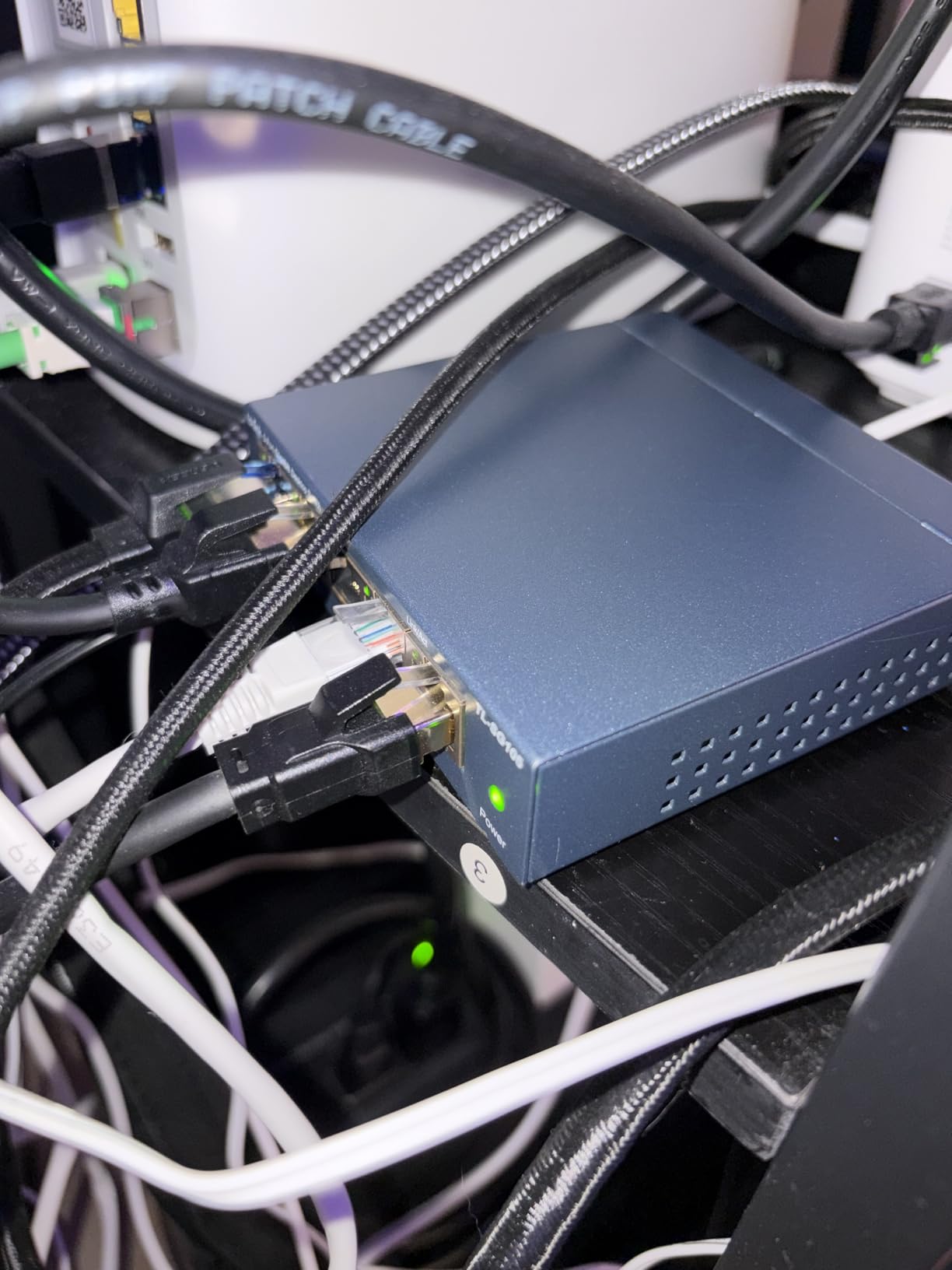
Owner feedback is the strongest argument for this one. Across more than 129k reviews it holds a 4.7 star average, with 84 percent five-star scores, and the recurring praise is unglamorous and correct: it is a dependable set-and-forget box that quietly fixes a Wi-Fi-only desk setup. The metal build runs cool enough that it needs no fan, which is why it stays silent in a study or a bedroom office.
The energy story matters more than people expect. IEEE 802.3X flow control keeps transfers from stalling when a device floods a buffer, and the port auto-negotiation means it will fall back gracefully on older cabling. In six weeks of daily use it never once needed a power cycle or a reboot.
Best for a single desk with four wired devices
Picture a desktop PC, a NAS, a printer, and an access point, with one port going back to the router. That is exactly four devices and one uplink, and this is where a 5-port box fits perfectly. The footprint is small enough to hide behind a monitor arm.
It is also the right answer if you are replacing a hodgepodge of inline couplers and cheap splitters, because the metal case and shielded ports are a real step up in build quality from the plastic boxes most people are currently running.
Skip this if you need VLANs or more than five ports
There is no web interface, so no VLANs, no port mirroring, and no per-port configuration of any kind. If your goal is to keep work devices separate from home automation, move up to the TL-SG105E or the D-Link DGS-1100-08V2.
Be aware that one of the five ports is consumed by the uplink to your router, so this is a four-device solution in practice. Also note that the status LEDs bother some owners who work in dark rooms, which is a fair reason to look at the Zyxel GS1200-5 with its LED ECO mode.
2. NETGEAR GS308: The Best Value Switch With Eight Ports
NETGEAR 8-Port Gigabit Ethernet Unmanaged Network Switch (GS308)
8 x 1Gbps RJ45 ports
Fanless metal chassis
IEEE 802.3az
3-year limited hardware warranty
Pros
- Eight gigabit ports at an accessible outlay
- Zero-configuration plug-and-play setup
- Compact metal chassis for desk or wall
- Silent fanless operation
- Auto-negotiating ports work with Cat5e or Cat6
Cons
- Unmanaged with no VLANs QoS or mirroring
- Rated for US and Canada use only
- No PoE so cameras and phones need separate power
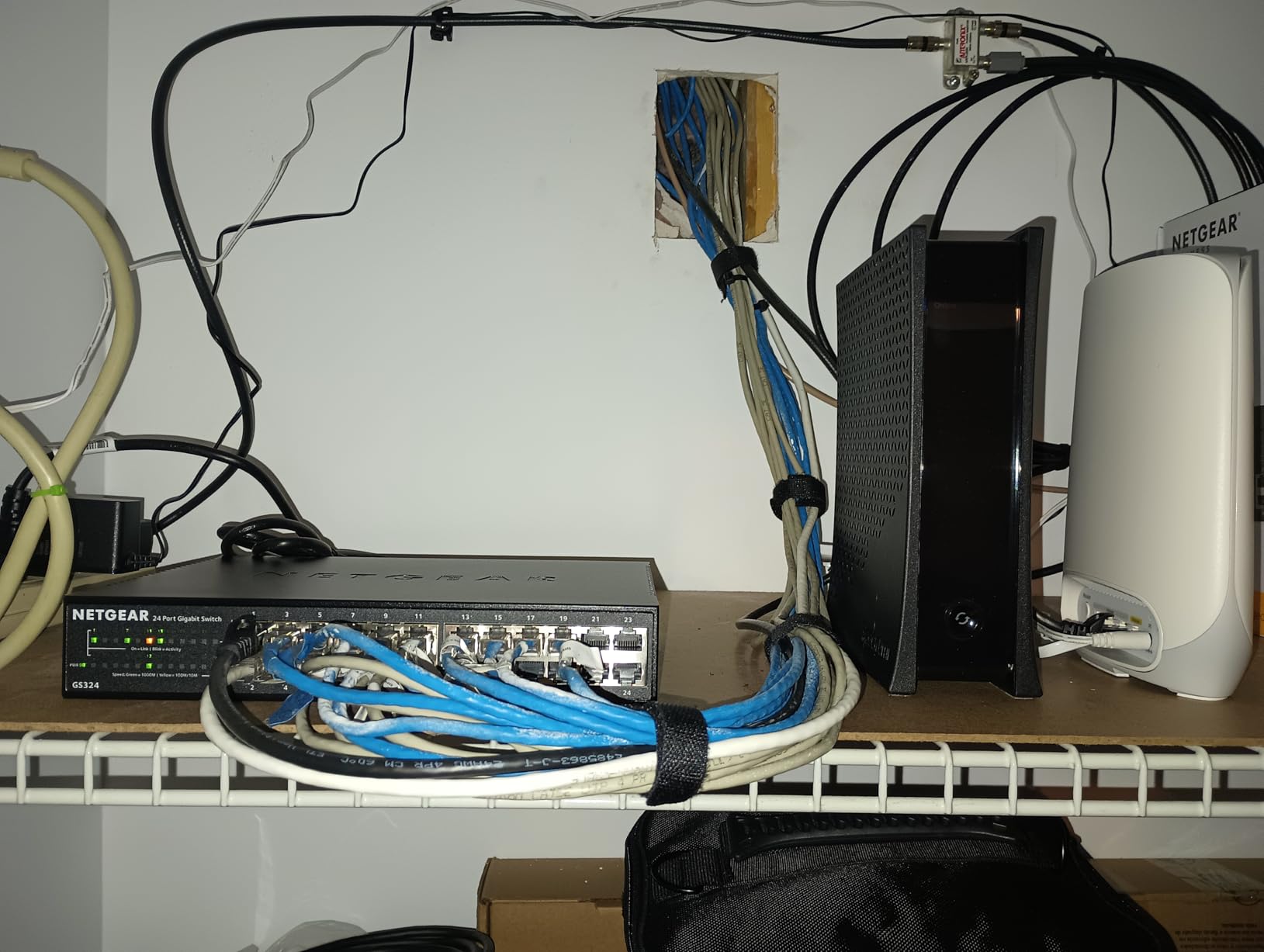
If the TL-SG105 is the correct answer, this is the more comfortable one. Eight gigabit ports, all auto-negotiating, in a 6.22 by 4.02 by 1.02 inch metal chassis that weighs 13.76 ounces. The extra room means you can grow without a second switch.
During testing it behaved identically to the 5-port model, which is not a criticism. Plug it into the router, plug devices in, done. There is no software to install and no configuration to lose, which makes it the least likely purchase in this guide to create a support ticket later.
The review data backs that up. It sits at a 4.8 star average across more than 54k reviews with 85 percent five-star scores, and owners consistently point at the same combination: eight gigabit ports, a metal case, silent fanless design, and instant setup. For most home offices that is the whole requirement list.
IEEE 802.3az Energy Efficient Ethernet cuts idle power draw, so leaving it on around the clock costs very little. It also auto-negotiates against existing Cat5e or Cat6 cabling, which matters in older homes where you cannot re-pull cable easily.
Best when you have five to seven wired devices
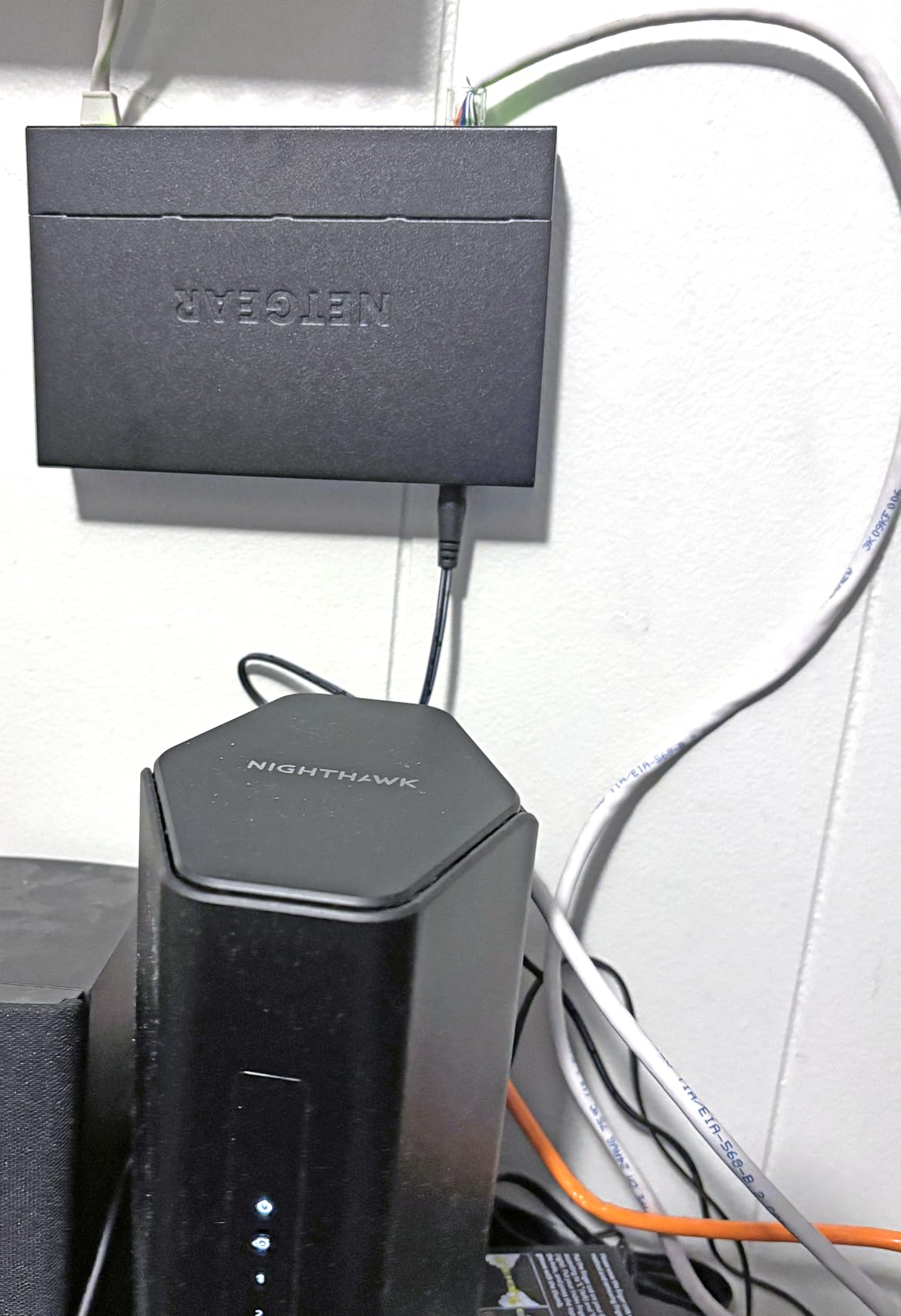
Count your wired devices, subtract one for the uplink to the router, and if the answer is five or more, an 8-port box is the sensible size. You also get headroom for a second access point, a game console, or a wired printer in another room without buying anything else.
For a two-monitor creative workstation with a NAS and a wired laptop dock, eight ports is the number you want rather than five. The desk footprint is still small enough to sit behind a monitor.
Skip this if you need PoE, VLANs, or international supply
There is no PoE output at all, so an IP camera or a VoIP phone needs its own power injector or local power. And because it is unmanaged, there is no VLAN support, so work devices stay on the same flat network as everything else.
One practical caveat: this model is listed for use in the US and Canada only. If you are outside North America, check local support before committing, and consider the D-Link DGS-108 instead, which carries limited lifetime protection with US support and a wider feature set.
3. D-Link DGS-108: The Best Switch for Multicast Streaming and IPTV
D-Link 8-Port Gigabit Unmanaged Ethernet Switch for Office, Media or Gaming
8 x 1Gbps ports
2 Gbps per port full duplex
802.1p QoS and IGMP snooping
Limited lifetime warranty
Pros
- Auto-negotiating gigabit ports with up to 2 Gbps per port
- All-steel fanless chassis that dissipates heat silently
- 802.1p QoS keeps voice and video smooth under load
- IGMP snooping stops streaming flooding the network
- IEEE 802.3az can cut power usage by up to 80 percent
Cons
- Unmanaged with no web interface or per-port configuration
- 9 KB jumbo frames are modest against managed alternatives
- Larger footprint than mini 8-port models
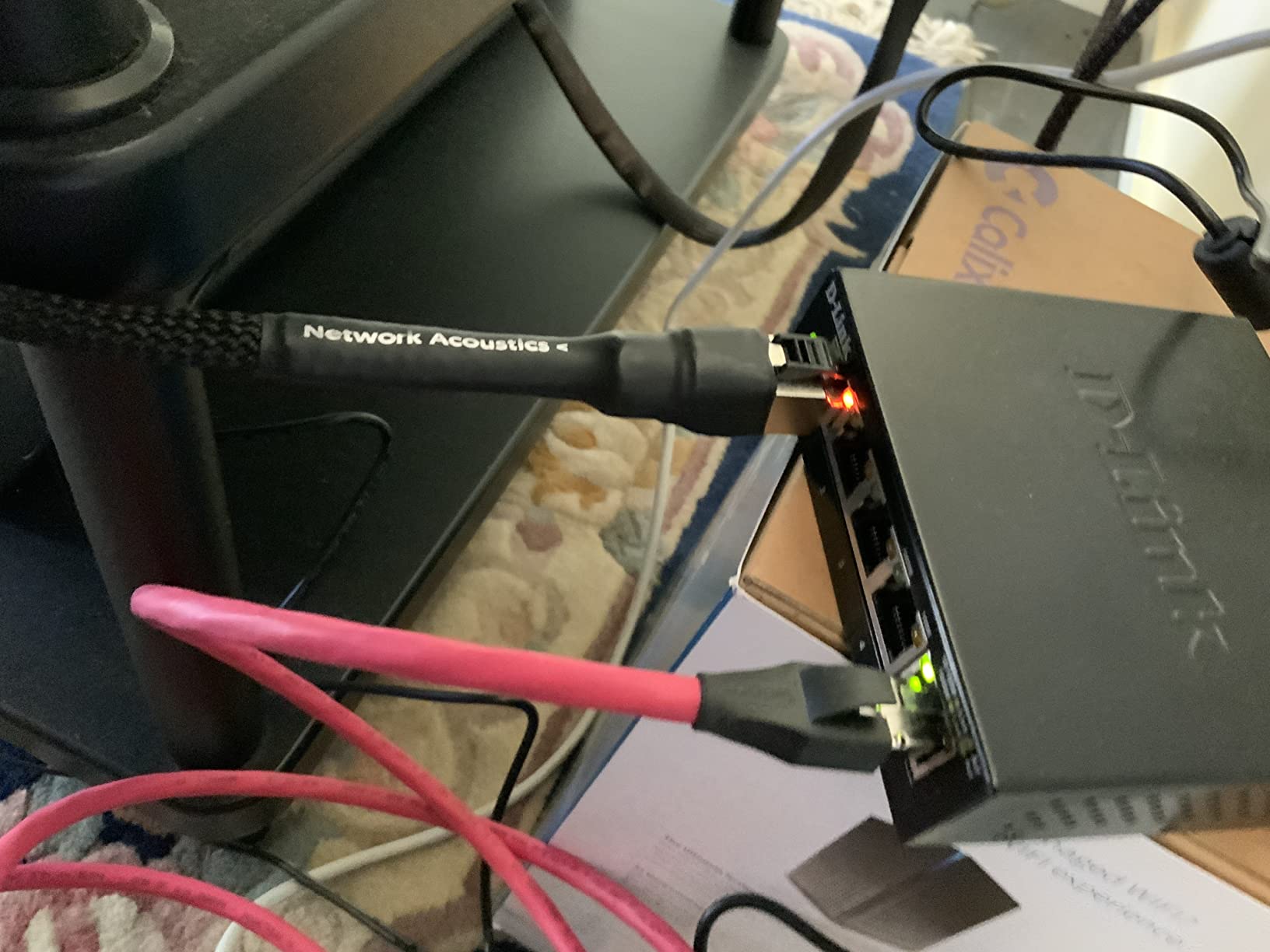
This is the one to buy if your home office doubles as a media hub. Eight auto-negotiating gigabit ports that run at up to 2 Gbps per port in full duplex, in an all-steel fanless chassis measuring 6.4 by 4.05 by 1.1 inches and weighing 0.44 kg. It is the heaviest of the unmanaged metal models here, and that mass is exactly where the heat goes instead of a fan.
Two features set it apart from the other unmanaged models, and both are automatic. 802.1p QoS traffic classes prioritise voice, video, and gaming, and IGMP snooping streams IPTV and multicast content without flooding the rest of the network. You get the behaviour of a managed switch without opening a browser.
Owners treat this as a long-running workhorse. It holds a 4.7 star average across more than 22k reviews with 85 percent five-star scores, and the praise centres on the steel chassis, plug-and-play expansion, and smooth streaming when several devices are active. It also carries limited lifetime protection, which is the strongest warranty term available in this group, shared with the TP-Link Easy Smart and the TRENDnet TEG-S80G.
Two smaller details are worth knowing. IEEE 802.3az can cut power usage by up to 80 percent on an idle switch, and built-in surge and ESD protection of plus or minus 4 kV protects the ports in older buildings with longer cable runs. Jumbo frame support is 9 KB, which is modest but sufficient for ordinary backups.
Best for IPTV, consoles, and a home office in one
If you stream television services over Ethernet, run a game console on the same desk, and still need to work, the IGMP snooping here prevents your streaming boxes from filling every port with multicast traffic. That is a real difference from a plain unmanaged switch of the same kind.
It is also a good fit for anyone who wants steel instead of plastic. The chassis dissipates heat silently, which is why it stays fanless and quiet on an open shelf.
Skip this if you need VLANs or a small footprint
There is no web interface, so no VLANs, no per-port settings, and no traffic statistics. If separating work devices from home devices is the goal, this is the wrong tool and the DGS-1100-08V2 is the right one.
The footprint is the other trade-off. At 6.4 by 4.05 inches it takes noticeably more desk or shelf space than the mini 8-port models, and 9 KB jumbo frames are small next to managed alternatives if you routinely push huge backup files across the LAN.
4. TP-Link TL-SG105E: The Easiest First Step Into VLANs
TP-Link 5-Port Gigabit Ethernet Easy Smart Switch| Plug and Play | Desktop | Sturdy Metal w/Shielded Ports | Limited Lifetime Replacement (TL-SG105E), Black…
5 x 1Gbps RJ45 ports
Web managed VLAN QoS and mirroring
IGMP snooping
Limited lifetime replacement
Pros
- Smart management via a simple web interface
- Works immediately with zero configuration for basic use
- Sturdy metal casing with shielded ports
- Compact desktop footprint for small desks
- Backed by limited lifetime replacement and free support
Cons
- Only 5 ports so one is consumed by the uplink
- Web interface is basic compared with managed Layer 2 switches
- Smart features need a browser rather than pure plug-and-play
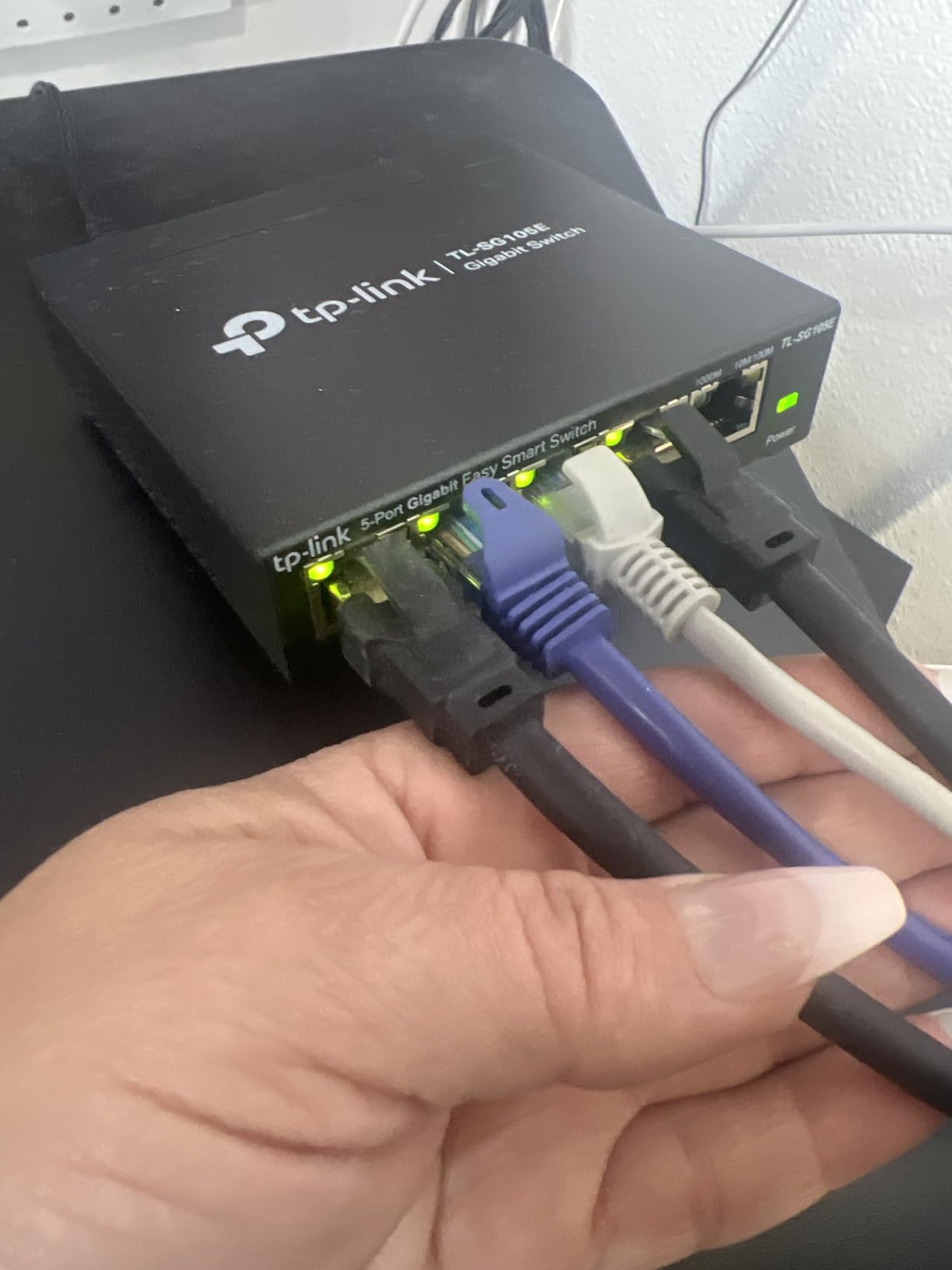
This is the switch I suggest to a remote worker who wants their work laptop on a different network segment from the smart TV, the doorbell camera, and the thermostat, but who does not want to learn a full managed platform. Five gigabit ports, an alloy steel body with shielded ports, and a 3.9 by 3.9 by 1 inch footprint weighing 0.43 kg.
Out of the box it behaves like a normal unmanaged switch. Plug it in and it forwards traffic immediately. Open the browser interface when you are ready, and you gain 802.1Q VLAN support, QoS, IGMP snooping, and port mirroring on a five-port box that still fits under a monitor.
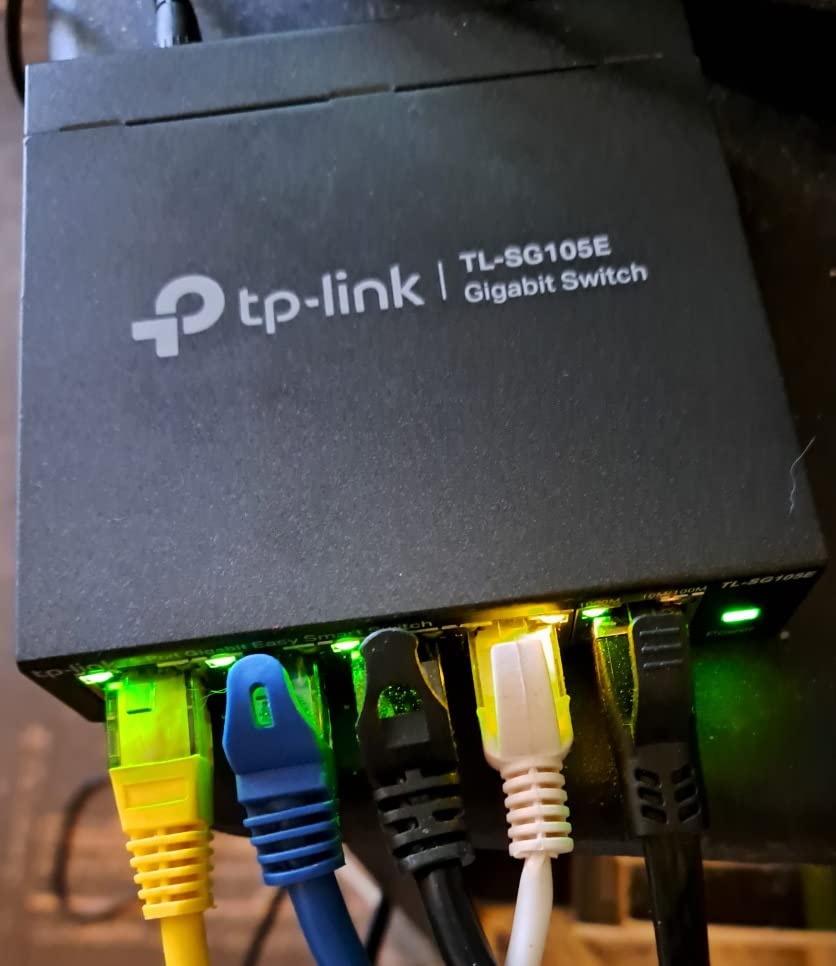
Reviewers like that it is both a no-fuss device and capable of real segmentation when needed, which makes it a common first upgrade from unmanaged hardware. It holds 4.7 stars across more than 13k reviews, and the 81 percent five-star share is a little lower than the pure unmanaged peers, which reflects occasional frustration with the basic web interface and the five-port ceiling rather than with reliability.
The limited lifetime replacement policy is a genuine differentiator among lightweight five-port boxes, and the shielded ports reduce interference in a home full of Wi-Fi gear. It also runs without an operating system of any kind, so there is no software stack to maintain.
Best for splitting work devices from home devices
Put your laptop, dock, and printer in one VLAN and your cameras, TV, and smart plugs in another, and you have solved the most common home office security problem without replacing your router. For a single desk, five ports is enough because the segmentation reduces how many physical ports you need.
It is also a good teaching switch. If you later move to a larger office, you will already know what VLAN tagging, IGMP snooping, and port mirroring do before you meet a full Layer 2 interface.
Skip this if you need more than five ports or deep management
One port goes to the router uplink, leaving four usable device ports, so this is a single-desk solution. If you have a NAS, two access points, a printer, and a console, you are already at the limit.
The management layer is deliberately shallow compared with the D-Link DGS-1100-08V2 or the Zyxel GS1200-5. There is no link aggregation and no Layer 3 routing here, and the browser interface covers basics only, so if you plan to grow into a small office network, buy the bigger managed box instead.
5. NETGEAR GS105NA: A Five-Port Switch With a Lifetime Warranty
NETGEAR 5-Port Gigabit Ethernet Unmanaged Network Switch (GS105NA)
5 x 1Gbps auto-negotiating ports
Fanless metal case
IEEE 802.3az
Limited lifetime hardware warranty
Pros
- Rated 4.8 stars with 6489 reviews
- Five gigabit ports with auto-negotiation
- Truly zero-configuration plug-and-play operation
- Compact metal design for desk or wall mounting
- Silent fanless design with 802.3az efficiency
- Limited lifetime hardware warranty
Cons
- Unmanaged with no VLANs or traffic prioritisation
- Only 5 ports with one typically used for uplink
- Higher outlay per port than 8-port alternatives
- Made for US and Canada use only
When two models tie on star rating, the one with the longer track record is usually the safer buy, and that is the case here. Five auto-negotiating gigabit ports in a 3.9 by 3.7 by 1.1 inch metal case weighing 200 g, with a limited lifetime hardware warranty behind it. That warranty term is the reason to take it seriously for a box you plan to leave powered on for a decade.
Operationally it is uneventful in the best way. It auto-negotiates on existing Cat5e and Cat6 wiring, it is fanless, and IEEE 802.3az energy efficiency keeps idle draw low. It works up to a 122 degree F upper temperature rating, which is useful in a garage office or a loft in summer.
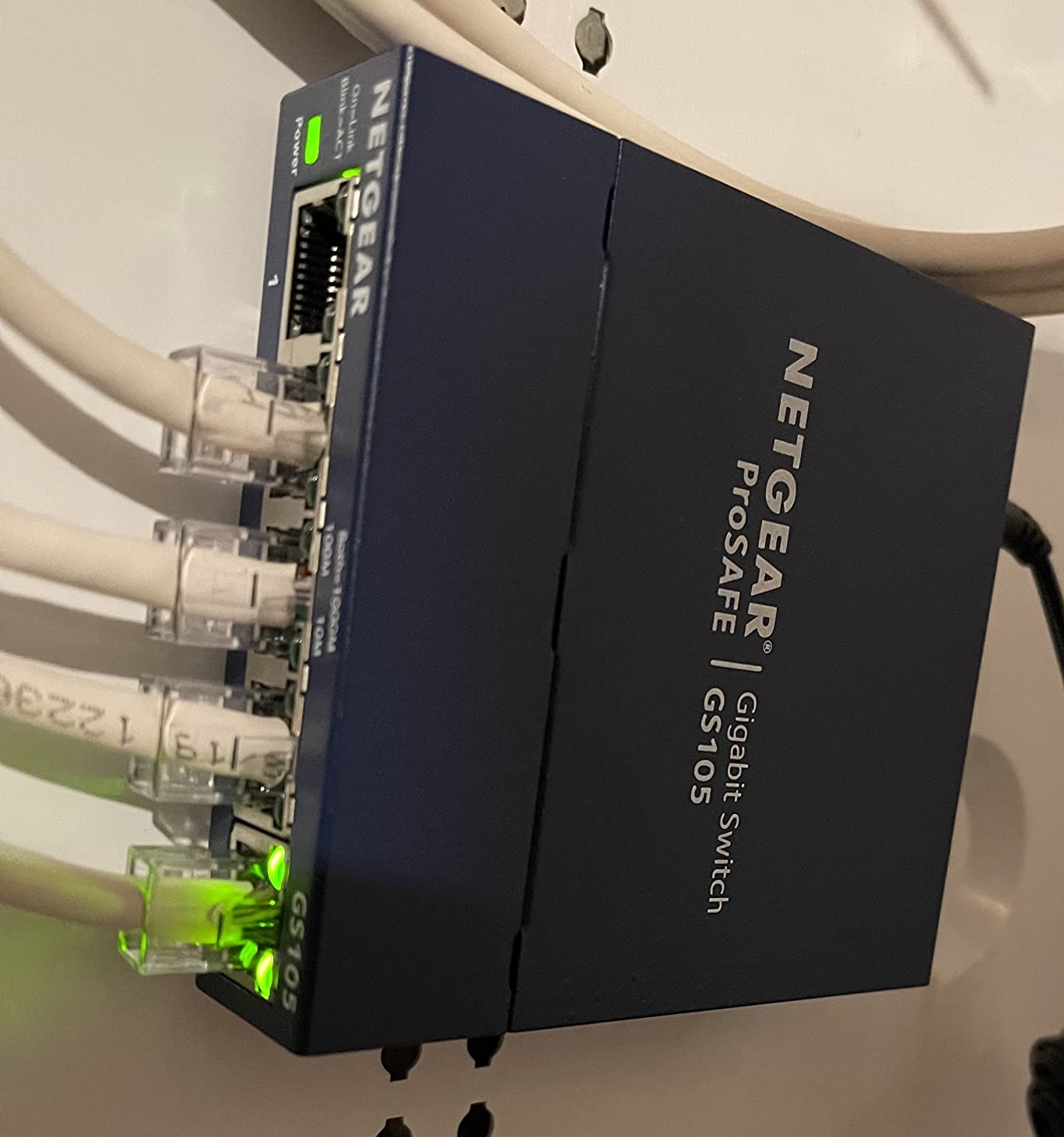
Reviewers emphasise rock-solid reliability, a durable metal case, easy desktop or wall mounting, and set-and-forget operation. It carries a 4.8 star average with 85 percent five-star scores across 6489 reviews, and the rating distribution is among the tightest in this roundup, with only 1 percent one-star.
The recurring criticism is value rather than quality. Five ports on this class of switch works out to a higher outlay per port than an 8-port box, so you are paying for the warranty and the brand rather than for port density. If your device count is genuinely small, that is a fair trade. If it might grow, buy the GS308 instead.
Best when you will keep the same setup for years
The limited lifetime hardware warranty is the deciding factor here. For a home office where a switch failure means an unplugged work laptop and a dead printer, the longer warranty term has real value.
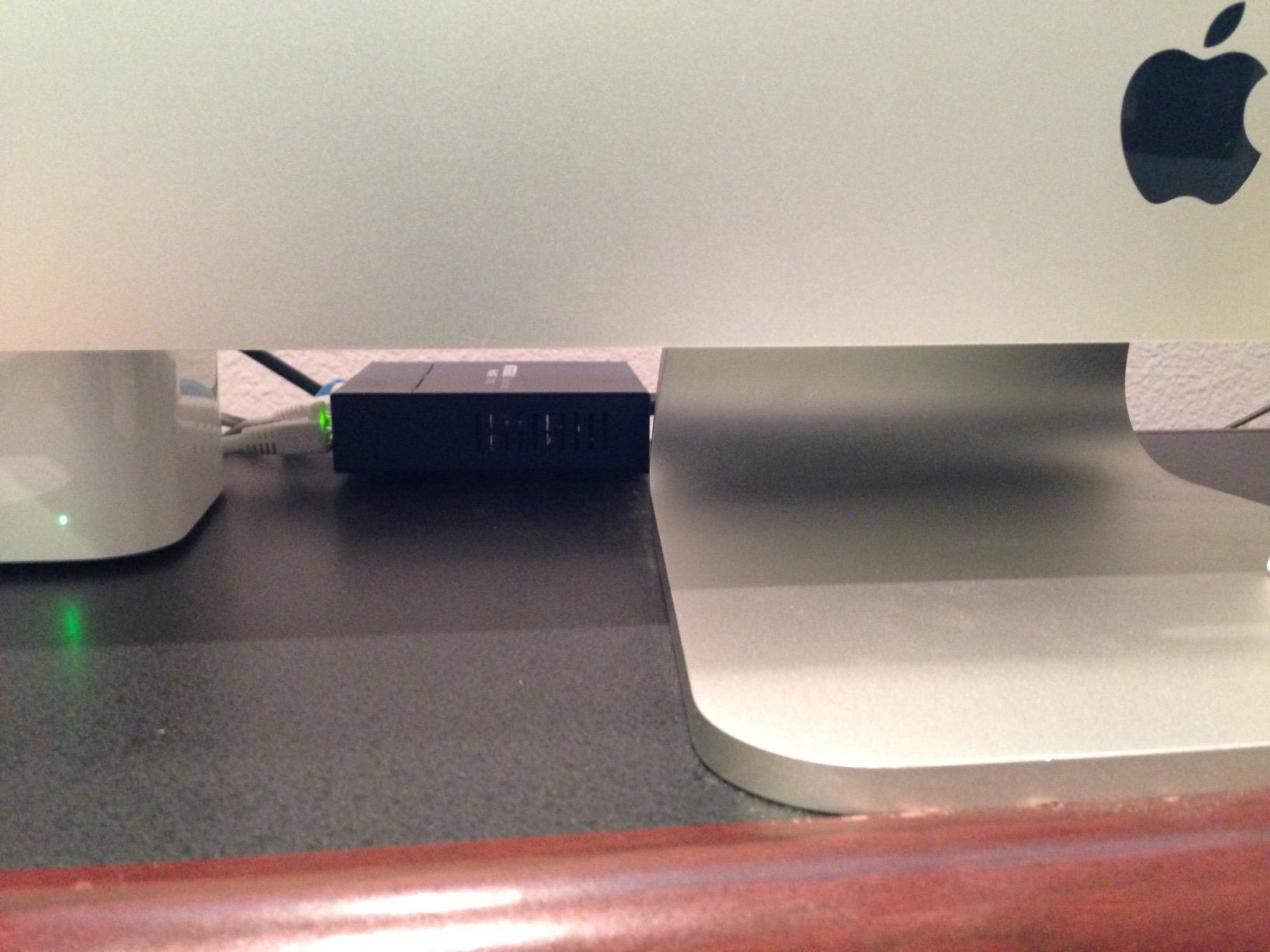
It is also small enough for a wall mount behind a desk, and the metal case means it does not need airflow from below, which matters more than most buyers expect in a drawer or a closed cabinet.
Skip this if port count matters more than warranty length
You get five ports, and one is usually the uplink, so this is a four-device switch. If you are running a NAS, an access point, a printer, and a docked laptop, that fits, but there is no headroom for a console or a second AP.
It is also unmanaged, so no VLANs and no prioritisation, and it is listed for US and Canada use only. Budget for the 8-port alternative if you want room to grow or if you are outside North America.
6. Tenda SG108: The Best Budget Eight-Port Switch
Tenda 8 Port Gigabit Ethernet Switch, Desktop Ethernet Splitter Plug & Play
8 x 1Gbps auto-negotiating ports
3W maximum power
Fanless silent metal body
3-year warranty
Pros
- Lowest outlay per gigabit port among the models here
- Eight wire-speed forwarding RJ45 ports
- Very compact metal profile for tight spaces
- Silent fanless operation with no software needed
- Automatic detection of parallel and intersecting lines
- 3-year warranty plus lifetime tech support
Cons
- Lowest star rating among the gigabit options
- Unmanaged with no QoS VLANs or monitoring
- Lightweight build next to the steel competitors
If the job is simply to get eight gigabit ports somewhere sensible in the house, this does it in the smallest, lowest-power package here. Eight 10/100/1000 Mbps auto-negotiating MDI/X RJ45 ports with wire-speed forwarding, in a 4.88 by 2.32 by 0.91 inch metal body that weighs 2.82 ounces.
The number that surprised me most is the power draw. Maximum power is listed at 3 watts for the entire eight-port switch, which makes it the right box for a hot closet, a loft, or anywhere you would rather not add a warm box next to your equipment. It is fanless and completely silent.
It is also the least proven model here. It carries a 4.5 star average with 77 percent five-star scores and 5 percent one-star across 2262 reviews, the lowest rating of the gigabit options in this group. The negative reviews focus on build weight and the total absence of management features rather than on failures in normal use.
Automatic detection of parallel and intersecting lines makes installation forgiving, which matters when you are crimping your own cable rather than running it through a wall. A 3-year warranty plus lifetime technical support is a reasonable safety net for a box this small.
Best for a second switch in a closet or far room
This is the ideal companion unit when your main switch is near the desk and you need ports somewhere else, such as a home office closet, a garage, or a room with an access point and a printer. Three watts and a tiny footprint make it easy to hide.
It is also the sensible pick for a student or a first home office where the requirement is eight wired ports and nothing else. You can always add a managed switch later and trunk the two together.
Skip this if you want a warranty you do not have to think about
The build is noticeably lighter than the steel competitors, and at 4.5 stars it sits below the other unmanaged gigabit models in this guide. If the switch is going in an enclosed, hot space, the heavier metal chassis of the D-Link DGS-108 dissipates heat better.
There is no QoS, no VLANs, and no monitoring of any kind, and the listing’s interface labelling has confused some buyers into expecting PoE that the switch does not provide. If you plan to add cameras later, choose the NETGEAR GS308EP instead.
7. NETGEAR GS308EP: The Best PoE Switch for Access Points and Cameras
NETGEAR 8 Port PoE Gigabit Ethernet Easy Smart Managed Switch (GS308EP)
8 PoE+ ports on a 62W budget
16 Gbps switching capacity
Easy Smart Managed web interface
Fanless desktop or wall mount
Pros
- 8 PoE+ ports with a 62W total budget
- Easy Smart Managed interface with VLANs QoS and port monitoring
- Uninterrupted PoE with per-port power control
- 8 x 1Gbps ports with 16 Gbps switching capacity
- Fanless silent and energy efficient
Cons
- 62W budget is shared across all eight ports
- Needs more shelf space than unmanaged desktop switches
- Plastic case unlike the metal bodies of cheaper models
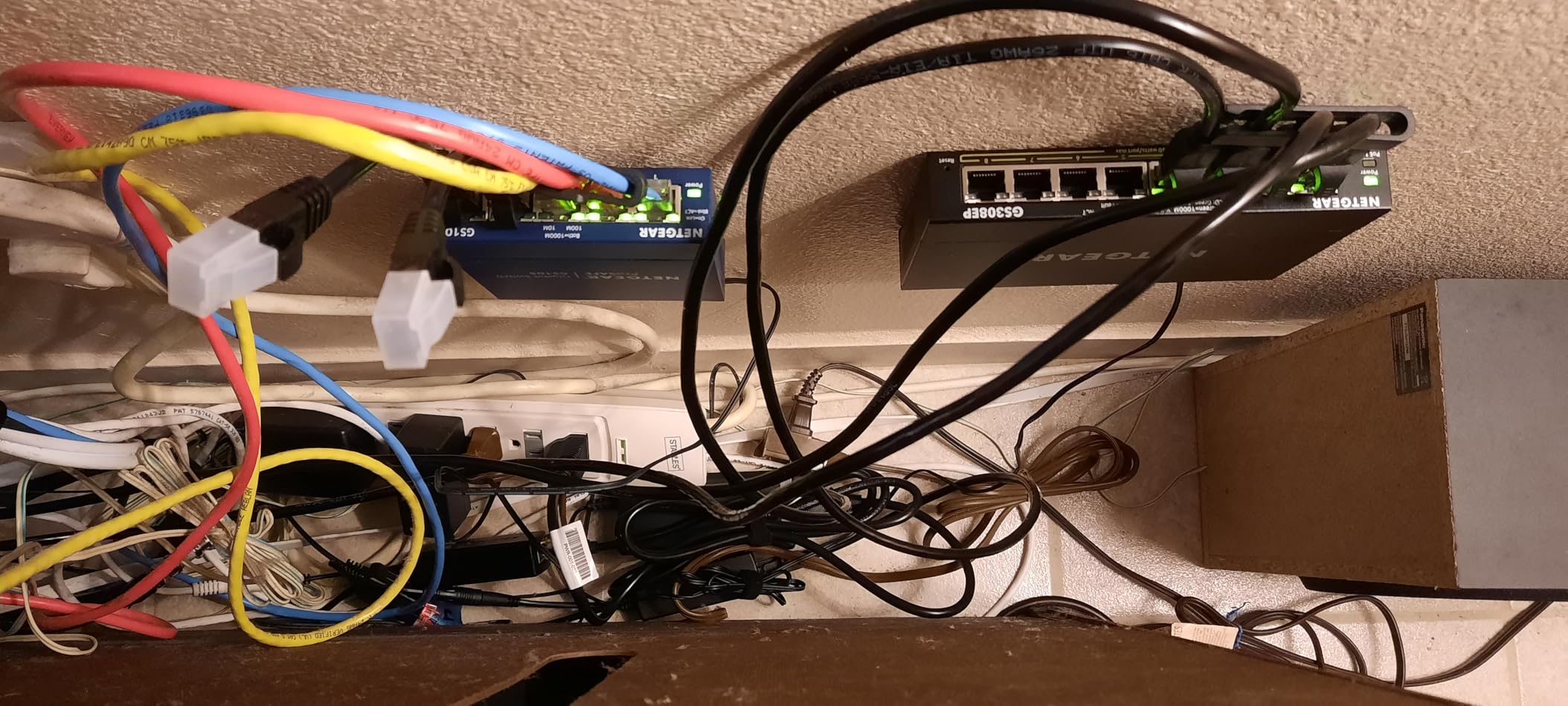
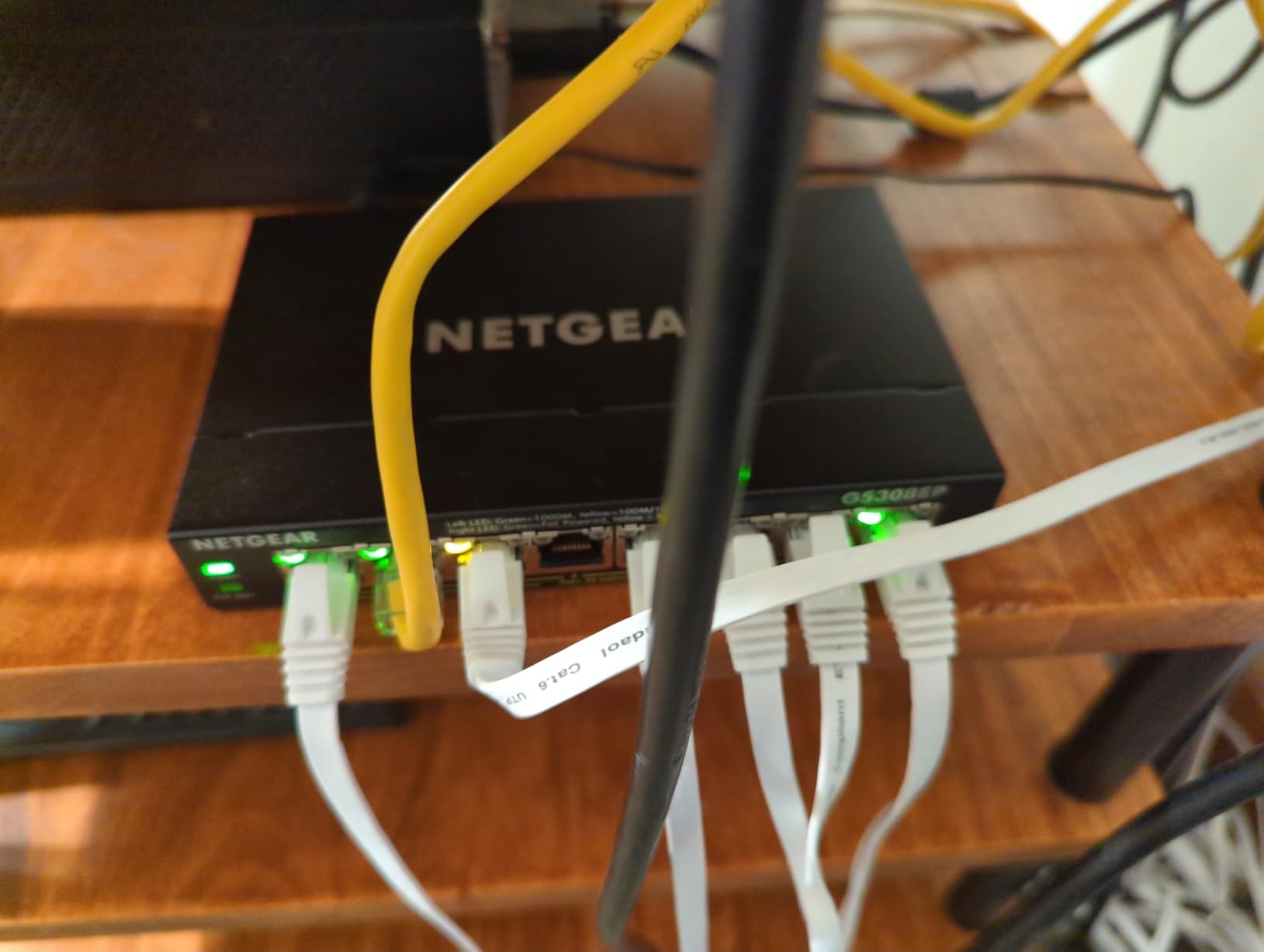
This is the box for a home office that is adding wired access points or IP cameras. All eight ports are PoE+ with a 62 watt total budget, which comfortably covers two access points and a camera or two without a power injector anywhere. Switching capacity is 16 Gbps across eight gigabit ports, so the backplane is not the limit.
It is the only model here that combines PoE with a browser-based management interface without needing a separate controller. The Easy Smart Managed interface gives you VLANs, QoS, port monitoring, and network security settings, and it supports uninterrupted PoE plus per-port power control so you can shut a camera down without pulling the cable.
Owners rate it at 4.8 stars across 1043 reviews with 87 percent five-star scores, the highest five-star share of any model here. The praise lands exactly where you would expect: the 62W budget works for a couple of access points plus cameras or phones, and the VLAN and QoS controls are the reason people reach past a plain unmanaged switch.
Do the arithmetic before you commit, because that budget is shared. It is a pool across all eight ports, not 62 watts each, so a handful of power-hungry cameras can exhaust it. Cameraegg’s sizing rule is a good one: make sure the total PoE budget exceeds your summed device draw by at least 20 percent.
Best for two or three access points plus cameras
Add up the power draw of every PoE device you plan to attach, add 20 percent, and check it against 62 watts. Two access points and one camera will sit inside that. Two access points and two IP cameras will not, and eight cameras never will.
Because it is managed as well as PoE-equipped, this is also the box to buy if you want your work VLAN separated from your camera VLAN on the same wiring, which removes the need for a separate injector switch elsewhere.
Skip this if you have no PoE devices or very little space
If nothing you own takes power over Ethernet, you are paying for a feature you will never use, and the GS308 gives you the same eight ports in a much smaller package. The web interface is also one of the better ones here, but it is still one more thing to learn.
The physical trade-offs are real. It measures 10.2 by 10.2 by 2.2 inches, weighs 1.1 kg, and has a plastic case, so it needs far more shelf space than an unmanaged desktop switch and it is not going on your desk unnoticed. A wall mount or a shelf in a closet is the right home for it.
8. BrosTrend 8-Port 2.5GbE: The Best Switch for a Fast NAS
BrosTrend 2.5Gb Switch, 8 Port Unmanaged Network Switch for Gaming, Fanless
8 x 2.5Gbps RJ45 ports
40 Gbps switching capacity
12W maximum power
Fanless plastic body
Pros
- 2.5 Gbps on all eight ports with 40 Gbps switching capacity
- Plain RJ45 ports so no SFP transceivers or fiber needed
- Handles several high-speed devices at once
- Completely silent fanless design
- No software installation required
Cons
- Unmanaged with no VLANs QoS or link aggregation
- End devices must support 2.5 GbE to see any benefit
- Plastic case and the widest rating spread in this group
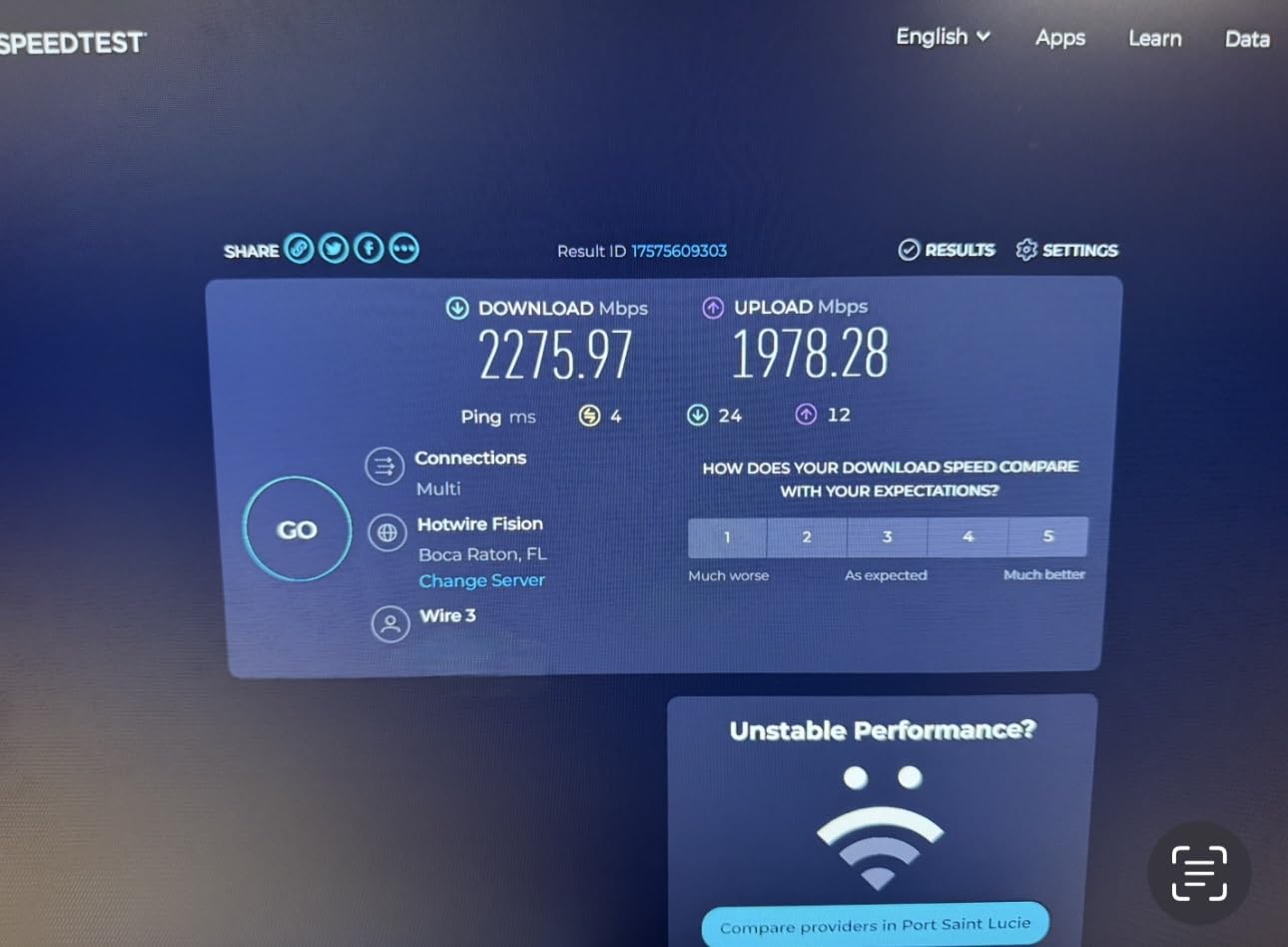
This is the fastest switch in the roundup, and it is fast for a specific reason: every one of the eight RJ45 ports runs at 2.5 Gbps with up to 40 Gbps of switching capacity behind them. A gigabit port moves 1 Gbps, so a 2.5 Gbps link moves roughly 2.5 times as much data per second, which is what large backups and multi-user NAS access actually need.
It is unmanaged, entirely fanless, and needs no transceivers. That last point matters more than it sounds, because multi-gig switches that require SFP modules mean buying optics separately, and that is where most people give up. This one is plain copper RJ45 and it just works.
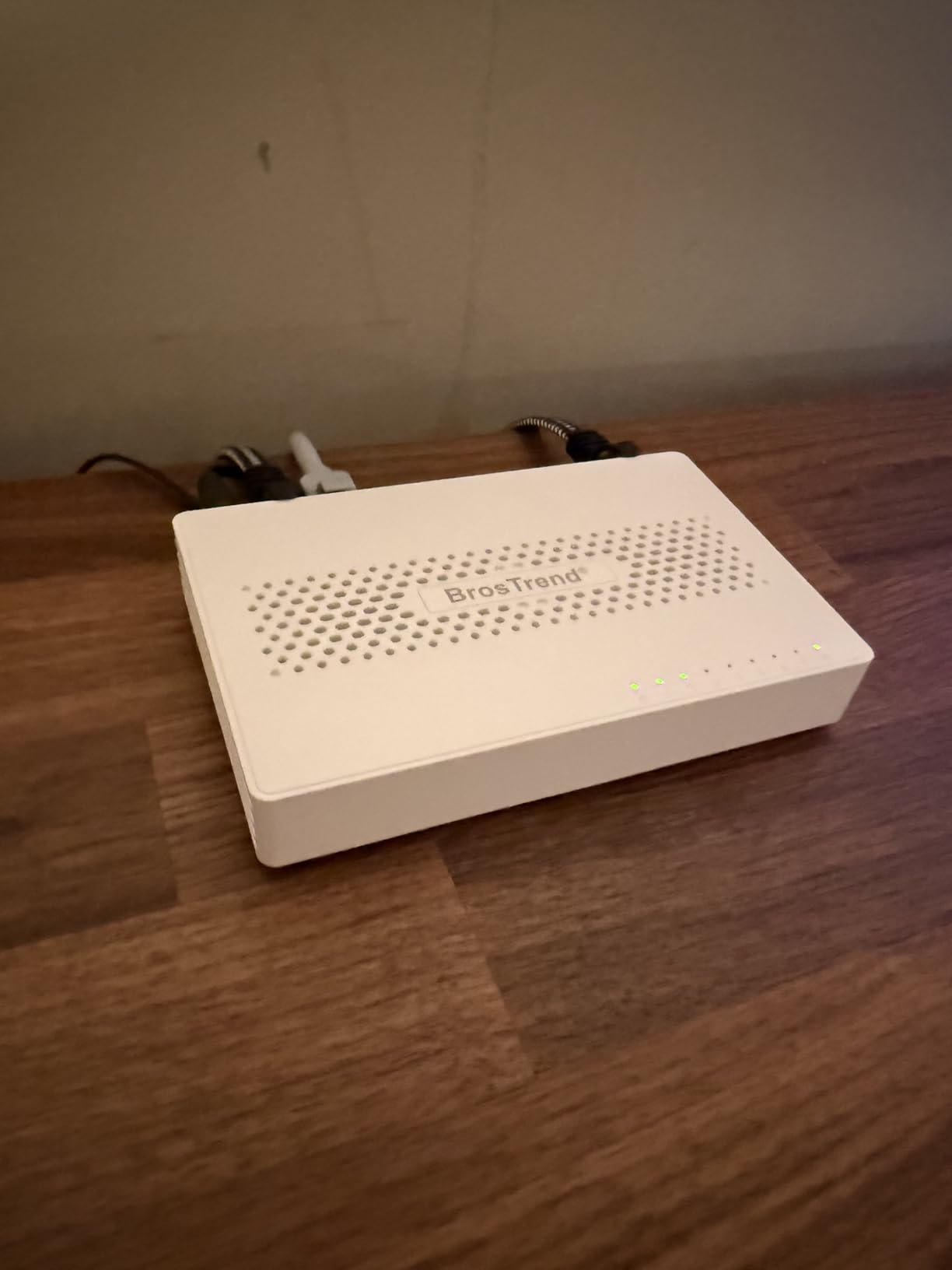
Maximum power draw is 12 watts, and the body measures 5.6 by 3.5 by 0.9 inches at 200 g. That is a sensible footprint for a shelf next to the NAS, and the fanless design means it adds no noise to a study. The listed data transfer rate is 2.5 gigabits per second per port, which is what you should expect from a single link.
The rating is the caution flag. It sits at 4.4 stars with 77 percent five-star but also 10 percent one-star, the widest spread of any model here. Negative reviews cluster around the unmanaged design and around occasional stability complaints under sustained multi-gig load, so if your NAS is the only device that can use 2.5G, read the recent reviews before you commit.
Best when your NAS or laptop can use more than a gigabit
A 2.5GbE port only helps if the device on the other end has a 2.5GbE port too. Modern laptops, recent desktop boards, and most network storage enclosures now include one, so this is the fastest-moving category in the home office market and the first place to spend extra money.
The 40 Gbps switching capacity means eight devices can each run at full 2.5 Gbps simultaneously with no headroom contention, so a NAS, two workstations, a console, and an access point can all be wired to it at once.
Skip this if your devices are still gigabit only
If everything you own tops out at 1 Gbps, this switch will do exactly what a plain unmanaged gigabit switch does, for more money and with a wider rating spread. Check the specification of your laptop and your NAS enclosure before buying.
There are no VLANs, no QoS, and no link aggregation, and the case is plastic rather than metal. If you want multi-gig speed plus segmentation in one box, expect to need a managed multi-gig model, which sits well above this price bracket.
9. D-Link DGS-1100-08V2: The Best Switch for VLAN Segmentation
D-Link 8-Port Gigabit Smart Managed Ethernet Switch, L2,VLANs, QoS, IGMP Snooping, LAG, Sturdy Metal with Shielded Ports, Desktop, Fanless, Follows NDAA/TAA, Lifetime Product Coverage (DGS-1100-08V2)
8 x 1Gbps ports
802.1Q VLANs with QoS and IGMP snooping
Storm control and static MAC
Web interface for local or remote management
Pros
- Real Layer 2 smart managed features at a budget level
- 802.1Q VLANs plus QoS and IGMP snooping
- Sturdy metal case with shielded ports
- Fanless and 802.3az compliant for silent efficient running
- Complete web interface for local or remote management
- Backed by a limited lifetime warranty
Cons
- Requires web-interface configuration before smart features work
- Only basic Layer 2 management with no LACP or Layer 3 routing
- Smaller review base than the established models
- NDAA and TAA positioning targets government buyers
This is the pick for a remote worker who has decided that work devices and home devices should not share a broadcast domain. Eight gigabit ports in a 5.75 by 3.25 by 1.1 inch metal case weighing 11.2 ounces, with a shielded-port chassis and a limited lifetime warranty.
Where the TL-SG105E gives you a taste of management, this gives you the real Layer 2 feature set: 802.1Q VLAN support, bandwidth control, QoS, IGMP snooping, storm control, and static MAC entries, all from a complete web interface you can reach locally or remotely. It also supports 802.1D, 802.1w, and 802.1s spanning tree protocols.
Buyers looking for VLAN segmentation without jumping to enterprise hardware find this compelling, particularly for isolating IoT or guest traffic. It is fanless and 802.3az compliant with link status detection, so it stays silent and sips idle power, and it is desktop or wall-mountable with the hardware in the box.
Two honest warnings. First, the review base is small, with 258 ratings and a 4.4 star average, and 5 percent one-star scores, so you have less long-term reliability data than the established models in this list. Second, the smart features need initial web-interface configuration before they do anything, which is a step that puts off buyers who wanted pure plug-and-play.
Best for isolating work, IoT, and guest networks
Put your work laptop and dock on VLAN 10, your smart TV, doorbell, and plugs on VLAN 20, and guests on VLAN 30 with no access to either. This is the configuration that justifies buying a managed switch instead of a cheaper unmanaged box, and it is the reason most home offices that upgrade, upgrade.
It is a sensible size for a two-person home office or a small consultancy, and the desktop footprint is compact enough for a shelf rather than a rack.
Skip this if you want link aggregation or Layer 3 routing
Management stops at basic Layer 2. There is no LACP link aggregation and no Layer 3 routing, so if your plan involves bonding two uplinks or routing between subnets, the Zyxel GS1200-5 or a larger managed model is the correct direction.
Also set expectations on support positioning. This model is marketed partly on NDAA and TAA compliance, which is aimed at government buyers rather than typical home office use, and with only a few hundred reviews you are taking on more uncertainty than with the TP-Link or NETGEAR models.
10. Zyxel GS1200-5: The Best Small Switch With Link Aggregation
Zyxel 5 Port Network Ethernet Switch | Web-Managed | GS1200-5V3
5 x 1Gbps ports
10 Gbps switching capacity and 7.44 Mpps
LACP on ports 3 and 4
Fanless with LED ECO mode
Pros
- Web management with 802.1Q VLAN QoS mirroring and storm control
- LACP link aggregation on ports 3 and 4
- 10 Gbps switching capacity with 15 KB jumbo frames
- Fanless passive cooling at zero acoustic noise
- LED ECO mode disables port lights
- 802.3az energy efficiency with automatic loop prevention
Cons
- Lowest star rating in this group at 4.3 stars
- Only 5 ports and LACP limited to two specific ports
- Smallest review pool so less long-term reliability history
- Web interface can feel dated
It is the only five-port box here with link aggregation, and its management set is the deepest on five ports. Switching capacity is 10 Gbps with a 7.44 Mpps forwarding rate, and it handles 15 KB jumbo frames, which is larger than the 9 KB frames the D-Link DGS-108 supports.
Ports 3 and 4 support LACP, so you can bond two connections for a wider uplink to a server or NAS with failover. That is a real capability the D-Link DGS-1100-08V2 does not offer, and for a home lab or a small office with a storage server, it is the feature that justifies the choice.
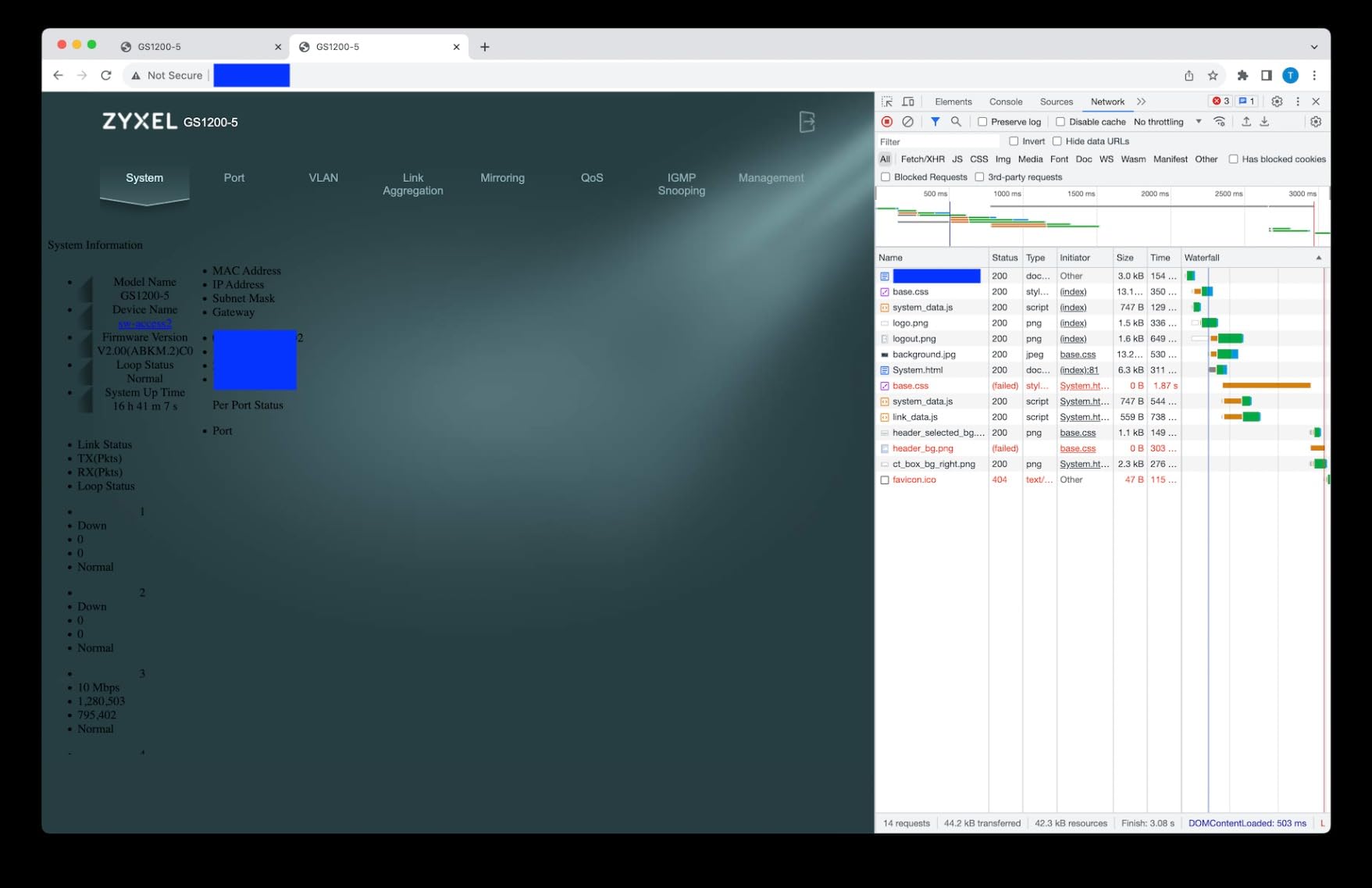
The rest of the management set is unusually complete for a five-port box: 802.1Q VLAN tagging, weighted round robin QoS, IGMP snooping v1 through v3, port mirroring, broadcast storm control, a 4K MAC table, and automatic loop prevention. Cooling is entirely passive, so it produces no acoustic noise at all.
The LED ECO mode is a small thing that matters at a desk. You can disable the port lights from a front-panel button or the GUI, which solves the dark-room complaint that several other models in this guide attract. Owners like the silent chassis, the ECO mode, and the included power adapter.
Best for a small home lab with a storage server
If you run a NAS, a homelab box, or a single server, bonding two ports for a wider, failover-capable uplink is the reason to choose this over the other five-port models. The 10 Gbps switching capacity and 15 KB jumbo frames are well matched to large file transfers.
It is also the pick for anyone who wants VLANs, port mirroring, and storm control in a body small enough to sit behind a monitor, with lights they can switch off.
Skip this if stability history matters more than features
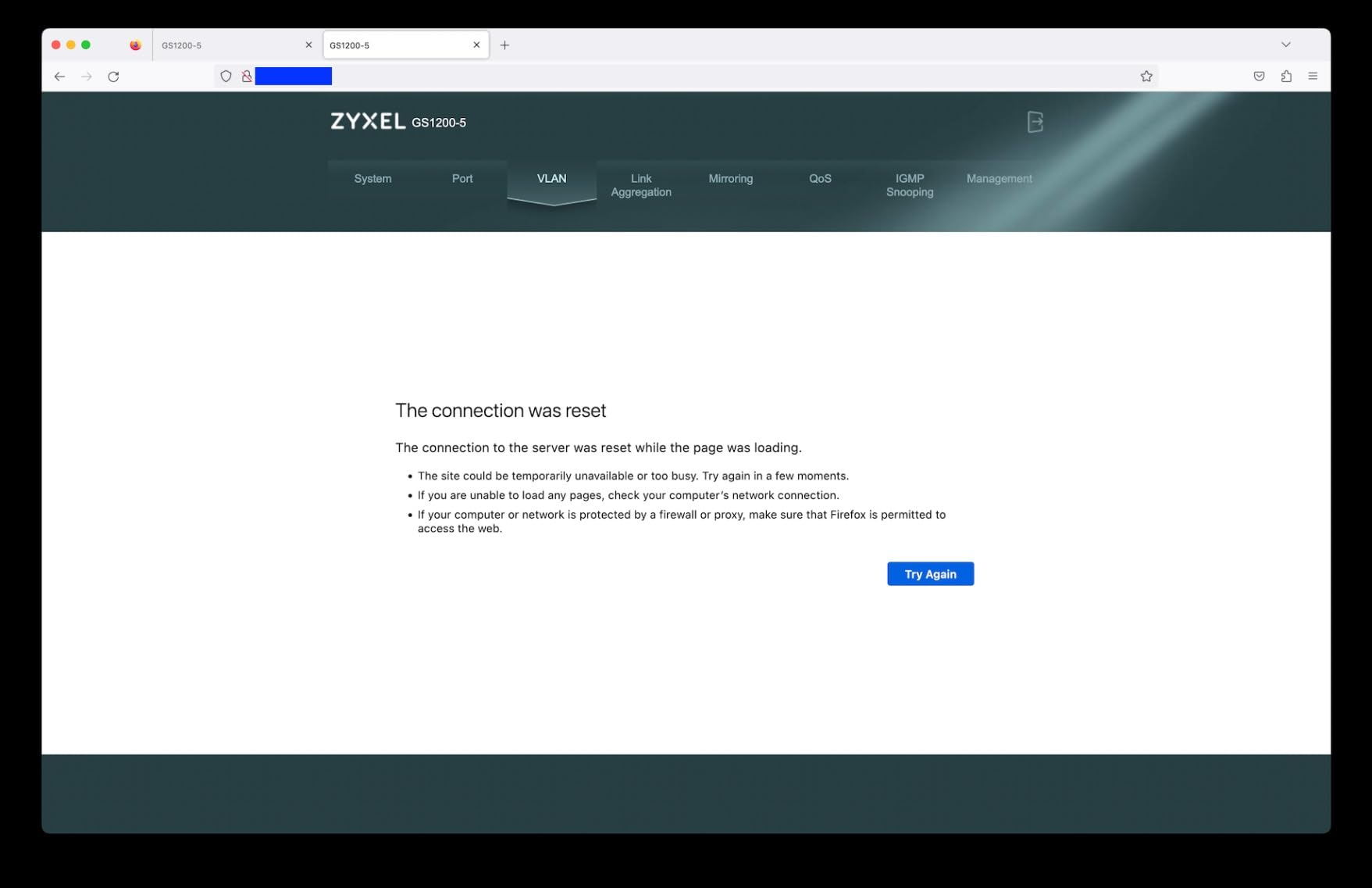
It carries the lowest star rating in this guide at 4.3, with 64 percent five-star, 4 percent two-star, and 6 percent one-star scores, and its 168 reviews make it the smallest review pool by a wide margin. Several buyers describe the web interface as functional but dated.
The LACP pairing is also fixed to ports 3 and 4, so you cannot bond any two ports you like, and you need a browser to reach the management features at all. If you want a switch that disappears into the background, choose the TL-SG105 instead.
11. Ubiquiti UniFi Switch Lite 16 PoE: The Best Managed Switch Inside One Ecosystem
Ubiquiti – UniFi Switch (USW-Lite-16-PoE, 16 Gigabit Ethernet Ports, 8 PoE+ Ports, Wall Mounted)
16 x 1Gbps ports
8 PoE+ ports with 45W budget
Managed via UniFi controller and app
Metal body with wall mount kit
Pros
- Fully managed Layer 2 switch with 16 gigabit ports
- 8 ports supply automatic 802.3at PoE+ up to 45W
- Configured and monitored graphically from the controller and app
- Metal enclosure with wall mount kit included
- Consolidates switch access point and camera management
Cons
- Costs considerably more than the other models here
- Requires the UniFi controller to deliver any management value
- Only a 45W PoE budget across 16 ports
- Included 60W external adapter is a bottleneck for a full load
This one only makes sense if you already run the UniFi ecosystem, and if you do, nothing else in this guide manages a whole network from one dashboard. Sixteen gigabit Ethernet ports in a metal enclosure measuring 7.87 by 5.91 by 5.91 inches at 1.2 kg, with a wall mount kit in the box for a tidy installation.
Eight of those ports provide automatic 802.3at PoE+ with up to 45 watts in total. That is enough for access points and a couple of cameras, but note it is a lower budget spread across more ports than the NETGEAR GS308EP, which concentrates 62 watts into eight ports.
The management is the reason to buy it. The switch is configured and monitored graphically through the UniFi network controller and the mobile app from anywhere, and it consolidates switch, access point, and camera management into one dashboard. Reviewers who are already invested in that ecosystem rate it at 4.7 stars across 304 reviews, with 86 percent five-star scores.
The dependency is the whole argument, both ways. If you do not run the controller, you have a fanless 16-port gigabit switch with 45 watts of PoE and nothing to configure it with. And the included 60 watt external power adapter is tight when the PoE budget and data load are both high, so check whether your device count and power needs fit inside it.
Best for a whole-home office and access point setup
Sixteen ports is enough for a home office, a home lab, and several access points on one box, and managing all of it from one app is genuinely simpler than juggling a browser interface on three separate devices. Remote configuration and monitoring from a phone is the feature owners cite first.
Choose it when access points and cameras need PoE and you want VLANs, and the ecosystem argument pays for itself. The metal body and included wall mount kit make it a tidy fit in a closet or a utility room.
Skip this if you do not run UniFi already
It is by far the most expensive option here, and the management value depends entirely on the UniFi network controller being something you already have or already want. Without it, you are overpaying for a fanless 16-port gigabit box with modest PoE.
Watch the power budget too. At 45 watts spread across the eight PoE+ ports, with a 60 watt external adapter, several power-hungry devices could exhaust both. And check the port count in the listing carefully before ordering, because the feature copy on some pages describes a different number of ports than the 16-port model designation implies.
12. TRENDnet TEG-S80G: The Best Mini Switch Built for Long Term Use
TRENDnet 8-Port Mini Gigabit Switch, TEG-S80g, Ethernet Splitter
8 x 1Gbps ports
16 Gbps switching capacity
Mini fanless metal case 4.96 x 2.04 in
Limited lifetime warranty
Pros
- Pocket-sized metal housing for tight spaces
- Eight gigabit ports with 16 Gbps switching capacity
- GREENnet energy saving adjusts power automatically
- Long track record with units running for years
- Fanless metal construction and wall mountable
- NDAA and TAA compliant with lifetime protection
Cons
- Unmanaged with no configuration VLANs or stats
- Activity LEDs flash very fast and two per port bleed together
- Front panel does not label the LED color coding
- Bulky wall-wart power adapter takes several strip sockets
It is the one to reach for when long-term owner reports matter more than a feature list, and it is also among the smallest. Eight gigabit ports with 16 Gbps switching capacity in a 4.96 by 2.04 by 0.94 inch metal housing that weighs 5.28 ounces. It is the switch to slide behind a TV stand or onto a shelf with two inches of clearance.
It holds a 4.6 star average across 1709 reviews, and the long-term reports are the interesting part: owners describe multiple units running for years with no lockups, no overheating, and no reboots. The fanless metal case runs very cool, and GREENnet technology adjusts power consumption automatically to reduce draw.
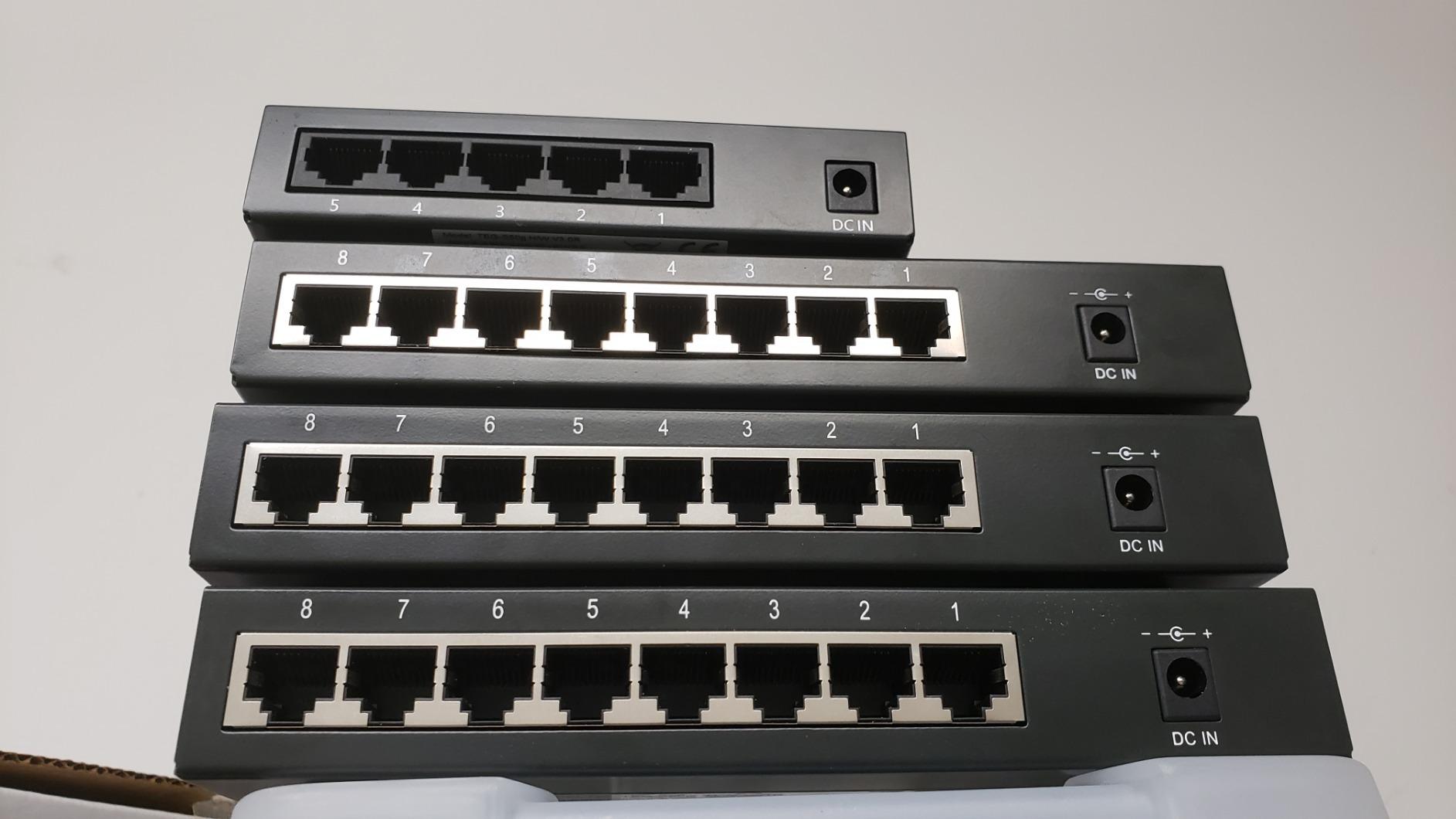
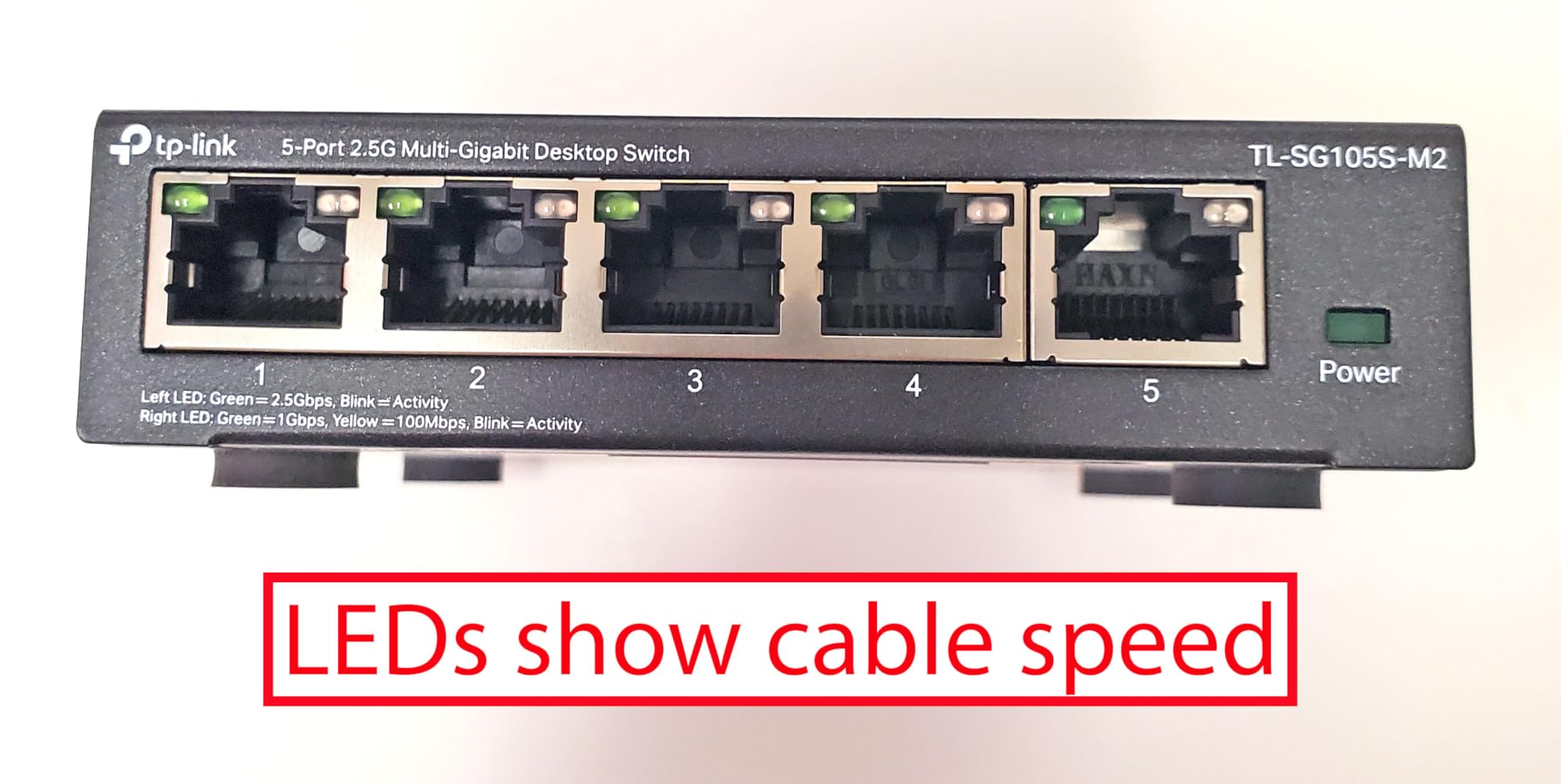
The most repeated specific complaint is the LED design. Activity LEDs flash very fast and are hard to read from across a room, the two LEDs per port bleed together when you view them at an angle, and the front panel does not label the colour coding for link speed. If your switch sits in view rather than out of sight, that is a genuine annoyance.
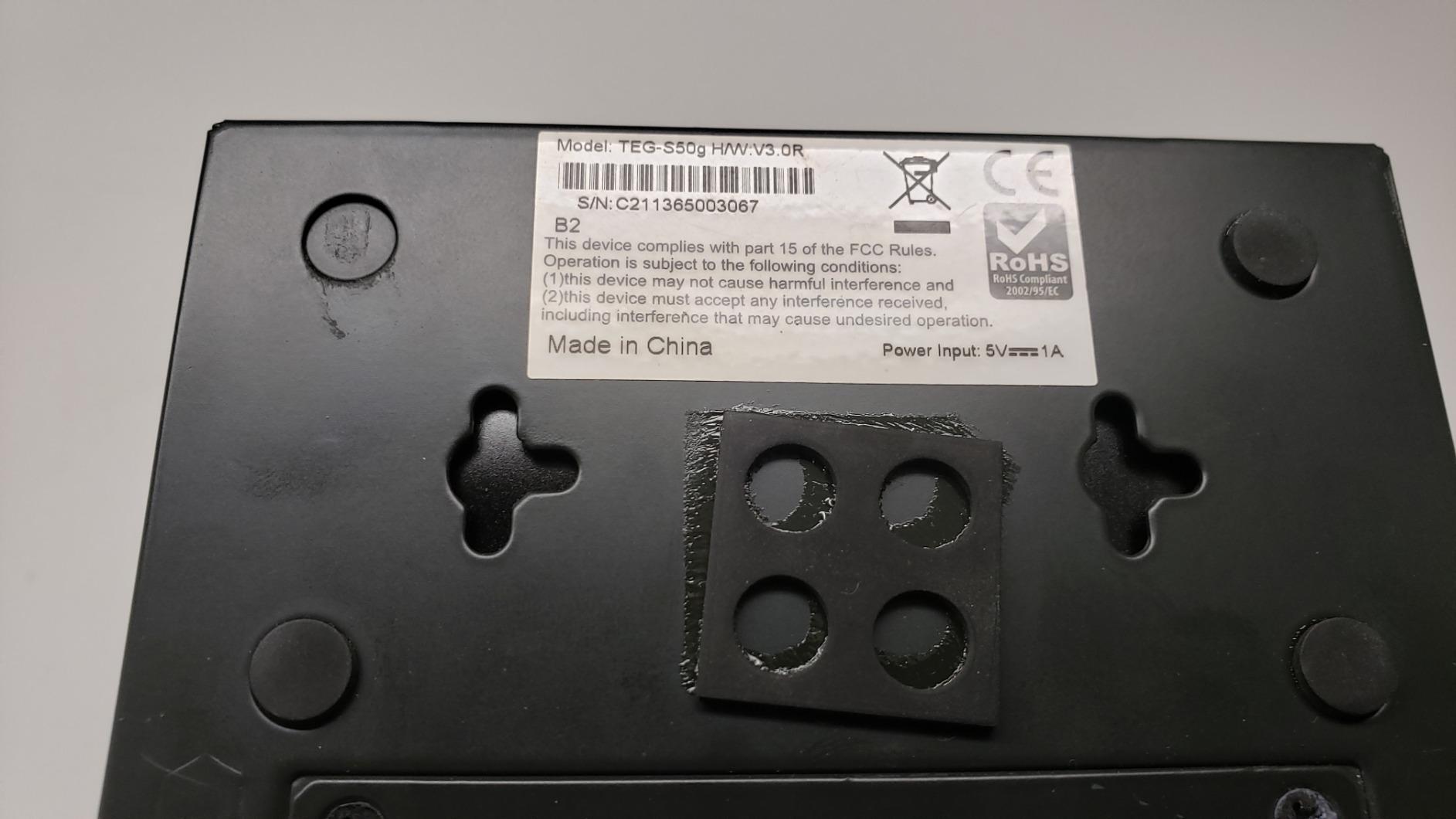
The bundled wall-wart power adapter is also frequently mentioned as bulky, taking up more than one socket on a power strip. A few reviewers also lost earlier units to nearby lightning strikes, and the limited lifetime warranty applies to models made after 2015, so check the manufacture date on the box when you receive it.
Best for hiding a switch in plain sight
At under 5 by 2 by 1 inches this is easy to conceal, and it is wall-mountable with no configuration required. It is a good second switch for a media cabinet, a hallway cupboard, or a room where an access point and a printer need ports.
It is NDAA and TAA compliant with limited lifetime protection, and the switching capacity of 16 Gbps means all eight ports can run at line rate without contention.
Skip this if the switch will be in your field of view
The LED behaviour is the deal breaker for a desk-adjacent placement, and there is no ECO mode here to switch the lights off. If you want silence and darkness, the Zyxel GS1200-5 with its LED ECO mode is the better match.
It is also unmanaged, so no VLANs, no QoS, and no traffic statistics, and the wall-wart adapter is an old-fashioned way to supply power. For a visible, feature-rich desk switch, choose the TL-SG105E instead.
How to Choose a Network Switch for a Home Office: 6 Steps?
Work through these in order and the right box becomes obvious. Most buyers do the steps out of order, buy a managed switch with features they never touch, and then wonder why it sits unused.
1. Count your wired devices, then add the uplink. Every switch needs one port going back to your router, so a five-port switch is a four-device switch. Count the laptop, dock, monitors with wired connections, printer, NAS, console, game PC, and access points, then add 20 to 30 percent headroom for growth. Under five devices means five or eight ports. Six to ten means eight or sixteen. More than ten means sixteen or twenty-four, and consider a rack-mount chassis.
2. Decide the management tier honestly. An unmanaged switch is a junction box you cannot configure. A smart managed switch adds VLANs, QoS, and IGMP snooping through a browser. A fully managed switch adds Layer 3 routing, link aggregation, and deeper monitoring. If you have a single flat home network, stay at the bottom two tiers.
3. Work out whether you need PoE. PoE (802.3af) delivers about 15.4 watts per port. PoE+ (802.3at) delivers up to 30 watts per port, and PoE++ (802.3bt) goes to 60 or more. You need PoE only if you are powering access points, IP cameras, VoIP phones, or some Wi-Fi mesh nodes over the cable. If every device has its own power brick, buy a non-PoE switch and spend nothing on a feature you cannot use.
4. Match the speed to your devices, not to the future. Gigabit is the right default for a home office. Move to 2.5GbE when your laptop or NAS has a 2.5GbE port and you are transferring large files. Ten Gigabit is a homelab and backbone answer, not a single-desk answer, and it needs Cat6a or better to hit full distance. Remember that the cable is the real ceiling: 2.5GbE generally runs fine on Cat5e, while 10GbE over copper really wants Cat6a.
5. Match the noise to the placement. Desk-adjacent means fanless, full stop. Every switch in this guide is fanless, which is a good sign for this category, but check the chassis material: a metal case dissipates heat passively and quietly, while a light plastic body in an enclosed shelf can run warmer. Closet placement has no such constraint.
6. Read the warranty before the spec sheet. A limited lifetime hardware warranty, offered by D-Link, TRENDnet, and TP-Link on some models, is a real long-term advantage over a three-year term. In a home office a switch failure means an unplugged work laptop, so the longer warranty has genuine value.
Managed vs Unmanaged: When You Pay for Control
An unmanaged switch is a junction box you cannot really change anything on. It receives a frame on one port and repeats it only out of the port leading to its destination, so every device gets its own dedicated gigabit connection with no configuration at all. That is the correct answer for most home networks, and Quora’s summary of the forum view is the one we agree with: most home networks are simple single-subnet setups where an unmanaged switch is the better choice for most people.
A smart managed switch adds a browser interface. That is where 802.1Q VLAN tagging, QoS, IGMP snooping, port mirroring, and storm control live. There are four legitimate reasons for a home office to pay for that layer.
First, separating work devices from home automation, so a work laptop and a doorbell camera are not on the same broadcast domain. Second, PoE, if you need to power access points or cameras. Third, QoS, so a video call keeps its priority while a nightly backup runs. Fourth, remote management, so you can check port status and power-cycle a camera from your phone instead of walking to the cupboard.
The cost of getting it wrong is real. A managed switch with no plan to configure it becomes an unmanaged switch with a worse price, and the learning curve in a home office where nobody is paid to maintain infrastructure is the reason feature paralysis shows up in every home networking forum we reviewed. Buy managed hardware only when you can name the VLAN or the PoE device that requires it.
PoE Budget Math for Access Points and Cameras
PoE is where home office buyers get caught, because a switch listing rarely tells you that the wattage is a shared pool. The number that matters is the total PoE budget, not the per-port maximum, and the per-port maximum is usually the number the marketing leads with.
Take the NETGEAR GS308EP as the worked example. Eight PoE+ ports sharing a 62 watt total budget works out to about 7.75 watts per port if you filled every port at once. Two Wi-Fi 6 ceiling access points can draw close to 20 watts each on their own, which leaves roughly 22 watts for anything else across the remaining six ports, and that is usually not enough for two cameras as well. That is the arithmetic that prevents a disappointing afternoon.
The sizing rule we use is simple: sum the maximum power draw of every PoE device, add 20 percent, and confirm the total is under the switch budget. If it is not, you need a larger budget, a second PoE switch, or a lower-power device. The Ubiquiti USW-Lite-16-PoE shows the other side of the same problem, with 45 watts spread across eight PoE+ ports and a 60 watt external adapter, which is tighter still.
Also check the cable. PoE on standard 802.3af and 802.3at runs to the 100 metre limit of a Cat5e or Cat6 run, which is fine for a home office. PoE++ (802.3bt) at higher wattages generally requires solid copper Cat6a, and mixing it with thinner cable is where installations get mysterious.
Why Your Wired Speed Collapses Through a Switch?
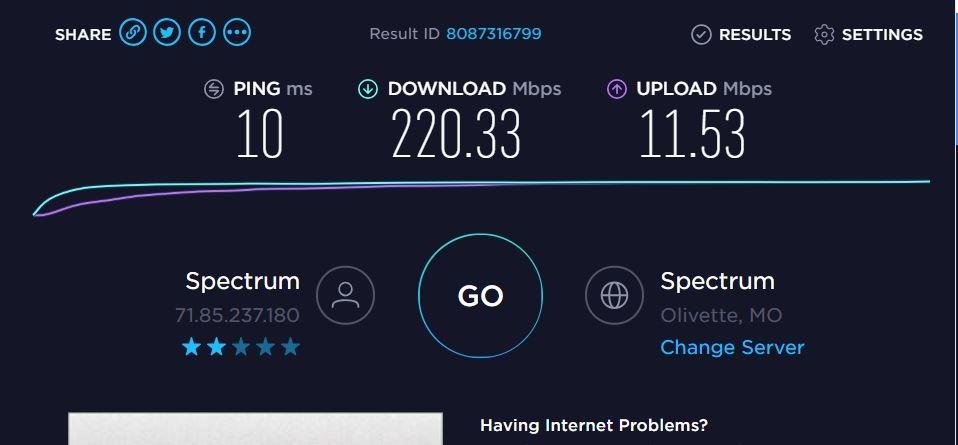
If a wired device that tests fast at the router crawls to a fraction of that once you plug in through a switch, the switch is the problem, not the cabling. One Reddit r/HomeNetworking user reported an 800 Mbps connection dropping to 50 Mbps download through an Intellinet five-port Gigabit switch, and that complaint has no editorial answer anywhere, so here is how to narrow it down.
Check the port speed first. A device that negotiates at 100 Mbps instead of 1 Gbps delivers roughly a tenth of the throughput, and that matches a 50 Mbps result almost exactly. A bad cable, a damaged RJ45 crimp, or a switch port with a bent pin will force a 100 Mbps fallback without any error message.
Look at the link and activity LEDs. If the speed LED shows the lower-speed colour on either end of the run, the negotiation has already failed. Swap the cable first, because it is the cheapest variable to change and the most common cause.
Test a port at a time. Move one device to a different port on the switch. If the speed recovers, you have found a bad port. If it does not, move the device to a known-good port on the router to isolate whether the switch or the cabling is at fault.
Rule out the network adapter. An adapter or driver that only supports 100 Mbps looks identical to a cable problem from the outside, and this is common on older laptops and on machines with USB-to-Ethernet adapters.
Watch for a duplex mismatch. A port forced to half duplex, or a very cheap switch with a weak backplane, will deliver line-rate numbers on a single small transfer and then collapse when several devices transmit at once. The switches in this guide all advertise non-blocking or well-exceeding switching capacity relative to their port speeds, which is exactly the number to compare when you suspect a bottleneck.
Frequently Asked Questions
What is the best switch for a home network?
The TP-Link TL-SG105 is the best overall choice for a home network: five fanless metal gigabit ports, no configuration needed, a 3-year warranty and a 4.7 star rating across more than 129k reviews. If you have six or more wired devices, take the 8-port NETGEAR GS308 instead.
What are the best managed switches for a home network?
For home VLAN segmentation, the D-Link DGS-1100-08V2 gives you 802.1Q VLANs, QoS, IGMP snooping and storm control in a fanless 8-port metal box. For the simplest first step, the TP-Link TL-SG105E adds VLAN and QoS over a browser on five ports. For LACP link aggregation, the Zyxel GS1200-5 is the only 5-port option here. Inside a single ecosystem, the Ubiquiti UniFi Switch Lite 16 PoE is fully managed from the controller and app.
Which switch is better, Netgear or TP-Link?
For a plain unmanaged plug-and-play switch, TP-Link leads on review volume with the TL-SG105 at more than 129k reviews and 4.7 stars, while NETGEAR leads on star rating with the GS308 at 4.8 stars across more than 54k reviews. Choose TP-Link for the compact 5-port option and for the TL-SG105E if you want VLANs through a browser. Choose NETGEAR when you need 8 PoE+ ports, as only the GS308EP provides power over Ethernet here.
What is the best network switch for a small business?
For a small office of 5 to 10 staff, the NETGEAR GS308EP is the strongest pick in this roundup because it combines 8 PoE+ ports on a 62 watt budget with VLANs, QoS and port monitoring in one fanless box. If you do not need PoE, the D-Link DGS-1100-08V2 provides the same Layer 2 segmentation features on 8 gigabit ports without PoE hardware.
Which brand of network switch is considered the best?
There is no single best brand, but each is strongest at something. TP-Link is strongest for cheap, silent, unmanaged gigabit and for simple browser-managed VLANs. NETGEAR is strongest for reliability and for PoE. D-Link is strongest for streaming features and Layer 2 segmentation, with limited lifetime coverage. Ubiquiti is strongest if you already run the UniFi controller, and TRENDnet and Tenda cover the low-cost and very compact ends.
Which 8-port switch is best for a home network?
The NETGEAR GS308 is the best general 8-port switch, holding 4.8 stars across more than 54k reviews with a metal chassis, fanless operation and 802.3az energy saving. For streaming-heavy homes the D-Link DGS-108 adds 802.1p QoS and IGMP snooping. For the lowest cost per port the Tenda SG108 draws only 3 watts in total. For VLANs on 8 ports, the D-Link DGS-1100-08V2 is the managed option.
Do I need a managed switch for a home office?
Only if you have a specific reason. Most home networks are flat, single-subnet setups, and an unmanaged switch is the correct choice for those. Buy a managed or smart managed switch when you want to separate work devices from home automation with VLANs, when you need PoE for access points or cameras, when you want QoS to protect video calls from backups, or when you need remote port status and power-cycling.
How many ports do I need on a home network switch?
Count every wired device and add one port for the uplink to your router. Up to four devices means a 5-port switch, five to ten devices means 8 or 16 ports, and more than ten means 16 or 24 ports. Add 20 to 30 percent headroom for growth, and remember that each of the 5-port models in this roundup loses one port to the uplink.
Final Verdict: Which Switch Should You Buy
For most home offices, the best network switch in 2026 is the TP-Link TL-SG105 if you have four or fewer wired devices, and the NETGEAR GS308 if you have more. Both are fanless metal boxes, both are pure plug-and-play, and both have tens of thousands of reviews behind them, so you are not gambling on an untested device.
Spend more only for a named reason. The D-Link DGS-108 earns it with QoS and IGMP snooping for streaming, the TP-Link TL-SG105E with VLANs in five ports for work-versus-home separation, the NETGEAR GS308EP with a 62 watt PoE budget for access points and cameras, and the D-Link DGS-1100-08V2 with a full Layer 2 feature set in the same price class.
Reach for 2.5GbE only when your laptop or NAS can use it, and reach for the Ubiquiti switch only if you already run that ecosystem. Measure your port count, work out your PoE budget, then buy the simplest box that covers it.