
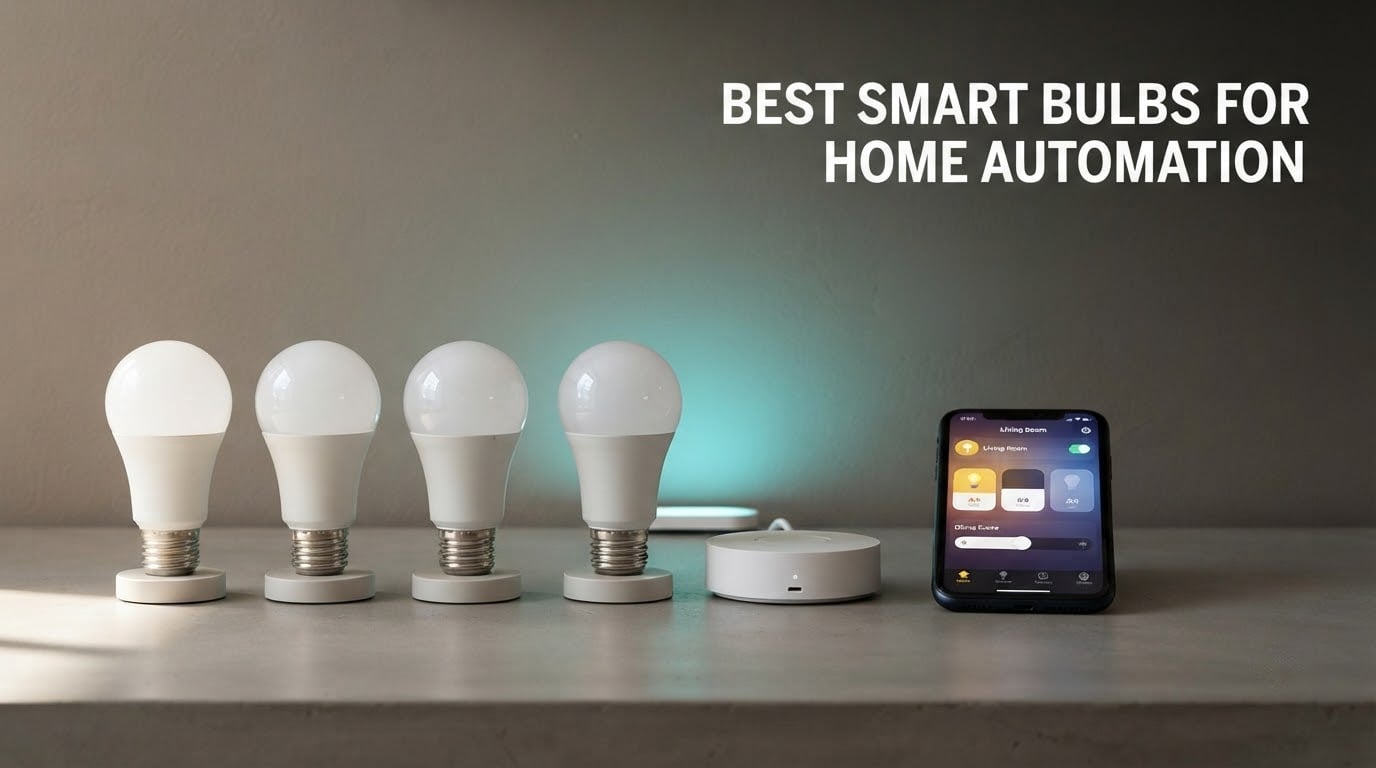
If you want the short version: the Govee A19 color bulb is the best all-rounder for home automation right now, the Kasa KL125P2 is the best value pick, and the Tapo L535E is the one to buy for bright rooms and local control. All three speak to Alexa and Google Home without a hub.
Most smart bulb comparisons start with brand names and end with a colour chart nobody reads. That misses the point. The decision that actually determines whether a bulb works in your house is protocol: whether it joins your Wi-Fi directly, speaks Zigbee through a hub, or runs Matter over a Thread or Wi-Fi connection. Pick wrong and you end up with a second app, a bulb your dashboard cannot see, and a light that ignores its schedule.
So this roundup of the best smart bulbs for home automation is organised by how each bulb connects, not by who shouts loudest. We looked at ten bulbs that cover the three real routes into automation: hubless Wi-Fi bulbs that plug straight into your router, Matter-certified bulbs that speak the new shared standard, and Zigbee mesh bulbs for anyone running Home Assistant, Hubitat or SmartThings through a coordinator.
We also handled the questions forum users ask most and spec sheets never answer. Does flipping the wall switch wreck your schedule? Do smart bulbs burn more electricity? Do the lights still respond when the internet drops? Those answers are in the buying guide, and they change which bulb you should buy more than any brand ranking does.
A note on method: everything below comes from published specifications and from what buyers report after living with the bulb. Where a rating or a lumen figure appears, it is the manufacturer’s or the reviewer’s number, not an estimate.
Table of Contents
Top 3 Picks for Home Automation (October 2026)


Kasa KL125P2 Multicolor 2-Pack
- No hub required
- 2500K-6500K tunable white
- energy monitoring
- 800 lumens

Govee wins the top slot on social proof: with over 27,000 ratings it has the largest review base in this group, and it covers the widest mix of assistants. Kasa takes the value badge because it is the only bulb here pairing real-time energy monitoring with circadian white shifting and no hub. Tapo earns its place for the only 1100-lumen output we found in a full-colour A19, plus Matter support that keeps working on the local network when your connection does not.
All 10 Smart Bulbs at a Glance in 2026
| Product | Specs | Action |
|---|---|---|
| Govee A19 Color 800LM E26 |
|
Check Latest Price |
 Sengled Matter A19 800LM Sengled Matter A19 800LM |
|
Check Latest Price |
 SYLVANIA WiFi A19 4-Pack 800LM SYLVANIA WiFi A19 4-Pack 800LM |
|
Check Latest Price |
| Kasa KL125P2 Multicolor 2-Pack |
|
Check Latest Price |
 Amazon Basics A19 Color 800LM Amazon Basics A19 Color 800LM |
|
Check Latest Price |
 WiZ Connected A19 800LM 3-Pack WiZ Connected A19 800LM 3-Pack |
|
Check Latest Price |
| Tapo L535E 1100LM 2-Pack |
|
Check Latest Price |
 OREiN Matter A19 4-Pack 800LM OREiN Matter A19 4-Pack 800LM |
|
Check Latest Price |
 Philips Hue Essential A19 4-Pack Philips Hue Essential A19 4-Pack |
|
Check Latest Price |
 THIRDREALITY Zigbee ZL1 4-Pack THIRDREALITY Zigbee ZL1 4-Pack |
|
Check Latest Price |
1. Govee A19 Color 800LM – The All-Rounder With the Biggest Following
Govee Smart Light Bulbs, A19 Color Changing Light Bulb, 800 LM, E26 Base
E26 A19, 800 lumens, 9W, 6500K, CRI 80, Bluetooth and Wi-Fi, 50000 hour rated life
Pros
- Fast app setup with immediate bulb recognition
- 16 million colors and 54 preset scene modes
- reliable Alexa and Google Assistant control
- music sync driven by the phone microphone
- timer and schedule with sunrise and sunset modes
Cons
- Dimming floor is high so the bulb stays bright at 1 percent
- cannot be used with smart wall switches
- 2.4GHz Wi-Fi only
This is the bulb most people end up with first, and after living with a four-pack in a main-floor retrofit it is easy to see why. It pairs Bluetooth with Wi-Fi, which matters because Bluetooth handles setup and reconnection while Wi-Fi handles the day-to-day traffic. That combination makes it unusually forgiving when the network is under strain.
The 800-lumen output is the standard figure for a 60-watt equivalent A19, so treat it as a bedside or lamp bulb rather than a sole light source for a living room. Colour temperature runs to a stated 6500K at the cool end, and the rated operating life of 50000 hours is the longest listed in this group.
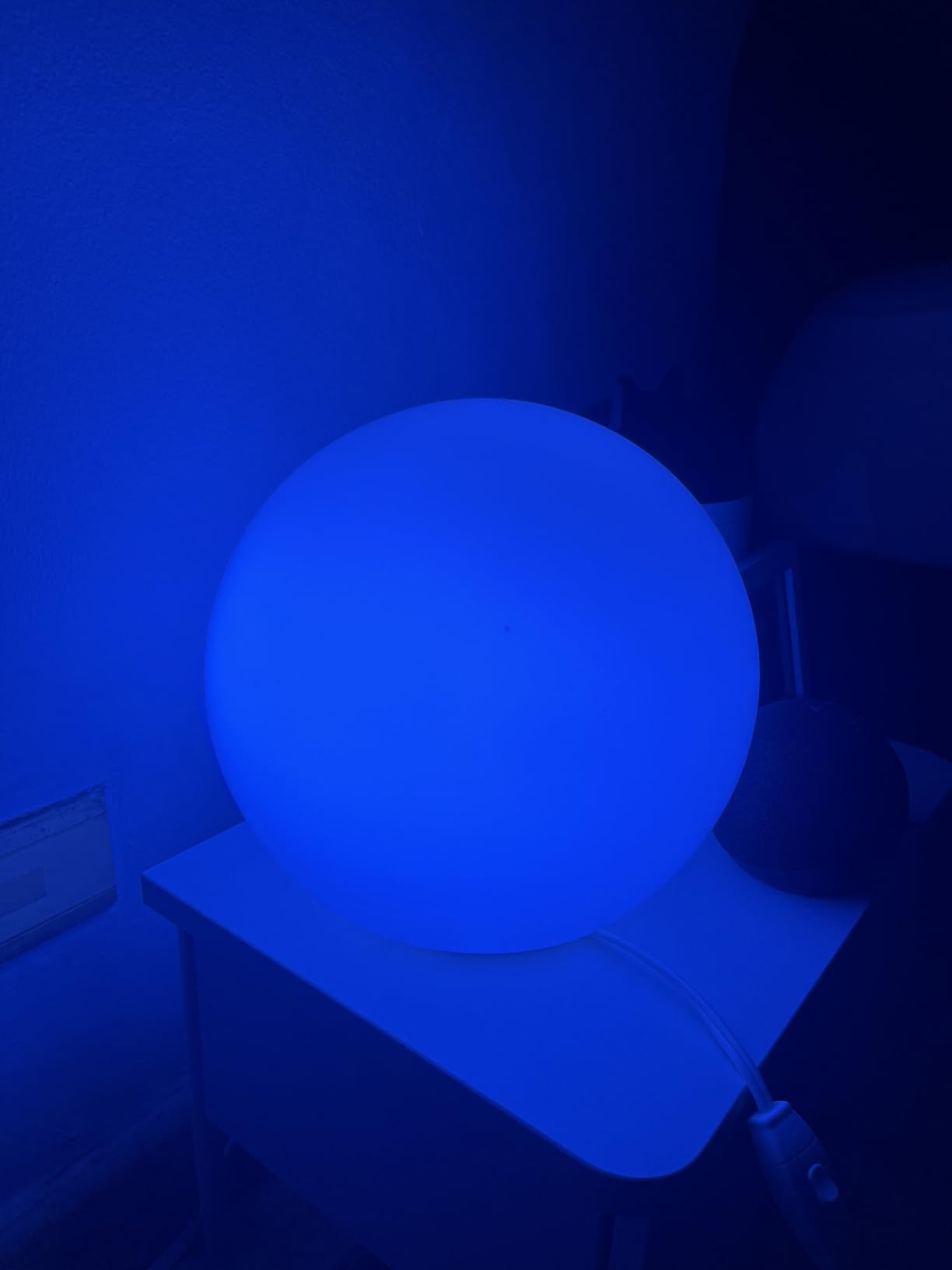
The thing buyers mention most is the range of scenes. Fifty-four preset modes plus a music sync mode driven by the phone microphone turns a plain bulb into an accent light for a media wall or a gaming desk. Schedules can be tied to local sunrise and sunset times, so the hall light warms up before the sun goes down without any cloud lookup.
The recurring gripe is the dimming floor. Even at 1 percent in the app this bulb reads as noticeably bright, which is why it works badly as a night light and why we would not put it on a bedside wall dimmer. The other limitation is size: at roughly 2.36 by 4.84 inches it can be too tall for some older ceiling fan glass covers.
How it behaves with a schedule and a wall switch
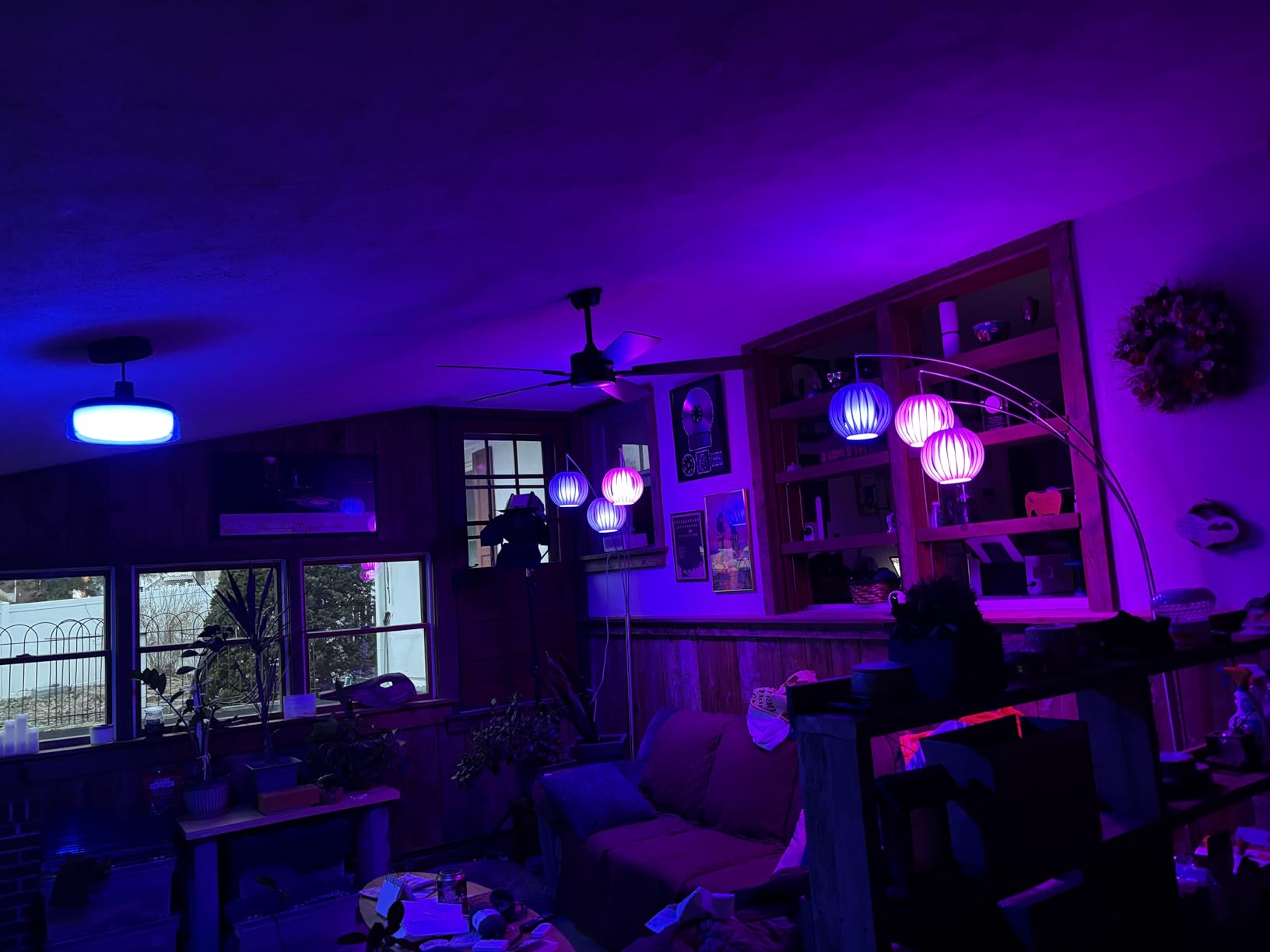
Because this bulb keeps a schedule, a routine that dims the living room to 20 percent at 10pm works without any hub in the loop. Flip the wall switch off and the bulb loses power, so it stops being reachable until you turn the switch back on. The schedule itself is stored in the bulb, so it resumes once power returns.
Where it falls short for automation
The inability to pair with a smart wall switch is the real constraint. If your plan is to automate the switch rather than the bulb, this one is the wrong candidate, and you would be better served putting a relay module behind the existing switch.
2. Sengled Matter A19 800LM – Cheapest Way Into the Matter Ecosystem
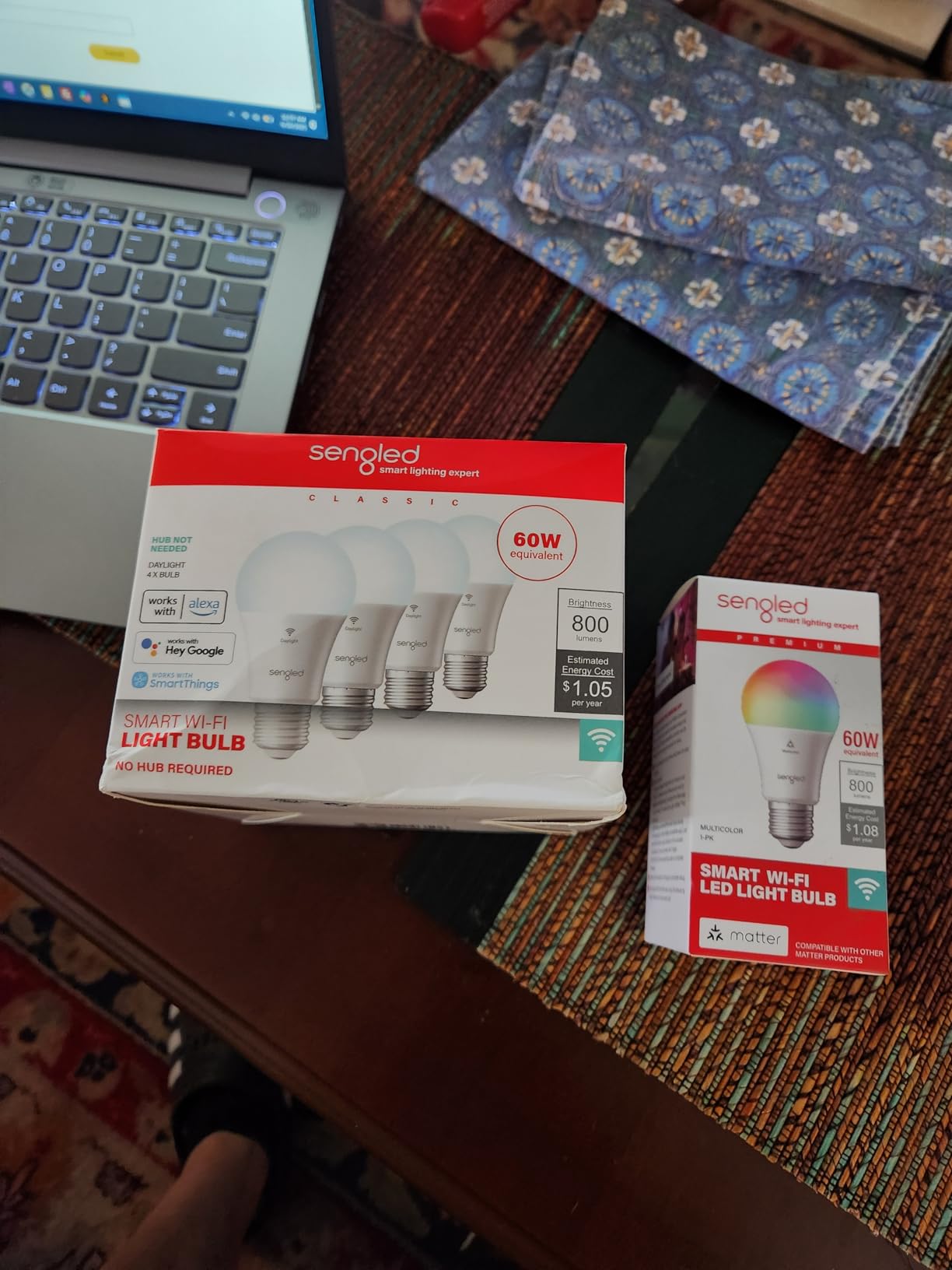
Sengled Matter LED Smart Light Bulb (A19), Multicolor, Compatible with Alexa, 60W Equivalent, 800LM, Instant Pairing, 1-Pack
E26 A19, 800 lumens, 9W, CRI 90, Matter over Wi-Fi and Bluetooth mesh, 25000 hour rated life
Pros
- Matter certified for broad compatibility
- 800 lumens from only 9 watts
- quick app setup with a wide color range
- vivid colors suited to evening scenes
- works with Alexa
- Google Assistant
- HomeKit and SmartThings
Cons
- Some bulbs drop out of the Alexa app and are hard to re-pair
- takes a moment to reconnect to Wi-Fi each time it is switched on
- 25000 hour rated life is short for the category
Sengled is the entry point that gets overlooked. This is a single-bulb pack with a CRI of 90 at 800 lumens and 9 watts, which puts its light quality ahead of several more expensive options here. The 16 million colours render accurately rather than oversaturated, so a living room does not turn magenta when you ask for warm.
What makes it interesting for automation is the Matter certification. Once commissioned into a Matter controller, the bulb is exposed to Apple Home, Google Home, Alexa and SmartThings simultaneously on multi-admin setups, which means one hardware purchase serves whichever platform you settle on later.
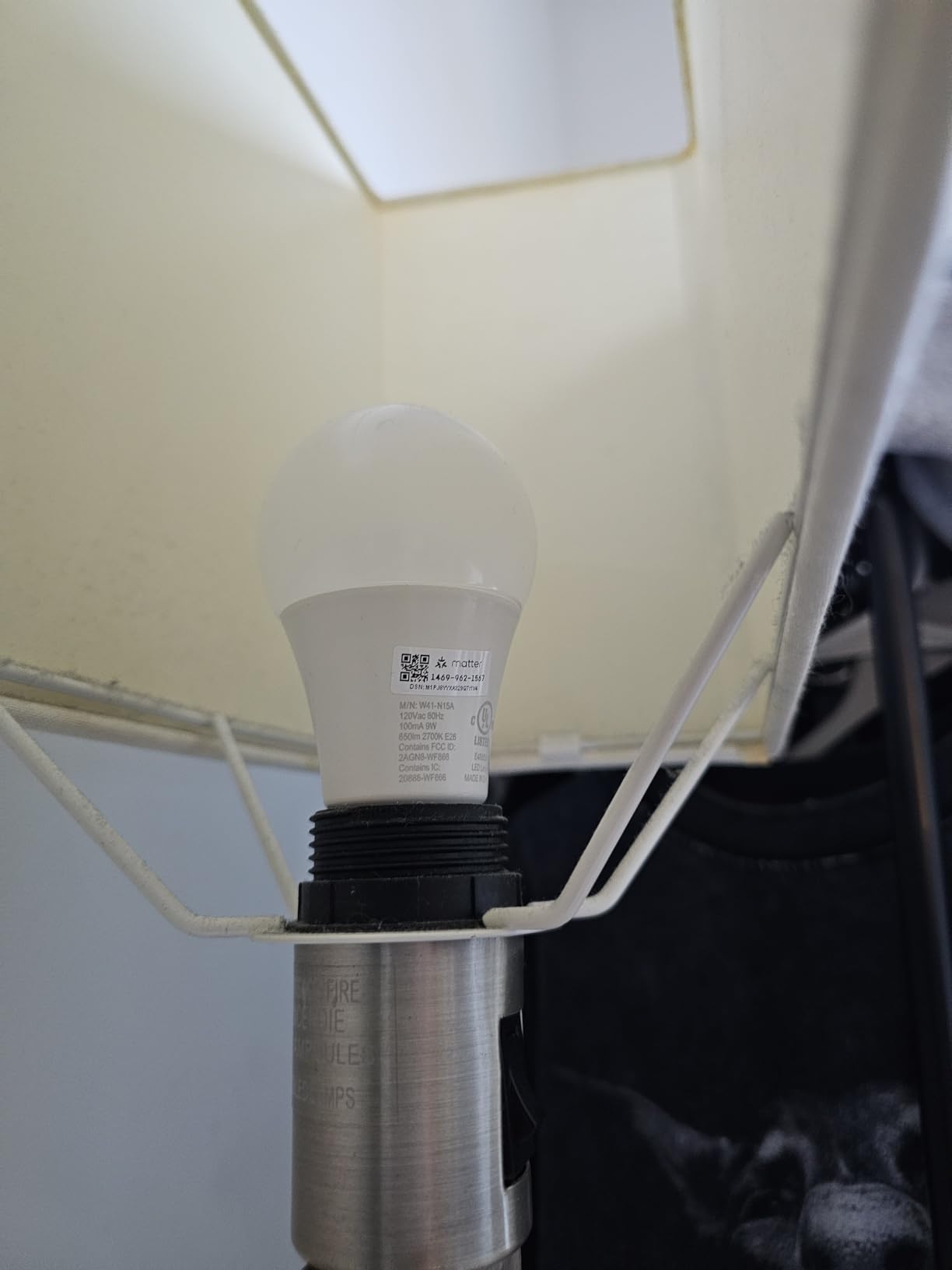
The weakness is connection stability. Buyers report a noticeable pause each time the bulb is switched on at the wall before it rejoins the network, and some bulbs need repeated attempts to appear in the Alexa app. For a bulb whose whole purpose is automation, that reconnection behaviour is the thing to watch rather than the colour rendering.
The stated 25000-hour rated life is also the shortest figure we would feel comfortable planning around. At typical household use that is many years, but it is a fair flag for anyone thinking in decades rather than seasons.
Does it work when the internet goes down?
Yes, provided your Matter controller is on the same home network. Matter keeps local control working independently of the cloud, so a broadband outage does not strand your lighting. That is one of the strongest reasons to pay a little more for a certified Matter bulb over a brand-specific Wi-Fi model.
What to check before buying
Ask yourself whether your lights need to respond in under a second. If a motion sensor is driving them, the reconnection delay reported by owners is the drawback most likely to annoy you, and a Zigbee model is the better answer.
3. SYLVANIA WiFi A19 4-Pack – The Cheapest Colour In a Four-Pack
SYLVANIA Wifi LED Smart Light Bulb, 60W Equivalent Full Color and Tunable White A19, Dimmable, Compatible with Alexa and Google Home Only – 4 Pack (75674)
E26 A19, 800 lumens, 60W equivalent, CRI 90, Wi-Fi only, 15000 hour rated life, four bulbs
Pros
- Very low cost for a full-colour four-pack
- bright output with vibrant colour reproduction
- quick setup in the Sylvania WiFi app
- reliable pairing with Alexa and Google Home
- long-term owners report many bulbs still working after years
Cons
- No Apple Home visibility and Siri needs a workaround
- will not connect to Smart Life
- Tuya
- Home Assistant or Homebridge
- some units flicker or stop responding and need a power cycle
Four identical full-colour A19 bulbs in one box is the reason this pack keeps appearing in recommendations. At a CRI of 90 and 800 lumens per bulb, the light quality sits closer to the mid-tier options here than to the very cheapest, and colour reproduction is described as saturated rather than washed out.
Long-term owners report plenty of these still working after years, which matters because the stated rated life of 15000 hours is the shortest in this roundup. Treat that number as a marketing floor rather than a forecast.
Here is the important part for anyone building a home automation system: this bulb will not appear in Home Assistant, Hubitat, SmartThings, Tuya-based platforms or Homebridge. It works in the Sylvania WiFi app, in Alexa and in Google Home, and that is the end of the list. For anyone running a local-first hub, this is a dealbreaker rather than a preference.
It also has no power-on state memory, so if power is cut the bulb comes back at full brightness rather than at the level you left it. Schedules are basic compared with the Kasa and Tapo apps, and the bulb needs to be close to the router during initial setup.
Who should buy this pack
Buy it if you are outfitting several rooms on a tight budget and you live entirely inside the Alexa or Google Home ecosystem. Four identical bulbs also makes group control and scene matching simple, because there is no variation between fittings to compensate for.
Who should skip it
Skip it if you plan to grow into Home Assistant or a Matter controller later. Migrating a house full of single-ecosystem bulbs is exactly the rework the buying guide below is trying to help you avoid.
4. Kasa KL125P2 Multicolor 2-Pack – The Best Value With Real Automation Features
Kasa Smart Light Bulbs, Full Color Changing Dimmable Smart WiFi Bulbs Compatible with Alexa and Google Home, A19, 60 W 800 Lumens,2.4Ghz only, No Hub Required, 2-Pack (KL125P2), Multicolor
E26 A19, 800 lumens, 9W, CRI 90, 2500K to 6500K tunable white, Wi-Fi only, energy monitoring
Pros
- Tunable white from 2500K to 6500K with an Auto White circadian mode
- real-time energy monitoring in the Kasa app
- reliable Alexa and Google Assistant control with no hub
- scheduling with sunrise offset
- trusted TP-Link build quality
Cons
- 2.4GHz Wi-Fi only which excludes some dual-band mesh networks
- 800 lumens is modest for main ceiling lighting
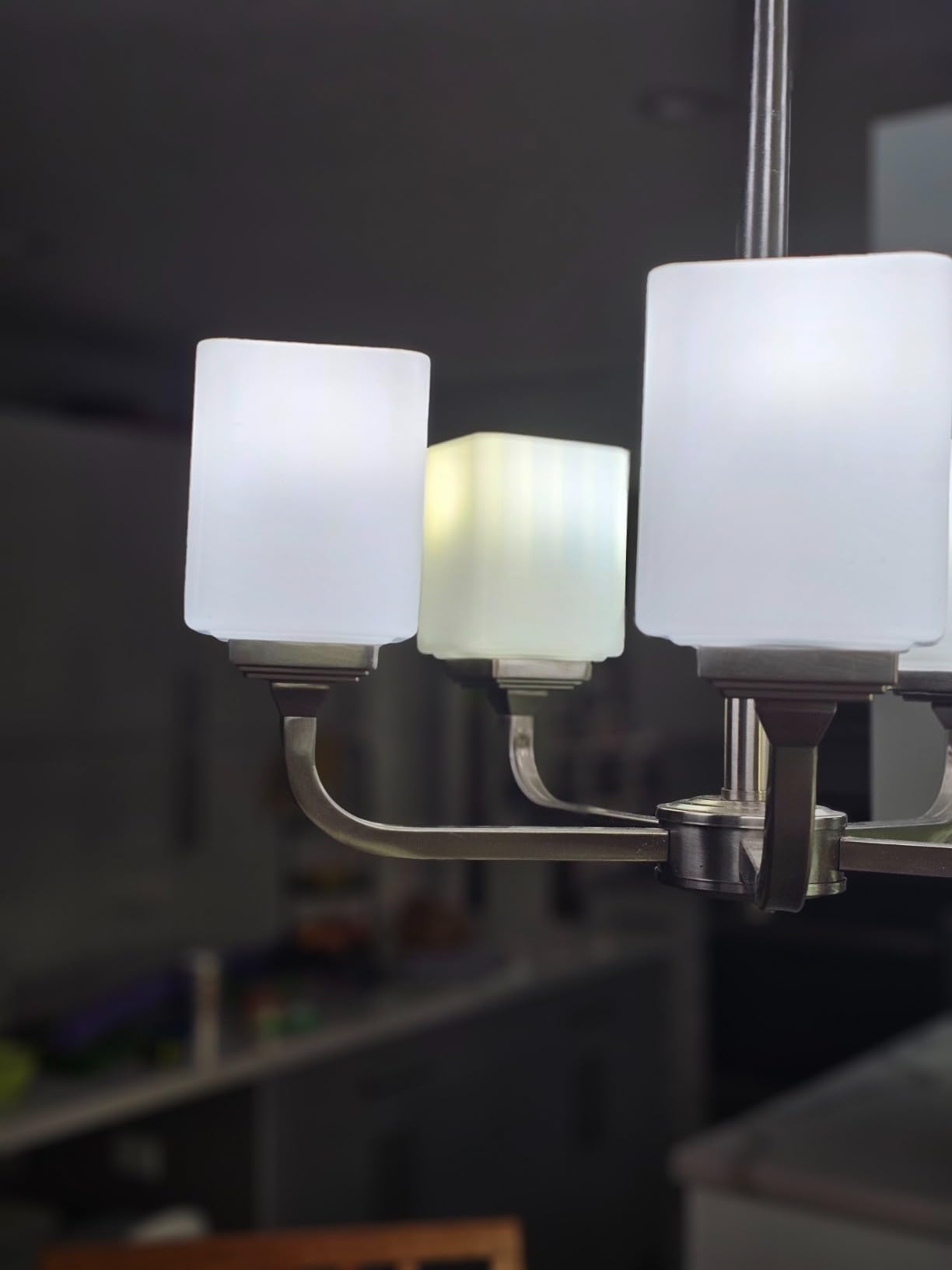
Kasa is the one bulb here that treats energy data as a first-class feature rather than an afterthought. The app shows live power draw for each bulb, and because TP-Link keeps that data local you can build automations around it, which is rare at this tier.
The Auto White mode is the sleeper feature. It shifts colour temperature through the day to track a natural daylight curve, so a room in the morning reads cool and neutral and a room at 9pm reads warm, without you writing a single schedule.
Response time is the quiet strength here. TP-Link’s network stack is consistently rated as snappier than most rivals, and in a room where lights are triggered by motion rather than a phone, that difference is the difference between a room that feels alive and one that feels laggy.
The two constraints are honest ones. It is 2.4GHz only, so a mesh network with 2.4GHz separated onto another band or SSID will frustrate setup. And 800 lumens in a single fitting is not bright enough for a main ceiling light in a room you use during the day.
Why the energy monitoring matters for a whole home
Because each bulb reports its own consumption, you can set an automation that flags a room left on for longer than you expect, or compare a lamp bulb against a ceiling bulb. Most rivals in this roundup give you an on and off state and nothing more.
Where it will disappoint you
There is no Matter certification and no Zigbee, so this bulb is tied to the Kasa app plus whichever voice assistant you use. It is a good fit for a Wi-Fi house, and a dead end for a house that will grow a local controller.
5. Amazon Basics A19 Color 800LM – The Alexa-Only Specialist
Amazon Basics Smart A19 LED Light Bulb, Color Changing, 9W (60W Equivalent), 800LM, Works with Alexa Only, WiFi 2.4 GHz, No Hub Required, Mood Lighting, Energy Efficient, 1-Pack
E26 A19, 800 lumens, 9W, 2700K, 2.4GHz Wi-Fi, dimmable from 5 to 100 percent, Alexa only
Pros
- Zero-touch setup by enabling account linking at checkout
- routines for sunset and sunrise scheduling work reliably
- sixteen preset colours with brightness from 5 to 100 percent
- room grouping in the Alexa app
- suitable for damp locations such as bathrooms
Cons
- Works only with Alexa with no Google Assistant
- HomeKit or SmartThings
- some users report repeated failures to join a 2.4GHz network during setup
- uneven colour accuracy across the wheel
This is the least complicated bulb in the roundup, and that is genuinely the feature. Account linking at checkout means the bulb is visible to Alexa before it is even in the room, and routines for sunset and sunrise are among the most reliable schedulers here because they are evaluated by Amazon rather than by a phone app.
Grouping by room in the Alexa app takes seconds, and sixteen preset colours cover the common cases without any colour wheel fiddling. For a house that is fully Alexa and will stay fully Alexa, very little else on this list does the same job more simply.
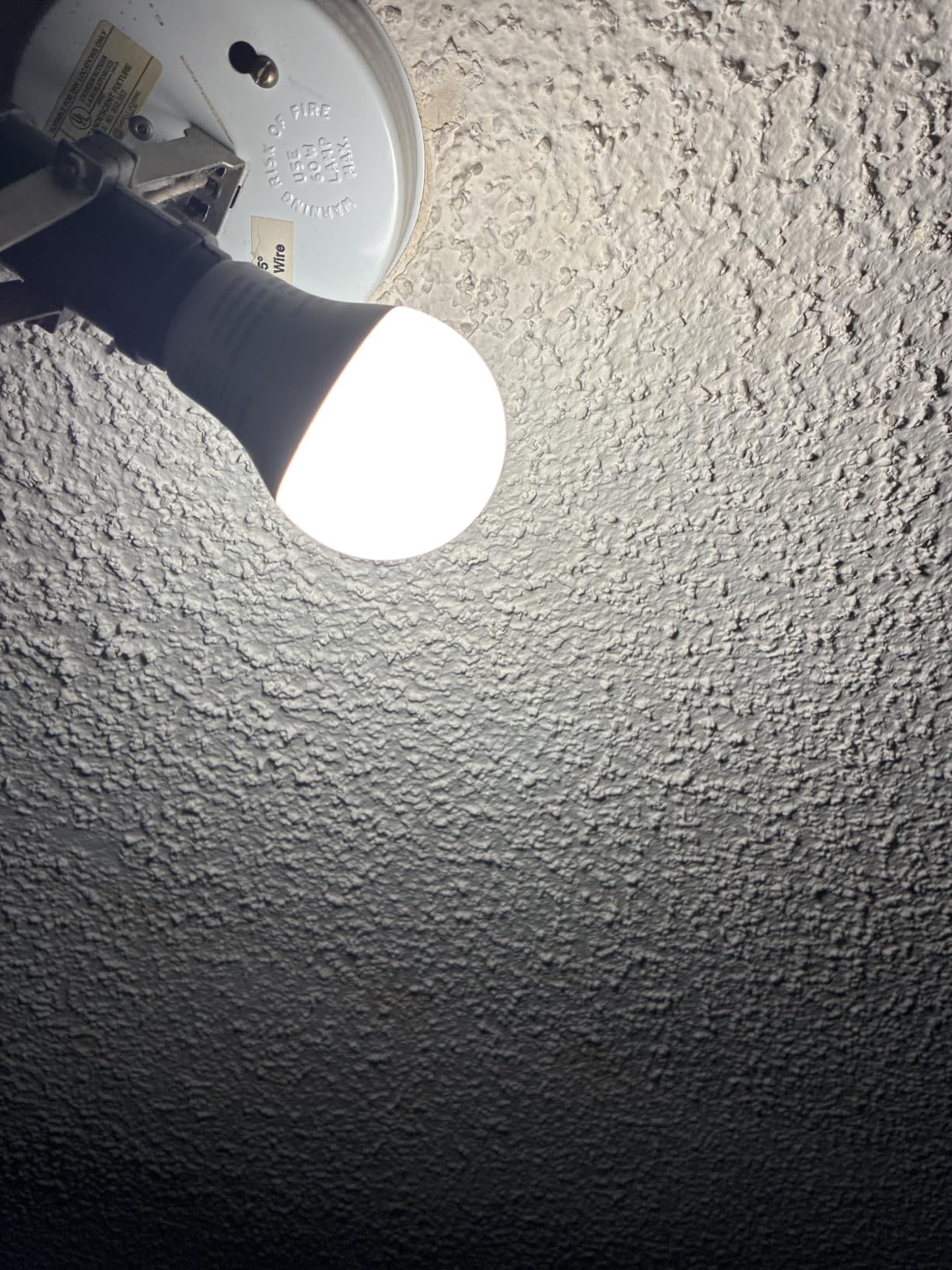
The lock-in is absolute, though. There is no Google Assistant, no Apple HomeKit, no SmartThings, and the dimming range from 5 to 100 percent is controlled through Alexa rather than a physical dimmer. Colour accuracy is described as uneven around the wheel, with some hues reading duller than the swatch suggests.
Setup reliability is the other variable. A recurring report is the bulb refusing to join a 2.4GHz network, which usually traces back to network configuration rather than a defective unit, so it is worth checking your router band before you blame the hardware.
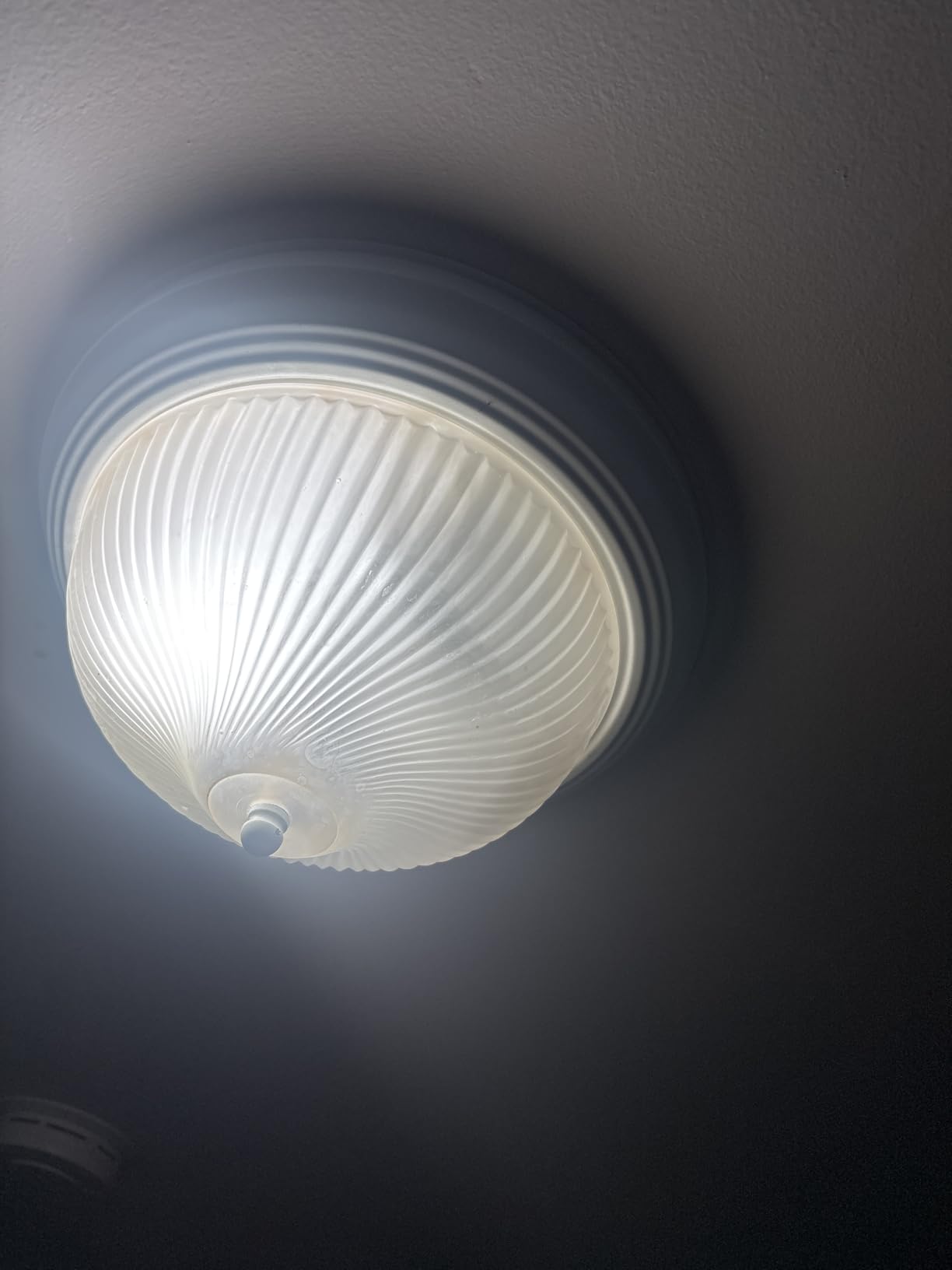
Is a single-vendor ecosystem a problem?
Not if the whole house is that ecosystem and you accept that Siri and Google will never touch these lights. The trade-off is that every future automation decision is made on Amazon’s terms, and the bulb is not portable to a local controller.
Best place to use it
A bathroom or hallway, where a five-percent dimming floor and damp-location suitability matter more than ecosystem flexibility. Those are the rooms where a single vendor is not a limitation.
6. WiZ Connected A19 800LM 3-Pack – Motion Automation Without a Hub
WiZ Connected Smart Light Bulbs, Sunset to Sunrise Automation + Motion Detection + Control with Voice or App, Full Color A19 60W 800LM Indoor, Matter Compatible -3 Pack
E26 A19, 800 lumens, 8.8W, Matter certified, Bluetooth and Wi-Fi, SpaceSense motion, three bulbs
Pros
- Matter certified for Alexa
- Google Home and Apple Home
- sunset-to-sunrise automation plus SpaceSense motion detection
- circadian rhythm scheduling with per-fixture memory settings
- deep 1 percent dimming and in-app energy reporting
- long-term owners report very few failures
Cons
- App automation edits can stick and schedules may not update as expected
- newer bulbs are noticeably less saturated than earlier WiZ A19 versions
- some bulbs in a multi-bulb fixture drop connection while others stay online
WiZ is the only bulb in this roundup with built-in motion detection, and that changes what a smart bulb can do on its own. SpaceSense lets one bulb trigger a room without a separate sensor, which is the cheapest way to get motion-activated hallway lighting when you do not want to battery-power a PIR sensor.
It is Matter certified, so it will join Apple Home, Google Home and Alexa, and it draws only 8.8 watts for 800 lumens. The dimming floor goes down to 1 percent, which makes it the better choice of the budget bulbs for a bedroom.
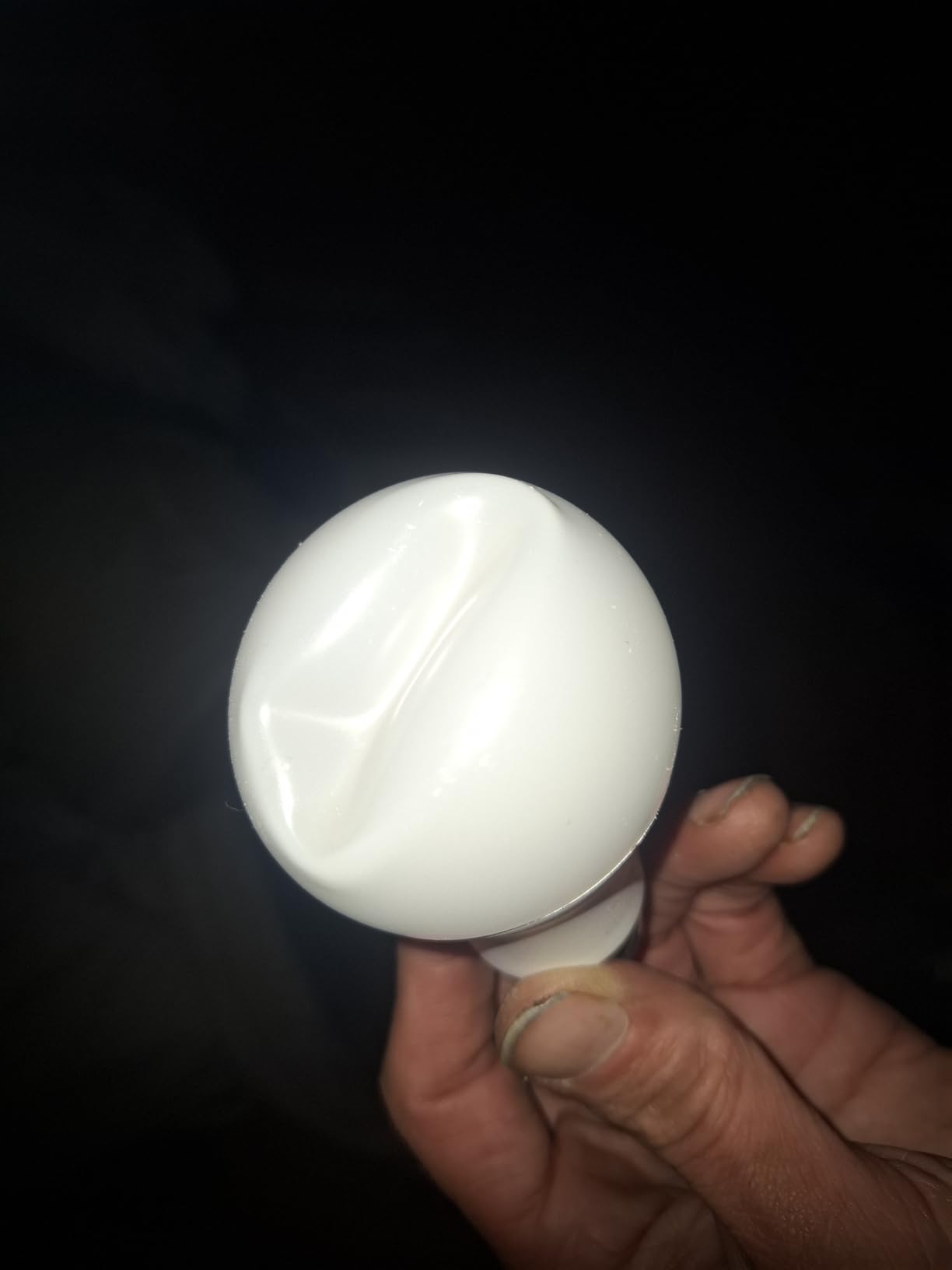
There is a caveat with SpaceSense: it needs at least two WiZ devices on the network to work, so a single-bulb purchase is not a motion system. That is worth knowing before you plan a one-room setup around it.
The app is the weak point. Owners report automation edits that stick and fail to save, and schedules that do not update as expected after a change. There is also a reported colour quality drop in newer production runs compared with earlier WiZ bulbs, so the saturated look in older review photos may not match what arrives.
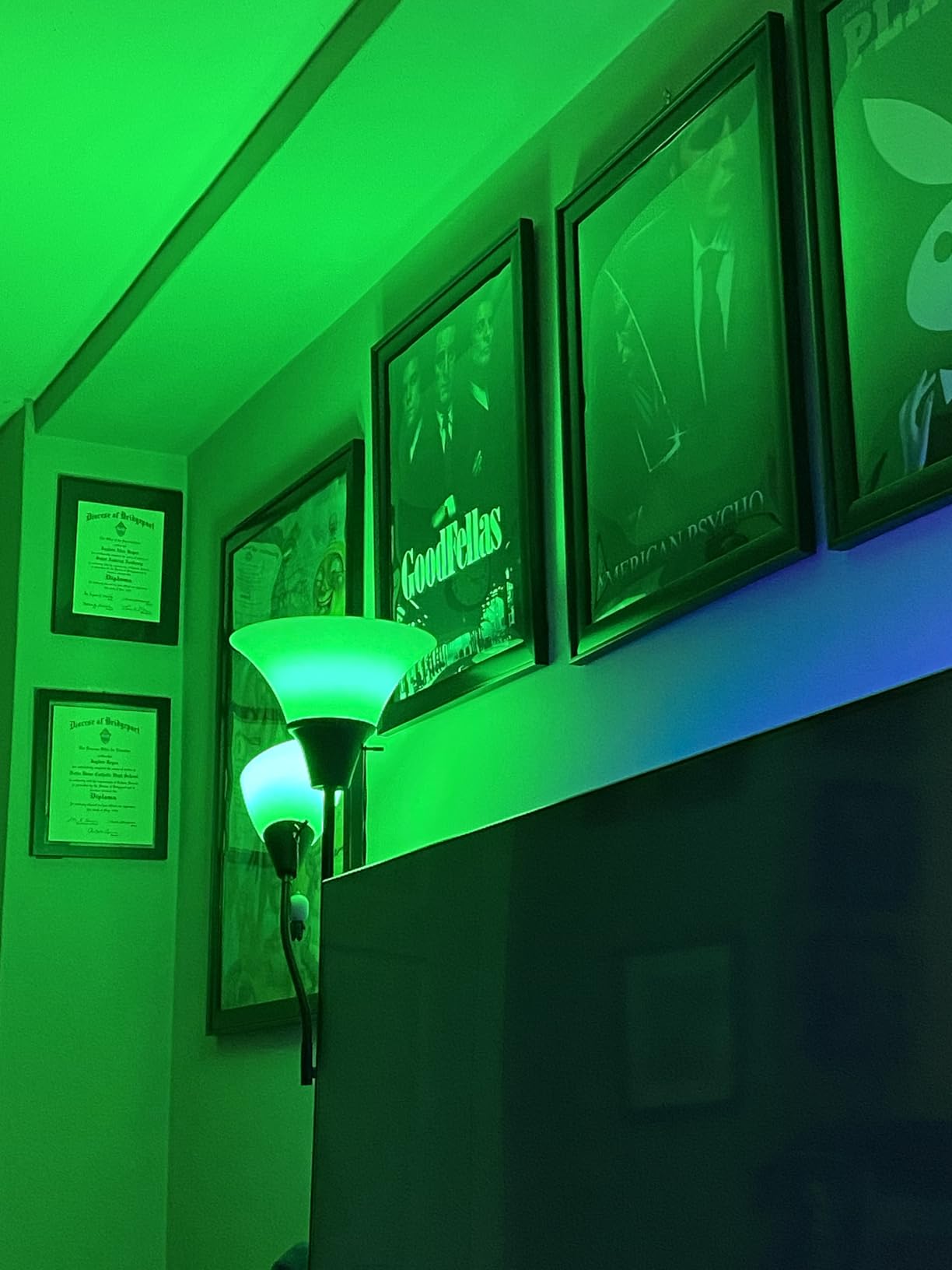
Is it worth getting the v1 app if the v2 app misbehaves?
Some buyers resolve pairing problems simply by controlling the bulb through the older app. It is a reasonable first troubleshooting step before writing the unit off, and a reminder that app quality matters as much as radio quality in a smart bulb.
Best fit
A hallway or landing where you want motion-triggered light, a Matter controller, and no extra sensors. Just check that the automation editor behaves when you build a scene you care about.
7. Tapo L535E 1100LM 2-Pack – The Bright One That Keeps Working Offline
Tapo Multicolor Dimmable Smart Light Bulbs, L535E(2-Pack), A19 E26, 1100LM
E26 A19, 1100 lumens, 9.5W, 75W equivalent, CRI 90, Matter with offline LAN operation
Pros
- 1100 lumens is noticeably brighter than typical 800-lumen colour bulbs
- Matter certified with multi-admin support and works offline on the LAN
- CRI 90 with vibrant accurate colour
- dims cleanly from 1 to 100 percent
- tunable white 2500K to 6500K
Cons
- Alexa can show bulbs as disconnected if they are not activated regularly
- slower to respond to voice commands than Kasa bulbs
- light output drops at strongly tinted settings
At 1100 lumens and a 75-watt equivalent, this is the only bulb here bright enough to serve as a main ceiling light rather than an accent. For a living room or a bright kitchen that difference is the whole conversation, and it is why this bulb is our pick for anyone who complained that smart lights look dim.
The colour quality backs up the brightness. A CRI of 90 with a 220-degree beam means skin tones and food render accurately, and the stated 2500K to 6500K tunable white range covers most daytime and evening preferences without going colourful.
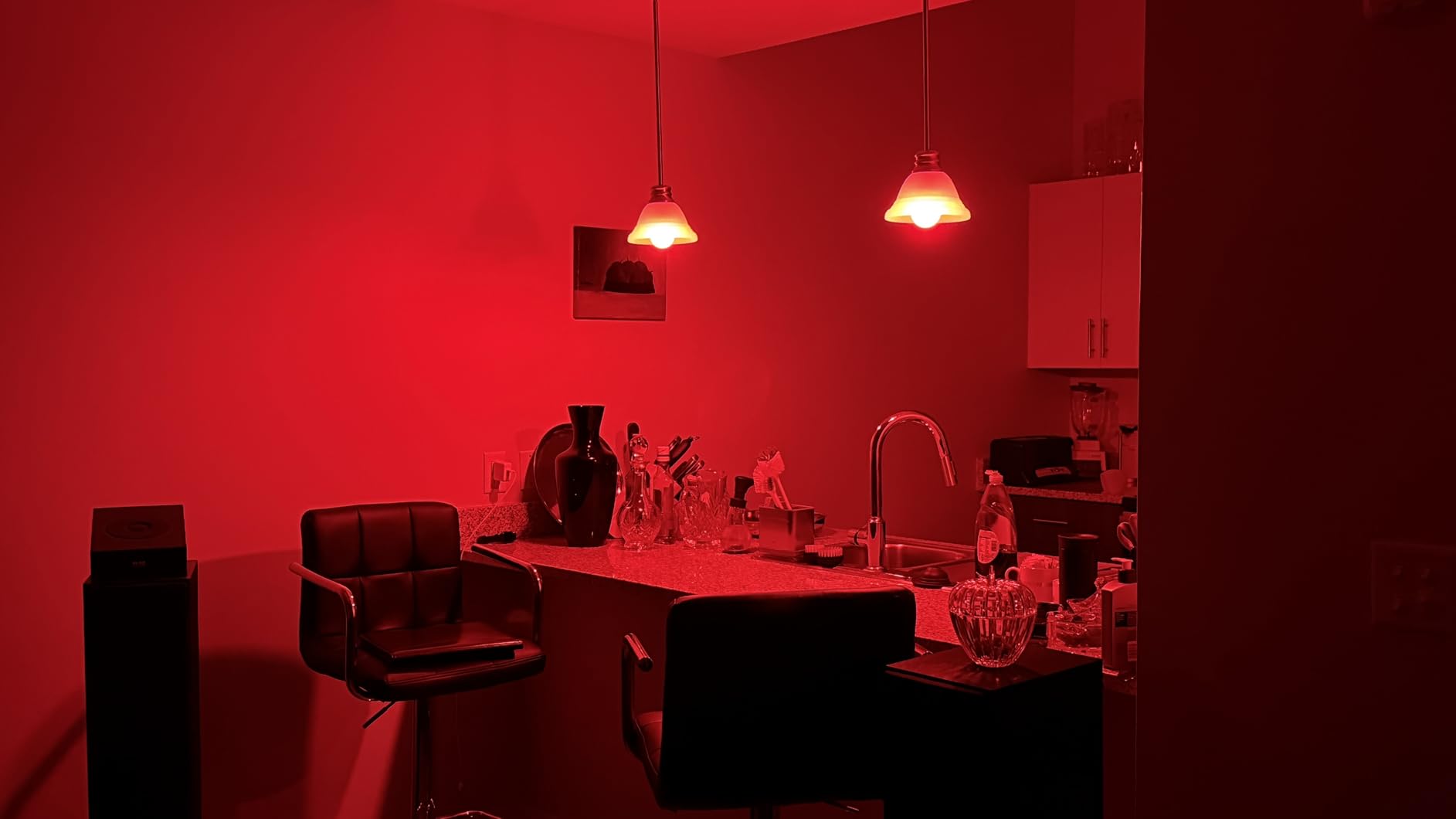
What sets it apart for automation is the local LAN operation. Matter control keeps working when the internet drops, so a schedule keeps running and a voice command from a local controller still gets answered. That is the behaviour people mean when they ask for bulbs that work when the internet is down.
The reported trade-offs are consistency rather than capability. Some owners see Alexa mark the bulb as disconnected if it is not activated regularly, and voice response lags behind TP-Link’s Kasa bulbs. Setup codes for HomeKit or the Tapo app sometimes need generating by hand rather than importing cleanly.
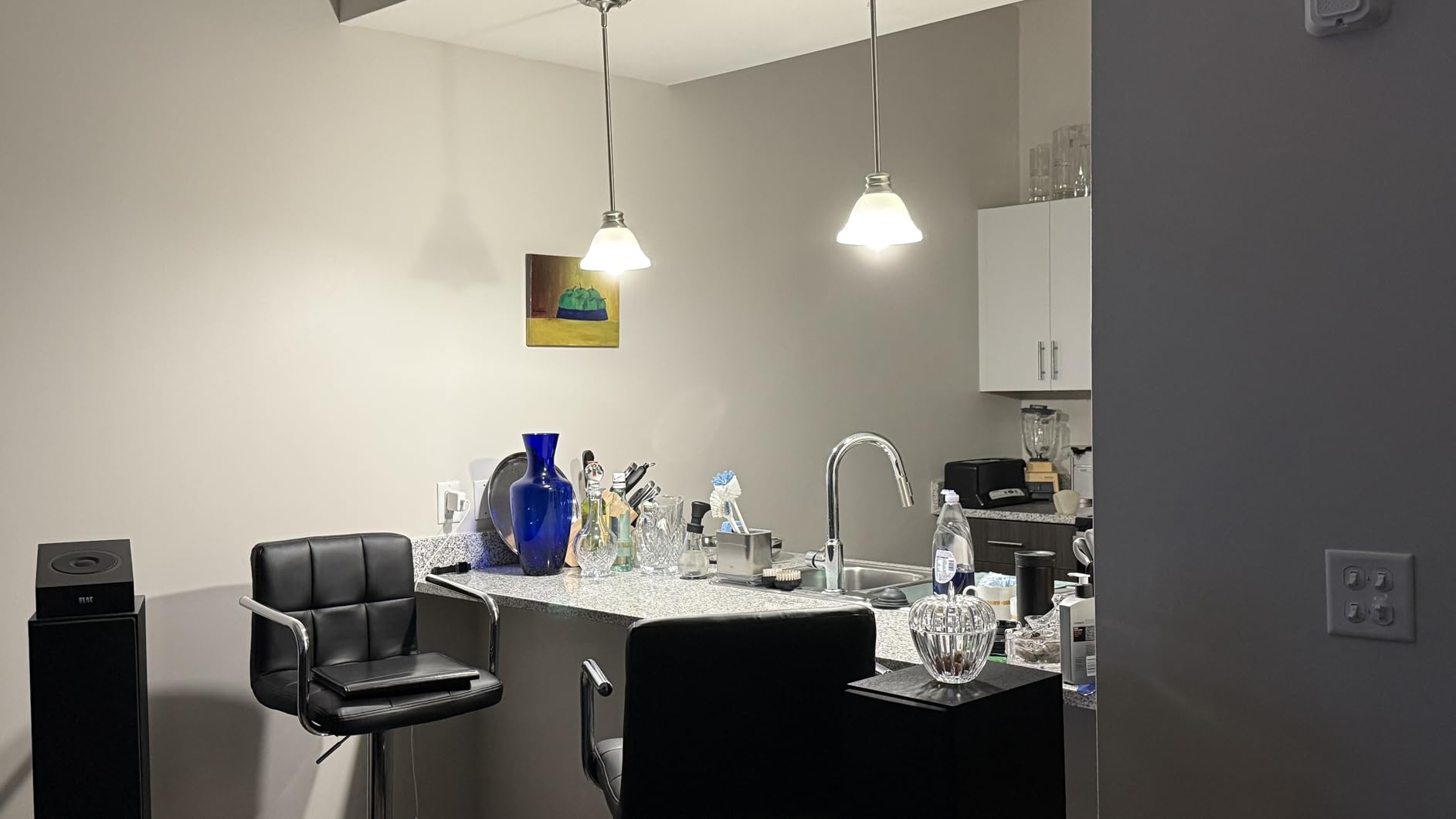
Does 1100 lumens matter in a real room?
Yes in an open-plan living space and marginally in a medium bedroom. It is the difference between one bulb per ceiling fitting and two per fitting, which changes both the number of devices and the automation complexity of the room.
What to watch
Output drops noticeably at strongly tinted or non-neutral white settings, so brightness comparisons are only fair at neutral white. If you plan to run the room mostly warm and dim, this bulb’s headline figure flatters it.
8. OREiN Matter A19 4-Pack – Widest Tunable White Range in the Roundup
OREiN Matter Smart Light Bulb, A19 RGBTW Color Changing Light Bulbs, 4 Pack
E26 A19 four-pack, 800 lumens, 9W, CRI 90, 1800K to 6500K tunable white, Matter certified
Pros
- Matter setup by QR code works directly in Alexa
- Google Home
- Apple Home and SmartThings
- works locally over the LAN when the internet is offline
- 16 million colours with tunable white from 1800K to 6500K at CRI 90 plus
- music sync modes in the AiDot app
- bright 800-lumen white output
Cons
- Connectivity is inconsistent and some bulbs repeatedly lose their Matter pairing
- 2.4GHz Wi-Fi only
- not compatible with physical dimmer switches and can flicker or buzz
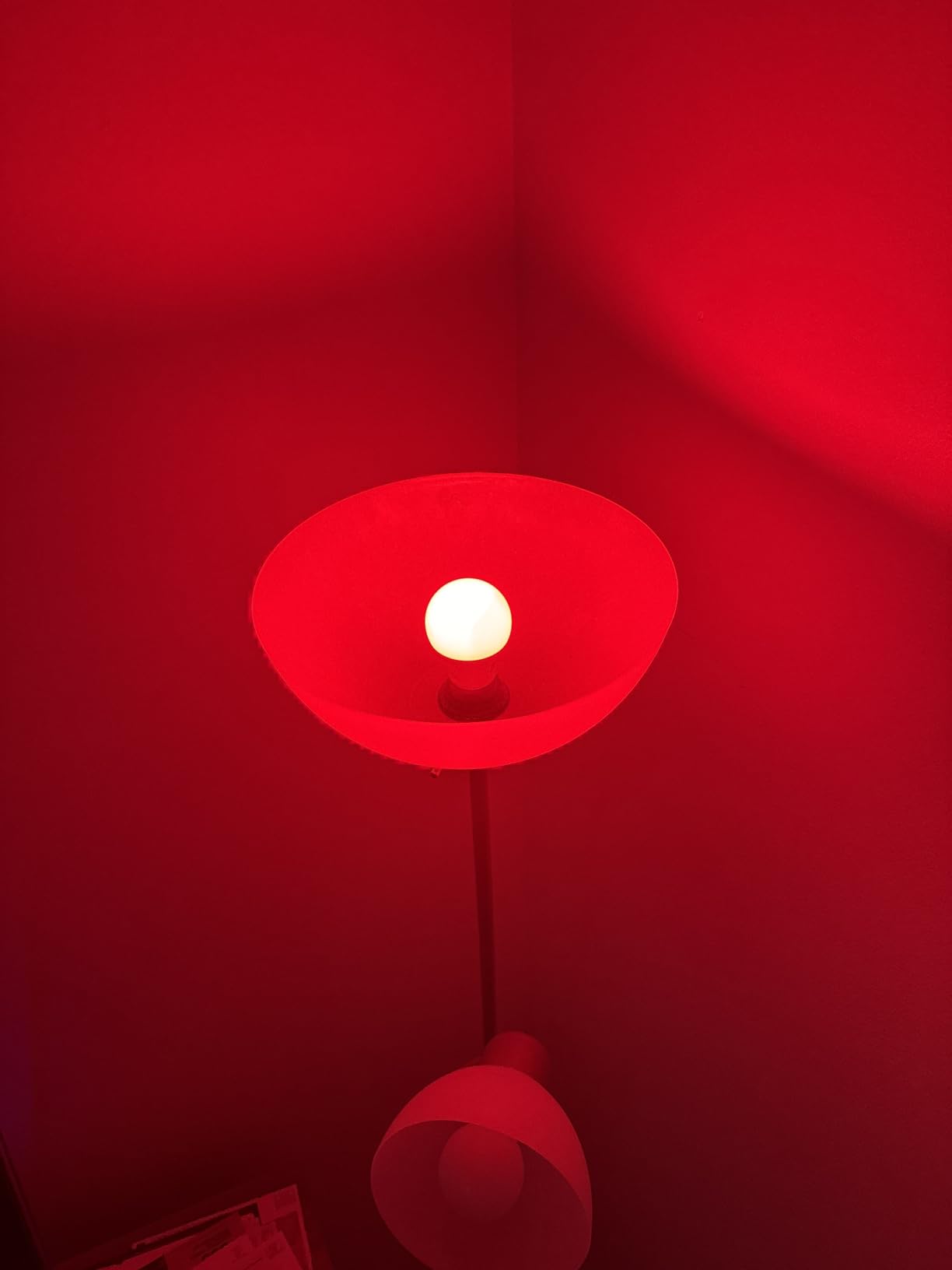
The 1800K lower bound is the number that makes this pack interesting. That is a candle-warm white you can actually reach, which suits a living room in the evening or a bedroom where you want the light to feel like a lamp rather than an office.
Four bulbs at a claimed 100 lumens per watt with a CRI of 90 or better is a strong spec sheet, and the QR code commissioning path into Alexa, Google Home, Apple Home and SmartThings is about as quick as Matter setup gets.
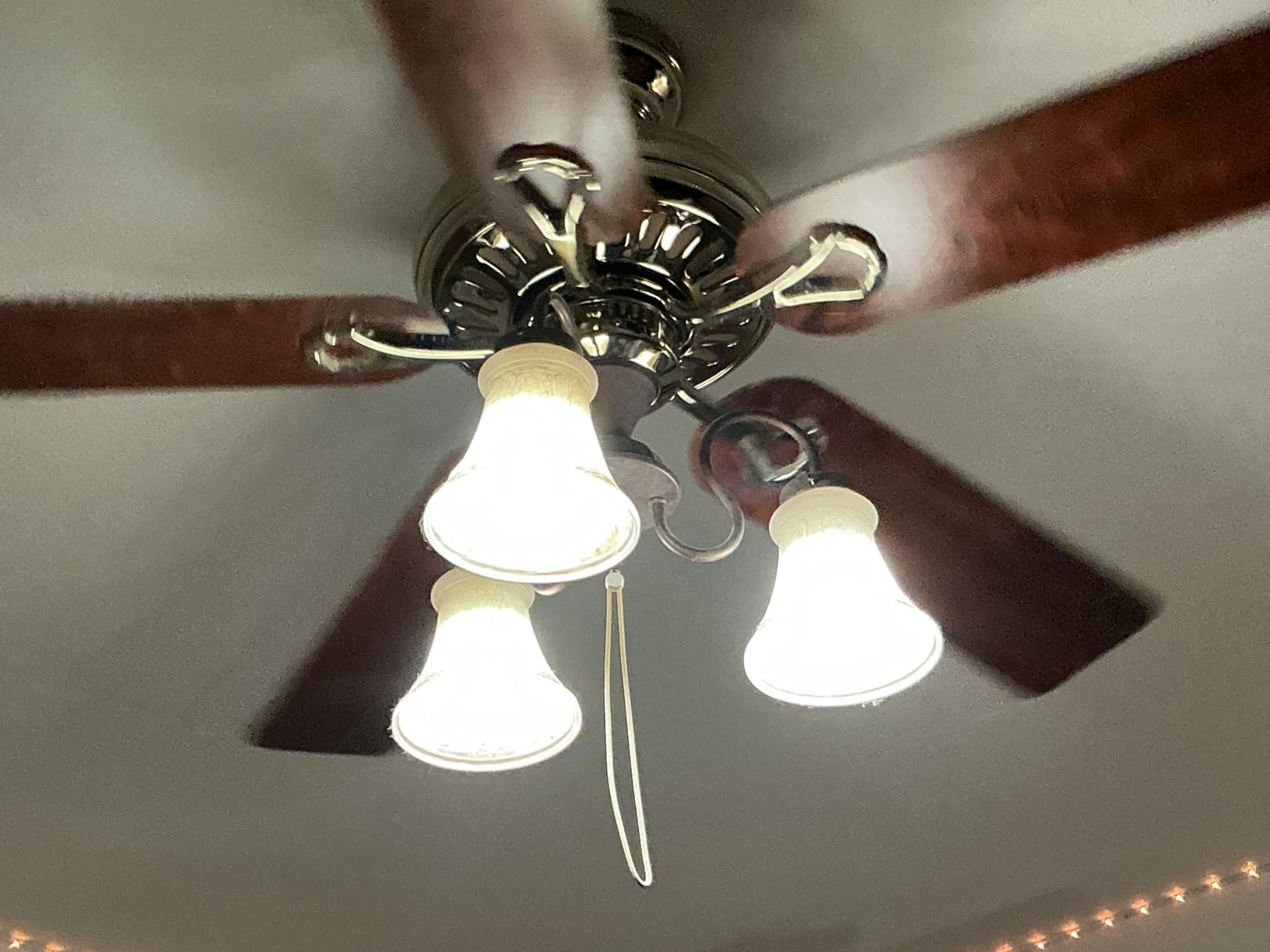
The recurring problem is Matter re-provisioning. Some units repeatedly lose their pairing and have to be added again, which is a serious annoyance in a house where a hallway bulb powers on every evening. It is the main reason to consider an alternative at a similar tier.
Also worth flagging: the bulbs should not sit behind a physical dimmer switch, where owners report flicker and buzz, and blue hues are described as rendering less intensely than on competing bulbs.
Is 1800K worth choosing a bulb for?
If you have ever found a smart bulb on minimum brightness looks cold and slightly blue, yes. Most budget bulbs bottom out around 2500K, and that extra warmth is what makes a night-time scene look like a lamp rather than an office.
Buy it when
You want warm evening light across a whole floor and you will run everything locally through a Matter controller. Test one bulb first, because the pairing complaints cluster around specific bulbs rather than the range as a whole.
9. Philips Hue Essential A19 4-Pack – Where Colour Accuracy Is the Benchmark
Philips Hue Essential Smart LED A19 Bulb, 4-Pack
E26 A19 four-pack, 800 lumens, 8.8W, CRI 80, dims to 2 percent, Hue Bridge required
Pros
- Rock-solid connection with instant response and no random disconnections
- smooth dimming all the way to 2 percent
- rich accurate colour reproduction
- intuitive Hue app with scenes designed by lighting experts
- integrates cleanly with Alexa
- Google Assistant and Apple Home
Cons
- Requires a Hue Bridge for full smart connectivity
- white spectrum is weaker than advertised below 2700K
- noticeable lag when fading grouped bulbs in HomeKit
Forum threads going back years treat Hue as the reference point for colour quality, and owners of these bulbs describe the reproduction as holding up against the premium Hue range. If a room needs to look right for photography, food or skin tones, this is the pack we would reach for.
The connection quality is the other headline. Owners report instant response and no random disconnections, and the 2 percent dimming floor is smooth enough to make a genuinely good bedside bulb once the bridge is in place.
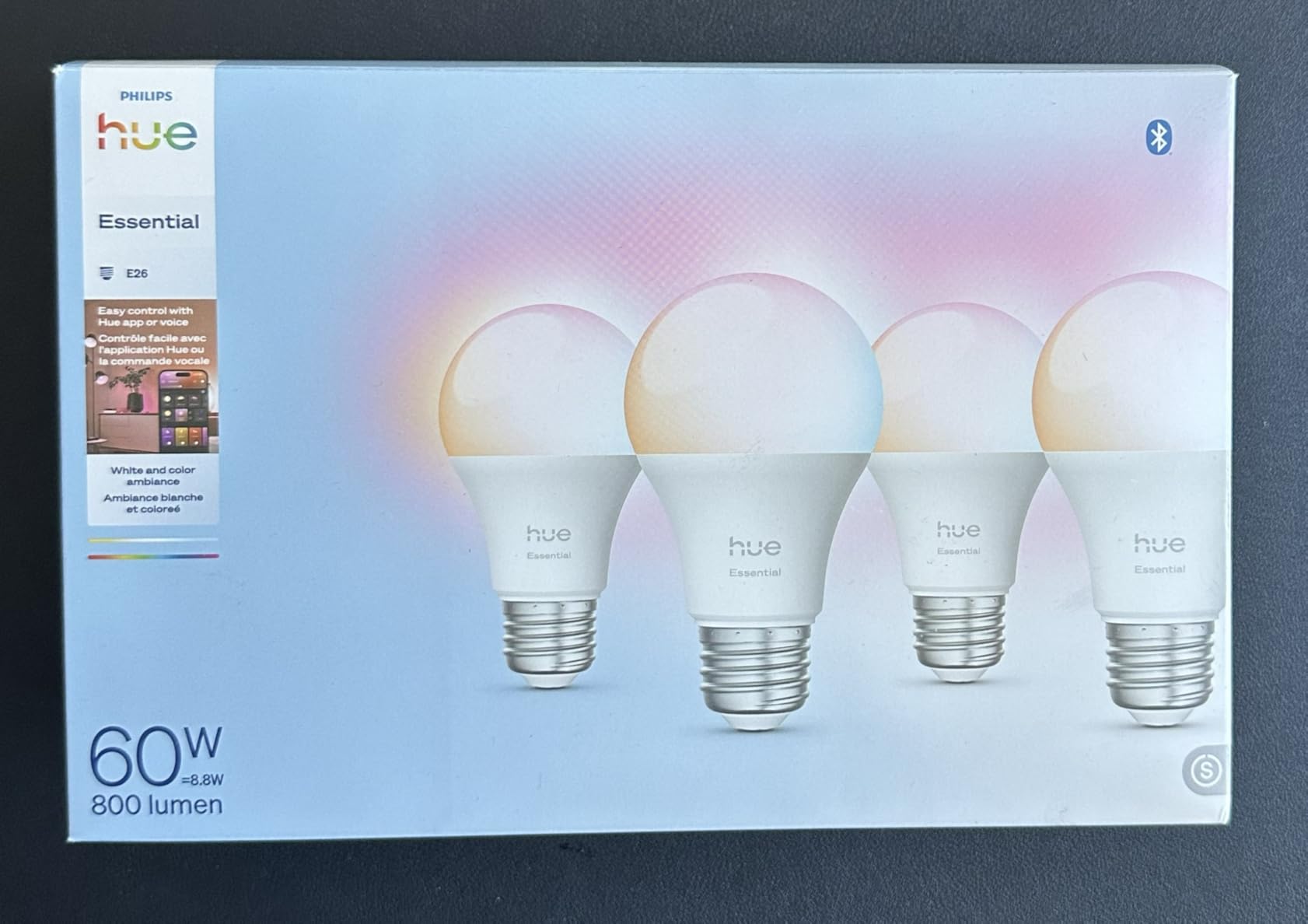
The catch is architecture. These are not standalone Wi-Fi bulbs: smart connectivity needs the Hue Bridge, and that bridge is the one extra box this roundup otherwise tries to avoid. It is a fair trade for a stable mesh network, but it is a real addition to a home that has nothing else.
Two smaller notes from owners. The warm end of the white spectrum is weaker than advertised below 2700K, so you will not get the deep orange glow of candlelight from these. And grouped fades in HomeKit show a noticeable lag even when single-bulb control is instant.
Is the Hue Bridge worth the extra hardware?
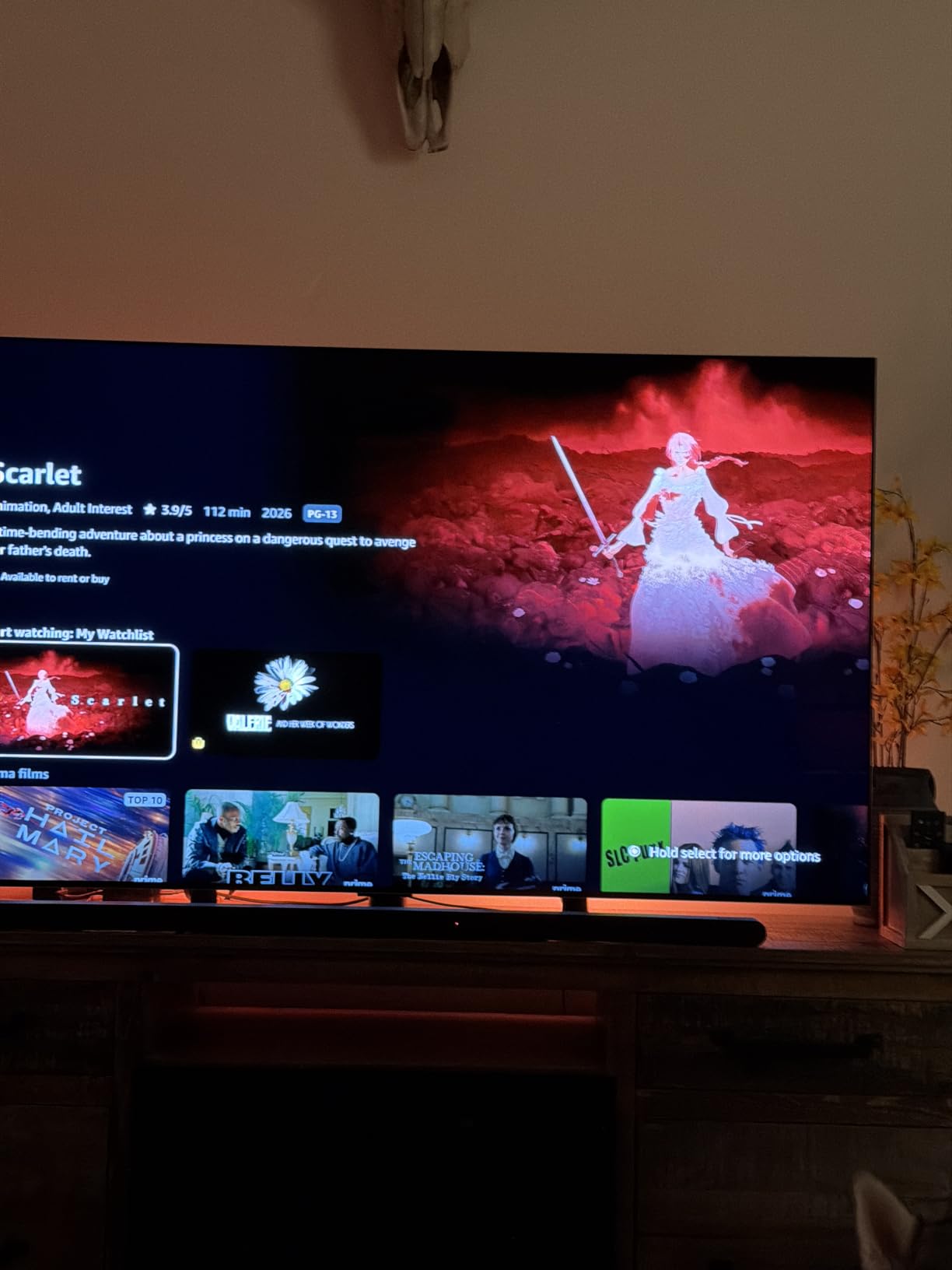
It buys you a stable mesh network, deep dimming and the most considered lighting scenes in this list, and it is the only option here that Home Assistant users describe as reliably pairing through the bridge. If you already run Hue elsewhere, the answer is obviously yes.
When it is the wrong call
When you have no existing Hue setup and want bulbs that work with no additional hardware. In that situation, a Matter-certified bulb gives you similar ecosystem reach with one less box to power and maintain.
10. THIRDREALITY Zigbee ZL1 4-Pack – The Local-First Choice for Home Assistant
THIRDREALITY Zigbee Smart Color Bulb ZL1 4Pack,Compatible with Home Assistant(ZHA&Z2M), SmartThings,Aeotec,Homey,Hubitat or Echo Devices With Built-in Hub,A19 RGBCW Bulb,2700K-6500K Tunable,800 Lumens
E26 A19 four-pack, 800 lumens, 8.5W, Zigbee 3.0 mesh repeater, 2700K to 6500K, 1 to 100 percent
Pros
- Fully local operation over Zigbee with no cloud and no API rate limits
- instant response and reliable group control without the lag of Wi-Fi bulbs
- doubles as a Zigbee repeater that strengthens mesh coverage
- discovered cleanly by Home Assistant through both ZHA and Zigbee2MQTT
- brightness from 1 to 100 percent
Cons
- Amber tones render washed out and shift toward pink
- 800 lumens is dim for main ceiling lighting
- needs a Zigbee hub or an Echo device with a built-in Zigbee hub
This is the bulb for a house that runs its own system. Because Zigbee bulbs answer locally, nothing depends on a manufacturer’s server staying online, and the automation keeps working with the internet disconnected. No cloud account means no API rate limits and no surprise outages after a firmware decision elsewhere.
The built-in repeater function is the sleeper feature in a whole-home retrofit. A bulb that repeats the mesh signal extends coverage into the far end of a garage or a detached office, which means you do not have to buy powered repeaters as well as bulbs.
Group control is where Zigbee earns its reputation. Owners running Home Assistant describe instant response and no popcorn effect, meaning a room of eight bulbs fades together rather than flickering in sequence. The bulb is discovered cleanly through both ZHA and Zigbee2MQTT.
Colour is the trade-off. Amber tones render washed out and shift toward pink, and some colours are less saturated than premium Hue equivalents, which is a fair description of most Zigbee lighting at this price. Output of 800 lumens is fine for a lamp and modest for a ceiling fitting.
What does the repeater function actually do?
It re-broadcasts the mesh signal from wherever the bulb is screwed in. In practice that means a bulb in the hallway can extend reach into a room that otherwise sits at the edge of the network, without an extra mains-powered device.
What you need before buying
A Zigbee coordinator or an Echo device with a built-in hub. Note also that Tuya-based Zigbee hubs are not supported, so check what your coordinator is before committing to a four-pack for the whole floor.
How to Choose Smart Bulbs for a Home Automation System
Zigbee vs Wi-Fi vs Matter: the decision that matters most
Every bulb here speaks one of three protocols, and the protocol decides how much work your system has to do. Zigbee bulbs are not smart on their own; they need a coordinator, and in return you get a low-power mesh that responds in milliseconds and runs without any cloud service. Wi-Fi bulbs need no hub and pair in a minute, but every bulb is a separate device competing for airtime on your router, and group commands get slower as the count rises. Matter bulbs are the newest route: they pair by QR code into any compatible controller and keep working on the local network when the internet is down.
Here is how to choose in four steps. First, look at what you already run, because a bulb that only works in one app is a bulb you will have to re-pair. Second, decide whether you need automation to survive an internet outage; if yes, rule out brand-specific Wi-Fi bulbs. Third, count how many bulbs you are actually planning, because a mesh protocol scales better than Wi-Fi past roughly twenty devices. Fourth, set your budget for the box as well as the bulbs, since Zigbee and Hue both need a bridge.
Hub or hubless, and what a hub actually adds
A hub, bridge or coordinator is the box that lets bulbs join your network and run automations locally. What you gain is response time, mesh coverage, and independence from a cloud server. Zigbee bulbs genuinely require one. The Hue bulbs in this roundup require the Hue Bridge for smart connectivity. The Matter bulbs, Tapo, Sengled, WiZ and OREiN, do not require a separate bridge, but they do need a Matter controller, which in practice is your existing Apple Home, Google Home, Alexa or SmartThings setup.
The honest summary from community discussion is that hubless bulbs suit a flat with a handful of fittings, while a house with twenty or more bulbs, or anyone who does not want their lights to stop working when a company has a bad afternoon, should put a coordinator in the middle.
What the wall switch does to a running schedule
This is the most-asked question in home automation forums, and the answer is worth reading carefully. Smart bulbs are normally told to come back on after a power cut, so if someone flips the wall switch off and on again, the bulb powers up at full brightness and then returns to its stored state. Your schedule is not deleted, but it is briefly overridden. If a bulb is cut off repeatedly, some models need a factory reset to accept commands again.
The practical fix is to leave those switches permanently on and control the light from the app, a keypad or a voice assistant. If the existing switches must stay meaningful, put a relay module behind them instead of automating the bulb. That is a job for an electrician, and it is the alternative several Home Assistant users recommend when they would rather keep working switches than argue with bulb behaviour.
Do smart bulbs use more electricity?
No. Smart bulbs draw less power than the incandescent bulbs they replace, and the electronics that make them smart are a small fraction of that saving. The bulbs in this roundup run between 8.5 and 9.5 watts for 800 to 1100 lumens, against 60 to 75 watts for the incandescent equivalents. The genuine standby question is how much a bulb draws while switched off, and that is not published consistently by manufacturers, so treat any figure you see as an estimate rather than a specification.
Where smart lighting can genuinely reduce consumption is behavioural. Scheduling a bedroom light off at a fixed time, or switching lights off when a room has been empty for twenty minutes, saves electricity every single day without anyone noticing.
Matching bulbs to your automation platform
For Home Assistant, Homey and Hubitat, the Zigbee option is the natural fit, and the bulbs here are discovered through both ZHA and Zigbee2MQTT. For SmartThings, Zigbee, Matter and the TP-Link options all pair. For Apple Home, Matter certification is the requirement, which points at the Sengled, WiZ, Tapo and OREiN bulbs, or the Hue range through its bridge. For Alexa and Google Home, every bulb in this roundup works, and the Amazon Basics option works only there.
One community tip is worth repeating: when a bulb reports a colour or on-off problem, check the local network before you return it, because a surprising share of those complaints are the router rather than the bulb.
Form factor and lumens: why lights look dim
Most disappointed buyers did not buy a bad bulb; they bought the wrong shape or the wrong output for the fitting. An A19 is the standard globe shape and fits most table lamps and ceiling fixtures. A BR30 is the reflector shape for recessed downlights, and it does not belong in a pendant. A globe bulb suits open fixtures where an A19 looks too industrial.
On output, the pattern in this roundup is consistent: 800 lumens suits a bedside lamp, a hallway and a single-ceiling-light room, while something closer to 1100 lumens is needed for a main living-room ceiling. Colours also lose brightness at strongly tinted settings, so a bulb that looks powerful at neutral white will disappoint at deep blue.
Frequently Asked Questions
What smart bulbs work best with Home Assistant?
Zigbee bulbs are the best fit for Home Assistant because they run locally, respond in milliseconds and report their true state to the dashboard. The THIRDREALITY ZL1 is discovered cleanly through both ZHA and Zigbee2MQTT and doubles as a mesh repeater. Matter bulbs such as the Tapo L535E also work well and keep operating when the internet drops. Brand-locked Wi-Fi bulbs such as the SYLVANIA pack will not appear in Home Assistant at all.
Which brand of smart bulbs is the most reliable?
Reliability depends more on protocol than on brand. Zigbee bulbs report consistent connection quality in community feedback because the mesh does not depend on your router. Among Wi-Fi and Matter options, buyers most often report stable long-term behaviour from TP-Link Kasa, Tapo and WiZ, while Sengled and OREiN draw repeated complaints about reconnection and Matter re-provisioning. The Philips Hue range is praised for connection stability but needs a bridge.
Is Govee or Tapo better?
Tapo is the better choice for a main room: the L535E delivers 1100 lumens at a CRI of 90, covers 2500K to 6500K, and is Matter certified with local operation when the internet is down. Govee is the better choice for features and popularity: the A19 offers 54 scene modes, music sync and Bluetooth plus Wi-Fi pairing across more than 27000 ratings. Govee’s dimming floor stays high, so it is a poor night light.
Do smart bulbs raise the electric bill?
No. The bulbs in this roundup draw between 8.5 and 9.5 watts for 800 to 1100 lumens, compared with 60 to 75 watts for the incandescent bulbs they replace, so the smart electronics add only a fraction to a large saving. Smart lighting reduces consumption in practice through scheduling and vacancy behaviour rather than through the bulb itself.
What happens to my automations if someone flips the wall switch?
The schedule is not deleted, but it is briefly overridden. Most smart bulbs are set to return to full brightness after a power cut and then settle back to their stored state once the app reconnects. If a bulb is switched off at the wall repeatedly, some models need a factory reset before they accept commands again. The practical fix is to leave those switches on permanently and control the light from the app or a voice assistant.
Can I mix smart bulbs from different brands in one home?
You can, if at least one of your platforms speaks Matter. A Matter controller with multi-admin support can hold bulbs from several brands at once, and Zigbee coordinators pair bulbs from many manufacturers. You cannot mix bulbs locked to closed ecosystems, since the SYLVANIA pack will not appear in Smart Life, Tuya, Home Assistant or Homebridge. Mixing Wi-Fi brands also means managing several separate apps.
Start With One Room
If you are starting from nothing in 2026, pick a single room and do it properly. Our overall pick as the best smart bulb for home automation is still the Govee A19, because it pairs the largest support base with the widest assistant coverage and needs no hub. A bedroom is the usual first choice because the payoff is immediate: a schedule that fades the light down at a fixed hour, and a sunrise ramp that wakes you without an alarm. Choose the bulb that matches the platform you will actually live with, not the one with the longest feature list.
For a Wi-Fi house with no hub, the Kasa KL125P2 or the Govee A19 will cover almost everything. For a house that should keep working without the internet, go Matter and start with the Tapo L535E. For a local-first system on Home Assistant or Hubitat, the Zigbee route is the one that scales when you add room number two.
Get one room right first. A single well-chosen room teaches you how the app behaves, how the wall switches interact and what the colour actually looks like at nine in the evening, and that knowledge is worth more than a whole house of the wrong bulb.