
If you want the single best external SSD for gaming in 2026, buy the SanDisk Extreme Portable SSD in 2TB. It runs at a rated 1050MB/s read, carries an IP65 rating, and holds a 4.6 star rating across more than 91,000 reviews. Anything faster on paper needs a port your machine may not even have.
That last point is where most gamers waste money. Drive makers print enormous headline speeds, but a 2000MB/s drive plugged into a 10Gbps port still runs at 10Gbps speed. The interface on the drive and the port on your laptop or console both cap the result, and the lower of the two always wins.
So the real question is not which drive is fastest in isolation. It is which drive matches the port you own, the capacity your library needs, and the amount you are willing to spend per gigabyte. In this market that last number matters more than usual, because AI data-centre demand has pushed NAND pricing sharply upward and the old advice of buying whatever is least expensive no longer holds.
We went through twelve external SSDs currently in the catalog, sorted them by interface tier, and read the review patterns closely enough to spot the recurring complaints. What follows is organised by speed tier so you can skip straight to the section that matches your hardware.
Table of Contents
Top 3 Best External SSDs for Gaming (October 2026)

SanDisk Extreme Portable 2TB
- Rated 1050MB/s read and 1000MB/s write
- IP65 water and dust resistance
- 256-bit AES hardware encryption
- Carabiner loop
- 5-year limited warranty

Samsung T7 1TB
- Rated 1050MB/s read and 1000MB/s write
- Solid aluminum unibody
- 6-foot drop protection
- 256-bit AES hardware encryption
- PS4 and PS5 ready

Samsung T9 2TB
- Rated 2000MB/s read and write
- Dynamic Thermal Guard
- Magician management software
- 2TB capacity
- 5-year limited warranty
The 12 Best External SSDs for Gaming at a Glance in 2026
| Product | Specs | Action |
|---|---|---|
| SanDisk Extreme Portable SSD 2TB |
|
Check Latest Price |
| Samsung T7 Portable SSD 1TB |
|
Check Latest Price |
 Crucial X6 Portable SSD 1TB Crucial X6 Portable SSD 1TB |
|
Check Latest Price |
 WD My Passport SSD 2TB WD My Passport SSD 2TB |
|
Check Latest Price |
 Seagate Game Drive 2TB Seagate Game Drive 2TB |
|
Check Latest Price |
| Samsung T9 Portable SSD 2TB |
|
Check Latest Price |
 Crucial X10 Pro 1TB Crucial X10 Pro 1TB |
|
Check Latest Price |
 Crucial X10 1TB Crucial X10 1TB |
|
Check Latest Price |
 WD Black P40 Game Drive 1TB WD Black P40 Game Drive 1TB |
|
Check Latest Price |
 BUFFALO External SSD 1TB BUFFALO External SSD 1TB |
|
Check Latest Price |
 Lexar ES3 Portable SSD 2TB Lexar ES3 Portable SSD 2TB |
|
Check Latest Price |
 Amazon Basics Portable SSD 2TB Amazon Basics Portable SSD 2TB |
|
Check Latest Price |
Do External SSDs Actually Speed Up Games?
Yes, but only once you cross a threshold, and the threshold is lower than most people expect. An external mechanical hard drive typically manages a small fraction of what any of the SSDs on this list are rated for, and modern open-world titles read tens of gigabytes during a launch. That is where the multi-minute wait comes from.
The math makes the gap obvious. At the Seagate Game Drive’s rated 130MB/s, moving a 100GB install takes around thirteen minutes. At the 2000MB/s headline speed printed on the Samsung T9, the same job lands near a minute. The jump from a 10Gbps drive to a 20Gbps or 40Gbps drive is a smaller step, and it only shows up on the very largest titles.
That is why our top pick is a 10Gbps drive. Once a game is installed, the part that matters most is random read performance during loading, and that difference narrows fast as you move up the tiers. Frame rate during play is not affected by drive speed at all, because the data is already resident in memory once a scene loads.
The one place extra speed clearly pays is copying games in. A 20Gbps or faster drive turns a library reshuffle from an evening project into a coffee break, which matters more than most people expect once you own four or five large titles.
1. SanDisk Extreme Portable SSD 2TB – Best External SSD for Gaming Overall
Sandisk 2TB Extreme Portable SSD, Up to 1050MB/s, USB-C, USB 3.2 Gen 2, IP65 Water and Dust Resistance, Updated Firmware, External Solid State Drive, SDSSDE61-2T00-G25
Rated 1050MB/s read and 1000MB/s write
IP65 water and dust resistance
3-meter drop protection
5-year limited warranty
Pros
- Consistently fast transfers near rated 1050MB/s read and 1000MB/s write
- Very small at 1.76 ounces with an integrated carabiner loop
- Rugged rubberized shell with IP65 sealing
- 256-bit AES hardware encryption
- Works on both USB-C and older USB-A hosts
Cons
- Picky about the cable and will not mount with some low-quality or Apple cables
- Runs slightly warm during long sustained transfers
This is the drive we keep coming back to because it solves the actual problem rather than the specification sheet problem. It sits at the top of the External Solid State Drives category by sales rank, and at 4.6 stars across more than 91,000 reviews it has more proven history than anything else in this guide.
In practice it hits close to its rated 1050MB/s read and 1000MB/s write on any machine with a proper USB 3.2 Gen 2 port. For a game library that means large installs finish quickly and loaded open-world areas stream assets without the stutter you get from a hard drive.
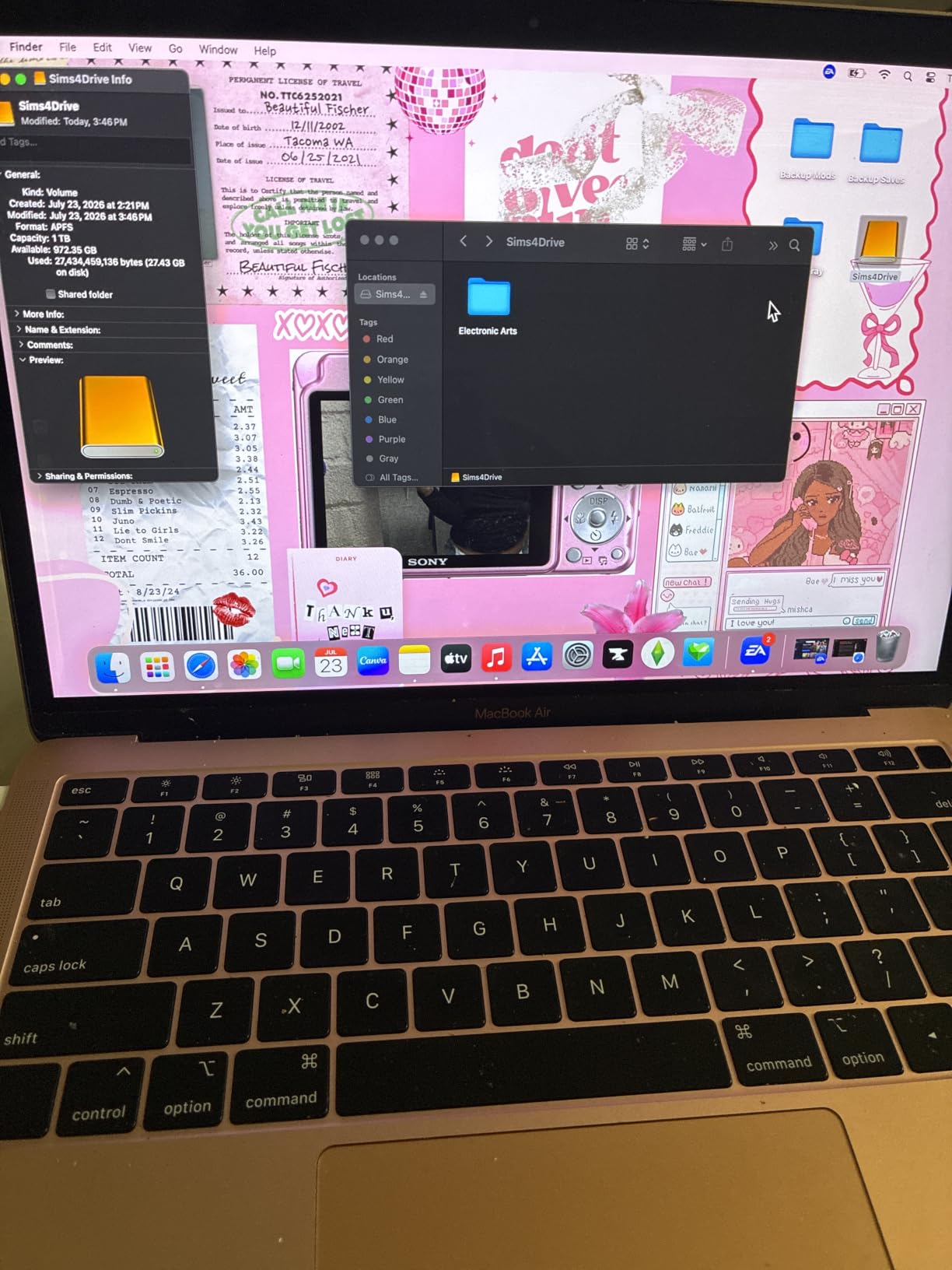
The 2TB capacity is the part that quietly matters most. At 2TB you are looking at room for roughly a dozen modern AAA installs alongside your whole Steam backlog, which means you can stop deleting games you actually want to keep.
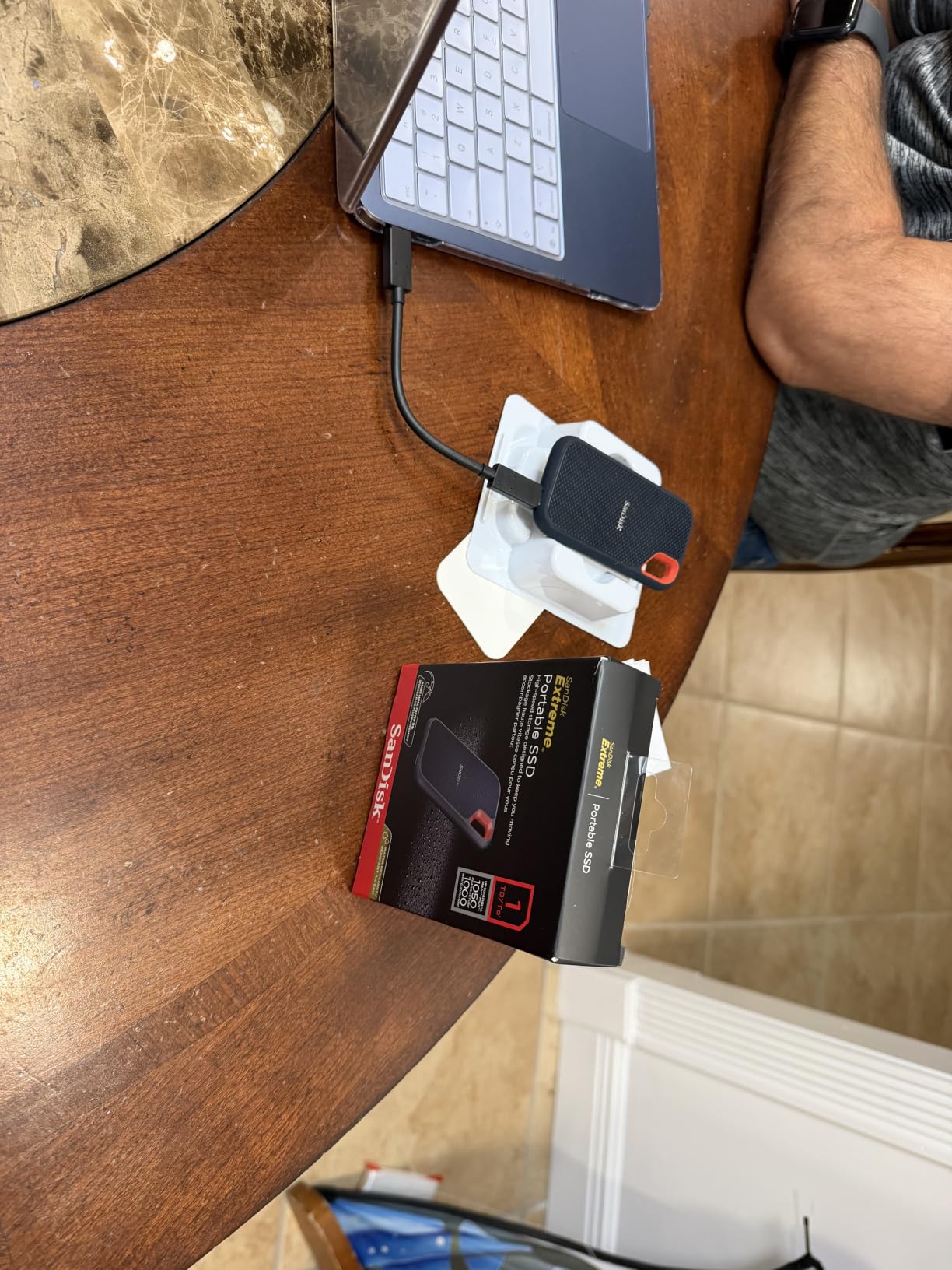
Build quality is a genuine strength here. The rubberized shell carries an IP65 water and dust rating and a 3-meter drop rating, and the carabiner loop means it lives on a belt loop rather than rattling loose in a laptop sleeve.
What to check before you buy
The single most common complaint is cable sensitivity, and it is worth understanding before you blame the drive. Several owners report the drive failing to mount with cheap or Apple-supplied cables, which looks exactly like a dead unit. Use a known-good USB-C cable and the problem disappears most of the time.
Secondary notes are minor: mild warmth during very long sustained transfers, and older revisions that auto-ejected from macOS while idle until a firmware update fixed it. The current firmware revision shipped with new units addresses that second one.
Who should skip it
Skip this one if your machine only has USB-A ports at 10Gbps, because you will pay for a 20Gbps-class or 40Gbps-class drive and see 10Gbps results. Also skip it if you plan to run games directly off the drive on a PS5, where Sony’s own licensed and faster-approved drives are a better fit.
For a gaming laptop with a plain USB-C port, a Windows desktop with any modern USB port, or a portable library that moves between devices, this is the pick. It is the drive we recommend to most people who ask us once and expect to stop thinking about storage.
2. Samsung T7 Portable SSD 1TB – Best Value for Gaming
Samsung T7 Portable SSD 1TB Titan Gray, USB 3.2 Gen 2, Up to 1,050MB/s
Rated 1050MB/s read and 1000MB/s write
Solid aluminum unibody
6-foot drop protection
3-year limited warranty
Pros
- Highest average rating in the group at 4.7 stars with 86 percent five-star reviews
- Slim aluminum unibody that is genuinely pocketable
- Near-rated transfer speed on USB 3.2 Gen 2 hosts
- Shock resistance to 6 feet
- Listed as compatible with PS4 and PS5
Cons
- Advertised speeds only apply on USB 3.2 Gen 2 host ports
- Higher capacities carry a steeper price per gigabyte
The T7 is a refined piece of hardware. It weighs 2.08 ounces and measures well under an inch thick, and the aluminum unibody feels like a small piece of machined hardware rather than a plastic gadget.
It carries a 4.7 average, the highest of any drive in this guide, and reviewers consistently describe the same combination: quiet operation, near-rated speed, and a body that disappears into a bag. For a gaming library that you carry between a desktop and a laptop, that physical quality is not a luxury.
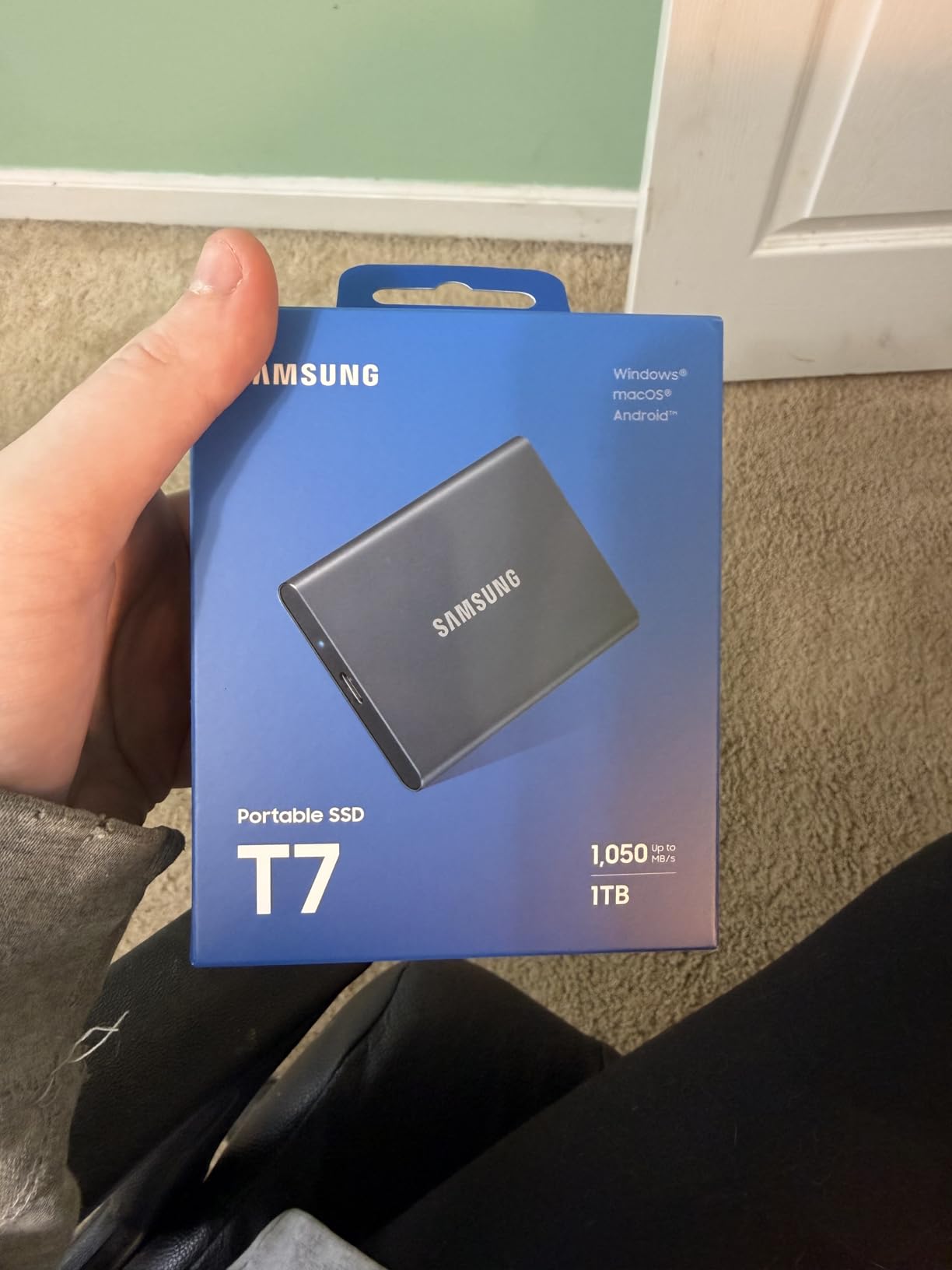
The interface is USB 3.2 Gen 2, so it needs that port to hit 1050MB/s. Plug it into an older USB-A port and it will run slower without complaint, which is the most important thing to know before you buy.
Capacity runs up to 4TB, and the 1TB version is the sensible starting point for a console-adjacent or laptop library where you already have some internal storage to lean on.
What to check before you buy
Samsung lists PS4 and PS5 as compatible devices, and it is a legitimate option for a game library. It is not, however, one of the officially licensed console drives, so verify your own console model before assuming it will be accepted without extra steps.
The other practical note is price per gigabyte. Reviewers flag that the larger capacities cost meaningfully more per GB than budget rivals, so a 1TB or 2TB unit is the sensible stopping point for most people.
Who should skip it
Skip the T7 if you own a machine with a 20Gbps USB 3.2 Gen 2×2 port and you move games regularly. At that point you are leaving real throughput unused, and a drive like the Samsung T9 below will use your hardware properly.
Choose it instead if you rate the physical object highly, want the longest warranty-to-noise ratio in the group, and mainly need a very good 10Gbps drive that will simply work.
3. Crucial X6 1TB – Best for Console Game Storage on a Budget
Crucial X6 1TB Portable SSD – Up to 800MB/s, USB 3.2 – External Solid State Drive for PC, Mac, PS5, Xbox – CT1000X6SSD9
Up to 800MB/s read speed
1TB capacity
40g weight
6.5-foot drop resistance
Pros
- Pocket-sized and light at 40g
- Holds up to shocks
- vibration and drops to 6.5 feet
- Wide device compatibility including PS5
- PS4
- Xbox
- PC
- Mac and Android
- Reliable 800MB/s reads for everyday game storage
Cons
- 800MB/s ceiling sits well below newer Gen 2x2 drives
- No hardware encryption and no IP rating
- USB-C to USB-C cable means USB-A users need an adapter
The X6 is the straightforward choice when the goal is console game storage and nothing more. It runs at up to 800MB/s read over a 10Gbps connection, which is fast enough that game loading from it feels essentially the same as loading from internal console storage.
At 40g it is a lightweight drive, and reviewers describe it as durable and unremarkable in a good way: it simply does its job.
Compatibility is the selling point. Crucial lists PS5, PS4, Xbox, PC, Mac and Android support, and owners use it successfully for console game storage and everyday transfers on the same drive.
Drop resistance to 6.5 feet means it survives the kind of drop that ends a gaming laptop session badly, and the shock and vibration ratings add confidence for a drive that gets moved constantly.
What to check before you buy
Accept the speed ceiling before you commit. 800MB/s is plenty for loading games but noticeably slower when you are copying a fresh 150GB install onto it, so expect install and move operations to take real time.
Two feature gaps are worth noting: there is no hardware encryption and no IP water or dust rating on this model. Neither matters for a drive that lives beside a console.
Who should skip it
Skip the X6 if you also use the drive for video files or backups of large project folders, where the 800MB/s limit and the missing encryption both become annoying. It is also the wrong pick if you want to run PS5 titles directly from the drive rather than storing PS4 games.
Pick it if you want a cheap, light, console-friendly game bucket and you do not plan to move hundreds of gigabytes a month.
4. WD My Passport SSD 2TB – Best Compact 2TB Drive for Game Libraries
Western Digital 2TB My Passport SSD Portable External Solid State Drive, Gray, Sturdy and Blazing Fast, Password Protection with Hardware Encryption – WDBAGF0020BGY-WESN
Rated 1050MB/s read and 1000MB/s write
2TB capacity
256-bit AES hardware encryption
5-year limited warranty
Pros
- Credit-card-sized and very light at 7.08g
- Near-rated 1050MB/s reads with no meaningful heat on reads
- Silent operation with no moving parts
- 256-bit AES hardware encryption and 6.5-foot drop resistance
- USB-C with a USB-A adapter for older systems
Cons
- Very short included cable is awkward on a desktop setup
- Bundled security utility can stall during a download and is poorly documented
- Occasional reports of failed drives and support routing between WD and SanDisk
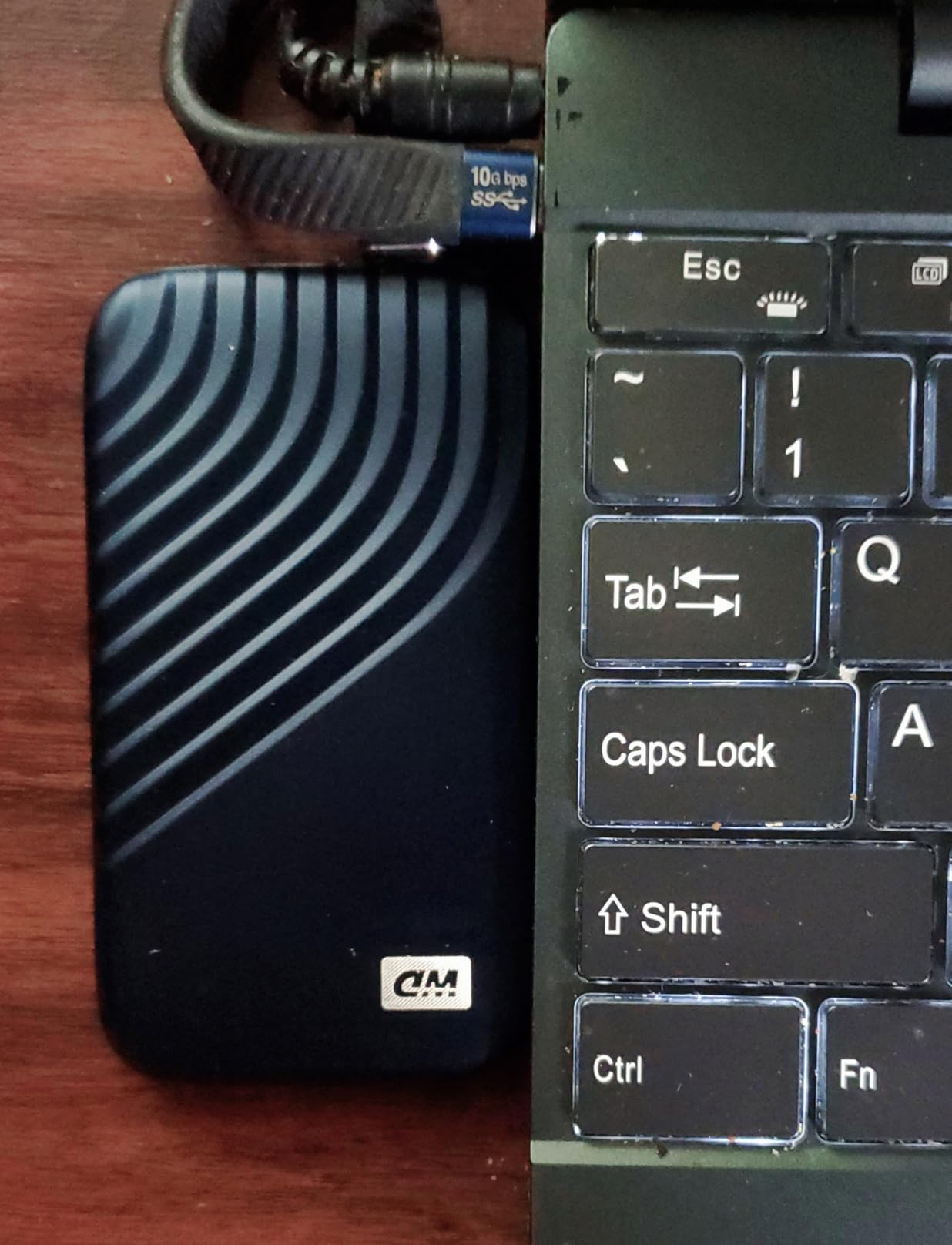
The My Passport SSD solves a specific problem: 2TB of NVMe storage in something the size of a credit card. At 7.08g and just over a third of an inch thick, it is the drive you forget you are carrying.
It runs at a rated 1050MB/s read and 1000MB/s write, and reviewers note there is no meaningful heat build-up during reads. Silence is the other repeated theme, since there are no moving parts to make the faint hum an external hard drive produces.
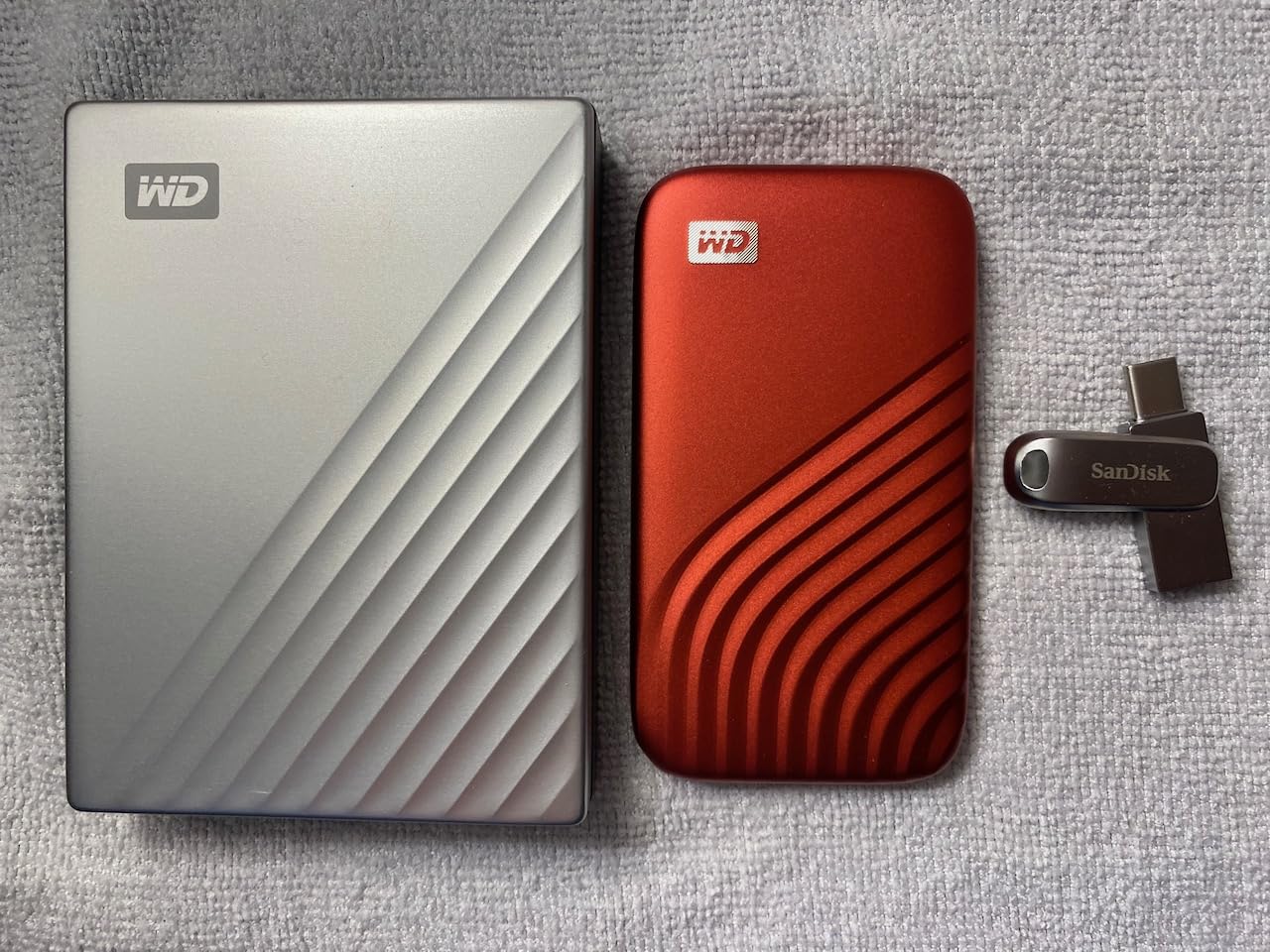
Owners use it as a silent replacement for a noisy external hard drive, for NAS-style media libraries, and for game storage, and it handles all three without complaint. 2TB is the sweet spot capacity for a large PC library.
Durability is solid on paper with 256-bit AES hardware encryption and 6.5-foot drop resistance, and the USB-A adapter in the box means older desktops are covered without a separate purchase.
What to check before you buy
The included cable is very short, which is genuinely awkward if you want the drive to sit on a desk behind a monitor. Budget for a longer USB-C cable if your setup needs reach.
Be aware of the bundled security utility. Reviewers report it can stall mid-download and that it is not explained in the manual. If you do not need the hardware encryption, leave the software alone entirely.
Who should skip it
Skip this drive if reliability history matters to you more than size. A small but real share of reviews describe drives failing outright and frustration with the WD and SanDisk support split, and that is a poor trade for a game library you depend on daily.
Choose it instead if you want maximum capacity per unit of physical space and you are moving the drive around lightly rather than hauling it to LANs.
5. Seagate Game Drive 2TB – Best Licensed Drive for PS4 Games
Seagate Game Drive voor PS4/PS5 2TB, externe SSD, 2.5″, USB 3.0, Blauwe ledverlichting (STLV2000202)
2TB capacity
Rated 130MB/s read
Officially licensed for PS4 and PS5
USB 3.0
Pros
- Officially licensed with matching firmware so games load natively
- Simple plug-and-play setup with no configuration
- Large 2TB capacity frees up console internal storage
- Compact 2.5-inch design with blue LED lighting
Cons
- PS5 titles must be copied back or moved elsewhere and cannot run from this drive
- 130MB/s is far slower than any NVMe portable SSD here
- Some buyers dispute whether the unit included is an SSD or a 2.5-inch mechanical drive
This drive is for a specific job: running PS4 games directly off the drive on a PS4 or PS5. It is officially licensed with matching firmware, which is why it works that way at all, and most unbranded drives cannot.
At 2TB it solves the console storage problem cleanly, and setup is genuinely plug-and-play. Owners report that PS4 titles install and launch directly from it with no configuration steps.
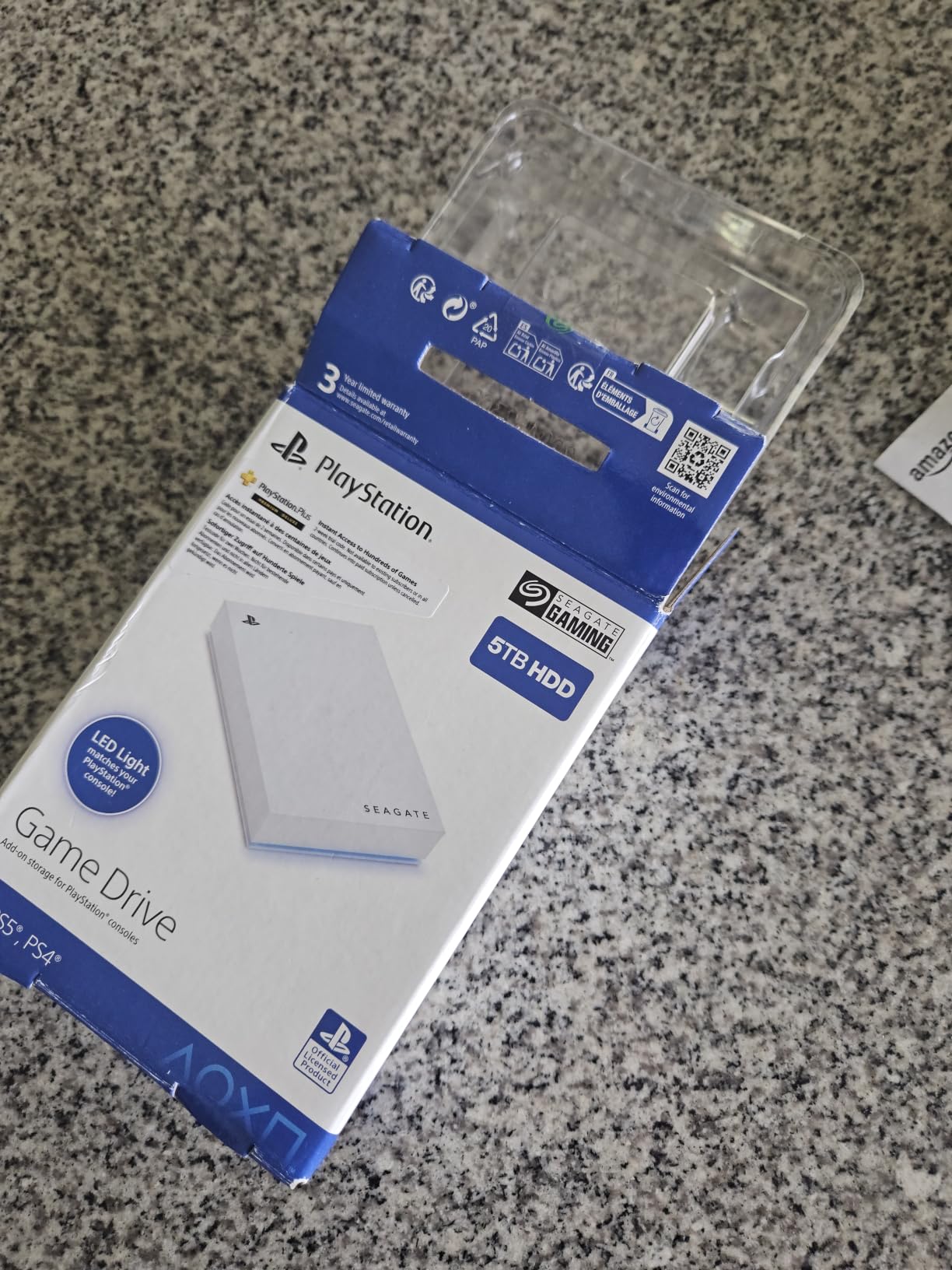
The 130MB/s read rating is the big caveat and the reason this drive cannot be recommended generally. That figure is far below the NVMe drives elsewhere in this guide, and it shows when you are loading anything large.
The blue LED and 2.5-inch form factor are console-era design cues that match a PS4 or PS5 setup better than a slim portable stick would.
What to check before you buy
Understand what this drive cannot do. PS5 games must be copied back to console storage or moved to a faster SSD expansion, and they will not run directly from this unit no matter how much free space it has.
There is also recurring confusion in the reviews about what actually arrives with the listing. Confirm you are receiving the solid state version before you commit, because the performance difference is enormous.
Who should skip it
Skip it if you own only a current-generation console and want to run modern titles off the drive. An 800MB/s or faster NVMe drive is the correct tool for that, and this one is not.
Buy it if you have a substantial PS4 library you want to keep off console storage, or a PS5 owner whose PS4 titles are crowding out the internal drive.
6. Samsung T9 Portable SSD 2TB – Best External SSD for 20Gbps Ports
Samsung T9 Portable SSD 2TB, USB 3.2 Gen 2×2 External SSD, Up to 2,000 MB/s
Rated 2000MB/s read
USB 3.2 Gen 2x2
Dynamic Thermal Guard
5-year limited warranty
Pros
- Sustained read and write speeds reach 2000MB/s on a 20Gbps host
- Dynamic Thermal Guard keeps speeds stable under long transfers
- Magician software handles firmware
- encryption and health monitoring
- Supports direct 4K 60fps recording from iPhone 15 Pro
- 2TB capacity in a still-portable body
Cons
- Heaviest unit in the group at 122g
- Requires a USB 3.2 Gen 2x2 host port to reach rated speed
- The 2TB body is bulkier to carry than a 1TB alternative
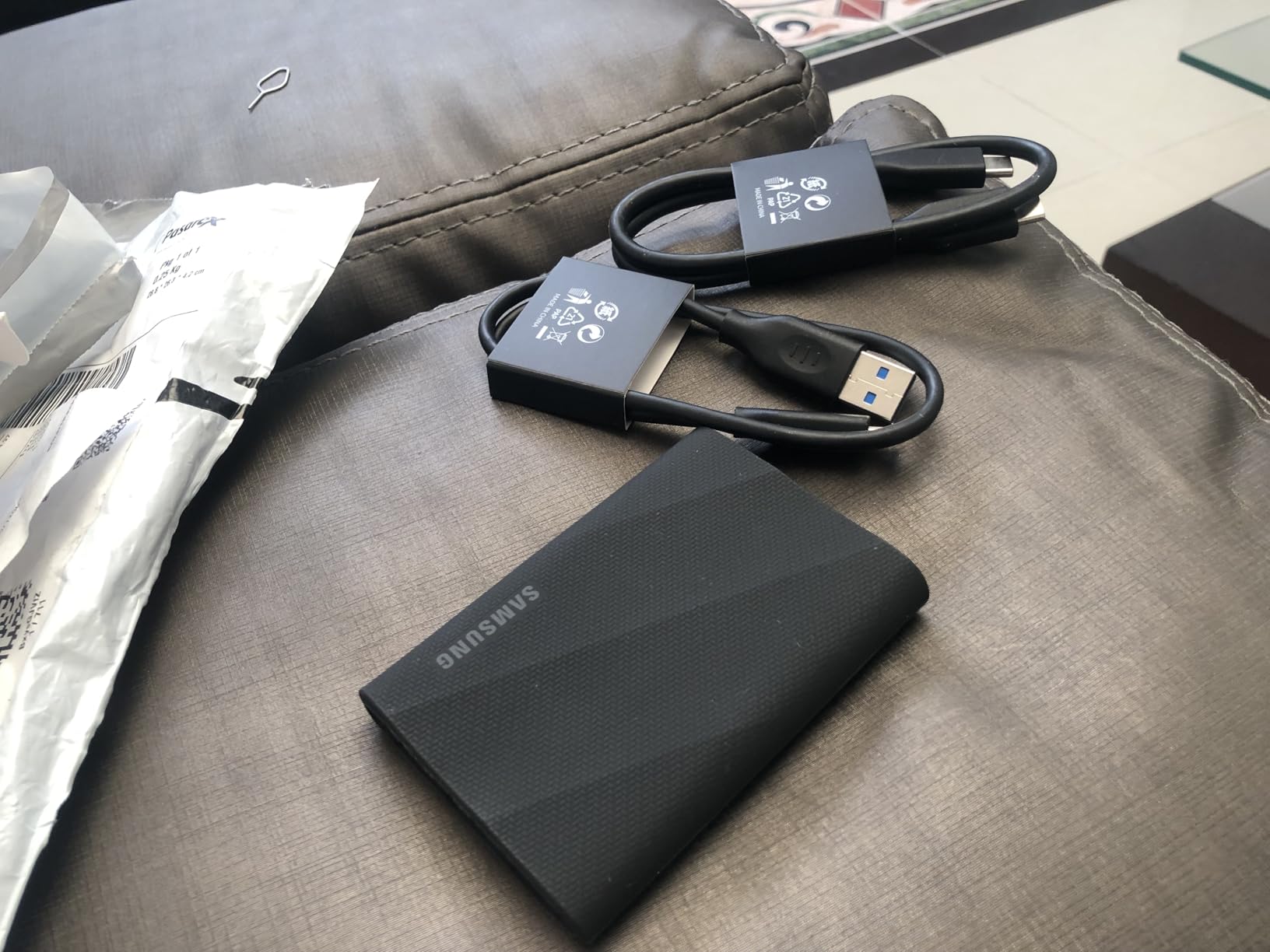
The T9 is a strong sustained performer in this group, rated at 2000MB/s for both reads and writes. If your machine has a USB 3.2 Gen 2×2 port, this is the drive that will actually use it.
Its Dynamic Thermal Guard is the feature that separates it from cheaper 20Gbps drives. Reviewers buying it for large project files consistently report that speeds stay stable during long transfers rather than collapsing once a cache fills.
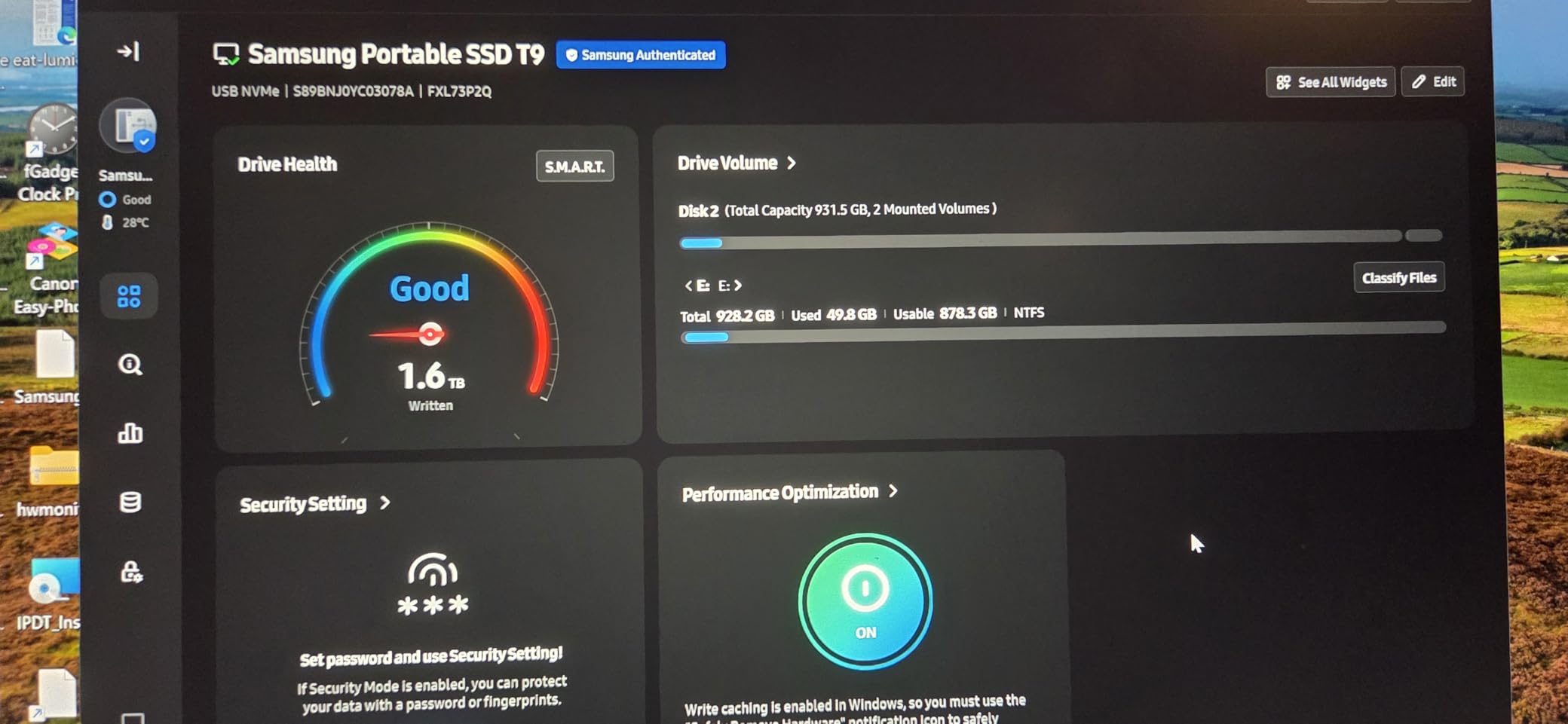
The Magician software covers firmware updates, encryption and drive health monitoring, which is a level of manageability few portable drives at this tier offer. It also records direct 4K 60fps video from an iPhone 15 Pro.
At 2TB it holds a serious library, and the sustained write speed means rebuilding that library from scratch is a short job rather than an evening one.
What to check before you buy
Verify your port first, because this is the entire value proposition. A 20Gbps host is required for the rated speed, and many USB-C ports on gaming laptops and desktops are only 10Gbps. Check the port specification before ordering.
The body weighs 122g, which is heavier than the 32g to 42g drives in this list. If the drive lives in a pocket rather than beside a desk, that difference is felt every time.
Who should skip it
Skip the T9 if your port is 10Gbps. You would be paying a premium per gigabyte for speed you cannot access, and the SanDisk Extreme at number one gives you the same practical result for less.
Choose it if you move large installs often, capture video alongside gaming, or want a drive that will not slow to a crawl partway through a 150GB transfer.
7. Crucial X10 Pro 1TB – Best for Video Capture Alongside Gaming
Crucial X10 Pro 1TB Portable SSD, Up to 2100MB/s Read, 2000MB/s Write, 3.2 USB-C, External Solid State Drive, Durable Storage for PC & Mac, for Professional Creators, Black – CT1000X10PROSSD902
Rated 2100MB/s read and 2000MB/s write
IP55 rated
42g weight
5-year limited warranty
Pros
- Very high rated throughput for the tier at up to 2100MB/s read
- IP55 water and dust resistance with 2-meter drop protection
- Light at 42g in an anodized aluminum housing
- Broad support across Windows
- Mac
- iPad Pro
- Chromebook
- Android
- Linux and consoles
- Includes Mylio Photos+ and Acronis True Image codes
Cons
- Lowest average rating here at 4.0 with 18 percent one-star reviews
- Some users report sustained throughput well below the 2100MB/s figure
- IP55 is a step down from the IP65 on the newer X10
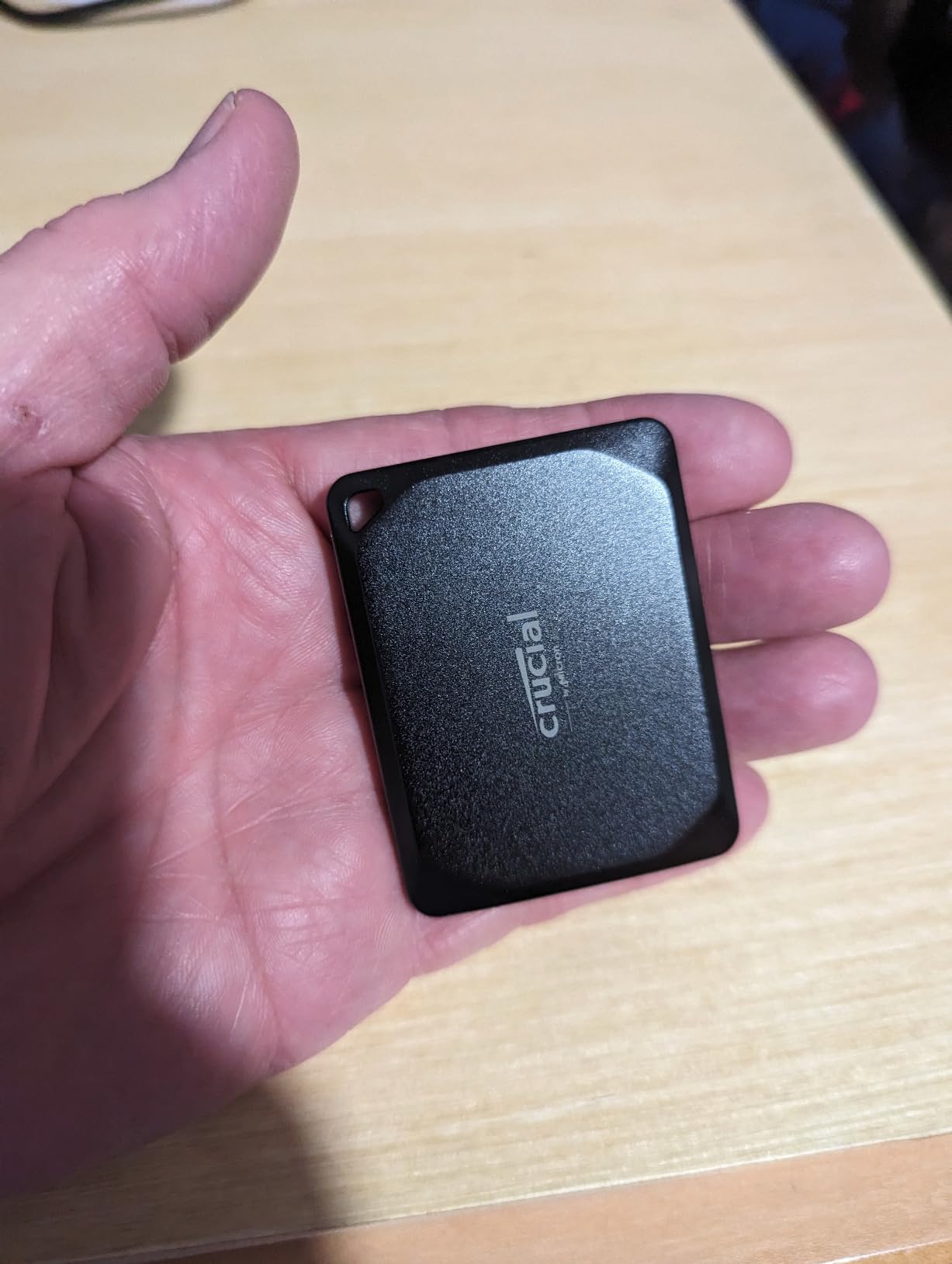
The X10 Pro is built for people who game and record. Its headline figure is 2100MB/s read and 2000MB/s write, matched by the Crucial X10 in this guide. In practice you will only see that on a 20Gbps host port.
It is light at 42g, has an anodized aluminum housing, and carries an IP55 water and dust rating with 2-meter drop protection, so it survives being carried to a LAN or used on location.
Compatibility is broad, spanning Windows, Mac, iPad Pro, Chromebook, Android, Linux, and PS4, PS5 and Xbox. The bundled Mylio Photos+ and Acronis True Image redemption codes add value for a drive that doubles as a scratch disk.
This is the drive to pick if you stream or capture gameplay while playing, because it handles the write side of that workload as well as anything in this list.
What to check before you buy
That is a real number, not a preference. At 4.0 stars with 18 percent one-star reviews, the Crucial X10 Pro is the weakest-reviewed drive in this guide.
Some owners also report sustained throughput landing well under the 2100MB/s claim. Test your drive early and verify large transfers rather than trusting a short benchmark.
Who should skip it
Skip the X10 Pro if your library is the priority and reliability anxiety is a factor. The Crucial X10 at number eight is the better-supported sibling for gaming, and the 18 percent one-star share here is a genuine signal, not rounding noise.
Choose it if you record and game at the same time and the speed-to-price ratio at this tier matters more to you than a longer warranty.
8. Crucial X10 1TB – Best Lightweight Drive for High-Speed Gaming
Crucial X10 1TB Portable SSD, Up to 2,100MB/s, USB 3.2 USB-C, External Solid State Drive, Compatible with Windows, Mac & Android, Durable Storage for Games, Photos & Files, Blue – CT1000X10SSD9-02
Rated 2100MB/s read
1TB capacity
32g weight
IP65 rated
Pros
- Exceptionally light at 32g while still rated to 2100MB/s
- IP65 water and dust resistance with 9.8-foot drop resistance
- Compact credit-card-sized form factor
- Works with Windows
- Mac
- PS4
- PS5
- Xbox
- iPad Pro
- Chromebook
- Android and Linux
- Includes Mylio Photos+ and Acronis True Image codes
Cons
- Only a 3-year limited warranty
- Top speeds need a USB 3.2 Gen 2x2 host
- Some buyers report real-world speeds below the 2100MB/s claim
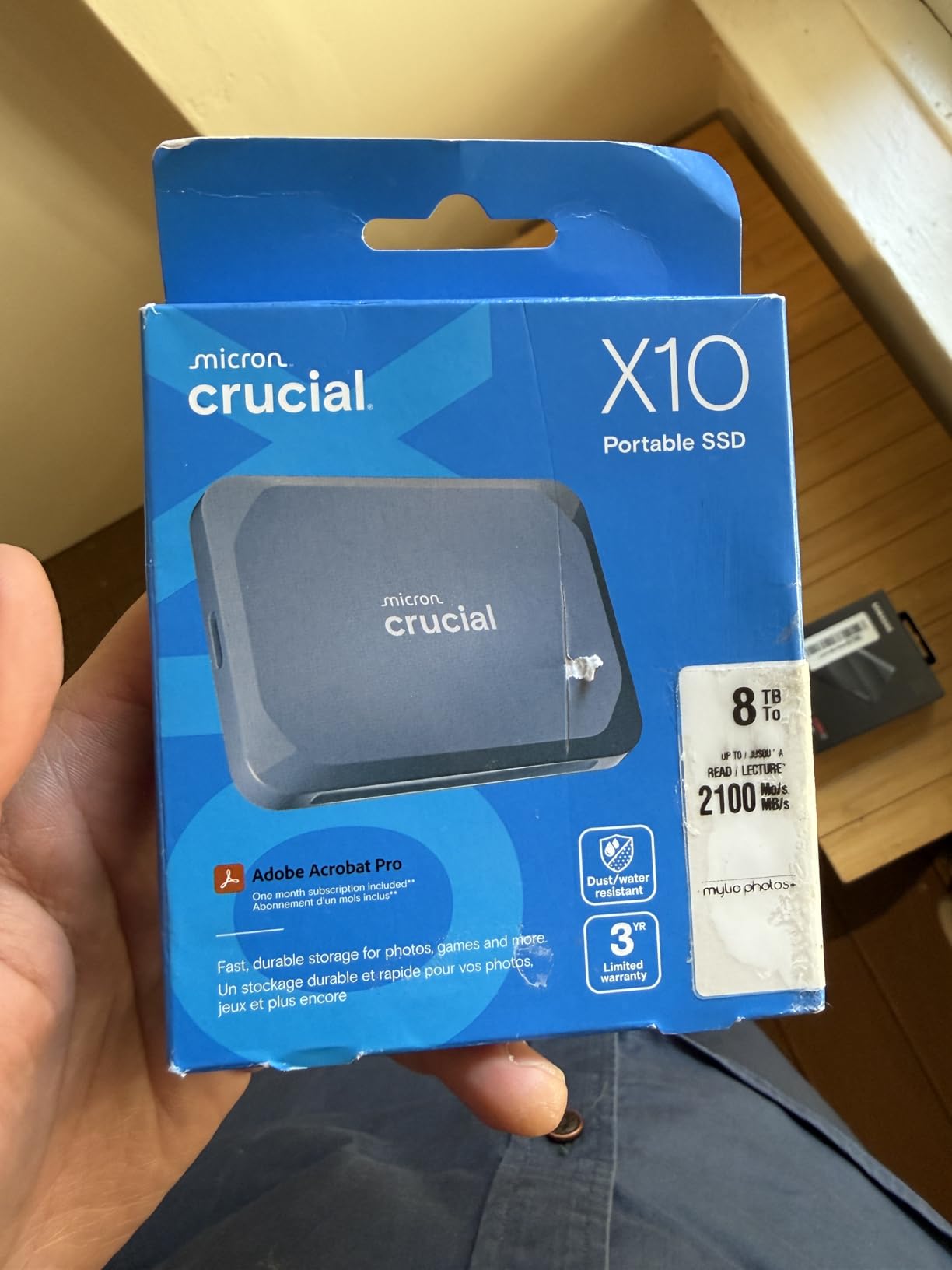
Pick the Crucial X10 if you want top-tier rated speed in a body light enough to forget about. It weighs 32g and carries a 2100MB/s read rating.
It also carries an IP65 water and dust rating paired with 9.8-foot drop resistance. For a drive that goes in a backpack, on a desk, and into a LAN bag, that combination is genuinely reassuring.
Compatibility covers the full console and desktop range: Windows, Mac, iPad Pro, Chromebook, Android, Linux, PS4, PS5 and Xbox. Reviewers rate it 4.5 stars with 81 percent five-star, which points to broadly solid satisfaction rather than enthusiasm.
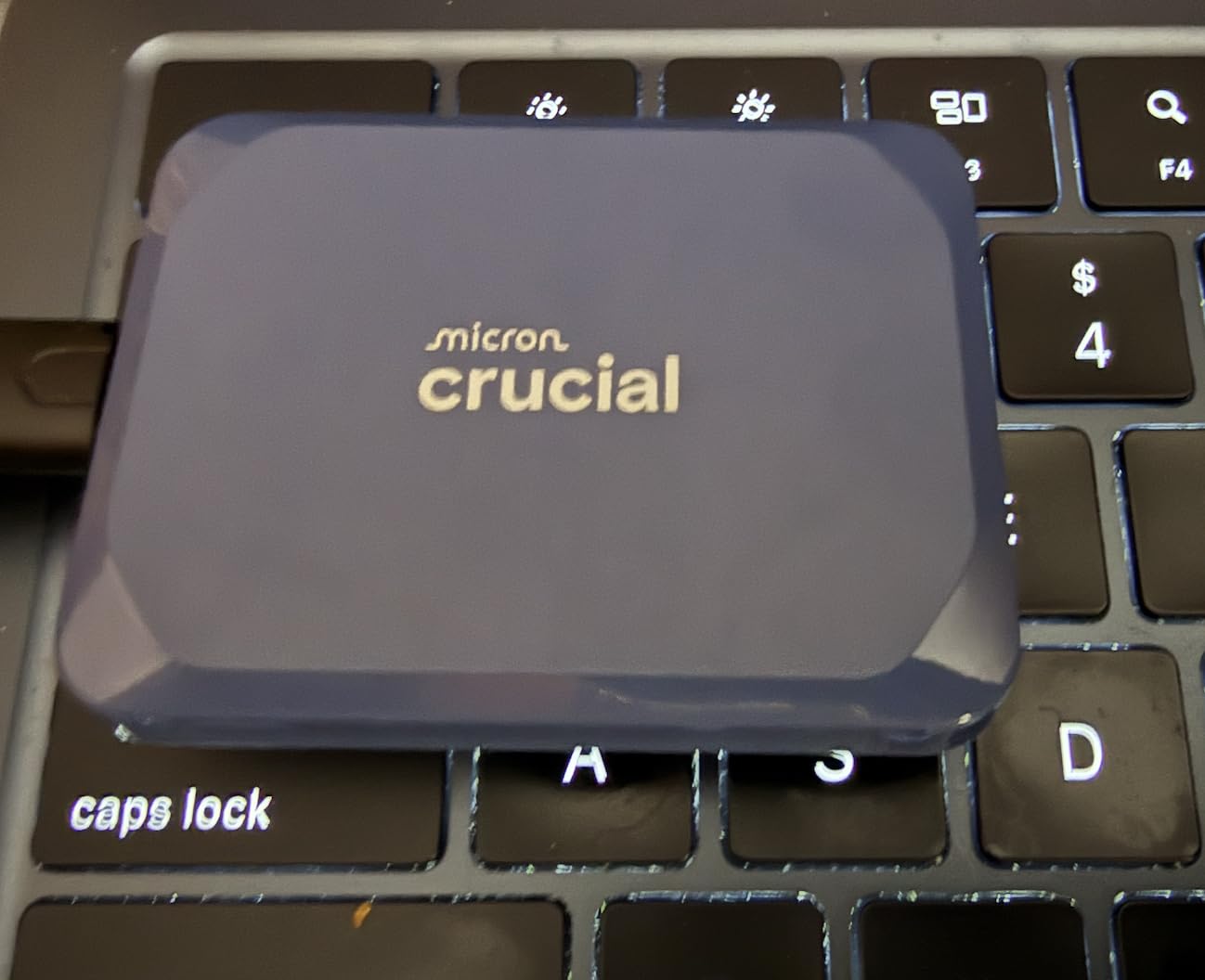
The matte blue finish and card-sized form factor make it easy to tell apart from the black and grey drives it shares a shelf with, which matters more than it sounds when you own four of them.
What to check before you buy
Note the 3-year limited warranty, which is shorter than the 5-year terms carried by the SanDisk, Samsung and WD drives in this guide. For a drive holding an expensive game library that gap is worth weighing.
As with every 20Gbps drive here, real-world throughput depends on the host port and cable. If your USB-C port is 10Gbps, the 2100MB/s figure is simply not reachable.
Who should skip it
Skip the X10 if you plan to run PS5 titles directly from the drive. It is listed for PS5 storage, but direct play on current consoles rewards a drive that meets or exceeds the console’s own fast-storage threshold.
Choose it if you carry a library between devices constantly and want maximum rated speed in a body you can forget about.
9. WD Black P40 Game Drive 1TB – Best for RGB Gaming Setups
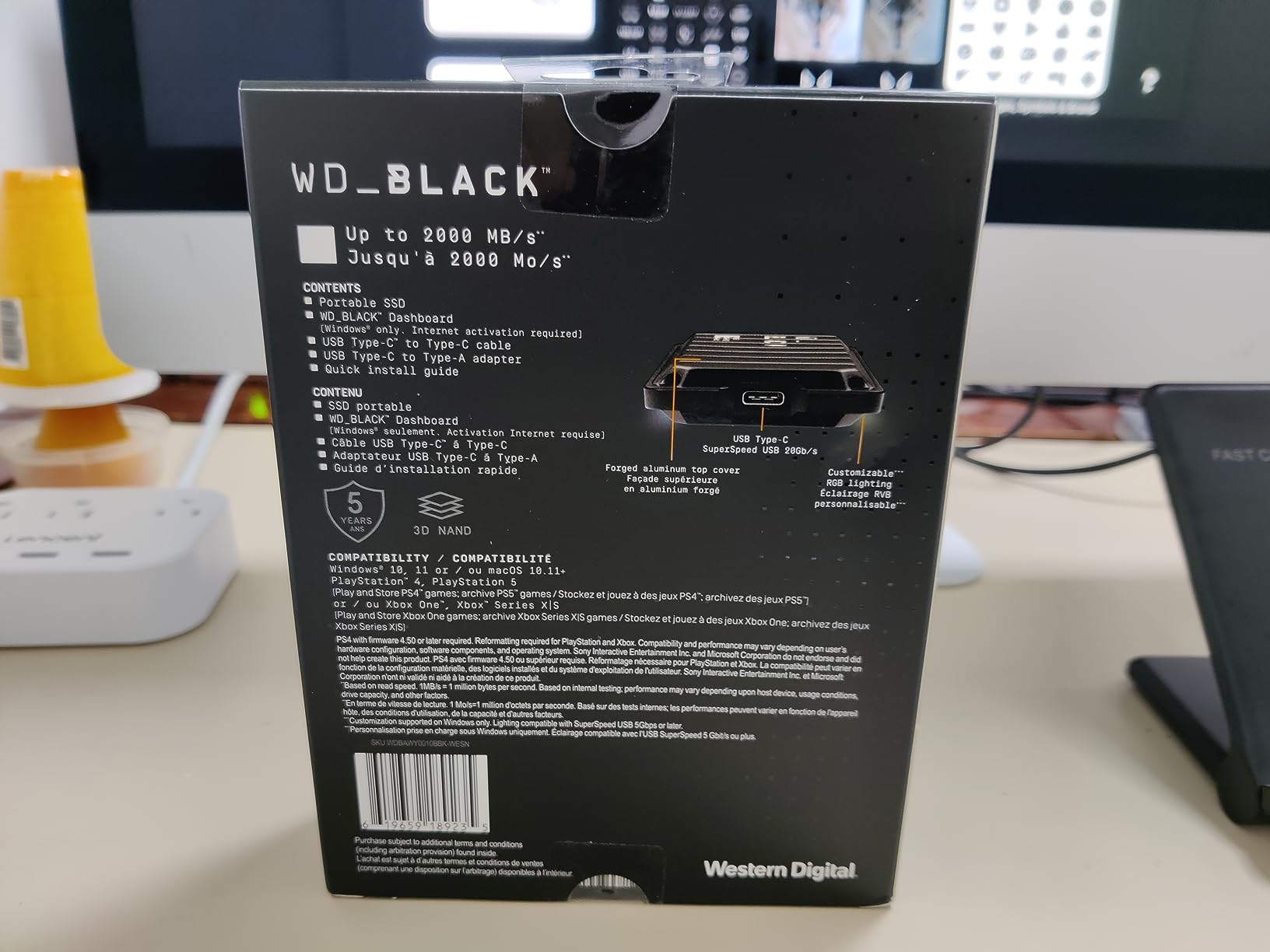
Western Digital 1TB P40 Game Drive SSD – Up to 2,000MB/s, RGB Lighting, Portable External Solid State Drive , Compatible with Playstation, Xbox, PC, & Mac – WDBAWY0010BBK-WESN
Rated 2000MB/s read
USB 3.2 Gen 2x2
RGB lighting
5-year limited warranty
Pros
- Customizable RGB lighting through the WD Black Dashboard on Windows
- High sustained throughput that outpaces many internal SATA SSDs
- Console-friendly for PS4 games on PS5 and Xbox One games on Series X and S
- 2-meter drop resistance with a 5-year warranty
- Includes both USB-C to USB-C and USB-C to USB-A cables
Cons
- Real-world reads often peak around 900MB/s rather than the 2000MB/s headline
- Arrives GPT-partitioned which needs reformatting to MBR for some older devices
- RGB stays lit after the console powers down
The P40 is the gaming-styled pick. It carries customizable RGB lighting controllable from the WD Black Dashboard on Windows, which is cosmetic and you either care about immediately or never.
The part that matters is the sustained throughput, which owners describe as outpacing many internal SATA SSDs when offloading a library. At a rated 2000MB/s it is quick for the transfers this drive is really for.
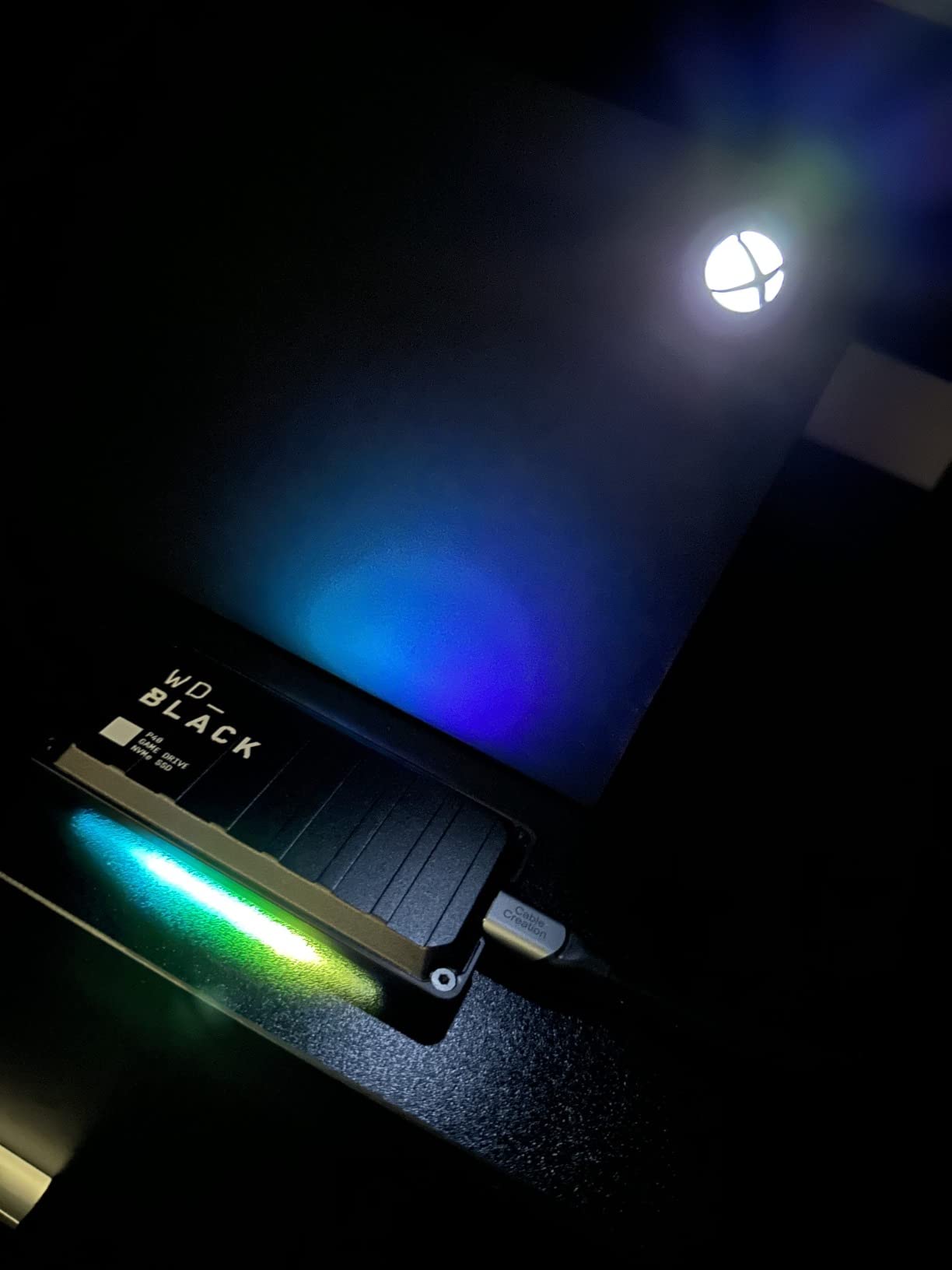
Console compatibility is broad. Owners run PS4 games on a PS5 and Xbox One games on Series X and S, and reviewers report the drive reliably speeding up consoles that had become sluggish on internal storage.
Included in the box: both USB-C to USB-C and USB-C to USB-A cables, which removes the adapter guesswork that trips up several rivals.
What to check before you buy
Expect measured reads closer to 900MB/s than the 2000MB/s headline. That is the single most repeated caveat in the reviews, and for game loading the difference is irrelevant, but it matters if you are timing large transfers.
It also arrives GPT-partitioned, which caused some owners with older or non-PC devices to need a reformat to MBR. RGB customization is Windows-only, and the lighting stays on after a console powers down.
Who should skip it
Skip the P40 if you dislike persistent lighting or run macOS, since the dashboard control is Windows-only. It is also not the right tool for high-speed video work given the measured throughput.
Choose it if you want a console-capable gaming drive with room for large titles and lighting in the same enclosure, and you like the aesthetic.
10. BUFFALO External SSD 1TB – Best Budget External SSD for Gaming
BUFFALO External SSD 1TB – Compatible with PS4 / PS5 / Windows/Mac – USB-C – USB-A – USB 3.2 – External Solid State Drive – SSD-PG1.0U3B
Up to 340MB/s read
1TB capacity
USB-C and USB-A
3-year warranty
Pros
- Works with PS4
- PS5
- Mac and Windows PCs
- Plug-and-play USB-C and USB-A with a Type-C adapter in the box
- Compact form factor that is easy to carry
- Shock-resistant rugged build with drop protection
- Noticeably faster than a mechanical hard drive for large file tasks
Cons
- 340MB/s read speed is modest next to Gen 2x2 drives
- Warranty reaches the full three years only with registration
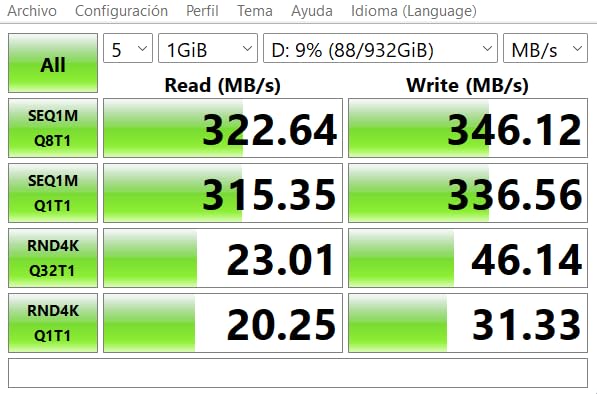
Buy the BUFFALO if you want the most direct fix for a slow drive without spending much. It is rated at up to 340MB/s read over USB 3.2.
Reviews rate it 4.4 stars with 75 percent five-star, and the recurring theme is straightforward value: broad compatibility, a small durable body, and a large step up from mechanical storage.
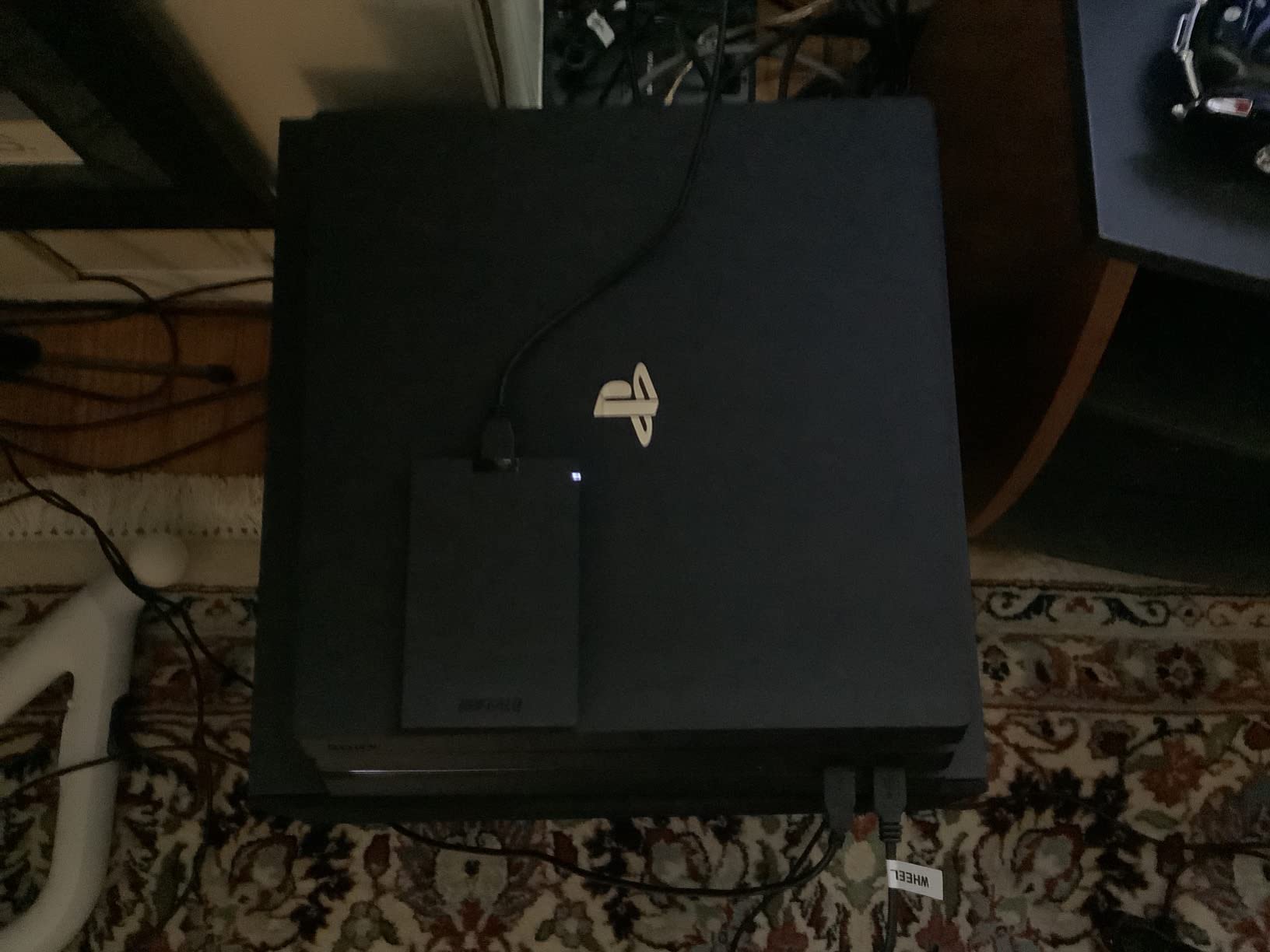
Console support is the differentiator. It is listed for PS4 and PS5 alongside Mac and Windows, so it is a practical way to move console game data off internal storage when you are watching the budget.
The box includes a USB-C cable and a Type-C adapter, so it works on both modern and older USB-A systems without a separate purchase.
What to check before you buy
Accept that 340MB/s is the slow end of this guide. Games load acceptably, but copying a large install takes a long time, and buyers who expect NVMe-class transfer times are disappointed.
Also register the drive. The warranty is three years with registration and two without, which is an unusual condition worth thirty seconds of your time.
Who should skip it
Skip it if you move games regularly or plan to use it as a scratch disk for captures. At 340MB/s it is a storage-capacity purchase, not a speed purchase.
Choose it if budget is the binding constraint and you are escaping a hard drive. The jump from mechanical storage to any solid state drive is the biggest change most gamers in this situation will feel.
11. Lexar ES3 Portable SSD 2TB – Best Thin 2TB Drive for Gaming
Lexar ES3 2TB Portable SSD Blue, USB 3.2 Gen 2 up to 1050MB/s
Rated 1050MB/s read and 1000MB/s write
2TB capacity
10.5mm thin and 42g
AES encryption software
Pros
- Up to 1050MB/s read and 1000MB/s write on USB 3.2 Gen 2
- Very thin at 10.5mm and light at 42g
- Broad compatibility including Xbox Series
- PS4
- PS5
- Android and cameras
- Includes a Type-C cable and DataShield 256-bit AES software
- Attractive metal-style enclosure
Cons
- Achieved speed drops on Macs and other systems without USB 3.2 Gen 2
- iPhone support covers the iPhone 17 series only
- No MagSafe support on this version
- 2TB carries a high price per gigabyte
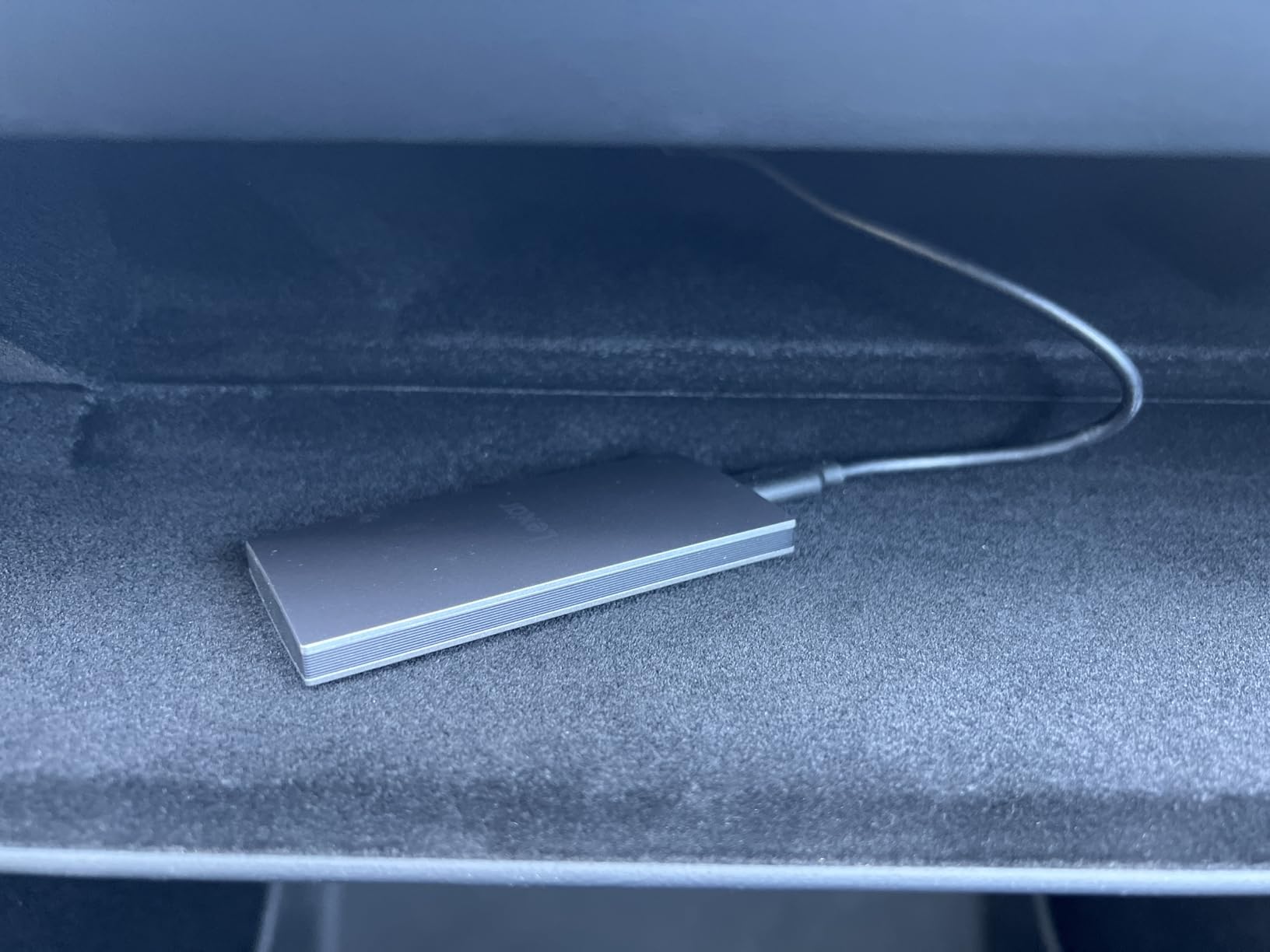
The ES3 comes in at 10.5mm thick, thinner than most card-sized drives on the shelf, and it still delivers a rated 1050MB/s read and 1000MB/s write over USB 3.2 Gen 2.
At 2TB it holds a substantial library, and at 42g it is light enough to live in a jacket pocket. Owners praise the combination of speed, size and broad device support in roughly equal measure.
Compatibility covers Xbox Series consoles, PS4, PS5, Android devices, cameras and laptops, and the included Type-C cable makes it plug-and-play out of the box. Lexar DataShield 256-bit AES software is bundled for file protection.
Reviews sit at 4.4 stars with 76 percent five-star, which is a solid rather than exceptional score, and the feedback is consistent enough to trust.
What to check before you buy
Real-world speed drops on Macs and on any system that lacks USB 3.2 Gen 2, and Lexar states this plainly in the technical details. Confirm your host port before buying for speed reasons.
Phone support is limited to the iPhone 17 series and does not cover iPhone 14 or older, and this version has no MagSafe support. Neither matters for PC gaming but both matter for phone workflows.
Who should skip it
Skip the ES3 if cost per gigabyte is your main metric, because 2TB at this tier costs more per gigabyte than several rivals in this guide. That gap is repeatedly noted in reviews.
Pick it if you want a large library in a body this thin and mostly connect to Windows machines or current consoles.
12. Amazon Basics Portable SSD 2TB – Best for Large 2TB Game Libraries
Amazon Basics Portable External SSD, 2TB, 2000MB/s Speeds, USB 3.2 Gen 2, IP65 Water & Dust Resistant, Black
Rated 2000MB/s read
USB 3.2 Gen 2x2
IP65 rated
2TB capacity
Pros
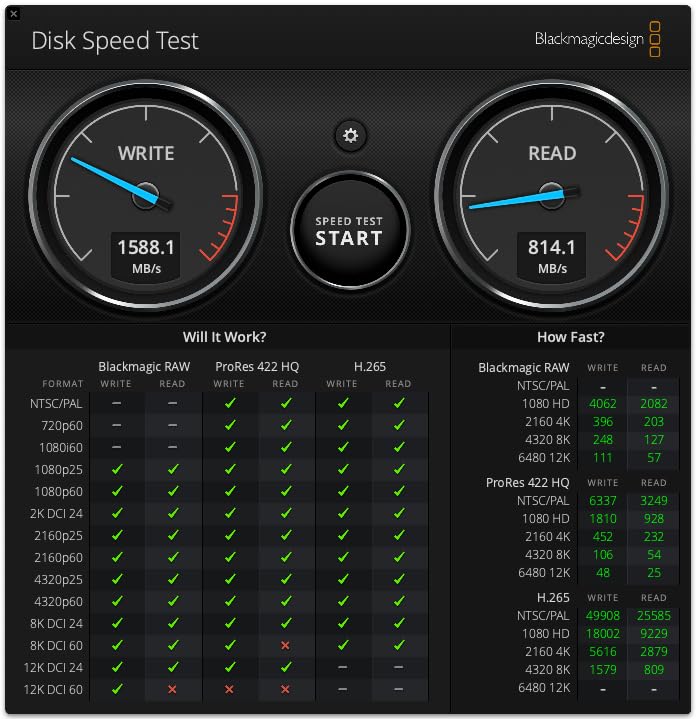
- Owners verify 2000MB/s transfers with 80GB of files moved in about 50 seconds on a compatible port
- Thermal solution keeps it below 50C during heavy use
- IP65 water and dust resistance with a metal casing
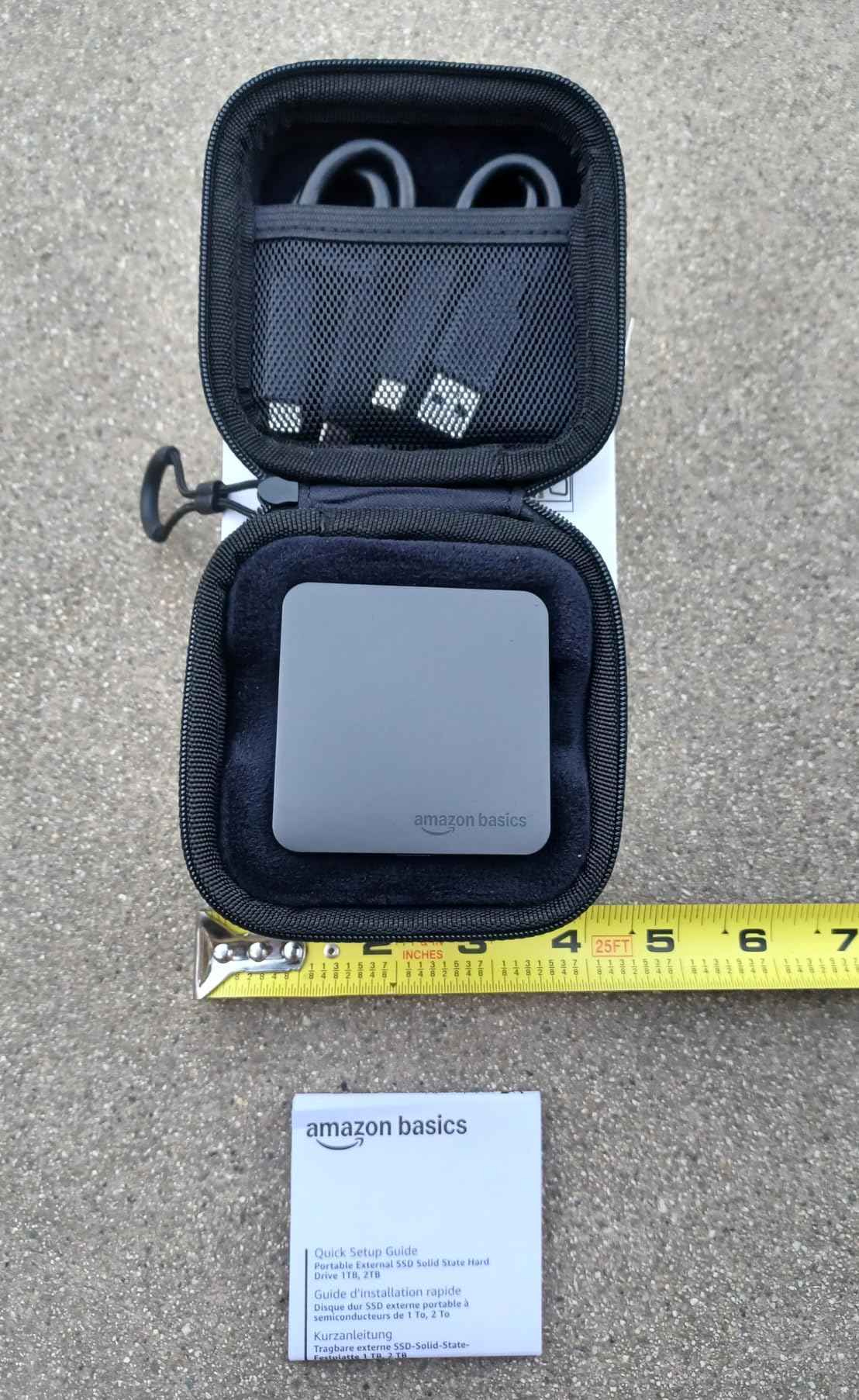
- Tiny square form factor around 2.25 inches across
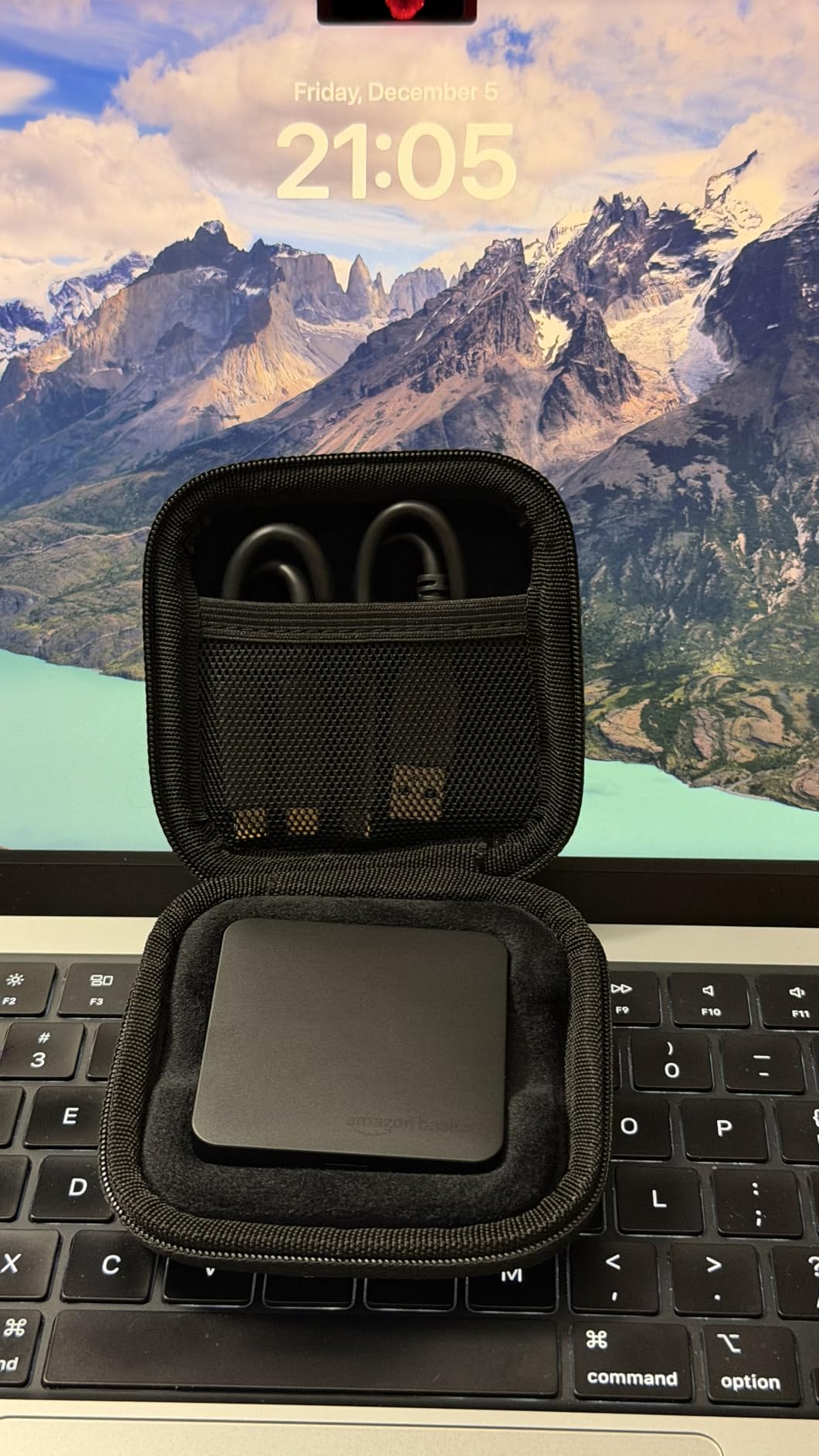
- Includes USB-C to C and USB-C to A cables plus a storage case
Cons
- Needs formatting to NTFS or APFS on first use which takes about ten seconds
- Printed quick setup guide is nearly illegible
- Rated speed needs a USB 3.2 Gen 2x2 host
- One owner reported a unit not recognised on an older laptop
The Amazon Basics 2TB drive is the value entry into the 20Gbps class, and the proof is in the reviews. Owners report moving 80GB of files in roughly 50 seconds on a compatible port, which matches the rated 2000MB/s claim rather than falling short of it.
At 4.6 stars across 824 reviews with 80 percent five-star, it sits at the top of the 20Gbps group alongside the T9 and the WD Black P40. That is a strong combination of speed and satisfaction for a first-party drive.
Thermal behaviour is a real differentiator. The stated thermal solution keeps the drive below 50C during heavy use, and reviewers mention it running cool and quiet, which is what you want during a long transfer.
The build is a metal casing with a scratch-resistant polymer bottom, an IP65 water and dust rating, and a tiny square footprint of roughly 2.25 inches across. Both USB-C to C and USB-C to A cables are included, along with a storage case.
What to check before you buy
Format it before first use. The drive arrives unformatted, and setting it to NTFS or APFS takes about ten seconds but must happen before you move any games onto it.
The printed quick setup guide is effectively unreadable at the type size used, so set the drive up from the computer rather than the booklet. The rated speed also needs a 20Gbps host port.
Who should skip it
Skip it if you want a drive you can pick up and play from immediately with no setup step, or if your machine is a few years old and only offers 10Gbps ports. One owner also reported a unit that would not be recognised on an older laptop and had to be replaced.
Choose it if you want 2TB of 20Gbps storage with real-world throughput that matches the specification and a warranty-backed brand behind it.
What Interface Speed Do You Actually Need for Gaming?
Buy the slowest tier your machine supports. A 10Gbps drive is already fast enough for the overwhelming majority of gamers, and going faster only helps if your port can go faster too.
Start with 10Gbps, which is USB 3.2 Gen 2 at a rated 1050MB/s read. Any modern USB-C or blue USB-A port handles it, and the SanDisk Extreme or Samsung T7 at this tier will run modern games essentially as fast as internal storage for loading purposes.
Move up to 20Gbps with USB 3.2 Gen 2×2, which is rated at around 2000MB/s. This is the sweet spot for anyone who moves large installs regularly, and drives like the Samsung T9, Crucial X10 and Amazon Basics 2TB all land here. The catch is host support, which is patchy on gaming laptops.
The 40Gbps USB4 and 80Gbps Thunderbolt 5 tiers exist for workstation-class machines and MacBook Pro owners with matching ports. None of the twelve drives in this roundup sit at 40Gbps or above, because at gaming-relevant load times the extra throughput does not change anything you can feel in a game.
How to check your port in three steps. Open your system specifications and look up the exact model of your laptop or desktop. Search that model name plus the port standard, for example Gen 2×2 or USB4. If the documentation only says USB 3.2 or 5Gbps, treat it as a 10Gbps port and buy accordingly.
How Much Game Library Storage Do You Need?
For most players, 2TB is the right answer. It holds roughly a dozen modern AAA titles at typical install sizes of 80GB to 150GB, plus your entire older library, with headroom to spare.
1TB makes sense when your machine already has internal storage and you only need to hold a handful of large titles. It is also the usual capacity for a console companion drive, where the goal is moving a few big games off limited internal space rather than replacing it.
4TB is not overkill if you are a completionist, if you play games with huge install sizes, or if you want to install and never delete. It becomes silly if you only launch three games and never touch the rest, because unused capacity buys you nothing but the comfort of not managing storage.
The useful rule is to buy for the games you actually play. Count the titles you have installed right now, multiply the average install size by one, and add a year of new releases. That total is your drive size.
Best External SSDs for PS5 and Xbox
For consoles, the rule is different from PC gaming. Sony and Microsoft set minimum speed requirements for running games directly off an external drive, and below that bar the drive is storage only.
On PS5, an officially licensed drive like the Seagate Game Drive runs PS4 games directly but cannot run PS5 titles. PS5 games must be moved to an SSD expansion that meets the console’s faster threshold, which is where 800MB/s and 2000MB/s drives such as the Crucial X6, Crucial X10 and Samsung T9 become relevant.
On Xbox Series consoles the same basic logic applies to expanded storage, and the WD Black P40 and Samsung T7 are both listed with current-generation console compatibility in their specifications.
Expect a reformat step. Consoles typically require the external drive to be formatted on the console itself before games will move to it, and a drive that has been partitioned for a PC may need to be set up again.
How to Move an Existing Game Library to an External SSD
The process is straightforward in Steam, and the main decision comes first: which file system to format the drive in.
Choose exFAT if the drive will move between Windows PCs, a Mac, and a console. Choose NTFS if it will only ever be used on Windows, because NTFS offers better permission handling and Windows will not force you to remount the drive each time you reconnect it.
Format the drive first, then install the games. For Steam, open Settings, choose Downloads, set the Steam Library location, and point it at a new folder on the external drive. Steam will offer to move existing installs into that folder, which is the step most people miss.
If moving reports permission or library errors, the usual cause is Windows dropping the drive letter after a reconnection. Assign a fixed drive letter in Disk Management and the errors disappear.
Avoid unplugging during a move. Copying hundreds of gigabytes is a long write operation, and pulling the cable mid-write is what produces corrupted installs, not normal use.
How to Build Your Own External Gaming SSD
Building your own from an enclosure and a standard M.2 NVMe drive is often the best value route to a 20Gbps gaming drive, because the enclosure and the internal drive can be cheaper than a matched branded product.
Pick a USB 3.2 Gen 2×2 or USB4 enclosure with an M.2 2280 NVMe bay and a proper bridge chip. Cheap enclosures often advertise a fast PCIe drive inside and deliver only 10Gbps because the bridge, not the SSD, is the limit.
Choose any reputable M.2 2280 PCIe 4.0 NVMe drive, checking that the enclosure supports the drive’s physical length and that it does not require a heatsink. Format the assembled drive as above and you have a gaming drive that matches the Samsung T9 tier.
The trade-off is warranty and enclosure cooling. Branded portable SSDs are tested as a unit, while a DIY build puts that responsibility on you, and a thin aluminium enclosure may throttle during very long writes.
Why External SSDs Cost More Than They Used To
Storage prices are higher than most buyers expect, and the reason is demand well outside the gaming market. AI data-centre buyers have been absorbing large volumes of NAND and DRAM capacity, and the same component supply that prices a gaming laptop also prices your external drive.
Two practical consequences follow. Prices move in ways that are hard to predict, so a drive that seems expensive today may be cheaper later, and conversely. And cost per gigabyte is now a more meaningful comparison than total price, because capacities in the same product line rise steeply.
Our advice is to buy the capacity you need rather than the largest available, and to avoid paying a large premium for a 20Gbps drive if your port cannot use it. Paying for speed a machine cannot reach is a common wasted purchase in this category.
How We Picked These Drives
We grouped the twelve drives by interface tier, then read the full review set on each one looking for the same four things: whether measured throughput reaches the stated rating, what real-world speed drops occur, which setup problems recur, and how the warranty compares.
Ratings and review counts are taken directly from the current product listings, which is why a drive with 4.0 stars appears alongside one with 4.7. A high review count is treated as more informative than a high average when the two disagree.
Where review themes conflict, we said so rather than picking the friendlier reading. That is why the Crucial X10 Pro appears with its 18 percent one-star share stated plainly, and why the Seagate Game Drive is included despite a rating that would disqualify it in any other use case.
Frequently Asked Questions
Which external SSD is best for gaming?
The SanDisk Extreme Portable SSD in 2TB is the best all-round choice, rated at 1050MB/s read with an IP65 rating and a 5-year warranty. The Samsung T7 is the more premium-feeling alternative, and the Samsung T9 wins if your machine has a 20Gbps USB 3.2 Gen 2×2 port. Match the drive to your port speed rather than buying the fastest model you can find.
Are external SSDs ok for gaming?
Yes, and they are dramatically better than an external hard drive. Modern titles read tens of gigabytes during loading, which is where mechanical storage falls apart. Frame rate during play is not affected by drive speed, because data is already in memory once a scene loads. External drives mainly change load times and install times.
Should I get 1TB or 2TB SSD for gaming?
For most players 2TB is the right call. At 2TB you can hold roughly a dozen modern AAA titles at typical install sizes of 80GB to 150GB, plus your older library, without deleting anything. Choose 1TB only if your machine already has internal storage and you just need room for a few large titles.
Is 4TB SSD overkill for gaming?
It depends on how you play. If you install games and rarely delete them, or you play titles with very large install sizes, 4TB saves constant storage management. If you only launch three games and never touch the rest, 4TB is wasted capacity. Count your current installs, add a year of new releases, and that is your number.
What USB port do I need for a fast external SSD?
A 10Gbps USB 3.2 Gen 2 port handles any drive rated around 1050MB/s. A 20Gbps USB 3.2 Gen 2×2 port is needed for drives rated near 2000MB/s. Check your exact laptop or desktop model documentation, because many USB-C ports on gaming laptops are 10Gbps regardless of the connector shape.
Will an external SSD work on PS5?
For storage expansion, yes, and the drive must meet the console’s speed requirement and be formatted on the console itself. Officially licensed drives such as the Seagate Game Drive run PS4 games directly but cannot run PS5 titles from the drive. PS5 games must be moved to a faster SSD expansion that meets the console’s threshold.
Our Final Recommendation for the Best External SSDs for Gaming
Buy the SanDisk Extreme Portable SSD in 2TB. It has the biggest proven review base in the group, a rating of 4.6, an IP65 rating, and a rated 1050MB/s that any 10Gbps port can deliver. Owners in gaming communities also describe it as the drive they stopped searching for after buying.
If your machine has a 20Gbps USB 3.2 Gen 2×2 port, upgrade to the Samsung T9 in 2TB. If your budget is the constraint, the BUFFALO 1TB will still turn a hard drive into a solid state drive, and that switch is the change most gamers in that position notice first. Check your port speed, buy the capacity your library needs, and use the button above to see current pricing and buyer feedback.