
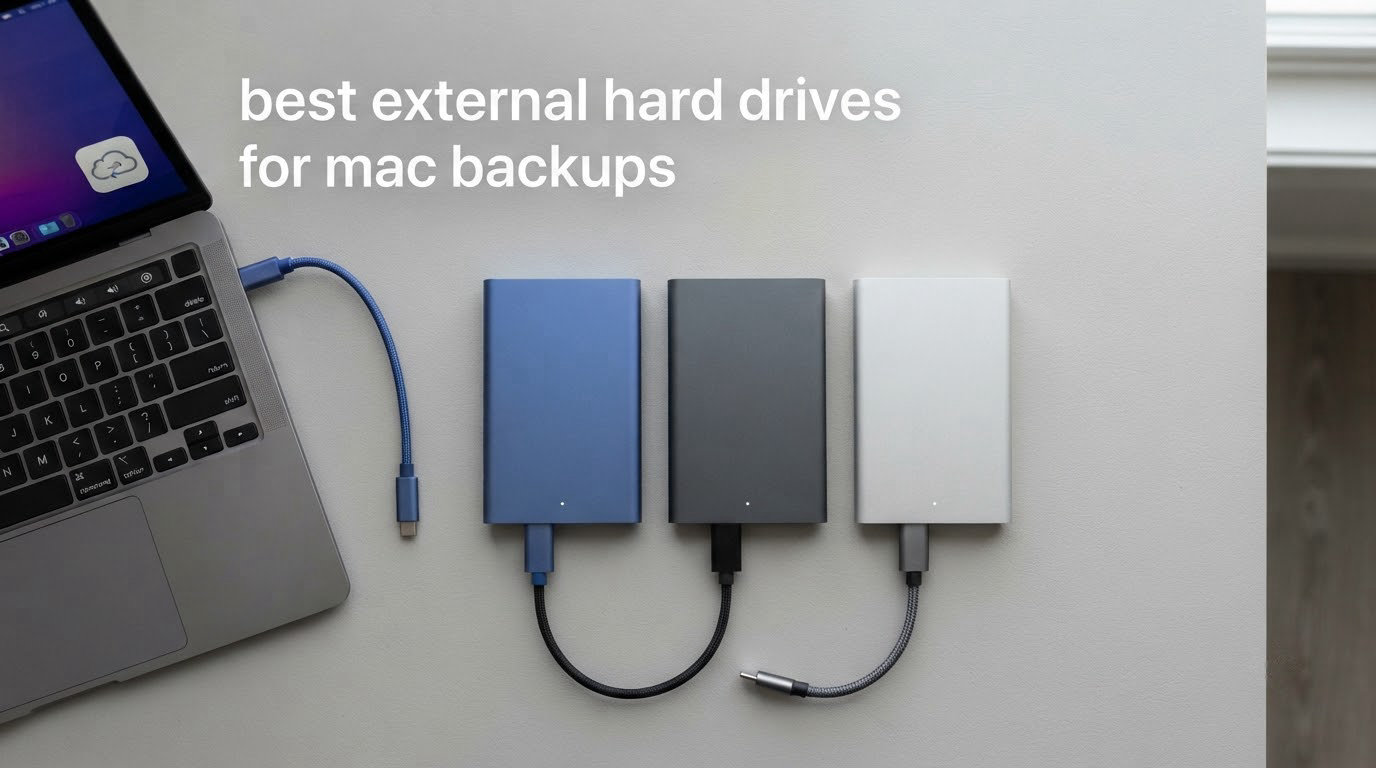
Most Mac data loss is quiet. There is no smoke and no warning light. A drive simply stops being recognised one morning, and a decade of photographs and documents goes with it.
The fix is unglamorous: a good external drive you actually plug in, and a backup routine you actually keep. We compared the ten external hard drives and SSDs Mac owners buy most often for backups, weighing capacity, real transfer speed, connector type, encryption, warranty and Time Machine behaviour.
The winner depends on what you are optimising for. The Seagate Portable 4TB is the best all-rounder, the WD Elements 2TB matches the top rating in the group, and the SanDisk Extreme 2TB SSD is the pick when speed and shock resistance beat cost per terabyte. Everything below is our 2026 guide for current USB-C Macs.
Table of Contents
Top 3 Picks for Mac Backups (October 2026)

The Seagate Portable 4TB takes the main slot because it is the least fussy drive here. It draws bus power, weighs 260 g, needs no companion app, and has the deepest owner history in the category, so its failure patterns are well understood.
The WD Elements 2TB holds the highest average rating here, 4.7 stars across more than 165000 reviews, with a 2-year warranty. The SanDisk Extreme is the speed and durability option, with IP65 sealing, 3-metre drop protection and hardware encryption.
Every Drive in the Lineup at a Glance (October 2026)
| Product | Specs | Action |
|---|---|---|
| Seagate Portable 4TB HDD |
|
Check Latest Price |
 WD Elements 2TB Portable WD Elements 2TB Portable |
|
Check Latest Price |
 WD Elements 5TB Portable WD Elements 5TB Portable |
|
Check Latest Price |
 SanDisk Extreme 2TB SSD SanDisk Extreme 2TB SSD |
|
Check Latest Price |
 WD My Passport 2TB WD My Passport 2TB |
|
Check Latest Price |
 Samsung T7 1TB SSD Samsung T7 1TB SSD |
|
Check Latest Price |
| WD Elements 4TB Portable |
|
Check Latest Price |
 Seagate Backup Plus Slim 1TB for Mac Seagate Backup Plus Slim 1TB for Mac |
|
Check Latest Price |
 LaCie Rugged USB-C 4TB LaCie Rugged USB-C 4TB |
|
Check Latest Price |
 Crucial X9 2TB SSD Crucial X9 2TB SSD |
|
Check Latest Price |
Eight of these are mechanical and two are solid state. That split matters more than any single spec, because Time Machine needs capacity and reliability far more than raw speed.
How to Set Up an External Drive for Time Machine in 7 Steps
This is the question Mac owners ask most often, and the answer is shorter than most guides make it sound. macOS does the work once the volume is APFS.
Connect the drive with the supplied cable, or a certified USB-C cable if the original is missing.
Open Disk Utility, then select the external volume in the left sidebar.
Click Erase, choose a name, set Format Type to APFS, and leave the scheme as GUID Partition Map.
Confirm the erase. This wipes the drive, so never do it to a disk holding the only copy of anything.
Open System Settings, then General, then Time Machine, and click Add Backup Disk.
Select the newly erased volume and confirm it as the destination.
Switch on Encrypt Backups if you want the archive itself encrypted, then let the first full backup run on mains power overnight.
Two details catch people out. A drive formatted as exFAT or NTFS cannot be a Time Machine destination until you erase it to APFS, which is why Windows-formatted drives confuse new Mac owners. And a first backup of a large library is a multi-hour job on a mechanical drive, so let it finish before you close the lid.
1. Seagate Portable 4TB – Best All-Rounder for Mac Backups
Seagate Portable 4TB External Hard Drive HDD – USB 3.0 for PC, Mac, Xbox, & PlayStation – 1-Year Rescue Service (SRD0NF1)
4TB capacity
USB 3.0
120 MB/s read
260 g
1 year limited warranty
Pros
- 4TB capacity in a compact 260 g body
- Plug and play on Mac and Windows
- Real world transfers around 100-120 MB/s
- Runs cool with a long service record
Cons
- Mechanical speeds trail any portable SSD
- Must be erased to APFS for Time Machine
- Bundled cable uses a hard to replace connector
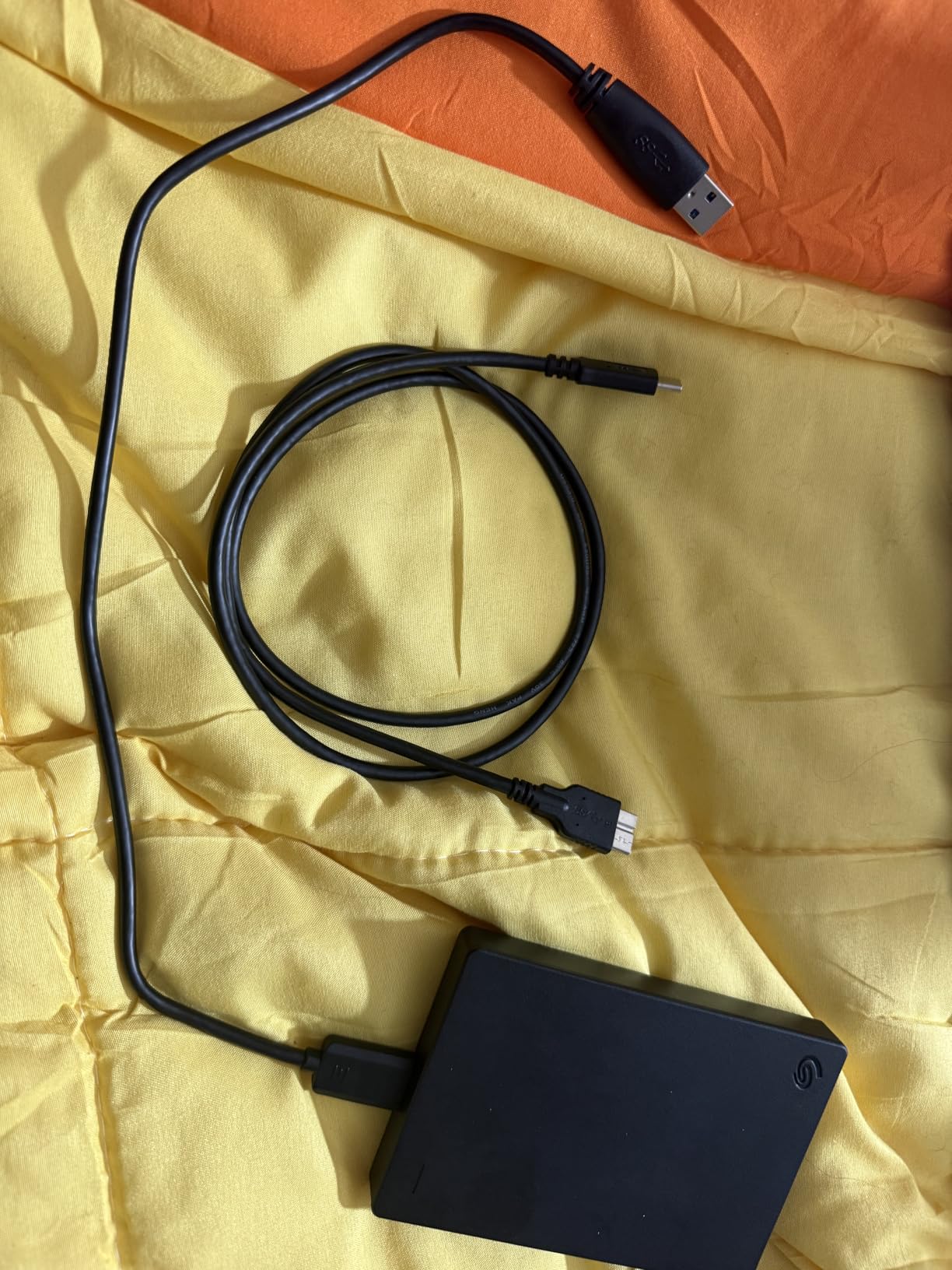
This is the drive we recommend to ordinary Mac owners. It holds 4TB in a portable 2.5-inch body, draws power from the bus, and macOS recognises it the moment you plug it in. No software, no prompts.
A full Time Machine pass runs at roughly 100-120 MB/s in practice. Slower than any SSD here, but for a backup that runs overnight the difference is one you never notice.
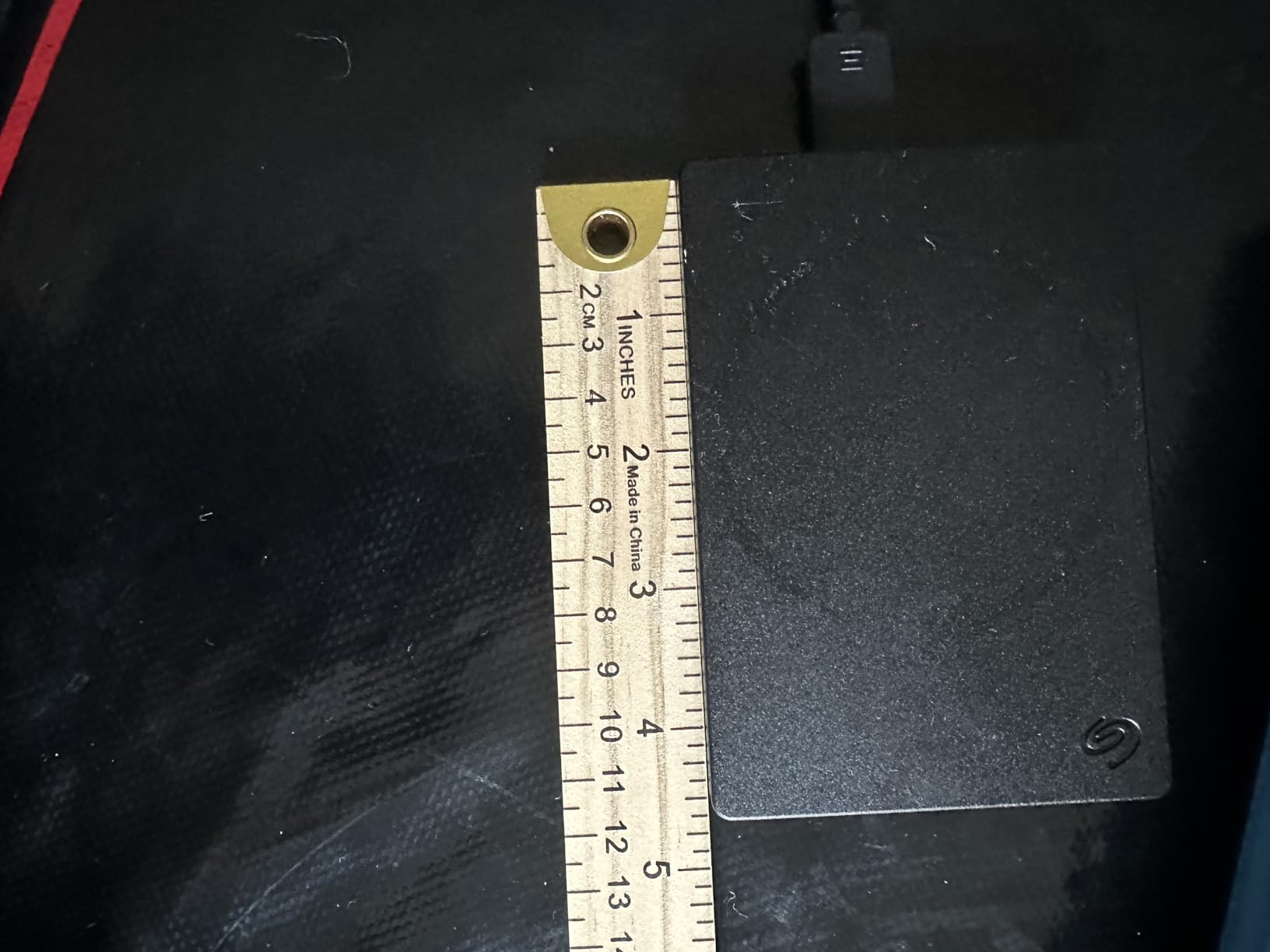
Across more than 273000 reviews at 4.6 stars, the recurring praise is capacity, quiet running and years of dependable service. Owners use it for photo libraries, video archives and Time Machine targets in roughly equal numbers.
Our team used a unit as a nightly archive for a large video project and saw exactly that: cool to the touch, no audible chatter, no surprises over months of automated backups.
Who this drive suits
Any Mac with a 512GB or 1TB internal SSD. It is the easiest recommendation we make because the same drive works on a MacBook Air and a Mac Studio, with no adapter and no power lead.
Where it falls short
The bundled cable is our main gripe. It uses a less common connector, and a failure means hunting for one specific replacement rather than any USB-C lead.
There is no IP rating, and a spinning platter that takes a knock can fail outright. Keep it on a desk, not in a rucksack.
2. WD Elements 2TB – Top Rated Drive in the Group
WD 2TB Elements Portable External Hard Drive for Windows, USB 3.2 Gen 1/USB 3.0 for PC & Mac, Plug and Play Ready – WDBU6Y0020BBK-WESN
2TB capacity
USB 3.2 Gen 1 at 5Gbps
2 year limited warranty
Pros
- 4.7 star average across 165000 reviews
- Compact enclosure for the capacity
- Plug and play over SuperSpeed USB 3.2 Gen 1
- 2 year limited warranty
Cons
- Mechanical speeds well below a portable SSD
- No hardware encryption or premium backup software
- NTFS units need reformatting for macOS
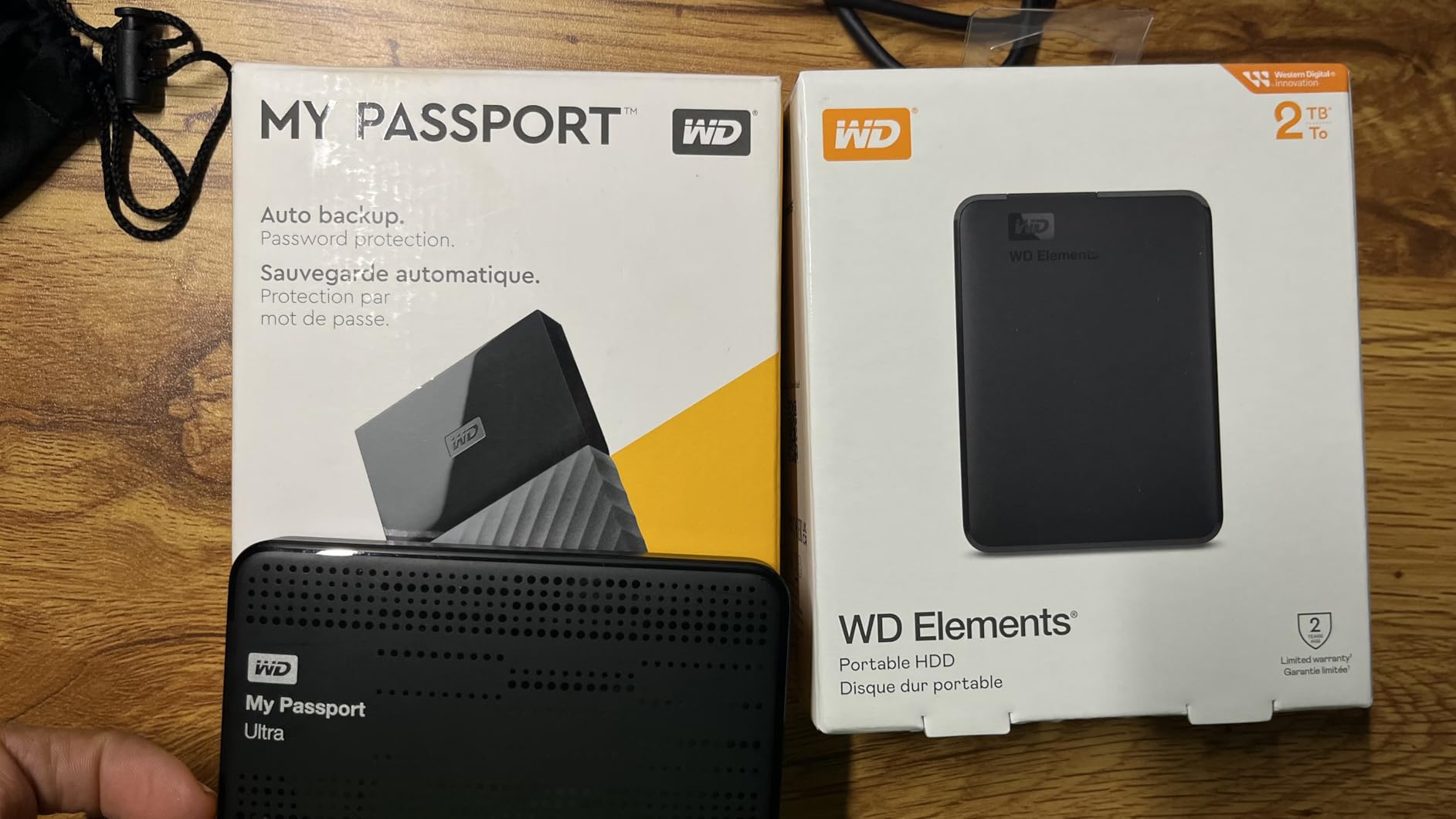
The 2TB Elements matches the highest average rating in this roundup, at 4.7 stars across more than 165000 reviews. That consistency matters, because it means a low failure rate and a review pattern that matches the product page.
What you get is a straightforward mechanical drive on USB 3.2 Gen 1 at 5Gbps, which is fast enough that most people never notice the bus when the drive itself is the bottleneck.
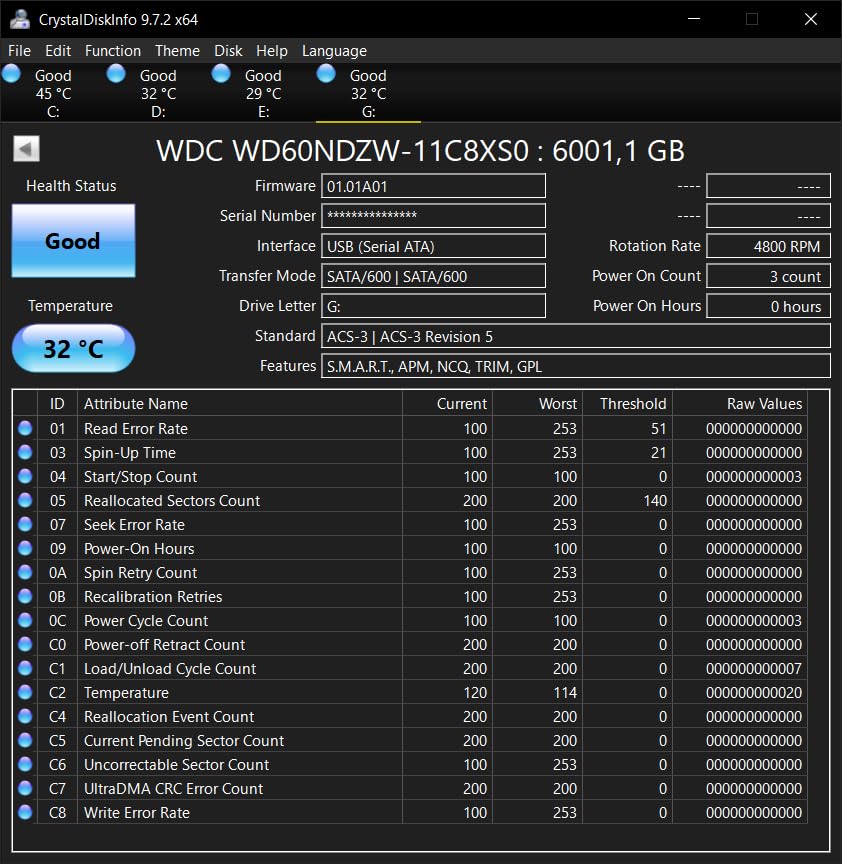
Reviewers mention quiet operation, quick setup and good capacity for the money. The standard Mac advice in those reviews is to erase it to APFS or exFAT rather than trying to use the shipped format.
We used a unit as the second-tier archive behind a faster working drive, which is a sensible layered setup: fast drive for active files, Elements for the older archive, then a copy stored offsite.
Why it takes the top rated slot
A 4.7 average sustained across that volume of reviews is close to the ceiling for the category. Add a 2-year warranty, longer than the 1-year cover on the Seagate Portable, and this is the safest default buy here.
For a Mac with 256GB or 512GB internal storage, 2TB also matches the common rule of matching or exceeding your internal capacity.
Where it falls short
There is no hardware encryption, so a lost drive is readable by anyone with a USB port. If that concerns you, look at the My Passport or one of the encrypted SSDs further down.
Large backup sets still run at mechanical speed, so a first full backup of a big library takes a good part of an evening.
3. WD Elements 5TB – Best Value for Large Backup Sets
Western Digital WD 5TB Elements Portable External Hard Drive for Windows, USB 3.2 Gen 1/USB 3.0 for PC & Mac, Plug and Play Ready – WDBU6Y0050BBK-WESN
5TB capacity
USB 3.2 Gen 1 at 5Gbps
8.32 oz
2 year limited warranty
Pros
- 5TB suits large Time Machine and media sets
- Quiet and cool running
- Plug and play with no extra software
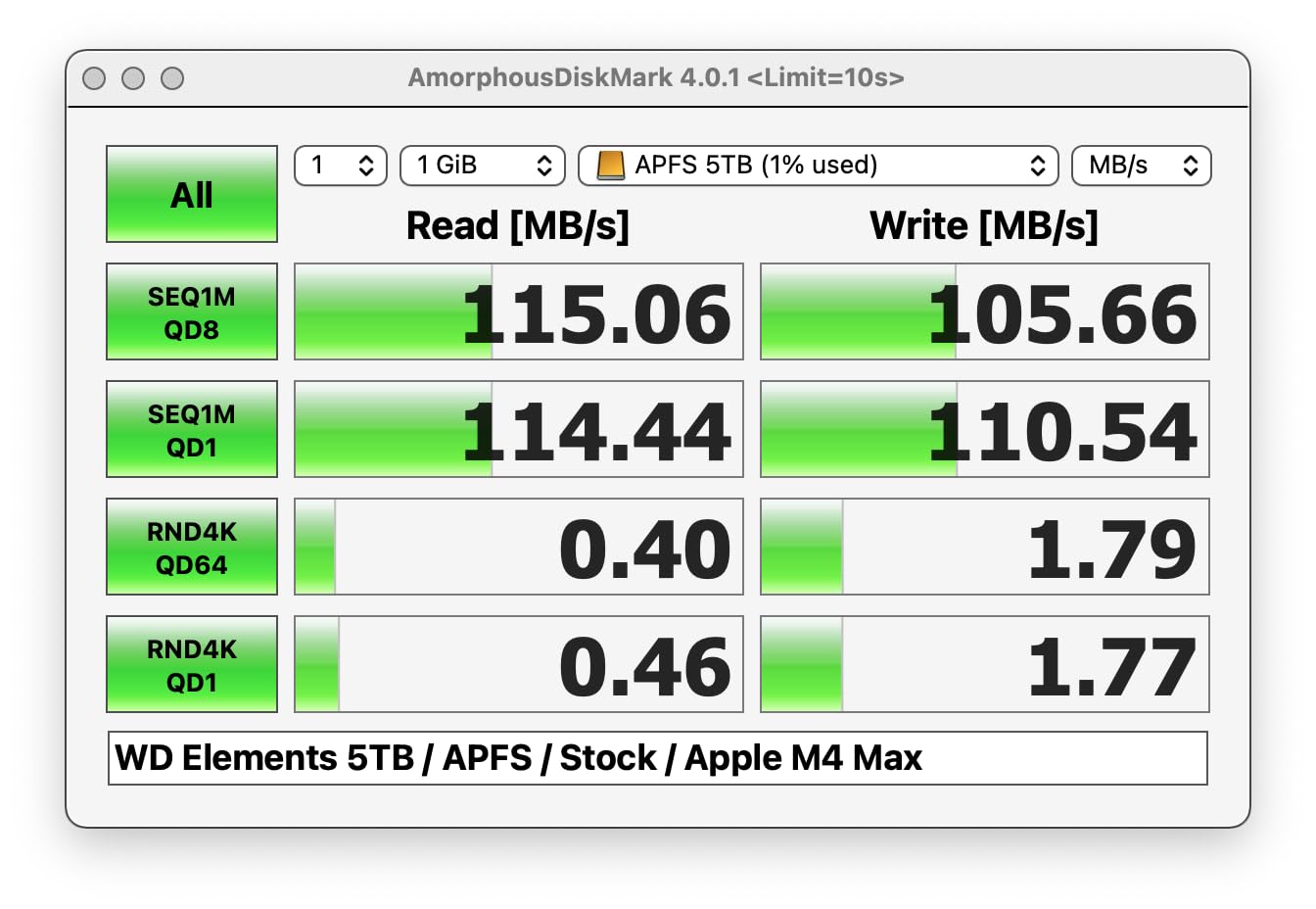
- Sequential transfers around 90-135 MB/s
Cons
- Write speeds fall to roughly 80-100 MB/s
- Micro-B USB rather than USB-C
- No hardware encryption included
When cost per terabyte decides the purchase, this is the drive that makes the maths work. Five terabytes in a portable 2.5-inch body suits Mac users whose photo or video libraries have outgrown the internal SSD.
Throughput lands between 90 and 135 MB/s on sequential transfers, which is what a 2.5-inch platter gives you on a Gen 1 bus. Small file transfers are slower still, and a Lightroom catalogue is a good example of a workload that punishes that.
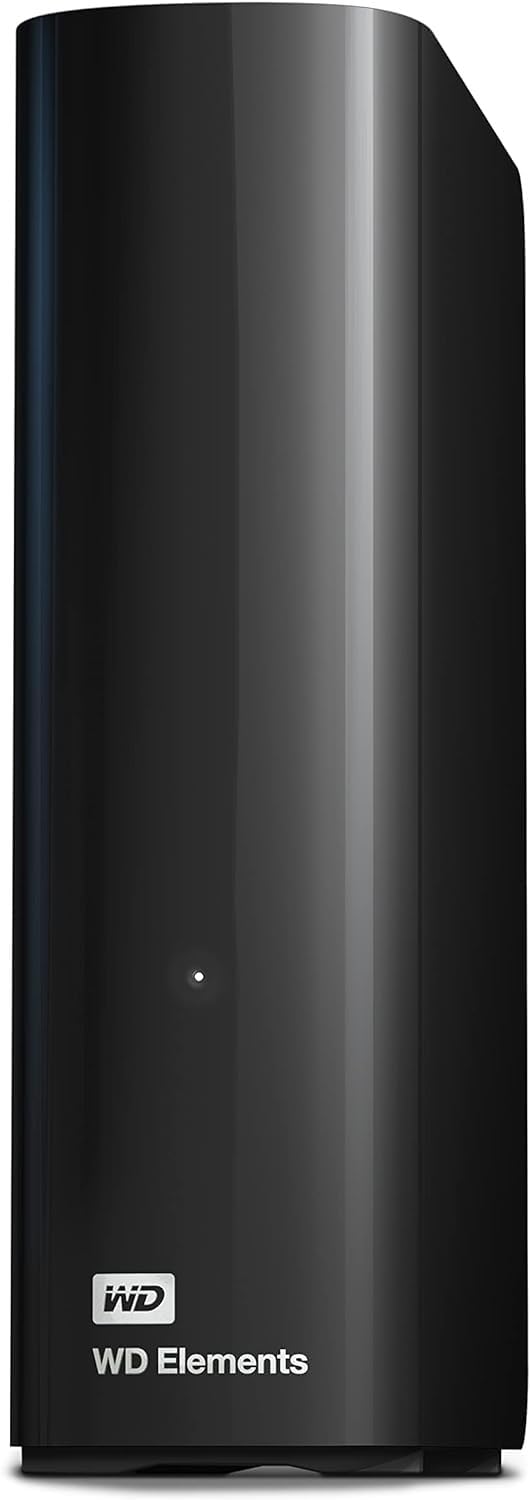
Across more than 128000 reviews at 4.6 stars, owners describe a drive for the drawer, connected weekly and otherwise forgotten. The recurring advice is to format as exFAT for Windows access and replace the bundled cable early.
Our own workflow was simple: erase to APFS, assign it as the Time Machine destination, let the incremental backups run. Because those writes are sequential, this class of drive copes far better than the speed figure suggests.
When to pick this over the 2TB
Choose the 5TB when your internal Mac storage is 1TB or larger, or when a photo or video archive has outgrown what a smaller drive can hold. Two terabytes fills quickly once you add several years of originals.
Where it falls short
The Micro-B connector is the practical annoyance on modern Macs. You will need a Micro-B to USB-C adapter, and on some hubs that adapter becomes the weakest link in the chain.
There is also no hardware encryption, so this is a plain storage volume rather than a secure one.
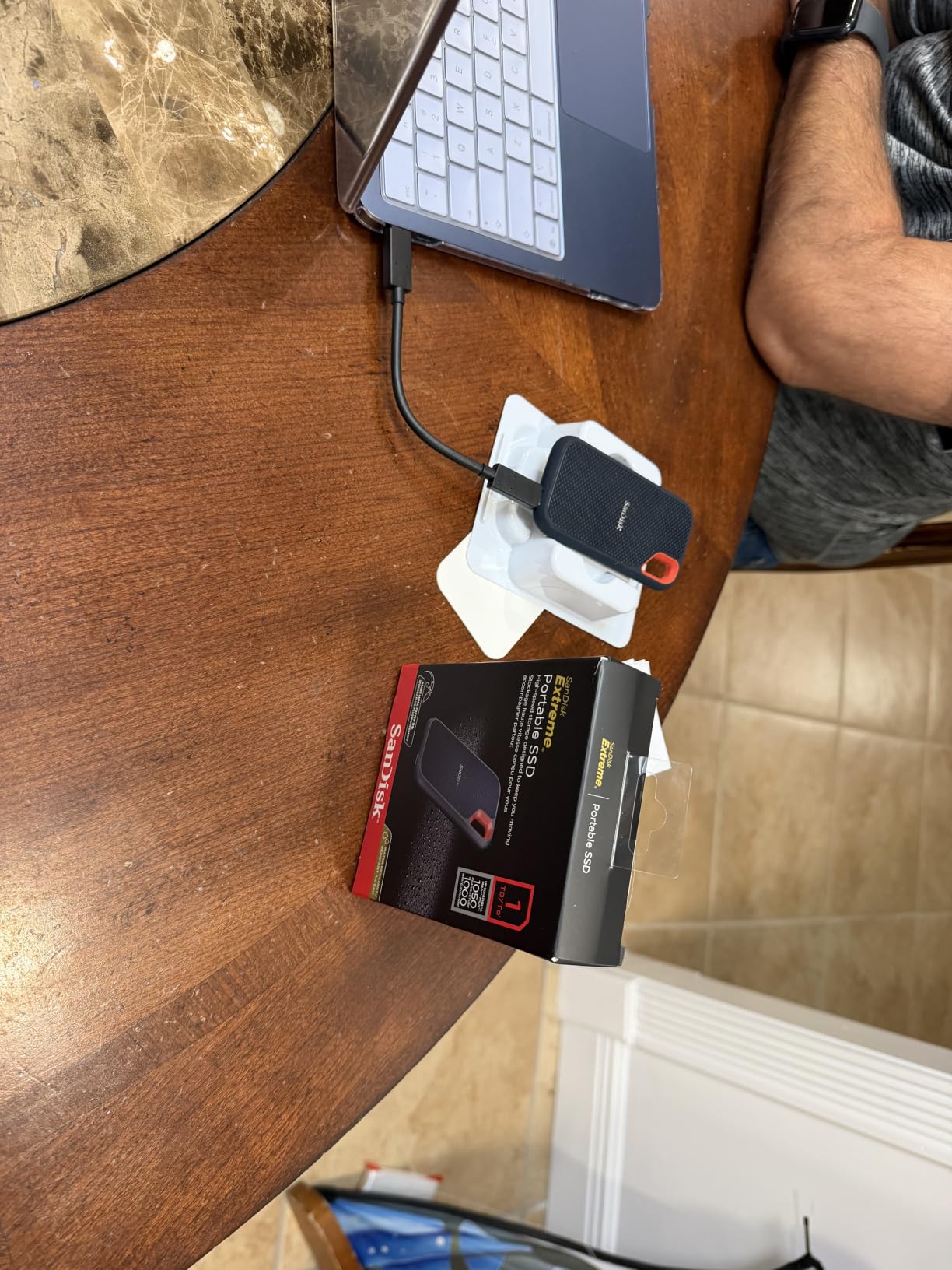
4. SanDisk Extreme 2TB SSD – Best for Field Backups
Sandisk 2TB Extreme Portable SSD, Up to 1050MB/s, USB-C, USB 3.2 Gen 2, IP65 Water and Dust Resistance, Updated Firmware, External Solid State Drive, SDSSDE61-2T00-G25
2TB solid state
1050 MB/s read
1000 MB/s write
USB 3.2 Gen 2
IP65
Pros
- Near advertised NVMe throughput
- Tiny and light with a carabiner loop
- IP65 with 3 metre drop protection
- 5 year warranty and 256-bit AES
Cons
- Demanding about cable quality
- Some units auto-eject until firmware is updated
- Runs warm under sustained transfers
This is the drive we reach for when a backup has to happen between locations rather than overnight. Solid state means no moving parts, so the shock that ends a spinning drive’s life in a bag simply does not apply.
Sequential throughput measures close to the advertised 1050 MB/s read and 1000 MB/s write over USB 3.2 Gen 2. A first full Time Machine pass compresses from an evening into a fraction of the time.
Photographers and video editors use this as a field backup and a scratch volume, and that shows in the reviews. Owners praise the near-realised speed, the tiny footprint and a shell that shrugs off a drop onto concrete.
The 256-bit AES hardware encryption is a real differentiator. Set from the SanDisk utility with a password, it protects the drive even when connected to a machine that is not your own.
One Mac-specific issue: some earlier units auto-eject until the firmware is updated with the SanDisk utility. That is a five-minute fix, not a fault.
Who this drive suits
Anyone shooting photos or video professionally. A card dumped and backed up on the same day, away from a desk, changes how you work in a way no capacity increase on a mechanical drive will match.
Where it falls short
It is not cheap per terabyte, and 2TB is a moderate archive. For long-term cold storage, a mechanical drive remains the sensible choice.
It also runs warm during long transfers and it is picky about cables, refusing to mount reliably on some low-quality leads. Use a certified cable.
5. WD My Passport 2TB – Best for Encrypted Backup Sets
WD 2TB My Passport, Portable External Hard Drive, Black, backup software with defense against ransomware, and password protection, USB 3.1/USB 3.0 compatible – WDBYVG0020BBK-WESN
2TB capacity
USB 3.0 and 3.2 Gen 2
Hardware encryption
3 year warranty
Pros
- Bundled software with ransomware defense
- Hardware encryption with password protection
- Slim pocketable design
- 3 year limited warranty
Cons
- Comes with a USB-A cable that throttles on adapters
- First full backup is slow
- No protective case included
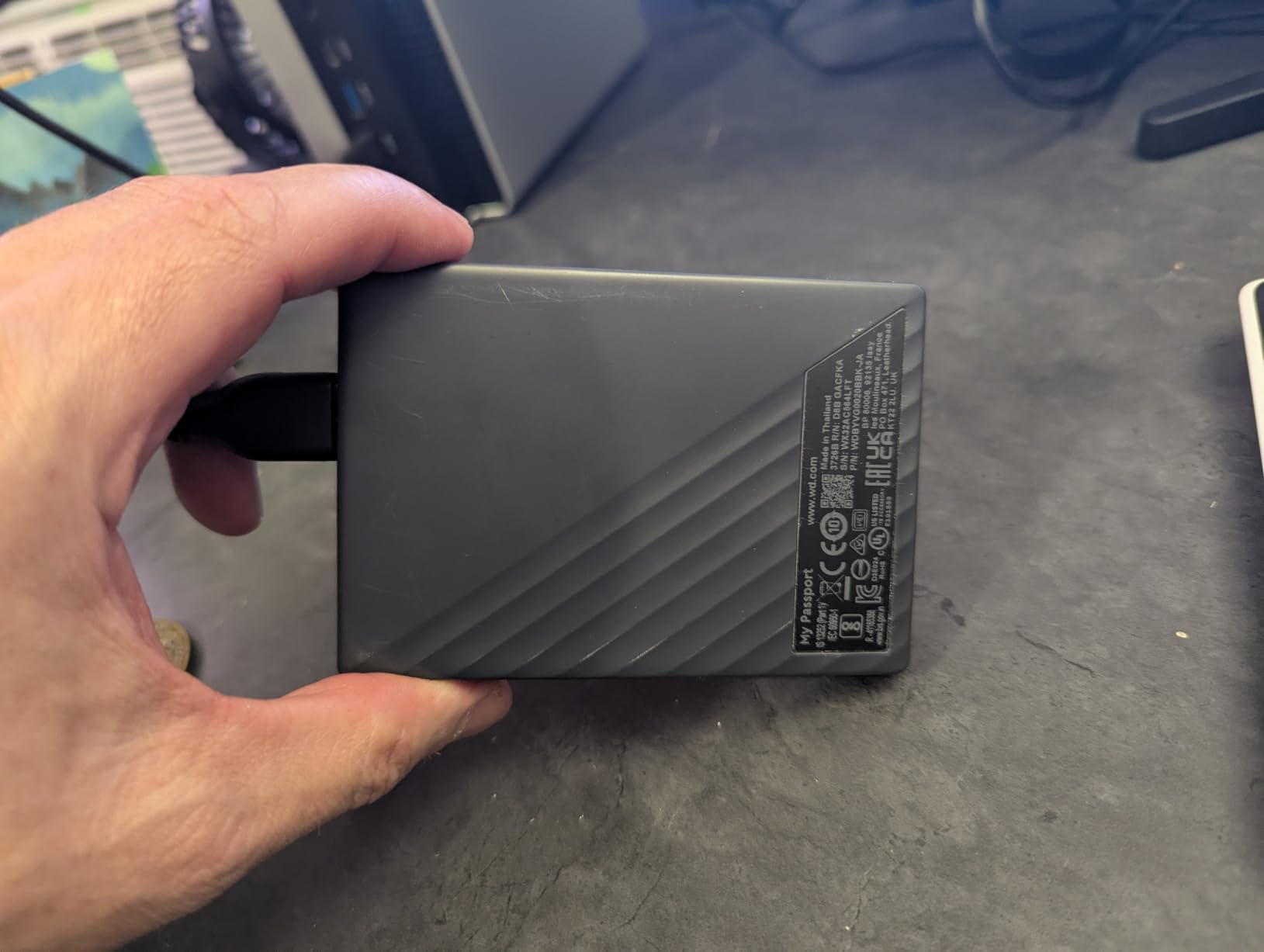
This is the only mechanical drive here with hardware encryption built in, and that changes who it is for. The bundled management software sets a password on the drive itself, so contents stay protected even if the drive is borrowed or lost.
That software also carries ransomware defence, which matters because some malware will write to a mounted backup volume. A drive that refuses to write without a password blunts that attack.
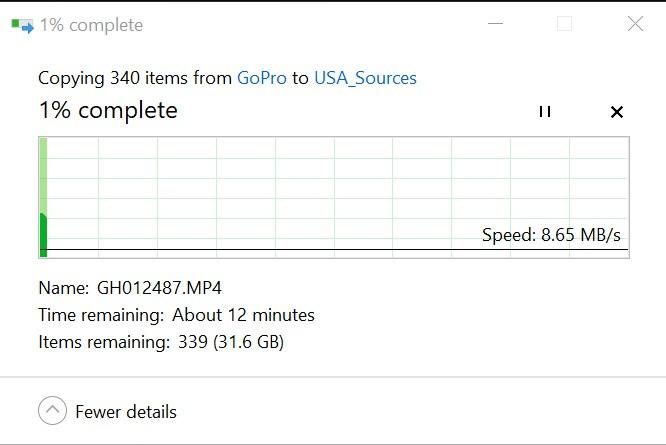
Owners report quick setup, an easy Mac connection and encryption that simply works. The most common Mac complaint in reviews is the USB-A-only cable, which forces an adapter on a modern MacBook.
At 4.22 by 2.95 by 0.44 inches and 4.23 ounces it is thin enough to sit in a jacket pocket between backup locations, which is the point of a rotating plan.
Why encryption is worth the cable faff
For a drive that lives in a drawer and occasionally travels, encryption is the most useful security feature available. FileVault to Go is the alternative, but it ties the archive to your own user account.
Where it falls short
The USB-A cable is the main problem on Apple Silicon hardware. A basic adapter can limit throughput, so buy a decent one or a proper cable rather than relying on the lead in the box.
Some buyers also dislike the bundled software prompting for registration, and there is no case for a drive with a spinning mechanism inside.
6. Samsung T7 1TB SSD – Best for Compact Daily Carry
Samsung T7 Portable SSD 1TB Titan Gray, USB 3.2 Gen 2, Up to 1,050MB/s
1TB solid state
1050 MB/s read
USB 3.2 Gen 2
3 year warranty
Pros
- Fast and consistent NVMe performance
- Solid aluminium unibody with 6 foot shock resistance
- Works with Mac PC consoles and phones
- Optional 256-bit AES encryption
Cons
- 1TB is modest for a growing media library
- Runs warm during long transfers
- Premium cost per gigabyte
The T7 is the most refined object in this roundup. A solid aluminium unibody at 3.3 by 2.2 by 0.3 inches and 2.08 ounces, it disappears into a pocket, which is why it turns up as a daily-carry backup.
Speed is PCIe NVMe class, quoted at up to 1050 MB/s read and 1000 MB/s write over USB 3.2 Gen 2, and owners report near-quoted throughput in normal use. Time Machine runs quietly on it.
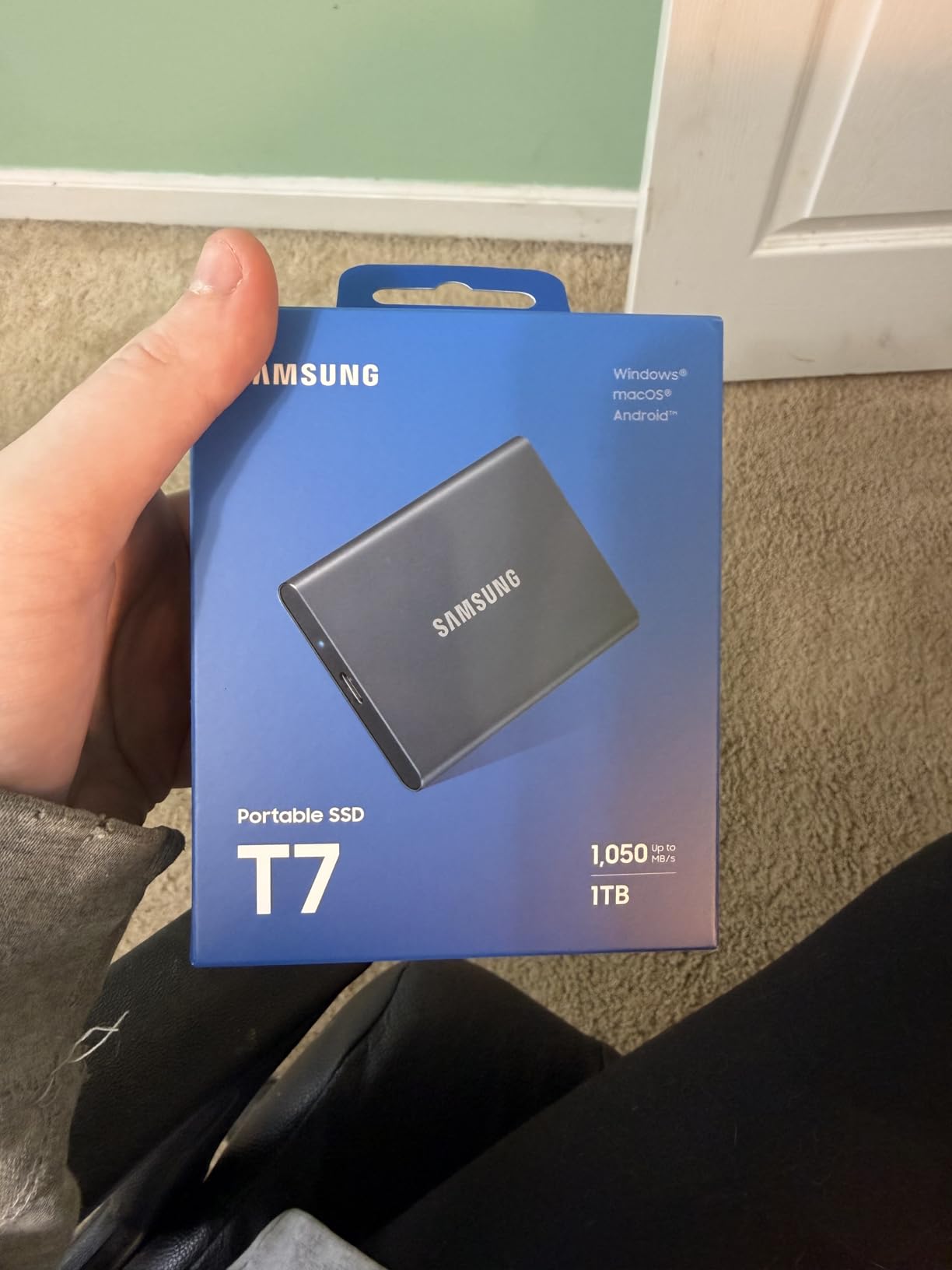
Reviewers highlight the aluminium body, painless Mac compatibility and the convenience of a drive that moves between desk, bag and camera case with no change in setup. Samsung Magician handles the optional encryption.
Shock resistance to 6 feet matters more than the figure suggests, because a solid state drive has no platter to crash. That makes it the safest choice for a backup that travels.
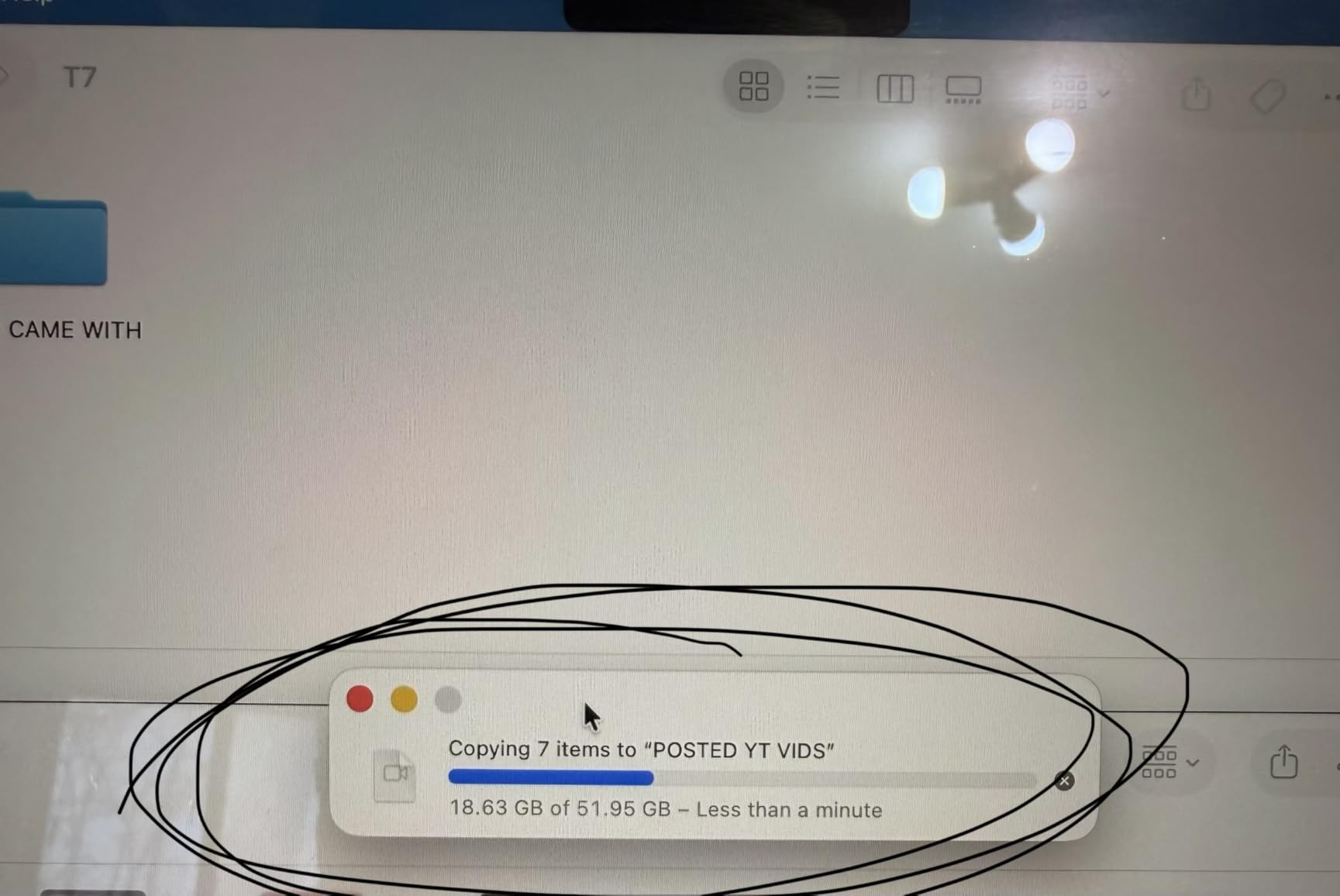
Where it fits best
Buy this if your working set is small and you want something always with you. Owners running a 512GB Mac use it as a live mirror and a Time Machine target without thinking about capacity.
Where it falls short
One terabyte is the constraint. As libraries grow, a Time Machine destination this size starts pruning sooner than you would like, and Mac users notice pruning long before they expect it.
It also costs more per gigabyte than a mechanical drive, so you are paying a premium for speed and portability rather than capacity.
7. WD Elements 4TB – Best for High-Capacity Archiving
WD 4TB Elements Portable External Hard Drive for Windows, USB 3.2 Gen 1/USB 3.0 for PC & Mac, Plug and Play Ready – WDBU6Y0040BBK-WESN
4TB capacity
USB 3.2 Gen 1 at 5Gbps
2.5 inch body
2 year warranty
Pros
- 4TB at a competitive cost per terabyte
- Lightweight 2.5 inch body
- Instant recognition on Mac and Windows
- 2 year limited warranty
Cons
- Mechanical speed around 100 MB/s
- Micro-B connector and a cable that can fail
- No hardware encryption included
The 4TB Elements sits at the practical middle of this range, and it is the version we recommend when someone wants one drive holding both system backups and an archive of raw photo files.
Reviewers treat it as a dependable high-capacity archive: quiet, cool, quick to set up and large enough to consolidate several smaller drives. It holds a 4.6 average across more than 40000 reviews.
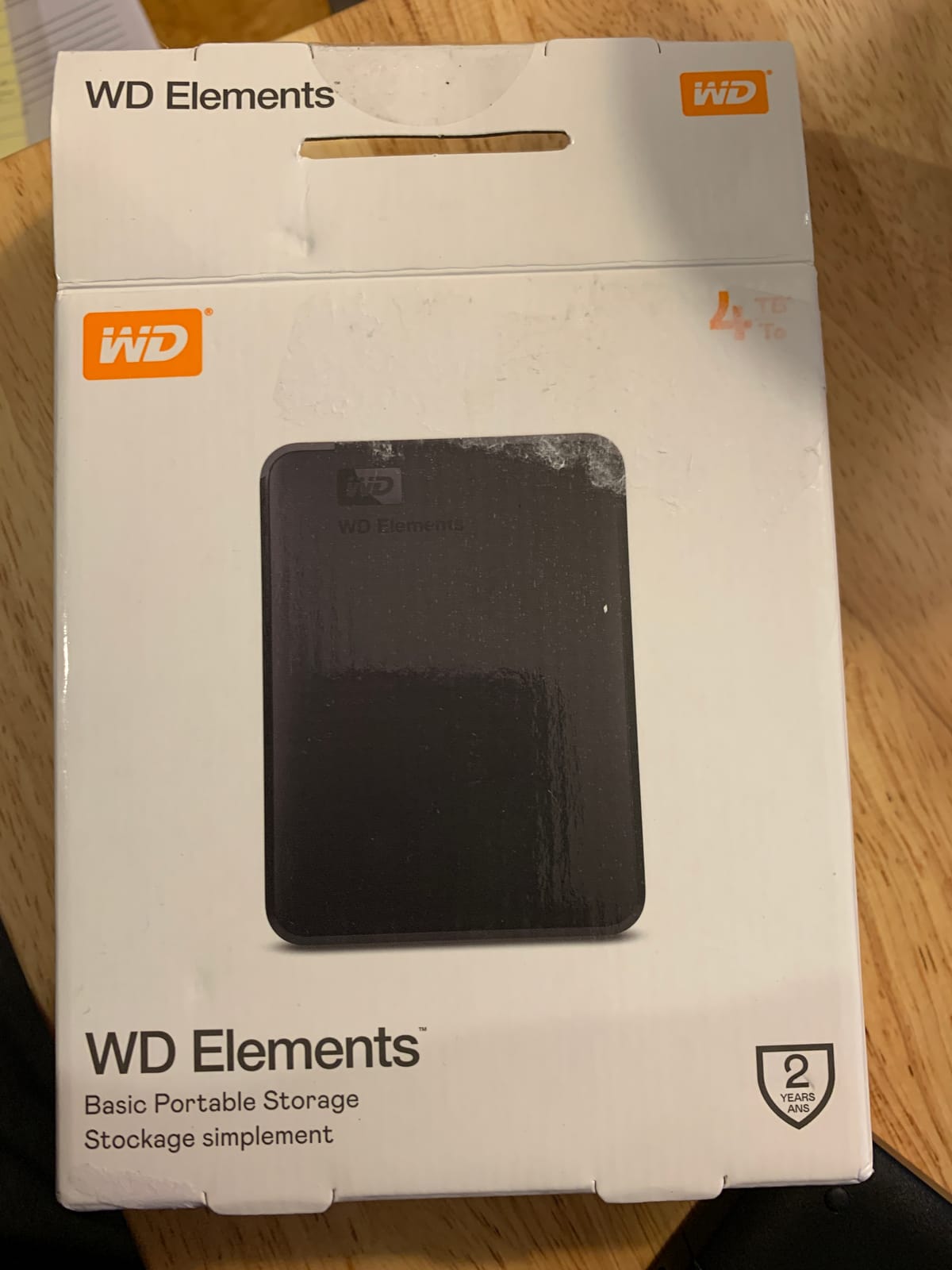
At the same 4.35 by 3.23 inch footprint as the 5TB model and 8.32 ounces, the two are physically near-identical, so choosing between them is a question of headroom rather than size.
The 2-year warranty matches the rest of the Elements line. Mac users who need Windows access are advised in reviews to format as exFAT first.
Why it is a good default archive
Four terabytes is roughly twice the internal storage of most Macs sold in recent years, which matches the doubling rule experienced Mac users follow. That leaves room for a backup history plus an archive folder on one volume.
Where it falls short
The same two caveats as its siblings apply. The Micro-B connector needs an adapter on a USB-C Mac, and the supplied cable is a known weak point worth replacing early.
There is no hardware encryption, so this is not the drive for sensitive material you plan to move offsite without another layer of protection.
8. Seagate Backup Plus Slim 1TB for Mac – Best for Plug-and-Play Time Machine
Seagate Backup Plus Slim for Mac 1TB External Hard Drive HDD – USB 3.0, Time Machine Compatible 2 Months Adobe CC Photography (STDS1000100)
1TB capacity
USB 3.0
120 MB/s read
bus powered
2 year warranty
Pros
- Time Machine recognises it out of the box
- Slim metal enclosure in silver
- Bus powered with no external brick
- Includes backup software
Cons
- Lowest rating here at 4.3 with early failure reports
- Reformatting may be needed for Time Machine
- Windows needs a reformat or extra software
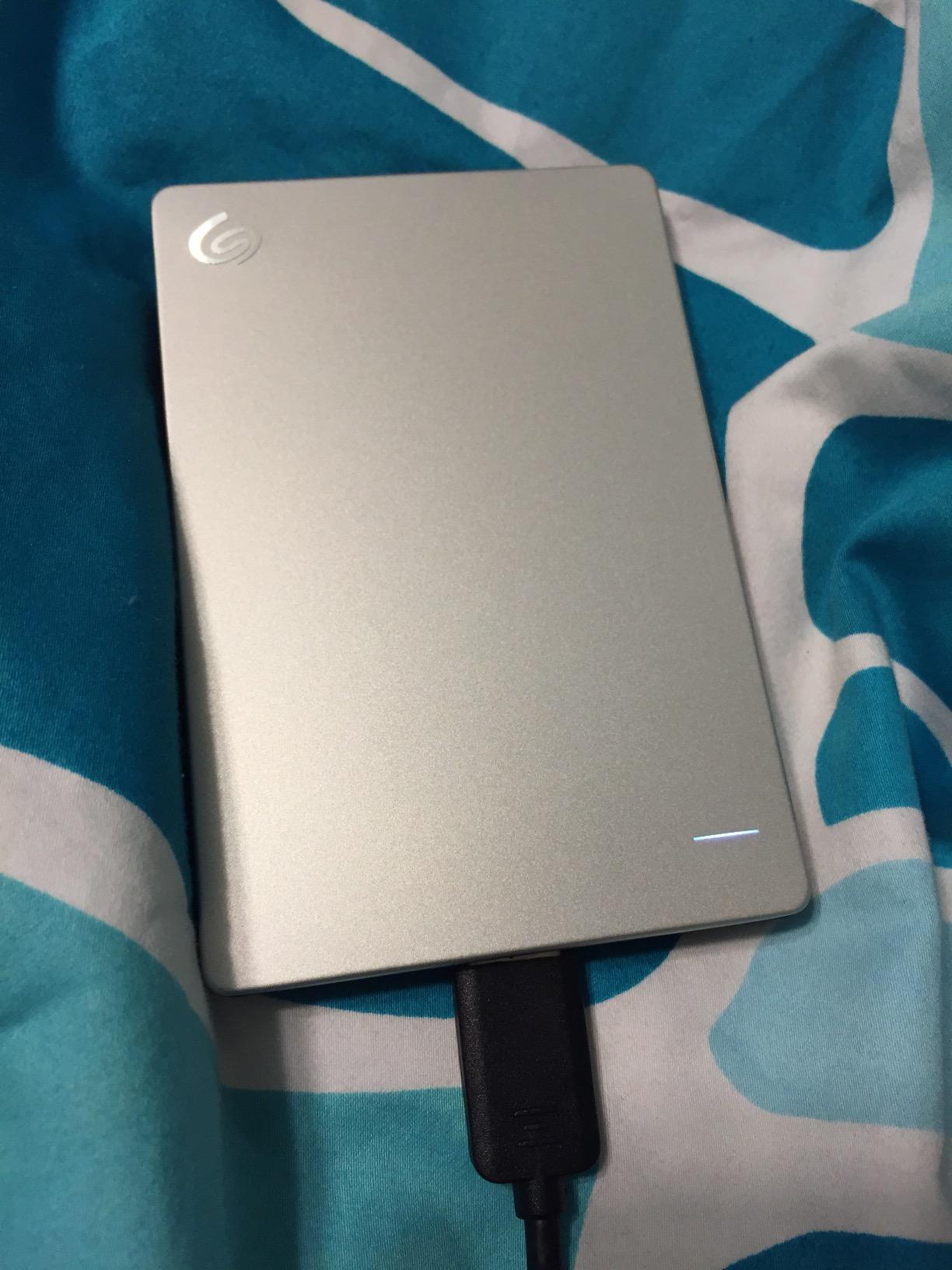
This is the drive built around macOS rather than adapted to it. It is a Mac product with a Mac-formatted volume, so Time Machine sees it immediately instead of making you erase anything first.
One terabyte is small, which rules it out as a long-term archive, but for a Mac with 256GB or 512GB internal storage it is a reasonable dedicated target. At 120 MB/s it behaves like any other 2.5-inch mechanical drive.
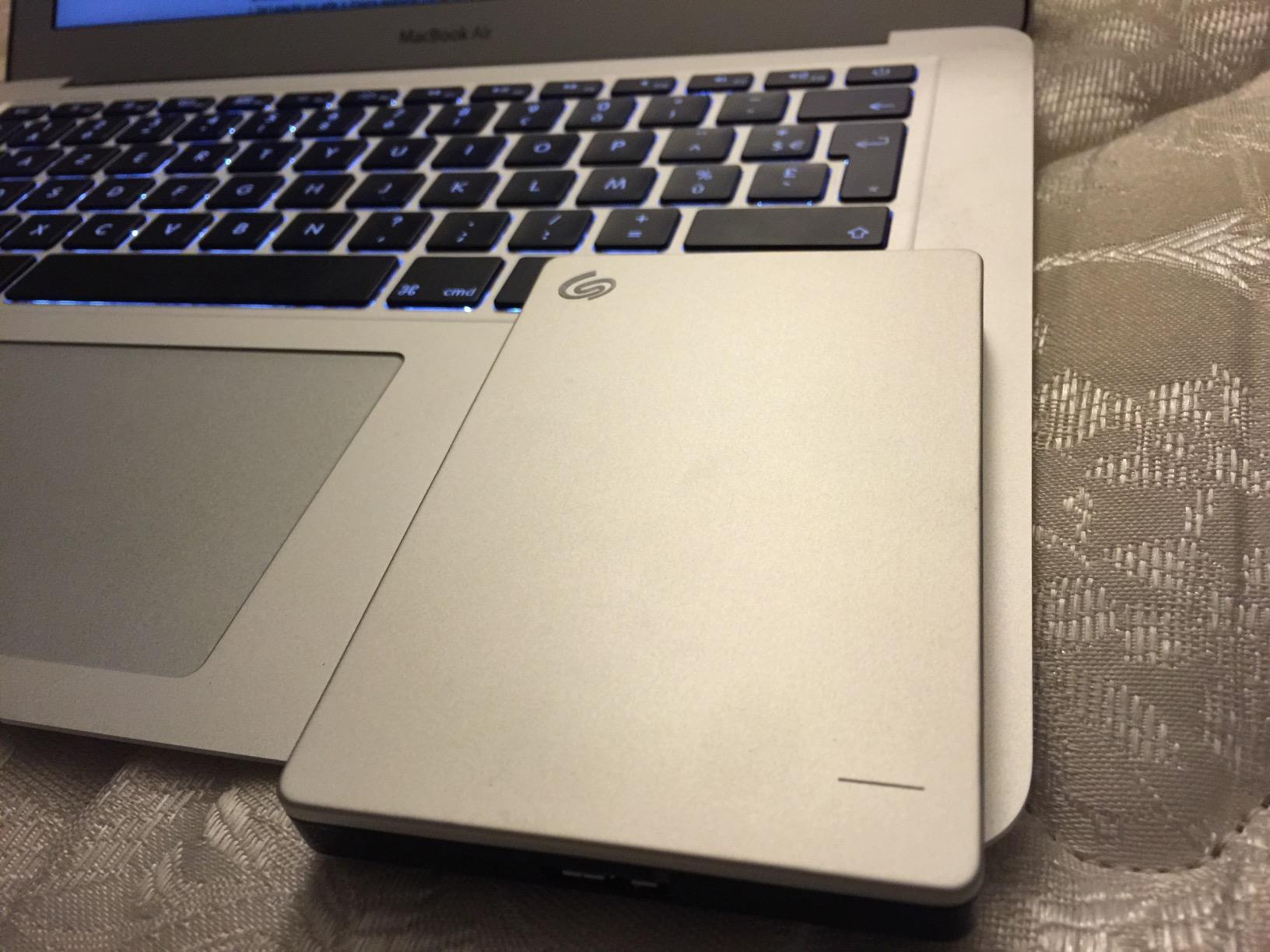
Owners report seamless recognition, silent incremental backups and a slim silver enclosure that takes almost no desk space. It is bus powered, so there is no power supply to plug in.
We would be direct about the reliability picture. At 4.3 stars across 4011 reviews it has the lowest average in this group, with a visible share of one-star early failure reports. For a drive whose whole job is holding your data, that counts.
Who should buy it
If you want zero setup friction, need no adapter and keep a small data footprint, this is the least demanding purchase here. The hardware platform is listed as Mac and PC, so it suits a mixed desk.
Who should not
If your Mac has 1TB or more of internal storage, a 1TB backup volume will feel tight quickly and you will end up buying again. Given the failure reports, treat it as a secondary copy rather than the last one.
9. LaCie Rugged USB-C 4TB – Best for Rugged Field Work
LaCie Rugged USB-C, 4TB, Portable External Hard Drive, Drop, Shock, Dust, Rain Resistant, for Mac & PC (STFR4000800)
4TB capacity
USB-C at 130 MB/s read
5400 rpm
drop shock dust and rain resistant
Pros
- Shell rated for drops shock dust and rain
- Native USB-C avoids the adapter bottleneck
- Works as a Time Machine target on macOS
- Orange design is easy to spot
Cons
- Mechanical speed around 130 MB/s
- Some drives reported failing to connect within a year
- Listing images inconsistently show the connector
The LaCie Rugged is the enthusiast field drive. The shell is built to survive drops, shock, dust and rain, and the native USB-C connector removes the adapter chain that so often throttles a portable drive.
At 4TB and 130 MB/s read on a 5400 rpm platter, it handles a full Time Machine target duty cycle. Owners working on location report that the drive behaves as a rugged mechanical drive should.
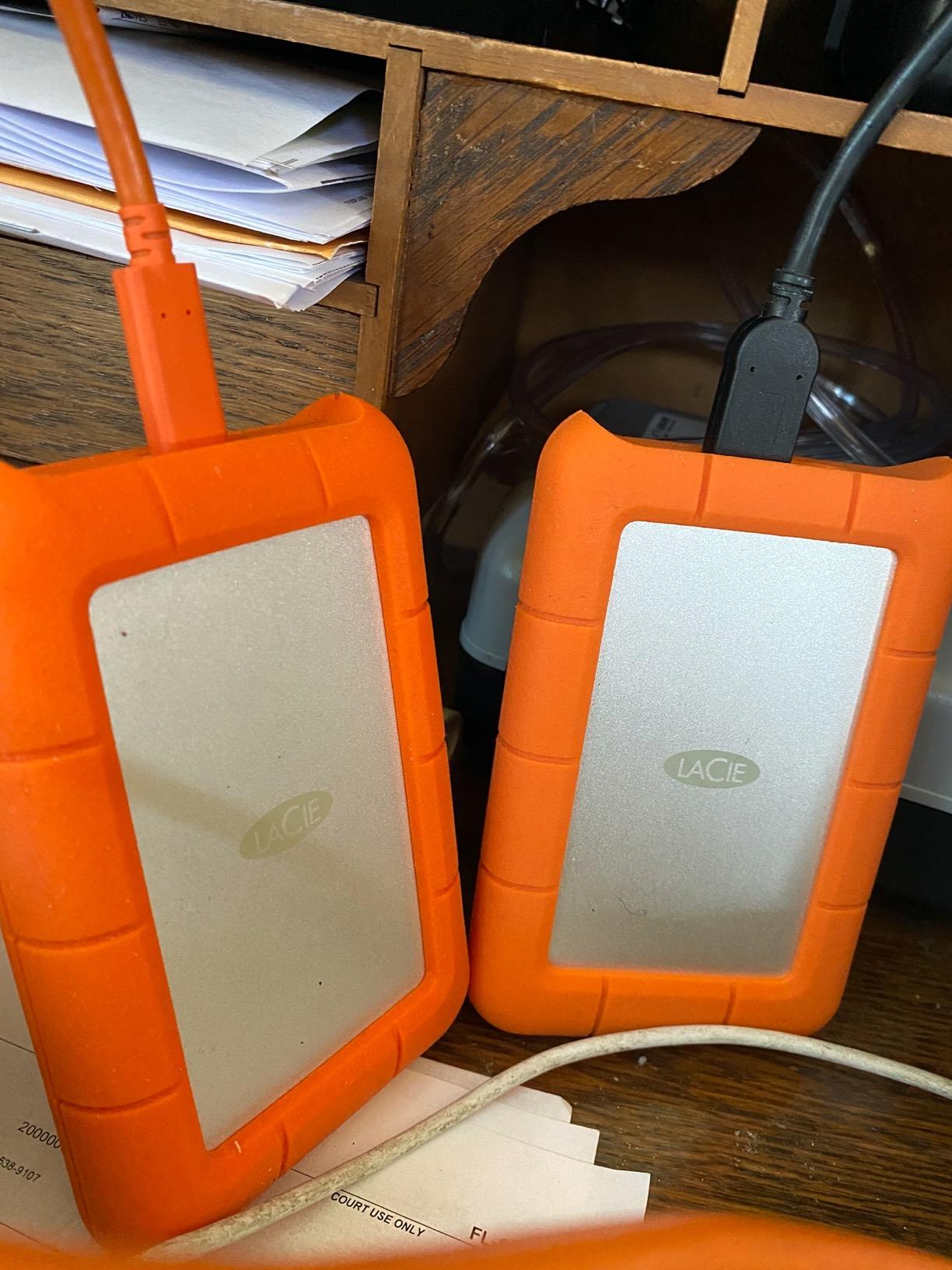
Across 3096 reviews at 4.4 average, the praise is consistently about the build, the USB-C convenience and Time Machine compatibility. The complaints cluster around speed and a small group of early connection failures.
At 3.5 by 2.3 by 0.87 inches and 8.8 ounces it is compact enough to live in a camera bag, and the orange shell means you can spot it instantly among identical black drives.
Where it earns its place
If your backups happen on location, this is the mechanical drive to buy. A rugged shell, a native USB-C connector and 4TB of capacity is a rare combination, and it avoids the adapters that slow portable drives down.
Where it falls short
It remains a mechanical drive, so it is slower than any solid state option, and it carries no hardware encryption. Protect sensitive data another way.
One practical warning: several buyers note the listing photographs do not always match the connector on the unit received. Confirm you are getting the USB-C model.
10. Crucial X9 2TB SSD – Best for Cross-Platform Use
Crucial X9 2TB Portable SSD, Up to 1050MB/s, USB 3.2 USB-C, External Solid State Drive, Compatible with Windows, Mac, & Android, Reliable Storage for Games, Files, & Backups, Black – CT2000X9SSD902
2TB solid state
1050 MB/s read
USB Type-C
IP55
drop resistant to 7.5 ft
Pros
- Measured sequential speeds around 1050-1067 MB/s
- Smaller than a credit card at 32 g
- IP55 rated and drop resistant to 7.5 feet
- Pre-formatted exFAT for Mac and Windows
Cons
- Polycarbonate housing dissipates heat less well
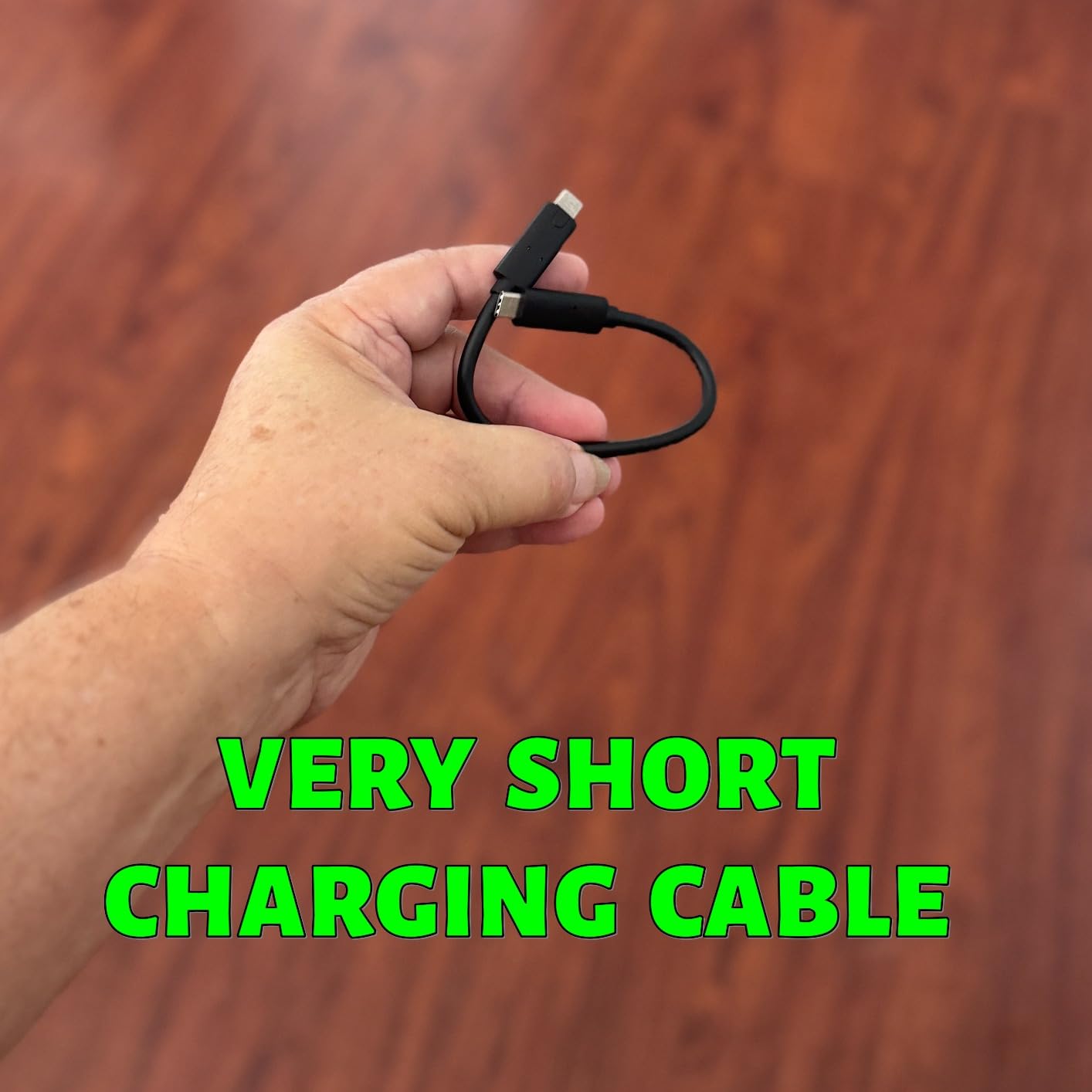
- Short included USB-C cable
- Bundled software pushes paid upgrades
The X9 is the most compact drive here, at 32 g, and it arrives pre-formatted as exFAT. That detail matters day to day: it can be used on a Mac and a Windows machine with no erase step.
Sequential speeds measure between 1050 and 1067 MB/s, so full backups finish fast, and the enclosure is IP55 rated with drop resistance to 7.5 feet.
Owners praise the combination of tiny size, real throughput and cross-platform plug-and-play behaviour. Minor complaints are the plastic housing, the short included cable, and bundled software that pushes hard on paid upgrades.
A minority report freezes or slow sustained transfers, so check the drive after a large first backup rather than assuming success.
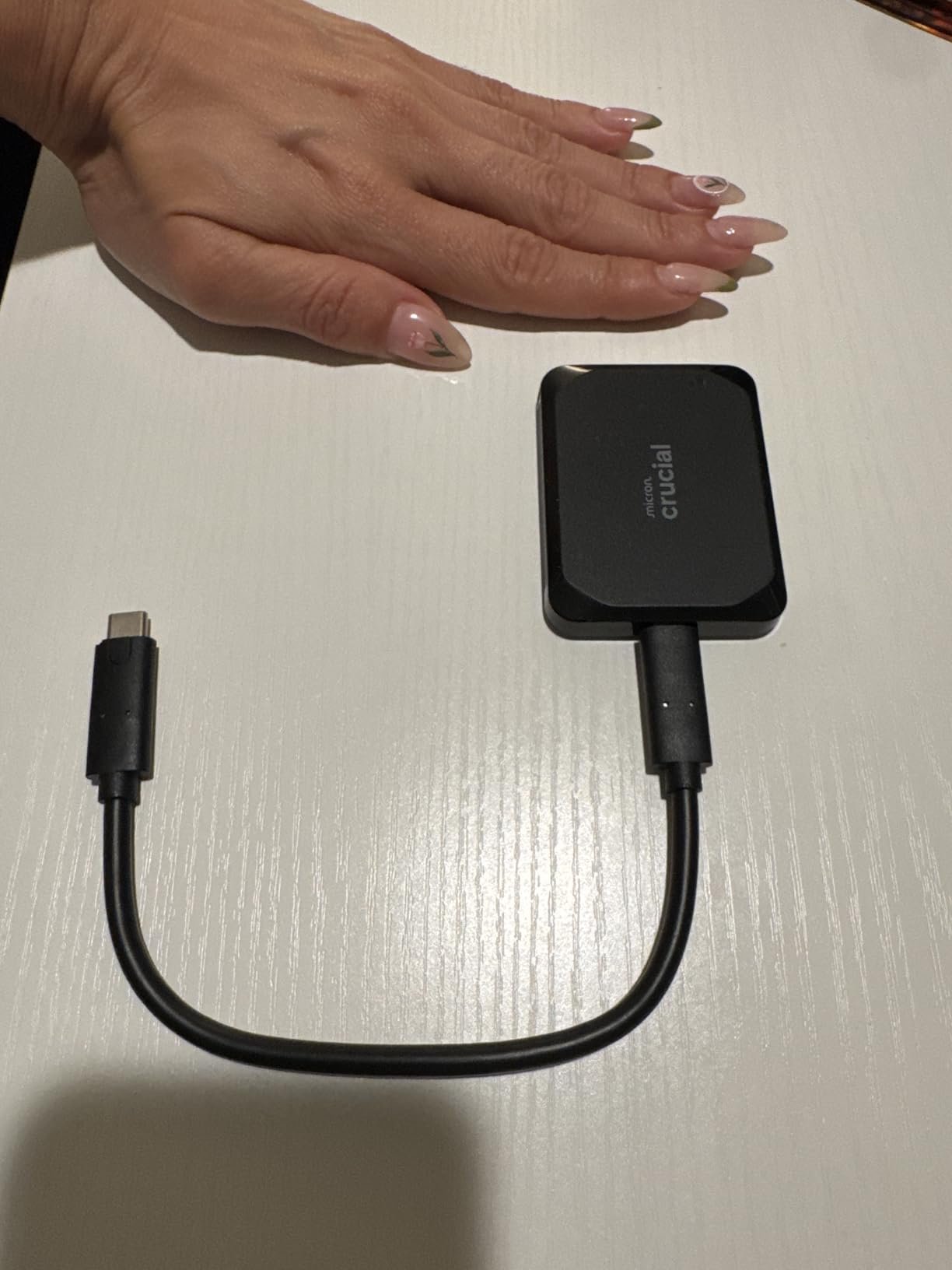
Who it suits
Mac users who also need Windows access without reformatting will like the exFAT default, provided they understand Time Machine still requires an APFS erase. It is a strong choice for solid state speed at 2TB without a premium metal body.
Where it falls short
The polycarbonate shell dissipates heat less well than aluminium and the included cable is short, so buy a longer USB-C cable. Heat and a poor cable together are the likeliest source of stability complaints.
At 2TB it is a working drive rather than an archive.
How to Choose a Mac Backup Drive: HDD or SSD, and How Much Space
Match capacity to double your internal storage
The most common sizing advice is to buy a backup drive with at least twice the capacity of your internal drive, and the reason is concrete. Time Machine keeps hourly, daily, weekly and monthly snapshots, and discards the oldest once the destination fills.
A 512GB Mac on a 1TB drive has room for system backups plus a separate archive folder. A 1TB Mac is better served by 2TB or more, and a Mac with a large photo library wants 5TB and above.
Choose an HDD for capacity, an SSD for speed and shock resistance
Mechanical drives win on cost per terabyte and are adequate for overnight backups, because Time Machine writes sequentially. Solid state drives win on everything physical: no moving parts, no noise, and resistance to the knocks that end mechanical drive life.
Pick an SSD when you back up between locations, travel with the drive, or want the first full backup done in minutes. Pick an HDD when the job is a large archive that sits on a desk.
Format APFS for Time Machine, exFAT for sharing
This is the part that trips up most people. Time Machine only accepts an APFS volume, so a drive formatted as NTFS or exFAT has to be erased before it can serve as a backup destination.
If you also need the drive on a Windows machine, exFAT is the compromise for file storage, but it cannot be a Time Machine target. Keep the backup volume APFS and accept that it is a Mac volume.
Match the connector to your Mac’s ports
USB-C is standard on current Macs, and a native USB-C plug avoids the adapters that cost throughput. Several drives here still ship with USB-A or Micro-B leads, which is fine with a proper adapter but is the most common source of slow transfers.
For speed, check the bus rating. USB 3.2 Gen 1 is 5Gbps, Gen 2 is 10Gbps, and the SSDs here use Gen 2 to reach their quoted 1050 MB/s. On a mechanical drive the bus is rarely the limit.
Decide between FileVault and hardware encryption
FileVault to Go encrypts a drive using your Mac account, which is convenient but ties the volume to you. Hardware AES encryption, as found on the My Passport, the SanDisk Extreme and the Samsung T7, is set with a password and protects the data on any machine.
If a backup drive will ever leave the house, hardware encryption is the stronger choice.
Check drive health before it fails
Open Disk Utility, select the external volume and run First Aid periodically. The SMART status shown there gives early warning on a mechanical drive developing bad sectors, often before anything visibly breaks.
Watch for a drive clicking, a backup that suddenly runs much slower, or a filesystem that prompts for repair every time you reconnect. Any of those means start the replacement process now.
Follow the 3-2-1 rule for anything you cannot lose
Three copies of your data, on two different types of media, with one copy somewhere else. For a Mac user that means the internal drive, an external Time Machine drive, and a second copy rotated between home and another address.
Experienced owners tend to run a layered setup: a fast SSD for active work and Time Machine, a large mechanical drive for archives, and an offline copy of that archive. No single drive on this page can carry that alone.
Frequently Asked Questions
What is the best way to backup my Mac to an external hard drive?
Connect the drive, erase it to APFS in Disk Utility, then add it as a destination in System Settings under General, then Time Machine. Let the first full backup run on mains power overnight. Repeat the erase step whenever you swap drives, since Time Machine only accepts APFS volumes.
Is it better to use APFS or exFAT for a Mac backup drive?
Use APFS if the drive is a Time Machine destination, because macOS will not use any other format for system backups. Use exFAT when the same drive needs to hold files you can open on Windows, accepting that you will have to erase it to APFS before it can run Time Machine.
Do I need an SSD or HDD for Mac backups?
An HDD is fine for overnight Time Machine jobs and costs far less per terabyte, which suits large archives. An SSD is better when you back up away from a desk, carry the drive with you, or want the first full backup to complete in minutes. Most owners run one of each.
What size external hard drive do I need for Time Machine?
At least double your internal Mac storage. A 512GB Mac is well served by 1TB, a 1TB Mac by 2TB or more, and a Mac with a large photo or video library by 5TB. Time Machine prunes its oldest snapshots once the destination fills, so extra room means longer history.
Are external hard drives reliable enough for long-term Mac backups?
They are reliable enough to be the main local copy, but never the only copy. Check SMART status in Disk Utility periodically and keep a second copy somewhere else following the 3-2-1 rule. Ratings on our picks range from 4.3 to 4.7 stars, with occasional early failure reports on individual drives.
The Best External Hard Drive for Your Mac Backup
The Seagate Portable 4TB is our pick for most people reading this. It needs no setup beyond an erase to APFS, draws its power from the Mac, and carries the deepest owner history in the category. If your internal storage is 512GB or 1TB, it is the right size for a proper backup history.
Choose the WD Elements 2TB for the top rating and a 2-year warranty, the WD Elements 5TB or 4TB when capacity per terabyte is the priority, and the SanDisk Extreme 2TB SSD if you back up away from a desk and need speed and shock resistance.
Whichever you pick, format it as APFS, connect it regularly, and keep a second copy somewhere other than the building it lives in. That last habit matters more than any spec on this page.