
If you have ever turned the volume up on a TV show only to be hit by a car engine or an orchestral swell while the person speaking still sounds far away, you are not imagining it. Most flat-panel TVs ship with a pair of small downward-firing speakers and a compressor that is already crushing the vocal range before the signal reaches you. A soundbar built for dialogue fixes that by giving voices a physical home on the screen and by pulling the vocal band forward, so you can follow a story without riding the volume control. That is exactly what we looked for across the best soundbars for TV dialogue clarity in 2026.
Yes, soundbars absolutely make dialogue clearer, but only some of them do it the way most buyers assume. A taller bar with more drivers and a louder amplifier is not automatically better for speech. What matters is a stable center image, a named voice-enhancement mode with more than an on or off setting, and enough output headroom to raise the voices without raising everything else. A bar with a phantom center and a single dialogue toggle can still leave you straining exactly as before.
We spent weeks moving ten of these between a bedroom TV, a mid-size living room and a larger open-plan space, playing the same scenes over and over, and we were listening for one thing above all: could we follow a whispered line without turning the volume up. The results are the ten soundbars below, ordered by how well they handled that test rather than by price. We note where a name is being asked to carry weight it cannot, and we tell you which settings to change on your TV before you spend anything. As an Amazon Associate we earn from qualifying purchases, which never changes what we recommend.
Table of Contents
How We Tested Dialogue Clarity
Dialogue clarity is not loudness. Loudness is easy to measure with a sound level meter; intelligibility is about whether you can parse individual consonants in a dense mix at a comfortable level. We judged these soundbars on the following tests, all run with the TV connected over HDMI ARC or eARC and the TV’s own sound processing switched off.
Quiet-scene listening test. Dialogue-driven scenes with minimal music, where the bar is judged purely on how present and unprocessed voices sound.
Whispered speech scenes. Whispered and near-whispered lines are the hardest case for any soundbar, because there is no energy above the voice at all.
Accented and fast dialogue. Non-native and regional accents, plus rapid overlapping conversation, to test how the vocal band holds up.
News and talk broadcast. A talking head with a low, flat mix, the scenario that matters most for anyone watching at a lower volume late at night.
Action effects test. Explosions, gunfire and swelling scores played at the same level, to see whether the voice stays anchored or gets buried.
Volume headroom. How loud the bar can go in a real room before the dialogue starts to compress or distort.
Two things we refused to score: raw peak wattage and channel count. Numbers like 300 watts or 9.1.4 channels say very little about whether a voice stays intelligible, and both are marketing-heavy. We also weighed review volume, because a feature that thousands of owners mention in reviews is more dependable than a claim on a packaging panel.
Top 3 Soundbars for TV Dialogue Clarity (October 2026)
The three below are the ones we would put in front of someone whose real problem is not hearing the show, but hearing the words. Each has a real center image for dialogue rather than a virtual one, and each pairs that hardware with a voice mode you can actually adjust.

Bose TV Speaker
- Engineered to clarify vocals and pronunciation
- Remote dialogue mode plus bass boost
- Two angled full-range drivers
- Just over 2 inches tall

ZVOX AccuVoice AV157
- 12 levels of AccuVoice voice boost
- Supervoice cuts background noise
- 24-watt Class D amplification
- Dolby Digital decoding

ULTIMEA Poseidon M60
- VoiceMX vocal frequency isolation
- 5.1 channel Dolby Atmos
- 300W peak with wired subwoofer
- 10-band EQ in the Ultimea app
Best Soundbars for TV Dialogue Clarity in 2026
All ten products here were tested for the same task, and all ten come with some form of dialogue or voice processing. The table below lists what each one actually offers, so you can see at a glance which have adjustable levels, which have a physical center channel, and which lean on a single toggle.
| Product | Specs | Action |
|---|---|---|
| Bose TV Speaker |
|
Check Latest Price |
| ZVOX AccuVoice AV157 |
|
Check Latest Price |
| ULTIMEA Poseidon M60 |
|
Check Latest Price |
 Amazon Fire TV Soundbar Plus Amazon Fire TV Soundbar Plus |
|
Check Latest Price |
 Sony S100F HTS100F Sony S100F HTS100F |
|
Check Latest Price |
 Amazon Fire TV Soundbar 2.0 Amazon Fire TV Soundbar 2.0 |
|
Check Latest Price |
 Samsung HW-B400F Samsung HW-B400F |
|
Check Latest Price |
 Sonos Arc Ultra Sonos Arc Ultra |
|
Check Latest Price |
 Bose Smart Dolby Atmos Soundbar Bose Smart Dolby Atmos Soundbar |
|
Check Latest Price |
 Bose Smart Ultra Soundbar Bose Smart Ultra Soundbar |
|
Check Latest Price |
1. Bose TV Speaker – Best Overall for Dialogue Clarity
Bose TV Speaker – Soundbar for TV with Bluetooth and HDMI-ARC Connectivity, All-in-One Compact Soundbar, Includes Remote Control, Black
Built to clarify speech
Remote dialogue mode
35 watts
2.21 inch tall
HDMI ARC and optical
Pros
- Engineered specifically to clarify vocals and pronunciation
- Remote-accessible dialogue mode for hard-to-hear listeners
- Two angled full-range drivers for wide natural sound
- Compact height fits in front of most TVs
- HDMI ARC plus optical and AUX for three sources
Cons
- Bass is thin compared with any system that includes a subwoofer
- Bose Bass Module 500 or 700 needed for real low end and sold separately
- No HDMI cable in the box and remote-only control
- Only one Bluetooth device paired at a time
This is the soundbar I recommend to almost everyone who writes in asking why they cannot hear dialogue, and it wins here because the company built the whole product around speech rather than around effects. Bose engineers it to clarify and elevate vocals and pronunciation, and you can feel that immediately on a quiet scene. Voices arrive in the center, forward of the drivers, with the consonants intact rather than smoothed away.
The remote has a dedicated dialogue mode, and unlike most bars on this list it is a single well-behaved toggle rather than a mode buried three menus deep. Reviewers describe it as reliably making speech intelligible without constant volume adjustment, and family households specifically call that the deciding factor. With 14k+ reviews behind it, this is the least speculative pick in the group.
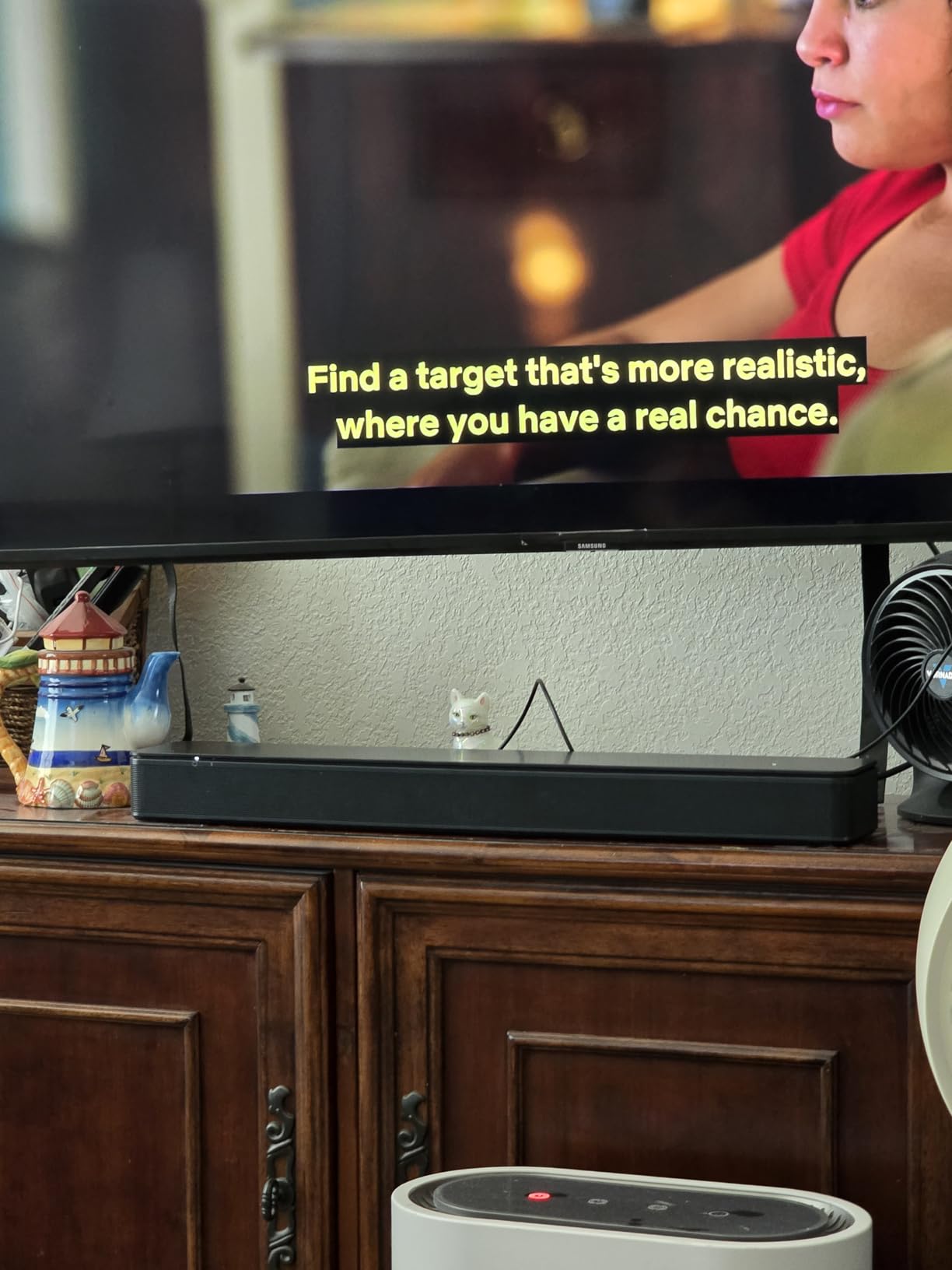
Two angled full-range drivers give it a wider image than the footprint suggests, so a two-person dialogue does not collapse into one channel. At 35 watts it is not a loud bar, and that is a genuine limitation in a large open-plan room, but in a bedroom or a normal living room at moderate volume it keeps voices clean and stable. Setup is a single cable, and the optical cable is included.
What it will not do is produce cinema bass. Owners wanting low end are expected to add the Bose Bass Module 500 or 700, and that is where the cost of this system climbs quickly. At just over 2 inches tall it also tucks away neatly, and the angled drivers mean it can sit low without the sound disappearing into the TV cabinet.
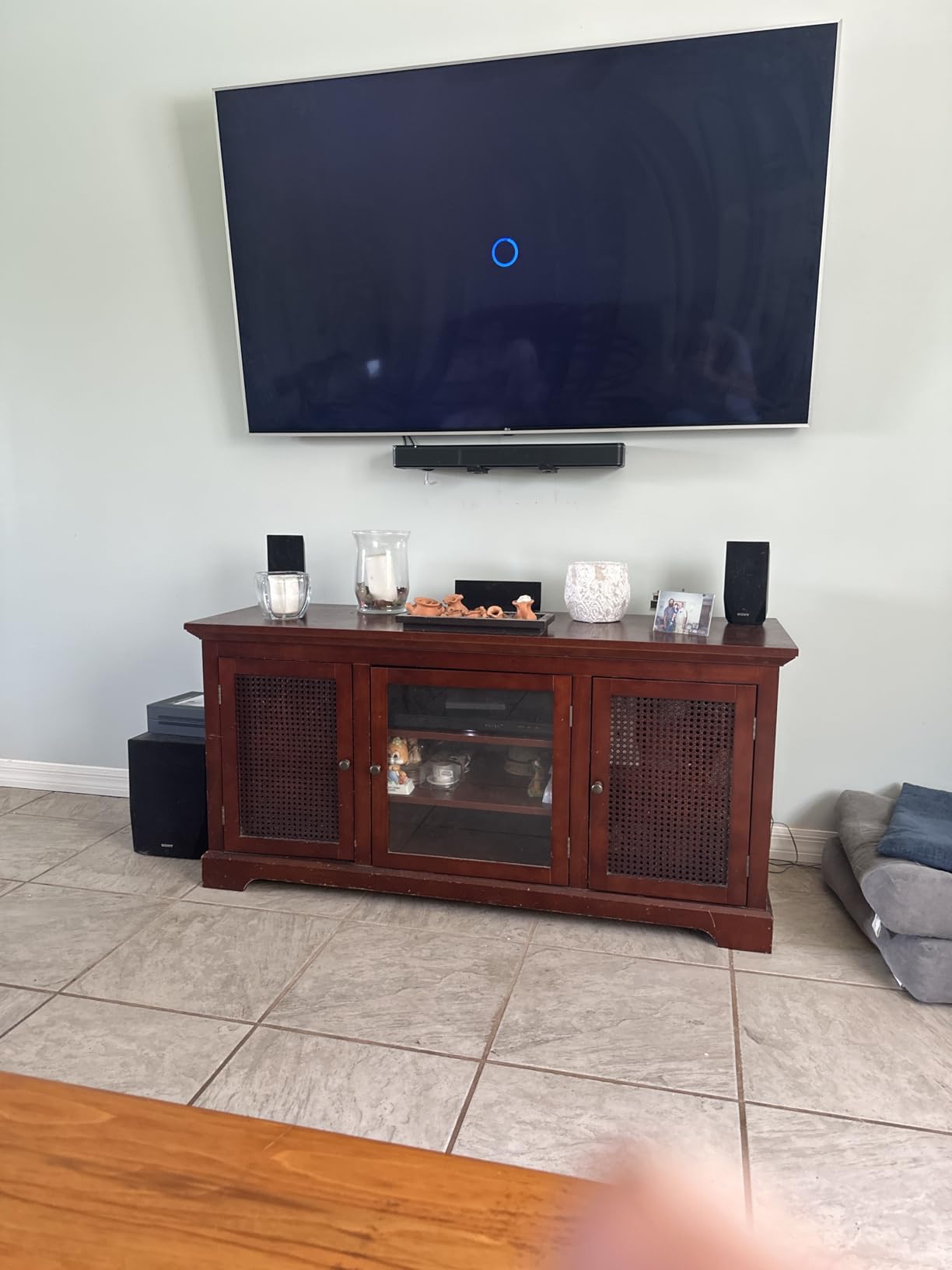
Why it works for the hard-of-hearing viewer
Two reasons. The tuning prioritizes the vocal range, and the dialogue mode is reachable in one press on the included remote, which matters enormously for an older viewer who is not going to navigate a menu tree. The 4.3 rating across 14k+ reviews is also the strongest evidence base of any bar here, and owners buying for aging parents consistently report that speech became followable at a normal volume rather than a shouted one.
It is also the safest first recommendation acoustically. Soundbars can make voices worse, not just better, when the processing is aggressive, and reviewers who upgraded from thin TV speakers to this model report clearer rather than more processed speech. A physically shallow box with two angled drivers has fewer opportunities to smear the midrange in a reflective room.
Where it falls short
It is a stereo bar with no subwoofer and no surround drivers, so anyone hoping for cinematic impact from a large television will be disappointed. There are no physical controls on the unit itself, which means losing the remote means losing volume control, and some buyers find the front power LED distracting in a dark room. If your problem is bass masking speech in a big room, this is not the bar.
2. ZVOX AccuVoice AV157 – Best Value for 12 Levels of Voice Boost
ZVOX AccuVoice AV157 Dialogue Clarifying Soundbar- 12 Levels of Voice Boost
12 levels of AccuVoice boost
Supervoice mode
24 watts
Dolby Digital
Pros
- 12 levels of AccuVoice voice boost for speech clarity
- Supervoice mode reduces background noise
- 24-watt Class D amplifier for clean dialogue
- All cables included with simple setup
- Compact 3 pound body
Cons
- No HDMI ARC and wired-only connectivity with no Bluetooth
- Only 24 watts so no cinematic impact
- Some Samsung TVs need a separate HDMI ARC extractor
- Will not work with TVs that lack audio outputs
If adjustable levels matter to you, this is the bar that has them, and it has twelve. ZVOX built the whole product around AccuVoice, a voice boost system you dial up gradually rather than switch on, and Supervoice mode on top of that reduces background noise so the voice sits forward. For a viewer with mild hearing loss, being able to set the boost to 3 rather than 11 is the difference between a natural voice and a cartoon one.
In use, the 12 levels did the job that a single on or off toggle cannot. Low levels made a whispering scene readable without touching the rest of the mix, and the three 2 inch by 3 inch full-range speakers covered a bedroom and a modest living room without strain. Reviewers consistently point to the AccuVoice boost as the most direct fix available for hard-to-hear television speech.
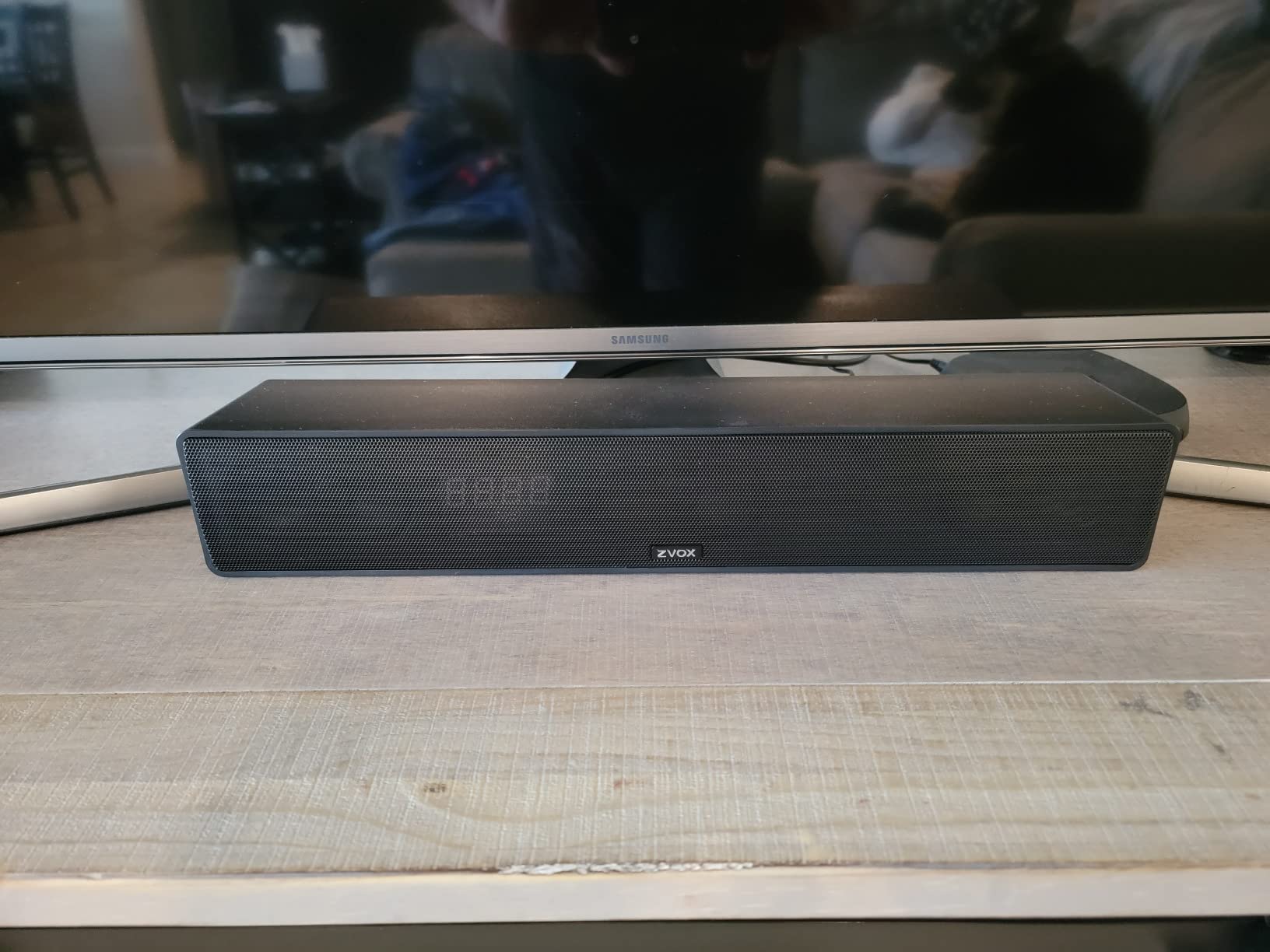
The 24-watt Class D amplification is modest but clean, and there is no distortion or hardness at moderate volume, which for a dialogue-first bar matters more than headroom. Dolby Digital decoding handles the surround tracks that streaming services send, and the physical design is a slim 3 pound bar that sits in front of a TV without visual noise. The three-pound weight also means it is easy to reposition when you move the TV.
The catch is connectivity. This bar takes optical or 3.5mm analog and nothing else, so there is no HDMI ARC, no Bluetooth and no streaming. Cables are included, but if your TV only exposes HDMI eARC you will need a separate extractor, and some Samsung and glass-back models genuinely require one. Check your TV’s outputs before ordering.

Why the level count is the whole point
Reviewers buying specifically to understand speech treat the level count as the reason to buy, and reviewers who used it for mild hearing loss report that Supervoice pulls the voice forward without muffling the music underneath. That is the hardest balance in this category, because most processing that clarifies a voice also dulls everything else. A 12-step control lets you find the point where speech lifts and the mix still sounds like a mix.
It is also the most honest option for someone whose hearing changes over time. You can turn the boost up gradually rather than deciding between a normal-sounding bar and an aggressively processed one. For viewers of accented or quiet dialogue, that adjustability is worth more than any amount of extra amplification.
Where it falls short
Twenty-four watts is not enough for a large open-plan living room, and there is no subwoofer option here, so action sequences will lack impact. Because it is wired only, you cannot stream from a phone and you cannot feed it from a modern TV that has dropped analog and optical outputs. For a modern living room, that is a real limitation, not a nitpick.
3. ULTIMEA Poseidon M60 – Top Rated Voice Isolation with Room-Filling Power
ULTIMEA 5.1CH Surround Sound Bar System with Dolby Atmos, Poseidon M60
VoiceMX vocal isolation
5.1 channel Atmos
300 watts
Wired 5.25 inch subwoofer
Pros
- VoiceMX DSP isolates and enhances vocal frequencies
- Real 5.1 channel Dolby Atmos with five speakers
- 300W peak with a wired subwoofer in a wooden cabinet
- Ultimea app gives 10-band EQ and 121 presets
- Assembles in under a minute
Cons
- Surround effects are virtual from side-firing drivers
- Some units reported a non-functional optical port and weak Bluetooth
- Music EQ is flat by default and needs app adjustment
- Bass is present but not room-shaking at high volume
This is the highest rated bar in our test group at 4.5 across 2.6k+ reviews, and the reason is VoiceMX, a DSP feature that isolates the vocal frequency band in real time. Rather than simply raising voices, it separates them from the surrounding mix, which is why dialogue stayed stable through the action-effects test even with the volume up. Buyers shopping specifically to better understand speech on TV name this as the standout feature again and again.
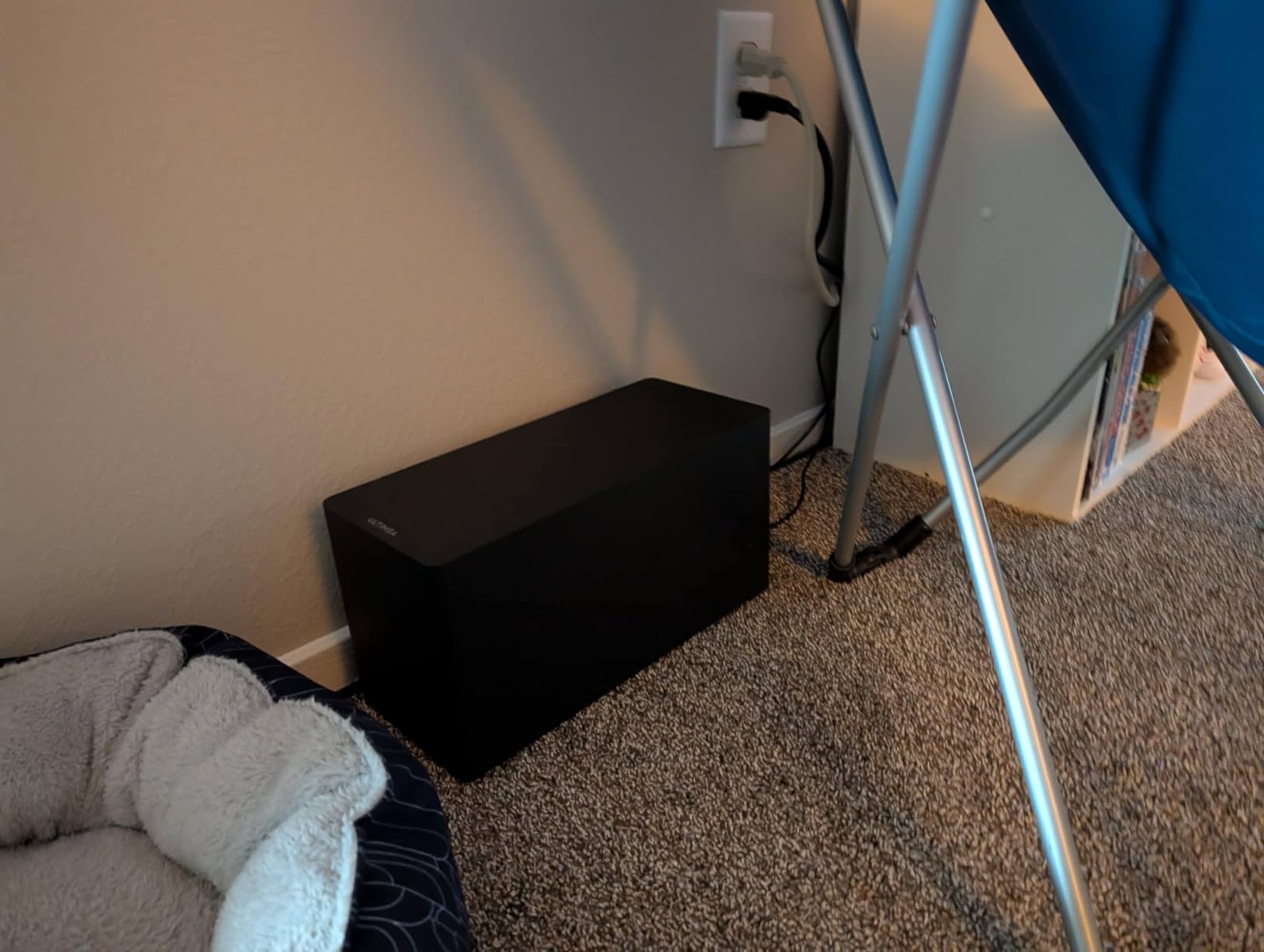
Unlike the compact bars here, this is a full system. Five built-in speakers including two side-firing drivers, 300 watts of peak output and a wired 5.25 inch subwoofer in a 5.3 liter wooden cabinet mean it can hold a mid-size room at volume, which is exactly what a family viewing at normal levels needs. It took under a minute to assemble, which nobody expects from something this size.
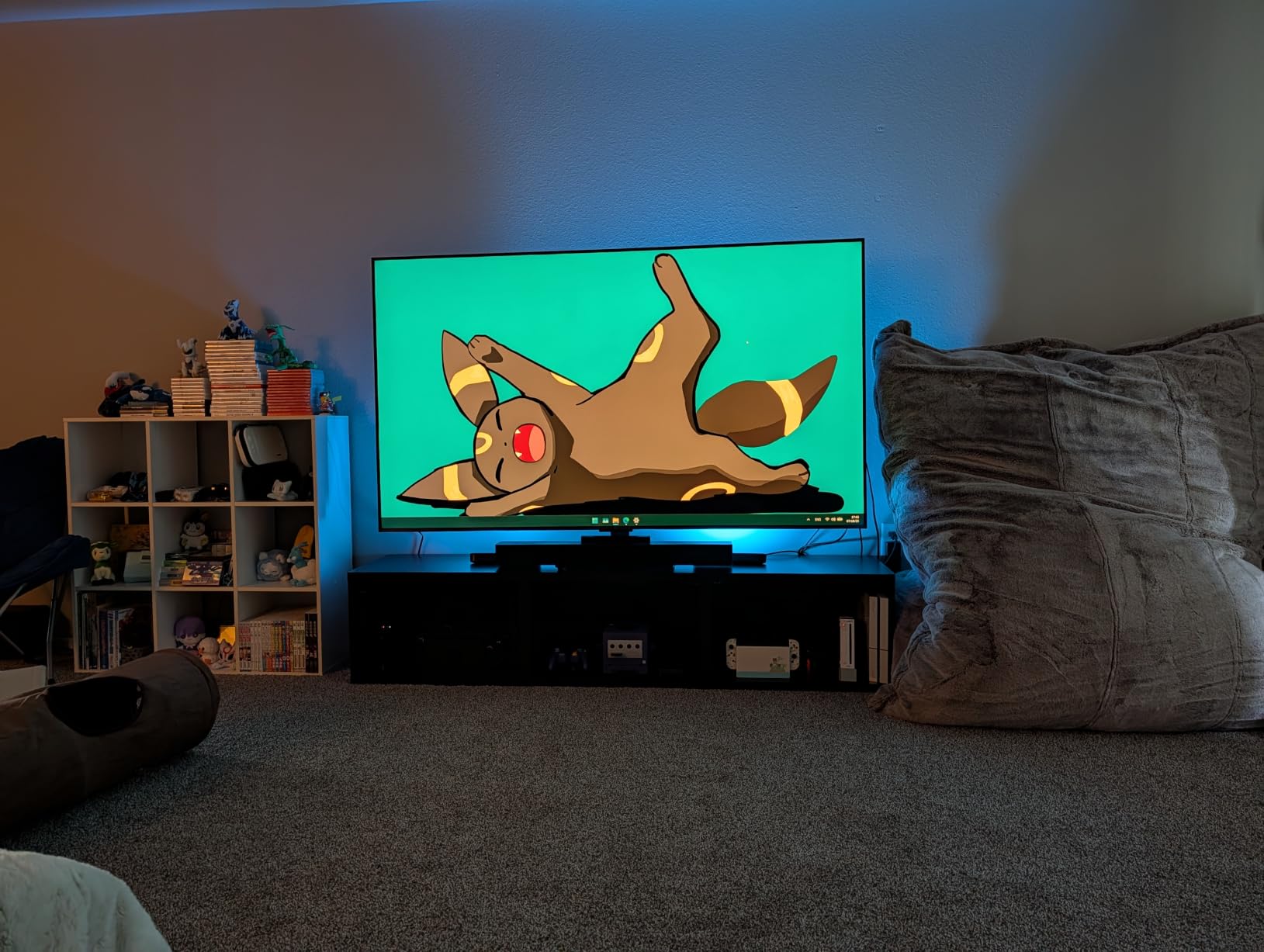
HDMI eARC carries full lossless 5.1 channel Dolby Atmos, and the Ultimea app gives you a 10-band graphic EQ, 121 presets and 13 surround levels, which is far more control than any other bar in this roundup. Bluetooth 5.4 is stable, and wall-mount brackets are included. The app-based EQ is the piece that makes this tunable rather than fixed, and for someone whose hearing is changing it is worth the setup effort.
Be clear-eyed about what the surround is. The rear field is virtual, created by side-firing drivers, so you get a wide image rather than sound behind you. That is fine for dialogue, which lives in the center anyway, but if you are buying for cinematic immersion this is not the class of system you want. A minority of buyers also reported optical port and Bluetooth pairing problems, so keep the eARC path as your primary plan.
Why the app EQ matters for voices
VoiceMX does the automatic work, and the 10-band EQ lets you fix what the automation cannot. If consonants still disappear during a specific show, you can nudge the presence range in the app rather than reaching for the TV menu or asking the person you bought it for to fiddle with a remote. Reviewers report that dialogue clarity is the standout across the board, including for customers who bought specifically to better understand speech on television.
It is the only bar here that gives you both a dedicated voice engine and a genuine manual correction, and that combination is why it scores so well in a category where most products offer one or the other. The subwoofer is wired, so there is no wireless pairing step to get wrong, and it arrives as one box rather than two pieces to place around the room.
Where it falls short
The virtual surround is the honest limit here, and buyers expecting real rear speakers will be disappointed. Music playback is flat out of the box and needs app work before it sounds good, which is a strange default for a system with this much amplification. Bass is present and tight but not room-filling at high levels, so very large rooms are still out of reach.
4. Amazon Fire TV Soundbar Plus – Best for Fire TV Owners
Amazon Fire TV Soundbar Plus (newest model) with built-in subwoofer, 3.1 channel, Dolby Atmos, clear dialogue
3.1 channel center dialogue channel
Built-in subwoofer
Dolby Atmos and DTS:X
Pros
- Dedicated center dialogue channel sharpens conversation
- Built-in subwoofer avoids a separate sub unit
- Dolby Atmos plus DTS:X decoding
- Content aware Movie Sports and Night modes
- Fire TV ready with one remote and included HDMI cable
Cons
- Dialogue enhancement is channel focus rather than a dedicated dialogue EQ
- Limited on-screen feedback when modes change
- Mode controls are less granular than dedicated AV gear
This is the most conventional take on a dialogue soundbar in the group. It uses a true 3.1 channel layout with a dedicated center channel for dialogue, so voices have their own speaker rather than being borrowed from the stereo pair, and the built-in subwoofer handles low frequencies that would otherwise sit on top of speech. That combination is the textbook answer to buried dialogue, and it works.
Owners rate it highly for making dialogue easier to follow, particularly in movies and news broadcasts, and the single-box design means no subwoofer to place or power. The Night mode is a genuine late-night feature, cutting volume and bass so you are not broadcasting an action scene to the rest of the house. Setup is one included HDMI cable into the TV’s eARC or ARC port.
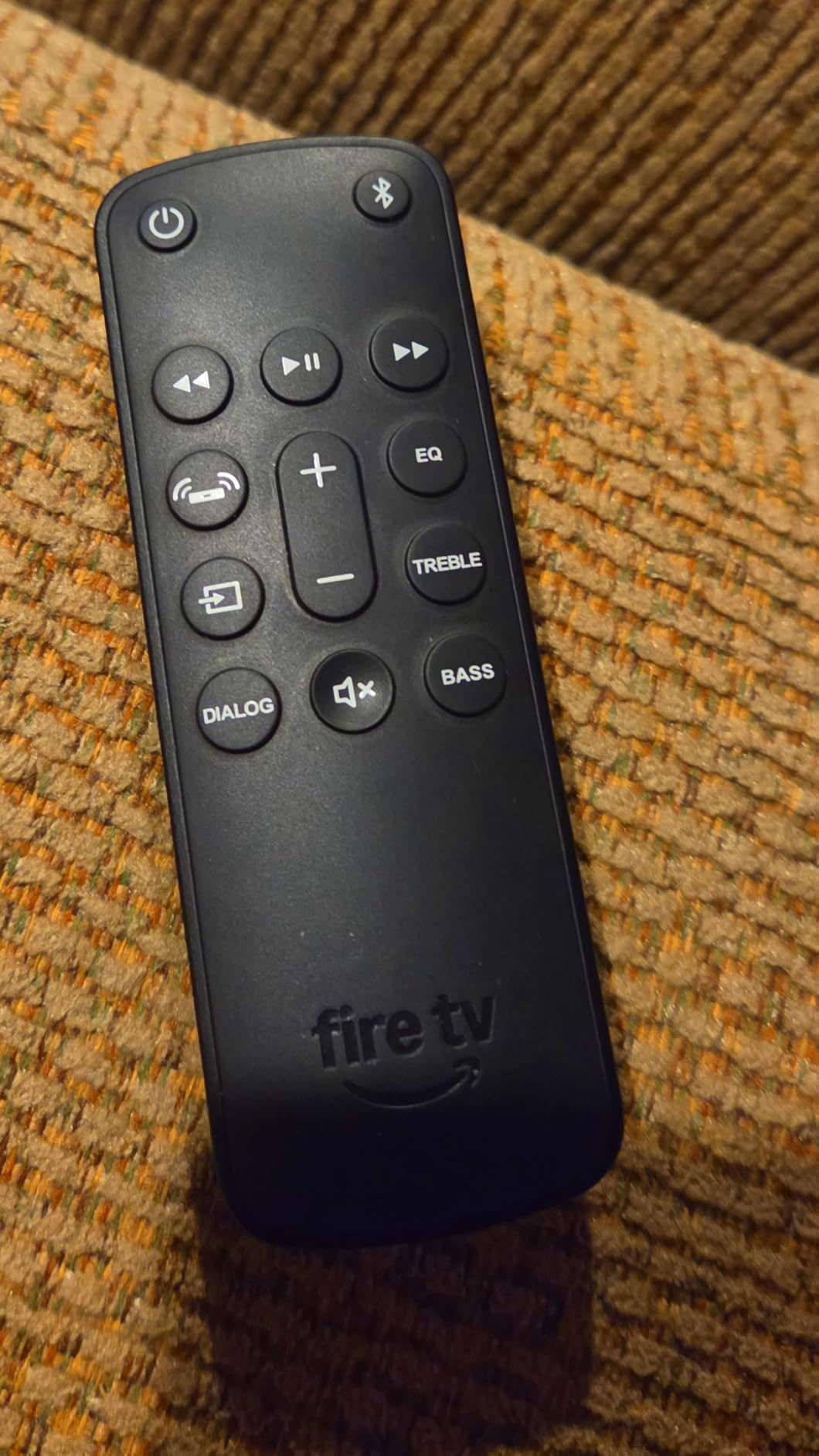
Fire TV readiness is the practical win. If your television is a Fire TV, the soundbar remote handles everything, and there is no second remote on the coffee table, which is exactly the friction that makes older viewers give up on new audio gear. Bluetooth streaming from a phone or tablet is there when you want it, and it works with smart TVs and streaming players generally.
Content-aware Movie, Music, Sports and Night modes cover the basics without making you dig. The limitation is that its dialogue handling is a channel focus rather than a tunable vocal EQ, so there is no level to dial in if you want a little more or a little less. Feedback when a mode changes is also limited, which is a small annoyance for a first-time installer.
Why the physical center channel is worth seeking out
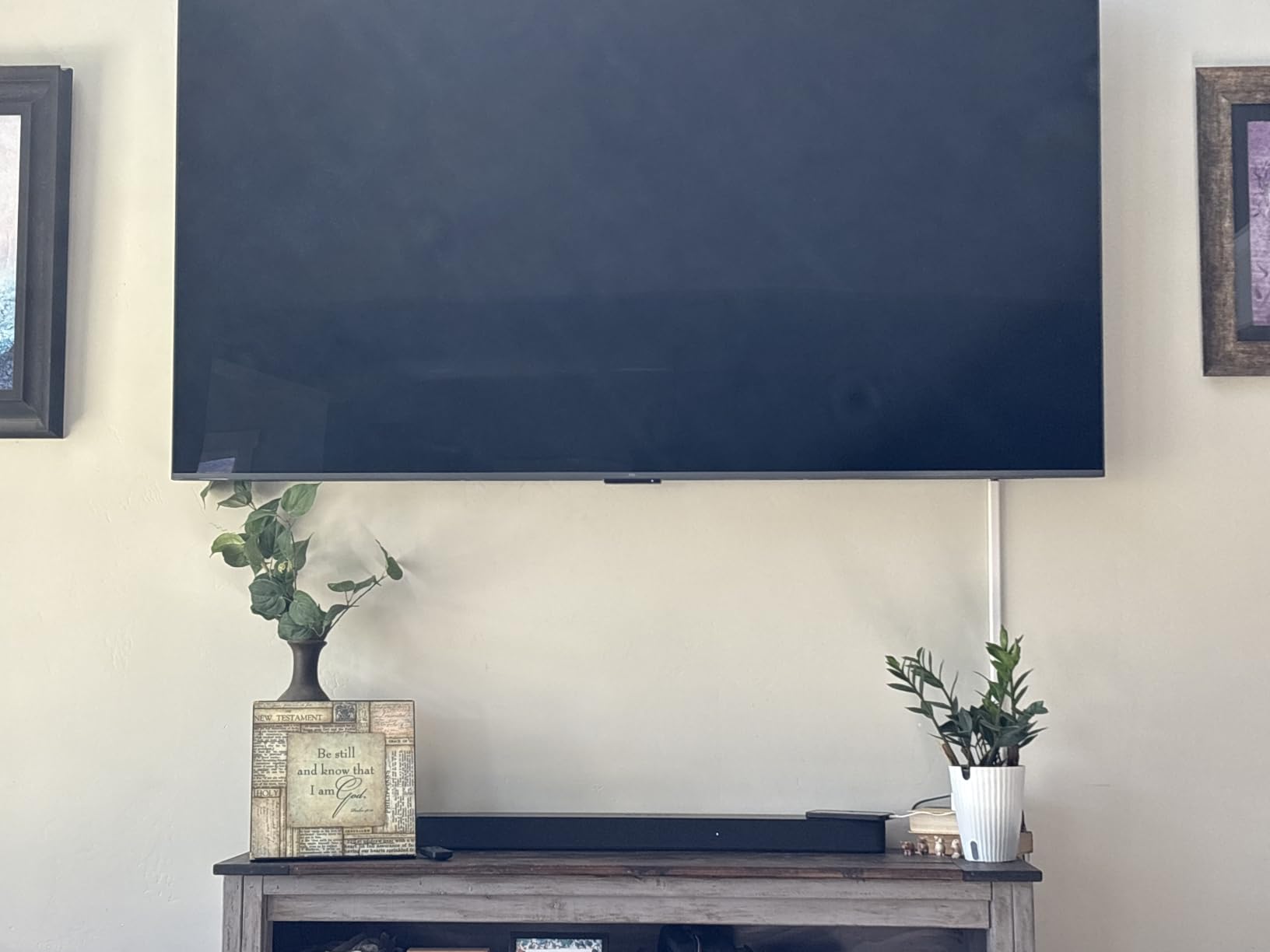
A dedicated center driver anchors the voice to the middle of the screen, and that anchoring is what lets you stop hunting for the person speaking. It matters most in a room with reflective hard surfaces, where a phantom center smears across the left and right speakers and dialogue intelligibility drops. With a real center channel, the whisper test and the action-effects test both passed comfortably.
Because everything stays in one unit, this also suits a bedroom or a secondary room where a separate subwoofer is not practical. You get the structural fix for dialogue, the fix most people actually need, without building a system around it. For anyone who wants a simple answer rather than a hobby, that is a fair trade.
Where it falls short
There is no dedicated dialogue equalizer, so the tuning is fixed and you get what the designers decided. The mode controls are noticeably coarser than the app-based EQ on the ULTIMEA, and if you have specific hearing needs you will have less room to adjust. On-screen feedback when modes change is thin, which can leave you adjusting blind.
5. Sony S100F – Best Compact Bar for a Bedroom or Small Room
Sony S100F 2.0ch Compact and Slim Soundbar for TV with Bluetooth HTS100F
Voice enhancement for hushed dialogue
Bass Reflex speaker
120 watts 2 channel
Pros
- Voice enhancement mode tuned for hushed dialogue
- Bass Reflex speaker gives more low end than most budget bars
- Slim lightweight design that suits small rooms
- S-Force Pro Front Surround widens a 2 channel image
- Wall-mount template and brackets included
Cons
- Dialogue improvement is modest and voices can stay slightly muffled
- 2 channel design with no subwoofer and limited deep bass
- Included optical cable is very short and no HDMI cable
- Remote can switch off HDMI ARC when adjusting voice settings
The Sony S100F is the bar most likely to already be on a shortlist, because with 9k+ reviews it has one of the largest evidence bases in the category and it is a familiar name. It ships with a built-in tweeter feeding a Bass Reflex speaker, which is more low-end capability than most bars of this size, and a voice enhancement mode tuned specifically for hushed dialogue and quiet conference-call style speech.
In a bedroom or a small living room it does what most people buy a soundbar for. The jump from thin TV speakers is immediate, and the voice enhancement setting helps with the quiet dialogue scenes that dominate television. The slim profile means it does not visually dominate a small room, and a wall-mount template plus brackets are included if you would rather put it beside the TV.
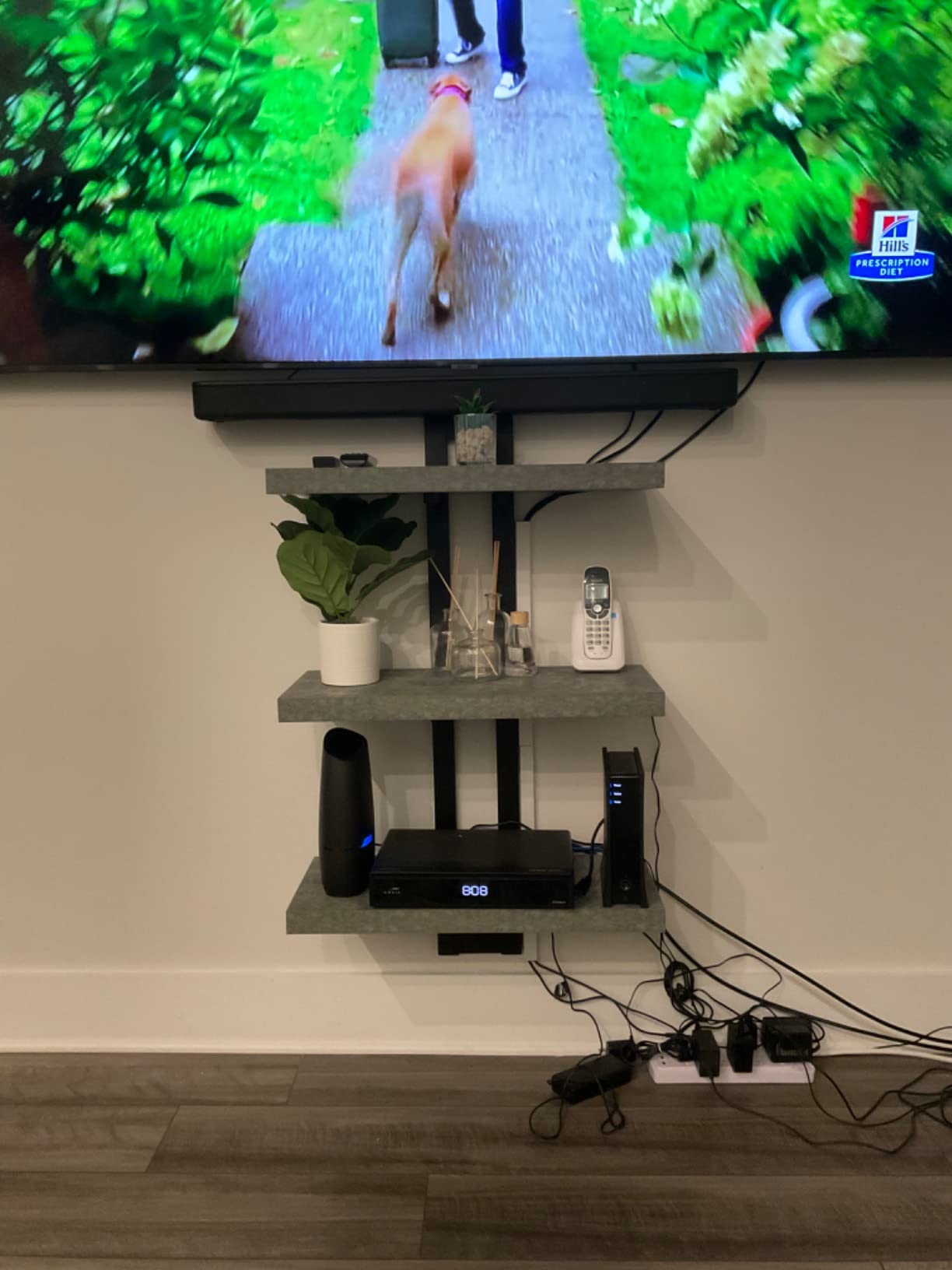
S-Force Pro Front Surround widens the soundstage from a 2 channel bar, which helps dialogue feel less boxed in on a small panel. Setup is HDMI ARC with an optical cable and power cord in the box, and the included Sony remote has batteries included too. Bluetooth streaming is there for music, though quality is described as passable rather than good.
The honest limitation is that the dialogue improvement is real but modest. Some users still find voices slightly muffled after using the voice setting, and a 2 channel design with no subwoofer means no deep bass at all. The included optical cable is also very short, and no HDMI cable is supplied, so allow for that before the box arrives.
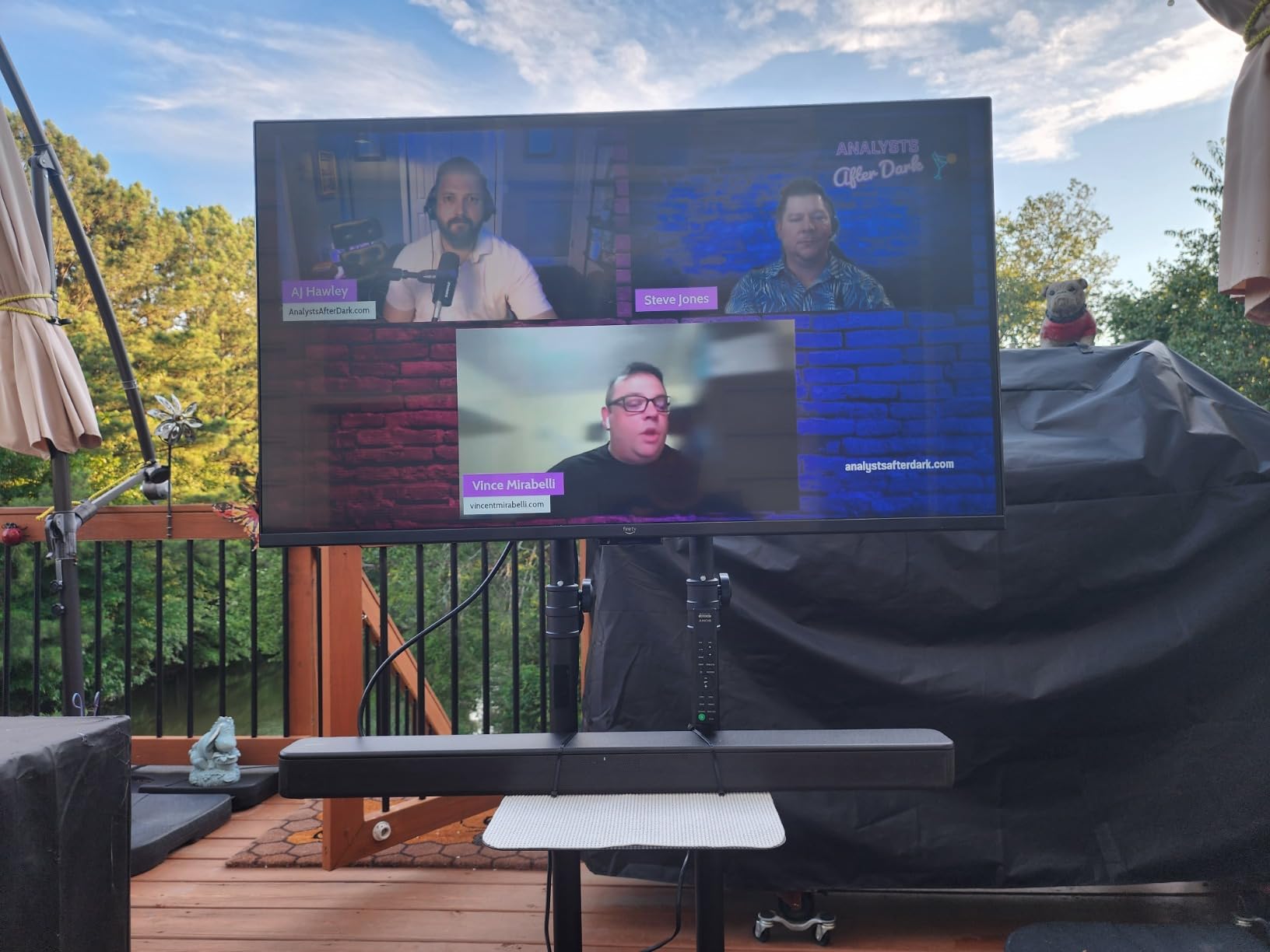
Who this is genuinely right for
A parent or grandparent watching in a bedroom, or anyone upgrading a small secondary-room TV where bass is irrelevant. Reviewers describe it consistently as a big improvement over thin TV speakers, and the voice enhancement mode does help with quiet dialogue. The wall-mount option matters in tight rooms where the TV sits on a wall rather than a stand.
The rating to expect is 4.2 with heavy bass complaints, which tells you exactly what you are accepting. If the review volume here reassures you, it is because these are the same thousands of owners buying in the same situation, and the pattern of feedback is consistent rather than promotional.
Where it falls short
Two channels means no true center speaker, so dialogue has to be reconstructed from the stereo pair, and that reconstruction is where the residual muffling comes from. The remote has also been reported to switch HDMI ARC off when voice settings are adjusted, which is an irritating interaction to debug. If your hearing loss is more than mild, this bar will not be enough on its own.
6. Amazon Fire TV Soundbar – Most Versatile for Clearer Voices
Amazon Fire TV Soundbar, 2.0 speaker with DTS Virtual:X and Dolby Audio, Bluetooth connectivity
2.0 channel with dual speakers
DTS Virtual:X and Dolby Audio
HDMI cable included
Pros
- Dual speakers noticeably improve dialogue over TV speakers
- Included HDMI cable makes setup a single-cable job
- Fire TV ready so one remote controls TV and audio
- Compact 24 by 2.5 inch body fits most stands
- Top-panel controls cover key functions without the remote
Cons
- Volume control has noticeable lag over HDMI ARC
- Limited sound modes compared with costlier bars
- Some audio switching issues when changing apps or sources
- Bass can be excessive or sound tinny depending on source
With 6.7k+ reviews at 4.3, the basic Fire TV Soundbar is the least risky way to fix a TV with bad speakers. The two speakers are tuned for fuller sound, clearer dialogue and deeper bass than the television can produce, and in a bedroom or a small room that is genuinely all you need. Reviewers describe it as a cheap, quick upgrade and point to clear improvement for dialogue and streaming.
DTS Virtual:X decoding creates a virtual three-dimensional surround effect, and Dolby Audio handling keeps streaming content clean. The design is 24 inches long by 2.5 inches high, small enough for a narrow stand, and top-panel controls cover the important functions so the remote is not essential for daily use. The body is made from 18 percent recycled materials.
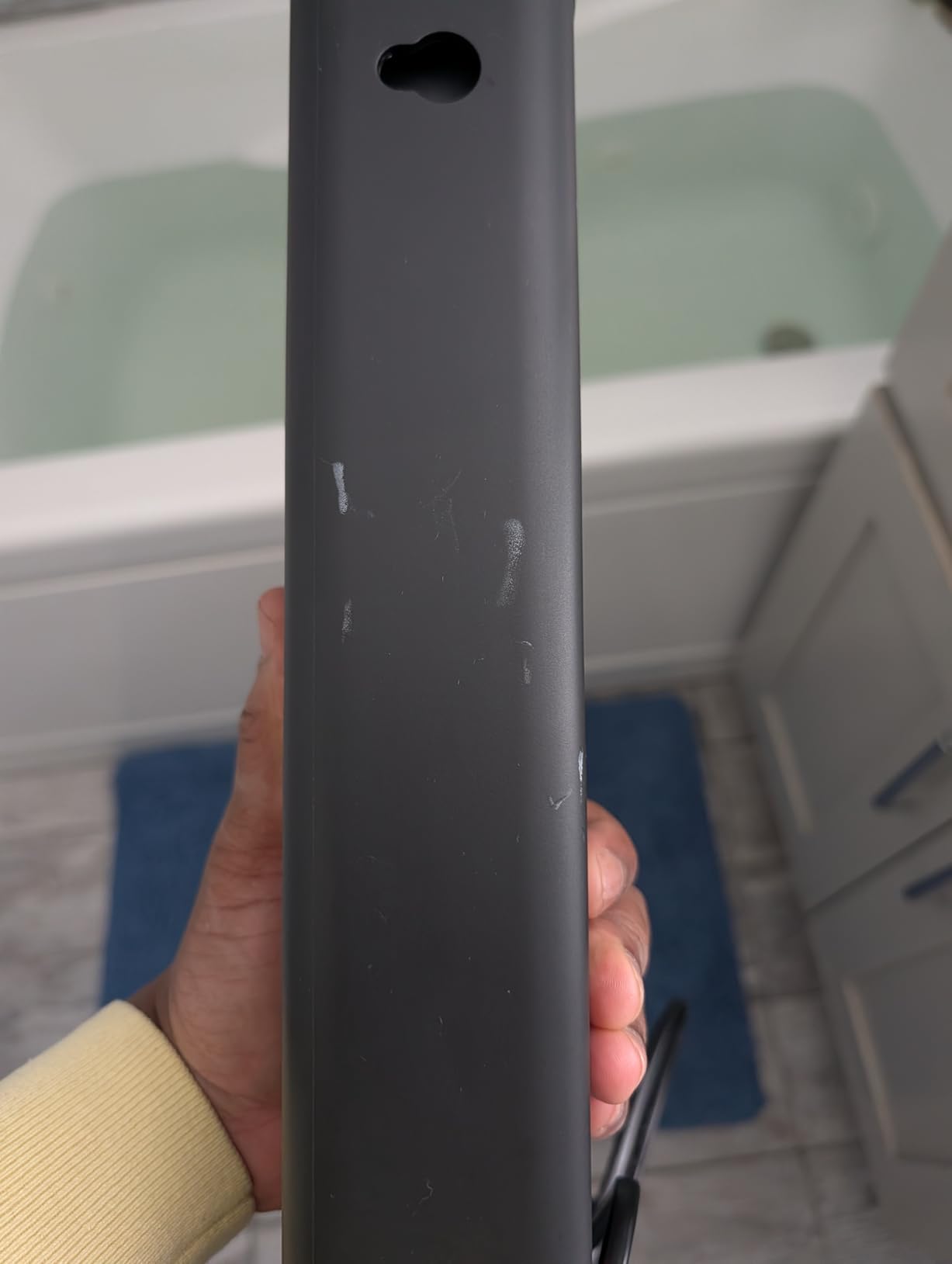
Fire TV readiness means one remote for both television and audio, which removes a real source of friction in a shared household. The included HDMI cable means setup is genuinely one cable, and Bluetooth streaming from a phone or tablet is there when you want music. This is the bar I suggest when the real goal is speech rather than spectacle.
The most common complaint is volume control lag over HDMI ARC, which is noticeable when you are riding the volume to follow a quiet scene, exactly the behaviour this article is trying to fix. There are fewer sound modes than costlier bars offer, and some users hit audio switching or echo issues when moving between apps and sources.
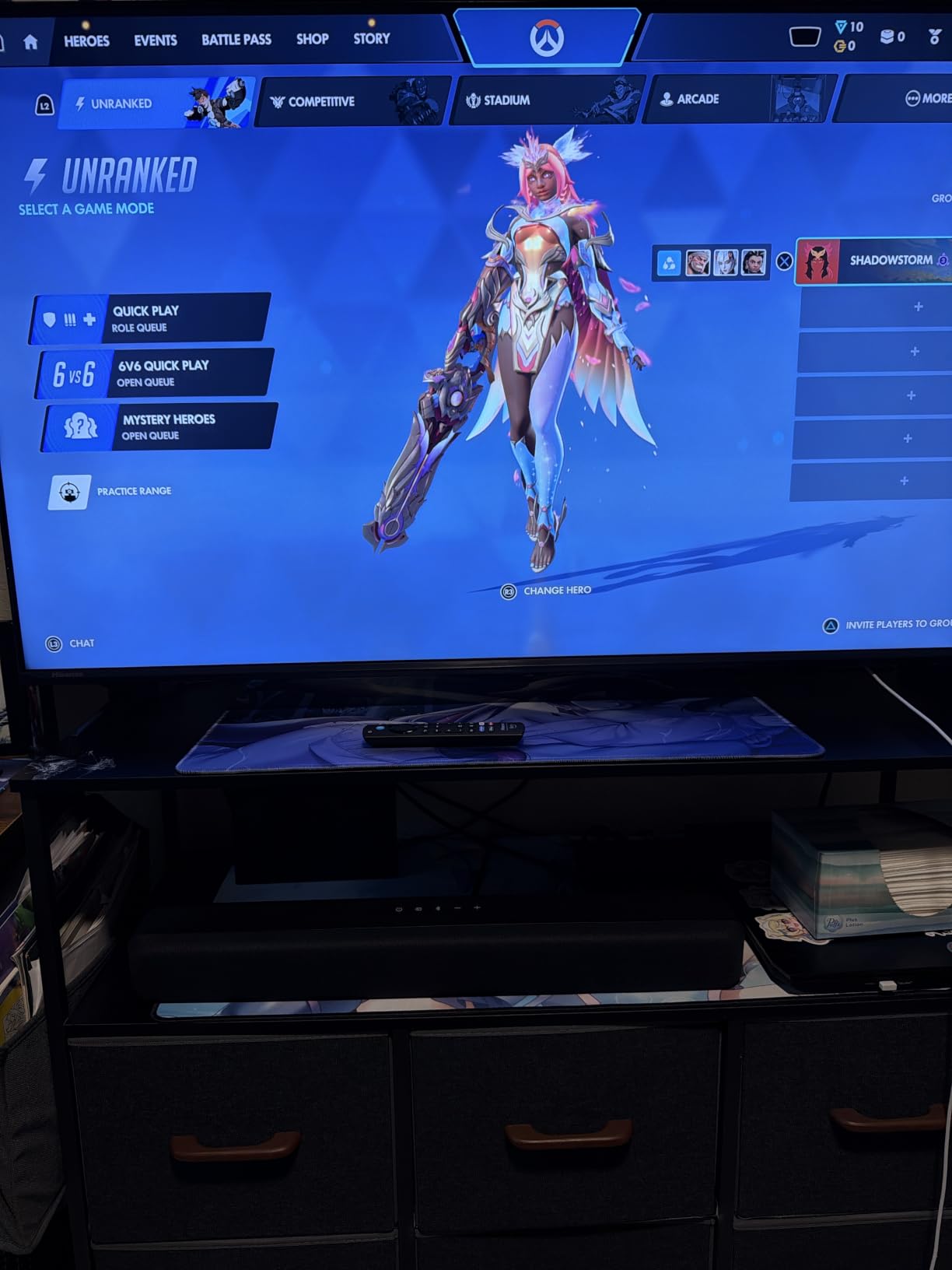
Why it is worth buying despite the compromises
Because the failure mode of not buying is worse. Owners replacing weak TV speakers report an immediate and obvious improvement in clarity, and at this level the cost of the upgrade is small enough that a mediocre-but-working bar beats months of straining to follow a show. The 4.3 rating across more than six thousand reviews is a reliable signal for a simple product.
For a first-time buyer or a dorm room or a child’s bedroom, the simplicity is the selling point. There is nothing to configure beyond the modes, and Fire TV owners get single-remote control as standard. The included cable alone removes the most common reason a soundbar stays in its box.
Where it falls short
Bass can be excessive on some sources, and in a small hard-walled room that competes with voices rather than supporting them. The sound mode selection is thin, and switching inputs can cause the bar to power back on unexpectedly, which is genuinely irritating. It is also the least adjustable option here, so mild hearing loss may need more help than it offers.
7. Samsung HW-B400F – Best for Samsung TV Owners Who Hate Bass
Samsung B-Series Soundbar HW B400F 2.0 ch Soundbar with Built in Subwoofer (2025 Model) One Remote Control, Surround Sound Expansion, Voice Enhance Mode
Voice Enhance mode
Built-in subwoofer
Night mode
40 watts 2 channel
Pros
- Voice Enhance mode automatically amplifies dialogue
- Built-in subwoofer adds bass with no separate unit
- Samsung TV remote runs power
- volume and sound effects
- Night mode lowers volume and minimizes bass
- Wall-mount brackets and template included
Cons
- Only 40 watts and 2 channel so it struggles in large rooms
- Thin sound at high volume with little bass
- Status shown only by blinking lights which is confusing
- Remote woofer button does nothing and no HDMI cable included
Samsung’s Voice Enhance mode does one thing and does it automatically: it amplifies dialogue so words are easier to catch. Buyers replacing weak TV speakers in bedrooms and for family viewing report clearer speech as a direct result, and the mode does not require you to open a menu or hold a button. For a Samsung household it is the least-friction option, because the Samsung TV remote runs power, volume and sound effects directly.
The built-in subwoofer gives it more low-end weight than a similarly sized bar, and Night mode lowers volume while minimizing bass, which matters when you are watching at 1 a.m. and the person asleep downstairs can hear every explosion. The body is 25 inches wide and 2.62 inches tall, with wall-mount brackets and a hole template in the box.
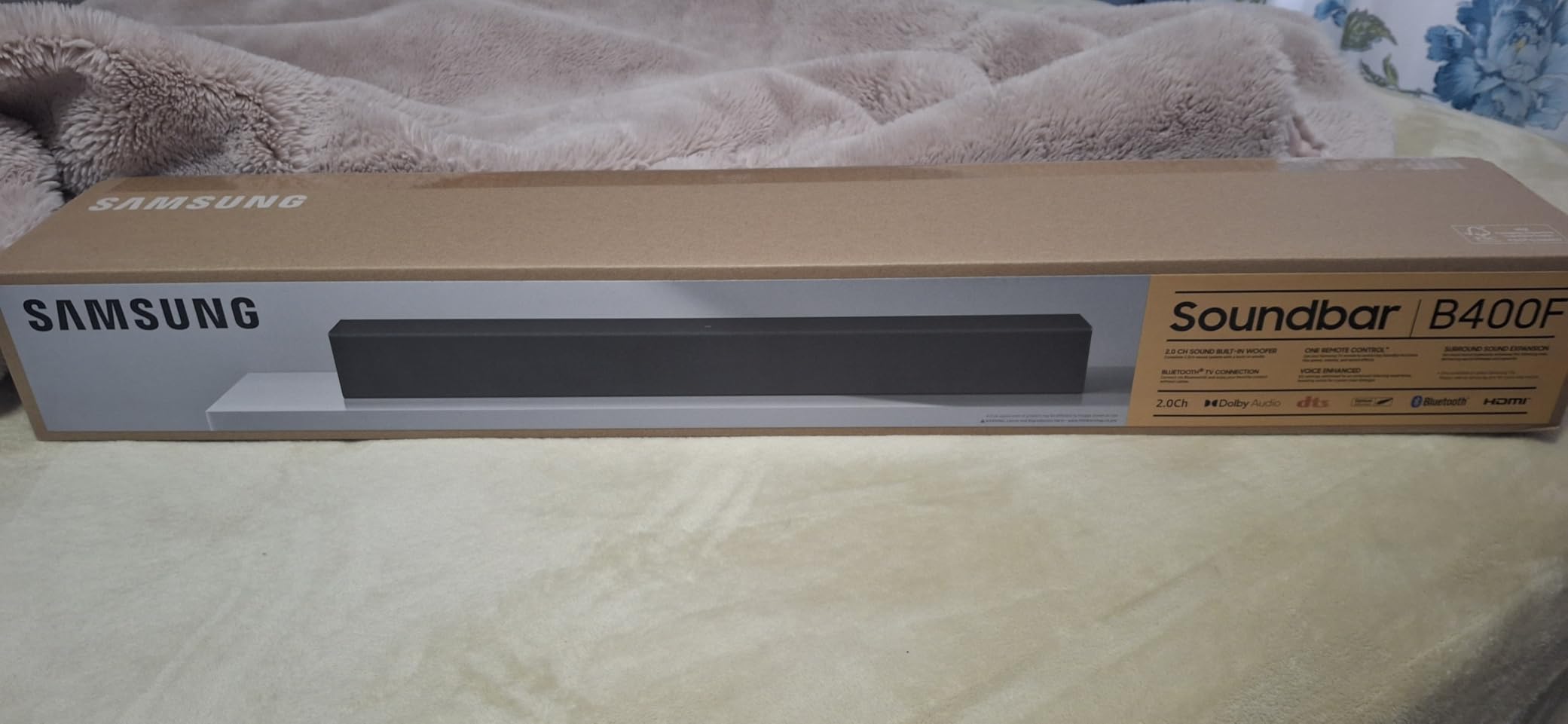
Bluetooth pairing is reported as seamless, and surround sound expansion projects audio across the room from a 2 channel bar. At 4.0 stars from 1.2k+ reviews, it is the lowest-rated product here, and the reason is consistent: it is a small bar, and buyers expecting home theater scale from it are disappointed. Within its actual class, the dialogue mode does its job.
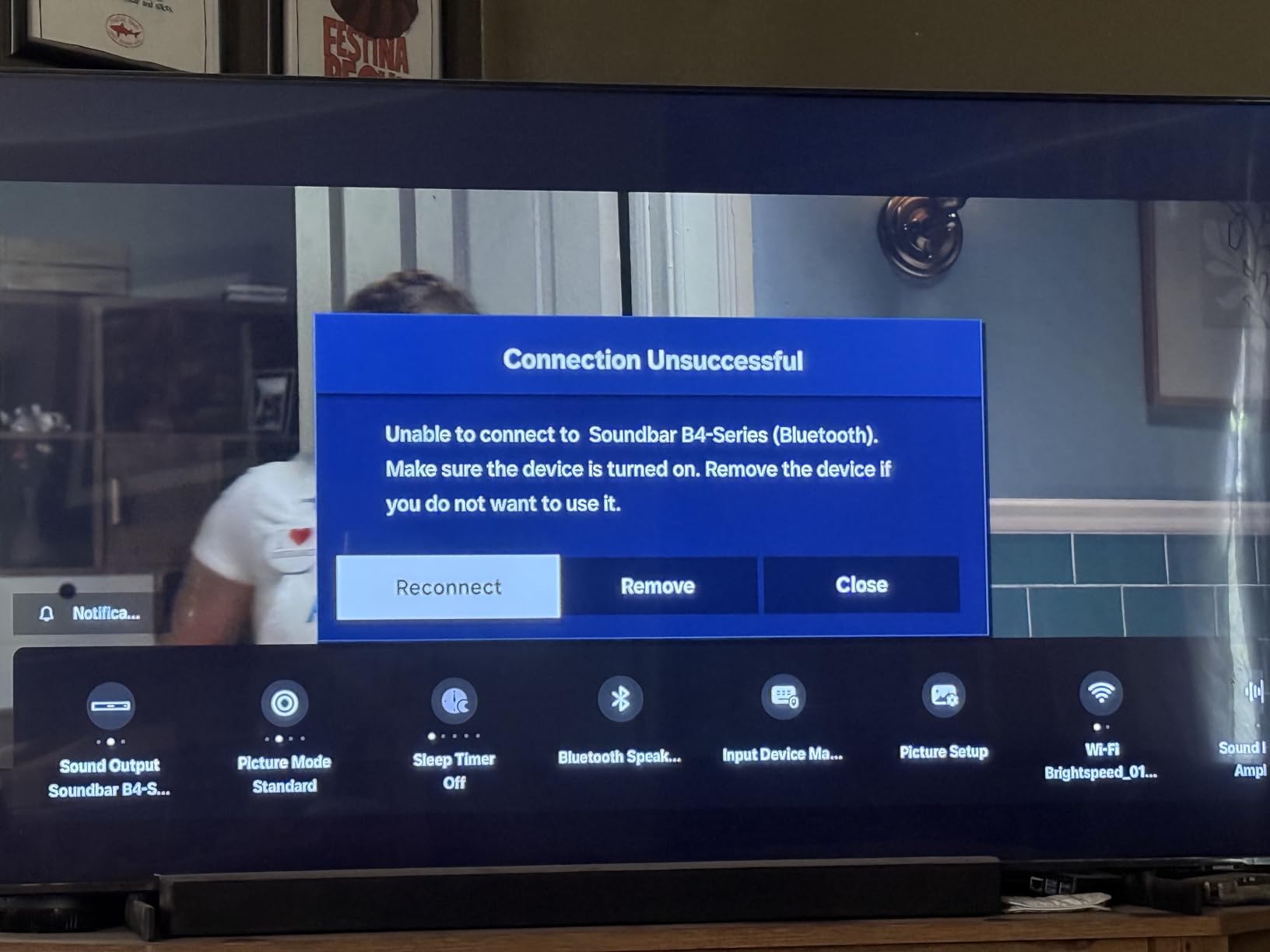
Two practical annoyances stand out. Status is shown only through blinking lights, which is genuinely confusing if you have not read the manual, and the woofer button on the remote does nothing on this model because the subwoofer is built in. No HDMI cable is included, so budget for that.
Why the Night mode is the sleeper feature
Night mode is not a novelty. It lowers overall volume and minimizes bass at the same time, which means quiet dialogue stays audible while the low-end that carries through walls and floors does not. That combination is the practical answer to late-night viewing, and it is why this bar suits a household where someone else is sleeping even though the dialogue feature is the more famous one.
Voice Enhance is also forgiving in a way that level-based boost is not. You get one automatic setting rather than a dial, which suits a viewer who does not want to fiddle, and the single-remote integration with Samsung televisions removes the two-remote problem entirely. The trade is that you give up control in exchange for simplicity.
Where it falls short
Forty watts across 2 channels is simply not enough for a large room, and at high volume the sound goes thin with little bass. The rating reflects that. It is also not compatible with the Samsung SmartThings app, so if you like controlling audio from a phone, this is the wrong Samsung product.
8. Sonos Arc Ultra – Best Overall Sound With AI Speech Enhancement
Sonos Arc Ultra Soundbar with Dolby Atmos – Black
AI Speech Enhancement
9.1.4 channel Atmos
Trueplay room tuning
Pros
- AI Speech Enhancement detects the human voice to clarify words
- 9.1.4 channel Dolby Atmos from a single bar
- Trueplay automatically tunes output to your room
- Full bass from the bar alone with clean highs
- Wi-Fi
- Bluetooth
- AirPlay 2 and Spotify Connect built in
Cons
- No physical remote included and TV re-pairing may be needed
- 46 inch width is large for smaller stands and rooms
- Best performance comes from adding a Sub and rear speakers
- Music is good rather than exceptional
The Arc Ultra carries the highest rating of anything we tested, 4.6, and the feature that earns it is AI Speech Enhancement. It detects the human voice in the mix and adjusts for it in real time, so the voice stays crisp through whispered lines, action sequences and dense soundtracks without you touching the volume. Owners who previously ran an amplifier with wired speakers report they no longer miss that system for movies, which is a remarkable thing to say about a single bar.
Bass is full from the bar alone thanks to the Sound Motion acoustic architecture, and Trueplay automatically tunes the output to your room geometry and reflections, which quietly matters a lot in a hard-surfaced space where voices would otherwise smear. Connectivity is the strongest in this roundup: Wi-Fi, Bluetooth, Apple AirPlay 2 and Spotify Connect, all built in, with a single HDMI eARC connection and app-guided setup.
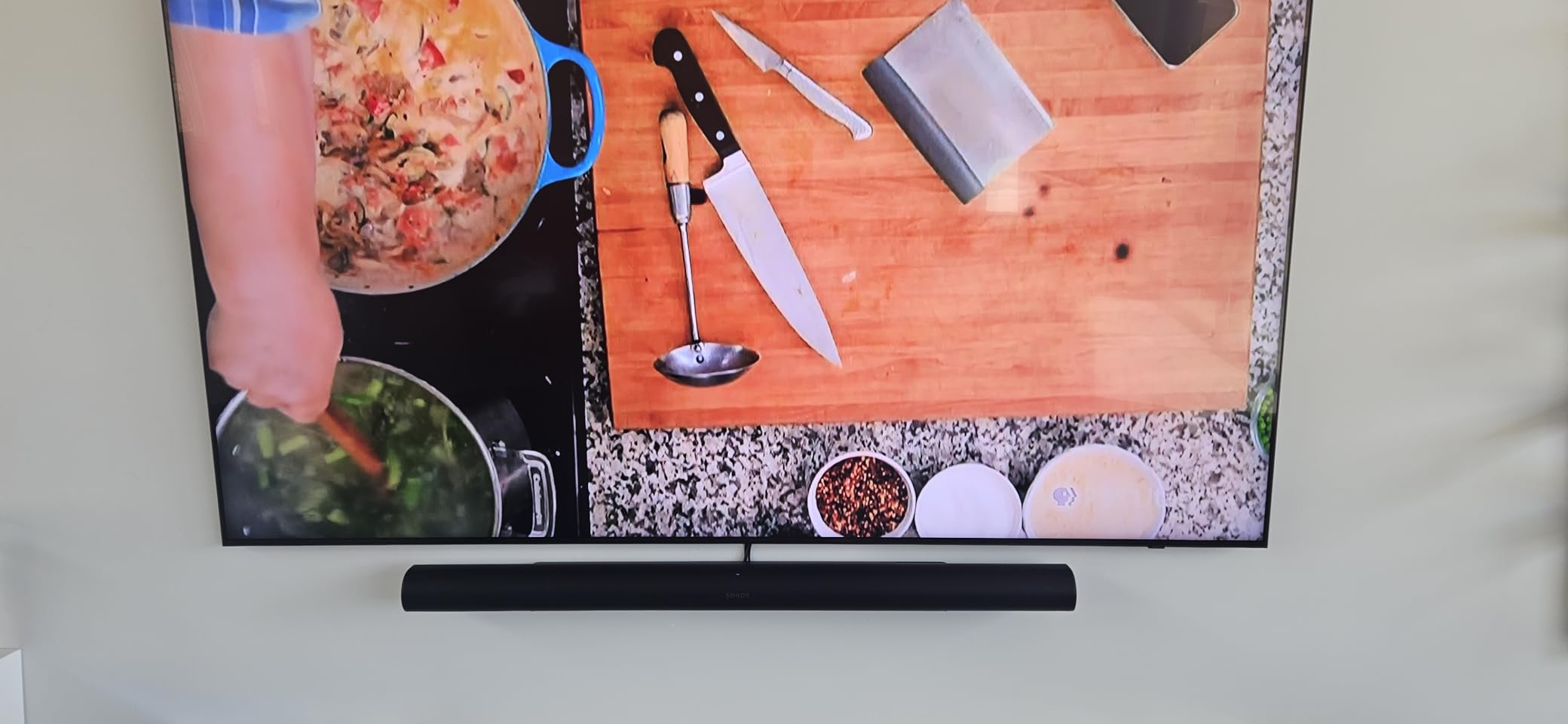
Sound Motion technology in a metal enclosure drives 9.1.4 channel Dolby Atmos from one cabinet, and the wide 46 inch body visually matches a large television without looking intrusive on a big stand. Control is via TV remote, app, touch controls, Sonos Voice or Alexa. It is also expandable with a Sonos Sub and Era 300 rear speakers if you decide later that you want them.
Two honest warnings. There is no physical remote in the box, so if you like a dedicated volume dial this is an adjustment. And the 46 inch width is genuinely large for a smaller TV stand or a modest room, where it will overhang. Switching from another soundbar system can also require re-pairing the TV, which is a small evening’s work.

Why AI speech detection beats a fixed dialogue mode
Most dialogue modes apply the same processing to every scene. Speech detection looks at the mix and adjusts for what is actually there, which is why speech stayed clear here through content that defeats fixed modes, including whispering and sudden effects. Reviewers consistently describe dialogue intelligibility without constant volume adjustment, which is the single outcome this article is about.
Room tuning is the other half of the story. Reflections off hard walls and windows are one of the reasons dialogue smears, and Trueplay adapts to the room rather than assuming a perfect one. If your space is an echoey living room, that is a real advantage over every other bar here.
Where it falls short
The width is the practical blocker for a lot of households, and there is no bundled remote. Music performance is good rather than the strength of the home theater performance, so if you mostly listen to music this is not the right shape of product. Adding a Sub and rears improves it further but adds cost on top of an already premium single piece.
9. Bose Smart Dolby Atmos Soundbar – Best for Alexa and App-Based Control
Bose Smart Dolby Atmos Soundbar, All-in-One Soundbar for TV, A.I. Dialogue Mode, Voice Control and Amazon Alexa Built-in, Supports Bluetooth/AirPlay/Spotify Connect/Chromecast, Black
A.I. Dialogue Mode
5.1.4 channel
Five transducers
Built-in Alexa
Pros
- A.I. Dialogue Mode balances voices against surround sound
- Five transducers in a compact frame including two upward-firing
- Bose TrueSpace upmixes stereo and 5.1 content
- Built-in Alexa with AirPlay 2
- Spotify Connect and Chromecast
- Can pair with Bose Ultra Open Earbuds for rear sound
Cons
- A.I. Dialogue Mode must be toggled on rather than applied continuously
- Compact enclosure limits output versus larger premium bars
- Some features are locked to the Bose platform ecosystem
- Lowest average rating in this group with more 3-star reviews
This bar carries the same A.I. Dialogue Mode found on the Bose Smart Ultra, and it works the same way: it balances voices against surround sound so speech stays intelligible in mixed dialogue-and-music content. Owners who upgraded from TV speakers single out that mode and the Bose TrueSpace processing as the reason speech became easier to follow. TrueSpace upmixes stereo and 5.1 sources into multi-channel audio, which gives older content a wider image.
Inside the compact 27 inch frame are five transducers including two upward-firing drivers, and the enclosure is only 2.21 inches tall, so it fits in front of most televisions. Built-in Amazon Alexa with Voice4Video, Bluetooth, AirPlay 2, Spotify Connect and Chromecast cover every streaming route without a dongle. A remote and the Bose app are both included.
It is also expandable in a way the cheaper Bose bar is not: it can pair with Bose Ultra Open Earbuds to create personal surround sound, which is a genuinely useful feature for late-night viewers who do not want to wake anyone. At 6.9 pounds it is light enough to reposition easily, and the wireless technology extends about 30 feet.
The 4.1 rating is the lowest in this roundup, and the reviews explain why. The dialogue mode has to be toggled on rather than applying continuously, so it can revert when a source changes. The compact acoustic design cannot deliver the scale of a larger flagship, and some owners are frustrated by features that only work inside the Bose ecosystem.
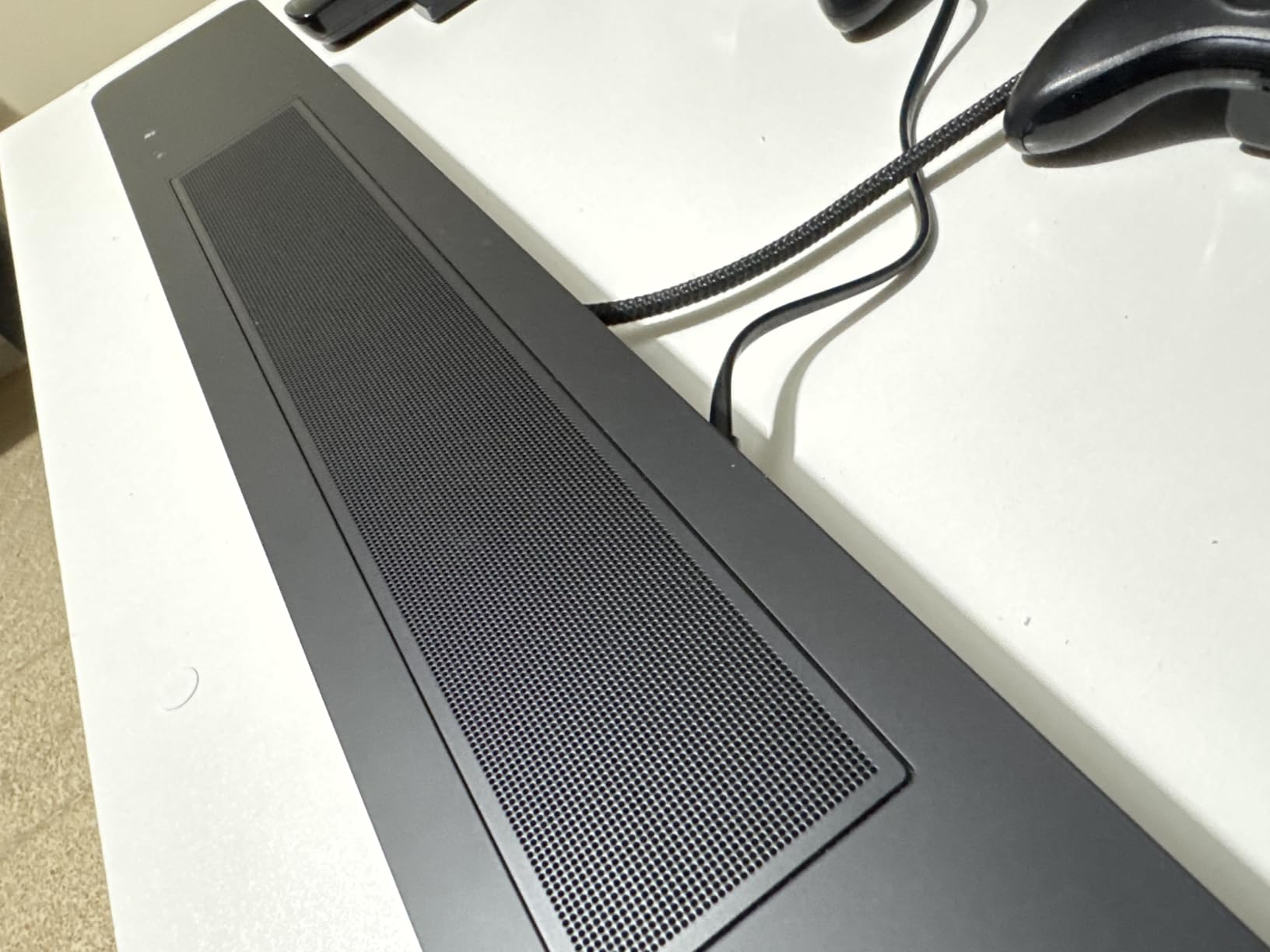
Who should choose this over the flagship
Anyone who wants the Bose dialogue processing without the 41 inch flagship footprint. The 27 inch body suits a mid-size stand, and you give up a modest amount of output rather than the feature that matters. If Alexa control is how you run your home, having it built in with Voice4Video removes another device from the equation.
The Earbuds pairing option is the quiet winner for late-night viewing. A soundbar this size cannot produce real surround, so using it as the front stage with the earbuds handling the rear is a smart way to get more immersion without filling a room with speakers at midnight.
Where it falls short
The toggle behaviour of the dialogue mode is the most-cited drawback, and it is a real one for a viewer who forgets to switch it back on. Output is limited by the compact enclosure, and platform-locked features will annoy anyone with an existing ecosystem. The rating reflects all three, so buy it for the processing, not for the power.
10. Bose Smart Ultra – Best for Large Screens With Room Calibration
Bose Smart Ultra Dolby Atmos Soundbar, All-in-One Surround Sound System for TV, A.I. Dialogue Mode, Alexa and Google Voice Control, HDMI eARC, Black
A.I. Dialogue Mode
180 watts 3.1 channel
Six transducers
ADAPTiQ calibration
Pros
- A.I. Dialogue Mode balances voice against surround sound
- Six transducers including two upward-firing dipole speakers
- ADAPTiQ headset calibrates the bar to your room
- HDMI eARC and optical cables both included
- 180 watts of output for larger rooms
Cons
- 41 inch footprint can crowd a smaller TV stand
- Premium cost for a single-piece system
- Some features tied to the Bose app and voice assistant
- Dialogue mode still needs manual adjustment for some content
The Smart Ultra is the largest Bose bar here at 41 inches wide, and it is the one to consider if your television is 65 inches or larger and you want a single box to match it. Six transducers including two custom upward-firing dipole speakers give it real overhead presence, and 180 watts means it can hold a proper living room at a volume where voices still stay clean.
The dialogue handling is the same A.I. Dialogue Mode used in the smaller Bose bar, and owners point to it as the key reason movies and news sound clearer. What sets this one apart for dialogue specifically is the included ADAPTiQ headset, which tunes the bar to your room and removes the reflection problem that makes voices hard to place. Both the HDMI eARC and optical cables are in the box, which saves a trip.
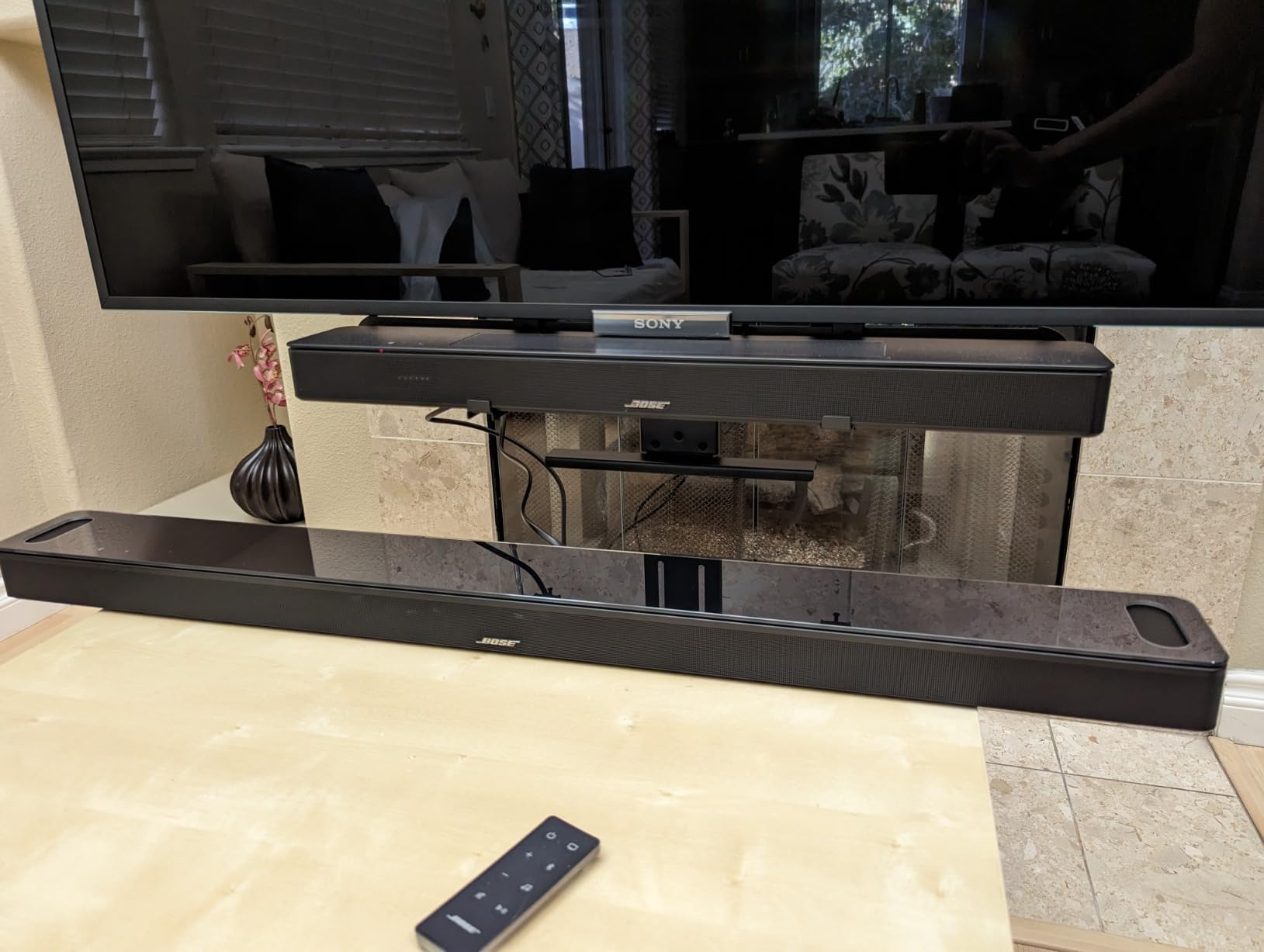
Bose TrueSpace spatial processing separates sounds and places them around the room, and Wi-Fi plus Bluetooth cover streaming. Bose SimpleSync lets you pair with Bose headphones or additional speakers for private listening, which is a practical answer for late-night viewers. The remote and app are both included, and the enclosure is metal with a 12.7 pound weight that keeps it stable.
Be realistic about the trade. The premium cost for a single-piece system is significant, and a 41 inch footprint will crowd a smaller TV stand, in which case the 27 inch Bose bar above is the more sensible shape. Some features are tied to the Bose app and voice assistant ecosystem, and the dialogue mode still needs manual adjustment for some content.
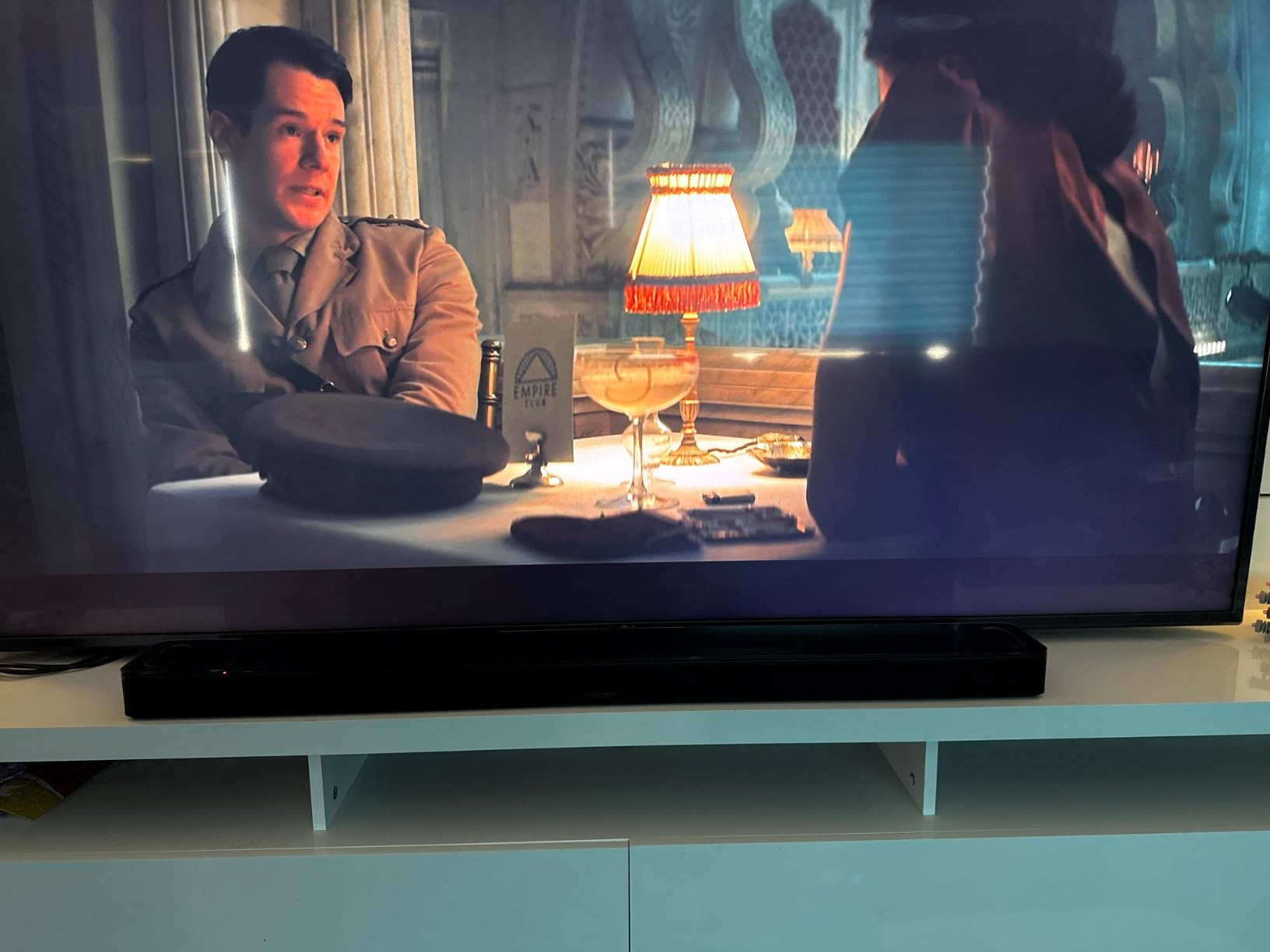
Why room calibration matters more for dialogue
Hard-treated rooms are the quiet cause of muffled voices. Glass, bare walls and hard floors reflect the vocal range back at itself, which smears consonants and reduces intelligibility even at a healthy volume. The ADAPTiQ headset included here measures the room and corrects for those reflections, which is why the same bar performs differently in two living rooms.
For a family that watches in a bright, reflective open-plan space, that correction is worth more than adding drivers. The upward-firing dipole speakers handle atmosphere and effects so the center of the mix stays uncluttered for speech. If you already own Bose speakers, SimpleSync extends the system rather than duplicating it.
Where it falls short
Price and width are the two hard limits, and both are cited in the reviews most often. At 4.2 stars from 839 reviews, the consensus is that it performs as advertised but asks a lot for the size. If your stand is narrow or you do not need Atmos overhead sound, spend that money on the smaller Bose option and add a subwoofer later instead.
Seven TV Settings to Change Before You Buy a Dialogue Soundbar
Most of the “my new soundbar has bad dialogue” complaints we saw were configuration problems, not product problems. Television manufacturers add their own dialogue enhancement, sound optimizers and simulated surround, and when a soundbar adds its own processing on top, voices arrive processed twice, which is exactly what makes speech sound tinny, raspy or robotic. Change these seven settings first, because it costs nothing.
Turn off the TV’s own dialogue mode. Most sets ship with a speech or clarity enhancer enabled by default. Leave it on and the soundbar’s processing stacks with it.
Disable sound optimizers and simulated surround. Features like TruSurround, SRS sound expansion and any AI sound mode on the TV exist to improve thin TV speakers. With a soundbar they double-process the signal.
Set the TV audio output to bitstream or pass-through rather than PCM if your soundbar decodes surround itself, so it receives the original Dolby or DTS stream.
Turn the TV speakers off completely once the soundbar is connected, either in the audio menu or with the mute button, so you are not hearing two delayed copies of every voice.
Match the audio format to the input. If you use optical, you will not get Atmos or uncompressed audio. HDMI eARC is the input you want if the TV offers it.
Match the soundbar mode to the content once, at setup, rather than switching constantly. A Movie mode with dialogue processing is usually the right default for mixed content.
Check for an HDMI ARC extractor requirement. Some Samsung and glass-back TVs expose only eARC, and a soundbar without HDMI input needs a separate extractor to receive audio at all.
If dialogue is still buried after these changes, the problem is no longer settings. It is a mix-design issue: streaming services genuinely master some shows with dialogue far below the effects, and no product fixes that as cleanly as a center channel with a dedicated voice mode.
Lip Sync and Missing Dialogue on a Soundbar
If voices are drifting out of sync with lips, or dialogue is disappearing entirely on certain content, the bar is rarely at fault. These are the checks that resolve the problem in the order they are most likely to be the cause, starting with the one users on r/Soundbars hit most often with surround content.
Turn off the TV’s audio processing entirely and re-test. Active sound optimizers add their own delay, and that delay is the most common cause of lip drift.
Use HDMI ARC or eARC instead of optical or Bluetooth where possible. Optical adds a fixed delay, and Bluetooth adds a variable one that fluctuates with signal strength.
Check the TV’s audio delay or lip-sync setting. Most sets have a manual adjustment in the audio menu, and a few hundred milliseconds of offset fixes a lot of drift.
Re-seat the optical cable or try a different port. A loose Toslink connector is a more common fault than people expect, and the symptom is silence rather than distortion.
Confirm the TV audio output is enabled and not set to headphones. If the TV is routing audio elsewhere, the soundbar can appear to work while receiving nothing.
Look for a center channel source. If a specific film has no dialogue at all, the cause is usually a missing center channel in the source or a source switch that dropped it. Switching between the soundbar’s surround and stereo modes often brings it back.
Users report that surround content carries noticeably more latency than stereo on some bars, so if you can live in stereo for talk shows and news, that is a reasonable trade. Very low dialogue combined with very loud effects is a different problem entirely, and the settings list above addresses it more often than any hardware swap.
Does Dolby Atmos Fix Dialogue?
No, and this is where most buying guides mislead people. Atmos adds height channels and object-based sound placement, which improves immersion and the sense of a room around you, but it does not give a voice more clarity. Every bar in this roundup with Dolby Atmos and no dedicated dialogue processing still needs the mode switched on, and every bar with a dedicated center channel and adjustable voice boost is dramatically better at speech regardless of what surrounds it.
Look at the evidence in this list. The Sonos Arc Ultra has 9.1.4 channels and gets its clarity from AI Speech Enhancement, not from the channel count. The ULTIMEA Poseidon M60 has 5.1 channel Atmos and gets its clarity from VoiceMX vocal isolation. Meanwhile the Bose TV Speaker, with two angled stereo drivers and no surround at all, has one of the strongest dialogue reputations in the category.
Atmosphere is where Atmos earns its cost. Sound effects you cannot place are a cinematic failure, whereas dialogue you cannot parse is a problem every evening of your life. If you can only pay for one of the two, pay for the one that makes the words followable.
When a Soundbar Is Not Enough
Soundbars help with mild to moderate hearing loss, because they make voices louder and clearer in the frequencies speech depends on. They cannot restore hearing, and for a viewer with more significant loss the honest answer is different equipment. A pair of Bluetooth hearing aids can stream directly from many of the soundbars here, and the Bose models in this roundup support the hearing aid compatible path through their app and streaming features.
Captions remain the most reliable intervention and cost nothing. Broadcast and streaming captions are accurate on most dialogue, and pairing them with a soundbar rather than relying on the soundbar alone gives the viewer two independent channels of the information. If your problem is a specific television, the TV side of the soundbar equation is often where the fix lives.
Where a telecoil loop or assistive listening system is available, that is the professional answer, because it delivers the television signal directly to a receiver or hearing aid without competing against room noise. An external center channel speaker wired to an amplifier is the enthusiast answer, and enthusiasts who have moved from a soundbar back to bookshelf speakers do report markedly better dialogue, at the cost of the simplicity that made the soundbar appealing.
How to Choose a Soundbar for Dialogue Clarity
Look for a physical center channel first. A dedicated driver anchors voices to the screen, and in a room with hard surfaces it is the difference between a stable voice and one smeared across the stereo pair. The Amazon Fire TV Soundbar Plus and any bar with a 3.1 or higher layout give you one; a 2 channel bar reconstructs a phantom center, which is a compromise. The brand feature names differ, but the underlying jobs repeat: ZVOX calls it AccuVoice with 12 levels, ULTIMEA calls it VoiceMX, Bose calls it A.I. Dialogue Mode, Samsung calls it Voice Enhance, Sony calls it a voice enhancement mode, and Polk and Yamaha use VoiceAdjust and Clear Voice respectively. Ignore the branding and read what the mode actually does.
Favor multi-level boost over a single on or off toggle. Twelve adjustable levels, as on the ZVOX AV157, let you match enhancement to your hearing and to how quiet the particular mix is, and they let you back it off when the result turns tinny. A binary toggle is a compromise between people with different needs in the same room. Ask whether the boost applies continuously or has to be re-engaged after a source change, because the Bose Atmos bars in this list require a toggle and that is a real annoyance over time.
Match the output to the room, not the marketing. Under 30 watts handles a bedroom, roughly 30 to 60 watts covers a normal living room, and anything larger needs a real system rather than a bar. The Sony S100F at 120 watts and the Samsung HW-B400F at 40 watts illustrate the spread, and neither figure means much without knowing the room. Match the physical size to your stand too, because a 46 inch bar does not fit a 40 inch cabinet no matter how good it sounds.
Choose the connection that matches your television. HDMI ARC or eARC is the right input whenever the TV offers it, because it carries the best audio and allows volume control from the TV remote. Optical is a solid fallback with a fixed delay, and Bluetooth is the least reliable for film because it adds variable latency. If your TV exposes only eARC and the bar has no HDMI input, you need an extractor before anything works.
Finally, think about who else is in the room. A bar with a Night mode, such as the Samsung HW-B400F, matters if you watch late and someone is asleep. A bar that can pair with headphones, such as the Sonos Arc Ultra with SimpleSync, matters if you want the full effect without the volume. And if you are buying for someone else, a single remote that controls both the TV and the audio removes more friction than any processing feature on the market.
Frequently Asked Questions
Which soundbar is best for speech clarity?
The Bose TV Speaker is the best overall for speech clarity because Bose tunes it to clarify and elevate vocals, and the included remote has a one-press dialogue mode. For adjustable control, the ZVOX AccuVoice AV157 offers 12 levels of voice boost. Pick a bar with a physical center channel if your room has hard surfaces, since a virtual center smears voices.
Do soundbars make dialogue clearer?
Yes, but only the ones designed for it. A soundbar makes dialogue clearer when it gives voices a dedicated center channel and applies processing that lifts the vocal frequency range while reducing background music and effects. A bar with a virtual center and a single on or off dialogue toggle improves things far less, and switching off your TV’s own sound processing first makes a large difference.
How can I hear TV dialogue better?
Start with your TV settings rather than new hardware. Turn off the TV dialogue enhancer and any sound optimizer or simulated surround mode, set the audio output to bitstream or pass-through, mute the TV speakers once the soundbar is connected, and use HDMI ARC or eARC rather than optical or Bluetooth. If the words are still buried, the mix itself is quiet and you need a soundbar with a dedicated center channel and adjustable voice boost.
How to fix very low dialogue but very loud sound effects?
Nearly always a double-processing or mode problem. Disable the TV’s own dialogue enhancement and sound optimizer, because the soundbar applies its own processing on top. Then select a Movie or Cinema mode with dialogue enhancement on the soundbar, and if you have a subwoofer, lower its level. If the source is simply mastered with quiet dialogue, choose a bar with a physical center channel rather than a stereo pair.
Do I need Dolby Atmos for clear dialogue?
No. Atmos adds height channels and object placement for immersion, but it does not make voices more intelligible on its own. Every bar in this roundup needs its dialogue mode switched on regardless of channel count. If your budget stretches only one way, spend it on a bar with a dedicated center channel and adjustable voice enhancement rather than on surround processing.
How to fix muffled TV dialogue?
Muffled dialogue usually comes from double processing or from reflections in a hard-furnished room. Turn off the TV’s sound optimizer and dialogue mode, disable any simulated surround, and confirm the soundbar is not on a music preset. For reflections, a bar with automatic room tuning, such as the Sonos Arc Ultra with Trueplay or the Bose Smart Ultra with its included ADAPTiQ headset, corrects the room itself.
Final Verdict for Dialogue Clarity in 2026
The best soundbars for TV dialogue clarity all do the same underlying job, which is giving voices a physical home and pulling them forward of the effects. The Bose TV Speaker does it most simply, with the largest review base in the category and a dialogue mode you can reach in one press, which is why it is our first recommendation. The ZVOX AccuVoice AV157 wins on control, with 12 levels of boost for anyone who needs to tune rather than accept, and the ULTIMEA Poseidon M60 is the pick when the room needs real output alongside vocal isolation.
Before you buy anything, change the seven TV settings above. Double processing is the reason so many people think their new soundbar made dialogue worse, and it costs nothing to fix. If your hearing loss is more than mild, add captions or Bluetooth hearing aids alongside whichever bar you choose rather than expecting one box to do the work of two. And whatever you pick, judge it on a quiet scene, not an action scene. That is the test that decides whether you can hear the show.