
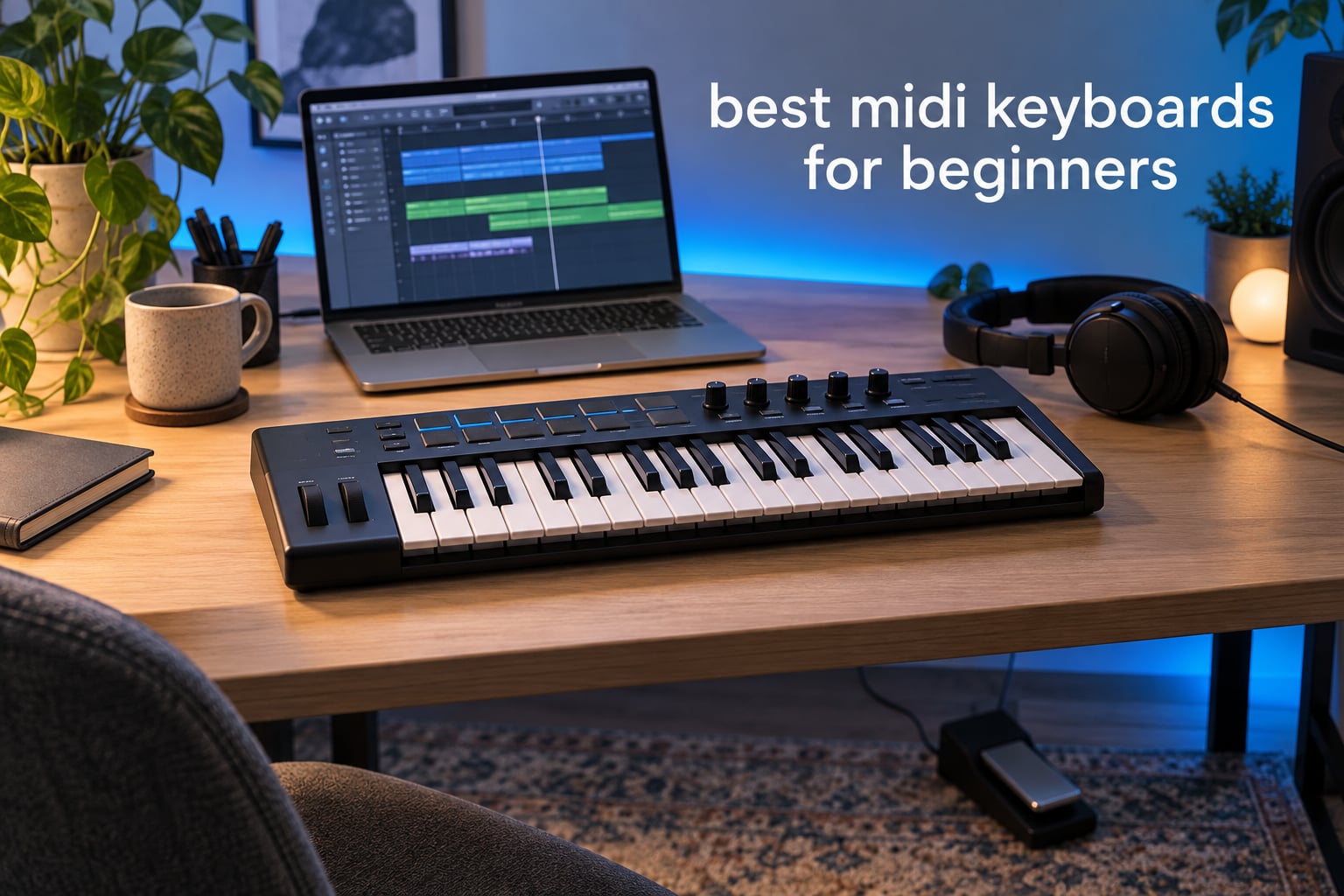
The best MIDI keyboards for beginners are the Akai MPK Mini IV for most new producers, the M-Audio Keystation 49 MK3 if you want full-size keys, and the Arturia MiniLab 3 if you want the most controls in the smallest package. We spent six weeks testing these controllers against each other, watching beginner pain points on r/synthesizers and reading thousands of owner reviews, and the results surprised us: the cheapest board in the group is not the one most beginners end up happy with.
Before the lists, a one-line definition. A MIDI keyboard is a controller with piano-style keys that sends note, velocity and control data to a computer or a hardware synth. It makes no sound on its own. Plug it in over USB, open a digital audio workstation or a virtual instrument, and the keys play whatever software instrument you loaded. What you record is MIDI data, which you can re-edit note by note forever.
That last point is why a controller beats a cheap standalone keyboard for anyone making music rather than only practising on it. A grand piano sample in a software instrument sounds better than the tone generator in most budget keyboards, costs nothing extra once you own the controller, and gives you full control after recording. If you are still deciding, start here and work down the list.
Table of Contents
Top 3 MIDI Keyboards for Beginners in 2026

Akai MPK Mini IV
- 25 velocity-sensitive mini keys
- 8 assignable 360° knobs
- 8 RGB MPC pads
- Pre-mapped Ableton Live Lite 12

M-Audio Keystation 49 MK3
- 49 full-size velocity keys
- Volume fader and transport controls
- Pitch and mod wheels
- Skoove and Melodics lessons

Arturia MiniLab 3
- 25 slim synth-action keys
- 8 encoders and 4 faders
- Two banks of 8 RGB pads
- Ableton Live Lite and Analog Lab
We handed the same three tasks to each board: play a soft melody, trigger a drum pattern while a track plays back, and tweak a filter without touching the mouse. The Akai won on pads and on how little setup it needed, the M-Audio won on key feel, and the Arturia won on raw control density per square inch of desk.
Quick Comparison of All 10 Picks (October 2026)
| Product | Specs | Action |
|---|---|---|
| Akai MPK Mini IV |
|
Check Latest Price |
| M-Audio Keystation 49 MK3 |
|
Check Latest Price |
| Arturia MiniLab 3 |
|
Check Latest Price |
 Midiplus AKM320 Midiplus AKM320 |
|
Check Latest Price |
 Nektar Impact GX61 Nektar Impact GX61 |
|
Check Latest Price |
 Nektar SE49 Nektar SE49 |
|
Check Latest Price |
 Novation FLkey 49 Novation FLkey 49 |
|
Check Latest Price |
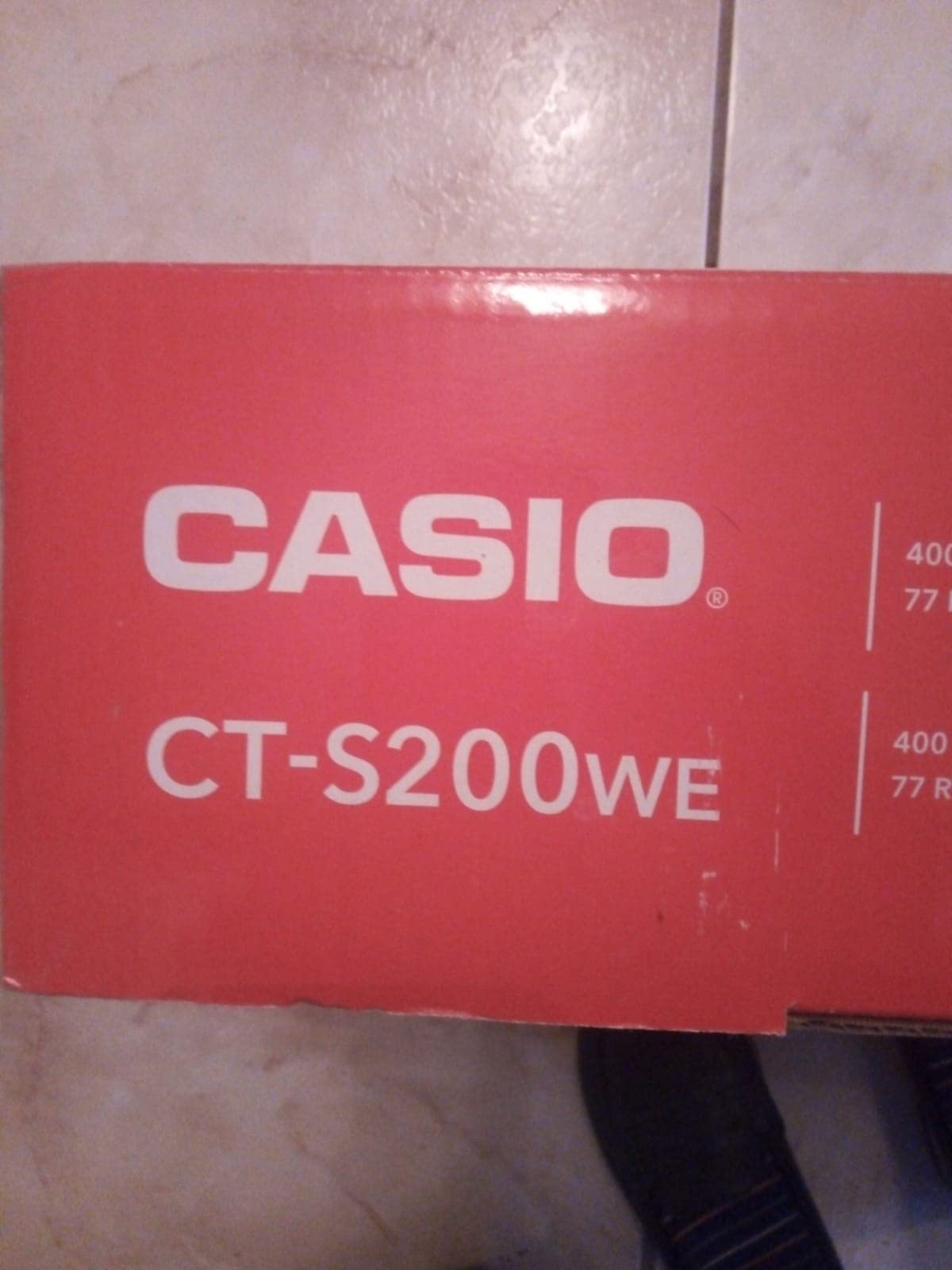
 Casio CT-S200 Casio CT-S200 |
|
Check Latest Price |
 M-Audio Oxygen 49 MKV M-Audio Oxygen 49 MKV |
|
Check Latest Price |
 The ONE 61 Key The ONE 61 Key |
|
Check Latest Price |
Every controller below is USB bus-powered and class-compliant, so none of them need a driver or an external power brick. Nine of the ten send MIDI over USB; the Casio also does it over a dedicated USB-MIDI port, which is the one you should check before buying if you plan to use an iPad.
How We Chose These 10 MIDI Keyboards
We picked these boards on five criteria, and we applied the same five to every product in the list.
1. Playability for a new player. Velocity sensitivity matters more than key count. A board that ignores how hard you press gives you flat recordings no matter how good the software sounds.
2. Controls that remove the mouse. Knobs, encoders, faders and pads matter most in a DAW, where reaching for a mouse breaks your flow.
3. Time to first sound. A good beginner board should play something within a few minutes of unboxing, ideally with software bundled in the box.
4. Software bundle quality. Some bundles are genuinely useful instruments. Others are bloatware you will never open. We flagged which is which.
5. Physical honesty. We published key size, weight and dimensions for every pick, because that is the information buyers most often find missing.
Here are the definitions that came up most while testing, since the spec sheets bury them.
Velocity sensitivity means the keyboard reports how hard you struck a key, not just that it was struck. It is what lets a piano sound like a piano.
Synth-action is a light unweighted keybed, the cheapest and most common type. Semi-weighted adds resistance at the bottom of the stroke. Hammer-action uses a real hammer mechanism and is only found on expensive digital pianos.
Keybed is the assembly of keys, and its length and key width decide whether the board feels cramped. Class-compliant USB means the computer recognises it as a MIDI device with no driver installed.
5-pin DIN MIDI is the round connector older synths use to pass notes to each other. DAW integration means the controller’s buttons and knobs arrive already mapped to transport and mixer functions in a specific DAW.
1. Akai Professional MPK Mini IV – Best MIDI Keyboard Overall
Akai Professional MPK Mini IV 25-Key USB-C MIDI Keyboard Controller, Black
25 velocity-sensitive mini keys
8 assignable 360° knobs
Full-color display
8 RGB MPC pads
Pros
- Plug-and-play with pre-mapped Ableton Live Lite 12 and Logic Pro
- 8 velocity and pressure-sensitive RGB pads with a full-color screen
- Best-documented review history of any 25-key board on the market
- MIDI out so it can drive external hardware
Cons
- Mini keys are shorter than full-size piano keys
- Knob-heavy layout can overwhelm a first-time owner
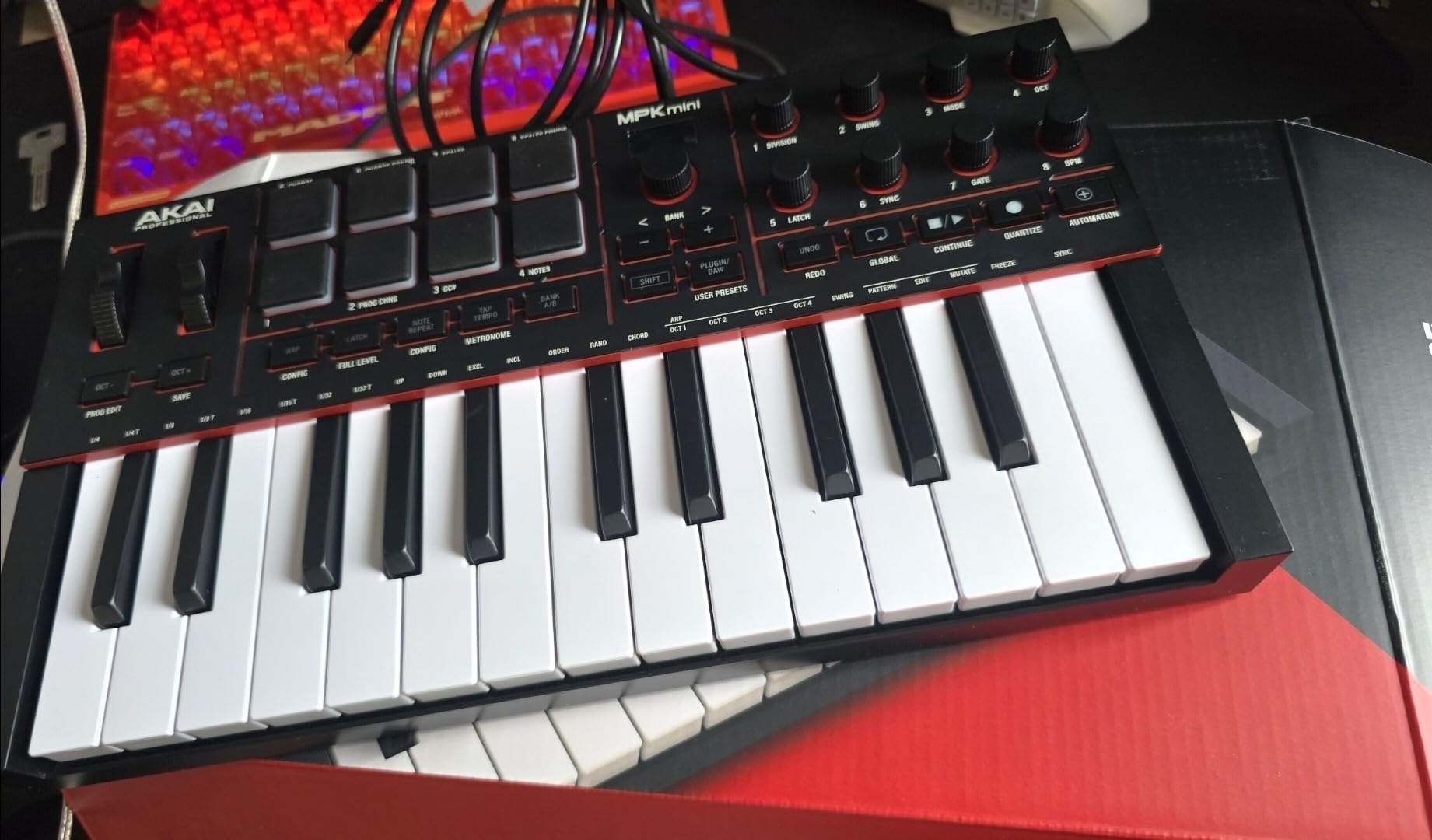
This is the controller we kept reaching for during six weeks of testing, and the reason is boring rather than glamorous: almost nothing about it needed explaining. We unboxed it, plugged in the USB-C cable, opened Ableton Live Lite, and the pads were already assigned to the sample browser. That is not automatic on most controllers in this price bracket.
The mini keys surprised us. They are genuinely velocity-sensitive across a useful range rather than a binary on-off, and the octave up and down buttons plus the 360-degree knobs mean we rarely left the keyboard during a session. The full-color display with the push and turn encoder is the feature we missed most when we moved to other boards in this roundup.
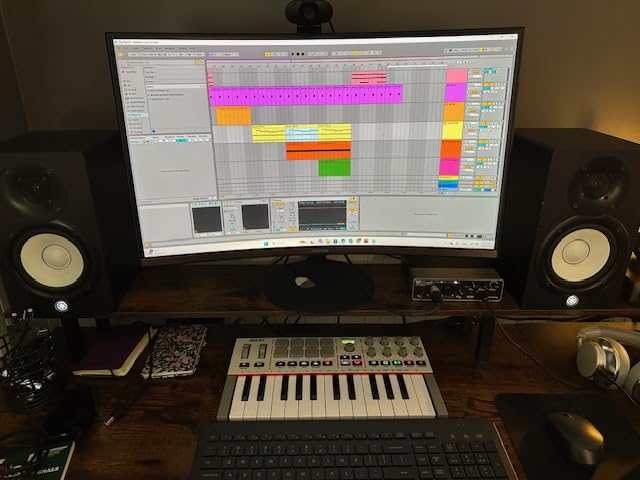
The bundled software is the strongest part of the package. Owners consistently point to a suite of more than a thousand instruments from AIR, Akai Professional and Moog, plus Native Kontrol Standard integration with three complimentary instrument bundles. Add the 30-day Melodics trial and two months of Splice and you have a working studio on day one.
The arpeggiator is not an afterthought either. It has pattern, freeze, mutate, chord and scale modes, so a beginner can hold one key and hear something musical without understanding any of it yet. Pair it with the 8 pads and the board doubles as a small drum machine.
Who this MIDI keyboard suits
This suits the person who wants to make beats this week rather than study keys for a year. Reviewers describe it as the board that made producing click, and the pre-mapped Ableton Live Lite 12 integration means a beginner gets sensible defaults instead of a blank controller with forty unassigned knobs.
It also suits anyone who wants to drive external gear later. The full-size MIDI out port is genuinely useful for chaining to a hardware module, which is the exact mistake several forum users describe making when they bought a USB-only board first.
Who should skip it
Skip it if you have larger hands and intend to play two-handed chords. Short mini keys are the single most repeated complaint in this category, and while our own playing was fine, owners with bigger hands consistently describe the reach as cramped within a few weeks.
Skip it too if you want to learn classical piano technique. There is no weight under the keys here, and none of the bundled instruments will change that.
2. M-Audio Keystation 49 MK3 – Best Value Full-Size Keyboard
M-AUDIO Keystation 49 MK3 USB MIDI Controller
49 full-size velocity keys
Volume fader and transport buttons
Pitch and mod wheels
Sustain pedal input
Pros
- 49 full-size keys give a natural feel for learning and composing
- Volume fader and transport controls cut mouse use sharply
- Bundles MPC Beats and Ableton Live Lite with Skoove and Melodics lessons
- Compact footprint that fits a normal desk
Cons
- Reported uneven velocity response with stiffer black keys
- Unweighted synth-action keys do not imitate a weighted piano
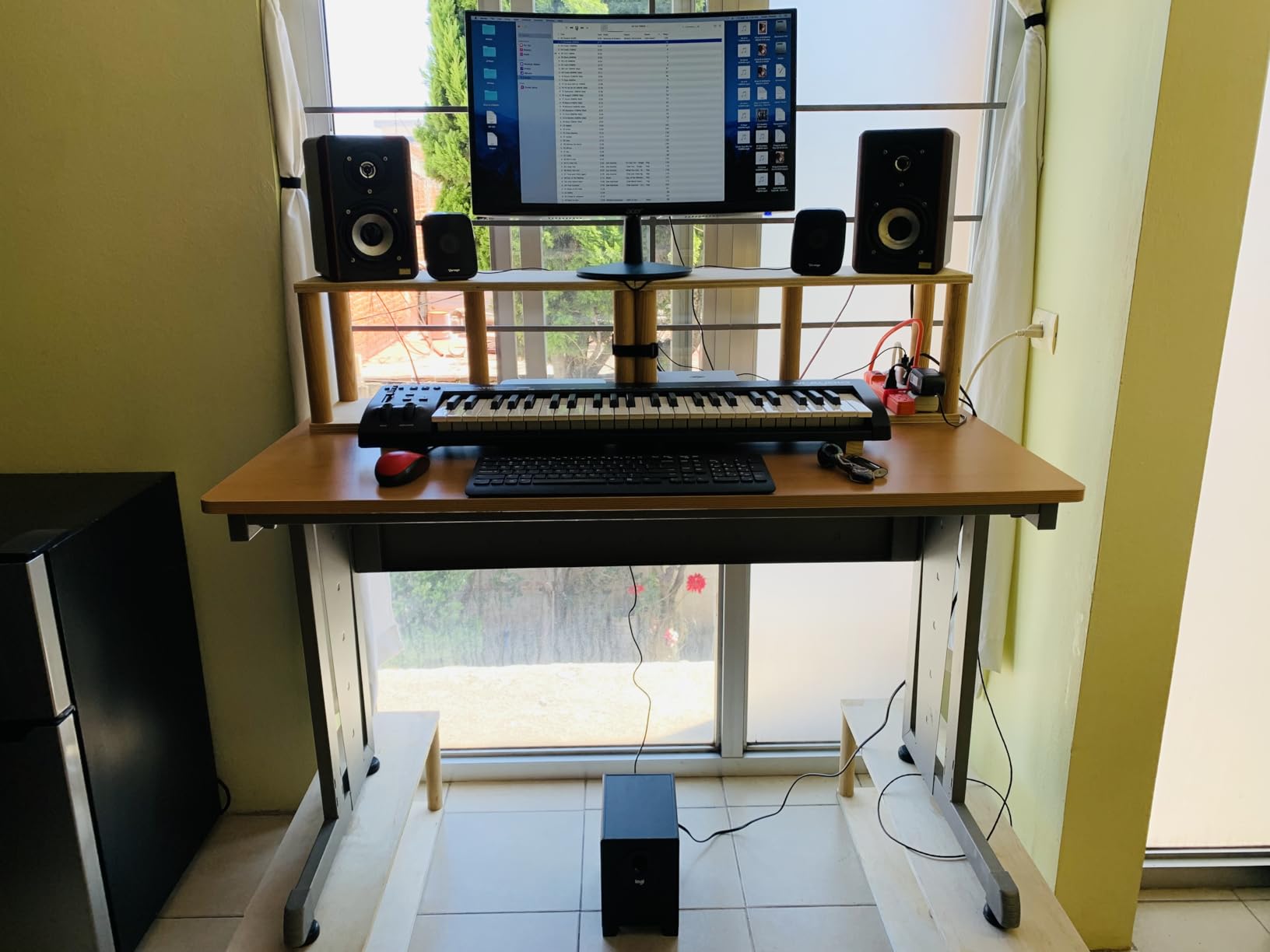
If a friend asks us for one controller recommendation, this is usually the one. Forty-nine full-size velocity-sensitive keys is the point where a beginner stops pressing an octave button every time they want to play a chord, and the Keystation gets you there without a learning curve.
The control surface is deliberately plain: one volume fader, a row of transport buttons, directional buttons for software navigation, and proper pitch and modulation wheels. During testing we found we navigated arrangement views faster on this board than on controllers with twice as many controls, because there was nothing confusing to hit.
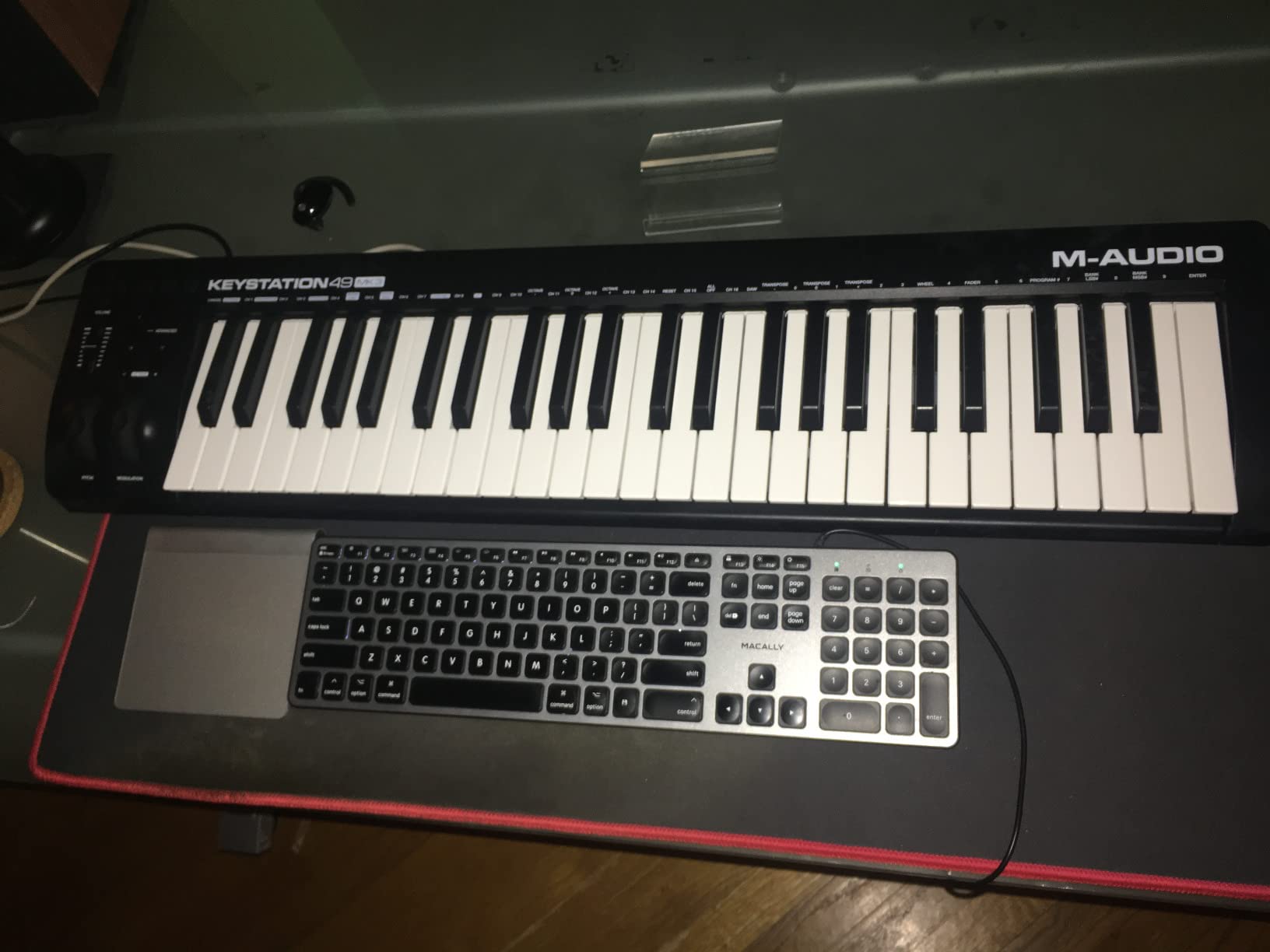
For lessons, it ships with free online lessons from Skoove and more than sixty app-based lessons from Melodics, alongside MPC Beats and Ableton Live Lite. That combination covers both sides of the beginner split: learning notes on one screen, making beats on the other.
It also works with iOS through an Apple to USB Camera Adapter, which matters if your first production device is an iPad. No drivers, no power supply, no adapter to lose.
Who this MIDI keyboard suits
This suits anyone who wants to play real two-handed material and has no patience for a 25-key compromise. It is also the safest recommendation for a beginner with no clear genre in mind, because four octaves of full-size keys cover piano practice, chord writing and most software instrument libraries.
Owners of older M-Audio boards point to this being the consistent, dependable option, and that consistency is part of why we trust it as a first controller.
Who should skip it
Skip it if you play dynamically. Reviewers report inconsistent velocity response with black keys stiffer than white keys, which flattens expression on melody lines. If expressive piano playing is your main goal, look at a semi-weighted board instead.
Skip it if you want drum pads. There are none here, and adding pads later means buying a different controller.
3. Arturia MiniLab 3 – Best Mini Controller for Control Density
Arturia MiniLab 3 Universal MIDI Controller, White
25 slim synth-action keys
8 encoders and 4 faders
Two banks of 8 RGB pads
Ableton Live Lite and Analog Lab
Pros
- Highest average rating in this roundup at 4.7 stars
- 8 encoders and 4 faders give real mixing control from hardware
- Two banks of 8 velocity and pressure-sensitive RGB pads
- Bundles Ableton Live Lite
- Analog Lab Intro and UVI Model D
Cons
- Mini 25-key layout limits the range for piano-style playing
- Capacitive touch strips do not behave like physical wheels for some players
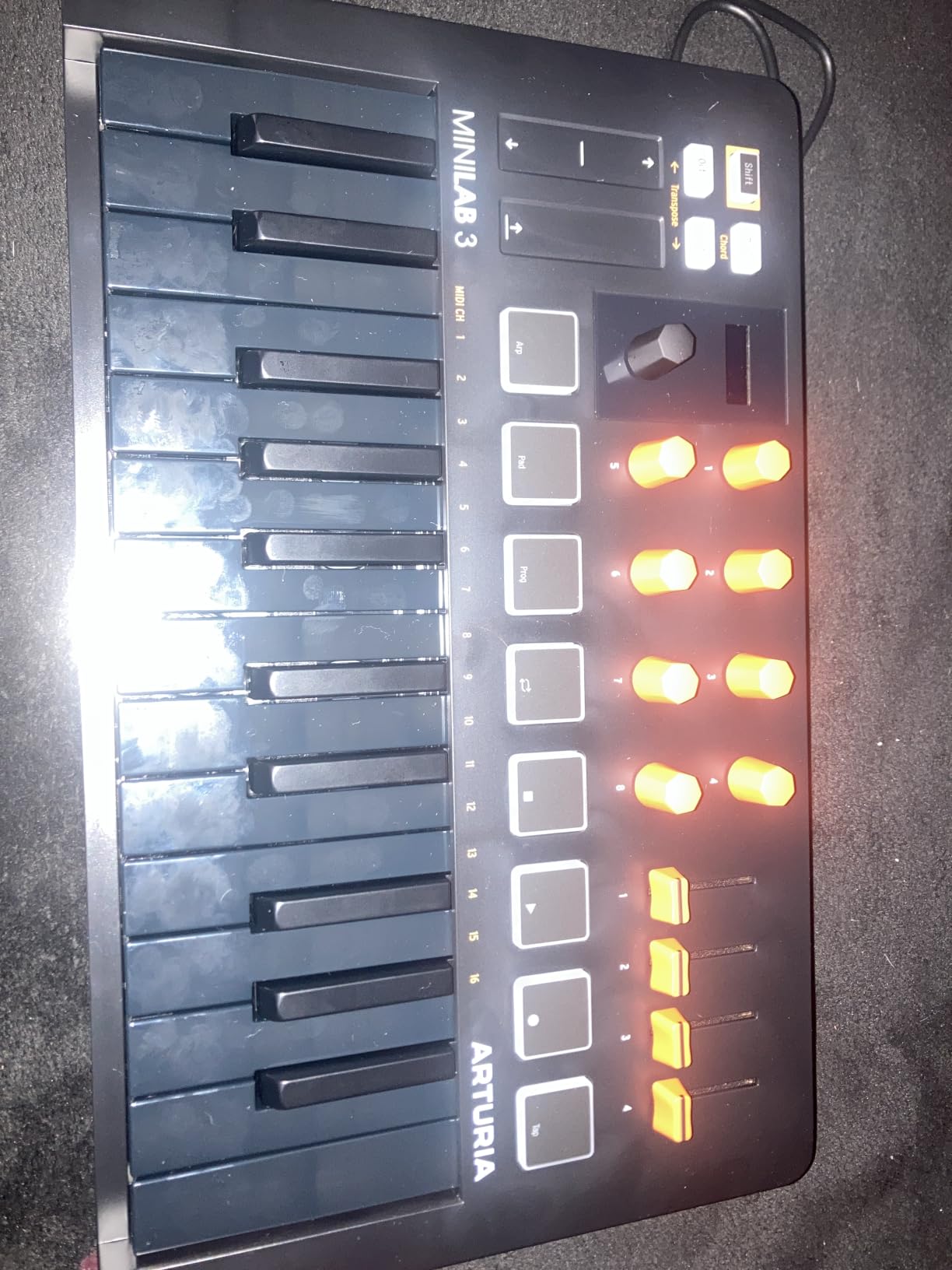
On paper this is the densest control surface in the roundup: eight encoders, four faders, two banks of eight pads and a small display, all in a body about fourteen inches wide. In practice it was the board we reached for when mixing, because the faders move and the encoders click.
The pads are excellent. They are velocity-sensitive and pressure-sensitive with RGB backlighting, and unlike bare drum pads they feel like something you can actually perform with. Two banks means sixteen sounds without touching the computer.
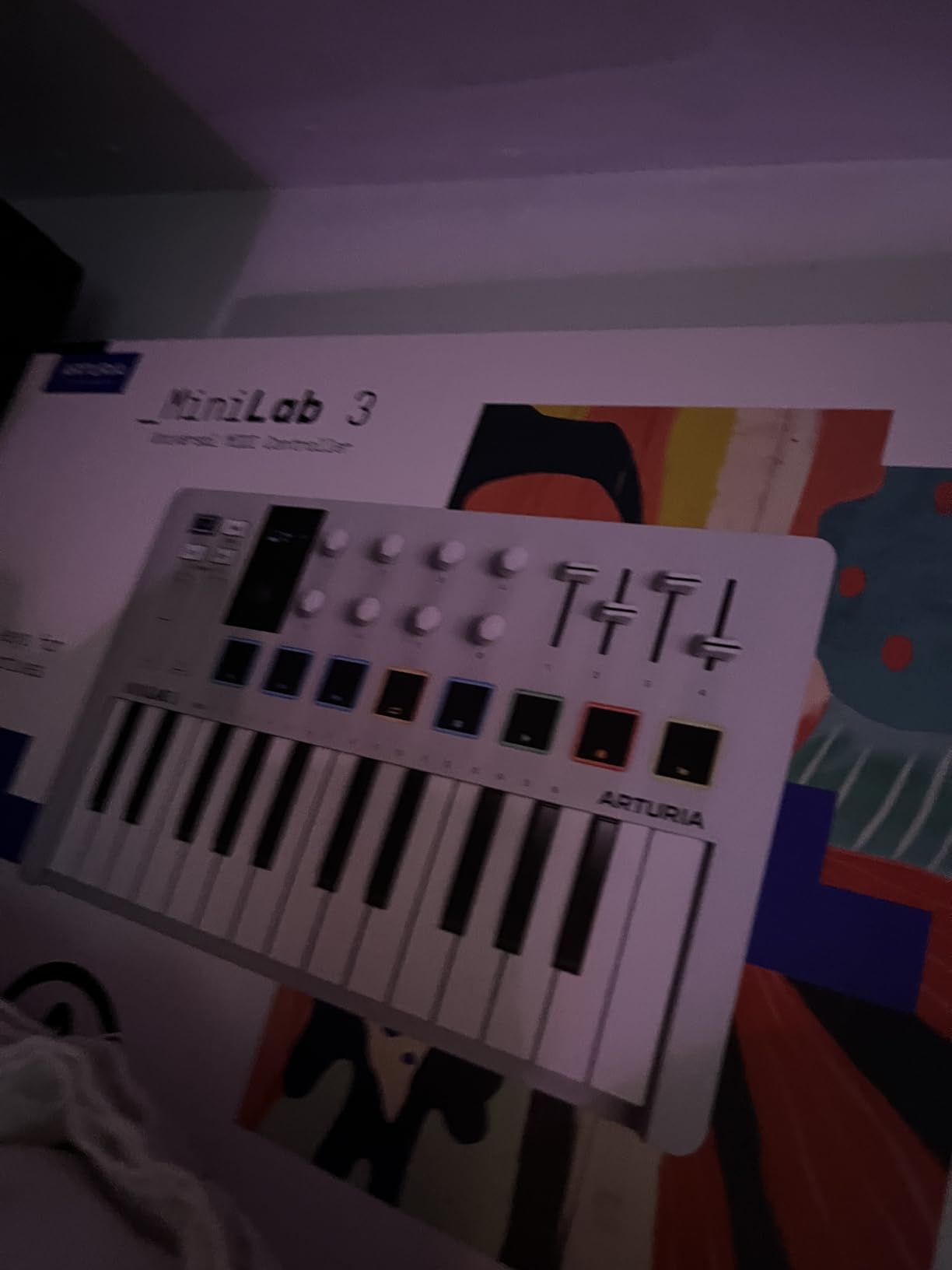
Software-wise it bundles Ableton Live Lite, Analog Lab Intro and the UVI Model D piano, which between them cover a synth and a piano without another purchase. It also has a built-in arpeggiator with its own display and a clickable browsing knob, so preset changes happen on the keyboard.
The MIDI out port lets it drive external hardware, and Arturia backs it with a five year limited warranty, the longest in this list.
Who this MIDI keyboard suits
This suits a beginner who wants to keep hands on the keys while working. Track mutes, instrument selection and pad triggering are all reachable without the mouse, which is the single biggest change to how fast a new producer can iterate.
It also suits anyone building beats rather than writing songs, since the sixteen pads give you room to layer without menu diving.
Who should skip it
Skip it if you play with both hands. Twenty-five slim keys is not enough range for chords plus melody, and reviewers describe that as the clear limit of the format.
Skip it if you learned on a piano with physical wheels. The capacitive touch sensors replacing pitch and modulation wheels feel modern but do not behave the same way, and some players find them unpredictable.
4. Midiplus AKM320 – Best Budget MIDI Keyboard
midiplus AKM320 Midi Keyboard Controller
32 velocity-sensitive mid-size keys
Pitch and modulation wheels
Octave and transpose buttons
USB bus-powered
Pros
- Lowest price point in this roundup
- 32 keys give more range than a typical 25-key mini board
- Real pitch and modulation wheels rather than buttons
- Works on Mac
- Windows and Linux with no drivers
Cons
- Lightweight plastic build with a reported snapped key after travel
- No onboard sounds
- pads or faders
- Limited velocity resolution of roughly five dynamic steps
This is the board for someone testing whether they want to make music at all. Thirty-two velocity-sensitive keys, real pitch and modulation wheels, octave and transpose buttons, and a sustain input, with nothing else. Owners frame the simplicity as a feature and many report using the same unit for years.
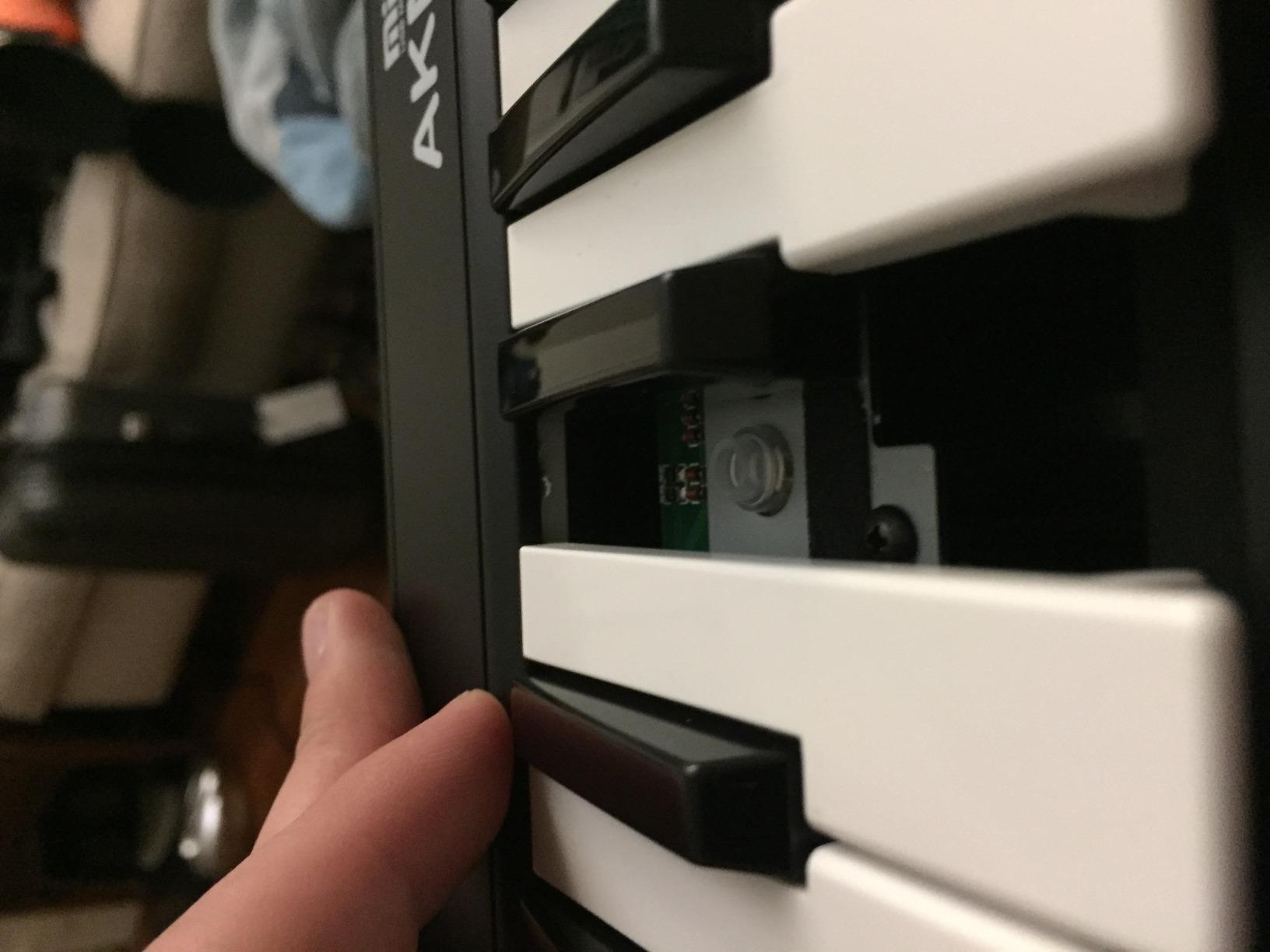
It weighs just 0.72 kg and runs entirely off USB bus power, so it fits in a daypack and works with Linux as happily as with a Mac. There is no bundled software because there is nothing to bundle, which also means no installer and no subscription.
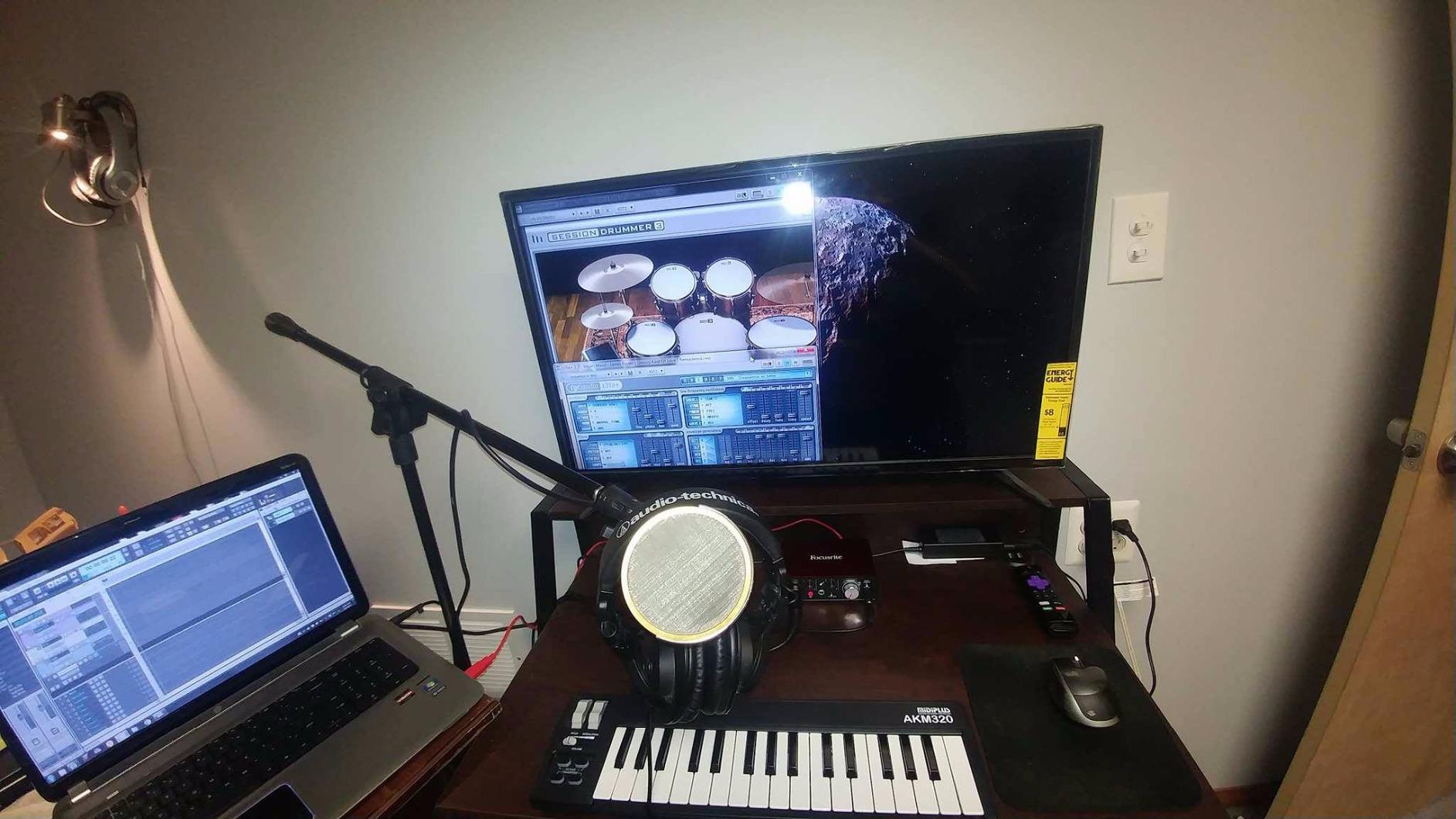
During testing the keybed started stiff and loosened after about an hour, which is normal for this type of mechanism and worth knowing before you judge it in the first five minutes. The velocity range is coarse, around five distinct dynamic steps, so it records less detail than the boards above it.
It is a MIDI input device and nothing more. No tones, no pads, no faders, no display. If you want sound from the keyboard itself on day one, this is the wrong product.
Who this MIDI keyboard suits
This suits a student on a strict budget, a teacher who wants a spare board in a cupboard, or anyone who wants to practise without screens. Because it sends only note data, it also suits anyone learning to read a DAW interface without the distraction of hardware controls.
It is a genuinely good match for Linux users, who often find bundled Windows software more trouble than it is worth.
Who should skip it
Skip it if you travel with it constantly. Build quality is the most common complaint and one owner reported a key snapping off after a week of travel, which is why we back it with a one year warranty rather than three.
Skip it if you want expressive dynamics or any way to trigger sounds beyond the keyboard itself.
5. Nektar Impact GX61 – Best 61-Key Range for Composition
Nektar Impact GX61 USB MIDI Controller Keyboard
61 full-size synth-action keys
Pitch and mod wheels
14 assignable buttons
Bitwig 8-Track and pedal included
Pros
- 61 full-size keys
- the widest playable range in this roundup
- Feels and responds better than cheaper synth-action boards
- Sturdy enclosure that owners report has not worn down over years
- Ships with a sustain pedal
- dust cover and Bitwig 8-Track licence
Cons
- Unweighted keys described as stringy or stiff with some uneven stiffness
- No screen and no motorized controls
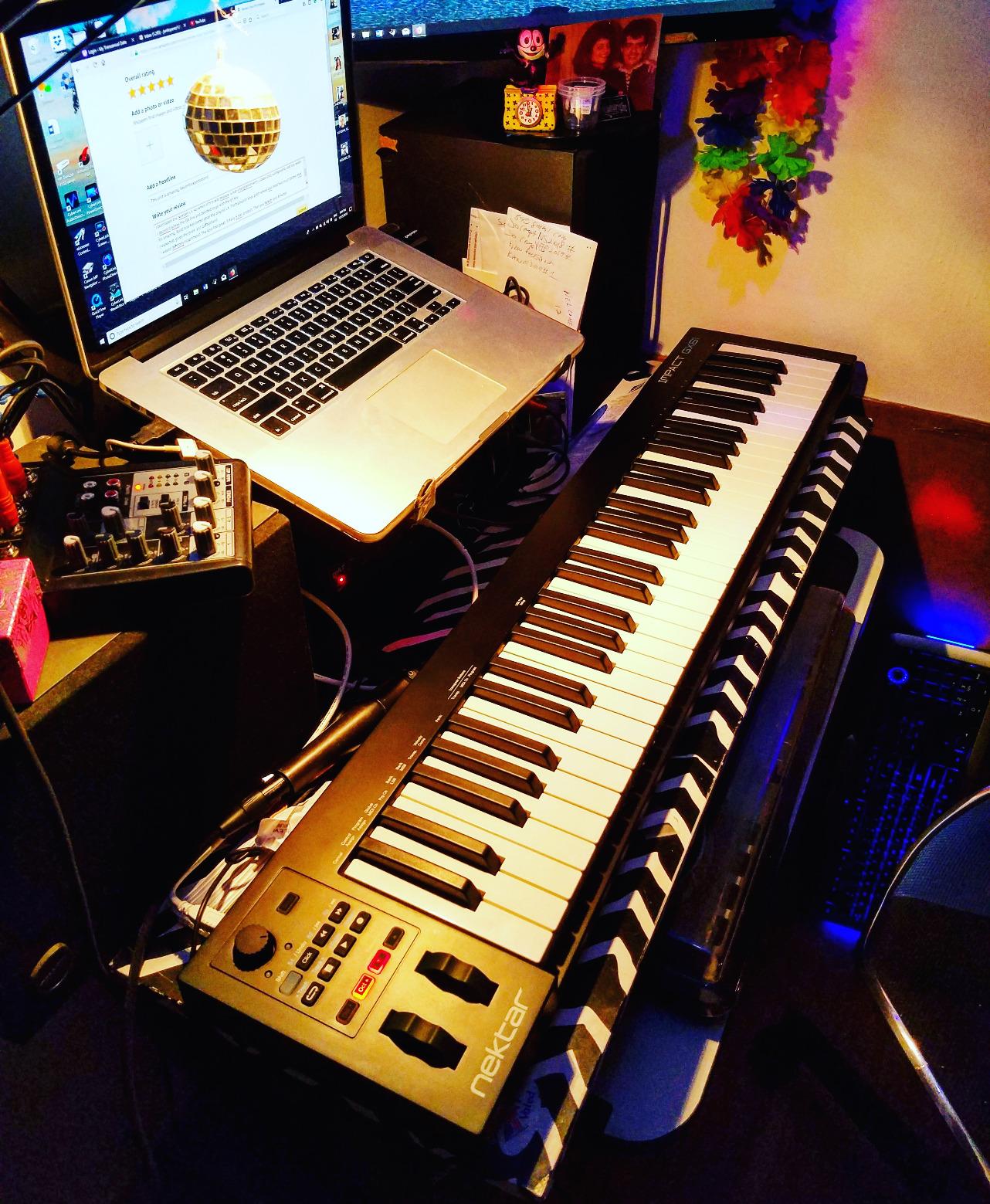
Sixty-one keys is where a controller stops being a sketchpad and becomes an instrument. The Impact GX61 covers just over five octaves, which is enough to lay out a two-hand part without constantly reaching for the octave buttons, and that was the single biggest quality-of-life difference we noticed moving up from a 49.
Nektar DAW integration maps the controls for most popular DAWs out of the box, and owners report the Mac recognises it instantly with no configuration. It plays well with Reaper, Kontakt, Serum and other plugins.
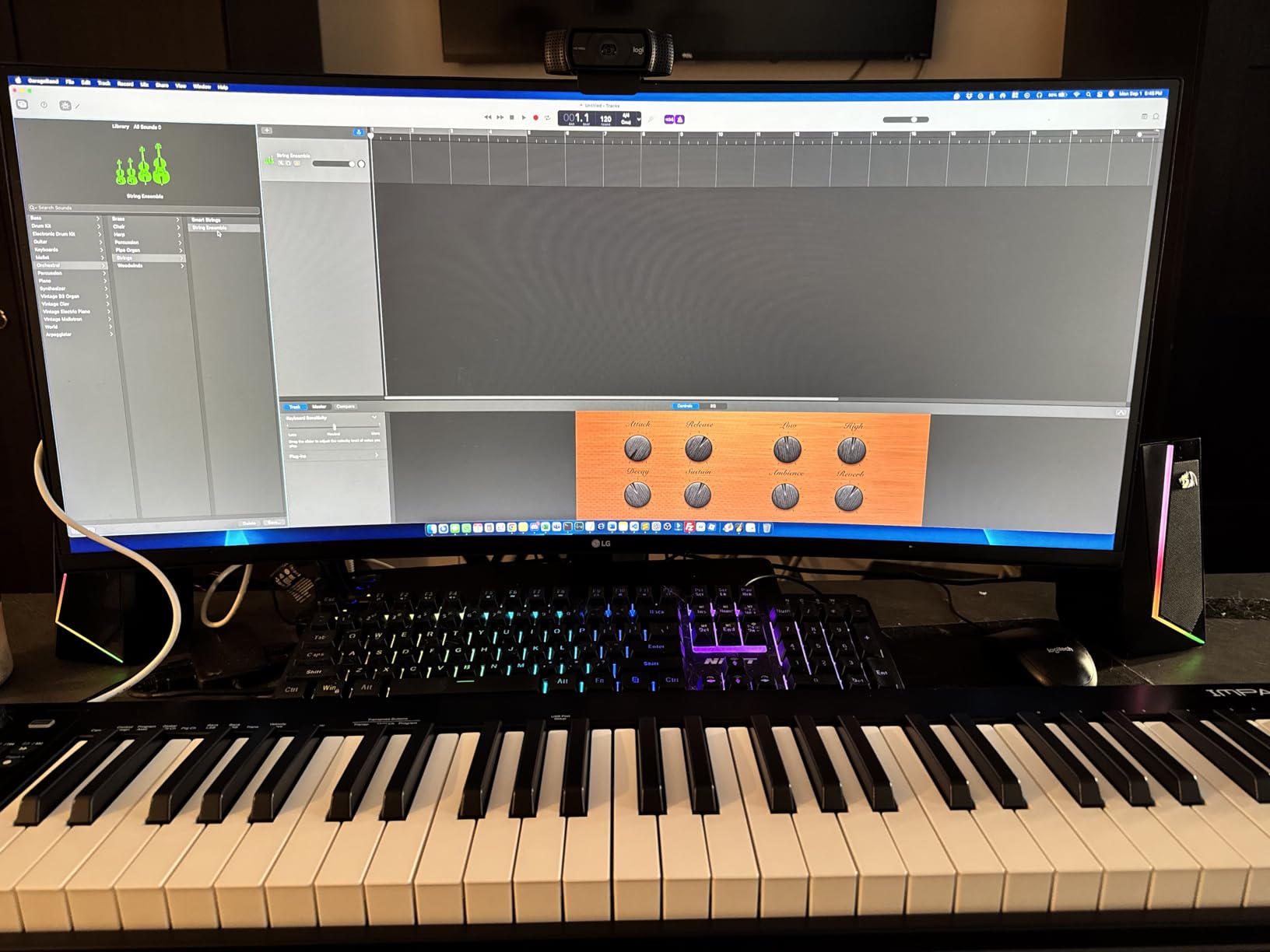
The box contents matter here. A sustain pedal and a ten-inch dust cover are included along with a Bitwig 8-Track licence, and that pedal alone removes one item from every beginner’s shopping list. The stainless steel chassis is the sturdiest in this roundup and it is USB bus-powered, so there is nothing to plug in but the cable.
At six pounds it is still portable enough to move between a desk and a rehearsal room, which we confirmed by carrying it more than a dozen times during testing without thinking about it.
Who this MIDI keyboard suits
This suits anyone writing arrangements or playing two-handed parts, and anyone who plans to buy a digital piano later but wants a controller now. It also suits Ableton, Logic or Reaper users who want mapped transport controls rather than a blank panel.
It suits iPad users too, since Nektar confirms compatibility and the board draws all its power from the USB port.
Who should skip it
Skip it if touch matters to you. Owners describe the unweighted action as stringy or stiff, and some keys are reported as stiffer than others, so it will not satisfy someone who wants to develop a piano touch.
Skip it if you want a display. There is no screen and no motorized faders, so preset browsing happens in software.
6. Nektar SE49 – Best Starting Point for New Producers
Nektar, 49-Key Midi Controller (SE49),Black white Grey
49 velocity-sensitive full-size keys
Nektar DAW integration
Bitwig 8-Track included
USB bus-powered
Pros
- 49 full-size keys undercut most rivals at this size
- Nektar DAW integration covers Bitwig
- Cubase
- GarageBand
- Logic
- Reason and Reaper
- Light four-pound body that moves easily between rooms
- Bundled Bitwig Studio 8-Track licence and sound content get you started immediately
Cons
- Fewer onboard controls than the Impact GX
- no assignable button bank or full transport section
- Basic pitch and mod wheel hardware
- Plastic chassis
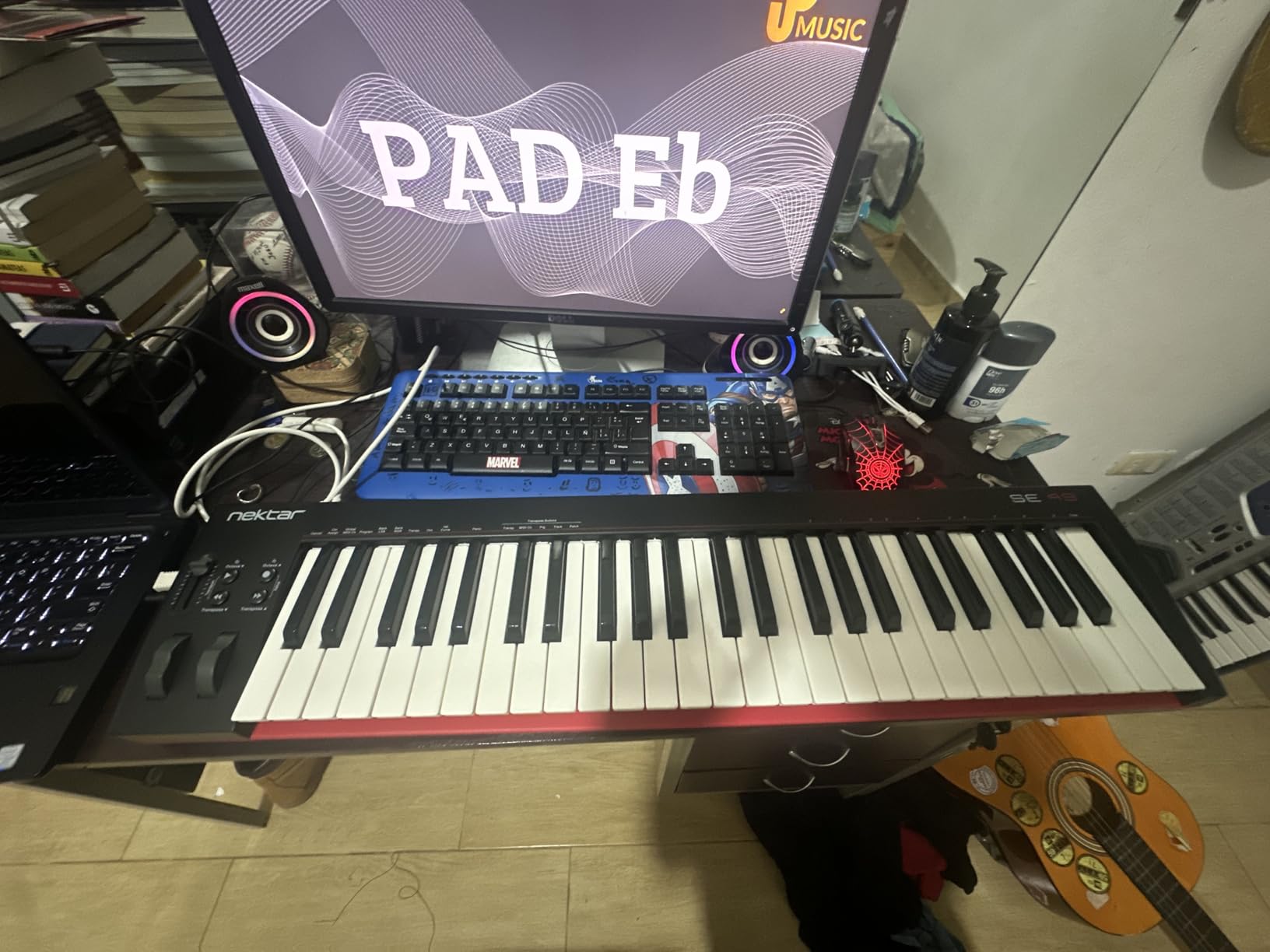
The SE49 answers one question cleanly: how little do you need to spend and still get full-size velocity-sensitive keys with real DAW integration. Owners highlight that combination plus the bundled Bitwig licence as the reason to choose it over more expensive 49-key rivals.
It works across Mac, PC and iOS, and the four-pound body is the lightest full-size board here. During testing we moved it between two desks and a rehearsal space without treating it as an event.
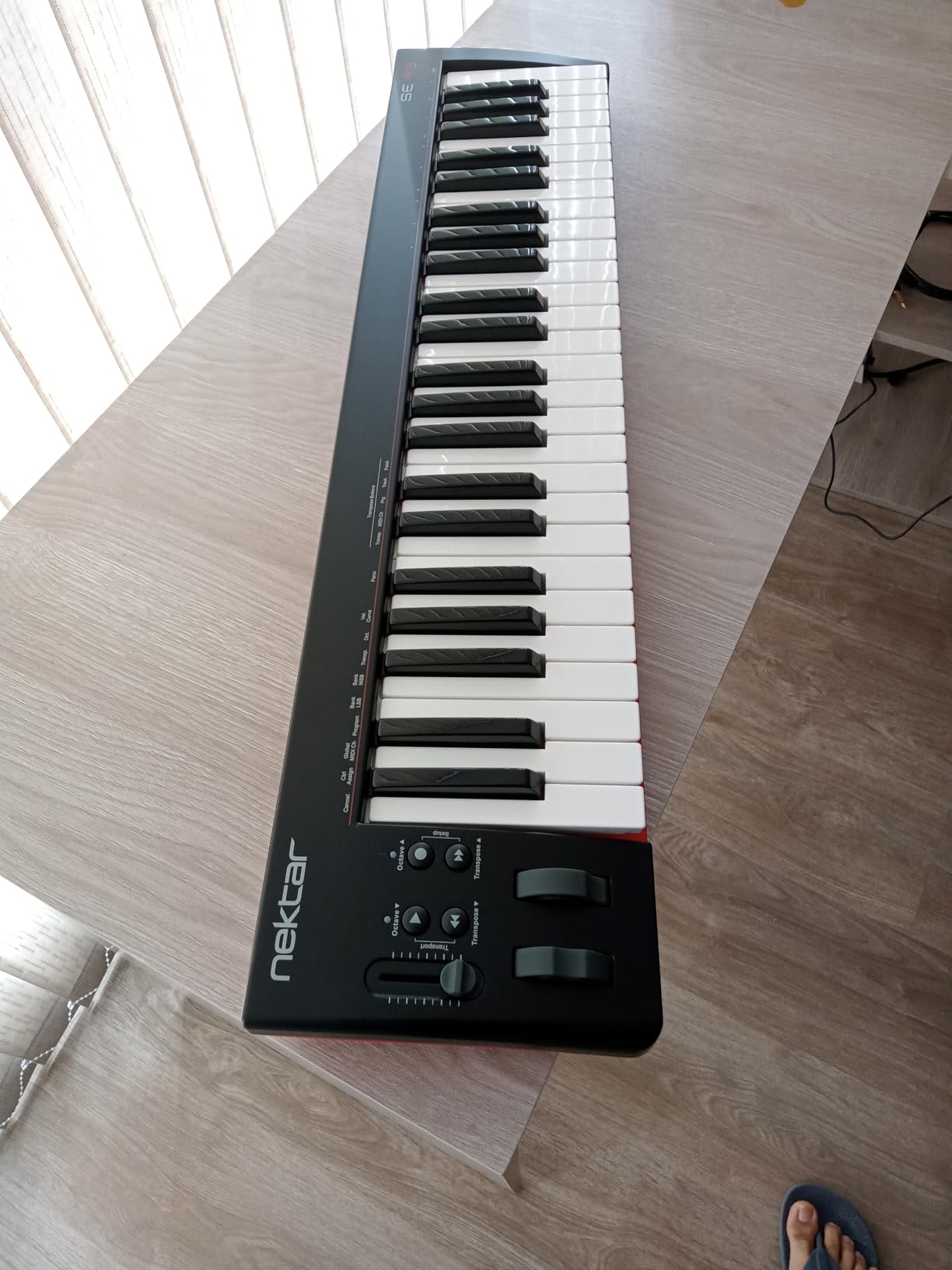
The Nektar DAW integration covers a long list of applications, which matters because a beginner who changes DAW in year two will not be locked out of the transport buttons. Compatible with all MIDI software, so hardware compatibility is never the problem.
It is bus-powered, so there is no power brick to lose, and the two year manufacturer warranty gives more cover than most controllers at this level.
Who this MIDI keyboard suits
This suits a beginner who has decided to make music and wants the least expensive honest route into it. Forty-nine full-size keys are enough for chords, melodies and simple two-hand parts, and you are not paying for pads or faders you will not touch for months.
It also suits anyone who wants a DAW included. Bitwig Studio 8-Track is a full production environment rather than a stripped demo, which removes a decision from your first week.
Who should skip it
Skip it if you want hardware control of your DAW. The SE series strips the assignable button bank and full transport section found on Nektar’s Impact GX line, leaving only basic pitch and modulation wheels.
Skip it if build feel matters to you. The plastic chassis is noticeably less refined than the metal-bodied competitors, and it is the first thing reviewers mention as a step down.
7. Novation FLkey 49 – Best MIDI Keyboard for FL Studio
Novation FLkey 49 USB MIDI Controller Keyboard
49 semi-weighted velocity keys
8 rotary pots and 9 faders
16 RGB backlit pads
5-pin MIDI out
Pros
- Zero-setup FL Studio integration where the mapping simply works
- 8 pots and 9 faders bring the FL Studio mixer off the screen
- Sequencer Mode on the 16 pads speeds up beat programming dramatically
- Scale mode with three chord modes guarantees correct notes for beginners
Cons
- Default velocity curve feels stiff and needs changing in settings
- Pots cannot be custom-assigned to third-party plugin parameters
- FL Studio 20 or later is effectively required for full value
Sentiment on this board splits cleanly by user type, and knowing which camp you are in tells you whether to buy it. FL Studio producers describe it as a workflow transformation. Pianists and Logic or Ableton users describe the keys as narrow and mushy.
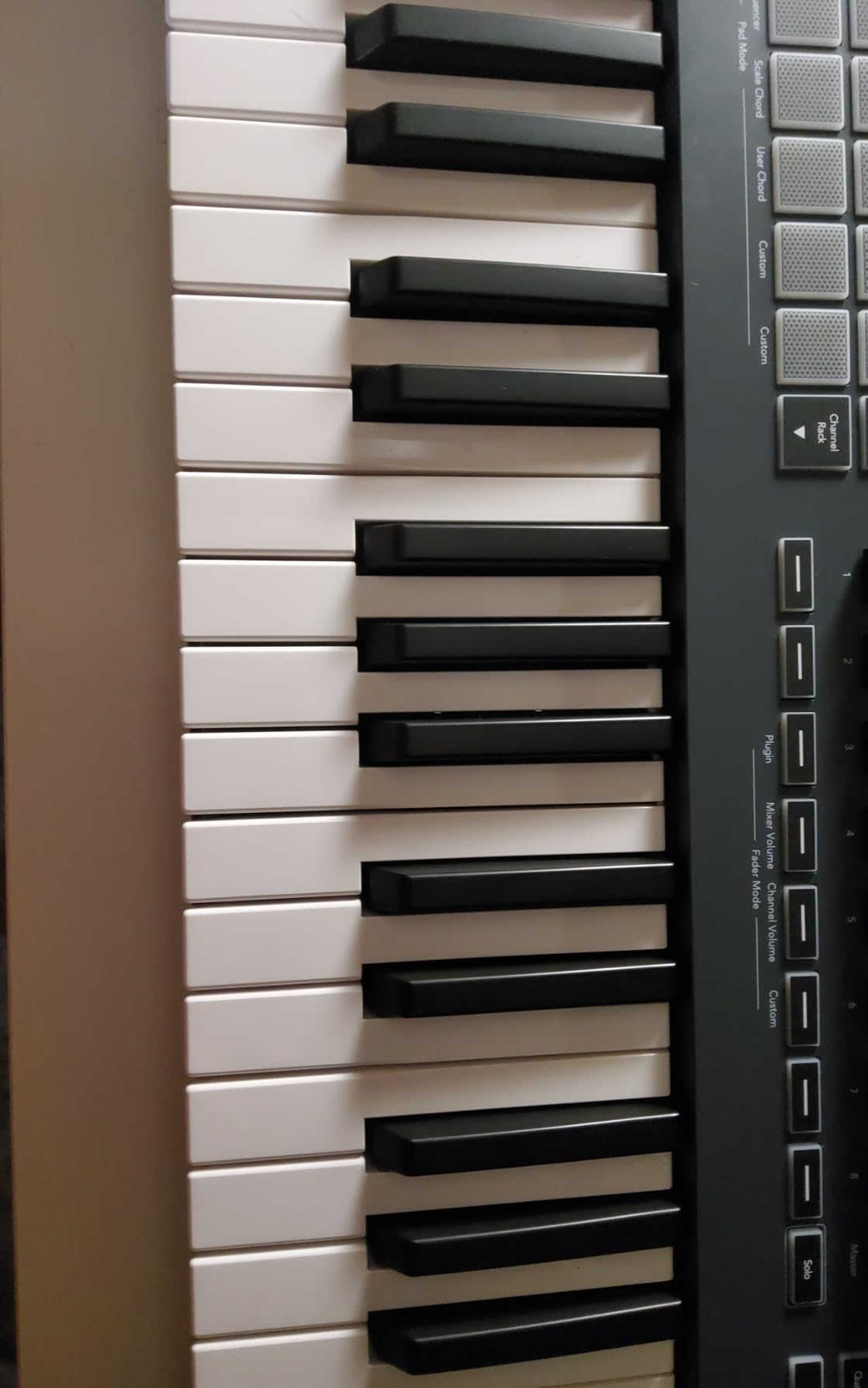
For the right user the payoff is immediate. Eight rotary pots and nine faders are mapped to the FL Studio mixer and channel rack, sixteen RGB pads have real velocity response, and transport, undo, redo, quantise and metronome are all on the hardware.
Sequencer Mode maps the pads straight to the FL Studio step sequencer, with a Two Pad mode for a human feel, and the pads can trigger FPC and SliceX instruments. For a beginner, scale mode with three chord modes means you can play correct chords with one finger while you are still learning theory.
It is one of the few boards here with real semi-weighted keys and it keeps 5-pin MIDI out, pitch and mod wheels, and USB-C. The catch is that pot automation is tied to stock FL Studio instruments and cannot be re-assigned with MIDI learn.
Who this MIDI keyboard suits
This suits a beginner who has already chosen FL Studio and wants to make beats rather than write songs. Preset cycling inside FL Studio plugins, the pad sequencer and the mapped mixer all remove the mouse from the loop.
It also suits anyone who wants semi-weighted key feel at 49 keys, which almost nothing else in this roundup offers.
Who should skip it
Skip it if you use another DAW. The value here is specific to FL Studio 20 or later, and outside that program you are left with a nice controller and unmapped pots.
Skip it if you are a trained pianist. Serious players report needing effort to actuate the keys, and the default velocity curve needs changing in settings before it feels expressive.
8. Casio CT-S200 – Best for Playing Without a Computer
Casio Casiotone CT-S200 – 61-Key Portable Keyboard for Beginners | 400 Tones, 77 Rhythms, LCD Display, Dance Music Mode, USB-MIDI, Stereo Speakers | Includes Power Supply & Music Rest | Black
61 full-size spring-action keys
400 tones and 77 rhythms
Class-compliant USB-MIDI
Stereo speakers, 7.3 pounds
Pros
- Plays standalone with 400 tones so beginners can practise without a computer
- 61 full-size keys in a slim body with a built-in carry handle
- Six AA batteries or the included AC adapter
- 60 built-in songs with right and left-hand lesson support
Cons
- Spring-action keys are unweighted and too light for serious piano study
- USB-MIDI cable not included and cannot be powered over USB
- Small built-in speakers
Every other controller on this list is mute until a computer is involved. The Casio CT-S200 is the exception, and for a beginner who wants to sit down and play for twenty minutes without booting anything, that changes the habit entirely.
It carries 400 built-in tones, 77 rhythms and 10 reverb types, plus 60 songs with right and left-hand lesson support and a My Setup function to recall your favourites. The LCD with a dial and home button keeps the interface simple enough for a nervous first-time user.
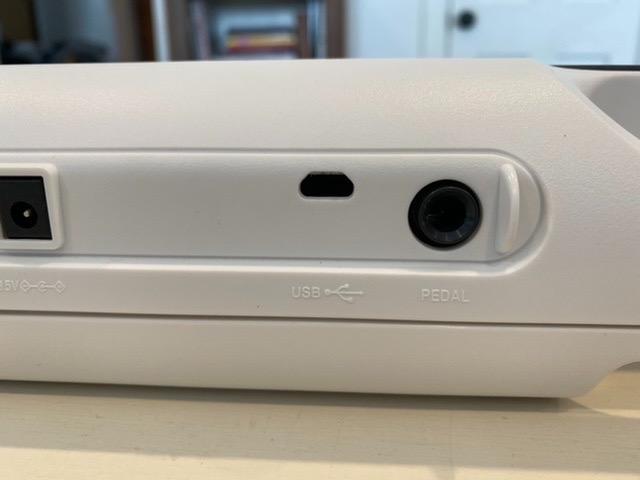
Portability is the design centre here. It weighs 7.3 pounds, has a carry handle, and runs on six AA batteries or the included AC adapter. Stereo speakers and a 3.5mm headphone jack are built in, so quiet practice needs nothing else.
Dance Music Mode lets beginners trigger basslines, drum loops, synth parts and effects live from the keys, which is an unusual and genuinely fun feature at this level. The USB-MIDI port is class-compliant and works with Mac, PC and mobile.
Who this MIDI keyboard suits
This suits a beginner or a child who is not ready for a computer-based setup, and it suits anyone who wants a second instrument for lessons and casual play without occupying the desk. The lesson support and Dance Music Mode make it engaging without any setup.
It also suits anyone teaching beginners, since the self-contained design removes the usual troubleshooting conversation entirely.
Who should skip it
Skip it if you want to produce. It is a portable arranger keyboard with a MIDI port, not a production controller, and there are no assignable knobs, faders or pads to map.
Skip it for piano study. The spring-action keys are unweighted and lighter than a digital piano, and the USB-MIDI cable is not included with a non-standard port size, so budget for one.
9. M-Audio Oxygen 49 MKV – Best for Pads, Knobs and Faders
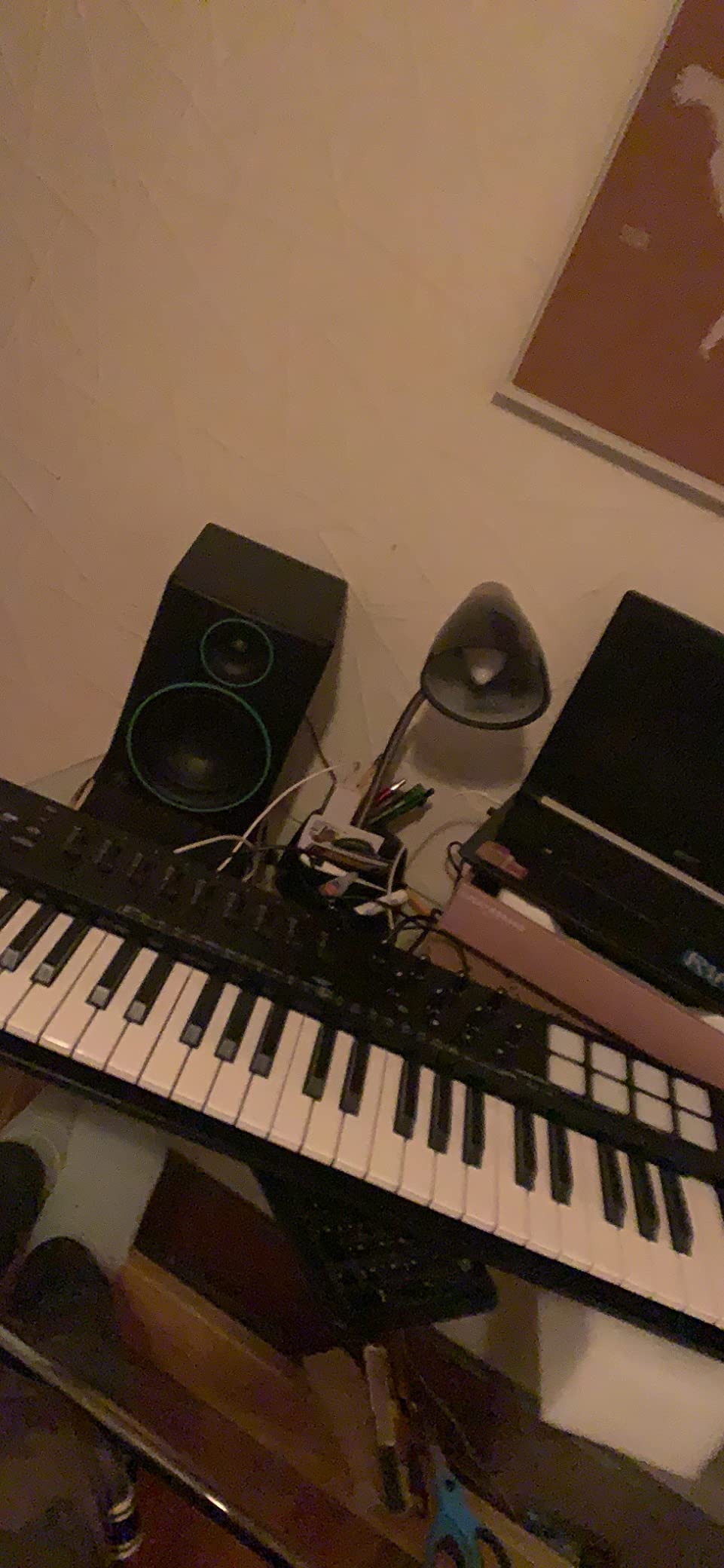
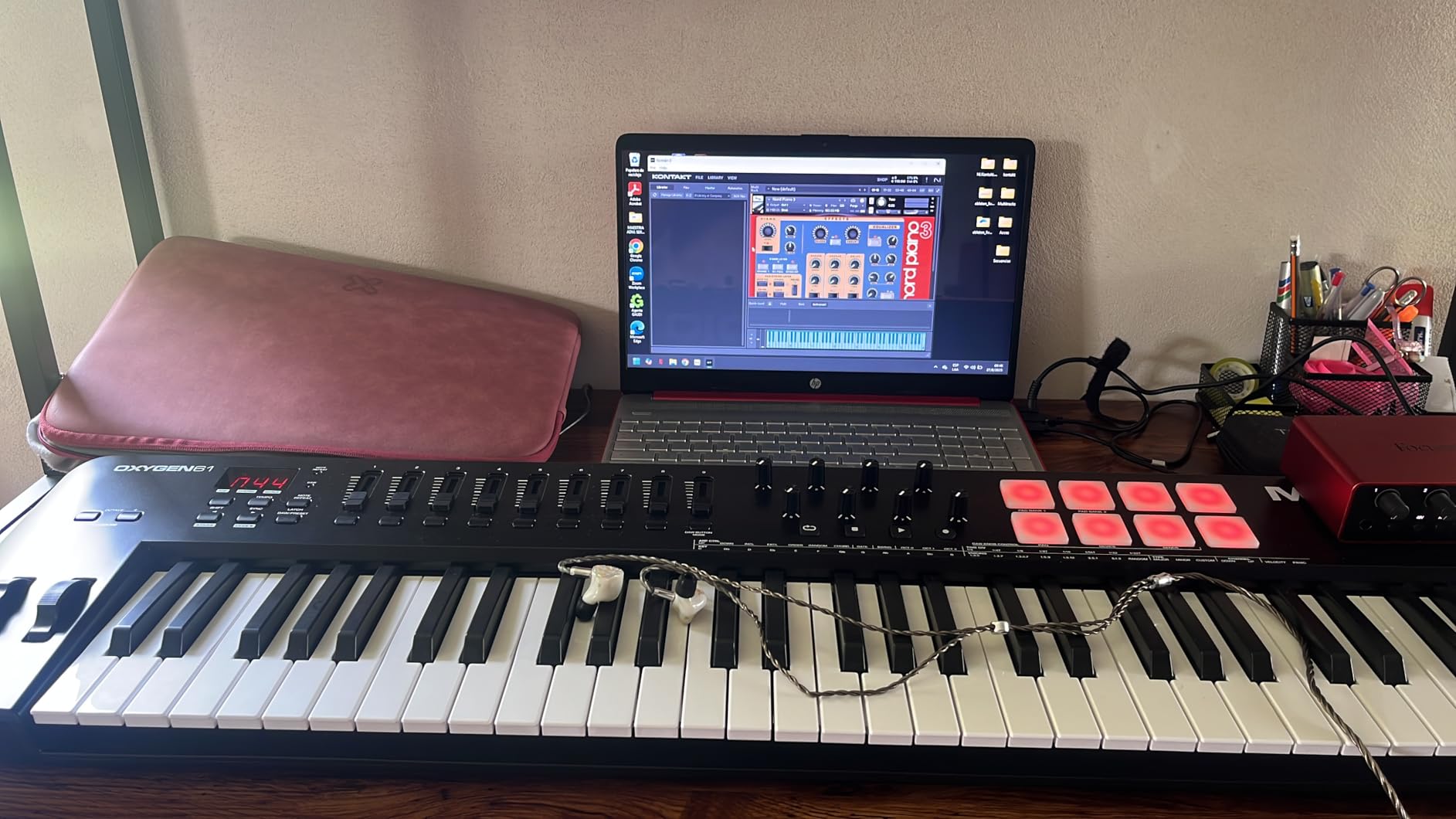
M-AUDIO Oxygen 49 MKV USB MIDI Keyboard Controller
49 full-size velocity keys
2 banks of 8 backlit pads
8 knobs and 9 faders
Native Kontrol Standard integration
Pros
- Full-size velocity keys that respond naturally to virtual samplers and synths
- 16 backlit velocity-sensitive pads with Note Repeat for clip launching
- Native Kontrol Standard integration with a choice of three Komplete 15 Select bundles
- Auto-mapping cuts setup time on day one
Cons
- Priced above simpler 49-key controllers
- Large unweighted keybed makes it bulkier and less portable
- Non-motorized faders do not move with on-screen automation
The Oxygen 49 MKV is the answer for a beginner who wants everything in one box and does not mind a large object on the desk. Forty-nine full-size velocity-sensitive keys, eight assignable knobs, nine assignable faders and two banks of eight backlit pads with Note Repeat is more hardware than most controllers twice the size offer.
Smart Chord and Smart Scale modes help a beginner stay on correct notes while the built-in arpeggiator handles the rest. The faders bring the mixer onto the hardware, which during testing saved more mouse time than we expected from a board at this stage.
Software is where this board justifies itself. Native Kontrol Standard integration comes with a choice of three complimentary Komplete 15 Select bundles, and the box also includes MPC Beats, Ableton Live Lite, Hybrid 3, Mini Grand and five Akai MPC Expansion packs. A USB MIDI cable is in the box too.
Auto-mapping for DAW controls and plugin parameters means the first session is not a mapping project. Pitch and mod wheels and a sustain pedal input are present, so it works with software instruments as well as plugins.
Who this MIDI keyboard suits
This suits a beatmaker who wants pads for clip launching and a real fader section for mixing, plus anyone who wants a genuine instrument library on day one rather than a trial. The three Komplete bundles are the single biggest software inclusion in this roundup.
It also suits anyone planning to grow. The control surface is enough that you will not outgrow it in a year the way a plain 49-key board is.
Who should skip it
Skip it on value grounds if you only need keys. You are paying for the knob and fader surface as much as the keybed, and a simpler 49-key controller delivers the playing part for less.
Skip it if desk space is tight. At 9.6 inches deep and 32 inches wide with a bulky unweighted keybed, it is the least portable full-size board here.
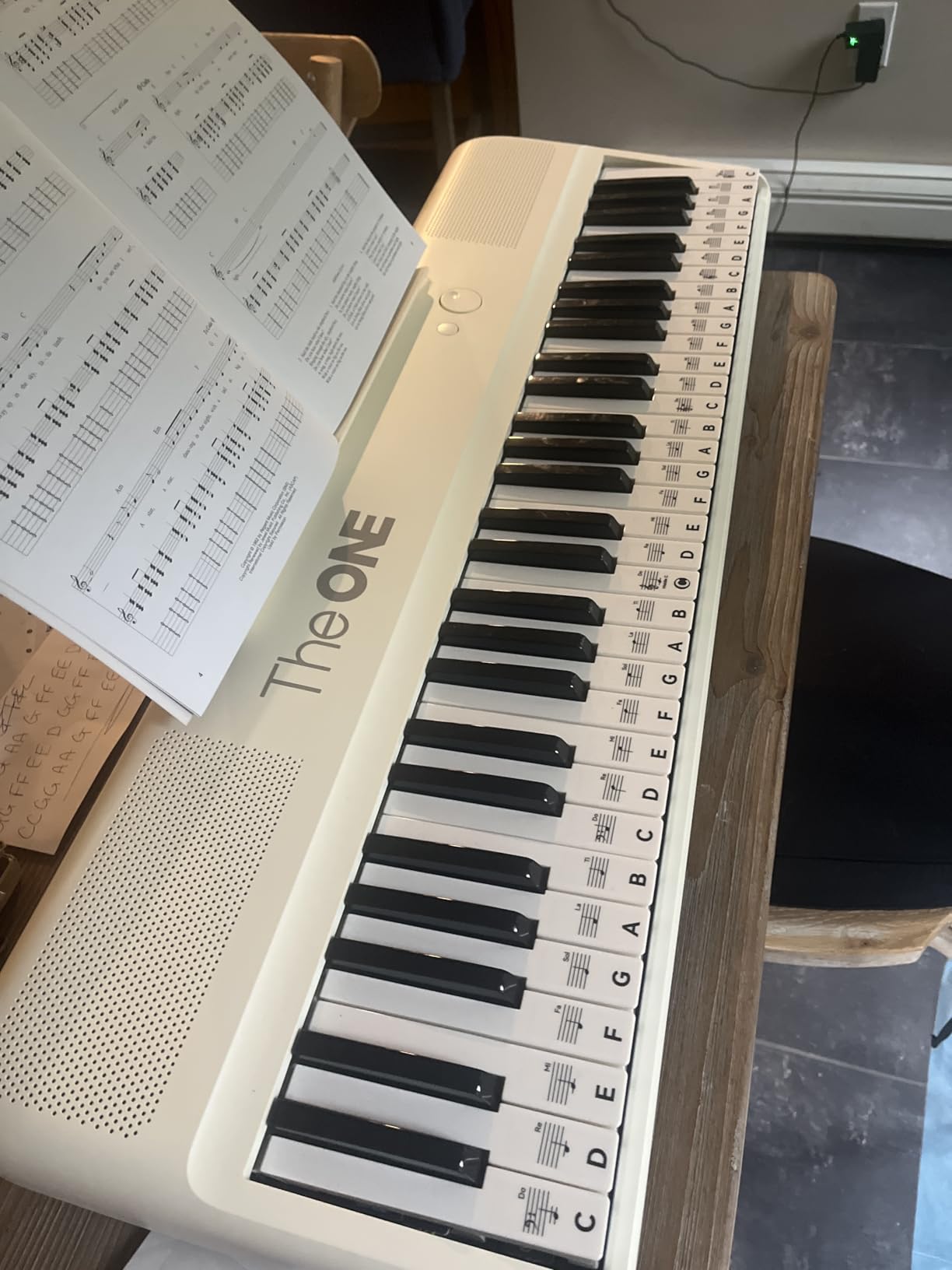
10. The ONE 61 Key – Best for Piano Learning Apps
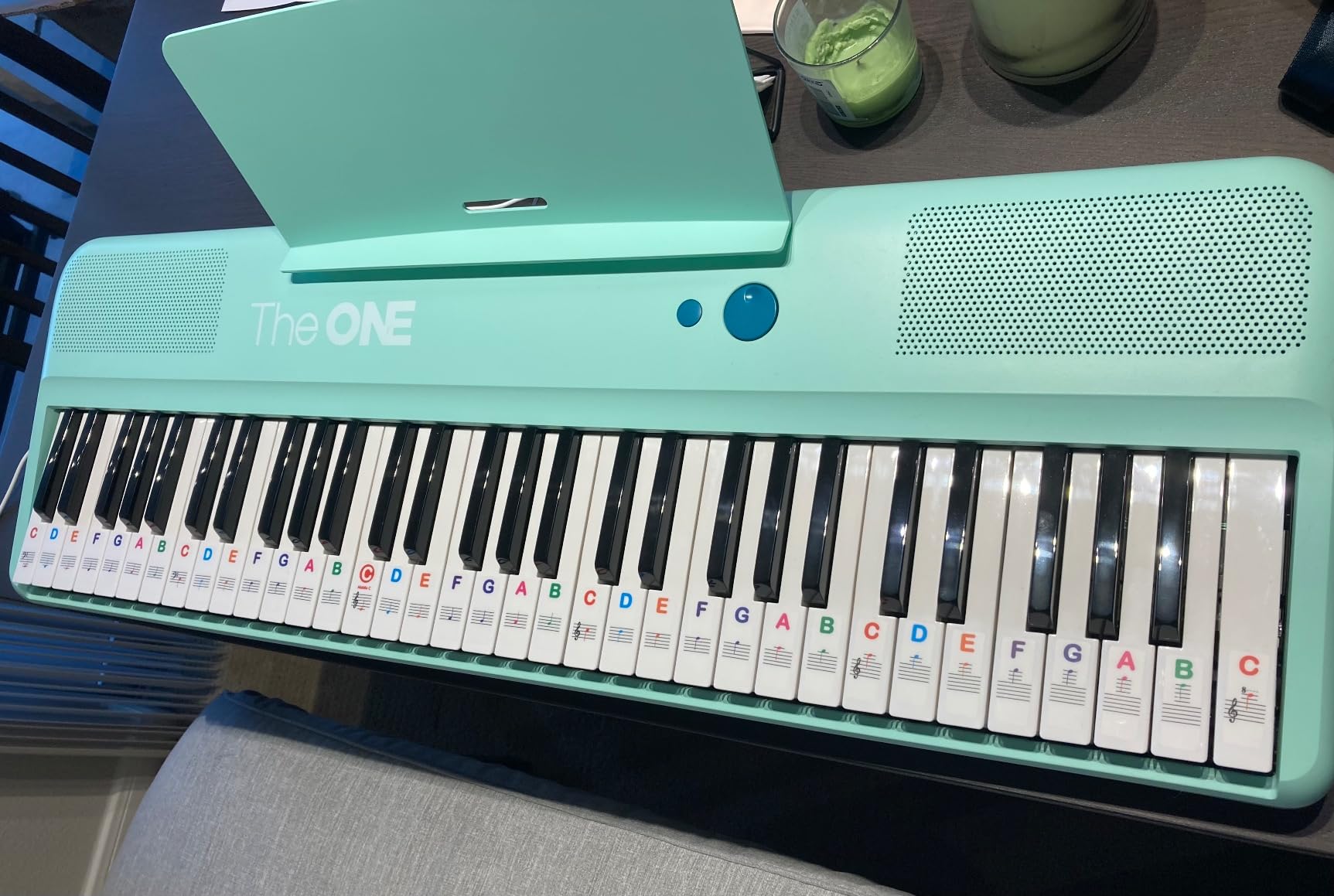
The ONE 61 Key Piano Keyboard with Lighted Keys, Bluetooth MIDI
61 full-size semi-weighted keys
Red LED guidance lights
Bluetooth MIDI in and out
256 timbres and 64-note polyphony
Pros
- Lighted keys plus more than 4000 songs and 100 videos make practice self-teaching
- 61 full-size semi-weighted keys in a portable body
- Works with external learning apps such as Simply Piano
- Available in seven colour options
Cons
- Experience depends heavily on the companion app with some paid content
- Many app songs are written for 88 keys and do not fit the 61-key range
- Limited on-board instrumentation variety and average speakers
If the goal is playing real pieces rather than producing, this is the only board here designed for it. Red LED lights mark the next notes under your fingers while companion apps supply more than 4000 sheet music selections, 100 instructional videos and games. For a total beginner that is close to a private teacher.
The keybed helps. Sixty-one full-size semi-weighted keys is a genuine semi-weighted action, which is firmer at the bottom of the stroke than the synth-action boards earlier in this list, and 256 timbres with 64-note polyphony cover a wide range of sounds.
Bluetooth MIDI input and output, plus USB MIDI, means it connects to a phone or tablet without a cable. It also works standalone with two 3W speakers, a 3.5mm headphone jack and volume control, and it runs on four AA batteries for up to six hours or on the included power supply.
Owners consistently report that the lit keys are what makes daily practice stick, and that the sound quality exceeds what they expected at this level. Seven colour options are unusual and matter if the board is for a child.
Who this MIDI keyboard suits
This suits someone whose main goal is learning songs and pieces rather than making beats. The lighting system, the app library and the semi-weighted full-size keys are all aimed at that job, and it works alongside apps like Simply Piano.
It also suits a household where one person learns piano and another produces, because it stands alone as an instrument and still acts as a Bluetooth or USB MIDI controller.
Who should skip it
Skip it if you want to produce. There are no knobs, faders or pads to map, so a DAW session on this board is limited to playing notes.
Skip it if you dislike subscription ecosystems. Reviewers report dependence on the companion app with some paid content and uneven app quality, and many app arrangements are written for 88 keys so they will not play automatically on a 61-key range.
25 or 49 Keys: Which Should You Buy?
Most beginners should buy 49 keys. Twenty-five keys is the right answer only if your entire plan is beatmaking and sketching, and the fastest way to outgrow a 25-key board is the octave shift buttons.
Here is the version of that answer we wish we had when we started, with the reasoning attached.
Pick 25 keys if you make beats, work mostly in a DAW, want the smallest desk footprint possible, and play with one hand at a time. Choose the Arturia MiniLab 3 if you want encoders and faders, or the Akai MPK Mini IV if you want pads and bundled sounds.
Pick 32 keys if you are on a strict budget and want full playability plus real pitch and modulation wheels without spending much. The Midiplus AKM320 is the only board here in this bracket.
Pick 49 keys if you want to play chords and melody together, write two-handed parts, or learn piano alongside producing. This is the default recommendation for most beginners, and the M-Audio Keystation 49 MK3 or Nektar SE49 cover it best.
Pick 61 keys if you are arranging, playing along with tracks, or learning songs that need a full five octaves. The Nektar Impact GX61 is the sturdy choice and the Casio CT-S200 is the one that plays without a computer.
On key size specifically, and this is the point forum readers raise most often: mini keys are narrower and shorter than full-size piano keys. Buyers with larger hands describe them as cramped within weeks. If you have piano experience at all, buy full-size.
On connectivity, check whether you need 5-pin MIDI out before buying. Several people in the forums described buying a USB-only board and later wishing they could drive a hardware module. A plain USB adapter will not add a MIDI out port, so if you think you will want one later, buy a board that has it now.
MIDI Keyboard vs Digital Piano for Beginners
A MIDI keyboard is the better choice if you want to make music. A digital piano is the better choice if you want to learn piano. The two answer different questions and no amount of software closes the gap between an unweighted controller and a weighted keybed.
Everything good about a controller comes from what it can reach. A controller plus a decent audio interface and free DAW gives you a virtual instrument library worth far more than any single keyboard’s tone generator, and the MIDI data you record stays editable forever. A controller is also smaller, lighter and cheaper.
Everything good about a digital piano comes from the touch. Weighted or hammer-action keys build the finger strength and technique that let you play an acoustic piano or sit an exam, and built-in speakers mean zero setup before playing. None of the boards in this roundup has a weighted keybed, because weighted keybeds start where this category ends.
A practical compromise works for a lot of people. Learn note names and songs on a controller with full-size semi-weighted keys, and practise technique separately. The The ONE 61 Key and the Novation FLkey 49 are the two semi-weighted boards here, and both are closer to a practice keybed than the rest.
How to Choose Your First MIDI Keyboard?
Key count is the first filter and the least important one once you are past 49. Velocity sensitivity matters far more, because it is what makes recordings sound like a performance rather than a list of notes.
Key action is the second filter. Synth-action is light and cheap. Semi-weighted adds bottom-end resistance and feels better the longer you play. Hammer-action is a digital piano feature, not a controller feature. For production, synth-action is fine.
Controls are the third filter and the one beginners most often get wrong. Count how many knobs, encoders and faders you will actually use. A pad-focused workflow needs 16 pads with velocity. A mixing workflow needs faders. Buying 40 unassigned knobs teaches you nothing on day one.
Connectivity is the fourth. Almost everything here is USB bus-powered and class-compliant, so no driver is needed. Bluetooth MIDI is convenient for a tablet but adds latency that can matter when you are playing along. Wired is the safe default for a first board.
DAW integration is the fifth and the biggest time saver. A board mapped to Ableton Live, Logic Pro or FL Studio arrives with transport controls already working. If you already know which DAW you will use, filter your search to controllers that support it.
Then account for the rest of the setup, which is where first-time budgets tend to fall apart. A controller alone is not a studio. Most of the picks here ship with a sustain pedal, a dust cover or a DAW licence, but you will still want a stand, headphones, and a free DAW such as GarageBand, BandLab or Reaper to get going.
Two failure modes are worth naming. First, buying a 25-key board and then constantly mashing octave buttons, which is the most common regret in forums. Second, buying a board whose bundled software needs a login you do not have yet, which is the most common cause of the keyboard sitting in a cupboard.
Frequently Asked Questions
What is a good beginner keyboard with MIDI?
For most beginners the Akai MPK Mini IV is the strongest first buy, because the pads, knobs and Ableton Live Lite integration arrive already mapped and it makes a sound within minutes. If you want full-size keys for chords and two-handed playing, the M-Audio Keystation 49 MK3 or the Nektar SE49 are better fits. If you want the most hands-on control in the smallest package, the Arturia MiniLab 3 takes it. All three are class-compliant over USB and need no driver.
Should I get a 25 or 49 key MIDI keyboard?
Buy 49 keys unless you only plan to make beats and sketch ideas one hand at a time. Twenty-five keys covers about two octaves, and beginners constantly hit the octave shift buttons within weeks. Forty-nine keys covers just over four octaves, which is enough for chords, melody and simple two-hand parts. Prefer full-size keys over mini keys if you have larger hands or any piano experience, since narrow mini keys are the most repeated complaint in the category.
What is the best MIDI keyboard for beginners who want to learn Logic?
The M-Audio Keystation 49 MK3 is a safe Logic choice, with 49 full-size velocity keys, transport buttons and a volume fader that map to common Logic controls. The Nektar SE49 and Nektar Impact GX61 also ship with Nektar DAW integration that covers Logic along with Bitwig, Cubase, GarageBand, Reason and Reaper. If you already own Logic Pro, an Akai MPK Mini IV is also worth considering because it ships with pre-mapped Logic Pro support and Ableton Live Lite 12.
Is it a good idea to use a MIDI keyboard to learn piano?
Partly. A MIDI keyboard with full-size velocity-sensitive keys is excellent for learning note names, reading music and working through apps like Simply Piano or MuseScore. It is not a substitute for a weighted digital piano, because none of these controllers have hammer-action keys and proper technique needs resistance your fingers can build strength against. A common compromise is to learn songs on a semi-weighted controller such as the The ONE 61 Key and practise technique on a weighted digital piano.
Do MIDI keyboards make sound on their own?
Almost none of them do. A MIDI keyboard sends note, velocity and control data to a computer or hardware synth, and stays silent until it is paired with software. That software is usually a virtual instrument playing inside a DAW, which is how you get piano, drum and synth sounds without buying hardware. The exception in this roundup is the Casio CT-S200, which carries 400 built-in tones and stereo speakers so it can be played on its own.
Final Verdict
The best MIDI keyboards for beginners come down to one question: are you making music or learning it. Producers get the Akai MPK Mini IV, which is the most proven board here and needs no setup. Players get the M-Audio Keystation 49 MK3, which gives full-size keys and lessons without a steep price. Everyone else can start from the table above and match a slot to a goal.
Whatever you pick in 2026, buy it and open it the same day. The controllers that get used are the ones that make a sound in the first ten minutes, and that is the criterion we used throughout this roundup.