
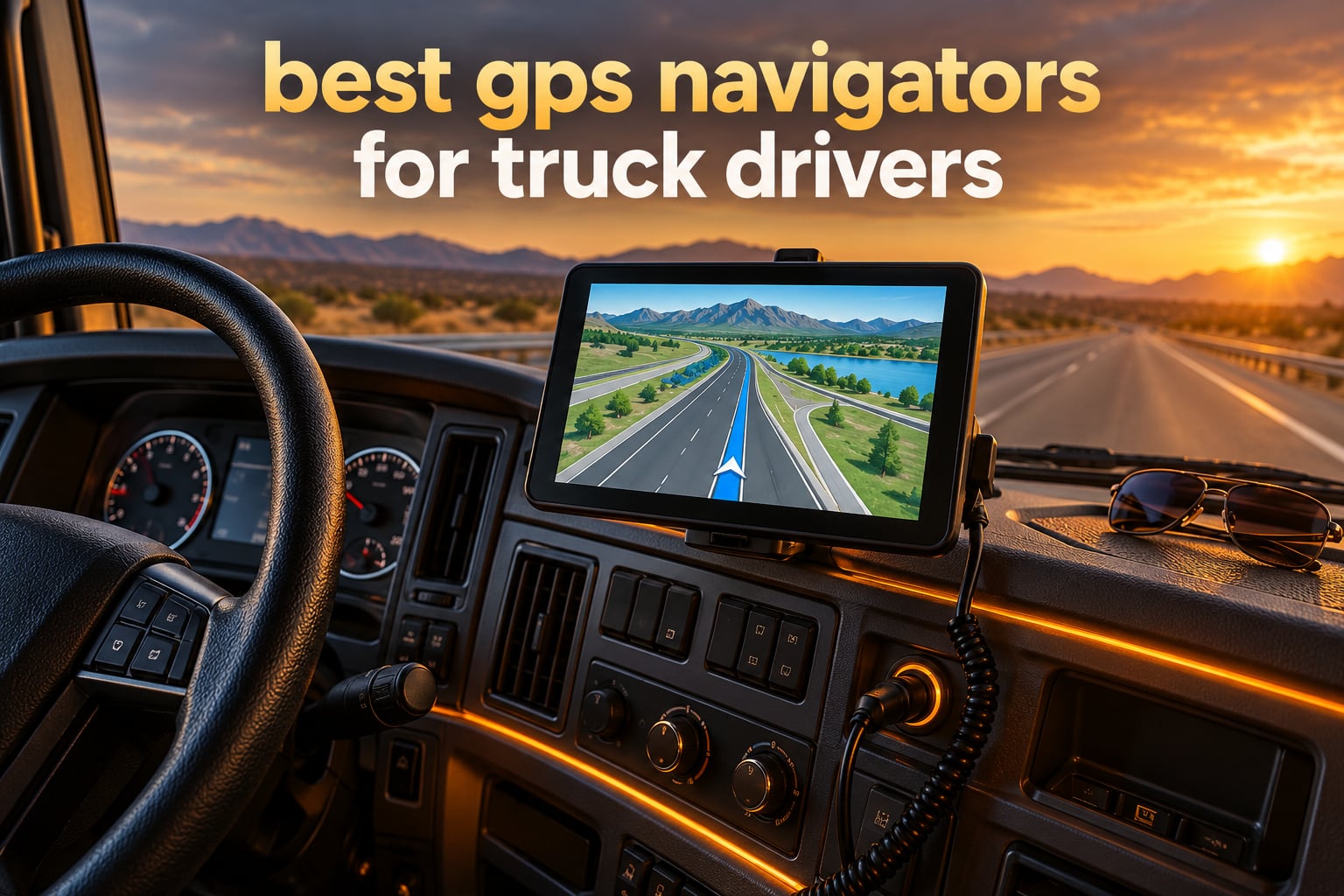
The best GPS navigators for truck drivers are the Garmin dezl OTR800 for most owner-operators, the Garmin dezl OTR610 if you want the most heavily reviewed option at a mid-size screen, and the Rand McNally TND 750 if you want dash cam recording built into the same box. Those three lead the field we tested, and every pick below carries an honest list of drawbacks.
A truck GPS navigator is not a phone with a truck app. It is a dedicated in-cab device built with commercial-vehicle routing data: you enter your rig’s height, width, weight, axle count and hazmat status once, and the routing engine filters out low-clearance bridges, weight-restricted roads, narrow residential streets and restricted hazmat corridors that a car navigator would happily send you down.
That difference matters more than any spec. A wrong turn in a sedan costs a few minutes. A wrong turn in a tractor means a truck-out-of-service call, a citation, damaged trailer skirts, and a delivery window you will not make. We put together this roundup after reading every driver thread we could find on the question, because the buying criteria that actually decide this purchase are almost never on the spec sheet.
We updated this roundup for 2026 with six current-generation truck navigators, comparing screen size, routing logic, map economics, mounting hardware and the reliability complaints owners actually report. Where drivers on r/Truckers and TheTruckersReport.com have strong first-hand opinions, we quote them rather than repeating marketing copy.
Table of Contents
Top 3 Truck GPS Picks for (October 2026)
Three units stand out. The OTR800 wins overall because it pairs a readable 8-inch screen with load-to-dock arrival guidance and a mounting kit that fits almost any dashboard. The OTR610 is the value pick and carries the largest review base of anything we tested. The TND 750 is the only navigator here with a built-in dash cam.
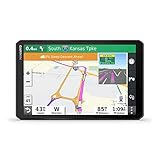
Garmin dezl OTR800
- 8 inch 1280x800 capacitive touchscreen
- Load-to-dock arrival guidance
- Custom truck routing with height and weight alerts
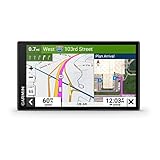
Garmin dezl OTR610
- 6 inch 1280x720 multi-touch display
- BirdsEye satellite arrival imagery
- PrePass weigh station notifications
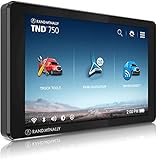
Rand McNally TND 750
- 7 inch capacitive touchscreen
- Built-in dash cam
- Hazmat-aware cargo routing profiles
Best GPS Navigators for Truck Drivers in 2026 at a Glance
Here is the short version before the detail. Screen size is the most visible difference, but routing quality, map economics and reliability are what decide whether you keep the device past year two.
| Product | Specs | Action |
|---|---|---|
| Garmin dezl OTR800 |
|
Check Latest Price |
| Garmin dezl OTR610 |
|
Check Latest Price |
 Garmin dezl OTR1010 Garmin dezl OTR1010 |
|
Check Latest Price |
| Rand McNally TND 750 |
|
Check Latest Price |
 Rand McNally TND 550 Rand McNally TND 550 |
|
Check Latest Price |
 Rand McNally TND730 Rand McNally TND730 |
|
Check Latest Price |
Garmin dezl vs Rand McNally: Which Brand Should You Buy?
Almost every forum thread on this topic reduces to the same question: is Rand McNally or Garmin better for trucks? The honest answer is that both brands build credible truck hardware, and the real divide is how the two brands handle updates and how much information each one puts on screen.
Drivers on r/Truckers with experience of both brands tend to land on Garmin for routing discipline. One recurring comment is that both brands are good products, but Garmin has sent the driver down fewer alleys and tight roads. That matches what the review data shows, with the Garmin models holding higher average ratings than the Rand McNally models we reviewed.
On the other side, TheTruckersReport.com threads contain a persistent counter-view that Rand McNally’s operation just feels more intuitive to some drivers. One owner wrote that for them the RM operation seemed more intuitive even while preferring another brand for reliability. If menu layout matters more to you than routing conservatism, that is a real consideration.
Map economics split the brands sharply. The TND730 ships with lifetime map updates included at purchase, which no Garmin model in this group can match. Garmin instead leans on included North America coverage plus optional traffic and weather through the dēzl app, and on the OTR800 offers subscription-free hours-of-service recording when paired with a separately sold Garmin eLog compliant ELD.
Reliability is where the split is widest. The Rand McNally models in our set carry higher one-star shares in their review data, with the TND730 showing the heaviest complaints about reboots, lost addresses and battery life. The Garmin units, by contrast, draw complaints about intermittent lag and missing search results rather than outright failure.
Our read: buy Garmin if routing accuracy and lower failure rates drive you, and buy Rand McNally if lifetime maps, a richer on-screen data density or a built-in dash cam matter more. Both are defensible choices in 2026.
Dedicated Truck GPS vs Trucker Apps: Trucker Path, CoPilot and Hammer
Every new truck driver asks whether the dedicated hardware is still worth it, since a phone already does most of this. In our view a dedicated navigator earns its place in a cab for one reason: the truck profile is enforced by the routing engine rather than by your own discipline.
Trucker Path is the best-known subscription option and the community’s most discussed app, with the recurring complaint that you need a paid membership to use the truck-specific GPS features. One r/Truckers post put it plainly, noting Hammer GPS is good and free, and that Trucker Path requires a membership to reach the truck GPS. CoPilot has the opposite reputation, with a driver reporting about 12 years of use and a good investment, though that is an app subscription history rather than a hardware one.
Here is how the two approaches compare in practice.
Dedicated navigator: works with no connectivity, no data charges, and no phone dependency. Truck restrictions are hard-coded into the map data.
Trucker Path: excellent community-driven truck stop and parking data, route sharing between drivers, and useful for finding overnight parking, but the truck routing layer sits behind a membership.
CoPilot: long-established, widely liked for its interface, and strong on Europe coverage, with the same subscription trade-off on advanced features.
Hammer: free and truck-focused, a reasonable backup phone option, but not a substitute for a mounted cab unit you can read at a glance.
The practical answer most owner-operators land on is to run both. A mounted navigator for route enforcement and turn guidance, plus an app for live parking and truck stop crowds when you need it. Connectivity cost is a real consideration, since drivers report cellular and satellite data bills adding up alongside GPS choice.
1. Garmin dezl OTR800 – The Best All-Round Truck GPS With The Most Complete Mounting Kit
Garmin dezl OTR800, 8-inch GPS Truck Navigator, Easy-to-Read Touchscreen Display, Custom Truck Routing and Load-to-Dock Guidance
8 in 1280x800 capacitive touch
Custom truck routing with load-to-dock guidance
13.6 oz, 2 hour battery
Pros
- Load-to-dock guidance previews loading zones on approach
- Three mounting options including RAM compatible ball adapter
- 8 inch screen readable in landscape or portrait
- Filterable Truck and Trailer Services directory
- Voice assistant for hands-free control
Cons
- Custom truck routing not available in all areas
- ELD features need a separately sold Garmin eLog unit
The OTR800 is the unit we would put in a tractor first, and the reason is not the screen. It is the arrival experience and the mount. The load-to-dock guidance shows potential loading zones and storage lots as you approach a destination, which is exactly the moment a car-first navigator leaves you circling a yard at night.
The 8-inch capacitive touchscreen runs at 1280 x 800 on a color TFT panel, and it works in either orientation. Owners consistently single out readability in bright sun and at night, which matters more than resolution in a cab that is either washed out or dark.
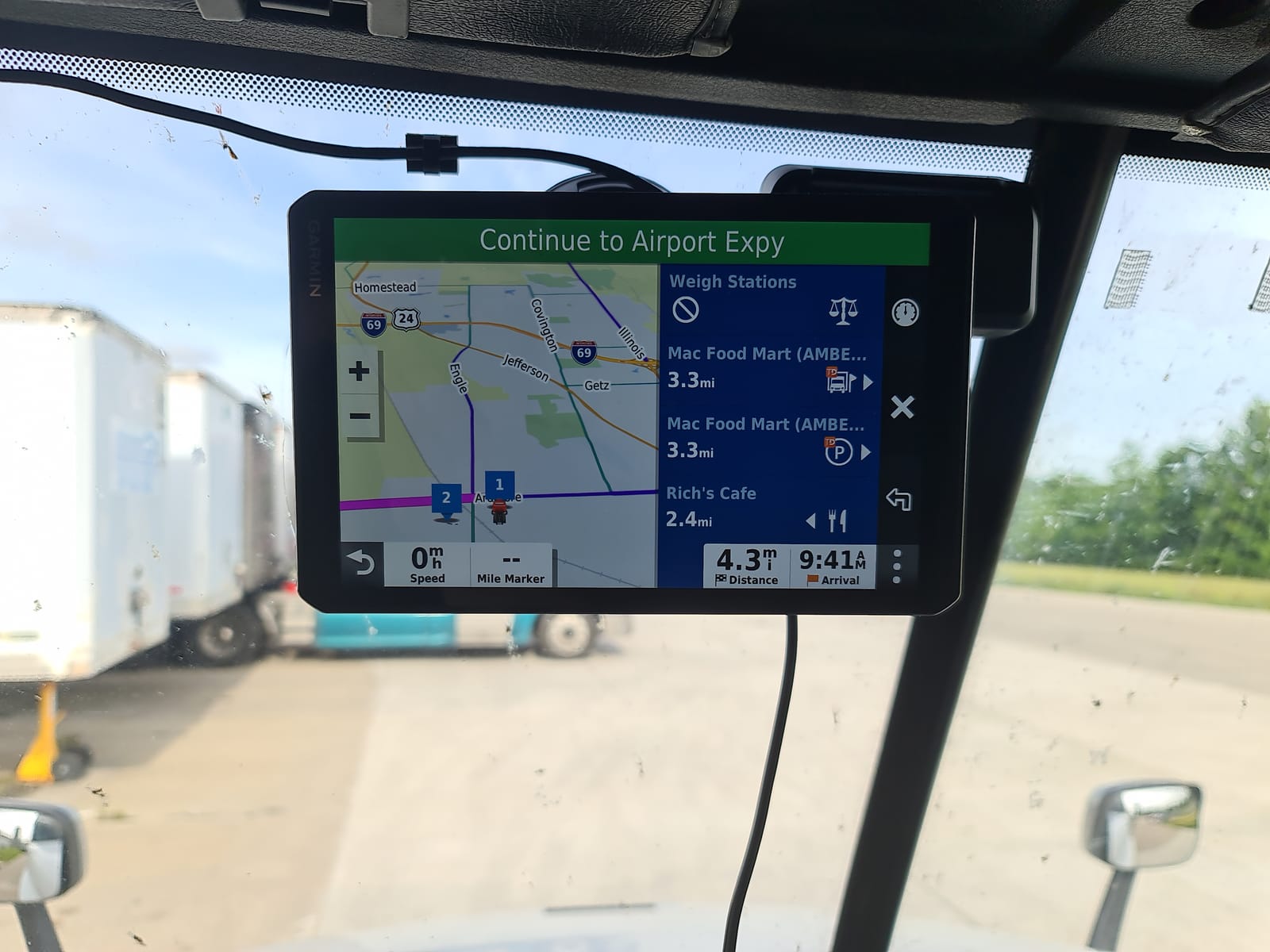
Truck routing here is built around your profile: size and weight, with alerts for upcoming bridge heights, weight limits, sharp curves and steep grades. It also shows truck-friendly parking information along the route and lets you filter the preloaded Truck and Trailer Services directory by brand or amenity, which is how you find showers and parking without scrolling through a list of fuel stops that do not have them.
The mounting hardware is where this model separates itself. The box includes a powered magnetic mount with a heavy-duty suction cup, a screw-down mount, and a 1 inch ball adapter with an AMPS plate that fits RAM mounting systems. That is three genuine options, and drivers on forums complain about mounts constantly, so it is not a minor detail. A driver on r/Truckers running an earlier 7-inch Garmin noted they had not had much issue with it falling, which is not a complaint about this model but is a reminder that mount stability is a purchase driver.
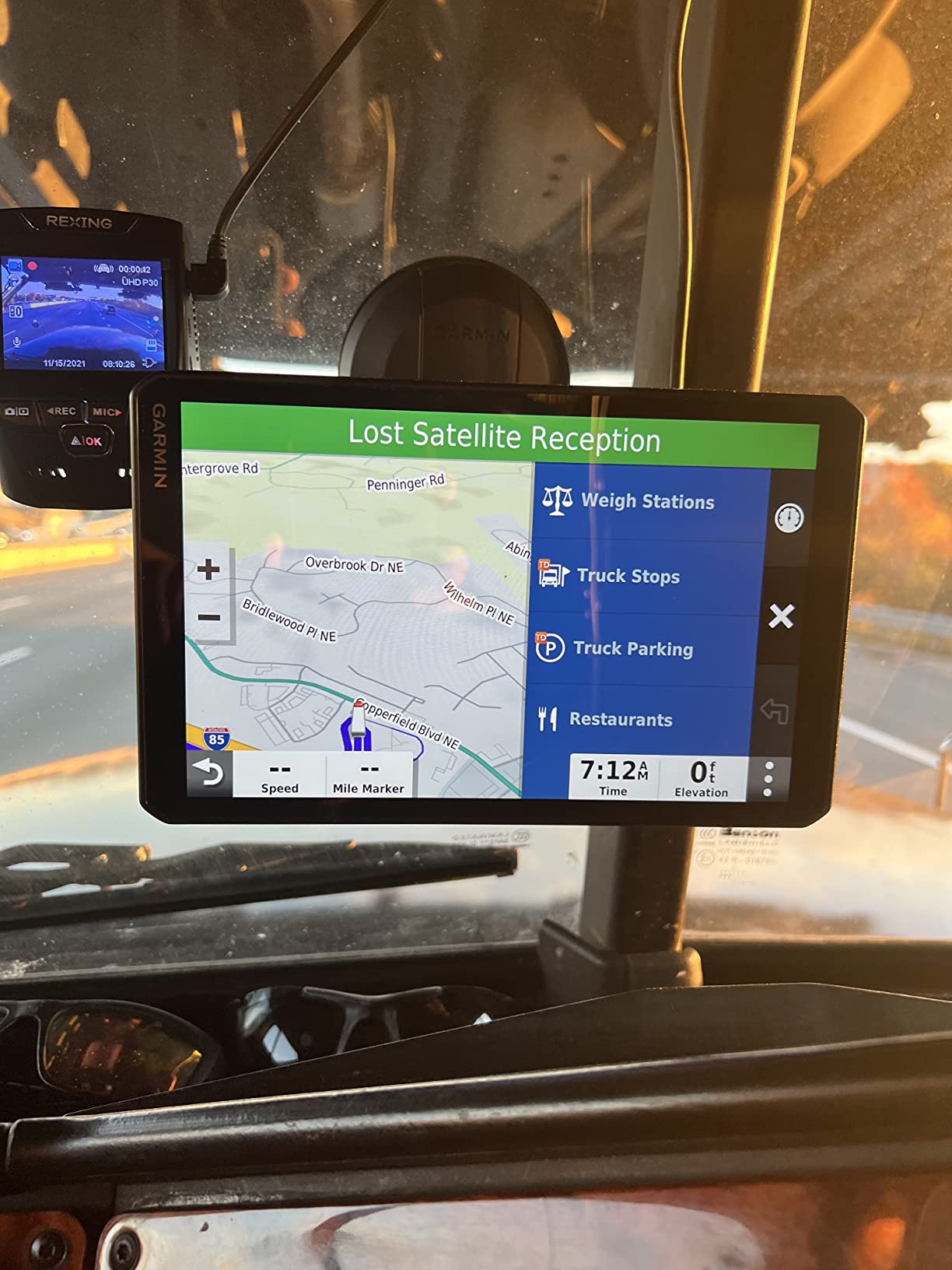
At 13.6 ounces with a 2 hour average battery life, it is a light unit that will run unplugged for a coffee break but is clearly designed for 12V DC power in a tractor. Connectivity is Bluetooth plus USB, and the popular-routes feature shows routes other truckers have used in an unfamiliar area.
Why drivers buy the OTR800
The arrival planning is the reason most owners rate this so highly. Owners who came from phone navigation point to the combination of STAA-aware routing and dock-level imagery on approach as the feature that stopped them second-guessing the route. For long-haul drivers running unfamiliar lanes into unfamiliar yards, that is the feature that saves the most time per trip.
Where the OTR800 disappoints
Two limitations show up in the data. Custom truck routing is not available in all areas, and vehicle characteristics may not be accounted for in every route suggestion, so posted signs still win. If you need formal hours-of-service recording, the Garmin eLog ELD is sold separately, which pushes the real cost of that feature above the hardware price.
2. Garmin dezl OTR610 – Best Value Pick With The Largest Review Base
Garmin dezl OTR610, Large, Easy-to-Read 6″ GPS Truck Navigator, Custom Truck Routing, High-Resolution Birdseye Satellite Imagery
6 in 1280x720 multi-touch glass
BirdsEye arrival imagery and PrePass alerts
6.17 oz, 16 GB storage
Pros
- Most reviewed navigator in this roundup at 4.3 stars
- Advance alerts for low bridges weight limits and curves
- Truck stop filtering by brand or amenity
- Built-in PrePass weigh station notifications
Cons
- No internal battery so it must stay plugged in
- Address search defaults to current state without a clear prompt
- Some owners report occasional lag and missing search results
With 961 reviews at a 4.3-star average, the OTR610 is the most battle-tested navigator we tested, and that volume matters in this category because reliability is the thing drivers most want proven. Owners report a year or more of daily use without failure, and long-haul drivers repeatedly describe it as a step up from phone navigation.
The 6-inch multi-touch glass display at 1280 x 720 is smaller than the OTR800 but still large enough to read a route preview at a glance. It is a glass, backlit HD color TFT, which resists the fingerprint smearing you get on cheaper resistive panels, and the unit itself is only 6.17 ounces.
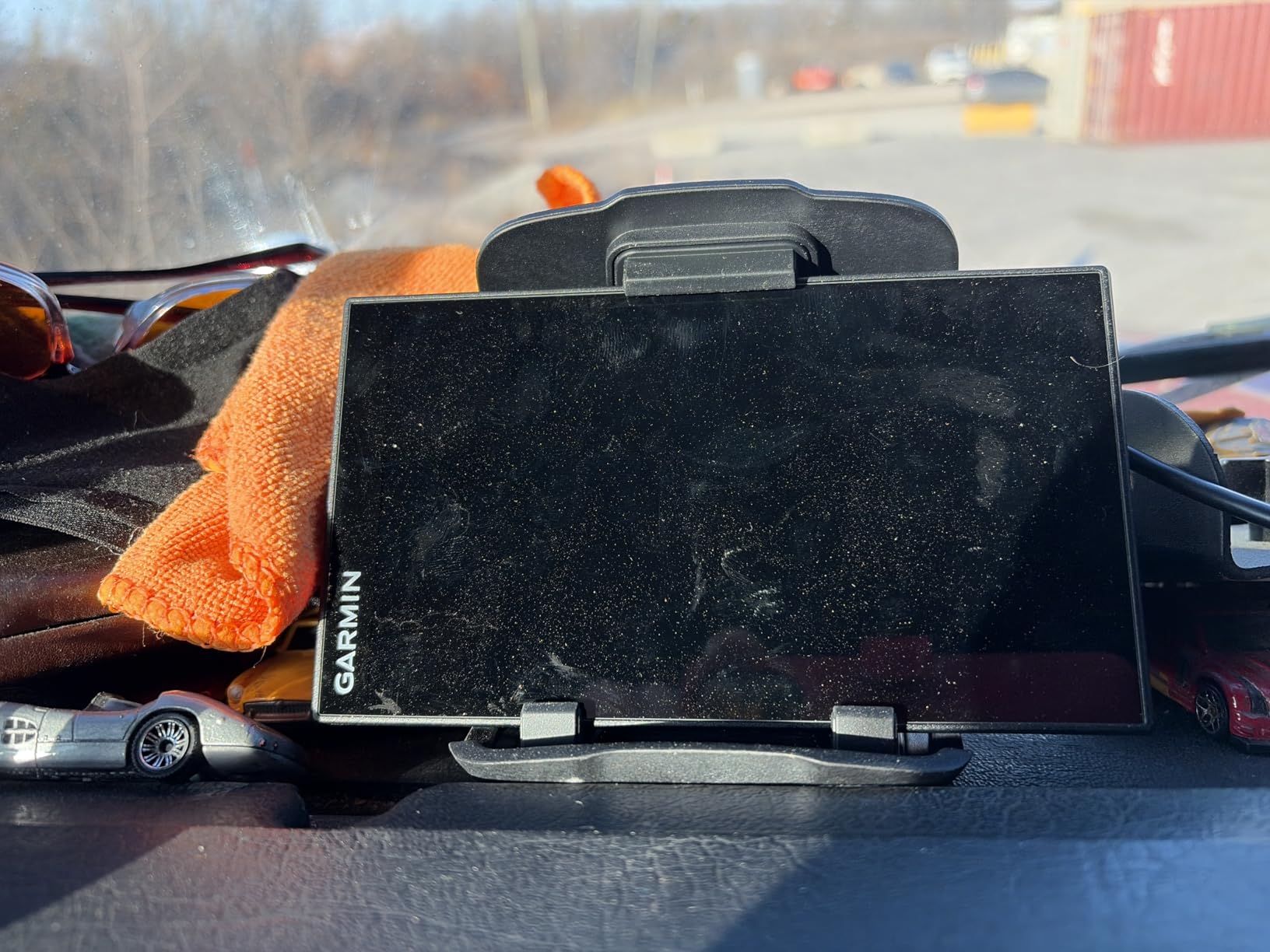
Routing is the strongest suit. Owners highlight custom routing that produces STAA-legal routes instead of irrelevant residential streets, plus advance alerts for low bridges, weight limits and sharp curves, with traffic delay estimates shown in both minutes and miles so you can judge whether an alert matters. BirdsEye satellite imagery gives you an aerial look at loading docks, truck entrances and security gates on arrival.
Two integrations are worth flagging if you use them. PrePass weigh station and bypass notifications are built in and need no extra hardware, while live traffic, weather, smart notifications and Love’s and Pilot fuel rewards run through the dēzl app on your phone. North America coverage includes the U.S., Mexico, Canada, the U.S. Virgin Islands, Cayman Islands and Bahamas, which matters for cross-border runs.
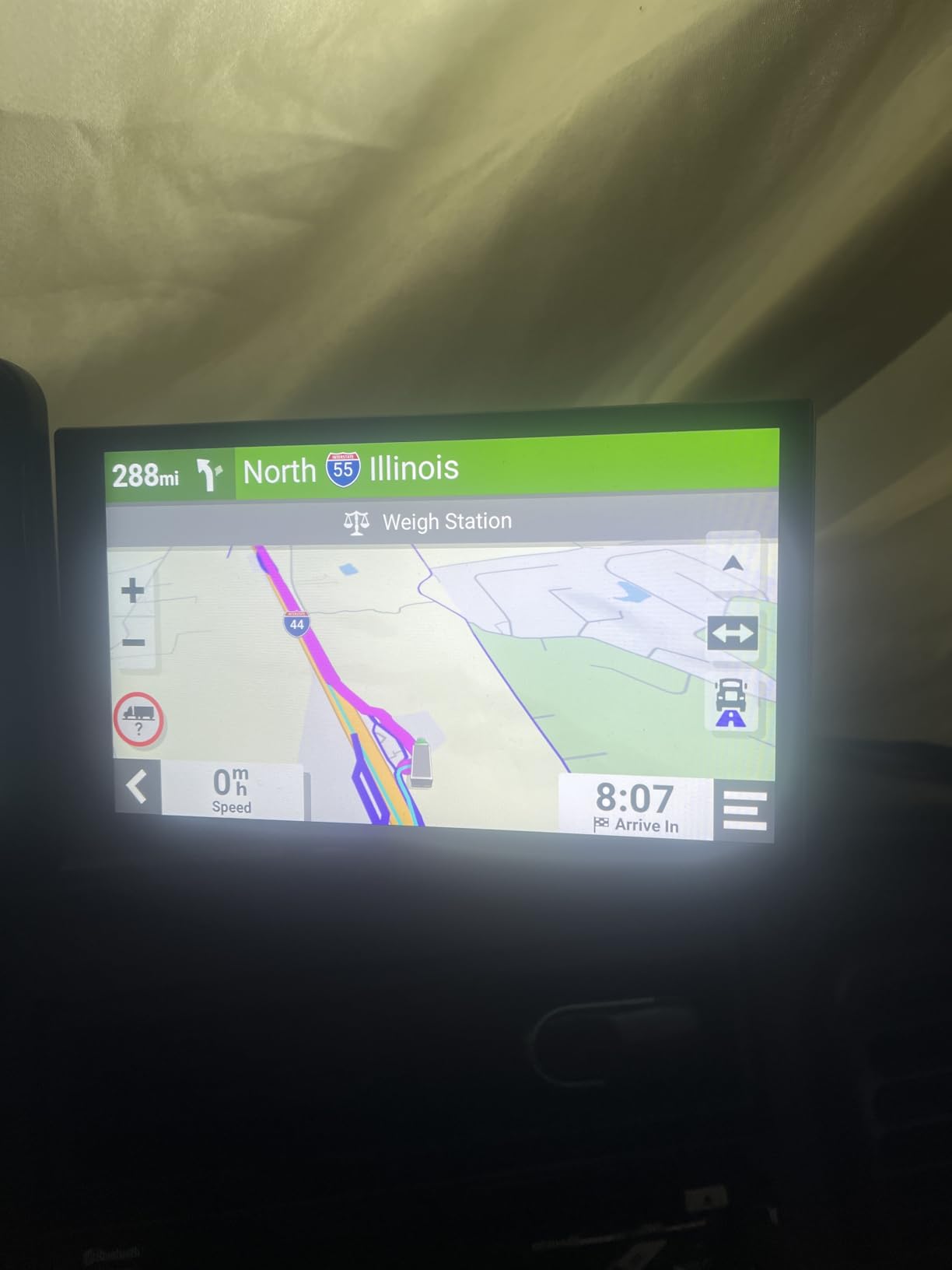
For trucking-specific detail this is also the best-documented of the Garmin models here: truck-friendly parking information, a Truck and Trailer Services directory filterable by amenity such as Love’s or Showers, and a route planner that helps you place fuel stops, comfort breaks and overnight stays on a long run.
Where the OTR610 wins
If you want proven routing without moving up a screen size, this is the buy. The review base is large enough that reliability patterns are visible and mostly positive, and the STAA-aware routing plus PrePass alerts give small fleets and owner-operators the truck-specific tooling they would otherwise have to buy an app membership for.
Where the OTR610 falls short
There is no built-in battery, so it must remain plugged into the 12V socket, which is a real problem if your power socket is the weak link. There is no toggle to avoid tollways, few alternative routes are offered, and address entry defaults to your current state instead of prompting clearly for the state you want. Setup of truck dimensions, length and weight takes patience, and Canadian provincial weight restrictions are not always flagged.
3. Garmin dezl OTR1010 – Best For Drivers Who Want The Largest Screen In The Cab
Garmin dēzl™ OTR1010, Extra-Large, Easy-to-Read 10” GPS Truck Navigator
10.1 in 1280x800 touchscreen
Split-screen route and weather view
BirdsEye satellite arrival imagery
Pros
- Largest display we tested for dock approach work
- BirdsEye aerial views of loading docks and security gates
- Split-screen shows remaining route beside wind and weather
- Route planner places fuel breaks and overnight stops
Cons
- Heaviest unit at 1.2 pounds
- Custom truck routing not available in all areas
- PrePass features need an account and a phone running the dēzl app
The OTR1010 answers a specific question: what do you do when a 6-inch screen feels cramped? At 10.1 inches with a 1280 x 800 capacitive touchscreen, this is the largest navigator we reviewed and the only one where you can read a dock diagram and a route overview at the same time.
It holds a 4.5-star average across 290 reviews with 81 percent five-star feedback, the highest five-star share of the Garmin models in this roundup. Owners single out the very large screen, the satellite imagery for dock approach, and the split-screen view.
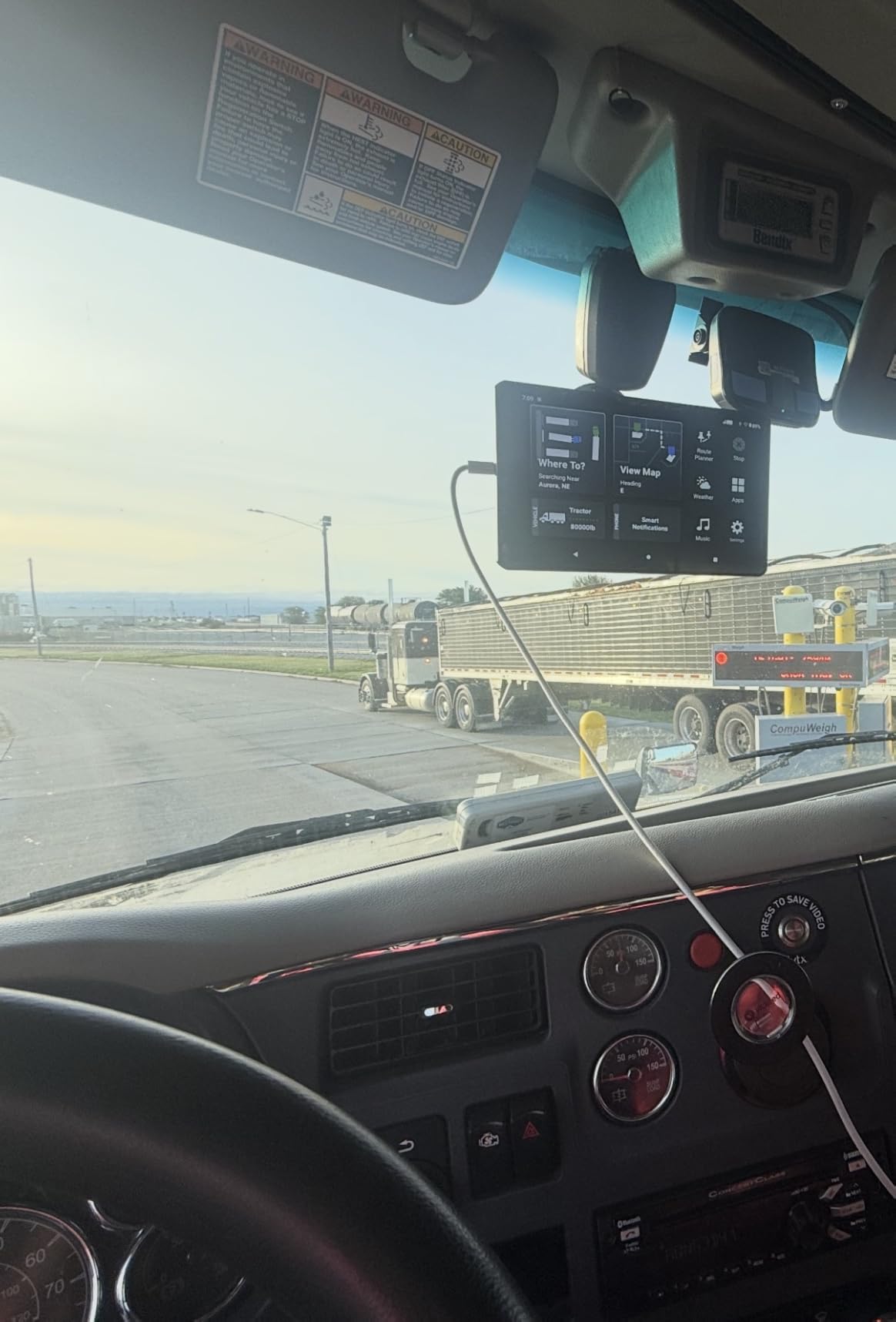
That split-screen is the feature to know about. It shows your remaining route overview alongside impending wind and weather conditions next to the active map, which is genuinely useful on a high-wind corridor where a loaded trailer handles very differently from an empty one. The route planner also helps you review the whole run and pick the best places for fuel stops, comfort breaks and overnight stays.
Arrival planning is the strongest feature. BirdsEye Satellite Imagery gives high-resolution aerial views of loading docks, truck entrances and security gates, which is the single most useful thing you can have when you are searching for a gate in a large yard at night.
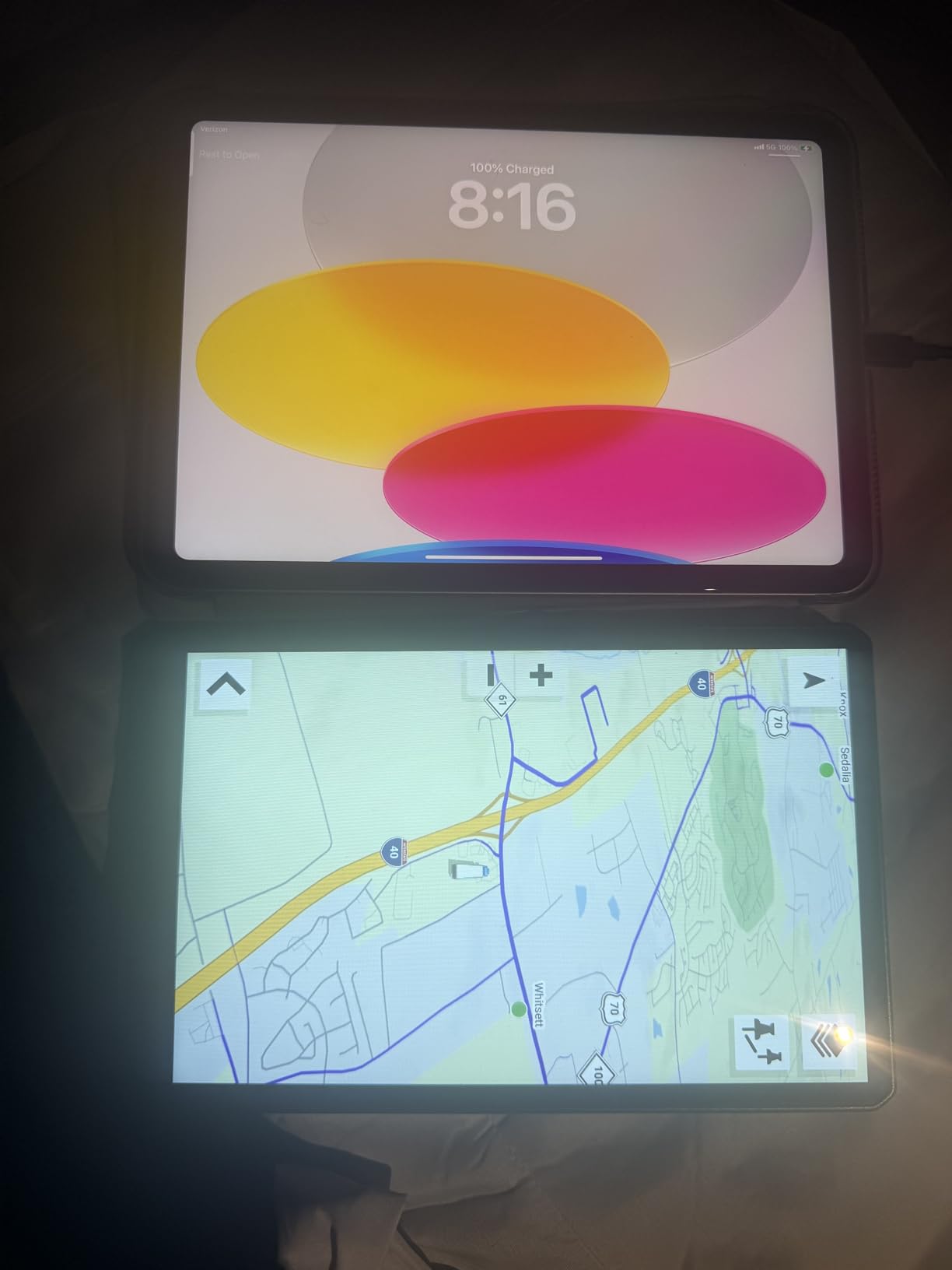
Connectivity here is Bluetooth, and the box includes a powered magnetic vehicle suction cup mount, a screw-down mount, a 1 inch ball adapter with an AMPS plate, a vehicle power cable and a USB cable. It also pairs with BC 50 backup cameras, the dēzl trucking headset and the dēzl Edition smartwatch if you want a camera view behind the trailer.
Who the OTR1010 suits
Drivers doing heavy yard work, food and beverage delivery into unfamiliar docks, or anything where the last 200 yards decide whether you are on time. If you review your whole route before rolling, a screen this size makes that review realistic instead of a squint. The 1.2-pound weight is the trade-off, and it is noticeably heavier than the 13.6-ounce OTR800.
Who should skip it
If your cab has a small windshield area or a shared dash, an extra-large unit is hard to place without blocking sightlines. PrePass notifications require an active PrePass account and a Bluetooth smartphone running the dēzl app, and custom truck routing is not available in all areas, so it does not replace careful route review.
4. Rand McNally TND 750 – Best Truck GPS With A Built-In Dash Cam
Rand McNally TND 750 7-inch GPS Truck Navigator with Built-in Dash Cam, Easy-to-Read Display and Custom Truck Routing (Renewed)
7 in capacitive touchscreen
Built-in dash cam for in-cab video
Hazmat-aware cargo routing profiles
Pros
- Only navigator here with a built-in dash cam
- Hazmat options inside the truck profile
- Readable 7 inch screen suited to dash mounting
- Magnetic suction mount allows removal without unplugging
Cons
- Route recalculation can lag by tens of miles after a deviation
- Search function is not especially intuitive
- This model is renewed with a 90 day limited warranty
No other navigator in this roundup records video, which makes the TND 750 the easy choice if you want incident footage without wiring a separate camera into your cab. The dash cam sits in the unit itself, so it points where the navigator points and stays powered with it.
It is a sixth-generation TND with a 7-inch capacitive touchscreen, dynamic weather overlays showing precipitation, temperature and wind speed along the route, 3D buildings and landmarks, and lane assist. Owners like the magnetic suction mount because you can lift the unit out at a stop without unplugging anything.
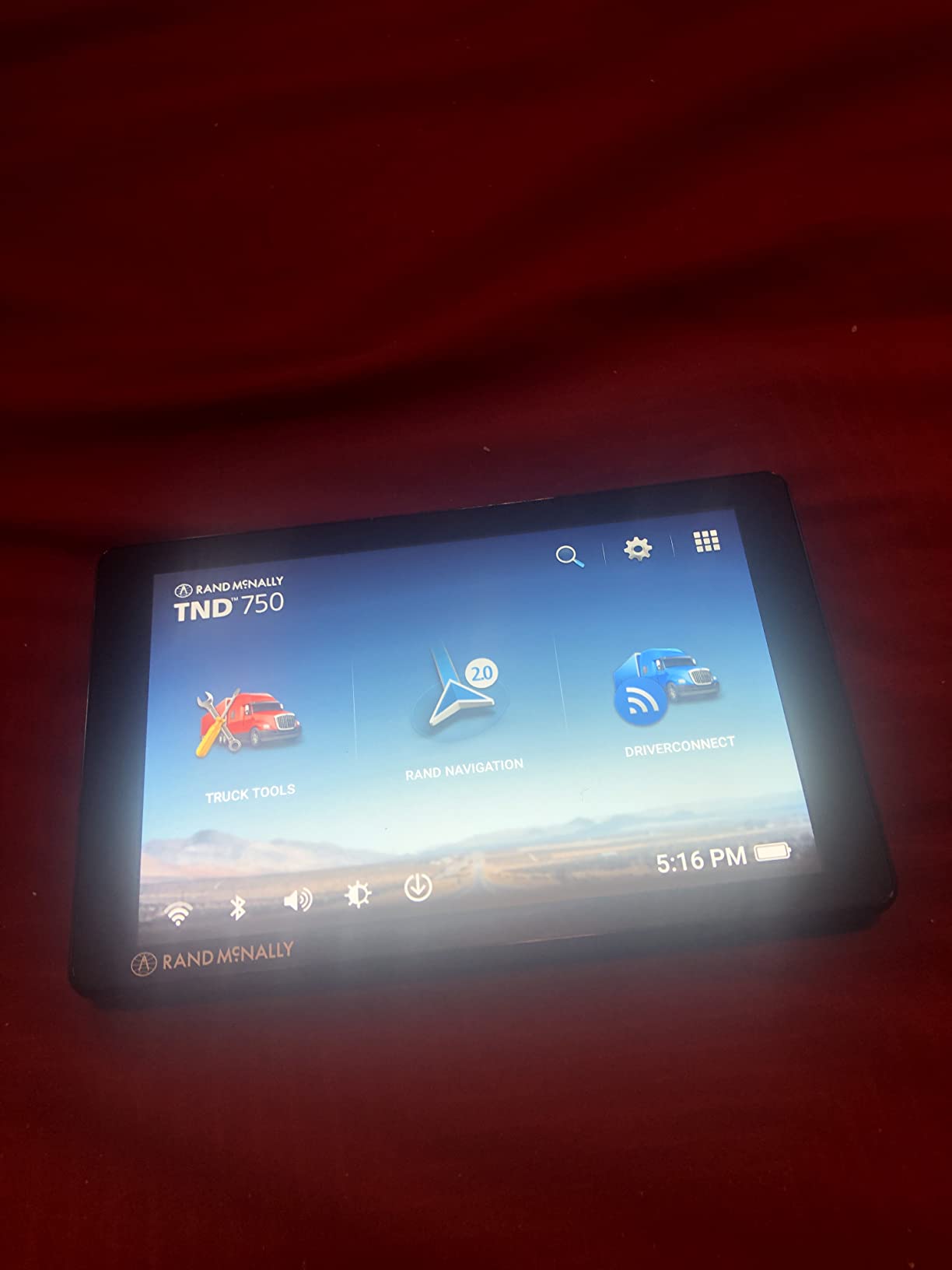
Routing is configurable by truck size, weight and cargo profile, including hazardous materials options, which is what makes it relevant for hazmat and oversized work. Reviewers rate the address and truck stop search as clear, and one owner reported a 6 GB map update completing easily over Wi-Fi during first setup.
The 4.0-star average across 494 reviews is mid-pack for this group, with 56 percent five-star and 11 percent one-star feedback. The praise clusters on the readable screen, hazmat-aware profiles and convenient mounting. The complaints cluster on one specific behavior, which we get to below.
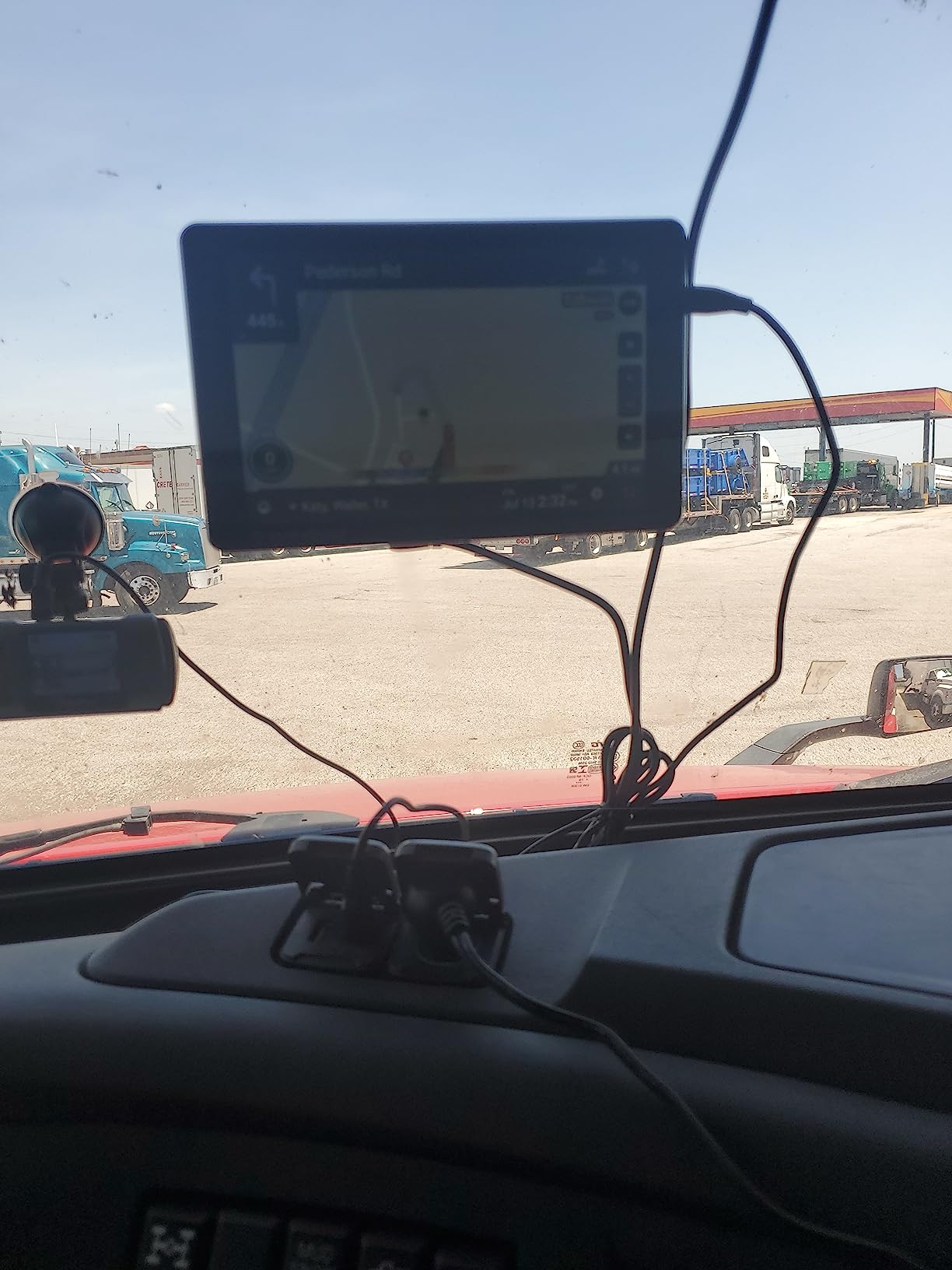
This particular model is a Renewed unit with a 90 day limited warranty rather than the standard one-year coverage, so factor that into a purchase where the difference matters. That is worth weighing against the dash cam feature rather than dismissing, since a two-device setup with separate wiring is not simple in a sleeper cab.
Why drivers pick the TND 750
Hazmat routing options and in-cab video are the two things no other unit here combines. If you run placarded loads and want footage for insurance after a close call, this is the only device in the group that handles both from one mount. The 7-inch screen is also a good size for planning multi-stop runs.
Why drivers regret it
Route recalculation can lag by tens of miles after you leave the planned route, and that adds real mileage and fuel cost on a long run. Search is not especially intuitive, some owners report day and night display modes inverting after updates, and there are recurring reports of inaccuracy about the correct destination. If tight routing accuracy is your top criterion, the Garmin models are the safer bet.
5. Rand McNally TND 550 – Budget Pick With Real Truck-Specific Features
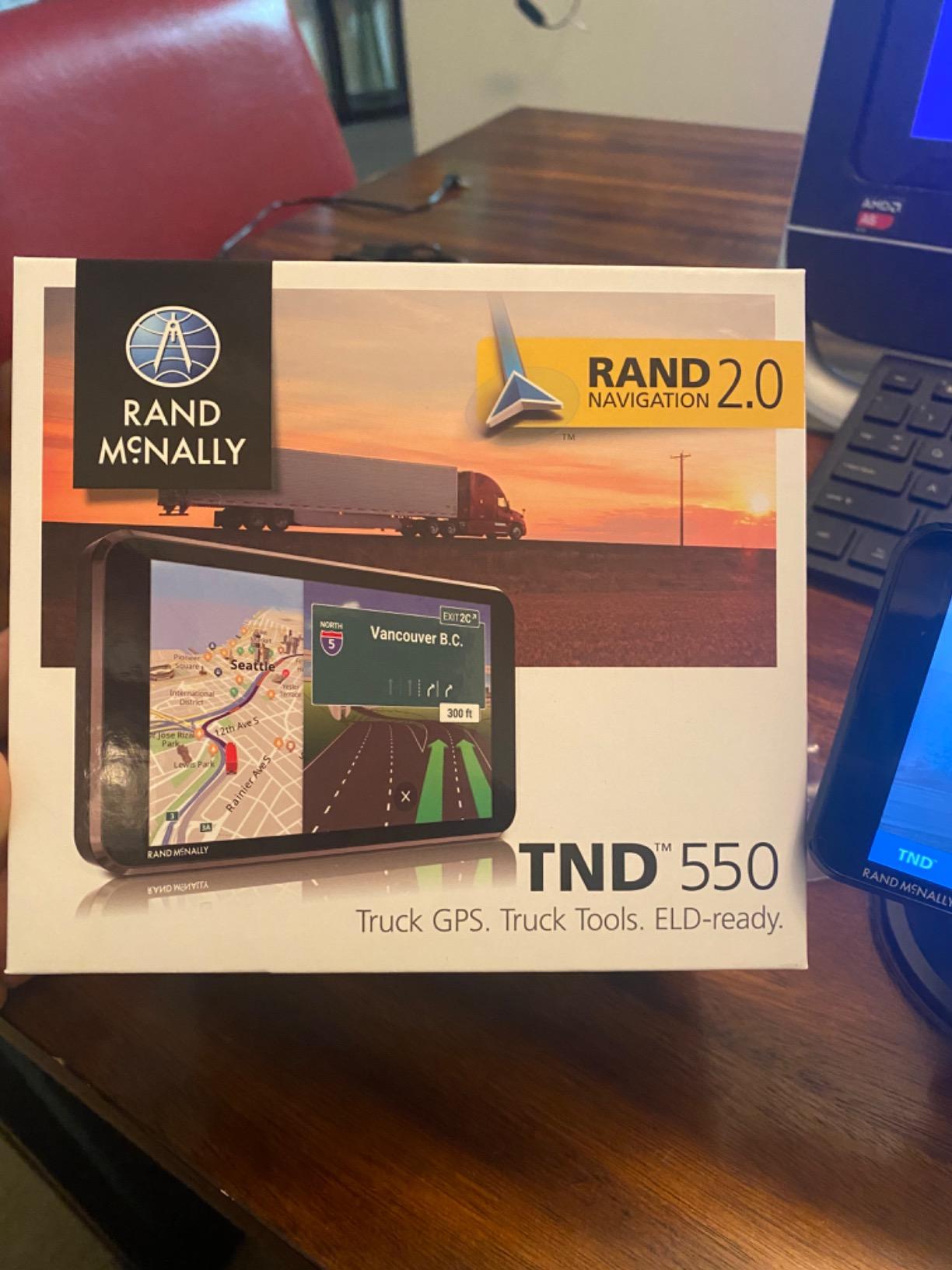
Rand McNally TND 550 5-inch GPS Truck Navigator with Industry’s Best Custom Trucking Routes, Rand Navigation 2.0, Download 2025 Maps
5 in 480x854 capacitive touchscreen
Truck-specific POI and custom truck routes
4.4 oz, 5 hour battery
Pros
- Lowest cost entry here while still offering truck POIs and custom truck routes
- Real-time traffic and dynamic weather overlays
- 3-D junction views plus 3-D buildings and landmarks
- 5 hour internal battery for unplugged use
- Heavy-duty suction mount included
Cons
- Reports of the screen freezing during final-mile navigation
- Maps reported as not always current for new streets and truck stops
- Small touch targets and some charging-port faults
The TND 550 is the cheapest way into genuine truck routing, and it is not a car navigator with a truck icon. You get truck-specific points of interest, custom trucking routes and 3-D junction views at the lowest entry point in this roundup.
The 5-inch 480 x 854 capacitive touchscreen is adequate rather than generous. Owners describe it as workable but small, and several prefer the larger TND 750 for trip planning. At 4.4 ounces with an average battery life of 5 hours, it stays useful longer unplugged than any other unit in this roundup.
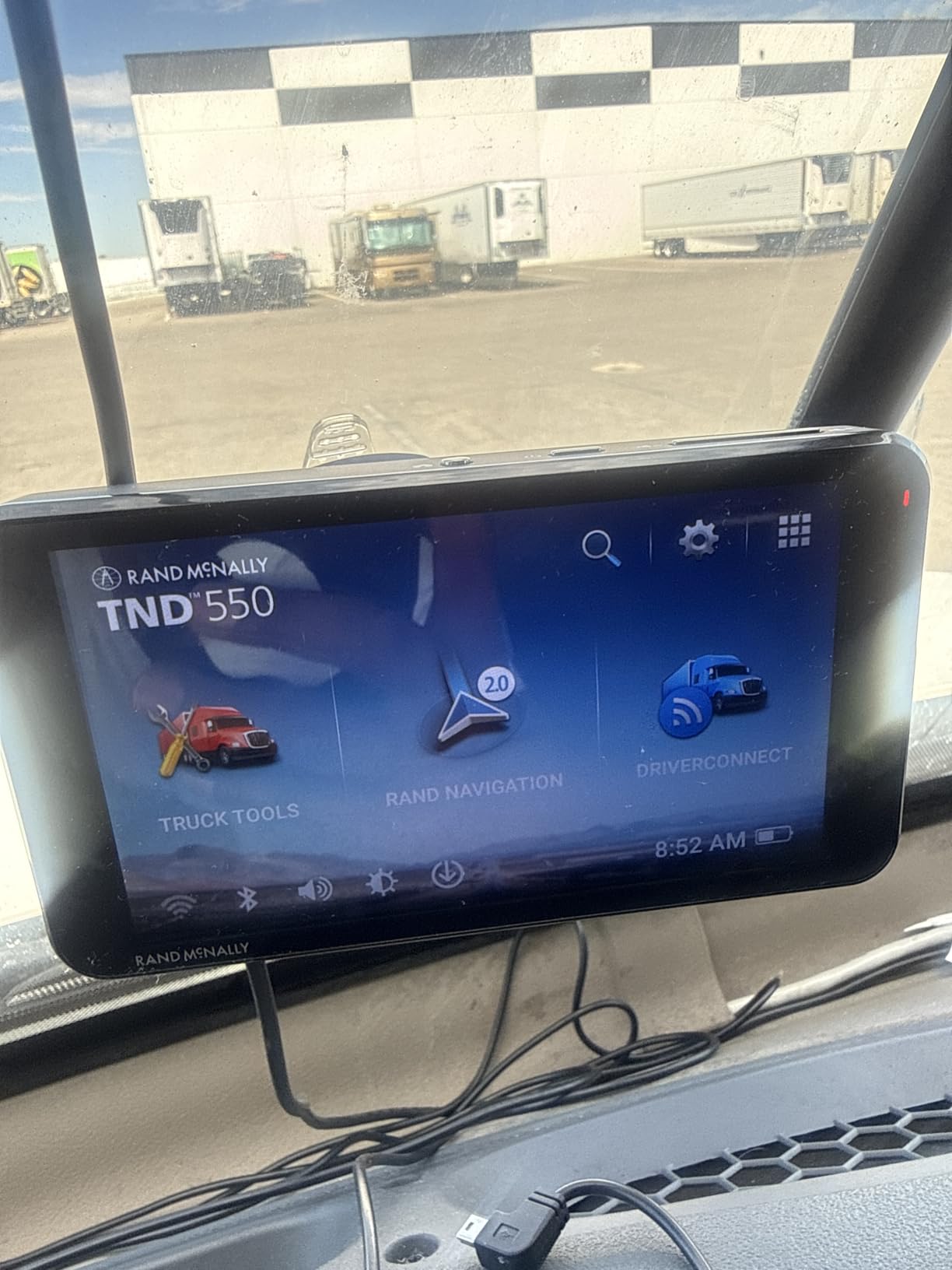
Connectivity is Bluetooth and Wi-Fi, which is how the 3-D junction views, real-time traffic and dynamic weather overlays load. It runs Android, has 2 GB of storage, and ships with a heavy-duty suction mount. Owners returning to Rand McNally across a decade cite dependable turn-by-turn guidance as the reason they stay with the brand.
The 3.8-star average across 432 reviews sits at the bottom of this group, and the distribution shows why. Fifty-two percent five-star praise sits against 16 percent one-star feedback, a durability signal worth reading carefully.
Specifically, owners report the screen freezing or blacking out during final-mile navigation, forcing a switch to a phone. Maps are reported as not always current for new streets, truck stops and long-term construction. Some examples develop charging-port or power faults after failed software updates, and the maximum vehicle profile volume has been reported as inadequate for some large trucks.
Where the TND 550 makes sense
A new driver who wants truck-aware routing before committing to a larger unit, or a backup navigator for a second truck where uptime matters less than cost. The 3-D junction views and traffic overlays are genuinely useful at city scale, and the 5 hour internal battery means it works for short regional runs without a hardwire.
Where it will frustrate you
If you drive long-haul, the freeze reports and dated map data are the two deal-breakers. Small touch targets are difficult to hit while wearing gloves, and the profile limits may not fit a combination vehicle. On TheTruckersReport.com a driver reported a TND 720 lasting four years and a Garmin dezl 770 lasting three, so durability varies and is worth buying time for.
6. Rand McNally TND730 – Best For Lifetime Map Updates, With Reliability Caveats
Rand McNally TND730 IntelliRoute GPS Truck Navigator
7 in 800x480 backlit color display
Lifetime map updates included
Lane assist and toll cost estimates
Pros
- Lifetime map updates included at purchase
- Detailed on-screen information density liked by operators
- Advanced lane guidance for complex intersections
- Toll cost display with toll-free route comparison
Cons
- Numerous reports of freezing and reboots with lost stored addresses
- Weak internal battery needs continuous power connection
- Display failures including a dead vertical line
- Traffic and advanced features require a paid subscription
The TND730 is the only navigator here with lifetime map updates included, and that single fact changes the long-run economics for anyone who plans to keep a truck GPS past three years. You are not paying again every time the map data ages.
Beyond that, professional bus and truck operators like the information density on the 7-inch 800 x 480 backlit color screen, which has multiple brightness levels for day and night modes. Voice guidance is clear with good volume control and a headphone jack, and the lane assist prepares you for complicated intersections before you reach them.
It is also the only device here that displays estimated toll costs and lets you compare against toll-free alternatives, which pays for itself on short-haul runs with heavy toll exposure. The commercial bus routing option accepts height, weight and axle profiles, and the unit is compatible with electronic logging solutions from Rand McNally.
The 3.8-star average across 442 reviews comes with the heaviest complaint load in the roundup, with 19 percent one-star feedback. Owners report the unit freezing, rebooting several times a day, and losing stored addresses and route preferences. Some also report difficulty acquiring a GPS signal or devices that fail to power on at all.
Who should consider the TND730
Drivers who hate recurring map update charges and want a dense, information-heavy layout with lane guidance and toll comparison in one screen. Owners also report a faster processor and a better power plug than the earlier TND 710 and 720 models, so if you are moving up within the brand this is the sensible step.
Why we would not lead with it
The reliability complaints are consistent enough to worry about. The internal battery averages only 1 hour of life and needs continuous power connection, the mounting hardware lacks a quick release so removal at stops is awkward, and map updates can lag behind new weight restrictions. Drivers report display failures including a growing dead vertical line across the screen, which is the kind of fault that ends a working relationship with a device.
How to Choose a Truck GPS: Seven Things to Check
Screen size gets the attention, but it is the fifth most important decision. Here is the order we would work through if we were buying again.
1. Confirm the truck profile actually gets used
Enter your height, width, length, weight, axle count and hazmat status on day one. Drivers on r/Truckers are clear that you should configure the maximum weight, height, width and other vehicle characteristics, and the same threads show how many routing complaints come from a unit left on a default car profile. If you own more than one rig, save a profile per truck.
2. Screen size for your cab, not for the spec sheet
Five inches is enough for regional work, six inches is the sweet spot for most long-haul drivers, and 8 to 10 inches pays off when you spend real time reading routes in a yard. Consider where it mounts and whether it blocks sightlines. A big screen that has to live under the visor is worse than a medium screen mounted properly.
3. Lifetime maps versus subscriptions
A lifetime map unit removes a recurring line item forever. A subscription navigator or app keeps maps and traffic current at an annual cost. Over a five-year ownership window, map economics usually matter more than the hardware, and forum lifespans of three to four years mean most drivers buy maps more than once.
4. Mount and power, seriously
The most common hardware complaint across every thread we read is a unit falling or sliding on the windshield over rough roads. Look for a powered suction cup with a heavy-duty base, a screw-down option, or a RAM-compatible ball adapter with an AMPS plate. On power, a 12V DC cord with a solid plug matters more than internal battery life, and a unit with no battery that lives in a working socket is fine.
5. Truck stop and POI quality
Filter by amenity, not just by name. Being able to search for showers or parking along the route saves more time than any map upgrade. The Garmin models here filter the Truck and Trailer Services directory by brand or amenity such as Love’s or Showers, and the TND 750 carries the same idea.
6. Hazmat and oversized load routing
If you run placarded freight, hazmat restrictions in the vehicle profile are non-negotiable. The TND 750 offers hazardous materials options inside its cargo profile, and the Garmin units flag bridge heights, weight limits, sharp curves and steep grades as you approach them.
7. Traffic, weather and app dependence
Live traffic and weather are usually phone-app features on dedicated units. On the Garmin models that means traffic, smart notifications and fuel rewards run through the dēzl app, and on the OTR1010 PrePass features also need an active PrePass account plus a Bluetooth smartphone. Decide whether you are comfortable wiring your navigation to your phone before you buy.
Truck GPS vs ELD: What a Navigator Cannot Do
A truck GPS is a planning aid, not an electronic logging device. The navigator plans and speaks directions; an ELD records hours of service and duty status to the required standard.
The Garmin OTR800 works with a separately sold Garmin eLog compliant ELD for subscription-free hours-of-service recording with no smartphone or tablet required, but the ELD itself is an additional purchase and an additional install. The TND730 is compatible with Rand McNally electronic logging solutions for the same reason.
Two safety rules apply no matter which unit you own. First, treat every route as a suggestion: forum threads repeat the same advice over and over, which is to plan the trip, watch the signs, and do not blindly follow the GPS. Second, treat a navigator as a fleet tracking tool and you will be disappointed. Tracking, telematics and driver coaching are a different product category aimed at fleet managers, not owner-operators.
Buying a Used Truck GPS: A Pre-Owned Checklist
Used truck GPS units circulate heavily because drivers upgrade every few years, and buying pre-owned is the fastest way into truck-aware routing. It also comes with specific failure modes you can actually test for.
Confirm the truck profile works. Reset the unit and enter your own height, width, weight and axle data. If it will not accept a profile, walk away.
Test the touchscreen fully. Known failures on this generation include screens that black out, a dead vertical line, and day and night modes that invert after updates.
Check power and charging. Charging-port faults are the most common hardware complaint on the lower-cost models, and a unit with no internal battery must hold charge on the truck socket.
Verify map currency. If the maps are older than new weight restrictions or recent construction, ask for a map update before you accept the unit.
Look at the mount and cable. Replace any included suction cup, and check the 12V plug for a loose fit. Mounts fail more often than screens.
Check the warranty position. Renewed units carry shorter warranty coverage than new ones, so factor that into the decision.
Frequently Asked Questions
Which trucker GPS is better, Rand McNally or Garmin?
Both brands build credible truck hardware. Garmin models in our roundup hold higher average ratings and are described by drivers on r/Truckers as sending them down fewer alleys and tight roads. Rand McNally competes hard on lifetime map updates, dense on-screen data and a built-in dash cam. Choose Garmin for routing conservatism and reliability, Rand McNally for lifetime maps or dash cam recording.
Which Garmin is for truckers?
The truck-specific Garmin line is the dezl OTR series. The OTR610 is a 6-inch unit with the largest review base we found, the OTR800 is an 8-inch model with load-to-dock arrival guidance, and the OTR1010 is a 10.1-inch model with split-screen route and weather views. All three support custom truck routing based on size and weight with alerts for bridge heights, weight limits, sharp curves and steep grades.
Is Trucker Path better than Garmin dezl?
It depends on what you need. Trucker Path is strong on community truck stop and parking data but requires a paid membership for the truck GPS features. A Garmin dezl enforces your vehicle profile offline with no subscription and no data cost. Most drivers we read run both, using the mounted navigator for route enforcement and an app for live parking.
Do I need a truck GPS or an ELD?
You need both for different jobs. A truck GPS plans and speaks truck-aware directions using your vehicle profile. An ELD records hours of service and duty status to the required standard. The Garmin OTR800 pairs with a separately sold Garmin eLog compliant ELD for subscription-free hours-of-service recording, but the ELD is an additional purchase and install.
Which truck GPS has the best map updates?
The Rand McNally TND730 includes lifetime map updates with the purchase, so you never pay again for map data. The Garmin models ship with integrated North America maps covering the U.S., Mexico, Canada, the U.S. Virgin Islands, Cayman Islands and Bahamas, with optional live traffic and weather through the dēzl app. Owners of older Rand McNally models report map updates lagging new weight restrictions.
Which Truck GPS Should You Buy?
For most owner-operators in 2026, the Garmin dezl OTR800 is the best GPS navigator for truck drivers: an 8-inch screen that reads at a glance, load-to-dock guidance that ends the yard-search problem, and the most complete mounting kit we tested. If you want proven routing at a smaller size and the benefit of the largest review base in the category, take the dezl OTR610 instead.
Choose the Rand McNally TND 750 if hazmat routing options and in-cab video matter more than tight recalculation times. Pick the TND730 only if lifetime map updates decide the economics for you and you accept the reliability complaints. The TND 550 is a sensible low-cost starting point for a new driver or a second truck.
Whatever you choose, set the truck profile properly before your first trip, mount it where you can read it without looking down, and treat every route as a plan to verify rather than an instruction to obey. That habit matters more than any model on this list.