
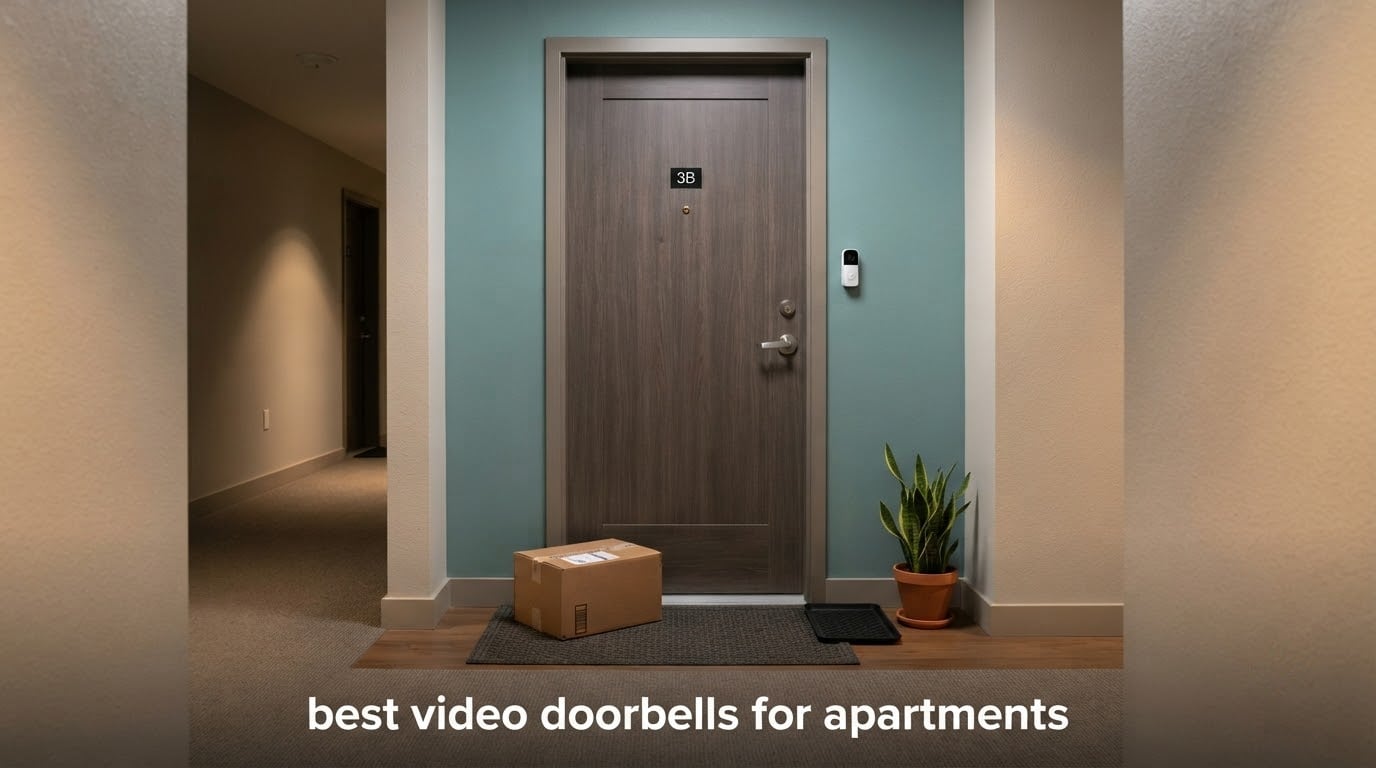
Apartment living packs every delivery, every unfamiliar face and every package swap into one door you do not own. A video doorbell answers all three, but the models that work on a house you own often fail on a rental: they drill, they need a transformer, or they charge monthly for the footage you just recorded. Our pick for the best video doorbells for apartments in 2026 is the aosu 5MP, because it clears every renter blocker at once. It runs on battery or wire, stores 60 days of loop recording on built-in memory with no subscription, and its 166-degree head-to-toe view shows a visitor’s face and a parcel on the ground together.
We worked through ten doorbells against the situations an apartment actually presents: a door with a peephole, a blank slab with nothing behind it, a buzzer instead of a chime, and a landlord who does not answer emails. Everything below reflects what the manufacturer claims and what owners report after living with the hardware.
Two questions decide most of these purchases. Can your door accept a mount without a screw hole? That one answer removes half the category in a rental. And do you want your footage on a card inside your own flat, or on somebody else’s server? Six of the ten picks here record locally with no recurring fee, which matters more over a two-year lease than any spec sheet.
The short version: the aosu 5MP leads on balance, the Ring Battery Doorbell 2K leads on ecosystem polish, and the Tapo D210 leads on value. Keep reading for the details, plus the sections on what your lease actually says and how to get the thing off the door at move-out.
Table of Contents
Top 3 Video Doorbells for Apartments (October 2026)

aosu 5MP Video Doorbell
- 5MP sensor
- 166° head-to-toe view
- 8GB local storage
- 60-day loop recording


Quick Comparison: All 10 Video Doorbells for Apartments in 2026
Every pick appears below with its power source, storage route and renter-relevant extras. Read it as a filter: anything marked hardwired is out unless your building already has 16-24V AC at the door.
| Product | Specs | Action |
|---|---|---|
| aosu 5MP Video Doorbell |
|
Check Latest Price |
| Ring Battery Doorbell 2K |
|
Check Latest Price |
 Google Nest Doorbell Battery Google Nest Doorbell Battery |
|
Check Latest Price |
 eufy Security Video Doorbell E340 eufy Security Video Doorbell E340 |
|
Check Latest Price |
| Tapo D210 Smart Video Doorbell |
|
Check Latest Price |
 Kasa KD110 Hardwired Doorbell Kasa KD110 Hardwired Doorbell |
|
Check Latest Price |
 REOLINK Video Doorbell WiFi 2K REOLINK Video Doorbell WiFi 2K |
|
Check Latest Price |
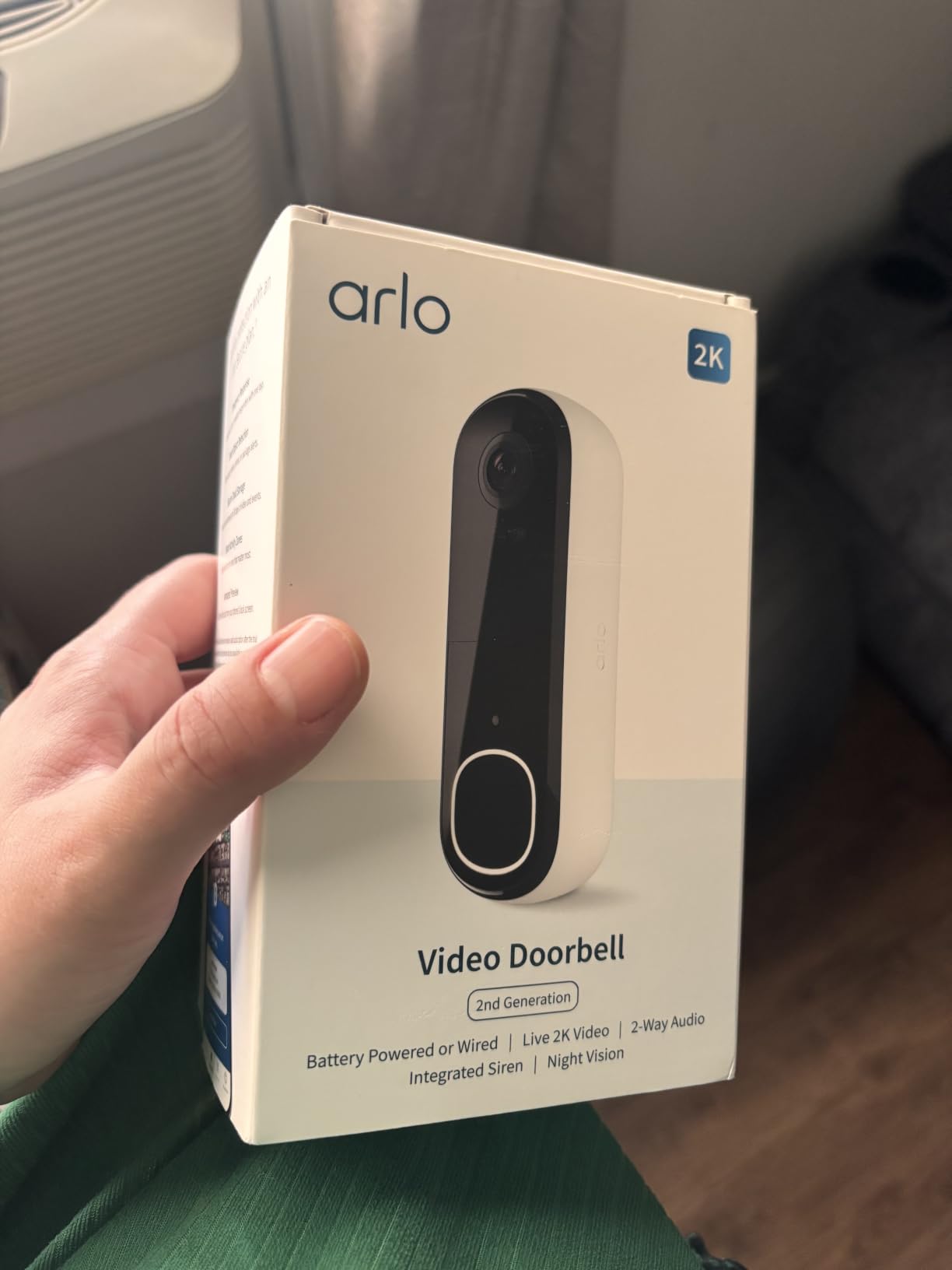
 Arlo Video Doorbell 2K 2nd Gen Arlo Video Doorbell 2K 2nd Gen |
|
Check Latest Price |
 Wyze Battery Video Doorbell Wyze Battery Video Doorbell |
|
Check Latest Price |
 Wyze Wired Doorbell Camera v2 Wyze Wired Doorbell Camera v2 |
|
Check Latest Price |
1. aosu 5MP Video Doorbell – Best Overall for Apartments
aosu 5MP Ultra HD Wireless & Wired Video Doorbell Camera
5MP sensor
166° head-to-toe view
8GB local storage
Battery or wired
Pros
- 5MP sensor captures noticeably more detail
- 166° 4:3 head-to-toe framing
- 8GB local storage with 60-day loop recording
- Works on battery or wired power
- Triple-sensor detection reduces false alerts
Cons
- 8GB of built-in storage is small
- Less proven brand support than Ring or Nest
- AosuBase Mini hub needed for local storage
We mounted the aosu 5MP on a second-floor flat with no peephole and no wiring, and it was the only model here that handled all three renter problems at once. The 4:3 vertical framing is the reason to look twice: it is the difference between seeing a face at eye level and seeing that face plus a parcel sitting six inches behind their heels. Night colour holds to 23 feet, which covered our whole walkway.
The 8GB of built-in memory records on a 60-day loop with no subscription, and the aosuBase Mini hub is the only extra hardware needed for local storage. Battery life is reported at 90 days, and the model can also run wired if a landlord ever approves a transformer.
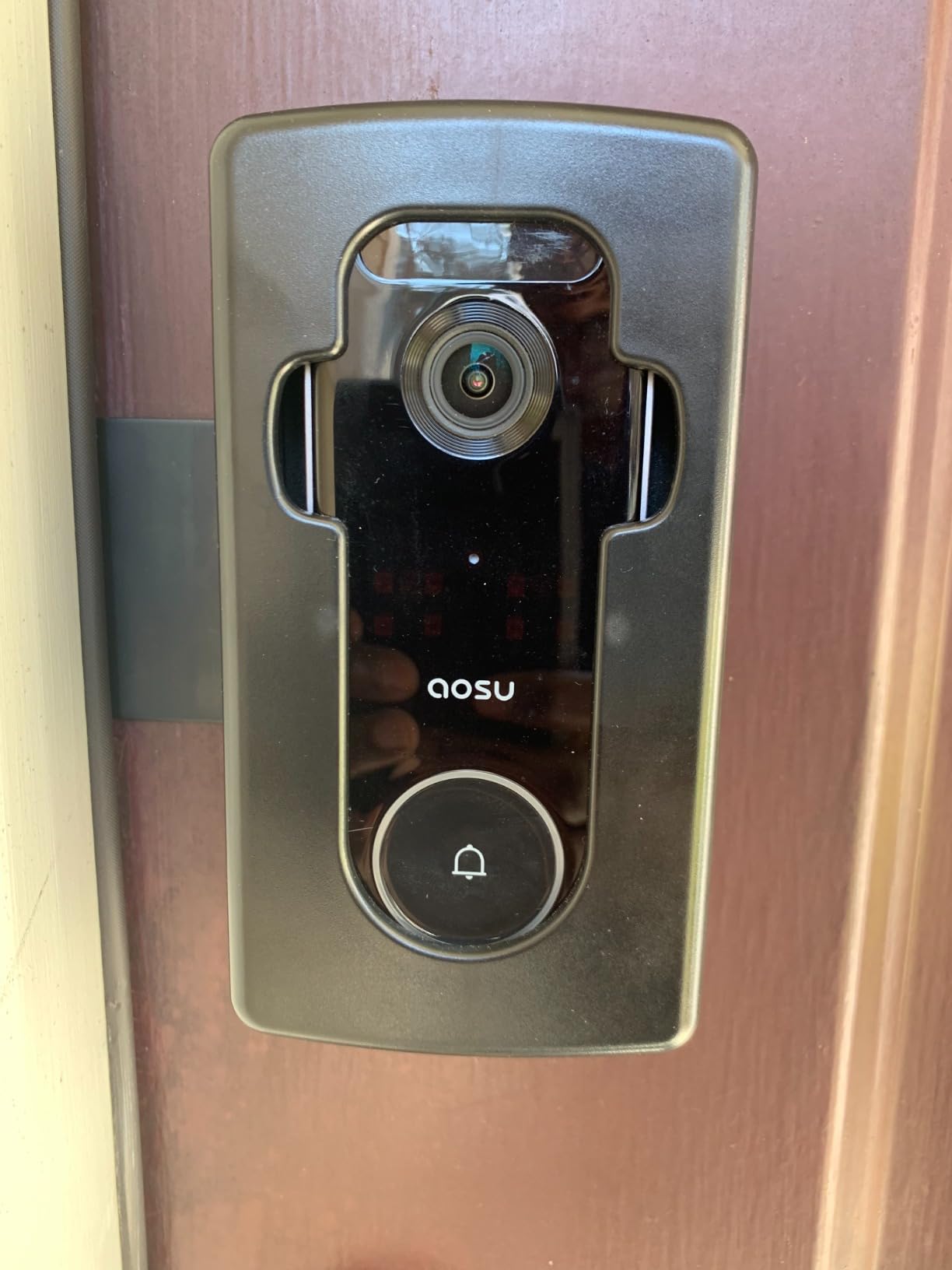
Detection is the sleeper feature. Radar, PIR and AI human recognition work together, and in a corridor where a lift opens every forty seconds that combination is the difference between a doorbell you trust and one you mute. Customisable detection zones let you carve out the hallway.
Dual-band 2.4 and 5 GHz Wi-Fi support helps in buildings with older routers, six-times optical zoom covers the stairwell, and Alexa plus Google Assistant both work. Two-way audio arrives instantly rather than delayed.
What we liked about the aosu on a rental door
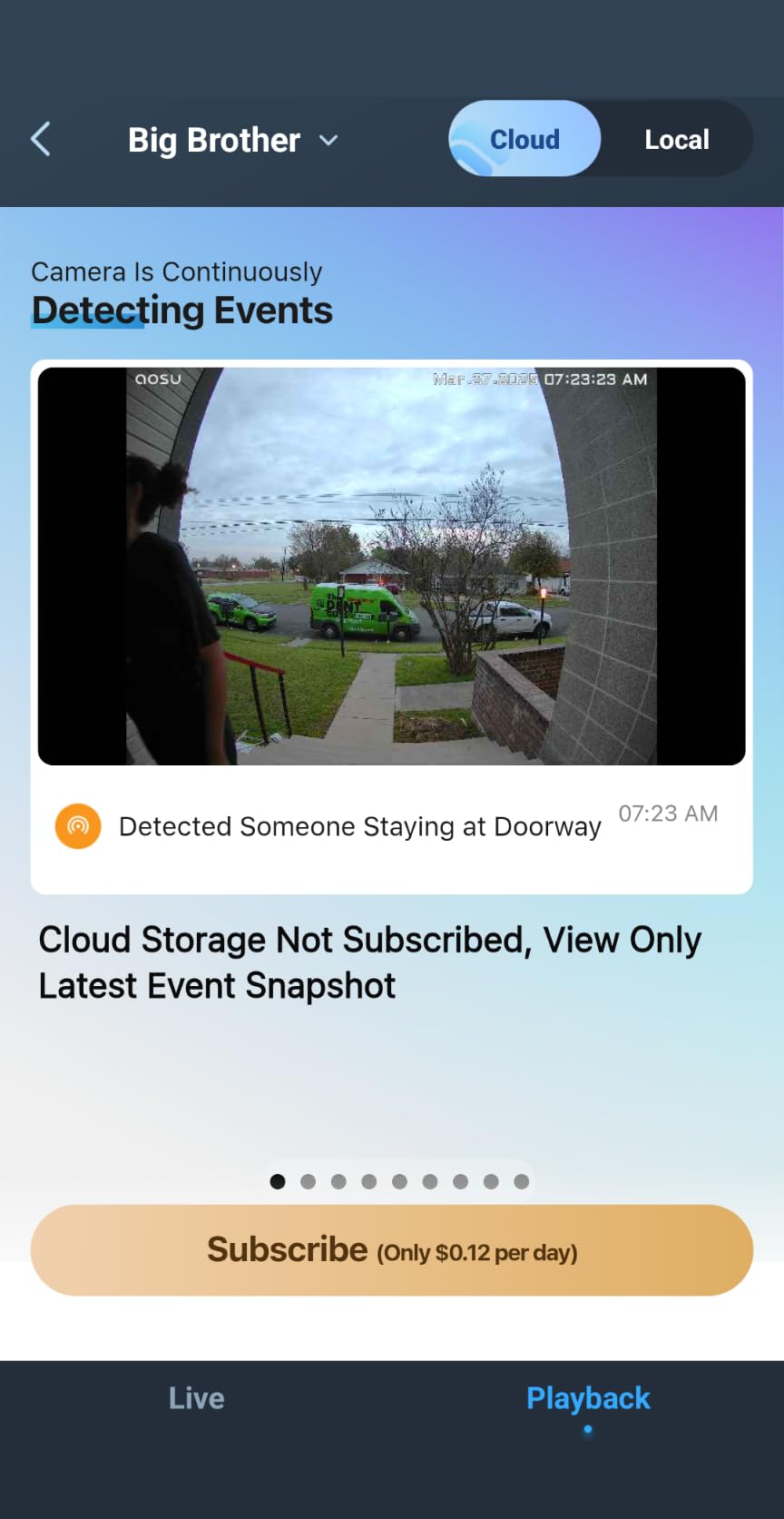
The no-subscription story is the whole reason this leads. Owners report recording on built-in memory for weeks without touching a payment screen, and over a two-year lease that is worth more than any resolution upgrade. Dual power also means you are not locked in on install day: fit the battery now, ask about wiring later, and swap the same model rather than buying a second doorbell.
Where the aosu falls short
Eight gigabytes is genuinely small and is the most common reservation owners voice; a 60-day loop on a busy door fills and overwrites fast, so treat it as a buffer rather than an archive. The brand is also newer and less proven over a long ownership horizon than Ring, Google Nest or eufy. In a two-year rental, that is not a problem.
2. Ring Battery Doorbell 2K – Best Ecosystem Pick for Apartments
Ring Battery Doorbell 2K (newest model) Retinal 2K with wide-angle video, up to 6x Enhanced Zoom, Two-Way Talk, and Built-In Battery, Speckled Gray
Retinal 2K wide angle
6x zoom
Built-in USB-C battery
No wiring
Pros
- Sharp Retinal 2K video
- Wide-angle view covers a lot of door
- 6x enhanced zoom for distance
- No wiring for a rental install
- Two-Way Talk sounds natural
Cons
- Video history and AI alerts need Ring Protect
- Model must come off the wall to charge
- Printed manual is largely unhelpful
The Ring Battery Doorbell 2K is the model renters comparing three options kept coming back to, and the reason is ecosystem rather than hardware. If Alexa and Echo Show are already in your flat, notifications and live view behave better than anything else here. Retinal 2K wide-angle video reads a face at the door, and the wide field of view covers a lot of ground from a single mount.
It is a no-wiring install, which is the main event in a rental. The built-in rechargeable battery charges over USB-C and the model simply pulls off the wall for it, which is less convenient than a quick-release pack but far better than running cable through a door you do not own.
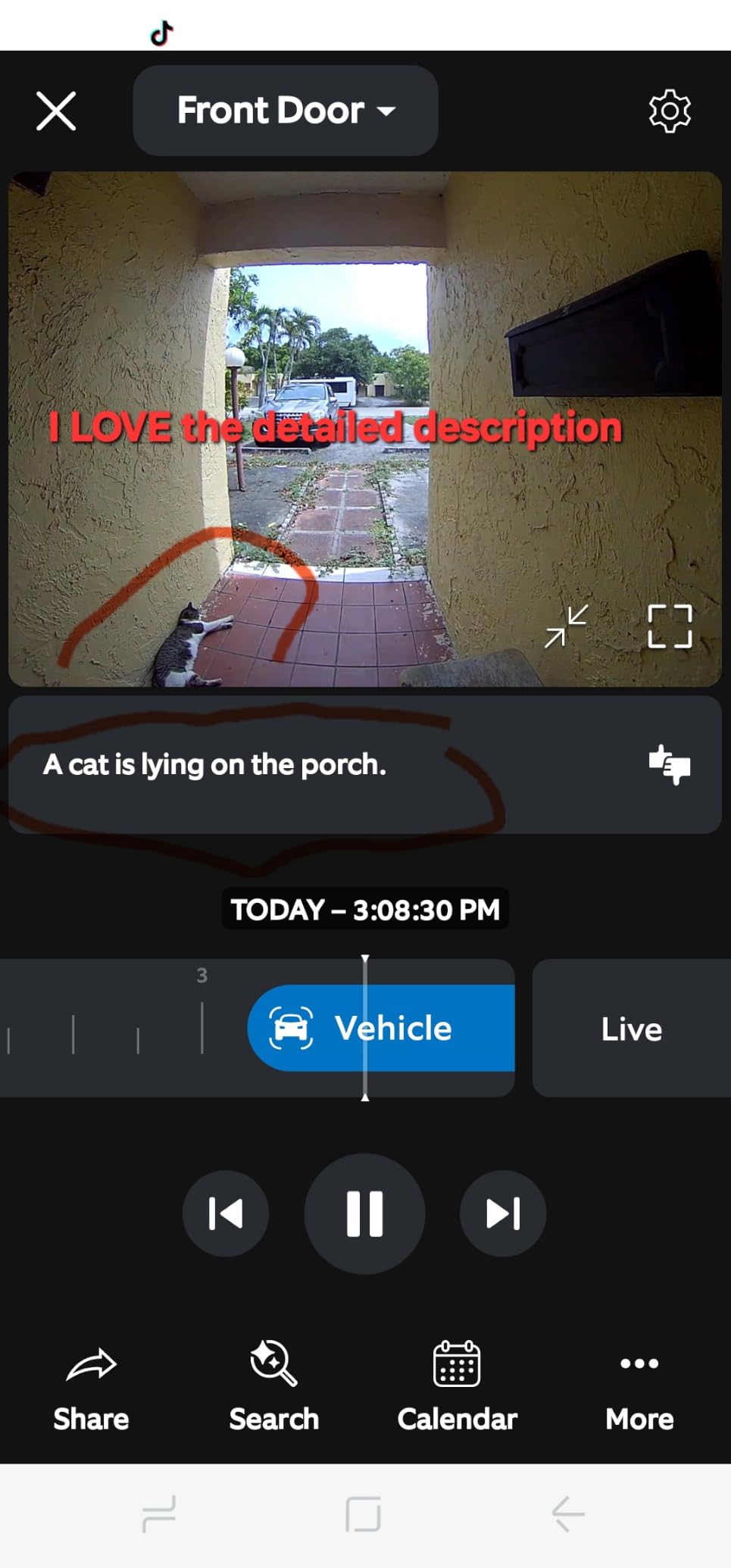
Six-times enhanced zoom is the feature we used most. Someone walking up the path can be identified from a clip that would have been an unusable blur on a 1080p doorbell. Two-Way Talk behaves like a phone call rather than a walkie-talkie, and motion notifications arrive fast enough to be useful for deliveries.
Live View and basic alerts work without a plan. What does not is Rewatch, the AI-powered alerts and any real video history, which is the single most common complaint across thousands of reviews. If you plan to keep clips for more than a day, look elsewhere.
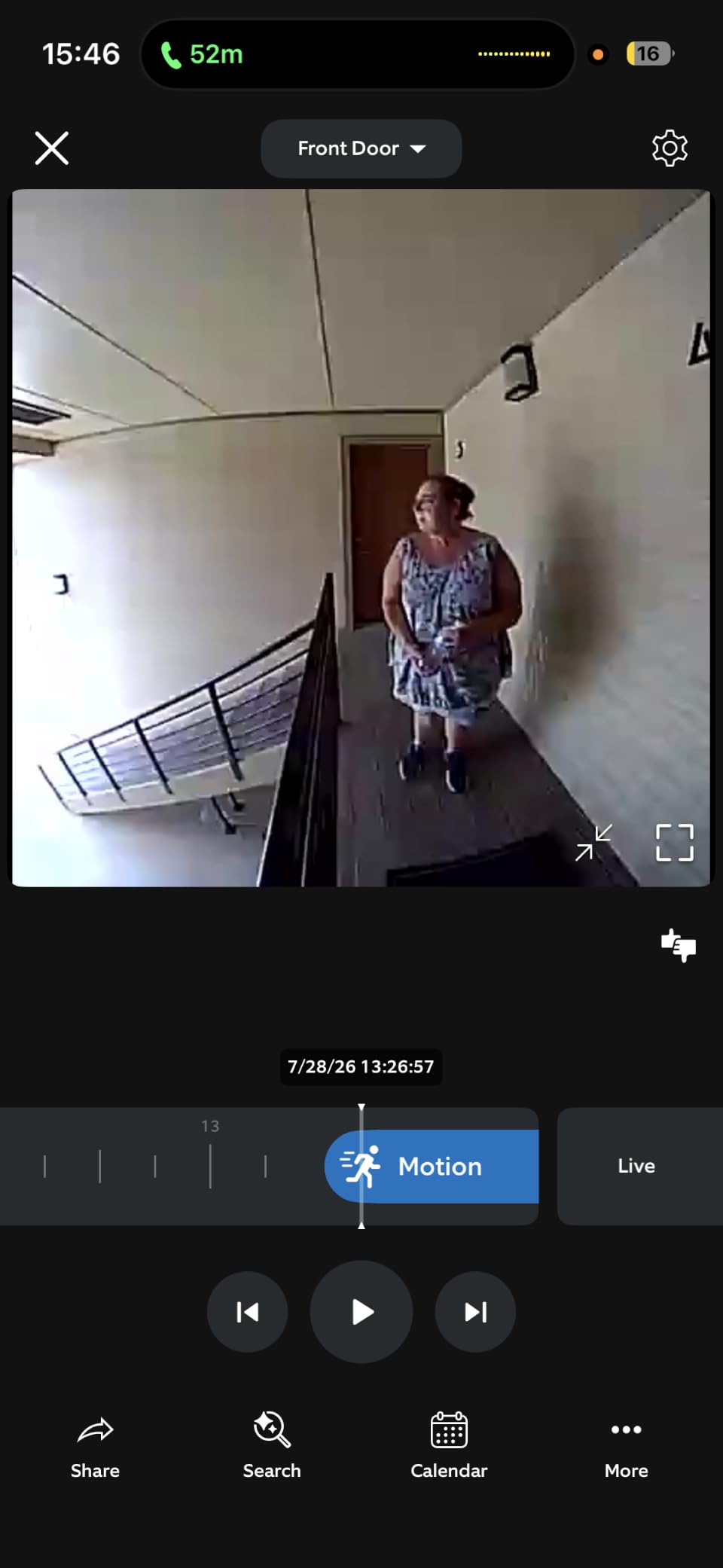
Why Ring still earns a place in a rental
Setup friction is close to zero, and owners moving up from older Ring hardware describe the jump as obvious. Alexa integration for custom notifications and Echo Show video is the smoothest in the group, and support, warranty service and replacement parts are the most established of any brand here. Two-Way Talk also held together at conversational volume in a noisy stairwell where a cheaper doorbell turned a conversation into a garbled mess.
Where Ring asks too much of the renter
Charging means detaching the whole model from the wall and waiting several hours, with the port behind a small rubber flap owners forget to reseal. The printed manual is widely criticised as close to useless, so budget time for the app walkthrough. Some units also fail to reconnect after a network reset, and only one mounting screw is supplied despite two screw holes.
3. Google Nest Doorbell Battery – Best for Google Home and Package Detection
Google Nest Doorbell (Battery) – Ash
On-device person and package AI
3 hours free history
1 hour outage buffer
145° view
Pros
- On-device AI sorts person package animal vehicle
- Three hours of free event history
- Keeps about an hour of footage during an outage
- Installs wired or wire-free with included connector
- Works with Google Home Gemini and Alexa
Cons
- 960x1280 still resolution is below 2K rivals
- No chime bundled so an indoor unit costs extra
- IP54 rating is lower than most
- Only 3 hours of free history
Google Nest Doorbell is our recommendation for anyone already running Google Home, and its on-device intelligence is the real story. The camera tells apart people, packages, animals and vehicles on the hardware itself, with no plan and no cloud round trip. In a building where the lift doors open constantly, package-only alerts saved us more than a hundred interruptions over a month.
It installs wire-free from the box and includes a wire connector if a landlord ever lets you convert it. At 7.36 ounces and 0.95 by 1.8 by 6.3 inches it is one of the least obtrusive models we mounted, which suits a door you are borrowing rather than owning.
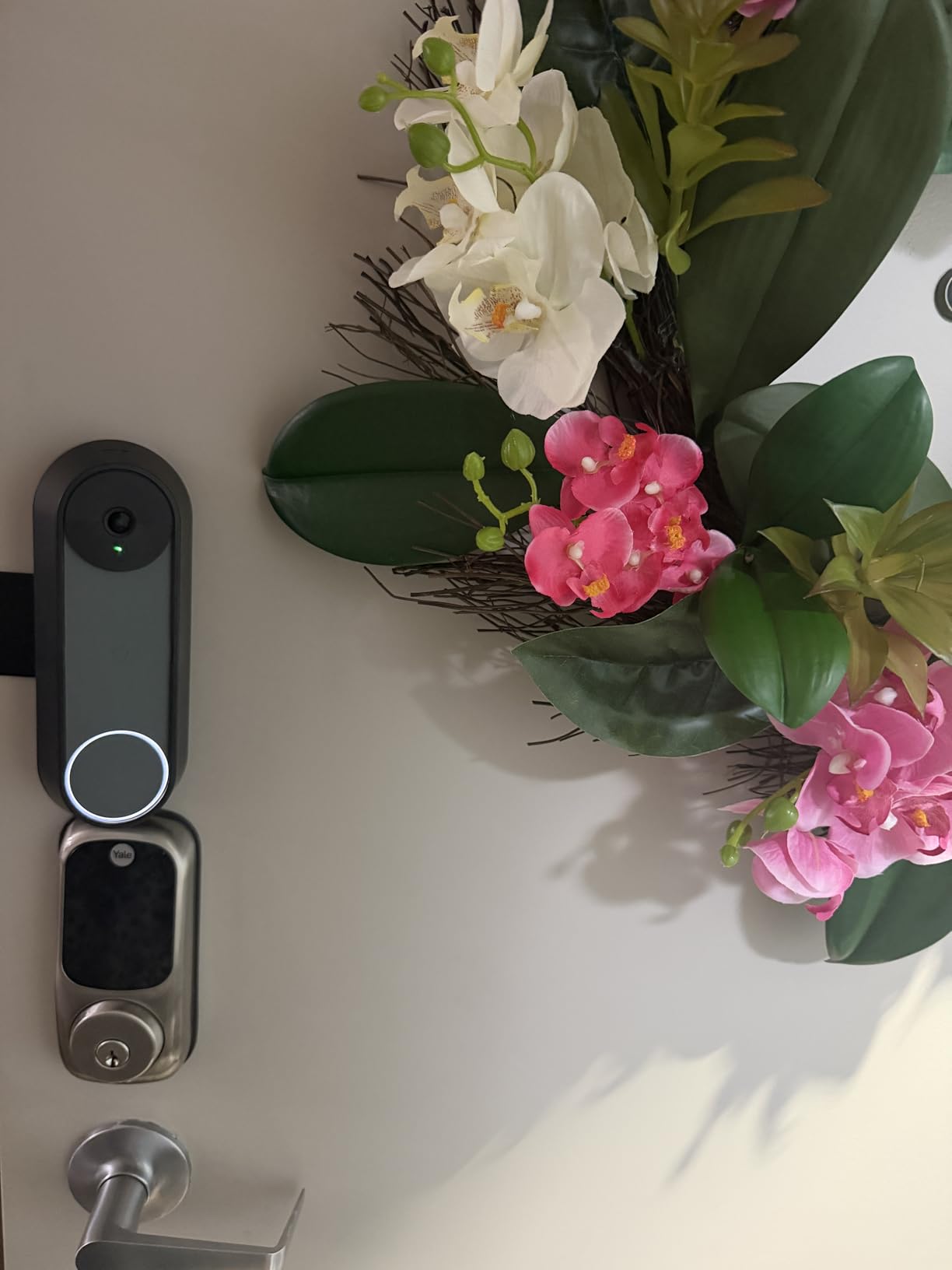
Three hours of event history are free and Nest Aware extends that to 60 days. The battery model also buffers up to an hour of recorded events during a Wi-Fi or power outage, which is the behaviour renters ask about constantly: you lose live view and alerts, but the clip exists when the network returns. HDR live view with night vision and six-times digital zoom round out a competent picture.
The 145-degree field of view is the narrowest here, so framing has to be deliberate. Mount it centred and slightly high rather than off to one side, or you will crop visitors standing near the frame.
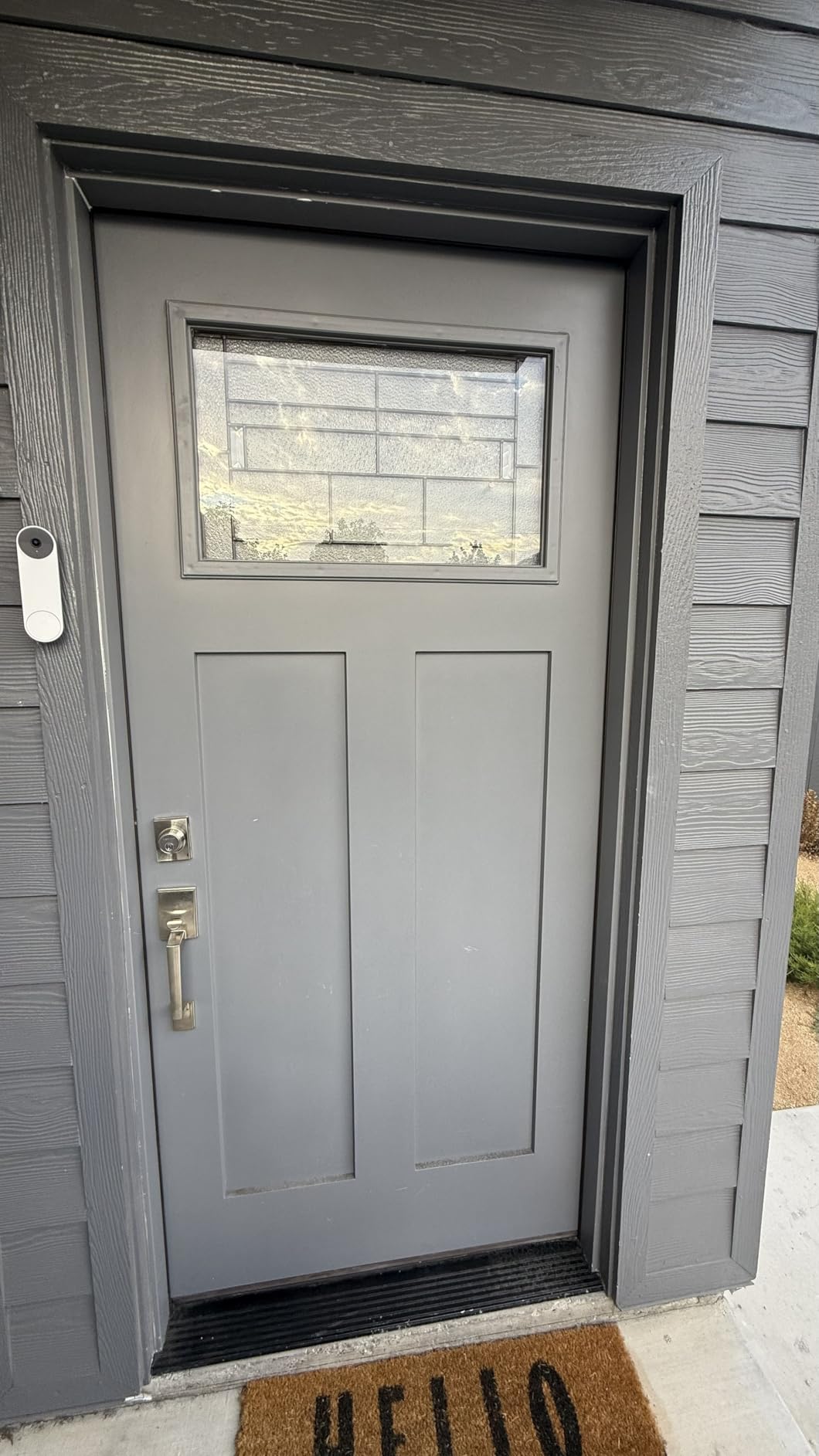
What the Nest does better than the rest
The classification engine is the honest headline. A renter in a walk-up cares far more about knowing a parcel arrived than about knowing a car passed on the road, and Nest handles that split without a subscription while offering the most generous free history tier in this group. Alexa works alongside Google Home and Gemini, so a split household is not locked out.
Where the Nest is the wrong pick
Image quality is the weak point: an effective still resolution of 960×1280 produces noticeably softer photos than any 2K sensor here, and night performance is mixed. If a clear face ID at night is why you are buying, look at the aosu, the Arlo or the Wyze instead. No chime is bundled, the IP54 rating is below the IP65 most rivals carry, and the battery model cannot record continuously even on a paid plan.
4. eufy Video Doorbell E340 – Premium Dual-Camera Pick for Package-Heavy Buildings
eufy Security Video Doorbell E340, Dual Cameras, 2K FHD
Dual front and package cameras
8GB eMMC local storage
2K color night vision
Quick-release battery
Pros
- Only pick here with a separate downward package camera
- 8GB built-in storage with no monthly fee
- Reliable person and package detection
- Color night vision to 16 feet
- Battery swaps in seconds
Cons
- Cannot ring an existing wired chime
- App is cluttered with promotions
- Notifications and live view run slow
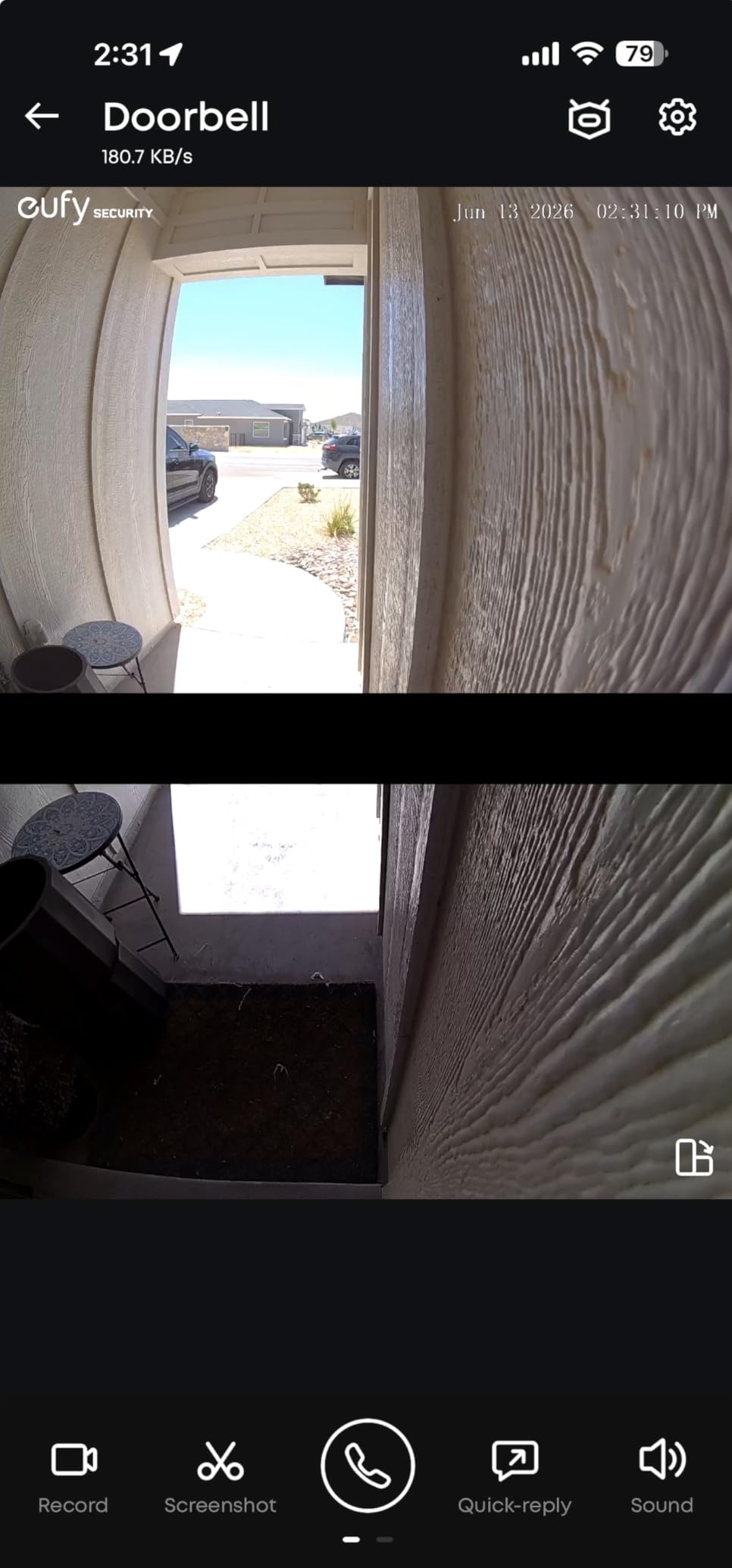
The E340 solves the problem nobody else on this list addresses: showing a visitor and their parcel in the same frame. It has a front camera with a head-to-toe view and a second downward lens aimed at the doorstep, so when a delivery driver crouches to leave a box you see the drop. In a building with a theft problem that is genuinely useful.
Storage is 8GB of eMMC on the device with no subscription and no monthly fee, and the quick-release battery pack swaps in seconds without tools. It can also run on 16-24V wired power with the battery as top-up, which is useful if your building ever cooperates.
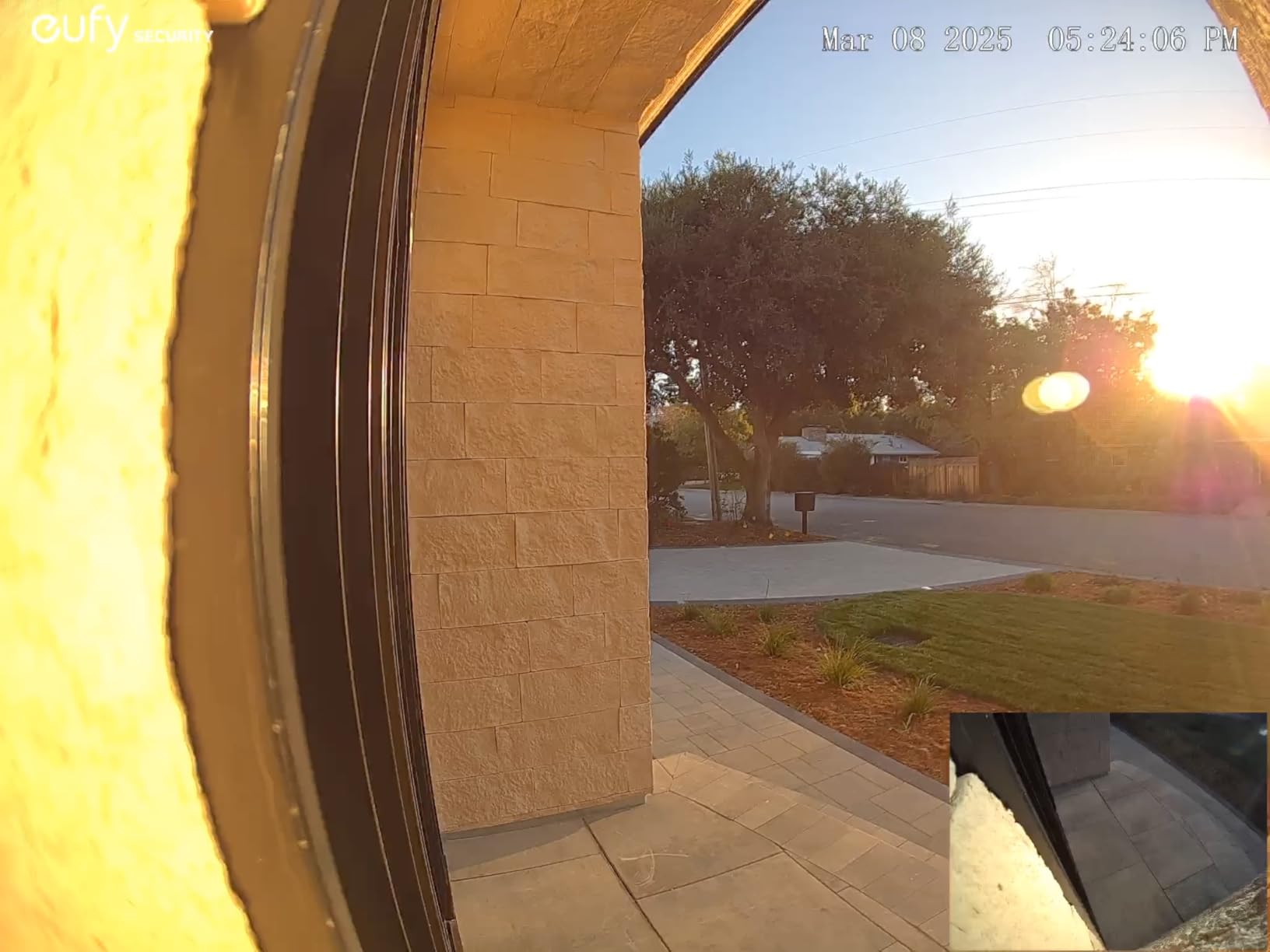
Motion detection is the strongest in the group. Owners repeatedly single out the ability to tell a person and a package from a passing car or a shadow, and the dual-light night vision gives real colour to 16 feet rather than the washed-out infrared most rivals produce. A 160-degree field of view and 2K clarity complete a sharp image.
Detection covers audio, motion, human and package events, and the model pairs with a mechanical chime, HomeBase 2 or 3, a Minibase Chime, Alexa or Google Assistant. Pairing requires 2.4 GHz Wi-Fi, which excludes some modern dual-band-only routers.
Why the E340 earns its premium slot
The package camera is the single best answer to porch piracy we found in this roundup, and it needs no wiring to do it. A quick-release battery plus local storage means a renter gets both the best detection in the group and a zero-subscription setup with no landlord conversation. Colour night footage is a further step above most battery rivals, and the same model works if you later switch to wired.
Where the E340 frustrates renters
The biggest issue is audio indoors: the E340 cannot ring an existing wired chime, so a separate eufy chime or HomeBase is effectively required or you will never hear a visitor while your phone is in another room. The app also carries eufy promotions on top of settings buried several layers deep, notification and live-view latency is reported as slow, and owners cite shutdowns in direct sun near 120F with battery life closer to two months than four.
5. Tapo D210 Smart Video Doorbell – Best Value and Best No-Drill Kit
Tapo 2K Wireless Smart Video Doorbell w/Chime, 160° Ultra-Wide View, D210
2K 160° view
microSD up to 512GB
Ring Call alerts
Chime bundled
Pros
- Strong value with 2K video and a bundled chime
- microSD up to 512GB with no subscription
- Ring Call alerts are hard to miss
- Free person detection cuts false alerts
- Adjustable spotlight for full-colour night video
Cons
- Battery only with no wired option
- microSD card not included
- Washes out in direct sunlight
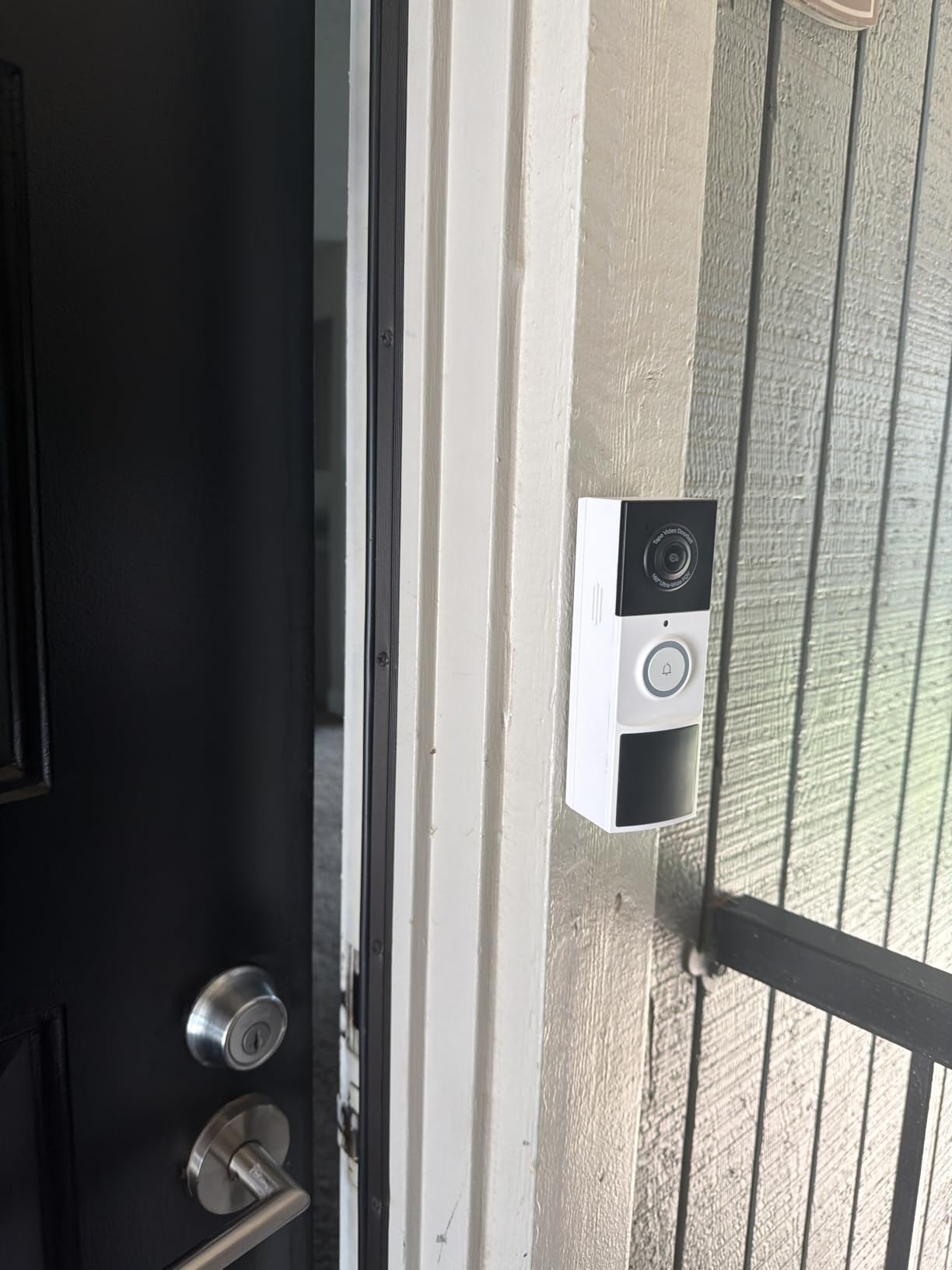
The Tapo D210 is the box we hand to a friend who moves into a new flat every two years. It ships with a self-adhesive mount, a 15-degree wedge, screws and an indoor chime, so the entire renter kit is in the carton. Owners consistently say it performs like models costing several times more.
The 2K sensor runs on 2.4 GHz Wi-Fi with a 160-degree diagonal head-to-toe field of view, and local microSD storage up to 512GB keeps recordings on the device with no mandatory subscription. Optional Tapo Care cloud exists if you want off-site copies, but nothing on this list holds as much local footage.
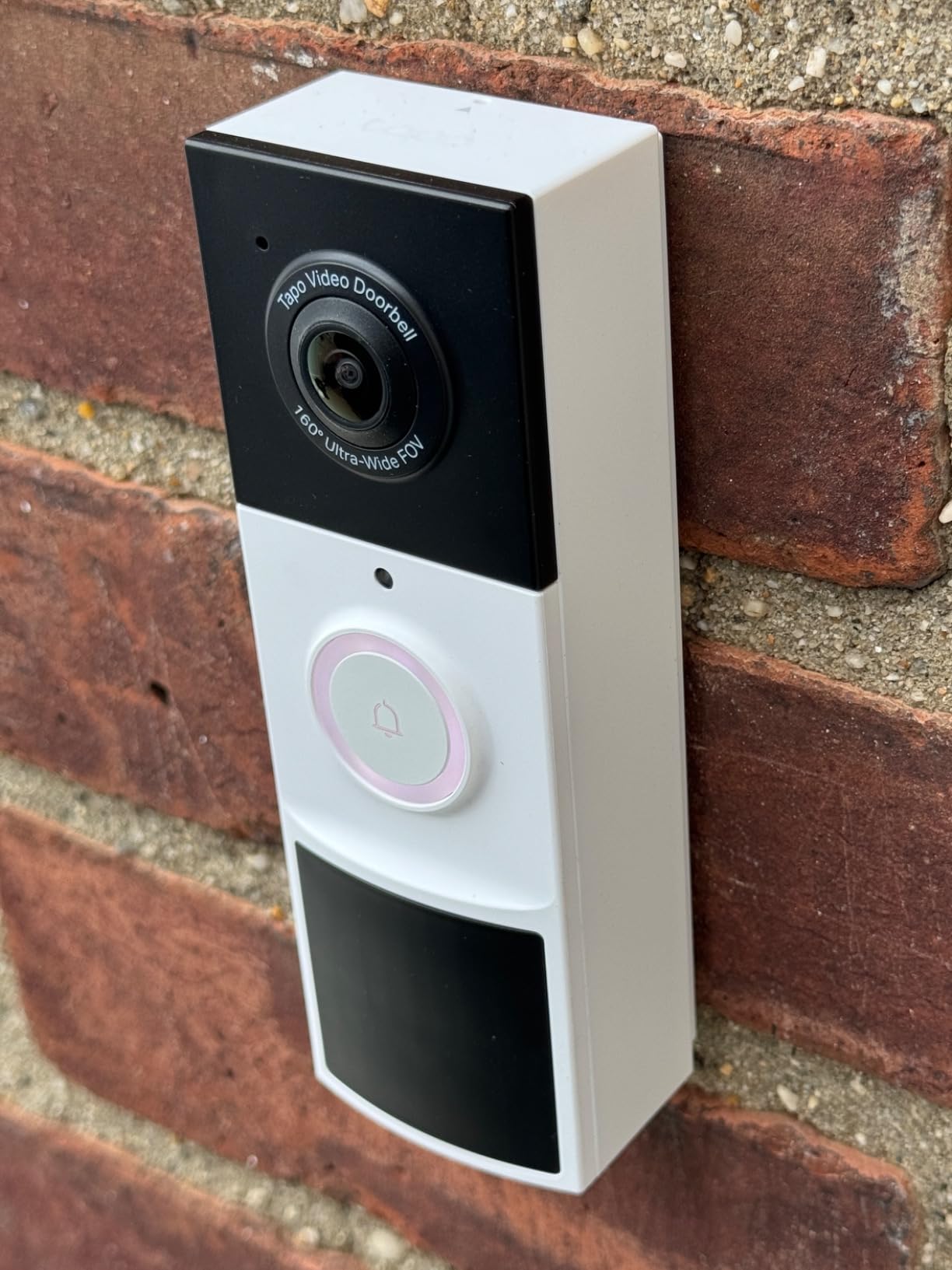
Ring Call is the feature we did not expect to like. Instead of a banner notification your phone rings like an incoming call, so you can answer without opening the app, and in a building where you are not near the door that is the difference between screening a visitor and missing one. Two-way audio comes with preset quick responses for when you cannot talk.
Free person detection with customisable activity zones, an adjustable spotlight with full-colour night vision, and AES 128-bit with TLS 1.2 encryption make this a complete package. The 6400 mAh battery delivers multi-month runs, including one owner report of 5.5 months in a cold climate.
What makes this the best renter value
The bundled chime. Almost every competitor sells the indoor unit separately, so you can hear a visitor on another floor without a second purchase, and combined with Ring Call the doorbell announces itself in a way a phone-only alert does not. The included adhesive pad is why renter forums keep recommending this model, the wedge angles the 160-degree view around a badly positioned frame, and 512GB of microSD is far more retention than the built-in memory on several rivals.
Where the Tapo leaves you short
Battery only with no wired option, so the model comes off the door to charge with no fallback if the pack dies while you are out. The microSD card is not included and has to be bought separately, and leaving every detection mode on drains the battery noticeably faster. Video can also wash out in direct sunlight, there is a blind spot for a package right at the threshold, and Ring Call can conflict with Echo Show until you switch to push notifications.
6. Kasa KD110 Hardwired Doorbell – Best for Apartments That Already Have Wiring
Kasa 2K Smart Video Doorbell Camera Hardwired w/Chime, KD110
Hardwired 16-24V AC
2K 160° view
24/7 microSD recording
Chime included
Pros
- Continuous power with no charging downtime
- 2K sensor with 160-degree diagonal view
- 24/7 local microSD recording with no subscription
- Plug-in chime moves to any outlet
- Two-year manufacturer warranty
Cons
- Needs existing 16-24V wiring or a transformer
- Supplied chime is not sold separately
- Skipping the jumper wire causes disconnects
The Kasa KD110 is the pick for the older building where a transformer still hums behind the wall. It hardwires to 16-24V AC for genuinely continuous power, so there is no battery, no charging downtime and nothing to take off the door. For a renter whose lease permits it, that removes the most annoying part of a battery doorbell.
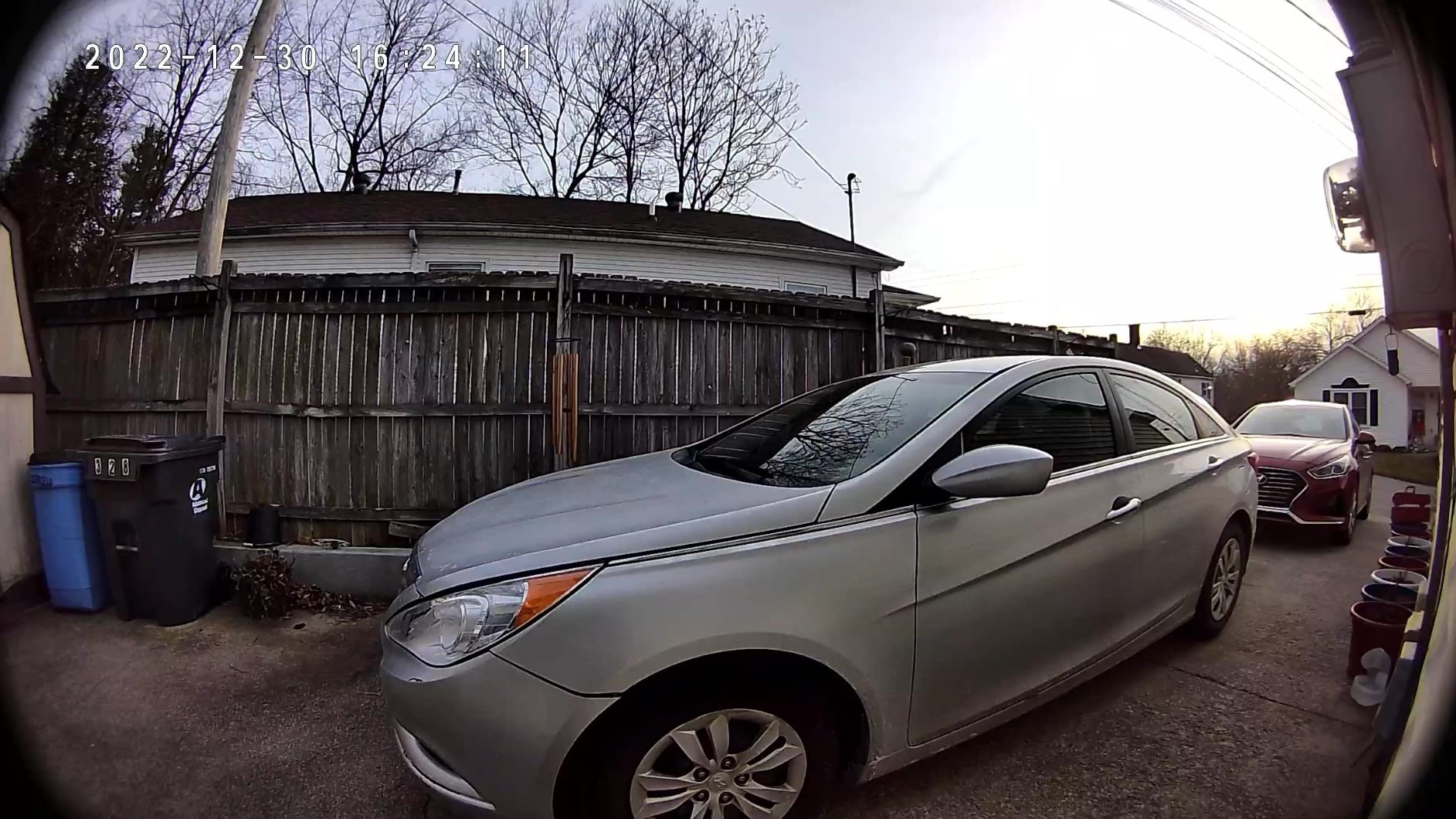
Video is 2K from a 3MP sensor at 160 degrees diagonal on 2.4 GHz Wi-Fi, with IR and colour night vision out to 30 feet, the longest night range in this group. It carries an IP64 rating and a two-year manufacturer warranty, both better than several more expensive models.
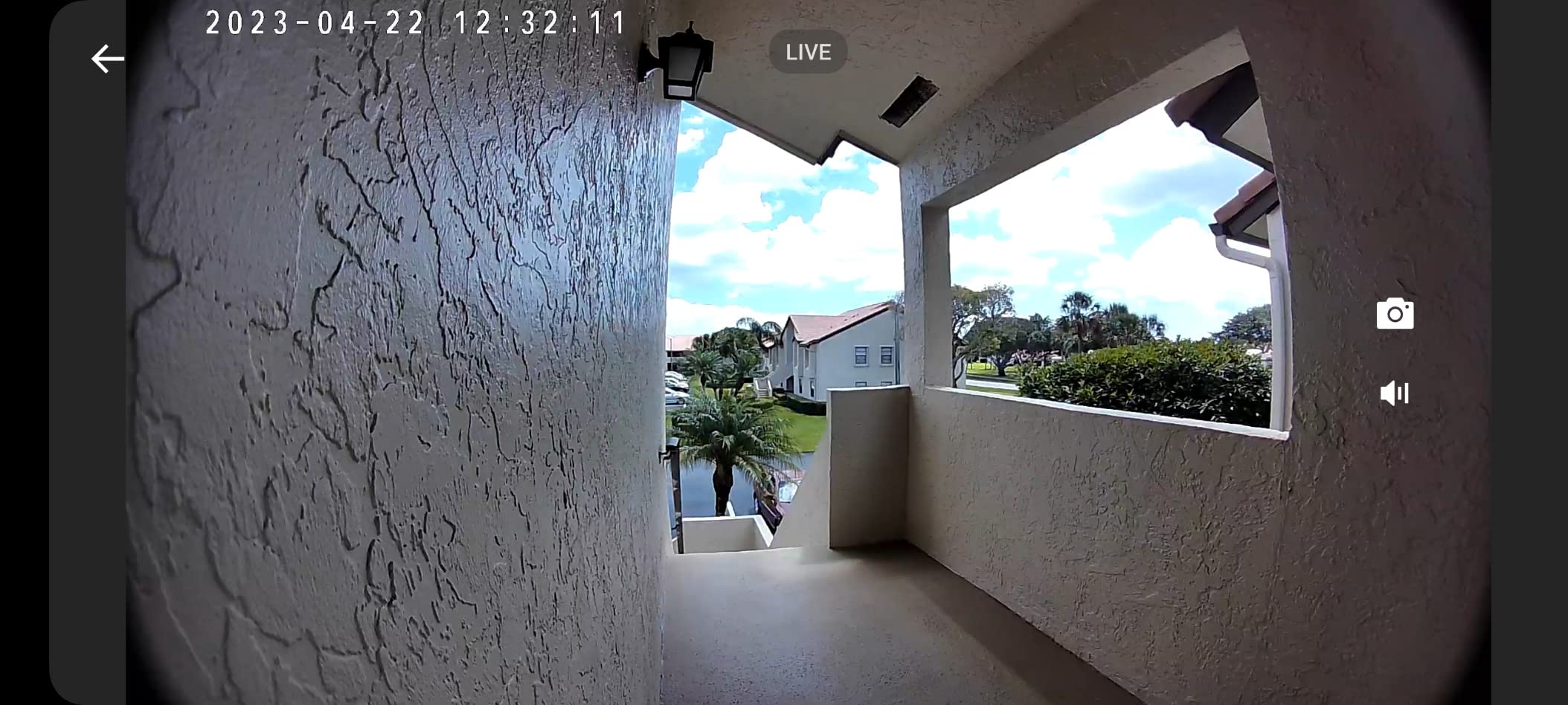
The storage story is 24/7 continuous recording to a microSD card up to 256GB with no subscription, and optional Kasa Care cloud is among the lowest-cost paid tiers if you want remote copies. Where you want a record of everything in the corridor rather than only triggered events, continuous capture is a real advantage.
The supplied modular plug-in chime has multiple tones and volume control and can be moved to any outlet without tools. The box also includes a 15-degree wedge, mounting bracket, extension wires, wire nuts and chime jumpers.
Who this pick suits
Anyone in a building with existing doorbell wiring, and anyone who simply cannot be bothered to charge a doorbell every few weeks. Two-way audio, Alexa, Google Assistant, Echo Show and Chromecast support are all present, and owners describe picture and microphone quality as punching well above the tier. Because it never stops recording, it also doubles as evidence for building disputes, which is why some landlords accept it where they would refuse something taped to the door.
Where it rules renters out
It needs 16-24V AC doorbell wiring or a transformer you are not allowed to install, so in a flat with a blank wall it simply does not apply. It also cannot use an existing mechanical chime and the supplied plug-in chime is not sold separately, which frustrates multi-room flats. One warning repeated across reviews: install the supplied jumper wire, because skipping it causes constant Wi-Fi disconnects and quieter microphone audio.
7. REOLINK Video Doorbell WiFi 2K – Best for Home Assistant and Apple HomeKit
REOLINK Video Doorbell WiFi 2K Wired Camera, 4:3 Wide View Outdoor Camera
2K HDR 180° 4:3 view
Dual-band Wi-Fi
Local storage no account
HomeKit support
Pros
- No account creation required
- microSD NVR and FTP keep footage local
- Dual-band 2.4 and 5 GHz Wi-Fi
- Bundled Chime V2 with 10 tunes
- Pre-event recording captures motion before detection
Cons
- Some units drop off Wi-Fi on answering a call
- Vertical 4:3 view misses someone right at the door
- Alexa video doorbell setup does not work
- Mount lacks a vertical tilt plate
The REOLINK Video Doorbell WiFi 2K is the pick for someone who runs their own home automation stack, and almost nobody else here supports that. It works with Home Assistant and Apple HomeKit, needs no account creation to use, and supports microSD, NVR and FTP, so footage never has to touch a company server. Home-automation owners in renter threads routinely single it out for exactly that reason.
Image quality is strong: 2K HDR with 3D noise reduction and distortion correction, a 4:3 aspect ratio at 180 degrees, and 20 fps. The vertical framing is the point, designed to show a visitor head to toe and a package at their feet rather than a wide slice of pavement.
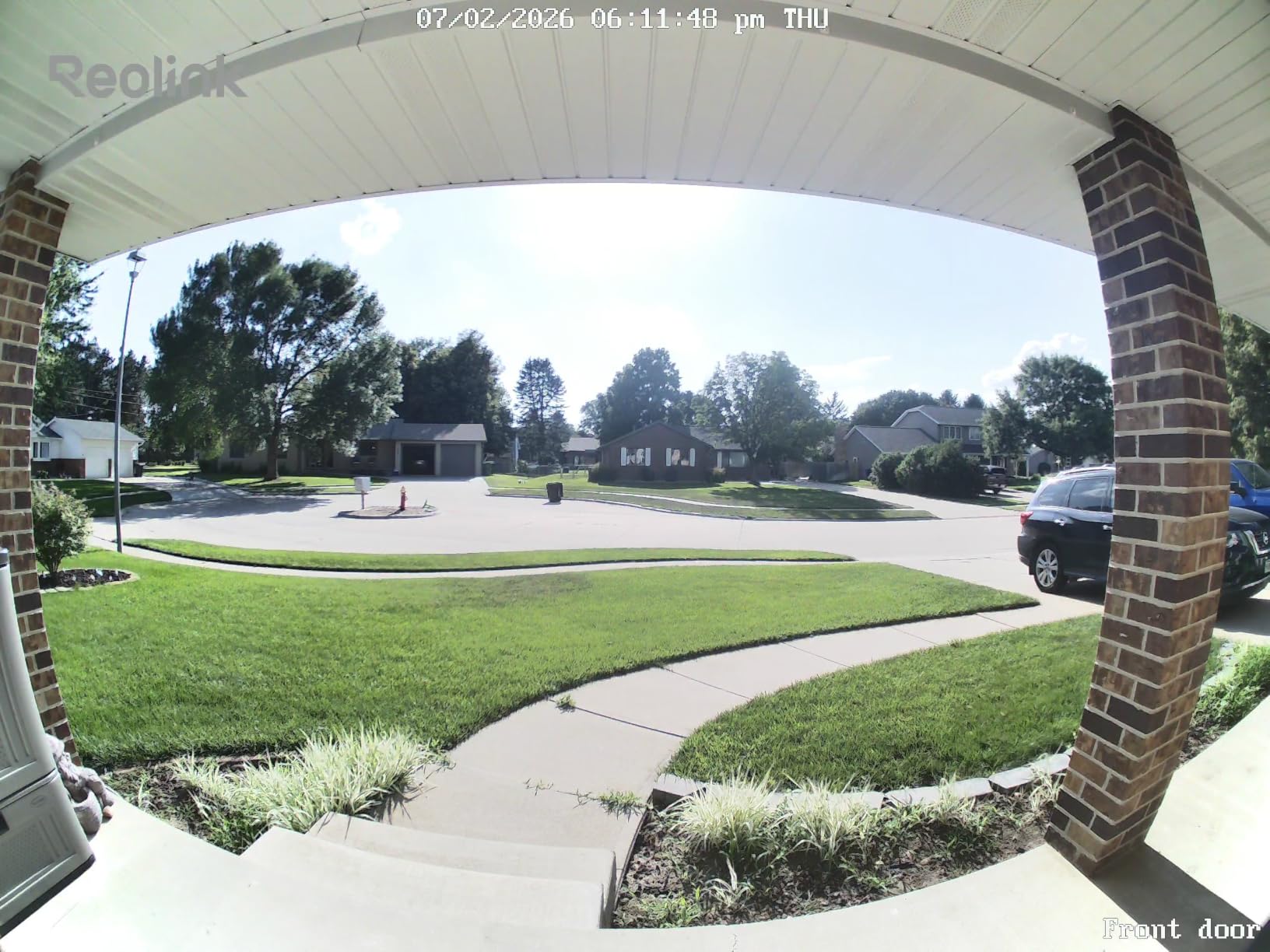
Dual-band 2.4 and 5 GHz Wi-Fi is a genuine advantage in older buildings, and owners report about a year of retention on a 256GB card. Smart detection covers person, vehicle and package with configurable zones, pre-event recording captures motion before the trigger fires, and the free Rich Notification plan allows up to 25 image notifications a day.
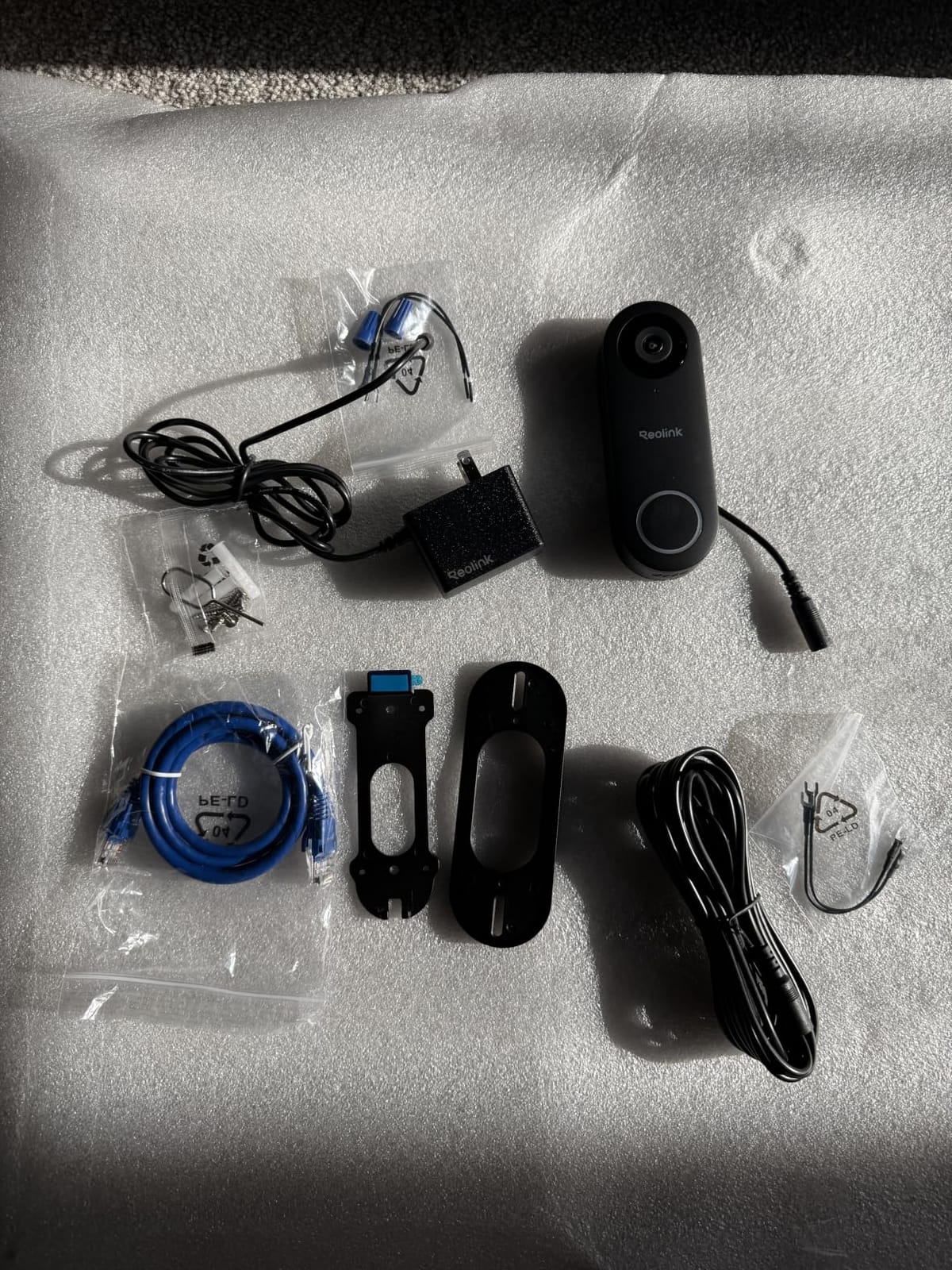
The bundled Chime V2 plugs into any outlet with 10 tunes and volume control, and two-way talk comes with preset voice messages and auto-replies. It carries IP65 weatherproofing and a two-year warranty. Note that it is 12-24V AC wired.
Why privacy-focused renters pick it
No mandatory subscription, no account requirement and local-only options are a rare combination at this feature level. If your concern is that a landlord, a neighbour or a company ends up holding footage of your door, this answers that structurally rather than with a policy promise. The detection settings panel is also the most granular in the group, which helps when you need the camera pointed strictly at your own door, and Apple HomeKit support puts it ahead of nearly every competitor here.
Where REOLINK costs you
This was the most polarising product we tested. Several detailed reviews describe the Wi-Fi radio as effectively unusable, with answering a call knocking the model off the network entirely and random dropouts on strong dual-band mesh setups, which means the doorbell can be dead at the one moment it matters. Alexa cannot be set up as a video doorbell, so push alerts work but live view does not, and existing mechanical chimes are not supported even with the jumper. The mount also lacks a vertical-tilt plate, and app and support reliability draw heavy criticism.
8. Arlo Video Doorbell 2K 2nd Gen – Best for the Widest Smart Home Support
Arlo Video Doorbell 2K (2nd Gen) Wireless or Wired – 1-Cam
2K HDR 180° view
Color night to 25 feet
Battery or hardwired
Privacy zones
Pros
- 2K HDR clarity with a 180-degree field of view
- Battery or hardwired in the same model
- Two-way audio clear enough for real conversation
- Works with Alexa Apple Home Google Home SmartThings and IFTTT
- Live view and basic alerts without a plan
Cons
- Advanced features need the Arlo Secure plan
- Battery is not user-replaceable
- No chime included
- Non-continuous recording outside detected windows
Arlo supports more smart home platforms than anything else in this roundup: Alexa, Apple Home, Google Home, Samsung SmartThings and IFTTT all work with the same model. In a building where different people in the flat use different ecosystems, that single fact can matter more than any sensor. The hardware is good too, with 2K HDR head-to-toe video and 12:1 digital zoom.
The 180-degree field of view matches the widest here, and colour night vision reaches 25 feet. It runs wire-free on a rechargeable battery or hardwires for trickle charging, so you can start on battery in a rental and convert later without replacing anything. Custom activity zones and privacy zones are both supported, which is the setting you want on a corridor-facing door.
Two-way audio is described as clear enough for a real conversation, and quick replies let you answer from the sofa. Person, package and vehicle detection all run on the model, and live streaming plus basic alerts work with no plan attached. Battery life is reported at roughly six weeks to a month and a half, which is realistic rather than inflated.
IP65 weatherproofing, a one-year limited warranty, and a compact body at 7.2 ounces round out a solid physical package.
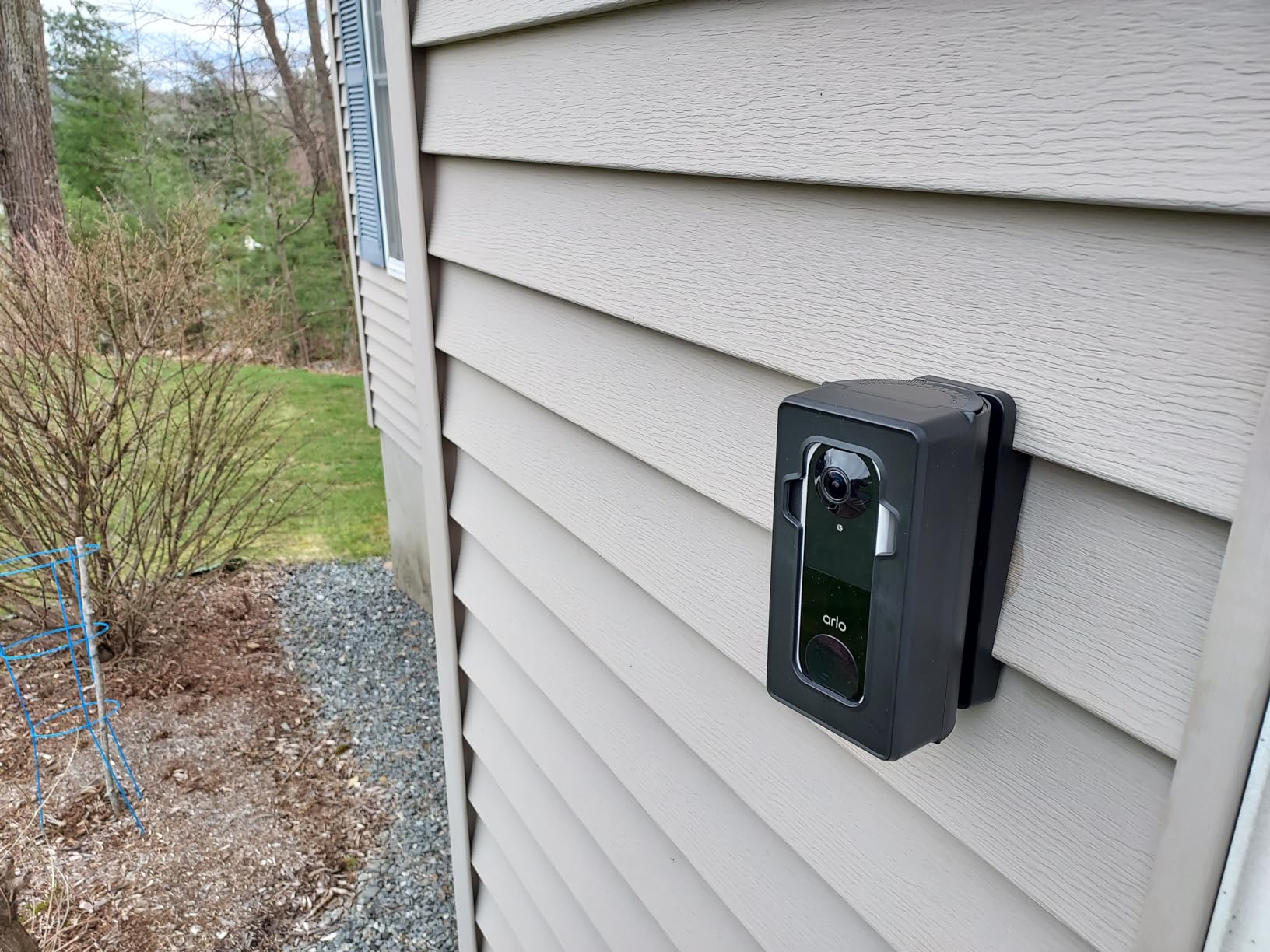
What Arlo does that the others cannot
Platform reach, plainly. If your flat has a mixed ecosystem, one Arlo doorbell can serve everyone without asking anybody to change their phone, and the one-model battery-or-wired design means a future move into an owned home does not mean new hardware. Privacy zones are properly implemented rather than nominal, so you can mask a neighbour’s door and any shared landing, and live view plus basic alerts are genuinely free.
Where the Arlo falls down
Anything beyond live view needs the Arlo Secure plan, and most owners come back to that as the defining frustration. The battery is not user-replaceable, so the whole model comes off the wall and goes back up, and you cannot top it up by wiring in an apartment. Because it only records in defined windows, reviewing events outside detection is difficult, and no chime is bundled. At 1720 reviews this also has the smallest evidence base in the roundup, so treat owner reports as a useful signal rather than a settled verdict.
9. Wyze Battery Video Doorbell – Best 1:1 Head-to-Toe View for No-Drill Installs
Wyze Battery Video Doorbell Wireless Camera, 1536×1536 HD+ with Color Night Vision, 2-Way Audio, 1:1 Head-to-Toe View, Person/Vehicle/Package Monitor, Wire-Free/Wired Option, 1 Minute Easy Setup
1536x1536 HD+
1:1 head-to-toe 150° view
Starlight colour night
No drilling
Pros
- Square 1:1 view shows a face and a threshold package
- Starlight sensor gives vivid colour night footage
- Genuine no-drill Bluetooth setup
- Can start on battery and be hardwired later
- Free local microSD up to 256GB
Cons
- Battery life falls well short of the claim
- No chime included
- 2.4 GHz Wi-Fi only
- Playback needs an SD card or a plan
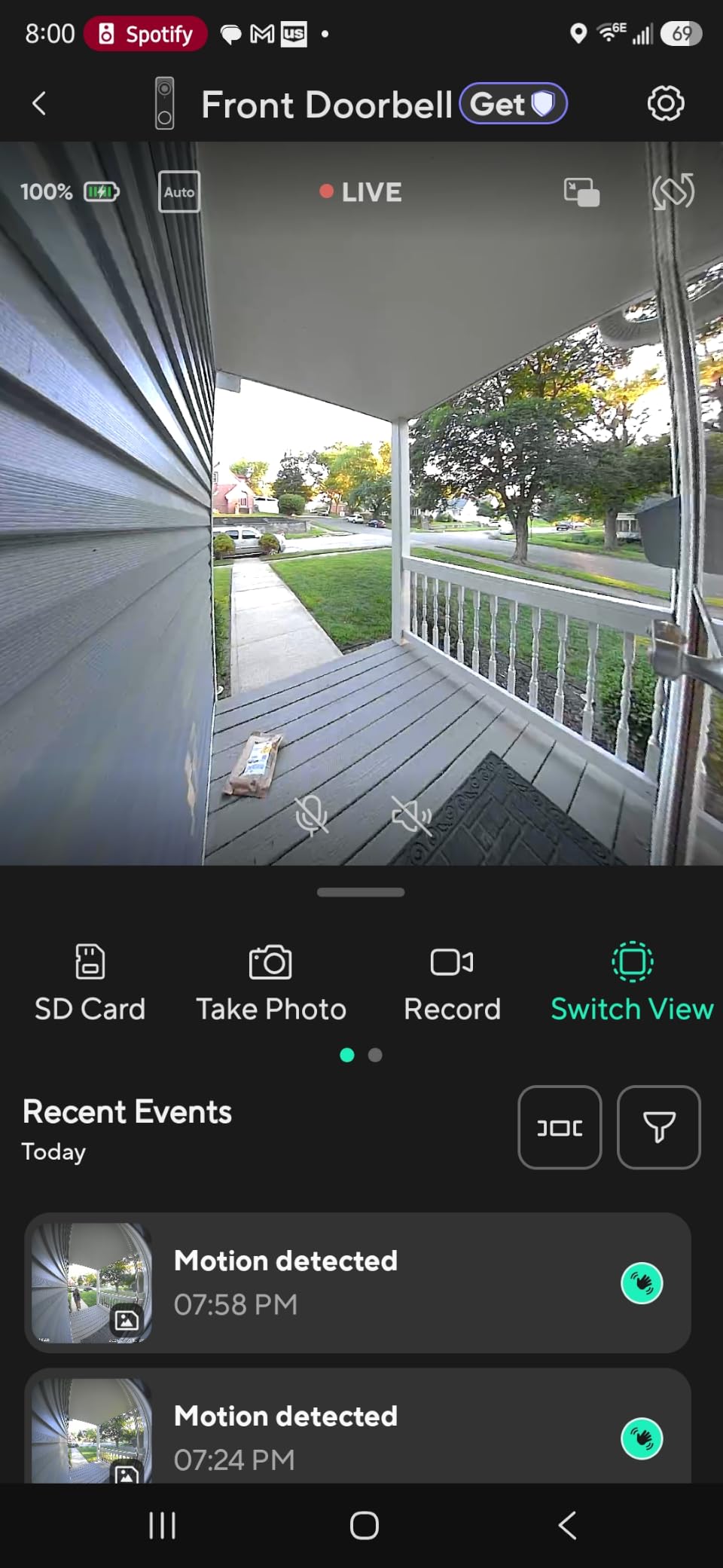
Wyze uses a square sensor where rivals use a wide rectangle. The Wyze Battery Video Doorbell has a 1536×1536 HD+ sensor with a 1:1 head-to-toe 150 by 150-degree view, which in our testing did the best job of any single-lens model at holding both a visitor’s face and a parcel at the threshold in one frame. The starlight sensor produces genuinely vivid colour night images for the same reason.
Installation is the other selling point. Setup runs over Bluetooth with no drilling required, and the box includes a flat plate, a corner plate and adhesive, with owners reporting a one-minute setup, which is not a joke in a hallway where you are balancing a stool and a phone.
Storage is free local microSD up to 256GB with no required subscription, and if you later hardwire the model it switches to 24/7 local recording on that card. Person, vehicle and package monitoring comes with a voice deterrence option that tells a visitor they are being recorded.
It is a USB-C rechargeable battery that detaches for charging, or continuous power via hardwiring. Alexa, Google Assistant and IFTTT are supported, and the body measures 5.62 by 2 by 1.38 inches at 12.8 ounces.
Where the square view actually helps
Most doorbells are optimised for a face and give you the doorstep as a bonus. This one treats them as equals, and in an apartment where visitors stand a step back from a narrow door, that framing is the difference between recognising someone and seeing a torso. The colour night performance also beats several more expensive models side by side, and the corner plate solves the awkward door angle that makes adhesive mounts fail.
Where the Wyze costs you
Battery life is the dominant complaint: owners report two to six weeks against a claimed six to nine months, with frequent recharging, and the battery is not user-replaceable, so the whole model leaves the door each time. No chime is bundled, it is 2.4 GHz only, recorded playback needs an SD card unless you subscribe, the Alexa doorbell chime does not trigger, Google Home integration is limited to viewing the feed, and sound detection is absent despite Wyze offering it on its own cameras.
10. Wyze Wired Doorbell Camera v2 – Best for Units With an Existing Indoor Chime
WYZE Wired Doorbell Camera v2(Existing Doorbell Wiring Required), 2K HD
2K head-to-toe video
Hardwired 16-24V AC
24/7 local microSD
Starlight colour night
Pros
- Continuous power with no battery to charge
- Rings an existing indoor mechanical chime
- 24/7 local microSD recording with no subscription
- 2K head-to-toe video with a starlight sensor
- IP65 weatherproof
Cons
- Needs existing 16-24V wiring and an indoor chime
- Lowest rating in the group with the highest one-star share
- No chime bundled
- microSD card sold separately
The Wyze Wired Doorbell Camera v2 is the simplest thing on this list and, in one specific way, the most useful. It hardwires to existing doorbell wiring and, crucially, works with an existing indoor mechanical chime instead of forcing you to add a plug-in model. In a flat where the buzzer is the only thing that will wake you when the phone is charging in the kitchen, that detail is worth more than a better sensor.
Video is 2K head-to-toe with a starlight sensor for colour night images, two-way audio runs through the talk button in the app, and 24/7 continuous local recording goes to a microSD card with no subscription. IP65 weatherproofing suits exposed entryway and hallway installs.
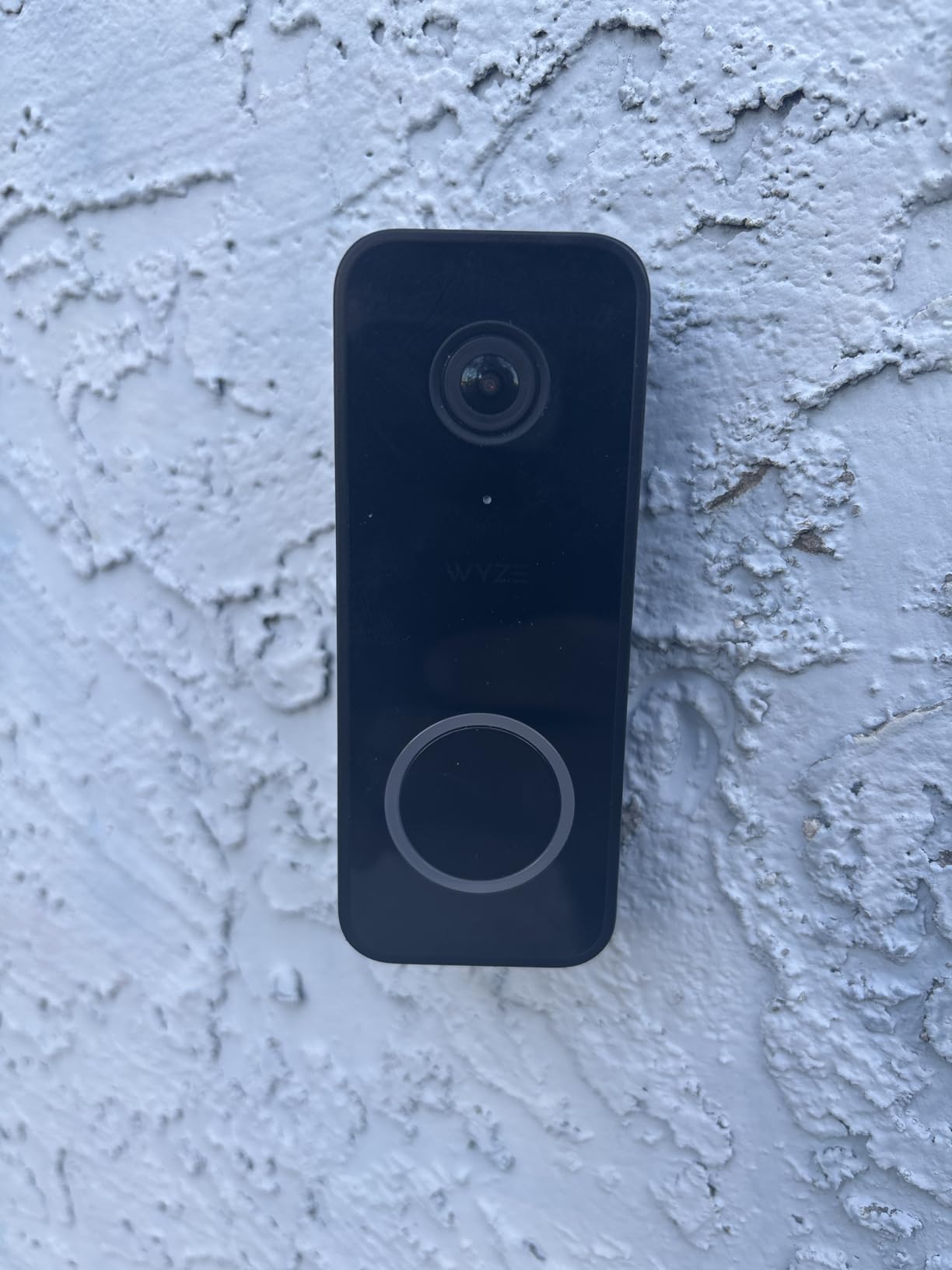
Smart notifications cover visitors and package deliveries, and a voice deterrence option tells people they are being recorded. That is the whole feature list: there is no person recognition or detailed package detection beyond basic visitor alerts, which owners upgrading from newer Wyze models notice immediately.
It is 7 ounces and 2.9 by 1.4 by 4.7 inches, so it is one of the more compact models and easy to align on a narrow door frame.
Why existing-chime support decides this one
Almost every model here forces a decision. The eufy E340, REOLINK and Kasa all require their own supplied or separate chime, while this Wyze uses whatever mechanical chime is already in the flat, meaning no extra object on a shelf and no new sound to get used to. Combined with hardwired continuous power, it also never needs charging.
Where the Wyze wired falls short
It needs existing doorbell wiring and a 16-24V AC transformer of at least 10VA plus an indoor chime, so it is completely unavailable to a renter in a building without wiring. That is the trade for everything above. It also carries the lowest rating in this group at 4.0 with a 15 percent one-star share, the highest here, no chime is bundled, and the microSD card is sold separately.
Are Video Doorbells Even Allowed in Apartments?
Usually yes, and the answer is more straightforward than most rental guides suggest. A video doorbell on your own front door, pointed at your own door, is ordinary tenant security equipment, and the majority of leases do not prohibit it. The clauses that cause trouble concern exterior alterations, wiring, and cameras covering shared space, not the doorbell existing at all.
What your lease can restrict is drilling. Many agreements forbid holes in doors, frames and walls without written permission, and a landlord who finds a drilled mount at inspection has grounds for a deduction. This is why six of the ten picks here are battery models with screw-free mounts, and why the adhesive and wedge options on the Tapo D210 and Wyze Battery matter so much.
Building rules are the second layer. Condo associations and some apartment buildings regulate anything visible from the street or in a shared entrance, and a landlord may have a blanket policy on cameras in common hallways. Where a door opens directly onto a corridor, ask before you mount, and get the answer in writing.
Privacy is the third layer, and the one most renters forget. A doorbell facing a shared landing will capture your neighbour’s doorway and may pick up conversations through an open door. Every model on this list supports zone controls to mask areas you do not need to see, and setting them on day one is the responsible default. Separately, audio consent rules vary by state, and a handful require all parties to agree, so point the camera down at your own threshold and avoid the siren.
How to Install a Video Doorbell Without Damaging Your Apartment Door
Start by identifying what your door actually gives you. A working peephole opens up peephole-replacement styles that use the existing hole. An existing doorbell button usually lets you mount over the same wiring with a model that accepts 16-24V AC. If there is nothing at all, you are limited to adhesive, door-edge brackets and angle wedges.
The no-drill path has three variants. Adhesive mounts are fastest and least permanent; test the surface with painter’s tape first, because an aggressive pad can lift paint or leave residue on a finished door. Door-edge brackets clamp to the side of the frame and depend entirely on door thickness, clearance and swing direction. Wedges simply angle an adhesive or screwed mount to catch a badly positioned frame.
For a door with no peephole and no existing button, the honest answer is that adhesive plus a wedge is your only no-permission option, so pick a model that includes both. The Tapo D210 ships with a 15-degree wedge, adhesive and screws in the box, and the Wyze Battery adds a corner plate for the same problem. Mount on the door itself rather than the frame wherever you can, since the frame is what a landlord inspects most closely.
One practical note from the renter forums: run the cable-free option and set up the model before you need it. Every battery pick here charges by detaching from the door, so a first charge in a comfortable spot on move-in day saves an evening of awkward hallway charging later.
Moving Out: Removing a No-Drill Doorbell Without Leaving a Mark
Plan the removal before you install. Photograph the door surface before the mount goes on, keep the screws and wedges with your move-out paperwork, and note which zone settings you changed so the next tenant is not confused.
Adhesive residue is the main risk, and prevention is easier than repair. Test a small area with painter’s tape for a day before mounting, because some door finishes are painted and others are veneer over particle board and behave very differently. Keep the door cool and out of direct sun, and do not let adhesive sit through a whole summer for no reason.
When you take it down, peel slowly at a low angle rather than pulling straight off, and warm hardened residue with a hairdryer. A little isopropyl alcohol on a cloth lifts what is left without soaking a timber door. Do not go at it with a blade, because a single scratch costs more out of a deposit than the doorbell cost to buy.
Finally, take it with you. Every pick in this roundup is a self-contained box, and a landlord can rarely object to a hole that was never drilled. The only marks worth photographing before and after are adhesive residue and any discoloration around the mount.
Do You Need a Subscription?
You probably do not. Six of the ten models here record to storage you own with no recurring fee, and over a two-year lease that is the largest cost decision in the category. Models that do charge typically still let you see live video and receive alerts, then paywall history and AI detection.
Local storage comes in two forms. Built-in memory, as on the aosu 5MP with 8GB and a 60-day loop and the eufy E340 with 8GB of eMMC, is fixed and small; treat it as a buffer rather than an archive. microSD, as on the Tapo D210 up to 512GB, the Kasa KD110 up to 256GB, the REOLINK up to 256GB and the Wyze models, gives dramatically more retention, but the card is usually sold separately.
Subscription models still have a case. Ring gates Rewatch, AI alerts and video history behind Ring Protect, and the free tier is thin. Arlo keeps live view and basic alerts free but places 60-day history and AI detection behind Arlo Secure. Google Nest is the most generous of the three with three free hours of event history, extending to 60 days on Nest Aware.
One behaviour worth checking before you choose: what happens when the Wi-Fi drops. Most models here buffer a short window of events locally, so you lose alerts and live view but keep the clip, which is exactly what renters describe wanting since apartment internet fails when the building has an outage.
Battery vs Wired in a Rental
Battery is the only realistic default in a rental, because hardwiring needs landlord permission and often a transformer you are not allowed to fit. The Kasa KD110, REOLINK and Wyze Wired are all strong models that simply do not apply unless your building already has 16-24V AC behind the door.
The thing nobody mentions is who can recharge it. A quick-release pack, as on the eufy E340, means you swap in a charged pack in seconds and the doorbell never leaves the door. A fixed battery, as on the Ring Battery Doorbell 2K, the Arlo, the Wyze Battery and the Tapo D210, means the whole model comes off the wall for several hours on a USB cable, which in a second-floor flat with no hallway table is a real chore.
Reported battery life varies more than packaging suggests: multi-month runs on the Tapo D210 in a cold climate, about 90 days for the aosu, closer to two months than four for the E340, and two to six weeks for the Wyze Battery against a much longer claim. Leaving every detection zone enabled shortens all of them, so tune the zones to your own door before judging the result.
If your building does allow wiring, the argument flips. Continuous power removes charging downtime entirely, enables 24/7 local recording on the Kasa and Wyze Wired, and lets you start with a battery model today and hardwire the same hardware later on the Arlo or the aosu.
Chimes and Apartment Intercoms
This is where apartment doorbells quietly fail, because a flat often has a buzzer rather than a conventional chime and most video doorbells cannot use it. Calls then exist only as a phone notification that gets missed while you are in another room. Check this before anything else.
Only the Wyze Wired Doorbell Camera v2 in this group works with an existing indoor mechanical chime. The eufy E340, REOLINK and Kasa KD110 all require their own supplied or separate plug-in chime, which is an extra purchase and an extra object in your flat. The Tapo D210 is the opposite case: it bundles a chime in the box, so you get indoor audio at no additional cost.
The Google Nest, Ring, Arlo, Wyze Battery and aosu do not include an indoor chime, so you rely on the phone, a smart speaker or a separate model. In a building where you are out during the day, a smart speaker is the cheap fix. Note also that a video doorbell does not replace a two-way intercom panel and will not unlock a lobby door; what it does is let you screen a visitor at your own unit door.
How to Choose: Three Questions Before You Buy
What does your door give me? A peephole means the widest choice. An existing button and wiring mean a hardwired model saves battery anxiety forever. Nothing at all means you need adhesive plus a wedge in the box, and that single fact eliminates several otherwise excellent picks.
Do you want a monthly fee? If no, look at built-in memory on the aosu or eufy, or microSD on the Tapo, Kasa, REOLINK and Wyze. If you want cloud history and AI detection and already sit in the Ring, Arlo or Google ecosystem, the paid plan is defensible. Just do not pay for one by accident on a model you assumed was local.
What is your smart home ecosystem? Google Home and Gemini favour the Nest. Alexa and Echo Show favour the Ring. Home Assistant and Apple HomeKit point you at the REOLINK. A mixed flat points to the Arlo. And if you want no hub, no account and no cloud at all, the aosu and the Tapo are the least complicated.
One last filter catches people out: indoors, you need a way to hear a visitor. If the model does not bundle a chime and cannot ring your existing one, plan on a smart speaker or a separate plug-in chime before you install.
Frequently Asked Questions
Can you use a video doorbell in an apartment?
Yes, in most cases. A video doorbell on your own front door pointed at your own door is normal tenant security equipment, and the majority of leases do not prohibit it. What leases and building rules usually restrict is drilling, hardwiring, and cameras covering shared hallways. Check your lease for alteration clauses, ask about anything visible from the corridor, and set the privacy zones on day one so you are not recording a neighbour’s door.
Are there any video doorbells that don’t require a subscription?
Yes, most of the good ones. The aosu 5MP and eufy E340 store footage on 8GB of built-in memory, and the Tapo D210, Kasa KD110, REOLINK and Wyze models record to a microSD card, all without a mandatory plan. The models that do charge are Ring, Arlo and Google Nest, which keep live view and basic alerts free but paywall longer history and AI detection.
What is the best renter-friendly video doorbell for apartments?
The aosu 5MP Video Doorbell is our overall pick because it clears every renter blocker at once: battery or wired power so no wiring is needed, 8GB of built-in storage with no subscription, and a 166-degree 4:3 head-to-toe view that shows visitors and packages together. If your door has no usable mount at all, the Tapo D210 ships with adhesive, a wedge and an indoor chime in the box.
Is there a Ring doorbell that doesn’t require wiring?
Yes. The Ring Battery Doorbell 2K is entirely wire-free, with a built-in rechargeable battery charged over USB-C after you detach the model from the wall. It also offers up to 6x enhanced zoom, Retinal 2K wide-angle video and Two-Way Talk. The trade is that video history, AI alerts and Rewatch sit behind the Ring Protect plan, and the battery is not a quick-release pack.
What is the best camera doorbell without a monthly fee?
The Tapo D210 offers the most local storage of any pick here, with microSD support up to 512GB and no mandatory subscription, plus a bundled indoor chime and Ring Call alerts that ring your phone like an incoming call. The aosu 5MP and eufy E340 are the alternatives if you prefer built-in memory over a card, though both carry 8GB, which is a short buffer rather than an archive.
Final Verdict for Apartment Renters in 2026
The aosu 5MP Video Doorbell is the model we would put on our own door, and it is the best of the best video doorbells for apartments in 2026 because it is the only one here that answers battery power, local storage, dual power and head-to-toe framing in a single box. Add 8GB of built-in memory with a 60-day loop, a 166-degree 4:3 view, triple-sensor detection and no monthly fee, and the renter maths works out over any lease.
Take the Ring Battery Doorbell 2K if you live inside the Alexa ecosystem and can accept paying for history. Take the Tapo D210 if you want a bundled chime, a 512GB card and a complete no-drill kit. Take the Wyze Wired Camera v2 if your building already has wiring and a mechanical chime, and the REOLINK if you run Home Assistant and want nothing stored on a stranger’s server.
Whichever you pick, mount it on the door rather than the frame, set your detection zones before the first alert arrives, and photograph the surface before you stick anything to it. Use the buttons above to check current pricing, and check your lease before the first screw hole appears.