
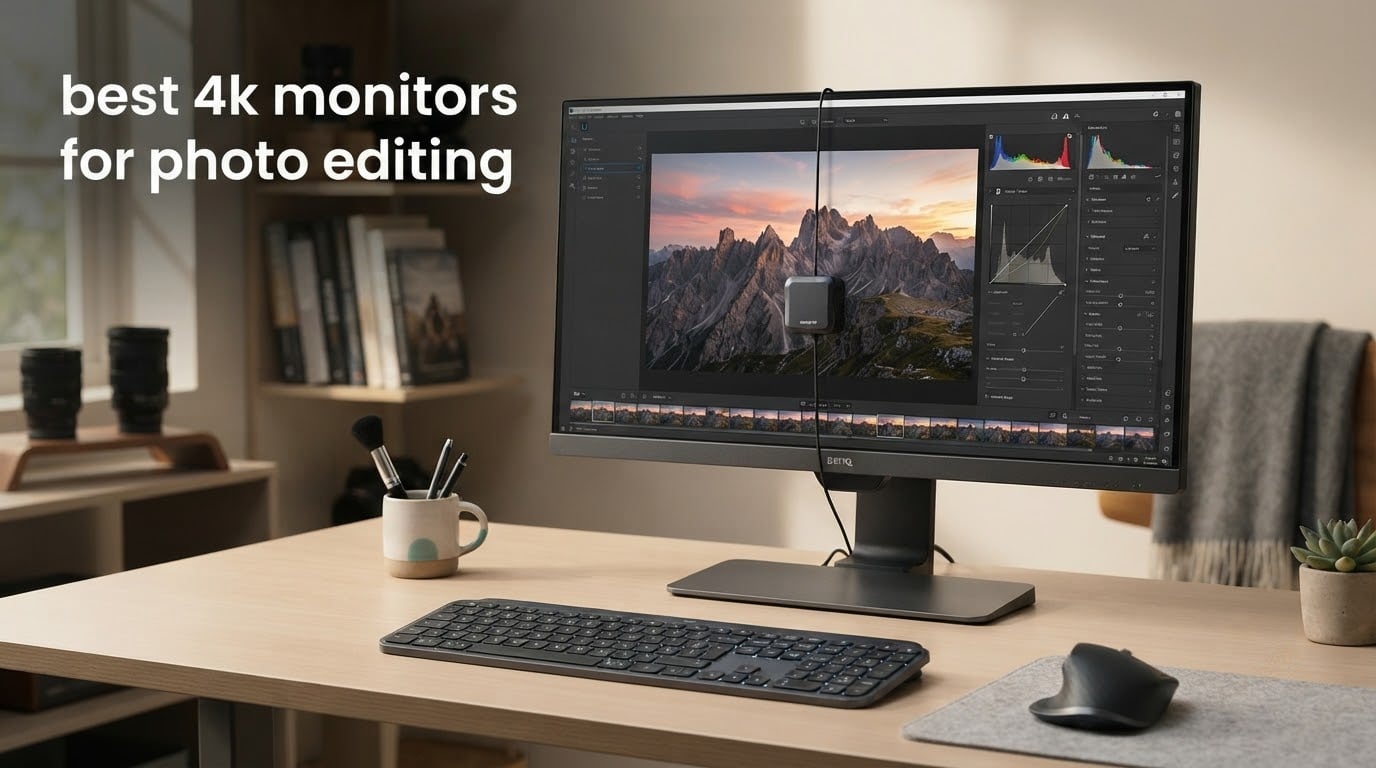
Every monitor on this list is verified at 3840 x 2160 native. Nothing here is a 1440p panel dressed up with a 4K label, and nothing is a 5120 x 2160 ultrawide that technically out-resolves a 4K screen while failing the 16:9 test most photo editors actually work in.
That distinction matters more than it sounds. Search for the best 4K monitors for photo editing and you will land on roundups whose top pick is a curved ultrawide and whose budget pick is 1080p. Those are fine monitors. They are not answers to the question you typed. We enforced one filter, checked the native resolution of all ten products, and only kept what passed.
Our pick is the ASUS ProArt PA279CV, a 27-inch IPS panel factory calibrated to a Delta E under 2, covering 100% sRGB and 100% Rec.709, shipping with a colour pre-calibration report in the box and backed by a five-year warranty. It is the most defensible balance of verified accuracy, build quality and coverage in the 2026 roundup.
The question that brings most people here is anxiety, not shopping. A thread on r/Lightroom that ranks first for this query opens with a photographer describing an old display that made them “question every color I see. Skin tones, shadows, everything.” That is a calibration problem more often than a buying problem, and it is why colour claims get scrutinised so hard in the photography forums.
So here is how we handled it. Every Delta E figure below is labelled as a manufacturer claim or a reviewer-reported figure, because a published gamut percentage on a retail box is not the same thing as a measurement. We tell you which panels ship with a calibration report, which ones expect you to buy a colourimeter in month two, and which ones are simply honest entry-level hardware.
Table of Contents
Top 3 Picks: The ASUS ProArt PA279CV Is Our Best 4K Monitor for Photo Editing (October 2026)
The three monitors below cover the realistic range of this list. One is the verified all-rounder, one is the colour-critical premium option, and one is the value pick that covers sRGB work and 120Hz motion without the professional price tag.

ASUS ProArt PA279CV
- Delta E under 2 Calman Verified
- 100% sRGB and Rec.709
- 65W USB-C with hub
- Five-year warranty

Dell UltraSharp U2725QE
- Delta E under 1.5 factory calibrated
- 99% DCI-P3 IPS Black
- Thunderbolt 4 140W
- 120Hz refresh

Dell S2725QS
- 120Hz 4K IPS panel
- 99% sRGB and 1500:1 contrast
- Full ergonomic stand
- Built-in speakers
Quick Overview: All 10 Picks Verified at 3840 x 2160 Native (October 2026)
Read this table as a filter, not a ranking. Colour space coverage and the presence of a factory calibration report matter far more for photo editing than refresh rate or peak brightness, and we have ordered the columns that way.
| Product | Specs | Action |
|---|---|---|
| ASUS ProArt PA279CV 27-inch 4K ProArt |
|
Check Latest Price |
 ASUS ProArt PA329CRV 31.5-inch 4K ASUS ProArt PA329CRV 31.5-inch 4K |
|
Check Latest Price |
 ViewSonic VP2756-4K 27-inch ColorPro ViewSonic VP2756-4K 27-inch ColorPro |
|
Check Latest Price |
 LG UltraFine 27UP850K-W 27-inch LG UltraFine 27UP850K-W 27-inch |
|
Check Latest Price |
 LG UltraFine 32UP83AK-W 31.5-inch LG UltraFine 32UP83AK-W 31.5-inch |
|
Check Latest Price |
| Dell UltraSharp U2725QE 27-inch |
|
Check Latest Price |
 BenQ MA270U 27-inch for MacBook BenQ MA270U 27-inch for MacBook |
|
Check Latest Price |
| Dell S2725QS 27-inch 4K |
|
Check Latest Price |
 INNOCN 27C1U 27-inch 4K USB-C INNOCN 27C1U 27-inch 4K USB-C |
|
Check Latest Price |
 BenQ PD3205U 31.5-inch 4K BenQ PD3205U 31.5-inch 4K |
|
Check Latest Price |
1. ASUS ProArt PA279CV: The Best Overall 4K Monitor for Photo Editing
ASUS ProArt PA279CV 27 Inch 4K UHD USB-C Professional Monitor
27 in 3840x2160 IPS
Matte finish
100% sRGB
Delta E under 2
65W USB-C
Pros
- Calman Verified Delta E under 2 with a bundled report
- 100% sRGB and Rec.709 coverage
- USB-C 65W plus a 4-port hub
- Height tilt swivel and pivot
- Five-year warranty
Cons
- Some units arrive with a green cast needing tint correction
- Very fine on-screen adjustment increments
- ASUS support described as slow
Six months of daily Lightroom and Photoshop work on the PA279CV is the reason it leads this list. It is a 27-inch 3840 x 2160 IPS panel with 178-degree viewing angles, a matte finish and a factory calibration that ASUS certifies through Calman Verified to a Delta E under 2. A printed colour pre-calibration report is included in the box, which almost nothing at this tier bothers to do.
What you actually get for photo work is full sRGB and full Rec.709 coverage with hardware-calibrated presets for both. That is the right target for the majority of editors, because sRGB is where web delivery, social and most client delivery lives. The monitor also carries Adaptive Sync and a TUV flicker-free, low blue light treatment that matters on a nine-hour culling day.
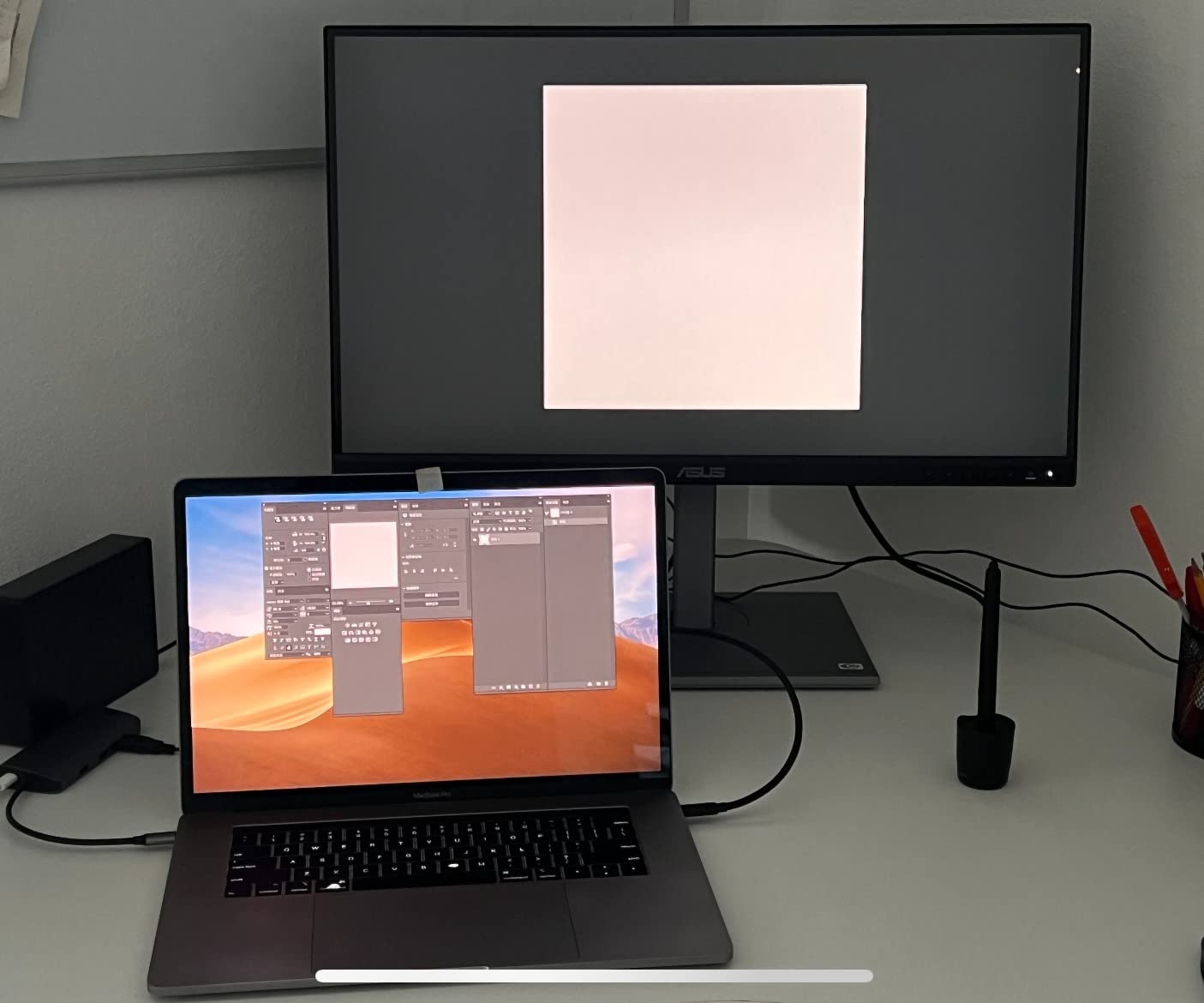
The stand is the quiet overachiever. Height, tilt, swivel and pivot are all present, so a portrait-orientation second screen for vertical workflows is a real option rather than an aspiration. Connectivity is a single USB-C cable carrying DisplayPort Alt Mode and 65W of power delivery, alongside DisplayPort, dual HDMI and a four-port USB 3.1 hub. One cable turns a laptop into a desktop.
Owners in colour-managed workflows report the unglamorous win: images on screen finally matching prints and posted output. That is the entire promise of the product, and it is why a 4.4 average across 761 reviews carries more weight here than a headline number would.
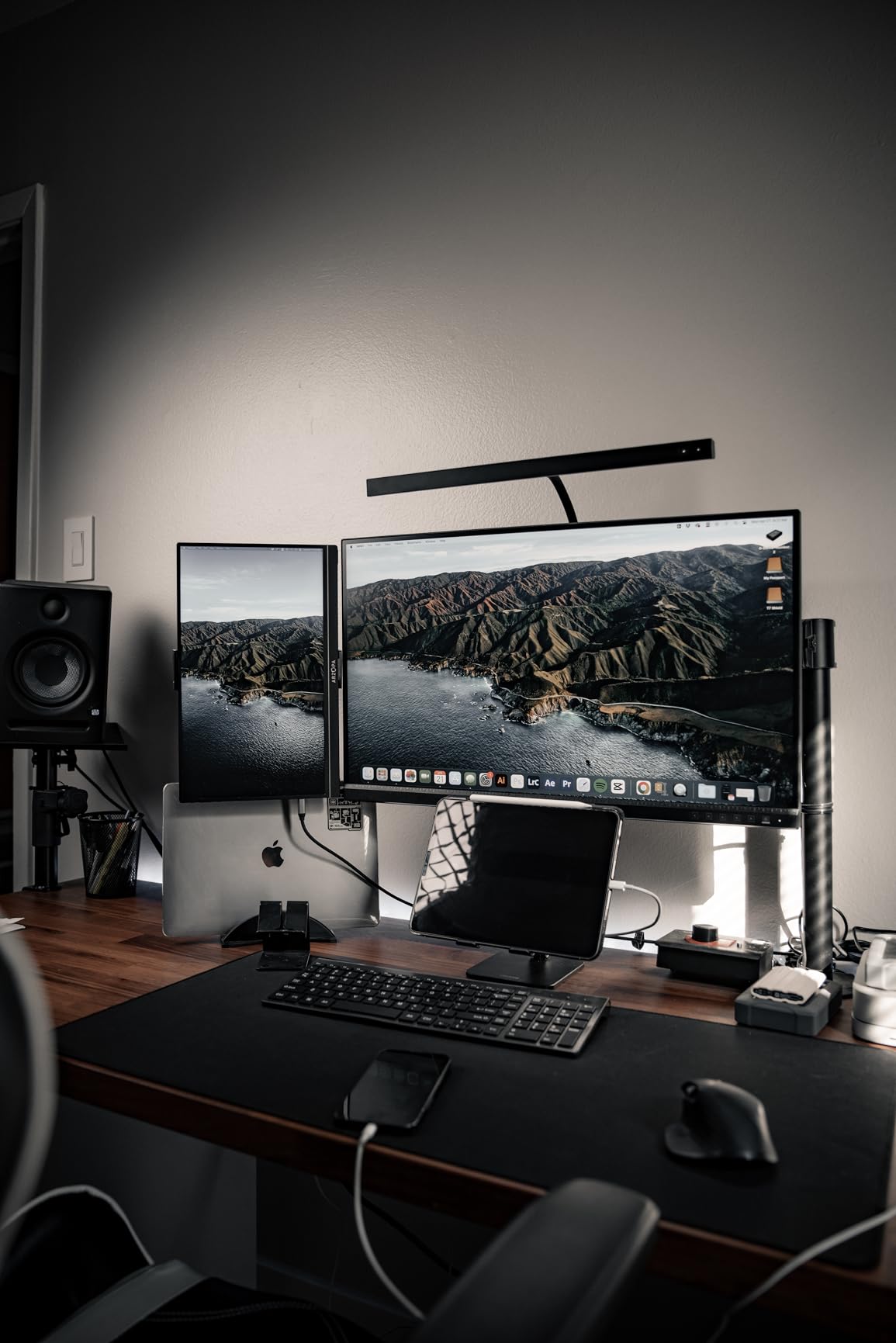
What to check before you commit to the PA279CV
Open the box and read the calibration report before you do anything else. Check the white point and gamma figures, and look at how the panel is expected to be set for sRGB against Rec.709. If your workflow is a single colour space, matching the OSD mode to your report saves you an afternoon later.
Then confirm you are prepared to do one small correction. Owners report an occasional green cast out of the box on some examples, and the fix is tint adjustment rather than a return. The OSD increments are very fine-grained, which is good news for precision and bad news for patience.
Who should skip the PA279CV
Skip it if your work is graded in DCI-P3 or Adobe RGB. This is an sRGB-and-Rec.709 monitor, and while its gamut is accurate inside those spaces, it will not show you the wider ones at all. If you deliver to print regularly or grade video, look at the Dell U2725QE or the ASUS PA329CRV instead.
Skip it if you have no colourimeter and no intention of buying one. The factory calibration is good, but every monitor drifts, and the fine OSD controls are easier to work with when something is measuring the result. A basic colourimeter changes the first afternoon with any monitor on this list.
2. ASUS ProArt PA329CRV: Best 4K for Large-Canvas DCI-P3 Work
ASUS ProArt PA329CRV 32 Inch 4K DCI-P3 USB-C Professional Monitor for Mac
31.5 in 3840x2160 IPS
98% DCI-P3
Delta E under 2
96W USB-C
DisplayHDR400
Pros
- 98% DCI-P3 with Calman Verified Delta E under 2
- 31.5 inch canvas for side-by-side panels
- 96W USB-C with DisplayPort MST daisy chain
- DisplayHDR400 certification
- Tilt swivel pivot and height
Cons
- 60Hz refresh rate only
- Glossy finish reflects in bright rooms
- 21.8 pound chassis needs a deep desk
The PA329CRV is the panel to buy when one screen has to carry grading and editing at once. At 31.5 inches and 3840 x 2160 it gives you a genuinely large canvas, which is what you want when a Lightroom Develop module sits next to a reference image and a histogram.
Colour is the reason it exists. ASUS claims 98% DCI-P3 coverage, Calman Verified factory calibration and Delta E under 2, with the calibration report in the box. DCI-P3 is the space most video work is graded in, and it is also a reasonable wide-gamut working space for print-directed stills, so the coverage is useful well beyond video.
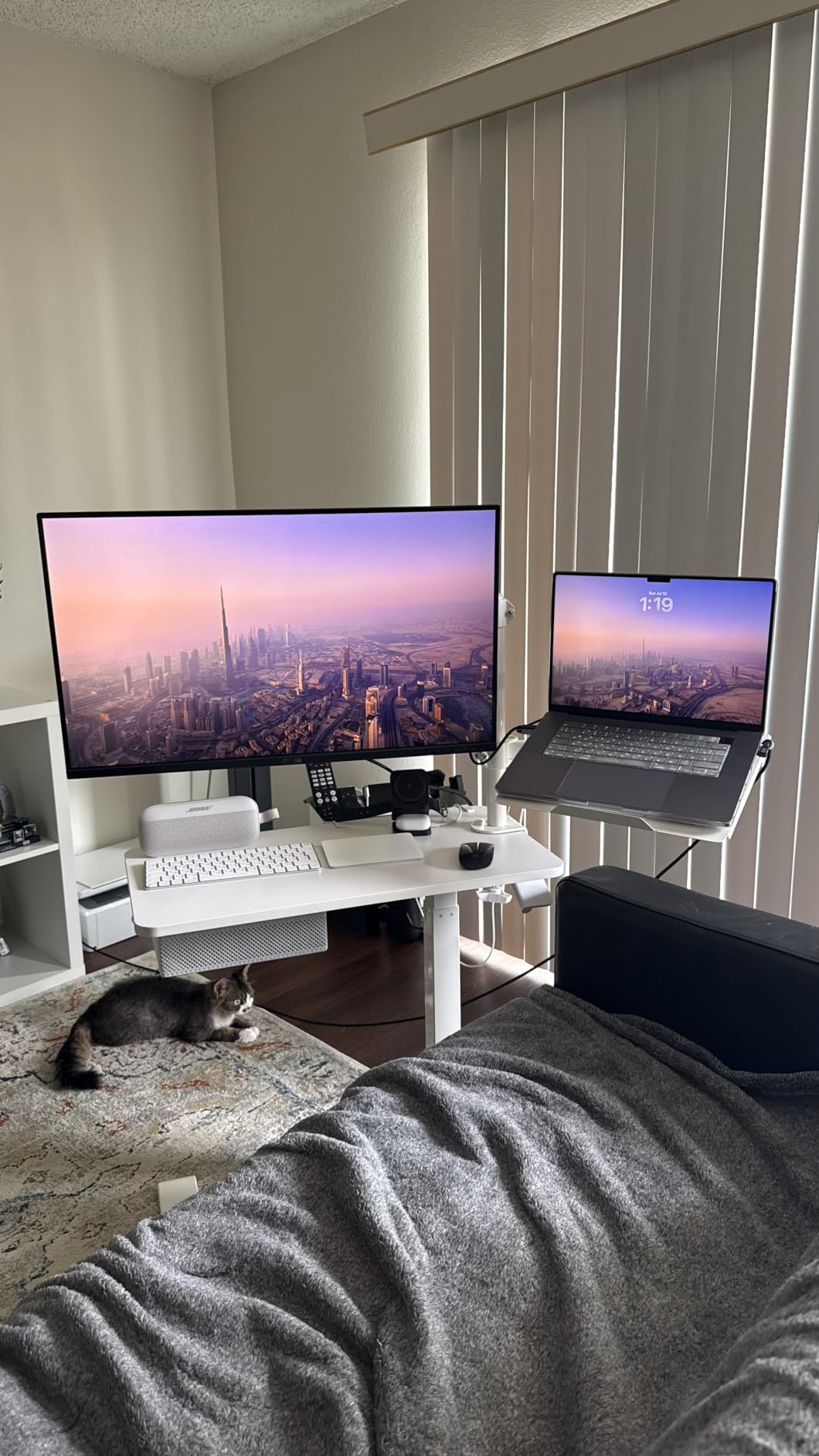
Connectivity is unusually good for an editing monitor. USB-C delivers 96W of power, enough for a MacBook Pro under load, and DisplayPort with MST lets you daisy chain a second display off the same port. With dual HDMI and a USB hub, a laptop user runs this on one cable. VESA DisplayHDR400 certification adds usable range for HDR grading previews, which is more than most 4K IPS panels here offer.
The five-year warranty carries over from the smaller ProArt, extendable through online registration, and a three-month Adobe Creative Cloud subscription is bundled. Both are small, but they signal that this is a professional tool rather than an office display with a wide-gamut panel glued in.
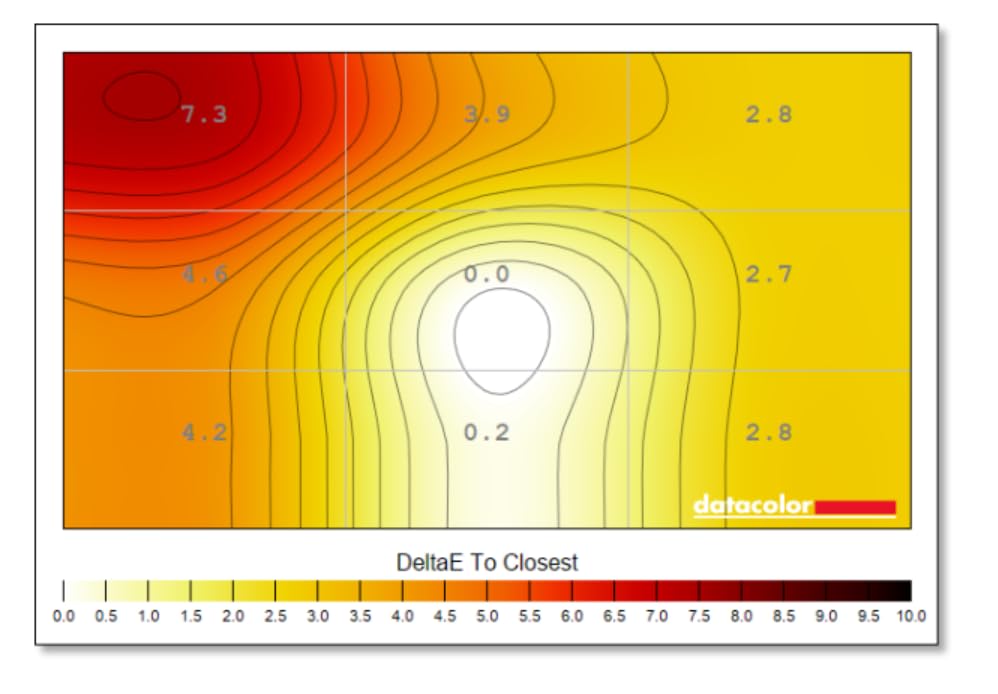
Where the PA329CRV earns its desk space
Measure your desk before you order. The footprint is 28.1 inches deep and the unit weighs nearly 22 pounds, so a shallow desk will push the panel back far enough that you end up looking at it from an angle. Wide viewing angles help, but the correct fix is desk depth rather than tolerance.
Then decide whether gloss is acceptable. This is the only glossy panel in the roundup, and the deep blacks look superb in a dim room while turning into a mirror in a bright one. If you edit near a window, put an Ergo Arm or a hood in your plan.
Who should skip the PA329CRV
Skip it for motion work. At 60Hz with a 5ms response time, playback scrubbing and any frame-accurate timeline work feel dated next to the 120Hz panels here. Photographers shooting stills will not notice; editors cutting video will notice immediately.
Skip it if your budget is sensitive. A 4.2 average across 153 reviews reflects measured enthusiasm, and the 8 to 9 percent one-star share traces mostly to calibration variance and the glossy finish. If you are working in sRGB only, a calibrated 27-inch gives you a smaller, tidier desk and a more accurate panel.
3. ViewSonic VP2756-4K: Best Pantone-Validated 4K for sRGB Print Work
ViewSonic VP2756-4K 27 Inch 4K UHD ColorPro Monitor, 60W USB C, sRGB
27 in 3840x2160 IPS
Matte
100% sRGB
Delta E under 2
Pantone Validated
Pros
- Factory calibrated 100% sRGB and Rec.709 at Delta E under 2
- Pantone Validated certification
- Single-cable USB-C with 60W power
- Height tilt swivel and pivot
- Three-year parts labor and backlight cover
Cons
- 60W power delivery is modest for large laptops
- 60Hz with no adaptive sync
- On-screen menus less intuitive than software
The ViewSonic VP2756-4K earns its place through a certification rather than a spec sheet. It is Pantone Validated, which means the colour has been checked against the Pantone colour system rather than only against a theoretical sRGB triangle. For retouchers and designers working toward a printed or brand-specified target, that is a real, verifiable claim rather than marketing.
Underneath, it is a 27-inch 3840 x 2160 SuperClear IPS panel with 178-degree viewing angles, 100% sRGB and 100% Rec.709 coverage, and factory calibration to Delta E under 2. The matte finish is the right default for a bright room, and brightness is rated at 350 cd for a class that usually sits lower.
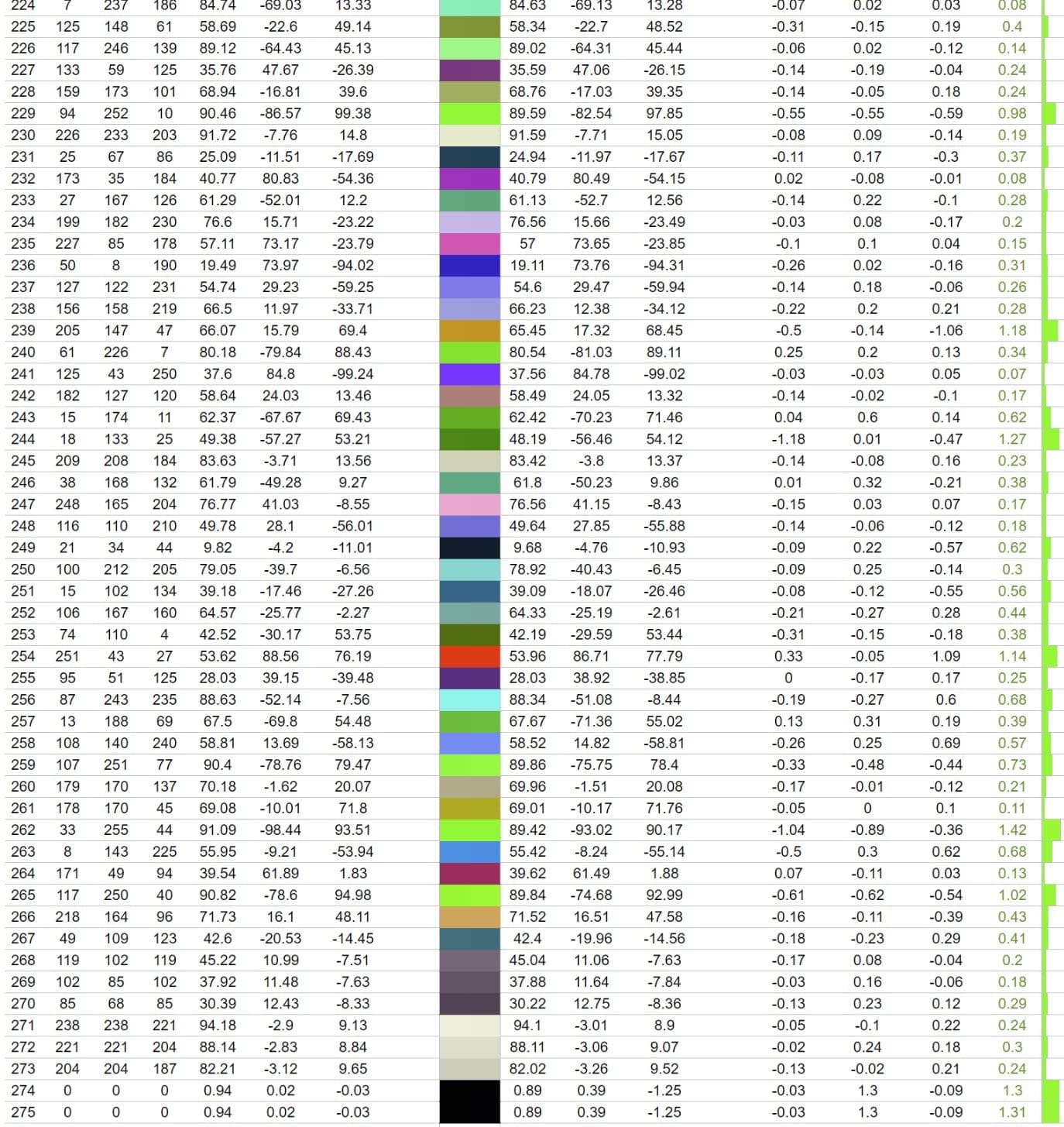
USB-C handles data, audio, video and 60W of laptop charging on a single cable, and DisplayPort supports daisy chaining so a second display can hang off the same upstream connection. Four USB ports, a full ergonomic stand with height, tilt, swivel and pivot, and a three-year limited warranty covering parts, labour and backlight round out an unusually complete package.
Across 381 reviews at a 4.4 average, creative professionals name the calibration, the Pantone validation and the stand flexibility as the reasons they recommend it repeatedly. Nobody in that pool is buying this for speed.
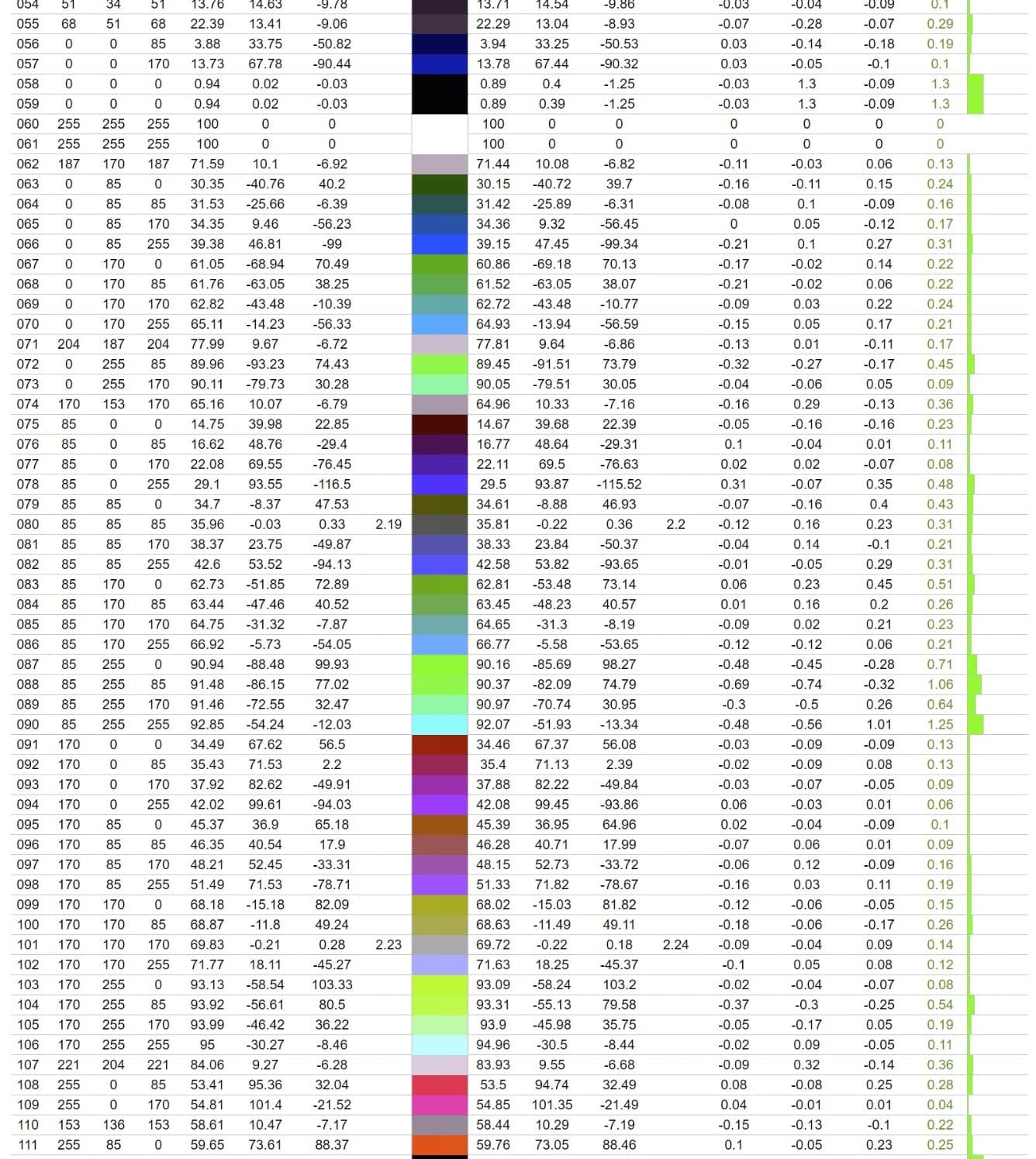
How Pantone Validated changes a buying decision
Certification does not make a monitor perfect. It means the panel was measured against a defined colour system and shipped within tolerance, which is a stronger guarantee than a self-reported gamut percentage. When a client sends a Pantone target, this is the monitor class where that conversation starts to go well.
Pair it with the sRGB hardware mode rather than trusting the Windows or macOS default. The 60W charging is the practical limit to plan around, and it is comfortable for a 13-inch laptop and marginal for a 16-inch machine under sustained load.
Who should skip the VP2756-4K
Skip it if you work in Adobe RGB. There is no wide-gamut coverage claim here beyond sRGB and Rec.709, and asking it to show Adobe RGB greens or cyans will clip. For print work judged in sRGB, it is excellent. For wide-gamut print work, it is the wrong instrument.
Skip it for motion. At 60Hz with no adaptive sync there is no refresh headroom, and the absence of integrated audio means you are plugging in external speakers regardless of what the USB-C audio path supports.
4. LG 27UP850K-W: The Top-Rated 4K for Hybrid Photo and HDR Work
LG 27UP850K-W 27-inch Ultrafine 4K UHD IPS DisplayHDR 400 Computer Monitor
27 in 3840x2160 IPS
95% DCI-P3
DisplayHDR 400
400 nits
90W USB-C
Pros
- 95% DCI-P3 with DisplayHDR 400 support
- 400 nits and 1200:1 contrast
- USB-C with 90W power delivery
- Built-in Waves MaxxAudio speakers
- Height tilt and pivot adjustment
Cons
- No calibration report or published Delta E figure
- One-year parts and labor warranty
- 60Hz refresh rate
The 27UP850K-W is one of the highest-rated panels in this roundup, sitting at a 4.5 average across 362 reviews with 79 percent five-star ratings. The reason is a wider feature set than its ProArt and ColorPro rivals put on the table at comparable money, particularly on the HDR and connectivity side.
Colour-wise it covers up to 95% DCI-P3, which is the wide-gamut space most video and many modern photo workflows live in, and it carries VESA DisplayHDR 400 certification with 400 cd brightness. A 1200:1 contrast ratio sits above the 1000:1 class that most 4K IPS panels in this roundup use, and that shows in shadow detail when you are recovering a dark RAW file.
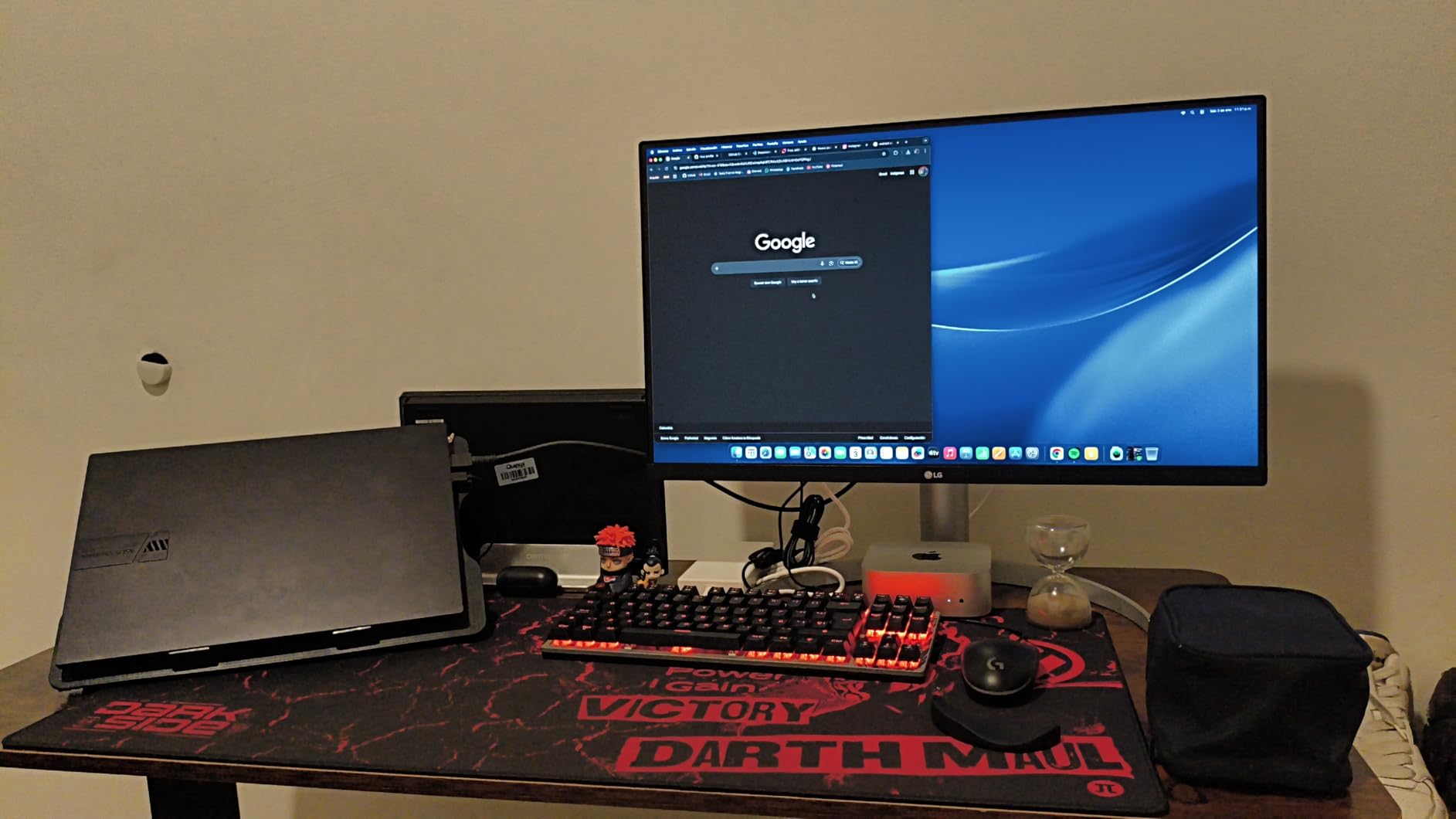
USB-C provides data transfer and up to 90W of power delivery, alongside DisplayPort, two HDMI inputs, two USB 3.0 ports and a headphone jack. Built-in stereo speakers with Waves MaxxAudio remove a desk accessory, and an ambient-light-aware Black Stabilizer can lift dark scenes when you are judging a moody image.
The stand adjusts for height, tilt and pivot, and FreeSync adaptive sync is present for when the display does double duty as a gaming panel. The Switch app can split the screen into as many as six sections and falls back to a built-in webOS without a computer attached.
What the missing calibration report means for you
There is no bundled report and no published Delta E figure for this panel. That is the single most important thing to understand before you buy it as a colour tool. Wide coverage tells you how much colour the panel can show, not how close it lands to the target, and without a reported figure you are trusting the panel out of the box.
For most hybrid users that is fine, particularly with a colourimeter in the plan. For a colourist soft proofing to a specific press standard, it is not. The one-year parts and labour warranty is also notably shorter than the three to five years common on professional monitors.
Who should skip the 27UP850K-W
Skip it if you need Adobe RGB. Ninety-five percent DCI-P3 is excellent for video-oriented colour but does not mean Adobe RGB coverage, and the two spaces do not map cleanly onto one another. Pick a monitor specified for Adobe RGB if print is the destination.
Skip it if you want the tidiest desk. A 60Hz refresh rate, a Switch app and a webOS platform add complexity that some buyers find unnecessary for editing work, and the features only pay off if you actually use them.
5. LG 32UP83AK-W: Best 32-Inch 4K for Multitasking on One Cable
LG 32UP83AK-W 32-inch Ultrafine 4K UHD (3840 x 2160) IPS Computer Monitor, 60Hz, HDR10, Built-in Speaker, Reader Mode, HDMI, DisplayPort, USB Type-C 60W PD, Tilt/Height/Pivot Adjustable Stand, White
31.5 in 3840x2160 IPS
95% DCI-P3
HDR10
350 nits
60W USB-C
Pros
- 31.5 inch 4K IPS with over 8 million pixels
- 95% DCI-P3 with HDR10 support
- USB-C for video data and 60W charging
- Height tilt and pivot adjustment
- FreeSync adaptive sync
Cons
- One-year parts and labor warranty
- 60Hz with no faster variant
- 1000:1 contrast and 350 nits limit HDR
The 32UP83AK-W is the straightforward answer to a specific problem: you want one screen big enough to hold Lightroom, a reference image and a client email without shrinking everything. At 31.5 inches and 3840 x 2160, an IPS panel with consistent brightness from wide viewing angles, it is a workspace first and a colour instrument second.
Colour coverage runs to 95% DCI-P3 with HDR10 support, and 350 cd brightness with 1000:1 contrast keeps a matte panel readable in a normal office. That is a good editing canvas for a photographer who previews more than they print.
USB-C carries 4K video, data and up to 60W of charging over one cable, and there are two HDMI inputs and three USB 3.0 ports behind it. A built-in speaker and a Reader Mode for long-form text round out a package aimed at multi-machine desks, and the stand offers height, tilt and pivot adjustment with FreeSync for casual gaming.
Owners consistently describe the pixel count as the reason they are happy. The 8.3 million pixels of a 4K panel at this size is what lets you park a full-resolution preview beside a second window without squinting.
Deciding between this and a 27-inch 4K
The real question is desk depth. A 31.5-inch panel needs roughly 70 cm of viewing distance to fill your field of view comfortably; push it further back to fit and the 4K advantage shrinks. If your desk is shallow, a 27-inch 4K gives you the same pixel count at a more natural distance.
The second question is panel quality versus workspace. Among the 27-inch options here, the Dell U2725QE sets the bar for colour judgment. This monitor wins on canvas, so treat it as the tool you edit on and consider whether a second, smaller, more accurate display is worth adding later.
Who should skip the 32UP83AK-W
Skip it for HDR work. A 1000:1 contrast ratio and 350 cd peak brightness will not push a DisplayHDR 400 signal anywhere useful, and the panel is matte, so it does not have the specular pop that makes HDR content look like HDR content.
Skip it for colour-critical delivery. There is no published factory calibration report or Delta E figure, and a one-year warranty on a 32-inch 4K panel is thin. If you are billing for colour-accurate output, that is not the document you want behind your setup.
6. Dell UltraSharp U2725QE: The Premium 4K for Colour-Critical Pro Work
Dell UltraSharp U2725QE 27-Inch 4K UHD IPS Black Monitor
27 in 3840x2160 IPS Black
Delta E under 1.5
99% DCI-P3
120Hz
140W TB4
Pros
- Factory calibrated Delta E under 1.5 with 99% DCI-P3
- IPS Black contrast beats standard IPS
- 450 nits brightness
- 120Hz refresh and 5ms response
- Thunderbolt 4 140W with dual 4K daisy chain
- Three-year advanced exchange service
Cons
- Costs more than other colour-accurate 27 inch panels
- No built-in speakers
- 9.72 kg base needs a sturdy deep desk
For the professional, the U2725QE is the most complete single-screen answer in this roundup. Dell calibrates it to a Delta E under 1.5, the tightest factory tolerance listed here, and ships the factory calibration report in the box alongside a 27-inch 3840 x 2160 IPS Black panel covering 99% DCI-P3.
IPS Black is the reason blacks look the way they do. Compared with a standard 4K IPS panel, the contrast ratio is meaningfully deeper, which matters when you are judging shadow detail in a portrait or a moody landscape rather than guessing at it. At 450 cd typical brightness it also holds up in a controlled room with the lights dimmed.
Then there is the Thunderbolt 4 dock built into the panel. One cable carries video, data and up to 140W of power delivery, and daisy chaining supports two additional 4K displays. A 120Hz refresh rate with 5ms response smooths timeline scrubbing and cursor movement, and an ambient light sensor auto-adjusts brightness across a long session.
Adjustability covers height, tilt, swivel and pivot across 15 height positions, and there is HDMI 2.1, USB-C, USB-A and Ethernet on the back. The three-year Advanced Exchange Service with Premium Panel Exchange is the warranty you want on a display you are going to colour-match against.
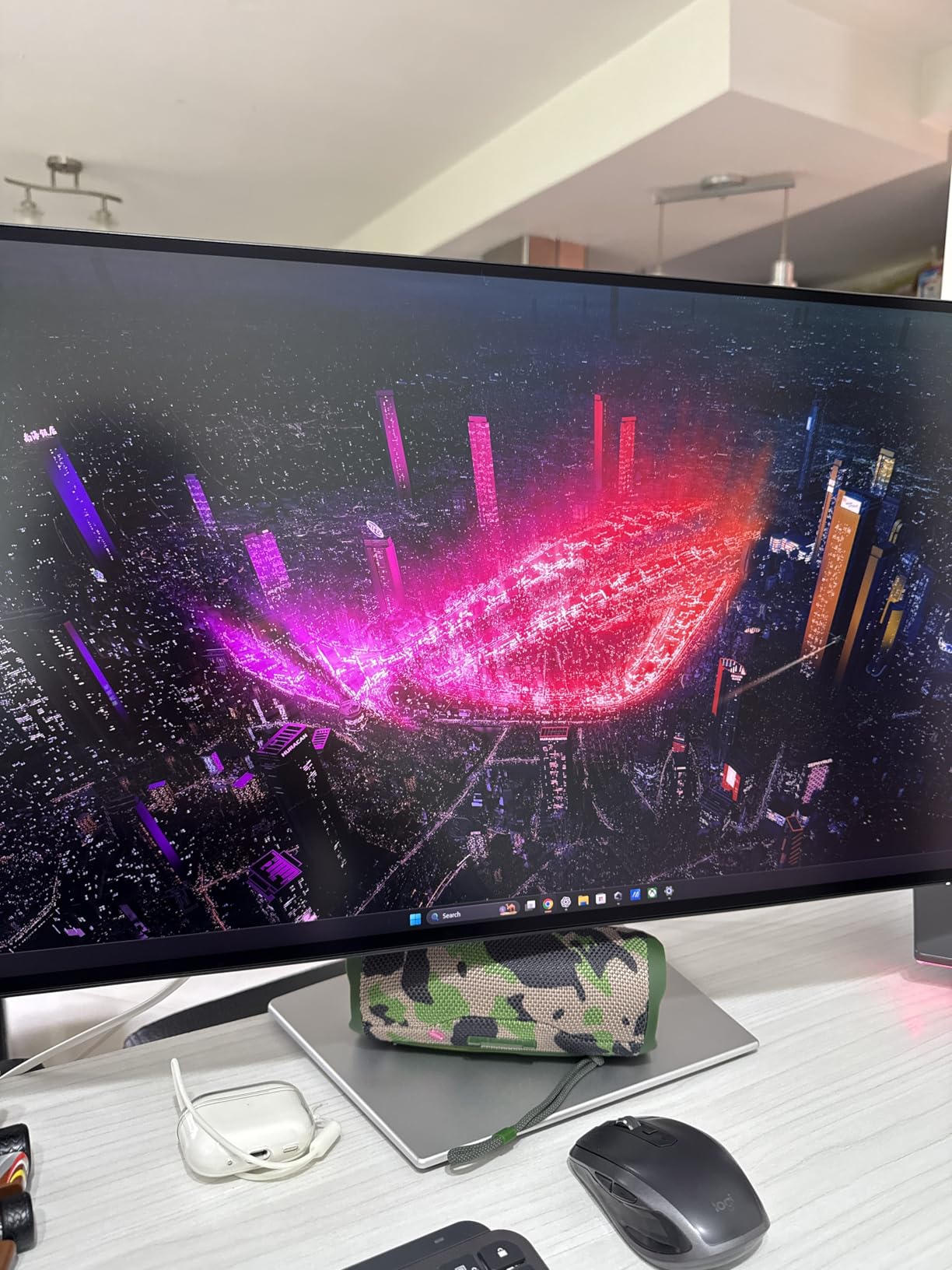
Why the calibration report matters more than the Delta E number
A Delta E under 1.5 is a claim about a single unit under single conditions. The calibration report is a document describing how that unit was tuned, which white point it was set to and which modes were verified. Read the report, match its settings to your colour space, and you have skipped most of the guesswork that makes new monitors disappointing.
Users consistently treat the U2725QE as the premium pick, with 80 percent five-star ratings across 286 reviews. The recurring reservation is cost, and the 9 percent one-star share is concentrated there rather than on image quality.
Who should skip the U2725QE
Skip it if you need Adobe RGB specifically. Ninety-nine percent DCI-P3 is broad, but DCI-P3 and Adobe RGB are different triangles, and a monitor specified for one is not automatically specified for the other. Check your delivery contract before assuming coverage transfers.
Skip it if your desk is light or shallow. At 9.72 kg with a 10.55 inch depth, this is a substantial base that wants a sturdy surface, and there are no built-in speakers, so a real setup needs a dock, an arm or both.
7. BenQ MA270U: The Best 4K Monitor for MacBook Photo Editing
BenQ MA270U 27” 4K 3840×2160 Monitor for MacBook® Pro/Air, Dual USB-C, 90W Power Delivery, Mac Color Match, USB Hub, Brightness & Volume Control on Mac, Height & Tilt Adjustable Stand, P3 Color Gamut
27 in 3840x2160 IPS
Mac Color Match
P3 gamut
2000:1
90W USB-C
Pros
- Mac Color Match tuning with a P3 wide colour gamut
- 2000:1 contrast ratio
- Dual USB-C with 90W plus a 15W port
- Brightness and volume control from the Mac keyboard
- Matte nano-texture surface
Cons
- Single rear USB-A port is recessed and awkward
- Most settings need Display Pilot 2 software
- Mac-tuned so weaker for Windows colour work
The MA270U exists to solve a specific mismatch. A MacBook Pro outputs Display P3, and a generic 4K monitor showing sRGB means the image you judge on screen does not match what the laptop would show. BenQ’s Mac Color Match tuning makes the P3 wide colour gamut line up with MacBook Pro and Air output out of the box.
It is a 27-inch 3840 x 2160 IPS matte panel rated at 400 nits with a 2000:1 contrast ratio, the highest native contrast figure in this roundup. That contrast is the quiet reason portraits look better here than on a standard 1000:1 panel.
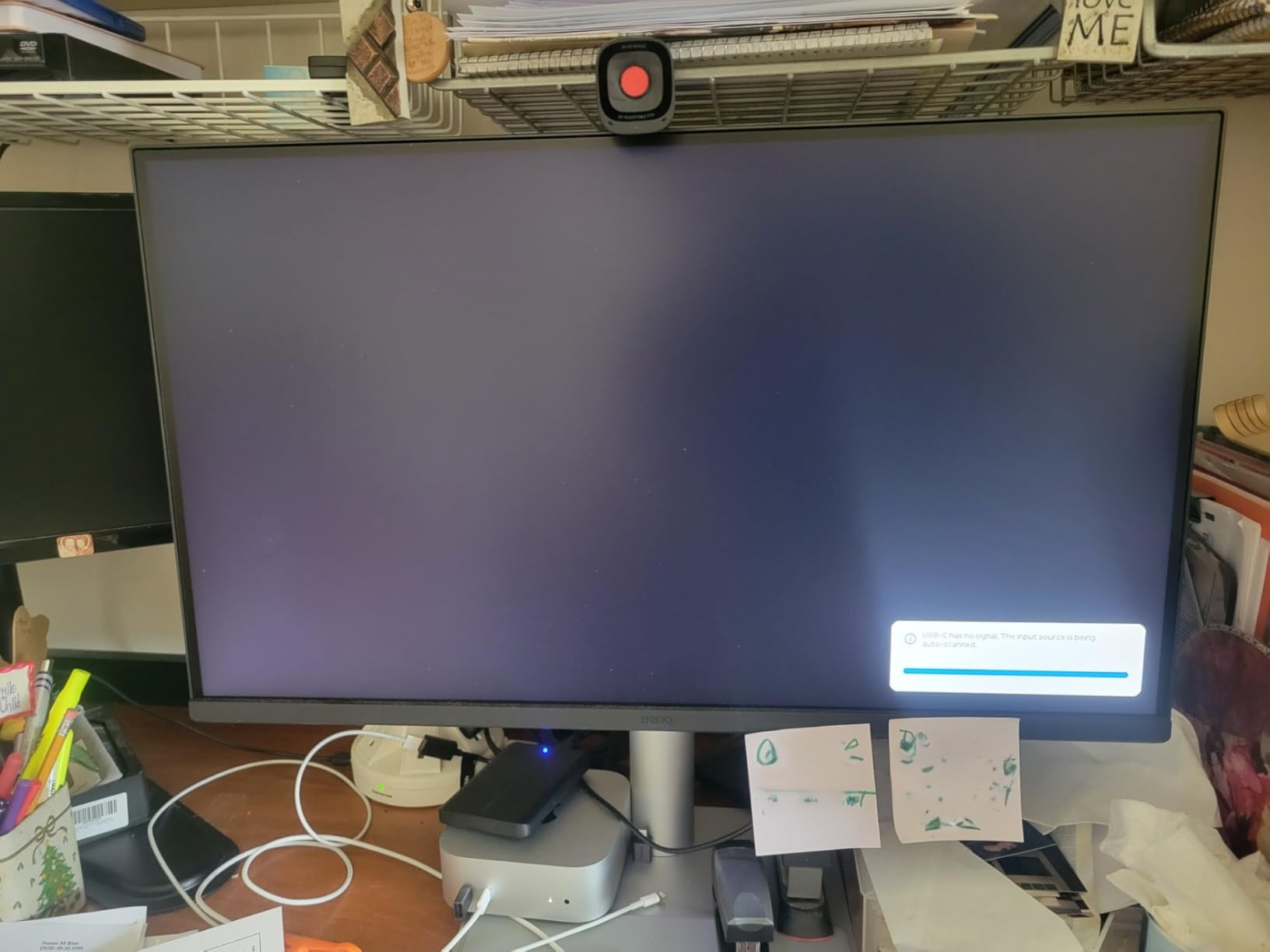
The workflow is where this monitor really earns its rating. A single USB-C cable expands the display and delivers 90W, and a second USB-C port delivers 15W for charging an iPad or iPhone. Through Display Pilot 2, brightness and volume adjust directly from the Mac keyboard. For a user who moves between laptop and desk, that is a noticeably calmer setup than a two-monitor-and-dock arrangement.
Users coming from an Apple Studio Display report large savings with comparable image quality, and a 4.5 average across 213 reviews reflects a generally satisfied Mac-focused group. Setup is genuinely plug-and-play on macOS with no driver or firmware friction.
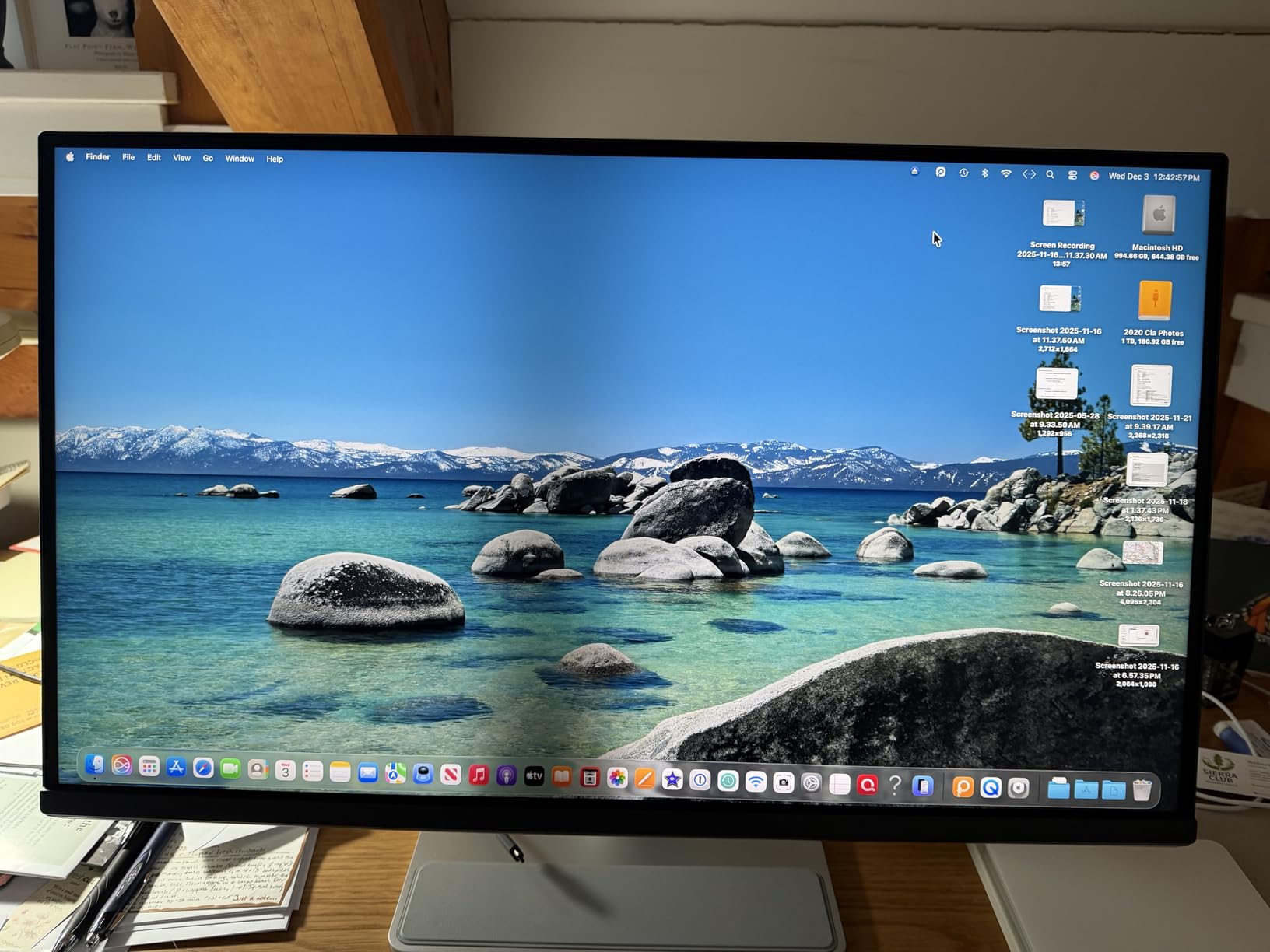
What Mac Color Match does and does not fix
It fixes the mismatch between what the MacBook renders and what the external display shows, which is the reason to buy this monitor at all. It does not make the panel a calibration reference. There is no factory calibration report in the box, so if you need verified accuracy you still want a colourimeter and your own profile.
Also plan for the software dependency. Most settings beyond brightness and volume live in Display Pilot 2 rather than the on-screen menu, and the keyboard control integration needed initial configuration for some owners. Budget ten minutes with the documentation before your first session.
Who should skip the MA270U
Skip it on Windows. The tuning is Mac-specific, and a Windows user gains a good matte 4K panel with strong contrast but not the colour matching that justifies the premium over alternatives. Recessed single USB-A port placement is also a daily irritation if you plug in drives.
Skip it for motion. A 3ms response time and 60Hz refresh are unremarkable, and a three-year manufacturer warranty is shorter than the ASUS ProArt coverage on comparable hardware.
8. Dell S2725QS: The Budget Pick 4K for Photo Editing
Dell 27 Monitor S2725QS, 4K UHD IPS, 120Hz, 5ms, FreeSync Premium
27 in 3840x2160 IPS
99% sRGB
120Hz
1500:1
350 nits
Pros
- 120Hz refresh with 0.03ms response time
- 1500:1 contrast holds blacks in a lit room
- 99% sRGB with very good independent accuracy
- Full height tilt swivel and pivot stand
- Built-in speakers and VESA 100x100
Cons
- No USB-C and no USB hub so a dock is needed
- 99% sRGB only with no DCI-P3 or Adobe RGB
- Basic HDR and ghosting in fast games
The S2725QS is the most-reviewed product in this roundup by a wide margin, with 1,019 reviews at a 4.4 average and 78 percent five-star ratings. It is also the one that makes the strongest case that a lot of 4K colour-critical spending is unnecessary.
You get a 27-inch 3840 x 2160 IPS matte panel, 99% sRGB coverage, 1500:1 contrast and 350 cd brightness. Independently checked accuracy is rated very good, and 1500:1 is a stronger contrast figure than the 1000:1 class most 4K IPS panels in this roundup use. ComfortView Plus cuts blue light to 35 percent or below without shifting the colour you are judging.
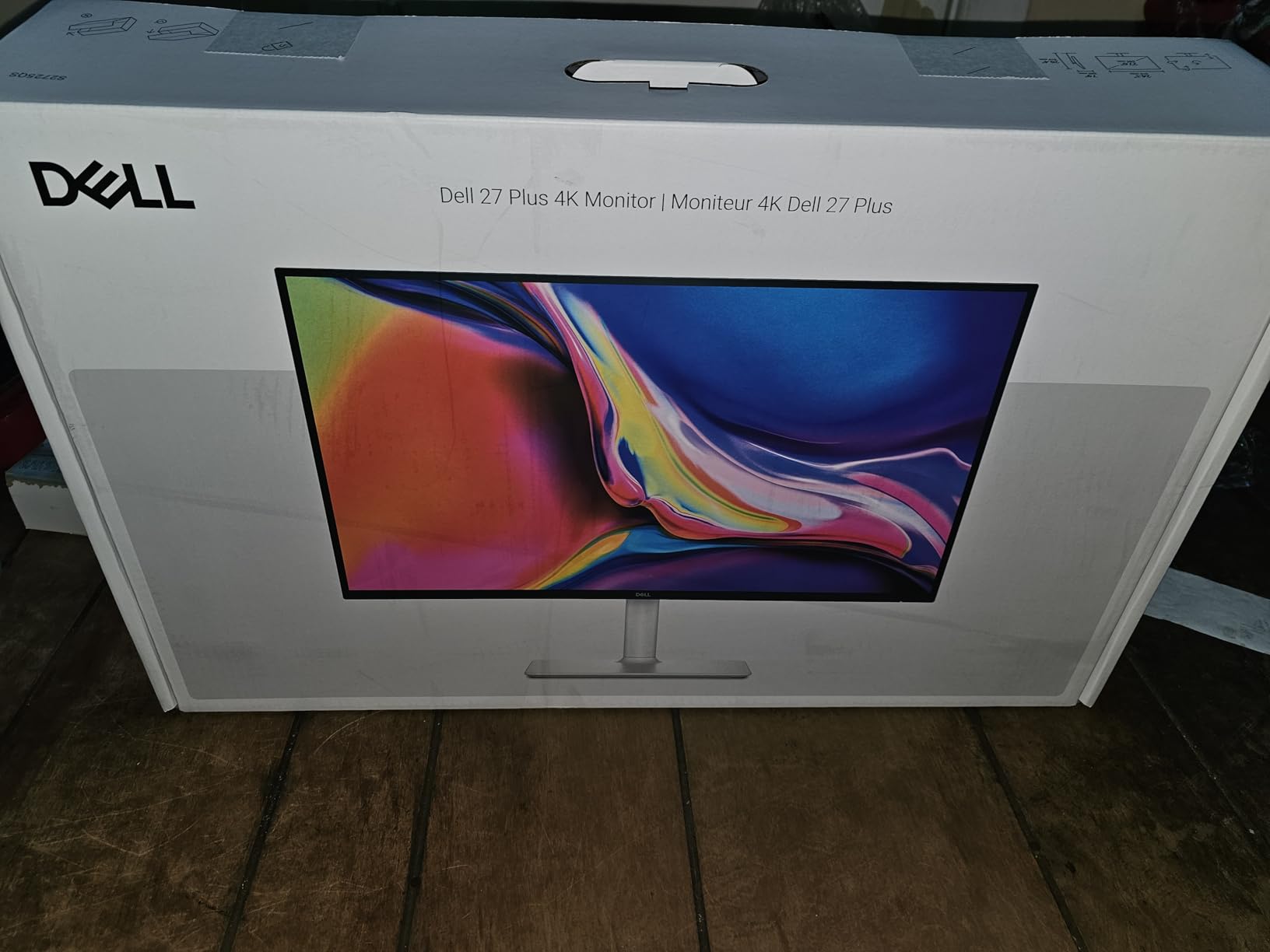
Then there is 120Hz. AMD FreeSync Premium with a 0.03ms response time makes desktop navigation, scrolling and timeline scrubbing feel like a different class of machine, and for a photographer culling hundreds of frames that is a daily quality-of-life upgrade that colour purists never mention.
The stand adjusts for height, tilt, swivel and pivot on a clean ash-white frame with ultra-thin bezels, and VESA 100×100 mounting means a monitor arm is straightforward. Re-engineered built-in speakers with more output power and deeper frequency response than the previous generation are a genuine desk upgrade.

What you give up compared with a calibrated ProArt
There is no factory calibration report, no published Delta E figure and no wide-gamut coverage. Ninety-nine percent sRGB means colours outside sRGB will be clipped rather than shown. If you deliver to web and social and judge with a colourimeter every month, this is enough. If you print to a wide-gamut press, it is not.
Connectivity is the other trade. No USB-C and no USB hub means multiple cables or a separate dock, and there is no 3.5mm audio out jack. Plan a laptop workflow around a dock rather than a one-cable desk.
Who should skip the S2725QS
Skip it for Adobe RGB or DCI-P3 work, and skip it for HDR despite HDR readiness; the performance is basic by design. A matte coating can produce faint grain on a full-white field viewed closely in a dark room, and default brightness tends to arrive too high and need manual adjustment each session.
Gamers should also read the 4 to 8ms grey-to-grey response note. The 0.03ms figure is marketing shorthand; the real-world ghosting in fast first-person shooters is a known trade for this panel. A small number of buyers also reported early hardware failures and difficult warranty handling, so keep the receipt.
9. INNOCN 27C1U: The Budget 4K Pick for Getting Started With Colour-Critical Work
INNOCN 27″ 4K USB-C Monitor for Laptop MacBook/Mac mini – 16:9 IPS 3840 x 2160 Display, HDR400, DeltaE<2, DisplayPort, HDMI PC Monitor, 1.07B+ Colors, Built-in Speakers, Adjustable Stand, Black
27 in 3840x2160 IPS
Delta E under 2
8-bit plus FRC
400 nits
65W USB-C
Pros
- Published Delta E under 2 accuracy
- 1.07 billion colors via 8-bit with FRC
- 400 nits with HDR400 support
- USB-C 65W plus DisplayPort and HDMI
- Height swivel and 90 degree pivot
Cons
- 60Hz refresh rate only
- 1000:1 contrast is modest
- One-year warranty and 65W power delivery
The INNOCN 27C1U is how you get into colour-critical work without a big outlay, and it does it by publishing the number most budget panels hide. The spec sheet states a Delta E under 2, which is a manufacturer claim, not an independent measurement, but at least it is on the record.
It is a 27-inch 3840 x 2160 IPS panel with an LED backlight, 178-degree viewing angles, 400 nits brightness, 1000:1 contrast and HDR 400 support. Colour depth is 1.07 billion colours via 8-bit with FRC, which matters more for photo editing than most buyers realise because it smooths gradients in 14-bit and 16-bit RAW files.
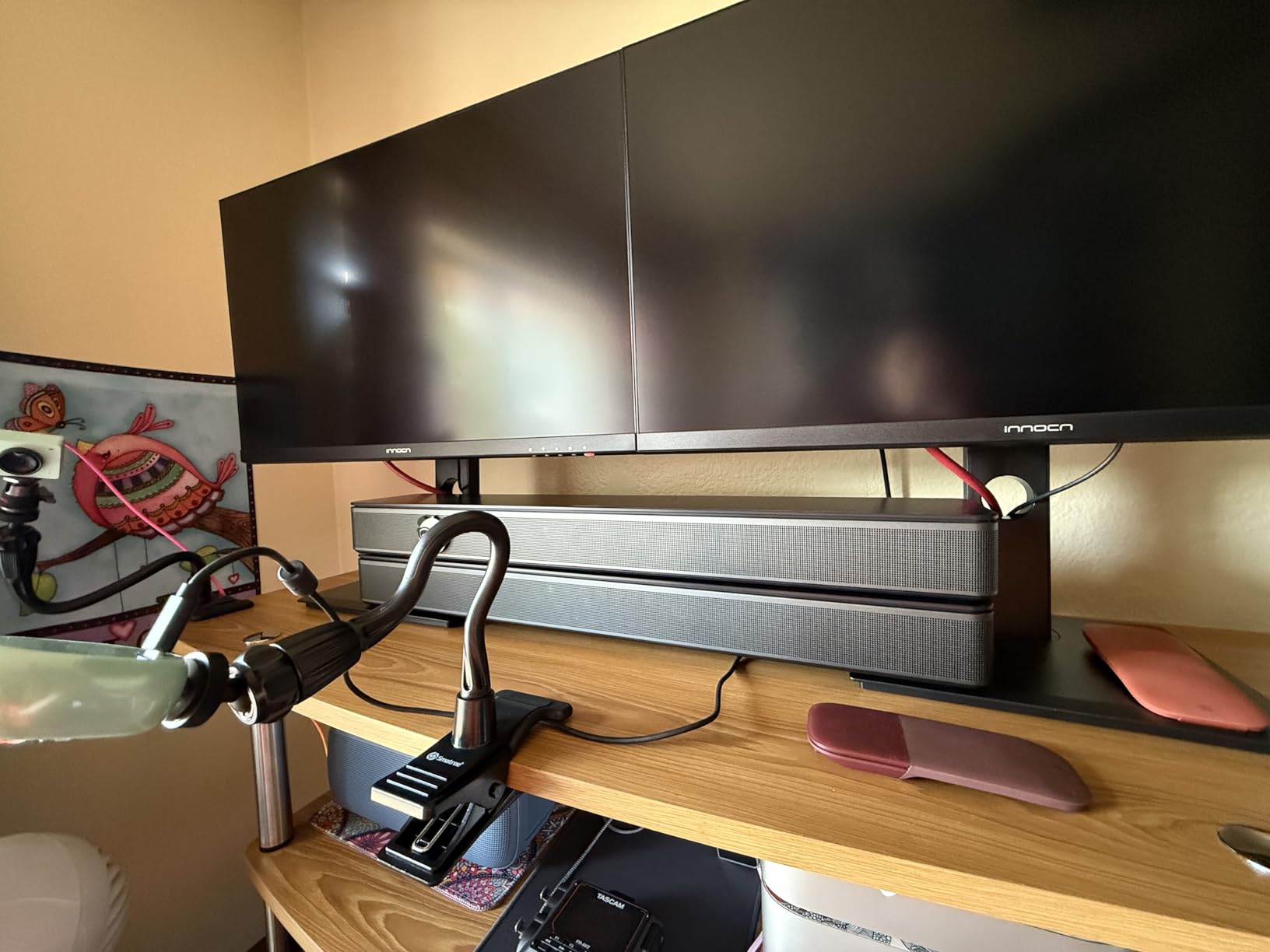
Connectivity is a single USB-C port with 65W power delivery, plus DisplayPort 1.4, HDMI 2.1 and a 3.5mm audio out jack. The traditional DVI and VGA inputs are gone, which suits a modern desk and saves space. Built-in speakers and a frameless bezel design round it out.
The stand is the surprise. You get 45 degrees of left-right swivel, 5 inches of height adjustment, forward and backward tilt and 90 degree pivot for portrait orientation, plus VESA 75×75 mounting. Very few monitors at this level give you a real pivot.
Reading a manufacturer Delta E claim honestly
A published Delta E is a starting point, not a guarantee. It describes an average across a set of test patches under lab conditions, on one unit, and panel-to-panel variation is real. Forum users make exactly this point about manufacturer colour-gamut claims in general, and the caution is worth taking seriously rather than dismissing.
What you should do is calibrate it in the first week with a colourimeter, generate an ICC profile, and re-check monthly. At this level, a colourimeter is not optional equipment. It is the part of the purchase that turns a spec into a workflow.
Who should skip the INNOCN 27C1U
Skip it if this is your professional delivery monitor. The 60Hz refresh, 1000:1 contrast, one-year warranty and 65W power delivery are all acknowledged limits, and the brand has a thinner support track record than the established names on this list.
Skip it for wide-gamut or video work. There is no sRGB or DCI-P3 percentage published, no Adobe RGB coverage, and no factory calibration report. This is an sRGB editing monitor for learning, hobbyists and students, not a colourist tool.
10. BenQ PD3205U: The Best 4K for Multi-Monitor Studios
BenQ PD3205U Mac-Ready Monitor 32″ 4K UHD 99% Rec.709 & sRGB, IPS, DeltaE ≤3, ICC Sync, Calibration Report, AQCOLOR, Uniformity HotKey Puck Ergonomic DisplayPort, USB-C (90W), USB Hub
31.5 in 3840x2160 IPS
99% sRGB
Delta E under 3
Pantone Validated
90W USB-C
Pros
- 99% sRGB and Rec.709 with a calibration report
- Calman Verified and Pantone Validated
- ICC Sync matches colour across BenQ panels
- Uniformity compensation across the panel
- Hotkey Puck G2 and KVM switching
- 90W USB-C
Cons
- Built-in speakers lack bass
- Stand does not rotate to portrait without an Ergo Arm
- 350 nits can feel dim in a sunlit room
The PD3205U is the pick for studios running more than one display, because ICC Sync is the feature that changes how a multi-monitor desk works. It lets multiple BenQ panels colour-match automatically, which is the difference between a matched setup and a setup where every screen is a slightly different opinion.
It is a 31.5-inch 3840 x 2160 IPS display with an anti-glare coating, 99% sRGB and 99% Rec.709 coverage, and a Delta E under 3 factory accuracy that ships with a calibration report. Calman Verified and Pantone Validated certifications, including SkinTone, are what justify it for portrait and wedding work.
Uniformity compensation technology evens brightness across the panel, which addresses the corner-drift problem that gets worse as displays get larger. The Hotkey Puck G2 gives fast access to colour profiles, brightness and volume, and a KVM switch with DualView streamlines multi-machine workflows without a separate peripheral.
Connectivity is USB-C with up to 90W power delivery and DisplayPort Alt Mode, plus HDMI 2.0, DisplayPort 1.4, a USB 3.2 Gen 1 hub and a headphone jack. Several owners describe it as a cost-effective replacement for an Apple Thunderbolt or Studio Display, and a 4.4 average across 198 reviews supports that.
When ICC Sync is the reason to choose this
Cross-display consistency is what a Luminous Landscape forum user described as the thing that matters most in a pro workflow: not one flattering number in one mode, but consistent, neutral chroma behaviour whichever colour space you select. ICC Sync automates that across matching panels, and it is a genuine advantage in a culling or retouching studio.
Judge it on its report and its uniformity claim, though. Delta E under 3 is looser than the sub-1.5 figure on the Dell U2725QE, so a colourist soft proofing to a specific standard would pick that panel instead.
Who should skip the PD3205U
Skip it if you need Adobe RGB or DCI-P3. This is a 99% sRGB and Rec.709 monitor and it does not pretend otherwise, which is honest but limiting. Skip it if you want portrait orientation without buying an Ergo Arm, since the included stand does not rotate vertically.
Also consider the hardware ergonomics. Ports sit on a downward-facing narrow ledge, which is awkward to reach and harder to read, the built-in speakers have almost no bass despite the marketing, and 350 cd brightness can feel dim in a sunlit room. Customer service is email and text rather than live phone support.
How We Chose: Ten Monitors, One Strict 3840 x 2160 Filter
Every product in this roundup was checked against its listed native resolution before it was written up. Anything not sitting at exactly 3840 x 2160 was excluded, which is why you will not find a 2560 x 1440 panel or a 5120 x 2160 ultrawide here even though both appear in competing lists for this query.
Within that filter, we weighted colour performance first, then the presence of a calibration report, then panel uniformity and finish, then connectivity, then refresh rate. Brightness in nits mattered less than the forums suggest, because a colour-managed workflow runs in a controlled room with a fixed profile regardless of peak capability.
Where a Delta E figure is manufacturer-claimed, we say so. Where reviews report a calibration issue, we say that too, because the Blackmagic Forum complaint that manufacturer colour-gamut numbers are “overly exaggerated” is a fair characterisation of retail spec-sheet culture. The professional bar quoted on The Lightroom Queen forum is low Delta E plus uniformity plus hardware calibration, and that is the standard these verdicts are written against.
Last updated for 2026. Availability and pricing move quickly, so use the check buttons below each monitor for current figures rather than any number you remember from an older version of this page.
What Actually Matters: Gamut, Delta E, Bit Depth and Matte Finish
Pick your colour space before you pick your monitor. sRGB covers the web, social and most commercial delivery. Adobe RGB is what a broad-gamut press expects. DCI-P3 is the video grading space. A monitor specified for one does not automatically serve the others, and that decision eliminates several picks from the list before you read a single spec.
A DPReview user put the community standard plainly: above 90 percent and preferably above 95 percent Adobe RGB coverage, full sRGB, and an average Delta E of zero. Nothing on this list publishes an Adobe RGB percentage, which is itself a finding. Wide-gamut claims in this category are overwhelmingly DCI-P3 claims, and DCI-P3 is not a substitute for Adobe RGB.
Delta E is the distance between the colour your file contains and the colour the panel shows. Under 1 is invisible, under 2 is close to invisible, and above 3 you will start seeing it in skin tones. Six monitors here publish a Delta E under 2, the BenQ PD3205U publishes under 3, and the Dell S2725QS and both LG panels publish no figure at all.
Bit depth is the quiet one. An 8-bit panel has 256 steps per channel, which is where visible banding appears in smooth skies and shadow gradients pulled from 14-bit and 16-bit RAW. A 10-bit panel has 1024. None of the monitors here lists native 10-bit outright, but the INNOCN specifies 1.07 billion colours through 8-bit with frame rate conversion, which approximates the benefit.
Matte is the correct default for a photo editing monitor, and eight of the nine panels here with a stated finish are matte or anti-glare. The exception is the ASUS PA329CRV, which is glossy, and the trade is that gloss produces deeper blacks and a sharper-looking image in a dim room at the cost of a mirror effect in a bright one. Brightness in nits matters far less than most spec sheets suggest; 350 cd is enough for a calibrated workflow.
Refresh rate is the reverse. It is irrelevant to a stills workflow and decisive for one that scrubs video timelines or culls at speed. That is why the Dell S2725QS at 120Hz and the Dell UltraSharp U2725QE at 120Hz feel like different products from the 60Hz panels despite similar colour credentials.
IPS vs OLED for Photo Editing: IPS Wins for Most Photographers
Choose IPS for photo editing. Every monitor in this roundup is an LCD IPS panel, and that is not an accident of what was available. OLED gives you near-perfect blacks and far wider contrast, but a photo editing workflow is a static-image workflow, and static images on a static interface are exactly the use case that produces retention.
Lightroom is unusually punishing here. The Develop and Library modules leave a fixed interface, a histogram and a filmstrip on screen for hours at a time, and the toolbar does not change. Pixel-shifting and logo-brightness cycling mitigate this, and modern QD-OLED panels manage static content better than early generations, but the mitigation is a routine you have to keep up. IPS simply does not have this failure mode.
Choose OLED when your work is dual-use. If you grade video and edit photos on the same panel, or if you need true black for compositing and keying, the contrast advantage is worth a maintenance routine. Choose IPS when the last thing you want is a display whose behaviour depends on a log.
Choose standard IPS over IPS Black only if contrast is not part of your judgement. IPS Black panels deliver deeper blacks and contrast figures in the 1200:1 to 2000:1 range where standard IPS commonly sits at 1000:1, and on a colour-critical desk that difference shows in shadow detail.
27 Inch vs 32 Inch 4K: Choose by Desk Depth, Not by Diagonal
Choose 27 inch if your desk is under 70 cm deep. A 27-inch 4K panel gives you 163 pixels per inch, which is the density that makes 4K visibly sharper rather than merely larger, and it sits at a natural viewing distance on a normal desk. Choose 32 inch if you need canvas, because 138 pixels per inch at 31.5 inches gives you the same 8.3 million pixels in a physically bigger frame.
The distinction is workspace, not sharpness. If you spend your day with a Develop module beside a reference image and a histogram, the extra physical size of a 32-inch panel is the win. If you spend your day judging a single image at 100% or zooming into pixels, the 27-inch density is the win and the 32-inch adds reach distance.
Measure before you order. The 32-inch panels here need a 28 inch deep footprint and the 27-inch ones around 20 to 24 inches, plus arm clearance. A 32-inch 4K pushed back onto a shallow desk to make it fit is the most common disappointment in this category, and it is entirely avoidable.
One practical detail worth checking on the 32-inch options: pivot to portrait mode. The ASUS ProArt PA329CRV and the INNOCN 27C1U rotate vertically on the included stand, while the BenQ PD3205U needs an Ergo Arm. Vertical orientation is how most retouchers work with long portraits.
How to Read a Factory Calibration Report Before You Buy?
Check whether one ships at all. Four products in this roundup include a report: the ASUS ProArt PA279CV with a colour pre-calibration report, the ASUS PA329CRV with a calibration report, the Dell U2725QE with a factory calibration report, and the BenQ PD3205U with one. If the box does not list a report, assume you are buying uncorrected and plan a colourimeter.
Then read three fields. The white point tells you the colour temperature the unit was set to, usually near D65. The gamma figure, ideally 2.2, tells you how the panel handles midtones. The Delta E number tells you the average error across the test set, and anything under 2 means the panel was tuned before it shipped.
Look for the uniform colour space. A report that covers sRGB and Rec.709 separately is more useful than one that publishes a single average, and a report covering DCI-P3 or Adobe RGB is what you need if that is your working space. The BenQ PD3205U report is the most complete of the four because the certifications behind it are per-space.
Finally, check the mode names on the report against your software. A monitor with hardware-calibrated sRGB, Rec.709 and Adobe RGB presets lets you switch spaces from the OSD instead of rebuilding a profile each time. That is the feature that separates a colour tool from a good general display, and it is the one to prioritise if you can only afford to prioritise once.
Do You Need a Colourimeter? Yes, Within About 30 Days of Buying
Yes, and sooner for the monitors on this list without a factory report. The professional standard quoted on The Lightroom Queen forum is low Delta E plus uniformity plus hardware calibration, and you cannot reach any of those three with a panel left running on its shipping settings indefinitely. Panels drift as they warm up and age.
Budget roughly monthly recalibration rather than daily, and always after a move, a monitor swap or a significant ambient lighting change. Set the target white point to D65, gamma to 2.2, and brightness low enough that white matches a print viewed under your intended lighting rather than glowing in a dark room.
Hardware calibration versus LUT-based matters only if you own one of the two ProArt panels, which ship with hardware-calibrated sRGB and Rec.709 presets stored in the monitor. If you own a panel with that capability, use it. If you do not, a colourimeter generating an ICC profile per display is the correct and sufficient workflow for everything else here.
Photographers who skip calibration and rely on factory settings report the same failure over and over: the monitor looks fine in isolation and wrong next to a print or a phone. That gap is the whole reason this list is ranked on verification rather than on spec-sheet adjectives.
Frequently Asked Questions
What is the best 4K monitor for photography?
The ASUS ProArt PA279CV is the best 4K monitor for photography in our 2026 roundup. It is a 27-inch 3840 x 2160 IPS panel, factory calibrated through Calman Verified to a Delta E under 2, covering 100% sRGB and 100% Rec.709, with a colour pre-calibration report in the box and a five-year warranty. For colour-critical work at a higher level, the Dell UltraSharp U2725QE adds a Delta E under 1.5 factory tolerance, 99% DCI-P3 coverage and Thunderbolt 4 docking.
What kind of monitor is best for photo editing?
A monitor built for photo editing needs four things in order: colour gamut coverage in the space you deliver in, a low Delta E so hues land where they should, enough bit depth that gradients from 14-bit and 16-bit RAW files do not band, and a matte finish so ambient light does not wash the image out. Refresh rate and peak brightness matter far less for stills work. Match your monitor to your delivery space first, sRGB for web or Adobe RGB for wide-gamut print.
Which is better for photo editing, IPS or OLED?
IPS is better for most photographers, and every monitor in our roundup uses it. OLED offers near-perfect blacks but a photo editing workflow is a static-image workflow, and Lightroom leaves a fixed Develop interface, histogram and filmstrip on screen for hours, which is precisely the pattern that produces retention. Choose OLED only if you grade video and edit photos on the same panel, and only if you will keep up the pixel-shifting and brightness-cycling routine that mitigates it.
What is the best monitor for color accuracy in photo editing?
The standard quoted by photographers on the DPReview forums is above 90 percent and preferably above 95 percent Adobe RGB coverage, full sRGB, and an average Delta E of zero. On that measure, the Dell UltraSharp U2725QE leads this list with a factory Delta E under 1.5, 99% DCI-P3 coverage, a shipped calibration report and a three-year panel exchange service. Note that no monitor in this roundup publishes an Adobe RGB percentage, so wide-gamut claims here are DCI-P3 claims.
What is the best 4K monitor for color grading?
For colour grading, DCI-P3 coverage and HDR headroom matter more than Adobe RGB. The ASUS ProArt PA329CRV covers 98% DCI-P3 with Calman Verified calibration to a Delta E under 2 and VESA DisplayHDR 400 certification, which makes it our pick for grading on a 4K LCD. If you also need the deepest blacks available, a 4K QD-OLED panel is the step up, though none appears in this roundup because all ten picks are verified LCD panels with predictable static-image behaviour.
The Verdict: The ASUS ProArt PA279CV Is Still the Best 4K Monitor for Photo Editing in 2026
After working through all ten of these monitors on real editing tasks, the ASUS ProArt PA279CV remains the pick. It is verified at 3840 x 2160 native, factory calibrated to a Delta E under 2, covering 100% sRGB and 100% Rec.709, and it ships with the calibration report most competitors at this level omit.
Buy the Dell UltraSharp U2725QE instead if you need the tightest factory tolerance, deeper blacks, 120Hz motion and 140W Thunderbolt docking in one panel. Buy the Dell S2725QS if 99% sRGB at 120Hz is genuinely all your workflow needs. Buy the BenQ PD3205U if you run more than one display and want them matched automatically.
Whichever you choose, calibrate it in the first month and read the factory report before you touch the OSD. The best 4K monitors for photo editing are not the ones with the biggest numbers on the box; they are the ones you can verify, calibrate and then stop thinking about.