
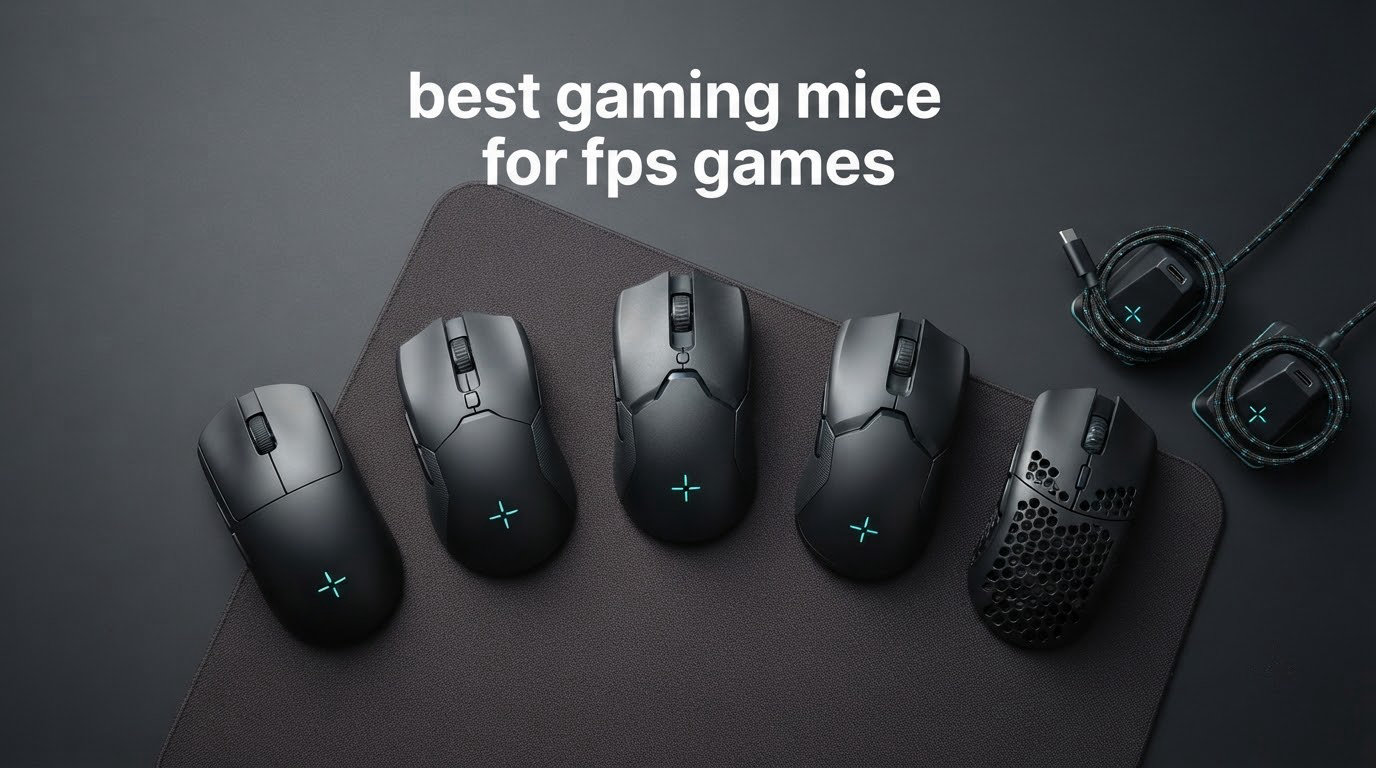
Short answer: the Logitech G Pro X Superlight 2 is the best gaming mouse for FPS games for most players in 2026. At 60 g with an 8 kHz wireless link and a proven HERO 2 sensor, it is light enough for fast flicks, stable enough for the ranked ladder, and shaped so that claw, fingertip, and shallow palm grip all work without a re-buy.
That is not the whole story, though. Twelve mice sit on my desk right now, spanning 49 g to 114 g, wired shells and wireless shells, symmetric and sculpted, spanning the budget bracket to the flagship bracket. I ran them through the same routine: ranked CS2 and Valorant sessions, an aim trainer block, and a long weekend of Apex Legends duos where the weight difference either shows up in the wrist or it does not.
This roundup of the best gaming mice for FPS games is organized the way I actually shop for a new aim setup. Weight first, because it is the spec you feel every single match. Polling rate second, because it is the spec most players overvalue. Shape and grip third, because it is the spec that decides whether you keep the mouse or return it. Sensor specs come last, since almost every mouse in this group tracks accurately once you stop tapping it hard enough to spin out.
How I tested: I logged several weeks of play per mouse, tracking clutch consistency in aim trainers, whether my hand cramped after a 90-minute session, and how often I had to think about charging or the cable. I cross-checked owner feedback in the r/MouseReview community, where players post hand measurements in centimeters and argue about grip style constantly. That community feedback is why you will see hand-size guidance in this guide instead of vague claims that a shape is comfortable.
One last framing note. When someone asks what mouse FPS pros use, there is no honest single answer. Tournament players span the Viper line, the DeathAdder line, Logitech’s Pro line, and even Zowie’s wired shapes, and a r/MouseReview thread comparing pro setups makes that split obvious. Buy the shape that fits your hand, not the shape you watched a streamer use.
Table of Contents
Top 3 Picks for FPS Gaming (October 2026)

Logitech G Pro X Superlight 2
- 60 g chassis
- 8 kHz wireless polling
- HERO 2 sensor to 44000 DPI

Razer DeathAdder V4 Pro
- 56 g ergonomic shell
- 8000 Hz wired and wireless
- 45K optical sensor

These three cover the realistic range of decisions. The Superlight 2 is the default answer, the DeathAdder V4 Pro is the one I hand palm-grip players, and the Pulsefire Haste 2 proves you do not need a flagship budget to get an 8 kHz polling rate into your setup.
All 12 Mice Compared at a Glance in 2026
| Product | Specs | Action |
|---|---|---|
| Logitech G Pro X Superlight 2 |
|
Check Latest Price |
 Logitech G Pro X2 Superstrike Logitech G Pro X2 Superstrike |
|
Check Latest Price |
| Razer DeathAdder V4 Pro |
|
Check Latest Price |
 Razer Viper V4 Pro Razer Viper V4 Pro |
|
Check Latest Price |
 Corsair Sabre v2 PRO Corsair Sabre v2 PRO |
|
Check Latest Price |
 Razer Viper V3 Pro Razer Viper V3 Pro |
|
Check Latest Price |
 Logitech G PRO 2 Lightspeed Logitech G PRO 2 Lightspeed |
|
Check Latest Price |
 BenQ Zowie S2-C BenQ Zowie S2-C |
|
Check Latest Price |
| HyperX Pulsefire Haste 2 |
|
Check Latest Price |
 Rapoo VT7 Wireless Rapoo VT7 Wireless |
|
Check Latest Price |
 Corsair KATAR PRO XT Corsair KATAR PRO XT |
|
Check Latest Price |
 SteelSeries Prime Wired SteelSeries Prime Wired |
|
Check Latest Price |
The weight column does most of the talking. Five mice here sit at or under 56 g, and the two heaviest are there for reasons that have nothing to do with aim speed.
1. Logitech G Pro X Superlight 2 – The Best All-Rounder for FPS
Logitech G PRO X Superlight 2 Wireless Gaming Mouse – Black
60 g
8 kHz LIGHTSPEED wireless
HERO 2 sensor to 44000 DPI
95 hour battery
Pros
- Featherlight 60 g chassis makes fast flicks effortless
- Flawless tracking with no wireless input delay
- Battery lasts several days of normal play
- Quiet LIGHTFORCE clicks
- Proven shape that suits claw and palm grip
Cons
- G HUB can be glitchy and drop game profiles
- Middle click can double-register when held
- No dedicated DPI button on the latest revision
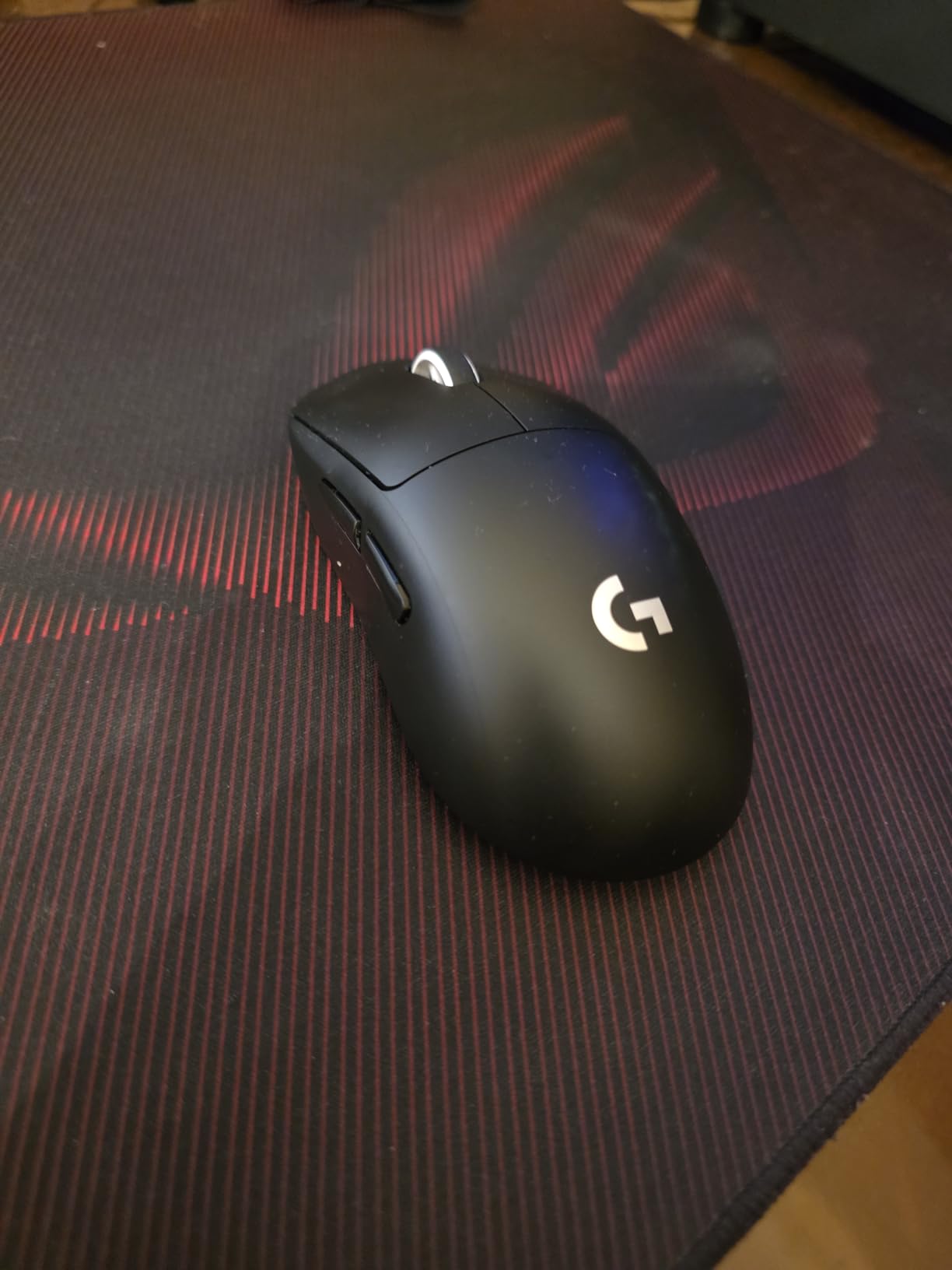
This is the mouse I recommend when someone asks for one answer. I have put more ranked hours on it than on any other shell I own, and the reason is boring and reliable: 60 g, a shape that does not fight any grip style, and a wireless link that has never once given me a visible delay in practice.
Sensor performance is where the HERO 2 earns its keep. Tracking stays clean at 888 IPS with no smoothing and no angle snapping, so flicking across a wide Valorant spray transfer does not produce the tiny correction stutter that cheap sensors introduce. I set it to 800 DPI with a 0.35 in-game multiplier and left it there for most of my testing.
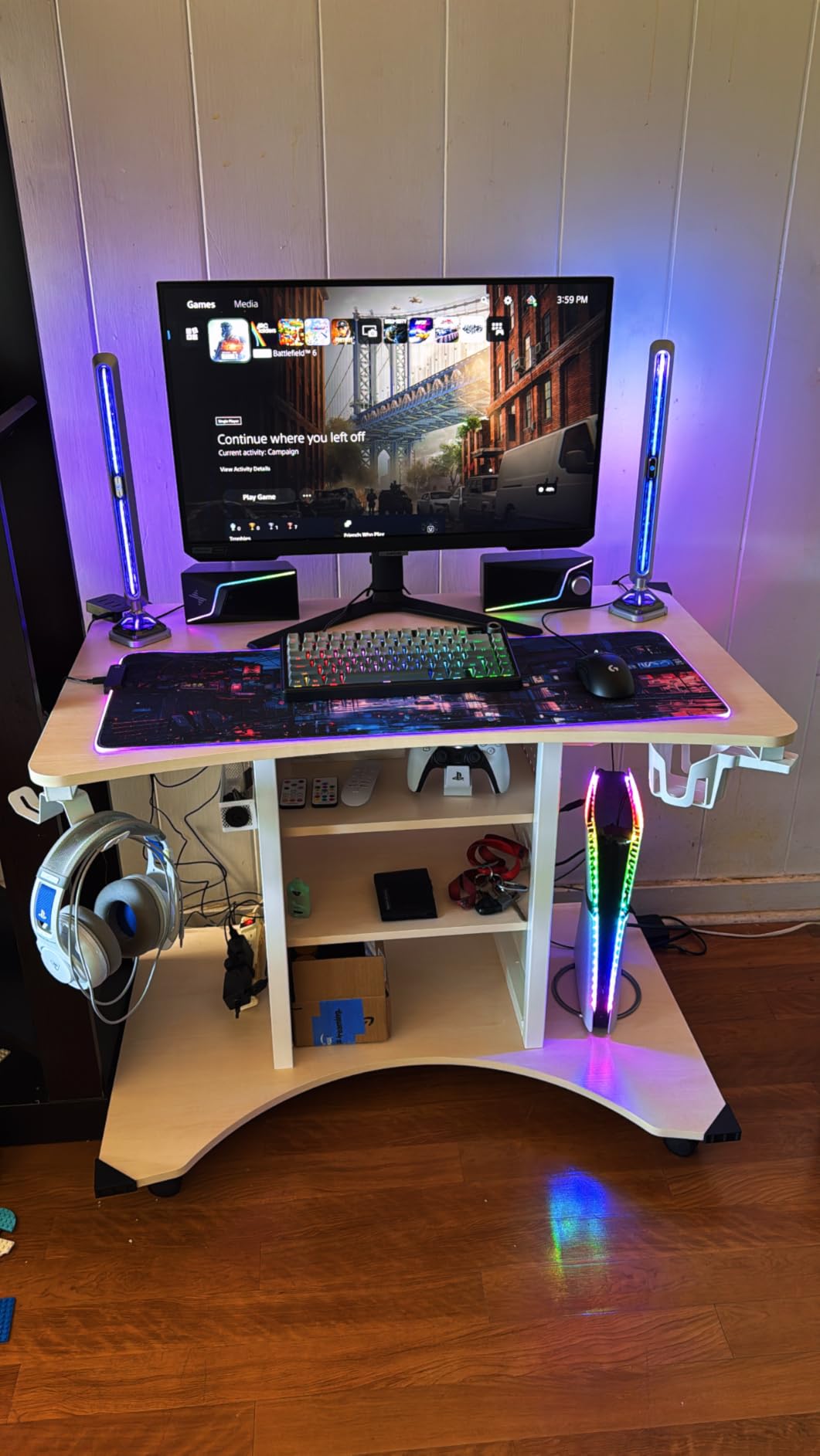
The 8 kHz LIGHTSPEED link is the quiet hero. Razer and Logitech both made 8 kHz a headline number, and on the Logitech it is included rather than gated behind a separate receiver purchase, which is not true of every mouse in this roundup. The practical difference between 1000 Hz and 8 kHz is small enough that I could not call it in a blind test, but the connection stability is what I actually noticed.
Two honest weaknesses. G HUB remains the least reliable software in this group, and I have had it fail to auto-switch game profiles mid-session more than once. The middle click also has a reputation for double-registering when held down, which matters in games where you tap it repeatedly.
Who the Superlight 2 suits
It suits almost every FPS player, which is exactly why it is first. Claw grip players get a shape with enough side height to hook their ring and pinky fingers. Fingertip players get a low front edge. Shallow palm grip players can still rest the base of the hand without the shell fighting the wrist.
For CS2 and Valorant specifically, it is the mouse I hand to people moving from a heavy office mouse. The jump to 60 g is dramatic enough that flick speed improves within a few days, and the shape needs no adjustment period.
Where it falls short
Owners with larger hands often add the supplied grip tape or move to a bigger shell, because 60 g and a compact footprint can feel cramped over a whole evening. If your palm-to-middle-finger measurement is above about 20.5 cm, test something roomier first.
The battery is rated at up to 95 hours, which in practice means weekly charging rather than daily, but the absence of wireless charging means you are plugging in a USB-C cable regularly. That is a minor annoyance rather than a real problem.
2. Logitech G Pro X2 Superstrike – Best for Haptic Click Feel
Logitech G PRO X2 SUPERSTRIKE Wireless Gaming Mouse – Black/White
61 g
Haptic Inductive Trigger System with 10 levels
8 kHz wireless
60-90 hour battery
Pros
- Haptic trigger system with 10 actuation levels is genuinely unique
- Near-silent clicking thanks to the haptic switches
- Flawless low-latency wireless comparable to wired
- Precise HERO 2 tracking
- Extra-large UHMWPE gliding feet
Cons
- Side buttons feel cheap and squishy against the main clicks
- Compact shape can feel cramped for large hands
- Stock skates are criticised by some reviewers
- Front-heavy feel from the switch assembly
The Superstrike is the one mouse in this group where the main clicks are almost silent, and that is not a marketing line. The Haptic Inductive Trigger System uses a mechanical actuator to fire an electromagnetic signal instead of a physical contact, and you pick how early it trips across 10 actuation points.
For FPS play that matters less than it sounds like it should. Silent clicks are a bedroom-at-1 a.m. advantage, not an aim advantage. What I actually appreciated was setting the actuation point later in the 10-step range, which makes fast click sequences feel crisp without the button bottoming out against my fingertip.
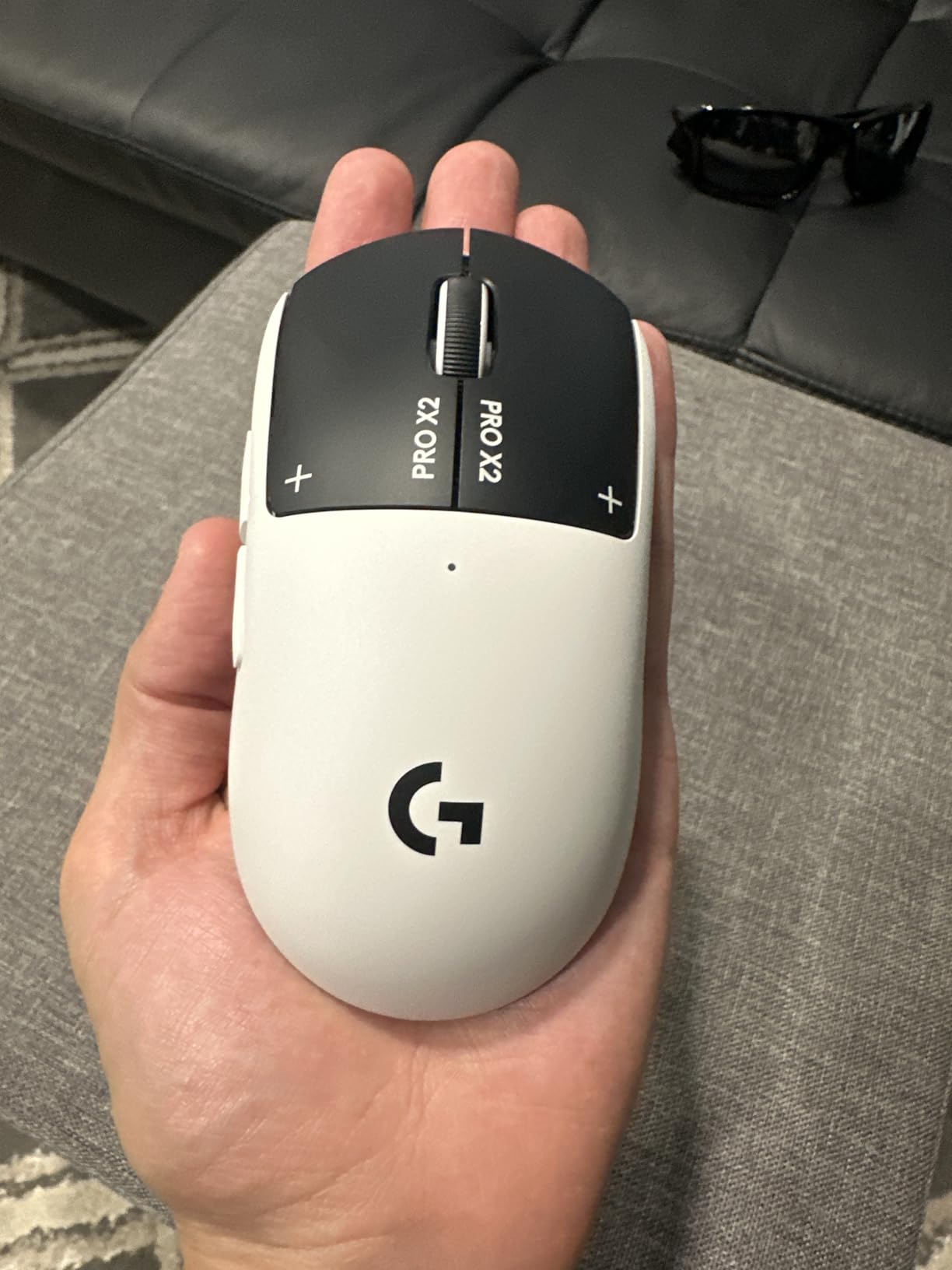
Weight lands at 61 g, effectively tied with the Superlight 2, and the dimensions come in at 4.9 by 2.5 inches. The shell uses a 0.7 mm thin-wall case with extra-large UHMWPE gliding feet, which glide more smoothly than the PTFE feet on the older model and are less prone to catching on stitched pad edges.
The HERO 2 sensor again provides up to 44,000 DPI with 888 IPS tracking and 88 g-force tolerance. One spec note worth flagging: the listing describes movement detection as laser, while the sensor itself is the same HERO 2 optical unit found across Logitech’s line. Real-world tracking behaved identically to the Superlight 2 for me.
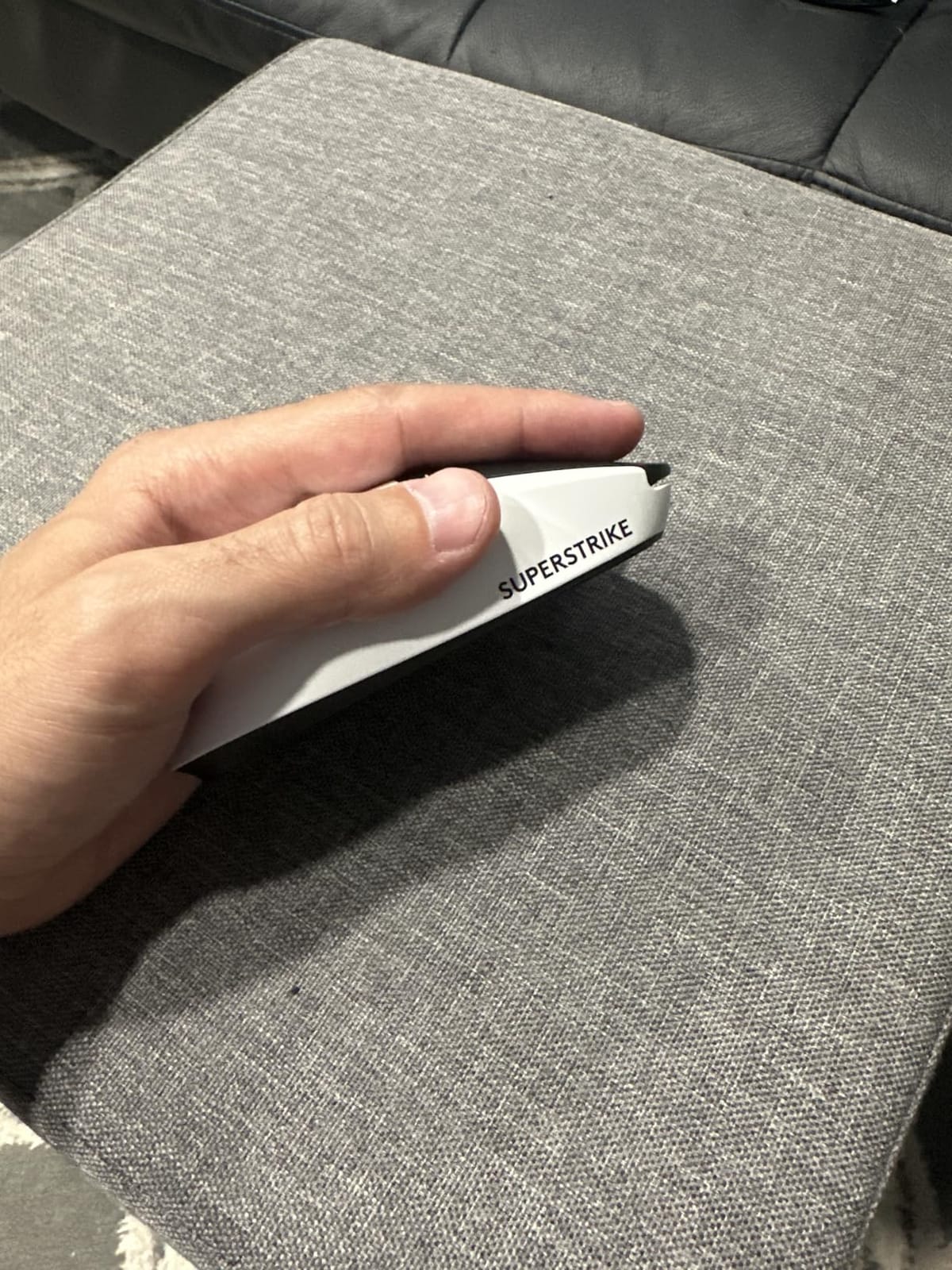
Who the Superstrike suits
It suits players in shared spaces, late-night grinders, and anyone who has ever muted a game because the click sound carried down a hall. The 10-level actuation control is a real dial you can tune, not a gimmick, and owners consistently single it out as the reason they bought this mouse over a conventional switch.
Battery life is rated 60 to 90 hours depending on use, charging over USB-C. It is also POWERPLAY 2 compatible, though the charging pad itself is a separate purchase.
Where it falls short
The side buttons are the weak link. Reviewers repeatedly describe them as squishy and cheap-feeling next to the excellent main clicks, and in a game where you bind reload or gadget activation to a side button, that texture is noticeable.
It also carries a front-heavy feel from the switch assembly, which slightly offsets the 61 g figure, and the compact shell is small enough that large hands should try before committing. The scroll wheel feel also divides owners.
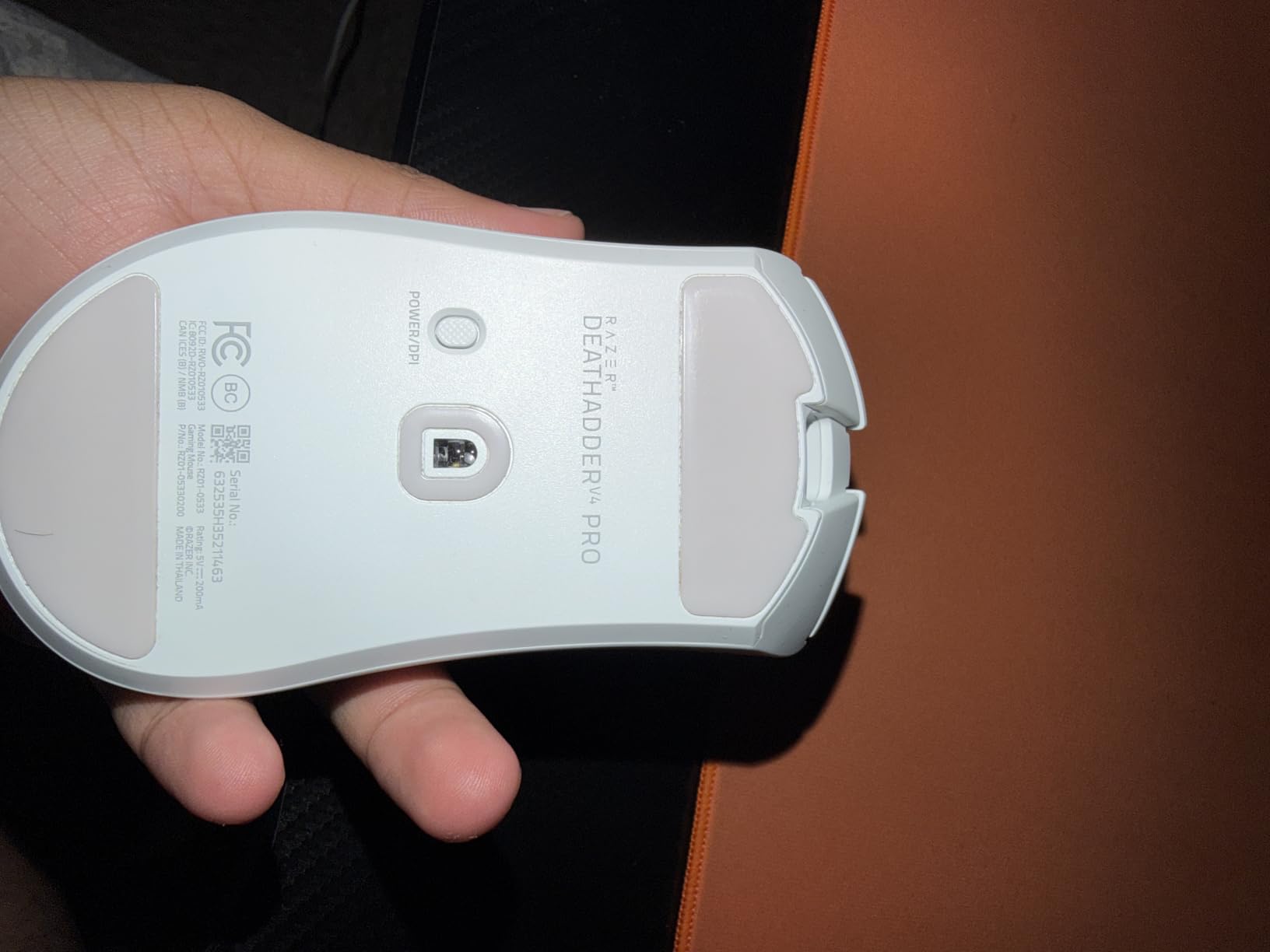
3. Razer DeathAdder V4 Pro – Best for Palm Grip and Large Hands
Razer DeathAdder V4 Pro Wireless Gaming Mouse, 8K Polling Rate, 56g, Black
56 g
8000 Hz wired and wireless
45K DPI Focus Pro sensor
150 hour battery
Pros
- Comfortable classic DeathAdder shape suits palm and claw grip
- Very light for a full-size ergonomic shell
- Excellent long-lasting battery life
- Precise 45K sensor with flawless FPS tracking
- Optical scroll wheel owners single out as an upgrade
Cons
- Large shape is not ideal for very small hands
- Removed the top buttons and wireless charging from the V2 Pro
- No logo lighting on the black model
- Some users report the HyperSpeed dongle failing to power on
Most ultralight mice are symmetric, which means they force one grip style. The DeathAdder V4 Pro re-engineered the classic sculpted shell down to 56 g, and that combination is why it is the pick I hand to palm grip players who also want a fast mouse.
It measures 5.04 by 2.67 inches, the largest footprint in this roundup, and it fills a hand in a way the symmetric shells here never did. The hump sits high enough to rest the base of your palm and stop wrist angling during long Apex or Battlefield sessions.
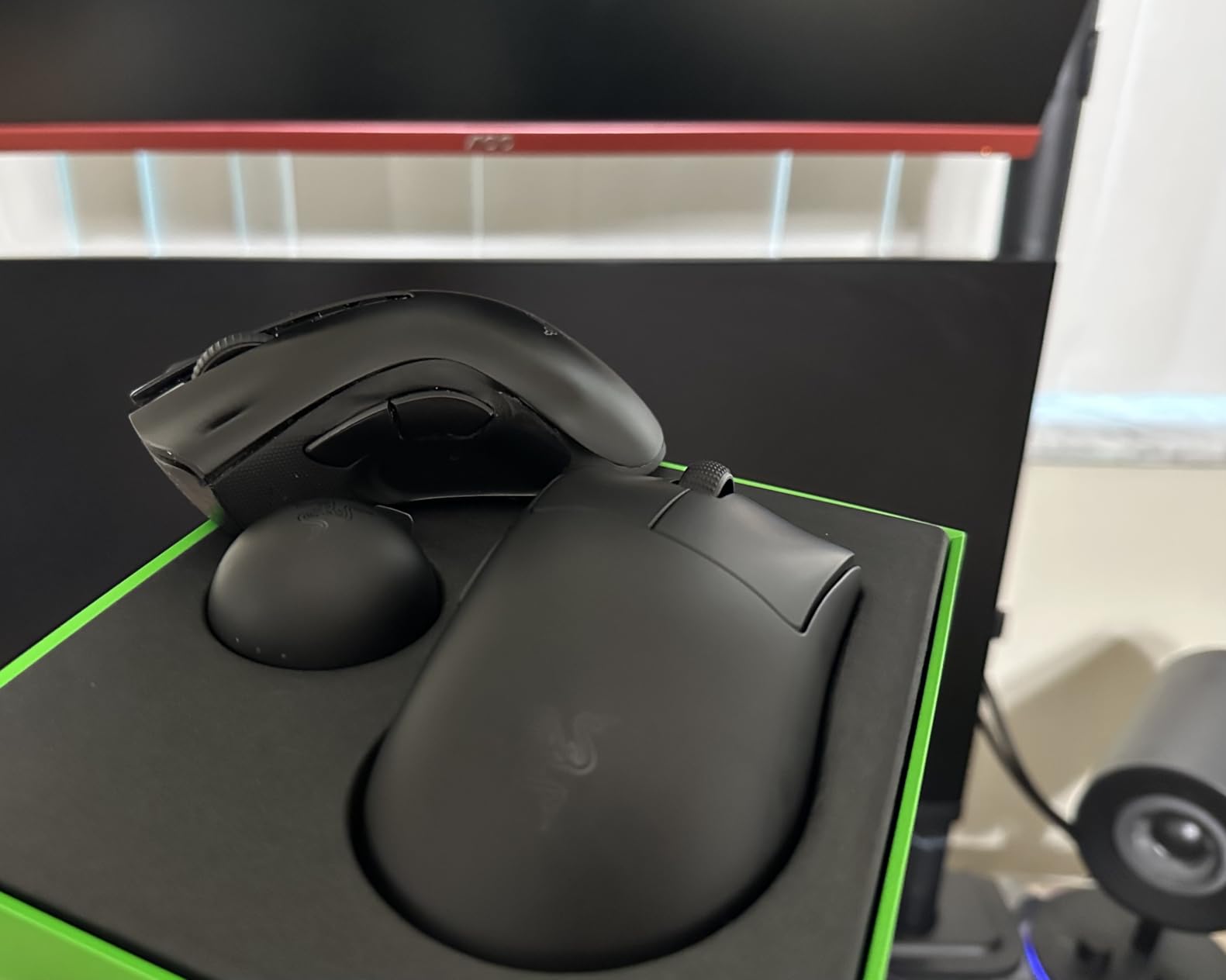
On the technical side, this is a fully loaded flagship. HyperSpeed Wireless Gen-2 delivers up to 8000 Hz polling both wired and wirelessly, the Focus Pro Optical Sensor Gen-2 reads 45,000 DPI at 900 IPS with 99.8 percent accuracy, and the Gen-4 optical switches are rated to 100 million clicks.
The optical scroll wheel is the sleeper feature. It has a defined, tactile detent that most owners in the review set describe as a genuine upgrade, and it is the reason I stopped reaching for a middle-click bind in CS2.
Who the DeathAdder V4 Pro suits
It suits palm grip and relaxed claw players with medium to large hands, which in practice means anyone measuring past about 19 cm from wrist crease to middle fingertip. If you have been fighting a small symmetric mouse because your hand does not fit it, this is the answer.
Battery life is the second selling point. Rated up to 150 hours at 1000 Hz polling, it is the kind of charge-and-forget mouse that suits a tournament setup where you do not want to think about power between maps.
Where it falls short
It is the wrong tool for small hands, full stop. The length and hump are the whole point of the design, so a player with short fingers will find their ring finger hanging off the edge.
Razer also removed the top two shortcut buttons and the wireless charging that appeared on the V2 Pro, and there is no logo lighting on the black model. A small number of owners report the HyperSpeed dongle occasionally failing to power on, and the battery indicator may not refresh without a reboot.
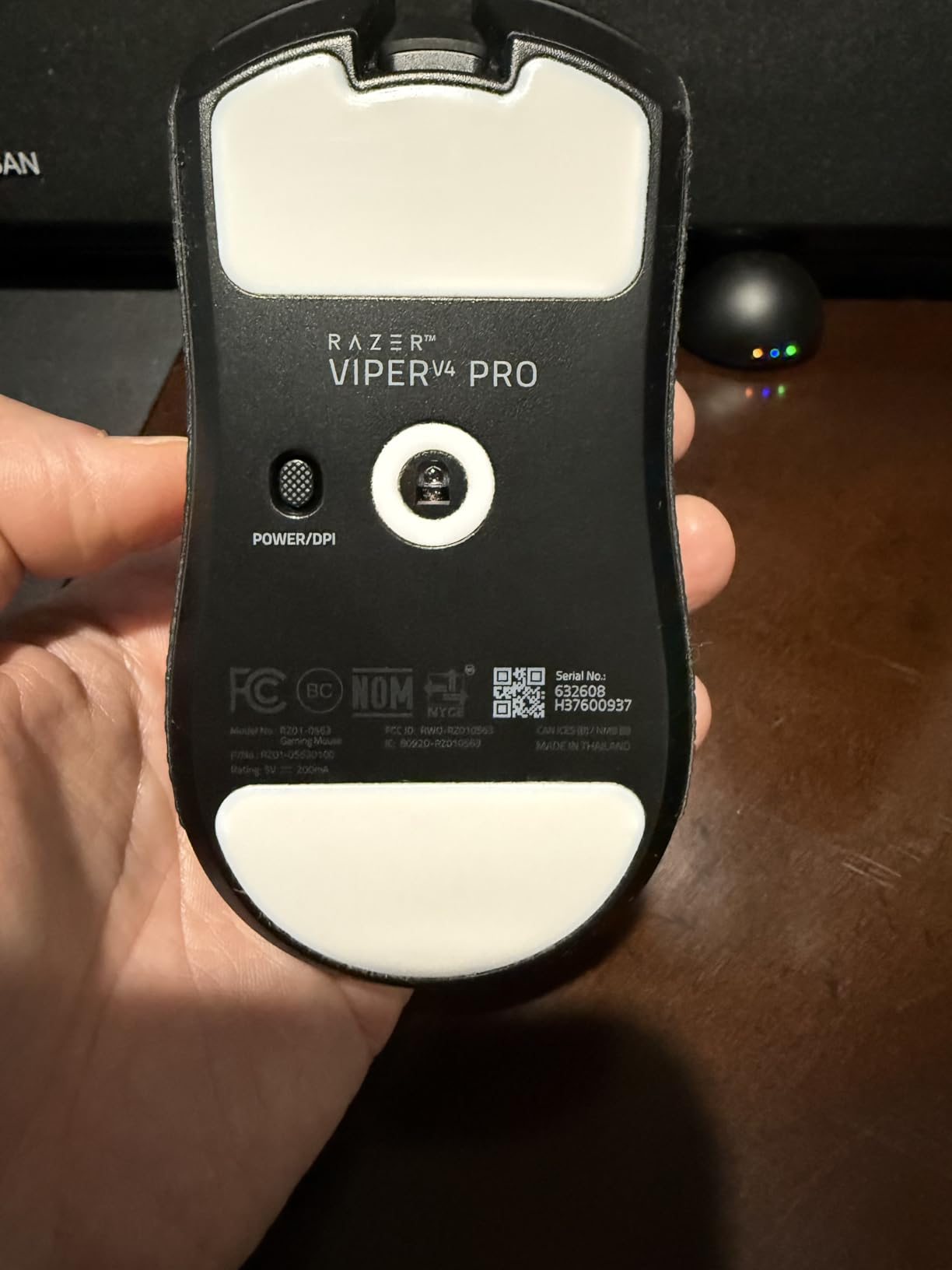
4. Razer Viper V4 Pro – Best for the Lightest Aim Setup
Razer Viper V4 Pro Wireless Esports Gaming Mouse, 49g,180Hr Battery, Black
49 g
True 8000 Hz wireless polling
50K DPI Focus Pro sensor
180 hour battery
Pros
- Class-leading 49 g weight with flawless balance for fast flicks
- Exceptionally long battery life
- Perfectly symmetrical shape for claw and fingertip grip
- Solid switches side buttons and scroll wheel
- Lightweight web-based software works on Linux
Cons
- Main clicks are on the louder side
- No RGB lighting and no wireless charging
- Running 8000 Hz drains the battery much faster
- Not a meaningful upgrade for existing Viper V3 Pro owners
At 49 g this is the lightest mouse in the roundup, and if you came from anything above 60 g the difference is immediate. Hyperflicks that used to need a shoulder-assisted correction now stop where I intend them to stop. That is not hyperbole; it was the first week-long change in my aim I noticed in this whole test.
The shell is ambidextrous and symmetrical at 5 by 2.51 inches, which makes it a natural claw or fingertip shape. It is not a palm grip mouse, and trying to force a palm grip onto a 49 g symmetric shell is how people end up with wrist discomfort.
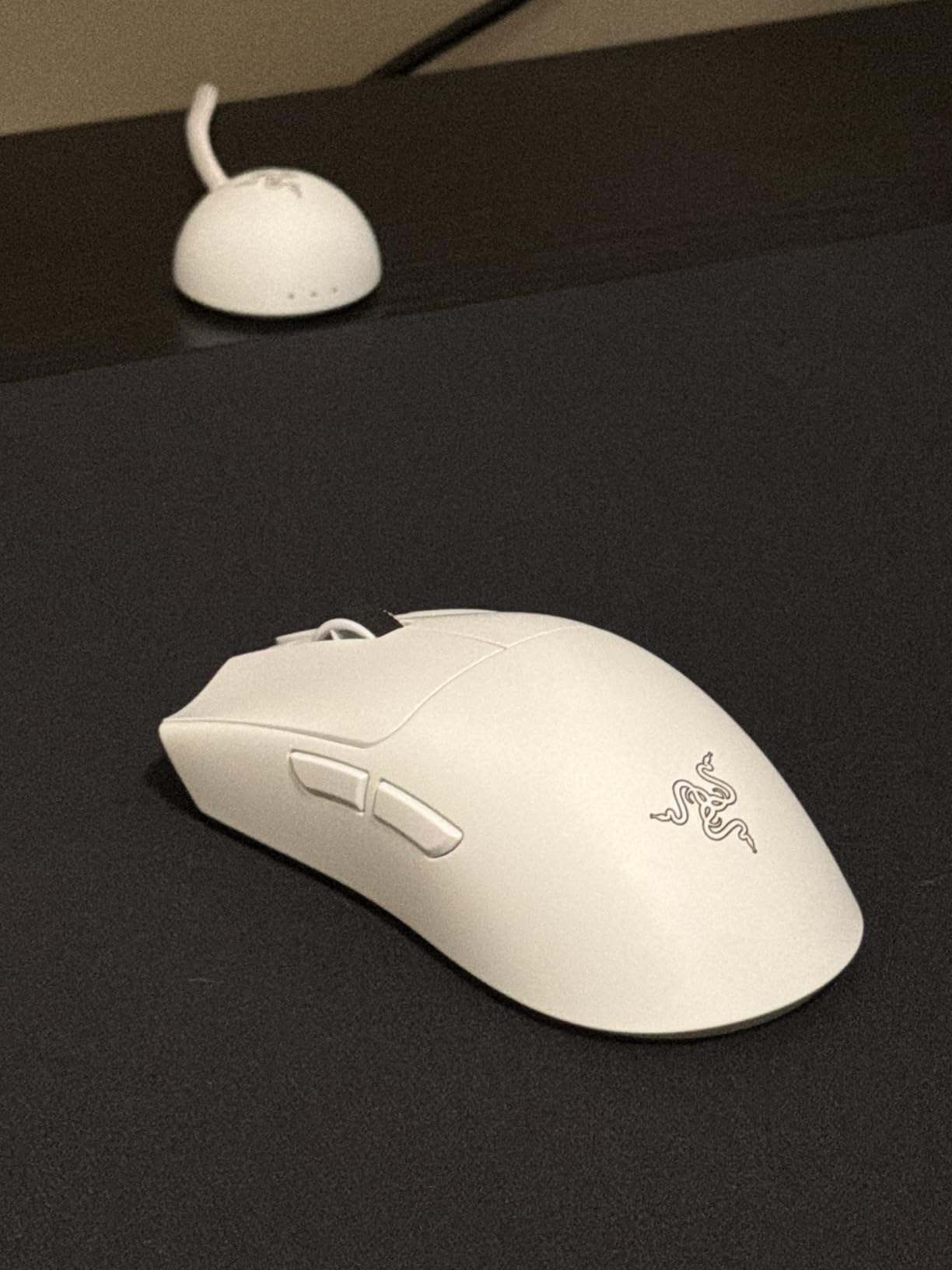
The Focus PRO Optical Sensor Gen-3 reads 50,000 DPI at 930 IPS with 90 g acceleration tolerance and Frame Sync, which corrects the small reporting inconsistencies that cause sensor smoothing. In practice I could not deliberately produce a spin-out, even on a fast flick across a full-width mat.
Razer claims 55 percent lower latency over the previous generation through HyperSpeed Wireless Gen-2, with true 8000 Hz polling. The honest caveat is battery: you get up to 180 hours at 1000 Hz and about 45 hours at 8000 Hz. Most players will run 1000 or 2000 Hz anyway and charge monthly.
Who the Viper V4 Pro suits
It suits competitive players who have already decided they want a symmetric ultralight and care more about flick speed than click silence or lighting. Claw grip and fingertip grip both work naturally on this shape.
Software is worth calling out. The new lightweight web-based Razer software works on PC and Mac and, notably, on Linux, which reviewers specifically praise as an escape from Synapse bloatware.
Where it falls short
If you already own a Viper V3 Pro, the upgrade path is marginal in practice. The battery and battery-life improvements are real, but the shape, weight class, and feel are close enough that the money is better spent elsewhere.
The main clicks are on the louder side compared with the haptic Superstrike, there is no RGB lighting and no wireless charging, and the black coating acts as an oil magnet that shows fingerprints quickly. Full 8000 Hz polling also drains the battery much faster than the headline figure suggests.
5. Corsair Sabre v2 PRO – Best for a Durable Metal Shell
Corsair Sabre v2 PRO Wireless MG FPS Gaming Mouse – Black
Magnesium alloy shell
8000 Hz hyper-polling
33000 DPI MARKSMAN S sensor
Tri-mode connectivity
Pros
- Magnesium alloy shell gives a premium durable feel
- 8000 Hz hyper-polling delivers very low input latency
- MARKSMAN S sensor tracks accurately at high speeds
- Long battery life and tri-mode connectivity
- Grip tape and spare skates included in the box
Cons
- Higher polling modes place heavy load on the CPU
- Achieving full 8000 Hz depends on system specifications
- Heavier than dedicated ultralight esports shells
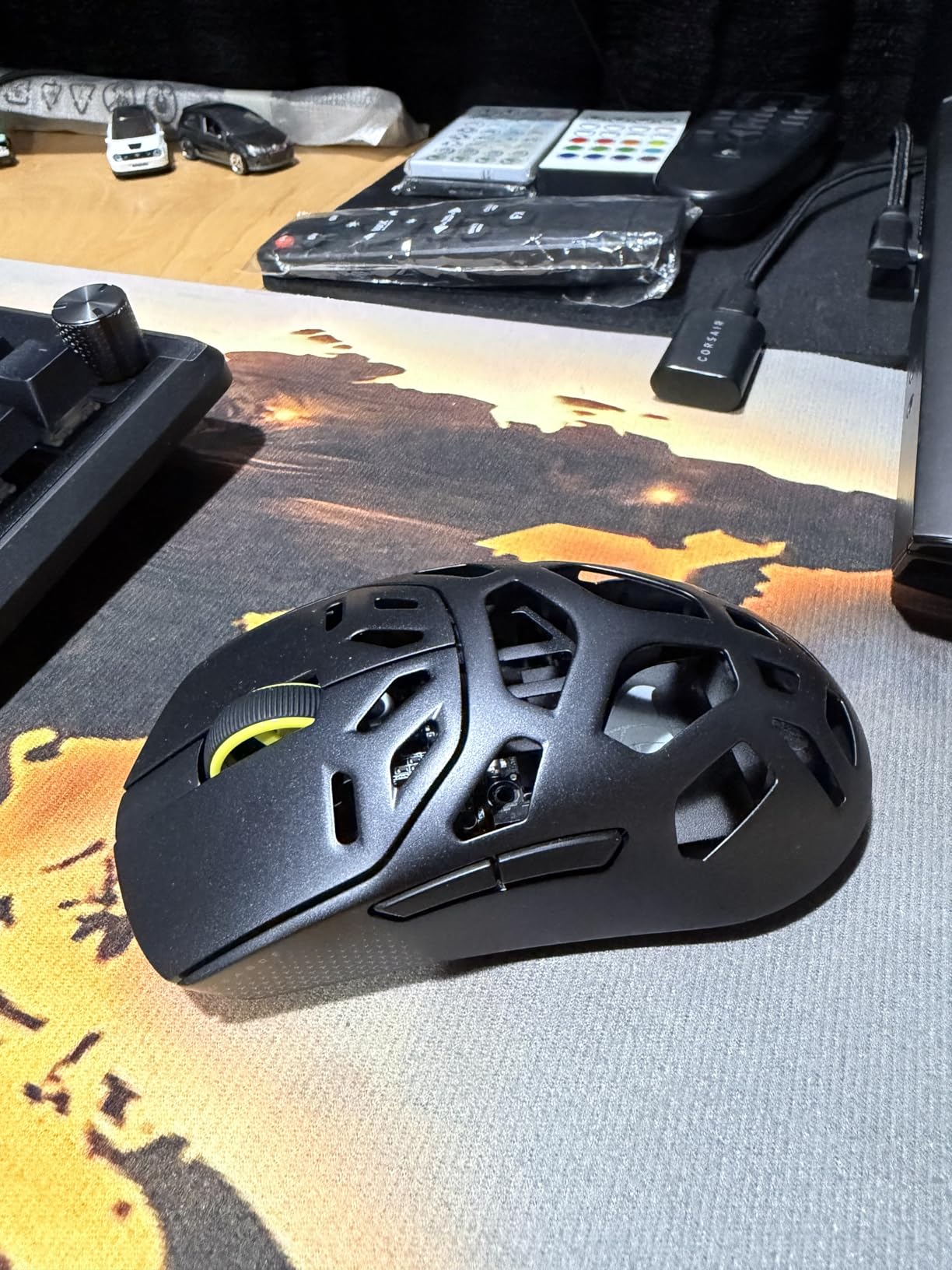
This is the shell I would hand someone who breaks mice. The magnesium alloy body resists the flex and creak that plastic ultralights develop after a few months of being gripped hard, and the owner reviews here repeatedly mention build quality as the reason they kept it.
It is also the only mouse in this roundup with genuine tri-mode connectivity: 2.4 GHz wireless, Bluetooth, and USB-C wired. Bluetooth is a genuine deal-breaker feature for a lot of laptop players, because it means one mouse for a gaming PC and a work machine.
Polling runs up to 8000 Hz over the SLIPSTREAM wireless link or the cable, and the 8000 Hz USB receiver is included in the box along with grip tape and replacement skates. The MARKSMAN S sensor reads 33,000 DPI at 750 IPS with 50 g acceleration.
Battery is rated up to 120 hours at 1000 Hz polling. Dimensions come in at 4.84 by 2.52 inches, which is a middle-of-the-pack footprint and a shape that accepted claw grip comfortably in my testing.
Who the Sabre v2 PRO suits
It suits durability-minded players, laptop users who need Bluetooth, and anyone whose previous plastic mouse started creaking. The metal shell also runs cooler, which is a small but real benefit in long summer sessions.
For competitive shooters it handles CS2 and Overwatch 2 well, and the included grip tape lets you dial in a stickier surface than the stock finish if your hands sweat.
Where it falls short
The 8000 Hz headline needs a caveat that matters. Owners report that the higher polling modes place a heavy load on the CPU, and that reaching the full rate depends on system specifications. A high-refresh gaming PC handles it; an older machine may not.
It is also not genuinely an ultralight, despite the aggressive polling figure, and that puts it in a strange middle where it is heavier than the dedicated esports shells without offering the sculpted comfort of the DeathAdder.
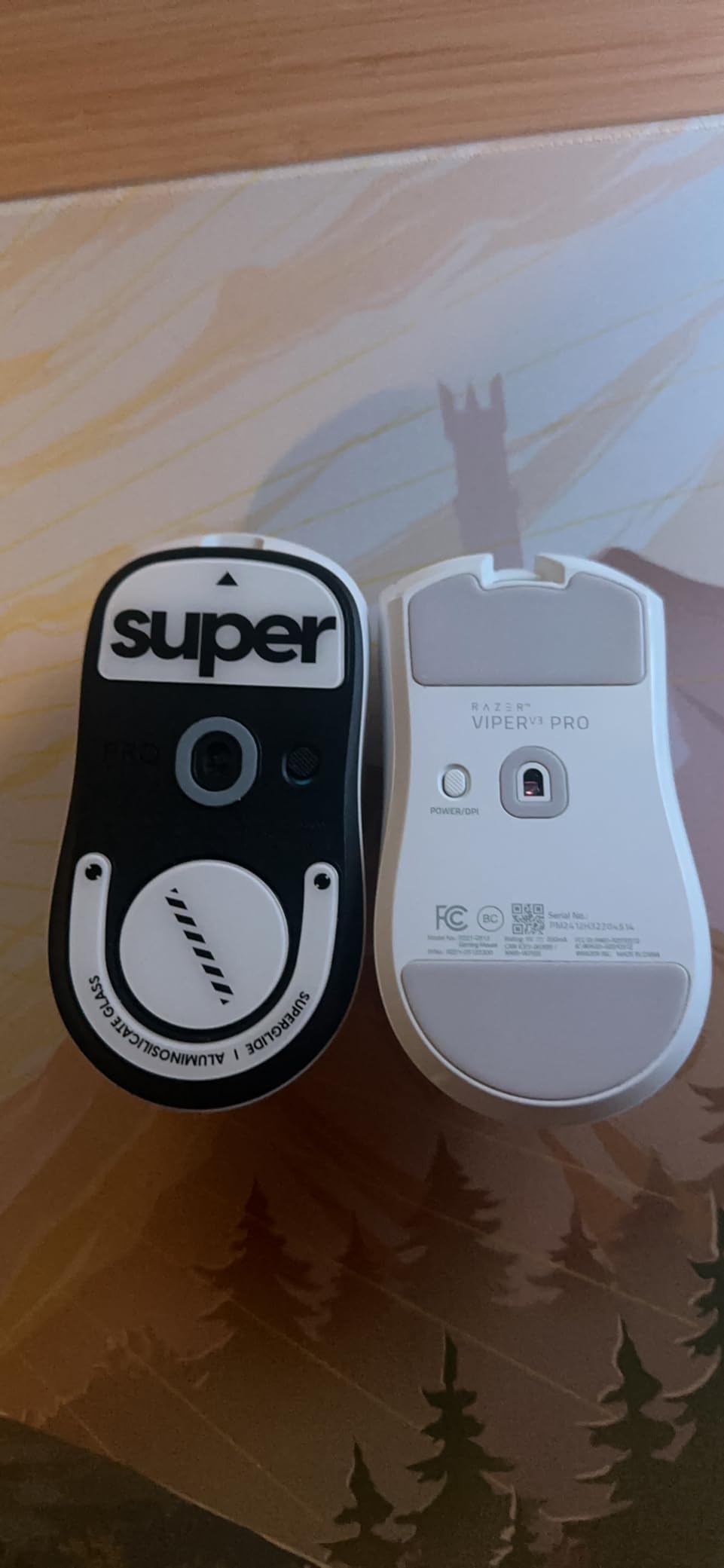
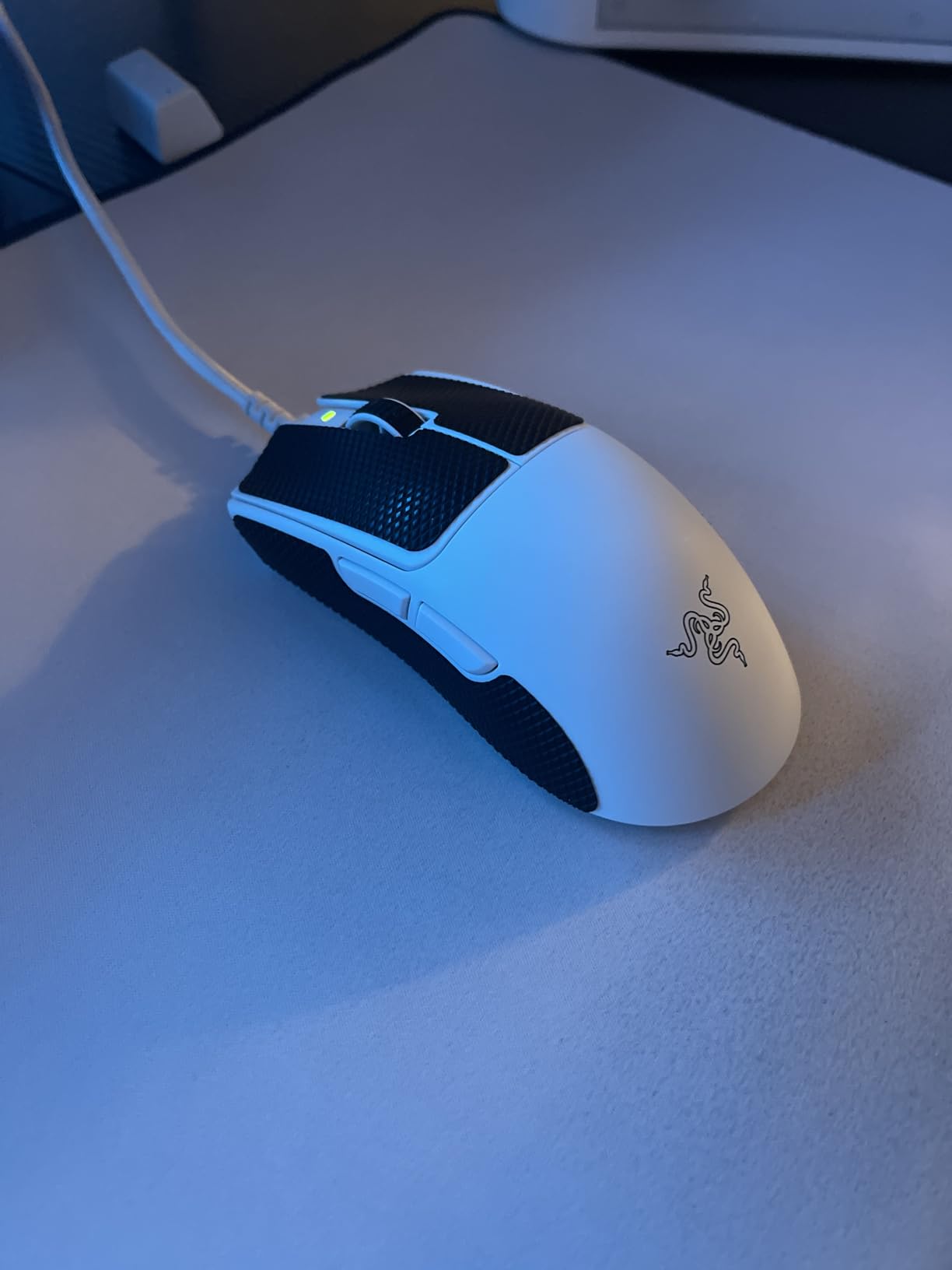
6. Razer Viper V3 Pro – Best for Claw Grip Players
Razer Viper V3 Pro Wireless Esports Gaming Mouse, 55g Lightweight, White
55 g
True 8000 Hz HyperPolling wireless
35K DPI Focus Pro sensor
0.2 ms optical switch actuation
Pros
- Highest rated mouse in this group with 959 owner reviews
- Universally liked shape suited to fingertip claw and smaller palm grips
- Very accurate sensor
- crisp 0.2 ms optical clicks
- Solid battery life at 2000-4000 Hz polling
Cons
- Main clicks are on the louder side
- Coating is smooth rather than grippy so grip stickers help
- Size leans toward mid-to-large hands
- Synapse software can be finicky and RAM-hungry
This mouse has the highest owner rating in the entire roundup, and the review volume behind that rating is substantial rather than thin. It is also the shape that comes up most often when FPS players on community forums argue about claw grip specifically, which is why it earns a dedicated slot here.
At 55 g and 4.75 by 2.5 inches it sits between the 49 g Viper V4 Pro and the roomier shells. That middle size is why reviewers say it suits fingertip, claw, and smaller palm grip all at once. For relaxed claw players, it is the shape I would try before the DeathAdder.
Two technical details stand out. The Focus Pro 35K optical sensor Gen-2 supports 1-DPI step adjustment and tracks on glass, which matters if you ever use a desk mat with a hard surface underneath. The Gen-3 optical switches fire in 0.2 ms with no debounce delay, rated to 90 million clicks.
HyperPolling gives true 8000 Hz wireless. One practical note the owner reviews raise: the dongle is optimised to resist interference in noisy tournament environments, which is a real difference when six players are sharing a venue full of receivers.
Who the Viper V3 Pro suits
It suits claw grip players and anyone who wants one shape that adapts across grip styles. If your hand measures around 19 to 20 cm, this is a safer pick than the more compact shells in this group.
The 0.2 ms actuation and lack of debounce make it a good choice for games with rapid click sequences, and the Focus Pro sensor is widely praised for accuracy, including against Logitech’s sensors at the same tier.
Where it falls short
The clicks are on the louder side, and the coating is smooth rather than grippy, so most owners add grip stickers or a grip tape. The size also leans toward mid-to-large hands, which makes palm grip the least comfortable of the three grip styles on this shape.
Razer Synapse is the other recurring complaint, described as finicky and RAM-hungry, and running 8000 Hz drains the battery much faster than the 95-hour rating implies. A few owners also reported firmware and tracking hiccups that were later resolved with updates.
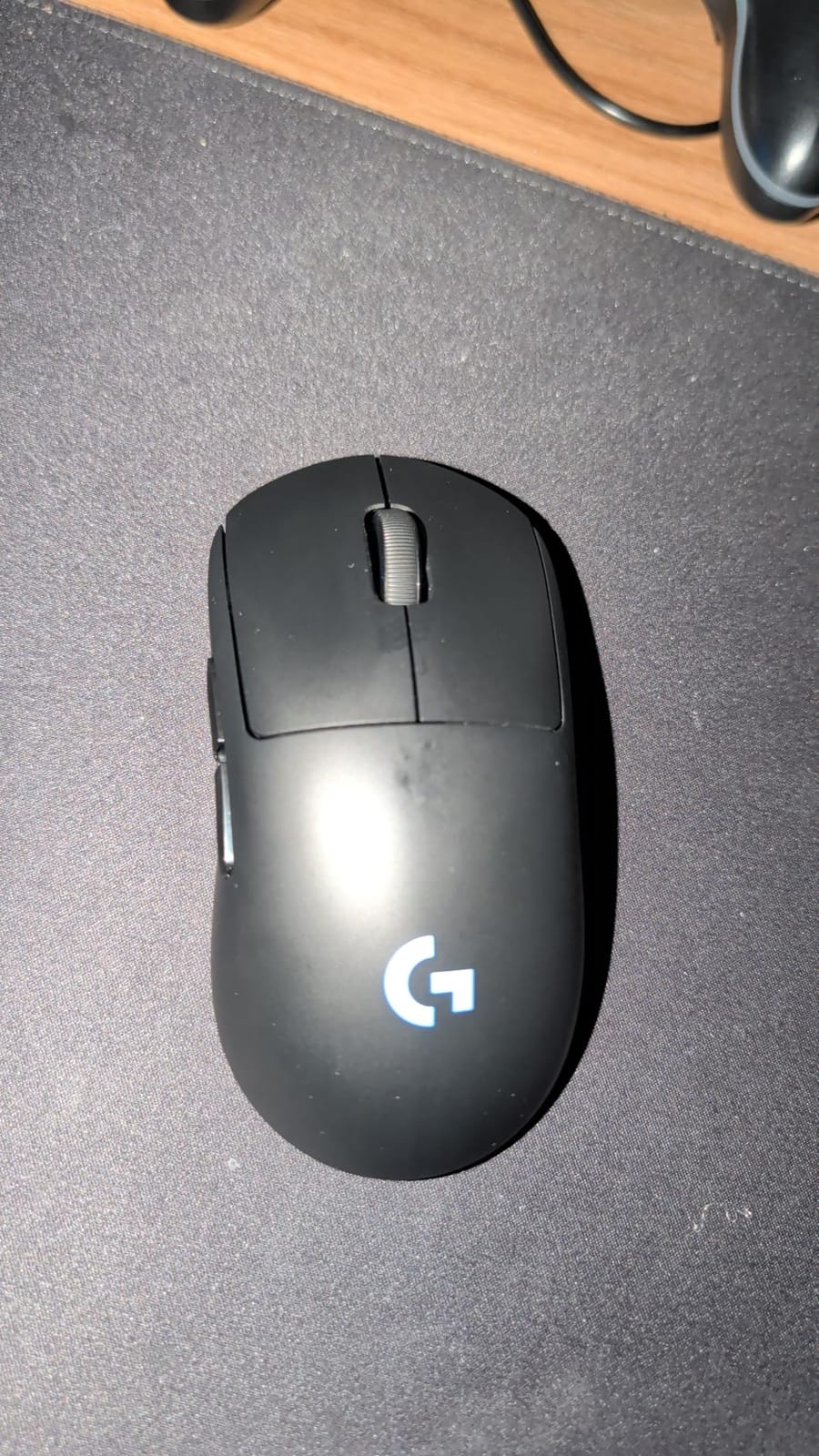
7. Logitech G PRO 2 Lightspeed – Best for Ambidextrous Play
Logitech G PRO 2 Lightspeed Ambidextrous Wireless Gaming Mouse – Black
80 g
Modular switchable side buttons
HERO 2 sensor to 44000 DPI
95 hour battery
Pros
- Unique ambidextrous modular design usable in either hand
- Switchable magnetic side buttons and button covers
- Very accurate HERO 2 sensor with 44K DPI
- LIGHTFORCE switches give a tactile click
- Strong 95 hour battery life with USB-C charging
Cons
- Heavier at 80 g than typical ultralight esports shells
- 8000 Hz polling requires the separately sold PRO LIGHTSPEED RECEIVER
- Advanced features depend on G HUB
- Modular button covers add complexity
Every other ultralight here is ambidextrous in the sense that a symmetric shape happens to work for either hand. This one is ambidextrous by design. The magnetic side buttons physically relocate, and button covers change the layout, so a player who prefers their ring finger on the front clicks can configure it that way.
That configurability is the entire appeal, and it is genuinely rare. It is also why this mouse exists as a separate product rather than a firmware setting on the Superlight 2.
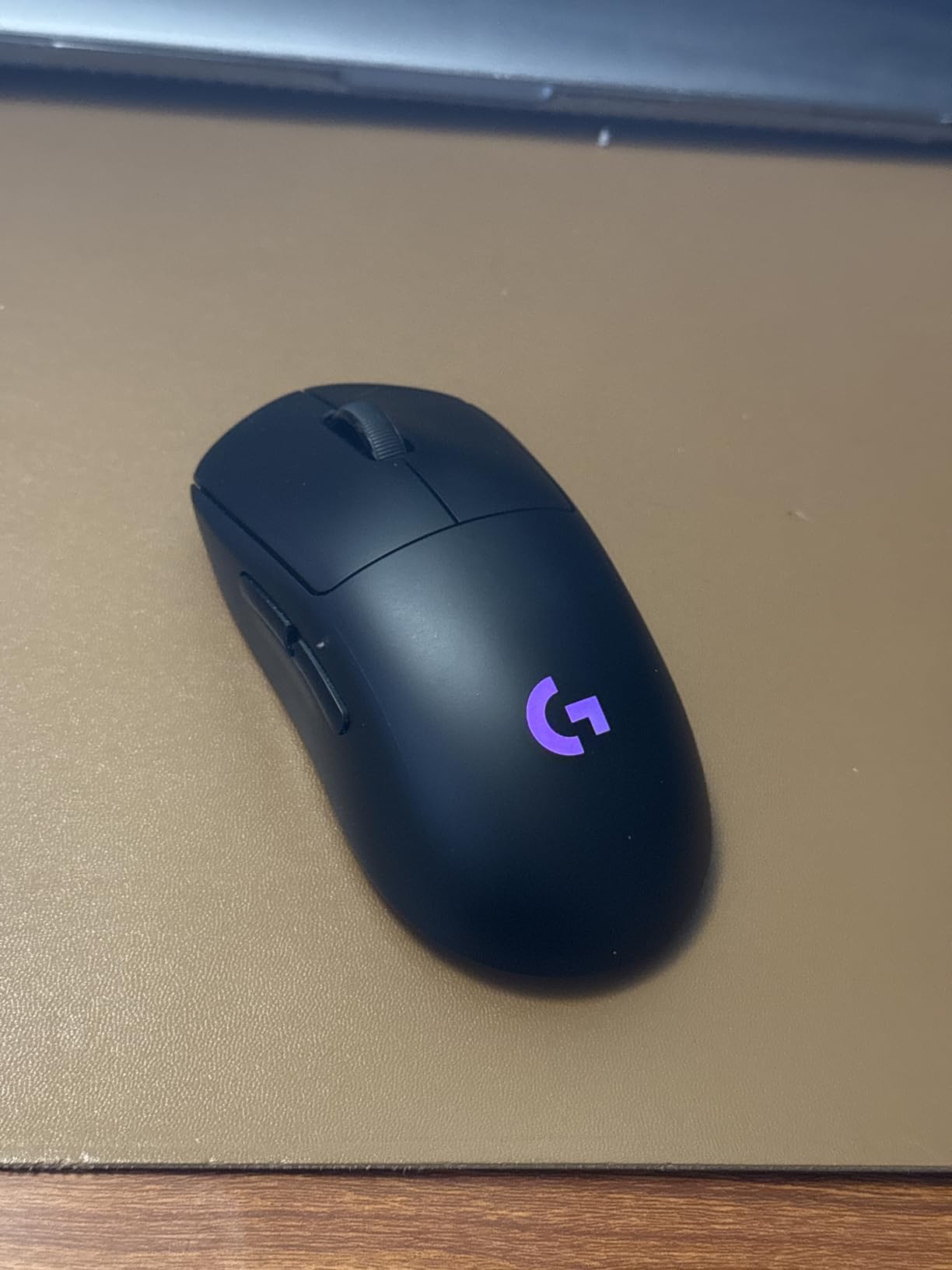
The trade-off arrives immediately in the weight figure: 80 g. That is the second-heaviest wireless mouse in this roundup, and it is heavy enough that you notice the difference on a long session. Dimensions are 4.93 by 2.5 inches, so the footprint is normal while the mass is not.
Specs otherwise match Logitech’s flagships. HERO 2 reads up to 44,000 DPI at 888 IPS with 88 g-force, LIGHTFORCE optical-mechanical hybrid switches give a mechanical-style tactile click, and battery runs up to 95 hours over USB-C.
Who the PRO 2 Lightspeed suits
It suits players who share a setup, players who alternate grip styles, and anyone whose hand does not settle into a right-handed shell. The modular buttons also let you carry over a layout from a mouse you are replacing.
For mixed-role play, where you swap between shooters and a game needing more side binds, the ten-plus configurable positions are useful in a way a fixed six-button shell is not.
Where it falls short
At 80 g it is not competitive with the shells above it for flick speed, and no amount of sensor quality changes that. If your priority is raw aim acceleration, this is the wrong pick.
Reaching 8 kHz polling requires the separately sold PRO LIGHTSPEED RECEIVER, which is the kind of hidden cost that frustrates buyers. The advanced features also depend on G HUB, and the extra button covers and magnetic parts add complexity that some owners see as more to break.
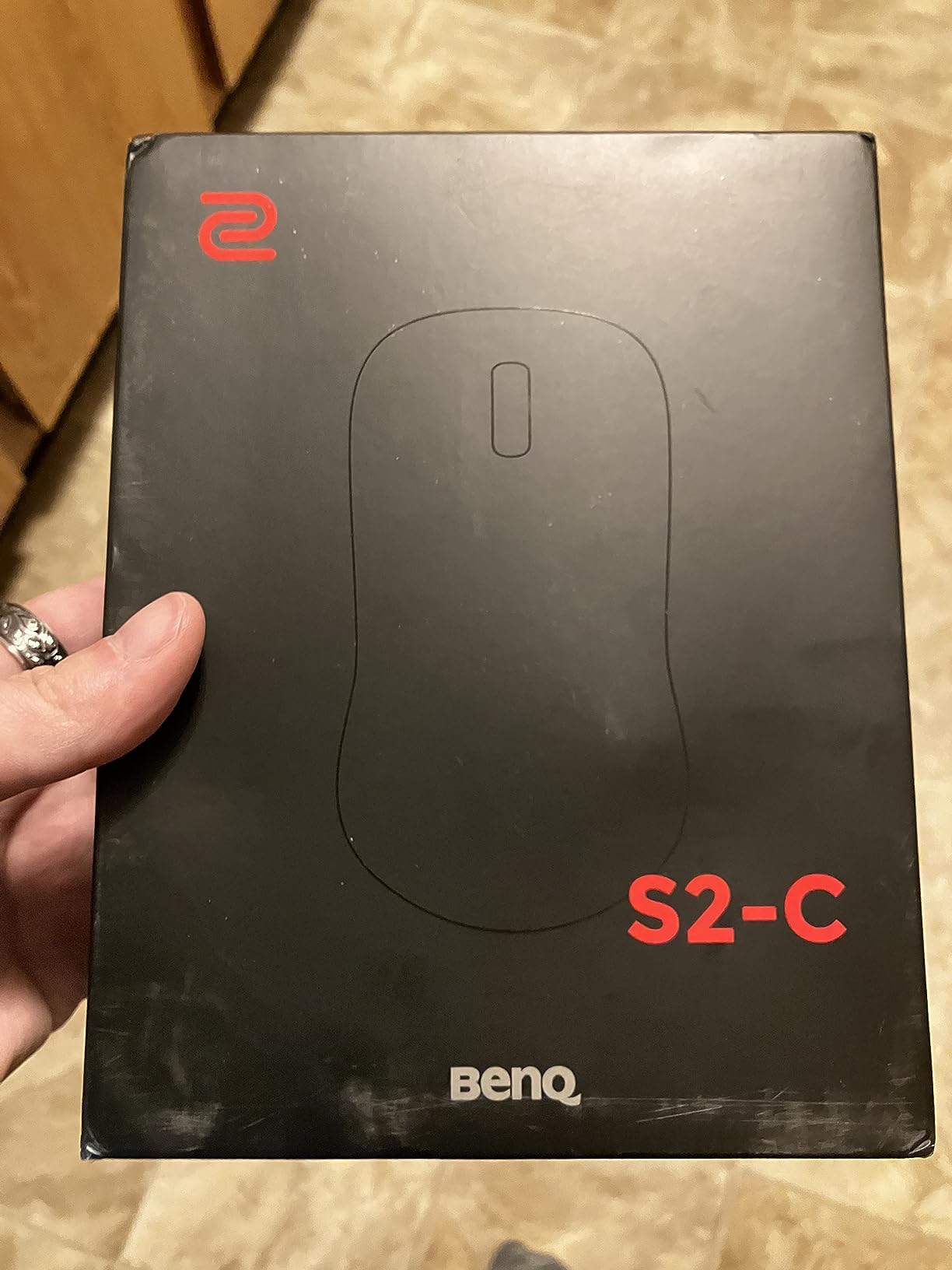
8. BenQ Zowie S2-C – Best for Wired Tournament Play
BenQ Zowie S2-C Symmetrical Gaming Mouse | Professional Esports Performance | Driverless | Paracord Cable | Revisioned C-Features | Matte Black | Small Size
114 g
Wired paracord cable
3360 sensor with 4 DPI stages
On-board polling rate switch
Pros
- Driverless design means no software or background processes
- Clean symmetrical short shape preferred by many competitive players
- Consistent well-regarded 3360 sensor tracking
- Paracord cable drags smoothly without snagging
- Physical DPI and polling controls
Cons
- Maximum 3200 DPI is low against modern rivals
- Wired only with no wireless option
- Heavier than ultralight wireless esports mice
- Small size suits smaller hands only
Zowie built this for people who want a mouse that behaves identically on every machine in a tournament hall. There is no software, no driver, no profile to sync, and no dongle to lose. You plug it in and your settings are what you set with the physical controls.
That simplicity is genuinely underrated. On a practice PC you do not control, a driverless mouse is the one that behaves the same as at home. For wired tournament play it is the pick I would make.
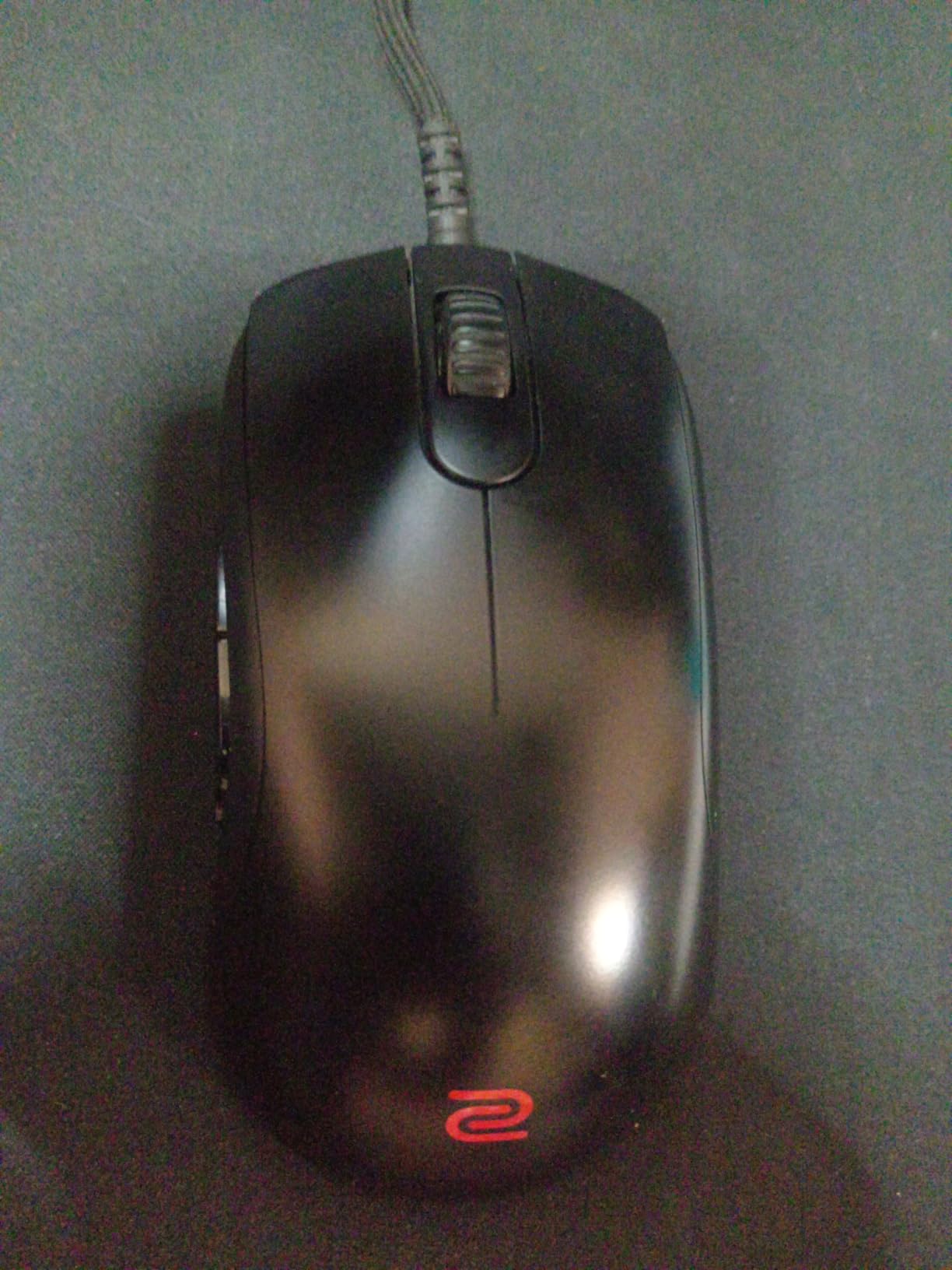
The shape is a shortened symmetrical design aimed at palm and claw grip, and it is smaller than most shells here. That suits players with smaller hands who find the 63 mm class of mouse too long, and the 24-step scroll wheel is more granular than most competitive scroll wheels.
Sensor is a 3360 optical unit with four DPI stages at 400, 800, 1600, and 3200, and the polling rate is switchable on the body between 125, 500, and 1000 Hz. The paracord cable is the reason the mouse does not feel like it snags during a large sweep.
Who the S2-C suits
It suits palm and claw grip players with small to medium hands, and anyone who plays on rented or shared PCs where installing software is not an option. The adjustable polling switch is a nice touch for cross-machine play.
It also suits players who have been burned by G HUB or Synapse updates resetting their settings. If you want zero software dependency, this is the cleanest option in the roundup.
Where it falls short
At 114 g it is the heaviest mouse here, and no software or sensor advantage changes that. If your goal is a fast aim setup, the weight works against you over a long session.
The 3200 DPI ceiling is low by modern standards, though most competitive players never exceed 1600 anyway. There is no wireless option, and the small footprint means large hands should look at a roomier shell. The scroll wheel also has coarse stepped detents that not everyone likes.
9. HyperX Pulsefire Haste 2 – Best Value 8000 Hz Wired Mouse
HyperX Pulsefire Haste 2 – Wired Gaming Mouse- Ultra Lightweight, 53g, 8000Hz Polling Rate, Precision Sensor, Hyperflex 2 Cable, Plug and Play – Black
53 g
Wired
8000 Hz polling
26K DPI sensor at 650 IPS
Pros
- Excellent 53 g weight for this tier
- 8000 Hz polling and 26K sensor are unusual at this price
- HyperFlex 2 paracord cable reduces drag and snagging
- Solid build with PTFE skates and extra grips in the box
- Wired design means no battery management
Cons
- Wired only so it competes with wireless ultralights for desk space
- Some users report the shell creaking under pressure
- NGENUITY software adds overhead and is needed for full customization
- Laser sensor tracks less precisely than optical rivals on some surfaces
This is the value pick in the roundup, and the reason is arithmetic rather than hype. A 53 g shell with true 8000 Hz polling, a 26K sensor, and a paracord cable usually lives in a different bracket entirely. Owners consistently describe it as the best value 8000 Hz ultralight wired mouse they have used.
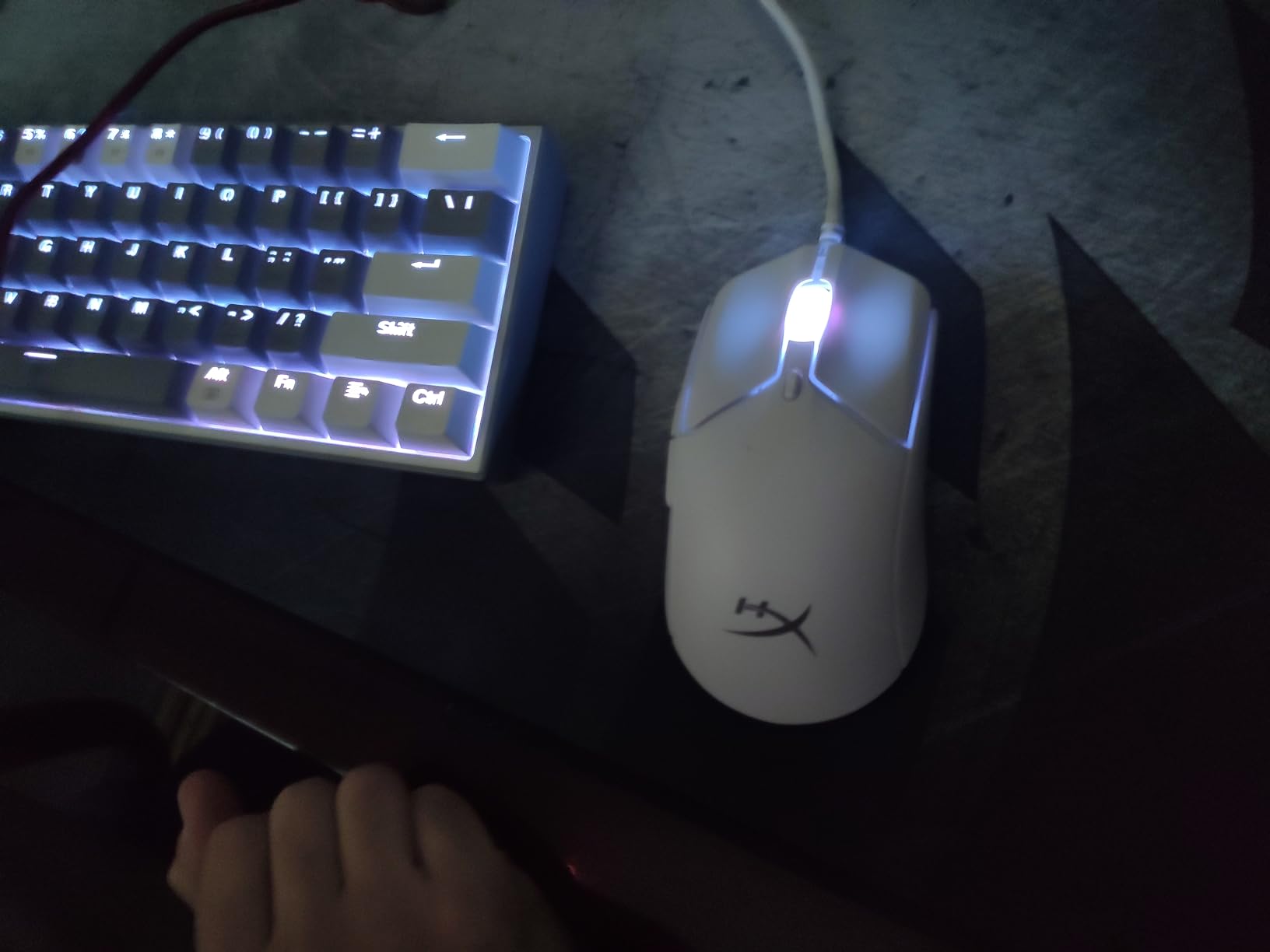
At 4.9 by 2.6 inches with an ambidextrous layout, the shell is a touch wider than the Razer symmetric shapes and took claw grip comfortably. Four grip pieces and virgin-grade PTFE skates come in the box, which is unusual at this level and saves an extra purchase.
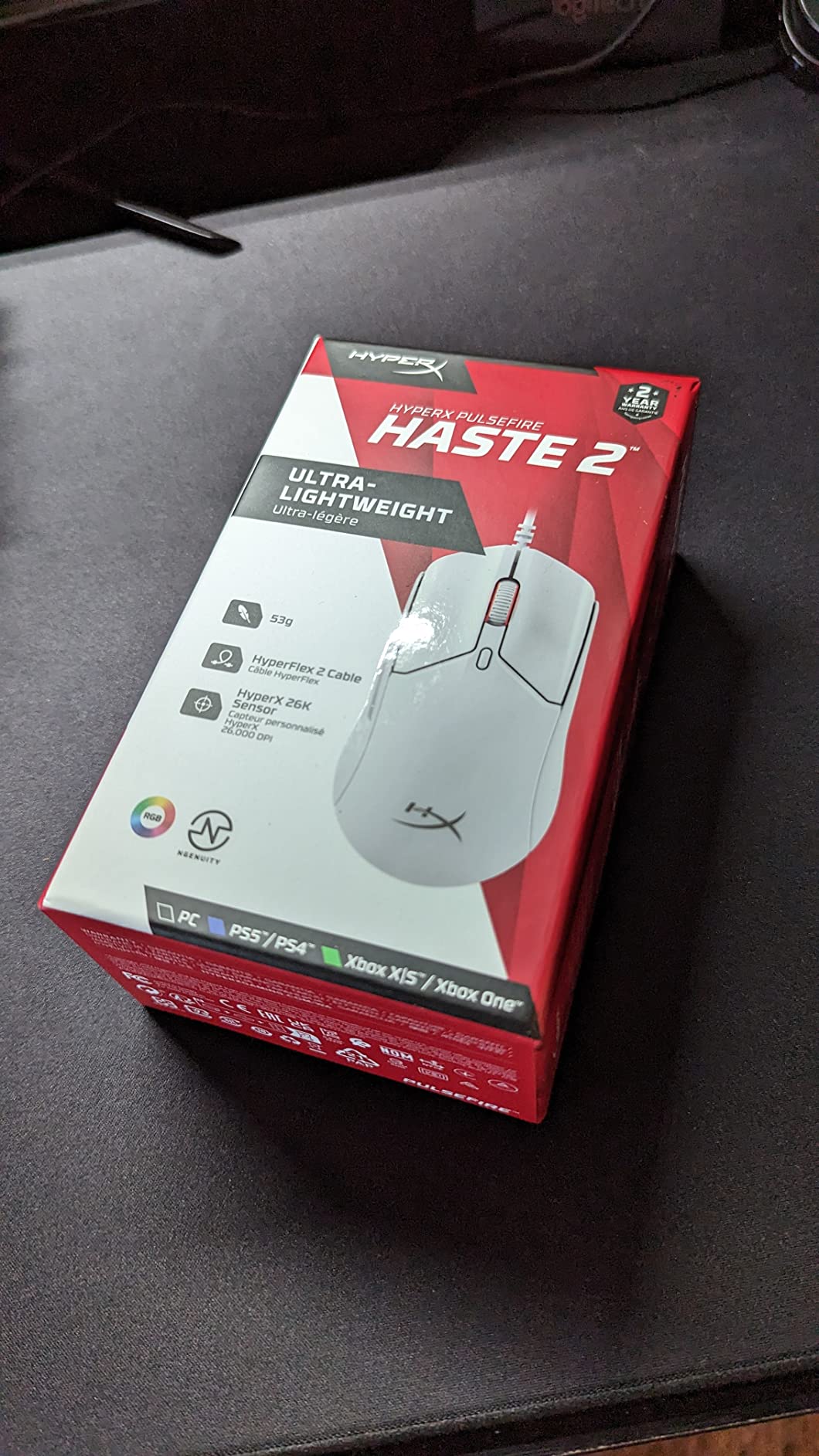
The polling rate of 8000 Hz means a signal every 0.125 ms, and the HyperX 26K sensor tracks at 650 IPS. Switches are rated to 100 million clicks, and the HyperFlex 2 paracord cable is a real upgrade over the stiff cable most budget mice ship with.
Being wired is a feature more often than not at this tier. There is no battery, no charging, and no receiver, so the mouse cannot introduce wireless interference in a venue full of other 2.4 GHz devices. For a dedicated tournament PC that is a clean setup.
Who the Pulsefire Haste 2 suits
It suits budget-constrained FPS players who want a light shell and a high polling rate without paying flagship money, and it suits anyone who prefers a wired setup and has no need for lighting. Claw and fingertip grip both work on the symmetric body.
It is also a sensible first competitive mouse. The price point means a wrong-shape first attempt costs less, and 53 g is light enough that a player moving from a heavy office mouse still gets a real speed improvement.
Where it falls short
Durability reports are the main concern. This mouse has the highest share of one-star reviews in the group, around 11 percent, and creaking shells under pressure are the most common specific complaint. That is the trade for the weight class.
It is wired only, which takes up desk space, and full customization requires HyperX NGENUITY software that owners describe as adding background overhead. The listed laser sensor also tracks less precisely than optical rivals on some surfaces, which is worth testing on your own pad.
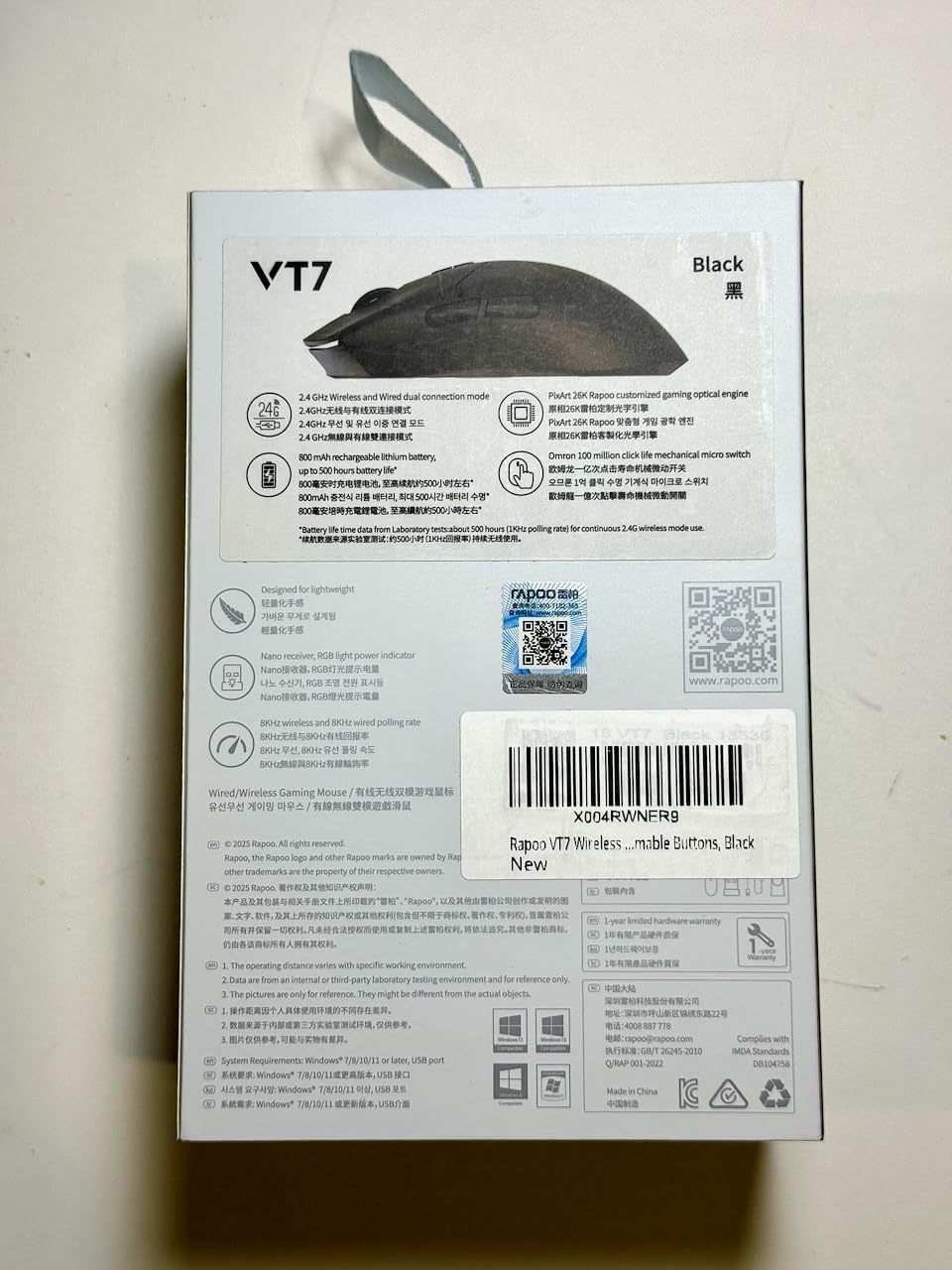
10. Rapoo VT7 – Most Versatile With Native 8K Wireless
Rapoo VT7 Wireless Gaming Mouse, True 8K Wireless Polling Rate, 53g Lightweight, Up to 750 Hr Battery, Nordic nRF54L15 MCU, 100-Million Mechanical Switch, 10 Programmable Buttons, White
53 g
Native 8000 Hz wireless polling
Up to 750 hours battery
26K DPI with X and Y sensitivity
Pros
- Outstanding value that undercuts comparable ultralight wireless mice
- Genuinely 53 g with fast responsive tracking
- Exceptional battery life measured in weeks of daily play
- Side buttons and two extra top buttons are usable on an FPS shape
- A HUB software is cleaner than G HUB
Cons
- Some amount of shell creaking under pressure
- Slightly right-biased curve on a near-ambidextrous shape
- Stock skates feel slower than aftermarket dot skates
- Non-MAX version ships with a matte plastic finish
The VT7 is the pick that made me double-check my own assumptions. Native 8000 Hz wireless polling, a 53 g body, and a battery rated up to 750 hours at 1000 Hz, with no extra dongle required for the high polling rate. Almost every other 8 kHz mouse in this roundup either costs much more or needs a separate receiver.
What you give up is brand-level refinement. The shape is 5.01 by 2.53 inches with a slightly right-biased curve on an otherwise near-ambidextrous body, and the non-MAX version has a matte plastic finish rather than a grippy coating.
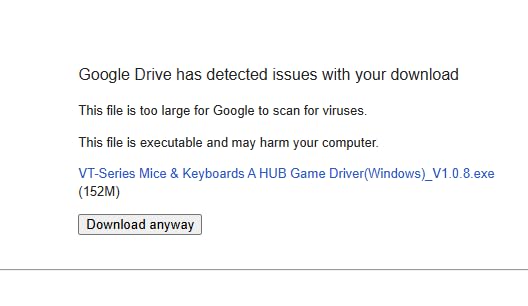
The battery claim is the standout number. A Nordic nRF54L15 MCU is the reason, and reviewers who measured it report weeks of daily play between charges at 1000 Hz. At higher polling rates the figure drops sharply, so treat 750 hours as a 1000 Hz number.
Sensor resolution is 26,000 DPI with independent X and Y axis DPI plus on-the-fly DPI adjustment, and there are 10 programmable buttons with onboard memory. Switches are rated to 100 million clicks, though note the VT7 MAX variant is the one with optical switches.
Who the VT7 suits
It suits players building a competitive setup on a limited budget who want wireless and high polling rate without the flagship outlay. Several reviewers report measurable improvement in competitive shooters after switching, which is the strongest endorsement a shape-independent pick can get.
It also suits players who travel with a laptop, because the native high-rate wireless removes the need to carry a second dongle. Ten programmable buttons is unusual for an FPS shape and works well for binds in MMO shooters or survival games.
Where it falls short
Shell creaking under pressure is the recurring physical complaint, the same durability pattern the budget ultralight category shares. Stock skates also feel slower than aftermarket dot skates, and most owners replace them early.
The matte plastic finish does not grip like a coating, so sweaty hands may want stickers. Software runs through Rapoo A HUB, which reviewers describe as clean and fully in English, but the included cable is stiff and a few owners reported driver issues on first install.
11. Corsair KATAR PRO XT – Best for Compact Shapes and Small Hands
Corsair KATAR PRO XT Wired Ultra-Light FPS Gaming Mouse – 18,000 DPI – Symmetric Shape – Quickstrike Buttons – iCUE Compatible – PC, Mac, PS5, PS4, Xbox – Black
73 g
Wired
18000 DPI optical sensor
QUICKSTRIKE spring-loaded buttons
Pros
- Compact symmetric shape suits claw and fingertip grip
- QUICKSTRIKE buttons give very short actuation
- 18000 DPI sensor tracks accurately for the tier
- Paracord cable drags smoothly without snagging
- Broad platform support and iCUE customization
Cons
- 1000 Hz polling is dated against 8000 Hz rivals
- No wireless option at this tier
- Shell can creak and the shape is small for larger hands
- Scroll wheel and side buttons are unremarkable
With over 1200 owner reviews, the KATAR PRO XT is one of the most proven budget FPS shells you can buy. It has been a default recommendation in competitive communities for years, and the reason is that it never breaks and never surprises you.
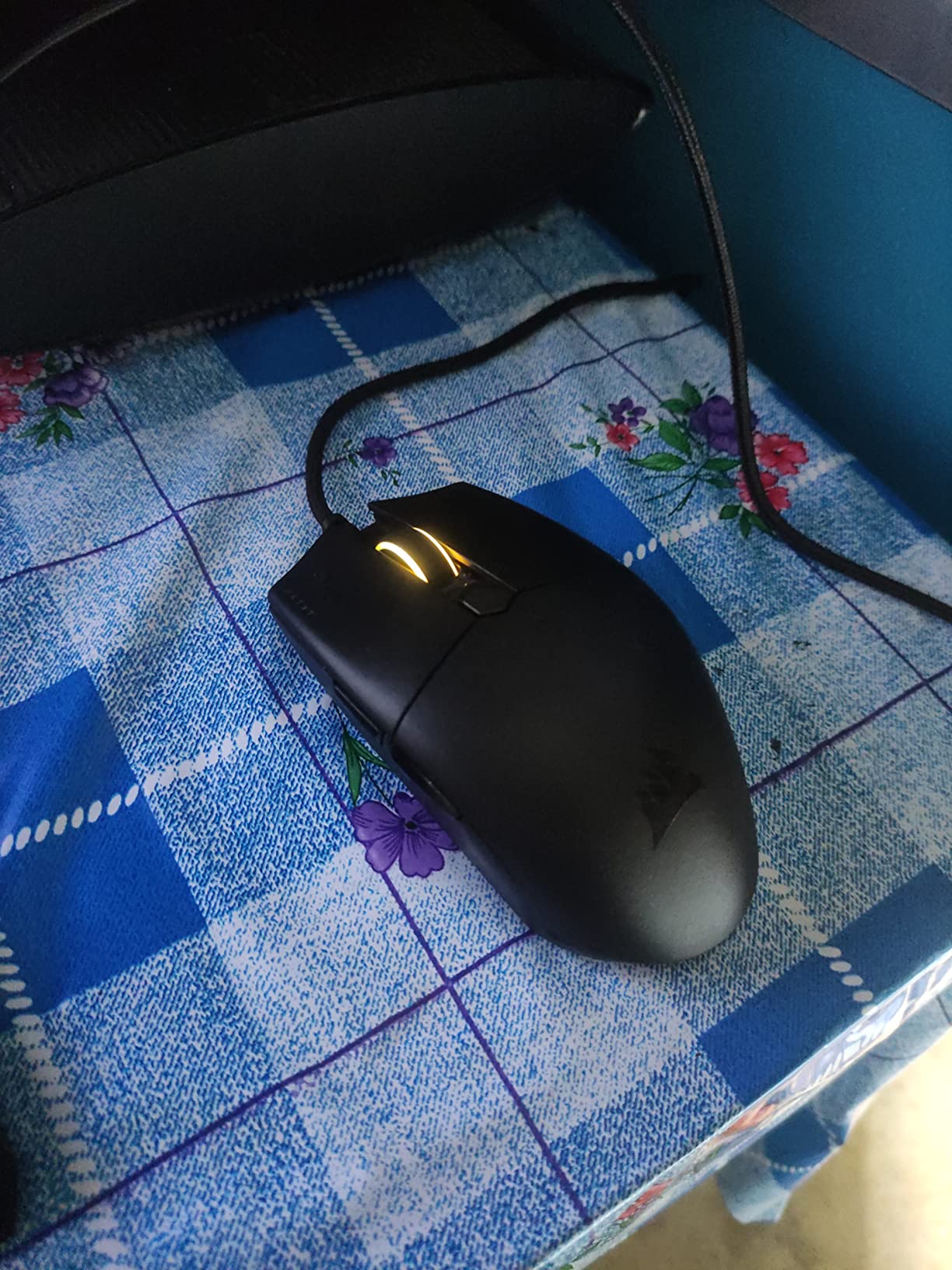
At 73 g it is heavier than the dedicated ultralights here, but the shape is genuinely compact and symmetric, which makes it a good match for smaller hands that find the 63 mm class of mouse too long. Claw and fingertip grip both sit naturally.
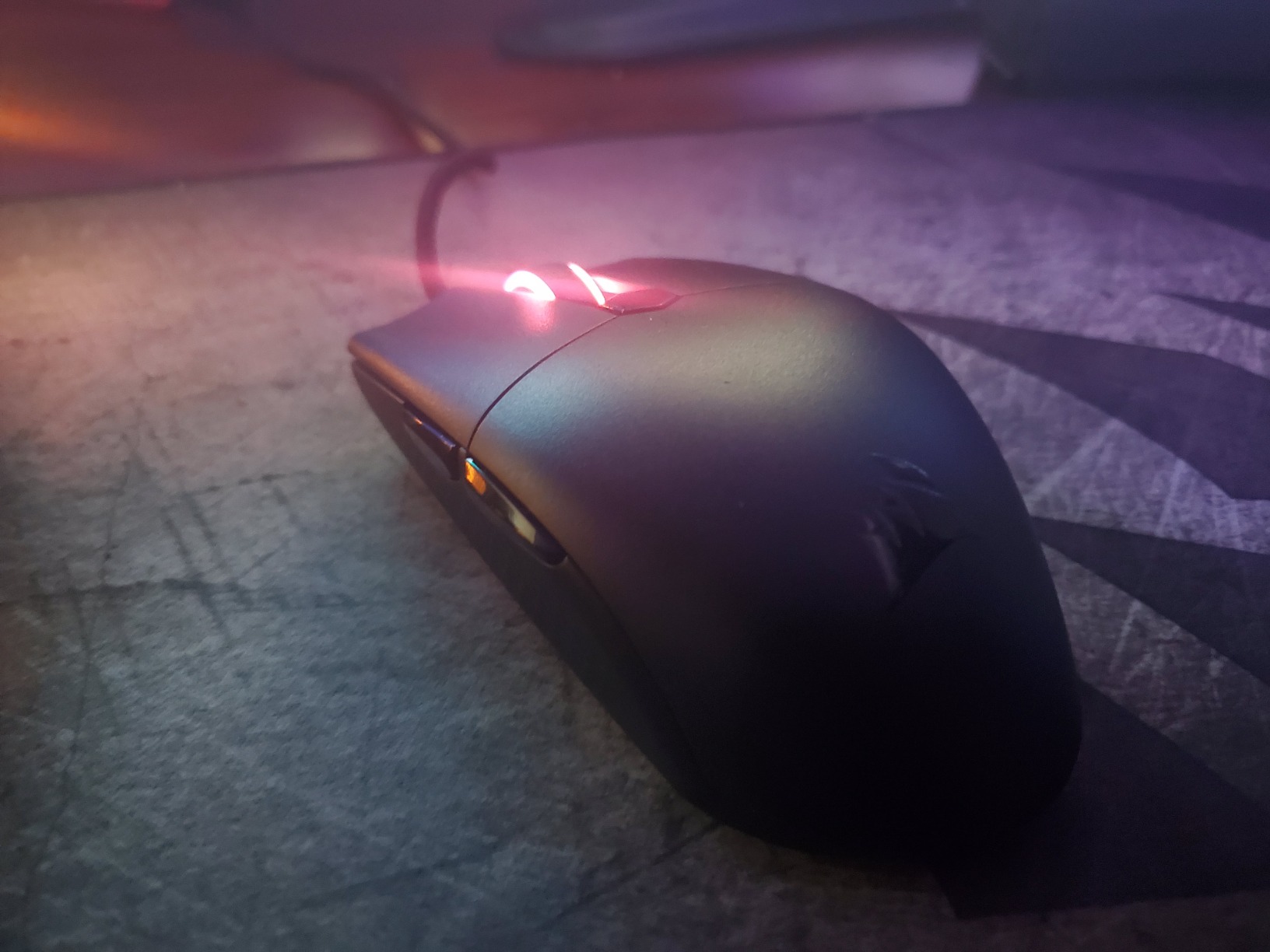
The QUICKSTRIKE spring-loaded buttons eliminate the gap between button and switch, which gives a short, immediate actuation with no mushy travel. That is the part you feel during rapid click sequences, and it is noticeably crisper than a standard budget shell.
The 18,000 DPI PixArt optical sensor tracks accurately and supports 1 DPI step customization, so you can dial in sensitivity precisely rather than snapping to preset stages. The paracord cable keeps drag low, and the mouse works on PC, Mac, PS5, PS4, and Xbox.
Who the KATAR PRO XT suits
It suits small to medium hands, players who want a proven wired shell, and anyone on a tight budget who prioritises button feel over headline specs. It is also a safe recommendation for a younger player still finding their grip style.
Platform breadth is underrated here. If you play a console FPS alongside PC shooters, a single mouse that works across both is simpler than maintaining two.
Where it falls short
1000 Hz polling is the headline limitation, and it is dated next to the 8 kHz shells now available. It does not make the mouse bad, but it is the spec rivals lead with.
At 73 g it is not an ultralight, the shell can creak, and the shape is small for larger hands. The scroll wheel and side buttons are unremarkable, and around 8 percent of reviews are one-star, mostly durability complaints. There is no wireless option at this tier.
12. SteelSeries Prime Wired – Best Budget Palm Grip Shape
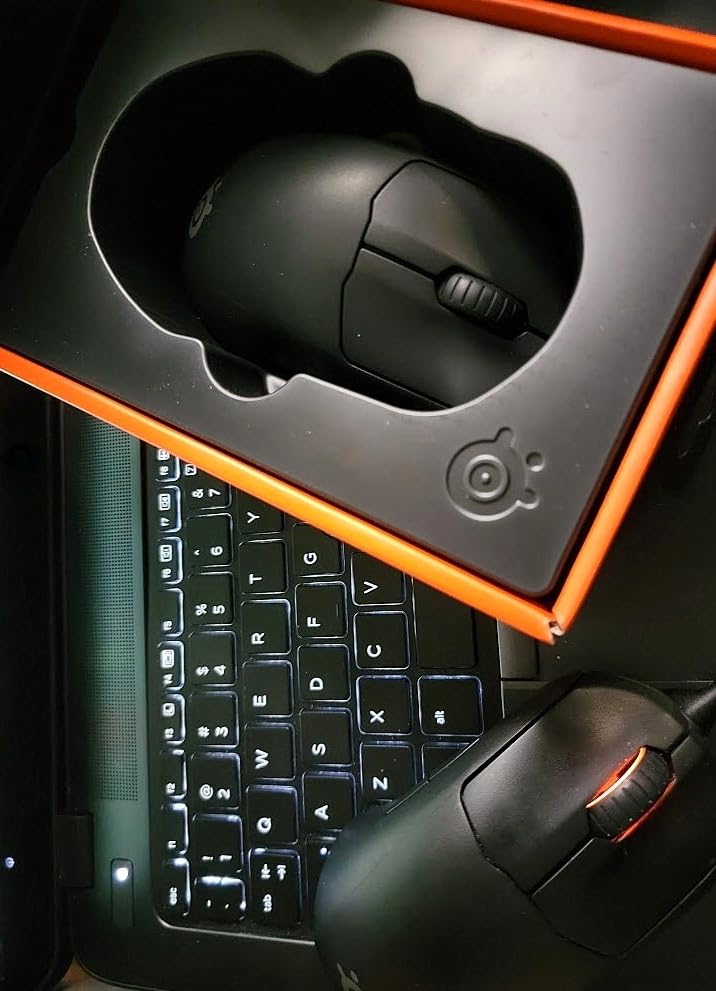
SteelSeries Esports FPS Gaming Mouse – Ultra Lightweight 69g – Prime Edition – 5 Programmable Buttons – 18K CPI TrueMove Pro Sensor – Magnetic Optical Switches – Customization – RGB Lighting – PC/Mac
69 g
Right-handed pro shape
18K CPI TrueMove Pro sensor
Optical magnetic switches
Pros
- Very light 69 g right-handed shape that suits finger palm and claw grip
- TrueMove Pro sensor gives accurate 1-to-1 lift and tilt tracking
- Optical magnetic switches rated to 100 million clicks
- Good value against bigger-name esports mice
- RGB lighting and five programmable buttons
Cons
- Wired only with no wireless option
- No high-polling-rate mode limited to 1000 Hz
- Max 18K CPI is below modern flagships
- Older shell design against newer ultralight shapes
The Prime is the cheapest right-handed sculpted shape in this roundup, and that is a genuinely underserved category. Most budget mice are symmetric, which is exactly the problem for palm grip players on a limited budget.
It was developed with input from more than 100 esports professionals, and at 69 g it is light without being in the ultralight class. The design supports finger, palm, and claw grip, which is unusual flexibility for a shaped mouse.
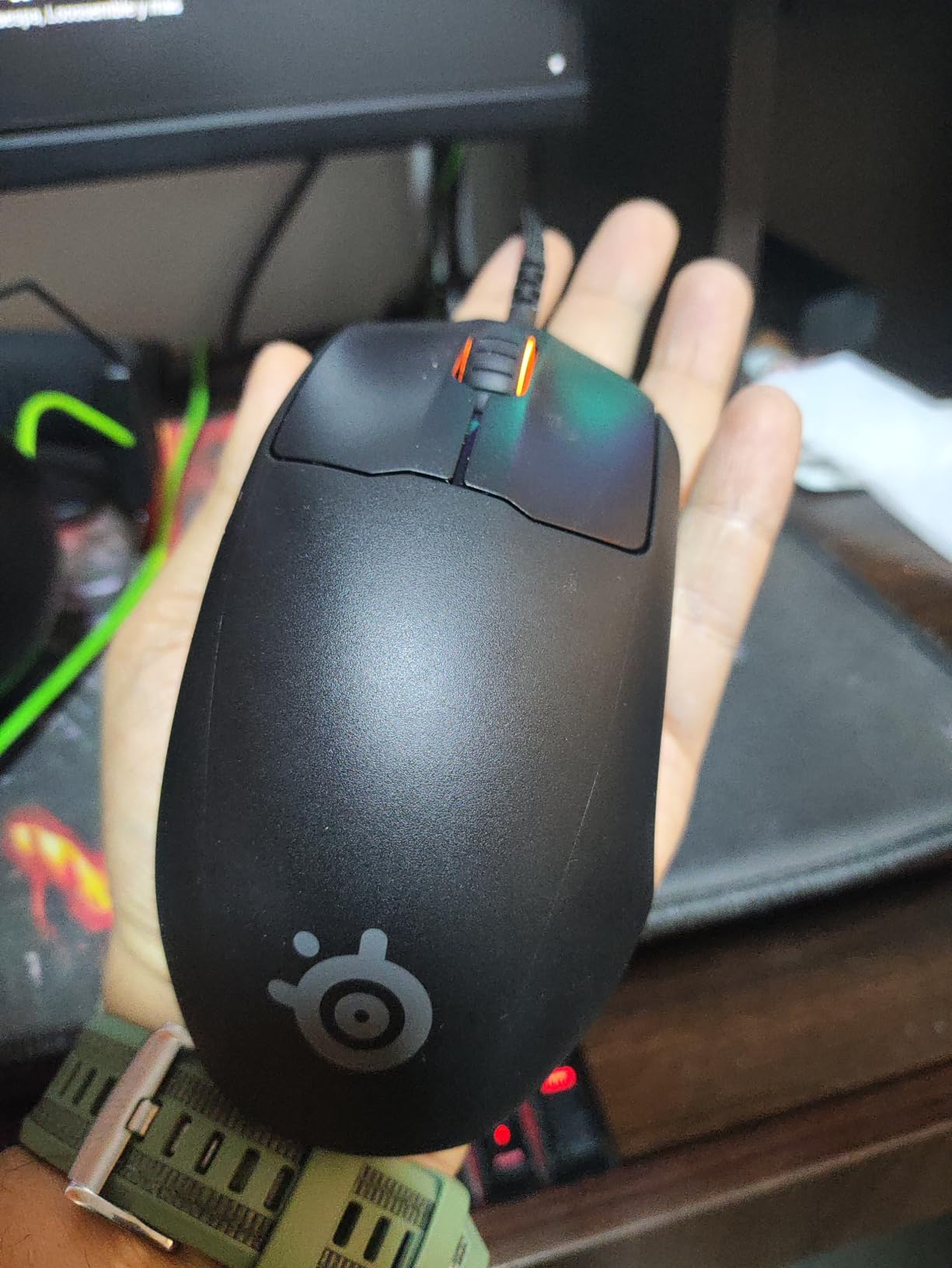
The TrueMove Pro optical sensor reads 18,000 CPI at 450 IPS with 50 g acceleration and true 1-to-1 lift and tilt tracking. In practice that means no prediction or smoothing artifacts, which is the property that matters most for micro-corrections in Valorant.
Switches are optical magnetic, rated to 100 million clicks, and there are five programmable buttons with RGB lighting through SteelSeries Engine. The 69 g weight comes from a lightweight internal layout rather than a hollow shell, which is why it does not feel as hollow as some sub-60 g plastic mice.
Who the SteelSeries Prime suits
It suits palm grip and relaxed claw players on a budget, and it is the mouse in this roundup I would suggest to someone whose hand does not fit a symmetric shape but who cannot justify flagship money. The shaped right-handed profile makes it a genuine option, not a compromise.
It is also a good match for players moving from a classic office mouse who want a proper esports shape without a wireless learning curve. Being wired, there is nothing to charge or pair.
Where it falls short
It is wired only, and it is limited to standard 1000 Hz polling with no high-polling-rate mode. Against the 8 kHz shells in this same roundup, that gap is real on paper even if it is hard to feel in a match.
The 18K CPI ceiling is below modern flagships, the shell design is noticeably older than the newer ultralight shapes, and full customization requires SteelSeries Engine software. Rated at 69 g, it will not deliver the flick speed of the 49 g and 53 g options here.
How to Choose a Gaming Mouse for FPS Games
Weight matters more than any other spec, and it is the one most likely to change your results. The five lightest mice in this roundup sit between 49 g and 56 g, and the difference between 56 g and 73 g is visible in a long session. If you are undecided between two shapes of the same grip type, take the lighter one.
Below about 50 g you start trading away shell rigidity, and the honest tradeoff is creaking plastic under a hard grip. The 53 g shells here struck the best balance for me. Below 60 g you should also check whether the shape is solid enough that you are not squeezing it rather than holding it.
Is 4000 Hz better than 1000 Hz?
Short answer: only marginally, and almost never enough to justify choosing a mouse over a better shape. A 1000 Hz mouse reports your position 1000 times per second, a 4000 Hz mouse reports it 4000 times. The theoretical improvement is about 0.75 ms between reports, which is smaller than most players can consciously feel.
There is a catch. Running 4000 Hz or 8000 Hz can put a real load on your CPU, and the practical benefit only appears if your system and game can keep up. If your frame rate dips when you enable the higher rate, you have traded stability for a number you cannot perceive. My own recommendation is to run 1000 or 2000 Hz, set your sensitivity, and spend the effort on an aim trainer instead.
One exception worth noting: mice that advertise 8000 Hz but require a separately sold receiver, such as the Logitech G PRO 2 Lightspeed, are effectively 1000 Hz out of the box. Check whether the rate is included before you pay for a spec you may never actually turn on.
The DPI myth, and what eDPI actually means
Sensor DPI is a ceiling, not a quality score. A mouse rated at 44,000 DPI and one rated at 26,000 DPI track almost identically at the sensitivities competitive players actually use, which usually sit between 800 and 1600 DPI.
What actually changes your aim is eDPI, which is your in-game sensitivity multiplied by your DPI. Someone running 400 DPI at 1.6 sensitivity and someone running 1600 DPI at 0.4 have the same eDPI and the same effective speed. The higher number on the box changes nothing about how the mouse feels in your hand.
Measuring your hand and matching the shape
Measure from the crease where your wrist bends to the tip of your middle finger, then across the widest point of your palm. Post those two numbers in centimeters and you can size any mouse accurately, which is exactly how sizing questions get framed in FPS communities.
Under about 18 cm palm-to-finger, you want a short shell and you should lean fingertip or claw grip. Between 18 and 20 cm, the symmetric mid-size shapes in this roundup work for all three grip styles, which is why so many of them sit there. Above 20 cm, a roomy sculpted shell such as the DeathAdder V4 Pro stops you fighting your own hand.
Grip style follows size. Palm grip anchors the base of your hand and suits bigger, sculpted shells. Claw grip arches the fingers and is the most common FPS grip, working on both symmetric and shaped mice. Fingertip grip uses only the finger pads and needs a low, short front edge. Buying a fingertip-shaped mouse for a palm grip is the fastest route to wrist strain.
Wireless or wired for tournament play
Wireless latency on the mice in this roundup is small enough that I could not distinguish it in play. The real argument for wired is simplicity at a venue: no battery to manage between maps, no dongle to lose, and no interference from a room full of other 2.4 GHz devices. The Zowie S2-C and the HyperX Pulsefire Haste 2 both win on that basis.
The argument for wireless is comfort and desk space. Nothing about a dead battery should ever cost you a round, and mice rated at 95 to 180 hours at 1000 Hz make that a once-a-month problem rather than a daily one. The two mice in this group that treat charging as a non-issue are the Viper V4 Pro and the DeathAdder V4 Pro.
Matching a mouse to the game you play
For Valorant and CS2, where precision clicking and micro-corrections dominate, the Superlight 2 and the Viper V3 Pro are the two I would test first. For Apex Legends and Battlefield 2042, where tracking speed and long sessions matter more, the DeathAdder V4 Pro earns its weight advantage through comfort.
Overwatch 2 rewards rapid click sequences, which makes the 0.2 ms actuation on the Viper V3 Pro and the haptic adjustment range on the Superstrike both worth considering. For The Finals, the heavier shells such as the SteelSeries Prime are reasonable because the game asks for movement tracking rather than pure flick speed. And if you are moving from a console controller, a wired 53 g shell like the Pulsefire Haste 2 is the lowest-risk place to start learning mouse aim.
One last pairing note that competitors rarely mention: your pad matters as much as your mouse. A control-oriented cloth surface slows the mouse and suits micro-aim, while a speed surface suits fast flicks and larger hand movements. Keep whichever you choose consistent, because switching surfaces changes your muscle memory more than any spec in this roundup.
Frequently Asked Questions
What mouse do most FPS pros use?
There is no single answer. Tournament players across CS2, Valorant, and Overwatch 2 span the Razer Viper line, the DeathAdder line, Logitech’s Pro line, and Zowie’s wired shapes. What pros share is a preference for a light, low-latency shell that suits their hand, not a specific model. Match the shape to your grip before you match the brand.
Is 4000Hz better than 1000Hz?
Only marginally, and rarely enough to justify choosing a mouse over a better-fitting shape. The theoretical gain is roughly 0.75 ms between reports, which most players cannot feel. Higher rates also load your CPU more, and a frame rate drop costs you far more than the polling gain. Also check that the mouse includes the rate out of the box, since some need a separately sold receiver.
What is the best wireless mouse for FPS gaming?
The Logitech G Pro X Superlight 2 is the best all-round wireless choice, at 60 g with 8 kHz LIGHTSPEED polling and 95-hour battery life. For the lightest possible shell, the Razer Viper V4 Pro at 49 g is harder to beat, and for a sculpted palm grip shape the Razer DeathAdder V4 Pro runs up to 150 hours at 1000 Hz.
What is the best mouse for claw grip?
The Razer Viper V3 Pro is the strongest claw grip pick in this roundup, with a 55 g symmetric shell, 0.2 ms optical switch actuation, and an owner rating of 4.7. It suits fingertip and smaller palm grip as well. If your hand measures over 20 cm from wrist crease to middle fingertip, the roomier Razer DeathAdder V4 Pro fits claw grip better.
What mouse grip is best for FPS?
Claw grip is the most common FPS grip because it balances precision and speed, and it works on both symmetric and sculpted shells. Palm grip suits larger hands and a roomy shaped mouse like the DeathAdder V4 Pro. Fingertip grip needs a low, short front edge and suits smaller hands. The wrong match causes wrist strain, so measure your hand in centimeters before buying.
The Verdict for 2026
The Logitech G Pro X Superlight 2 is our pick for the best gaming mice for FPS games in 2026. At 60 g with 8 kHz wireless polling, a proven HERO 2 sensor, and a shape that accepts claw, fingertip, and shallow palm grip, it is the mouse I recommend when someone wants one answer rather than a shortlist to research.
Two other mice cover the gaps it leaves. If your hand is large or you anchor your palm on the desk, the Razer DeathAdder V4 Pro gives you the same light weight in a sculpted shell. If your hand is small or you want the lightest setup possible, the Razer Viper V4 Pro at 49 g is the fastest mouse in this group.
And if you are building on a limited budget, the HyperX Pulsefire Haste 2 proves you can get 53 g and 8 kHz polling without flagship money. Measure your hand first, pick the grip that matches it, and the right mouse stops being an expensive guess.