
If you have ever broken a plastic clip on an appliance you love, or wanted a replacement knob for a console controller, or needed a model of a figurine at a scale your printer can actually handle, you have probably wondered whether a 3D scanner is the missing piece in your hobby workshop. The short answer is yes for a lot of people, and no for a few. This guide covers the best 3D scanners for hobbyists, the group of handheld and desktop optical devices that turn physical objects into printable geometry without CAD skills.
We spent the last several weeks reading spec sheets, digging through owner reports, and comparing how these scanners behave on the messy, real subjects hobbyists actually point them at: black plastic trim, glossy car panels, deep cavities, small mechanical parts, cosplay props, and the occasional face. What follows is not a ranking built from headline accuracy numbers alone, because those numbers are measured under lab conditions that do not resemble a cluttered workbench.
Every scanner below is written up with who it suits, what it struggles with, and where its stated specifications stop telling the truth. Where a brand does not publish a figure we think you need, we say so instead of copying marketing copy. Last reviewed in 2026, with firmware churn being as real a factor as hardware in this category.
Table of Contents
Top 3 Picks for Hobbyist Scanning in 2026
Three scanners stood out from the nine we covered. The Revopoint POP 4 has the deepest review history of any handheld in this group and the widest range of scanning modes, which is why it takes the top slot. The Revopoint MetroX Pro is the most capable unit here on raw precision, and the 3DMakerpro Mole is the one that makes the least sense to skip if you want a genuinely capable handheld without a large outlay.

Revopoint POP 4
- 0.03mm single-frame accuracy
- Five scanning modes
- 10mm to 2m scan volume
- Wireless 4 hour battery grip

Revopoint MetroX Pro
- 0.01mm single-frame precision
- 62-line full-field mode
- One-click turntable color scans
- HD RGB texture camera

3DMakerpro Mole
- 0.05mm accuracy at 10 fps
- Under 14 ounces
- Marker-free scanning
- Handles black objects
Best 3D Scanners for Hobbyists in 2026: Quick Comparison
This table is the fast version. Every scanner listed here appears in the full reviews further down, and the features column is drawn from the same manufacturer data we used for each individual card.
| Product | Specs | Action |
|---|---|---|
| Revopoint POP 4 |
|
Check Latest Price |
 EINSTAR Rockit EINSTAR Rockit |
|
Check Latest Price |
| Revopoint MetroX Pro |
|
Check Latest Price |
| 3DMakerpro Mole |
|
Check Latest Price |
 Creality Raptor Creality Raptor |
|
Check Latest Price |
 3DMakerpro Seal Lite 3DMakerpro Seal Lite |
|
Check Latest Price |
 3DMakerpro Moose Lite 3DMakerpro Moose Lite |
|
Check Latest Price |
 Creality Pika Creality Pika |
|
Check Latest Price |
 Creality Otter Lite Creality Otter Lite |
|
Check Latest Price |
Why Accuracy, Resolution and Point Distance Are Not Interchangeable
The single biggest source of confusion in this niche is that brands use accuracy, precision, resolution, point distance and volumetric accuracy to mean different things, then print them in the same column of a comparison table. A spec sheet that looks decisive on Monday can be meaningless on Tuesday once you know which number maps to your actual use case.
Single-frame accuracy describes how closely one captured frame matches the true surface. Volumetric accuracy is the number that matters for most hobby work, because it describes the error accumulated across the whole capture, and it is always written as a fixed term plus a multiplier of distance. The Revopoint POP 4 states 0.03 mm plus 0.05 mm x L, where L is the distance in metres, and the Revopoint MetroX Pro states 0.02 mm plus 0.04 mm x L. Those two figures tell you far more about real performance on a car fender than either brand’s marketing headline does.
Point distance describes how far apart individual measurements sit on the surface, which governs how fine a feature the mesh can resolve rather than how true the overall shape is. A scanner can have an excellent point distance and still drift across a large object, and it can hold a large object accurately while missing a hairline groove. Resolution and point distance are close cousins, and marketing departments mix them freely.
One more trap: the laboratory figure and the workbench figure are not the same number. A scanner rated at 0.01 mm single-frame precision is being measured on a calibrated rig under controlled lighting by people who are not tired. On a kitchen table with mixed ambient light, hand shake, and a surface that was never prepared, expect the honest result to land meaningfully worse than the box claims. Treat published accuracy as the best case, not the typical case.
There is a technology split worth understanding too. Structured light scanners project a pattern of infrared light and measure how it deforms. Blue laser scanners use shorter wavelengths, which pack more detail into the same surface but cost more and can be harder on shiny finishes. VCSEL infrared arrays are the most forgiving with dark and black surfaces. Photogrammetry apps on a phone use many photographs rather than projected light, which is why they struggle with featureless and reflective surfaces. Every scanner in this roundup except the phone-app approach is a laser or structured light device.
1. EINSTAR Rockit: Best for Black and Reflective Surfaces
EINSTAR Rockit Wireless Handheld 3D Scanner for Full Color 3D Design
Hybrid blue laser and VCSEL infrared
Up to 3 hours cordless
Full-color texture
STL OBJ PLY 3MF ASC export
Pros
- Handles black and reflective surfaces with minimal scanning spray
- Built-in battery gives up to 3 hours of untethered scanning
- Full-color texture captured alongside geometry
- Exports to STL OBJ PLY 3MF and ASC for CAD and print workflows
Cons
- One of the more expensive consumer scanners in this group
- Bundle ships marker helpers rather than turntable accessories
- Rating spread is the least even in the roundup with a notable one-star block
The Rockit is the only scanner in this group that pairs a blue laser line with a VCSEL infrared array in a single handheld body, and in practice that pairing is what makes it so forgiving. The blue laser handles fine detail on the parts of a subject that need resolution. The infrared array covers the areas where the light would otherwise bounce straight back and confuse the sensor.
It weighs 1.1 pounds and runs on a built-in rechargeable battery for up to three hours, so you are not dragging a laptop to the garage to scan a car part. That single design decision changes where you can work more than any accuracy figure on the list. Owners consistently single out cordless operation as the reason they stopped fighting the cable.
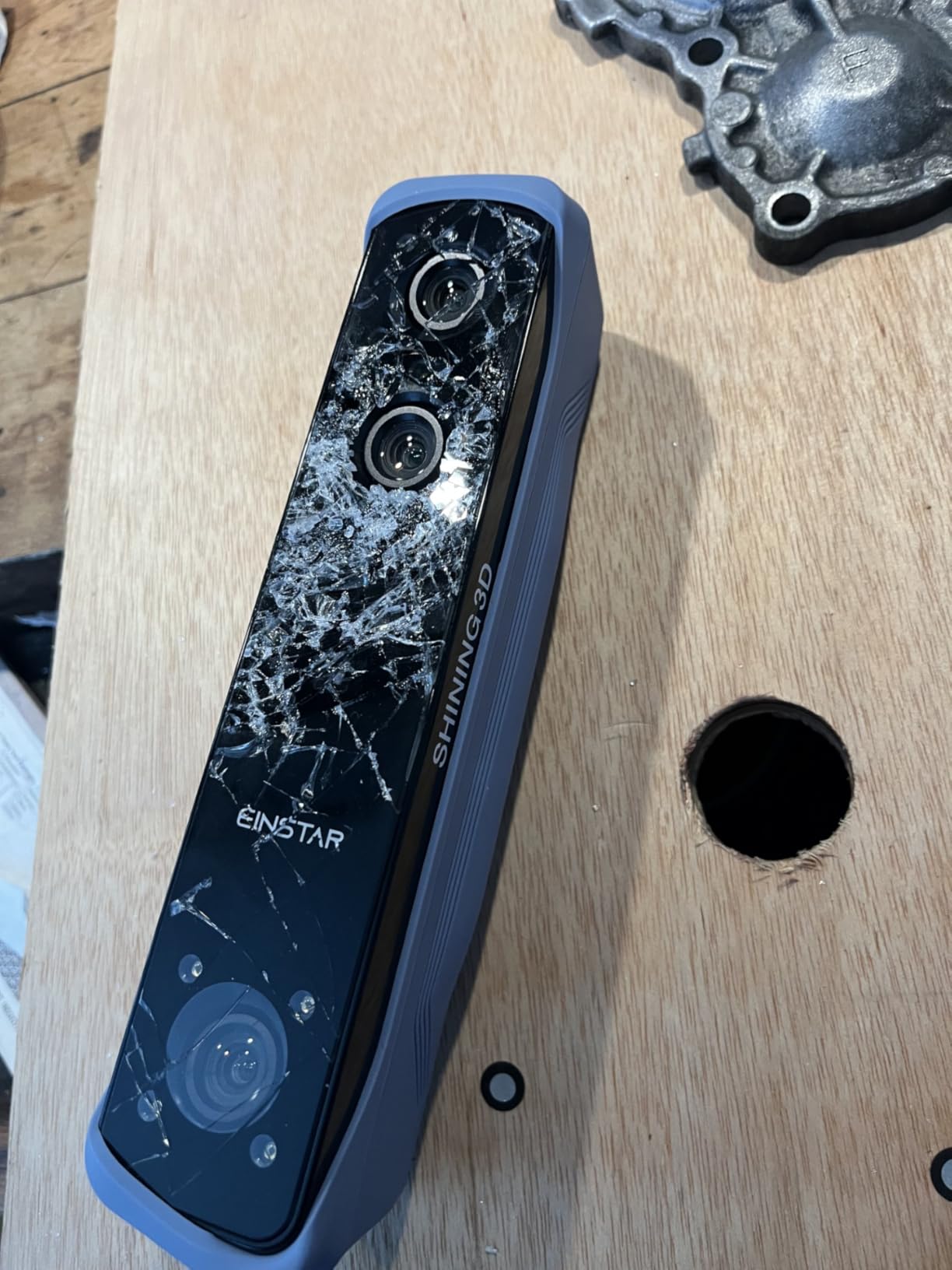
Color capture is built in, which is unusual at this level and is what separates it from the monochrome handhelds. If you are scanning a cosplay prop, a decorative object, or anything you want to reproduce with its finish intact, having true texture in the same pass saves a second scanning session.
The honest limitation here is the rating distribution. At 4.0 from 86 reviews, with a sizeable share of one-star ratings, the feedback is genuinely split rather than uniformly glowing. Owners who value cordless scanning and black-surface handling rate it highly, and the critical voices point at setup friction and workflow rather than a hardware failure story. That is the profile of a scanner with a real learning curve, not a broken unit.
Deep cavities remain the weak spot, as they are with most handhelds in this class. If your project involves hollow shells and internal ribs, budget time for the single-line deep-hole mode and expect to merge several passes.
When the Rockit earns its place in your workshop
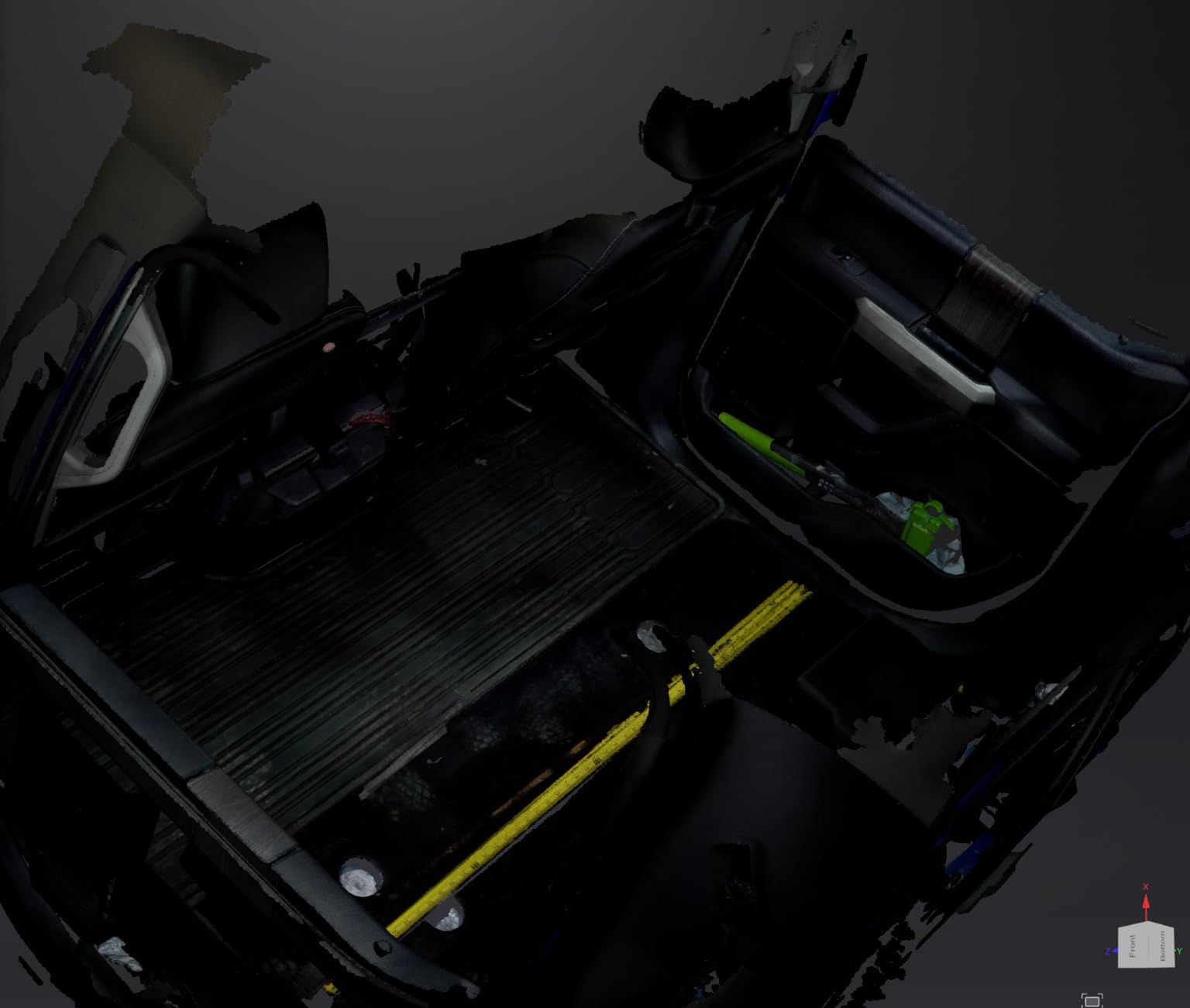
It suits you if your subjects are dark, glossy, or already in the parts bin: black plastic trim, gunmetal fittings, screen bezels, appliance handles. Owners report scanning these with little or no spray, which is where cheaper structured light scanners usually stall.
It also suits you if you regularly scan away from a desk. A garage, an attic, a garden project, or a friend’s house are all places where a tethered scanner is a nuisance rather than a feature.
When the Rockit is the wrong buy
Skip it if your project needs certified dimensional measurement. Nothing in this hobby class, including this one, produces inspection-grade tolerances.
Skip it if you scan very small miniatures as your primary work. There is a purpose-built option later in this guide that is cheaper and better suited to tiny parts. The Rockit is a generalist that happens to be excellent at hard surfaces, not a specialist at very fine geometry.
2. Revopoint POP 4: Best All-Round Handheld for Hobbyists
Revopoint POP 4 3D Scanner, AI Segmentation, for 3D Printing, Premium
0.03mm single-frame accuracy
Five scanning modes
10mm to 2m scan volume
4 hour wireless battery grip
Pros
- Five scanning modes covering small parts deep cavities and large components
- 182 reviews give the most owner history in this roundup
- Wireless scanning with a 4 hour battery grip and phone preview
- Handles dark and reflective metals without spray
- Two year manufacturer warranty
Cons
- AI object segmentation runs on Windows only
- Revo Design and Revo Measure are paid add-ons
- Needs a recent i7 or Ryzen class machine and a discrete GPU for full speed
The POP 4 is the scanner I keep coming back to for hobby work because it does the most different jobs with one body. Five scanning modes are listed: full-field HD, hybrid HD, VCSEL rapid, 30-cross laser lines, and a single-line deep-hole mode. That range is what lets one device handle a small gear, a cracked housing, and a large composite panel without you changing equipment between projects.
The stated single-frame accuracy is up to 0.03 mm, with volumetric accuracy of 0.03 mm plus 0.05 mm x L in metres. On a 1 metre capture that works out to 0.08 mm of allowed drift, which is tight enough for fit-check prints and most replica work. The full-field structured light mode captures up to 5,000,000 points per second, and the multi-line laser mode runs up to 105 fps with GPU acceleration.
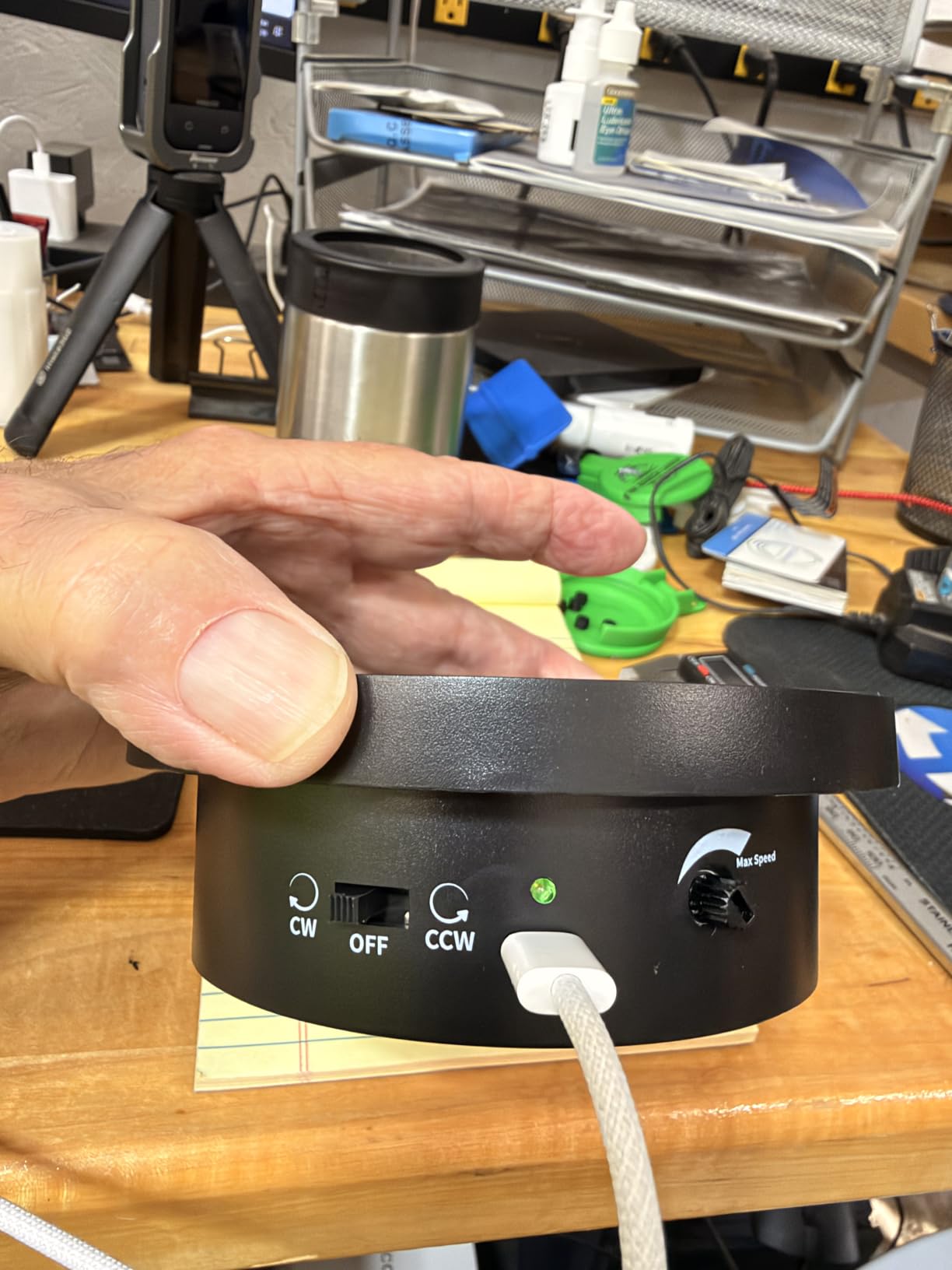
Scan volume runs from a 10 mm cube all the way to 2 m on a side, so the answer to “can it handle that” is usually yes. It operates up to 50,000 lux, or 100,000 lux with the outdoor filter or in VCSEL mode, which means a daylit garage floor is a realistic scanning location rather than a compromise.
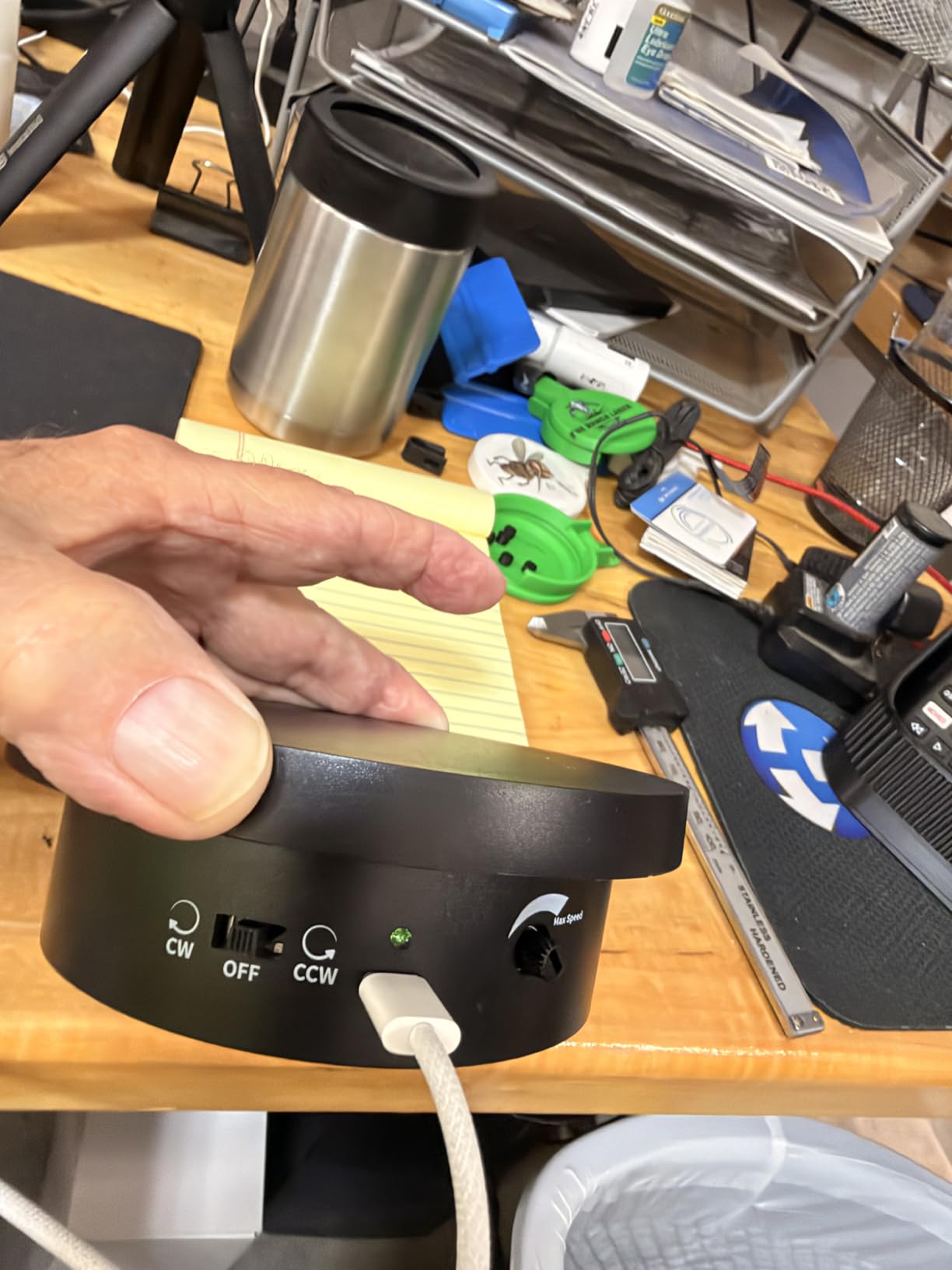
The battery grip holds 5500mAh and gives about four hours of scanning over Wi-Fi 6, with live preview on a phone. It ranks first in Amazon’s 3D Scanners category, and with 182 reviews it has by far the deepest owner history of any product here, which makes its 4.2 rating the most trustworthy number in this roundup.
The friction is software and hardware requirements, not capture quality. Revo Design and Revo Measure are paid extras, and the AI object segmentation feature is Windows-only. The listed minimum is an Intel i7 13th Gen or Ryzen 7 5800 with 16 GB of RAM and an RTX 3060, or an M1 Pro or better Mac with 16 GB.
If your machine sits below that, the scan still completes, but processing slows noticeably. Buyers upgrading from an older desktop should check their GPU before committing.
When the POP 4 is the right scanner
It fits the hobbyist who does not know in advance what they will scan next. If your projects range from miniatures to furniture trim to car parts, the mode range is the reason to buy this rather than a specialist.
It also fits anyone who wants to scan away from a desk. The battery grip and Wi-Fi operation remove the tether problem that owners of wired handhelds name constantly as their upgrade trigger.
When the POP 4 is not the answer
Pass on it if you need full-colour turntable captures as a primary output. Color works, but the automated dual-axis turntable workflow belongs to the MetroX Pro instead.
Pass on it if your computer is more than a few years old or lacks a discrete GPU, since that is where you will feel the software requirements most. In that case a lighter handheld such as the 3DMakerpro Mole puts less demand on the machine.
3. Revopoint MetroX Pro: Most Accurate Scanner in the Group
Revopoint MetroX Pro 3D Scanner, Blue Laser Scan, for 3D Printing, Advanced
0.01mm single-frame precision
0.02mm accuracy
62-line full-field mode
Auto turntable with HD RGB
Pros
- Highest stated precision in the roundup at 0.01mm single-frame
- Four modes including 62-line full-field structured light at 7M points per second
- One-click dual-axis turntable with color capture
- PC to phone streaming frees you from the laptop
- Handles shiny and dark surfaces without spray in cross-line modes
Cons
- Tethered USB-C only with no built-in battery
- USB-A to USB-C adapter not included in the box
- Deep cavities can lose tracking and need a restart in a new orientation
On paper this is the most capable unit in the roundup. Single-frame precision reaches 0.01 mm with accuracy up to 0.02 mm, and volumetric accuracy is stated as 0.02 mm plus 0.04 mm x L. The 62-line full-field blue structured light mode captures up to 7 million points per second, which is the highest point throughput of anything we covered.
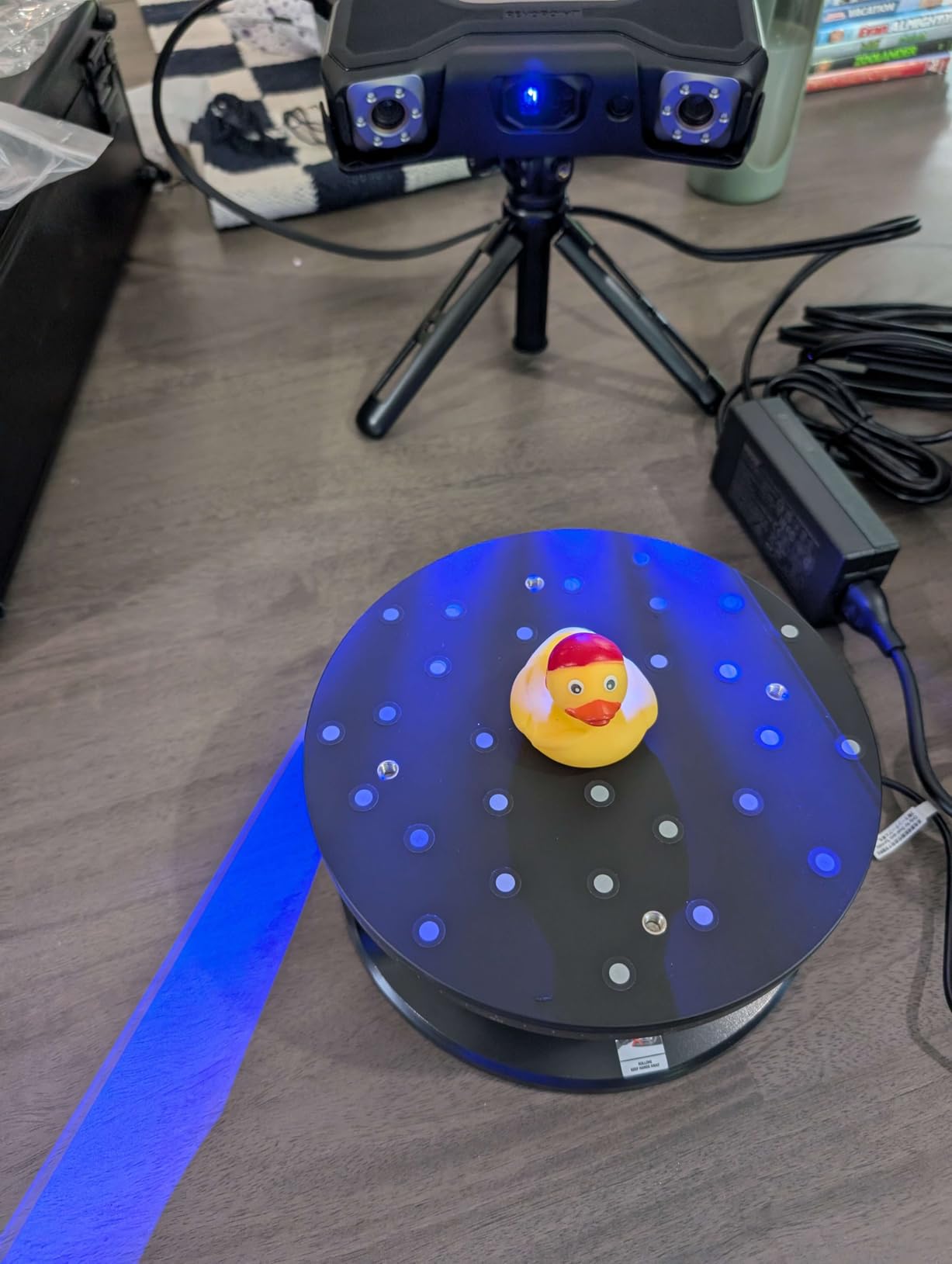
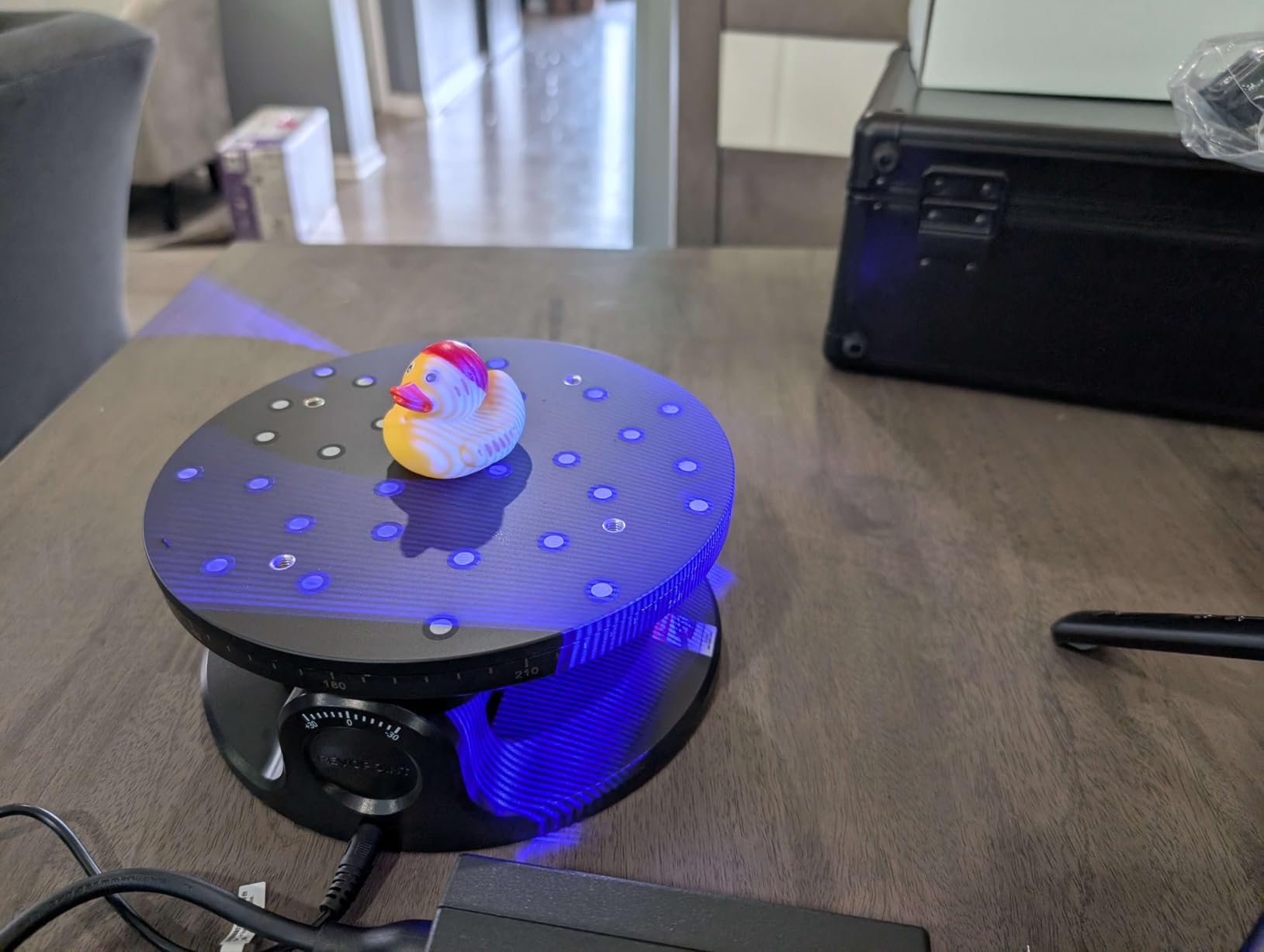
It offers four modes: 30 cross-line lasers, 15 parallel lines, 62-line full-field blue structured light, and an auto turntable mode. That last one is the reason to buy this unit rather than a cheaper Revopoint. A dual-axis turntable with an HD RGB camera turns a colour capture of a small object into a single click rather than a manual stitching session.
Tracking is handled three ways, feature, marker, and global marker, so you can scan textured or featureless surfaces by changing mode rather than changing tools. Reviewers describe it as a genuine step up in completeness from the cheaper Revopoint handhelds, and several mention the value against industrial scanners costing several times more.
Real-time streaming from the PC to a phone through the Revo Mirror app partly answers the cable complaint. You still sit near the machine, but you are not looking at the laptop screen for the entire capture, which matters over a long session on a large object.
The cable is the honest catch. This is a tethered USB-C unit with no built-in battery, and the USB-A to USB-C adapter is not in the box. Color scanning also takes noticeably longer than monochrome work, and deep cavities can lose tracking depth and require restarting the scan from a new angle.
When the MetroX Pro earns its cost
It suits you if accuracy is the deciding factor in your project. For fine mechanical replicas, thin-wall parts that must fit, or captures you intend to take into CAD rather than straight to a slicer, the 0.01 mm figure and the volumetric formula are the best in this group.
It also suits colour work on small and medium objects. The auto turntable with HD RGB is the most hands-off colour capture in this roundup, and cross-line and parallel-line modes handle shiny or dark surfaces without spray.
When the MetroX Pro is overkill
Skip it if you only print FDM parts at a 0.4 mm nozzle, since the resolution of the printer will discard most of the difference between this and a 0.05 mm handheld.
Skip it if you need to scan on location without a laptop. It is a bench scanner by design, and Revo Measure and Revo Design are paid Windows-only extras on top of that.
4. 3DMakerpro Mole: Best Value Handheld for Everyday Scanning
3DMakerpro Mole Handheld 3D Scanner for 3D Printer, 0.05mm Accuracy & 0.1mm Resolution, 10FPS Scanning Lightning-Fast Speed with Anti-Shake Lenses, Portable 3D Scanners for Win10/MacOS
0.05mm accuracy at 10 fps
13.7 ounce body
Marker-free scanning
Near-infrared handles black
Pros
- Weighs under 14 ounces so long handheld sessions stay comfortable
- Optical anti-shake modules steady the capture in handheld mode
- Near-infrared illumination picks up black objects
- Truly marker-free workflow cuts setup on large parts
- JMStudio handles alignment repair and texture mapping
Cons
- Geometry only with no full-color texture capture
- Only 21 reviews so long-term reliability is harder to judge
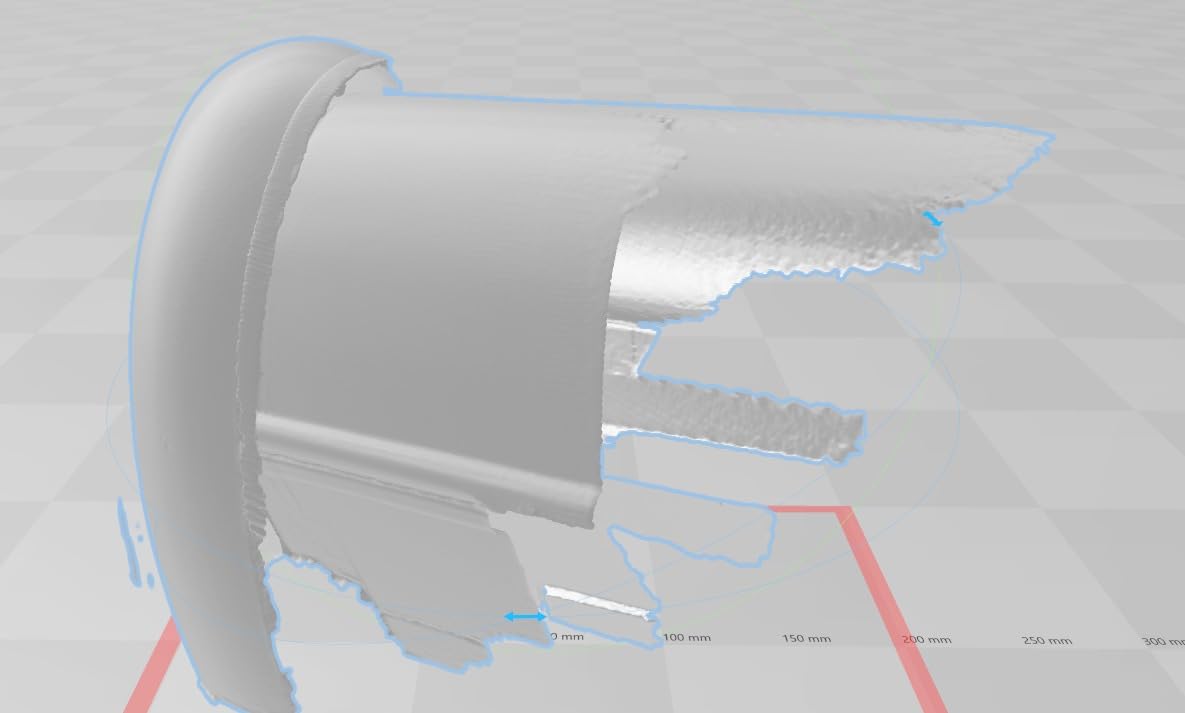
The Mole is the one that makes a strong case on capability per unit of money spent. Accuracy is up to 0.05 mm at 0.1 mm resolution, running at 10 fps with optical anti-shake modules, and at 13.7 ounces it is by far the lightest scanner here. Handheld comfort is a real spec for long captures of a car panel, and this body is built for it.
The near-infrared invisible light source is eye-safe and tolerates ordinary ambient light well, and the NIR configuration handles black objects, which is normally the first thing that ruins a scan of a dark part. There is no visible laser line to line up, so setup on a large subject takes seconds rather than minutes.
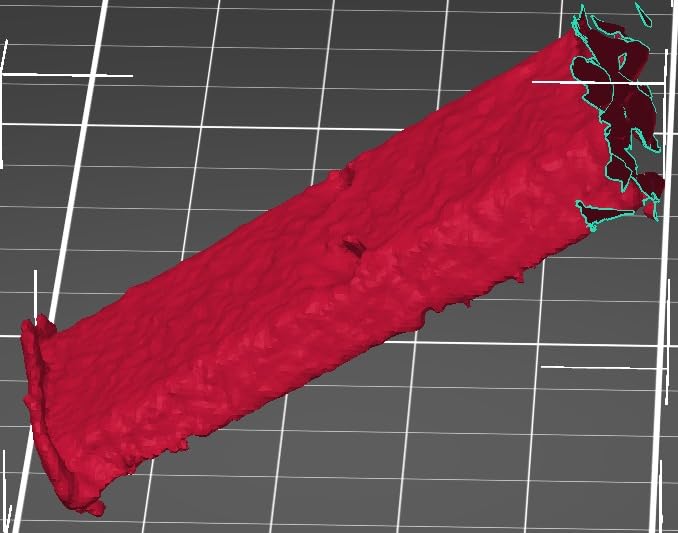
Scanning is marker-free, which is the biggest workflow win. Markers on a fender or a wardrobe door are a step you will skip every single time. JMStudio handles auto-alignment, denoising, repair, and texture mapping, and it runs on both Windows and macOS without a paid add-on.
What you give up is colour. This is geometry only, so if the finished object needs a texture you are going to add that in your own software. For a fit-check print or a repair part, that costs you nothing meaningful.
The 21-review sample is the caveat worth stating plainly. There are no one-star ratings at all in the visible distribution, but a small sample is a small sample, and long-term reliability claims from 21 owners tell you less than the 182 owners behind the POP 4.
When the Mole is the sensible buy
It fits a hobbyist whose list includes large awkward subjects such as bumpers, body panels, mouldings, and broken appliance shells. Marker-free capture on a big object with no texture is exactly the case that frustrates other handhelds.
It also fits anyone whose arms get tired. The weight difference between this and a heavier bench-style body is obvious across a 40-minute capture of a full car side.
When the Mole falls short
Skip it if colour texture is part of your deliverable, because it simply does not capture any. It is also the wrong tool for very fine small parts, where a dedicated small-format scanner gives you more usable detail.
Skip it if you need a deep, narrow cavity. Like the rest of the class, it is a surface scanner first and a cavity scanner second.
5. Creality Raptor: Best for Large and Reflective Parts
Creality 3D Scanner Raptor Handheld Scanner with 0.02mm Accuracy
0.02mm blue light accuracy
5mm to 2000mm range
930 x 580mm NIR capture
372g body
Pros
- 0.02mm accuracy from industrial class blue light
- Handles objects from 5mm to 2000mm in one unit
- Large NIR single-capture area speeds up big items
- Light 372g body with ring LED status and exposure buttons
- Exports OBJ STL and PLY to mainstream software
Cons
- Requires a computer and a wall outlet at the same time with a cord under 6 feet
- Optional Scan Bridge handle needed for true cordless use
- Steep learning curve before scans are usable
- Included mini tripod has plastic legs reviewers call fragile
The Raptor combines blue light and near-infrared sources the way the EINSTAR Rockit does, and it covers an object size range from 5 mm to 2000 mm, which makes it one of the broader-format units here. Blue light accuracy is stated at up to 0.02 mm using narrow wavelength filtering to cut ambient interference, and the NIR structured light single-capture range reaches 930 mm by 580 mm at 1000 mm of working distance.
That large NIR capture area is what speeds up scanning of bigger items. Instead of creeping across a car panel in strips, you cover a much wider swath per frame, and the RGB camera with a large aperture, 12 flash LEDs, and 12 infrared LEDs handles marker recognition and texture.
Owners who pair it with a capable machine describe very smooth operation, and one report of a friend’s Raptor producing good-enough scans came with the suspicion that rushed technique, not the hardware, was the limiting factor. That matches our general view of this class.
There is an important setup detail that catches people out. The scanner wants a simultaneous connection to a computer and a wall outlet, using a cord under 6 feet, and the optional Scan Bridge handle is needed for genuine cordless use. The recommended machine is an i7 Gen10 with an NVIDIA GPU carrying 8 GB of VRAM and 32 GB of RAM, with an M3 or M4 Mac and 16 GB recommended.
At 4.0 from 11 reviews, the sample is thin. The single harsh review focuses on the dual-connection requirement, which the buyer felt was not clearly disclosed, and another reviewer flagged the flimsy plastic legs on the included mini tripod. Those are worth knowing before you plan your bench layout, not reasons to avoid the unit.
When the Raptor makes sense
It suits you if you work on large objects where capture speed matters. The wide NIR single-capture area shortens the number of passes you need across a big panel or a piece of furniture.
It also suits you if your subjects span very small to very large. The 5 mm to 2000 mm range means a coin and a door frame are both in scope without a second device.
When the Raptor is wrong
Skip it if you need to scan away from a mains outlet. The dual-connection requirement is the single most common complaint on this listing, and the cordless handle is an extra purchase on top.
Skip it if you want an out-of-box experience. The learning curve is steep enough that reviewers explicitly caution against expecting a usable scan within minutes of unboxing.
6. 3DMakerpro Seal Lite: Best for Miniatures and Small Parts
3DMakerpro 3D Scanner Seal Lite, Small-Format 3D Scanners for Printing, Blue Led Light Source, Up to 0.02mm Accuracy, Mono Texture Scanning (Premium Version)
0.02mm blue LED accuracy
10mm to 300mm range
180-280mm working distance
Mono texture only
Pros
- 0.02mm accuracy from blue LED light for tiny parts and fine features
- Turntable and tripod included so it works out of the box
- JMStudio is straightforward with auto-alignment built in
- Compact body means storage is not an issue
- Lifetime free software updates on Windows and macOS
Cons
- Mono texture only with no full-color capture
- Small 10mm to 300mm working range limits it to small-format work
- Dark shiny and transparent surfaces still need spray or markers
The Seal Lite does one job extremely well: capturing small objects with a lot of fine surface detail. The blue LED light source at 400 to 500 nm delivers 0.02 mm accuracy, which is a genuinely useful figure when you are scanning a 20 mm mechanical component or a miniature with delicate surface texture. The working range is 10 mm to 300 mm objects at a recommended 180 to 280 mm working distance.
Frame rate is 10 fps with scan-back and anti-shake features to stabilise the capture, and JMStudio handles visual tracking, error correction, and auto-alignment. The box includes a tripod, a turntable, a 65W charger, a data cable, and a one year warranty, so you are not immediately shopping for accessories.
Reviewers repeatedly describe strong detail capture on small mechanical parts and good value in a complete kit. The 6 reviews skew strongly positive at 79% five-star, with the remainder a single one-star voice.
That one-star voice, and nearly every other reviewer, flags the same two things: there is a real learning curve, and dark, shiny, or transparent surfaces still need scanning spray or markers. The mono texture capture is the third limitation, since there is no colour data here at all.
A 300 mm ceiling is the constraint to think about. If you want one device for both miniatures and a car fender, this is not it, and a generalist handheld is the better buy. If miniatures and small parts are the majority of your work, nothing else in this list gets you this much detail per unit of money.
When the Seal Lite is the right tool
It suits you if your subjects are small: figurines, model kit parts, PCB connectors, small brackets, watch components, and resin printing masters. The 0.02 mm figure has room to matter at that scale.
It also suits a first scanner purchase, because the included turntable and tripod remove the two accessories most beginners end up buying in the first week anyway.
When the Seal Lite will disappoint
Skip it if you plan to scan anything larger than a dinner plate. The 300 mm range is a hard ceiling, not a soft preference.
Skip it if you need colour, and know in advance that dark or transparent material will need matte spray or markers. Spray is a normal part of the workflow at this end of the market, not a sign of a faulty unit.
7. 3DMakerpro Moose Lite: Best Starter Kit for First-Time Scanners
3DMakerpro Handheld 3D Scanner for 3D Printing, 0.05mm Precision, 10FPS Scanning Speed, Compatible with Android/iOS/Win/MacOS, Moose Lite Premium
0.05mm precision at 10 fps
AI tracking with auto repair
Android iOS Windows macOS
Re-scanning after interruption
Pros
- Complete starter kit with turntable and tripod in the box
- Anti-shake module and re-scanning make it forgiving for beginners
- Marker-free scanning removes a setup step
- Works on Android iOS Windows and macOS which is wider than most rivals
- JMStudio comes with lifetime free OTA upgrades
Cons
- Only 4 reviews which is far too small a sample for long-term reliability
- No colour texture capture in this tier
- Every reviewer notes a real learning curve for software lighting and tracking
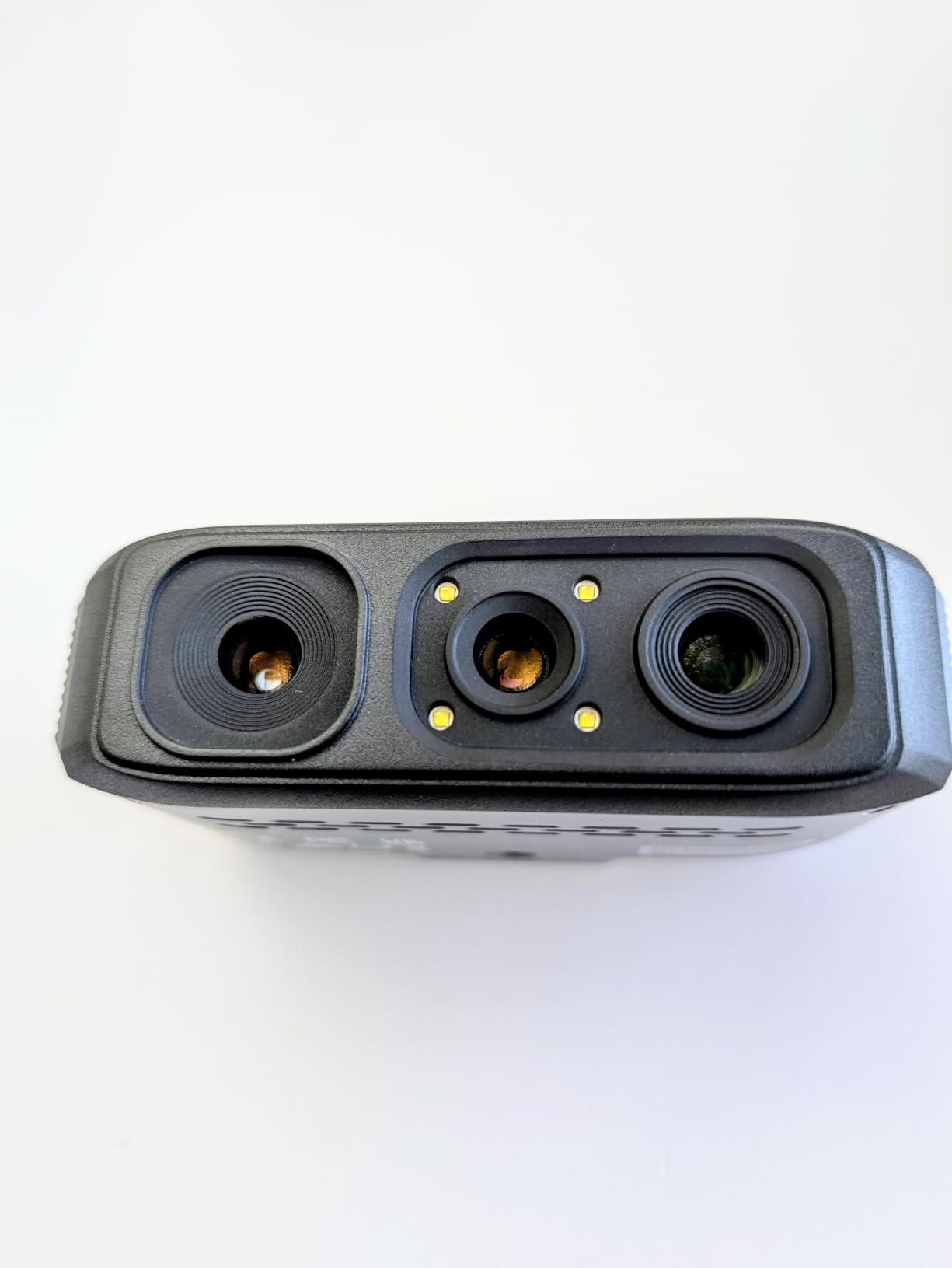
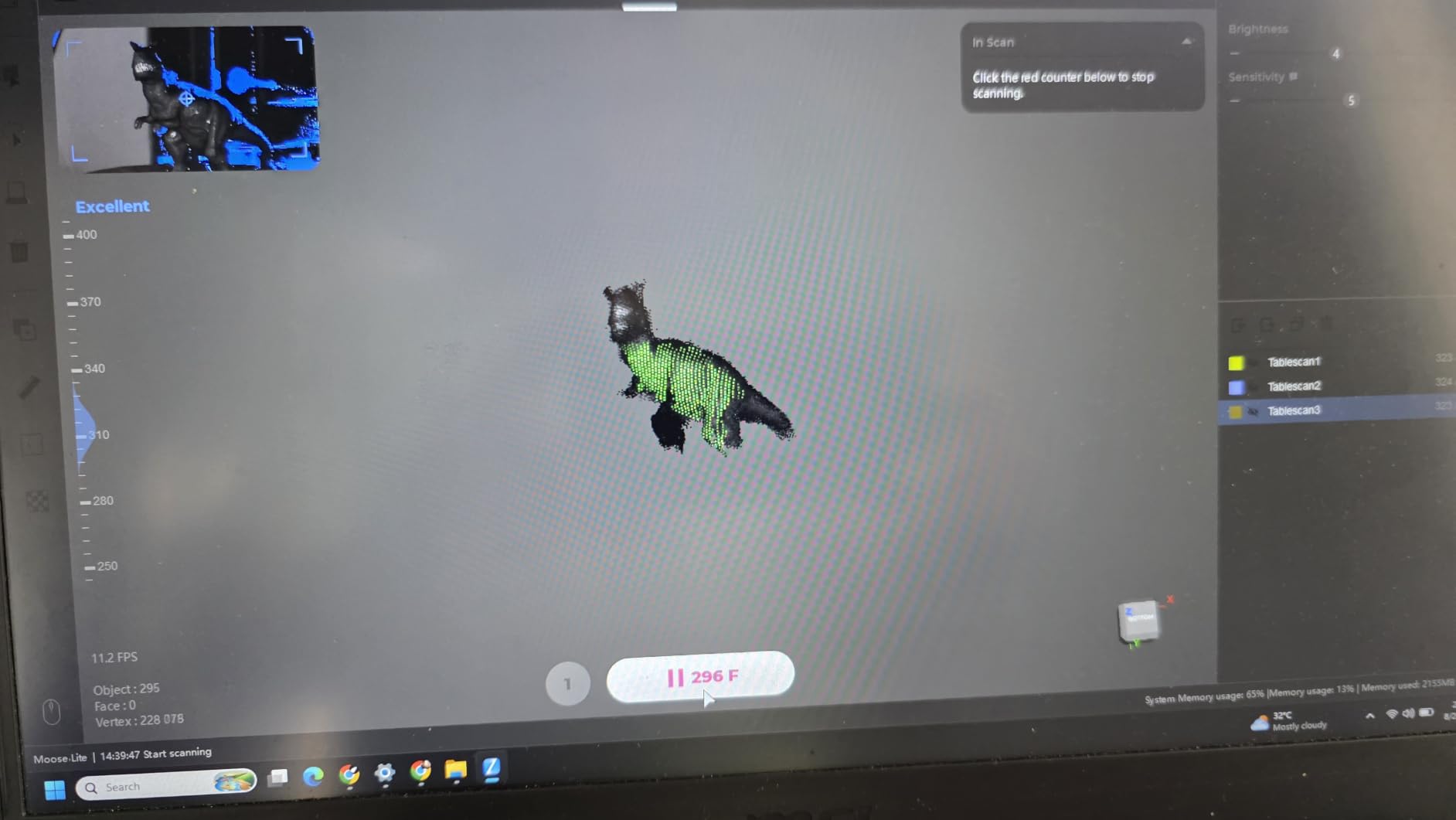
The Moose Lite is the most forgiving device here for someone who has never scanned anything. Precision is 0.05 mm at 10 fps, AI visual tracking handles alignment and runs automatic 3D model repair, and an optical anti-shake module steadies handheld capture. The re-scanning function lets you continue after an interrupted capture rather than starting over, which is the feature that saves beginners the most frustration.
It is marker-free, so there is no dotting a subject with stickers before you start. The software is JMStudio with lifetime free over-the-air upgrades, and the compatibility list is unusually broad: Android, iOS, Windows, and macOS.
It also weighs 3.65 pounds in the packaged kit and measures 10.47 by 10.31 by 3.94 inches, with the turntable and tripod included. That combination of accessories in the box is the practical difference between a good first week and a frustrating one.
The rating is 5.0 from 4 reviews, with 100% five-star in the visible distribution. I am not going to present that as a quality signal, because four owners is not evidence of anything. What it does tell you is that nobody who has bought one has publicly regretted it yet, which is worth something for a first purchase.
Reviewers describe a strong entry-level kit that captures fine detail, holds tracking well on small to medium parts, and ships with the accessories most people buy separately. Every one of them nevertheless stresses the same caveat: 3D scanning has a learning curve regardless of price.
There is no colour texture capture in this tier, so treat it as a geometry tool. If you need colour and have never scanned before, the Creality Otter Lite further down is the better first device.
When the Moose Lite is the right first scanner
It suits you if you want to learn scanning without a steep hardware tax. The anti-shake module and re-scanning function absorb the two mistakes every beginner makes, which is a real advantage over a cheaper barebones unit.
It also suits you if you do not want to be tied to one operating system, or if your main computer is a tablet. Android and iOS support is rare in this category.
When the Moose Lite is the wrong choice
Skip it if you already know you need colour texture, because there is no colour path here. It is also not the tool for very small precision parts, where the Seal Lite is the better buy.
Skip it if a long review history matters to your confidence. With four reviews, you have no community signal to lean on when something behaves oddly, and firmware updates at this stage can change results.
8. Creality Pika: Best Wireless Scanner You Can Carry
Creality Pika 3D Scanner, Portable 0.03mm Accuracy Wireless 3D Scanner, 7 Parallel Blue Laser+NIR Sources, Fast Scan Speed, Scans 5mm-2000mm Objects, AI Hole-Filling & Body Completion, 8-core CPU
7 parallel blue lasers
0.03mm accuracy
Wi-Fi 6 with hot-swap batteries
5mm to 2000mm range
Pros
- Pocket-sized 260g body with true cable-free Wi-Fi 6 operation
- Two hot-swappable batteries remove range anxiety on long sessions
- Seven parallel blue lasers reach 0.03mm accuracy on precision parts
- AI hole-filling and body completion cut post-processing time
- Handles black and metal with no spray and works outdoors to 80000 lux
Cons
- Only 9 reviews and several appear to concern Creality scanning markers rather than the scanner
- AI retexturing and body completion are new and lightly documented
- The 8-core CPU mobile platform is less proven for heavy processing than a desktop
The Pika is the most genuinely portable scanner here. The body is 100 by 60 by 42.5 mm, roughly 260 g, and it works over built-in Wi-Fi 6 with an 8-core CPU that is claimed to run on entry-level phones. There is no cable to the computer and no cable to the wall, which is the whole point.
Underneath the pocketability it is a serious device. Seven parallel blue laser sources deliver 0.03 mm accuracy, and infrared structured light handles full-body scans in about a minute. Object size range is 5 mm to 2000 mm, AI handles retexturing, body completion, and hole-filling, and outdoor operation reaches 80,000 lux with the professional NIR filter.
Two hot-swappable 3350 mAh batteries mean you can swap in a fresh pack mid-session without shutting the software down, and export covers STL, OBJ, PLY, and ASC. Black and metal objects scan without spray, which on this list is closer to the norm than it used to be.
Now the honest part, because it matters here. The rating is 4.8 from 9 reviews with no ratings below four, which sounds excellent and is not very strong evidence. More importantly, a good share of the visible review text on this listing is written by Amazon Vine testers discussing Creality’s scanning markers accessory rather than the Pika body itself, so the sentiment describes support accessories more than the hardware.
Two further unknowns: the AI retexturing and body-completion features are new and thinly documented, and an 8-core mobile CPU is a less proven place to do heavy scan processing than a desktop. If your workflow needs large captures, expect the phone to be the bottleneck.
When the Pika earns its place
It suits you if untethered scanning is non-negotiable and you want genuine portability. A 260 g pocketable body with hot-swap batteries changes what kind of projects you attempt, because you can scan on site without planning a power and data setup.
It also suits you if you scan people. The infrared mode is aimed at roughly one-minute full-body captures, and the AI body completion is designed for exactly that gap.
When the Pika is the wrong buy
Skip it if you plan large, heavy-processing scans on a phone. The 8-core mobile platform is the least proven part of an otherwise capable spec sheet, and the documentation on the AI features is thin.
Skip it if you need confidence from a long owner history. Nine reviews, several of them about a different accessory, is not the sample you want to underwrite a purchase with.
9. Creality Otter Lite: Best Full-Colour Scanner for Home Use
Creality Otter Lite Basic 3D Scanner, 0.05mm Accuracy, 30fps Speed, Quad-Camera for Objects 0.8″-78″, Full Color Scan, No Spray for Dark/Metal Surfaces, Eye-Safe Infrared, Wi-Fi 6 Supported
0.05mm accuracy at 30 fps
Quad-camera 0.8 to 78 inch range
24-bit full-color texture
No spray on dark or metal
Pros
- 30 fps makes it the fastest frame rate in this roundup
- Quad-camera system covers 0.8 inch to 78 inch objects in one unit
- DOE one-shot imaging scans dark shiny and metallic surfaces with no powder
- True 24-bit full-color texture with white LED fill lights for dim rooms
- CrealityScan 4 is beginner friendly and integrates with Creality printers
Cons
- Only 7 reviews so the rating rests on a very thin sample
- Optional Scan Bridge handle must be bought separately for long sessions
- Some USB 3.0 ports do not deliver enough power to start the scanner
- First scans need cleanup and processing speed depends on the PC
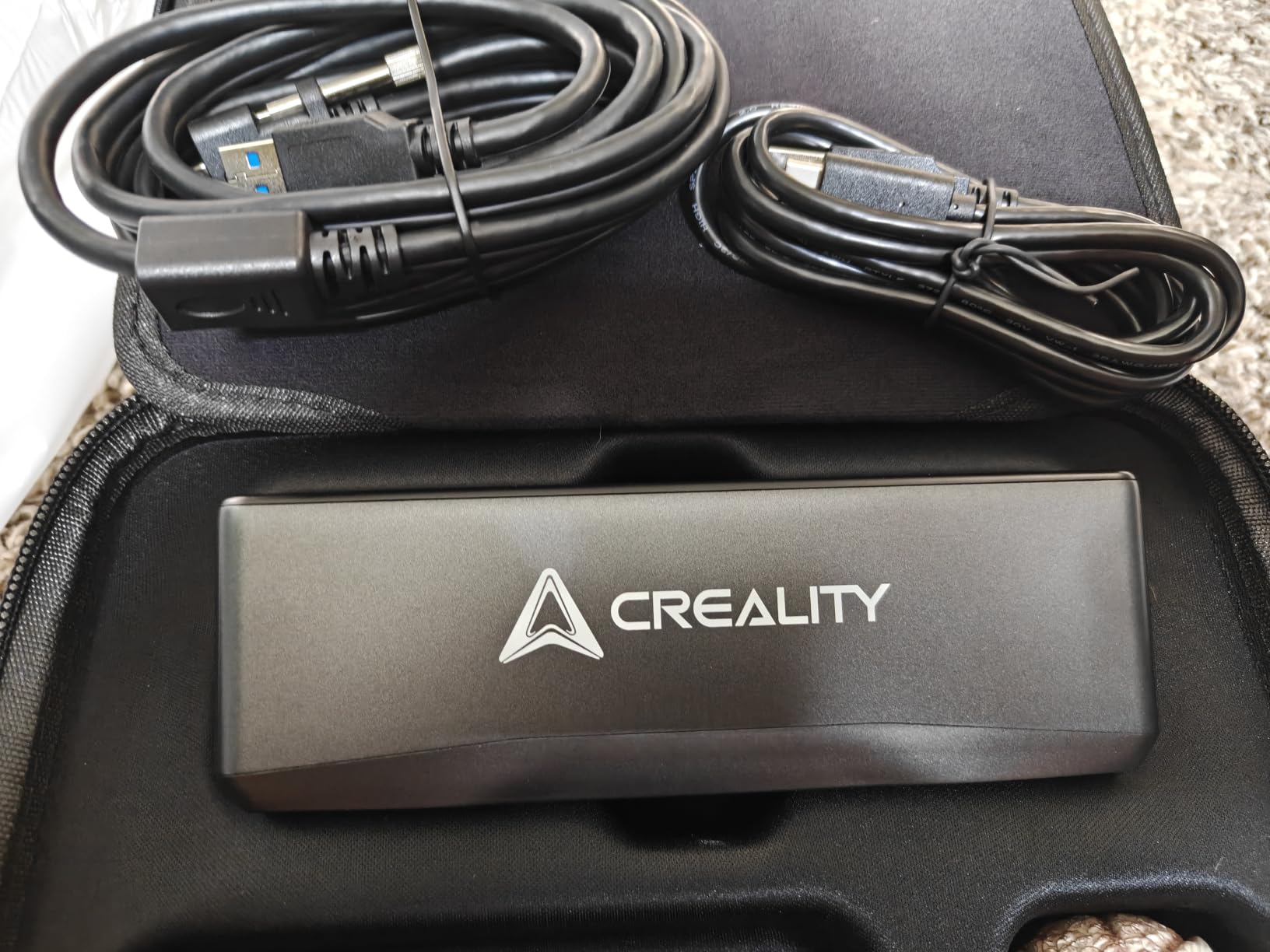
The Otter Lite is the fastest scanner here, running up to 30 fps, and it is the one I would point a first-time colour scanner buyer toward. The quad-camera design with dual long-focal and dual short-focal lenses covers objects from 0.8 inch to 78 inch in a single unit, with a single-frame capture area of 1460 by 1017 mm at 1200 mm of distance.
Colour is genuine 24-bit texture from a megapixel RGB camera with two white LED fill lights, which matters more than it sounds because most home scanning spaces are dim. The DOE one-shot imaging scans dark, shiny, and metallic surfaces with no powder or spray at all, and outdoor operation reaches 30,000 lux in sunlight.
The light source is Class I eye-safe invisible near-infrared, and a face or full-body scan takes about a minute. Exports cover PLY, OBJ, STL, ASC, 3MF, GLTF, and FBX, and CrealityScan 4 includes AI head mesh repair. It runs on Windows, macOS, iOS, and Android, and carries a one year warranty.
Reviewers call it straightforward, quick to calibrate, and well suited to beginners, with one buyer noting it proved easier and faster than the more expensive Creality Raptor. The main cautions are the normal learning curve, PC-dependent processing speed, and a power-delivery problem on some USB 3.0 ports that can stop the scanner from starting.
The 4.8 rating comes from 7 reviews with no ratings below four. As with the Pika, treat that as a promising signal rather than a proven one. The optional Scan Bridge handle is a separate purchase and is worth budgeting for if you plan scans longer than a couple of minutes.
When the Otter Lite is the right choice
It suits you if colour texture is part of the deliverable. For cosplay props, painted miniatures, textured household items, and any object where the finish matters, this is the most complete colour capture in the group for a home setup.
It also suits you if dark and shiny surfaces are a recurring problem. DOE one-shot imaging removes the spray step that this guide has repeated as a workaround for cheaper scanners, and that saves real time across a batch of parts.
When the Otter Lite is not enough
Skip it if you need the highest accuracy available. Its 0.05 mm figure is good and fast, but the Revopoint MetroX Pro is the accuracy pick when your project is dimensionally tight.
Skip it if you need very small parts at high magnification. The 0.8 inch floor is generous, and a dedicated small-format scanner gives you more usable detail on a tiny component.
Which Scanner Matches Your Subject?
The most common question in hobby scanning communities is not which scanner has the best accuracy. It is whether one scanner can handle a face, a car fender, and a coffee cup, and whether the honest answer is that it cannot. Subject size and surface condition drive the decision far more than headline accuracy does.
For faces and full bodies, you want infrared structured light, fast frame rates, and software that can close small holes automatically. The Creality Pika and the Creality Otter Lite are the two units here designed around that, both claiming roughly one-minute body captures. Pika is the portable one, Otter Lite is the faster and better colour one.
For car parts, fenders, and body panels, you want marker-free scanning, a large single-capture area, and a body you can hold for twenty minutes. The 3DMakerpro Mole is the answer here, at under 14 ounces with near-infrared illumination that reads black surfaces. The Creality Raptor also covers this ground with a wider capture area, if your parts are very large.
For miniatures, tabletop models, and resin printing masters, the 3DMakerpro Seal Lite is purpose-built for the 10 mm to 300 mm range and gives you more detail than a generalist will at that scale.
For household objects, broken appliance parts, and general repair replication, the Revopoint POP 4 covers the widest range of jobs with its five scanning modes and 10 mm to 2 m scan volume. That range is the reason it takes the top slot rather than a scanner with a longer single-spec list.
For cosplay props, sculpture, and art capture, colour is the deciding factor, which puts the Creality Otter Lite and the EINSTAR Rockit at the front. The Rockit is untethered, so it wins if your prop is built somewhere other than your desk.
Tethered vs Wireless, and Whether You Should Buy One Scanner or Two
Being tethered to a computer is the most repeated deal-breaker in hobby scanning conversations, and the list above reflects that. The Revopoint POP 4, the EINSTAR Rockit, the Creality Pika, and the Creality Otter Lite all run untethered, either over Wi-Fi or on a built-in battery. The Revopoint MetroX Pro, the 3DMakerpro Mole, the 3DMakerpro Seal Lite, the 3DMakerpro Moose Lite, and the Creality Raptor want a machine nearby.
The catch with wireless is that it is not free. The POP 4 asks for a recent i7 or Ryzen with a discrete GPU, the Pika pushes processing onto a phone, and the Otter Lite’s processing speed still depends on the PC. Wireless removes the cable, not the computer.
On the one-scanner-or-two question, the honest answer is that one generalist covers about 80% of hobby work, and the remaining 20% is where people end up buying again. If you scan one category of subject and want the best result in it, buy the specialist. If your projects genuinely cross categories, the Revopoint POP 4’s mode range and 2 m volume are the closest thing to a single answer in this roundup.
Most people who end up with two devices have one scanner for people and large objects, and one small-format unit for miniatures and fine parts. That pairing costs less than one premium colour scanner and covers far more ground than either device alone.
What Each Budget Tier Actually Buys You?
Price bands are a crude way to shop, but they do correlate with capability in this market more than most categories. At the cheapest end of the market you are buying a learning tool, usually a small-format scanner with mono texture and a real learning curve. Reviewers confirm that budget scanners do work, just not on the first attempt.
In the entry-to-middle tier you get marker-free scanning, near-infrared illumination that handles black surfaces, 0.05 mm class accuracy, and accessories included in the box. The 3DMakerpro Seal Lite, the 3DMakerpro Moose Lite, and the Creality Pika all sit in this band, and they represent the strongest value per unit of capability in the roundup.
Moving up a tier, you are looking at blue laser sources, multi-line laser modes, batteries, and Wi-Fi operation. The Revopoint POP 4, the Creality Raptor, and the 3DMakerpro Mole cover that band, and it is where most hobbyists should aim if the budget allows.
At the premium end, you get volumetric accuracy figures that hold up over a large object, automated turntable colour workflows, and 62-line full-field structured light. The Revopoint MetroX Pro and the EINSTAR Rockit live here, and both make the most sense when your projects are dimensionally demanding or your work is not near a desk.
Two things to check before any purchase. First, whether the software you already use can import the format the scanner exports, because OBJ, STL, PLY, ASC, 3MF, GLTF, and FBX are not interchangeable in every tool. Second, whether your computer meets the listed requirements, since several of these scanners lean hard on the GPU.
One more point about post-processing, because it is half the work. Buying the scanner is easy. Turning a raw capture into a watertight mesh that slices cleanly takes mesh cleanup, hole repair, and usually some manual work in your own software. Budget time for it, and do not judge a scanner by the first file it produces.
Who Should Skip a 3D Scanner
If you need certified, traceable measurement for compliance, engineering sign-off, or any kind of inspection record, hobby scanners do not do that. The published accuracies are lab figures measured on a calibrated rig, and none of these devices produces metrology-grade data. That boundary is real and it is where a professional CMM takes over.
If your only goal is decorative objects with texture, a good photogrammetry app on a modern phone with a depth sensor may be enough, and it costs nothing. It struggles with featureless and reflective surfaces, so it fails on exactly the black glossy and shiny subjects that frustrate hardware scanners.
If you expect to scan a single small object and then never again, a scanner is an expensive one-time purchase. Borrowing a club scanner or a makerspace unit is a smarter first move, and it also teaches you how much post-processing you actually enjoy.
Frequently Asked Questions
Are 3D scanners worth it for 3D printing?
For most hobby printers, yes, but not for the reason people expect. A scanner is most valuable when the original part is gone, when a broken component has no replacement, or when you want a replica at a different scale. If you mostly design your own models in CAD, a scanner adds little.
Which 3D scanner is the best value?
The Revopoint POP 4 is the strongest all-round value in this roundup. It combines 0.03 mm single-frame accuracy, five scanning modes, a 10 mm to 2 m scan volume, and a 4 hour wireless battery grip, and its 182 reviews make its 4.2 rating the most trustworthy figure here.
Can I use my phone as a LiDAR scanner?
Partly. A phone depth sensor and a photogrammetry app can capture textured, organic, and outdoor subjects well, and for some decorative work that is enough. They struggle with black, shiny, and featureless surfaces, and they cannot produce the watertight, dimensionally clean meshes that fit-check printing needs.
Do cheap 3D scanners work?
They work, with expectations set correctly. At the cheapest end you are usually looking at a small-format scanner with mono texture capture, spray or markers for dark and shiny surfaces, and a real learning curve. Further up the market you gain marker-free scanning, infrared handling of black objects, and faster frame rates.
What is the best 3D scanner for a beginner?
The 3DMakerpro Moose Lite is the most forgiving first device, with an optical anti-shake module, a re-scanning function that continues an interrupted capture, marker-free scanning, and a turntable and tripod in the box. If you want colour from your first scan, the Creality Otter Lite is the better starting point.
How much does a 3D laser scanner cost?
Home-use handheld laser scanners span a very wide price range, from low-cost entry models to premium units. The cheapest tier buys a learning tool, the middle tier buys marker-free scanning with infrared black-surface handling, and the premium tier adds volumetric accuracy figures that hold over large objects plus automated turntable colour workflows.
What is the best 3D scanner for home use?
For most home setups, the Revopoint POP 4 is the answer, because its five scanning modes and 10 mm to 2 m volume cover small parts, deep cavities, and large panels in one body. Its 4 hour battery grip also lets you scan in a garage or garden instead of only at a desk.
Final Verdict: Which 3D Scanner for Hobbyists Should You Pick?
The Revopoint POP 4 is the best 3D scanner for hobbyists overall, and the reason is range rather than any single spec. Five scanning modes, a 10 mm to 2 m scan volume, a 4 hour wireless battery grip, and the deepest owner review history in the category make it the device most likely to cover whatever you end up pointing it at. Pick it if your projects are unpredictable.
Choose the Revopoint MetroX Pro if accuracy is the deciding factor, the EINSTAR Rockit if you scan dark and reflective surfaces away from a desk, the 3DMakerpro Mole if you handle large unmarked parts, the Creality Otter Lite if colour matters most, the Creality Pika if you want true pocketability, the 3DMakerpro Seal Lite for miniatures, and the 3DMakerpro Moose Lite if you have never scanned anything before.
Whichever you pick, give it a month before judging it. Every owner in this category reports the same thing: the first three scans are frustrating, and the tenth is when it clicks. Our 2026 roundup reflects that, and we will keep updating it as firmware changes.