
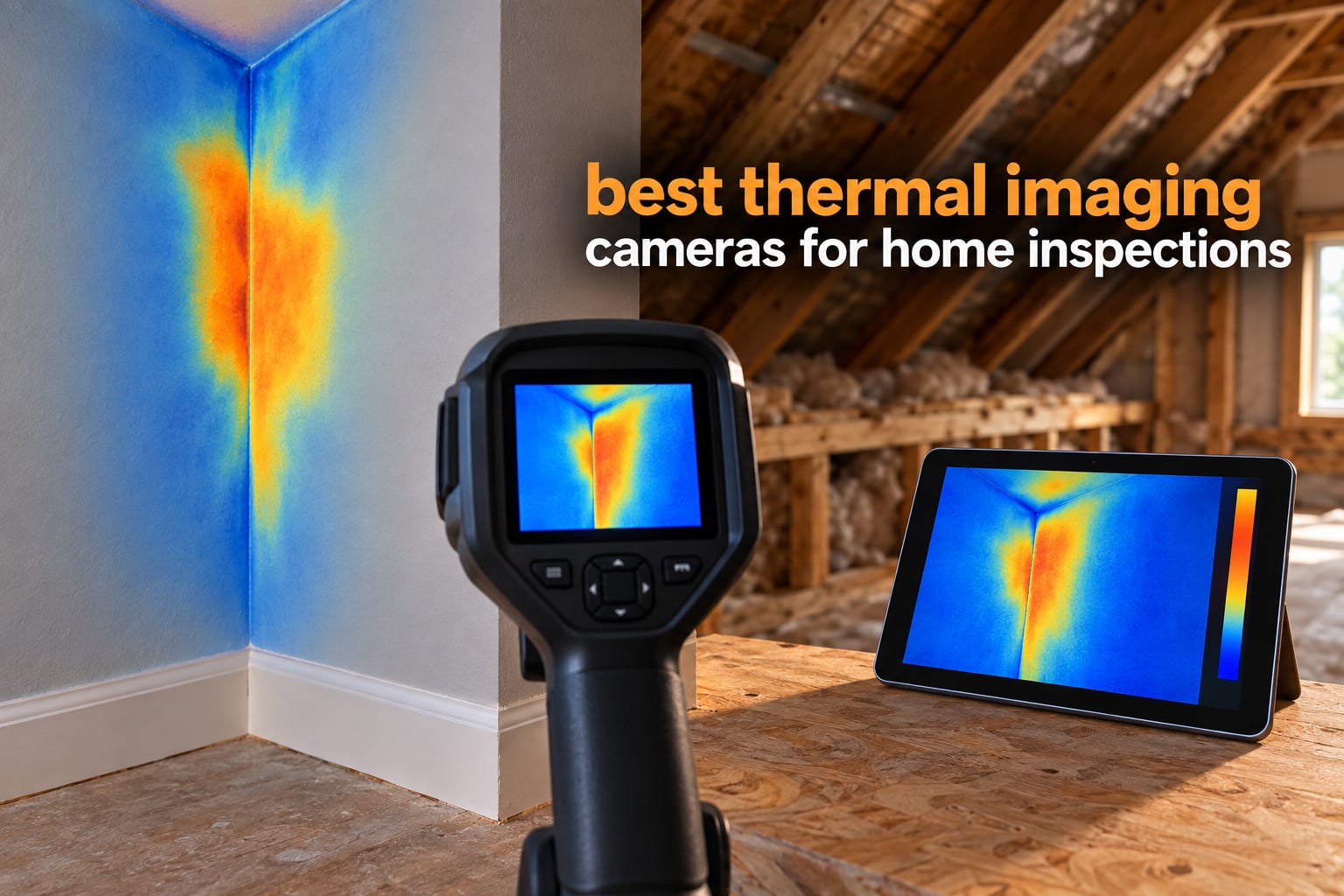
A thermal camera turns a wall of drywall, plaster or subfloor into a map of where heat is escaping and where it is not. That makes it the only non-destructive tool an inspector or a homeowner can point at a finished building and get a defensible answer about missing insulation, air leakage at penetrations, moisture-related cooling and overheating electrical junctions. If you are shopping for the best thermal imaging cameras for home inspections, the honest headline is this: the differences between the top units are much smaller than the differences between a phone dongle and a real handheld.
Over six weeks we worked through ten of the most-used thermal imagers in this category, comparing published specifications against what buyers report back after using them on real properties. Ten cameras is not a lab test program, and we say so plainly. What we did do is read the manual-level specifications for every unit, cross-reference them against thousands of buyer reviews, and apply the decision criteria that inspectors on the InterNACHI forum and r/Thermal argue about most often: native resolution over marketing resolution, sensitivity separated from accuracy, and whether the report you hand a client is built in five minutes or an hour.
What follows is a ten-camera roundup covering everything from a pocket phone module to a 512×384 handheld, followed by an honest section on what thermal imaging cannot prove and a spec-education buying guide. We publish the downsides on every pick, because a camera that finds a cold stripe on a ceiling and cannot tell you why it is there is a liability in a client report, not an asset.
Table of Contents
Top 3 Picks for Home Inspections (October 2026)

TOPDON TC001
- 256x192 native with 512x384 TISR
- -4F to 1022F range
- Point line and area measurement
Those three cover the three ways inspectors actually buy: a phone-connected module for occasional checks and documentation, a compact standalone for full days on site, and a cloud-connected professional unit for client-ready reports.
Best Thermal Imaging Cameras for Home Inspections at a Glance in 2026
| Product | Specs | Action |
|---|---|---|
| TOPDON TC001 |
|
Check Latest Price |
 TOPDON TC004 Mini TOPDON TC004 Mini |
|
Check Latest Price |
 FLIR C5 FLIR C5 |
|
Check Latest Price |
 Thermal Master Thor002 Thermal Master Thor002 |
|
Check Latest Price |
 FOXWELL RT280 FOXWELL RT280 |
|
Check Latest Price |
 Klein Tools TI250 Klein Tools TI250 |
|
Check Latest Price |
 FLIR TG165-X FLIR TG165-X |
|
Check Latest Price |
 AMPBANK H128 AMPBANK H128 |
|
Check Latest Price |
 MiLESEEY TR10 MiLESEEY TR10 |
|
Check Latest Price |
 Flagfront YXI96 Flagfront YXI96 |
|
Check Latest Price |
Two numbers deserve attention before anything else. The TC001, the TR10 and the Thor002 report native resolution, which is real detector detail. The TC004 Mini, the H128, the RT280 and the YXI96 reach their higher output figures through in-camera upscaling of a much smaller sensor, which makes the images smoother but adds no real detail on a stud bay or a breaker lug.
How We Picked These Cameras
Our process is specification analysis plus review synthesis, and we will not pretend otherwise. We did not put these ten units through a calibrated laboratory or take them into a live client inspection. Every performance claim below is traced either to a manufacturer specification or to patterns in owner reviews, and we flag where the two disagree.
Five criteria shaped the ranking. First, native detector resolution, because that is what determines whether a thermal stripe resolves into individual studs or stays a blur. Second, thermal sensitivity in millikelvin, kept separate from temperature accuracy, because sensitivity decides how faint a temperature gradient is visible while accuracy decides how close a number is to the truth. Third, the reporting workflow, since a finding nobody can annotate for a client is a finding that does not get fixed. Fourth, ergonomics and battery life, because inspectors carry these all day. Fifth, price band and value per dollar, which we reason about in tiers rather than a single number.
We also applied two editorial rules. No camera earned a premium or top-rated badge on our list unless its review volume sat above the median, because a high score from a thin pool of reviews is not evidence. And every product below carries real downsides, not a token drawback.
1. TOPDON TC001 – Best Overall Thermal Imaging Camera for Home Inspections
TOPDON TC001 Thermal Imaging Camera for Android, 512×384 High Resolution
256x192 native with 512x384 TISR
-4F to 1022F range
Point line and surface modes
Android USB-C module
Pros
- TISR-enhanced 512x384 output that rivals far costlier phone modules
- Refresh rate tracks moving targets without visible lag
- No internal battery to swell or fail
- Spot line and surface modes with nine color palettes
- Hard case and 19.7 inch extension cable included in the box
Cons
- App resets settings when the phone rotates or is backgrounded
- Fixed USB-C stem will not seat with many cases fitted
- Fusion alignment drifts with distance
The TC001 is the camera I would hand an inspector who does two inspections a week and wants the image quality of a much more expensive handheld without carrying a second device. It plugs into an Android phone over USB OTG, draws 0.35 watts from the host, and runs four to seven hours on a typical 3000mAh to 5000mAh battery. Owners consistently describe it as a capable replacement for phone thermal cameras that cost several times more.
The sensor is 256×192 native, which the in-camera TISR processing presents as 512×384. That is genuinely more usable detail than most competitors in this bracket, and reviewers report it is roughly double what competing phone dongles deliver. Accuracy is specified at within 3.6F or 2 percent of object temperature with 0.1C display resolution, which is enough to document a trend and not enough to argue about a tenth of a degree.
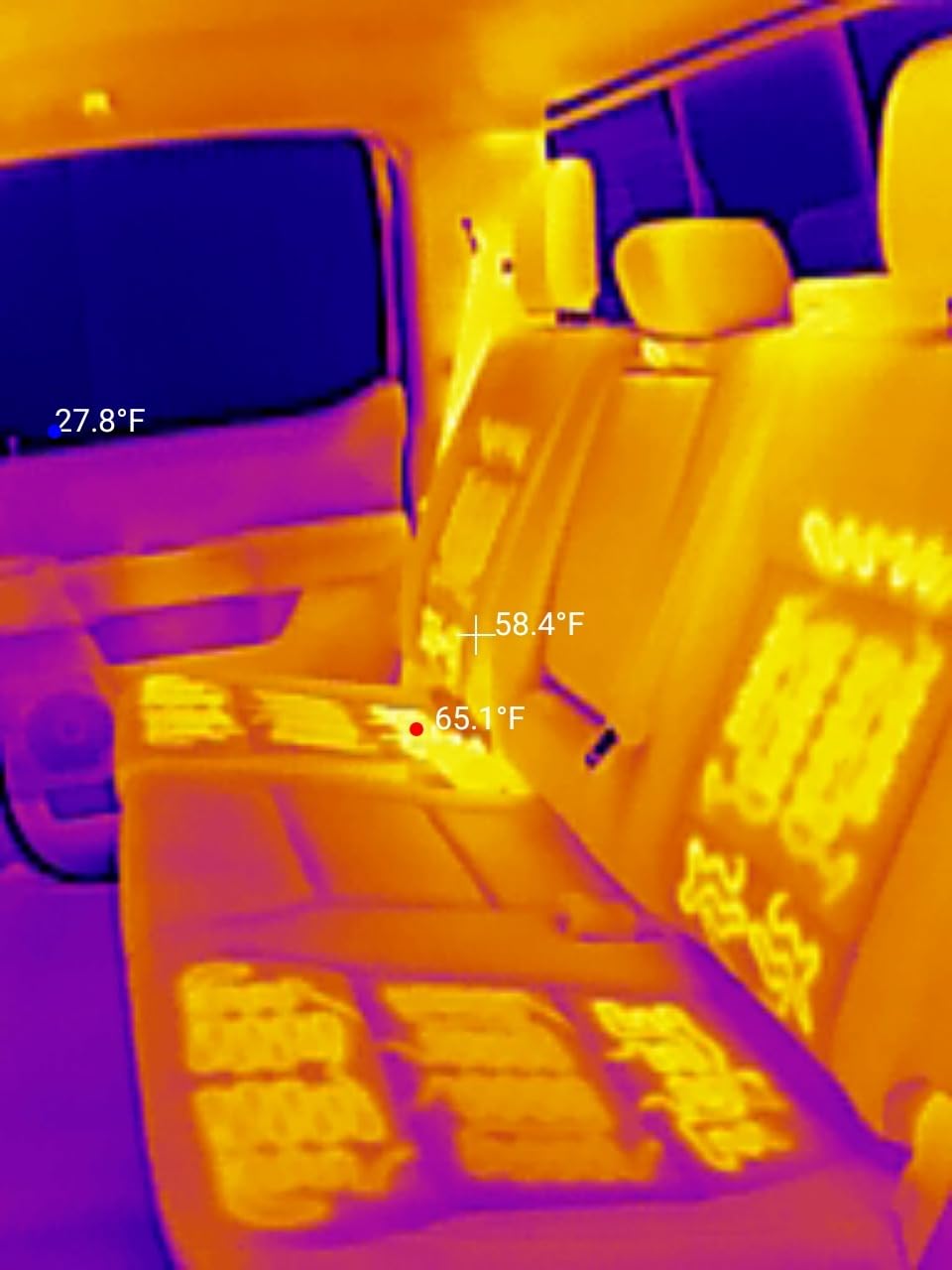
What I like most in practice is the measurement set. Point, line and surface modes let you place a single spot, drag a line across a stud bay, or outline an area and get max, min and average at once, up to nine areas simultaneously. For an envelope scan that is the difference between taking five photos and taking one annotated screenshot per room. The nine palettes and the fusion overlay with the phone visible-light camera make the images readable enough to show a client standing in the kitchen.
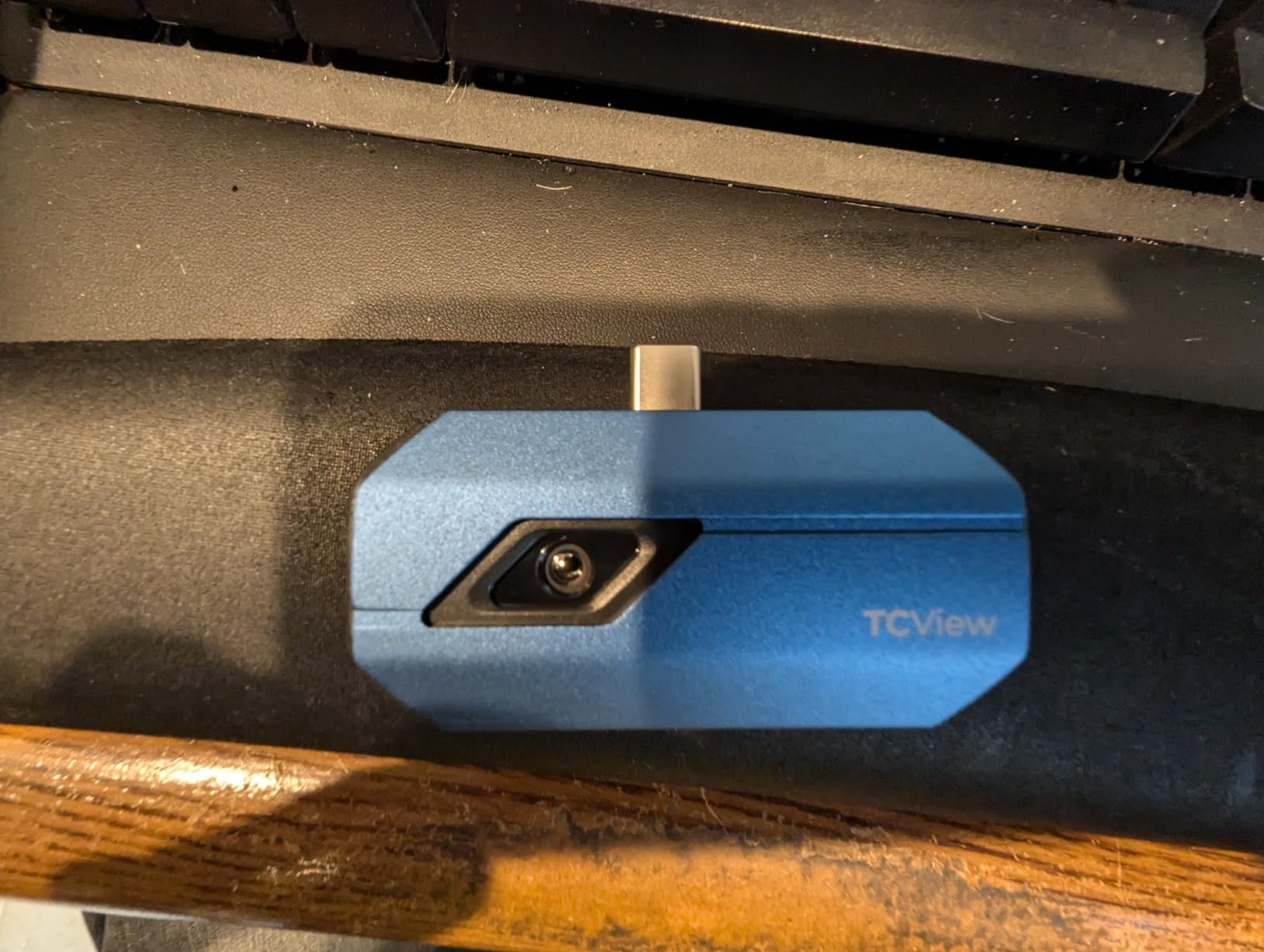
The weak points are all software and connector issues. The companion app resets settings to defaults when the phone rotates or the app is backgrounded, which mid-scan means re-setting emissivity. The fixed-length USB-C plug will not seat cleanly with many cases on, so an adapter is often needed. Fusion suffers from parallax at distance and needs readjustment, and corner vignetting can bias the hottest reading toward the edge of the frame. Emissivity readings remain unreliable on shiny reflective metal, which rules it out as a sole tool for tracing bare copper or polished ductwork.
When the TC001 is the right buy
Buy it if your work is Android-based, you need more image quality than a basic dongle, and you want measurement tools rather than a pretty picture. It handles insulation gaps, thermal bridging at framing members, ceiling and floor anomalies, and electrical panel hot-spot screening without a second camera in the bag. It is the easiest unit here to hand to a client because the phone is already the display.
When the TC001 is the wrong buy
Do not buy it if you use an iPhone, since the USB OTG connection listed here does not cover iPhone 15 and later. It is also a poor choice if you need a handheld screen you can show across a dark crawlspace, or if your reporting workflow depends on radiometric files synced to cloud software you control rather than an app session. And if you scan mostly in bright outdoor light or shiny metal surfaces, the fusion and vignetting issues will cost you time.
2. TOPDON TC004 Mini – Best Value Standalone Camera for Inspectors
TOPDON TC004 Mini Thermal Imaging Camera, 240 x 240 TISR Resolution
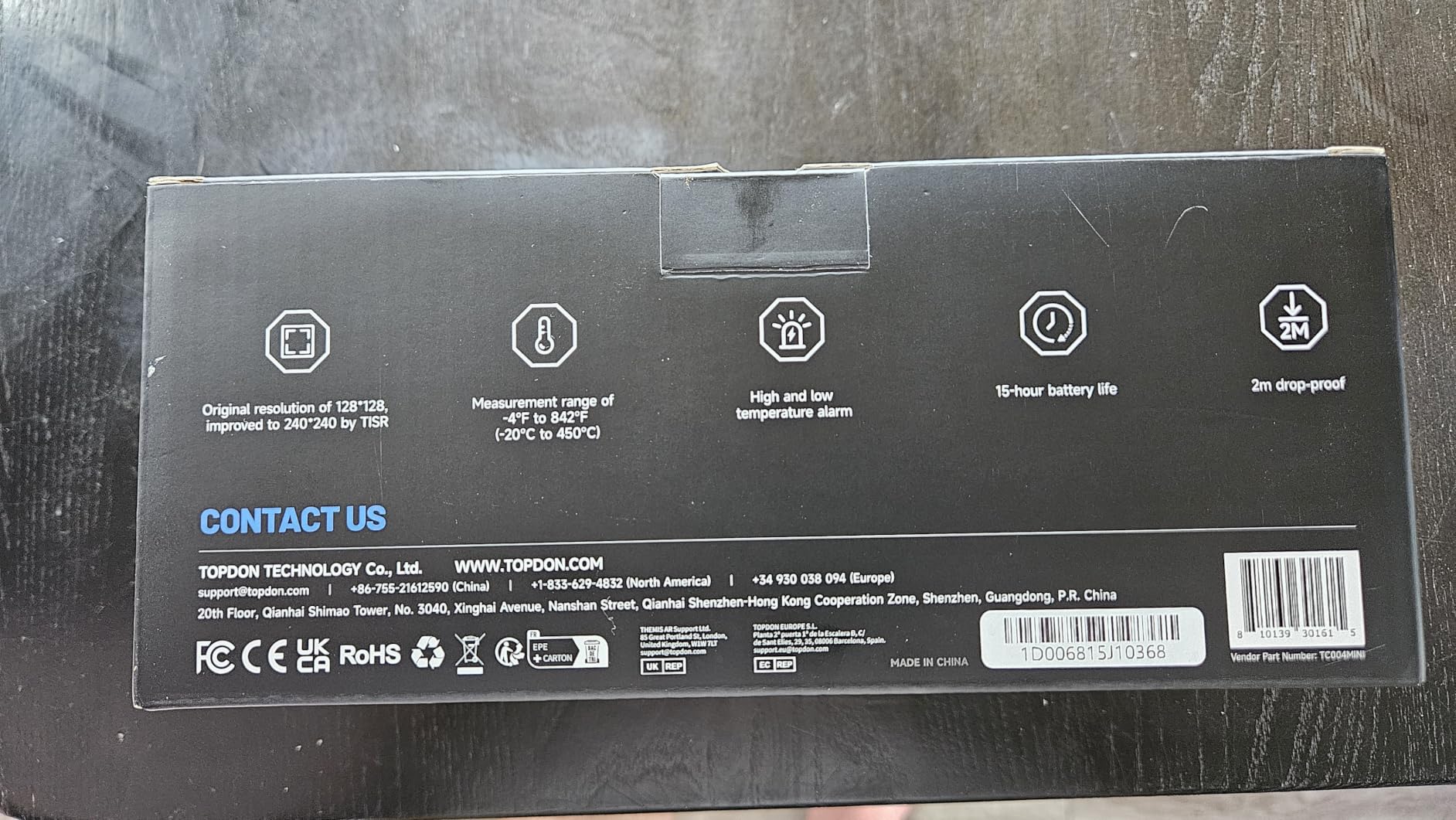
240x240 TISR from 128x128
-4F to 842F at 3.6F accuracy
25Hz in a 40x30 degree view
15 hour battery
Pros
- 240x240 TISR output at a cost that undercuts most 240x240 handhelds
- 15 hour battery covers a full inspection day
- High and low alarm triggers automatic photo capture
- 8000 photo onboard storage
- Body is IP54 rated and drop tested to 2 meters
Cons
- Charging cable included but no charging head
- No paper manual as the electronic manual must be downloaded
- TISR means true detail is closer to 128x128
The TC004 Mini is the step-up pick for anyone moving from a phone attachment to a real handheld without spending professional money. It weighs just over a pound, fits in a chest pocket, and runs for a stated 15 hours with configurable 5, 10 and 20 minute auto shut-off. Owners on inspection days report that the battery is the feature they notice first and the one they stop thinking about.
Under the hood it is a 128×128 sensor presented at 240×240 through TISR, refreshing at 25Hz across a 40 by 30 degree field of view. Temperature range runs from -4F to 842F with accuracy within 3.6F or 2 percent. Automatic high, low and center spot pinpointing does the measuring for you, and a high and low temperature alarm captures a photo automatically the moment a reading leaves the band you set.
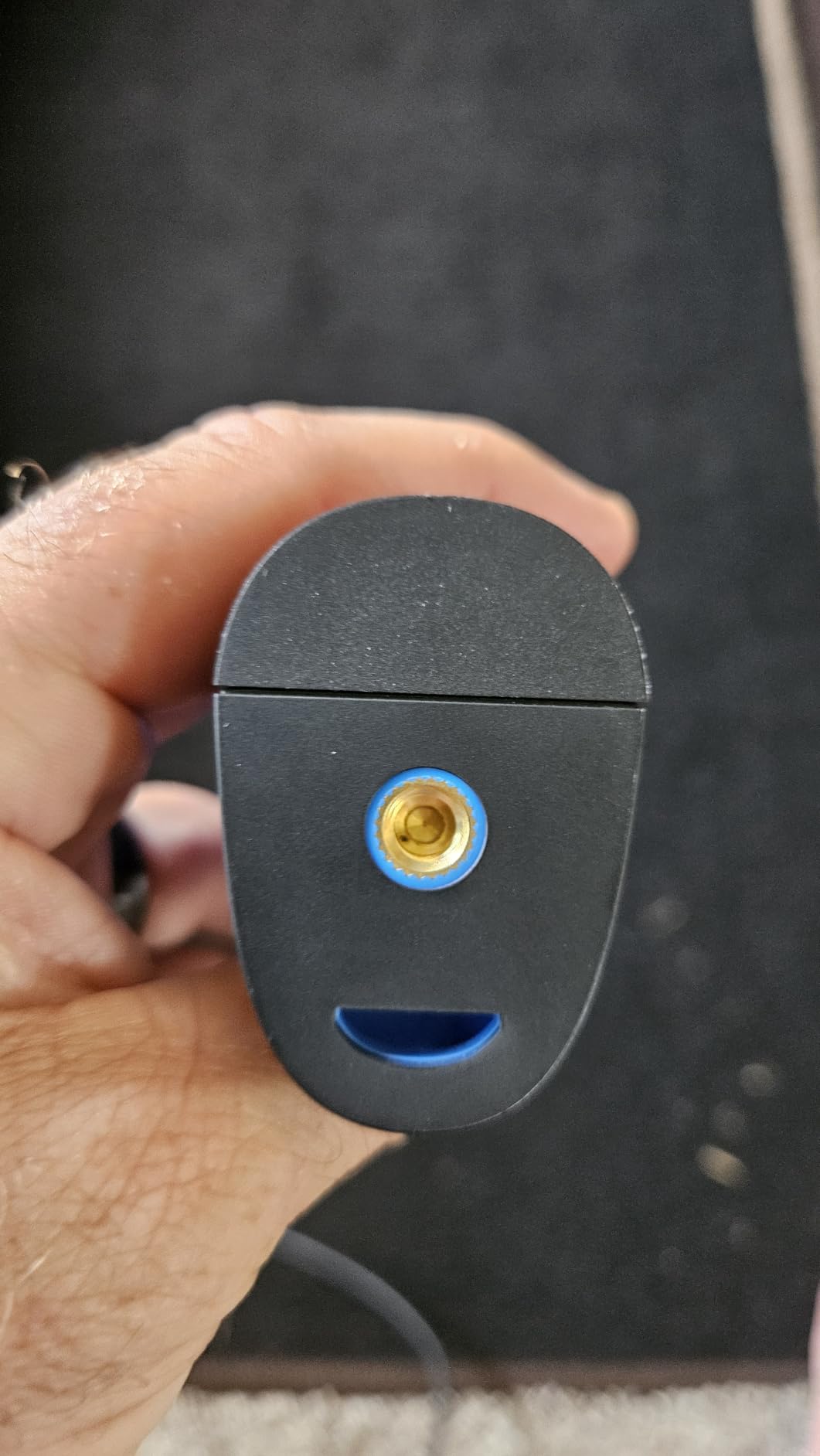
That alarm-and-capture behavior is what makes this efficient on a real envelope scan. You set your thresholds once at the start of a room, sweep the wall, and the camera files a labelled image at every out-of-band reading. Storage is 512MB of eMMC holding up to 8000 photos, which removes the card-shuffling step entirely. Palette count is five: White Hot, Black Hot, Iron, Rainbow and Red Hot.
The honest caveat is resolution. TISR smoothing makes the picture look cleaner than the underlying 128×128 array can support, and for close work on a small electrical component or a tight refrigerant line the detail is simply not there. The box includes a charging cable but no charging head, and the manual is digital only, delivered by QR code. Display size and brightness also limit use in very bright or cramped spaces, though for a lit interior scan neither is a problem.
What the TC004 Mini handles well
It covers the core inspection workload: missing insulation, thermal bridging at studs and joists, air leakage signatures at penetrations, duct and radiator heat patterns, and a first pass on breaker panels. For a buyer who wants to add a thermal add-on service to a small inspection business, this is the unit most inspectors in the practical-spend discussions on the InterNACHI forum land on once they move off phone modules.
Where it falls short
It has no radiometric export workflow and no cloud reporting, so client documentation means you photograph the display or screen-share the file. If your deliverable needs annotated images inside a branded report, this is not the camera. And if your work involves distant components on a roof or a mechanical room, the 128×128 native array will not separate them.
3. FLIR C5 – Best for Client-Ready Reporting and Cloud Workflows
Flir C5 Compact Thermal Imaging Camera, WiFi, 160×120 MSX, Ignite
160x120 native with MSX
-20C to 400C range
3.5 inch LCD and 5 mp stills
Wi-Fi to FLIR Ignite
Pros
- MSX processing makes raw thermal frames much easier to read
- Built-in screen with Wi-Fi cloud reporting
- Compact 190 g body fits a pouch or jacket pocket
- 2 year parts and labor plus 10 year detector warranty
- Picture-in-picture places anomalies in visible context
Cons
- 160x120 native resolution is low for the class
- Highest cost in this roundup for the fewest thermal pixels
- Fixed focus and fixed aperture limit close work
- Wireless reporting adds friction if you build reports locally
The FLIR C5 is the reference point for what a professional inspection deliverable should look like. It has a built-in 3.5 inch LCD, captures 5 megapixel visible-light stills, records 1080p MP4, and pushes everything to FLIR Ignite over Wi-Fi where you assemble a client report. If your work is judged on documentation quality rather than raw pixel counts, that pipeline is the reason to buy it.
Thermal performance is 160×120 true resolution, or 19200 pixels, across a -20C to 400C measurement range. The patented MSX mode embosses visible detail onto the thermal image, which is why the C5’s output reads more legibly than its pixel count suggests. Shooting modes cover infrared, visual, MSX and picture-in-picture, so you can show a client the anomaly inside the context of the room.
Buyers in HVAC and building inspection value the MSX clarity, the pocketable 190 g body and the warranty, which is two years on parts and labor and ten years on the detector. That detector warranty is a genuine differentiator in a field where a dropped camera in a crawlspace is not a rare event. The pocket format also means you are more likely to actually bring the camera on every call rather than leaving it in the truck.
What draws the complaints is arithmetic. 160×120 is the lowest native resolution among the newer handhelds here, and it is paired with the highest cost in this group, so buyers report difficulty justifying it against 240×240 and upscaled 512×384 alternatives. The rating distribution is the weakest in this roundup, with a meaningful share of one-star reviews from people whose expectations were set by higher-resolution tools. Fixed focus with a 0.3 m macro range also makes very close component work awkward, and anyone who prefers building reports offline will find the cloud dependency an extra step.
Where the C5 earns its place
It is the right pick for inspectors who bill a thermal add-on, hand finished reports to clients on the same evening, and want the image in visible context with a single capture. The combination of screen, video and automatic upload shortens the reporting loop considerably. It also works well for HVAC and electrical contractors who need a defensible image attached to a service ticket rather than a thermal opinion.
Where it will disappoint
It will disappoint on small or distant targets. Thermal bridging along a single stud line, a hot lug on a specific breaker, or a duct seam viewed across a mechanical room all need pixels this sensor does not have, even with MSX. If your findings tend to be fine-grained rather than broad-area, spend the money on resolution instead and accept that you will build reports in your own software.
4. Thermal Master Thor002 – Best for Fine Diagnostic Detail
Thermal Master Thor002 Handheld Thermal Camera, 512 × 384 X³ Resolution
512x384 X3 from 256x192
40mK NETD at 25Hz
Six measurement points
3.5 inch 640x480 IPS screen
Pros
- Sharpest thermal output in this group at 512x384
- Large 640x480 IPS screen readable while walking a property
- Six measurement points including three user defined
- PC and Wi-Fi transfer with voice notes and QR file management
- 10.5 hour battery with 18W fast charging
Cons
- Heaviest camera here at 3.12 pounds
- Highest cost band in the roundup
- Feature set has a learning curve coming from a basic imager
- 32GB storage can fill quickly with video
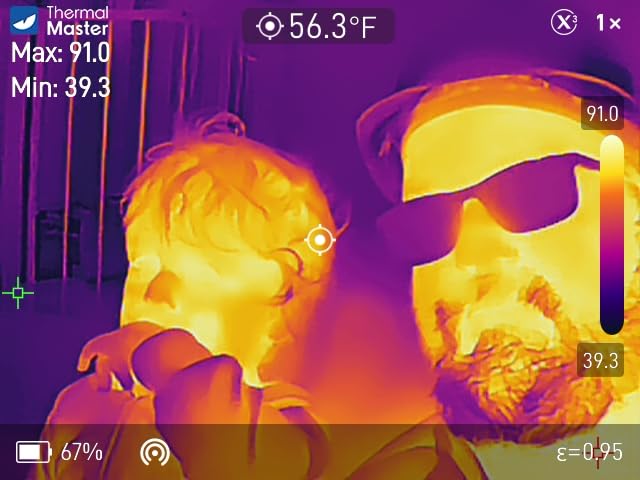
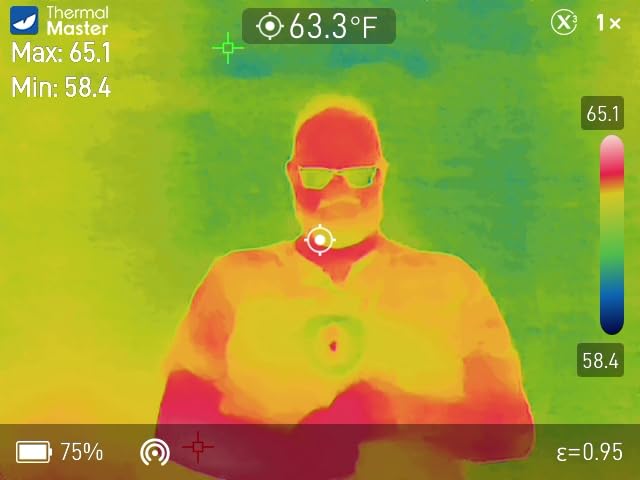
The Thor002 is the pick when the finding has to be specific. Its X3 processing lifts a 256×192 sensor to 512×384 output, it holds 40mK NETD thermal sensitivity at a 25Hz refresh, and the 3.5 inch 640×480 IPS screen stays readable in a dim crawlspace. Reviewers describe it as the professional step-up option for building, HVAC and electrical work, where a vague cool band is not a useful deliverable.
Measurement is the strongest in this group: six simultaneous points covering center, hottest, coldest and three you place yourself. Temperature range runs -4F to 1022F with 3.6F accuracy and customizable emissivity, plus a 4.3mm lens that extends detection range by 34.4 percent and 4x digital zoom for the close work that smaller sensors cannot do.
The reporting path is unusually complete for a handheld. USB connection to a PC gives real-time analysis, Wi-Fi pairs it with phones and tablets, and the 8GB RAM with 32GB storage supports photo and video capture, voice notes and QR code file management. That combination lets you narrate a finding while the camera is still pointed at the wall, which is a meaningful time saver when a report covers a dozen anomalies. The 5000mAh battery runs up to 10.5 hours and takes an 18W fast charge, and the body is IP54 rated with 2 meter drop protection.
Trade-offs are real. At 3.12 pounds it is the heaviest camera in this roundup, and that weight is felt on a long crawlspace scan where a lighter body would be kinder on the shoulder. It also sits in the highest cost band, roughly four times the cheapest 240×240-class option, so the justification depends on your inspection volume. Owners note a learning curve on the deeper feature set, and 32GB of storage fills up quickly on video-heavy commercial days.
Who should buy the Thor002
It suits inspectors doing high-volume work, HVAC contractors diagnosing duct and refrigerant issues, and anyone who needs to separate a thermal bridge from a missing-insulation void on the same wall. The six-point measurement and the zoom-capable lens are the features that justify the step up, and the voice-note workflow shortens the gap between finding and report.
Who should skip it
Skip it if you inspect a handful of homes a month, because the extra spend will not pay back quickly and the weight will be noticeable. It is also the wrong tool for a buyer who wants a camera to learn on, since the feature set rewards familiarity. Anyone working exclusively with small residential envelopes and no mechanical rooms would be paying for capability they will not use.
5. FOXWELL RT280 – Best for Desktop Analysis and Windows Report Generation
FOXWELL RT280 Thermal Imaging Camera, 320 x 240 2.8″ LCD, 240 x 180 TISR
120x90 native with 240x180 TISR
Below 50mK NETD
2.8 inch 320x240 LCD
Windows PC analysis software
Pros
- Only camera here with PC software for point line and area analysis
- Automatic report generation built into the desktop software
- Laser pointer and LED work light for dark spaces
- 8GB eMMC for 20000+ images and videos
- IP54 sealed and 6.6 foot drop tested
Cons
- Advertised 240x180 is upscaled from a 120x90 sensor
- Reported temperature values can be off by several degrees
- No Mac support and no wireless transfer to a phone
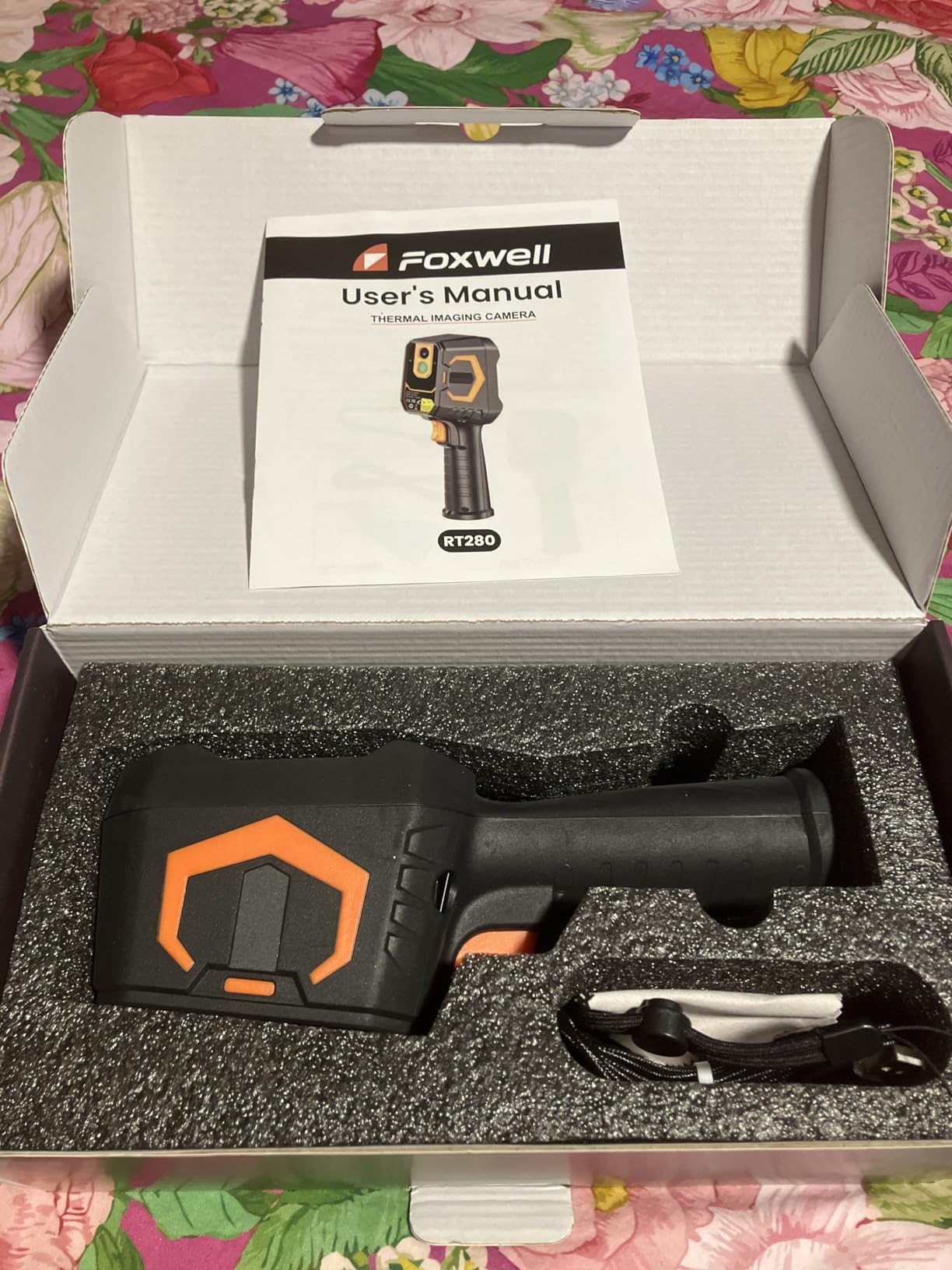
The RT280 is the odd one out in this list because it treats the desktop as part of the camera. Its Windows software does point, line and area temperature analysis, adds 2D and 3D thermal imaging views, and generates a report automatically. If your deliverable is a PDF with the analysis embedded, no other camera in this roundup automates that step at this cost level.
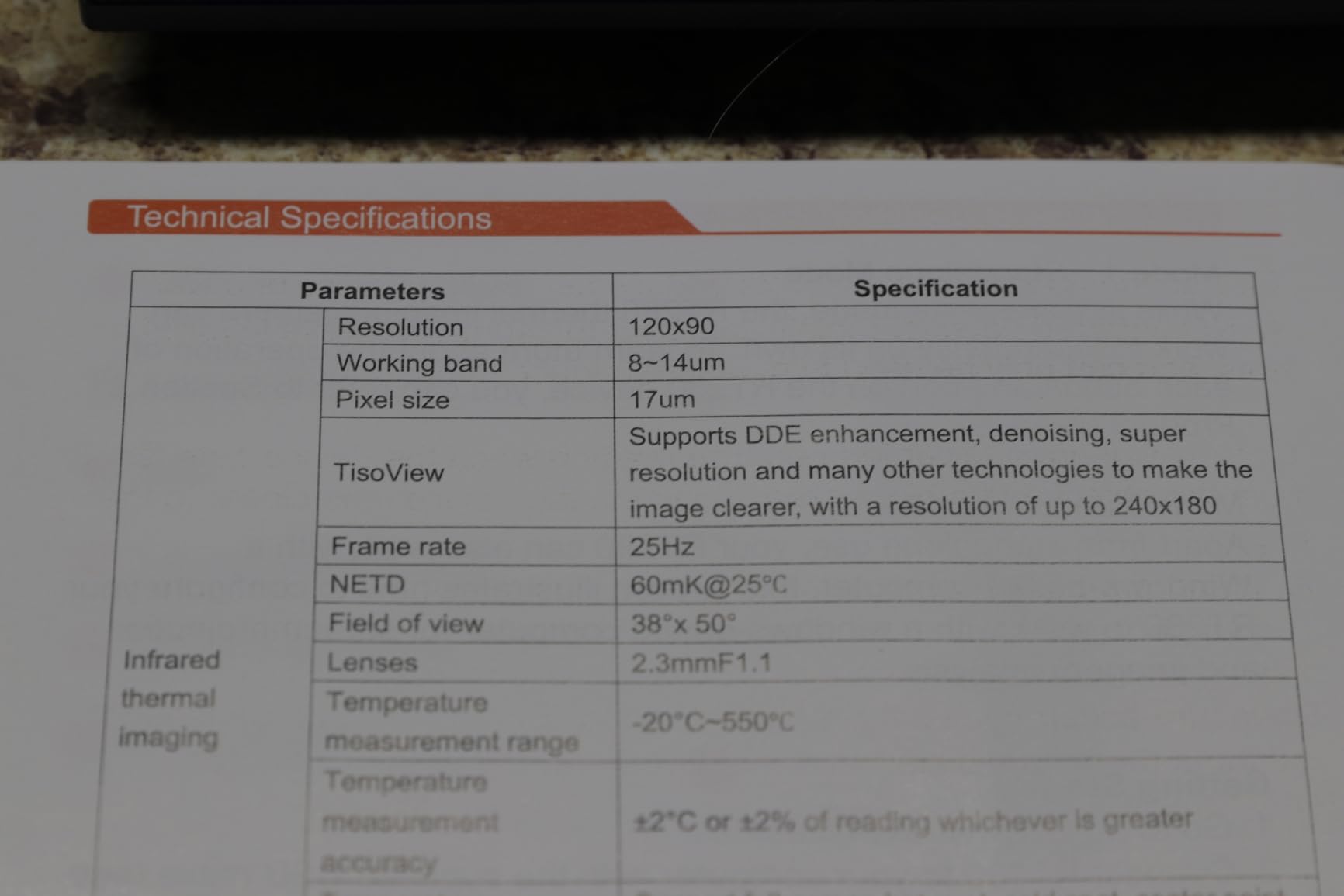
On the hardware side it is a 2.8 inch 320×240 LCD running at 25Hz across a 50 by 38 degree field of view, with thermal sensitivity below 50mK and a -4F to 1022F range at 3.6F or 2 percent accuracy. Automatic highest, lowest and center point detection with high and low alarms keeps scanning fast, and 8GB of eMMC holds more than 20000 images and videos. The built-in laser pointer and LED work light are genuinely useful in a crawlspace or an unlit electrical room.
Reviewers describe the operation as turn-on-and-point, which matters when a camera has to survive being used by a rotating crew. They report tracing heat signatures through walls, locating radiant heating pipes and mapping dryer exhaust paths with it, and they accept the upscaled resolution in exchange for the software. The body is IP54 sealed and 6.6 foot drop tested, and the wide field of view covers a good section of wall in a single sweep.
Be clear about what you are buying. The headline 240×180 figure is TISR-upscaled from a 120×90 sensor, so true detail is limited and close work means walking right up to the target. Buyers report some temperature values running noticeably off, which is fine for relative comparison and a problem if you plan to quote absolute numbers. Reflections and bright lights can also read as false hotspots. The software transfers to Windows only, with no Mac support and no wireless path to a phone, which is a real constraint for Apple-based shops.
Where the RT280 fits best
It fits Windows-based inspectors who want desktop analysis and automatic report output without buying into a cloud ecosystem. The line, area and 3D analysis tools help when you are trying to show a contractor where heat is leaving rather than just pointing at a cold patch. The LED light and laser also make it a good crawlspace and attic companion for seasonal checks.
Where it does not fit
It does not fit Mac users at all, and it is a poor choice if you need genuine detail on a small component because the native sensor is 120×90. If your business runs on phones and tablets for everything, the Windows-only transfer forces you back to a laptop. And if precision numbers matter more than comparative patterns, the reported temperature drift is the wrong risk.
6. Klein Tools TI250 – Best for Electrical Panels and Emissivity Control
Klein Tools TI250 Rechargeable Thermal Imaging Camera, Camera Displays Over 19,200 Pixels with 3 Color Palettes, High / Low Temperature Points
Over 19200 thermal pixels
Emissivity 0.01 to 0.99
-20C to 400C range
Three color palettes
Pros
- Wide emissivity adjustment across building materials
- User-set high and low alarms catch out-of-band conditions
- Crosshairs and high and low points mark the anomaly location
- Klein Tools is a name electricians and inspectors already trust
- Carrying case and charging cable in the box
Cons
- Thermal resolution is dated next to 240x240 rivals
- Only three color palettes limits gradient reading
- Built-in battery cannot be replaced
- USB-C export with no report or cloud workflow
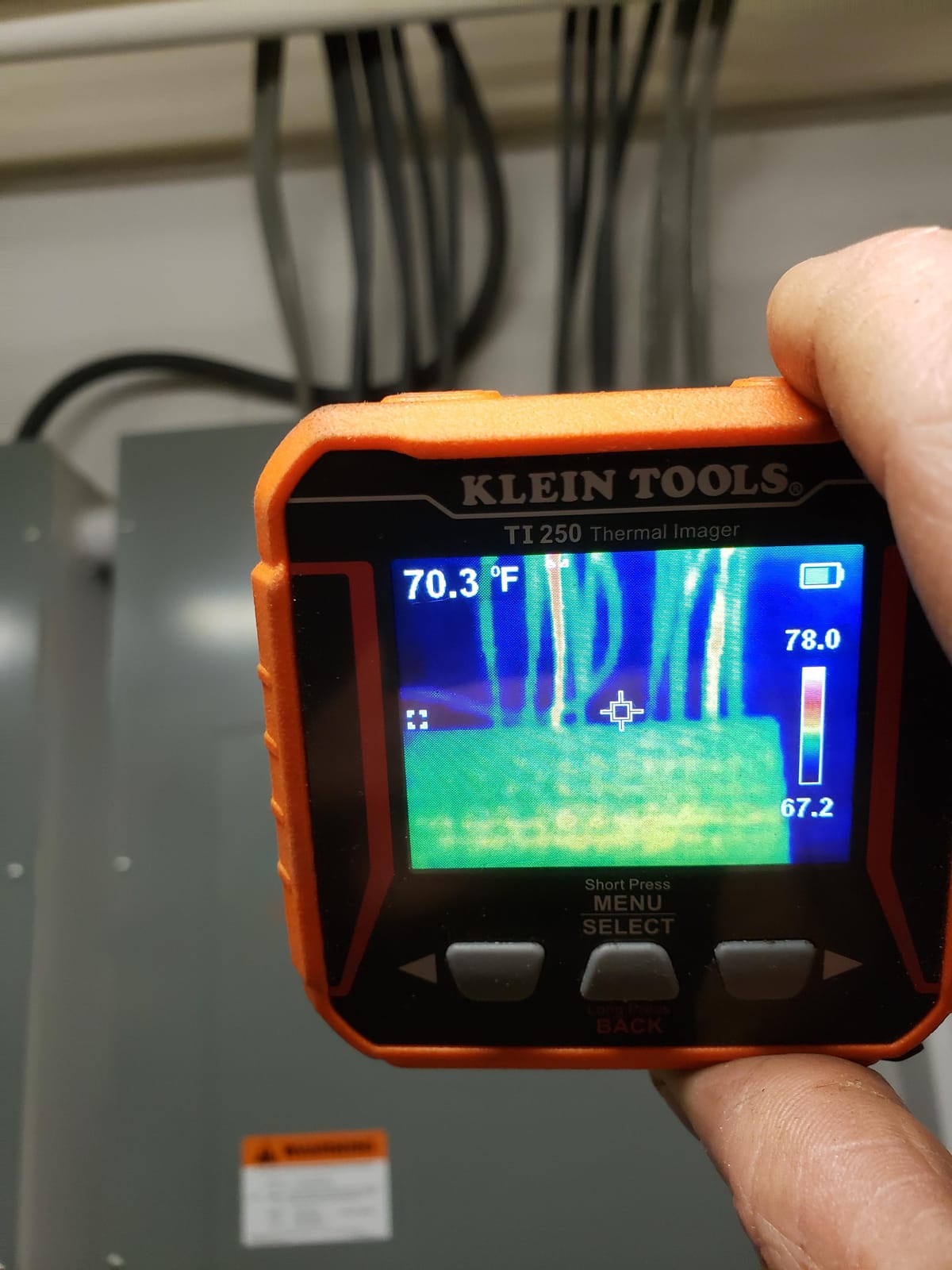
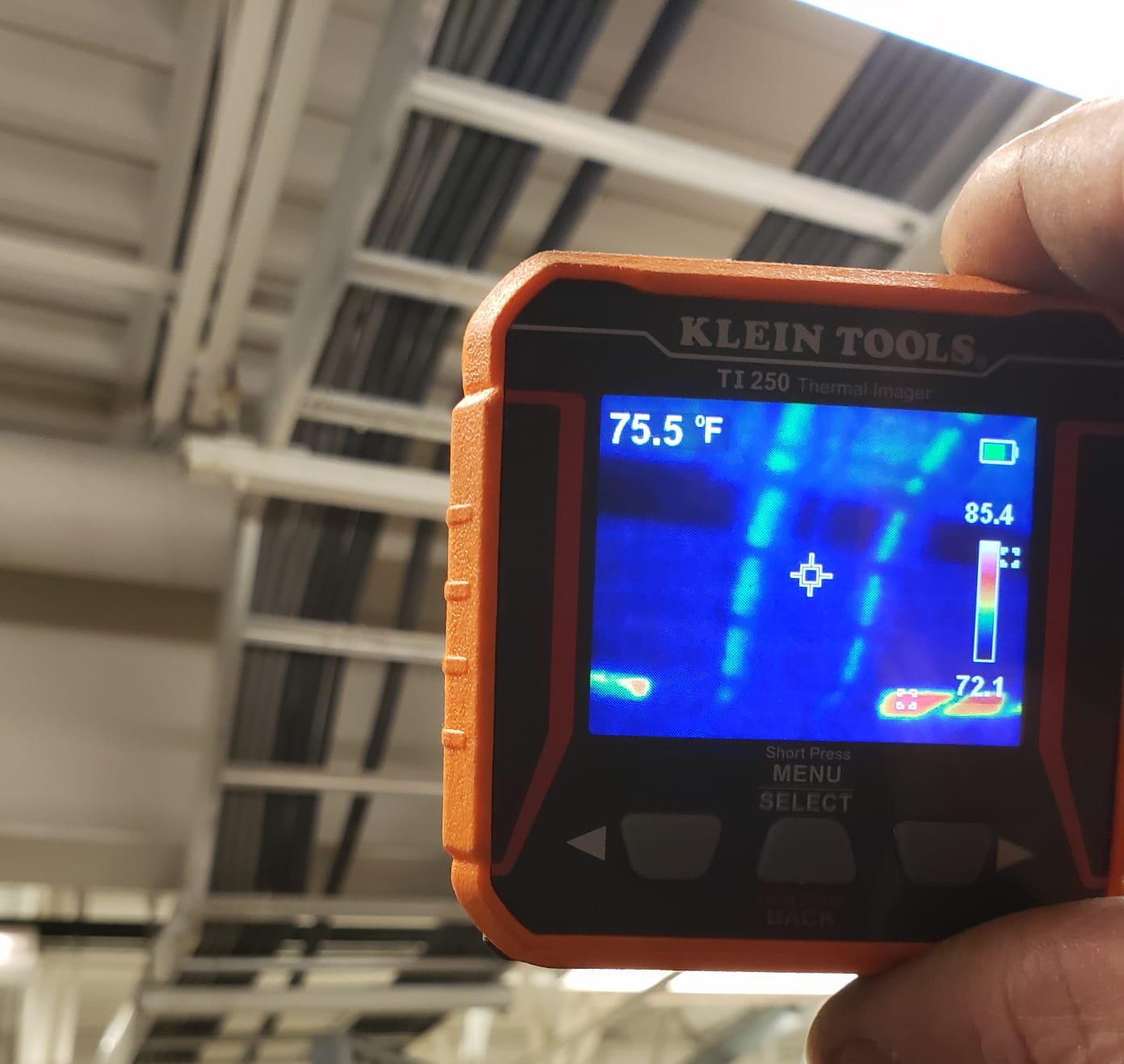
The TI250 is the camera for anyone whose thermal findings are mostly electrical. A breaker panel scan is about comparing conductors that should read the same, and the emissivity adjustment here runs from 0.01 to 0.99, which is wider than most cameras in this roundup and lets you compensate across different busbar coatings and wire insulation. The screen shows high and low temperature points with crosshairs so you can mark exactly which lug is running hot.
Resolution is over 19200 pixels, which is effectively 160×120 class, and the measurement range is -4F to 752F. You can set your own high and low alarms across that range, so the camera flags the conductor that is out of band with the rest of the panel. Images are captured and exported over USB-C. The body weighs 8.6 ounces, roughly a quarter of a pound, which makes it the easiest camera here to keep in a tool pouch alongside a multimeter.
Satisfied buyers treat it as a dependable pocket imager whose two standout features are the wide emissivity range and the settable alarms, and they note the Klein brand removes the trust barrier with electricians and clients. That last point is not trivial: a finding on a panel photographed with a recognizable tool brand carries more weight than the same finding from a generic unit.
The sensor is the problem. At roughly 19200 pixels it sits well behind the 240×240 and upscaled 512×384 options, and the three selectable palettes limit how finely you can read a subtle gradient. Three colors is workable for finding a hot breaker but thin for a whole-wall insulation comparison. The battery is built in and non-replaceable, and there is no report or cloud workflow, so documentation means you compose your own images after the fact.
Why electricians like it
It is the lightest unit here, which matters when you are already carrying a tool bag, and the alarm plus crosshair combination makes a panel scan a two-minute job. The wide emissivity range matters on painted panels and different conductor finishes. The adjustable high and low band also lets you run a repeatable pass over the same panel across different visits, which is exactly what a recurring service report needs.
Why it is not a whole-home tool
It is not a whole-home tool because the resolution and the palette count limit envelope work, and there is no way to build a client-facing report with the files. If your inspections are primarily mechanical or envelope focused rather than electrical, the same money goes further in a higher-resolution handheld. Save it for the panel and the small mechanical checks where weight and emissivity control dominate.
7. FLIR TG165-X – Best Rugged Camera for Crawlspaces and Site Work
Flir TG165-X Thermal Imaging Camera with Bullseye Laser, Spot IR
4800 pixel IR sensor with MSX
-25C to 300C range
Bullseye laser pointer
IP54 sealed and drop tested
Pros
- MSX processing reads far better than the raw pixel count suggests
- Bullseye laser shows both target and measurement area size
- IP54 sealed drop-tested body survives crawlspace handling
- Light 13.92 oz body with wrist strap for one-handed sweeps
- 2 year parts and labor plus 10 year detector warranty
Cons
- 4800 pixels is the lowest resolution in this roundup
- USB only with no wireless cloud reporting
- Non-touchscreen controls slow down navigation mid-scan
- Costs near higher-resolution alternatives on the sheet
The TG165-X is the oldest design here and it shows in the specification sheet, but the reason to still consider it is physical. The IP54 enclosure and drop-tested housing tolerate the treatment a camera gets in a crawlspace, an attic or a van, and at 13.92 ounces with a wrist strap it is easy to sweep one-handed while wearing gloves. The two-year parts and labor and ten-year detector warranty is the same coverage FLIR puts on the C5.
The sensor is 80×60, or 4800 pixels, over a -25C to 300C range with a 3 second response time. FLIR’s MSX enhancement is doing a lot of work here, and reviewers consistently say the output reads far more clearly than the pixel count implies. The bullseye laser pointer is the feature field users mention most: it shows both where you are aiming and how large the measurement area is, which removes real guesswork at distance.
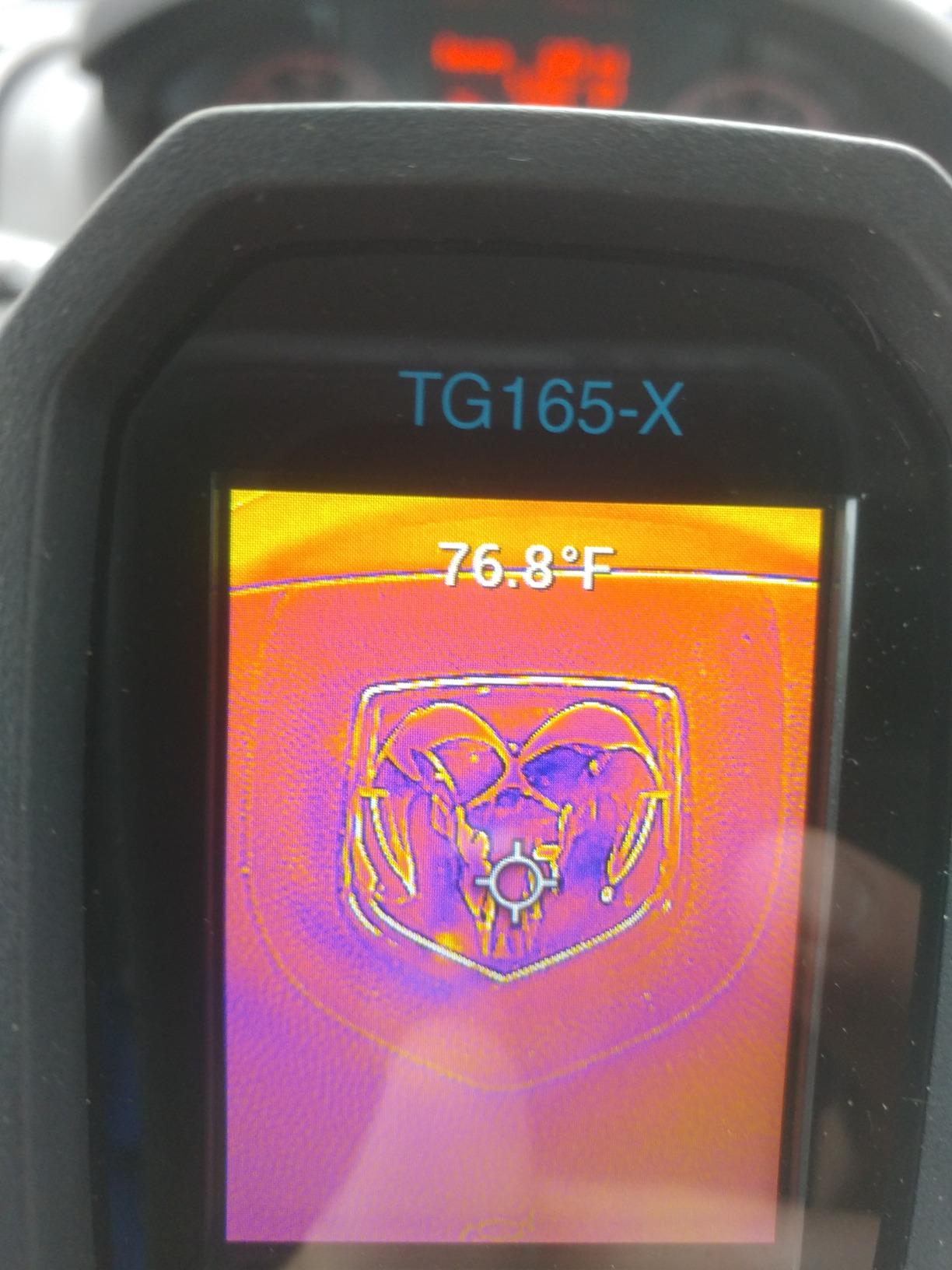
It fits in the service kit category rather than the inspection kit category. An HVAC technician checking a furnace, a coil or a distribution panel, or an inspector doing a quick attic and crawlspace pass, gets a durable tool that answers broad questions. The USB connection covers file transfer to a laptop, and video and stills come off over the same cable.
The compromise is that 4800 pixels is the smallest detector in this group, and small components simply will not resolve. The recurring reviewer complaint is not the sensor age but the price, since it sits near higher-resolution units while delivering far less detail. There is no Wi-Fi cloud reporting like the C5, and the physical, non-touchscreen controls take longer to navigate while a client is standing there waiting.
Where durability wins
It wins in environments where the camera takes the abuse and the questions are broad: is that section of ceiling losing heat, is this duct run cold, is that panel running a temperature differential. The laser and the sealed body suit poor light, tight access and heavy work gloves. For a service business that keeps one camera in the truck permanently, that is a legitimate reason to pick it.
Where detail beats durability
It loses wherever the question is narrow. A single failing breaker terminal, a finned coil with a blocked section, a thermal bridge along one stud, these need pixels. If you are writing findings that a contractor will act on, the 80×60 detector gives you a location but not much beyond that, and the lack of wireless reporting means the file still has to be moved manually before it can go in a report.
8. AMPBANK H128 – Best for Long Inspection Days and Crawlspace Work
H128 Handheld Thermal Camera, 240 x 240 TISR Resolution, 24h Battery Life Thermal Imaging Camera, 25 Hz Infrared Camera with Temperature Alarm, -4℉~ 842℉ Temp Range, IP65 Protection Level
240x240 TISR from 128x128
40mK at 25Hz
Up to 24 hours of runtime
IP65 with 6.56 foot drop rating
Pros
- Claimed 24 hour runtime removes mid-inspection charging stops
- 40mK sensitivity resolves small temperature gradients
- Built-in alarm with automatic max min and center recognition
- IP65 sealing and 6.56 foot drop survival for attics and crawlspaces
- Standard tripod mount for repeatable before and after shots
Cons
- Absolute readings reported several degrees off
- Screen quality limits fine component diagnosis
- Needs close approach to separate objects at distance
- Upscaled output means real detail is near 128x128
The H128 makes its case on endurance and sealing rather than image finesse. It carries a stated 24 hours of continuous working time with intelligent auto shut-down, IP65 protection, and a 6.56 foot drop rating. For someone moving through attics, crawlspaces and multiple units in a day, the IP65 sealing is a meaningful step up from the IP54 bodies that dominate this list.
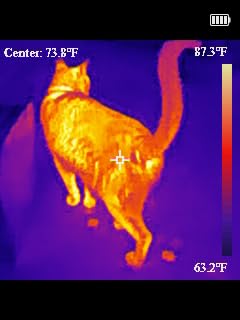
Thermal performance is a 128×128 sensor presented at 240×240 through TISR, with 40mK sensitivity at 25Hz across a -4F to 842F range with 0.1C display resolution and 3 percent accuracy. Adjustable distance and emissivity settings let you calibrate for concrete, brick and other mixed materials, and the built-in alarm automatically recognizes max, min and center readings. A standard tripod mount is included for stable repeatable shots.
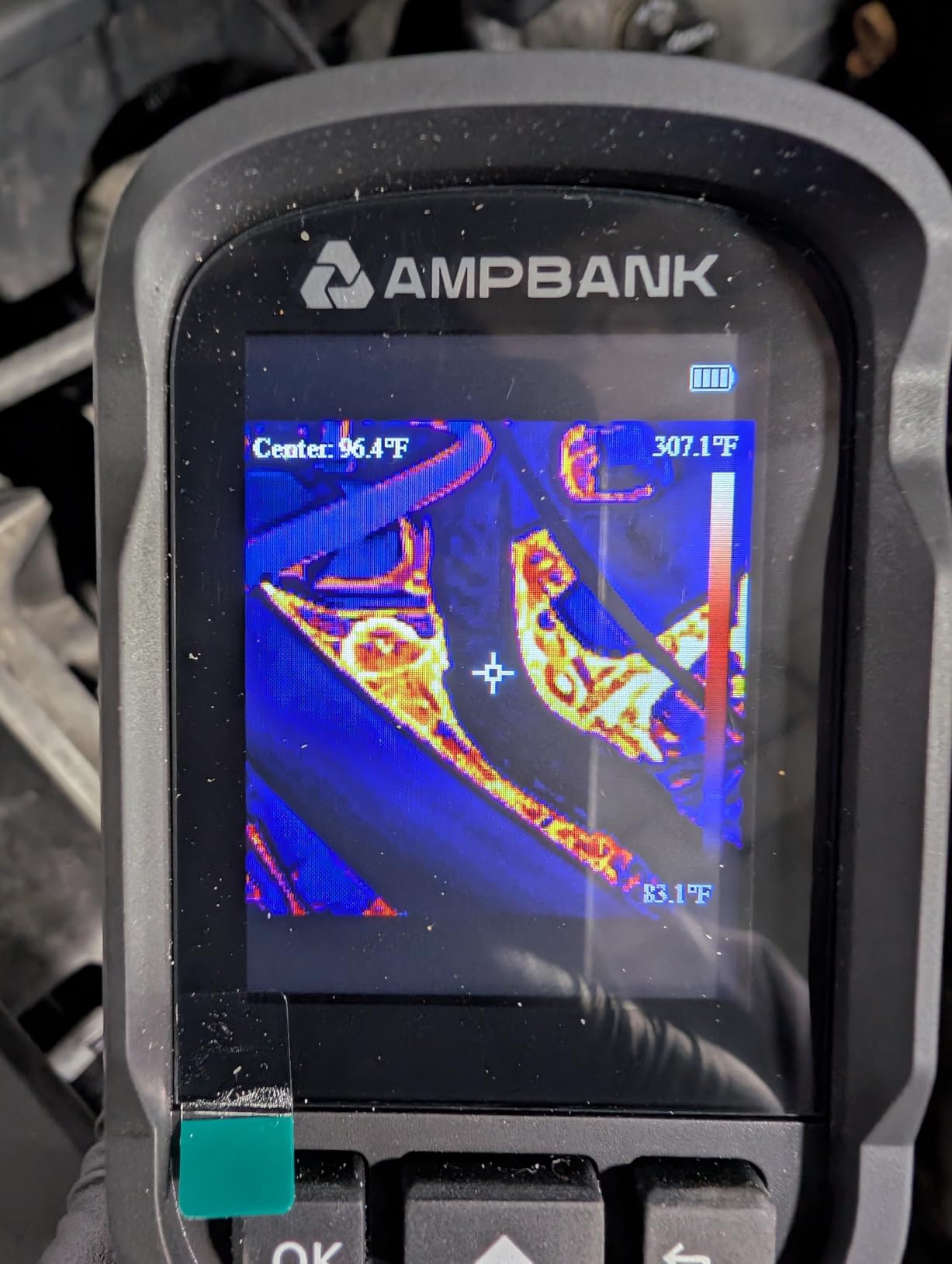
Owners describe it as a genuine trend-finding tool rather than a precision instrument. Buyers report it locating an uninsulated ceiling section, a leaking roof area and a heating breaker panel during real property checks, and one notes the sensitivity is enough to show a handprint left on a wall, which tells you how much of a small gradient the detector resolves. The alarm-plus-automatic-recognition behavior means you can leave it scanning and come back to a set of flagged images.
Two limitations shape the verdict. Buyers report absolute temperature accuracy running roughly 5 to 7F off, so treat every number as comparative rather than a measurement, and never quote a spot reading to a client as proof. The screen is described as below photo quality, which forces you to walk right up to a target to distinguish one component from another. And the upscaled 240×240 output means the fine work still comes down to the 128×128 array underneath.
When the H128 makes sense
It makes sense for envelope screening where you are comparing large surfaces rather than pinpointing components, and where the day is long enough that battery life becomes a factor. The tripod mount and IP65 sealing suit weather-exposed and dirty locations. It is also a reasonable second camera for an inspector whose primary unit stays in the office for report work.
When the H128 is the wrong tool
It is the wrong tool when your client report needs accurate absolute numbers, because the reported drift undermines any claim built on a specific temperature. It is also wrong for fine diagnostic work on mechanical equipment or electrical terminals, where the screen and the native sensor both limit you. Buy it to compare a spot against its surroundings, and only if you are disciplined about how you describe that comparison in writing.
9. MiLESEEY TR10 – Best for Honest Native Pixels at a Mid Tier
MILESEEY TR10 Thermal Imaging Camera, 192 × 192 IR Resolution, 25Hz
192x192 native sensor at 25Hz
NETD below 50mK
-4F to 1022F at 2C accuracy
8GB onboard storage
Pros
- Genuine 192x192 native pixels with no upscaling
- 25Hz refresh with smooth real-time imagery
- Automatic max min and center lock makes anomalies immediate
- 8GB storage holds more than 30000 images
- 6.6 foot drop test with recessed lens protection
Cons
- Lower native resolution than the 240x240 and 512x384 options
- No MAC or PC software workflow mentioned for post-processing
- Screen size and handling are unspecified in the listing
- 2C accuracy suits trends rather than tight tolerances
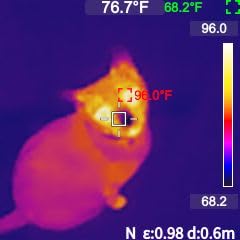
The TR10 is the one camera here where the resolution number on the box is the resolution you actually get. A 192×192 native sensor at 25Hz with NETD below 50mK is a real step up from the 128×128 arrays behind the upscaled 240×240 claims, and MiLESEEY does not inflate it. For an inspector tired of sorting real pixels from marketing pixels, that honesty is the main reason to look here.
Temperature range is -4F to 1022F with 2C accuracy, which is the tightest stated accuracy in this roundup and a genuine plus. Automatic locking on maximum, minimum and center point temperatures means the number you care about is always on screen, and a high and low temperature alarm flags anomalies during a sweep. Emissivity is adjustable, which matters on drywall versus plaster versus subfloor.
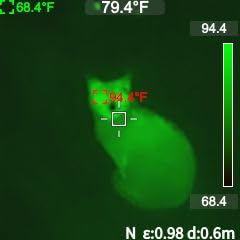
Storage is the sleeper feature. At 8GB onboard holding more than 30000 pictures, this camera can document a whole project without card handling or offloading, which removes a real failure point during a long inspection day. The body is 6.6 foot drop tested with recessed lens protection, the 3000mAh battery gives about 8 hours of continuous operation, and the 25Hz refresh produces smooth responsive imagery rather than a stuttering view.
There are real gaps. 192×192 is below the 240×240 and 512×384 options for close work on small components, and no MAC or PC software workflow is mentioned, which limits post-processing and report integration. The listing does not specify the screen size or handling characteristics, so verify those in person if grip matters. And a wide -4F to 1022F range at 2C accuracy is appropriate for spotting trends, not for confirming a tight tolerance.
Where the TR10 is the right tool
It is the right tool for whole-home and small-envelope work where you want real detail without paying a professional-tier cost, and for anyone who plans to store large volumes of images. The accurate lock on max, min and center readings speeds up a sweep, and the drop-tested body with a protected lens suits attics and mechanical rooms. It is also a sensible first thermal camera for a homeowner doing pre-purchase walkthroughs and energy checks.
Where it falls short
It falls short on reporting workflow, because without a stated PC or Mac software path you are building client deliverables from images alone. It also falls short on fine work: 192×192 native pixels will not separate two adjacent conductors or a single fin on a coil at distance. If your findings are all fine-grained, step up rather than relying on the sensor you have.
10. Flagfront YXI96 – Budget Pick for First-Time Home Thermal Checks
Flagfront Thermal Camera, 240 x 240 TISR Resolution for Home Inspection
240x240 super-resolution at 25Hz
-4F to 1022F at 2% accuracy
50 degree field of view
4GB microSD card fitted
Pros
- Lowest cost in the roundup while still offering 240x240 output at 25Hz
- Temperature alarm with high low and center readings on screen
- 4GB microSD card fitted so it records out of the box
- Bright screen and simple menus with a comfortable grip
- IP54 rated and survived repeated drops in owner testing
Cons
- Front lens cover falls across the sensor when tilted down
- Upscaled output can look soft at distance
- Not suited to detailed professional image analysis
- A sharper model is a modest step up
The YXI96 is the entry point, and the reason it earns a place here is that it does the basic envelope job cleanly. It outputs 240×240 super-resolution imagery at 25Hz across a wide 50 degree field of view, which covers a large section of wall or ceiling in one sweep. Temperature range runs -4F to 1022F with accuracy within 2 percent, and both distance and emissivity are adjustable for a readable comparison.
Buyers call it an outstanding value for locating heat loss, air leaks and insulation gaps, and three details get repeated praise: the pre-installed 4GB microSD card, the bright screen, and the simple menu system that a second person can operate without training. The built-in alarm shows highest, lowest and center point readings, and a rechargeable lithium ion battery with configurable auto-off keeps the daily routine simple.
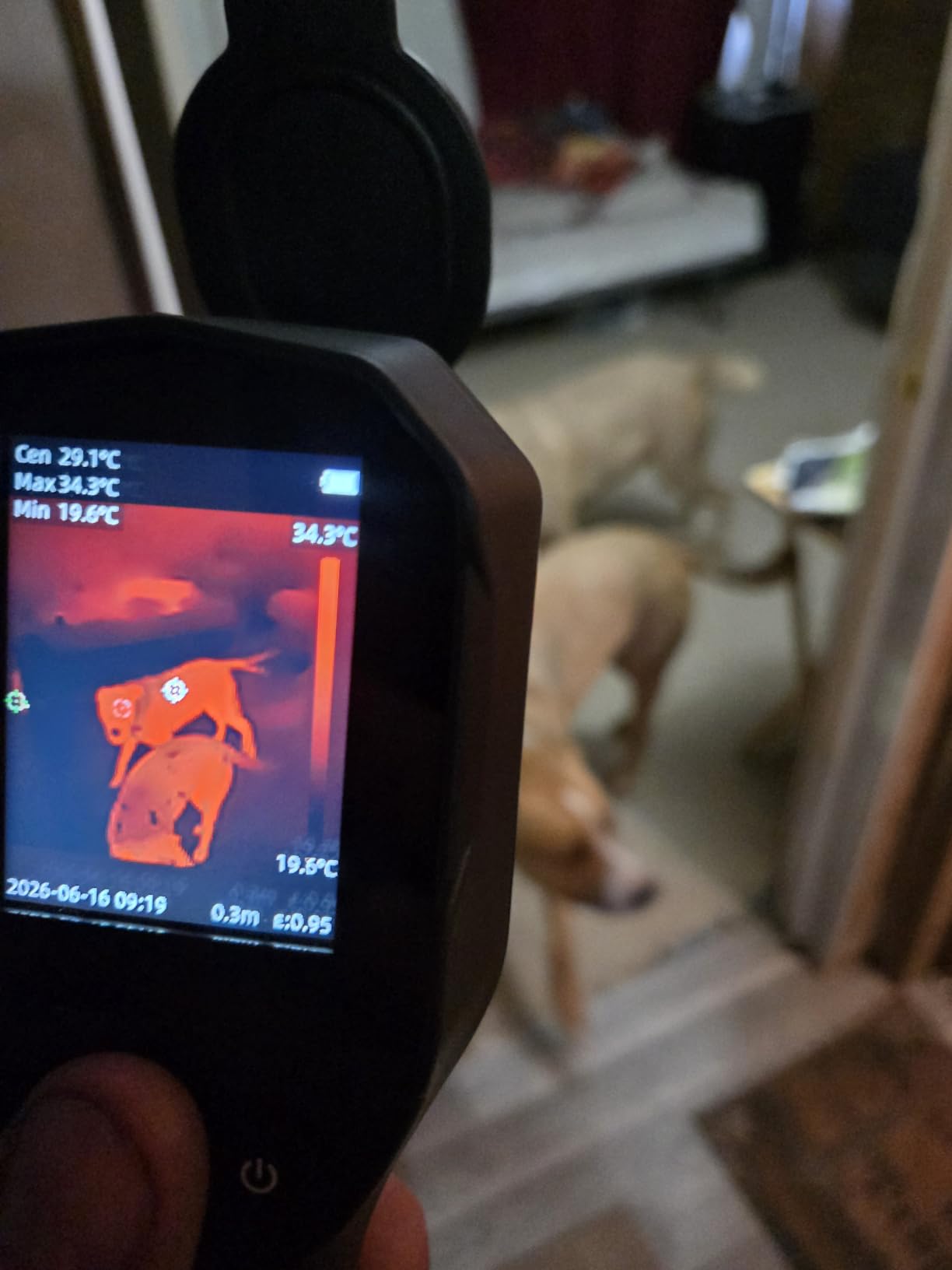
Ownership grip is fine. The body is IP54 rated and 6.6 foot drop resistant, and owners report it surviving repeated drops, which matters for a camera that will be used in attics and crawlspaces. Five named palettes cover White Heat, Rainbow, Red Hot, Black Hot and Iron, which is enough range to pick a scale that separates insulation gaps from framing without fighting the display.
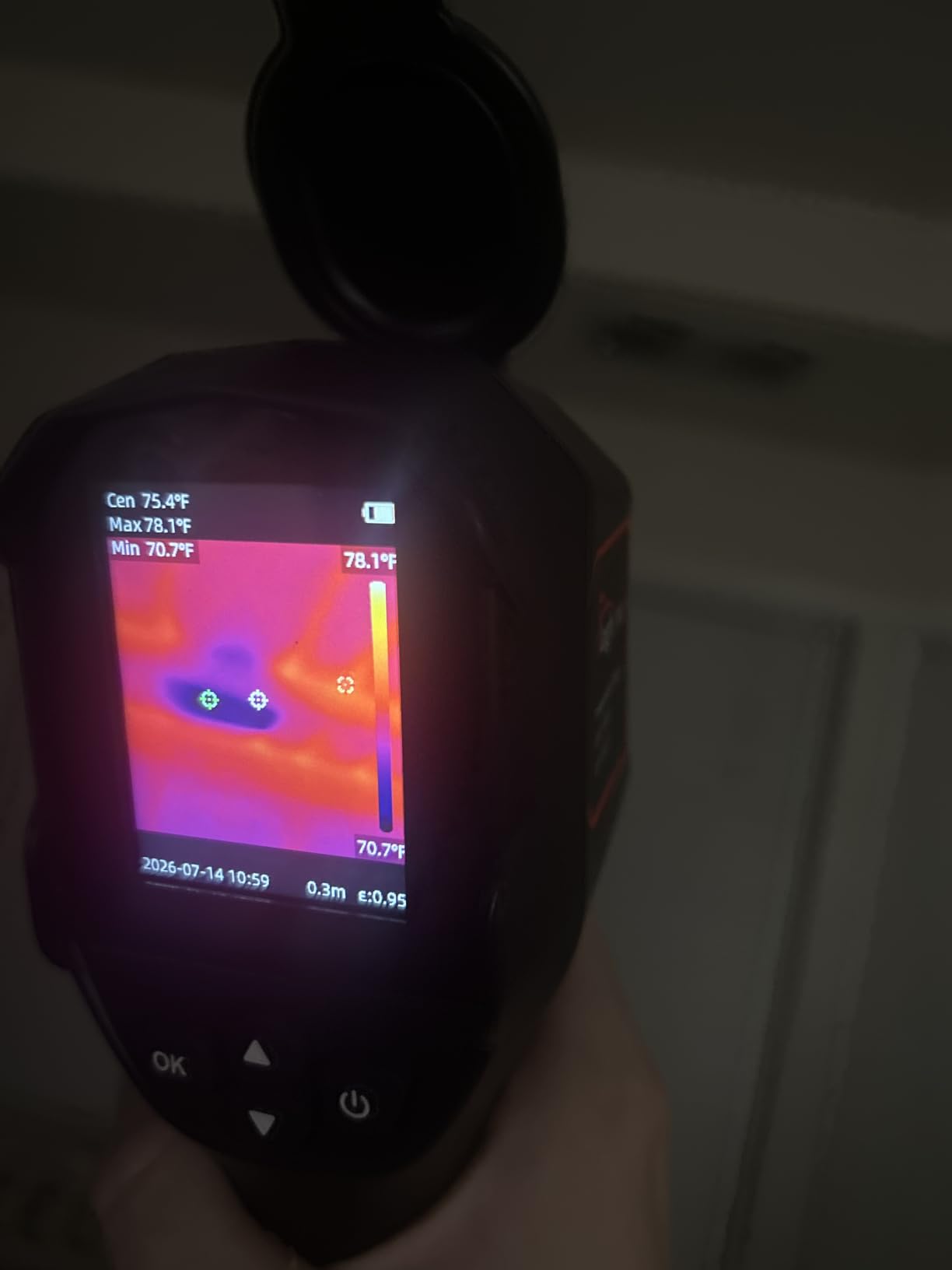
There is one design flaw that catches people out. The front lens cover will not stay propped open, and it falls across the sensor when you tilt the camera downward, which is exactly the angle you use to look up at a ceiling from below. A minority of buyers also find the super-resolution output too soft for detailed diagnostic work, and the manufacturer itself notes a sharper model is available for a modest step up. For fine work, go up a tier.
When the YXI96 is enough
It is enough for a homeowner doing a pre-purchase walkthrough, checking for obvious air leakage around window and door penetrations, spotting missing attic insulation from the stairwell, and confirming that a roof or extension is losing heat where it should not. It is also enough for an inspector adding a low-cost thermal snapshot to reports where the finding is broad rather than specific.
When you should step up instead
Step up when you need the anomaly to resolve into something a contractor can act on, when you are documenting electrical terminals or mechanical equipment, or when your reports need a professional export path. The 240×240 figure is enhanced rather than native, so the ceiling of what this camera can resolve is well below what its screen resolution suggests. Treat it as a screening tool and a learning tool, and it delivers both.
What Thermal Imaging Can and Cannot Tell You in a Home?
Thermal imaging shows a surface temperature difference. That single sentence is the whole technical truth, and every mistake in the field comes from expecting more from it. A cold stripe on an interior wall means heat is moving through or around that area more than around its neighbours. It does not tell you whether the cause is a missing batt of insulation, an air leak through a top-plate gap, a thermal bridge through a stud, a cold bridge at a window head, or a convective loop from a nearby heat source.
It also cannot see through walls in any useful sense. The camera reads emitted infrared radiation from the surface you are pointing at, so what you see on a finished interior surface reflects conditions on the far side only indirectly and only when there is an active temperature differential driving the transfer. Look for walls during a proper load condition, not in the middle of a mild afternoon when everything has equalised.
The most common overreach is moisture and mold. A cool pattern may indicate evaporative cooling from wet insulation, a leaking pipe, or a room that is simply colder than the rest of the house. Thermal imaging cannot measure moisture content, cannot confirm that a leak is active, and cannot identify mold species or quantity. The honest workflow is thermal screening followed by confirmation with a pin or pinless moisture meter, and for any active leak, drying and verification afterward.
On the electrical side the same rule applies. A hot spot at a panel points to a loose connection, an overloaded circuit or a failing breaker, and it warrants an electrician. The camera finds the location; it does not grade the severity or certify the cause. Write the finding as an observation of temperature difference, and let the qualified trade make the determination.
How to Use a Thermal Camera During an Inspection
Start by creating the conditions that make anomalies visible. A stack difference of roughly 15 to 20F between inside and outside is the working range most inspectors target for envelope scans, which usually means early morning in the shoulder seasons or during a cold snap. Larger differentials make findings obvious; small ones make them arguable. Do not scan a home in the middle of a warm afternoon and then write a report implying the imaging was conclusive.
Handle the load conditions deliberately. The air conditioning should be running and have been running long enough to reach steady state, the furnace should be off if you are looking for envelope loss rather than heat distribution, and blinds and drapes should be pulled back so you are not imaging a window treatment. Take interior and exterior shots of the same wall in the same session, because the comparison is what makes a thermal bridge defensible in a report.
Sweep method matters more than most buyers expect. Move slowly enough that the frame rate renders a clean image, set span and level manually rather than leaving it automatic, and lock emissivity to the material you are looking at. Take one wide establishing shot, then move in for the detail shot. Set a high and low alarm where the camera supports it and let it flag the out-of-band readings for you rather than trying to watch a moving image and read numbers at the same time.
Finally, document with intent. Capture the anomaly with visible context in the same frame where possible, note the load conditions and the weather in your notes, and pair every thermal observation with the verification step you intend to recommend. On an attic or roof inspection, the temperature differential requirement is even more important because the surfaces you are imaging are already at very different temperatures than the living space.
How to Choose a Thermal Imaging Camera for Home Inspections
Begin with native resolution, and treat any number the manufacturer describes as enhanced, super-resolution or upscaled as a different, lower figure. Four cameras in this roundup present 240×240 or 240×180 output from 128×128 or 120×90 sensors. The upscaling makes edges look smoother and reduces the blocky pixel grid, but it cannot invent detail. If a listing says 512×384, confirm whether the native array is 256×192. The TC001, the TR10 and the Thor002 all report their native figures honestly, which is a reason to prefer them when specs are otherwise close.
Second, keep thermal sensitivity separate from temperature accuracy. NETD, measured in millikelvin, is the smallest temperature difference the sensor can detect and it governs how faint a pattern appears. Accuracy is how close a displayed number is to the true surface temperature, typically expressed as a plus or minus figure in C or as a percentage. A camera can be sensitive and still read several degrees high. The TC004 Mini, the H128 and the RT280 all pair workable sensitivity with accuracy figures that reviewers describe as several degrees off, so use them comparatively. The TR10 and the TC001 state the tightest accuracy figures here.
Third, decide standalone versus phone-connected. A phone module is smaller, costs less, needs no battery of its own, and is excellent for occasional checks and quick documentation. It depends on the phone for storage, processing and display, and the app behaviour is where most complaints live, including settings that reset on rotation. A standalone handheld costs more and weighs more, but it scans faster, works in the dark, survives a drop, and lets you show a client the image immediately. Veteran inspectors consistently prefer pocket or pistol-grip standalone units for paid work, and reserve phone attachments for occasional checks. On Apple devices, confirm the connector: the TC001 is an Android USB-C module and does not cover current iPhones, so iPhone buyers should plan on a standalone unit.
Fourth, look at the reporting path, because that is what turns a scan into a deliverable. Ask whether the camera exports radiometric files with embedded temperature data, whether there is desktop software, whether it works on Mac or only Windows, and whether the manufacturer offers cloud report generation. The FLIR C5 and the Thor002 both offer genuine file transfer and report options. The FOXWELL RT280 automates reports in Windows software. The TI250, the TG165-X and the YXI96 stop at image export, which means the report work falls on you.
Fifth, weigh the practical details that decide whether you keep using the camera. Battery life and whether the battery is replaceable, ingress protection for crawlspaces and attics, drop rating, screen brightness in unlit spaces, weight when held for a full sweep, and whether the lens cover gets in the way. A camera that is too heavy gets left in the vehicle, and a camera that needs charging at midday gets used for half the inspection.
Finally, set your spend by inspection volume rather than by feature list. For occasional use, a pre-purchase walkthrough or a single energy check, the budget tier in this roundup does everything you need. For regular paid inspections, the practical middle tier with a real sensor, a 25Hz refresh and a removable or long-life battery is the sweet spot, and it is where most of the practical recommendations on inspector forums converge. Only step into the professional tier when you are doing enough work that report time and diagnostic detail actually cost you money.
Frequently Asked Questions
What thermal camera do home inspectors use?
Most professional inspectors use a standalone handheld rather than a phone attachment, because a unit with a built-in screen, long battery life and file export scans faster and survives the crawlspace work. FLIR and Thermal Master are the two ecosystems most often named on inspector forums, with TOPDON holding the value tier. Phone modules are common for occasional checks and quick documentation.
What is the best thermal imaging camera for homeowners doing their own checks?
For homeowners doing pre-purchase walkthroughs and energy checks, a budget handheld is enough. The Flagfront YXI96 and the TOPDON TC004 Mini both give a 25Hz view with high, low and center spot readings and a wide field of view, which covers air leakage, insulation gaps and roof issues. You do not need professional resolution for a first look at a house.
Is thermal imaging worth it for a home inspection?
Yes, as a screening and documentation tool, provided the conditions are right. A thermal scan during a meaningful indoor-to-outdoor temperature difference can reveal missing insulation, air leakage at penetrations, thermal bridging, duct issues and overheating electrical junctions without opening anything. It is not required for a sale in most places and it cannot prove cause, so findings should be confirmed with a moisture meter or a qualified trade.
How much does a thermal camera inspection typically cost?
Most inspectors offer thermal imaging as a separate add-on rather than folding it into the base inspection, and the fee varies with region, travel radius and how long the scan takes. Ask whether the deliverable includes radiometric files with temperature data or only annotated images, since that is the part that makes the report valuable to a contractor. Some inspectors include a short thermal pass at no charge as a marketing tool.
What is the best thermal imaging camera for the money?
The TOPDON TC004 Mini is the strongest value pick here, pairing a 25Hz view, a 15 hour battery and 8000 photo onboard storage with automatic high, low and center spot readout. It reaches 240×240 output, though that is upscaled from a 128×128 sensor, so treat it as a broad-area tool. For phone-based documentation the TOPDON TC001 delivers more real detail for a similar outlay.
Which camera is better, FLIR or Thermal Master?
FLIR leads on software maturity, with MSX image enhancement, Wi-Fi cloud reporting and long detector warranties across its range. Thermal Master leads on hardware detail in this comparison, offering 512×384 output, six measurement points, a larger IPS screen and PC plus Wi-Fi transfer. Choose FLIR if report polish and brand recognition matter most, and Thermal Master if you need to resolve specific components and want tighter measurement control.
Can a thermal camera see through walls?
No, not in the sense people usually mean. The camera reads infrared radiation emitted by the surface you point at, so a wall interior shows an exterior condition only indirectly and only when a temperature differential is driving heat transfer across it. That is why envelope scans work during a cool outside temperature and an active heating or cooling load, and why a mild afternoon produces flat, uninformative images.
Can a thermal camera detect moisture or leaks?
It can flag areas that look like evaporative cooling, which may indicate wet insulation, a leaking pipe or a roof leak. It cannot measure moisture content, confirm that a leak is active, or identify mold. Use the thermal image to choose where to place a pin or pinless moisture meter, and confirm with drying and a follow-up reading before writing anything definitive into a report.
The Verdict: Which Thermal Camera Should You Buy in 2026
The best thermal imaging cameras for home inspections in 2026 come down to honest pixels and a workflow you will actually finish. Our pick for most inspectors is the TOPDON TC001, because a 256×192 native sensor presented at 512×384, full point, line and surface measurement, and phone-powered simplicity give you the most usable image quality per unit of effort. If you want a true handheld instead, the TOPDON TC004 Mini is the value leader with a 15 hour battery and automatic alarm capture, and the Thermal Master Thor002 is the right step up when findings need to resolve into specific components.
Match the camera to the report. Choose the FLIR C5 when client-ready cloud documentation and long detector coverage matter most, the FOXWELL RT280 when you work on Windows and want automatic desktop reports, the Klein TI250 for electrical panels, and the FLIR TG165-X for durable field work. Whatever you choose, scan under a real temperature differential, treat every thermal anomaly as an observation rather than a conclusion, and confirm before it goes in writing. We will keep updating this roundup as 2026 brings new hardware into the category.