
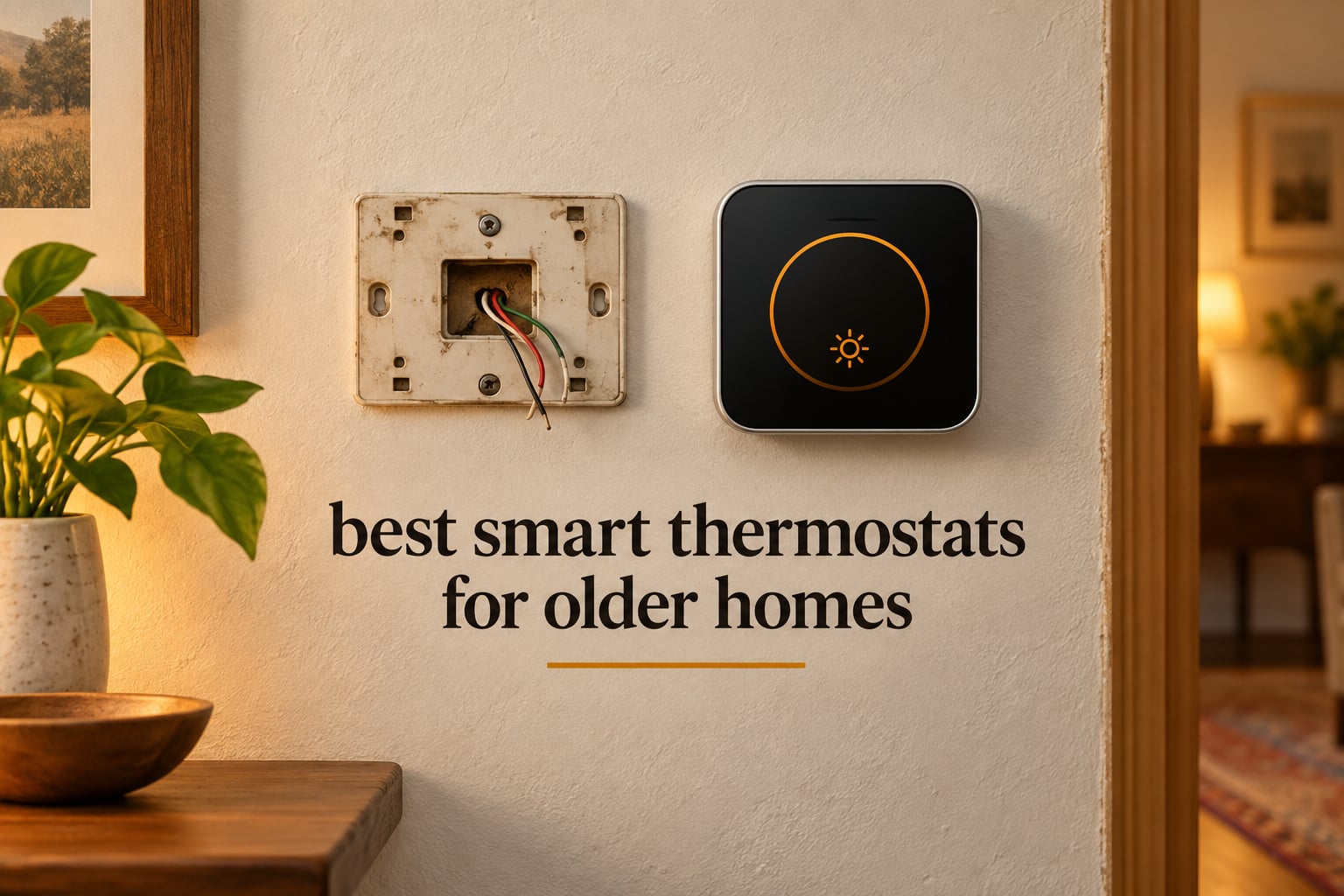
Most smart thermostats fail in older homes for one reason: the wall behind the old faceplate has two wires, not eight. Mechanical thermostats from the 1950s and 60s were built to run on nothing but the furnace call itself, so homes from that era were often wired with just R and W and no common wire at all.
A Wi-Fi thermostat needs a steady 24V feed to keep its radio awake, and without that feed it will click, drop offline, or hang the whole control circuit.
That makes the search for the best smart thermostats for older homes a wiring problem before it is a features problem.
We spent weeks comparing eight models against the two failure modes that actually decide the outcome in a pre-1990 house: a missing C-wire and a bare heat-only furnace.
Our scoring rubric, applied identically to all eight: C-wire tolerance, install difficulty on dated wiring, fit with legacy furnace, boiler, and multi-stage equipment, how well each one handles uneven heat, and what it costs you in add-on hardware.
Every pick below carries a C-wire verdict, because that is the decision variable on every home forum we read. We also flag which units install with no rewiring at all, which need a small adapter at the furnace, and which one requires you to run new wire through a finished wall.
Last updated October 2026, and we are not HVAC contractors, so we tell you plainly when a job belongs to a technician.
Table of Contents
Top 3 Picks for Older Homes (October 2026)

Sensi ST55 Smart Thermostat
- No C-wire needed in most homes
- 10-15 minute install
- 23% HVAC energy savings

ecobee Smart Thermostat Enhanced
- Power Extender Kit included
- SmartSensor support
- Built-in occupancy sensing

Google Nest Thermostat
- Works without C-wire in most homes
- Automatic Eco setback
- Learns your schedule
The Sensi ST55 takes the top slot because it pairs genuine no-C-wire tolerance with the largest body of real-world install reports we could find.
Owners describe ten to fifteen minute installs on 1960s-era wiring, and it holds a 4.4 rating across more than 23,000 reviews.
The ecobee Smart Thermostat Enhanced earns second spot for a different reason. It ships with the Power Extender Kit in the box, and it accepts SmartSensors, which is the only real answer to the uneven heat that makes old houses uncomfortable in January.
The Google Nest Thermostat rounds out the top three on reach. It is the model owners most often report working on two-wire heat-only systems where other brands gave up.
Its 4.1 rating is the lowest in this roundup and its documentation is thin, which is the trade-off for that reach.
The 8 Best Smart Thermostats for Older Homes in 2026
| Product | Specs | Action |
|---|---|---|
| Sensi ST55 Smart Thermostat |
|
Check Latest Price |
| ecobee Smart Thermostat Enhanced |
|
Check Latest Price |
| Google Nest Thermostat |
|
Check Latest Price |
 Honeywell Lyric T6 Pro Honeywell Lyric T6 Pro |
|
Check Latest Price |
 ecobee Smart Thermostat Premium ecobee Smart Thermostat Premium |
|
Check Latest Price |
 Nest Thermostat E T4000ES Nest Thermostat E T4000ES |
|
Check Latest Price |
 Sensi Lite ST25 Sensi Lite ST25 |
|
Check Latest Price |
 Sensi Touch 2 ST76 Sensi Touch 2 ST76 |
|
Check Latest Price |
Every model above works with 24V low-voltage control wiring, which covers the overwhelming majority of pre-1990 furnaces, boilers, and forced-air systems. The differences that matter to an older home are the C-wire column and the add-on hardware each one expects you to have on hand.
We are not HVAC contractors and this is not a wiring guide. What follows is a compatibility ranking built from manufacturer documentation and install reports, so treat anything involving new wire in a finished wall as a job for a licensed contractor.
Does Your Old Home Have a C-Wire? Most Homes Built Before 1990 Do Not
Older homes usually do not have a C-wire, and that single fact eliminates most smart thermostats before you unbox them. The common wire, labeled C, carries continuous 24V power from the furnace or boiler to the thermostat so the screen and radio stay alive.
Analog dials never needed it, which is why so many mid-century systems were wired with two conductors and nothing more.
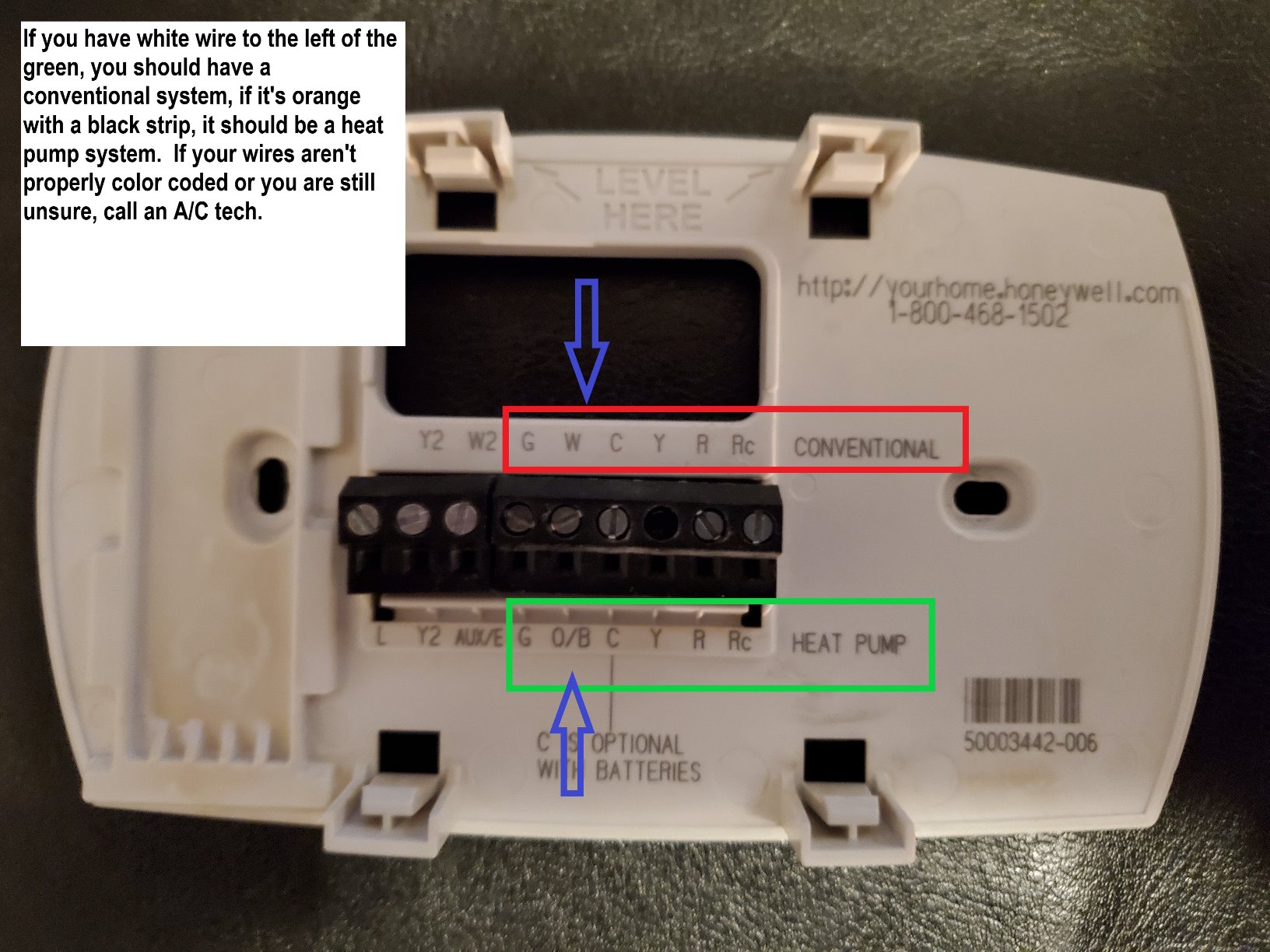
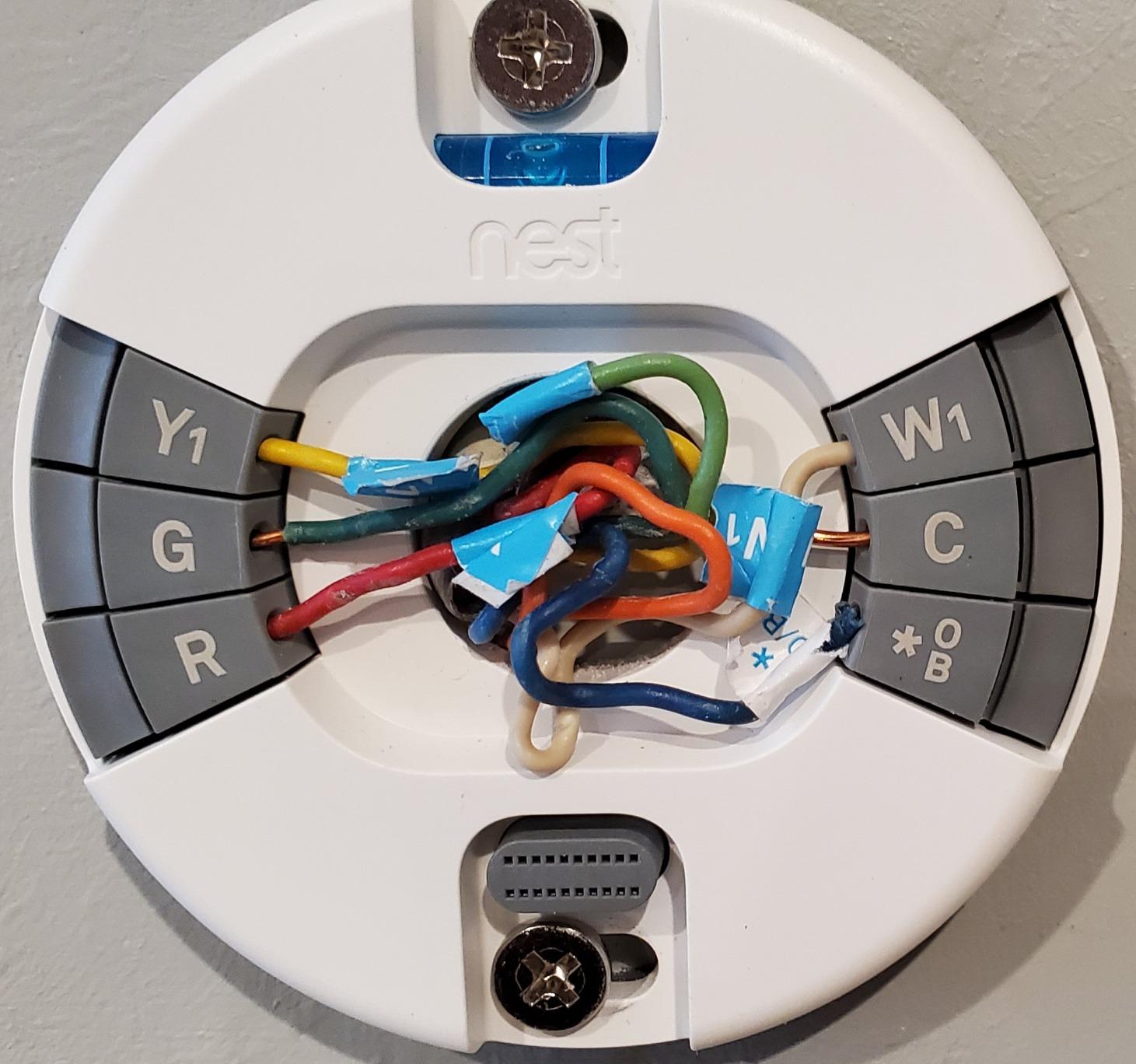
To check, turn off your furnace at the breaker, pull the front cover off your existing thermostat, and photograph the wires before touching anything. Label each one where it lands, then match it against this list:
R or Rh – the 24V hot wire carrying power from the furnace transformer to the thermostat
Rc – the cooling-side hot, used when the system has air conditioning rather than heat only
W or W1 – the call for heat, the wire a two-wire heat-only system almost always has
Y and Y2 – the call for cooling and second stage cooling
G and G2 – the indoor fan and second stage fan
C – the common wire you want to see. Its absence is the whole problem.
B – legacy heating relay or hydronic zone valve on older boiler systems
Count the wires before you count on any model. Two wires usually means R and W only, and three to five is still usually no C-wire, just a fan and sometimes a stage.
Six or more wires with a blue or black conductor bonded to C means you likely have the common wire already, and almost anything on this list will install.
The era of the house is a decent proxy. A 1920s through 1950s home with a mercury or round analog dial is very likely two-wire. A 1990s digital thermostat almost always means somebody ran a C-wire at some point, and many builders did.
The age of the equipment matters too, and members of the Home Assistant Community frame the same split we use: old-style two-wire heat-only systems versus a plate with multiple conductors behind it.
What to Do If There Is No C Wire
Four routes get a smart thermostat onto a no-C-wire system, and they run from least effort to most. Most older homes only need the first or second option.
Run the thermostat on power sharing. Many models, including the Google Nest Thermostat, intermittently borrow power from the heating circuit rather than carrying a dedicated feed. Zero added parts and zero wall damage. The tradeoff is that the unit can briefly go offline when the heat is not running, which some owners find irritating enough to disable Wi-Fi entirely.
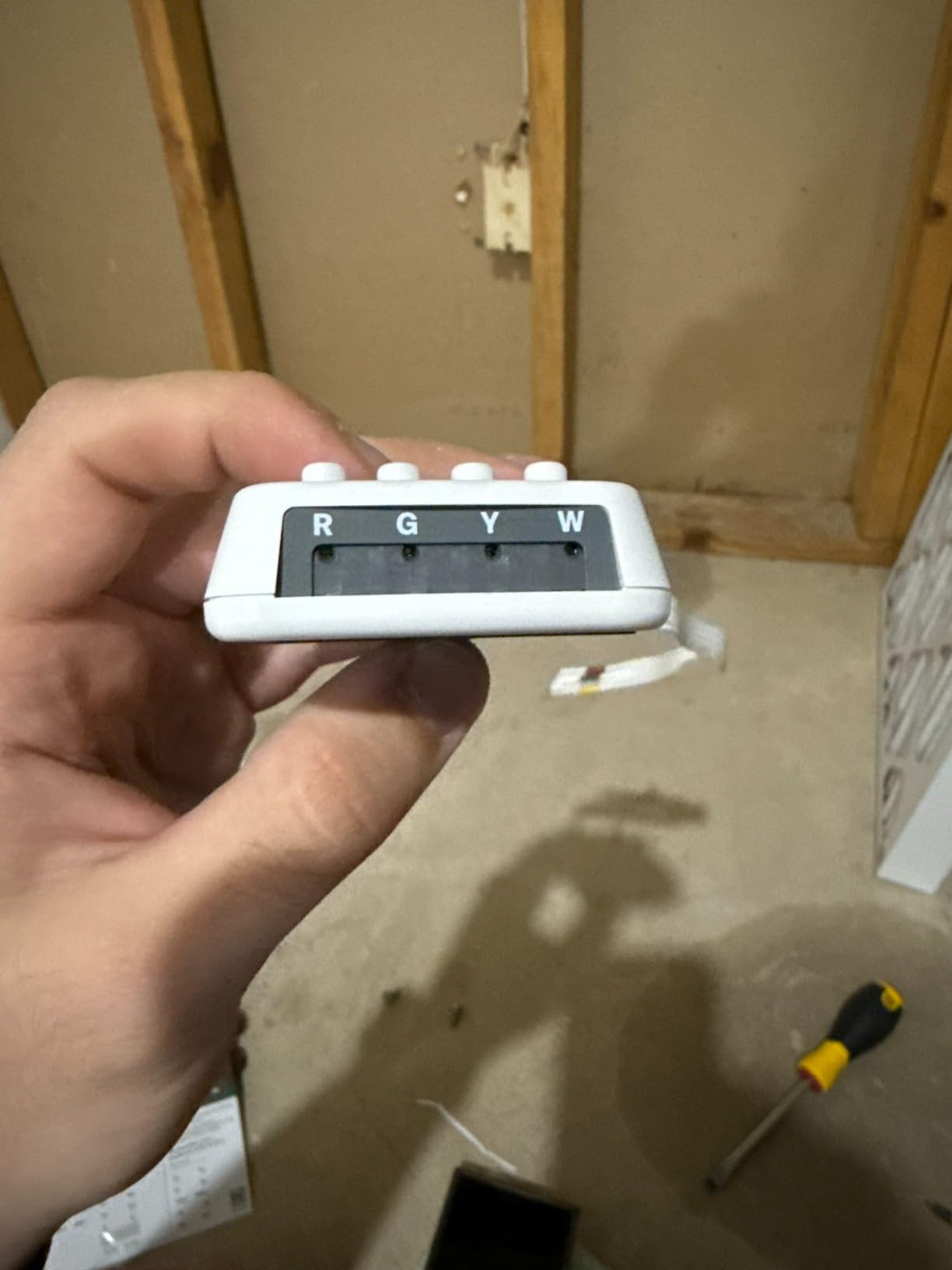
Add a Power Extender Kit at the furnace. A small block wired into the furnace control center that turns a two-wire system into a powered one. Owners describe roughly fifteen minutes of work and no drywall involved. The ecobee Smart Thermostat Enhanced and Premium both include one in the box.
Install a 24V control transformer. The permanent version of option two, mounted at the furnace. It feeds the thermostat continuously with no borrowing and no intermittent offline behavior, at the cost of one more electrical connection to inspect.
Run a new C-wire through the wall. The cleanest result and the only one that fully removes the power-sharing compromise. In a finished wall it means fishing wire across finished surfaces, and one Reddit user described cutting roughly twenty feet of drywall as a disaster. Save this for a renovation you were already planning.
Before any of them, confirm at the furnace that you actually have a usable 24V transformer. Some very old systems run a low-voltage control transformer that struggles when a smart thermostat adds load.
That is the failure that ends with a burnt transformer rather than an unhappy thermostat.
1. Sensi ST55 Smart Thermostat – Best Overall Drop-In for Old Wiring
Sensi Smart Thermostat, Wi-Fi, DIY, Alexa, Energy Star Certified, ST55
5 inch LED display
24V AC
C-wire not required in most apps
2 AA batteries included
3-year warranty
Pros
- No C-wire needed in most applications
- Owners report 10-15 minute installs on 1960s wiring
- Built-in level on the back plate for easy mounting
- App-guided setup with copyable schedules
- Works with Alexa Google Assistant HomeKit and SmartThings
Cons
- High and low alert thresholds are fixed and not adjustable
- Companion app interface could use a refresh
- Some installations hit Wi-Fi registration failures on first attempt
The ST55 is the pick we keep coming back to for exactly one reason: it is the rare smart thermostat that does not treat a missing C-wire as a problem to solve with an adapter.
Manufacturer documentation states the common wire is not required in most applications, and the install reports back that up with the specific detail you want to hear, which is owners replacing old analog dials on 1960s-era systems without opening a wall.
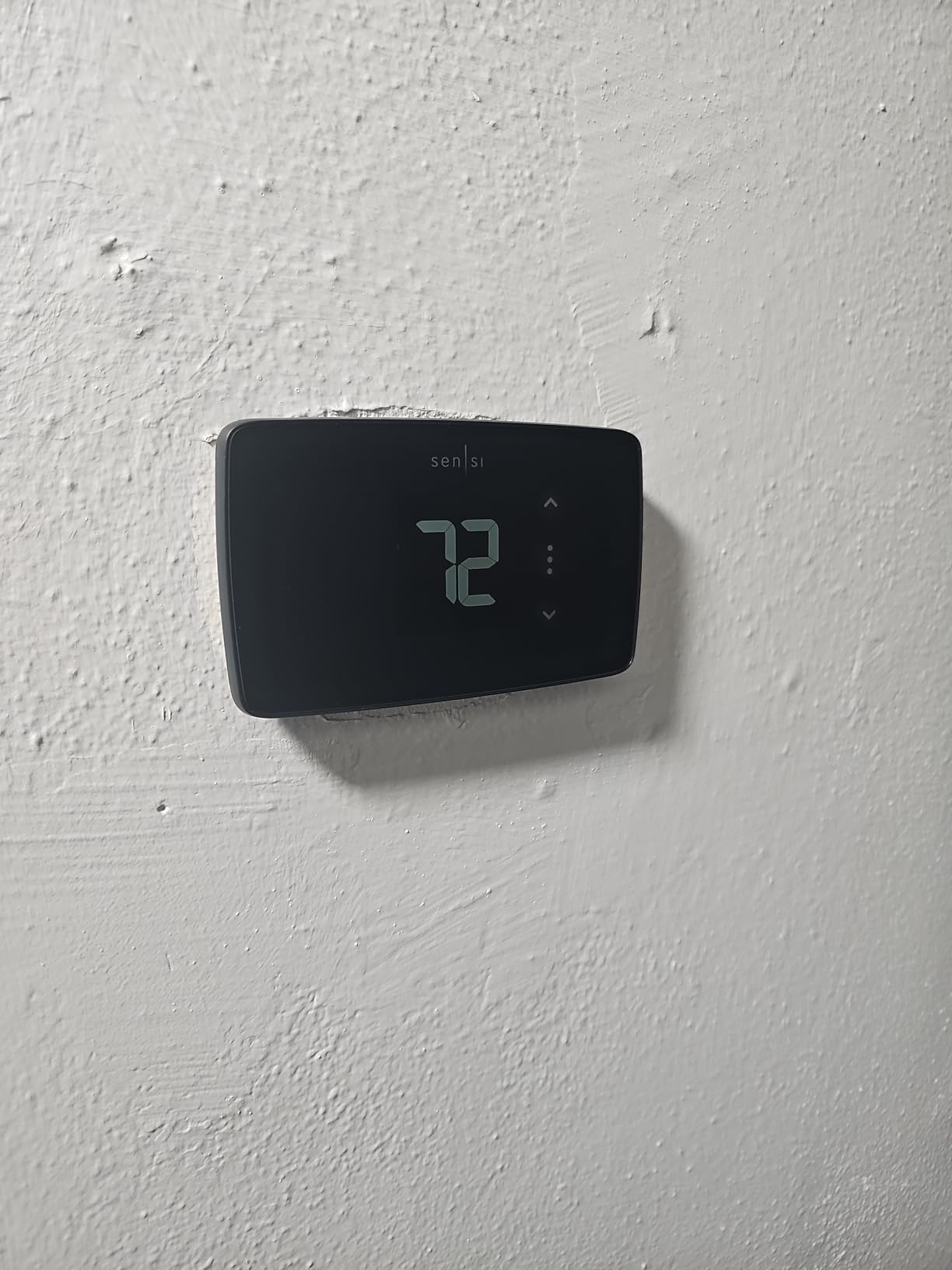
Copeland built the ST55 with a built-in level on the back plate, and it shows. The physical footprint matches a traditional thermostat closely, so the old faceplate screws usually line up, which removes the one part of a swap people dread most.
Rated for air conditioners, boilers, furnaces, and heat pumps, it also carries a 3-year manufacturer warranty, the same coverage the other Sensi models and both ecobee units give.
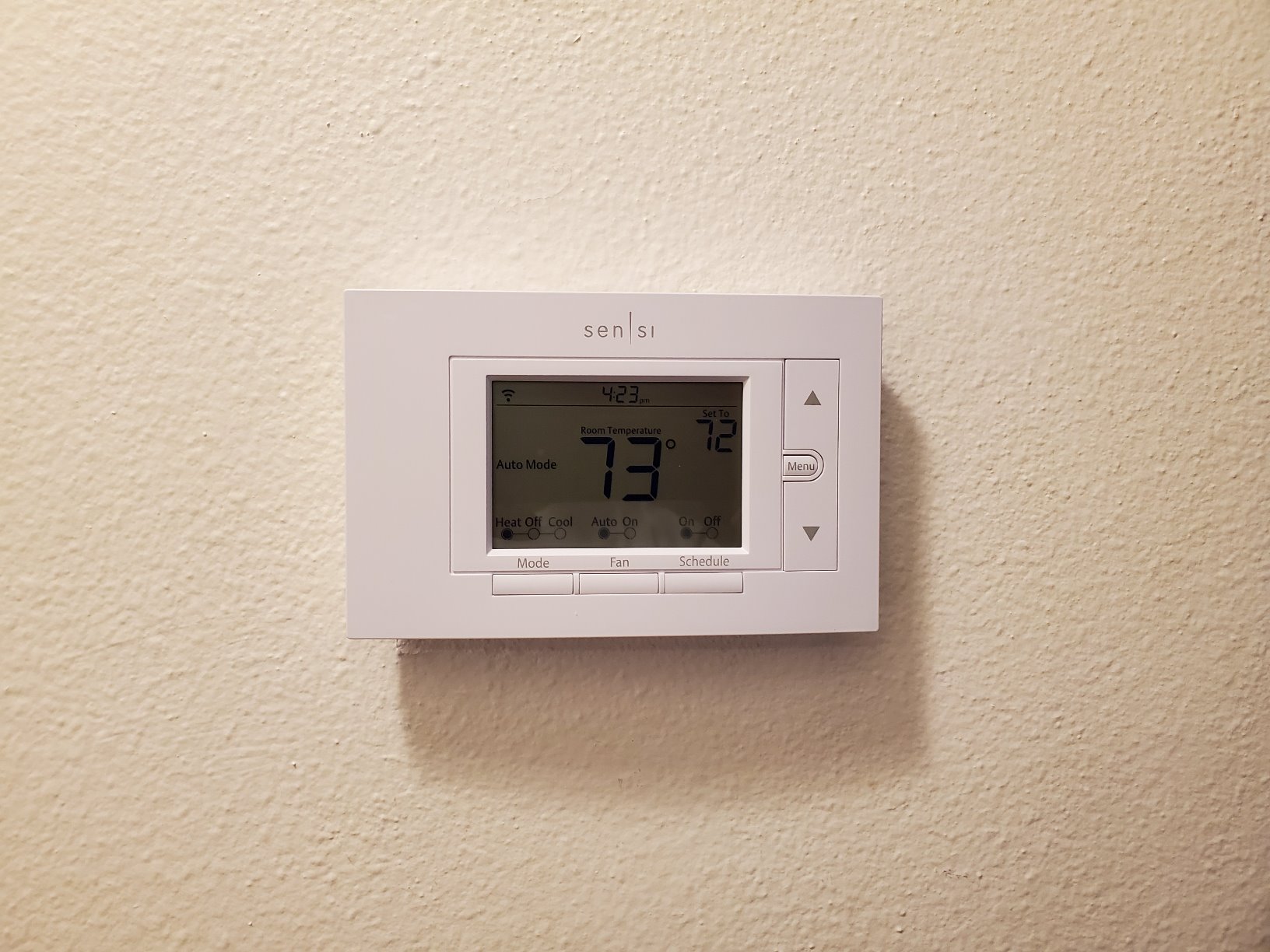
Its app-guided setup walks you through the wiring and lets you copy a schedule day by day rather than rebuilding one from scratch every time.
Scheduling is the feature Sensi owners mention most, and the copyable programs are the reason: once you get a routine you like, you duplicate it across the week instead of setting each day separately. There is also a humidity readout on the unit itself as well as in the app, which is useful in a drafty older home where you are guessing at moisture levels.
ENERGY STAR certification comes with a stated figure of roughly 23% HVAC energy savings, and the reported temperature accuracy holds up against a service thermometer in owner tests.
That number matters more in an old house than in a new one, because a mechanical dial you nudge down two degrees in January is not precision control, it is hope.
How the ST55 handles a house with no C-wire
On a two-wire R and W system, the ST55 runs without the common wire in most applications, which is the defining advantage here. On heat-only equipment it behaves like the mechanical dial it replaced, calling for heat on W and nothing else.
On a system with a fan, Y and G get labeled and connected normally, and on cooling equipment you move the hot wire from R to Rc using the terminal block on the back, which is the most common swap error in older homes.
Install time in owner reports runs ten to fifteen minutes once the cover is off, and the app labels the wires for you so you are not cross-referencing a manual against a diagram.
The one recurring friction is network registration. A fair number of owners report a failed Wi-Fi join and a temporarily locked panel before a reset and a second attempt. Budget twenty minutes instead of ten if your router is an older dual-band unit on a crowded 2.4GHz channel.
Who should skip the ST55
The fixed high and low alert thresholds are the most-cited drawback, and they are genuinely fixed rather than adjustable. You cannot change the high cutoff from its default near 99F, and the low cutoff sits where it sits.
For most people that is harmless. For anyone running a wood stove, a boiler with a separate zone loop, or equipment where you need a tighter cutoff, it is a real limitation you cannot work around in software.
There is no occupancy sensing, no room sensor support, and no learning algorithm. If your house heats unevenly and you want the system to respond to which room you are actually in, this is not the unit for that job.
Nor is it the pick for a landlord conversation in a rental, where the cheapest defensible swap is usually the right call. For a heat-only furnace in a 1940s bungalow or a 1960s ranch, though, this is the thermostat to buy.
2. ecobee Smart Thermostat Enhanced – Best for Uneven Heat and No Rewiring
ecobee Smart Thermostat Enhanced, Programmable Wifi Thermostat
4 inch LCD
Power Extender Kit included
Occupancy sensing
3-year warranty
Pros
- Power Extender Kit included in the box
- SmartSensor support balances hot and cold rooms
- Built-in occupancy sensing preheats before you arrive
- Polished app with system activity views
- Trim plate included for a finished look
Cons
- SmartSensors sold separately
- Compatible with 90% of HVAC systems rather than universal
- Higher price point than the Sensi and Honeywell options
If your older home has one uncomfortable room no matter how you set the hallway, the feature that fixes it is a room sensor, and the Enhanced is the lower-priced ecobee here that accepts one.
Older construction is where that feature earns its keep. Pre-1990 drafts, finished basements, dormers, and closed-off rooms mean the hallway thermostat is measuring a climate that does not match any room you actually sit in.
The box includes the Power Extender Kit, which is the part that matters most for a no-C-wire house. Instead of running anything new through the wall, you mount the PEK at the furnace, connect two wires, and the thermostat gets steady power.
Owner reports describe this as about fifteen minutes of work, and one person called it far less invasive than they expected from the name alone. Everything else you need is in the box too, including the backplate, wire labels, screws, and trim plate.
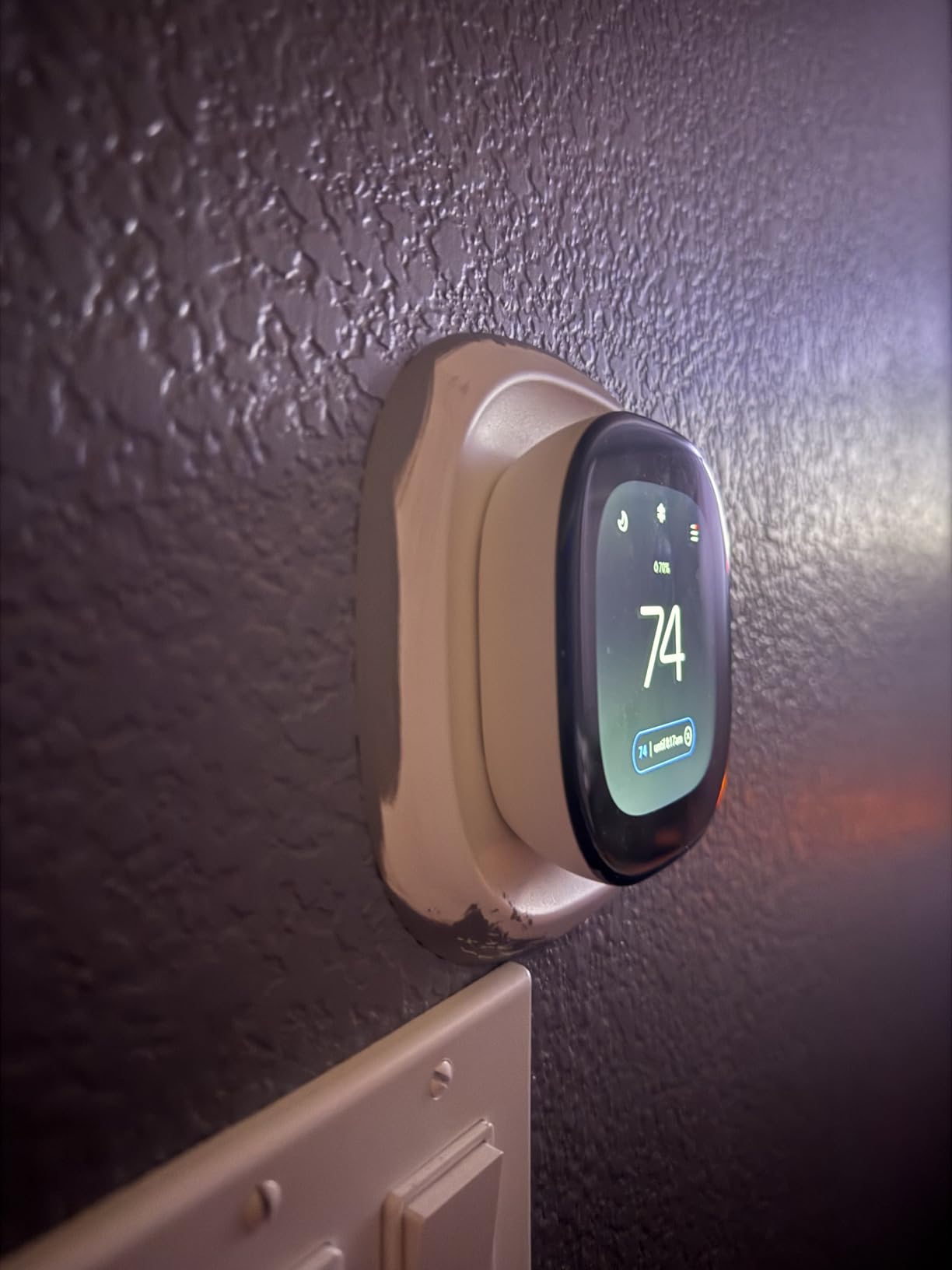
Built-in occupancy sensing is the other differentiator here. Rather than waiting for the house to cool and then recovering it, the unit detects you approaching and preheats.
On an older boiler with slow radiators, that lead time is the difference between a comfortable arrival and an hour of being cold while the system catches up. ecobee claims compatibility with 90% of HVAC systems, which covers boilers, furnaces, heat pumps, air conditioners, and humidifiers.
It is not universal, so run the compatibility checker before you commit.
The app is the one owners praise most often in this roundup. Schedule editing, system activity, and home monitoring views are all clear and legible, and the stated savings figure of up to 26% per year is matched only by the Premium.
The 3-year warranty matches the Sensi coverage.
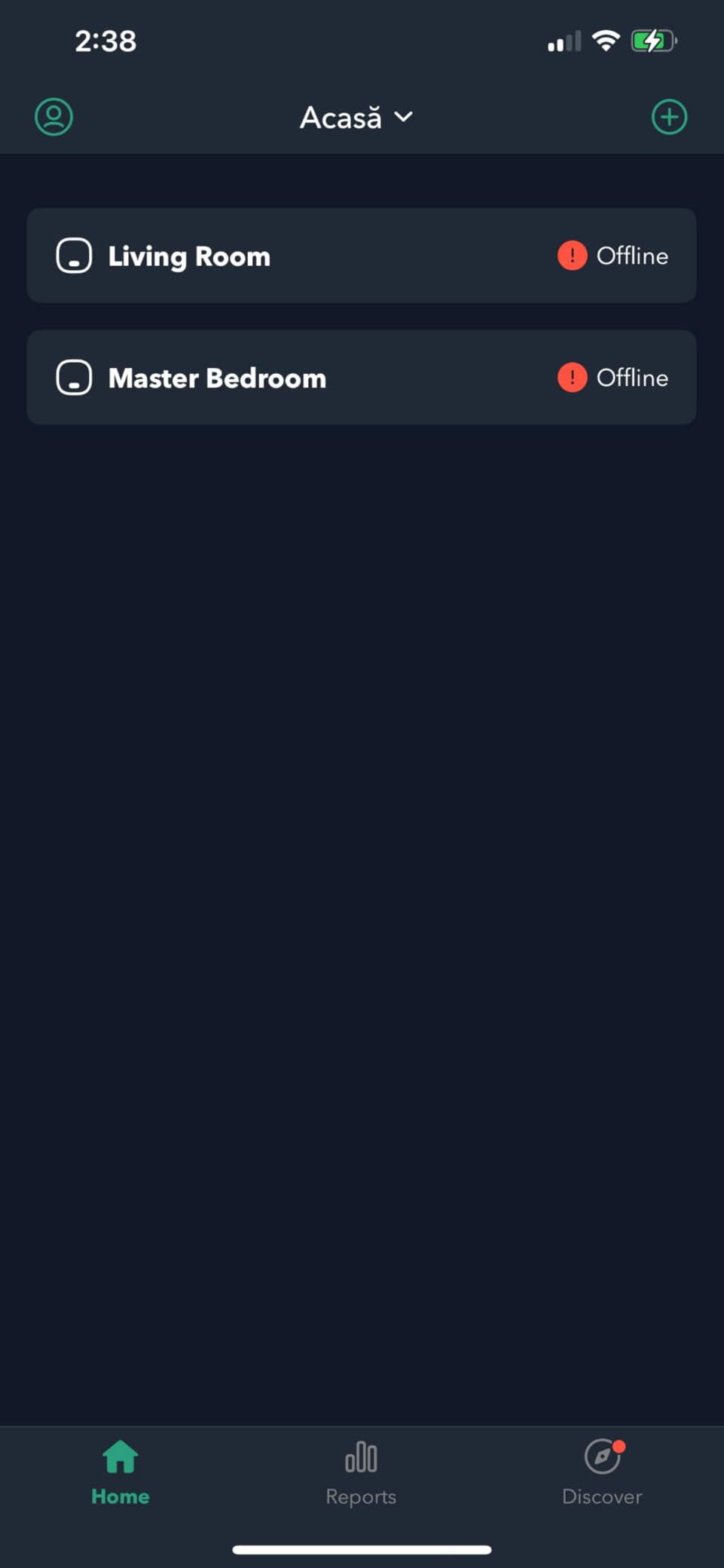
Where the Enhanced fits and where it does not
For a 1960s ranch with forced air, an oil-fired boiler, or a prewar house with radiators and no C-wire, the included PEK removes the biggest cost and effort obstacle.
The occupancy sensing does something useful in an old envelope where heat escapes faster than a fixed schedule assumes, and adding a SmartSensor in the drafty bedroom solves the uneven-heat problem that a hallway-mounted thermostat creates in the first place.
Three cautions. SmartSensors are sold separately, so the price you compare for the thermostat is not the price you pay for the feature that makes it worth buying.
Compatibility is 90% of HVAC systems rather than 100%, and older equipment with unusual terminal layouts needs checking against the compatibility tool. This unit also sits above the Sensi models in cost, and in a rental where you cannot run new wire and are replacing someone else’s dial, it is more hardware than the job requires.
3. Google Nest Thermostat – Best Value for Heat-Only Systems
Google Nest Thermostat – Smart Thermostat for Home – Programmable Wifi Thermostat – Charcoal
2 inch LCD
Battery powered 2.4GHz and 5GHz Wi-Fi
4.96 ounces
1-year warranty
Pros
- Widest reported HVAC compatibility on bare two-wire systems
- Automatic Eco setback when the house is empty
- Learning schedule cuts manual programming
- Clean minimalist wall presence
Cons
- Some two-wire systems need a C-wire adapter
- No physical controls beyond the turn ring
- Thin setup documentation and error codes
- Occasional offline dropouts needing re-registration
The Google Nest Thermostat has the largest review base in this group, and the reason owners keep it is compatibility. It is the unit most often reported working on basic older two-wire and heat-only systems where other manufacturers pointed owners elsewhere.
Manufacturer documentation says it is designed to work without a C-wire in most homes, with the caveat that heating-only, cooling-only, zone-controlled, and heat pump systems may require a C-wire or a compatible power accessory.
That caveat is the thing to check against your own equipment, because a heat-only system is exactly the case that trips people up.
If your old home has a furnace with no air conditioning and you see a single W wire with no C, this is precisely the configuration where you need to read the compatibility guidance before you order rather than after.
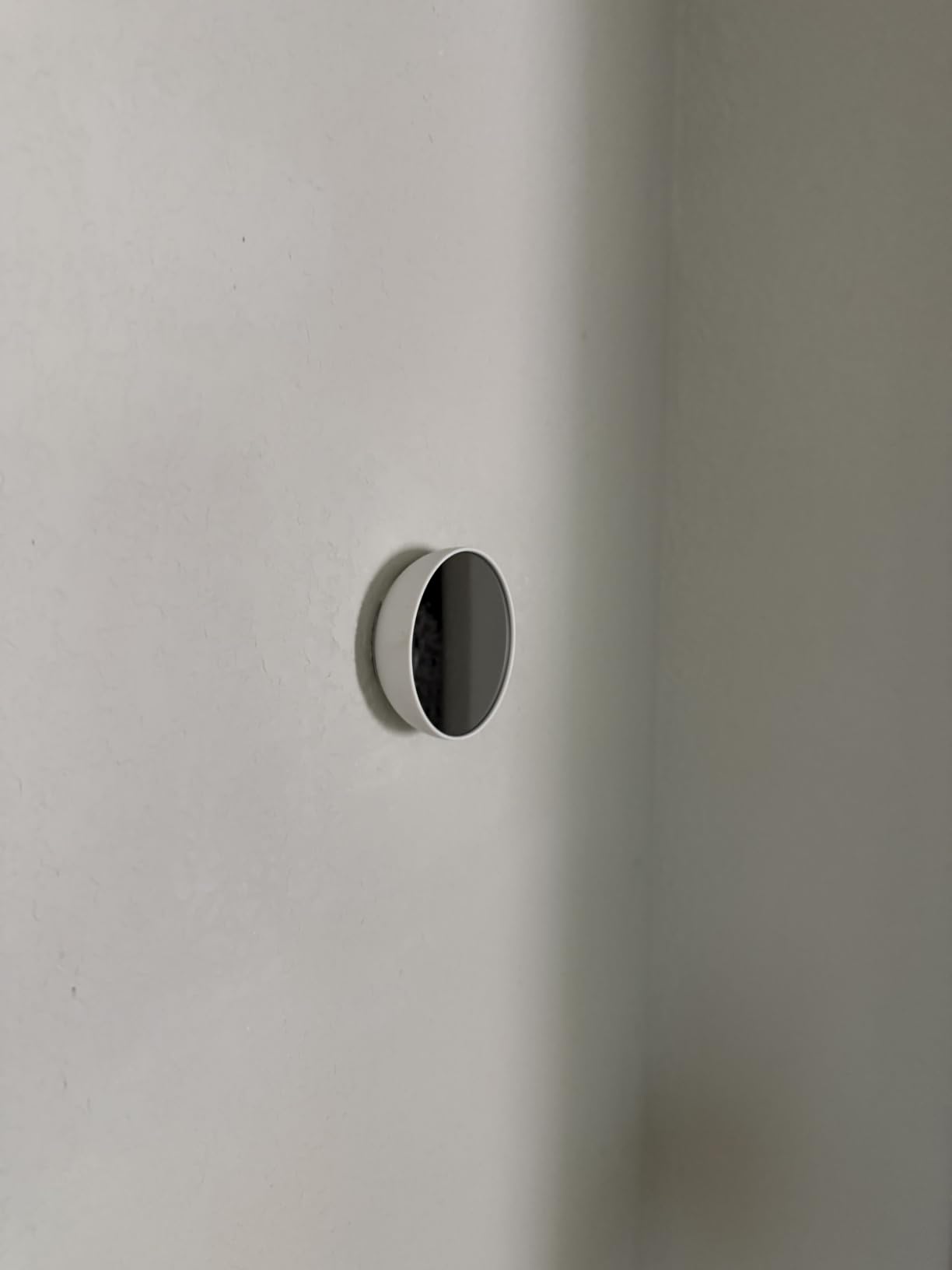
Its learning behavior and Eco setback are where owners report real savings after moving off a manual dial. The Nest learns when you adjust and builds its own schedule, then drops to a lower temperature when the house is empty.
In an old home with poor insulation and predictable occupancy, that single habit is where most of the improvement comes from, and the stated results are reductions on heating bills for owners upgrading from manual thermostats.
Savings Finder also suggests schedule changes and Energy History shows what you used.
Connectivity is unusually flexible for a battery unit, supporting 2.4GHz and 5GHz Wi-Fi alongside Bluetooth Low Energy, and it works with all Matter-certified voice assistants.
At 4.96 ounces and 3.3 inches square, it barely registers on the wall, which matters more in a house with original trim and plaster than it would in a new build.

Deciding between the Nest and the Sensi ST55
For a no-C-wire heat-only furnace, the Nest wins on reach. It is the model people describe on forums as working on the oldest wiring they have encountered, and members of r/HomeImprovement report running it across two heat zones with no air conditioning and liking it despite the wiring complexity.
The learning behavior means less setup time than a manual schedule, and the price sits in the middle of this group rather than at either end.
The Sensi ST55 wins on documentation and install guidance, which is exactly what you want when the wiring is unfamiliar. Its app labels wires for you during setup, its alert thresholds cover high and low conditions out of the box, and its 4.4 rating sits above the Nest 4.1.
The Nest loses ground on thin setup and support documentation, with owners citing error codes like E294 that can eat hours of troubleshooting, and on reports of the unit dropping offline after months and needing full re-registration.
Neither has room sensors or occupancy sensing, so if uneven heat is your main complaint, you want the ecobee Enhanced or Premium instead.
Pick the Nest when your priority is the widest chance of a clean install on unfamiliar wiring. Pick the ST55 when you want the calmer install experience.
4. Honeywell Lyric T6 Pro – Best for Multi-Stage Legacy Equipment
Honeywell TH6220WF2006/U Lyric T6 Pro Wi-Fi Programmable Thermostat with Stages Up to 2 Heat/1 Cool Heat Pump or 2 Heat/2 Cool Conventional
5 by 2.3 by 6 inches
2 AA batteries
Supports 2 stage heat and 2 stage cool
C-wire adapter support
Pros
- Supports legacy 2-stage conventional systems still found in long-lived homes
- Well-regarded build quality
- Works with an existing transformer using a C-wire adapter
- Familiar Honeywell app
Cons
- No occupancy sensing
- Interface is less modern than touchscreen competitors
- 2 AA batteries not listed as included
The T6 Pro earns its place for one narrow reason: staging. It supports systems up to 2 stage heat and 1 stage cool on a heat pump, or 2 stage heat and 2 stage cool on conventional equipment.
Plenty of homes built in the 1970s and 80s still run two-stage conventional furnaces, and a thermostat that cannot command stage two will leave you with a second burner you never use.
It also works with the existing transformer in older 24V systems using a C-wire adapter, which means you are not replacing furnace hardware to install it.
That keeps the project inside the wall plate, which is the right constraint in an older house where you do not want to open finished surfaces for a thermostat.
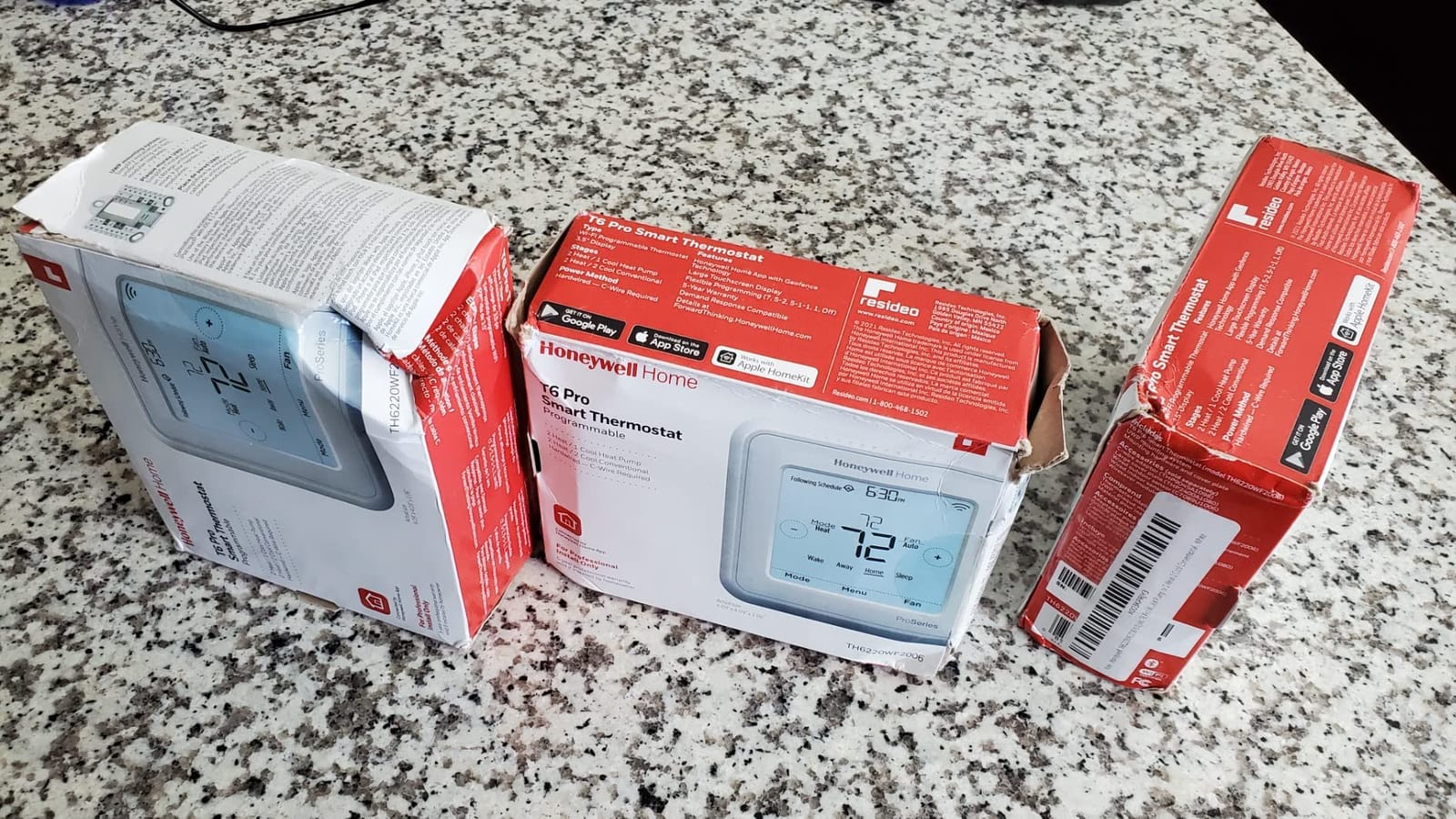
At 4 ounces and 5 by 2.3 by 6 inches, it is a conventional programmable thermostat with Wi-Fi scheduling through the Honeywell app.
Owners tend to describe it in terms of build quality rather than features, and for a piece of hardware that has to keep calling heat reliably through a cold January night, that is the more relevant compliment.
There is no occupancy sensing, so it will not preheat for an arrival, and the interface is a dated button-and-screen layout next to a color touchscreen from Sensi.
In a home where heat is even from room to room, none of that matters. In a drafty old house where you are chasing one cold bedroom, it will not help.

When a two-stage system changes the answer
If your furnace has a second stage, matching that staging in the thermostat matters more than app features. A single-stage thermostat on a two-stage furnace typically runs the first stage constantly and never reaches the higher output of the second.
That can leave a large house uncomfortable on the coldest nights and a high-output burner underused the rest of the season.
Before you buy, count the wires at the furnace and not just at the thermostat, because a two-stage conventional system usually shows W and W2 for heat, plus Y and Y1 or Y2 for cooling and G and G2 for the fans.
Two W wires are the clearest sign you have staging. If you only see one W and one Y, a simpler model like the Sensi ST55 or ST25 handles your system.
Two cautions for older equipment. Some two-stage systems run a control transformer that is already close to its limit, so check it before adding any Wi-Fi load.
The T6 Pro is also the least flexible pick here for a no-C-wire install, since it leans on a C-wire adapter rather than shipping a power extender. Confirm your common wire situation before ordering.
5. ecobee Smart Thermostat Premium – Premium Pick With Room Sensor Included
ecobee Smart Thermostat Premium – WiFi, Siri & Alexa Built-In, Smart Sensor
4.09 inch square metal body
SmartSensor included
Power Extender Kit included
3-year warranty
Pros
- SmartSensor in the box targets uneven hot and cold rooms
- Radar occupancy sensing preheats and precools
- Built-in air quality monitor with filter reminders
- Power Extender Kit included
- Metal finish and large display
Cons
- Highest price in this roundup
- Siri and security features need an Apple home hub and subscription
- Two-way talk requires an ecobee Smart Doorbell Camera
This is the version of the ecobee story where the sensor is not an accessory. The Premium ships with a SmartSensor in the box, so you can stop running the schedule off a hallway unit and start driving temperature off the room you are actually in.
In an older home with pre-1990 drafts, a finished basement, or a dormer that never gets warm, that one sensor does more for comfort than any app feature on the other picks.
The Power Extender Kit is also included, so the no-C-wire story is handled without running new wire. Compatibility is stated at 95% of HVAC systems, higher than the Enhanced, and the supported equipment list is broad.
Air conditioners, boilers, dehumidifiers, electric baseboard heaters, furnaces, heat pumps, and humidifiers are all on that list.
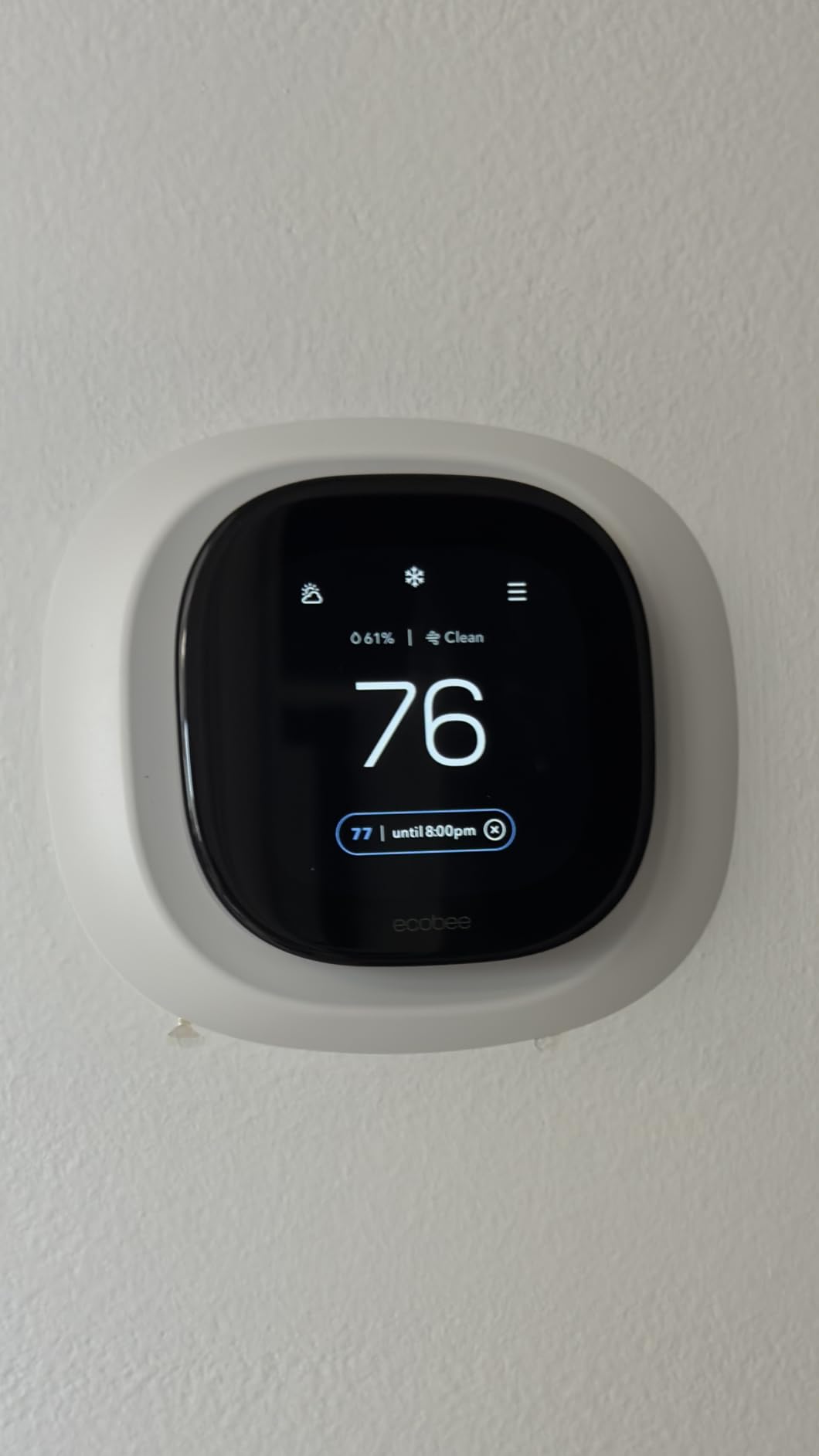
Radar occupancy sensing is the feature that changes daily use. It preheats and precools so the house is comfortable on arrival rather than ten minutes after it.
Add a built-in air quality monitor with filter change reminders, and you have a thermostat that tells you when the system itself needs attention, which on a 30-year-old furnace is information you want.
There is also a built-in smart speaker for Siri or Alexa, Spotify streaming, and smoke alarm sound detection, plus live view and two-way talk if you add an ecobee Smart Doorbell Camera.
Stated savings reach up to 26% per year, it is ENERGY STAR certified, and the 3-year warranty matches the rest of the ecobee range.
The metal body and 4.09-inch square face look the part on a wall with original trim.
Deciding if the Premium is worth it over the Enhanced
The honest answer is that the two models differ mainly in what arrives in the box. The Enhanced ships with the PEK and supports SmartSensors; the Premium ships with the PEK and one SmartSensor, adds radar occupancy sensing, the air quality monitor, and the speaker.
If you only plan to run the thermostat off the hallway, the Enhanced gives you the core experience for less.
The Premium earns its price when uneven heat is your actual problem. If your upstairs bedroom is cold no matter what you do, having the sensor in the box removes the extra purchase and the extra trip to the store, and the air quality monitor gives you an ongoing read on a furnace that has been running since before you moved in.
Three caveats. It sits at the top of the price range in this roundup, and that figure moves constantly, so judge it on what you are getting rather than on a number.
Siri and the security features need an Apple home hub and a paid ecobee Smart Security subscription, which is a real ongoing cost if you were expecting them free. Two-way talk needs an ecobee Smart Doorbell Camera, so if you are spending this much, buy the sensor and the extender, not the voice assistant.
6. Nest Thermostat E (T4000ES) – Best for Renters and Apartments
Nest T4000ES E Hubless Smart Thermostat
Frosted round display
Bluetooth and Wi-Fi
2 AAA batteries included
7.04 ounces
Pros
- Hubless design pairs over Wi-Fi with no hub required
- Self-learning schedule removes manual programming
- Home and Away Assist drops to Eco when you leave
- HVAC monitoring alerts and maintenance reminders
- Frosted design blends into older walls
Cons
- Nest Temperature Sensor sold separately
- No built-in occupancy sensing
- App-driven setup that some owners find slow
The Nest Thermostat E exists for one structural reason: no hub. Earlier Nest hardware needed a separate Nest Hub sitting on a shelf, and in a rental that is both an expense and an argument.
This one pairs directly over Wi-Fi, which makes it far easier to justify to a landlord because there is no extra box to explain and nothing to remove at move-out.
It keeps the behavior that defines the brand. The schedule self-learns from how you adjust, so you program it once and it builds its own routine.
Home and Away Assist drops to Eco temperature when the house is empty, and you get HVAC monitoring with alerts and maintenance reminders plus the Nest Leaf energy indicator and Energy History.
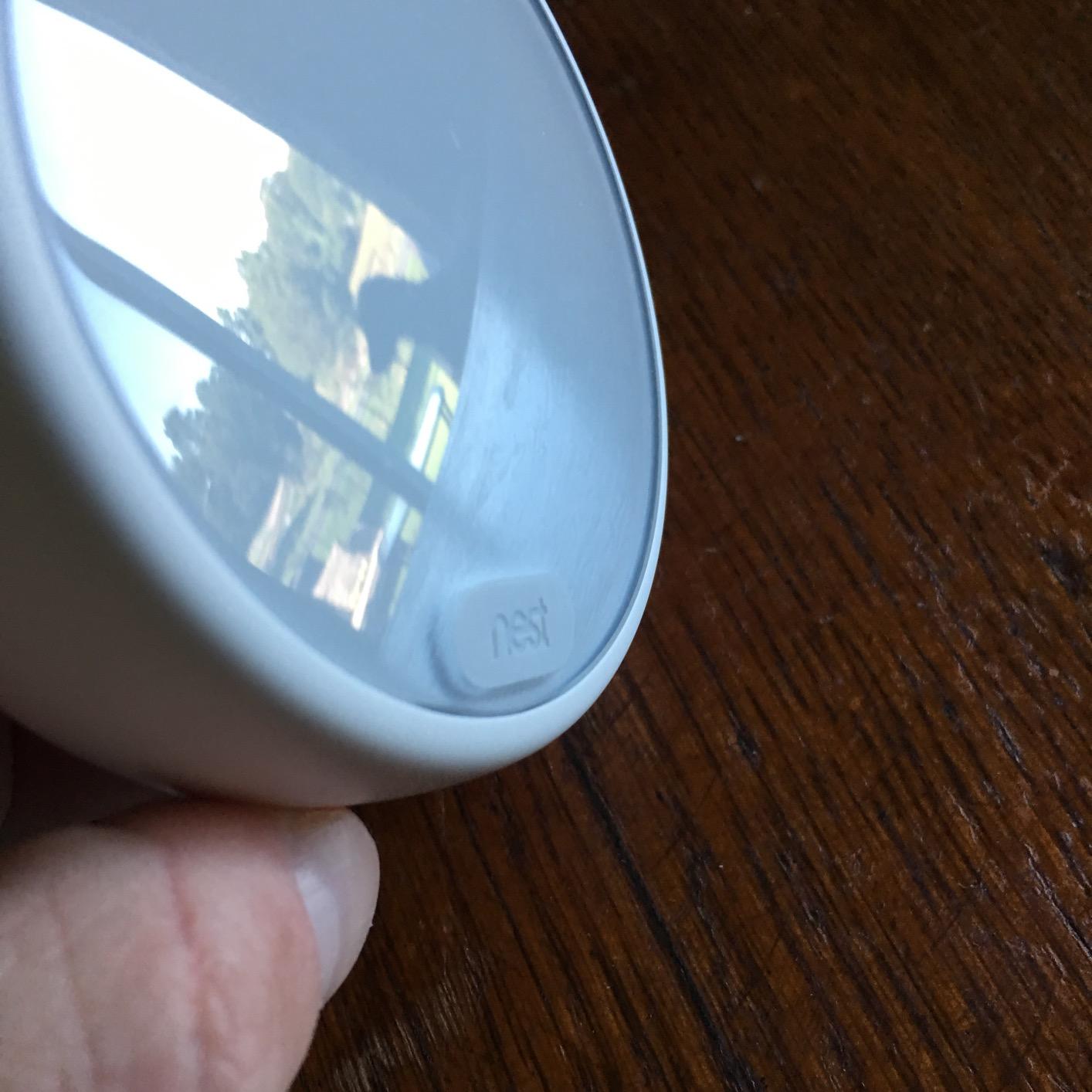
Compatibility is stated at 95% of heating and cooling systems with installation typically under an hour, and the box includes the display, base, an optional trim plate, mounting screws and labels, the installation guide, and a pro installation card.
The frosted round form factor weighs 7.04 ounces and is designed to blend into the wall, which is worth considering in a prewar building where a glossy black rectangle looks out of place.
For apartments and rentals specifically, this is the pick. The DIY Home Improvement Forum consensus is that Honeywell, Emerson and Sensi, White-Rodgers, ecobee, and no-name brands all offer functionally similar hardware and that Nest is not special in this category.
That is largely right. What Nest does offer that some of the others do not is a clean, supported, hub-free install with a learning schedule and no ongoing subscription.
What renters should check before installing anything
Two hard filters apply if you rent. The first is landlord permission. Swapping a thermostat is usually minor maintenance, but adding a transformer at the furnace is electrical work on equipment you do not own, and some leases prohibit any change to the heating system without written approval.
The second is rewiring. If the only way to install your choice is a new C-wire through a finished wall, that is a renovation conversation, not a weekend project.
Within those limits, the best landlord-safe upgrades are ones that work with the existing wiring and cost the tenant nothing to remove. The Nest Thermostat E fits that shape well, and so does the Sensi Lite ST25 if you want the smallest outlay in this roundup.
What to skip in a rental is anything that needs a permanent part at the furnace, including the PEK.
It works, but you are leaving hardware in equipment that is not yours, and the next tenant or the landlord will have to work around it.
If the wall has no common wire, choose a model that runs on power sharing and accept the occasional offline moment rather than installing something you cannot take with you.
7. Sensi Lite ST25 – Budget Pick for Two-Wire Systems
Sensi Lite Smart Thermostat, WiFi, Alexa, DIY, Energy Star Certified, ST25
5.07 inch LCD
Battery or C-wire power
2 AAA batteries included
4.8 ounces
Pros
- Quick install on old 4-wire systems with no C-wire
- Large legible display with big numbers
- Simple app walks through setup step by step
- Reported accuracy within half a degree of a service thermometer
Cons
- Recurring reports of Wi-Fi dropouts
- No color display
- Some units drain batteries faster than expected
- Fewer customization options than premium models
This is the entry point for anyone buying on a tight budget in this roundup, and it does not feel like a compromise in the ways that matter.
It shares the Sensi install experience that made the ST55 our top pick: a built-in level on the back plate, app-guided setup, and a common wire that is not required on most systems.
Owners running older four-wire systems with no C-wire report installs in ten to fifteen minutes.
The display is the quiet hero. At 5.07 inches wide with large numerals, it is one of the most legible screens in this group, and owners with diminished eyesight call it out specifically.
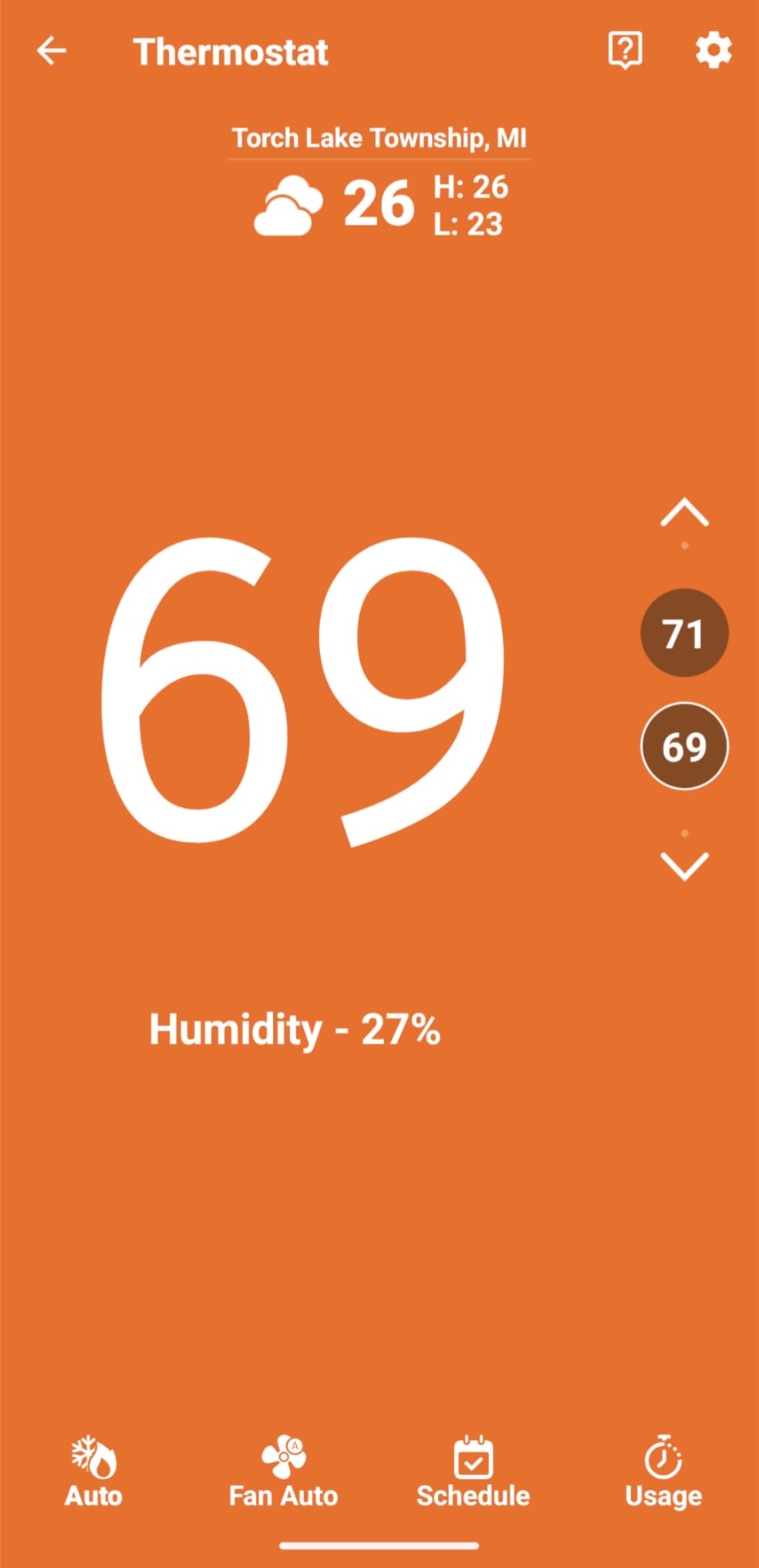
Accuracy holds up too. Owners testing against a service thermometer report readings within half a degree, which is as good as the larger premium units in this list.
You get flexible scheduling, geofencing, remote access, and usage reports from the Sensi app, along with Alexa, Google Assistant, and SmartThings support, plus the same stated privacy position of not selling personal information to third parties.
The 3-year warranty and ENERGY STAR certification with roughly 23% savings carry over from the range.
The important caveat is on the spec sheet: the common wire is required for heat pump and heat and cool only systems. It is not required on most other configurations.
If your older home has a heat-only furnace, this is the straightforward budget fit. If you have a heat pump, read that line carefully before ordering.
Where the Lite beats the ST55 and where it does not
The Lite wins on cost and it wins on the display. If your priority is the smallest sensible spend and a thermostat everyone in the house can read at a glance, it is the better choice than the ST55.
It loses on connectivity reliability and refinement. Wi-Fi dropouts and the app losing connection to the unit are the most common complaint, and that matters more than it might seem, because a smart thermostat that cannot be reached from your phone has lost the reason you bought it.
Some installations drain batteries faster than expected depending on the HVAC wiring. The ST55 keeps a steadier connection in owner reports and offers a humidity readout on the unit, along with high and low alert thresholds that the Lite lacks.
Also worth knowing: there is no color display and fewer customization options than the premium models. For a two-wire heat-only furnace where the budget matters, those trade-offs are easy to accept. For anything more complicated, step up to the ST55.
8. Sensi Touch 2 ST76 – Best if Your Home Already Has a C-Wire
Sensi Touch 2 Smart Thermostat Wi-Fi, Alexa, Energy Star Certified, ST76
Color LCD touchscreen
Bluetooth-guided app setup
Common wire required
3-year warranty
Pros
- Color touchscreen that is easy to read and operate
- Universal Bluetooth makes app-guided install straightforward
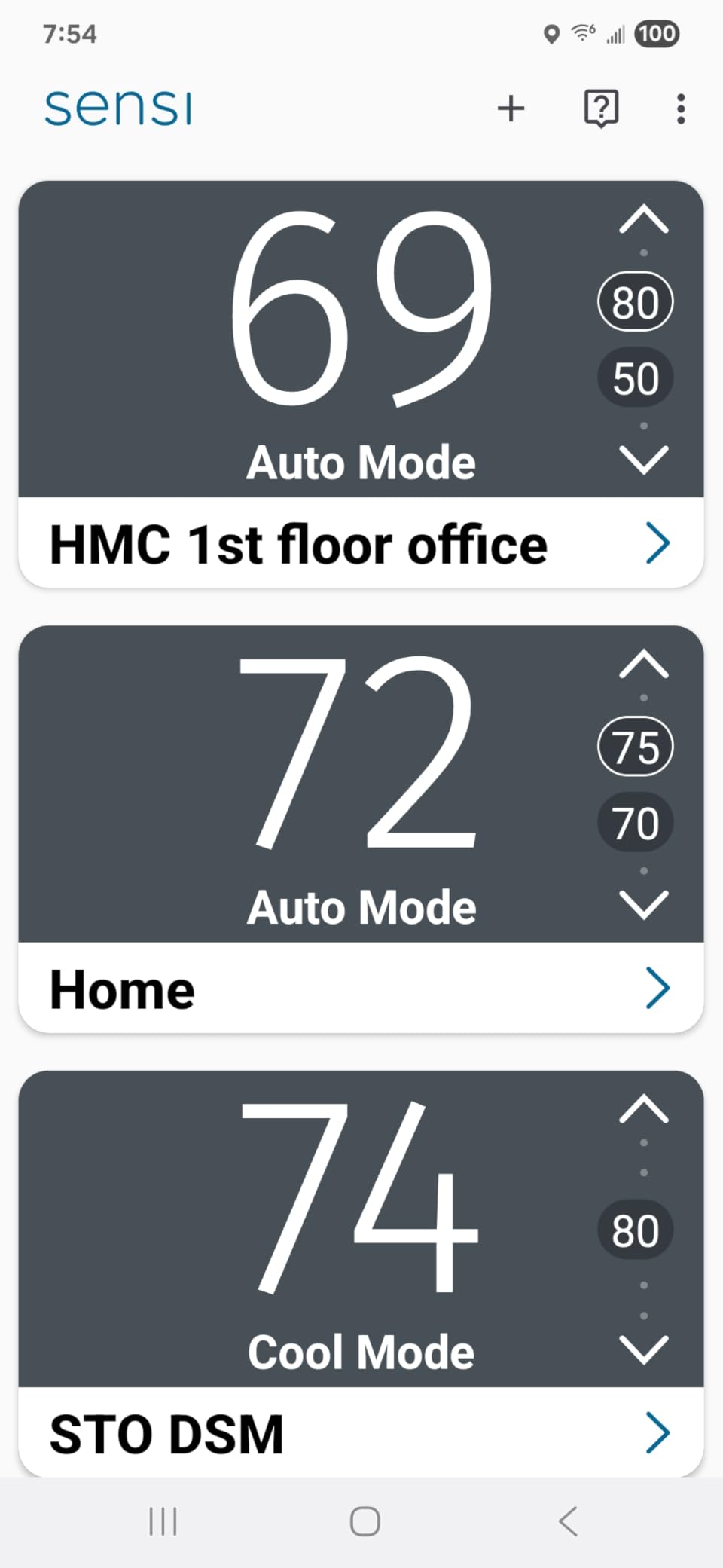
- Supports Sensi Room Sensors for balancing temperatures
- Responsive touch controls and clean modern look
Cons
- Common wire required so it needs a rewired home or adapter
- Room Sensors sold separately
- Costs considerably more than the ST55 and Lite models
The Touch 2 is the one pick here that assumes you have already solved the C-wire problem, and if you have, it is a better interface than anything else in the roundup.
The color LCD touchscreen with a beveled edge is responsive, legible, and pleasant to use, which sounds like a minor thing until you have adjusted a dial thermostat twenty times in a cold hallway.
Installation guidance is the second strength. Universal Bluetooth technology walks the app through setup and wiring, so the phone does most of the explaining rather than a folded paper insert.
That matters in a house where you are standing on a ladder holding a flashlight behind the plate.
It also supports Sensi Room Sensors, sold separately, to balance temperatures across the home.
ENERGY STAR certification and roughly 23% savings match the rest of the Sensi range, and smart maintenance covers usage reports, equipment alerts, and filter reminders.
This is where an older home is least well served by our recommendation. A pre-1990 house that has no common wire is exactly the case this unit does not cover, and running one to accommodate it means the drywall-cutting project we described earlier.
Buy it when your wall already has a C terminal or when you are opening the wall anyway for a renovation.
How to tell whether you are in this pick’s market
Look behind the faceplate for a wire landed on the C terminal. If it is there, blue or black is the usual color, and you have what the Touch 2 needs.
Count the conductors as well: eight wires or more usually means heat and cool with staging, which pairs well with a full-featured interface.
If you find only R and W, or R, W, Y, and G with no C, you are in the market for a different pick on this list.
The ST55 and the Lite ST25 both run without a common wire in most applications. The ecobee Enhanced and Premium solve the same problem with a Power Extender at the furnace.
The Google Nest Thermostat uses power sharing, and any of those is a shorter path than rewiring a finished wall for a touchscreen.
One more thing worth checking on older equipment: some legacy transformers cannot supply the load a color touchscreen and its wireless radio add.
If your furnace transformer is original to the house and the system has a history of the fan or blower struggling, have a technician confirm the transformer rating before installing anything that assumes continuous power.
Older HVAC System Types and Which Picks Handle Them?
The age of the house sets the wiring, but the type of equipment decides which features matter. Four systems cover almost everything you will find behind the plate in a pre-1990 home.
Heat-only forced air. A furnace with no air conditioning is the default in older homes and the most common case. You will find R and W, sometimes a C.
Every pick in this roundup handles it, and the models rated highest on bare two-wire tolerance are the Sensi ST55, the Sensi Lite ST25, and the Google Nest Thermostat. The Nest documentation specifically warns that heating-only systems may need a C-wire or compatible power accessory, so verify that one before ordering. The ecobee units solve it with the included Power Extender.
Forced air with air conditioning. If you have Y and G wires, you have cooling. The distinction that catches people is moving the hot wire from R to Rc, because an older home that later gained central air often has the cooling side wired but the thermostat mislabeled.
All eight picks handle heat and cool.
Hydronic heating and boilers. Radiator and baseboard systems have different characteristics from forced air. Heat takes longer to arrive, so lead time matters more, which favors the ecobee models with occupancy sensing that preheat before you get home.
Some very old boiler systems use a B terminal for a heating relay or a zone valve. Confirm any unusual B terminal arrangement against the manufacturer compatibility checker before you buy.
The Sensi ST55 and the Nest Thermostat E both list boiler compatibility, and both ecobee units are rated for boilers as well.
Multi-stage and multi-zone. Two-stage conventional furnaces need a thermostat that speaks to the second stage, which is what the Honeywell Lyric T6 Pro is for, supporting up to 2 stage heat and 2 stage cool.
Multi-zone systems, where separate thermostats control separate zones, are a different problem: a zone panel with multiple 24V transformers often needs special handling.
Members of r/HomeImprovement report running Nest thermostats across two heat zones with no air conditioning successfully but acknowledge the wiring complexity. Best Buy Q&A threads also trace some multi-unit problems to specific control boards, so if your setup involves a zone panel, talk to a technician before buying anything.
One equipment interaction worth knowing: a Wyze Forum user reported a thermostat shutting down when an interconnected heat recovery ventilator was switched on.
Whole-house ventilation and hydronic systems can interact in ways that no compatibility checker models. If your home has an HRV tied to the heating system, mention it when you call for help.
What Could Go Wrong With the Wrong Thermostat
Most smart thermostat horror stories in older homes come down to four things, and all four are avoidable.
Power stealing problems. Power stealing and power sharing are two names for the same workaround, and forums disagree endlessly about whether it really works. It does work, with a caveat. The thermostat borrows power from the heating circuit in pulses, and on some systems that causes the unit to drop offline when the heat is not running. Several owners on forums report eventually disabling the feature entirely. A Power Extender or a transformer removes the compromise entirely.
Short-cycling and clicking. A thermostat that misreads its wiring can call for heat in rapid bursts. You will hear the furnace click on and off in short intervals, which wastes energy and wears the equipment. This usually traces back to a wire landed on the wrong terminal, most often R versus Rc.
Control transformer burnout. The worst case. An aging control transformer that was already near its limit can fail when a smart thermostat adds continuous draw. This is why the PEK and transformer options exist, and why checking the existing transformer before upgrading is worth the ten minutes it takes.
An HVAC technician refusing the job. This one has nothing to do with wiring. Homeowners report contractors declining to service or install certain units, leaving them stuck between a manufacturer compatibility checker that says yes and an installer who says no. The forum consensus is that Honeywell, Emerson and Sensi, White-Rodgers, ecobee, and no-name brands all offer essentially the same hardware, and that Nest is not special in this category. If a technician balks, ask what the actual equipment limitation is before assuming the thermostat is the problem.
None of these outcomes are likely with any of the eight picks above if you match the model to your wiring and confirm the transformer.
They are likely with a mismatched pairing, which is exactly what the C-wire check at the top of this guide is designed to prevent.
Frequently Asked Questions
Can a smart thermostat work without a C wire?
Yes. Most smart thermostats can work without a C wire by using power sharing, where the thermostat briefly borrows 24V power from the heating circuit. In older homes the more reliable options are a Power Extender Kit wired at the furnace, a 24V control transformer, or running a new C-wire. The Sensi ST55 and Sensi Lite ST25 run without a C wire in most applications, and both ecobee models include a Power Extender Kit.
What is the best smart thermostat that doesn’t require a C wire?
The Sensi ST55 is our top pick for a no-C-wire install: manufacturer documentation says the common wire is not required in most applications, owners report ten to fifteen minute installs on 1960s-era wiring, and it holds a 4.4 rating across more than 23,000 reviews. The Sensi Lite ST25 is the cheaper alternative, and the ecobee Smart Thermostat Enhanced ships with a Power Extender Kit so nothing needs running through the wall.
Do older homes have C wire for thermostats?
Usually not. Homes built before roughly 1990 with a mercury or analog dial thermostat were commonly wired with only R and W, because a mechanical thermostat did not need continuous power. A 1990s digital thermostat is a better sign, since builders often ran a C-wire then. To check, turn off the furnace, remove the faceplate, and look for a wire landed on the C terminal, usually blue or black.
What to do if there is no C wire?
Four options, in order of effort. Use power sharing, which needs no added parts but can cause brief offline periods. Add a Power Extender Kit at the furnace, roughly fifteen minutes of work and no drywall. Install a 24V control transformer at the furnace for a permanent powered feed. Or run a new C-wire through the wall, which is cleanest but means opening finished surfaces in an older home.
What are the downsides of smart thermostats in older homes?
The main risks are offline units that lose Wi-Fi while running on power sharing, short-cycling caused by a wire on the wrong terminal, and control transformer burnout when an aging transformer cannot supply the added continuous load. Some HVAC technicians also decline to install certain models. All of these come down to matching the thermostat to your wiring and confirming the transformer before you buy.
The Best Smart Thermostat for Your Older Home
Start at the wall plate, not the product page. Count the wires, find out whether C is present, and check whether your equipment has a second stage. Those three answers eliminate most of the field before you spend anything.
For most pre-1990 homes with a heat-only furnace and no common wire, the Sensi ST55 is the best smart thermostat for older homes you can buy today.
It installs in about fifteen minutes on old wiring without a C-wire in most applications, it carries a 4.4 rating across more than 23,000 reviews, and it comes with a 3-year warranty.
If uneven heat is your real complaint, move up to the ecobee Smart Thermostat Enhanced, which includes the Power Extender Kit and accepts room sensors. If your home has two-stage equipment, the Honeywell Lyric T6 Pro is the one that speaks the language your furnace speaks.
Every price button in this guide shows the current listing price, and everything above is a compatibility decision before it is a features decision.